General
This page provides the possibility to configure the object type, the method of function performing, and also to configure view settings of JS Function plugin.
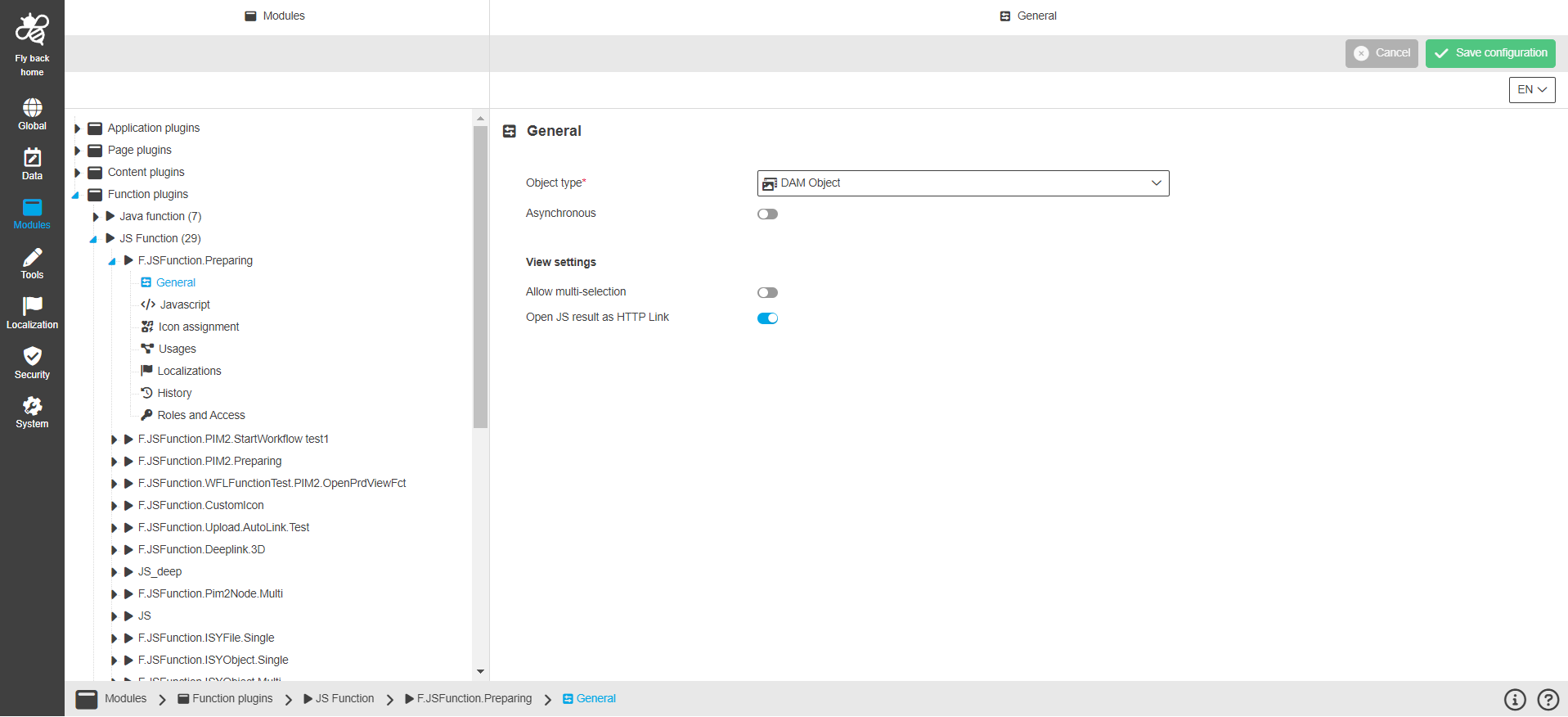
Name of option |
Description |
Note |
Object type |
|
This field is mandatory. |
Asynchronous |
The "Asynchronous" option means it is an asynchronous process: the user receives no feedback directly, but later via message client. |
The "Asynchronous" option is turned off by default. |
Allow multi-selection |
The "Allow multi-selection" option defines if multiselection is possible on selected objects in frontend or not. |
The "Allow multi-selection" option is turned on by default. |
Open JS result as HTTP Link |
The "Open JS result as HTTP Link" option provides a download link with the result file. |
The "Open JS result as HTTP Link" option is turned off by default. |