Automation

This page provides the possibility to configure an automation, which will be executed after the upload has been processed.
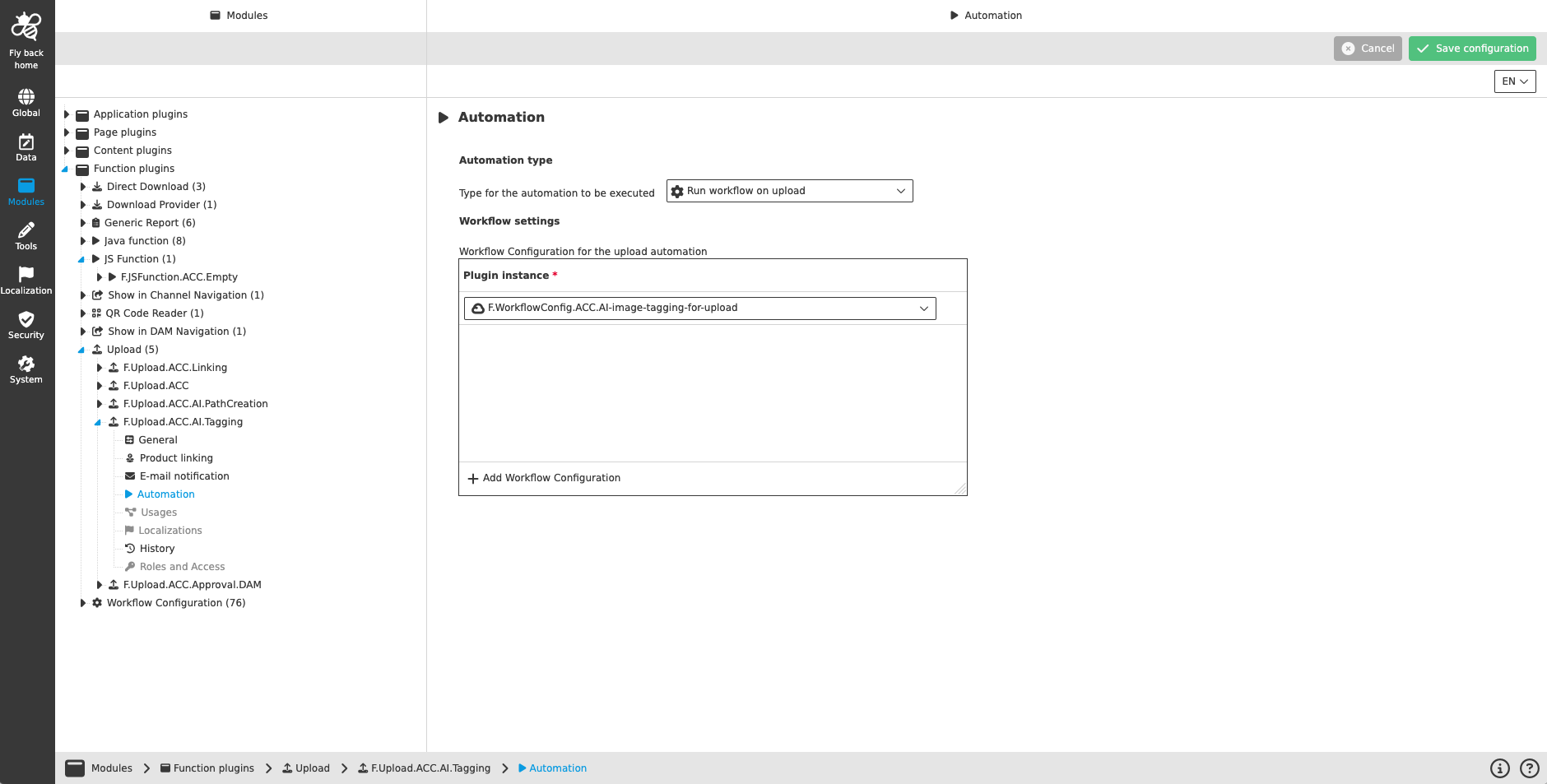
Upload configuration CC automation
Figure 1. Automation configuration for the Upload function plugin
Name of option Description Note

Type for the automation to be executed

Dropdown to select automation type

  • Run workflow on upload

  • Run script on upload

In the first implementation only running a workflow after the upload is possible

Workflow Configuration for the upload automation

  • Table widget to add one or multiple workflow configuration function plugin instances, which will be executed after the upload process (in the configured order from top to bottom)

  • The following preconditions need to be considered, so that workflow configurations are listed in the dropdown:

    • execution strategy is n(objects):1 (instance) or n(objects):n (instances with equal param.)

    • Workflow configuration is from object type DAM object

    • the Workflow configuration function plugin needs to be configured without detail view

    • the Workflow configuration function plugin needs to be configured without process start relevant parameters

Only available in case 'Run workflow on upload' is selected

Welcome to the AI Chat!

Write a prompt to get started...