General Questions & Answers
All about Login
How can I log in?
To log in, first open the login page of your OMN system. Then enter your user name and password in the respective input field.
In some cases, a license agreement must be confirmed before you can log in.
To do this, you should open the page with the license agreement via the displayed link, read it through and then close it. You can then confirm the field.
Finally, you only have to click on the "Login" button. You will be automatically redirected to the OMN homepage.
You can find more information here.
All about User Settings
How can I find out which OMN version I am working with?
To do this, open the user settings and click on the entry "Information" in the left navigation area.
Here you will find all information about the OMN version you are using, including version numbers and client information.
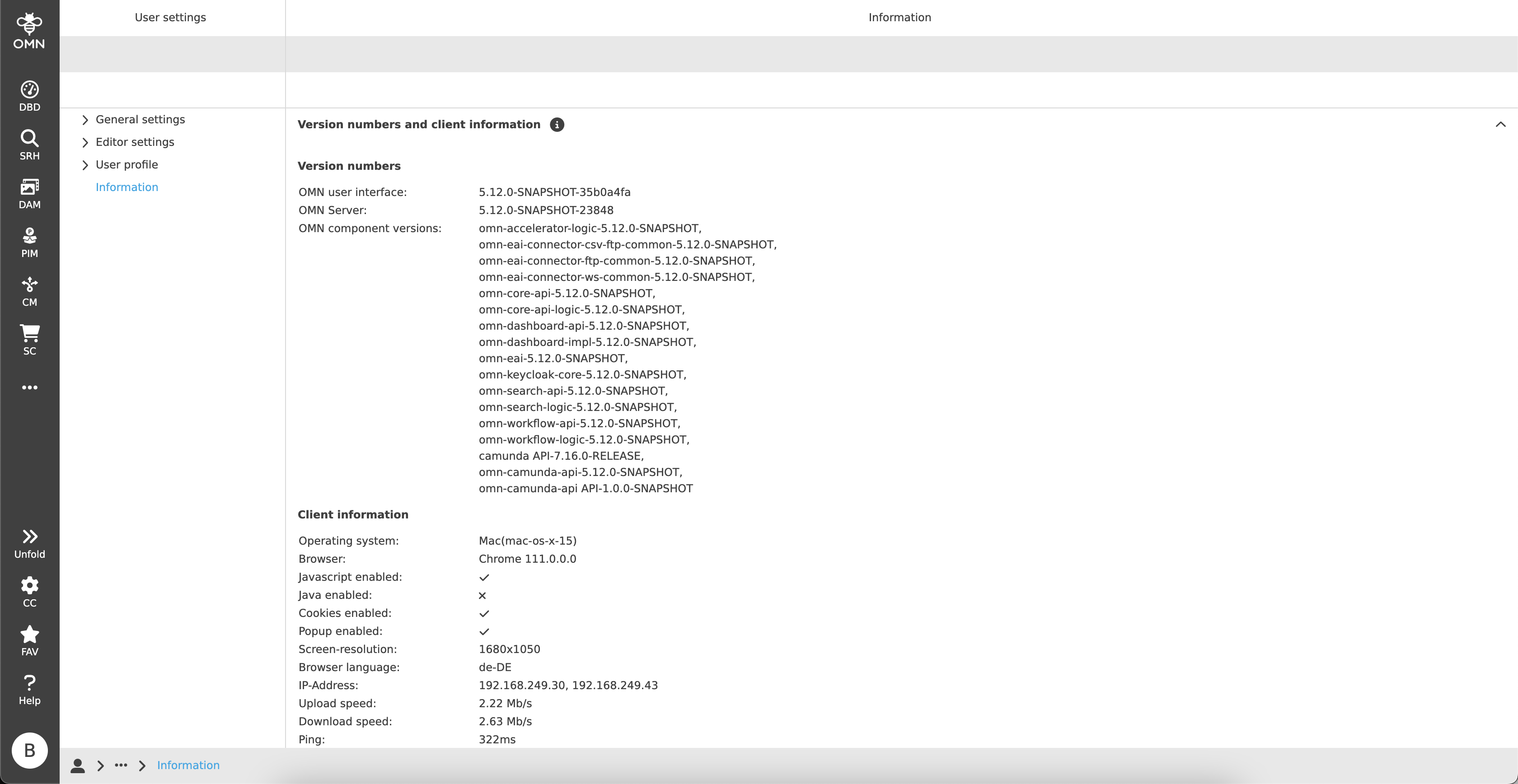
You can find more information here.
How do I activate user-based settings?
To activate the user-based settings, you must first open the user settings.
In the General settings you will find the section "User-based settings".
As soon as you activate the toggle button under "Save settings" and save, all user-based settings (e.g. column widths, filters, …) are saved.
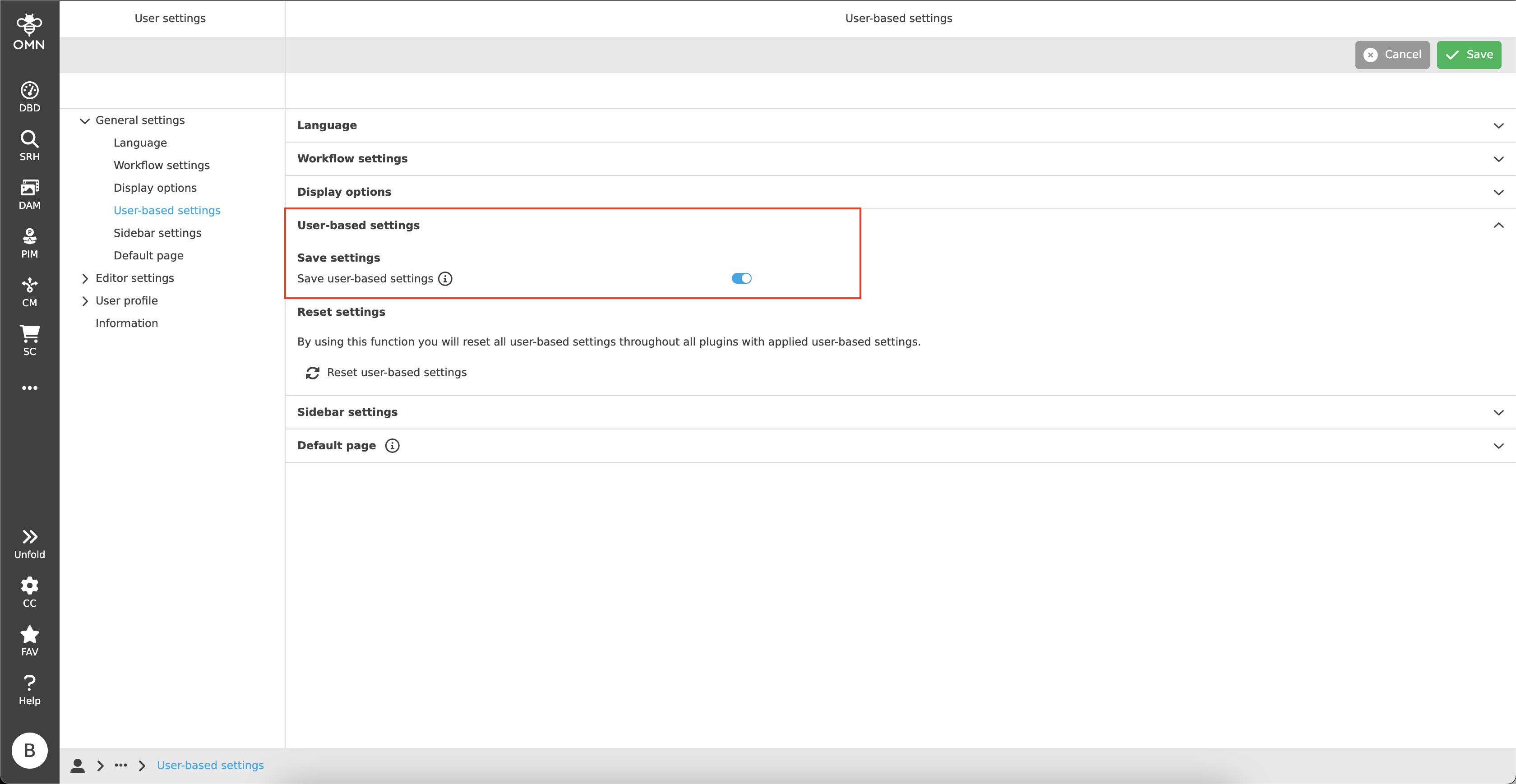
You can find more information here.
How can I reset user-based settings?
To reset the user-based settings, you must first open the user settings.
In the General settings you will find the section "User-based settings".
As soon as you click on the button "Reset user-based settings" under "Reset settings", a dialog appears in order to confirm the resetting of the settings made so far.
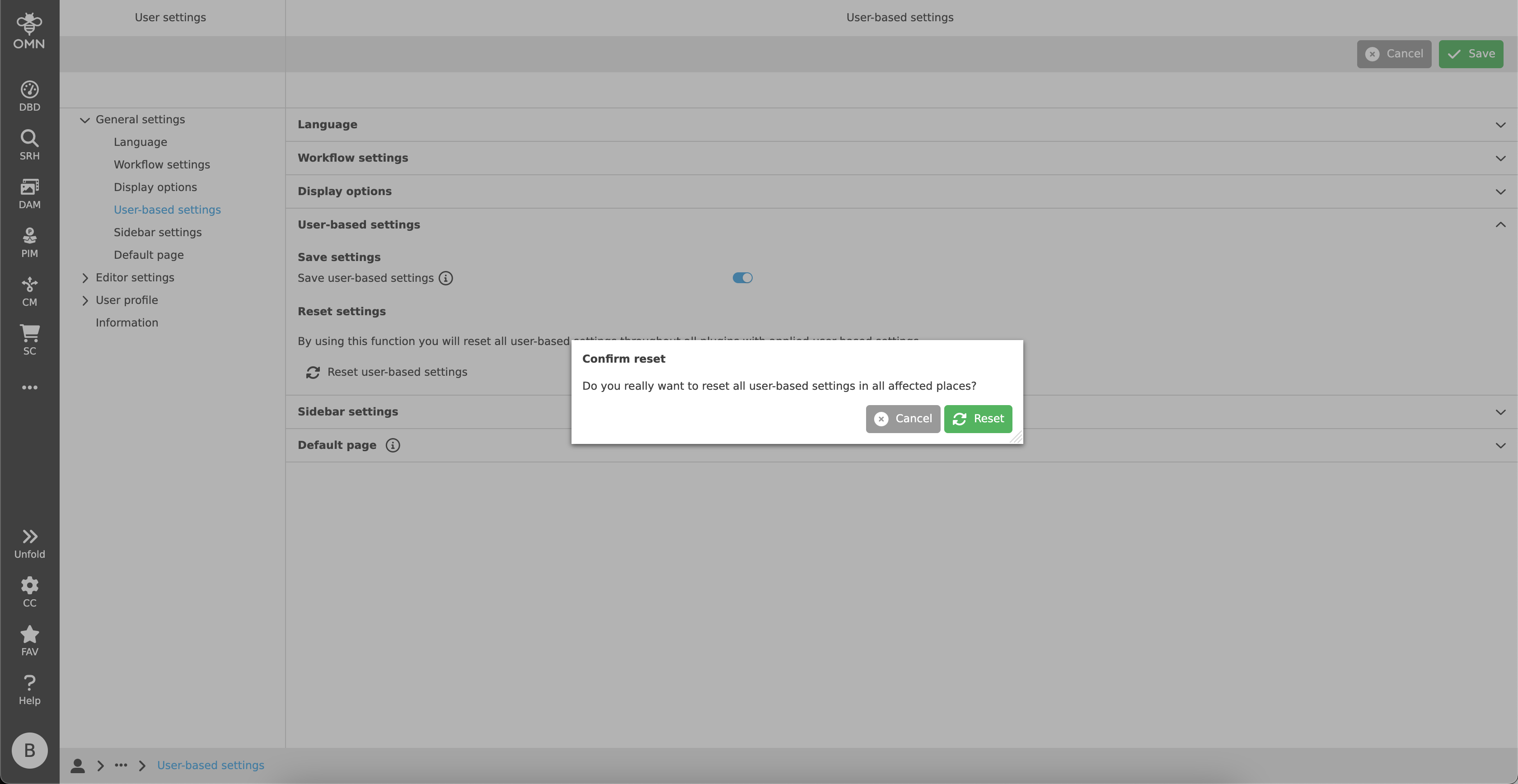
You can find more information here.
Is your start page or sidebar displayed empty?
You may encounter the following problems when accessing the start page:
-
404 error
-
Empty homepage
-
Empty sidebar
To fix these problems, you can make the following settings in the user-settings:
-
Open the user settings.
-
Go to the General settings, …
-
open the sidebar settings and reset them. And/or …
-
open the Default page section and select your desired start page from the dropdown.
-
-
Log out and log in again.
If these measures do not solve the problem, please contact your administrator.
All about Editors
What are Editors?
An editor is a type of editing program within OMN to edit specific files (single or bulk files) or attributes.
There are various editors for different use cases, such as the Annotation Tool to leave annotations on a file, or the Bulk Editor to maintain bulk data in an excel-like table.
For more information and a list of editors, see here.