Volume Configuration
This page is available for generic storages as well as object storages. The setting options for both storage types are the same.
With the volume configuration it is possible, after the creation of the volume, to deposit a relative path as well as to influence the check-in of files.
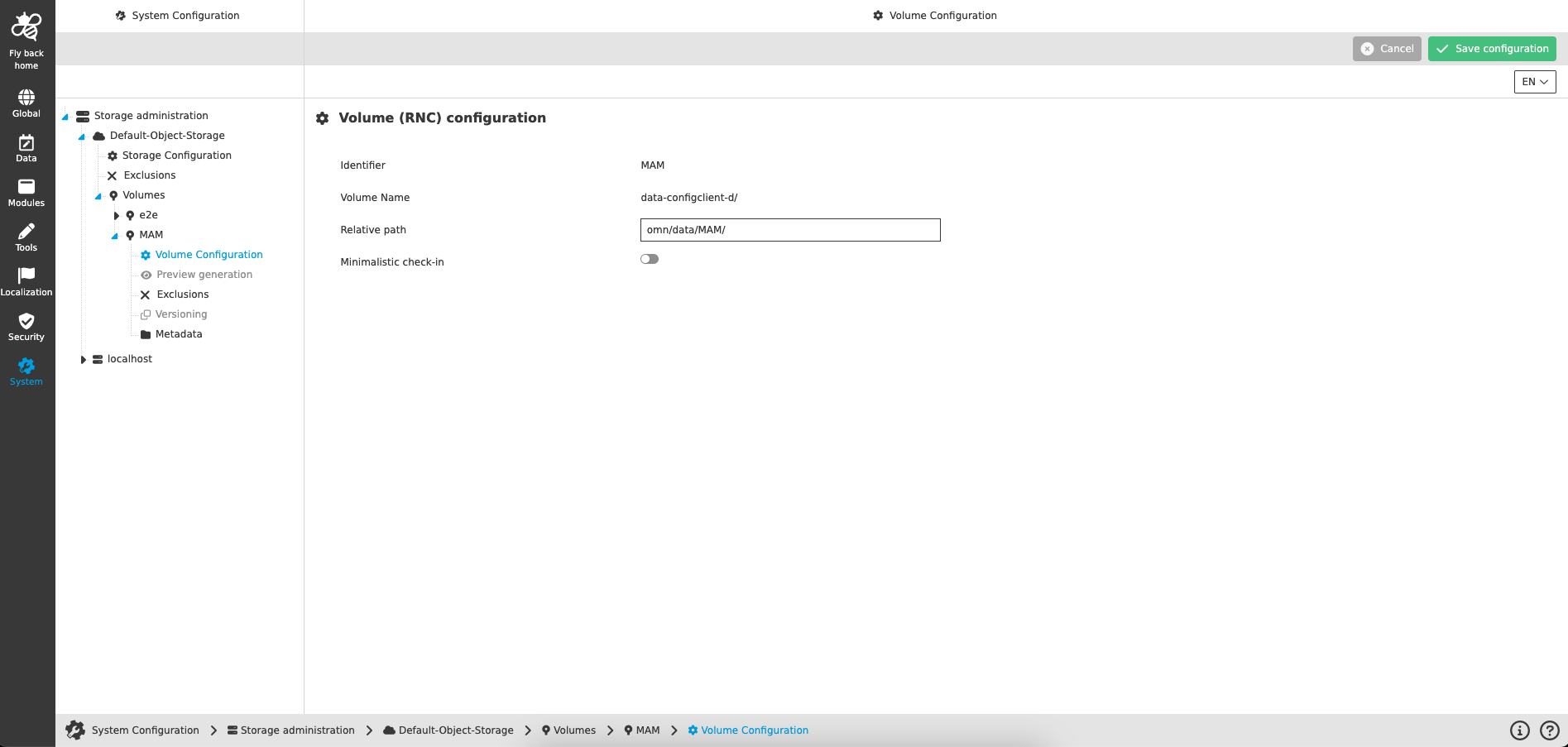
| Name of option | Description | Note |
|---|---|---|
Identifier |
The identifier is defined when the volume is created. The identifier is used to name the volume within the OMN System. |
Read-only information |
Volume Name |
The volume name is defined when the volume is created. The volume name to be entered must correspond to the one of the storages. |
Read-only information |
Relative path |
Input field to enter the relative path, which defines entry point on the volume. |
|
Minimalistic check-in |
Checkbox to decide if XMP data will be written to the OMN and if previews will be generated. |
If the checkbox is checked, no XMP data will be written to the OMN and the preview will not be generated. If the checkbox is unchecked, enhanced check-in is performed (with XMP and preview generation). If minimalistic check-in is enabled, no previews will be generated. Therefore, the preview generation setting will be disabled (see: Preview generation). Also, no XMP data will be written to the files. This means that metadata of an object store will not be overwritten (see: Metadata). |