360 Degree View
Purpose of the plugin
For the 360 Degree View, many individual images of an object are strung together, creating a 3D effect. Depending on the image, it is possible to rotate this object by 180 degrees and thus view it from all sides.
Possible usage of the plugin
The 360 Degree View can be used in:
-
Advanced Search page plugin
-
Formbased Search page plugin
-
DAM Navigation page plugin
-
Channel Asset View content plugin
-
Channel Products View content plugin
-
Workflow (Human function)
-
Product View function plugin
Preconditions
To be able to use the 360 Degree View, a DAM with 3D files must be available. If a DAM is available and a 3D file is linked to a product, the editor can also be used in Product View.
| An explanation how to create a 3D file to show inside OMN will be given below. |
Supported plugins
The 360 Degree View supports the following plugins:
-
Direct Download function plugin
-
Javascript function plugin
-
Java function plugin
-
Workflow Configuration function plugin
General configuration
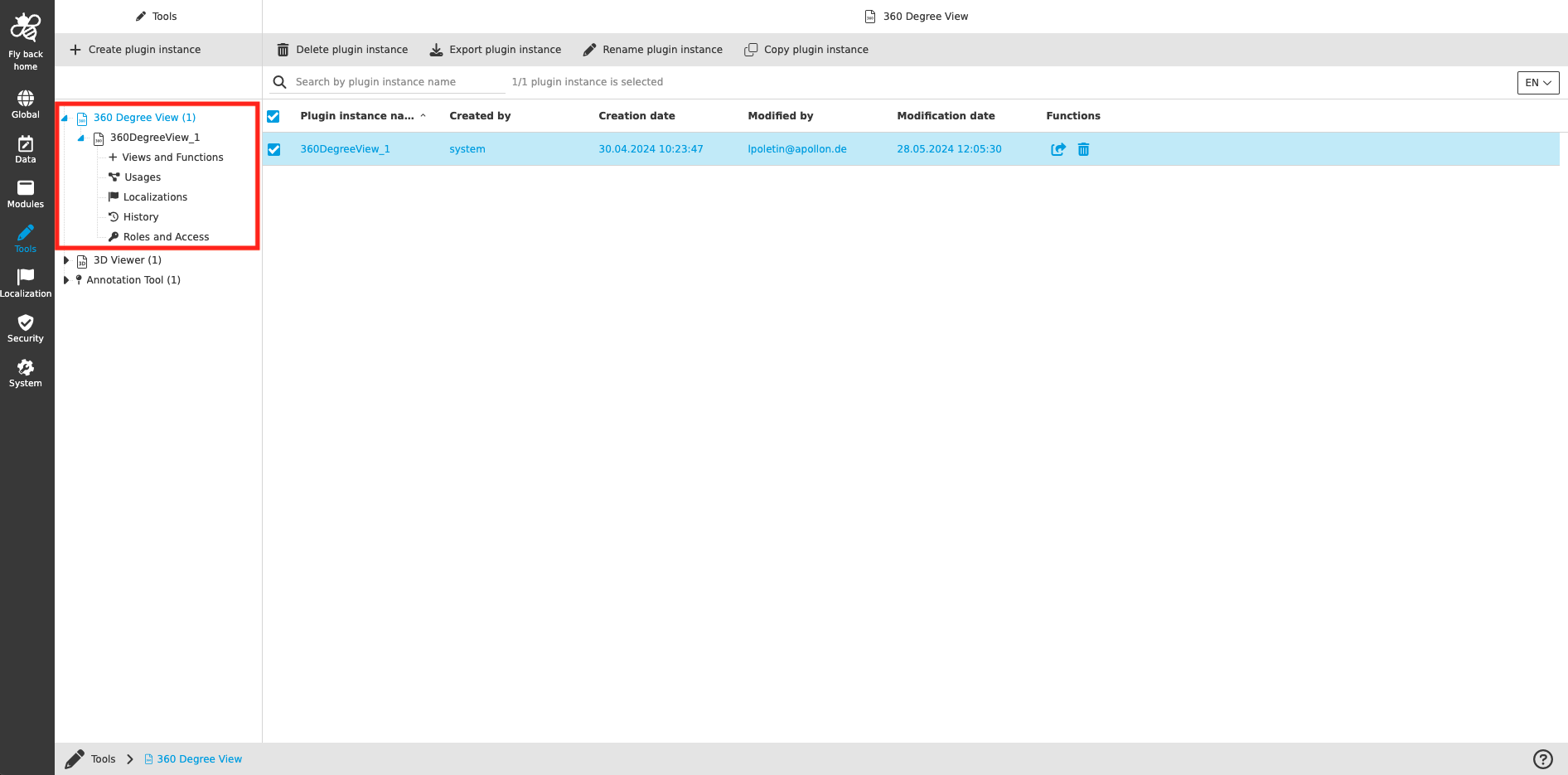
The configuration of 360 Degree View includes the following parts:
| Tab name | Description | Note |
|---|---|---|
Views and Functions |
On this page the user can define which content views and functions should be shown on the UI client. |
See more details 'Views and Functions' |
Usages |
On this page the user can see the relations of the 360 Degree View tool to other plugins. |
Content coming soon… |
Localization |
On this page the user can localize his/her own 360 Degree View tool to see wished terms in the UI of 360 Degree View. |
See more details Localization tab of the plugin instances |
History |
On this page the user can overview all modifications made in 360 Degree View tool and have an initial state available as a file to understand who, when and what changed within the configuration. |
See more details 'History tab of the plugin instances' |
Permissions |
On this page the user can restrict the access to the plugin for certain roles. |
Content coming soon… |
Appearance in the frontend
All details of the 360 Degree View in the frontend can be found here.
Creation of 3D files
A detailed description for 3D files, that can be displayed in OMN can be found here.