Bulk Editor
Purpose of the plugin
The Bulk Editor is an Excel-like tool for maintaining mass data in the OMN PIM system easily, quickly and clearly. The Bulk Editor offers many useful features, such as automatic inheritance of values to child objects, separate maintenance of language-dependent attributes per language or easy copying of values to child objects. In addition, it offers the possibility to select two different views to edit the data either merged or separated. It is also possible, for example, to use "Cut/Copy and Paste" to exchange data with external applications (e.g. Excel). Here, a validation of the data types takes place in the Bulk Editor, so that, for example, no texts can be copied into number fields.
Possible usage of the plugin
The Bulk Editor can be used in:
-
PIM Classification View page plugin
-
PIM Management View page plugin
-
Advanced Search page plugin
-
Formbased Search page plugin
-
Product View function plugin
General configuration
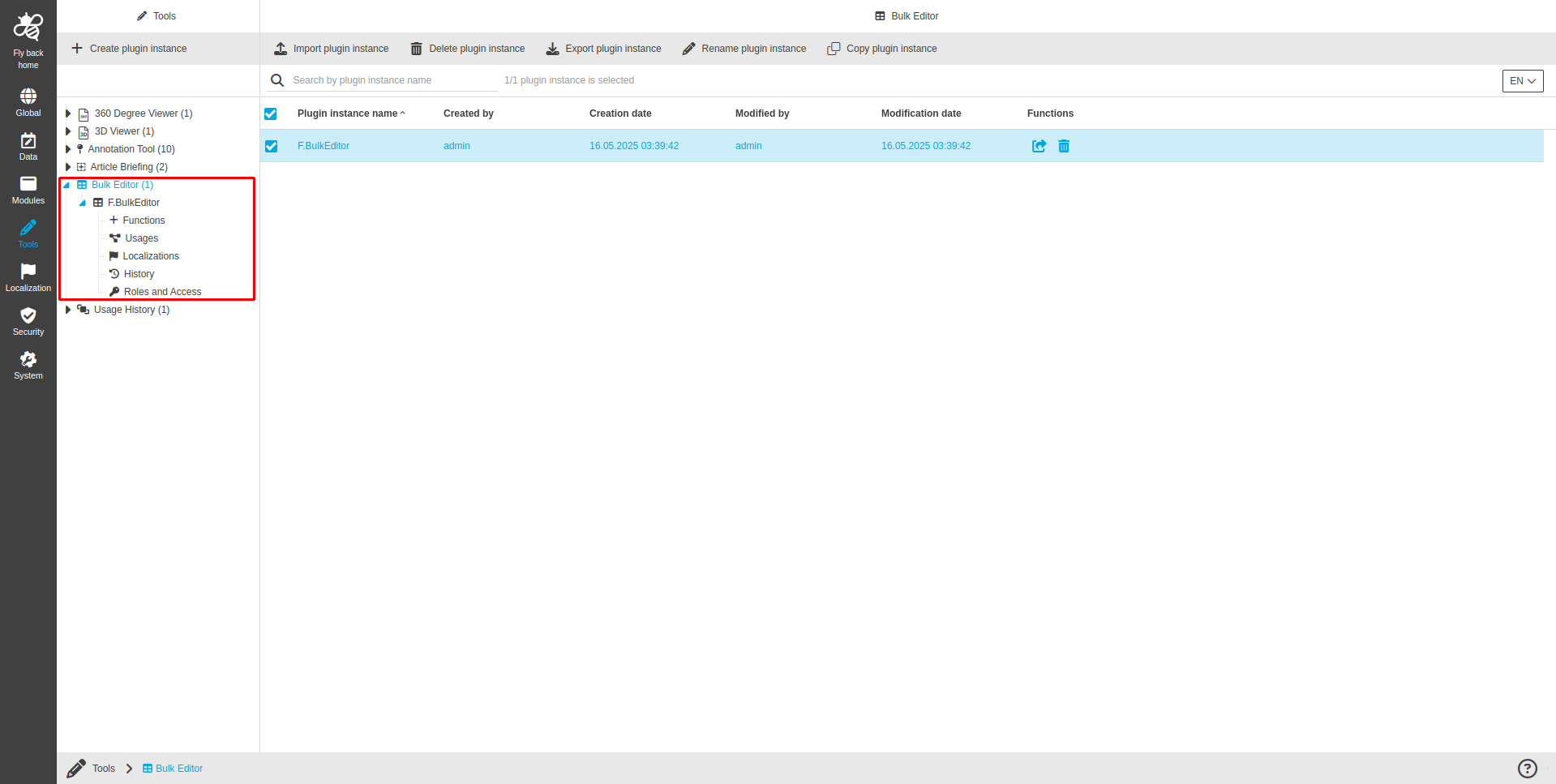
The configuration of Bulk Editor includes the following parts:
| Tab name | Description | Note |
|---|---|---|
Functions |
On this page the user can define which functions should be shown on the UI client. |
See more details 'Functions' |
Usages |
On this page the user can see the relations of the Bulk Editor tool to other plugins. |
Content coming soon… |
Localization |
On this page the user can localize his/her own Bulk Editor tool to see wished terms in the UI of Bulk Editor. |
See more details Localization tab of the plugin instances |
History |
On this page the user can overview all modifications made in Bulk Editor tool and have an initial state available as a file to understand who, when and what changed within the configuration. |
See more details 'History tab of the plugin instances' |
Permissions |
On this page the user can restrict the access to the plugin for certain roles. |
Content coming soon… |
Appearance in the frontend
All details of the Bulk Editor in the frontend can be found here.