Thumbnail Preview
Thumbnail previews are the smallest previews of an asset. They are used wherever many assets are displayed at once, e.g. in tables or in the navigation.
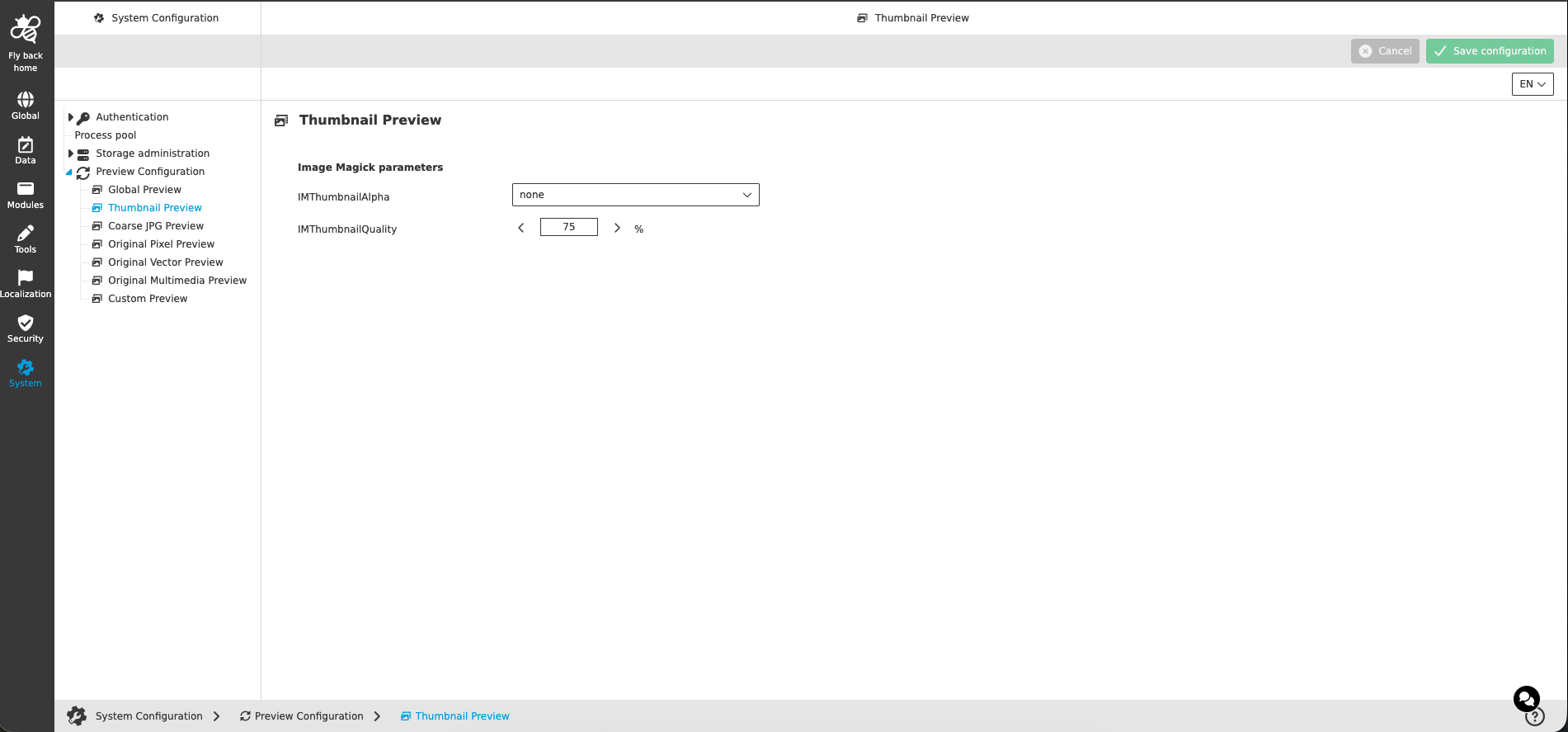
Image Magick parameters
| Name of option | Description | Note |
|---|---|---|
IMThumbnailAlpha |
Defines how the alpha channel (transparency) of the source file is handled when the thumbnail preview is generated. The available options correspond to the ImageMagick alpha options (e.g. 'deactivate' ignores the alpha channel, 'none' keeps it untouched, 'opaque' makes the image fully opaque). |
|
IMThumbnailQuality |
JPEG compression quality of the generated thumbnail previews in percent. A higher value results in a better quality but a bigger file size of the preview. |
|