Annotation Tool
Purpose
The Annotation Tool allows the user to annotate DAM content with visual preview.
OMN offers several contexts from / to which an Annotation Tool can be opened:
-
on a file selection
-
on a process via so-called 'Human Function' (more details see: Modules → Workflow → Human functions)
-
on a channel object with related files
Possible usage of the plugin
Annotation Tool configuration can be used in:
-
DAM Navigation page plugin
-
Channel Navigation page plugin
-
Classification View page plugin (within the Asset View)
-
OMN Search page plugin
-
Human function of a workflow process
General configuration
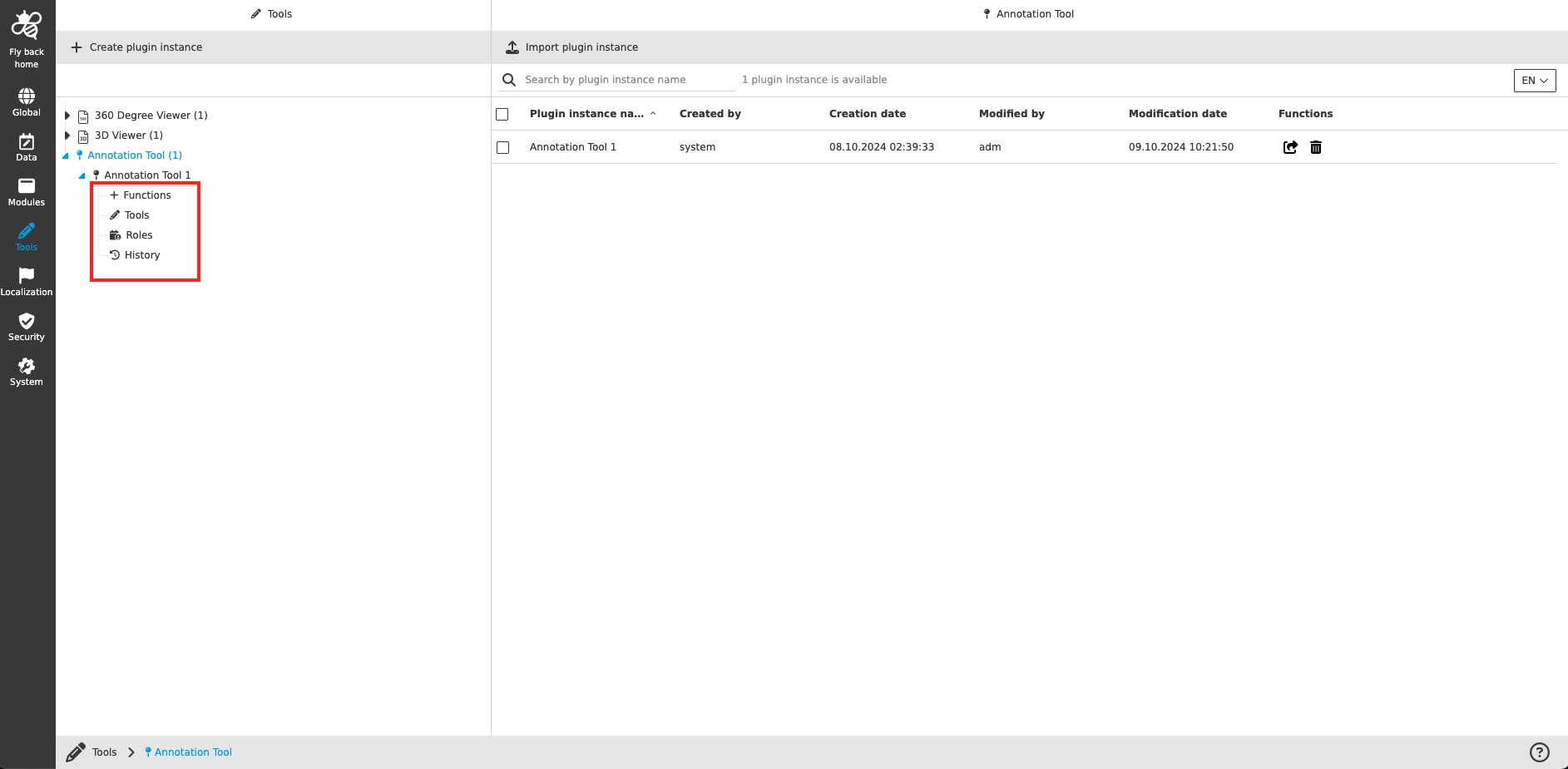
The configuration of Annotation Tool includes the following parts:
| Tab name | Description | Note |
|---|---|---|
Functions |
On this page the user can configure the functions, which should be available within the Annotation Tool. |
see more details Functions |
Tools |
On this page the user can configure the tools, which are provided to the frontend users to annotate, comment and rotate the opened file. |
see more details Tools |
Roles |
On this page the user can configure the roles, which can be adressed within the Annotation Tool. |
see more details Roles |
Usages |
On this page the user can see the relations of the Annotation Tool to other plugins. |
Content coming soon… |
Localization |
On this page the user can localize his/her own Annotation Tool to see wished terms in the UI of Annotation tool. |
See more details Localization tab of the plugin instances |
History |
On this page the user can overview all modifications made in Annotation Tool and have an initial state available as a file to understand who, when and what changes within the configuration. |
Content coming soon… |
Permissions |
On this page the user can restrict the access to the plugin for certain roles. |
Content coming soon… |
Appearance in the frontend
All details of the Annotation Tool in the frontend can be found here.