Process Controller Plugin
General configuration
The configuration of the Process Controller plugin includes the following parts:
| Tab name | Description | Note |
|---|---|---|
Views and Functions |
On this page the user can configure the Process Controller view. |
See more details Views and Functions |
Icon assignment |
On this page the user can assign a new icon for the Process Controller view. |
See more details here. |
Usages |
content coming soon… |
|
Localization |
On this page the user can localize his/her own Process Controller plugin to see wished terms in the UI of Process Controller. |
See more details Localization tab of the plugin instances |
History |
On this page the user can overview all modifications made in Process Controller plugin and have an initial state available as a file to understand who, when and what changes within the configuration. |
See more details here. |
Permissions |
content coming soon… |
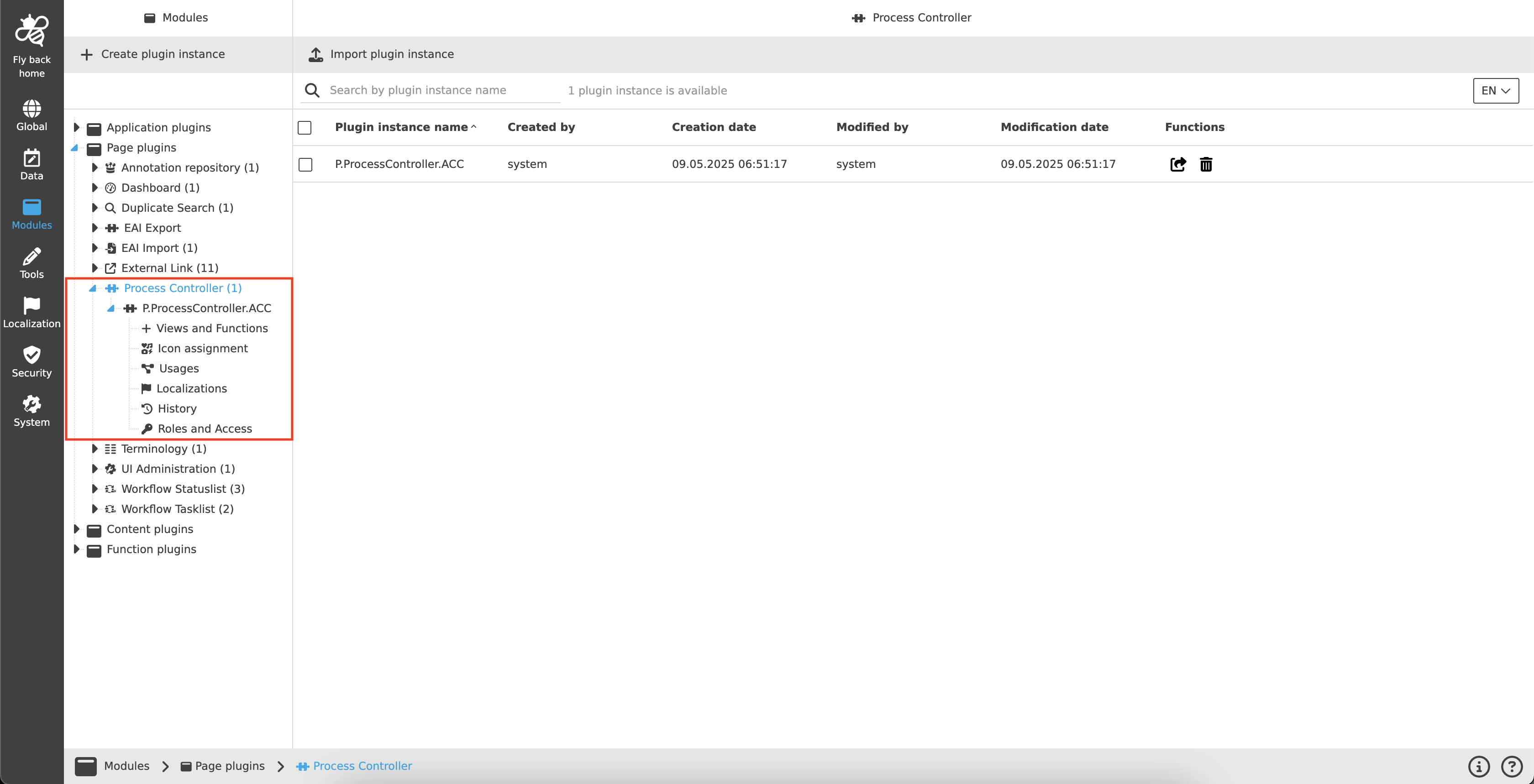
| Management of the plugin instances is done in the same way throughout the whole Configuration Client. The details on this common concept can be found here. |
Appearance in the frontend
All details of the Process Controller plugin in the frontend can be found here.