Duplicate Search
This page describes how to configure a Duplicate Search for the Search page plugin.
If a Duplicate Search is configured, it can be accessed via a tile on the search page. It is possible to run the Duplicate Search in combination with the search bar or independently.
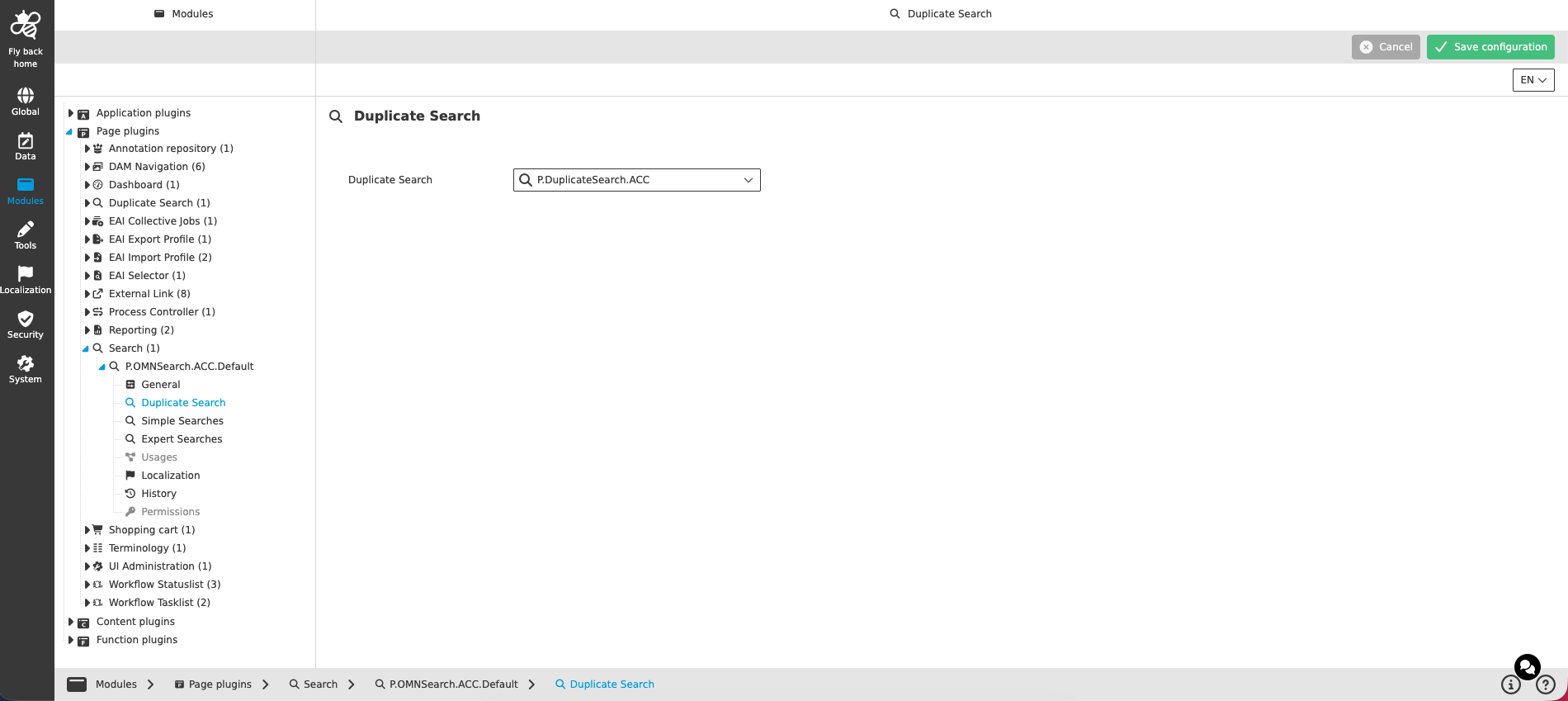
The Duplicate Search configuration contains the following parameters:
| Name of option | Description | Note |
|---|---|---|
Duplicate Search |
Dropdown which lists all configured Duplicate Search instances of the current mandator. If a Duplicate Search is selected, the related Duplicate Search tile is shown at the bottom right corner of the search page and the Duplicate Search can be executed. |
The dropdown is searchable, can be resized and allows only single select. An empty entry is available to select no Duplicate Search. |
The configuration of the Duplicate Search instances themselves is described on the Duplicate Search page plugin page.