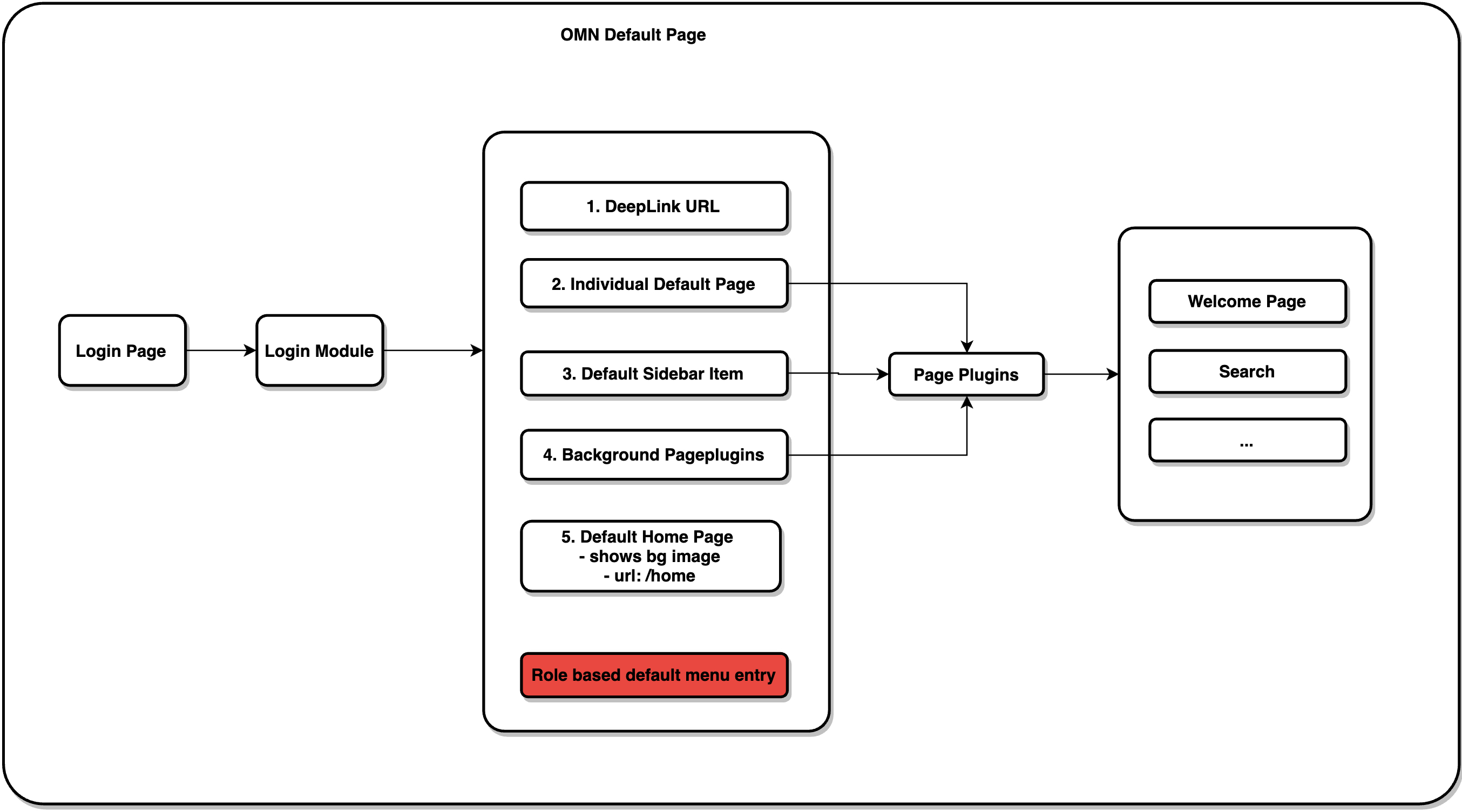
OMN Default page
The following overview shows the hierarchy for opening the start page after login. This depends on different configuration / user settings
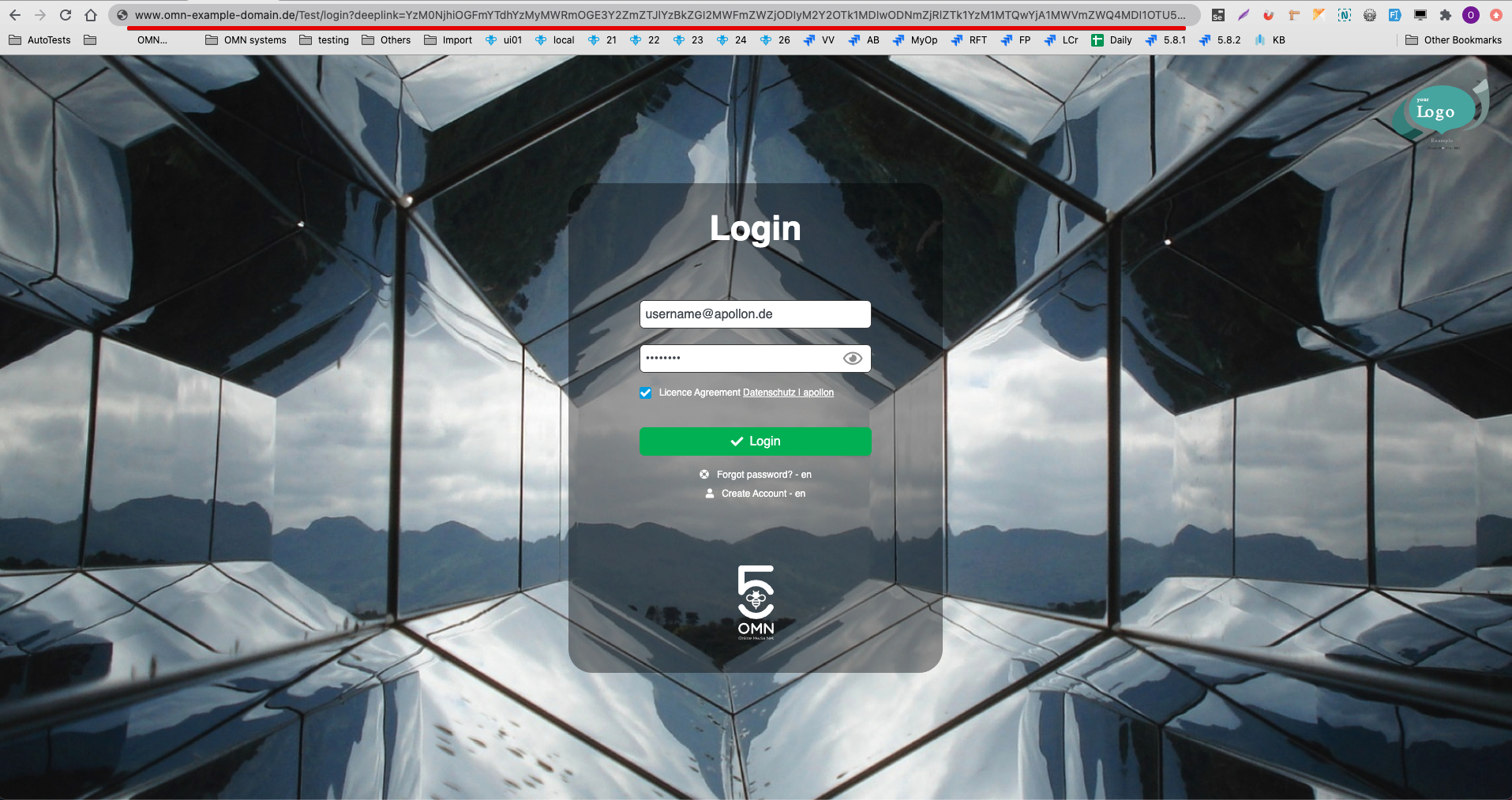
Deeplink url
Deeplink url works with the highest priority and redirects the user directly to the entered link.
An individual default page
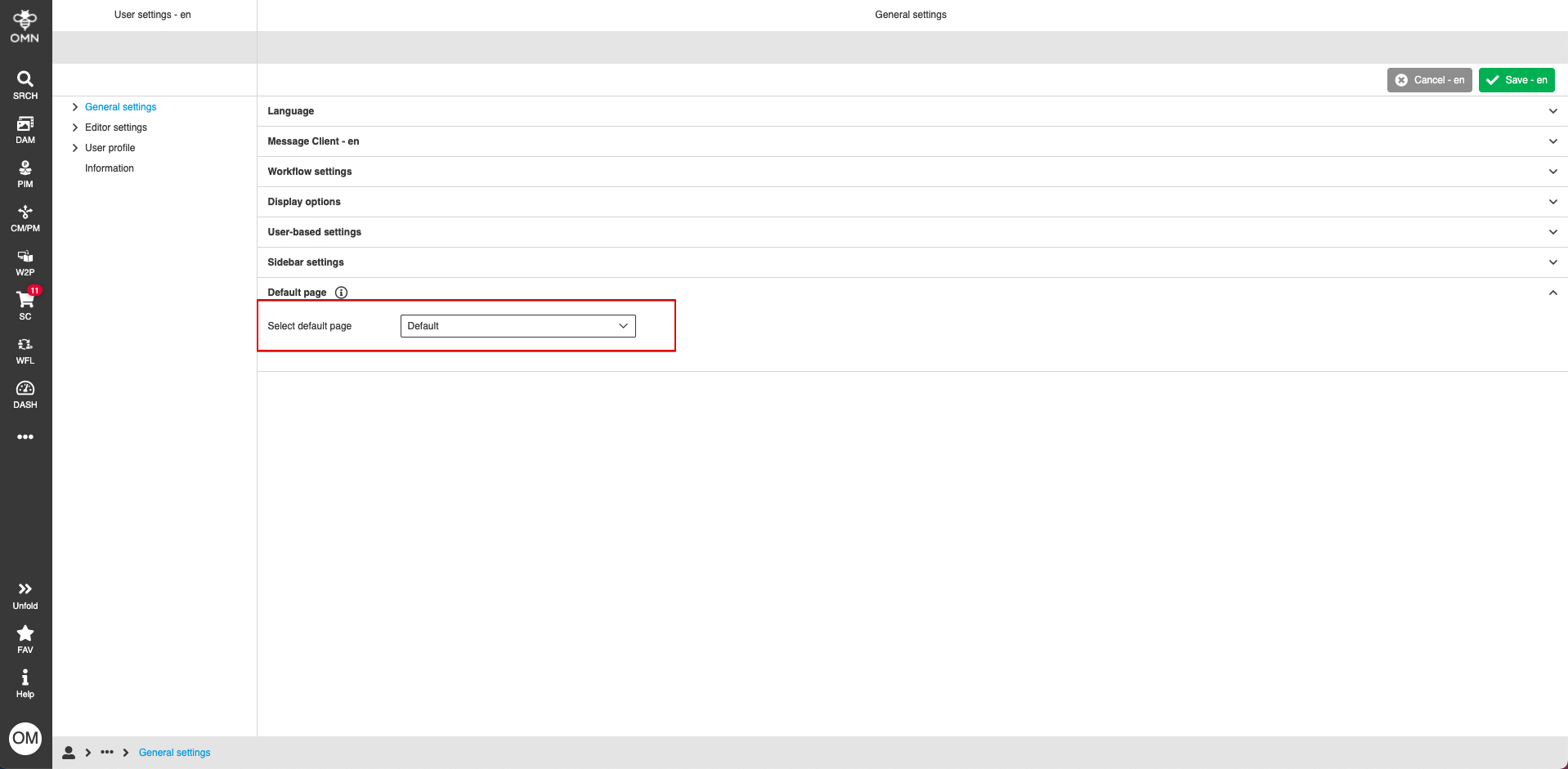
The individual default page is configured on the frontend in User Settings: Sidebar → UserSettings → General settings → Default page
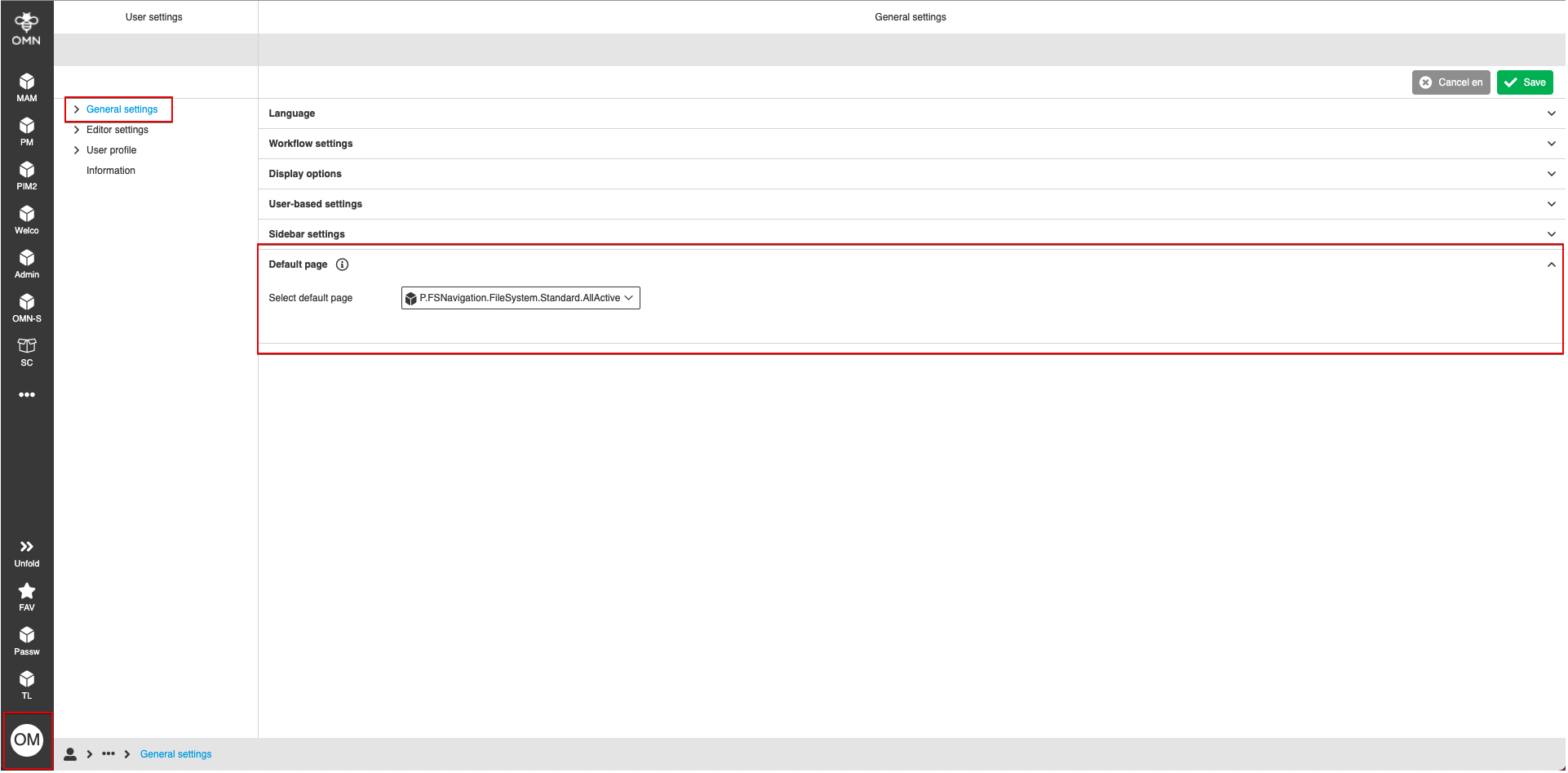
Selected default page will be opened after login in the application. The individual default page can be opened on the frontend by clicking the "Bee" icon on the sidebar:
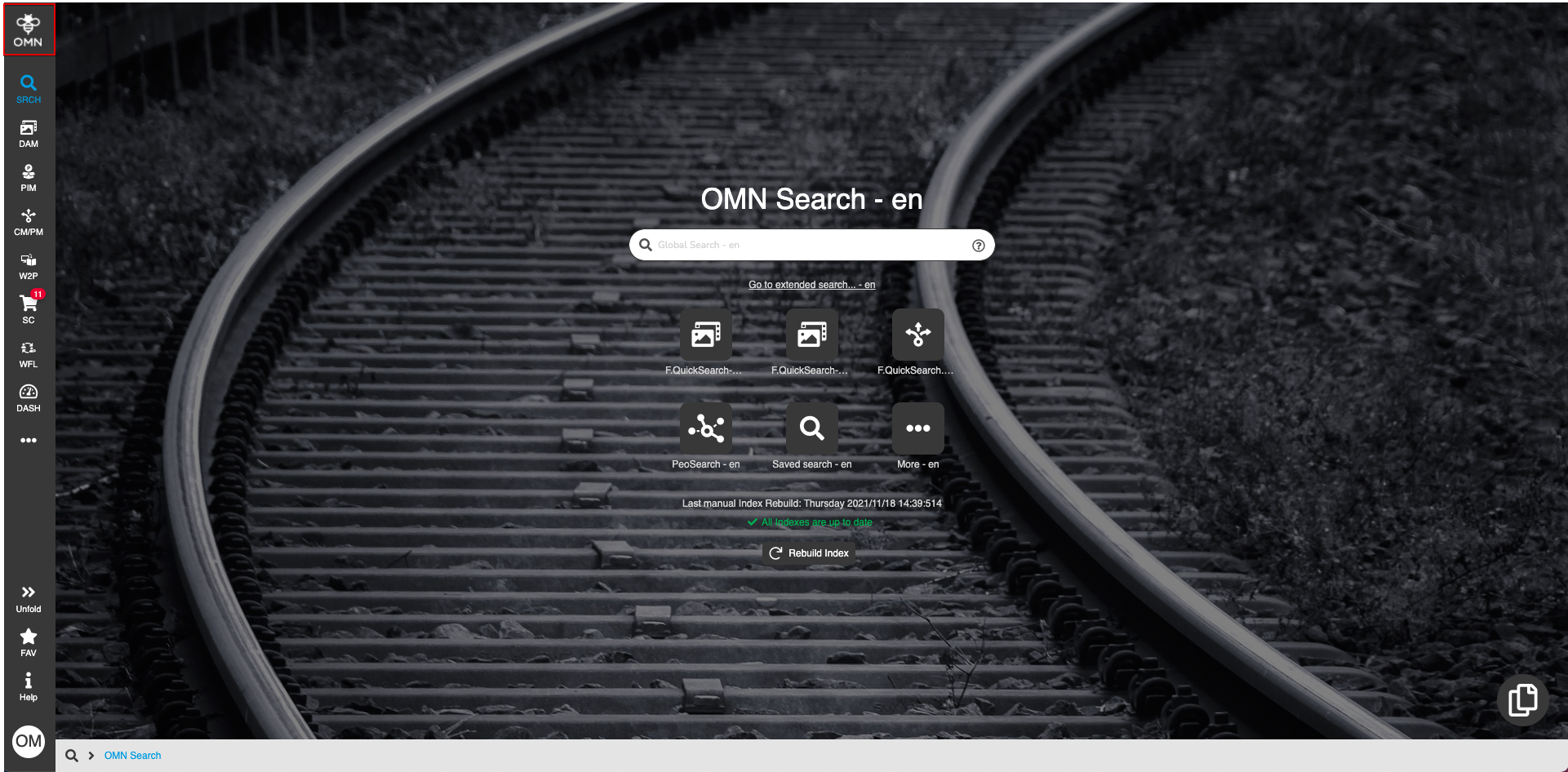
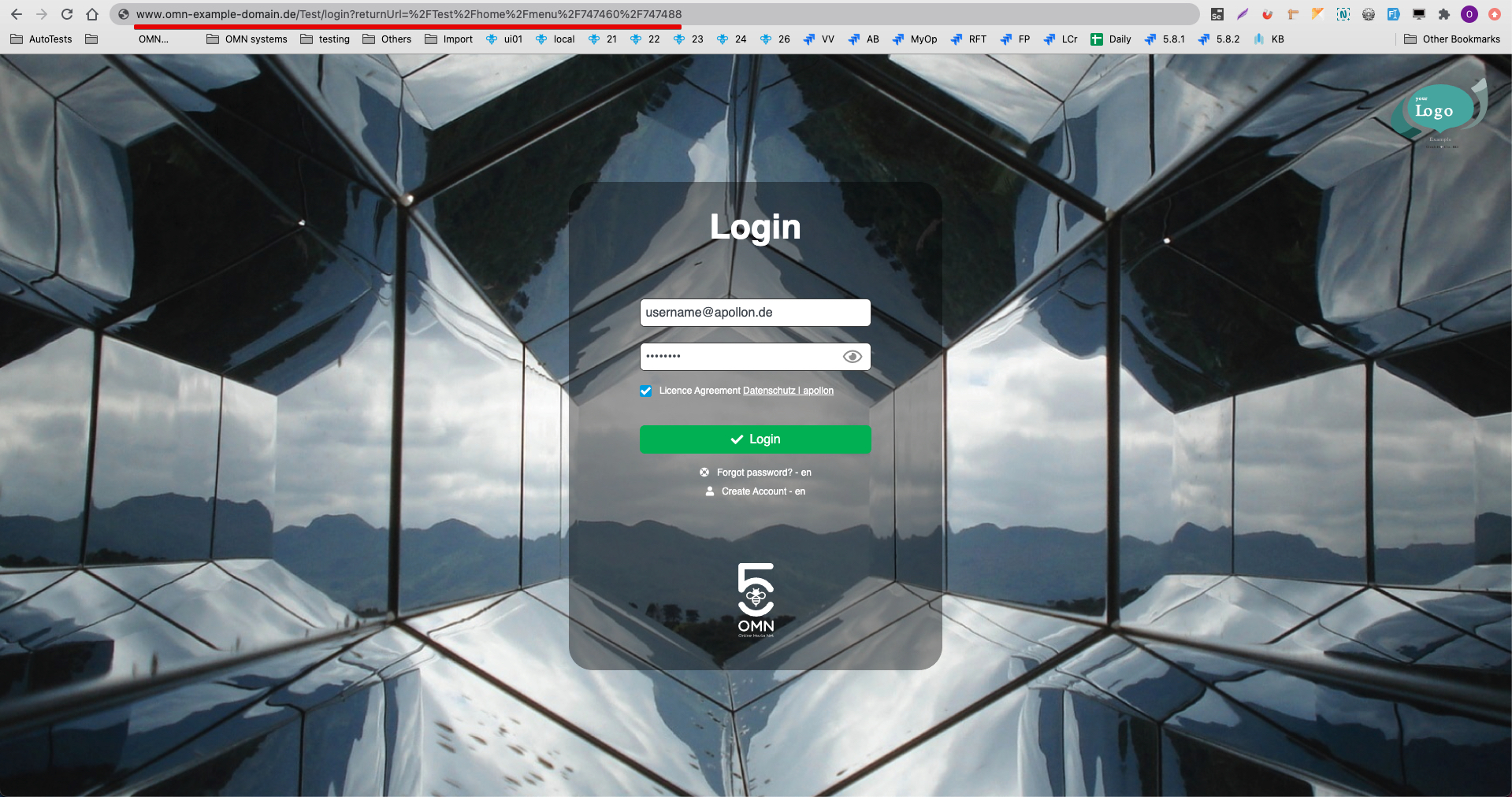
Individual default page will be ignored if a user logs in via deep link or return link.
A default sidebar item
The default sidebar item is configured on the config client: <Mandator_name> → Sidebars → Set default.
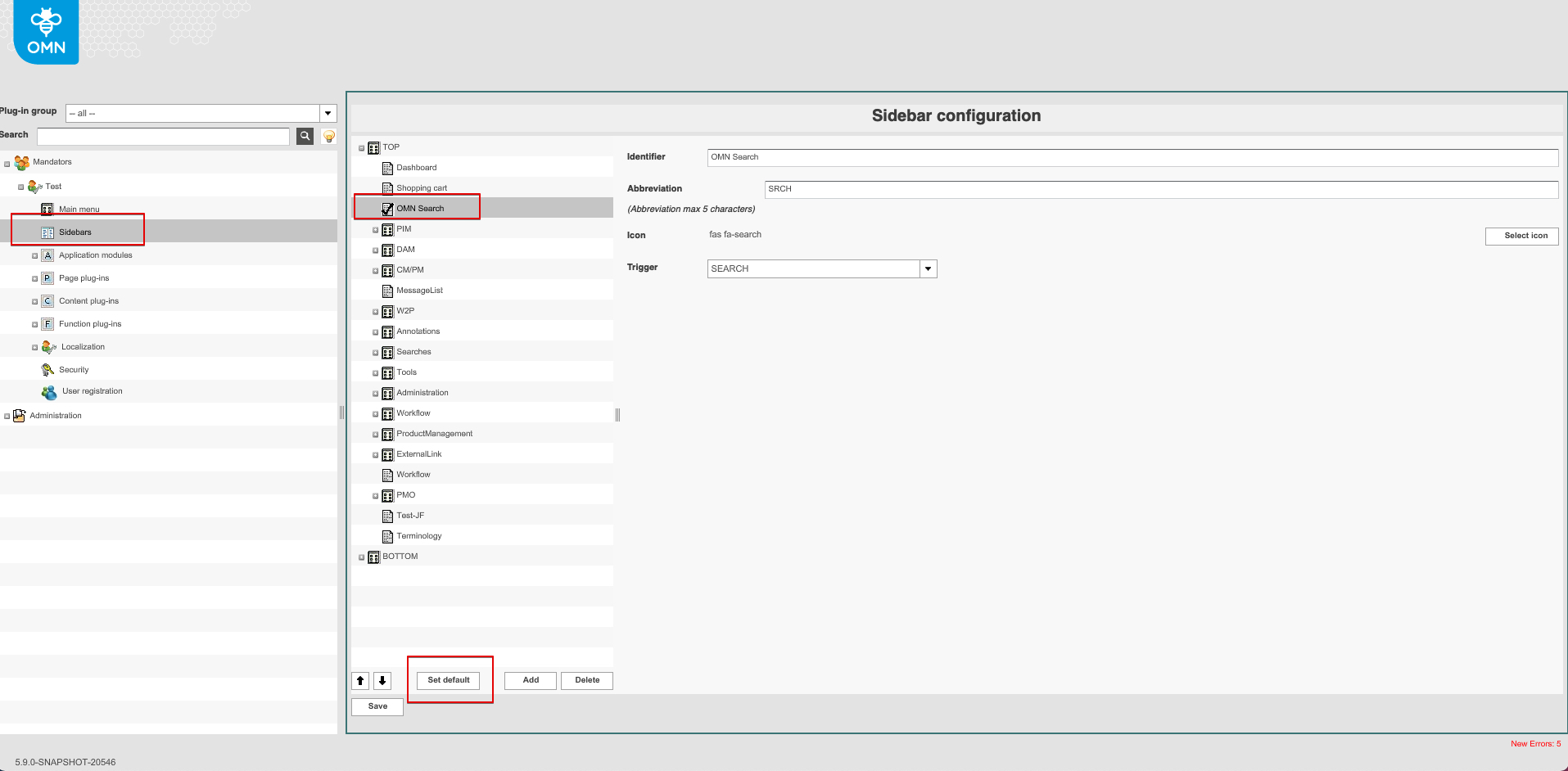
This page will be opened after login in the application.
Sidebar default page will be ignored if a user logs in via deep link or an individual default page is configured.
Background page plug-in
The background page plug-in is configured on the config client: <Mandator_name> → General configuration → Background page plug-in.
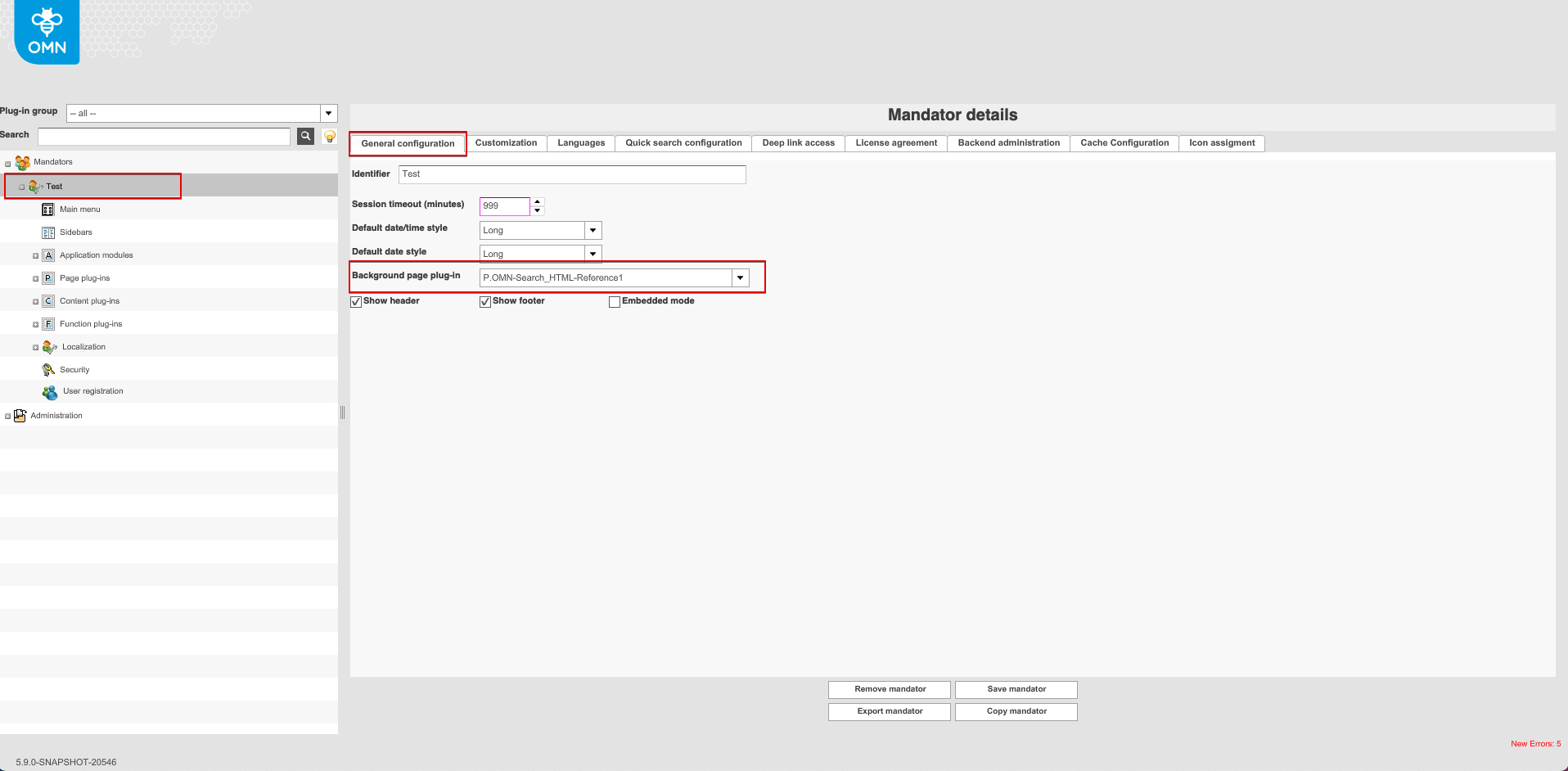
This page will be opened after login in the application.
The background page plugin can be opened on the frontend by clicking the "Bee" icon on the sidebar if no individual page is configured:
Background page plug-in will be ignored if:
-
a user logs in via deep link
-
an individual default page is configured
-
a default sidebar item is configured
Default home page
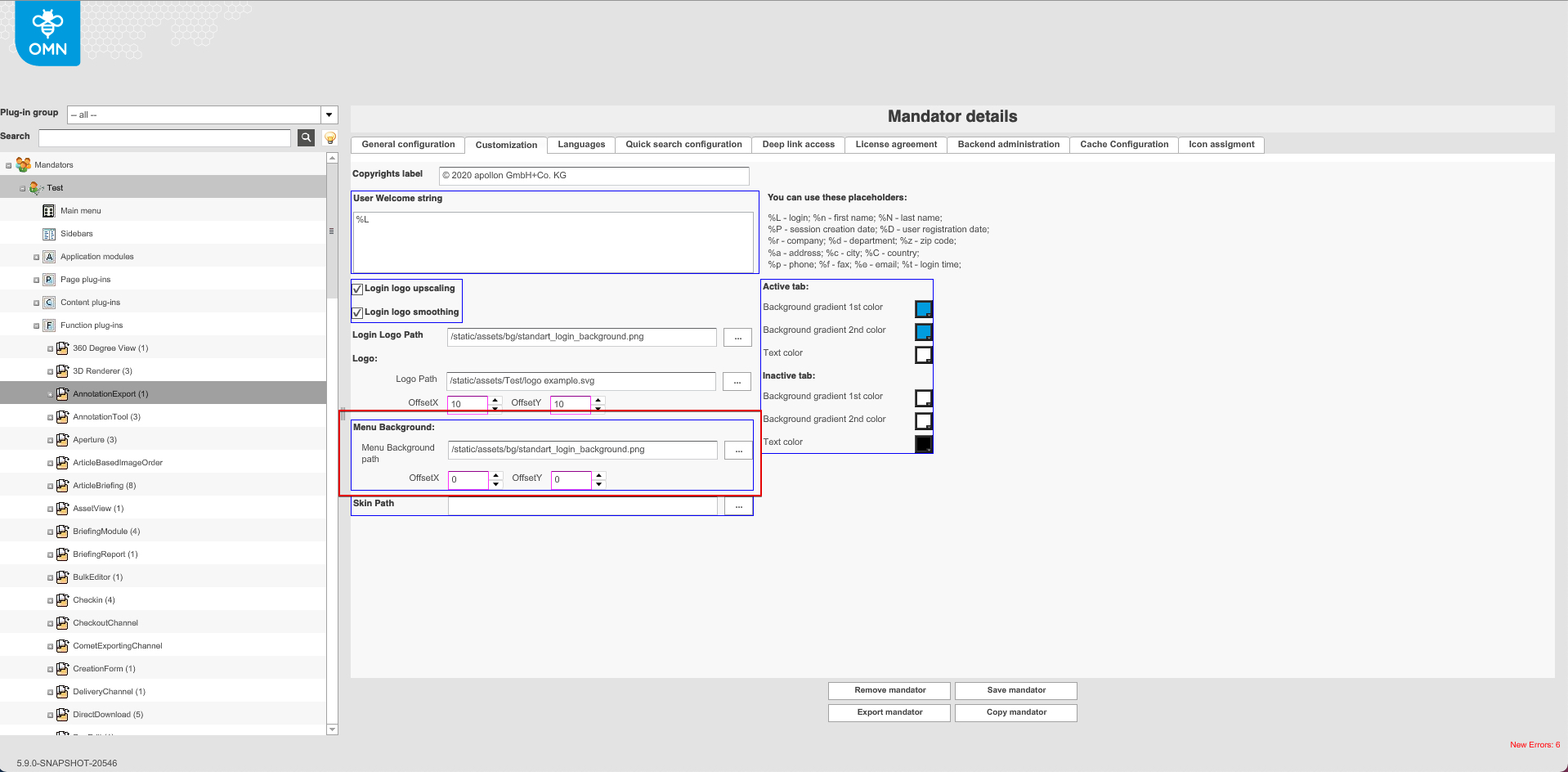
The default home page will be opened after login in to the application if there are no configured default pages mentioned above. The page has a configured background image: <Mandator_name> → Customization → Menu background:
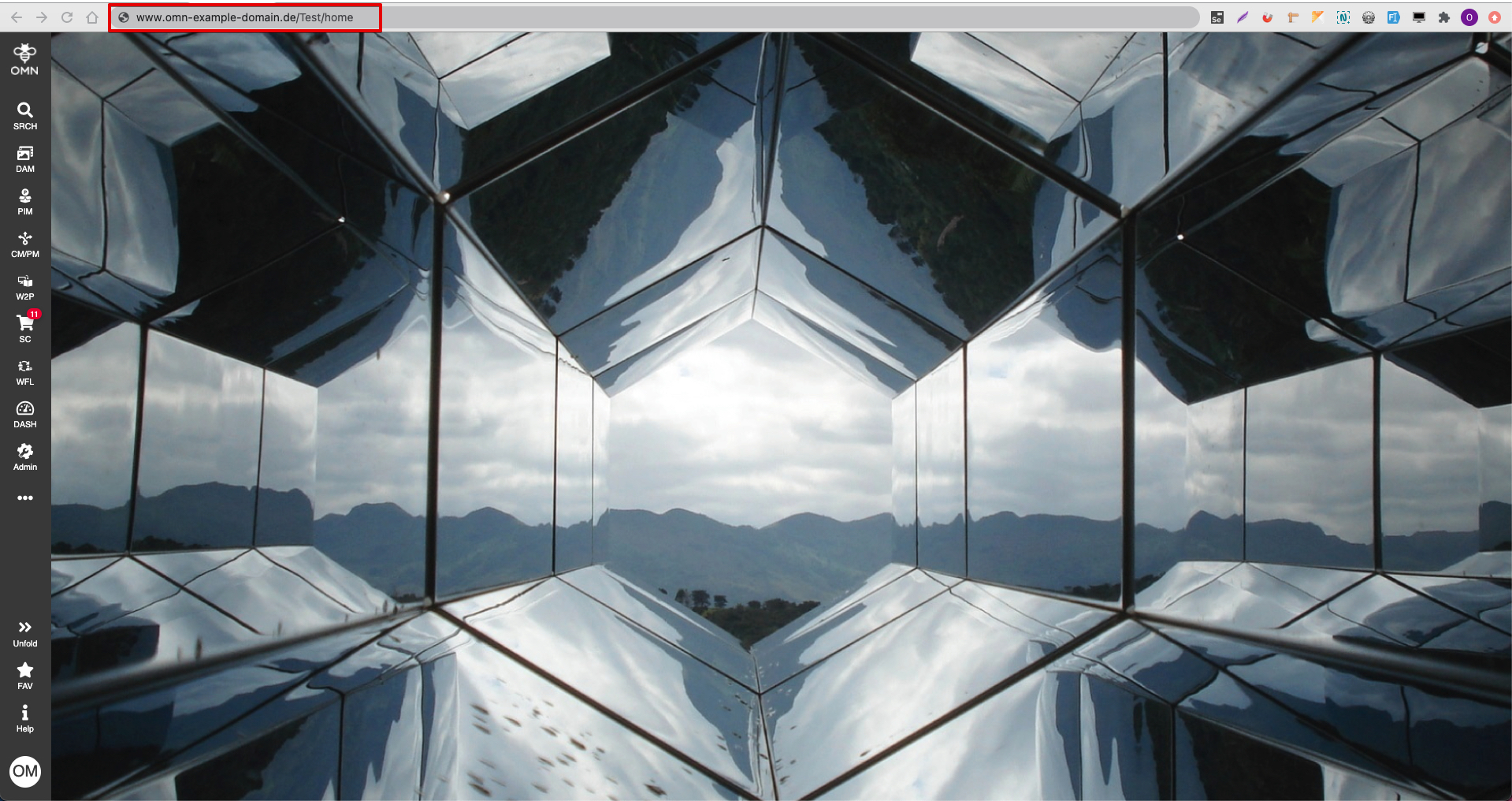
Also the default home page can be opened on the frontend if go to the direct link, e.g. www.omn-example-domain.de/Test/home