CM (Channel Management)
Purpose of the plugin
The term Channel Management (CM) is used to summarize all activities of a company that relate to the support, management and filling of sales channels.
Introduction
In order to provide customers with widespread access to its own products, the company needs to develop different sales channels, which should be interrelated.
To master this challenge, many companies attach great importance to professional CM.
With Channel Management, marketing measures for all sales channels can be planned and controlled centrally, clearly and completely system-supported.
Stored business processes in Workflow Management assign tasks and initialize technical production workflows.
A complete overview shows the user the current status of the measures in a transparent manner. In addition, the user can get a quick overview of catalogs or chapters for print projects, for example.
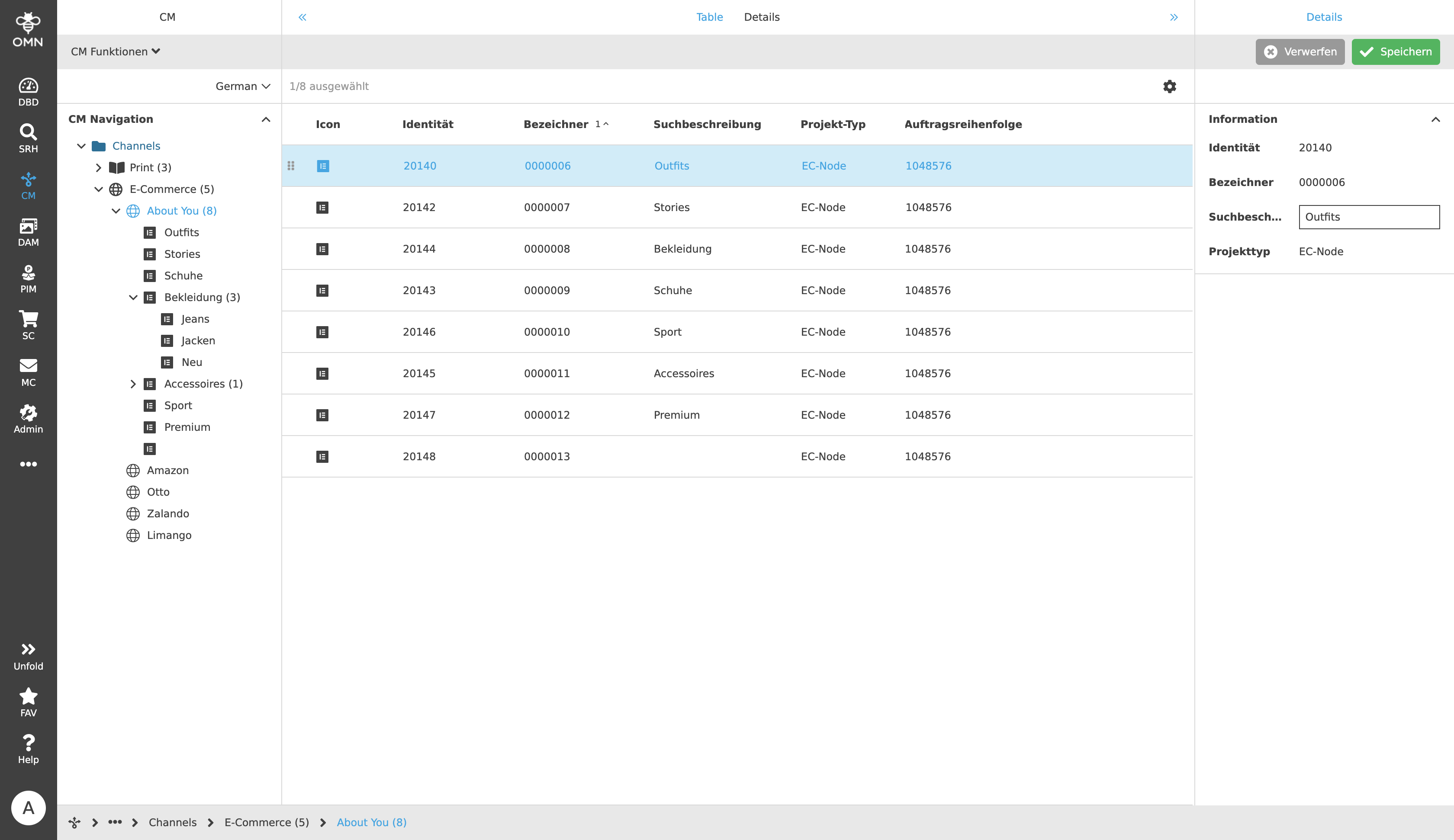
Further information on Channel Management can be found at apollon | CM.
Accessing the plugin
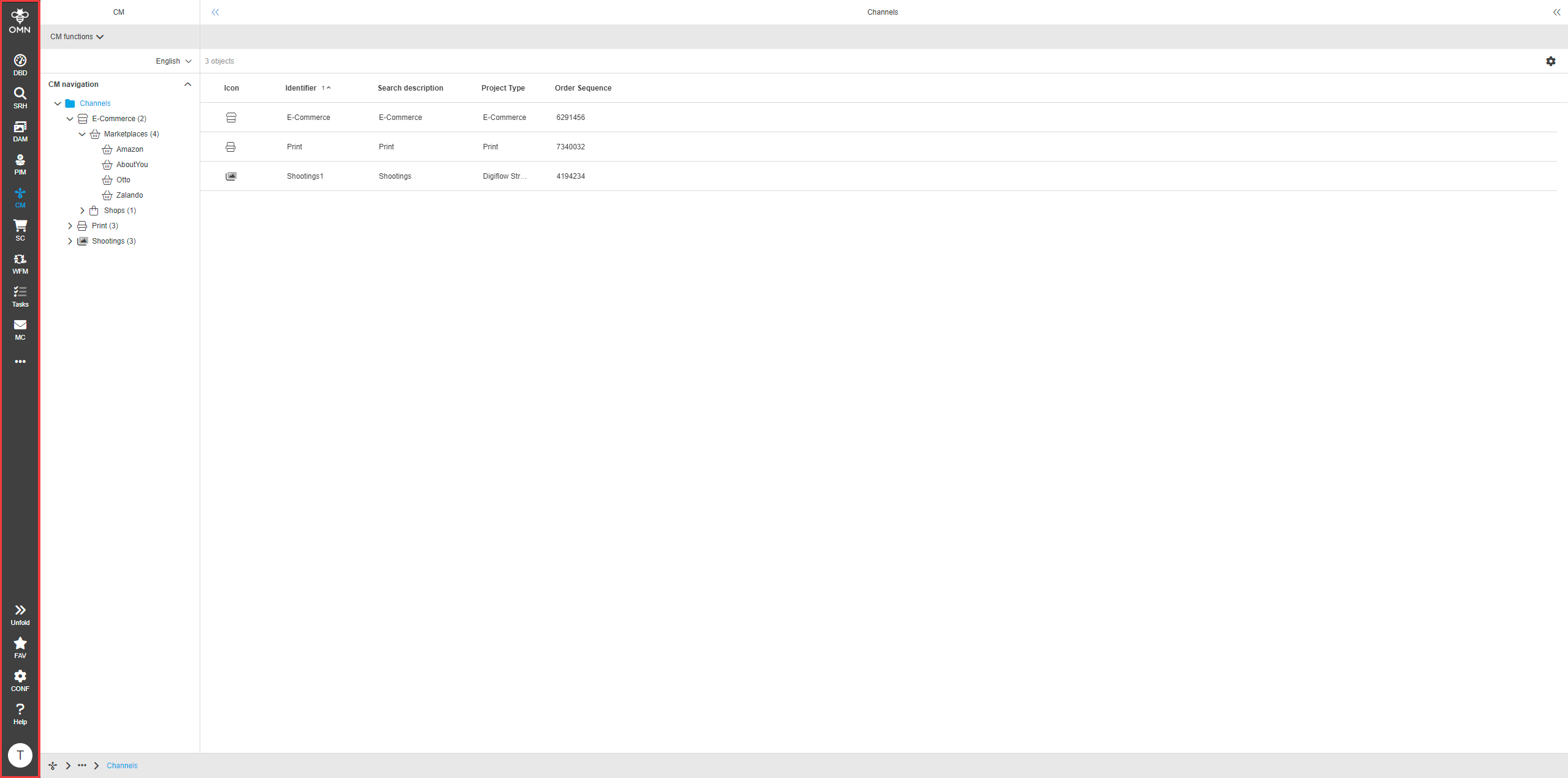
Channel Management (CM) is an integral part of OMN. It can be opened via the sidebar.
In addition, projects can be opened directly in CM via a search query (OMN Search).
Structure and usage
In most cases, the surface of the CM is divided into three different areas:
The exception to this are areas whose middle view consists of a detail view, for example. In this case, these do not have a right view.
The three areas are explained in more detail in the following sections.
Left View
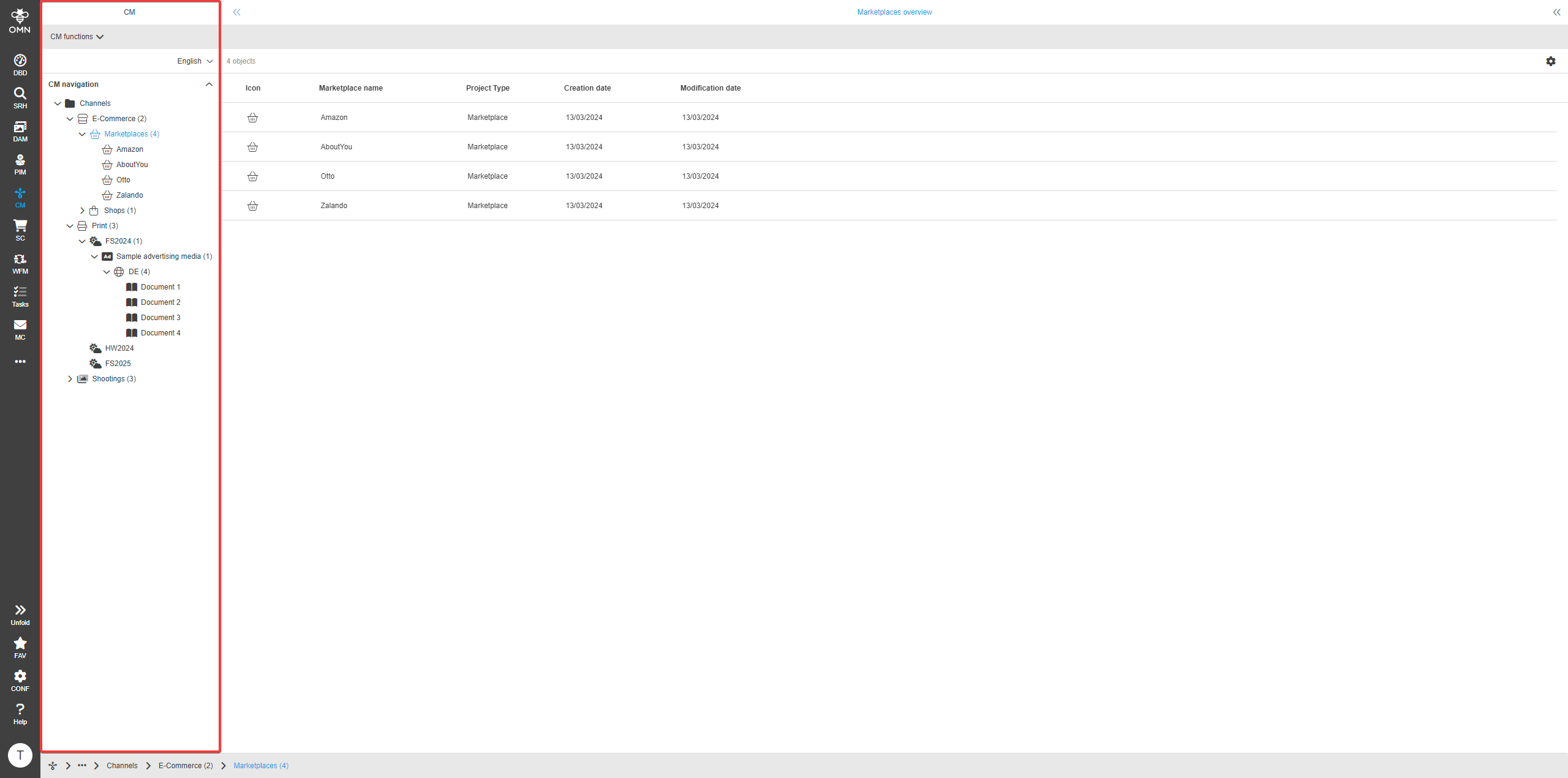
The left view in Channel Management is used to navigate the structure of the distribution channels and is organized in a hierarchical structure of different nodes.
It contains sales and information channels together with the associated marketing measures, advertising materials and projects.
The structure can vary depending on the lead-out channel, i.e. there is a different structure for print lead-outs than for e-commerce stores, for example.
The following channels can be served with OMN CM:
-
Online stores
-
Marketplaces
-
Social media
-
Print catalogs
-
Online catalogs
Furthermore, almost all marketplaces can be used. These include Amazon, eBay, Alibaba, Rakuten, DaWandaOtto, Zalando, Etsy, About You, Shopapotheke.com and many more.
Selecting a node opens it. This displays further information in the Center View.
Center View
Information on the currently displayed node is displayed in the center view. This information depends on the type of the currently selected node. For example, information of e-commerce stores can be displayed here, as well as linked assets from print projects.
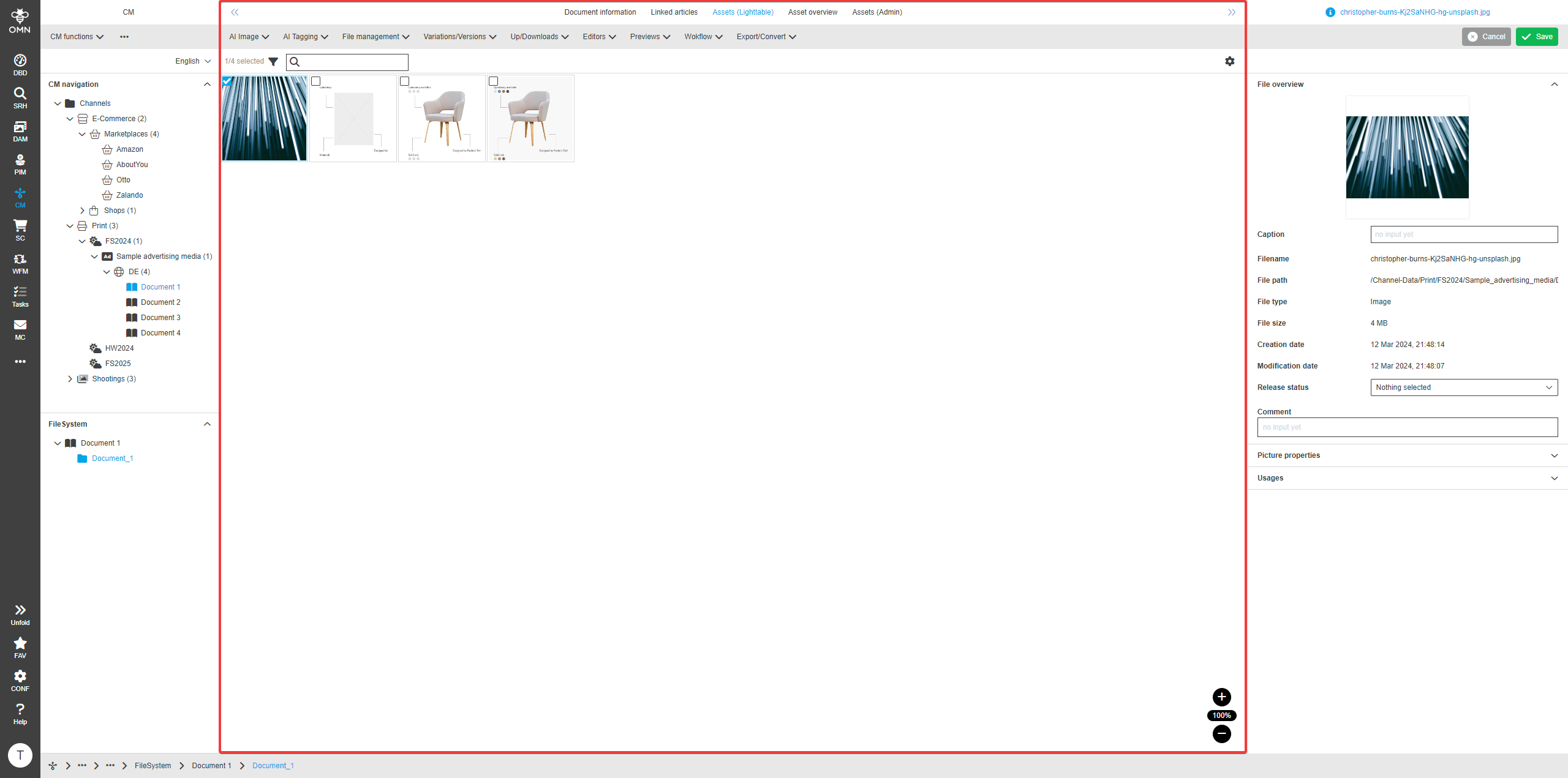
The information can be displayed in the form of a detail view. In this case, information can be displayed and edited.
However, there are also special views and editors for displaying and editing information for the different types of channels.
A list of these can be found in the Other Add-Ons and related functionalities section.
Right View
On the right side, further information and details on a specific element can be displayed.
An element in CM, such as a page of the print project, can contain linked products and assets. If a user selects such an element in the Center View, additional information about it is displayed in the right view in the form of a detail view.
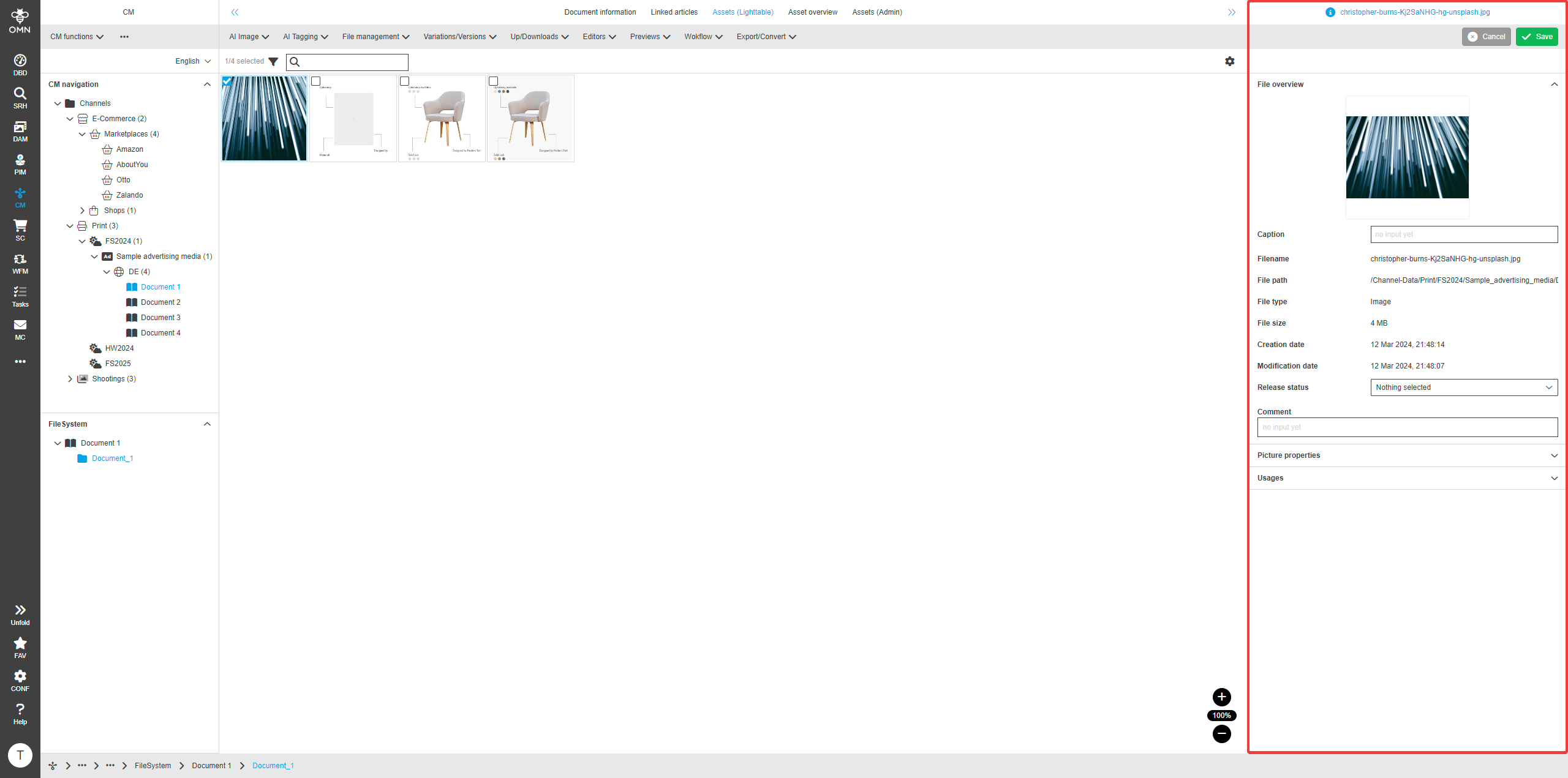
Among other things, this area can display further information on asset metadata. This data can be maintained and processes and instructions can be stored there.
Furthermore, all common XMP and IPTC specifications can be set, as well as customer-specific data.