Automation
This page gives the possibility to configure automation in the form of acknowledgment functionality and groovy scripts in Article Briefing, to automate the Article Briefing configuration regarding my process needs.
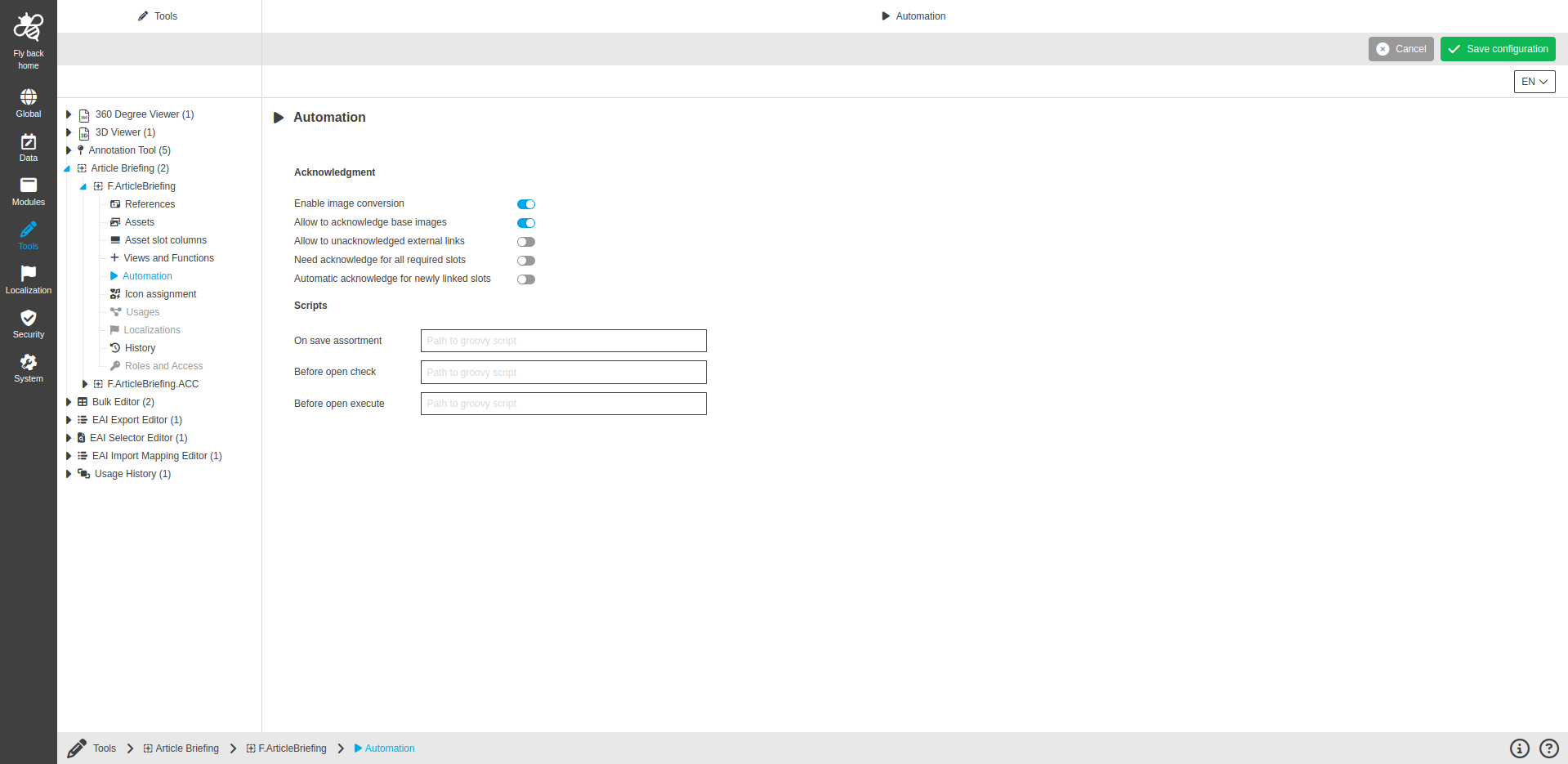
The automation configuration contains the following parameters:
| Name of option | Description | Note |
|---|---|---|
Enable image conversion |
Toggle which enables image conversion in the UI. |
The toggle is turned off by default. |
Allow to acknowledge base images |
Toggle which enables toolbar function to confirm the asset slots. |
The toggle is visible only in case Enable image conversion is activated. The toggle is turned on by default. |
Allow to unacknowledged external links |
Toggle which enables a toolbar function that allows unacknowledgement of already acknowledged slots. |
The toggle is visible only in case Enable image conversion is activated. The toggle is turned on by default. |
Need acknowledge for all required slots |
Toggle which enables the need to acknowledge all required slots. |
The toggle is visible only in case Enable image conversion is activated. The toggle is turned on by default. |
Automatic acknowledge for newly linked slots |
Toggle which enables automatic acknowledge after the image is linked to the slot. |
The toggle is visible only in case Enable image conversion is activated. The toggle is turned on by default. |
On save assortment |
Script will be executed after execution of "Save assortment" button and performs post-processing for saving product assortment. |
The field is empty by default. |
Before open check |
Checks whether the images which should be processed exist. The script must return value of the either "int" or "Integer" data type.
|
The field is empty by default. |
Before open execute |
Execute some actions if images which should be processed exist. The script must return value of the either "int" or "Integer" data type.
|
The field is empty by default. |