Working with Xactuell - Interface and usage
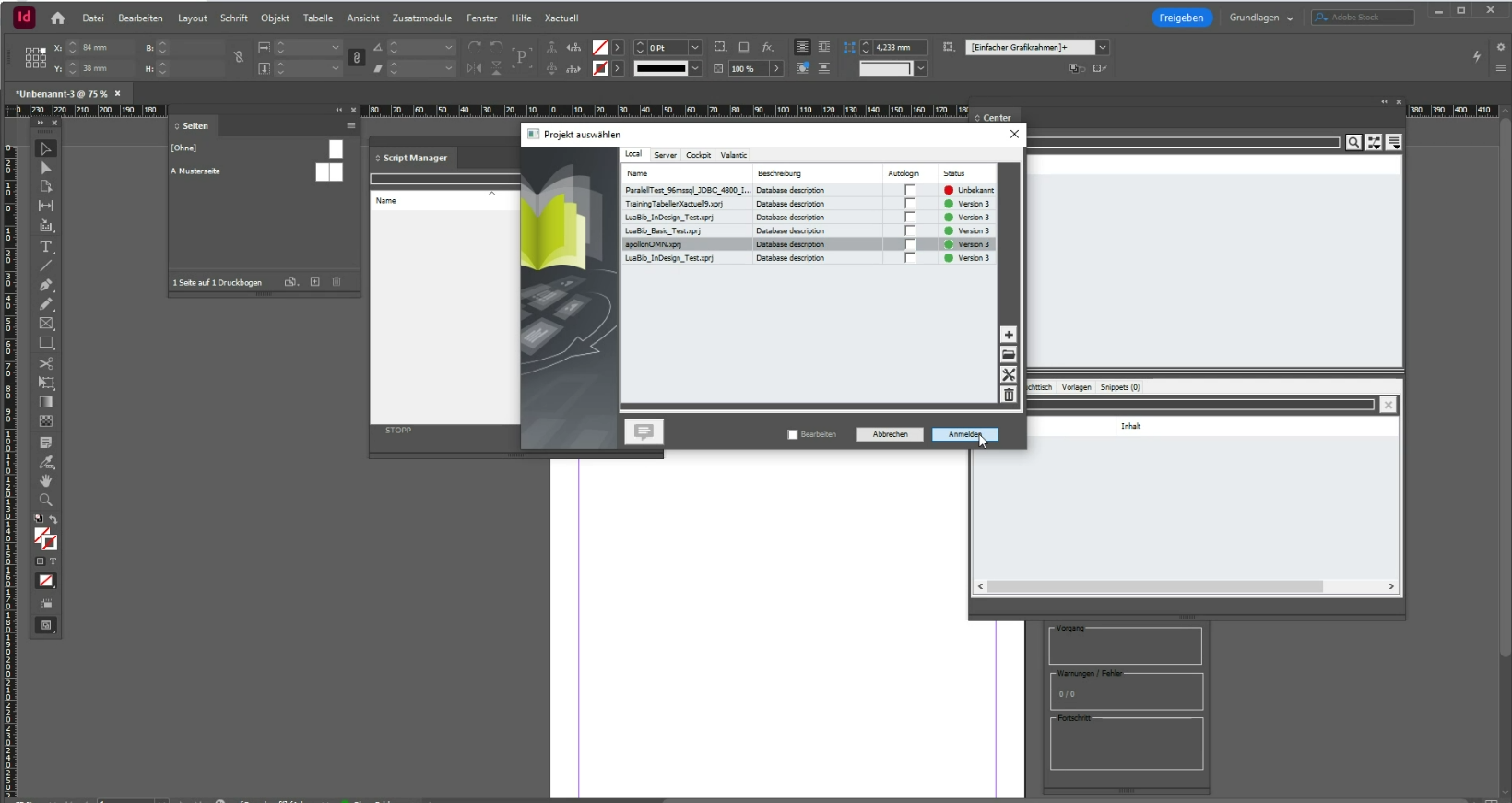
OMN - CM interface: Display of the OMN project tree in the Xactuell Center
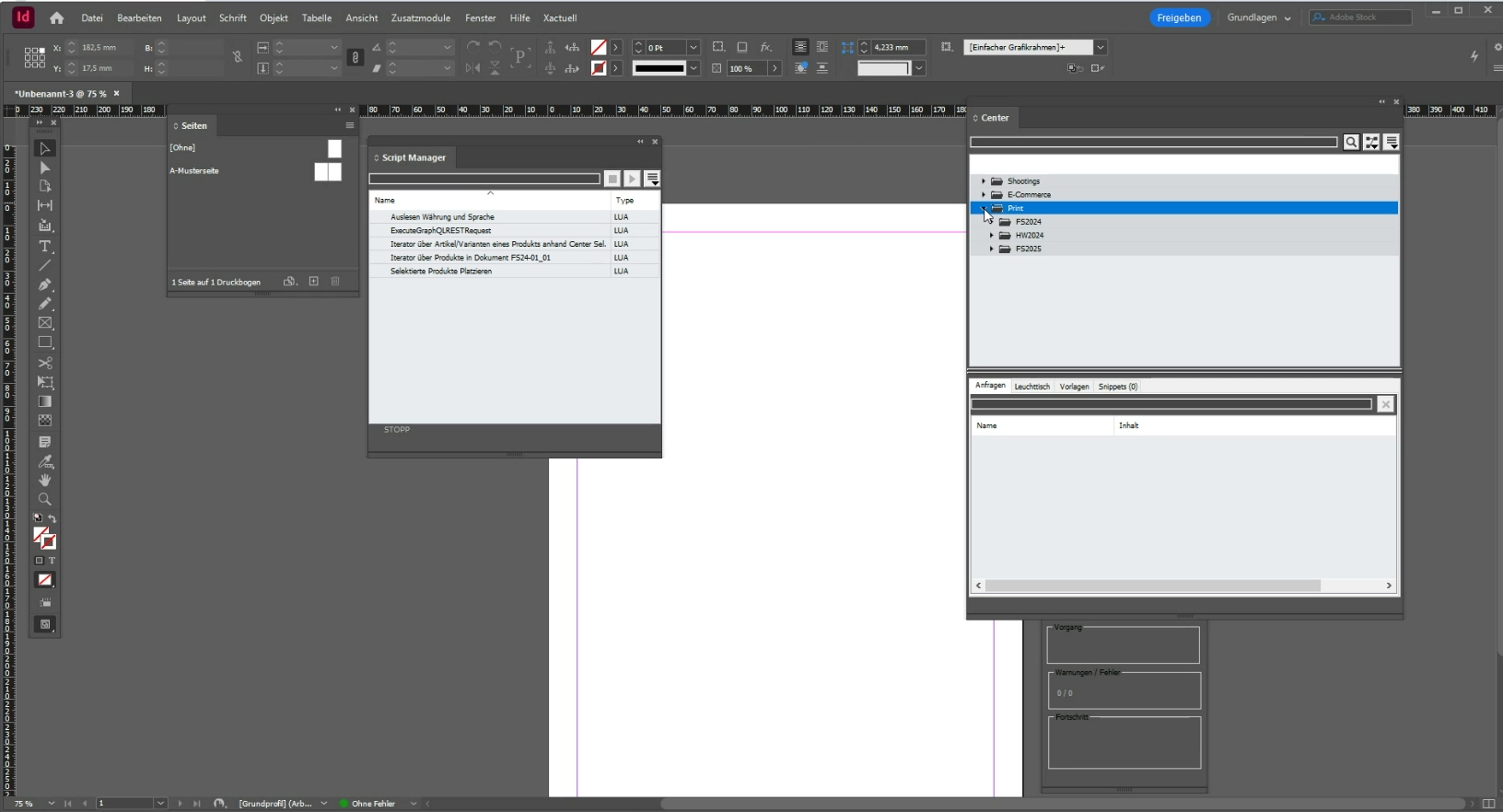
Figure 2. Representation of the OMN CM project tree in the Xactuell Center
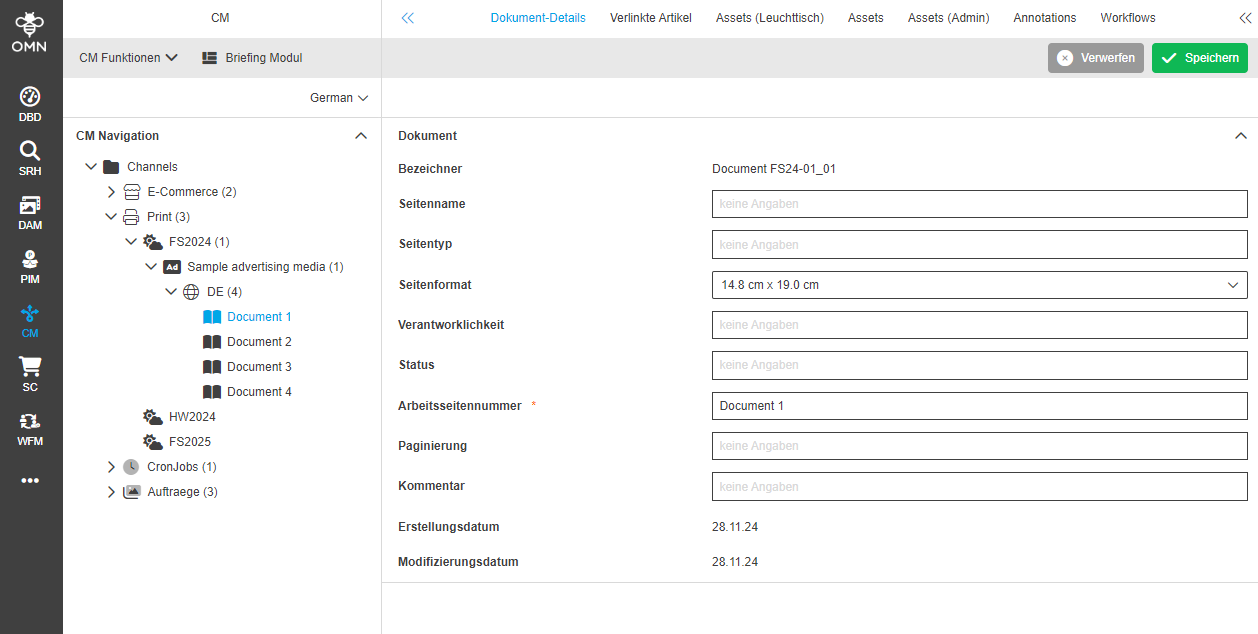
Figure 3. For comparison: Representation of the tree in OMN
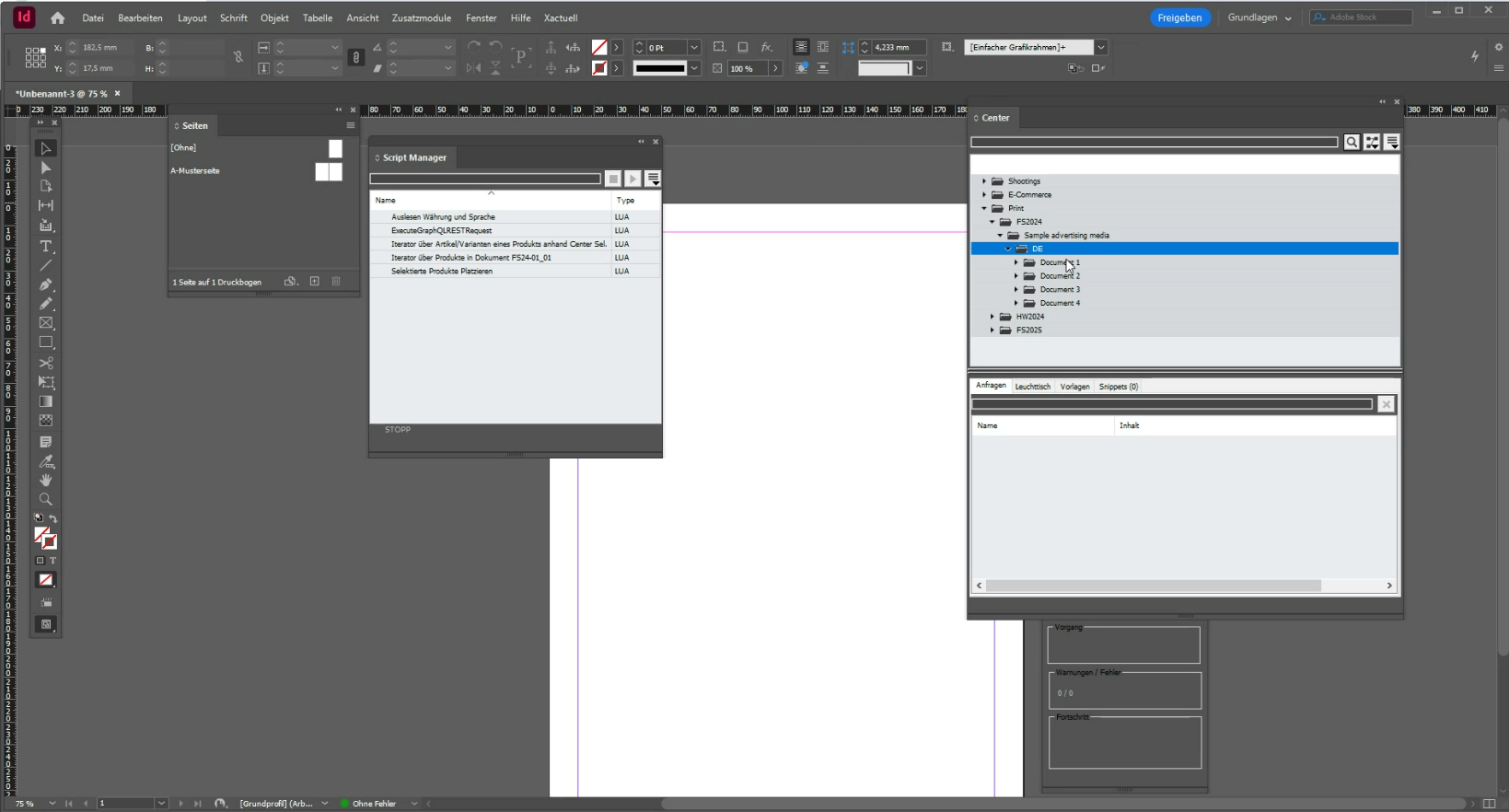
Figure 4. Display of the OMN CM project tree in the Xactuell Center - Display of the document nodes from OMN
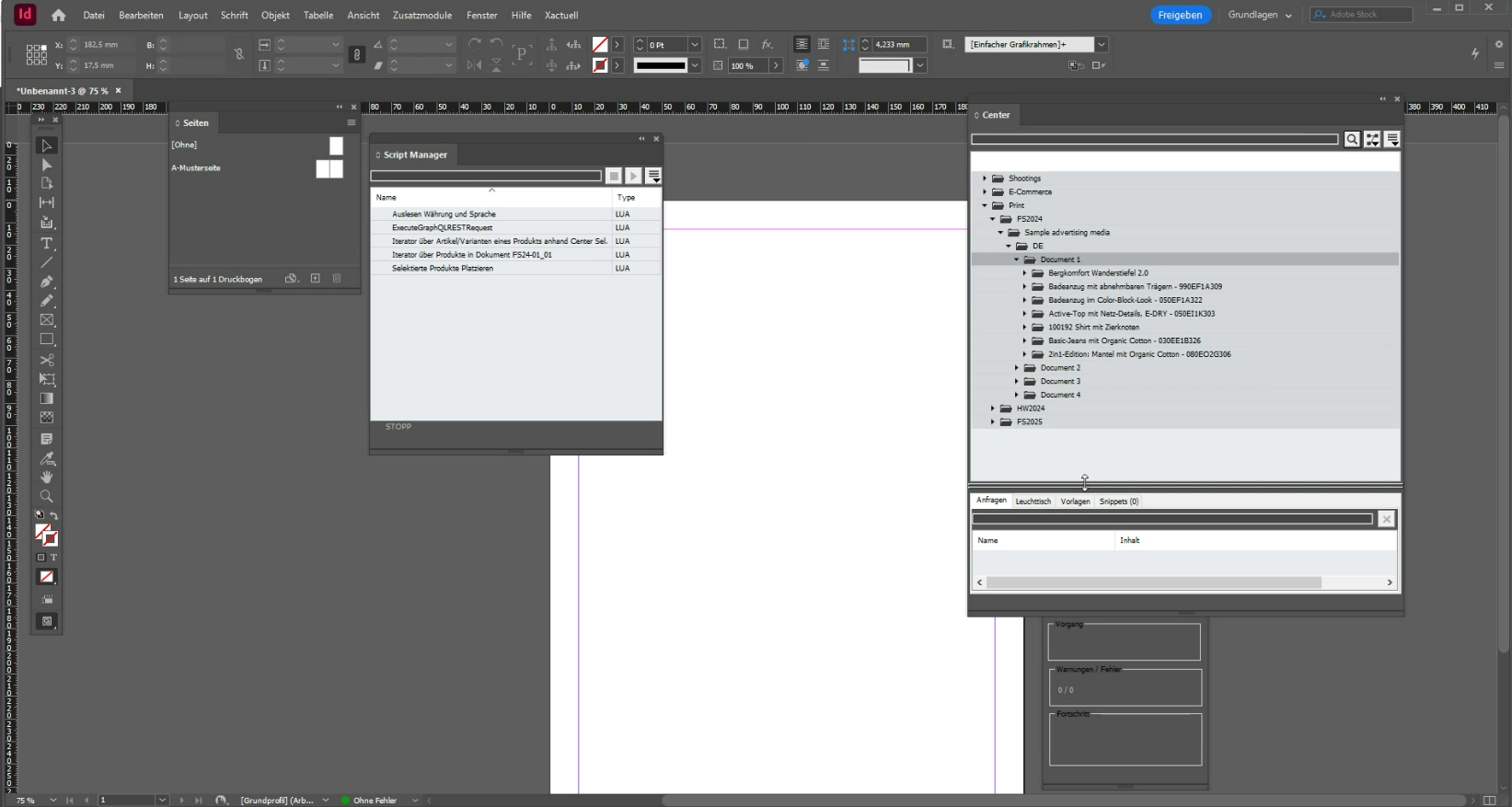
Figure 5. Display of the linked PIM products (PEOs) with the document node
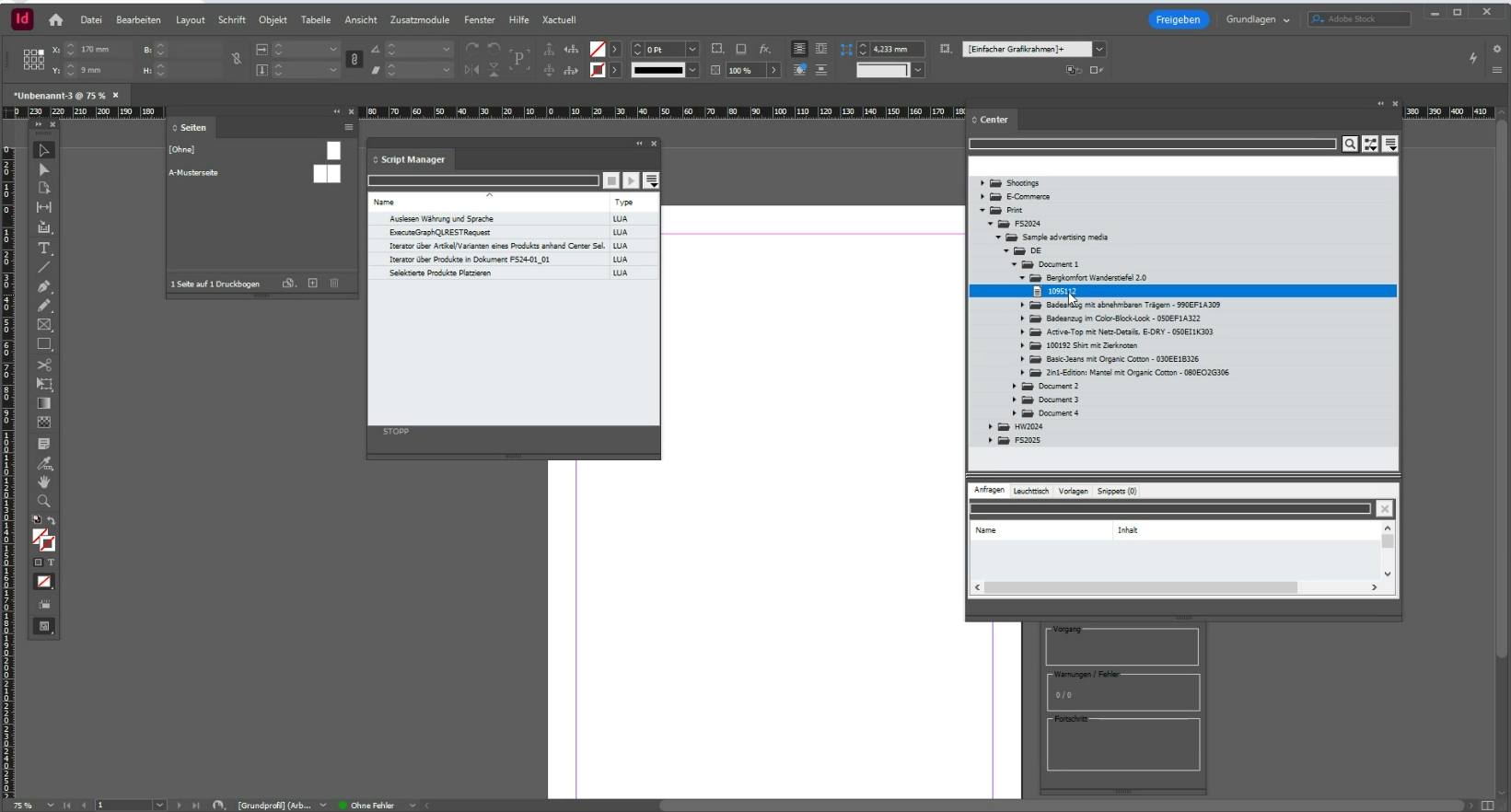
Figure 6. Display of the linked PIM products and their articles with the document node
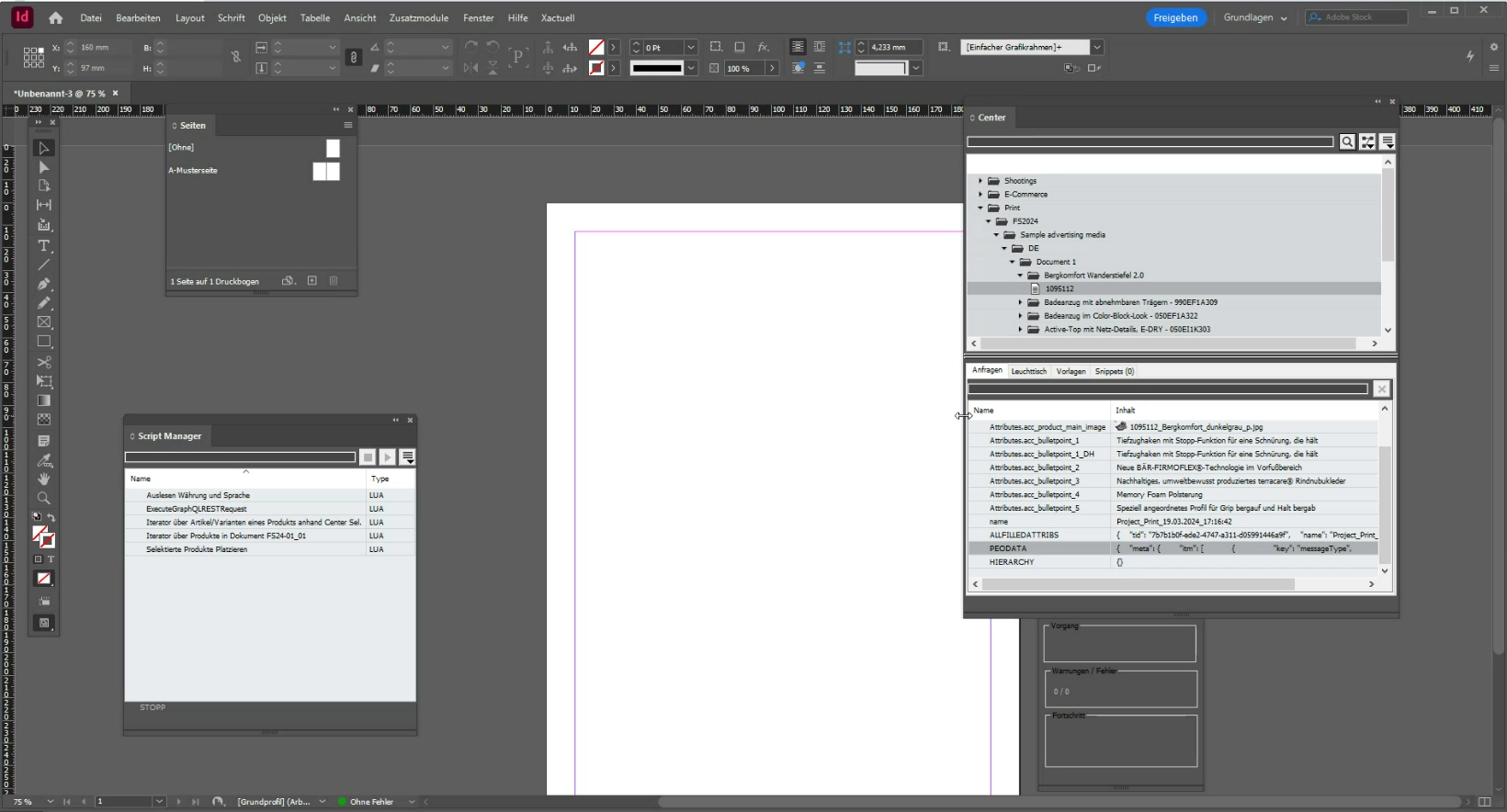
Figure 7. Display of requests for a selected article in the Xactuell Center and thus the attribute values of a product
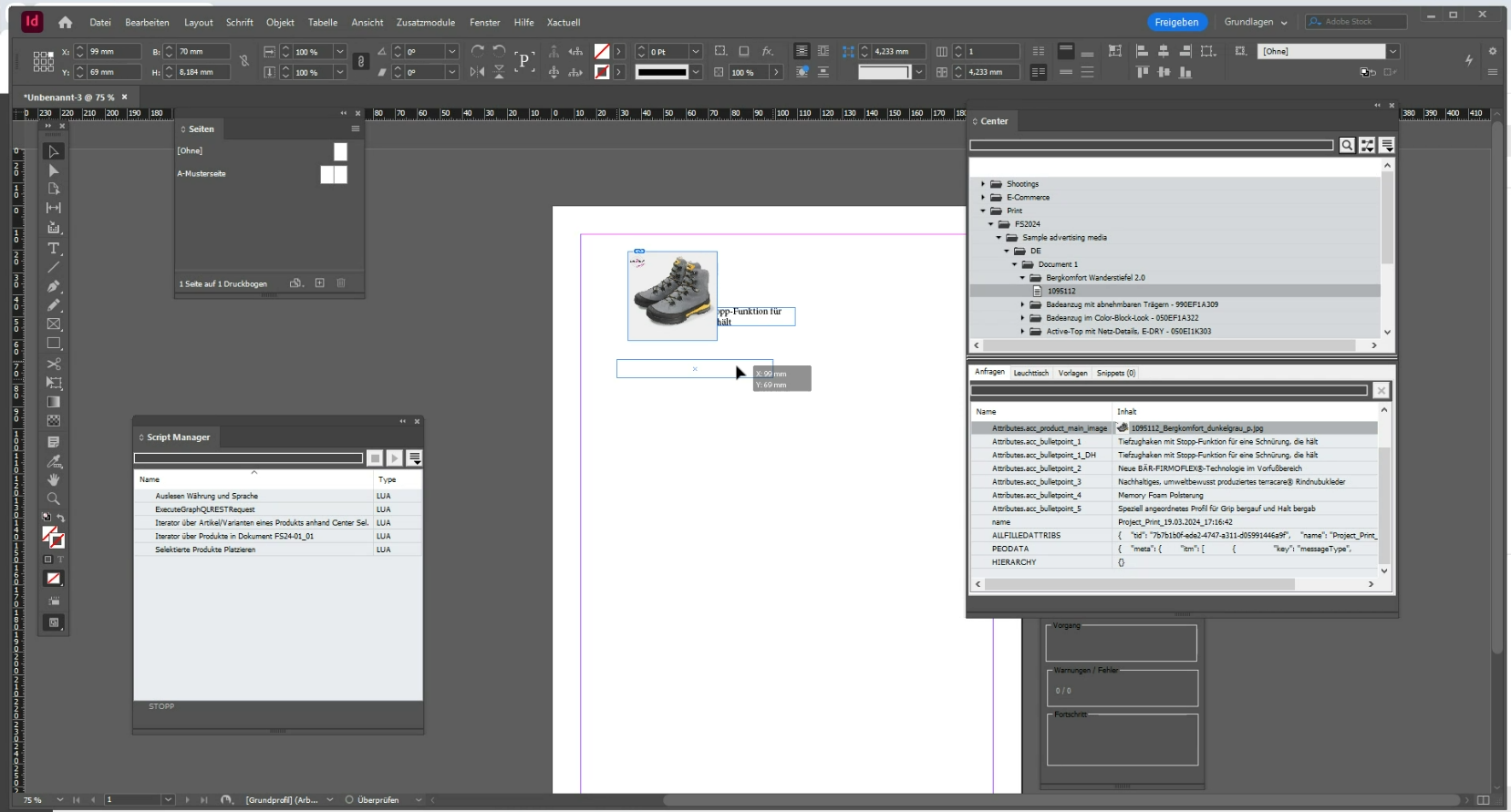
Figure 8. Placement of a product and its attributes on an InDesign document page via a template
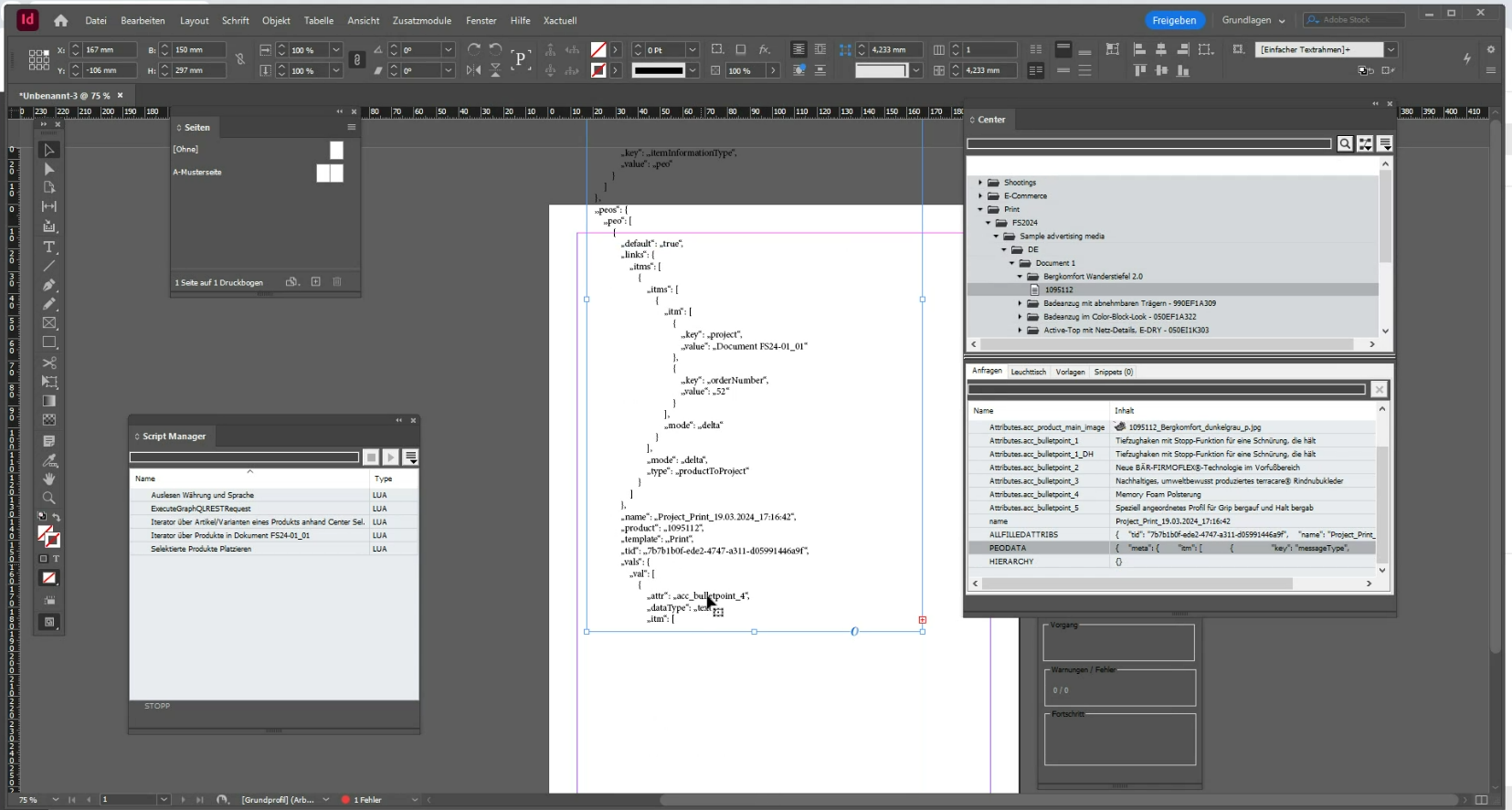
Figure 9. Access to the complete OMN-JSON object, which is provided via the OMN-API interface and thus to all product information (primarily useful for template development purposes)
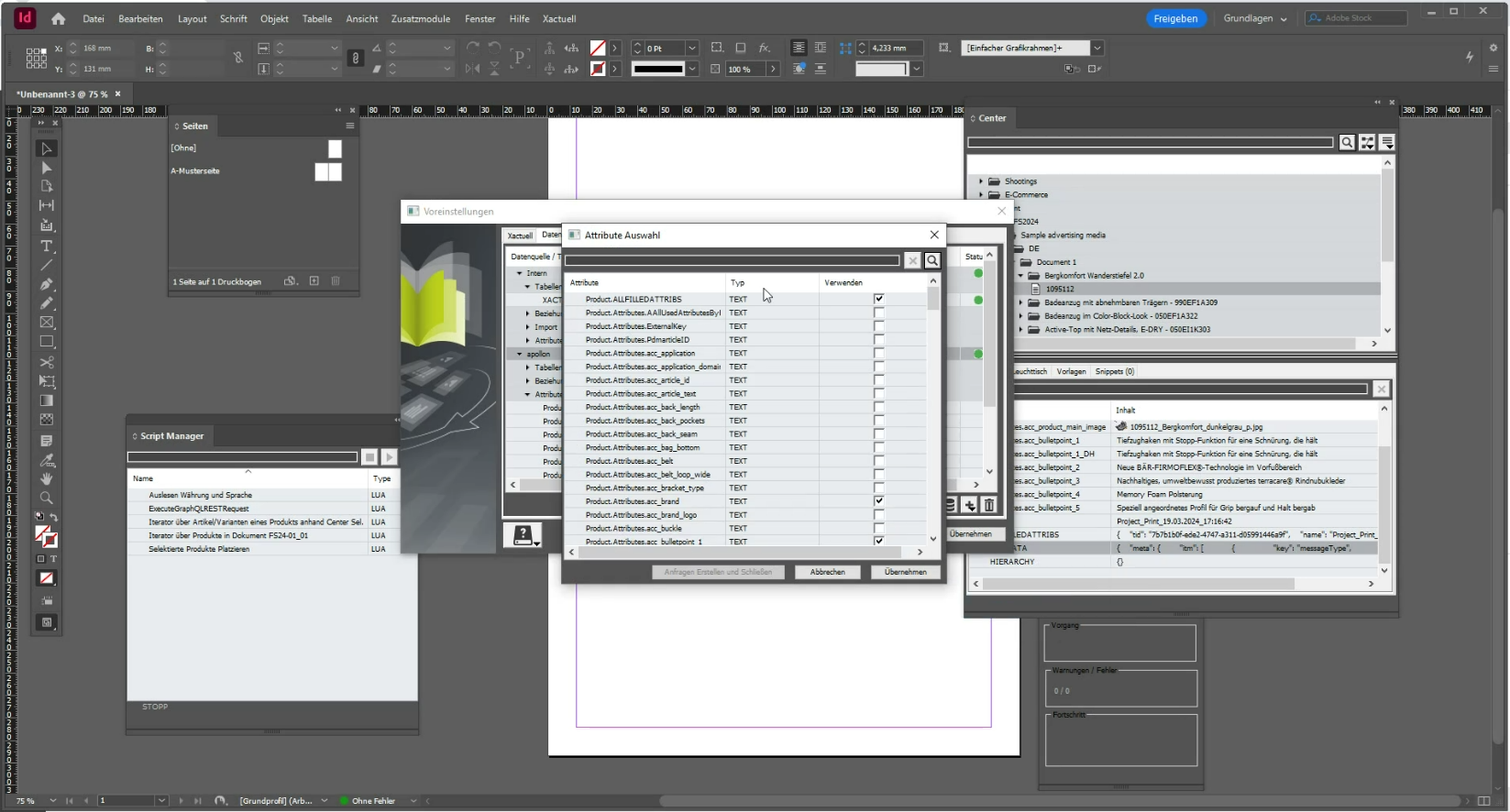
Figure 10. Configuration of the attributes in Xactuell that are to be displayed in the Xactuell Center based on the attribute values provided by the OMN API
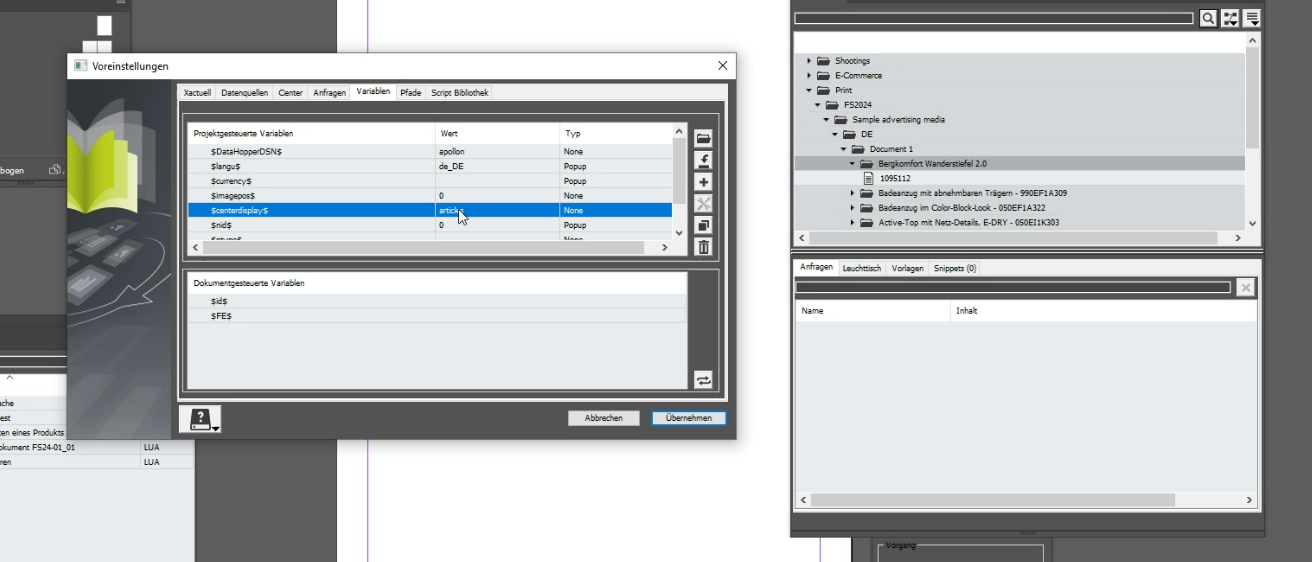
Figure 11. (1) Configuration of which level (product or article) should be displayed in the Xactuell Center as part of the project tree (for comparison: display with product + article)
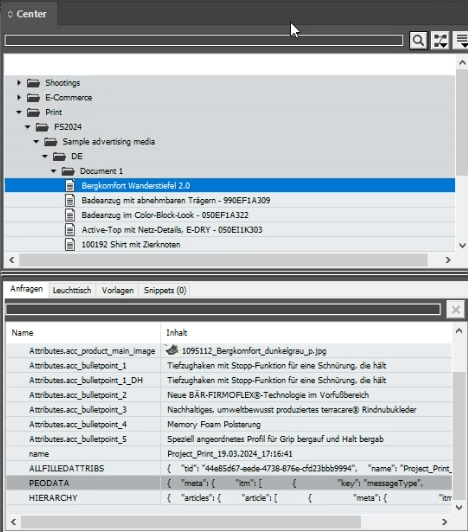
Figure 12. (2) Configuration of which level (product or article) should be displayed in the Xactuell Center as part of the project tree (for comparison: display only articles)
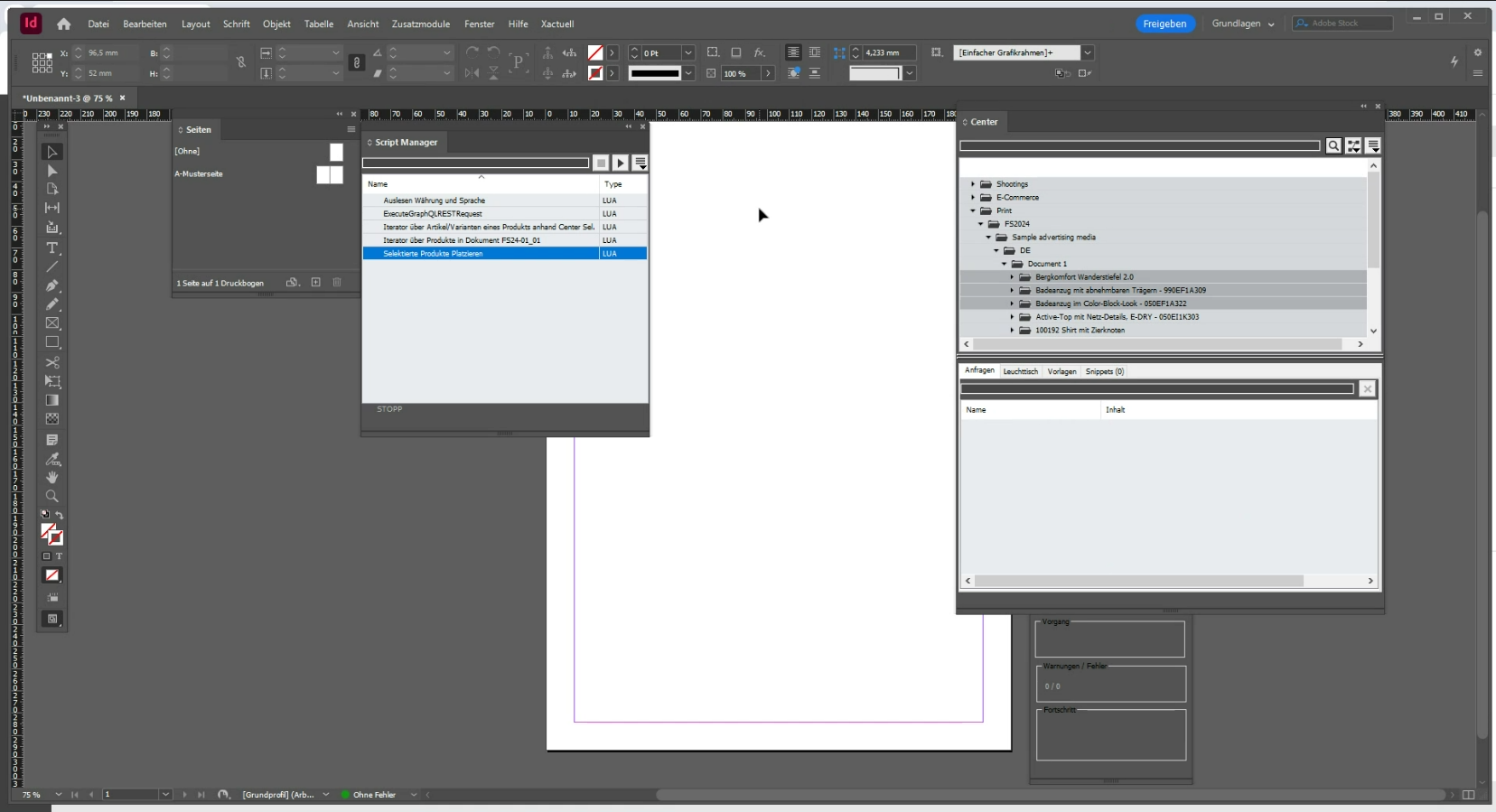
Figure 13. Multiple selection of products in the Xactuell Center
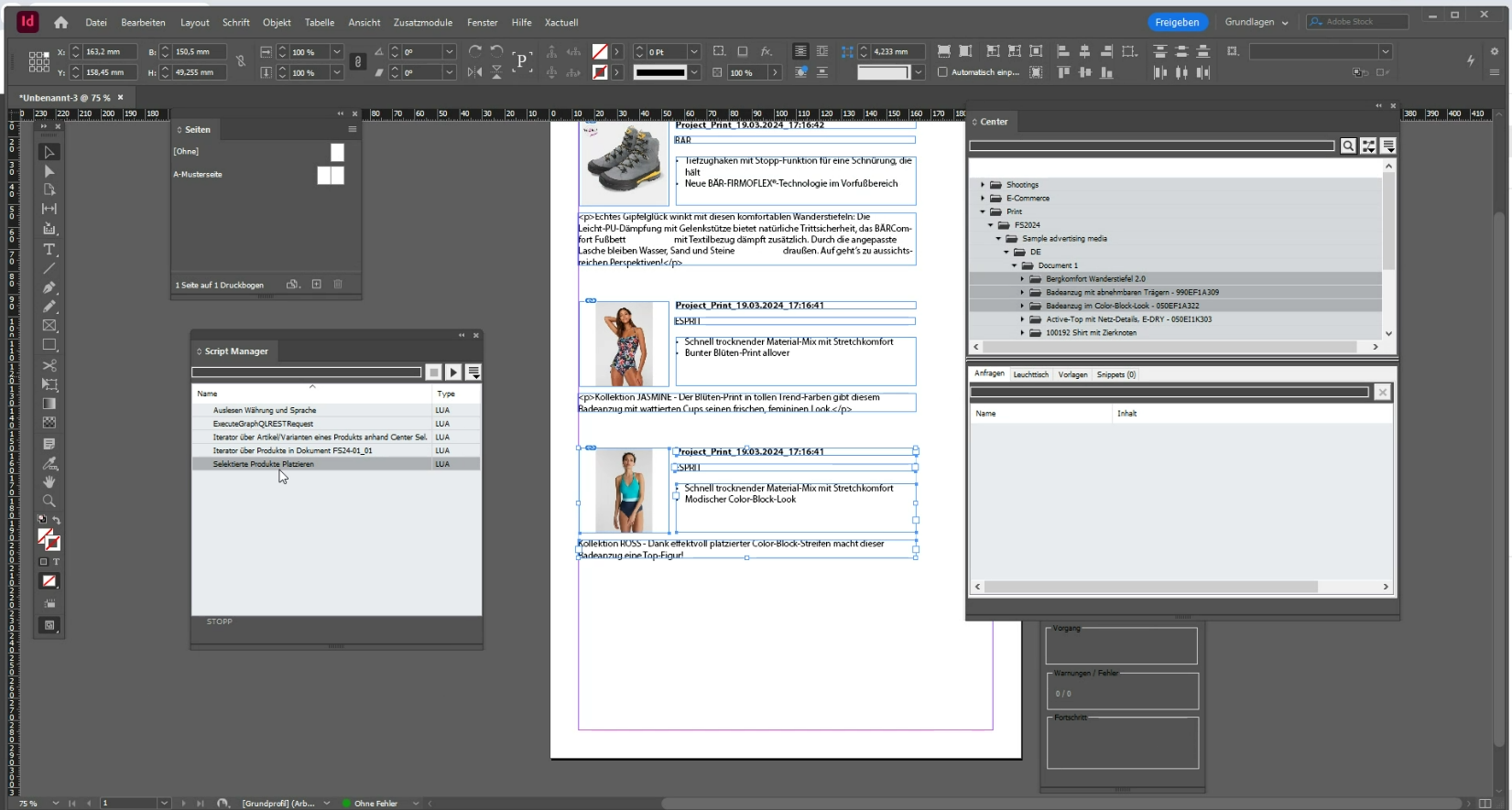
Figure 14. (Multiple) placement of products via a template on the InDesign document
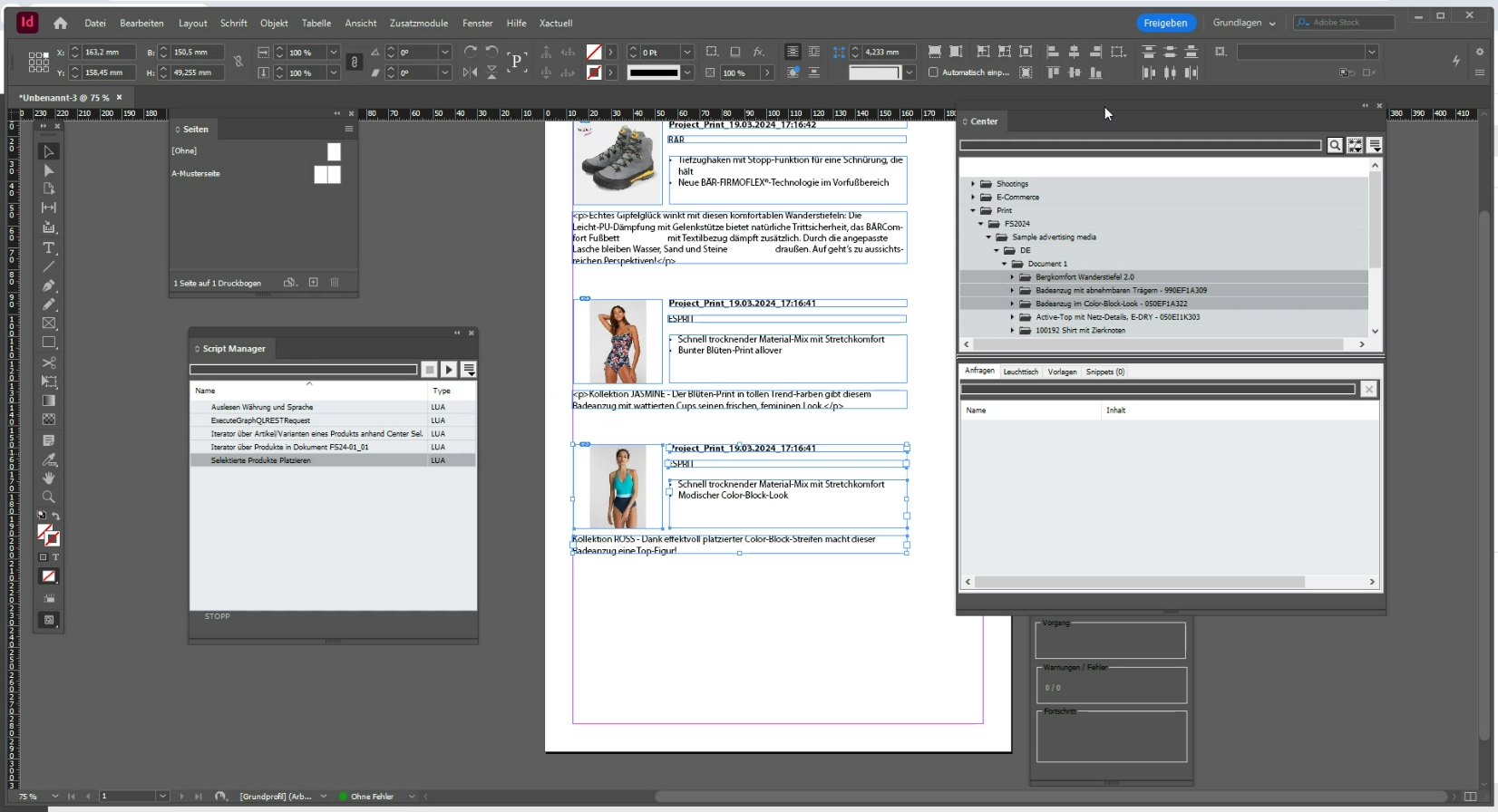
Figure 15. Possibility of updating individual attribute values
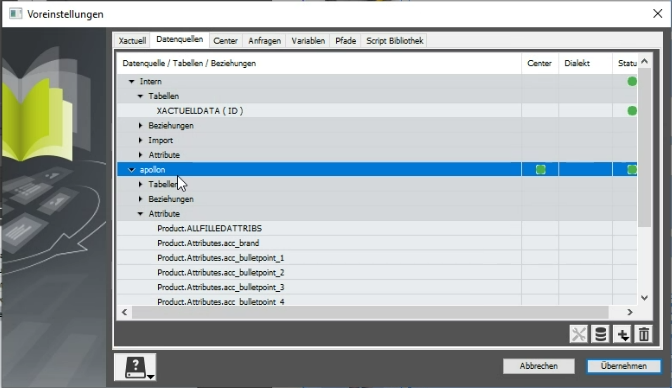
Figure 16. Configuration of attributes in Xactuell
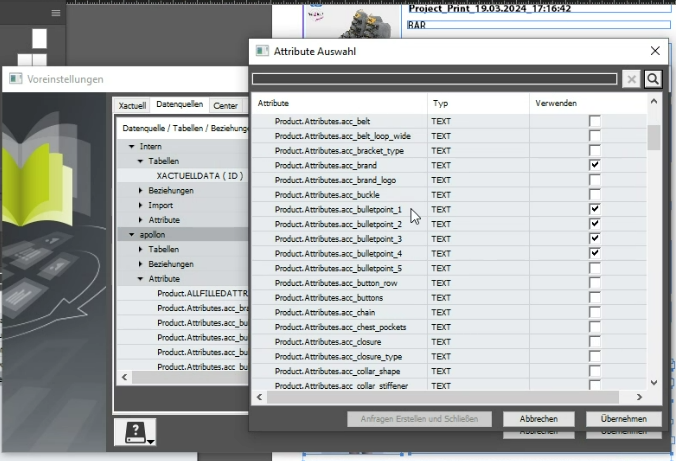
Figure 17. (1) Creation of Datahopper queries in the context of a selected attribute value (the attributes are read dynamically via the OMN interface)
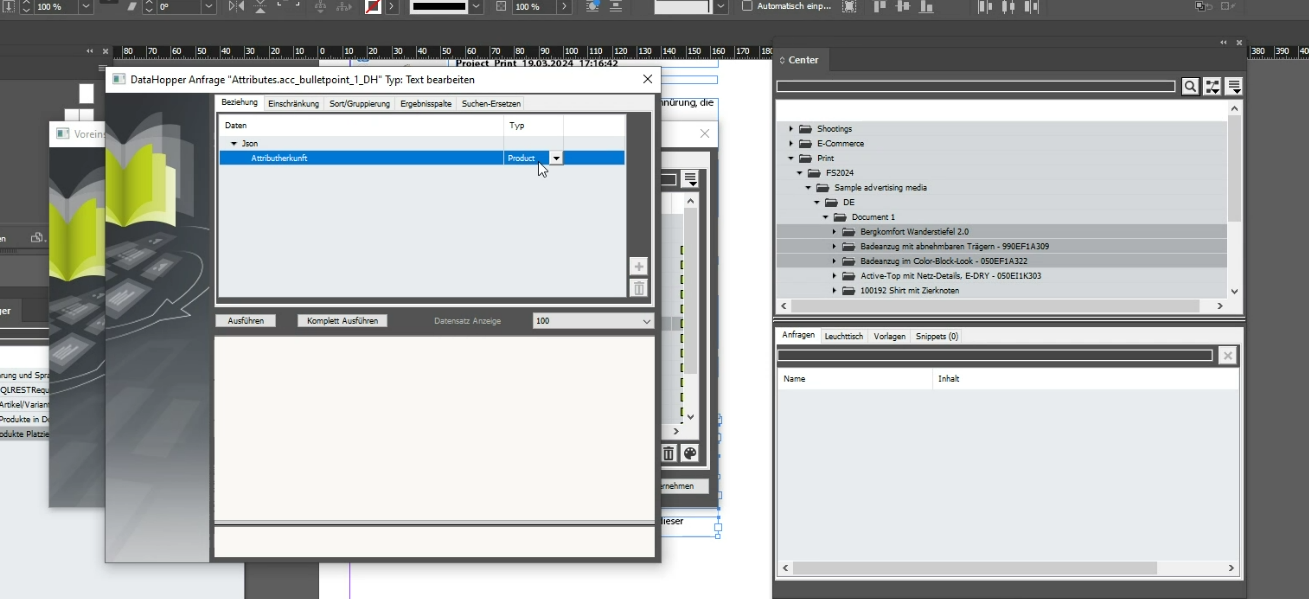
Figure 18. (2) Creation of Datahopper queries in the context of a selected attribute value (the attributes are read dynamically via the OMN interface)
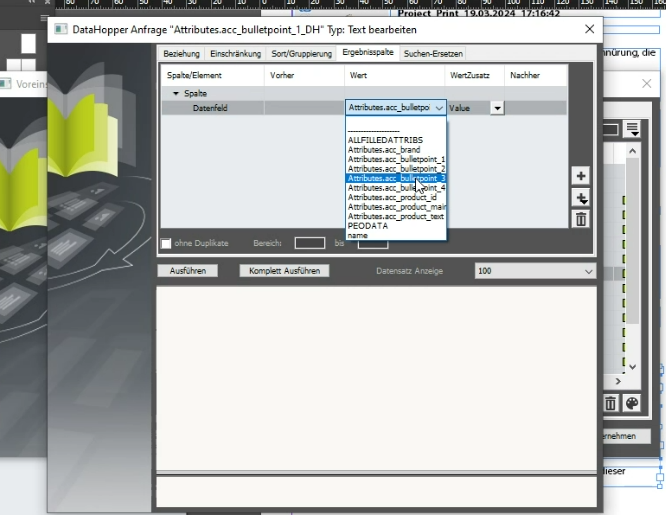
Figure 19. (3) Creation of Datahopper queries in the context of a selected attribute value (the attributes are read dynamically via the OMN interface)
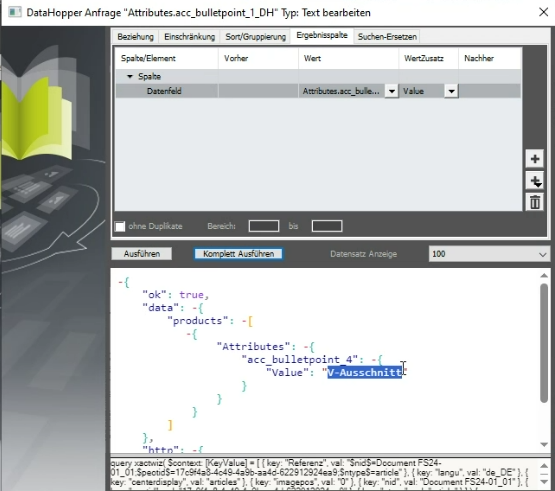
Figure 20. (4) Creation of Datahopper queries in the context of a selected attribute value (the attributes are read dynamically via the OMN interface)
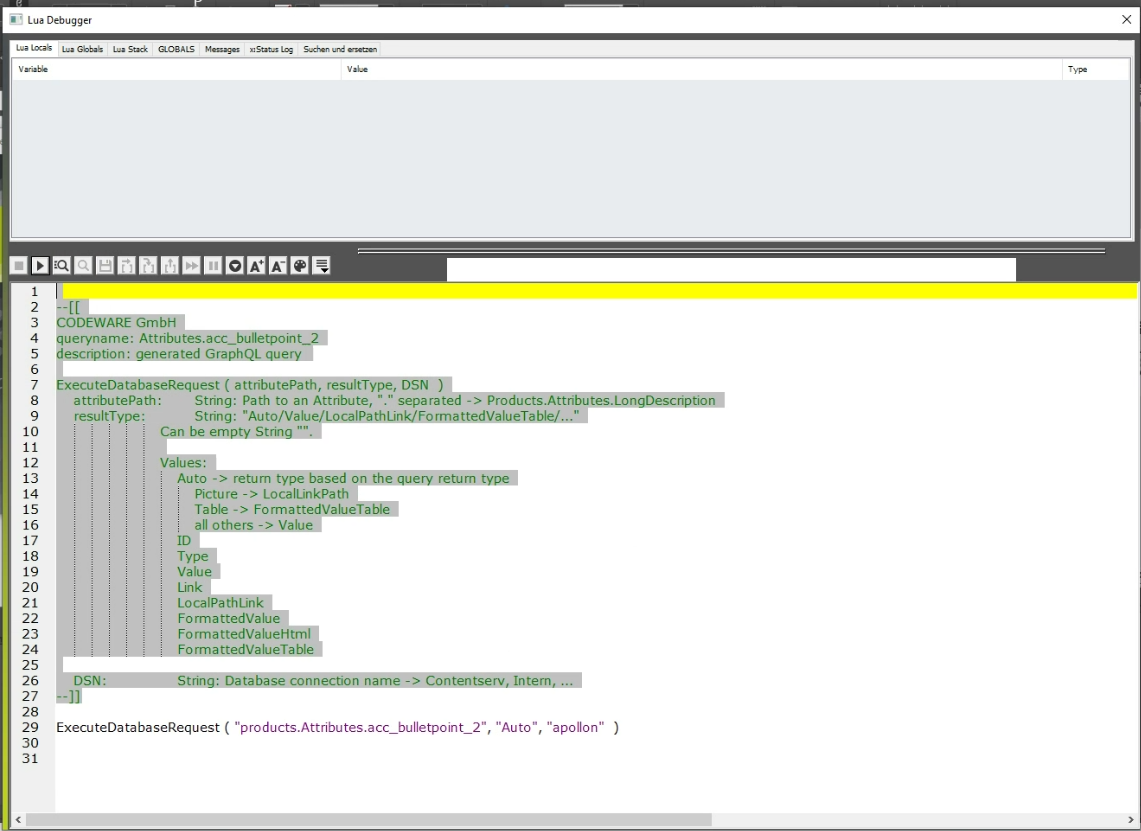
Figure 21. (1) Programmatic access via LUA to the OMN-API
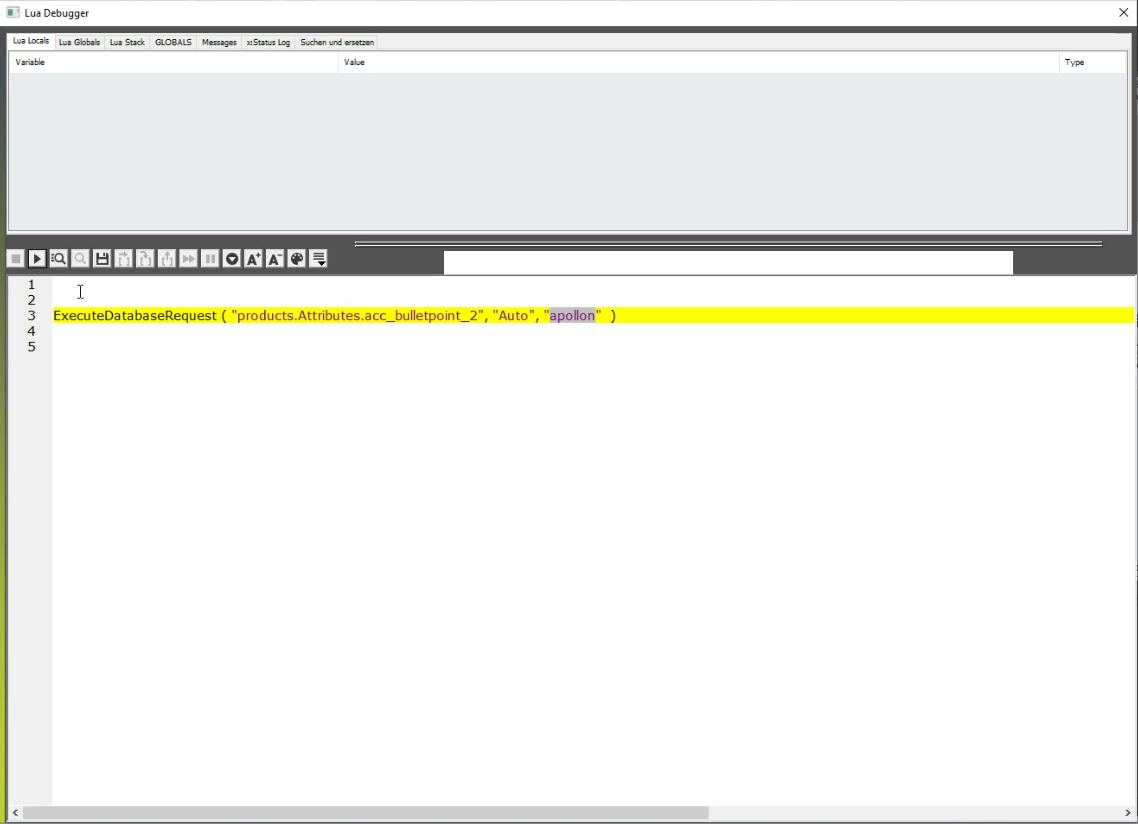
Figure 22. (2) Programmatic access via LUA to the OMN-API
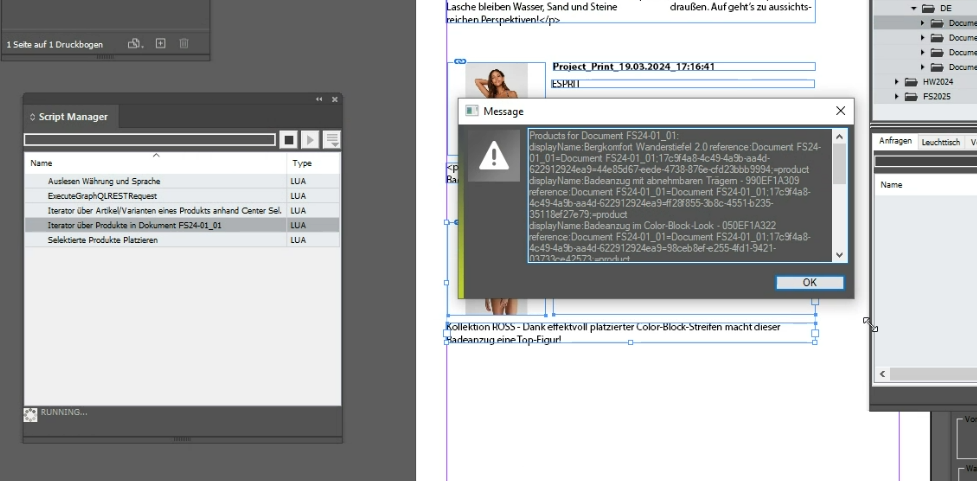
Figure 23. (1) Help script for determining the products in a document
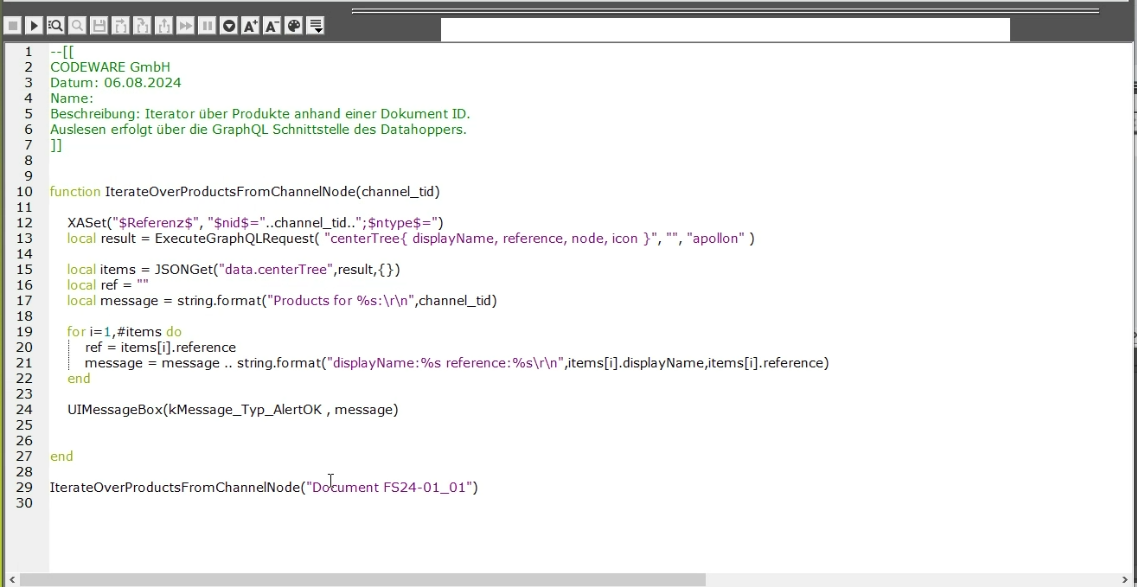
Figure 24. (2) Help script for determining the products in a document
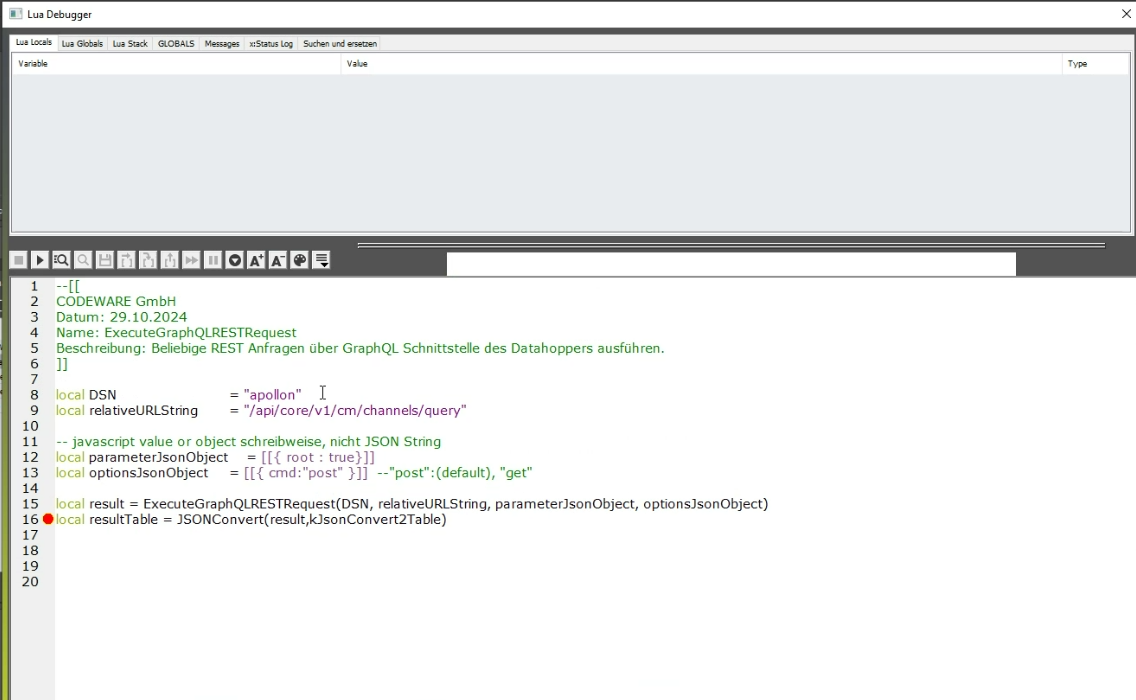
Figure 25. Execution of rest queries via the GraphQL Datahopper interface to OMN-API
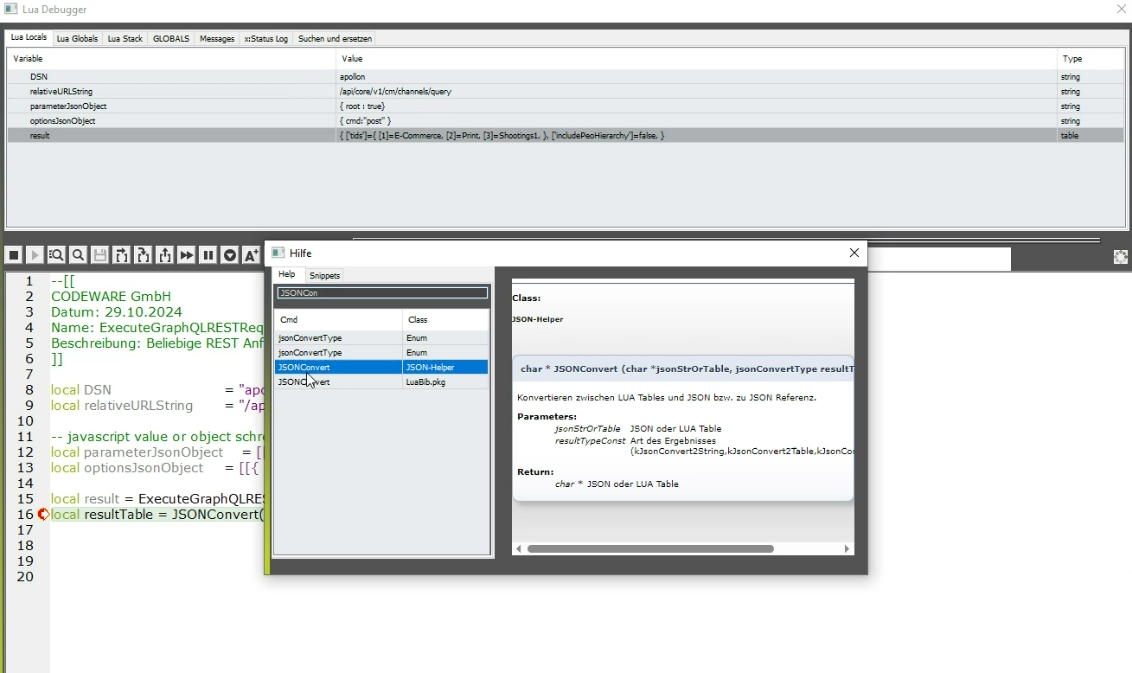
Figure 26. Inline help for programmers in the context LUA and use of JSON
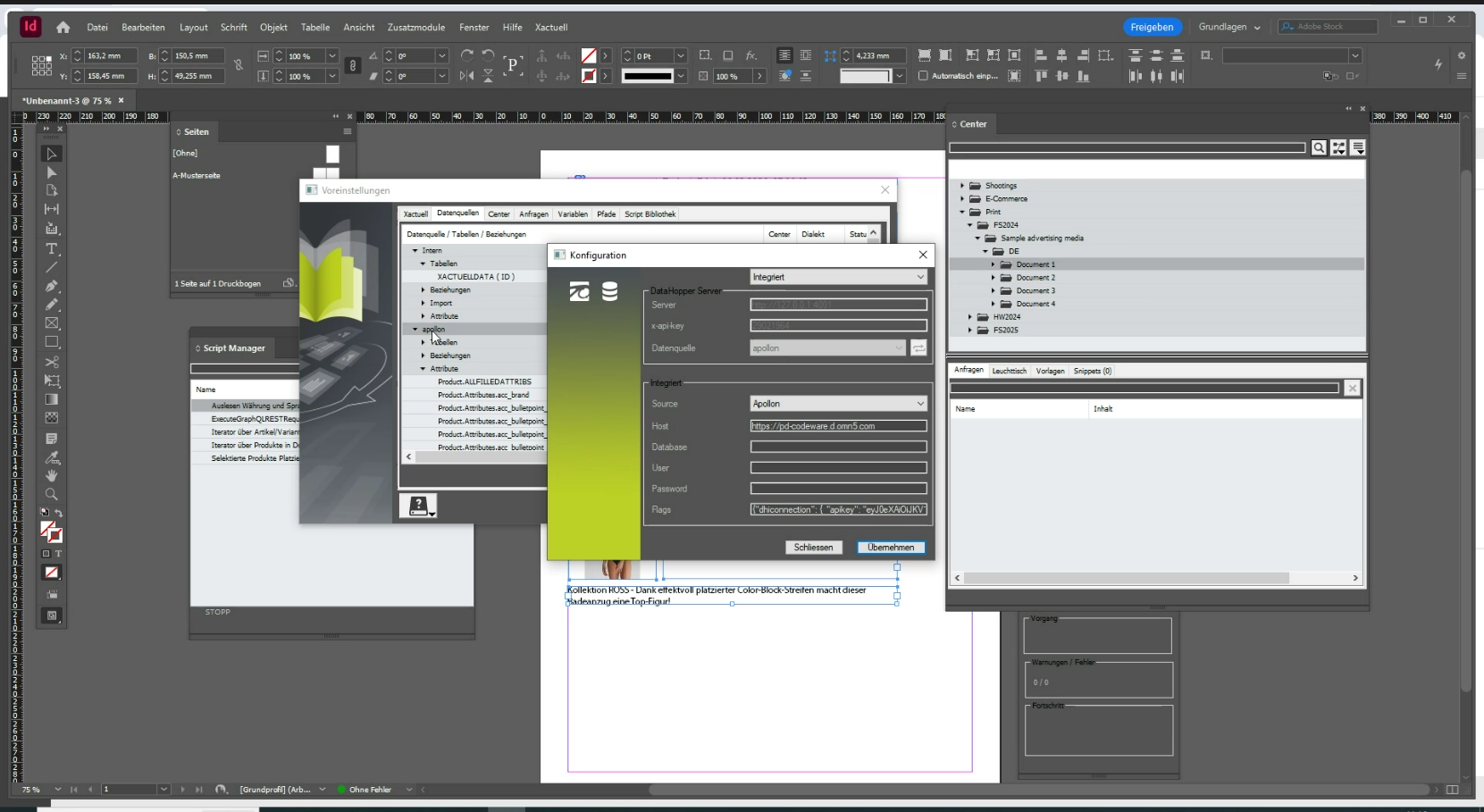
Figure 27. Establishing an OMN connection via the apollon OMN integration project (requires an API key that can be generated via OMN)
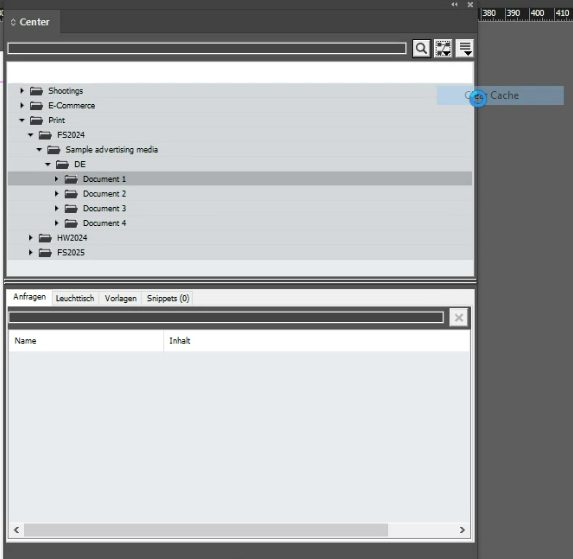
Figure 28. Caching settings in Xactuell for retrieving product information: the cache can be emptied via the client
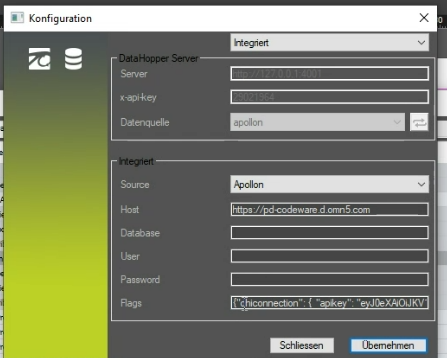
Figure 29. Caching settings in Xactuell for retrieving product information: whether and for how long caching takes place can be set in the project
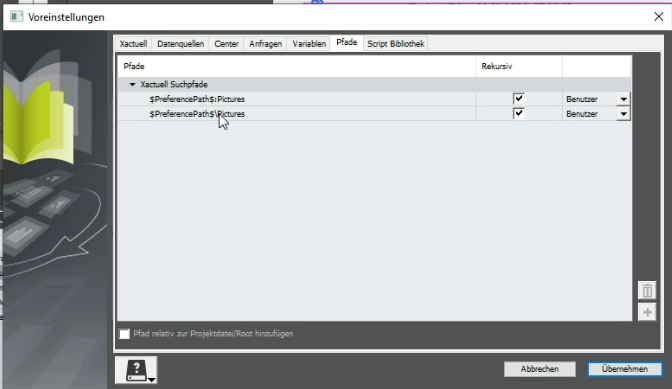
Figure 30. Storage of search paths for images, e.g. specification of a network path