Related Assets
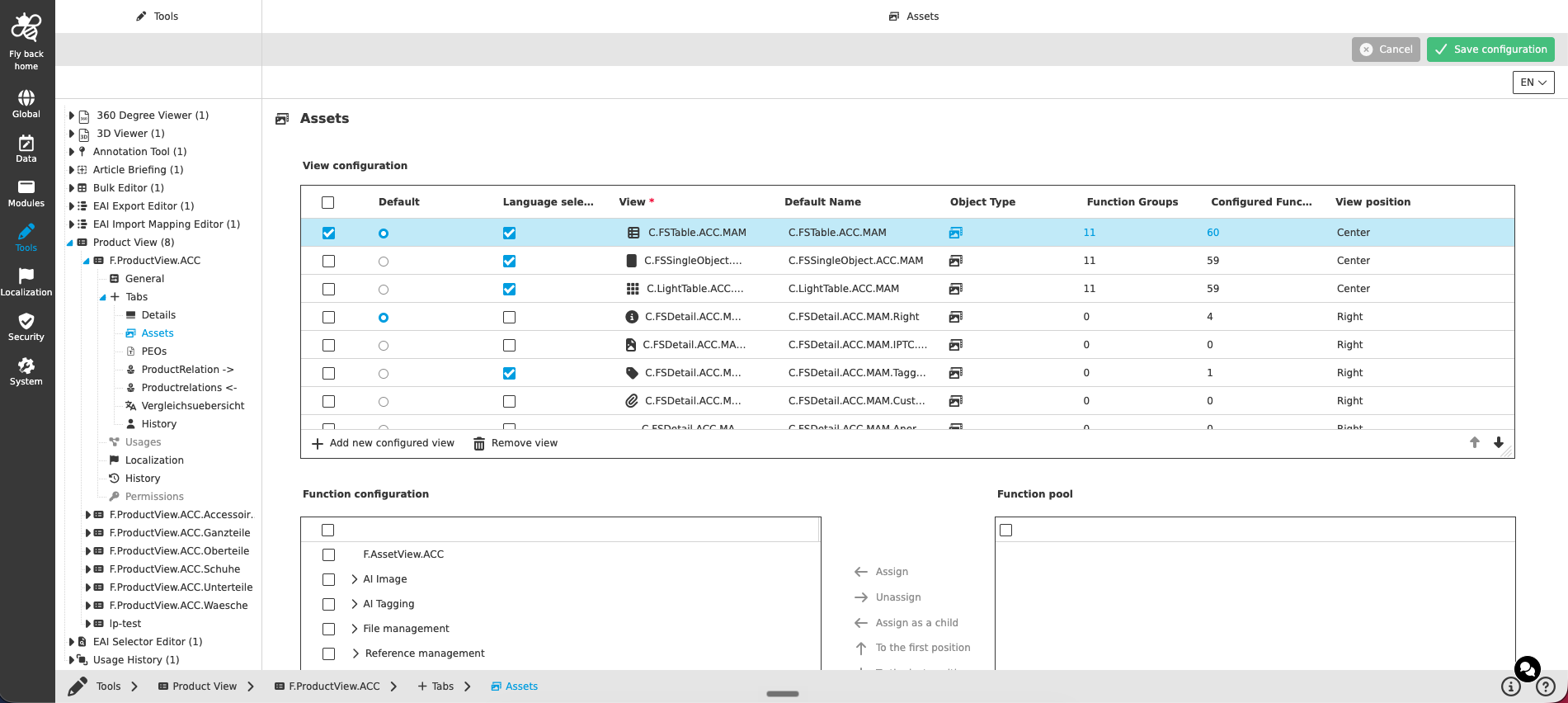
This tab type provides views presenting the assets referenced to the currently opened product.
The tab is available as a sub-element of the 'Tabs' tab in the tree of the Configuration Client as soon as it is configured on the Tabs page and the configuration is saved. It is represented with its icon and the configured tab name.
Adding content views
The concept of adding the content views to a page is the same throughout the whole Configuration Client, detailed description can be found here.
|
Configuring the views for the Related Assets tab, mind that:
|
Adding functions to a content view
The concept of adding functions to content views is the same throughout the whole Configuration Client, detailed description can be found here.
The function configuration section is only available if one table row is selected in the 'View configuration' table.
| In the current implementation only toolbar functions can be configured. Only function plugin instances matching the object type of the related content view plugin are shown. |