General
This page allows to define the Channel Workflow View specific view settings for the content plugin.
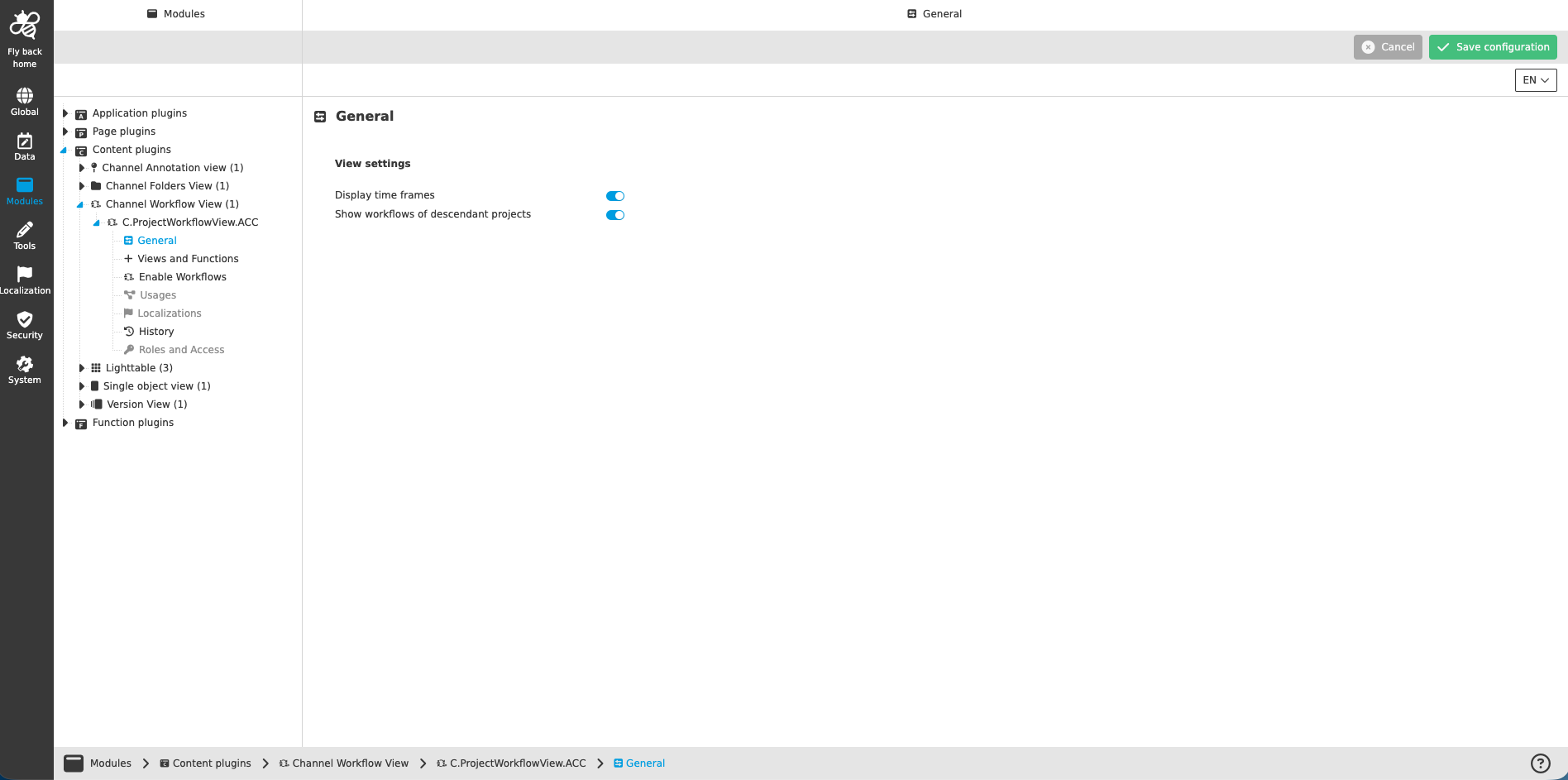
Figure 1. General configuration for Channel Workflow View plugin
| Name of option | Description | Note |
|---|---|---|
Display time frames |
If the toggle is turned on, time frames are displayed in the left view of Channel Workflow View plugin. The user can filter workflows by certain time periods. |
The toggle is turned on by default |
Show workflows of descendant projects |
If the toggle is turned on, the UI shows workflows of descendant channels. |
The toggle is turned on by default |