Welcome Page
Introduction
Welcome Page is a page that provides you with the needed information for starting work with OMN. The information on the page is fully configurable.
Opening of Welcome Page
Depending on the configuration of the system, the WelcomePage can be displayed directly after successful login.
Also, it is possible to integrate the WelcomePage as a sidebar element. This makes sense, for example, if this page contains important information for the user and there is a need to open it again. (e.g. information about maintenance windows, updates, etc.)
The welcome page is displayed in the frontend according to the configuration in OMN ConfigClient (for more details, please refer to this page).
Depending on the configuration, the WelcomePage can consist of left, middle, and right views.
The page can be designed via HTML elements in the backend.
Here are the examples of differently configured Welcome pages:
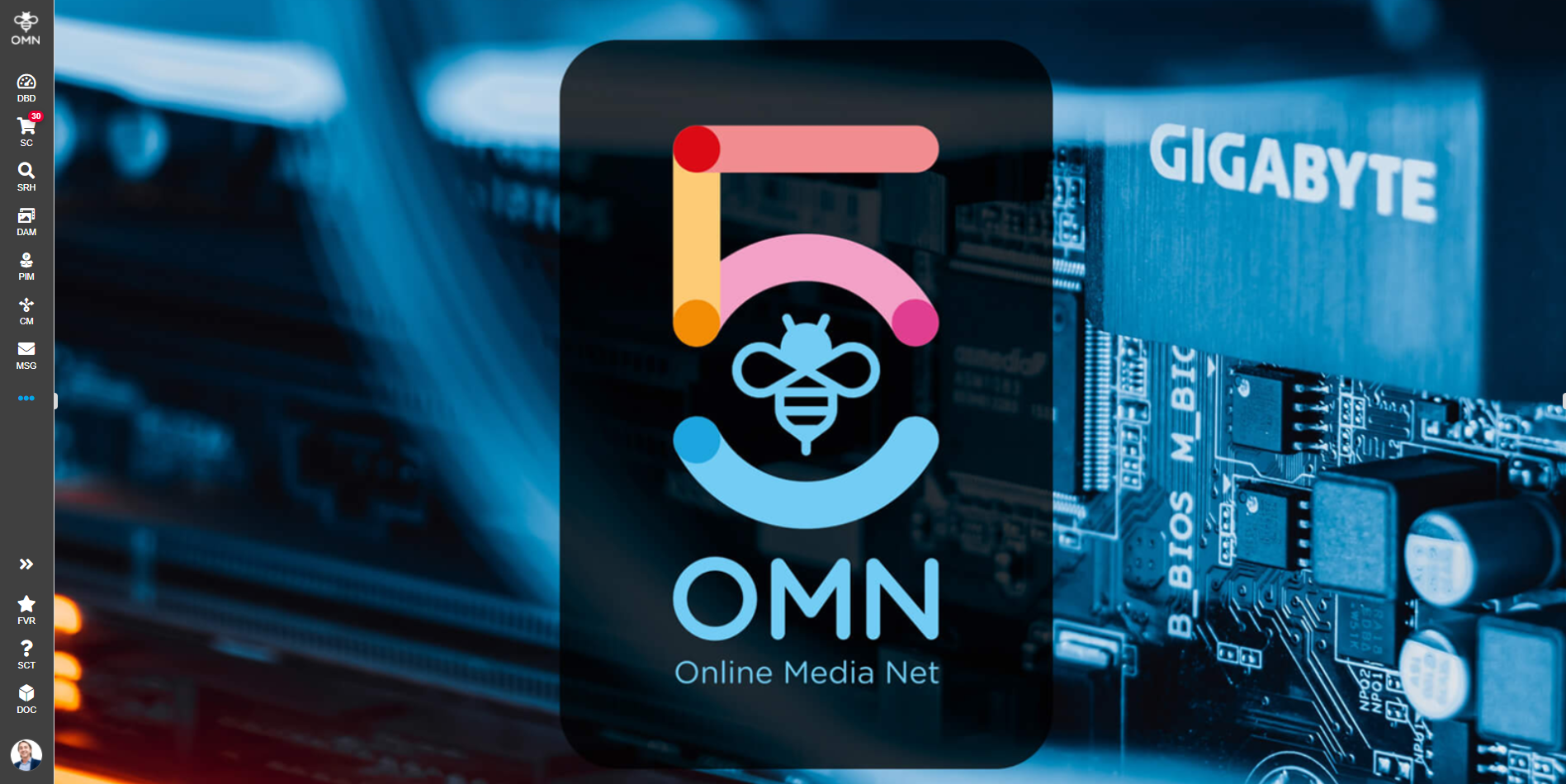
Figure 1: Example WelcomePage (only center view)
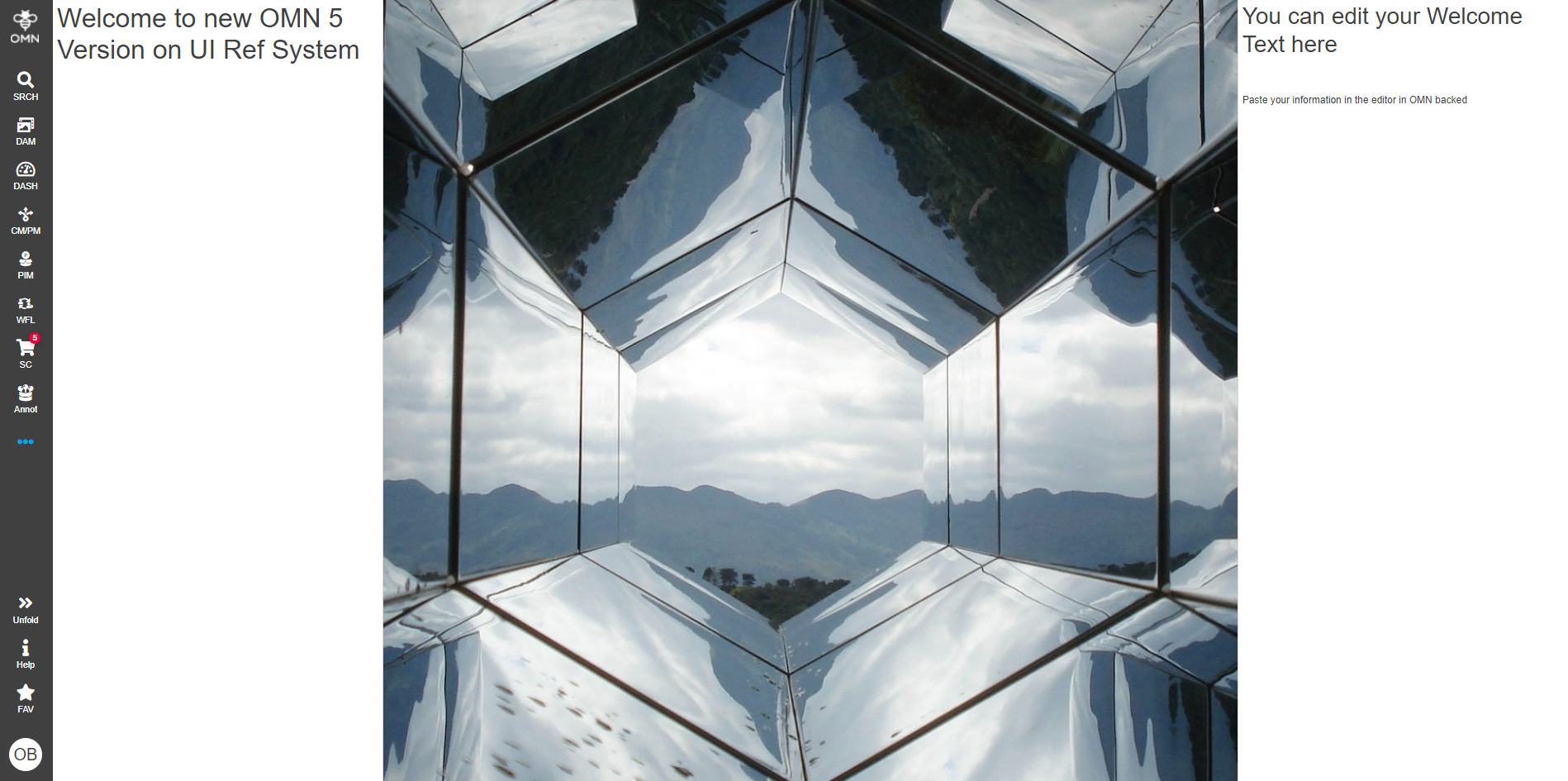
Figure 2: Example WelcomePage (with left, center and right views)
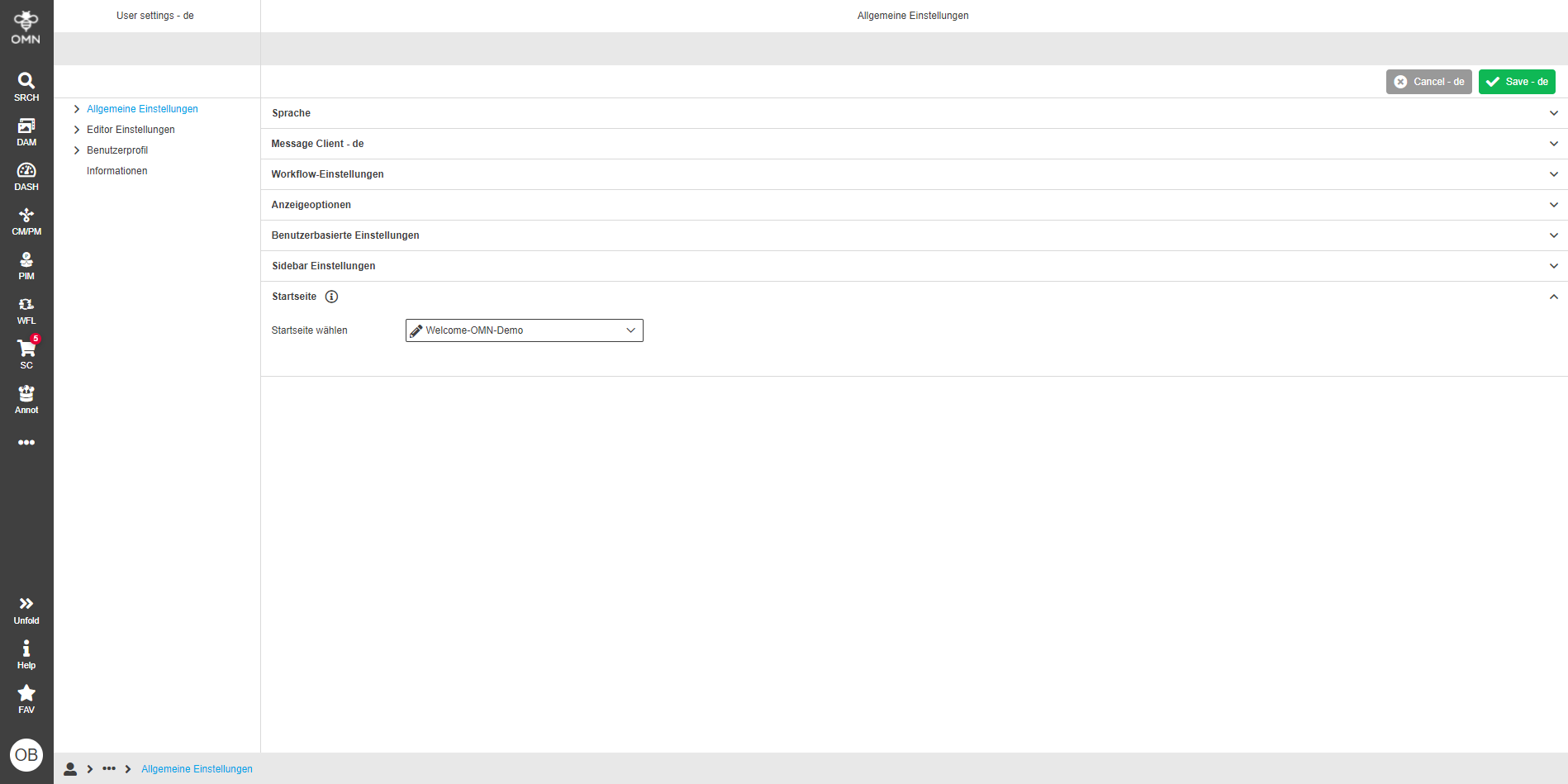
The user has the possibility to individually select the start page that is called after the successful login (see also User settings page). The start page can also be selected here: