Coarse JPG Preview
Coarse previews are medium sized JPEG previews of an asset. They are used e.g. in the light table, in the detail view or as preview image while the original pixel preview is loaded.
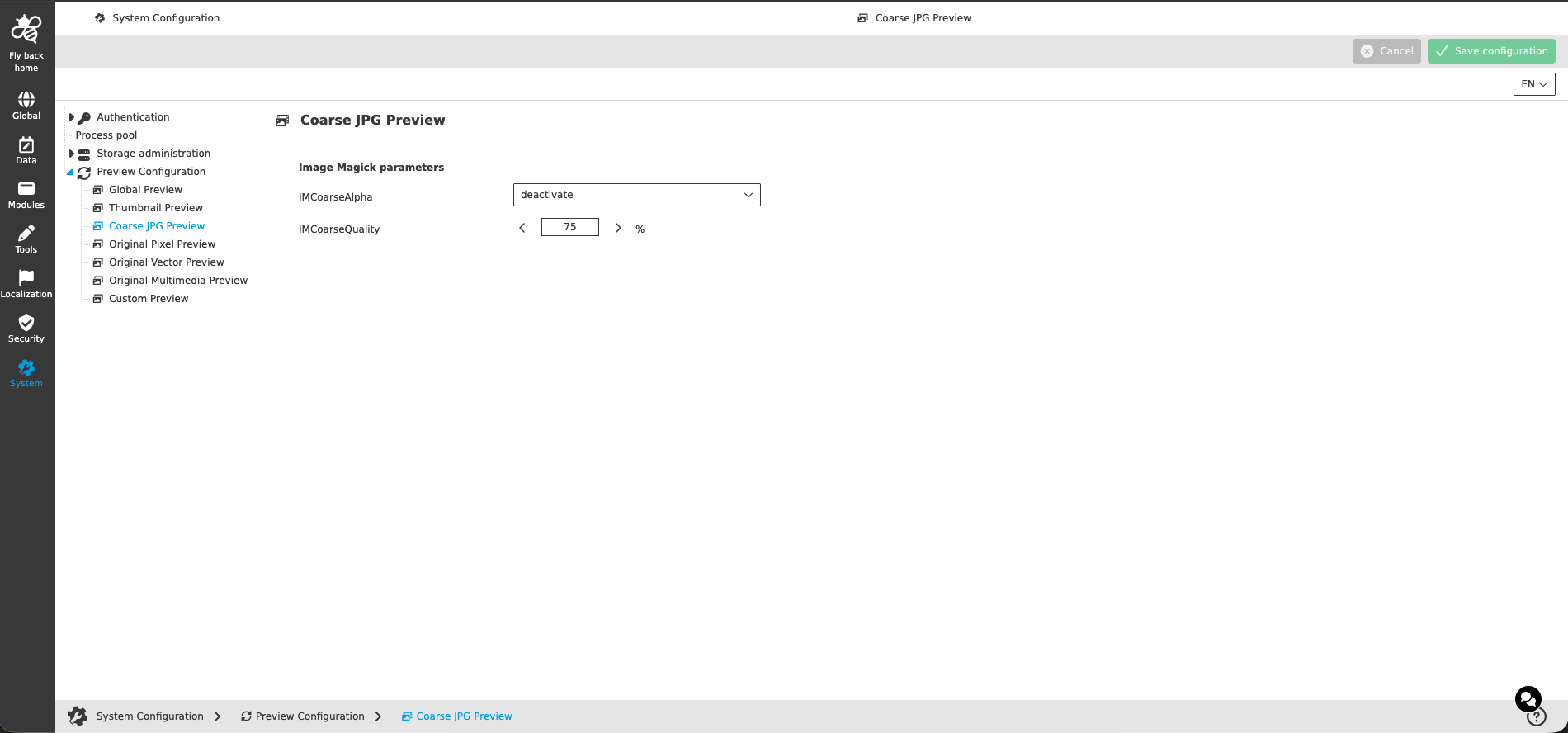
Image Magick parameters
| Name of option | Description | Note |
|---|---|---|
IMCoarseAlpha |
Defines how the alpha channel (transparency) of the source file is handled when the coarse preview is generated. The available options correspond to the ImageMagick alpha options (e.g. 'deactivate' ignores the alpha channel, 'none' keeps it untouched, 'opaque' makes the image fully opaque). |
|
IMCoarseQuality |
JPEG compression quality of the generated coarse previews in percent. A higher value results in a better quality but a bigger file size of the preview. |
|