General
This page describes how to configure the general behavior of the search field of the Search page plugin.
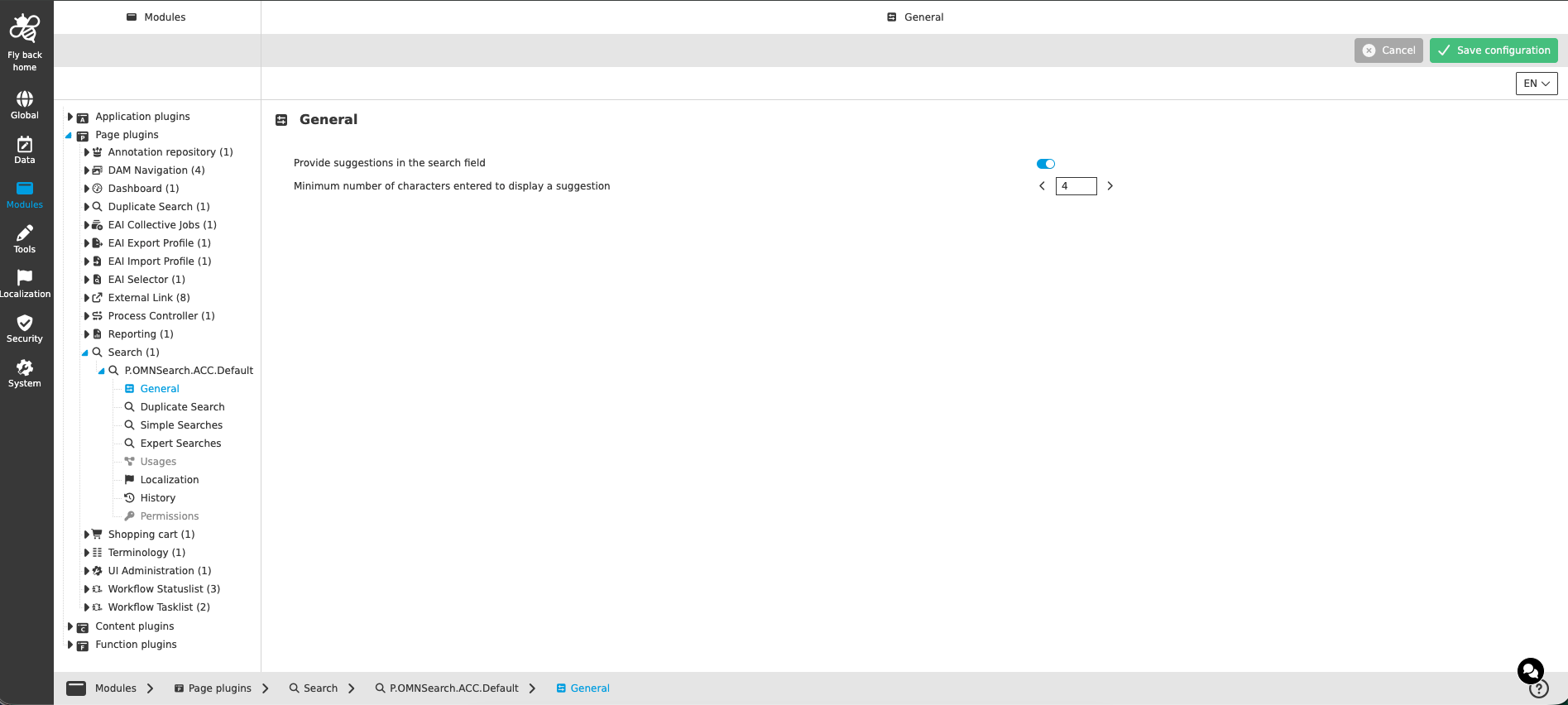
Figure 1. General tab of the Search page plugin
The general configuration contains the following parameters:
| Name of option | Description | Note |
|---|---|---|
Provide suggestions in the search field |
Toggle which enables suggestions when the user is typing a search query into the search input field. |
The toggle is turned off by default. If turned off, the user gets no suggestions while typing. |
Minimum number of characters entered to display a suggestion |
Stepper which determines the number of characters to enter before the suggestions appear. |
The stepper is only shown if the toggle 'Provide suggestions in the search field' is turned on. Default value is 3, allowed value range is 3 - 8. |