OMN CI HUB Connector for Adobe Express
The OMN CI HUB Connector is now available for Adobe Express.
Create Reels and TikTok videos, flyers, resumes, banners, and logos with the new all-in-one Adobe Express app for quick and easy content creation.
Discover the countless possibilities of Adobe Express:
-
Combine video clips, graphics, animations, and music to create drag-and-drop videos.
-
Perform one-click tasks using Adobe photo, design, video, and PDF tools.
-
Use Adobe Firefly generative AI to create extraordinary text effects and images from just a description.
-
Accelerate design development with thousands of professionally designed templates and Adobe Stock photos, videos and music.
-
Collaborate with your team in real time and comment on files.
-
Seamlessly access and link Photoshop and Illustrator assets, so they always sync automatically.
Quick guide to setting up the OMN CI HUB Connector in Adobe Express:
-
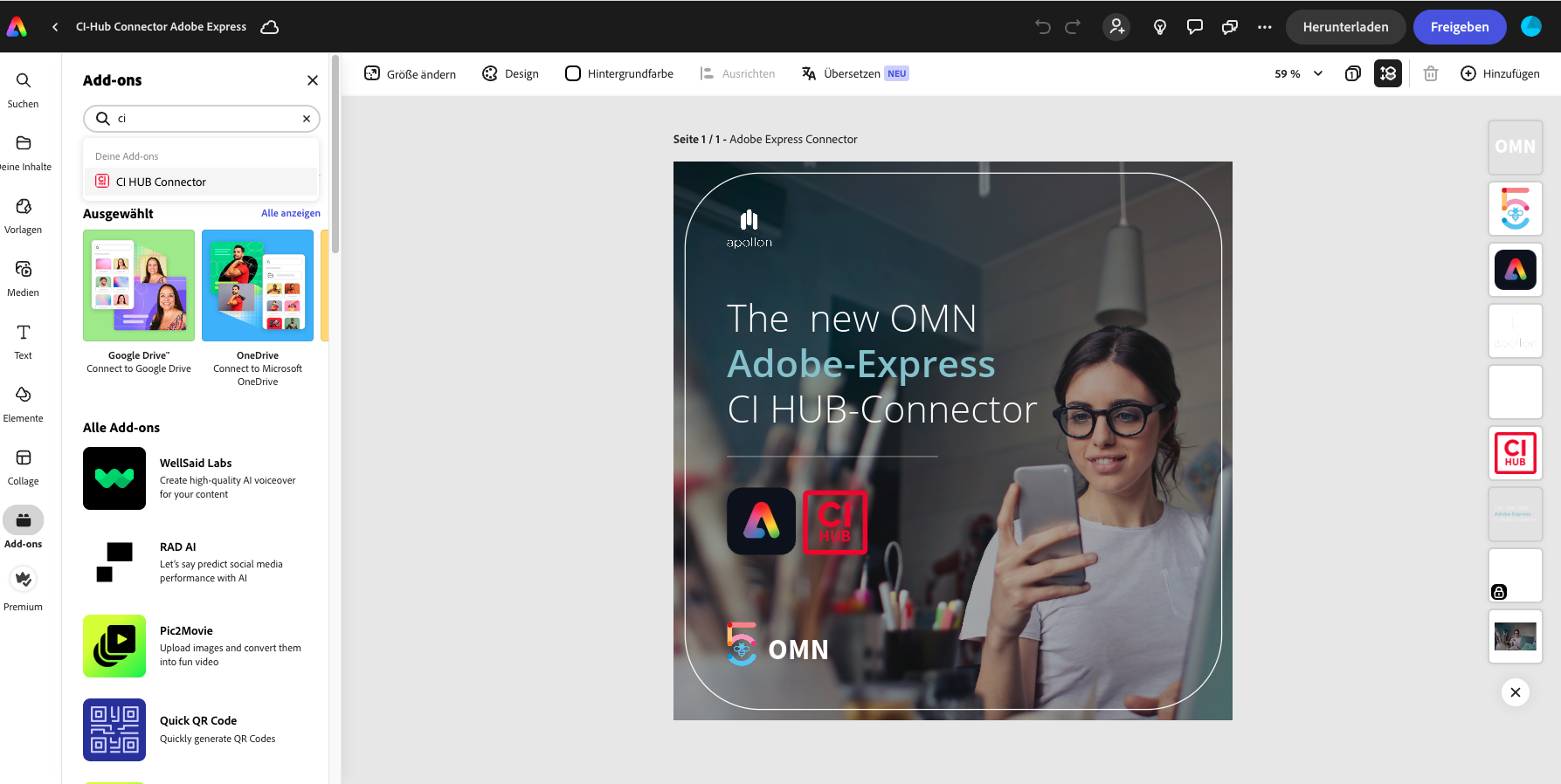
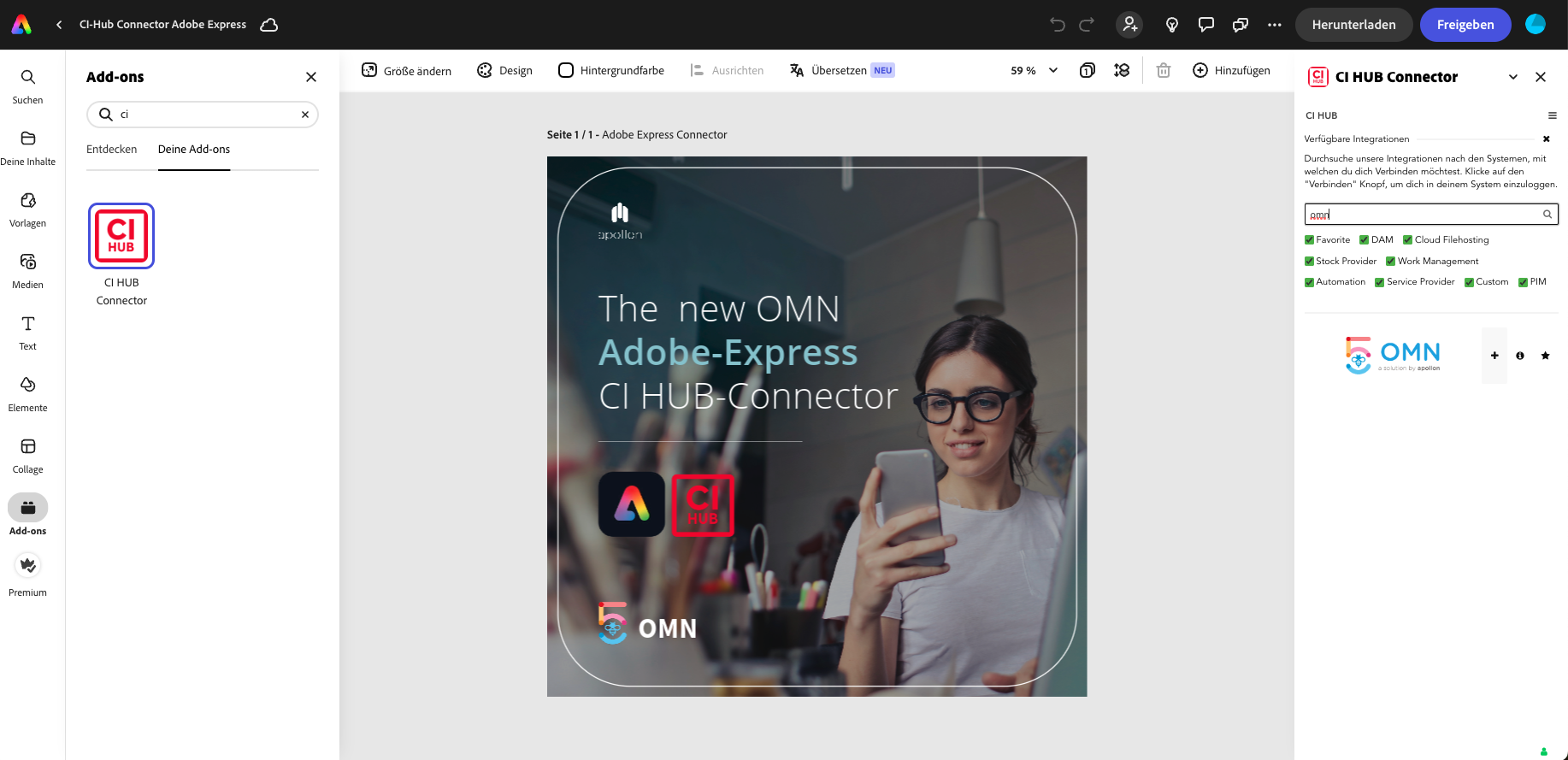
Open Adobe Express and click on Add-Ons
-
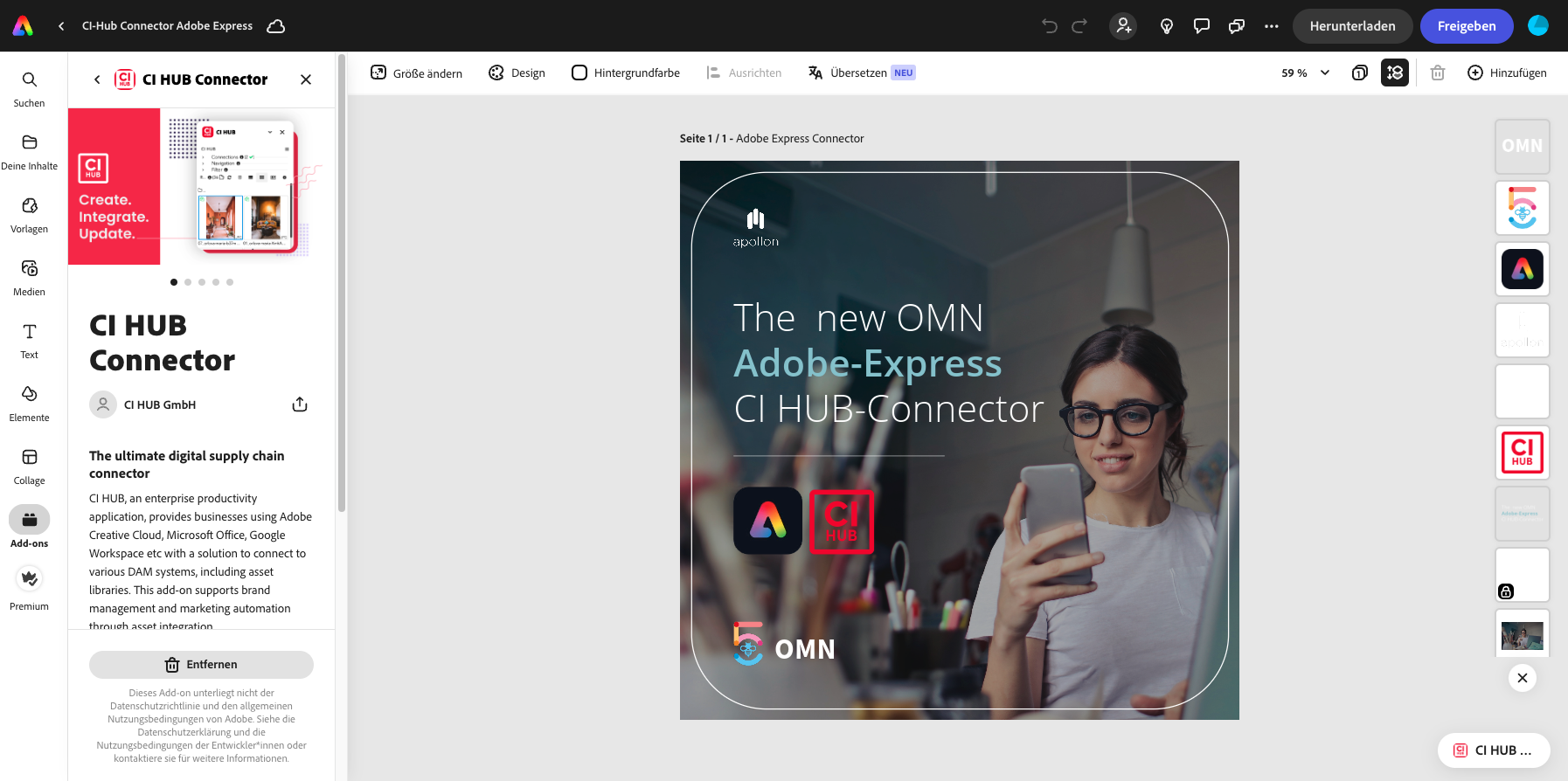
Search for "CI HUB Connector
-
Install the add-on and open it
-
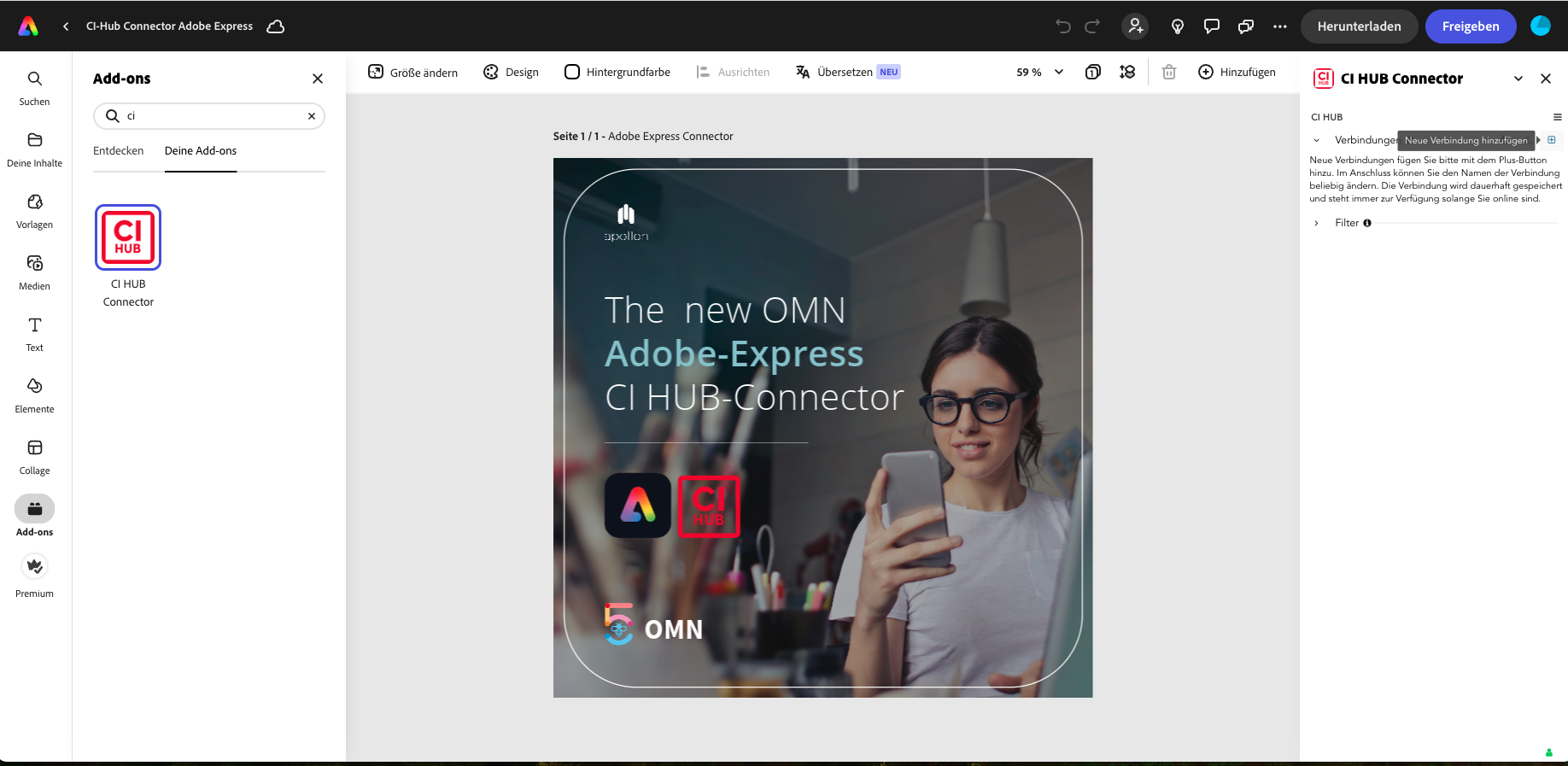
On the right side the CI HUB Connector Panel appears
-
Establish a new connection via the "+" symbol
-
Search for OMN and add the connection via the "+" symbol
-
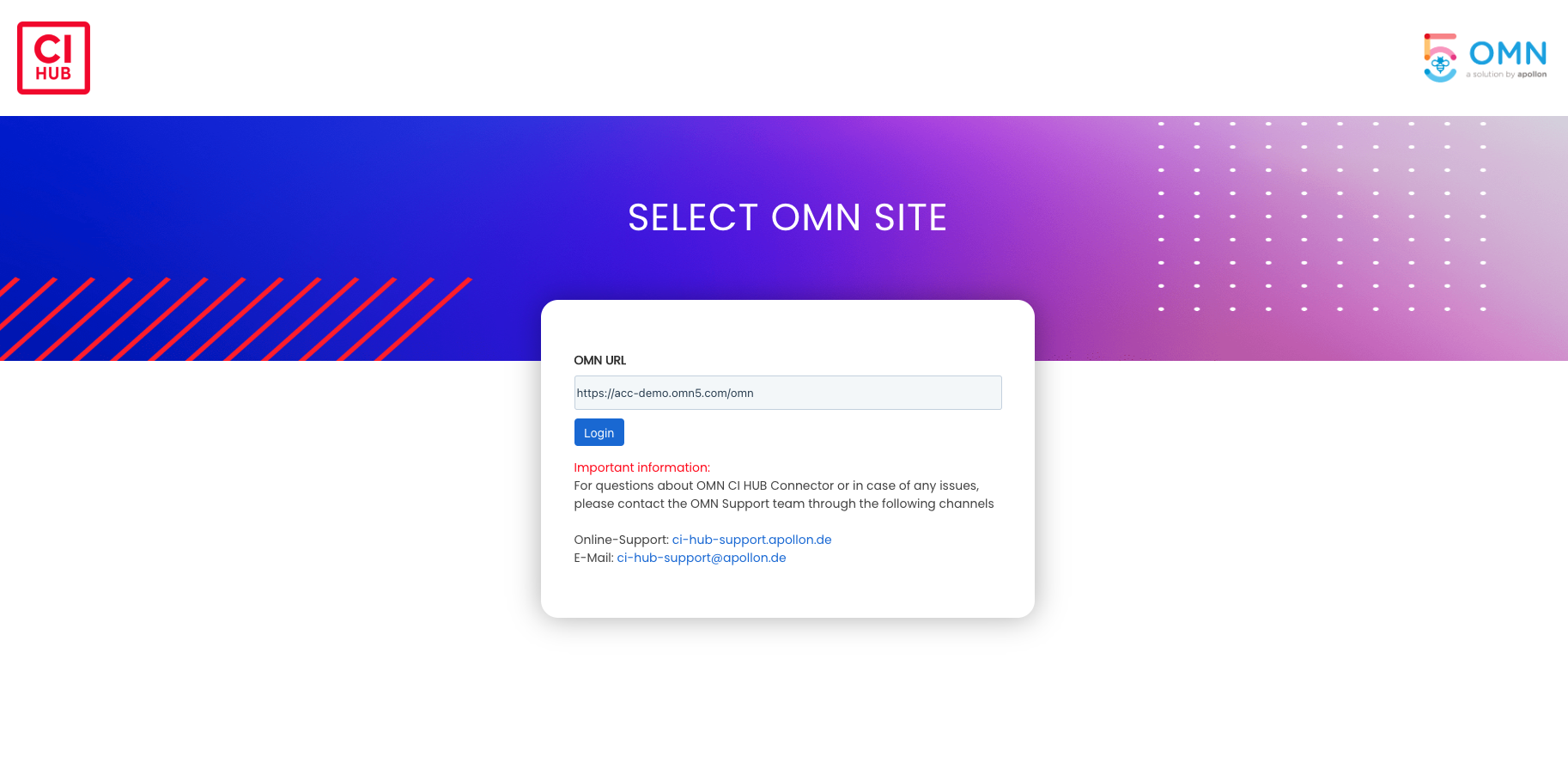
Enter the URL of the OMN system you would like to connect to
-
Log in with your access data and confirm our license agreements

-
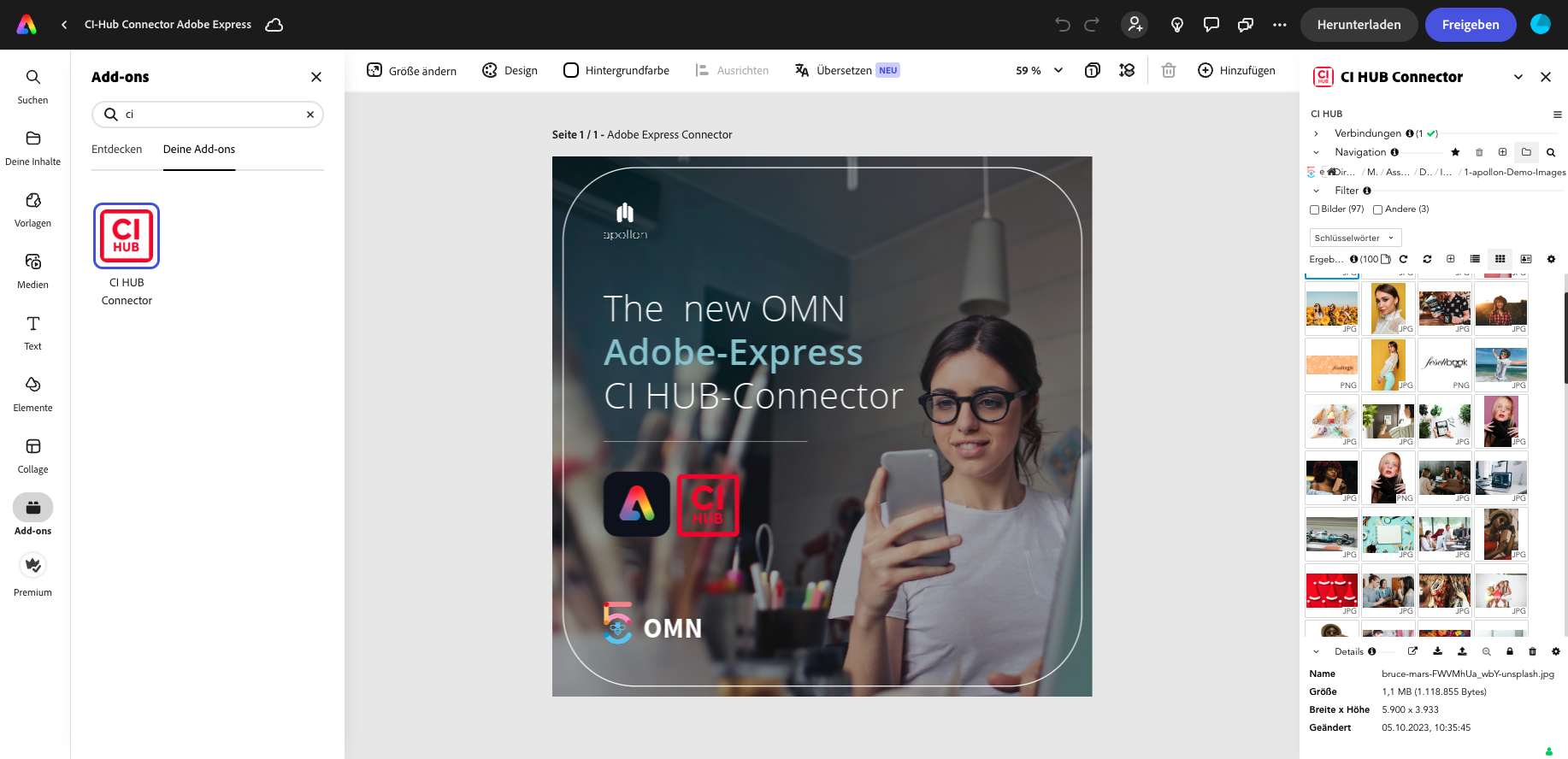
Jump back into your Adobe Express interface and navigate through your familiar OMN data structure
-
Have fun and be creative