Original Vector Preview
Original vector previews are PDF previews of documents and vector based files (e.g. PDF, EPS, InDesign or Office documents). They are used in the HTML5 client to display these files page by page in the detail view.
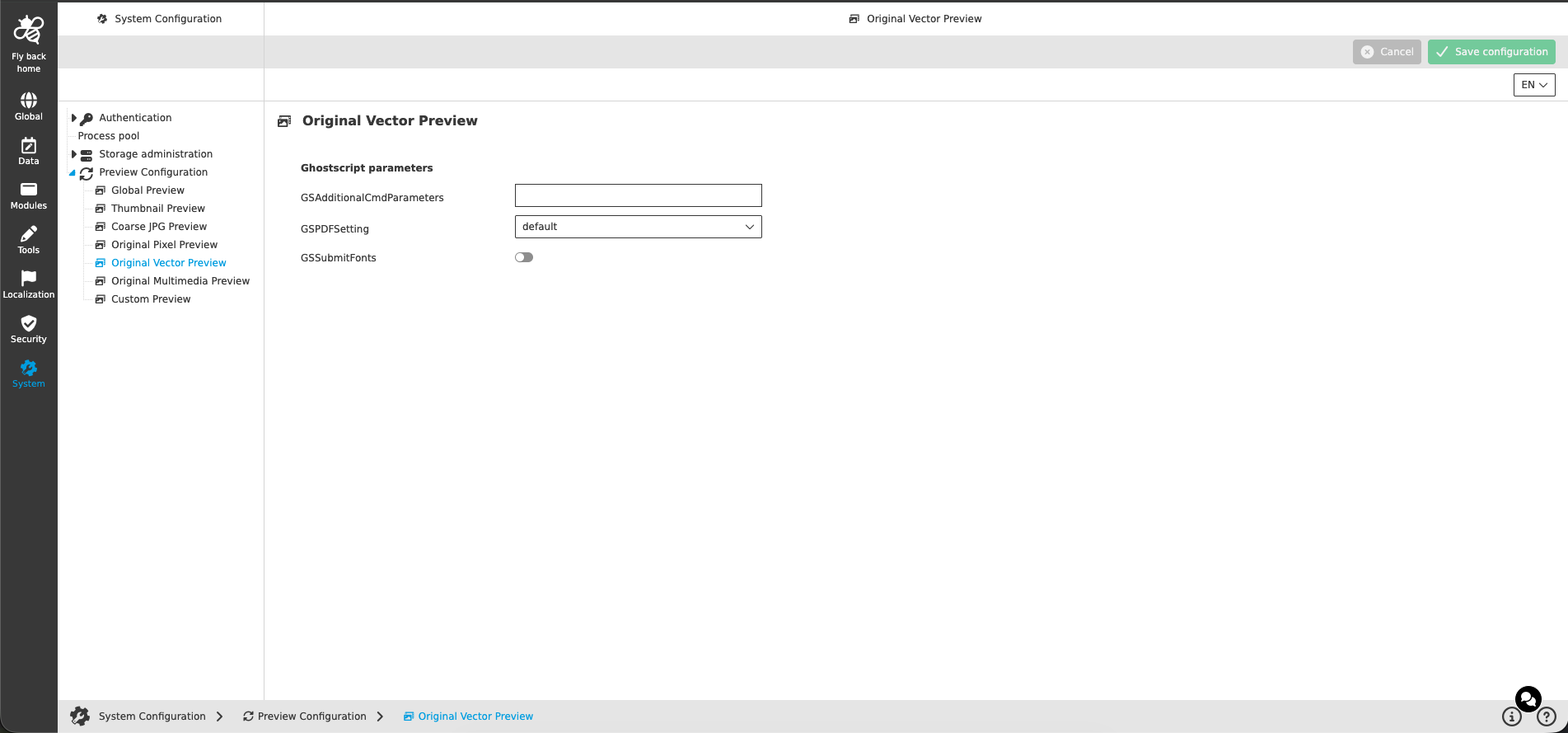
Ghostscript parameters
| Name of option | Description | Note |
|---|---|---|
GSAdditionalCmdParameters |
Additional command line parameters which are passed to Ghostscript when the PDF preview is generated. Use spaces for separating commands, e.g.: -dColorImageResolution=300 -dFitPages |
|
GSPDFSetting |
Ghostscript PDF setting (-dPDFSETTINGS) which controls the quality and size of the generated PDF preview. Available options are 'default', 'prepress', 'printer', 'ebook' and 'screen'. |
|
GSSubmitFonts |
If activated, the fonts used in the source document are embedded into the generated PDF preview. |
|
| The process related Ghostscript parameters (output sizes and timeout) are configured in Global Preview. |