Preparing - Textboxes with Tags
In some cases, the text in text boxes may differ from the text created in the InDesign desktop application. The reason for this is that text boxes in a document are not marked.
This is not due to the font itself, but to the enlargement of the box from
which the letters are built.
In the frontend, such text can be displayed with bold font:
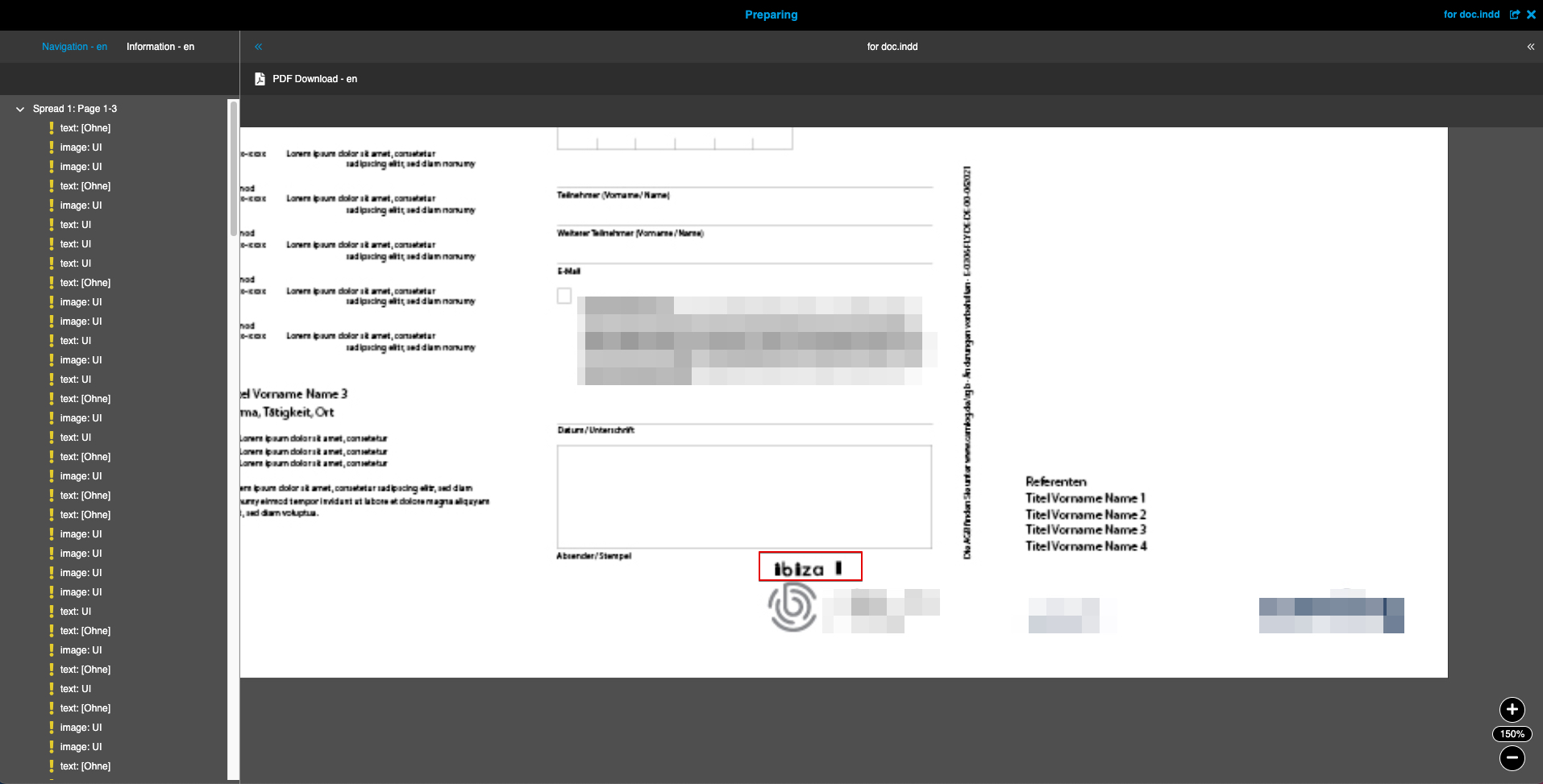
The text is untagged in the InDesign desktop application and has the content "Unassigned":
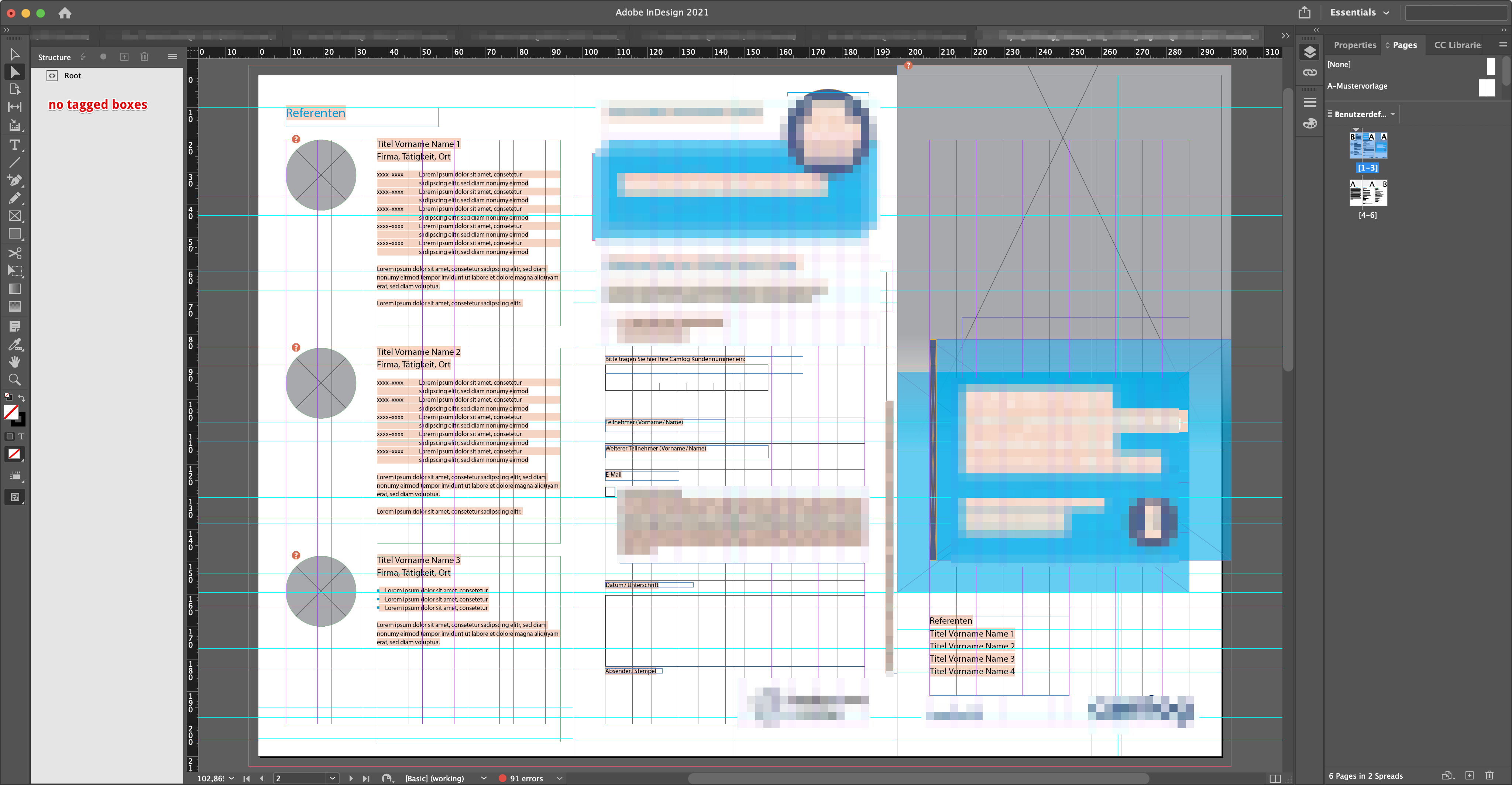
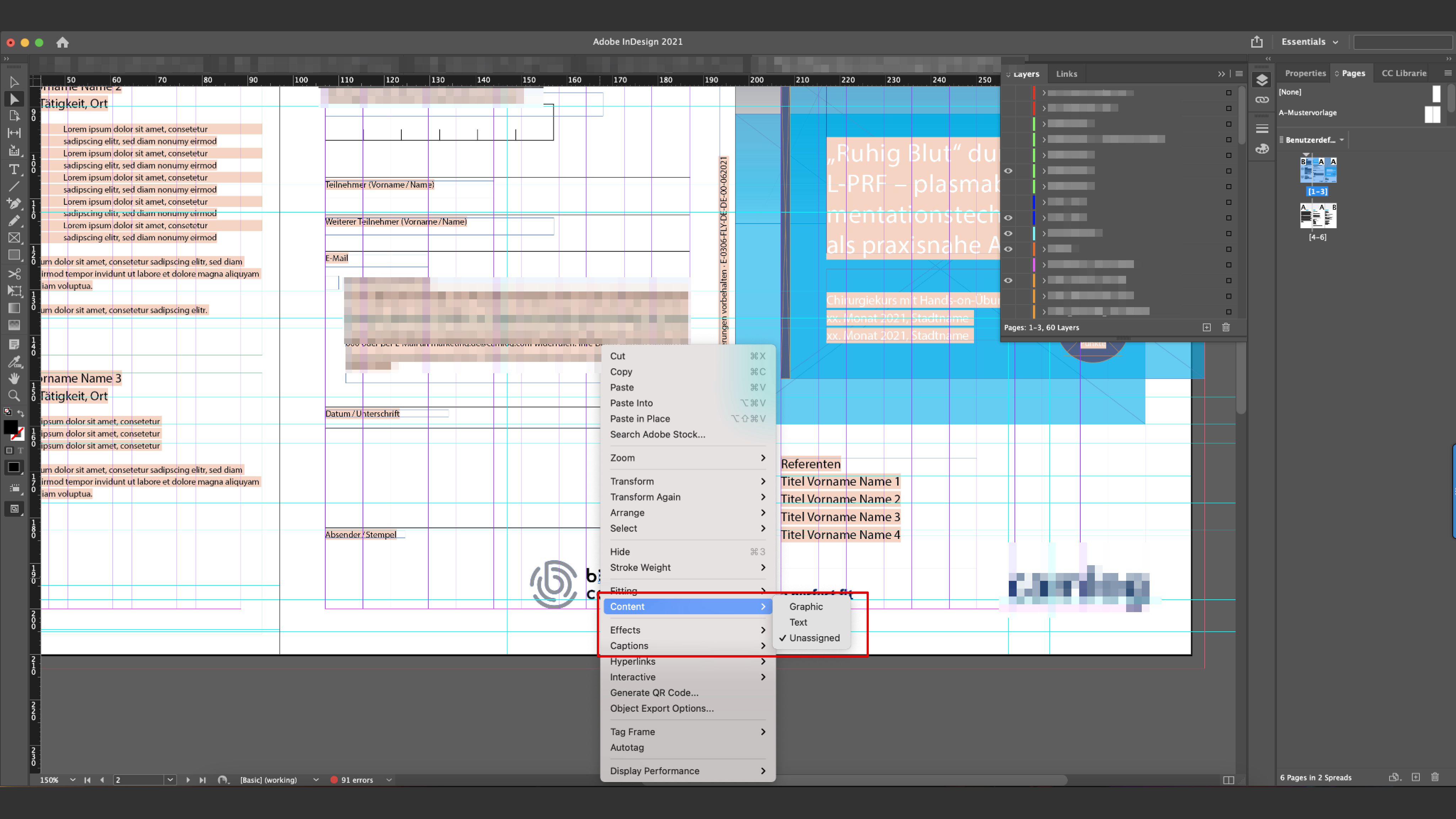
InDesign scripts have interpreted these fields as text fields.
As a result, when the preview is generated, the InDesign script places empty text content in these fields, which causes the fields to be enlarged. To avoid misrepresentation, other text fields in the document should have tags assigned to them:
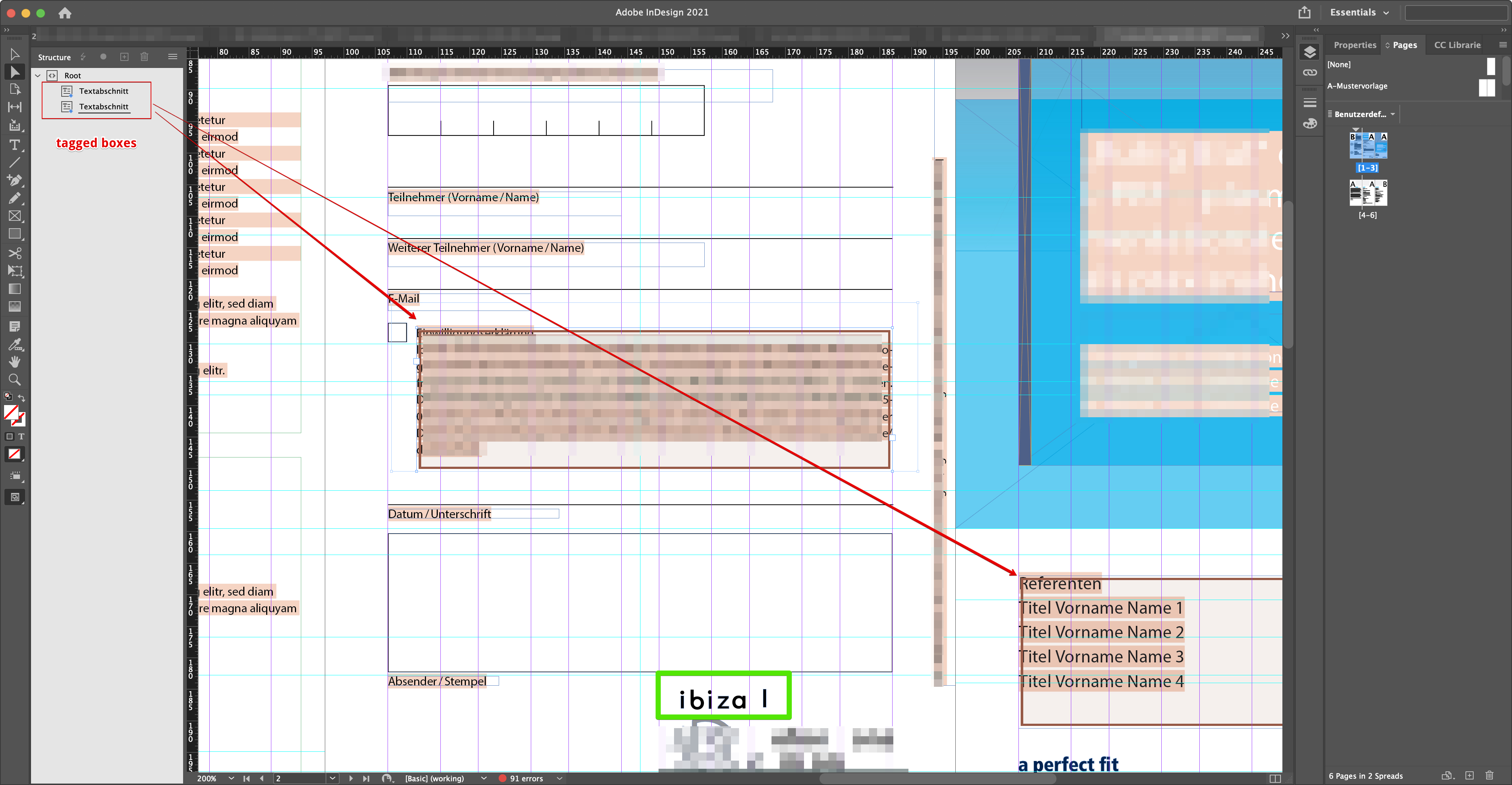
There is no incorrect representation in the frontend:
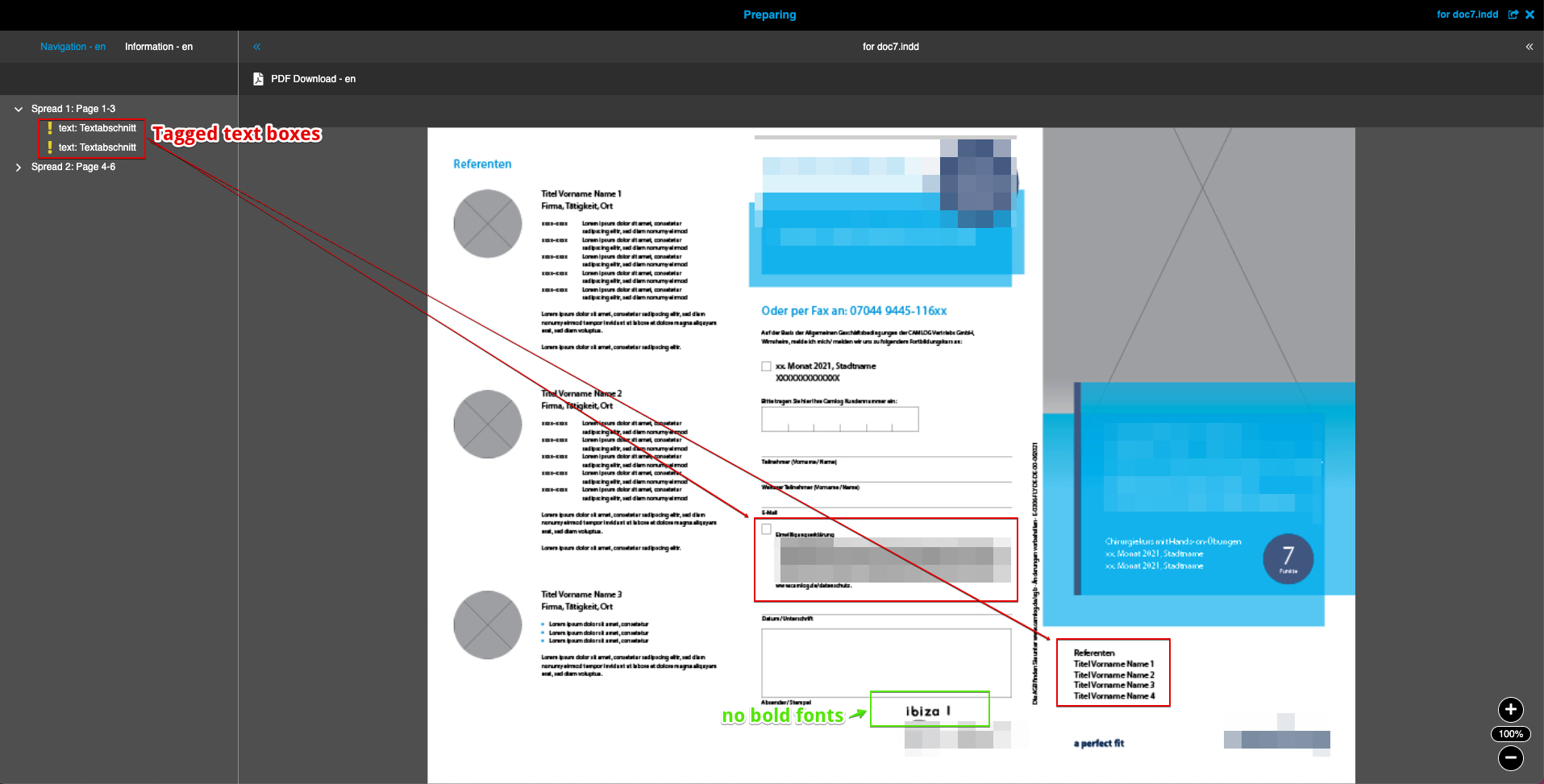
|
If there are no tagged fields in InDesign, the default name is used to name
the fields in the Configuration Client, and if the fields are tagged, the tag
name is displayed as the name of the field in Web-to-Print. If some fields are tagged in InDesign and others are not, only the tagged fields can be edited in Web-to-Print. Other untagged frames and their contents are not displayed on the navigation tab and therefore cannot be edited. However, the content that is configured in InDesign itself is displayed as fixed content in the preview in Web-to-Print. |