Terms of Use
Purpose
The ‘Terms of Use’ page is a part of the 'Mandator settings'. Here it’s possible to configure the license agreement that should be read and acknowledged by the users during login in the system.
General configuration
This is how the configuration looks like:
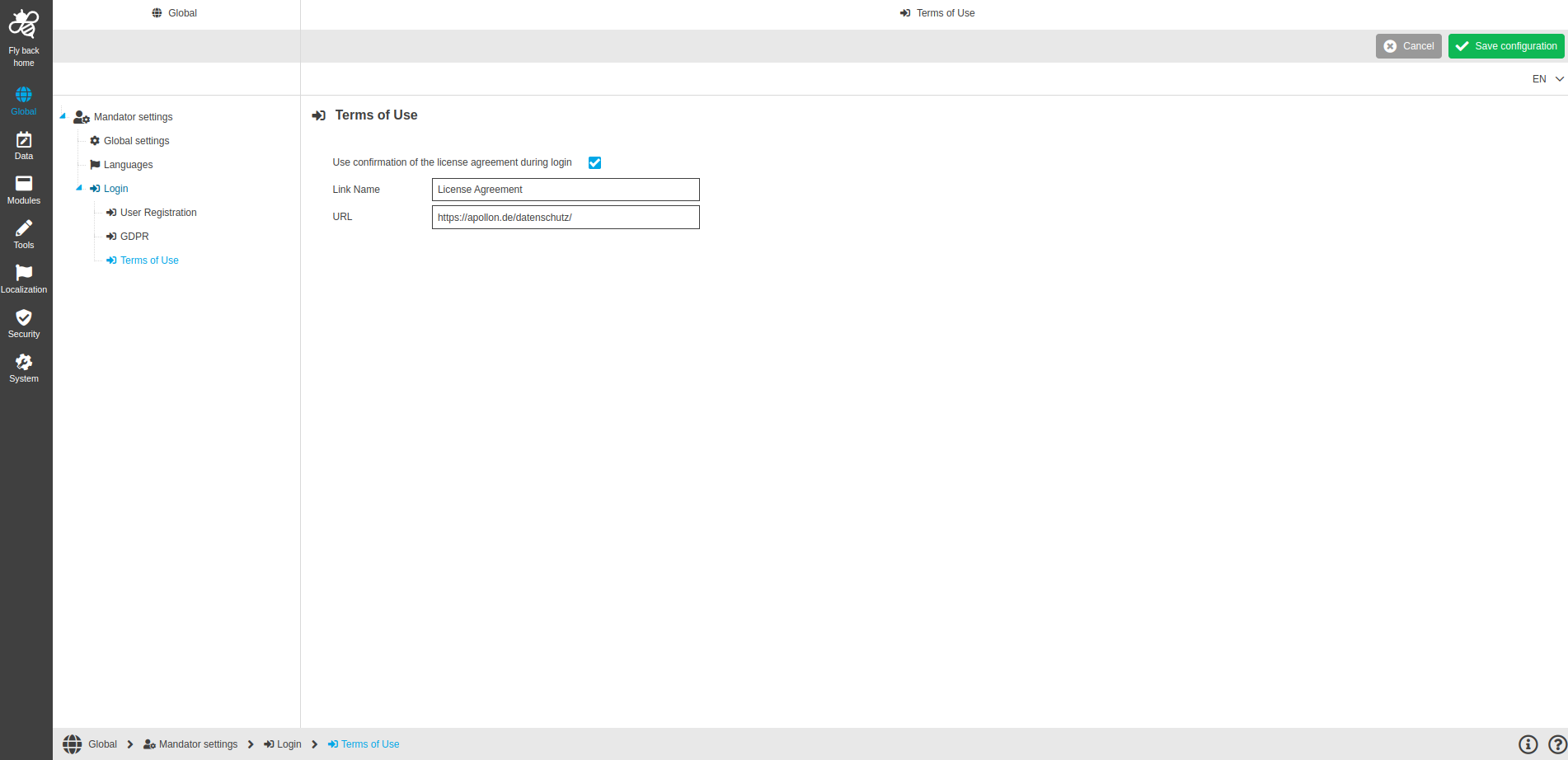
Image 1 Terms of Use page configuration
The configuration of Terms of Use page includes:
Name of option |
Description |
Note |
Use confirmation of the license agreement during login |
When 'Use confirmation of the license agreement during login' checkbox is activated, confirmation of the license agreement during login is displayed in the frontend. |
|
Link name |
In the frontend provided link name for license agreement. Clicking on the link will display the license agreement text. |
|
URL |
On UI when you click on it, agreement text will be shown in the new browser window. |
|
Configuration instructions
To activate the license confirmation upon login, you should do the following:
-
Activate the ‘Use confirmation of the license agreement during login’ checkbox.
-
Enter the link name in the ‘Link Name’ field.
-
Enter the URL in the ‘URL’ field.
-
Execute 'Save configuration' function to save all made changes.
Appearance in the frontend
Login page in the frontend can be found here.