Search Application Plugin
Purpose of the plugin
The application plugin "Search" defines essential settings for the OMN search such as the connection to the search API and the management of the search indexes.
Possible usage of the plugin
The Search plugin provides the search functionality used throughout the OMN modules (e.g. PIM, DAM, Channel Management and Workflow Management).
Preconditions
A running OMN search service must be available so its API URL can be entered on the General page.
General configuration
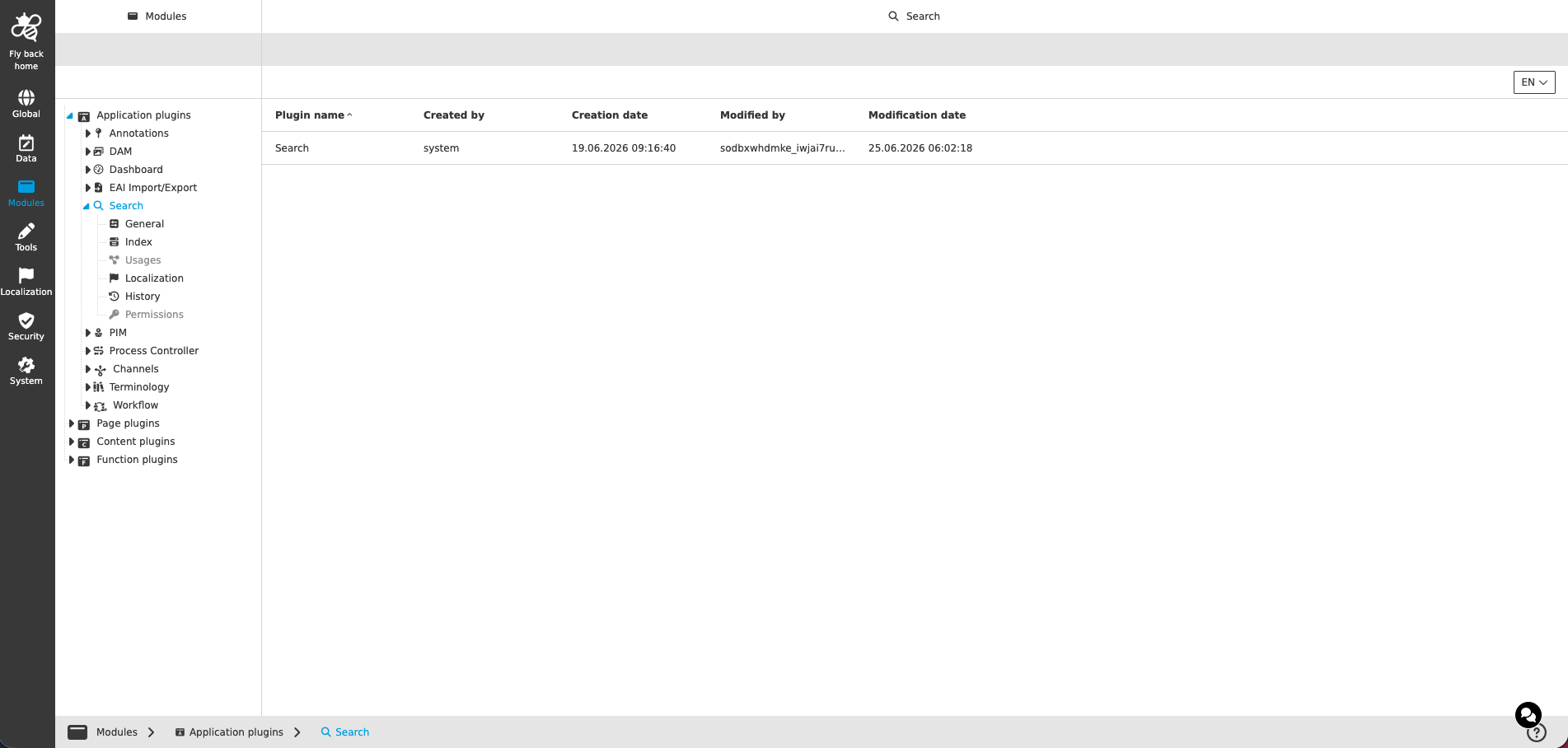
The configuration of Search plugin includes the following parts:
| Tab name | Description | Note |
|---|---|---|
General |
On this page the user can define the general settings of the search such as the API URL of the search service. |
See more details General |
Index |
On this page the user can manage the search indexes, rebuild outdated indexes and define the case sensitivity of the search results. |
See more details Index |
Usages |
On this page the user can see the relations of the Search application plugin to other plugins. |
Content is coming soon… |
Localization |
On this page the user can localize his/her own Search application plugin to see wished terms in the UI. |
See more details Localization tab of the plugin instances |
History |
On this page the user can overview all modifications made in the Search application module and have an initial state available as a file to understand who, when and what changes within the configuration. |
See more details here |
Permissions |
On this page the user can restrict the access to the plugin for certain roles. |
Content is coming soon… |
| Management of the plugin is done in the same way throughout the whole Configuration Client. The details on this common concept can be found here. |