General
This page provides the possibility to configure the visualization of the PIM items in the left panel of the Product View.
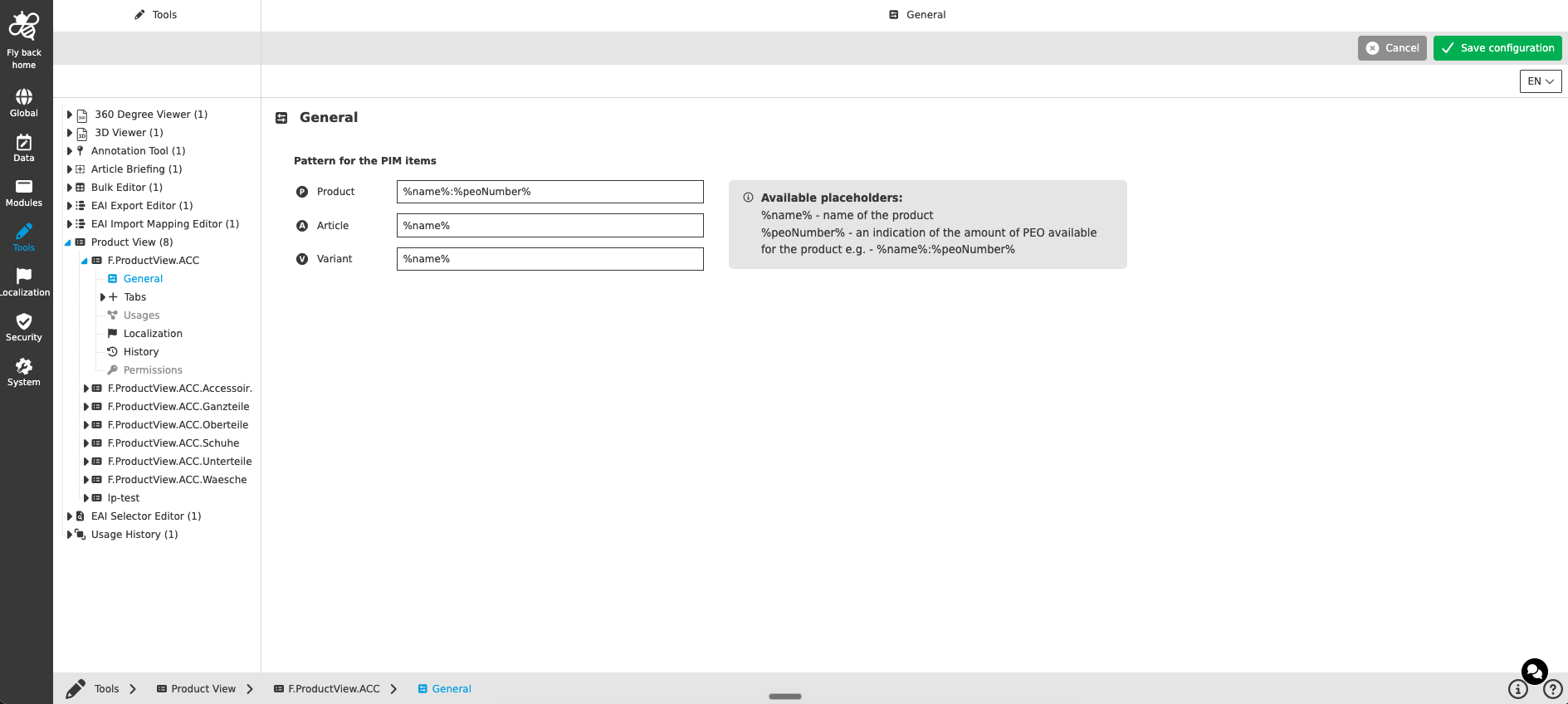
Pattern for the PIM items
| Name of option | Description | Note |
|---|---|---|
Product |
Input field to define the pattern which is used to show the product level in the left panel within the Product View. |
The field is shown with the product icon |
Article |
Input field to define the pattern which is used to show the article level in the left panel within the Product View. |
The field is shown with the article icon |
Variant |
Input field to define the pattern which is used to show the variant level in the left panel within the Product View. |
The field is shown with the variant icon |
The following placeholders are available for all three pattern fields:
-
%name%- name of the product -
%peoNumber%- an indication of the amount of PEO available for the product
Example: %name%:%peoNumber%