Management of the Application Plugins
An Application Plugin is a specific configuration of the plugin and related plugins that was created by the system.
The management of the Application Plugin is done in the same way throughout the system.
This is how the page looks like:
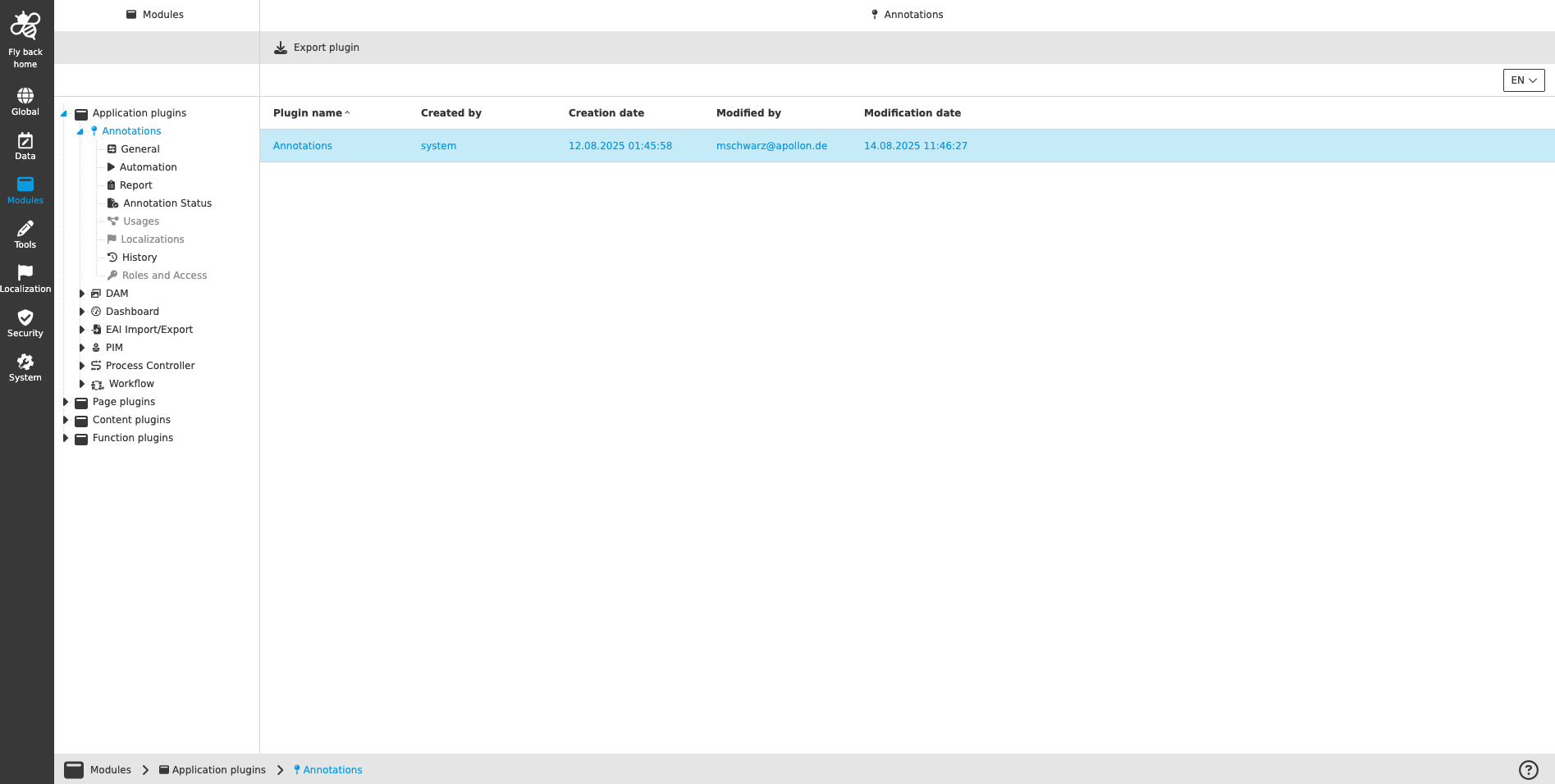
Overview of the Application Plugin
When the user selects the Application Plugin in the tree in the left view, the overview of all existing plugin instances can be seen in the table of the center view.
The table lists the following information:
| Column name | Description |
|---|---|
Plugin name |
Name of the Application Plugin |
Created by |
Shows the Application Plugin was created by the system |
Creation date |
Date when the Application Plugin was created |
Modified by |
Name of the user who modified the Application Plugin last time |
Modification date |
Date when the last modification was done |
The following functions are available on the page:
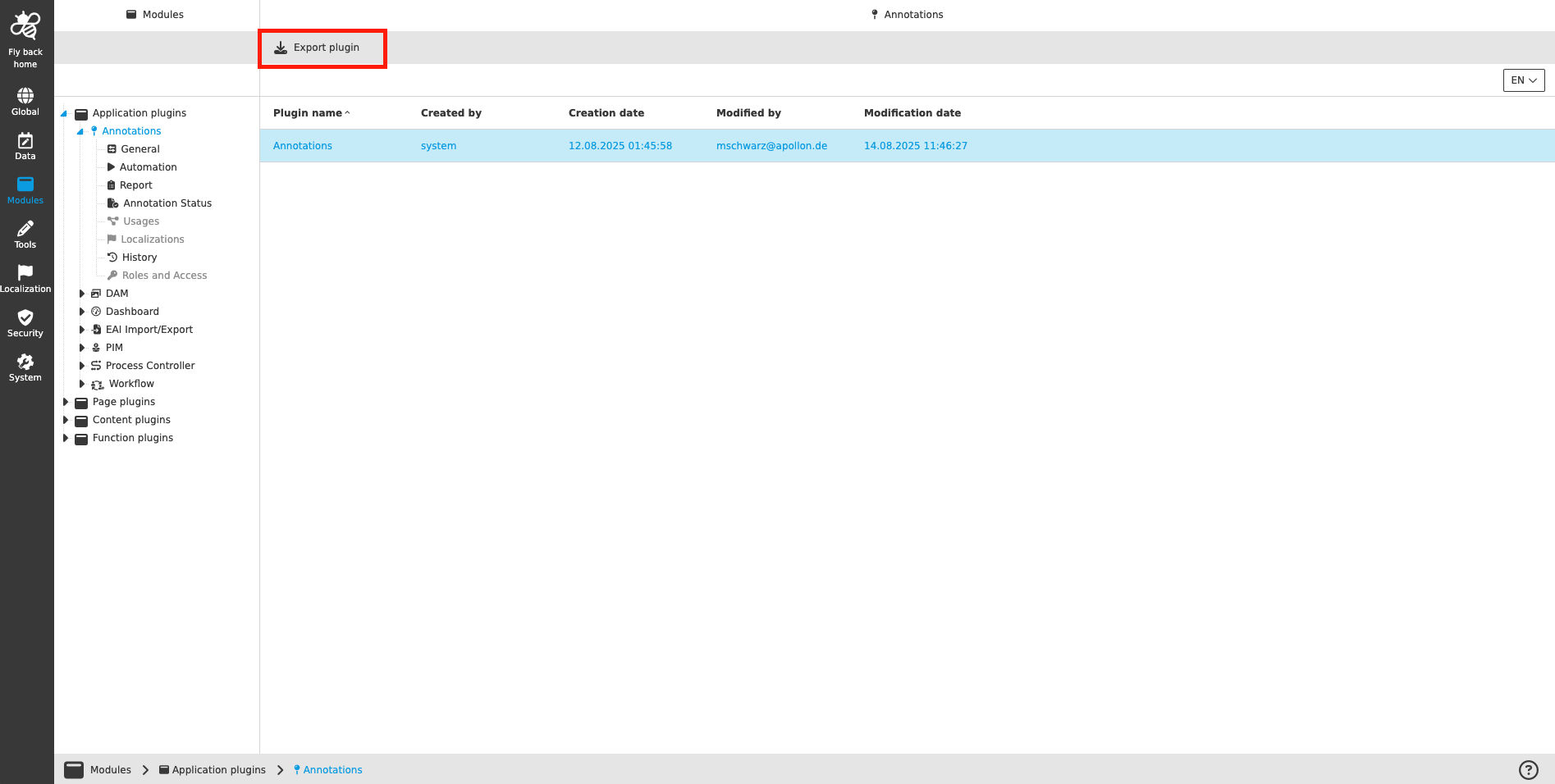
| Function name | Description | Note |
|---|---|---|
Export plugin |
For exporting an Application Plugin as an XML file |
see 'Export plugin' |
Export plugin
The function ‘Export plugin’ is available in the toolbar as soon as the user selects the Application Plugin in the table. With this function it is possible to download selected plugin as XML file.
-
Select the plugin in the tree in the left view to see the overview table
-
Select the plugin in the table
-
Click 'Export plugin'
| If the user exports the plugin, the download of the XML file will be started automatically. |