Show in Channel Navigation
Possible Usage of the plugin
Show in Channel Navigation plugin can be used in:
-
Annotation Repository page plugin
-
Detail content plugin
-
Product View tool
-
PEO View tool
Supported plugins
The Show in Channel Navigation plugin supports plugins such as:
-
Channel Navigation page plugin
General configuration
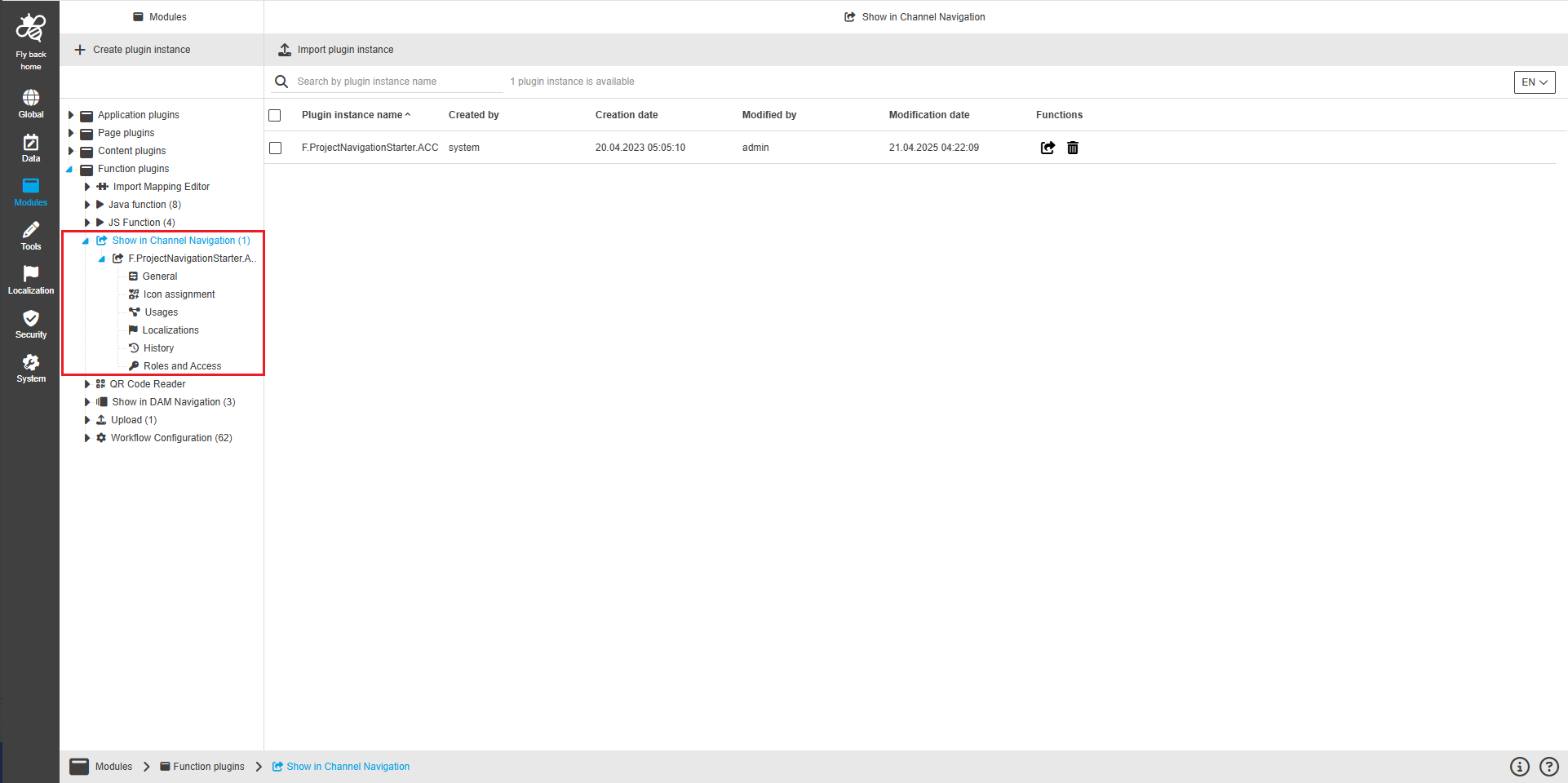
The configuration of Show in Channel Navigation includes the following parts:
| Tab name | Description | Note |
|---|---|---|
General |
|
See more details "General" |
Icon assignment |
On this page the user can assign an icon for the Show in Channel Navigation plugin to visualize the function buttons appearing in the Frontend. |
See more details "Icon assignment". |
Usages |
On this page the user can see the relations of the Show in Channel Navigation plugin to other plugins. |
Content coming soon… |
Localization |
On this page the user can localize their own Show in Channel Navigation plugin to see desired terms in the UI of Show in Channel Navigation. |
See more details Localization tab of the plugin instances |
History |
On this page the user can overview all modifications made in the Show in Channel Navigation and have an initial state available as a file to understand who, when and what changed within the configuration. |
See more details "History". |
Permissions |
On this page the user can restrict the access to the plugin for certain roles. |
Content coming soon… |