Search
This tab type provides the possibility to configure a Formbased or Advanced Search within the Product View, so the user can find desired assets and products to link to the currently opened product in the editor. The Search tab type can be configured multiple times.
The tab is available as a sub-element of the 'Tabs' tab in the tree of the Configuration Client as soon as it is configured on the Tabs page and the configuration is saved. It is represented with its icon and the configured tab name.
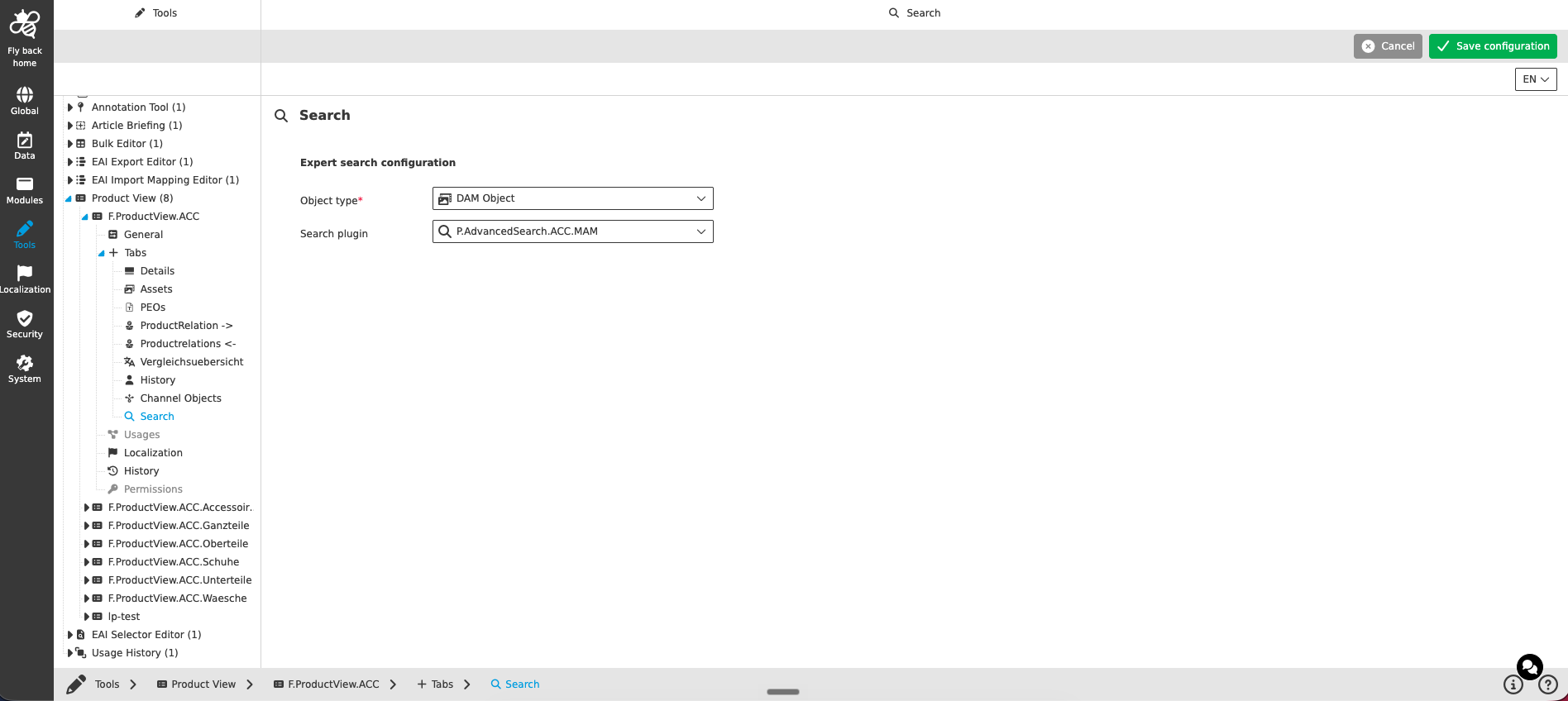
Expert search configuration
| Name of option | Description | Note |
|---|---|---|
Object type |
The dropdown lists the supported object types for Advanced and Formbased Search plugins, to filter the searches:
|
|
Search plugin |
The dropdown lists the Formbased and Advanced Searches of the selected object type configured on the mandator (visualized with icon and identifier). The selected search enables searching for objects within the Product View. |
The dropdown supports single-select, is searchable and resizable |