OMN Number Format Configuration
Number format is intended to define the presentation of number content. Localization is automatically done from the system (e.g. decimal separator "," for german and "." for english). Therefore within the definition no localization has to be considered.
Within the format string the number of digits for grouping can be defined. If different sizes are required, ";" is used to separate them in the format string. E.g. "3;2;*" means that the first grouping will have 3 digits and all following groupings 2, like "12.34.567" in german.
If no format is specified, the default representation will be used, which will show grouping separator and decimal separator and use a grouping size of 3.
To get only the decimal separator use "*". This will show the number like "1234567"
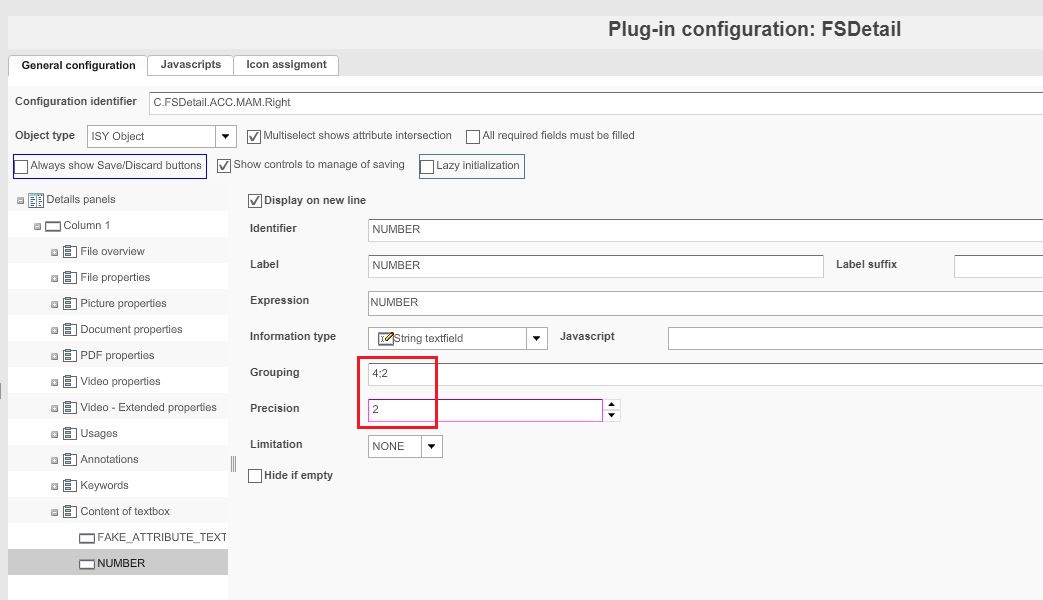
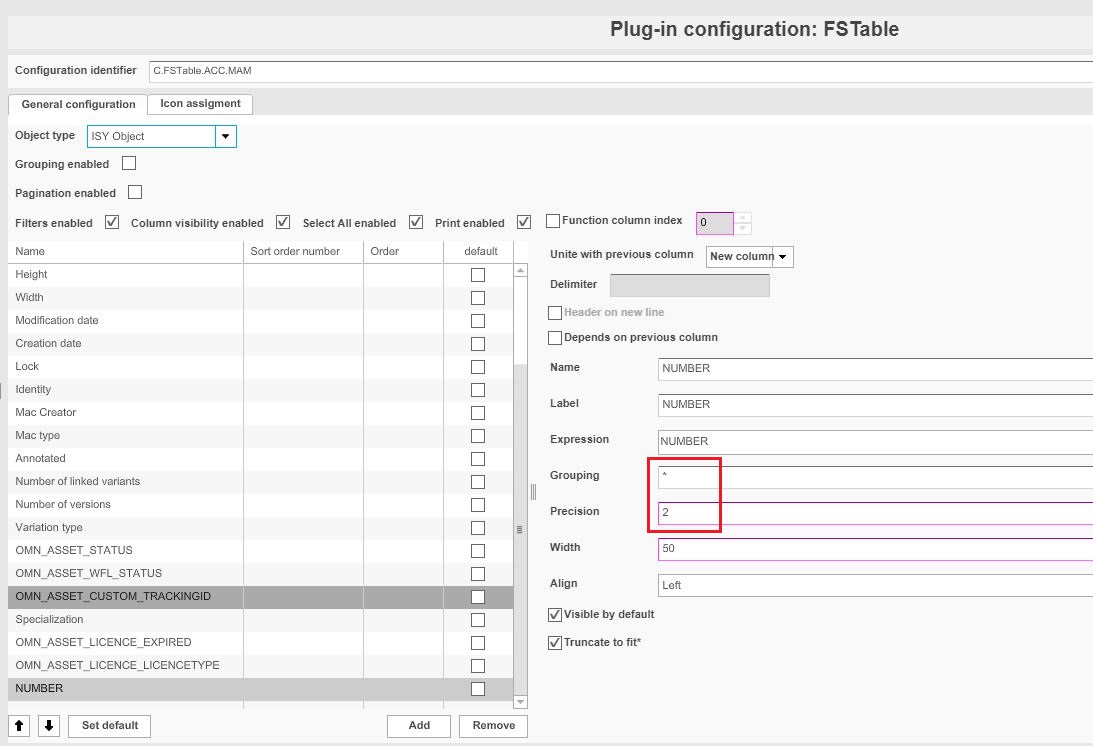
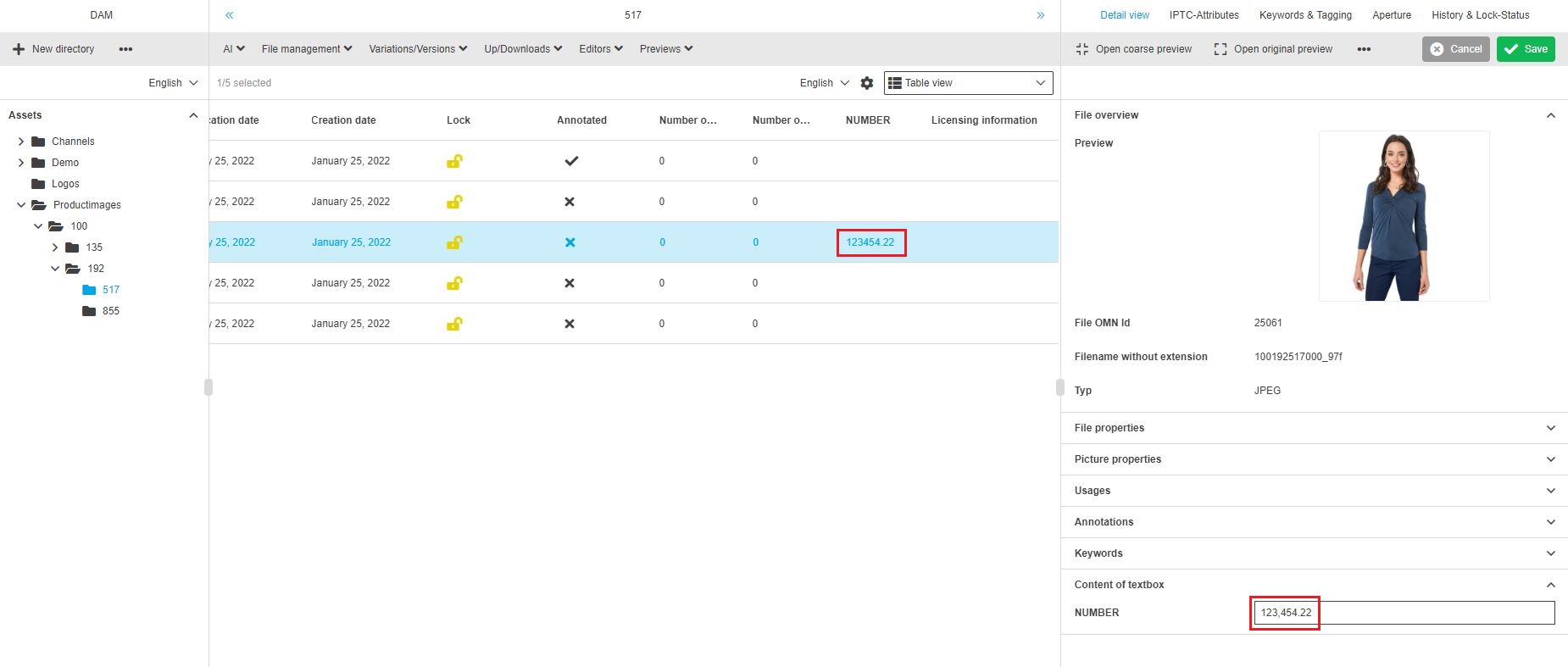
Grouping
The following behaviour is allowed:
-
a
-
a;*
-
a;b (The same as a;b;*)
Where a & b are < 10 (and > 0).
In case 10 or * were used as in the example above, an Error will happen then the Fallback will be used which is 3;*
The character * is not a wildcard, it indicates that this grouping should be repeated.
The numbers a & b are interpreted from right to left, example:
| Grouping | Number | Result | Comment |
|---|---|---|---|
3 |
1234567,11 |
1234.567,11 |
Group once, do not repeat |
3;* |
1234567,11 |
1.234.567,11 |
Repeat the grouping |
1;2 |
1234567,11 |
12.34.56.7,11 |
Group once with 1 and the rest with two (repeated) |
1;2;* |
1234567,11 |
12.34.56.7,11 |
Same as above |
10;* |
1234567,11 |
1.234.567,11 |
Wrong format, thus fallback to default (3;*) |
*;2 |
1234567,11 |
1.234.567,11 |
Wrong format, thus fallback to default (3;*) |
The grouping options support maximal two different grouping digits, e.g (German formatting!):
-
* ⇒ no grouping
-
x ⇒ exactly one times grouping of x. E.g. x=3, 12345678 ⇒ 12345.678
-
x;* ⇒ grouping of x will be repeated. E.g. x=3, 12345678 ⇒ 12.345.678
-
x;y ⇒ first grouping is x following are y. E.g. x=3, y=2, 12345678 ⇒ 1.23.45.678