General
This page provides the possibility to configure which DAM navigation the function plugin Show in DAM Management should open by click on the function in the UI.
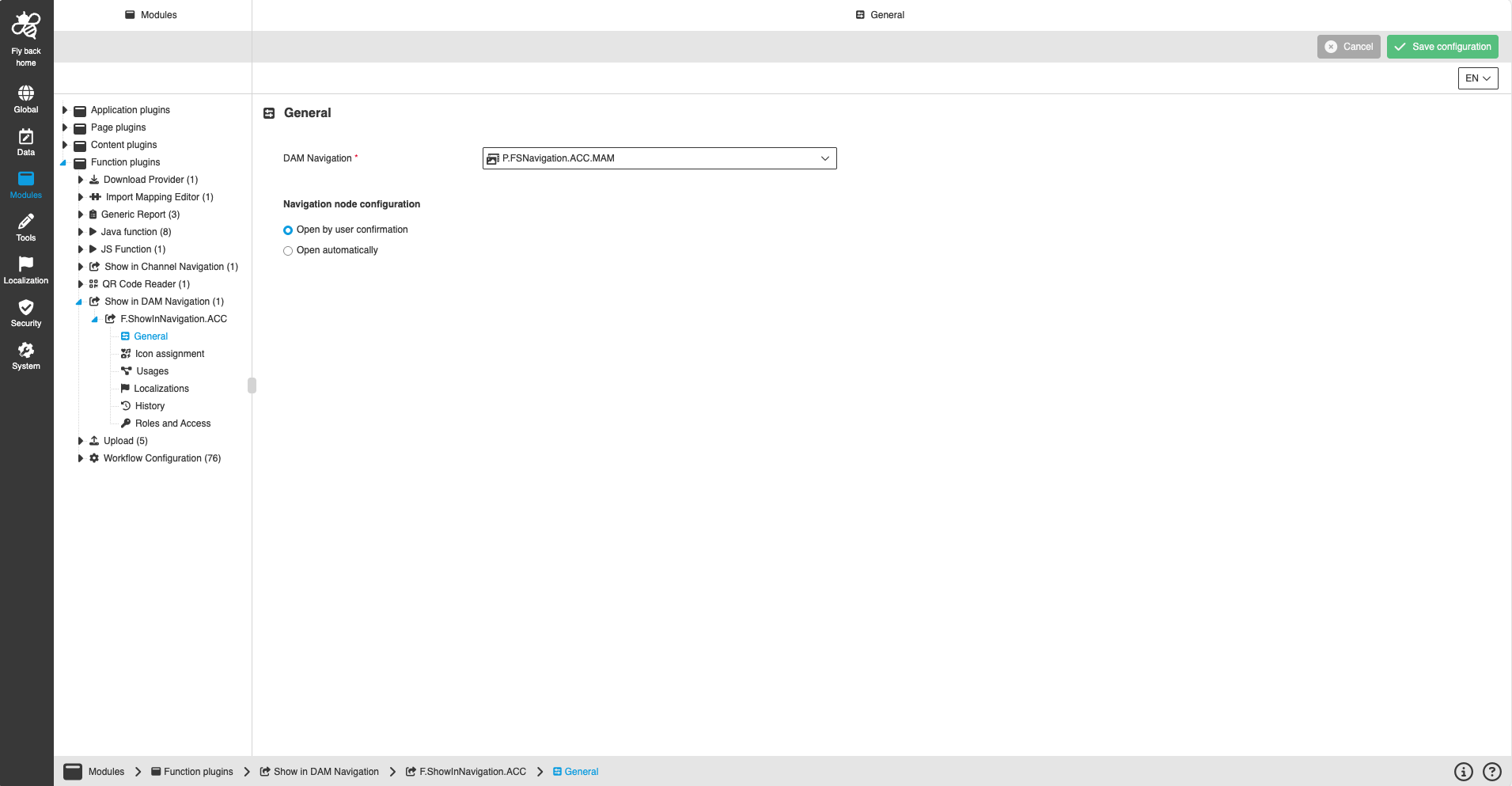
Figure 1. General configuration for Show in DAM Management plugin
| Name of option | Description | Note |
|---|---|---|
DAM Navigation |
Defines a configured DAM navigation, which opens in a new browser tab when the user clicks on the function. |
This field is mandatory. |
Navigation node configuration - Open by user confirmation |
Specifies that the frontend user can select from which DAM navigation node assets are opened |
|
CNavigation node configuration - Open automatically |
Specifies from which DAM navigation node assets are opened automatically |