Zoom-Element
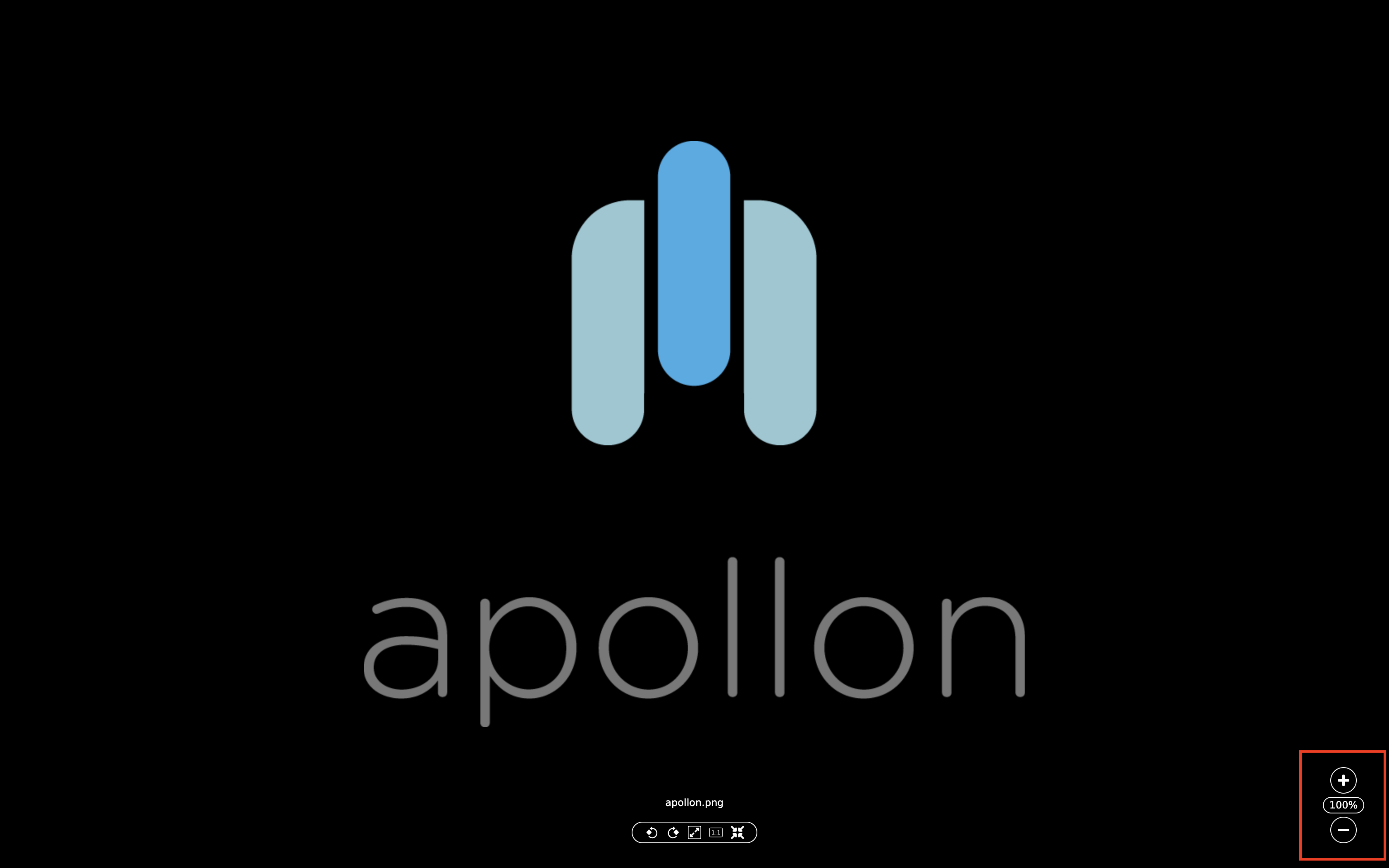
The zoom element is used to bring image sections closer or to reduce them (zoom in, zoom out). It is always located in the lower right corner of the screen, provided that zooming is possible in the respective module.
A user has two options how to control the zoom element:
-
With a mouse click on the "+" icon the image section can be enlarged and with a click on the "-" it can be reduced. It is jumped in steps of 10 in each case.
-
A user also has the option of entering the percentage directly. To do this, the number field must be clicked and the desired number entered directly. With "Enter" or a click next to the field, the entry is confirmed and applied to the image.
The zoom element has a limit towards the top and bottom. This is represented with non-clickable "+" and "-" icons.