External Link (Page Plugin)
Purpose
The plug-in allows to open an external link directly from OMN sidebar, e.g. a reference to another website or to an online documentation.
Possible Usage of the plugin
You can use the plug-in as follows:
-
Sidebar menu of the Frontend (see Sidebar configuration)
Preconditions
To configure the External Link plugin, following preconditions should be given:
-
Sidebar is configured
General configuration
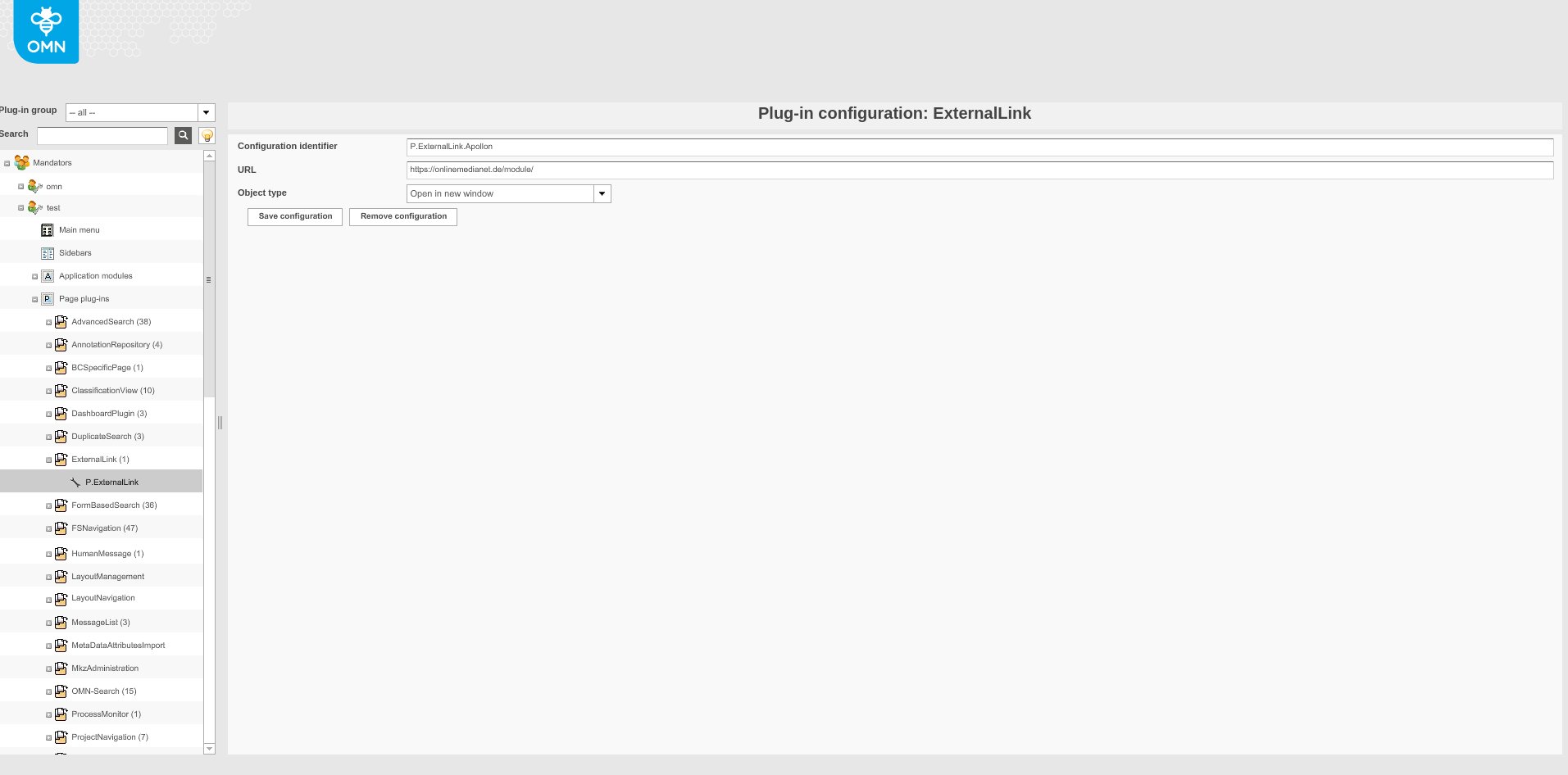
Image 1 Page plug-in 'ExternalLink'
Tab |
Description |
Note |
Configuration identifier |
Name of the specific configuration of the plug-in. |
|
URL |
URL of the external link |
URL Example: https://onlinemedianet.de/module/ |
Object types |
Choose the appropriate object type:
|
Table 1 Page plug-in 'ExternalLink' configuration parameters
Appearance in the frontend
All details of the 'External link' plugin in the frontend can be found here.