External link
Purpose of the plugin
The "External Link" function can be used to open files, applications or websites in a new browser tab.
Introduction
With the "External Link" function, the user can open files, applications or websites in a new browser tab.
Files are automatically downloaded while websites and applications are opened in a new browser tab.
Alternatively, the configuration can be adjusted so that websites and applications are opened in the current browser tab.
Prerequisites and relations to other modules
To be able to download or open files or applications via an external link, these must be stored in the OMN by an administrator.
They are then only available in OMN via the external link.
Files that are included in OMN as an external link are, for example, installation files for OMN plug-ins for Mac and Windows:
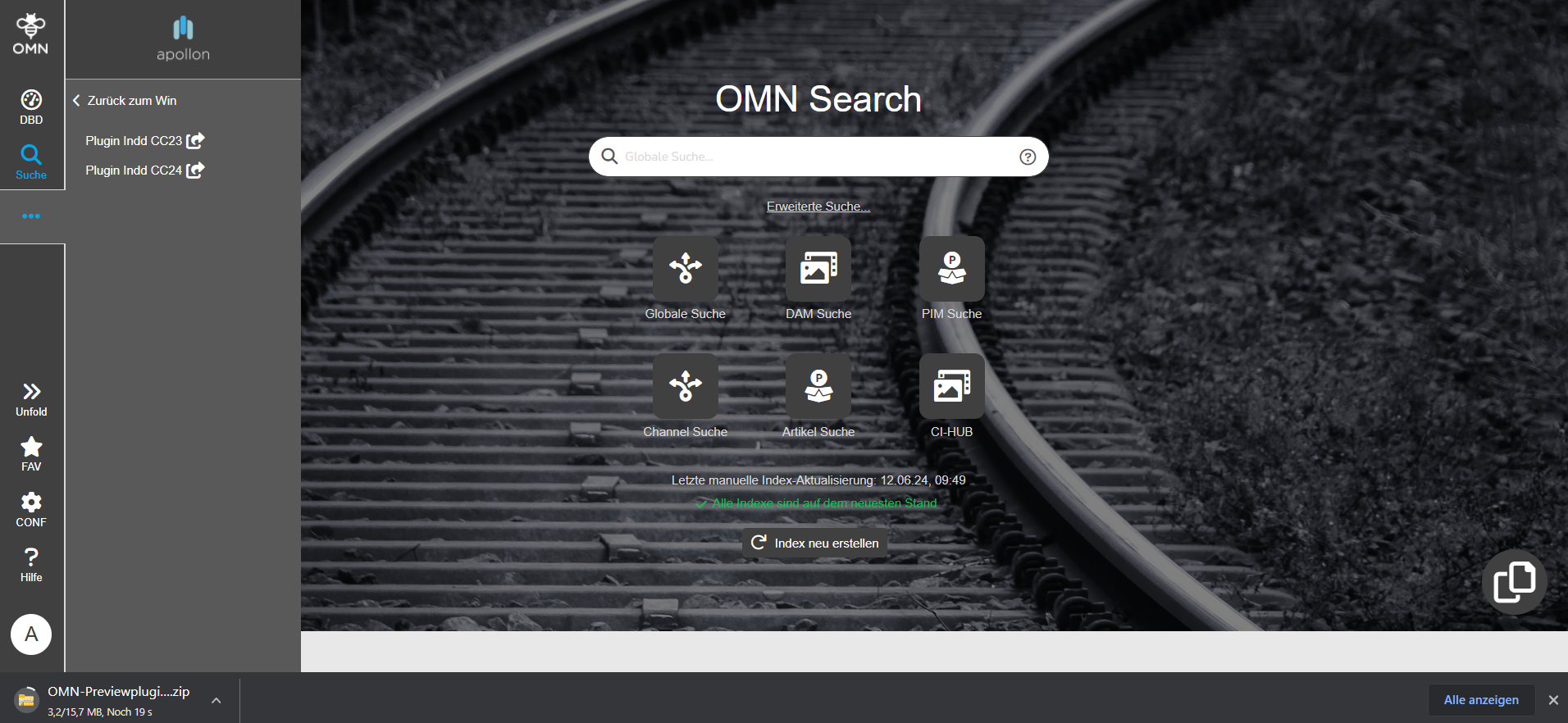
Applications, on the other hand, can include customized programming, such as more extensive reports that cannot be covered by the OMN reports.
To access websites, the URL of the website must be entered in the configuration.
The specific configuration must be configured as a node in Sidebar.
How to use
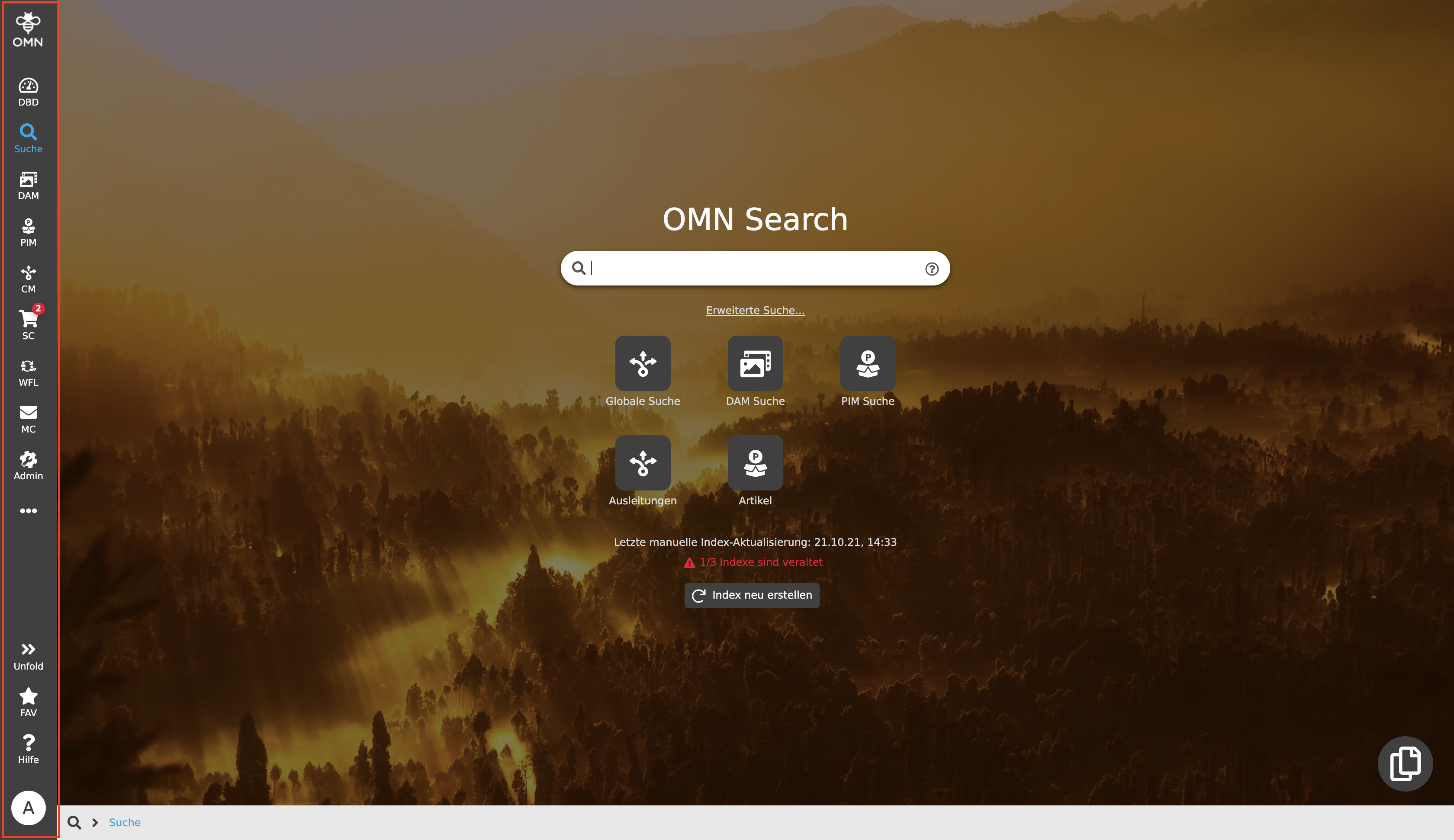
If the "External Link" function is configured in OMN, it must be integrated into the sidebar and made accessible there.
The linked files, applications or websites can be opened by clicking on the corresponding navigation point.
| If a user clicks on a menu item and simultaneously use the key combination Shift + Ctrl (Win) or Shift + Cmd (Mac), this menu item is opened in a new browser tab. |