Channel Folders View
Purpose
The plugin is needed for channels only and is an administrative view, which shows links for all folders and assets linked to a channel. The link creation on the system is done use case specific usually automatically.
The user is able to enter root node and path information of a folder or an asset within this view in the UI. Likewise, these links can be dissolved in the Channel Folders View.
General configuration
The configuration of Channel Folders View includes the following parts
| Tab name | Description | Note |
|---|---|---|
Usages |
On this page the user can see the relations of the Channel Folders View plugin to other plugins. |
Content coming soon… |
Localization |
On this page the user can localize his/her own Channel Folders View plugin to see wished terms in the UI of Channel Folders View. |
Content coming soon… |
History |
On this page the user can overview all modifications made in Channel Folders View and have an initial state available as a file to understand who, when and what changes within the configuration. |
Content coming soon… |
Roles and Access |
On this page the user can restrict the access to the plugin for certain roles. |
Content coming soon… |
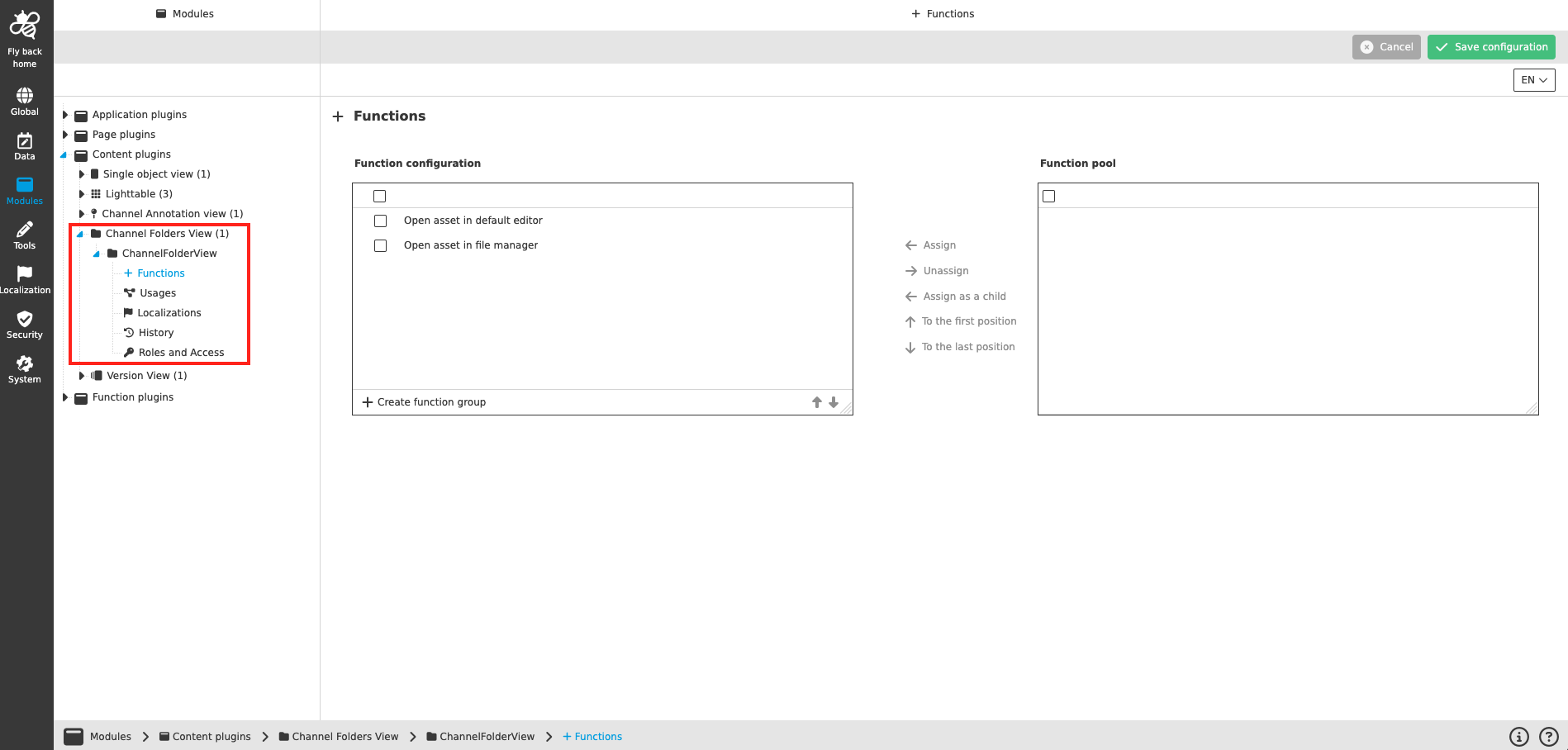
| Management of the plugin instances is done in the same way throughout the whole Configuration Client. The details on this common concept can be found here. |
Appearance in the frontend
All details of the Channel Folders View plugin in the frontend can be found here.