Information
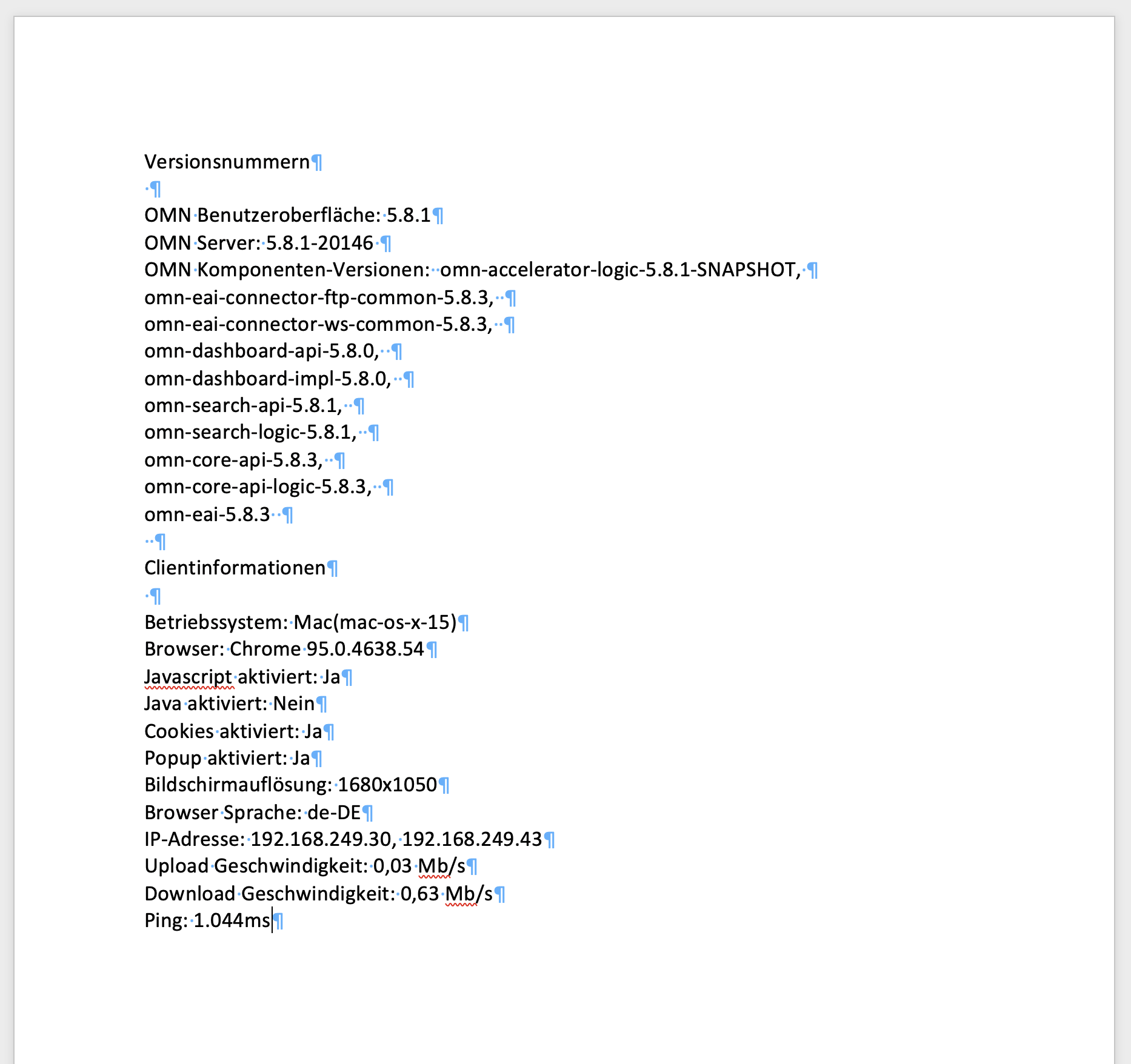
The "Information" section in the user settings shows all version and client information.
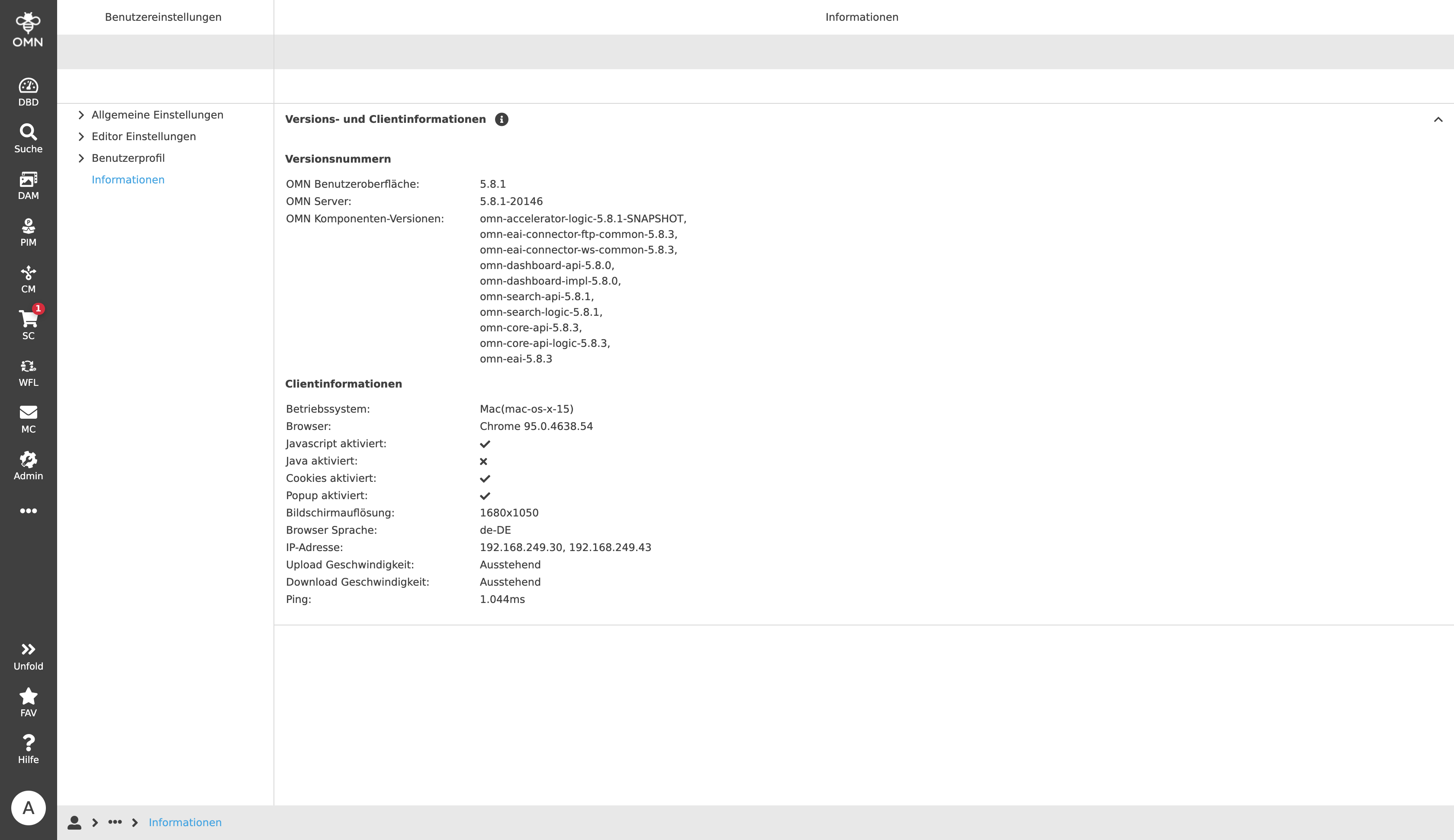
The "Version numbers" provide explicit information about:
-
Version of the OMN user interface
-
Version of the installed OMN server
-
OMN component versions, e.g. OMN Core API, Dashboard API, Search and EAI
The "Git Information" section is only included in the so-called snapshot versions (= development versions) and provides information about code changes of the installed version.

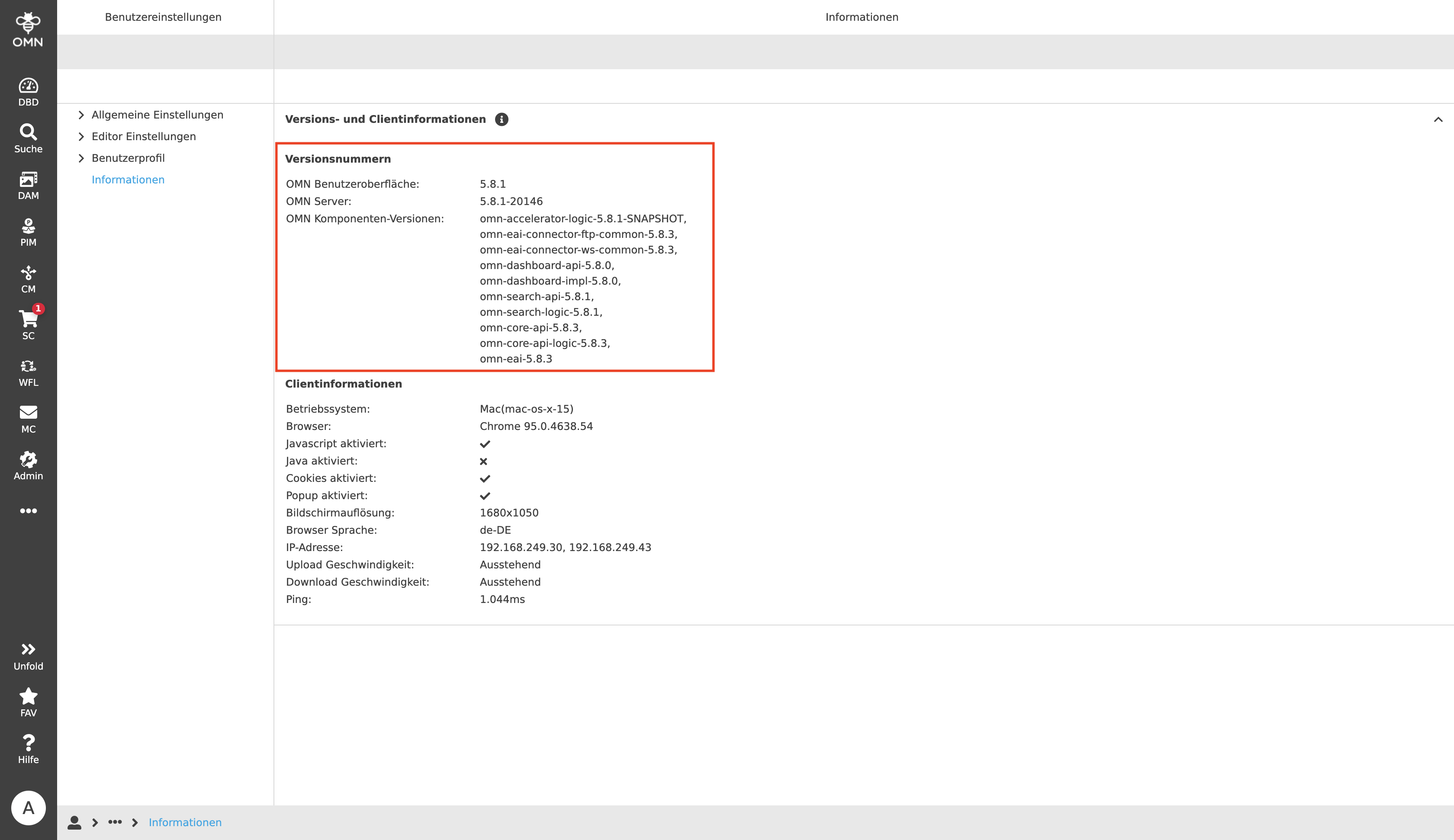
The "Client information" section provides users with information about important properties of the computer they are currently using for OMN. This includes, for example, the operating system installed, the browser used with exact version information, the screen resolution and settings of the client. This information is especially helpful in the context of support cases, e.g. when bugs occur.
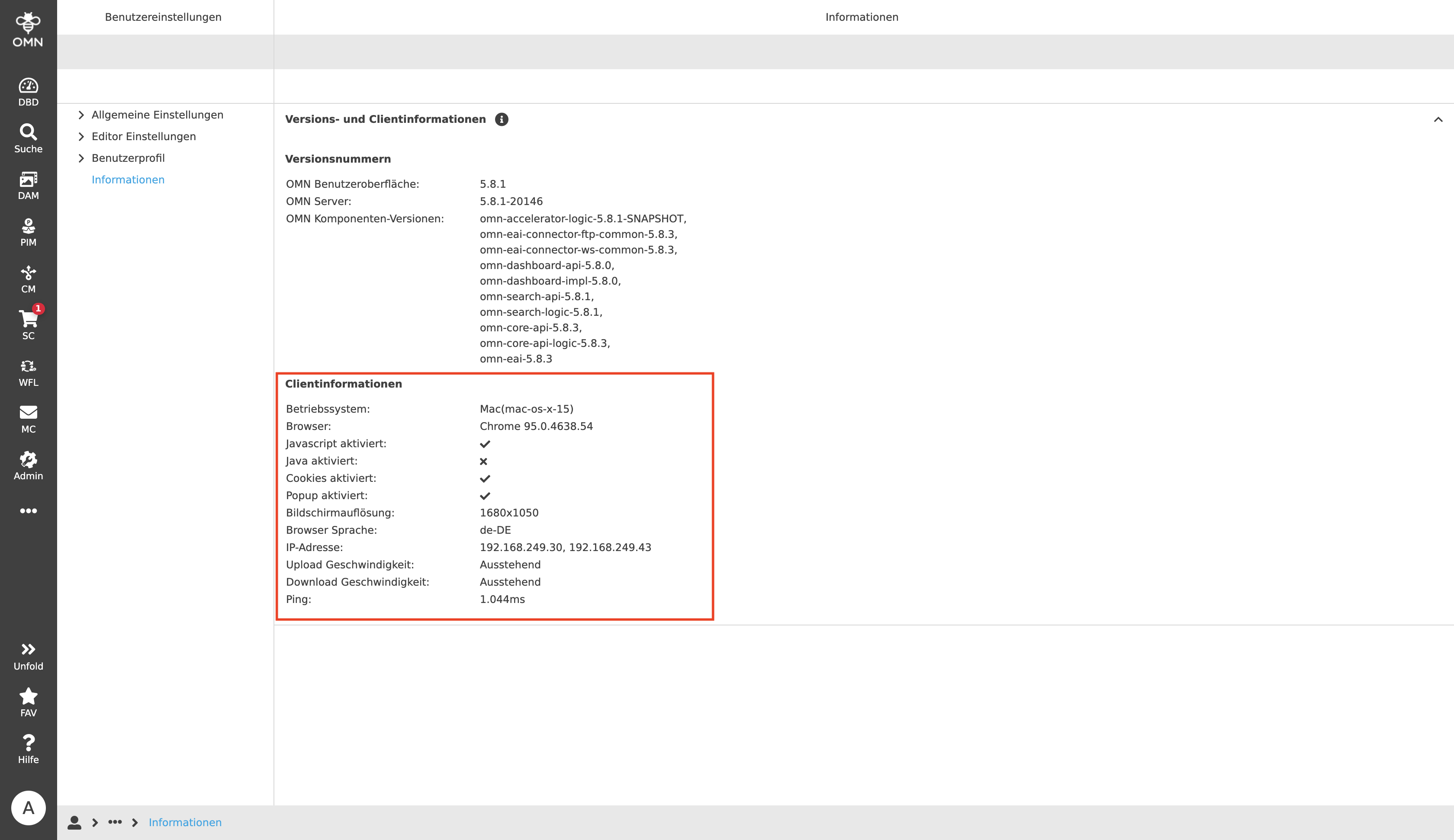
All displayed information can be copied to the clipboard via the copy function ("i" icon), e.g. to pass it on in the context of support requests for error analysis.
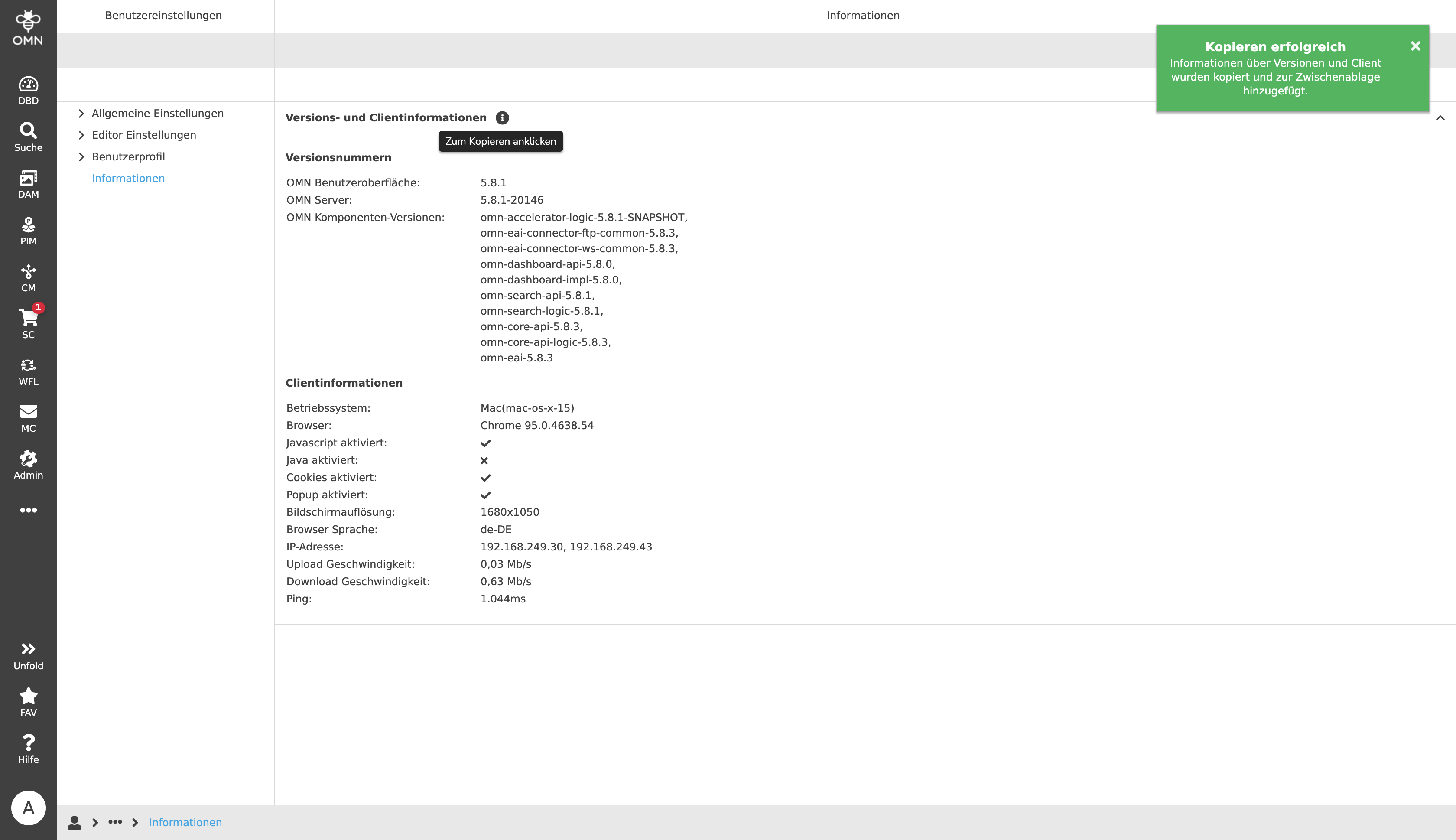
After executing the copy function, the person using the function will receive a short feedback that the information has now been pasted to the clipboard.
The user can then forward this information to his or her contact person in the support department, for example, by email.