ShowInNavigation (Function Plugin)
Purpose
The plug-in allows to open a selected asset item from a Search Result (or other places) on the Filesystem folder, where it is stored physically.
Possible Usage of the plugin
You can use the function plug-in from the following different content views:
-
FSNavigation content views
-
FSTable
-
SingleObject
-
LightTable
-
-
AdvancedSearch content views
-
FSTable
-
SingleObject
-
LightTable
-
Preconditions
There must be at least one PagePlugin with one corresponding ContentPlugin that presents asset items in a ContentView.
-
FSNavigation with FSTable
-
AdvancedSearch with FSTable
At least one ShowInNavigation Function plugin must be configured and executable on the ContentPlugin e.g. FSTable in FSNavigation.
General configuration
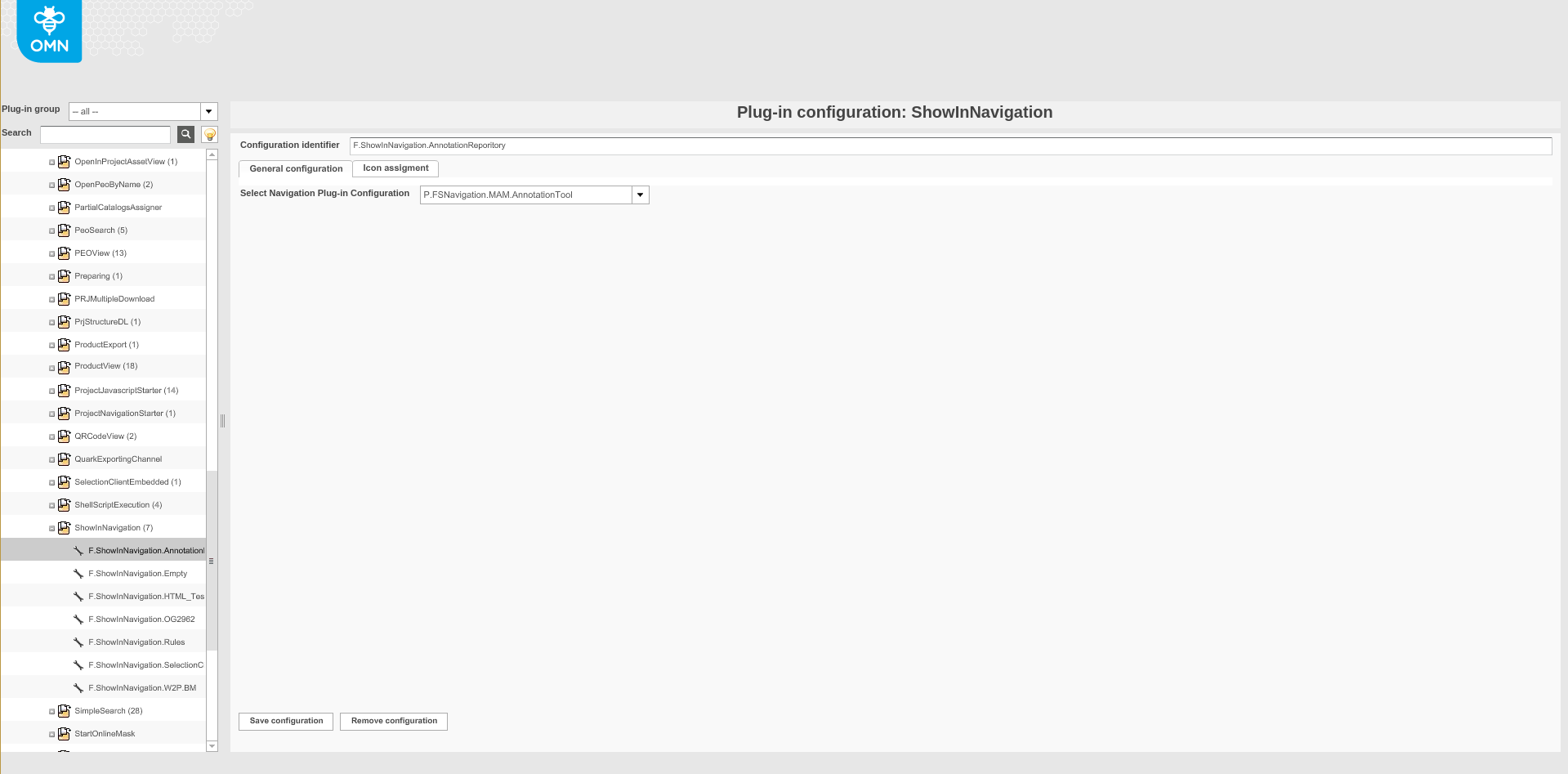
Image 1 Overview 'ShowInNavigation' configuration
Field |
Description |
Configuration identifier |
Name of the specific configuration of the plug-in. |
Tab |
Description |
Notice |
General configuration |
Allows to set the general configuration of plugin. |
|
Icon Assignment |
Allows the selection of an icon which is displayed for the function in the frontend. |
See Assigning icons |
'General configuration' tab
Field |
Description |
Notice |
Select Navigation Plug-in Configuration |
Choose a FSNavigation Page Plugin in which the selected asset should be opened and displayed. |
The FSNavigation must have access to the RNC in which the asset is physically stored. See also Configuration FSNavigation Page Plugin |