Feature Details
General
Update to Fontawesome 6
| References | OG-7140 |
|---|
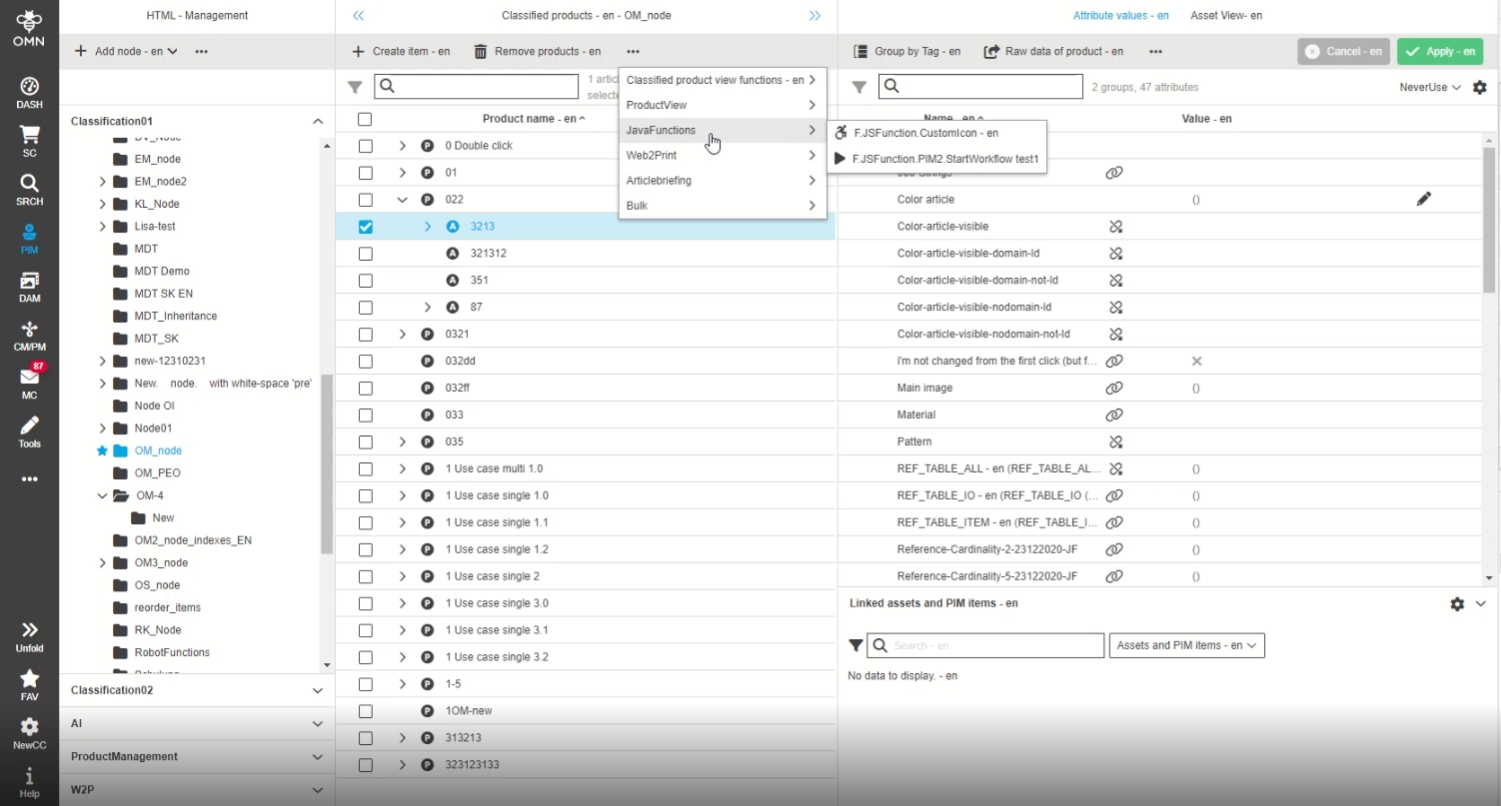
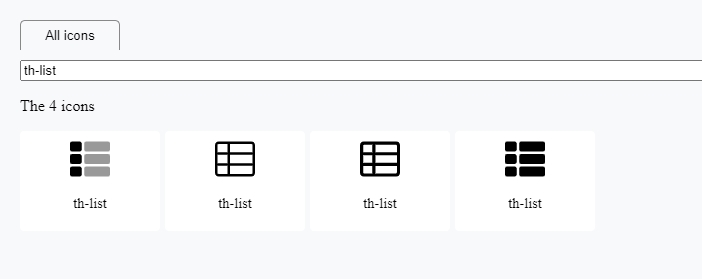
Now the latest Fontawesome library (version 6) is used in OMN providing many many icons which can be used in the context of OMN functions
Update Fontawesome library for config client
| References | OMN-9827 |
|---|
Usage of the latest Fontawesome library (version 6) in OMN Config Client to support the latest icons in the context of OMN functions
-
Example
Integrate new Custom Icons for vendors into OMN
| References | OG-14483 |
|---|
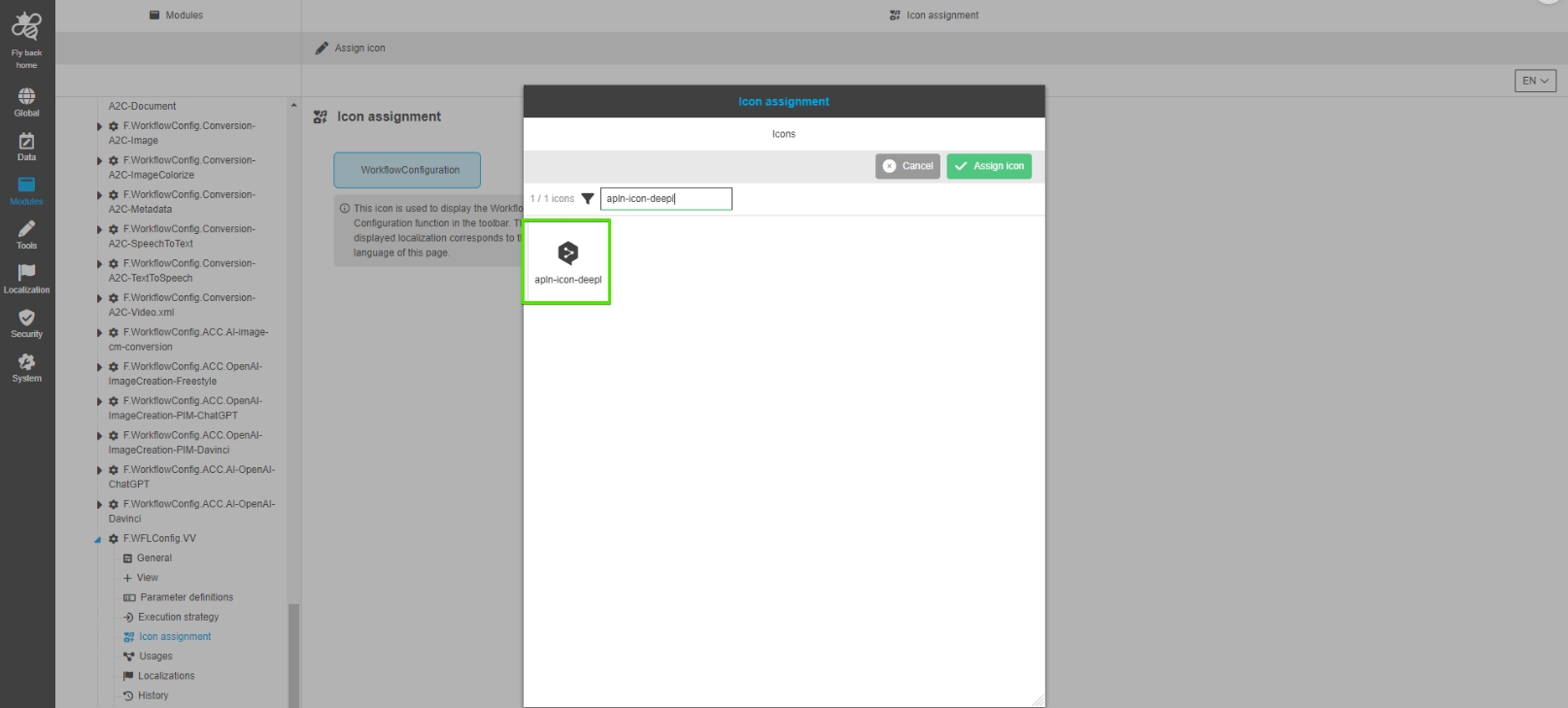
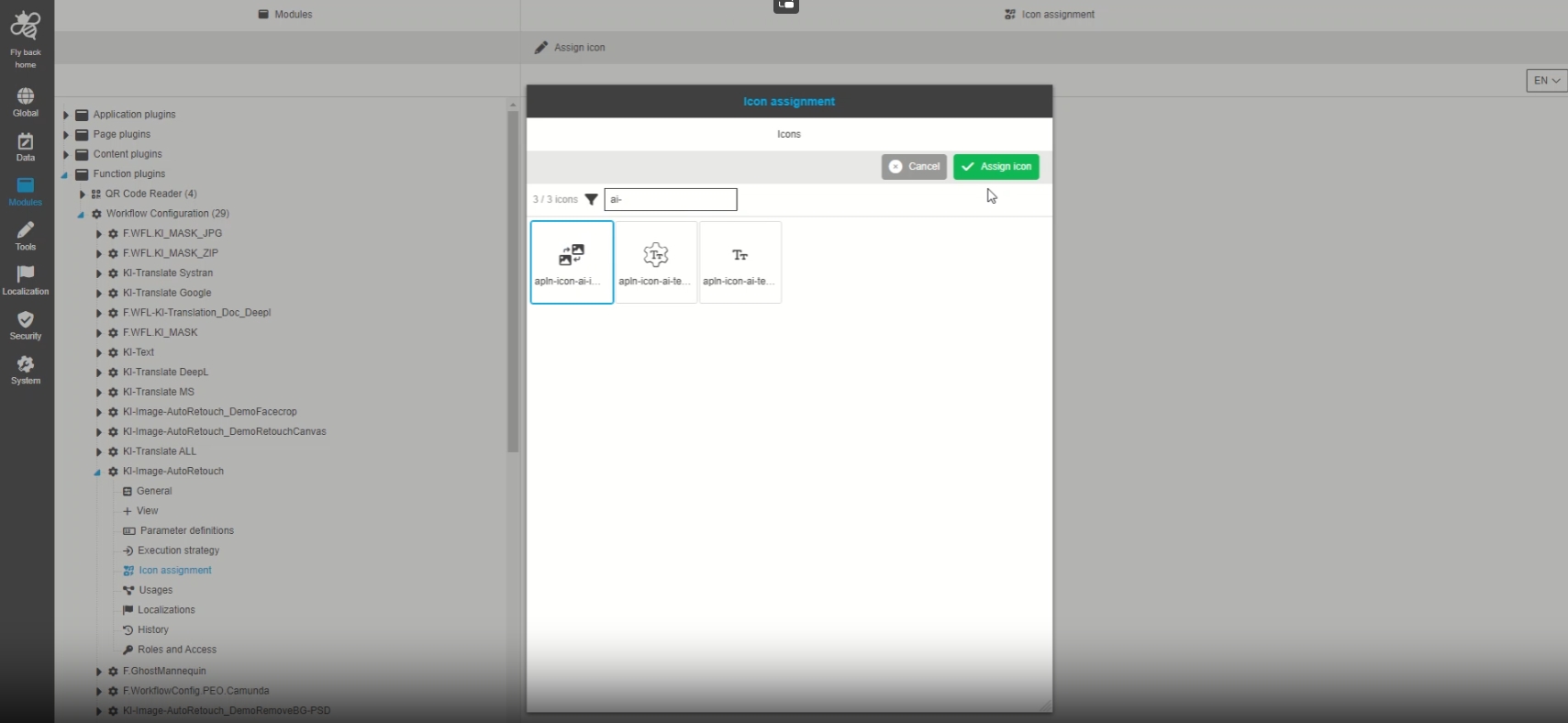
New custom icons for all OMN relevant vendors/integrations are available in icon configuration of new Config Client allowing to configure them for specific functions eg. Workflows
-
Example: DeepL Logo
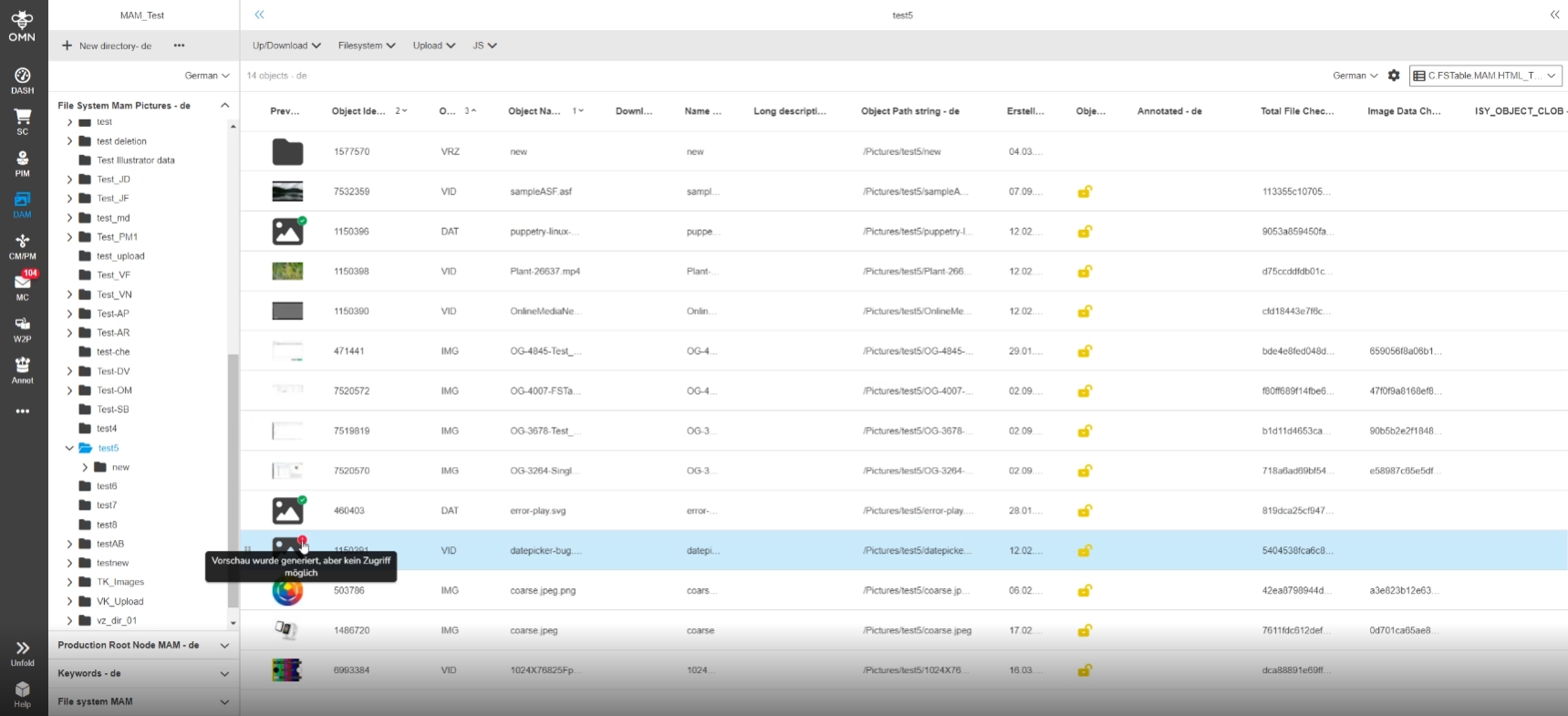
MAM Tooltip Preview localization was generated but no access is possible should be improved
| References | OMN-9693 |
|---|
Improved Tooltip localization on asset previews when preview was generated but no access is possible
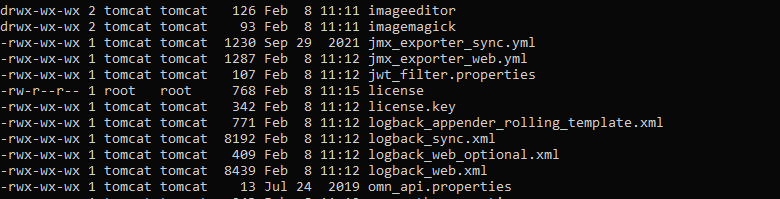
Request for fresh license on OMN Startup
| References | OMN-10106 |
|---|
Improvements in license management within license check during Startup procedure
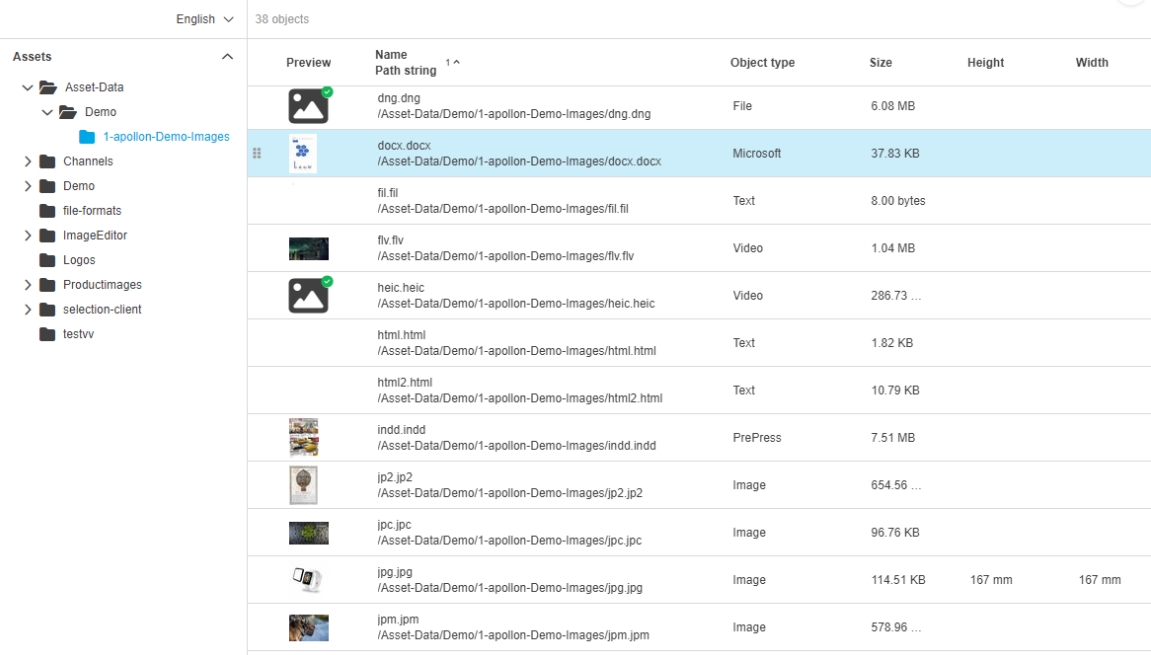
Change Default localization for object Types in DE and EN
| References | OMN-10346 |
|---|
Improvement of object type name localization
Fileformat
Upgrade Image MagickVersion to 7.1.0-54
| References | OMN-9404 |
|---|
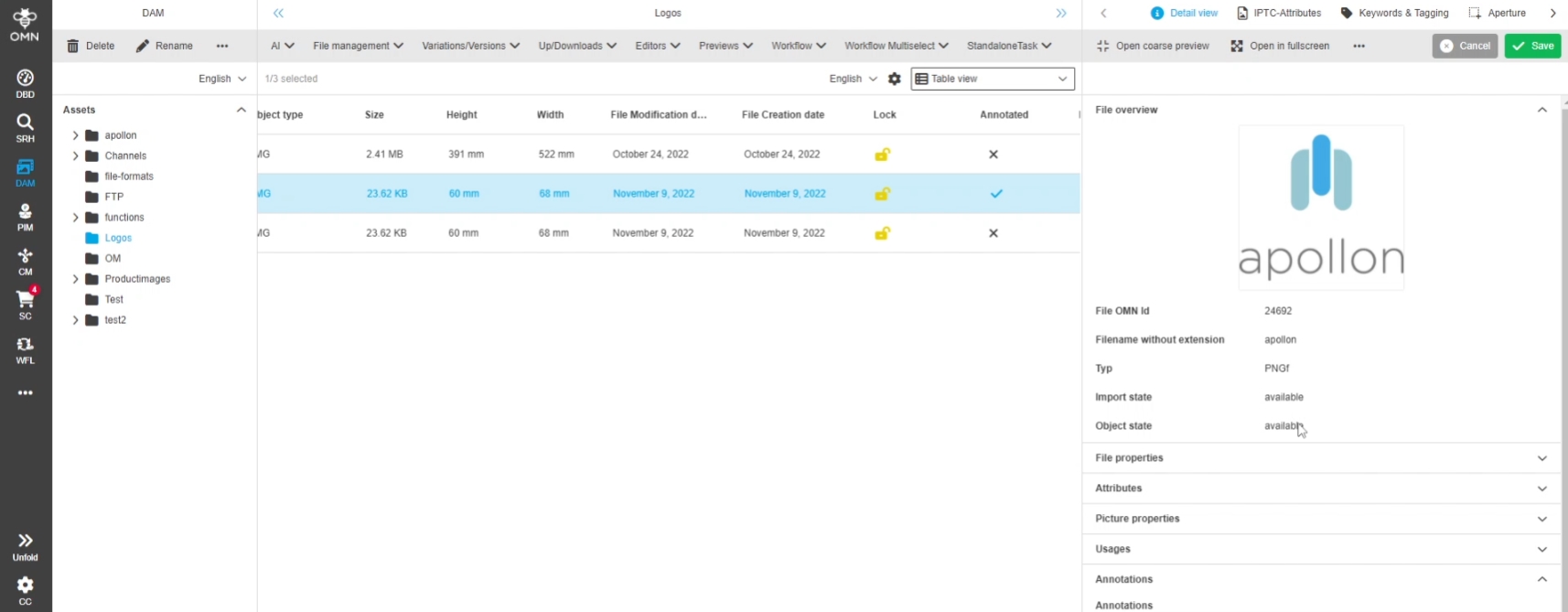
Usage of latest Image magick Version 7.1.0 (54) to support latest updates and with 5.12 new file Formats
Newly supported formats that are supported by Image Magick
| References | OMN-6289 |
|---|
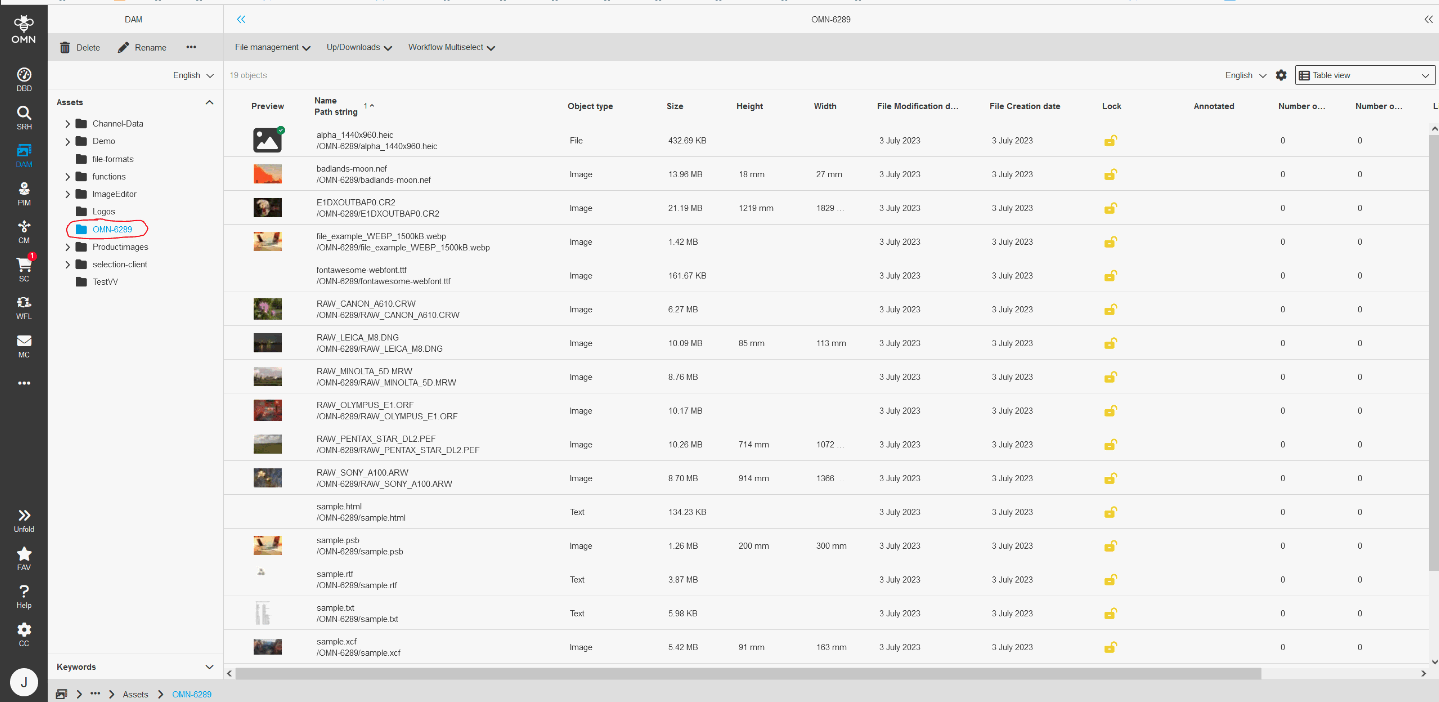
Support of new File-Formats (Generation of Previews)
Graphical formats
-
HEIC - High Efficiency Image Format
-
DNG - Digital Negative Image File
-
XCF - GIMP Image File
-
WebP - WebP Image
-
CR2 - Canon Raw Image File
-
PSB - Photoshop Large Document Format
-
XBM - X11 Bitmap Graphic
-
MRW - Minolta Raw Image File
-
NEF - Nikon Electronic Format RAW Image
-
ORF - Olympus RAW File
-
PEF - Pentax Electronic File
-
ARW - Sony Digital Camera Image
-
CRW - Canon Raw CIFF Image file
-
PICT - Picture File
-
SVG - Scalable Vector Format
-
JPG2000
-
AVIF
Text/Web Formats
-
TXT - Plain Text File
-
RTF - RichTextFile
-
TTF - True Type font file (Requires freetype 2)
-
HTML - Hypertext Markup Language File
XMP support for additional fileformats by exiftool
| References | OMN-9779 |
|---|
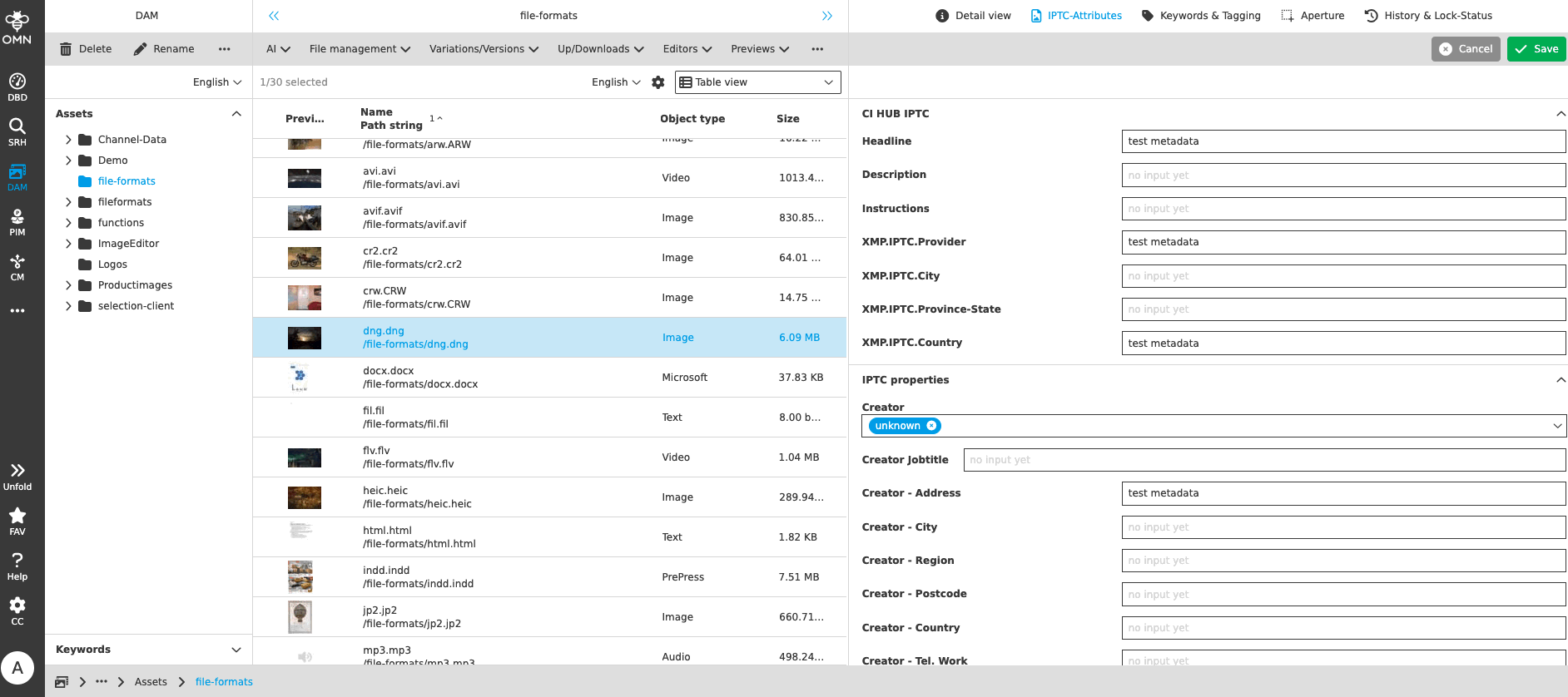
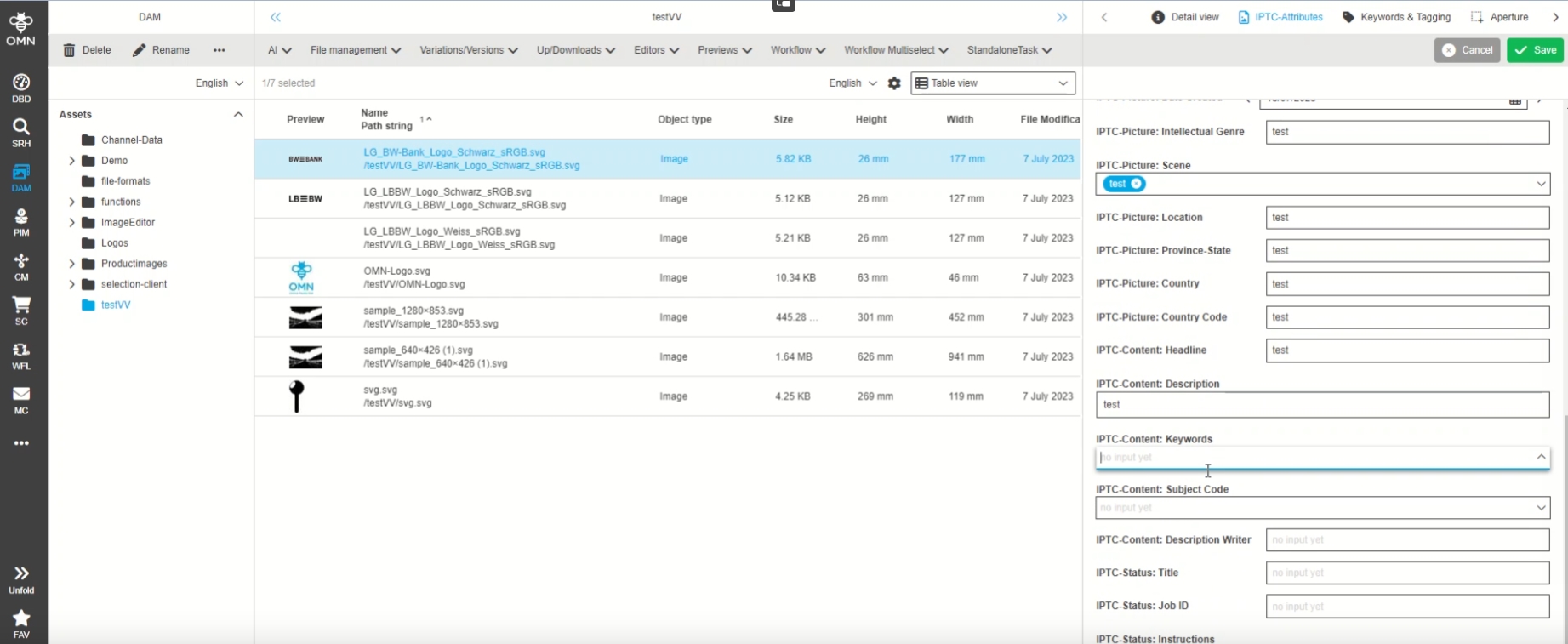
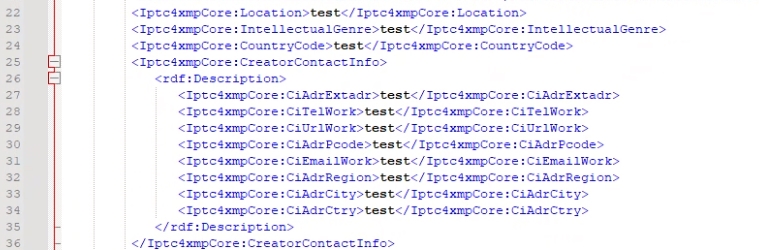
Extended XMP Support for image file types
-
update to latest adobe XMP
-
Integration of ExifTool for read/write XMP Data
-
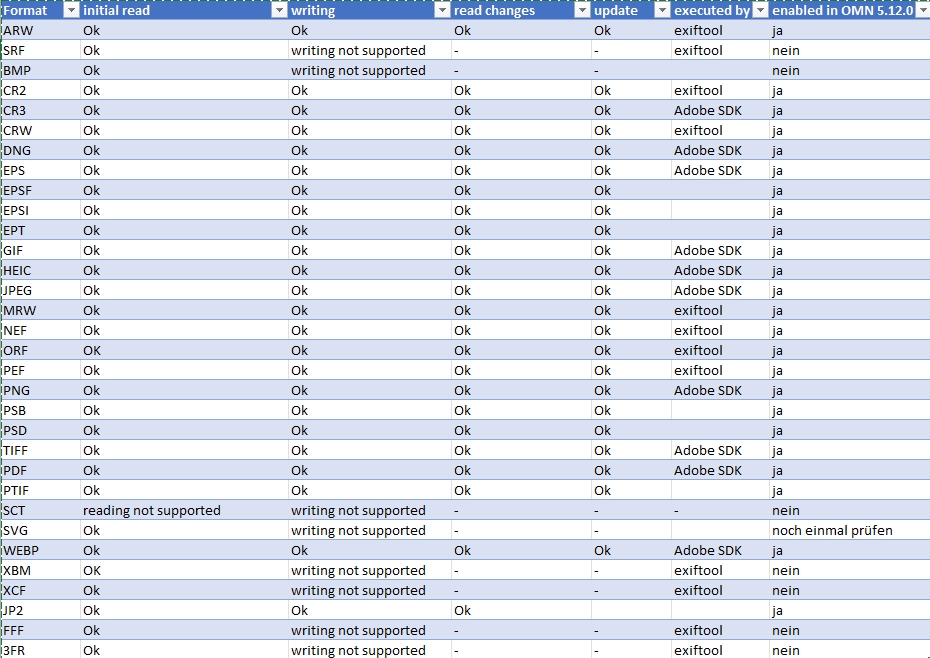
supported format (OMN-9847)
Extend list of default file types for handling XMP metadata
| References | OMN-9847 |
|---|
The following file formats are added to the property 'XMPSupportingFileTypes.file_types' of Filetypes which are supporting XMP
-
ARW ,CR2 ,CRW ,DNG ,EPS ,GIF,HEIC ,JPG ,MRW ,NEF,ORF ,PEF ,PNG ,PSB ,PSD, PTIF, SVG, JP2
Note
-
This property does not control if XMP meta tags are read from file. They are always tried to read into OMN.
-
The property controls if meta tags are considered as changeable and writeable over UI
-
In OMN 5.12 additional File formats are supported in General and for XMP Support (OMN-9779)
-
MAM
Lighttable
FSTable
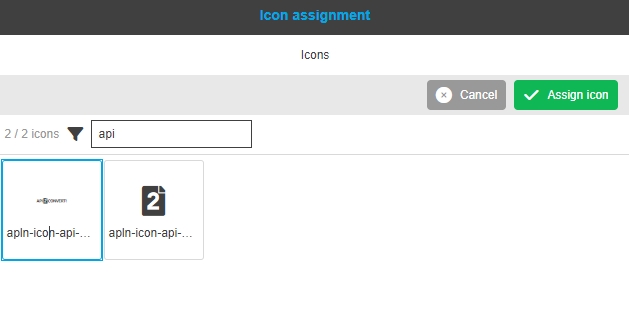
FSTable - Show configured icon assignment icon in the UI
| References | OG-13144 |
|---|
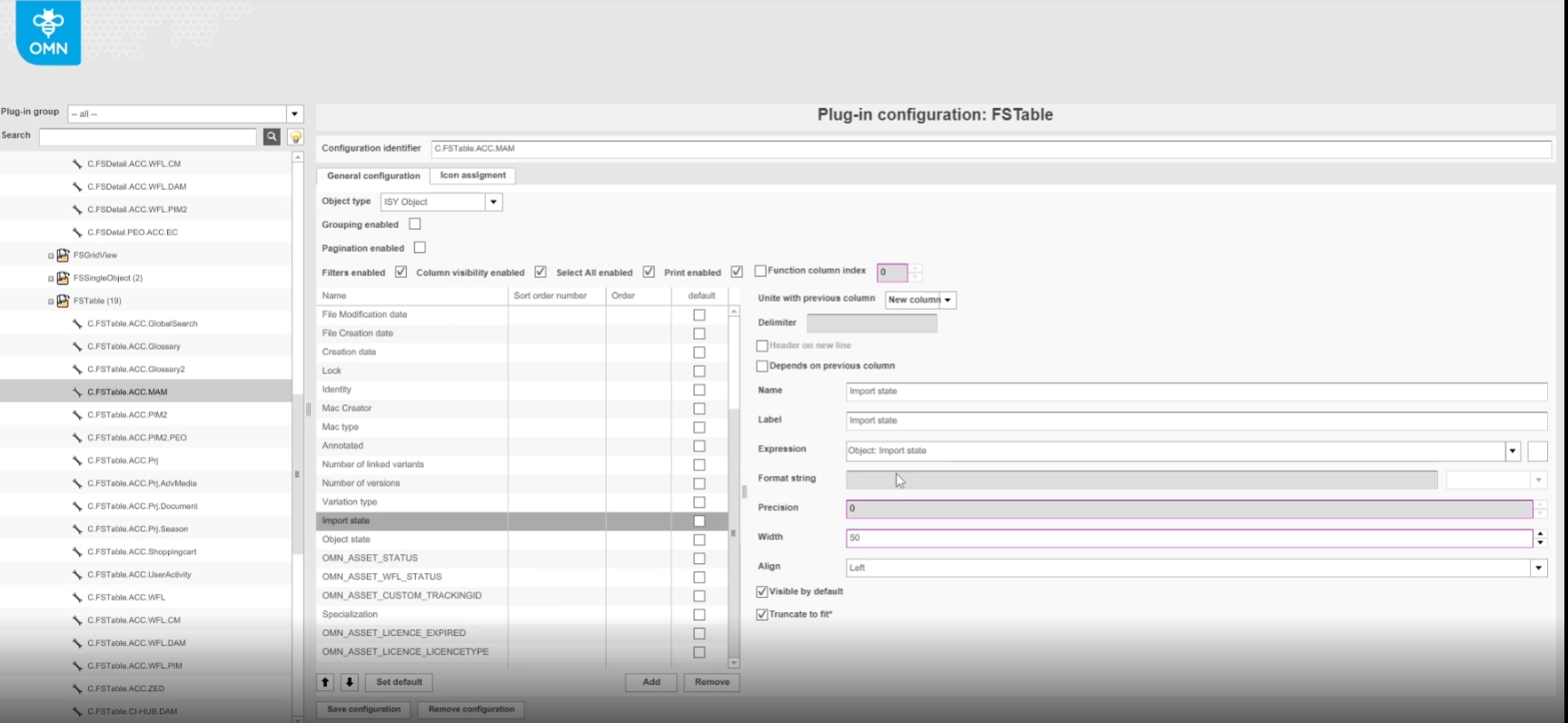
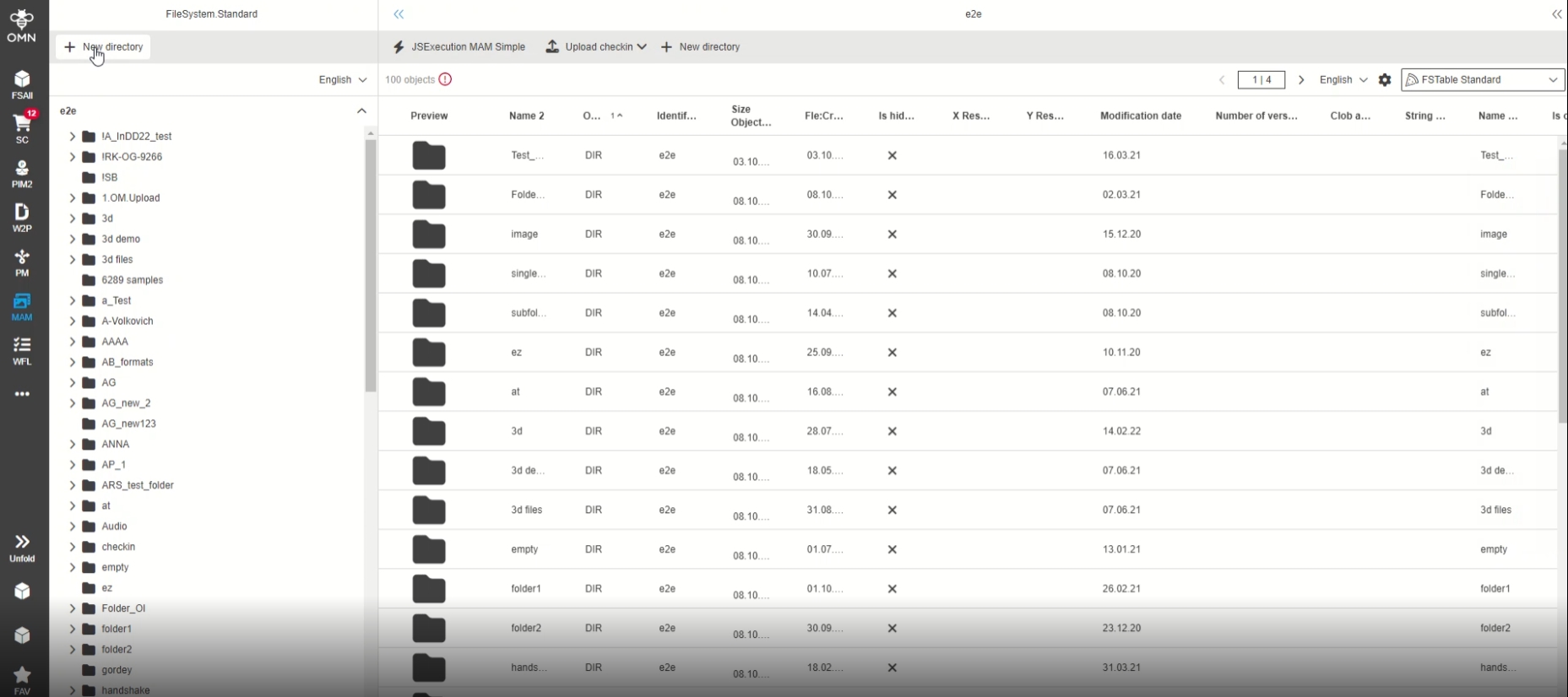
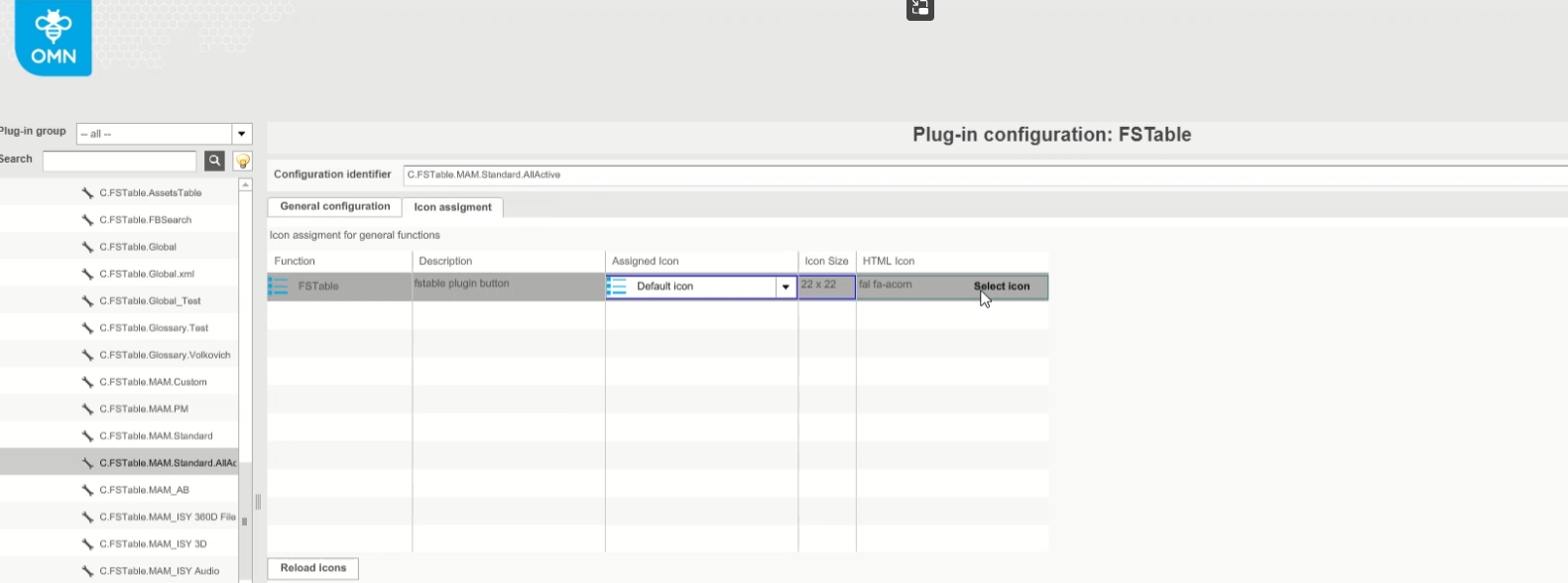
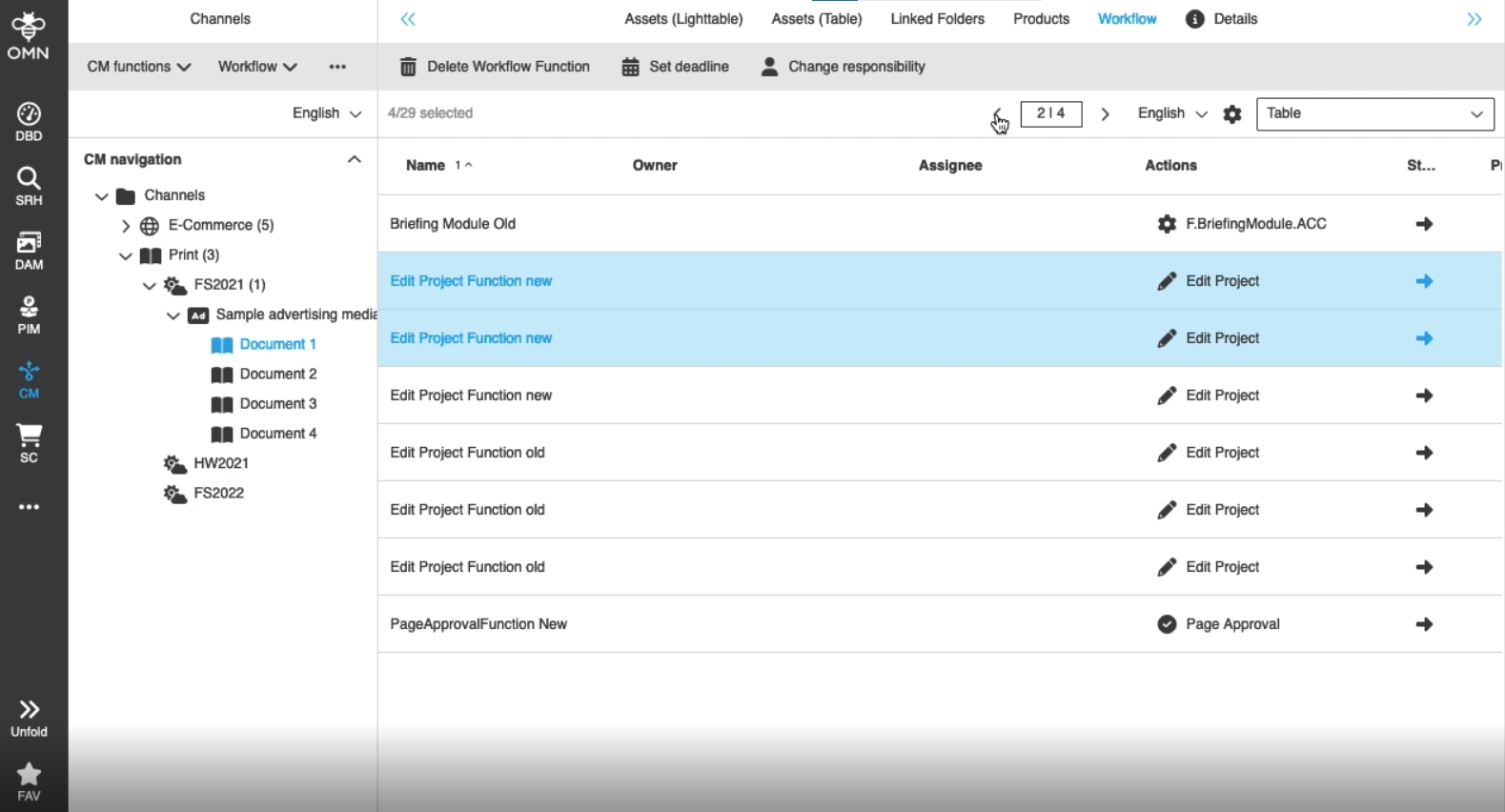
FSTable Content view now support configurable custom Icons
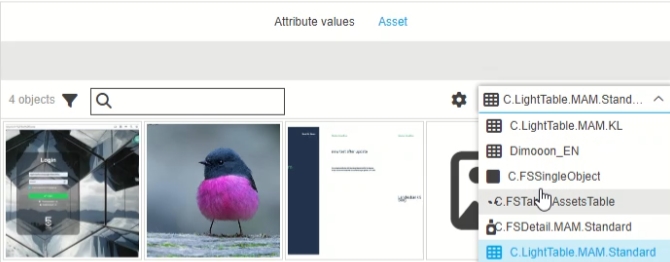
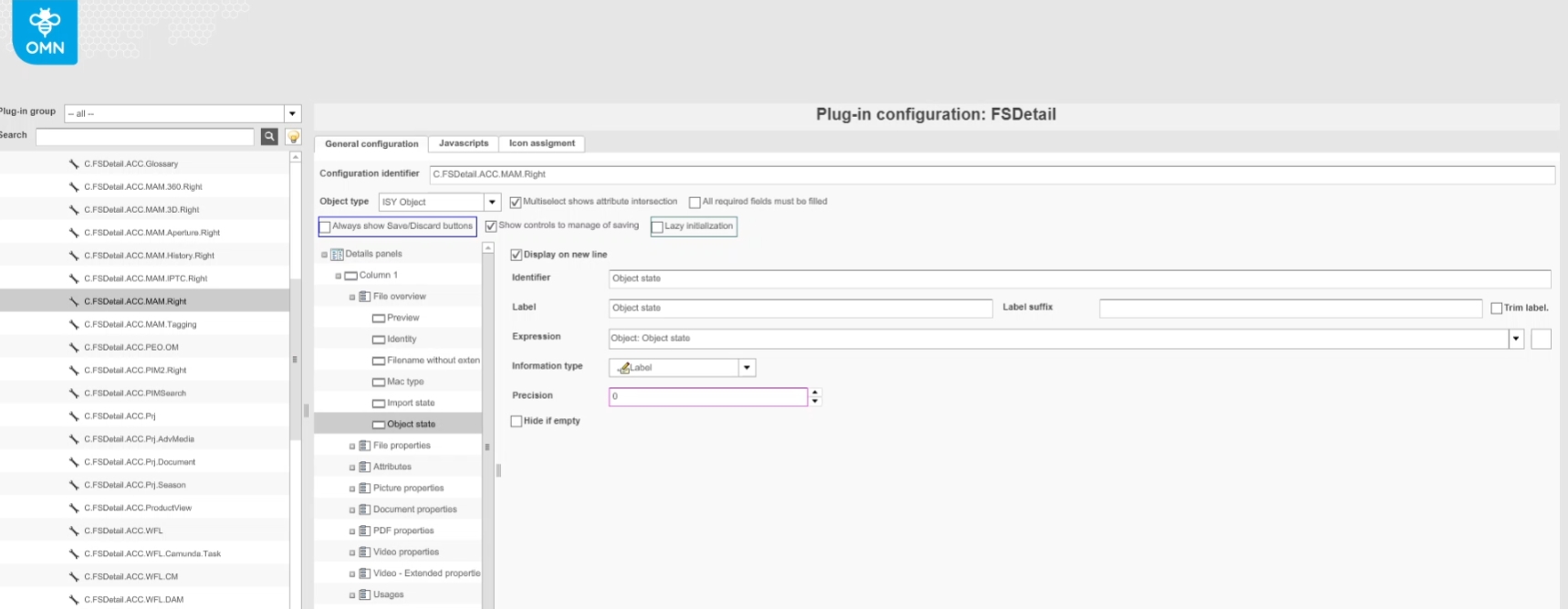
-
Icon Assignment in configuration (note Option is not yet available in new HTML5 configclient)


FSDetail
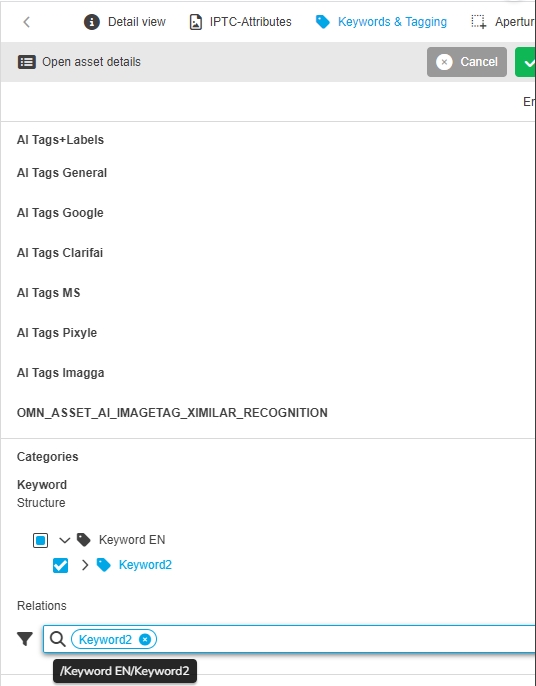
FSDetail - Widget - Keywords - Relations mode - Improvement to show only keyword in chip instead of whole path
| References | OG-14398 |
|---|
Improvement that Keyword tag shows only the concrete keyword in the Keyword relation mode as chip and not the whole path to see better what is tagged
-
the whole path of Keyword will be shown on mouse-over
Add EXIF-Attributes for IPTC/EXIF/Geo
| References | OMN-10364 |
|---|
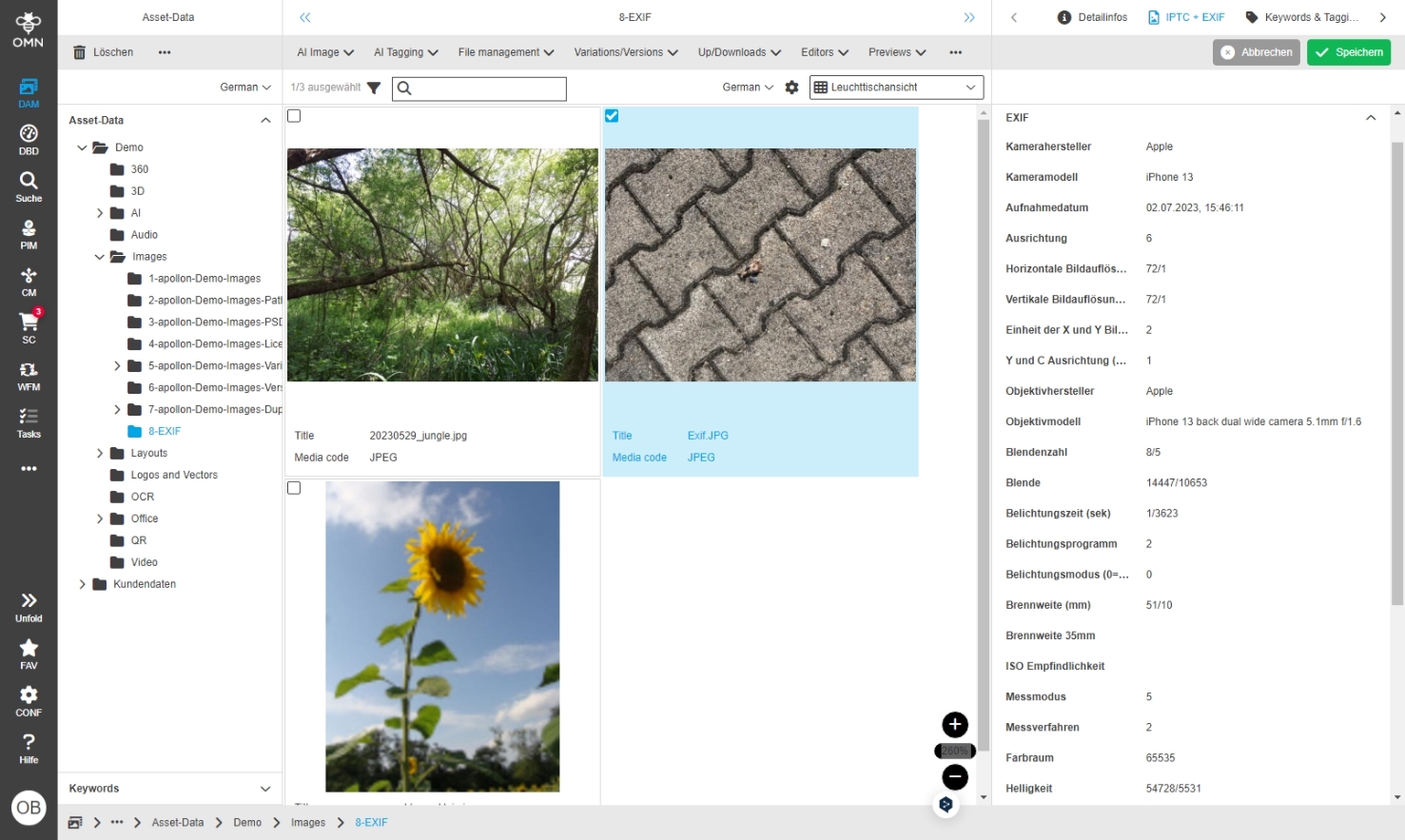
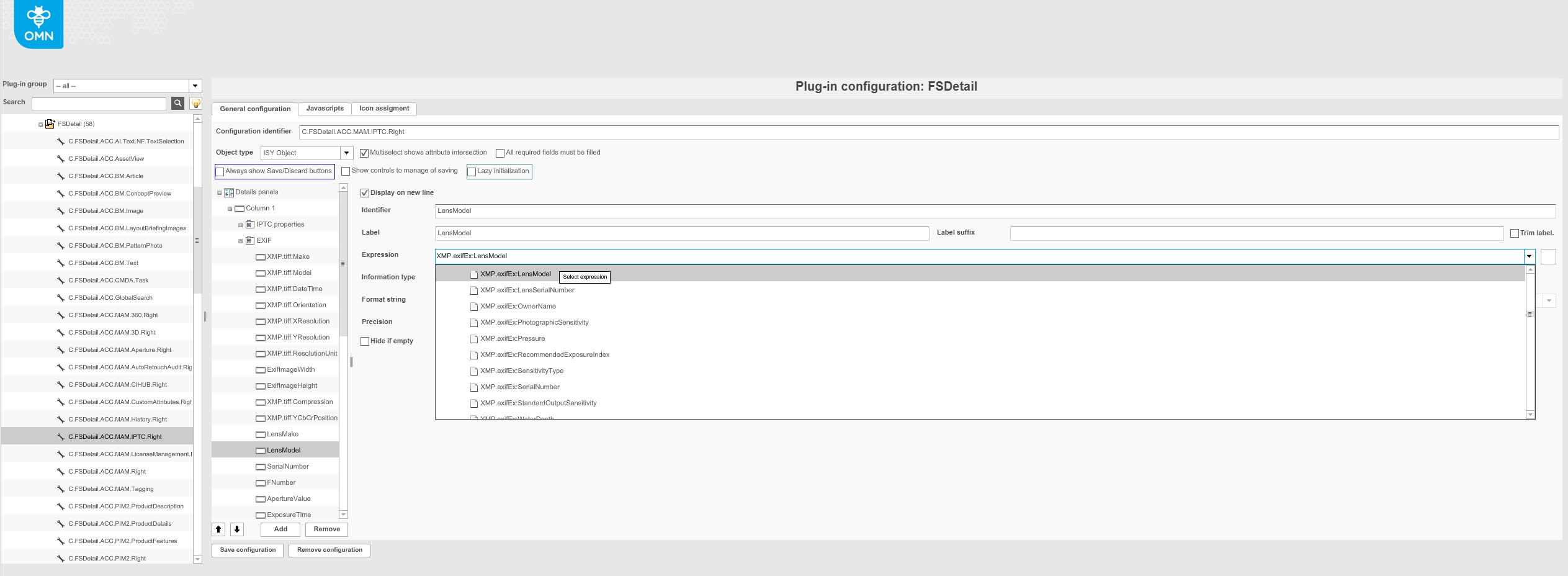
EXIF Attributs can no be configured by corresponding expressions
-
Display of EXIF data in frontend
-
Configuration of EXIF Attributes
Hide if empty for preview in FSDetail
| References | OG-14722, OMN-10476 |
|---|
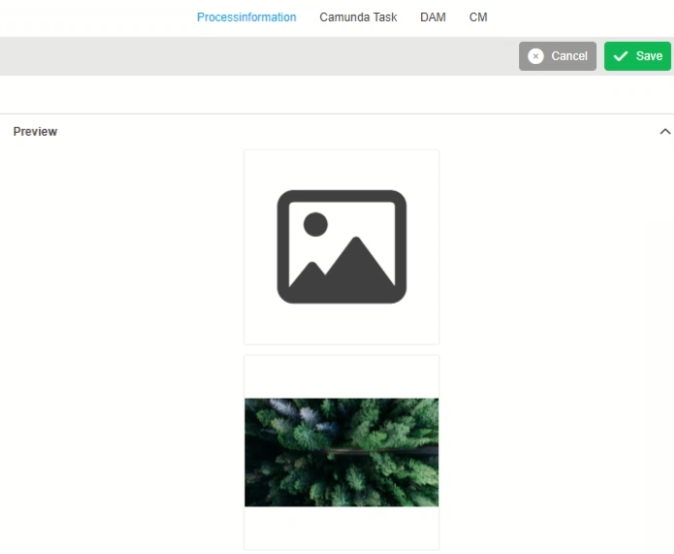
New configuration possibility for hiding preview box eg in FS Detail if no preview is available
-
Display of empty preview expression
-
configuration Option hide if empty for preview Expression in FSDetail - in this case empty preview box will be hidden
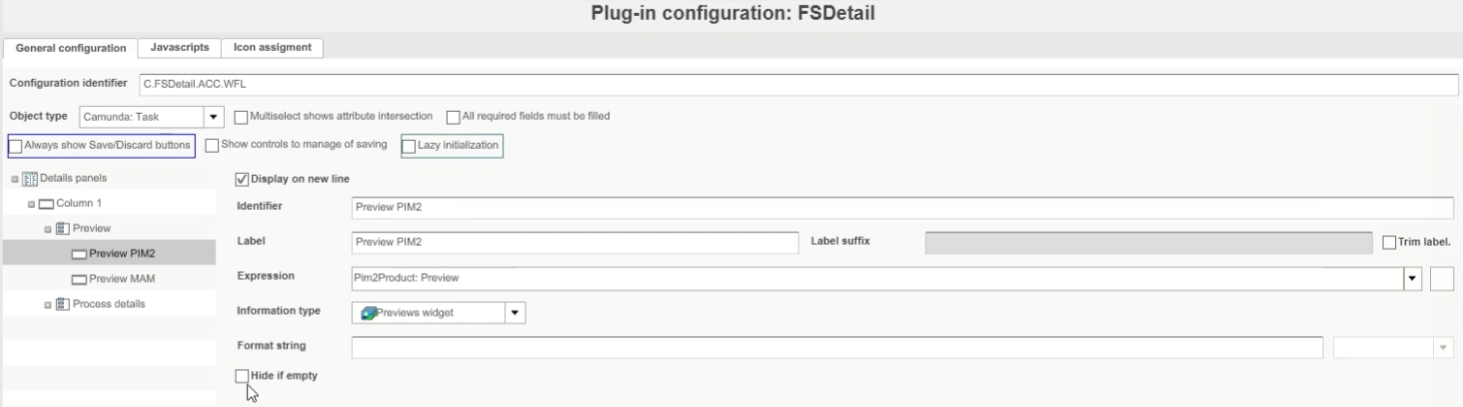
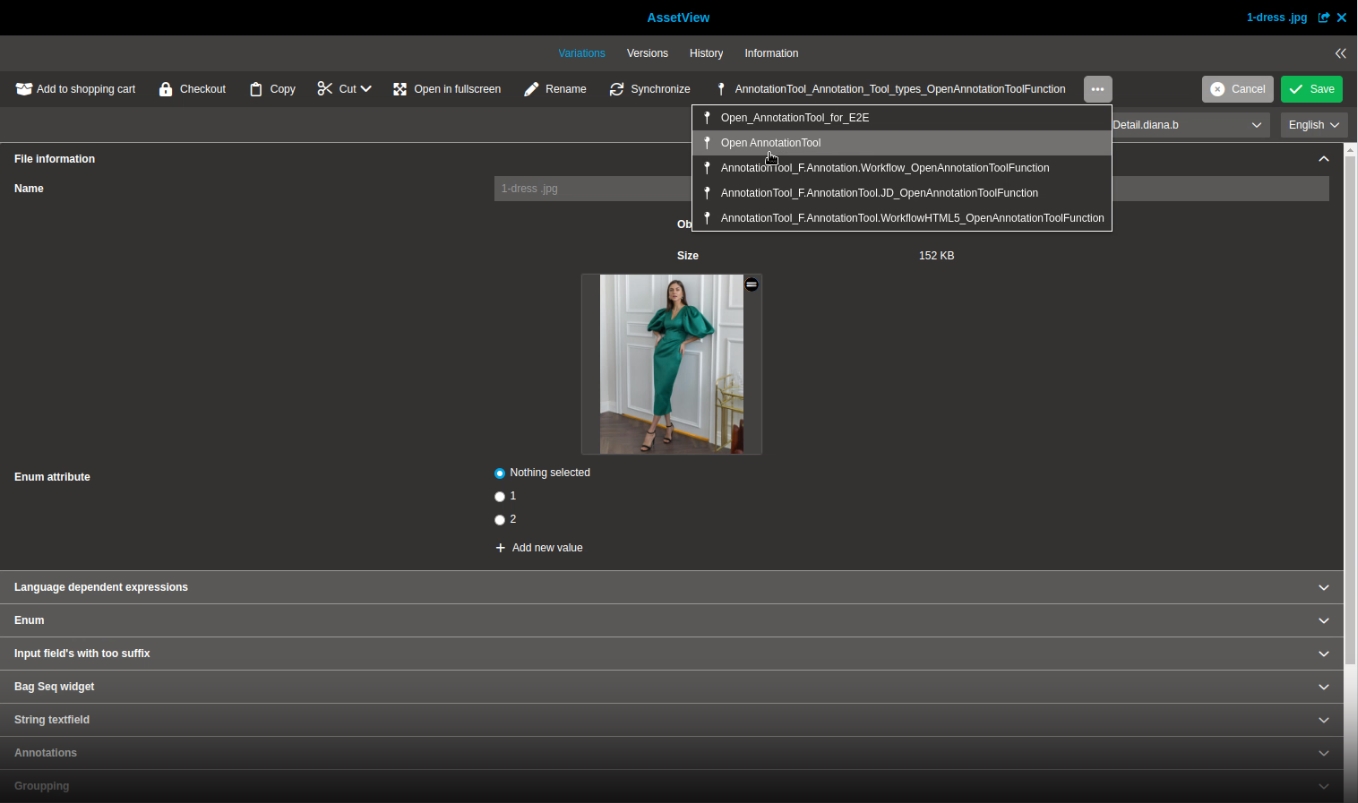
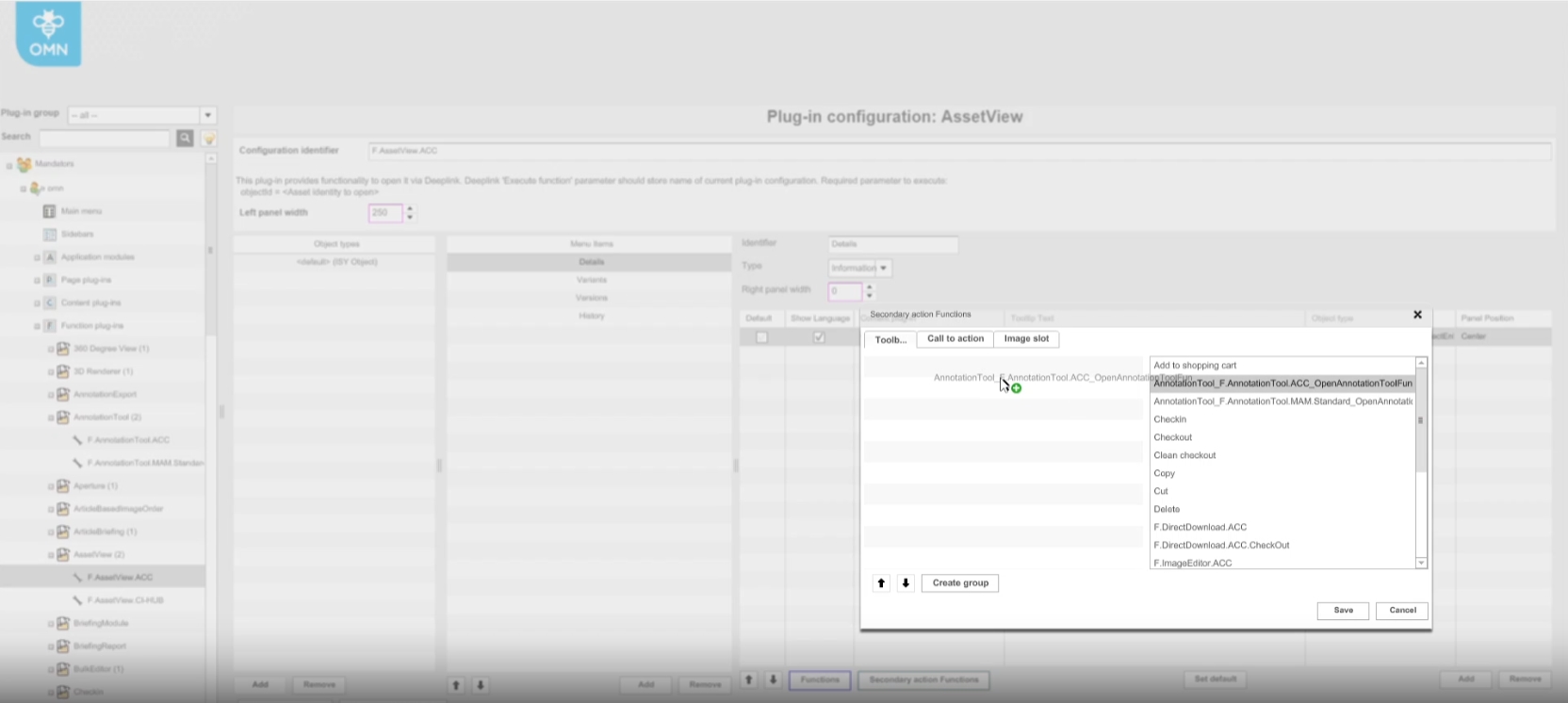
Image Linker
Upload
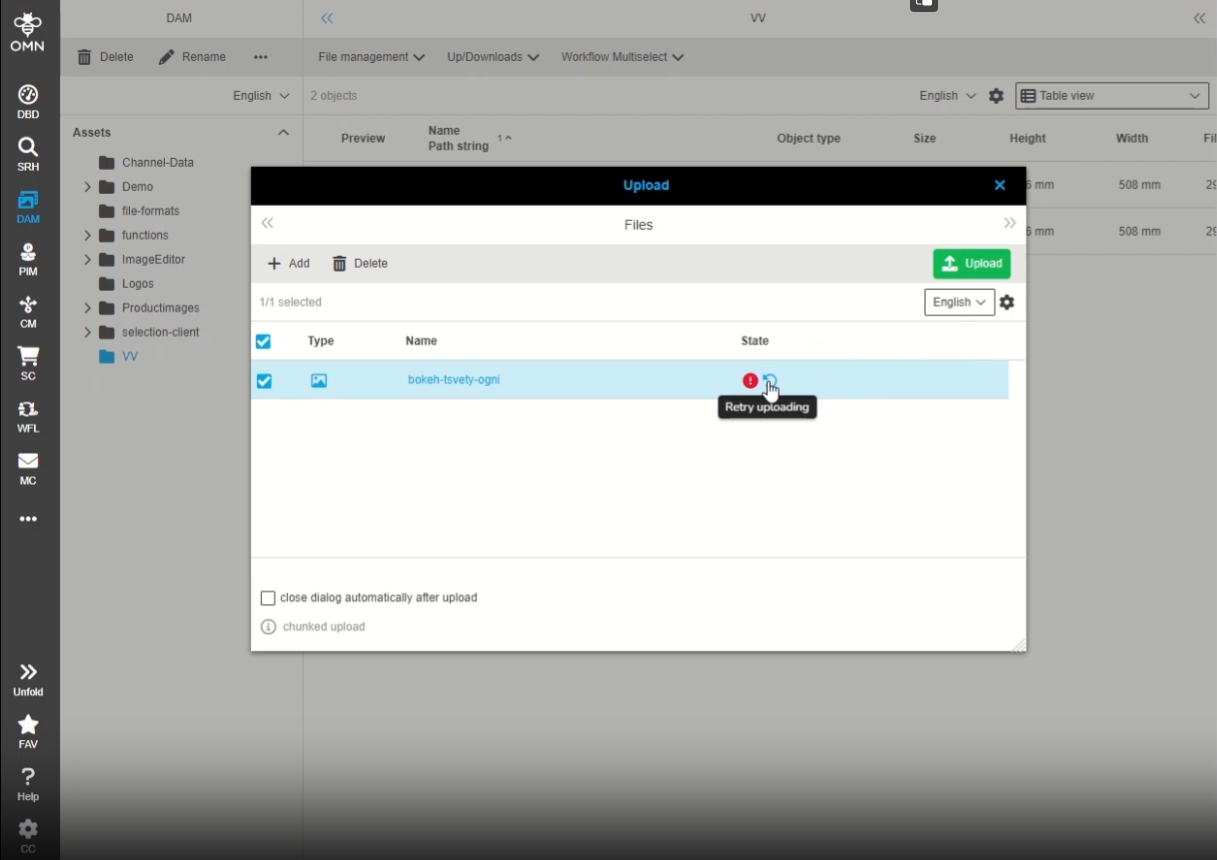
Upload - Improve uploading by retrying failed requests
| References | OG-14456 |
|---|
Possibility to retry uploading of the file that is failed in previous upload
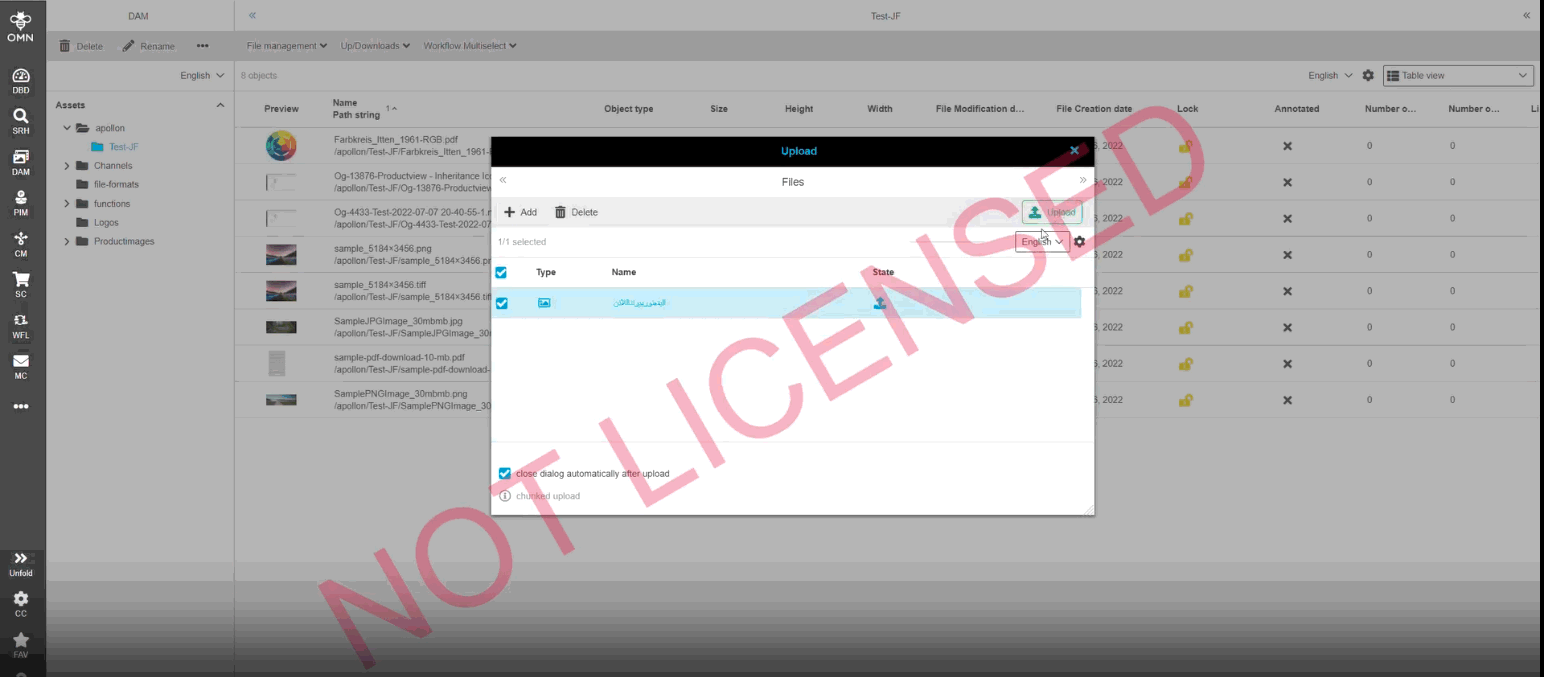
Upload - Improvements for "close dialog automatically after upload" checkbox
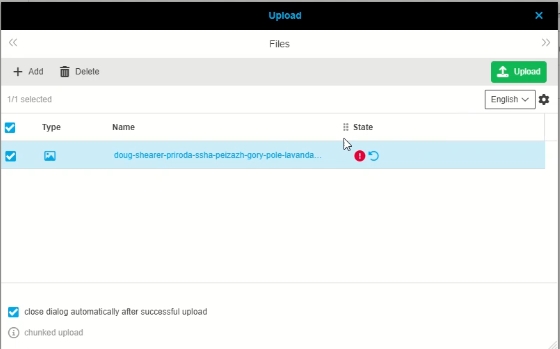
| References | OG-14681 |
|---|
Improvement on close Dialog automatically after upload, that upload Dialog will only be closed if all Uploads are successful
-
otherwise Dialog stays open and user can use retry function to try upload for failed file again (function was introduced in 5.12 release)
Filemanagement
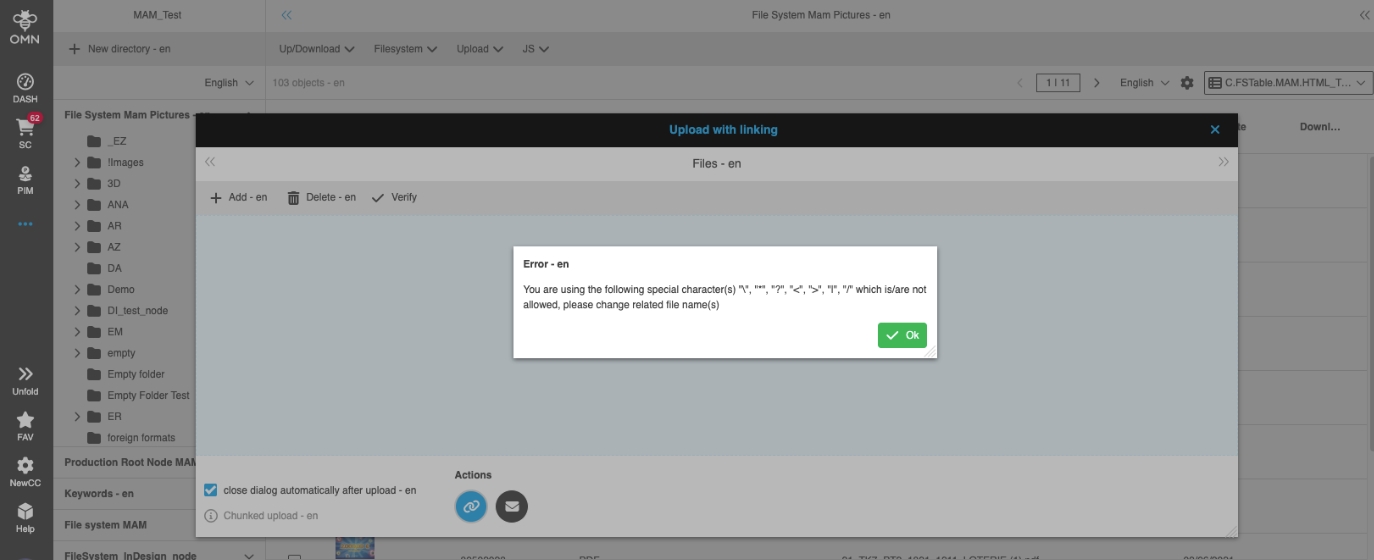
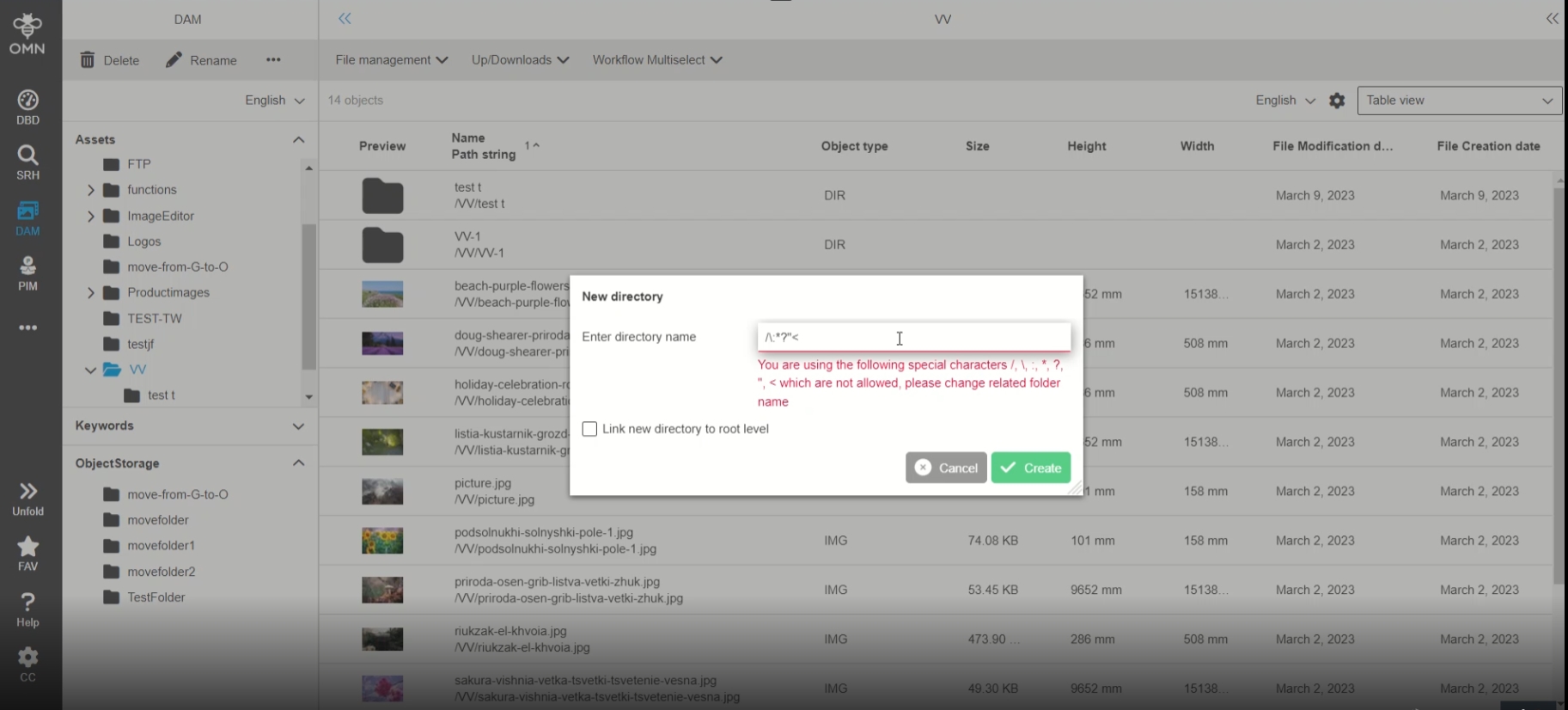
New Folder Function - escape forbidden Characters
| References | OG-14389 |
|---|
Special Treatment in New Folder function, when user tries to use forbidden special characters
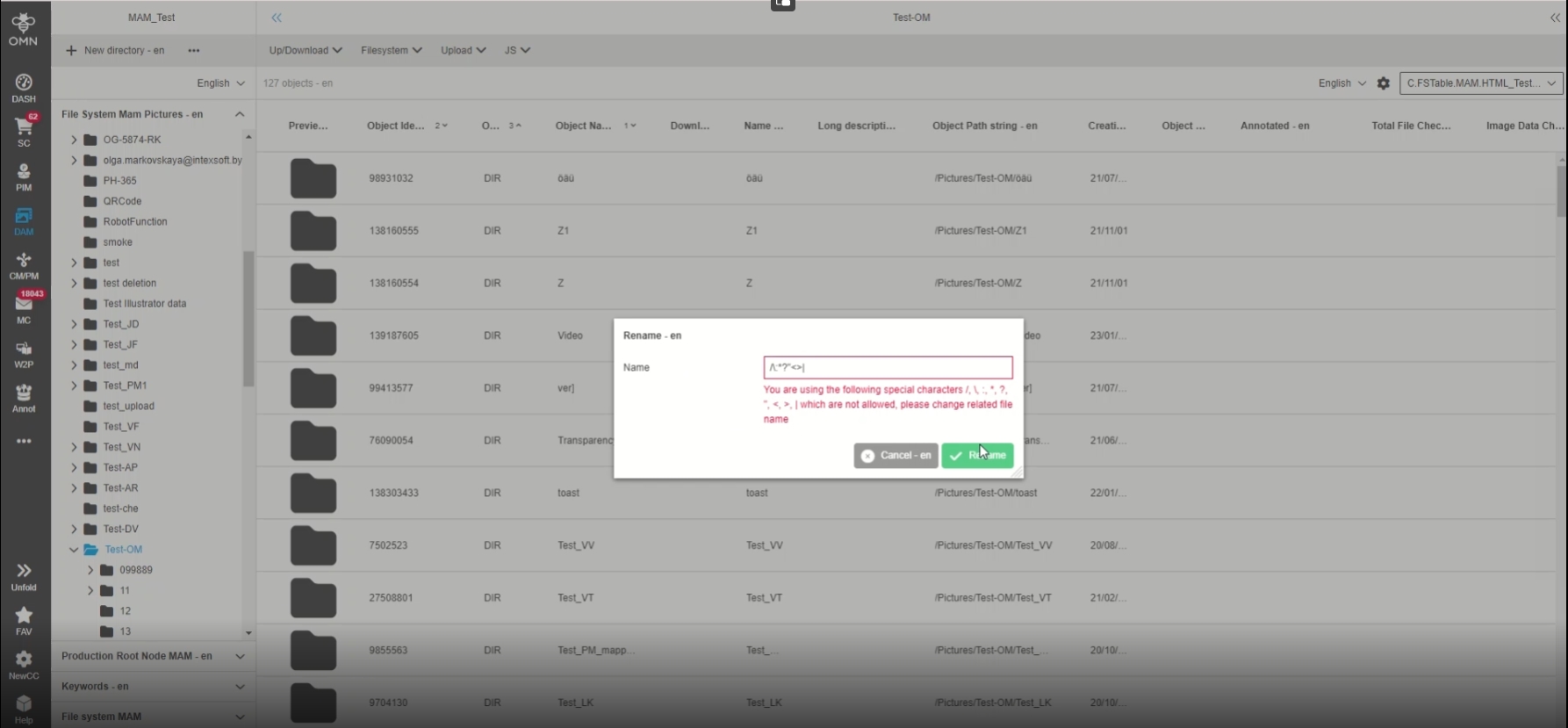
File Rename function - escape forbidden Characters
| References | OG-14392 |
|---|
Special Treatment in Rename function, when user tries to use forbidden special characters
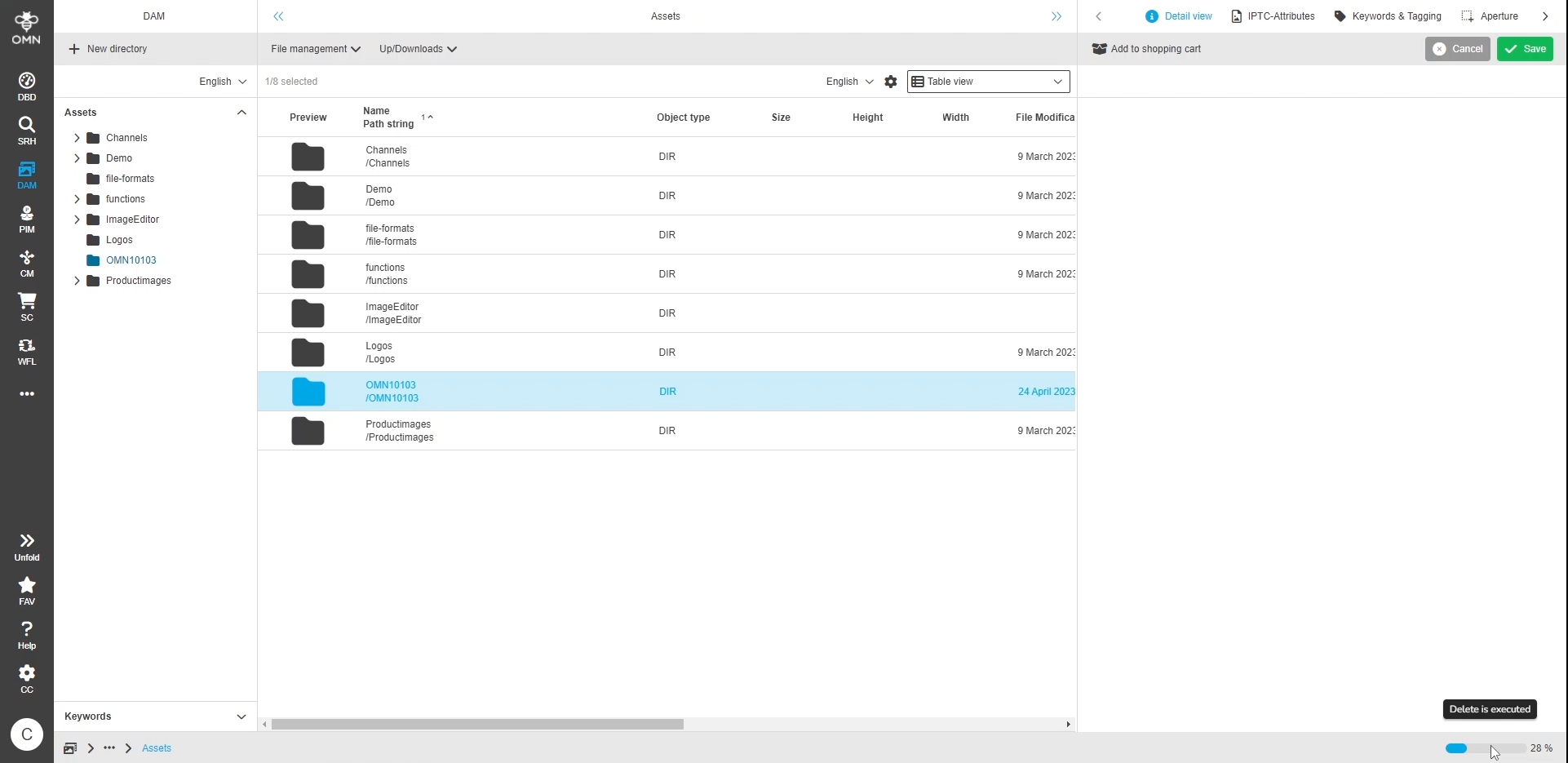
Optimize deletion process of files
| References | OMN-10103 |
|---|
General Optimization in deletion process of files for all supported databases
ShoppingCart
| References | OMNA-1429 |
|---|
Shoppingcart supports Lighttable View
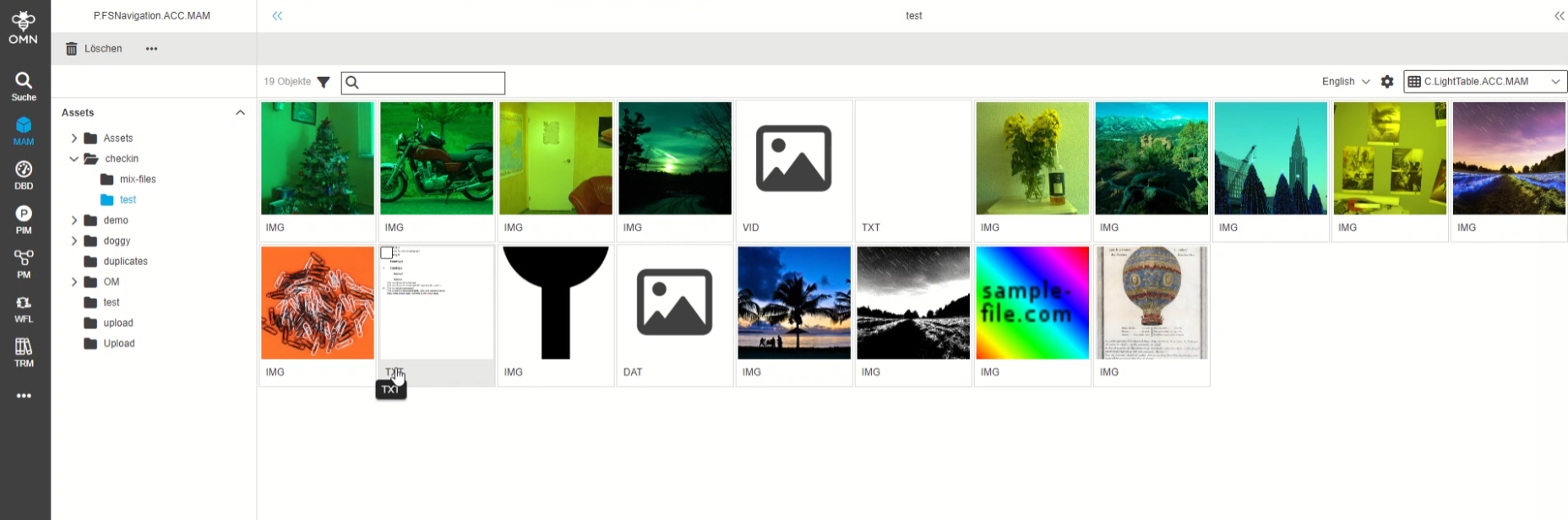
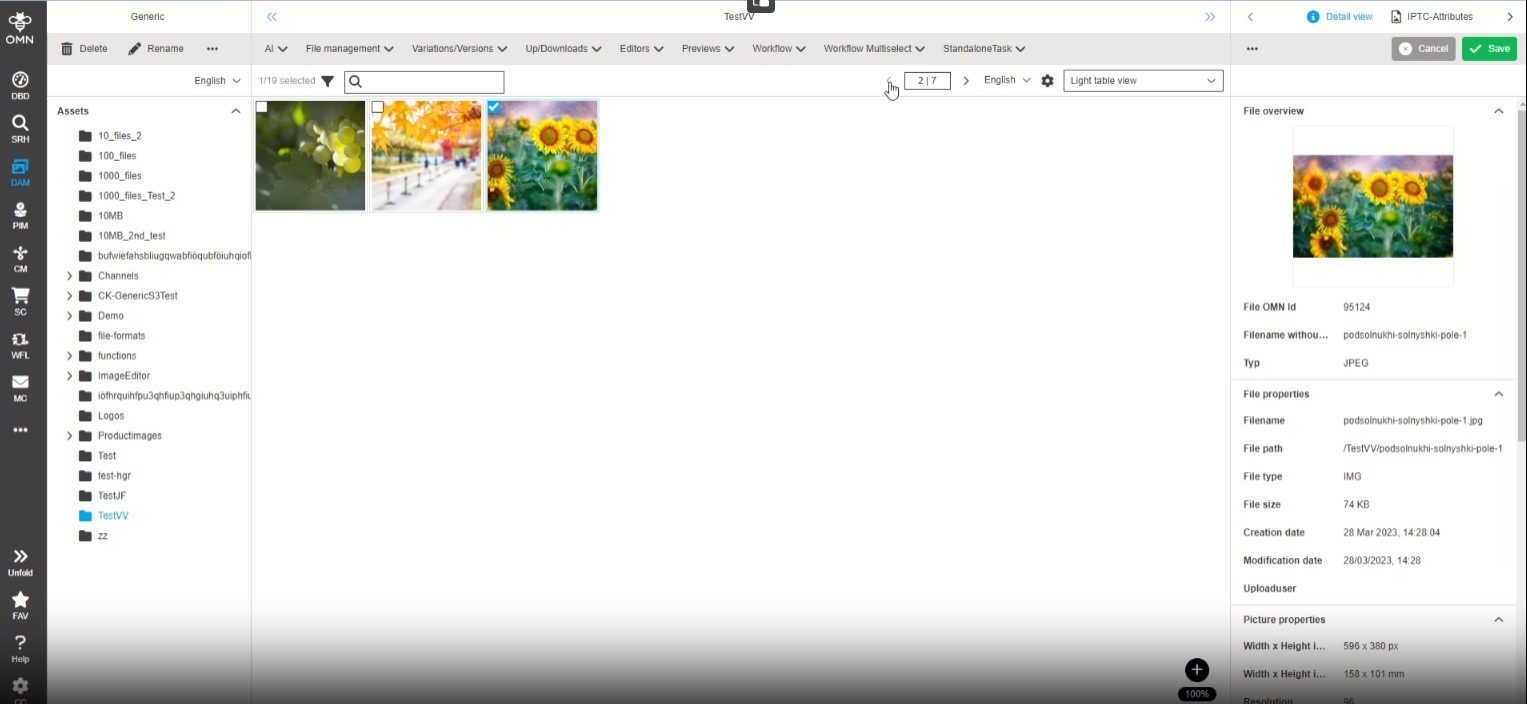
Lighttable View is available with the same functions as the table view.
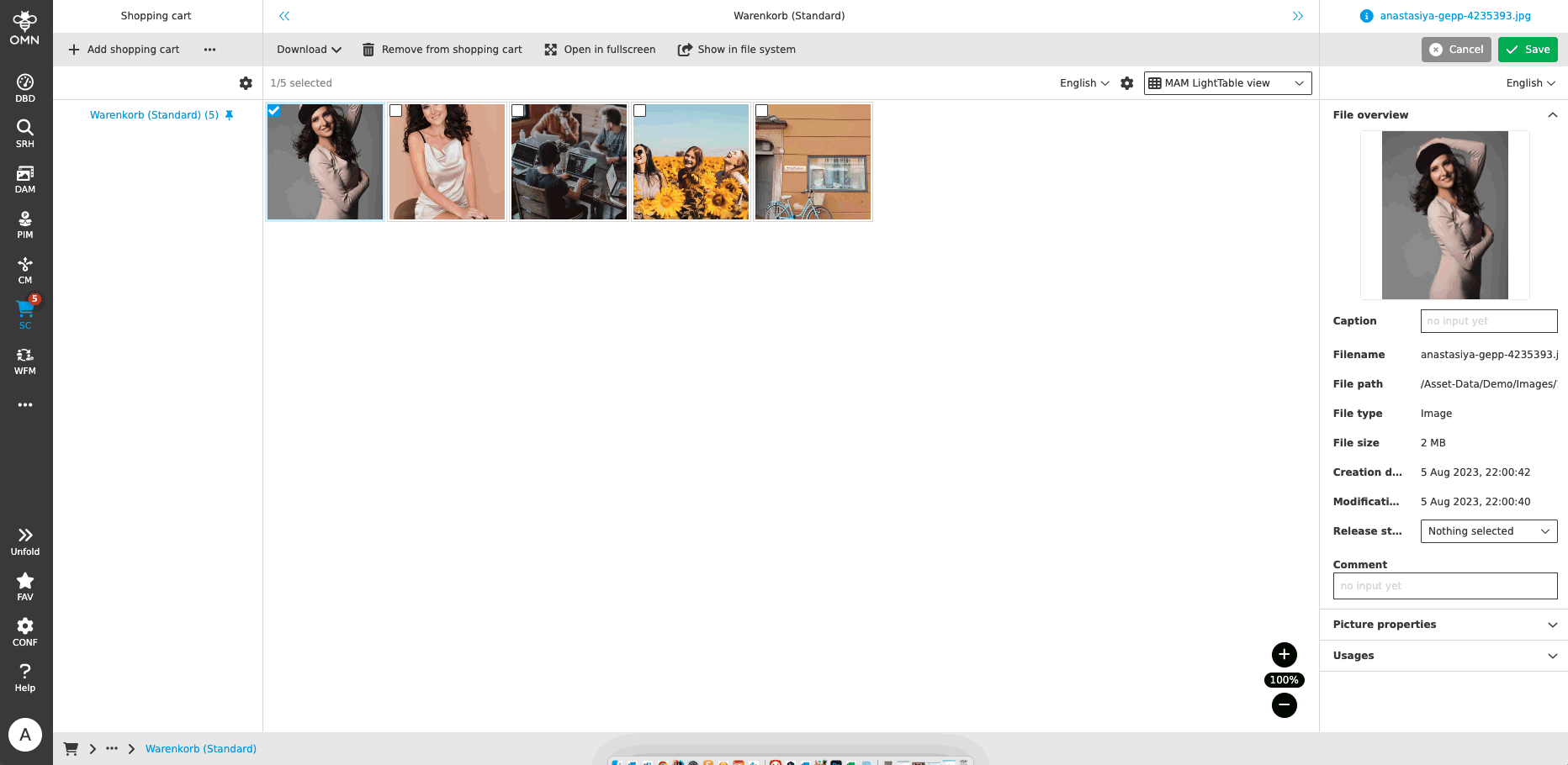
ShoppingCart - General layout - Center view - Lighttable
| References | OG-3987, OMN-5784, OMNA-1429 |
|---|
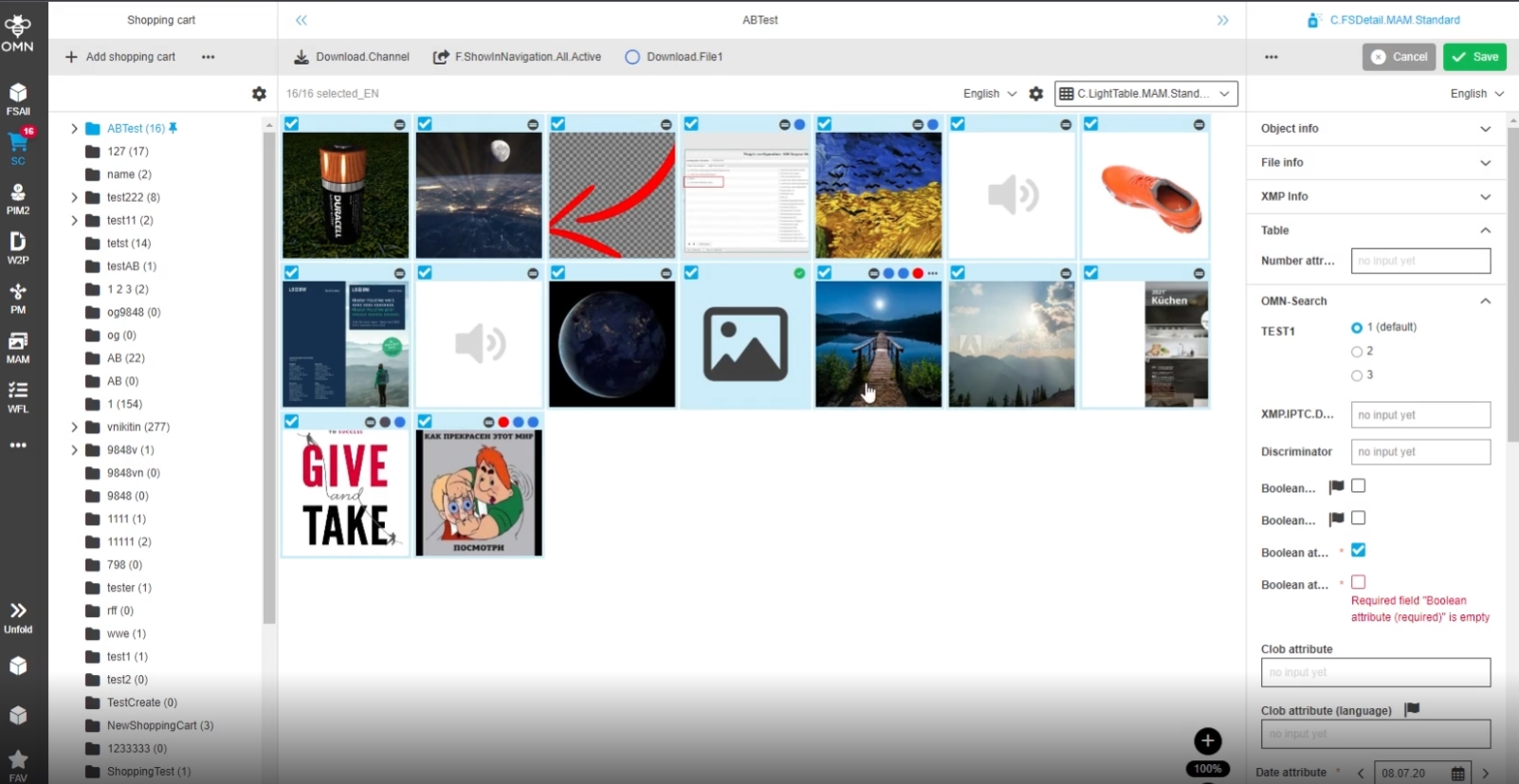
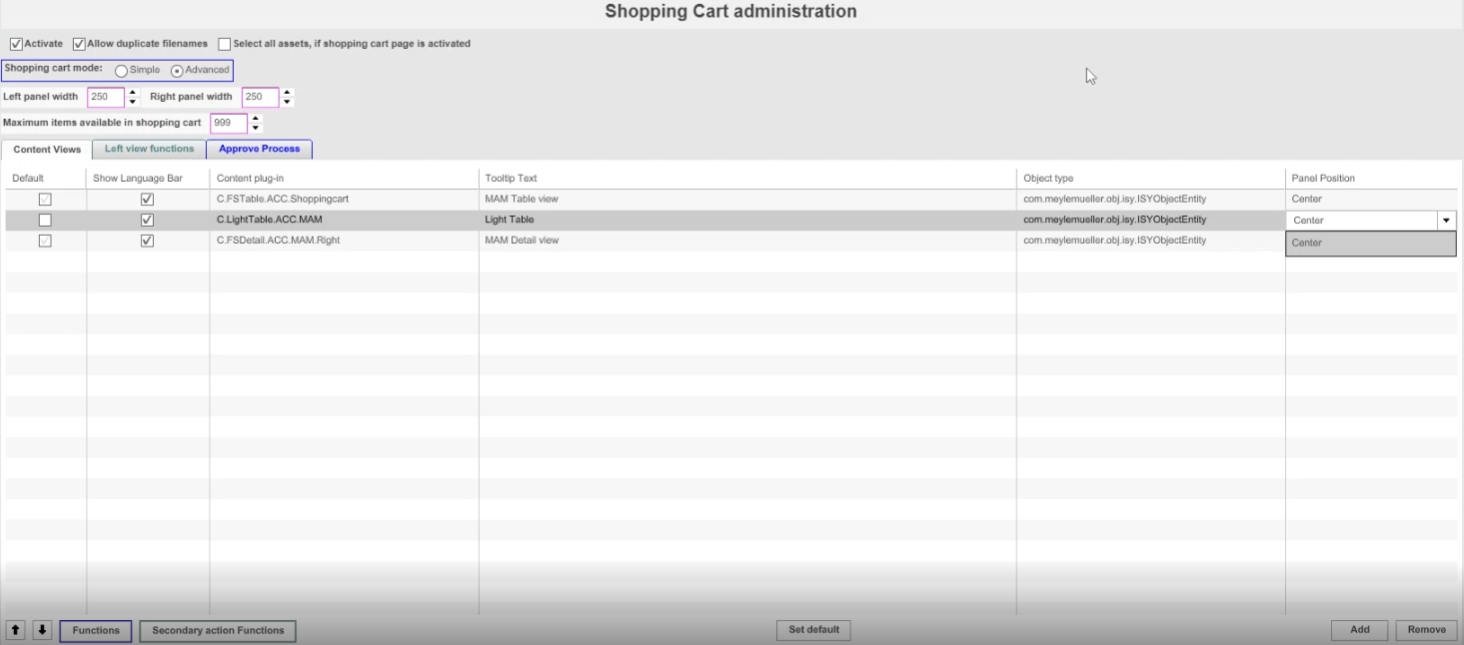
Shopping cart supports now Display of asset items in light table view
-
Configuration
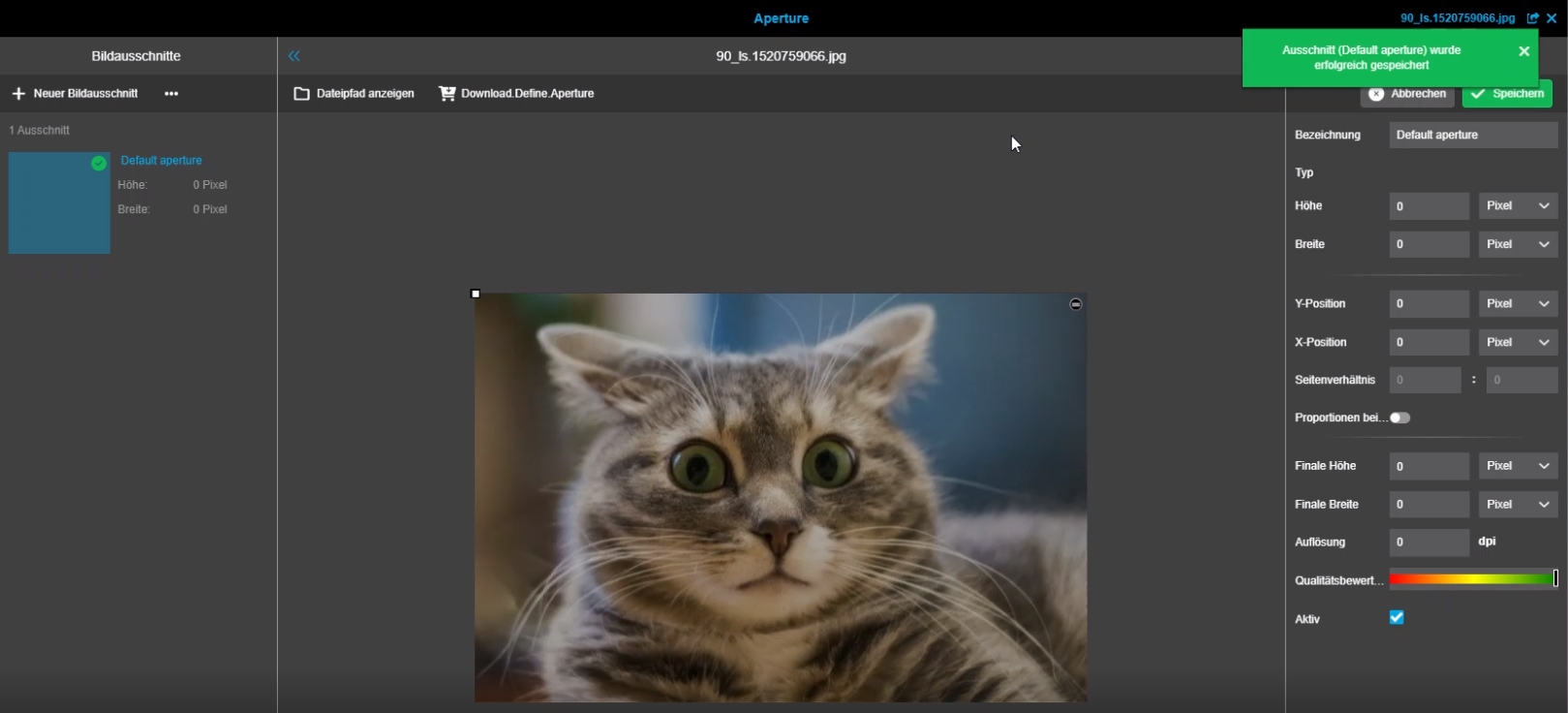
Shopping Cart - Download Define Aperture - Localization for toast
| References | OG-14059, OMNA-1429 |
|---|
New localized message About success of the 'Download Define Aperture' function so that the user understands, that created aperture was saved
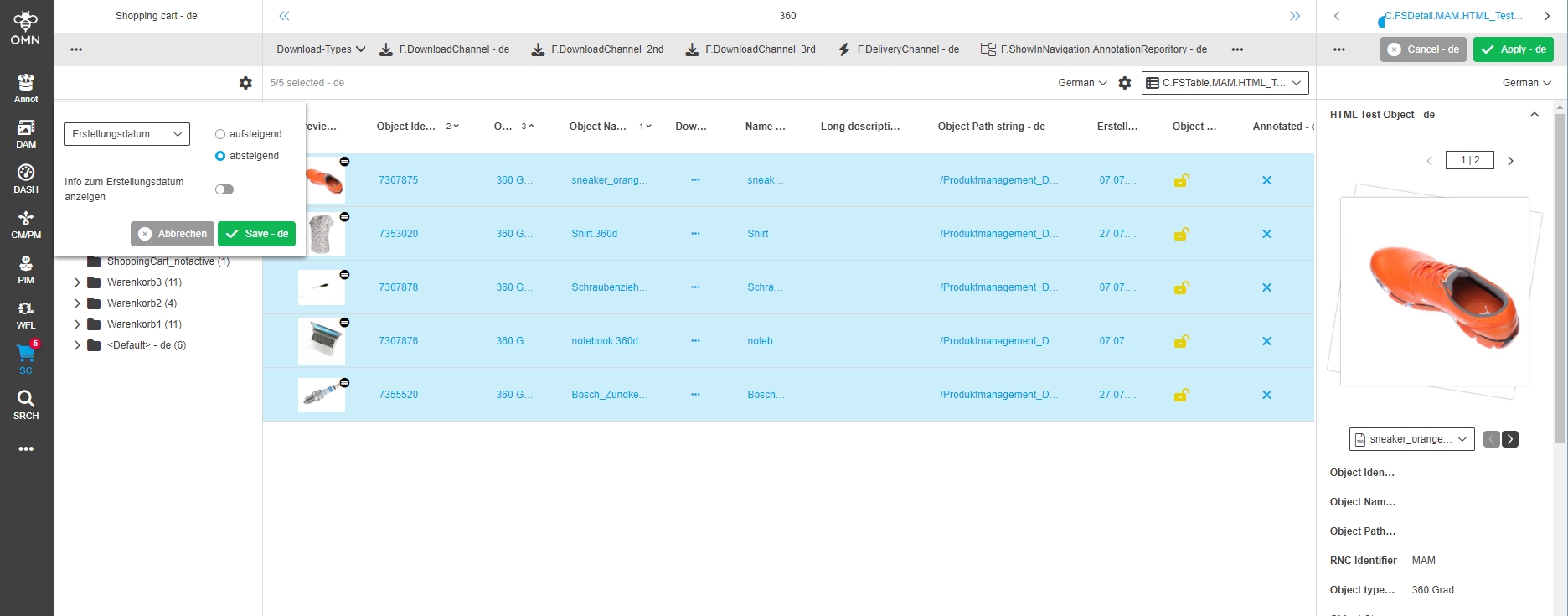
ShoppingCart - Left view - introduce a predefined option in the dropdown
| References | OG-14092, OMNA-1429 |
|---|
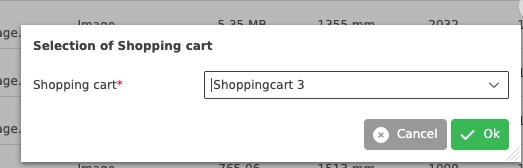
Improved visualization of default sorting Option in Settings of shopping Card module
PIM
Classicification View
Management
-
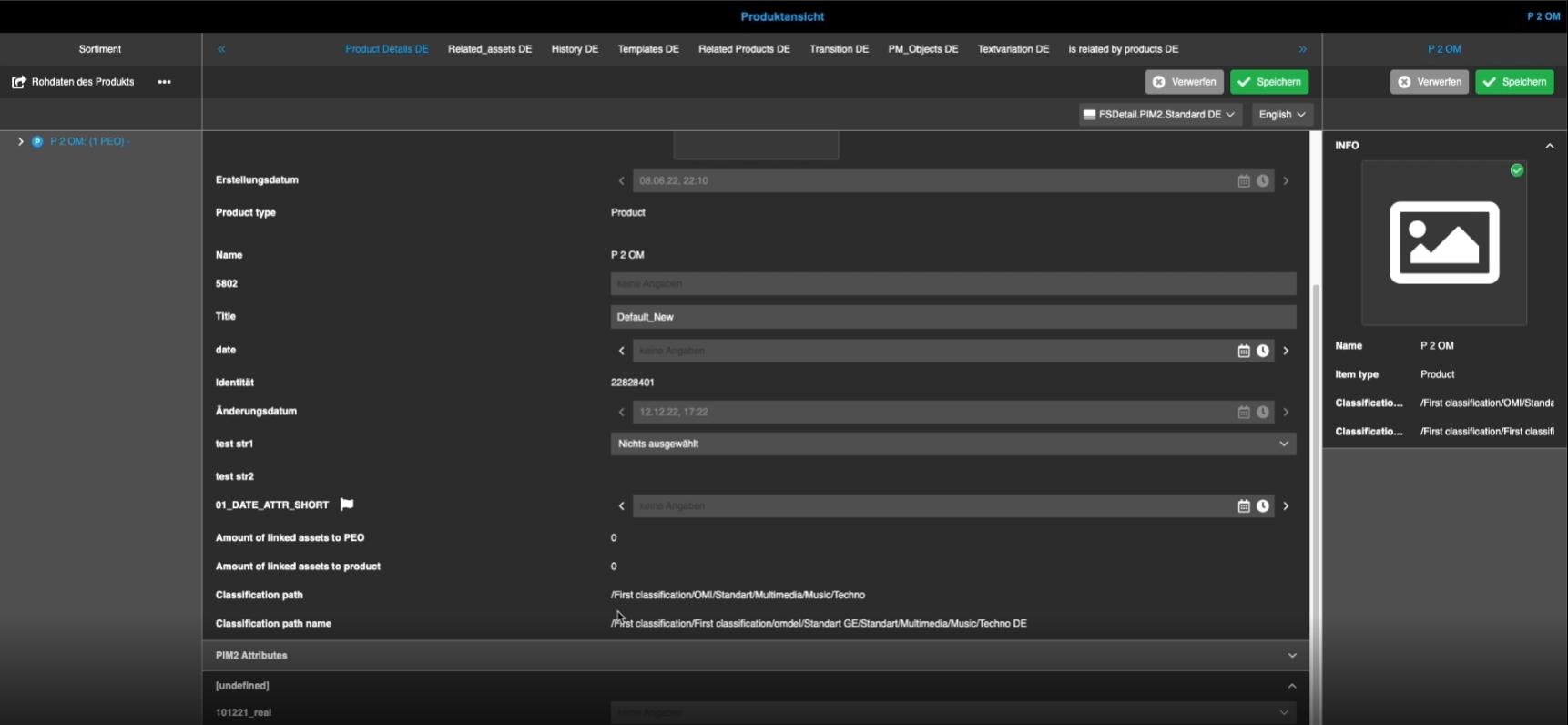
Classification path for products - Show 'localized' values of the attribute depending on UI language
| References | OG-11697, OMN-8482, PIC-692 |
|---|
Display of localized product classification path so that the user will not be confused with different values in Classification path attribute and displayed classification names in ClassificationView
-
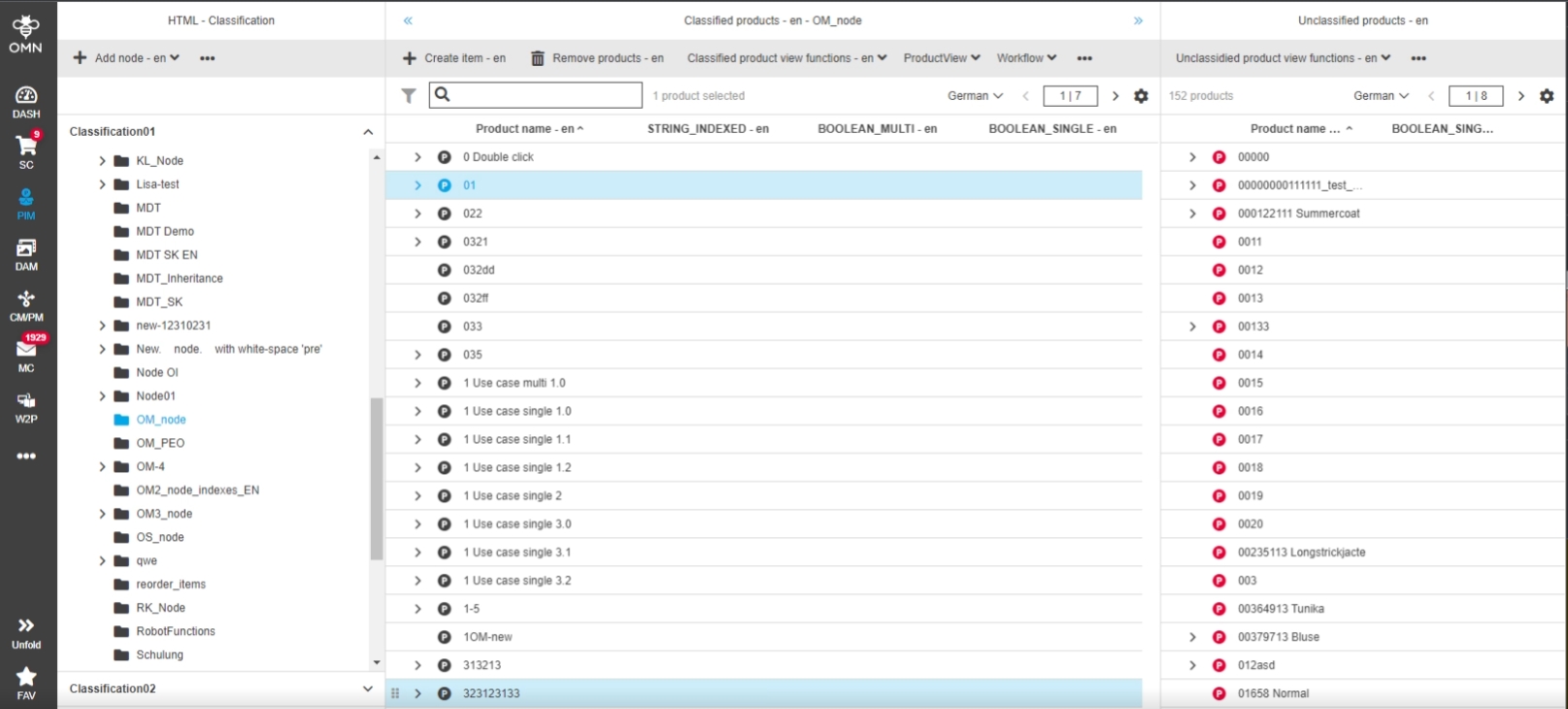
PIM2 - ClassificationView - Selection for product is lost if apply sorting (pagination on)
| References | OG-13965 |
|---|
Improvement to not lose the selected rows in the table from the viewport when changing the sorting (pagination mode)
-
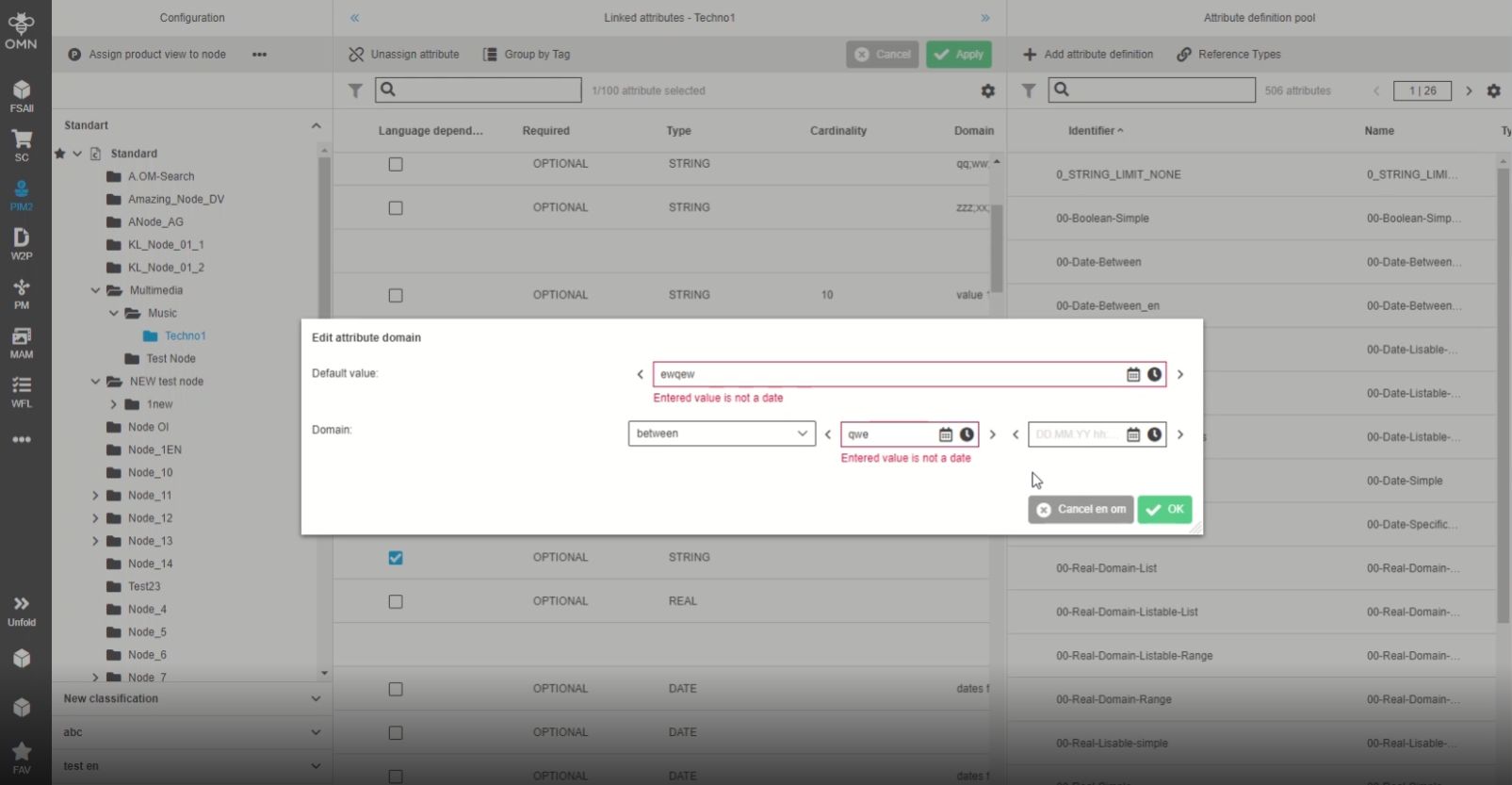
PIM2 - ClassificationView - there is no validation message for date attribute if format is wrong
| References | OG-13339 |
|---|
Improvement by new validation message and highlighting for date attribute if the format is wrong
-
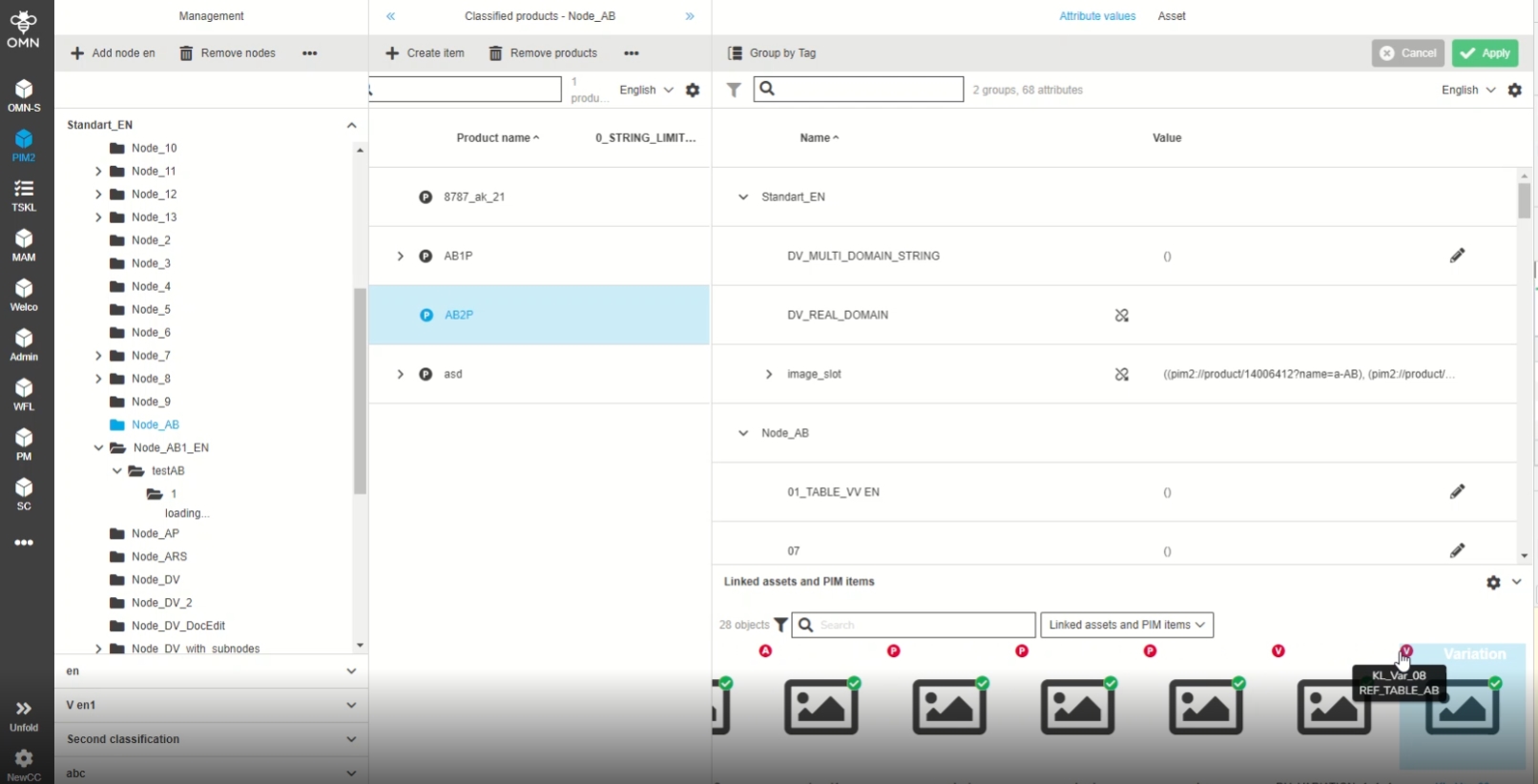
PIM2 -ClassificationView - Linked assets and PIM items accordion - icon visualization for linked products indicating if classified or unclassified
| References | OG-12736 |
|---|
Improvement to see a visual difference for product items which the user has linked to a product in PIM2 Management View (related object section), so that it is obvious if they are classified or unclassified
-
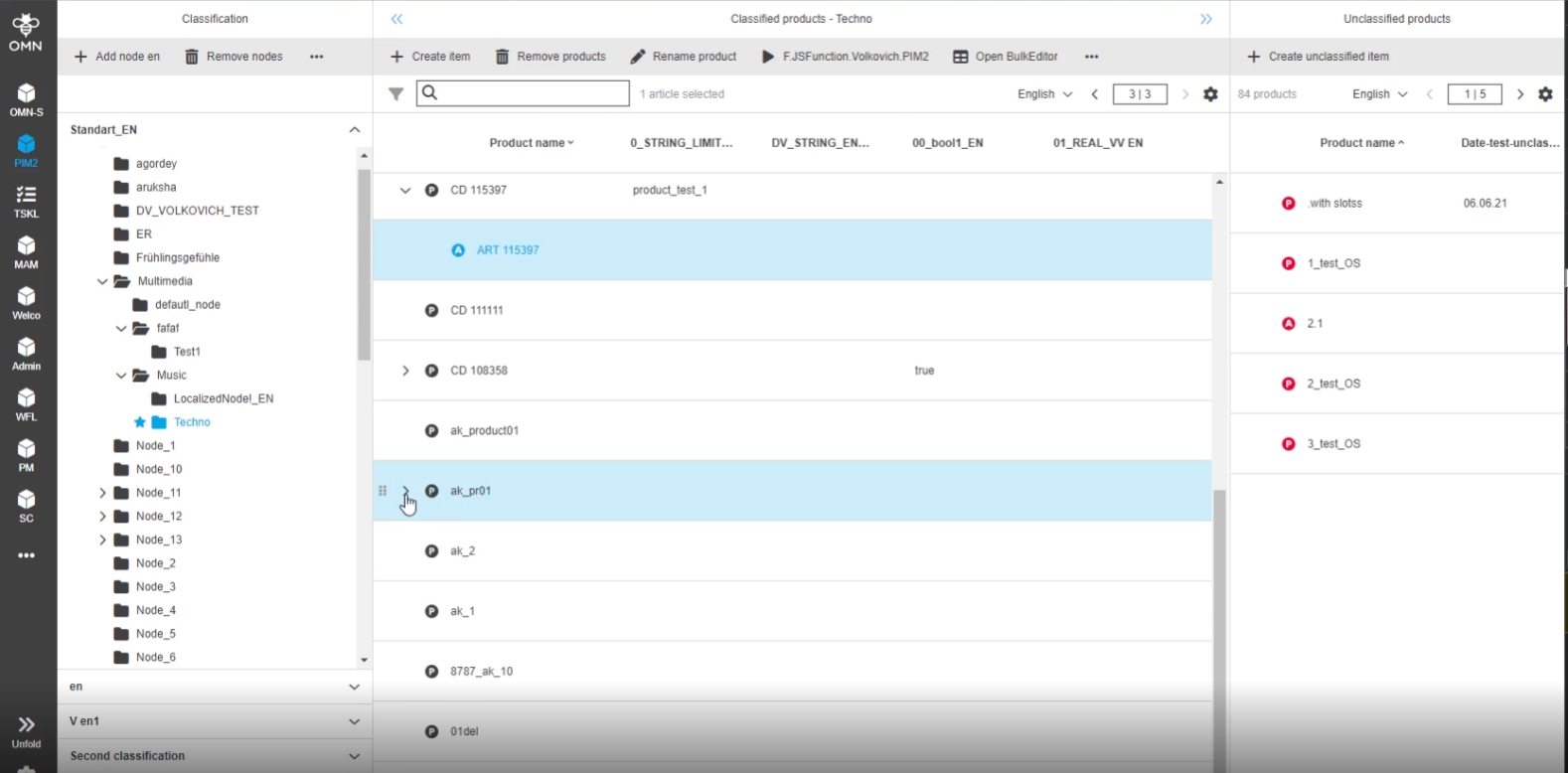
PIM2 - ClassificationView - Selection for Article and Variant is lost if apply sorting (pagination on)
| References | OG-14048, |
|---|
Improvement that Selection for Article / Variant is not lost if apply sorting in Classification View Plugin (pagination on)
-
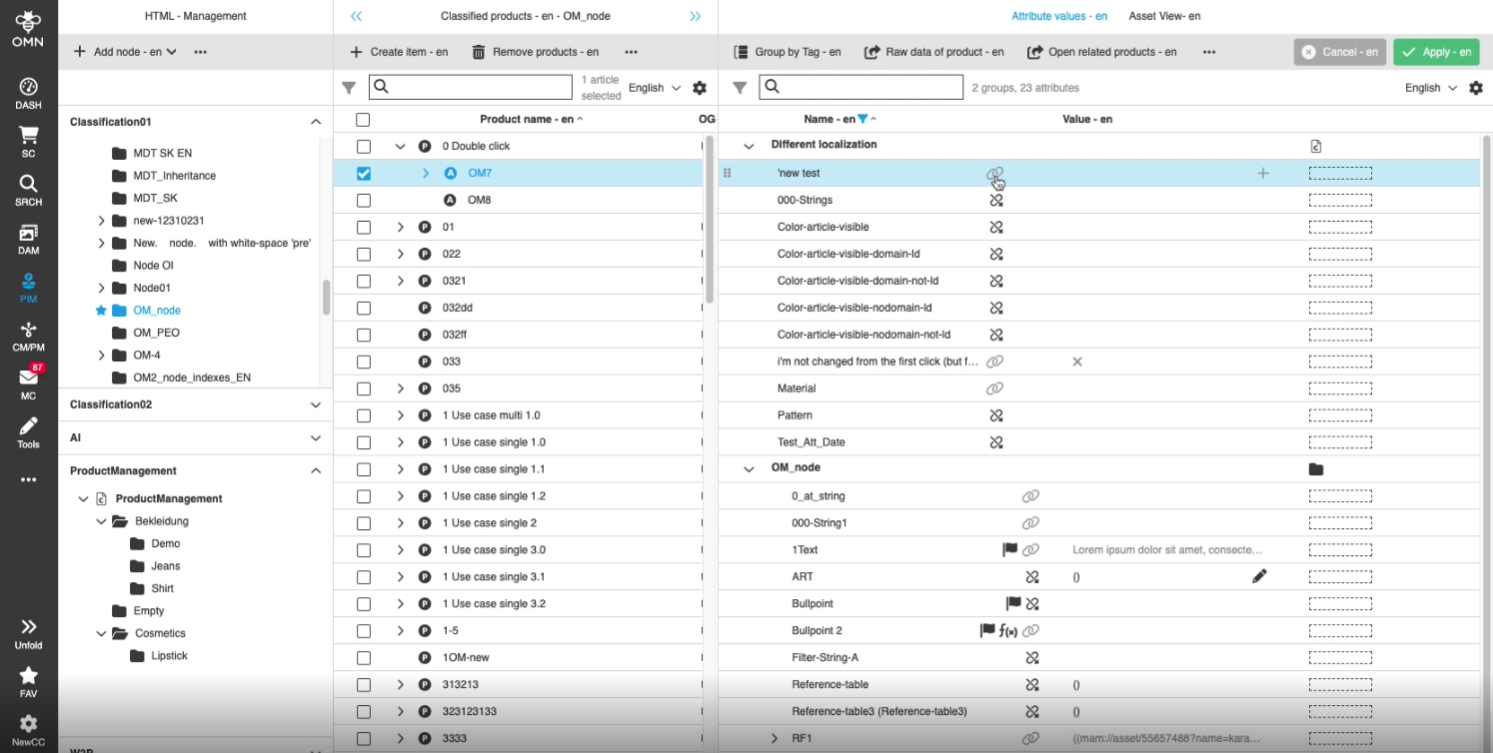
PIM2 - ClassificationView - Management tab - UX improvement to show icon for inheritance disabled in case that attribute is 'visible'
| References | OG-14061 |
|---|
Improved Display of inheritance icon in management tab as read-only (disabled), in case that attribute is configured as visible on the hierarchy Level
-
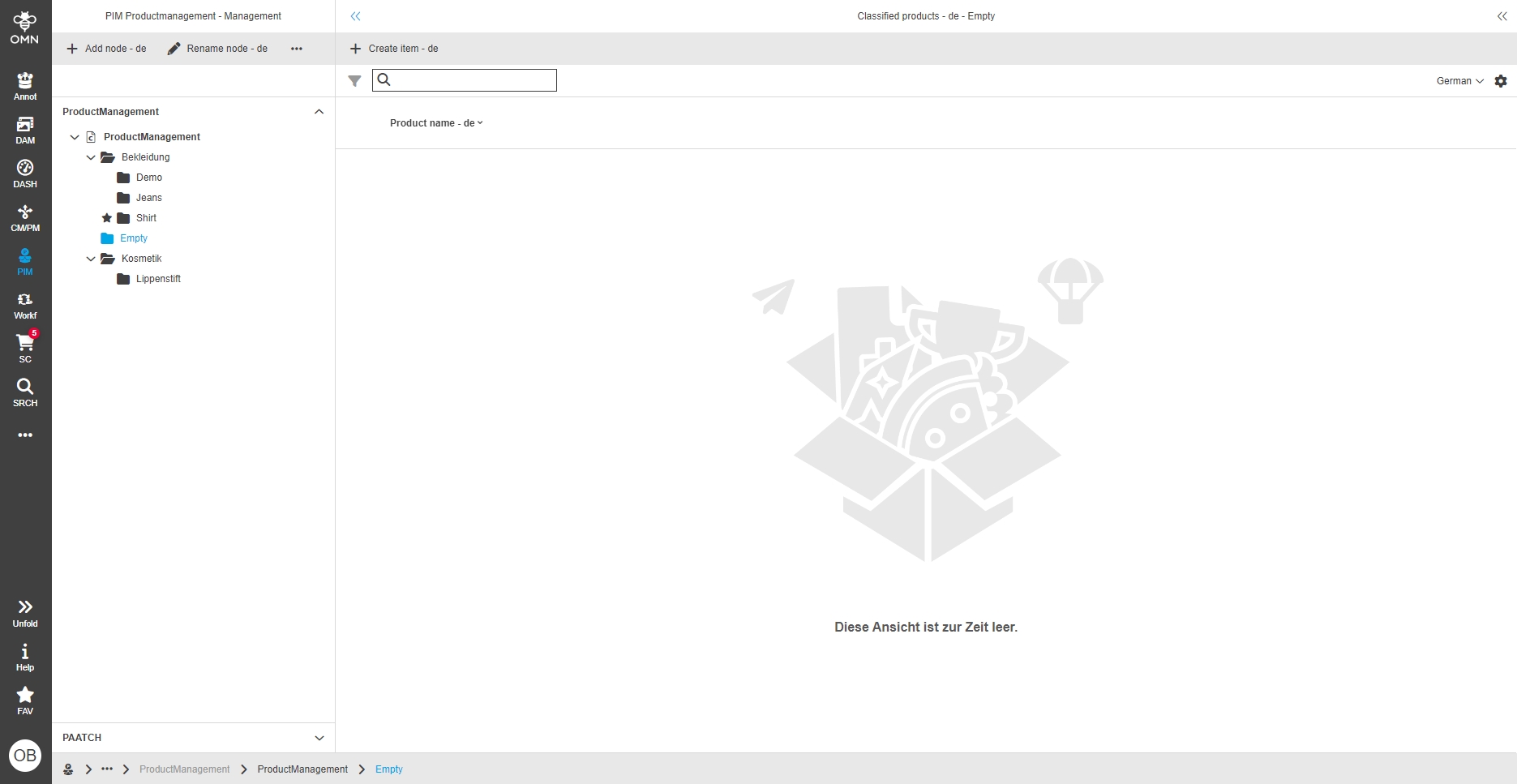
PIM2 - ClassificationView - Empty view (Improvement)
| References | OG-5854 |
|---|
New visual feedback if a view in PIM2 is empty, so I know the he can add some items
-
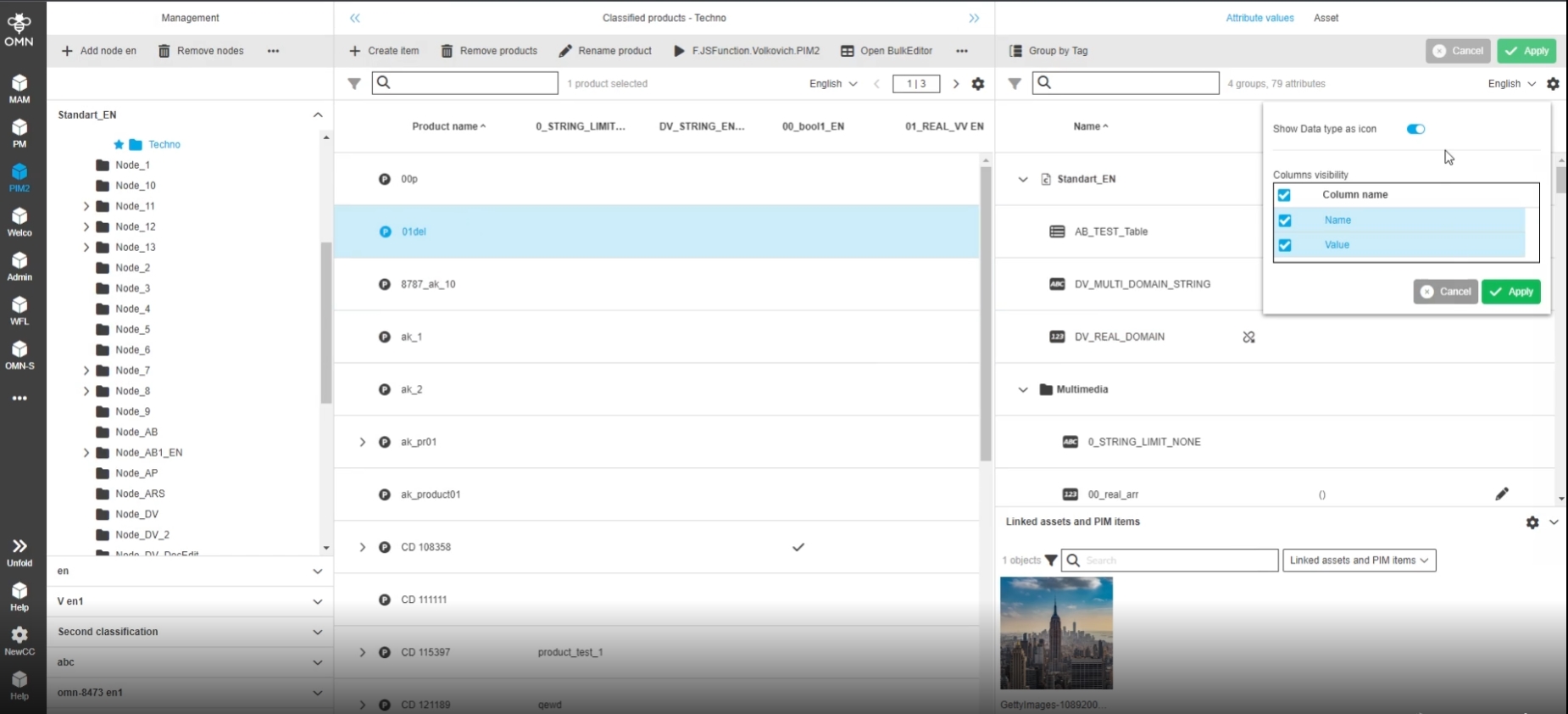
PIM2 - Management View - Visual Display of Data type (icons)
| References | OG-8545 |
|---|
New Data type icons in PIM2 Management View, so that the user can see at a glance which Data type an attribute has
-
the Display can be enabled by new Option to Display data type icons
-
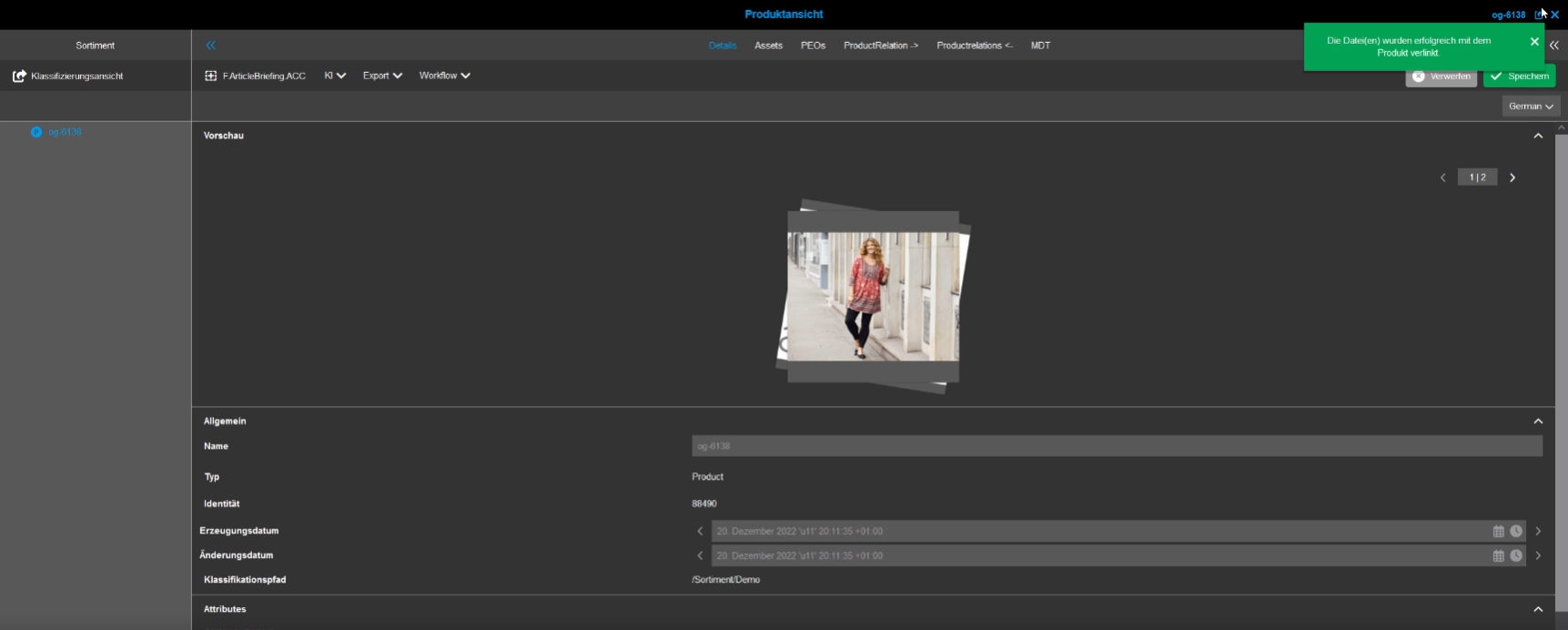
PIM2 - ProductView - DnD an asset into Assortment tree shall show an info message
| References | OG-6138 |
|---|
Improved notification that an asset or product was linked within the assortment tree of the ProductView, so that the user knows it was linked successfully
-
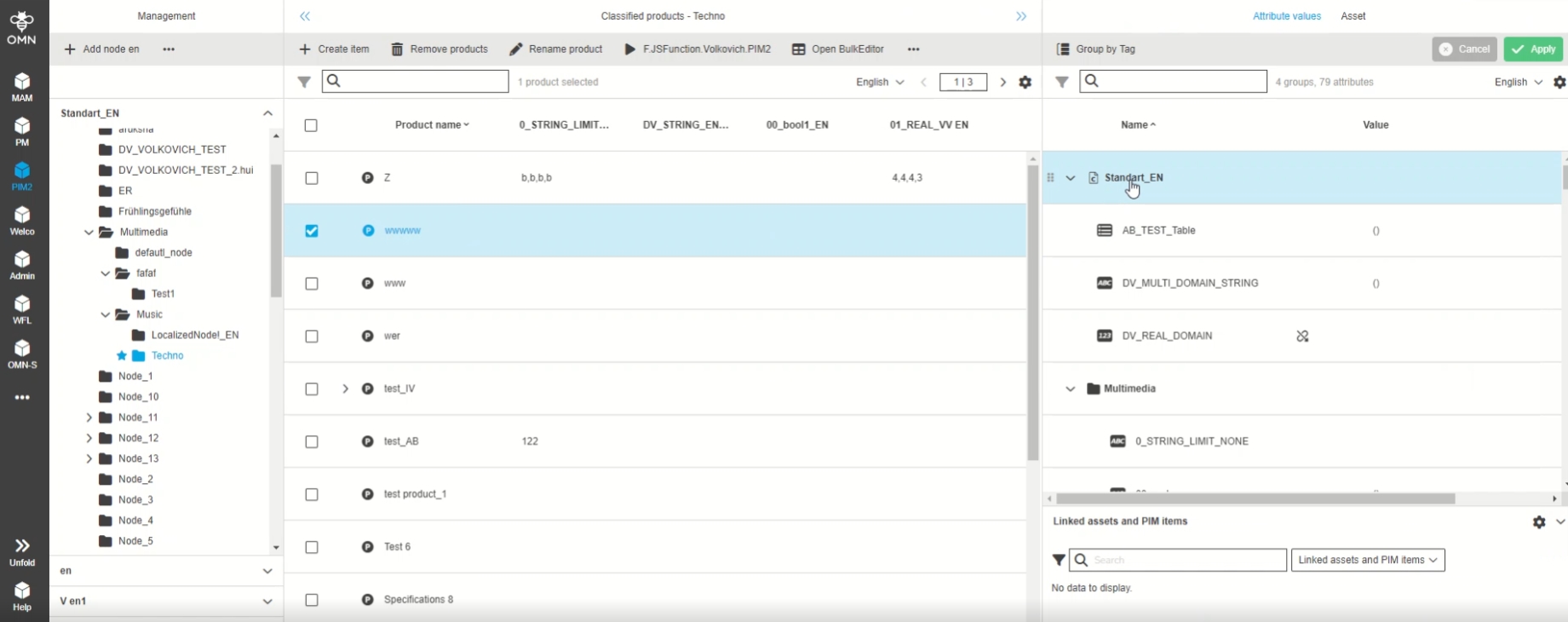
ClassificationView - Management View Improvement - Visual difference of accordions and attributes in FSDetail
| References | OG-9111 |
|---|
New visually differentiated accordions (directory items) in PIM2 Management View
-
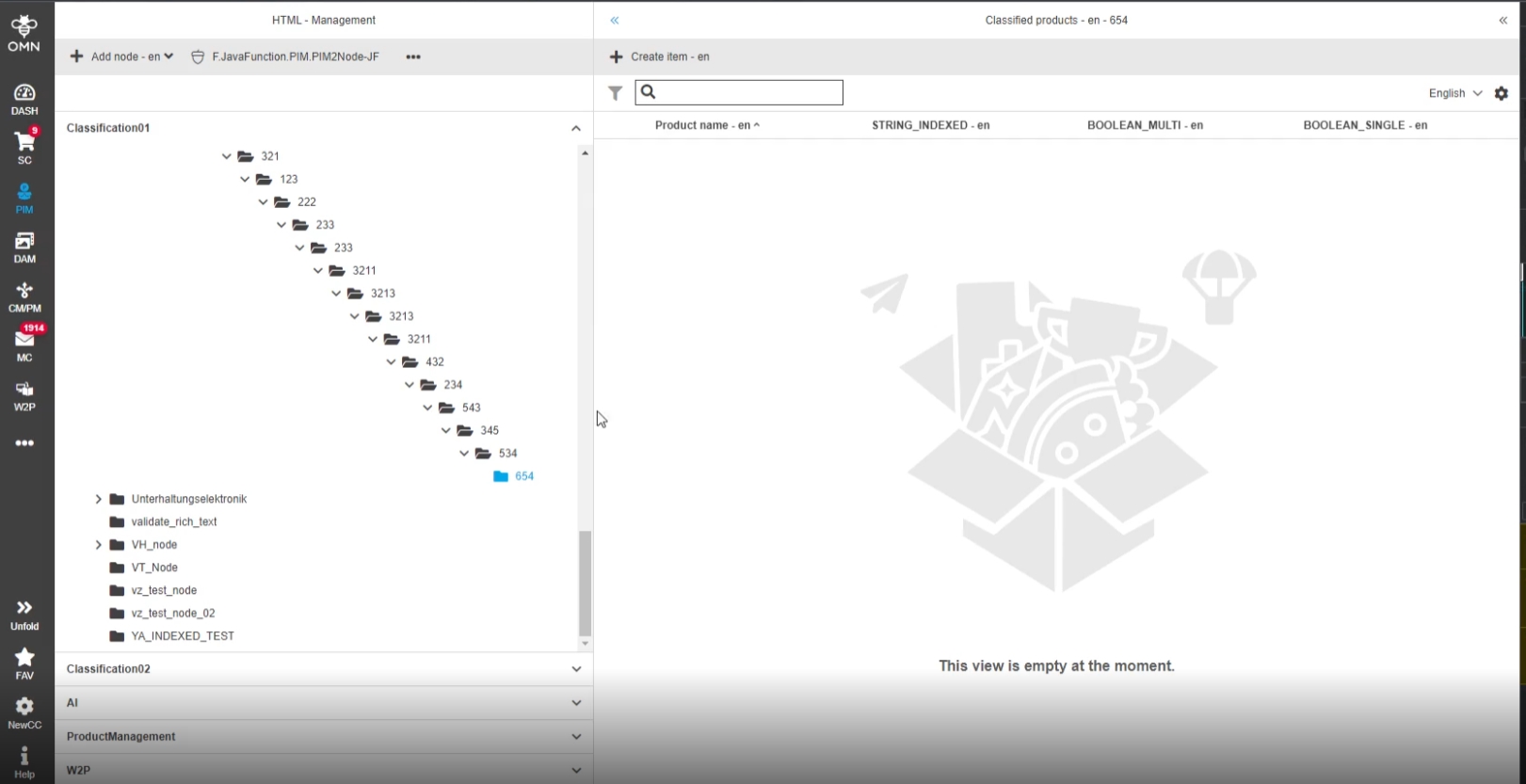
PIM2 - Classification View - UX improvement - Node selection and availability in viewport after creation
| References | OG-13993 |
|---|
After creation of a node in PIM Classification it is selected automatically and displayed in the viewport, so that the usr recognize the correct creation of the node and can directly start to add items into the new node
-
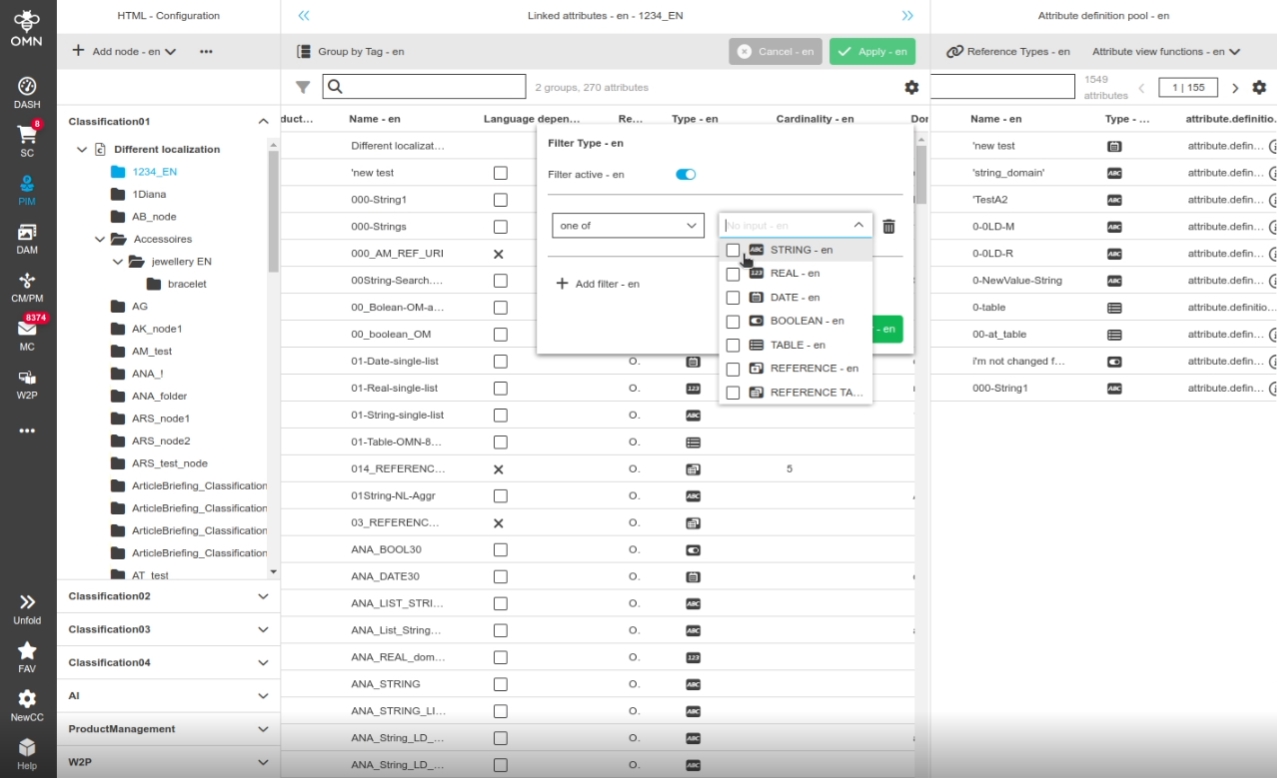
PIM2 - Configuration View/Template View - Display Data type icons in filter modal
| References | OG-9077 |
|---|
Possibility to see Data type icons and the corresponding name in the filter modal for Data type, so that the user can quickly distinguish them
-
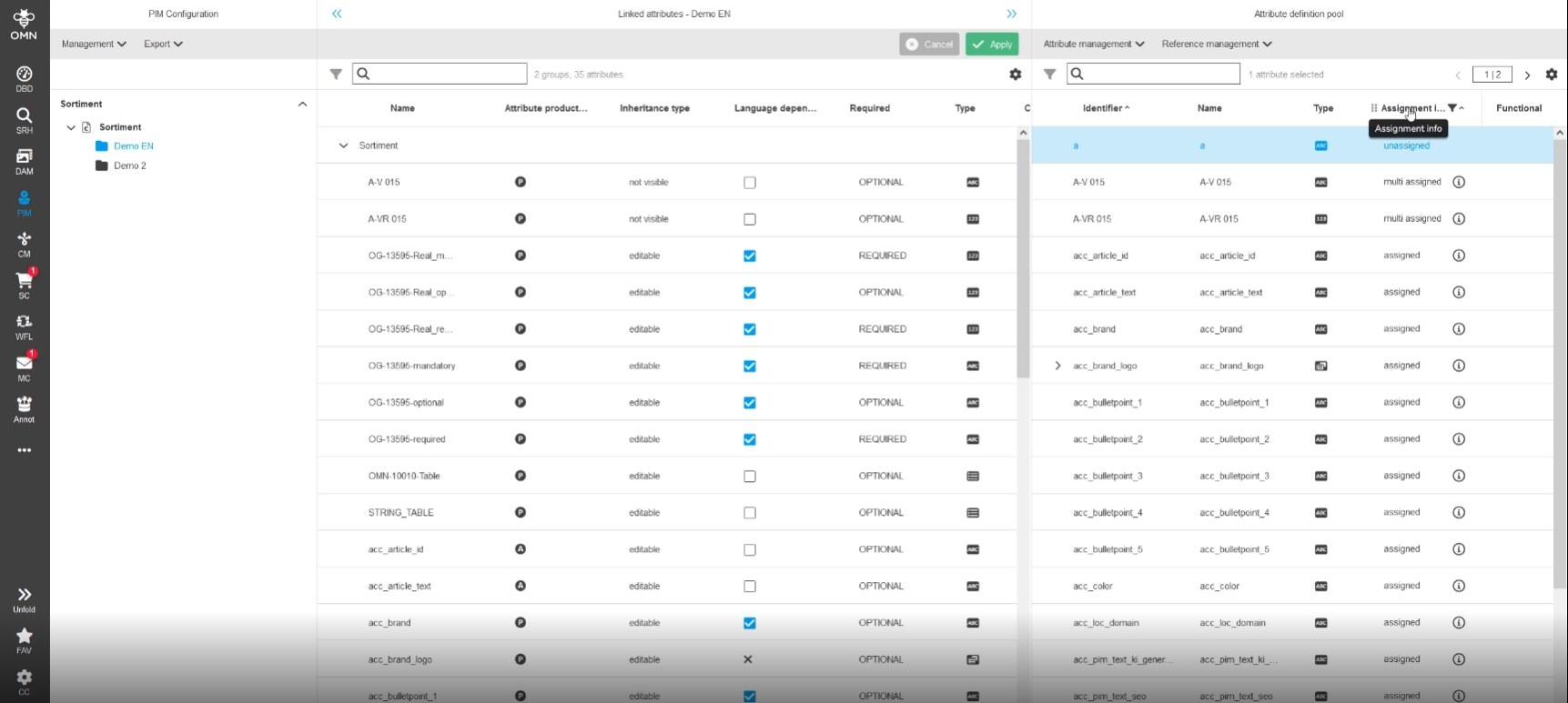
PIM2 - ClassificationView - PIM2 - ClassificationView - Attribute definition pool - Show assigned attributes
| References | OG-8007 |
|---|
New Information in PIM2 attribute pool section which shows if an attribute is assign/not assigned or multipe assigned to a classification node
-
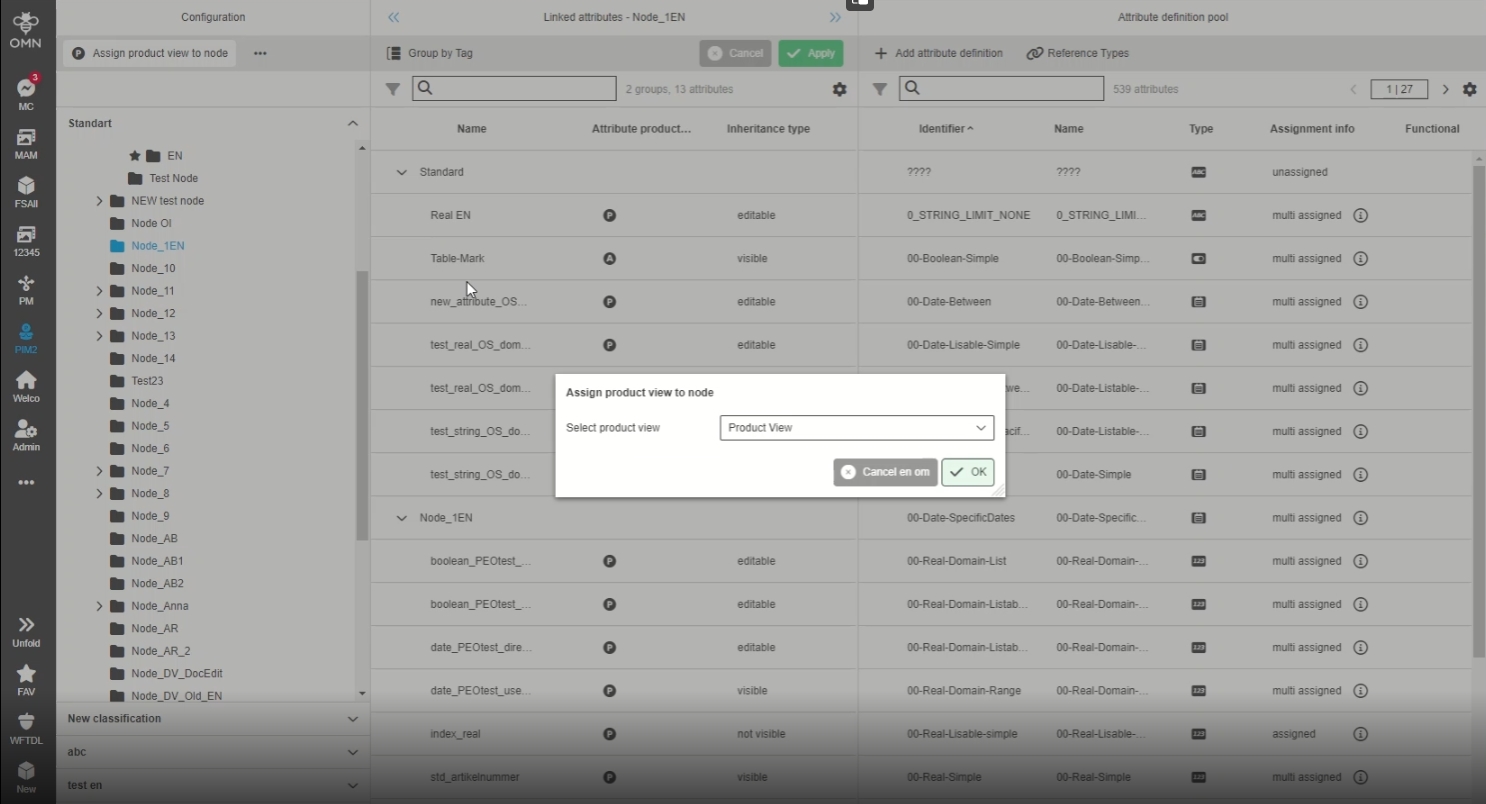
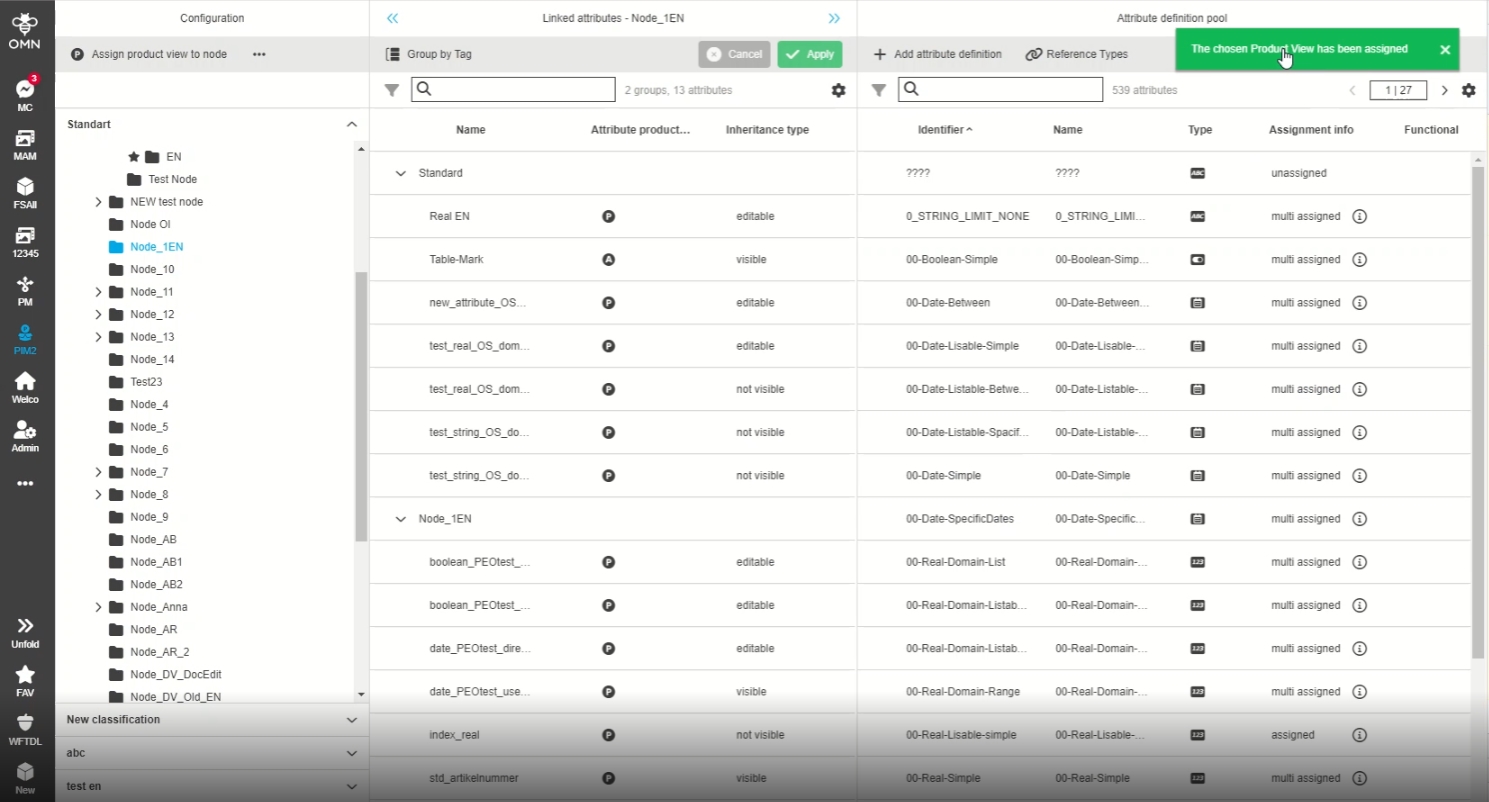
PIM2 - ClasificationView - Configuration - Show toast message after execution 'Assign ProductView to node'
| References | OG-14112 |
|---|
Improved toast message, if 'assign product view to node' function has been performed successfully
-
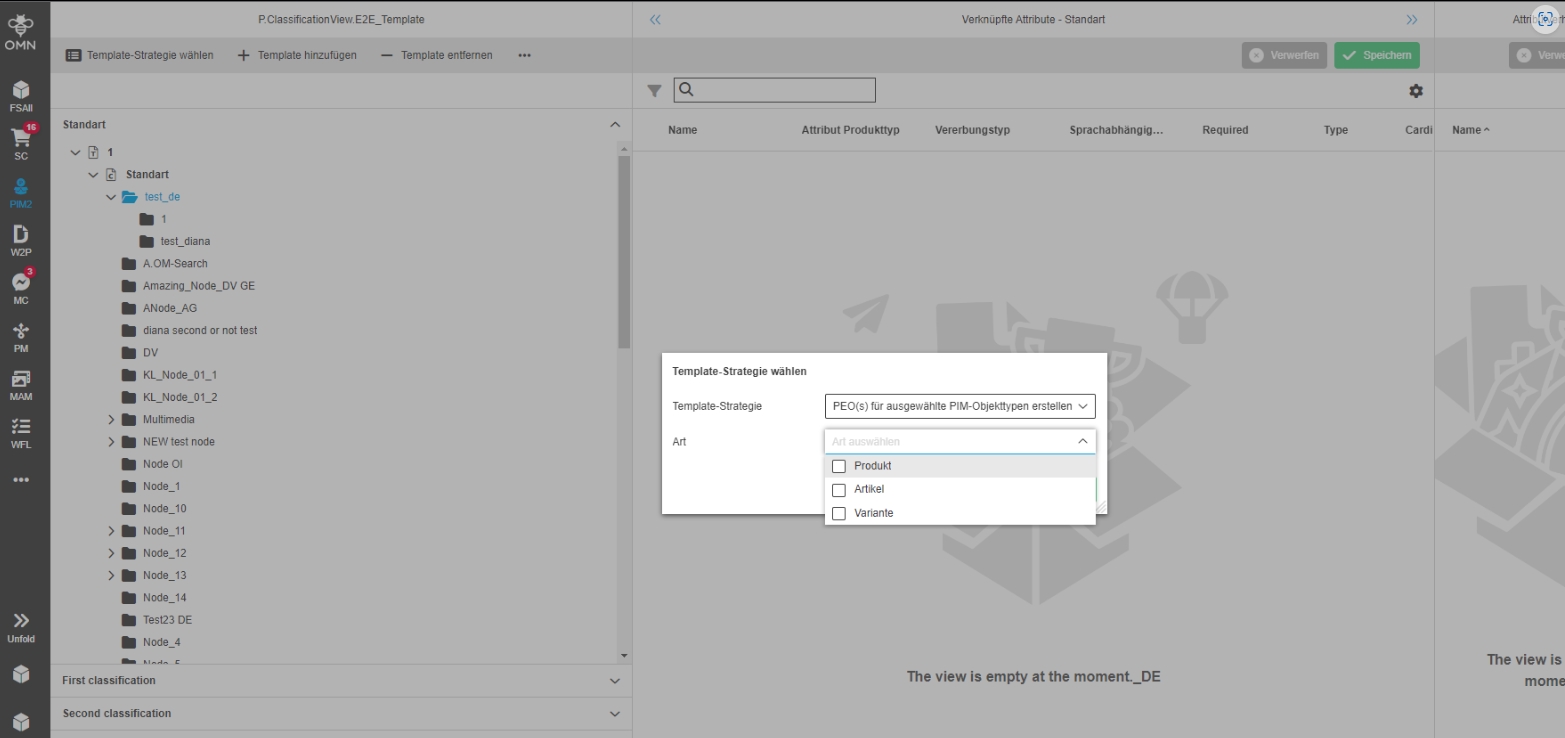
PIM2 - ClassificationView - Templates - Improve localization for Template-Strategy selection
| References | OG-14420 |
|---|
Improved localization for Template-Strategy selection in PIM Classification View (Template Section)
-
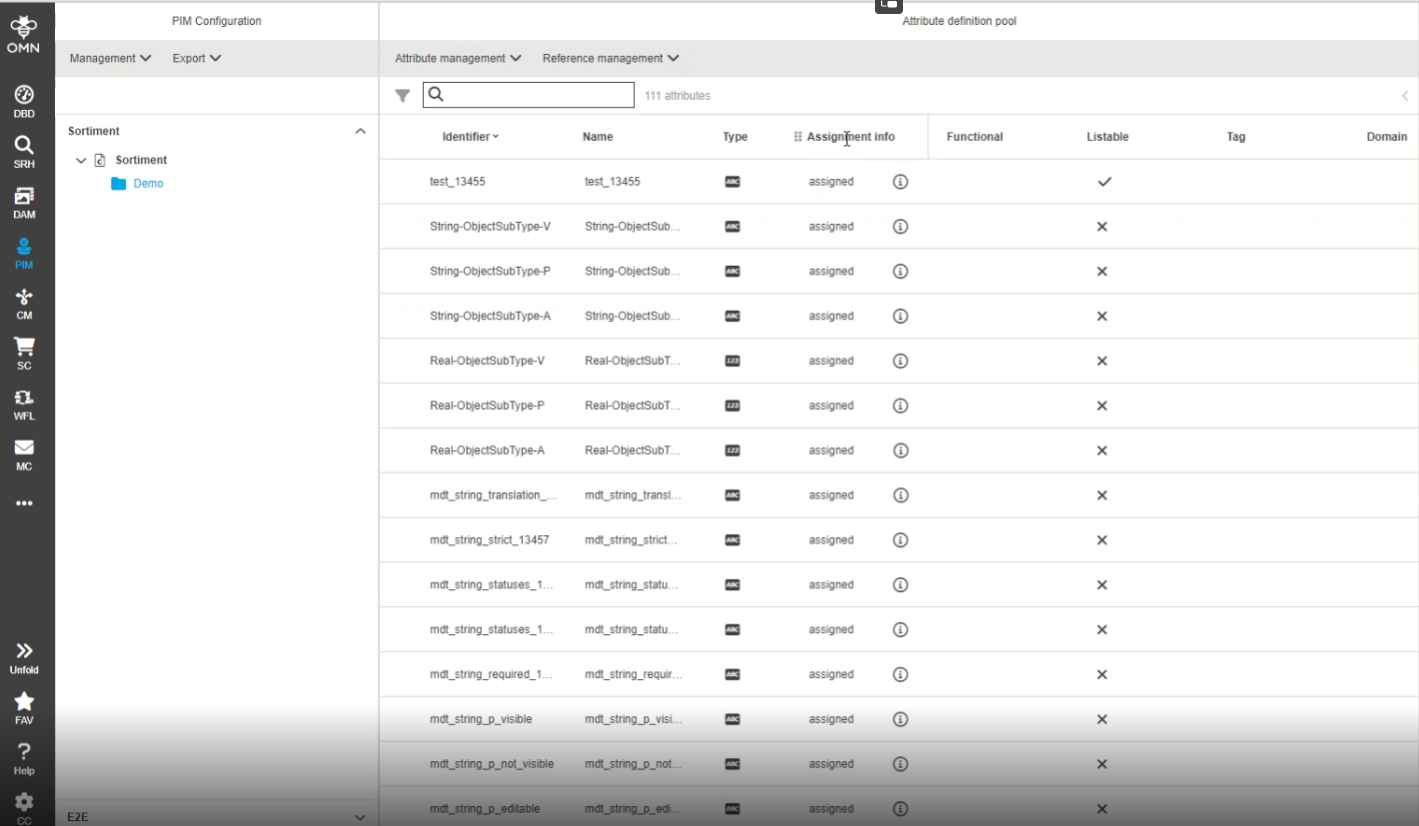
Deactivate filtration and sorting for 'Assignment info' column (interims solution)
| References | OG-14379 |
|---|
New column for 'Assignment info' is added in PIM 2 Configuration showing info if the Attribute is used in a classification node
-
sorting and filtering is disabled and be supported in a later version
-
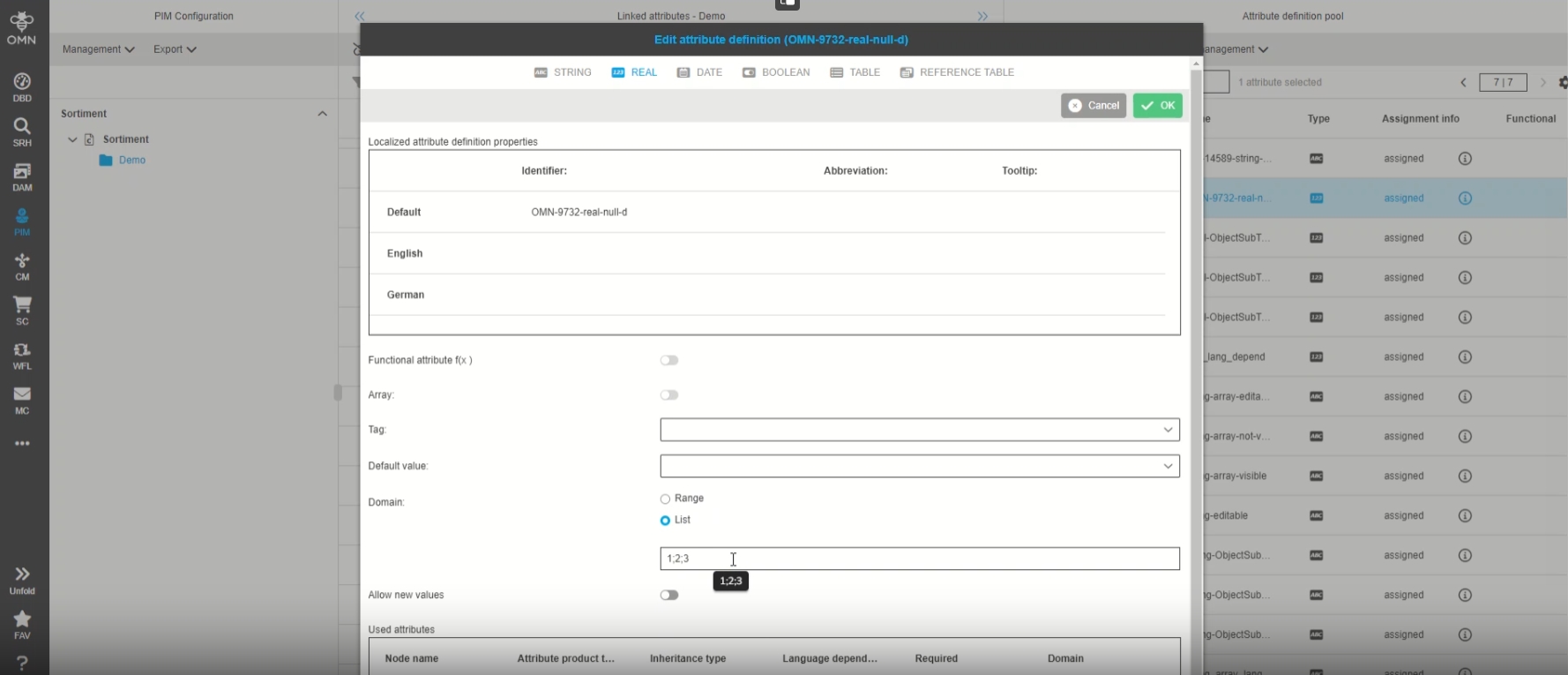
PIM domain will not be removed in case it is empty
| References | OMN-9732 |
|---|
Behavior Change in PIM domain which will now be removed in case values are deleted
-
when removing the last domain value and click ok/save the reference is deleted from the attribute and the domain is removed
Configuration
-
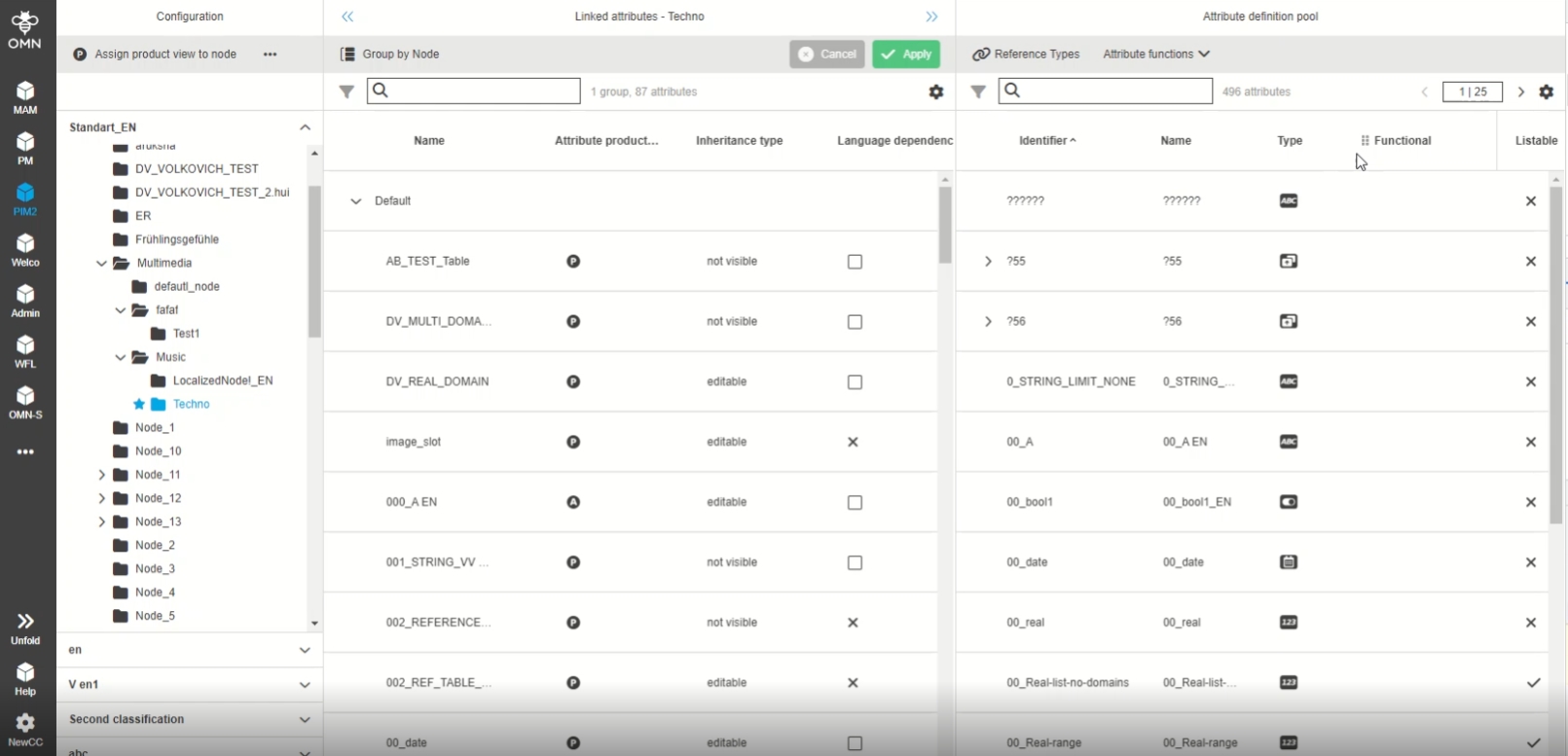
PIM2 - Configuration View/Template View - Visual Display of Data type (icons)
| References | OG-5860 |
|---|
New Data type icons in PIM2 Template View, so that the user can see at a glance which Data type an attribute has
-
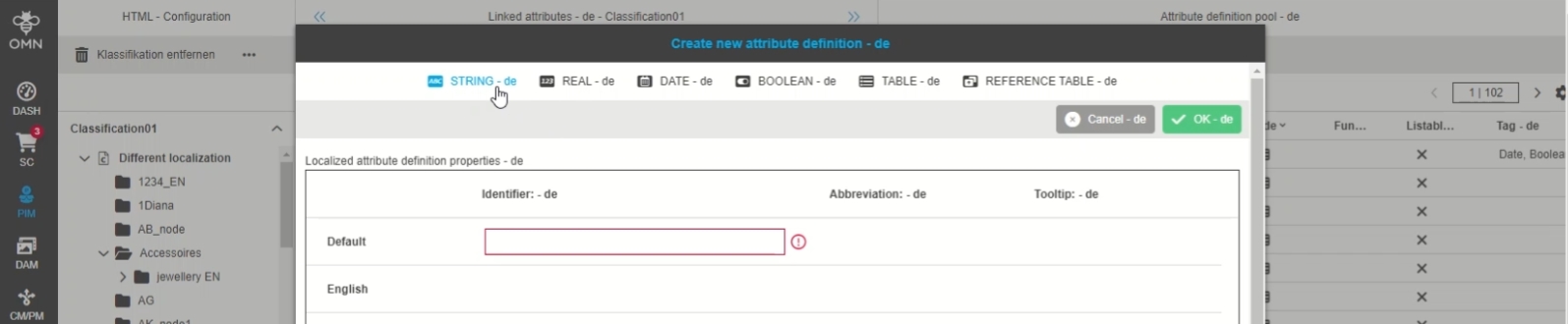
PIM2 - Configuration View - Display Data type icons in Attribute Definition Modal
| References | OG-14104 |
|---|
New Data type icons in the Attribute Definition Modals of PIM2, so that the user can see at a glance which Data type an attribute has
-
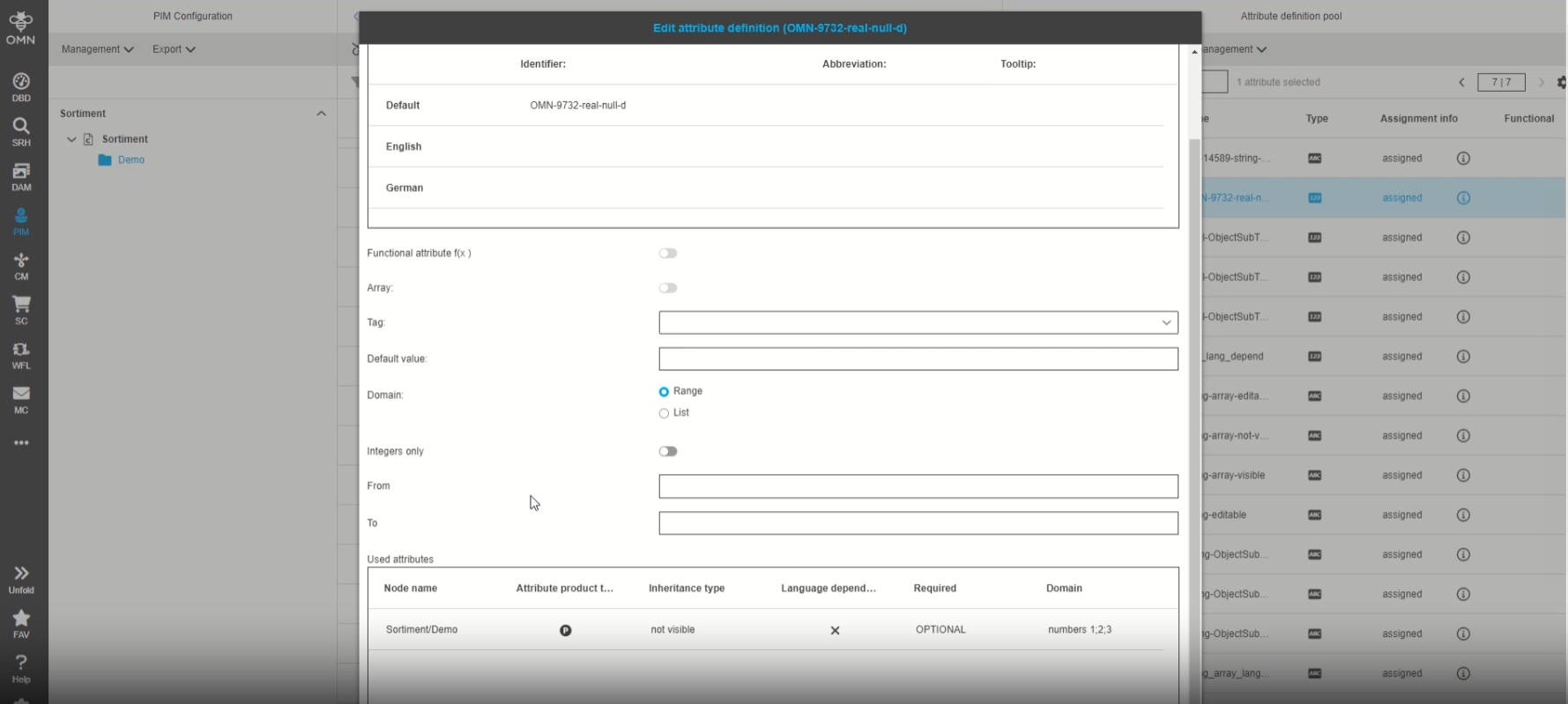
PIM - ClassificationView - Send null instead of empty Pim domain
| References | OG-14589 |
|---|
Change that 'null' domain value is used if it doesn’t contain any values or range
Template View
-
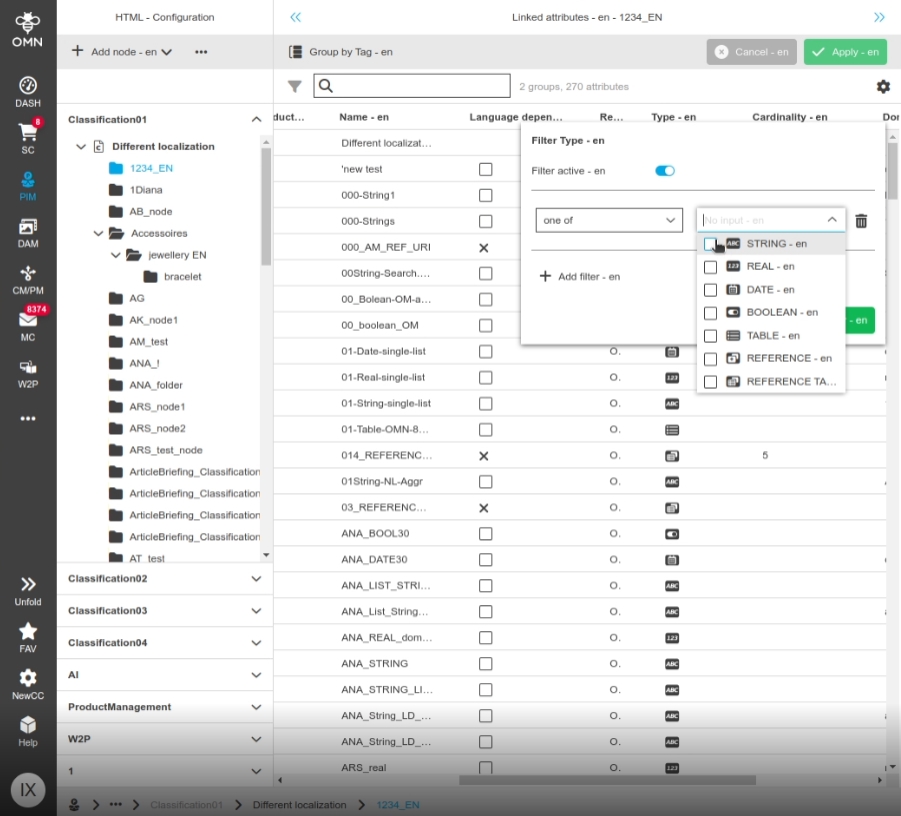
PIM2 - Configuration View/Template View - Display Data type icons in filter modal
| References | OG-9077 |
|---|
New Data type icons and corresponding name in the filter modal for PIM2 Data types, so that it is easier to distinguish types
-
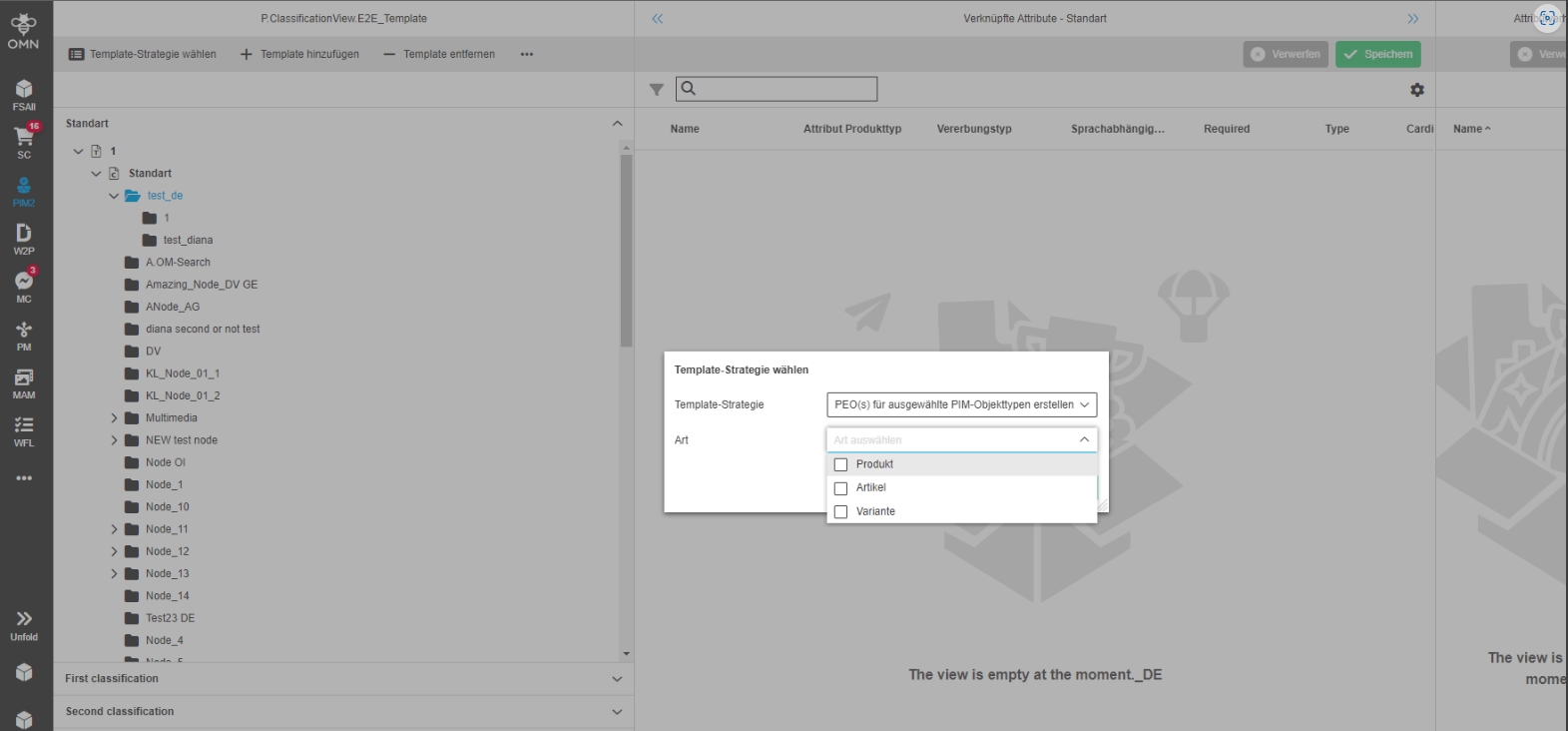
PIM2 ClassificationView - Templates - Improve localization for Template-Strategy selection
| References | OG-14292 |
|---|
Improved localization for Template-Strategy selection in PIM2 ClassificationView/Templates
BulkEditor
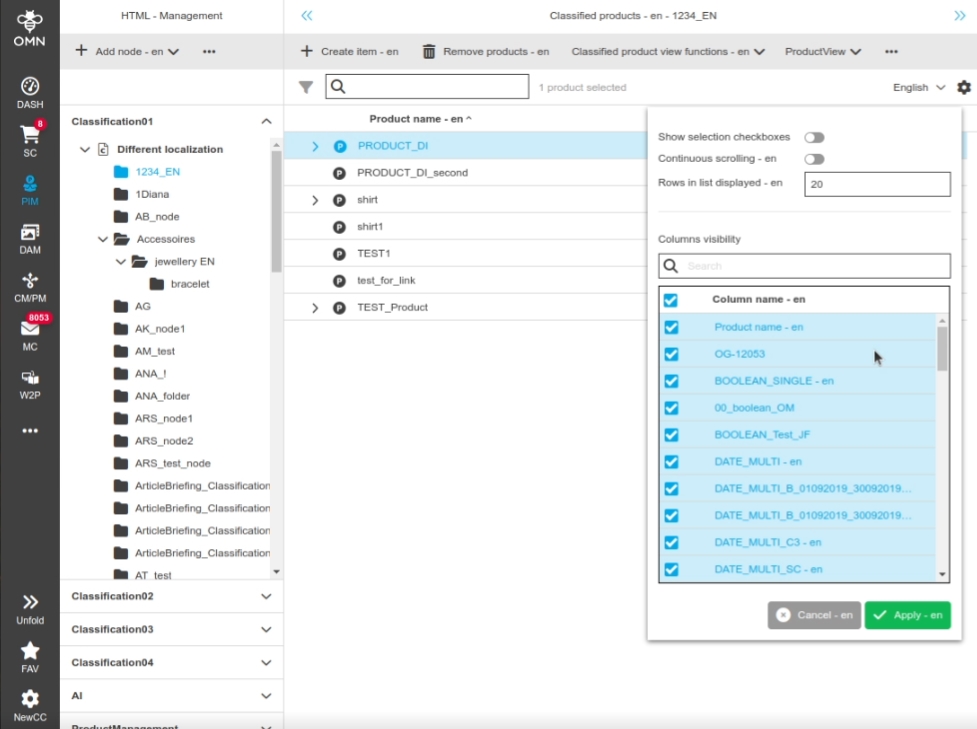
Bulk Editor - Improvement - Simple Search in Settings Menu
| References | OG-8653 |
|---|
Possibility to use simple search in settings menu so that the user can quickly search for column names and don’t have to scroll through a long list of them
Bulk Editor - Correct visualization for visible and not visible items
| References | OG-13930 |
|---|
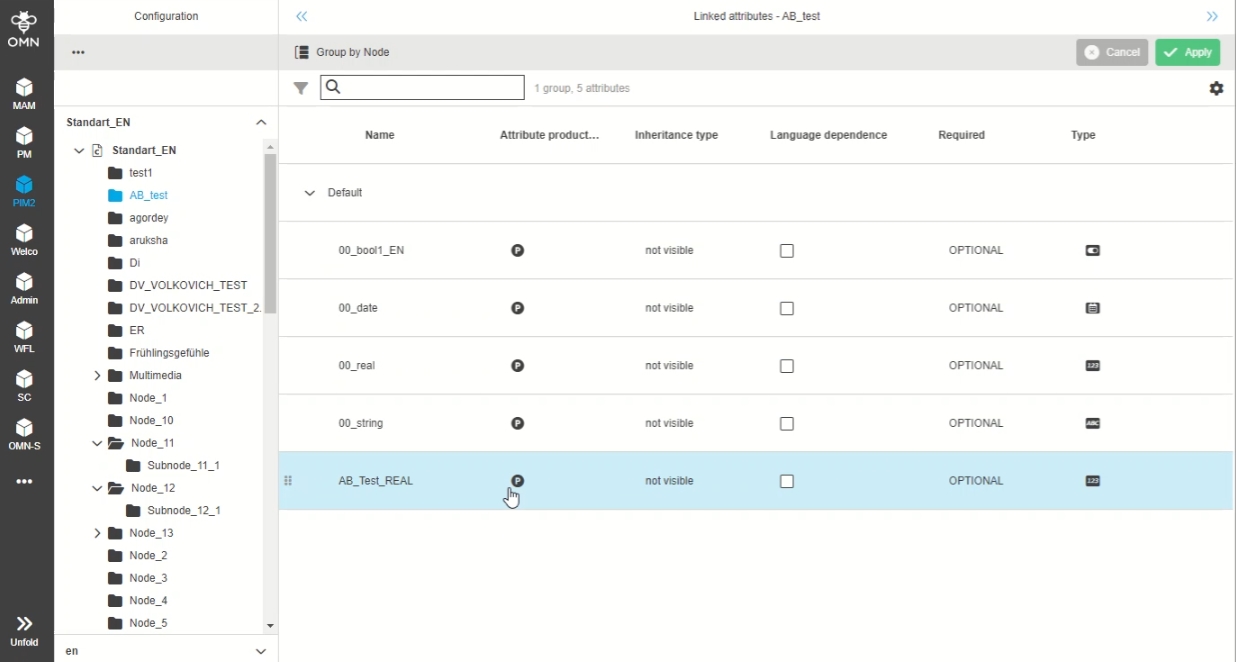
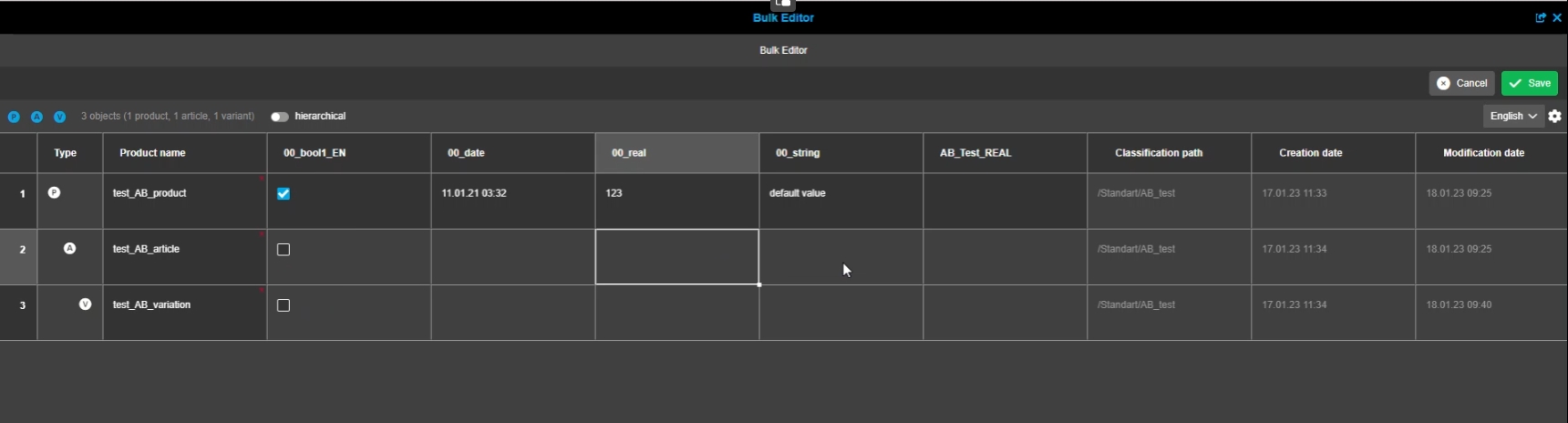
Improved visualization for visible and not visible items in BulkEditor, so that they are matching with the general rules for inheritance and product types
-
According to configuration of inheritance
-
not visible values are not displayed;
-
not visible means: only the level with set product type is editable, the levels above and below are not editable, no labels are shown (no inherited values are visible)
FSDetail
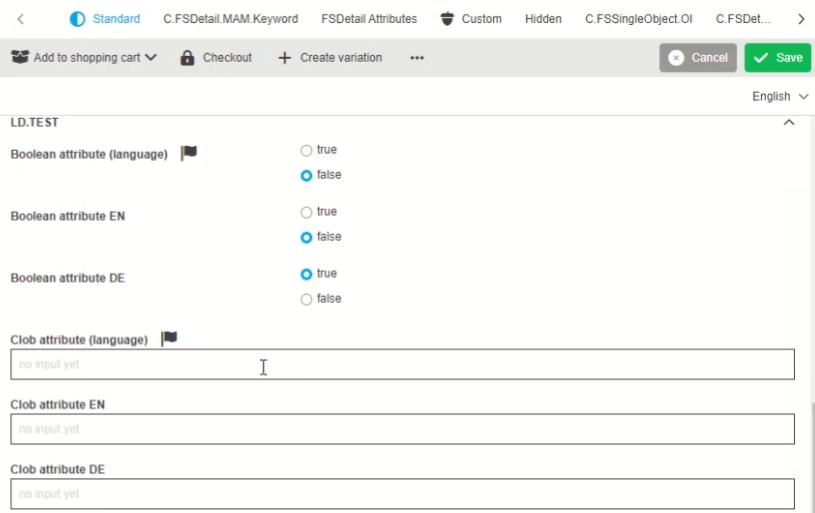
FSDetail - only one language dependent value sends for an attribute with different content language
| References | OG-12901 |
|---|
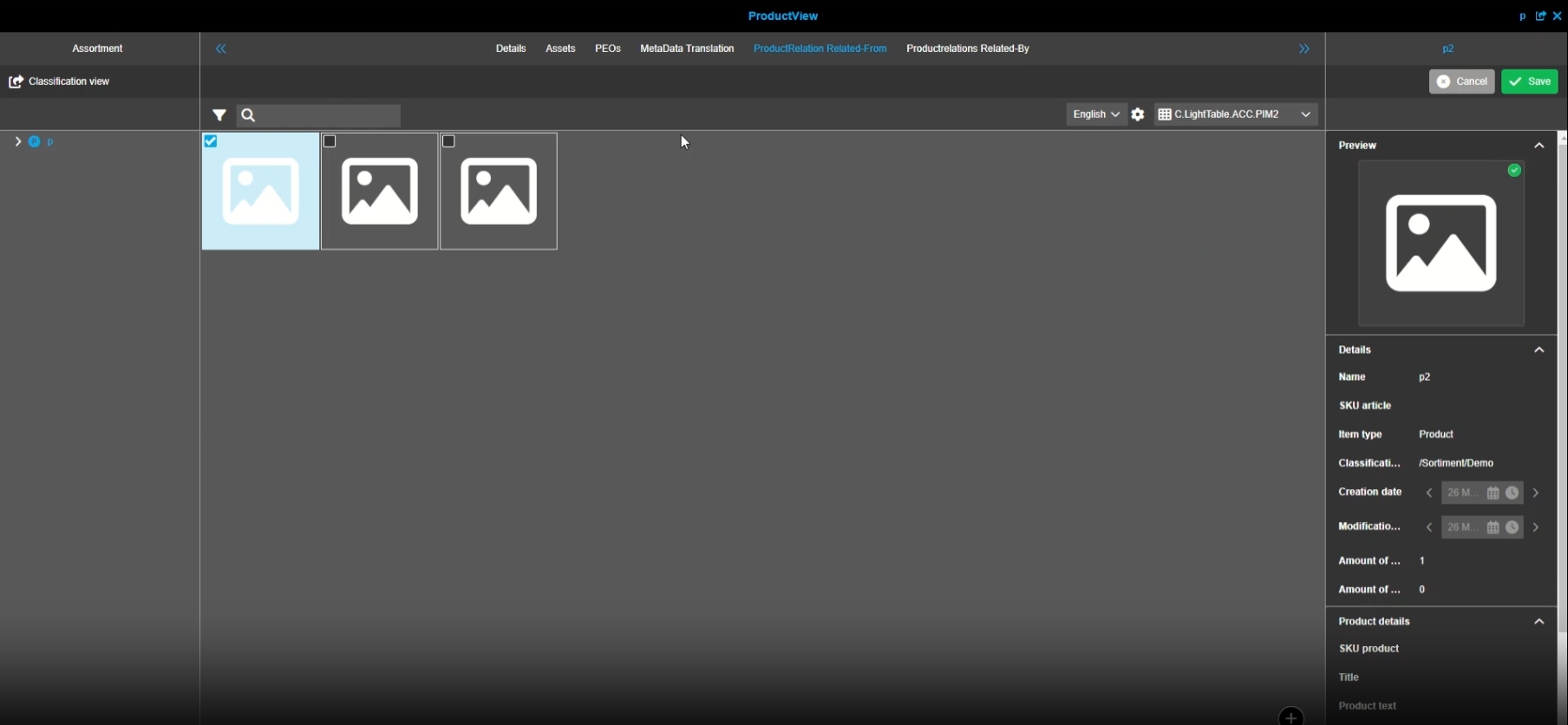
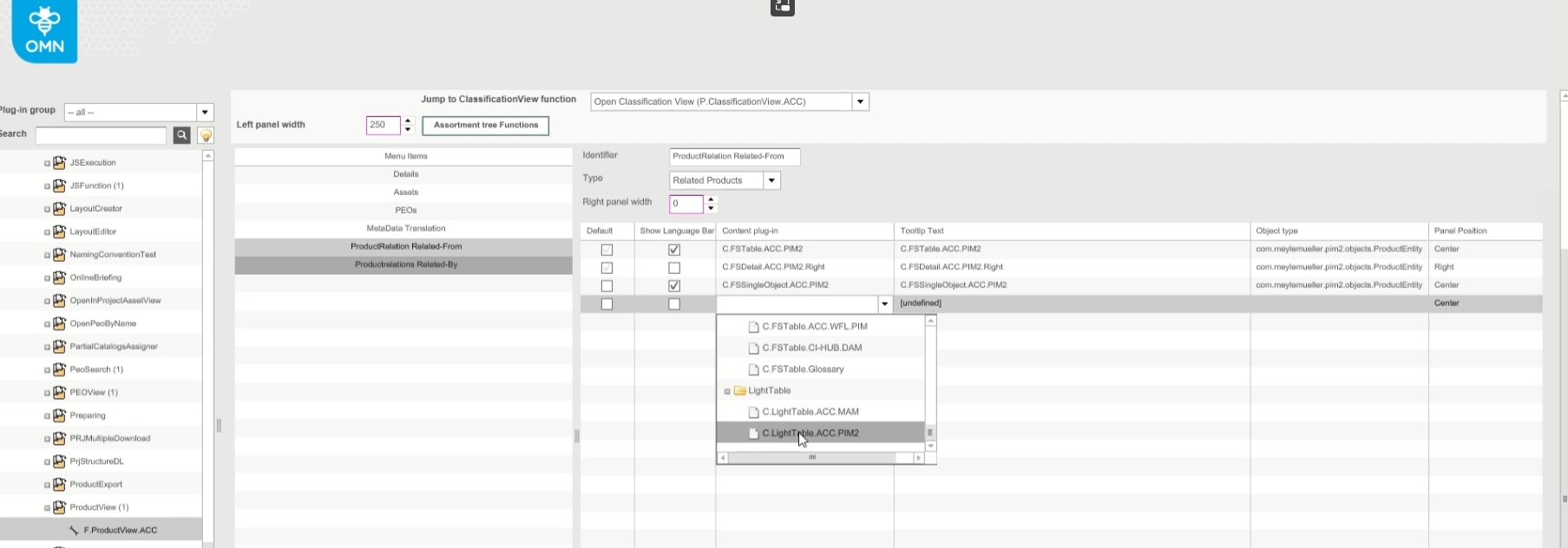
FSDetail now allows the maintenance of language-dependent values for preset content languages (in the configuration), independent of the selected content language in the user interface
-
example the user can also manage DE values for the language-dependent Attribute despite he selected English as Content language for FS-Detail
MDT
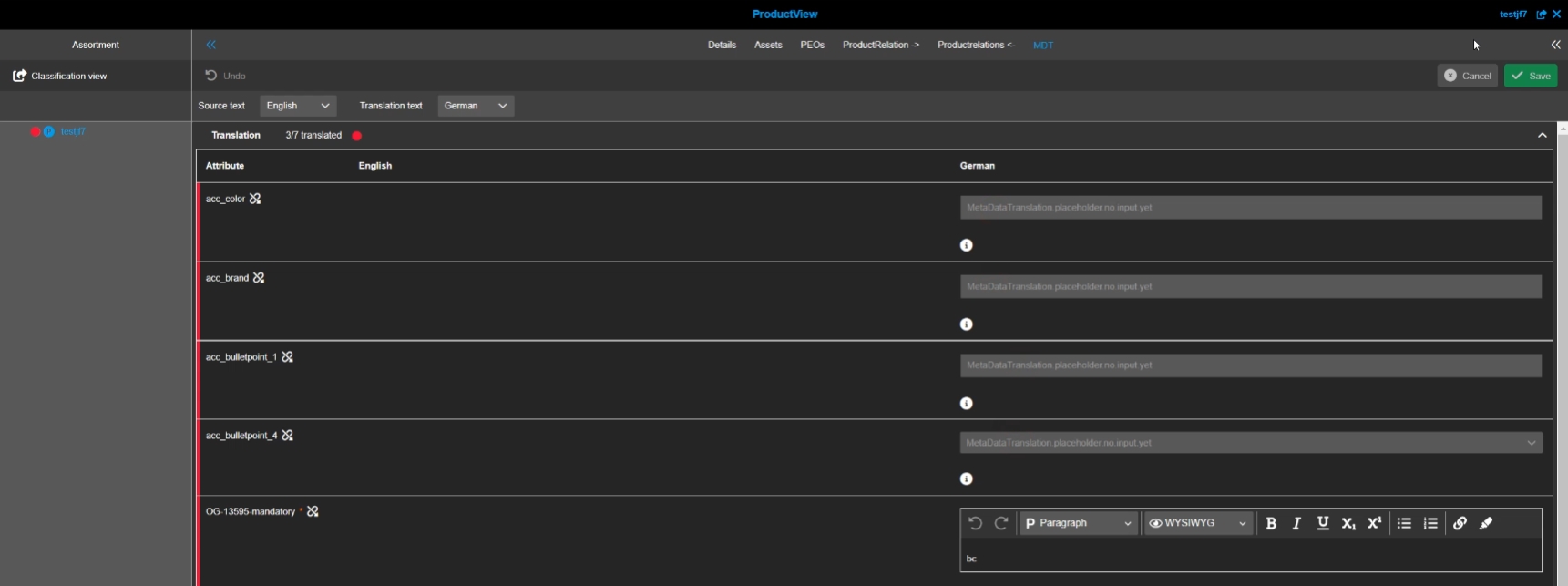
MetadataTranslation - Usage of Placeholder texts
| References | OG-13533 |
|---|
New placeholder text for empty input fields (simple types), so that the user can see if the field can be edit or not
| placeholders in rich text will be supported in a later version (OG-14268) |
MetaDataTranslation consideration of inheritance for translation Status
| References | OMN-9641, OG-13928 |
|---|
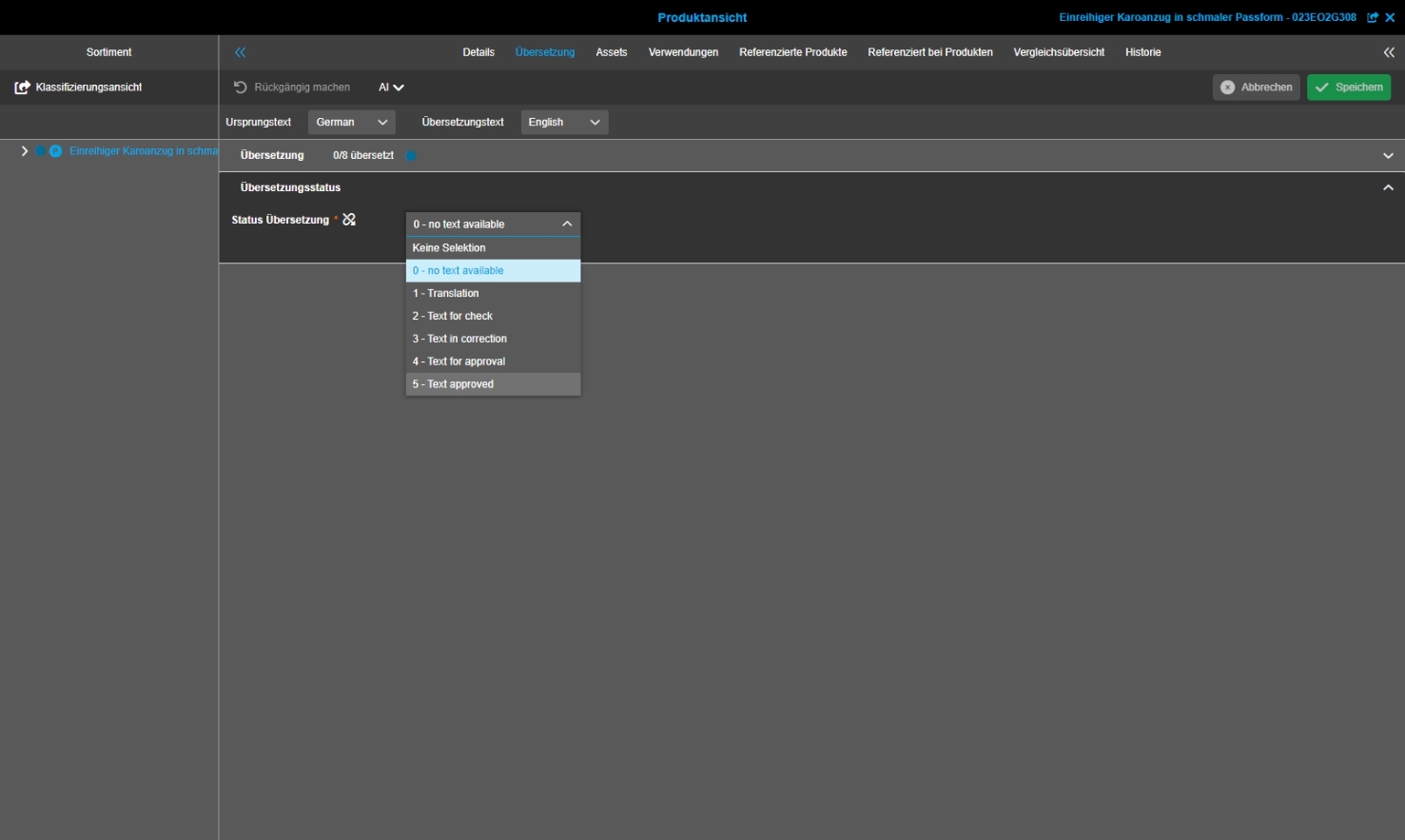
Inheritance of Translation Status is now supported
-
editable: Translation status is shown and editable on the corresponding product type level and on the levels below - the values are inherited
-
visible: Translation status is shown on the corresponding product type level and on the levels below, Status is only editable on the set product type, the levels below are just labels (inactive dropdown) - the value is inherited
-
not visible: Translation status is only shown on the corresponding product type level - the value is not shown on upper level or below, the value is not inherited to other levels
Terminology
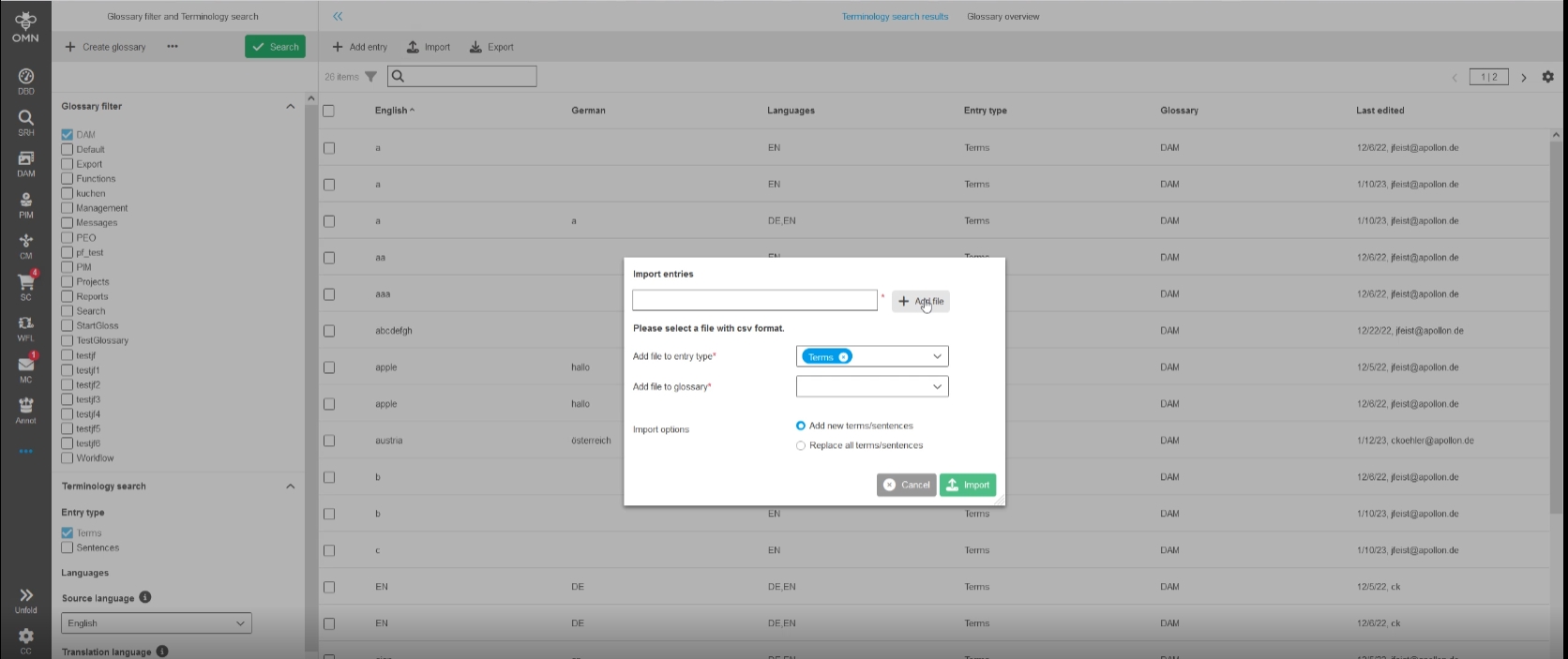
Terminology - Function - Import
| References | OG-3089, OMN-7617 |
|---|
Possibility to import data from a file to the terminology database, so that translated terms and sentences can be used in a faster way
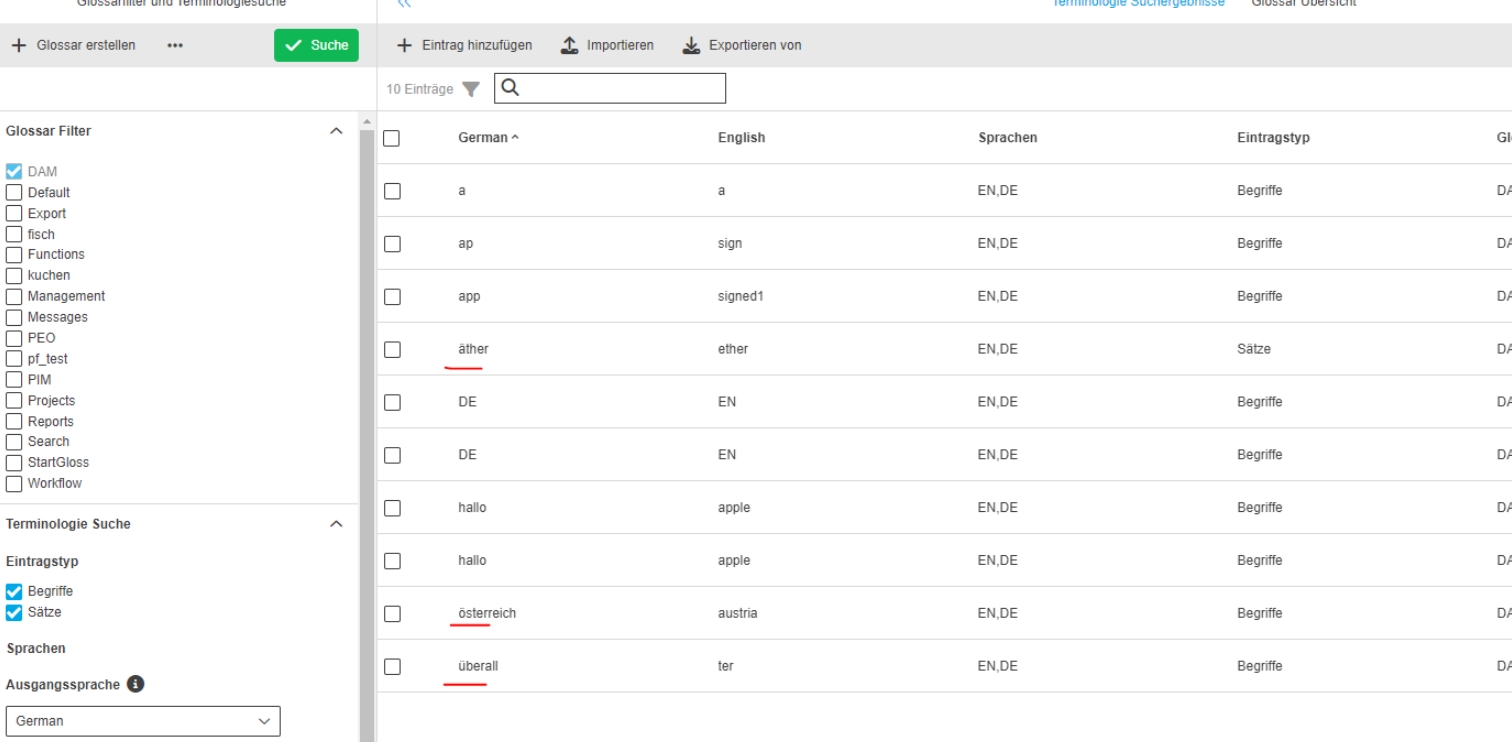
UTF-8 (Umlauts) support in Terminology
| References | OMN-10039 |
|---|
Terminology now supports entries with Special characters/"Umlaute“
Workflow
Camunda
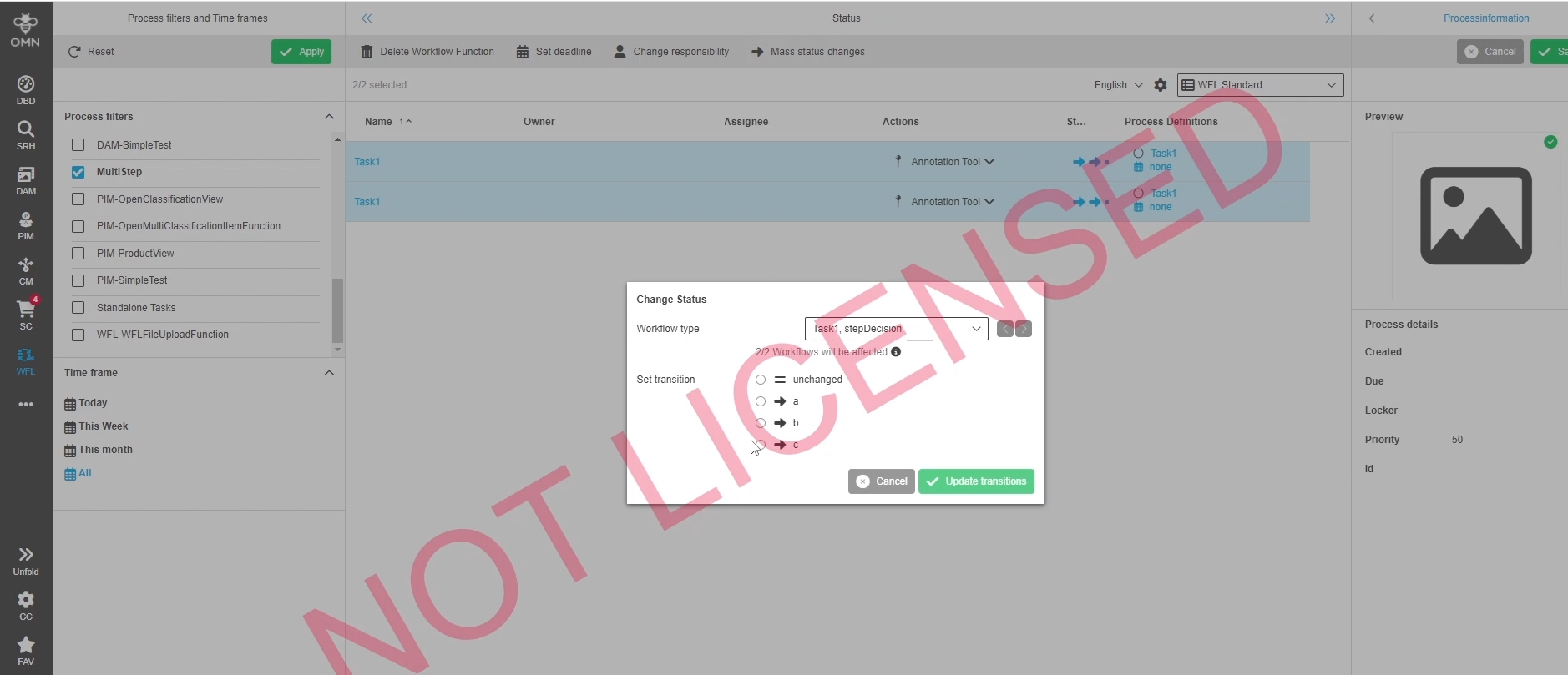
Mass Change Function for CAMUNDA WFL for ToDoList - StatusList - ProjectWorkflowsView
| References | OW-732, OG-13999, OMN-9881, OMN-9882 |
|---|
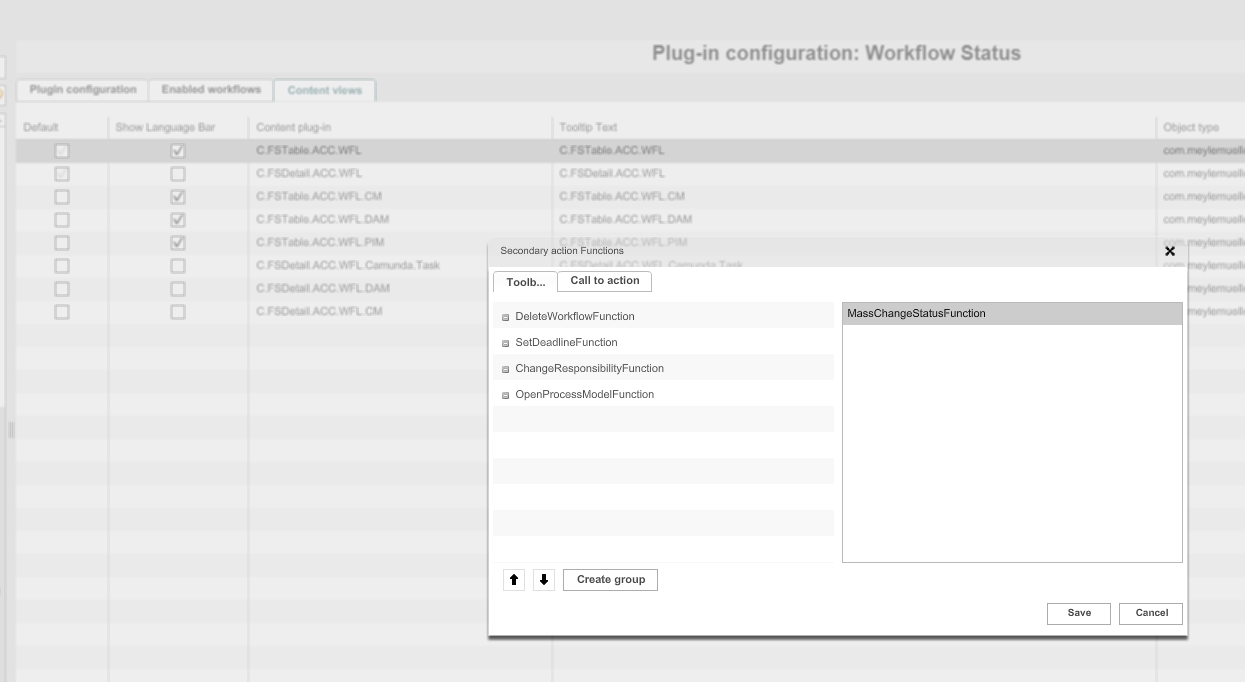
Possibility to change the status of multiple Camunda tasks in one modal per function, so I don’t need to set transition successively
-
Appearance in frontend
-
Configuration in backend
Add Order information for human functions
| References | OW-731, OMN-9917, OG-14078 |
|---|---|
Documentation |
ODOCU-881 |
Possibility to display human functions of a task in the workflow views (WFLStatus, WFLToDo,….) in a specific configured order
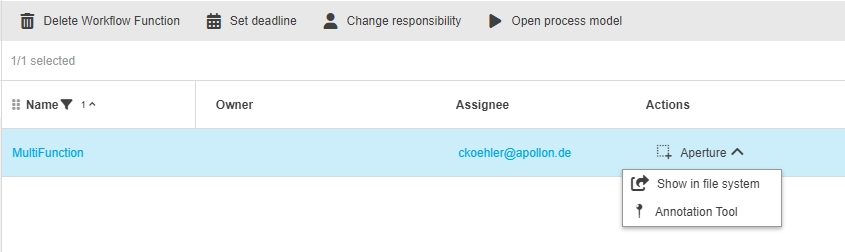
| For further information How order can be configured see related documentation |
Workflow settings - Camunda (UserSettings) - Automatic refresh
| References | OG-13678 |
|---|
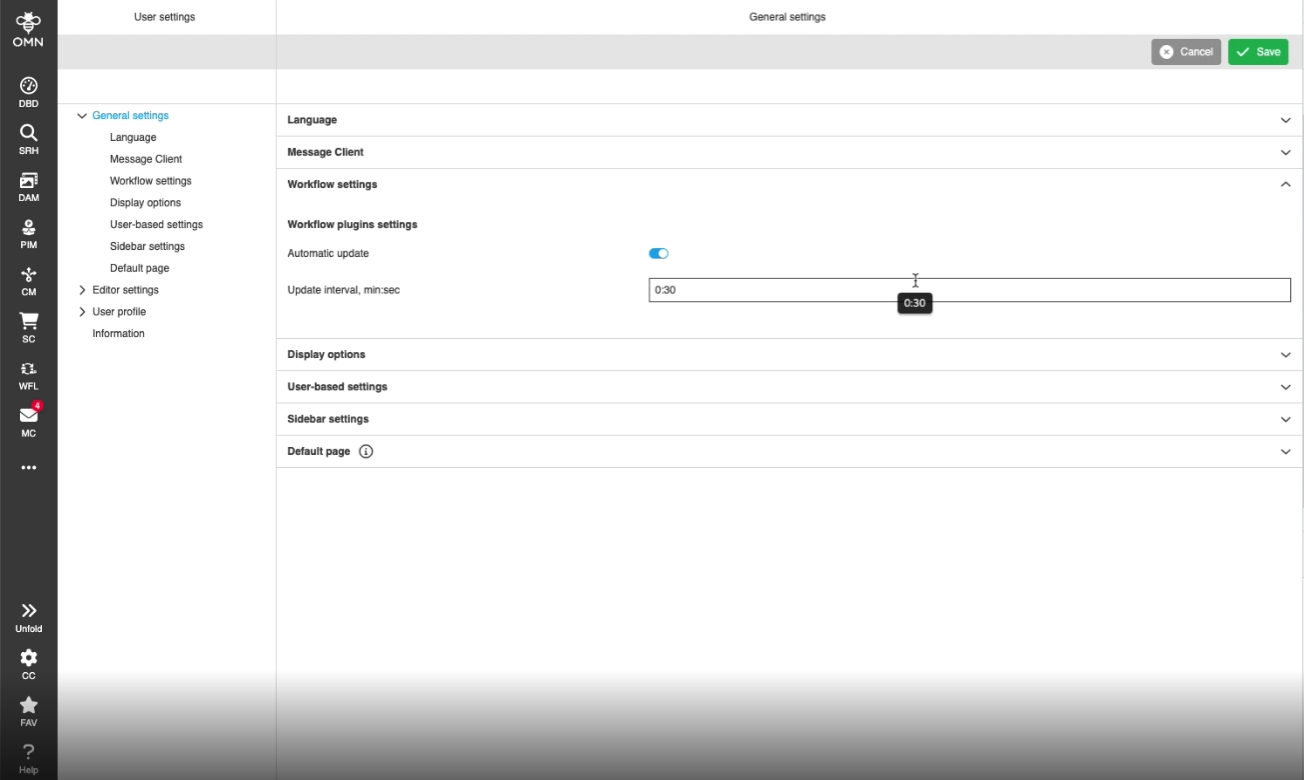
Automatic refresh when changing workflow Transition in workflow Widget
-
Configuration of Refreshing interval in user settings
Task lock icon closure behavior
| References | OG-14113 |
|---|
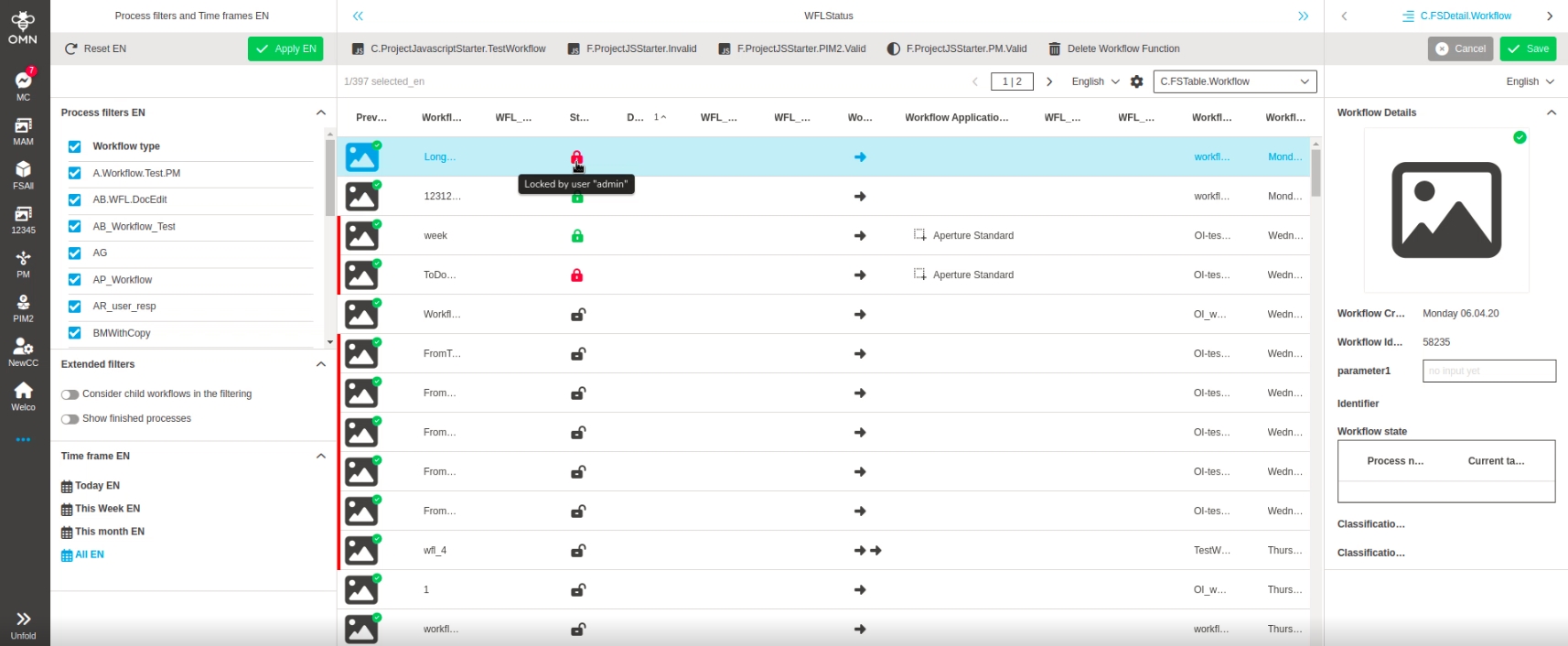
Possibility to lock/assign a task to the current user by closing the lock icon of a workflow task, so the task is locked and assigned to myself
Workflow related plugins should be created with Camunda type by default
| References | OMN-9995 |
|---|
Due new config client doesn’t support XWE workflow engine the Default Workflow Engine is set to Camunda instead
-
"Workflow engine type" parameter ("wflEngineType" generic property) for new instances of the following plugin:WFLStatus, WFLTodoList, ProjectWorkflowsView is set to Camunda
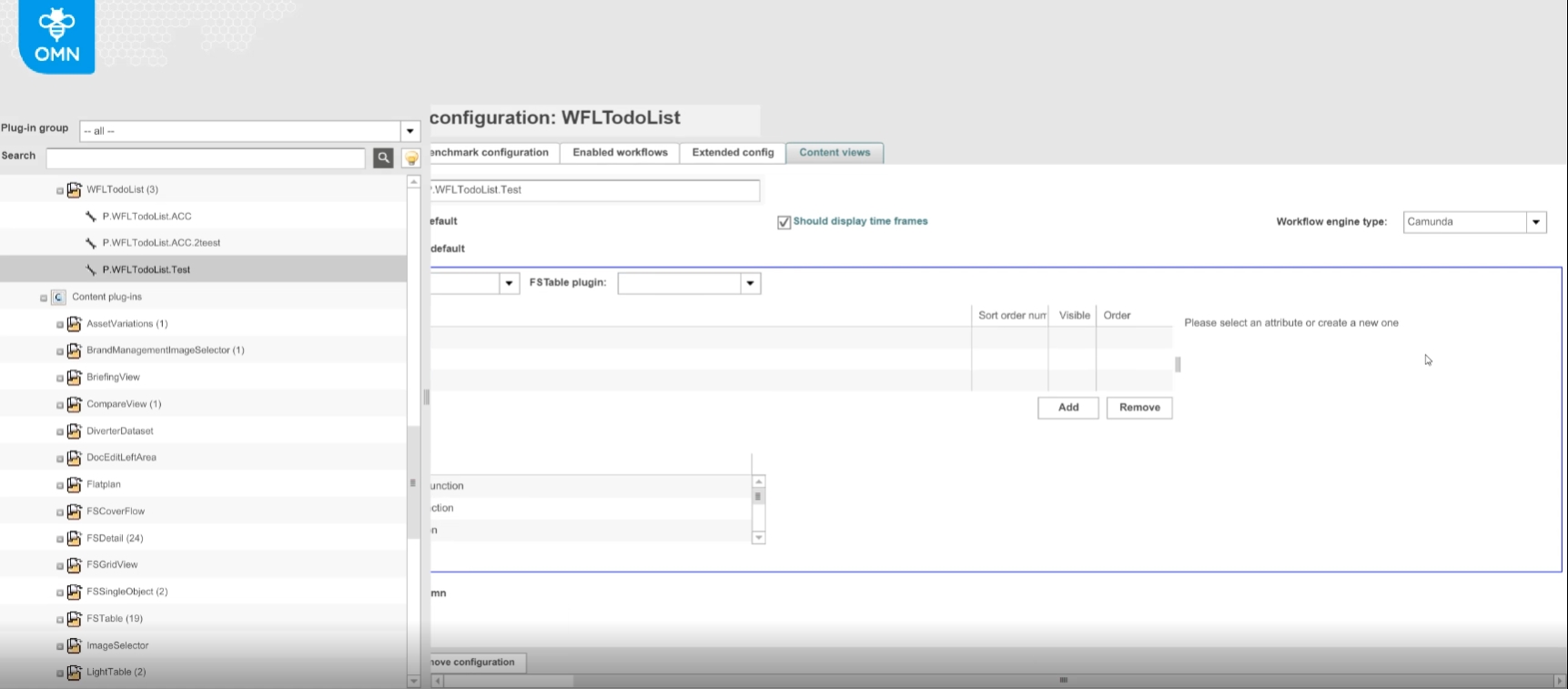
Execution of workflow transition inside of editor does not trigger reload
| References | OG-13920 |
|---|
Execution of workflow transitions form inside an editor will trigger data reload on the underlying ToDoList (from where the editor has been opened) and the next step is shown.
-
Change workflow Transition in Editor will update underlaying Task list when Editor is opened from it
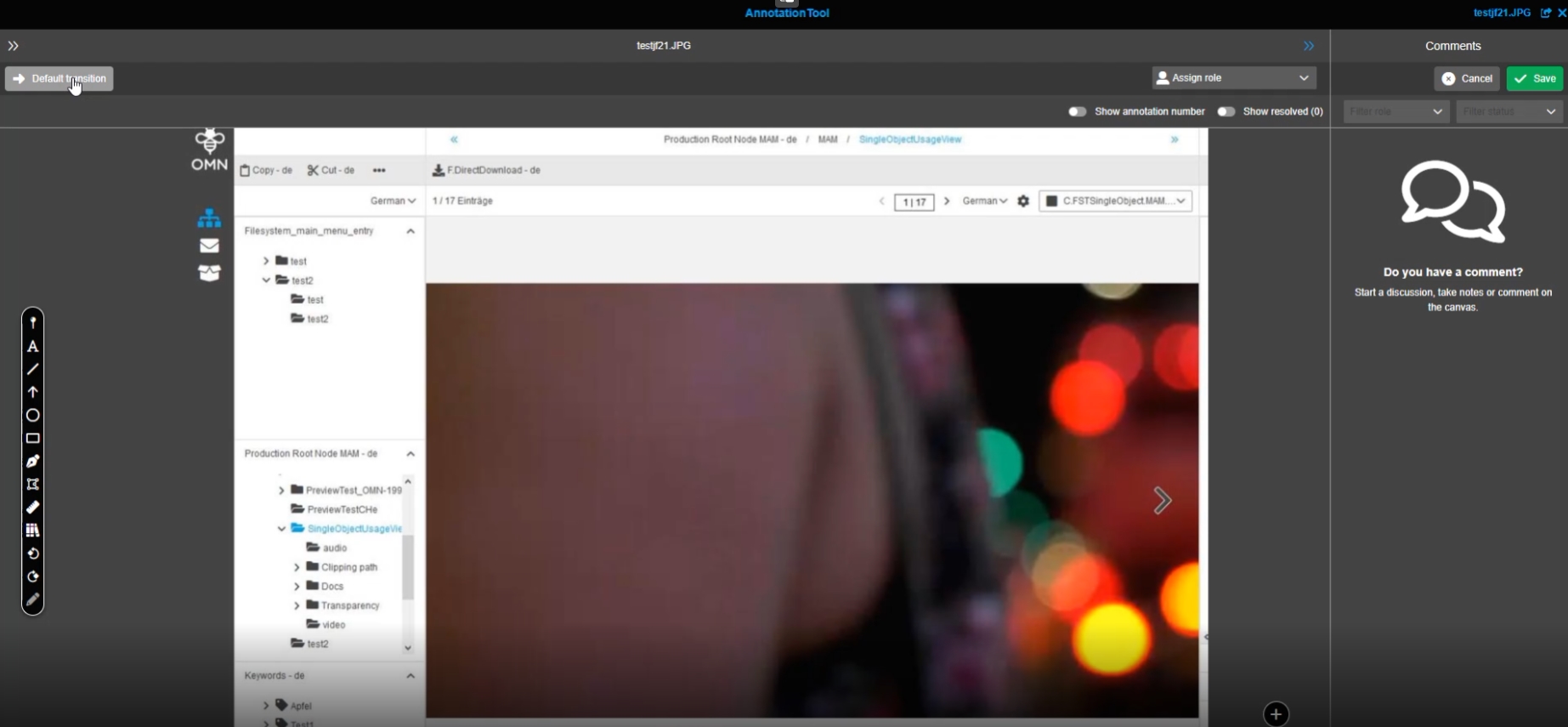
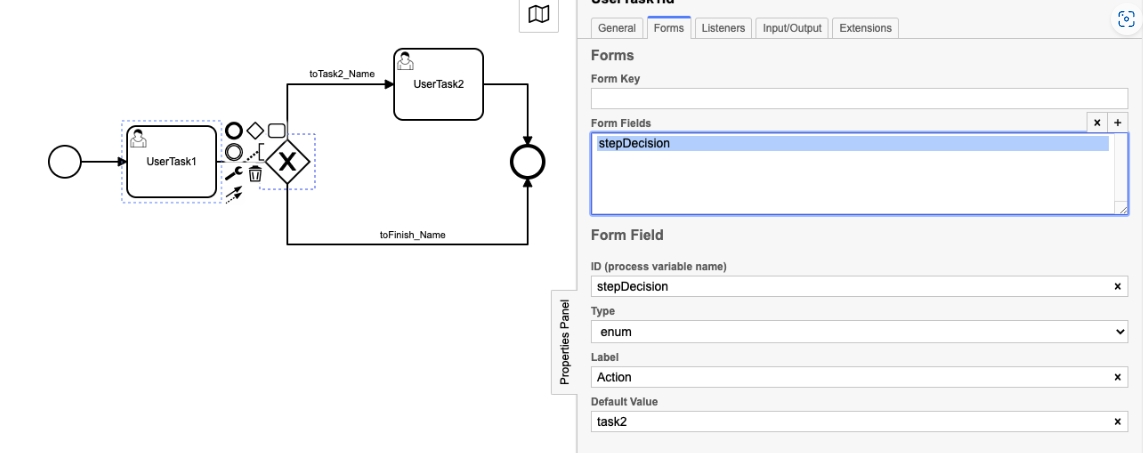
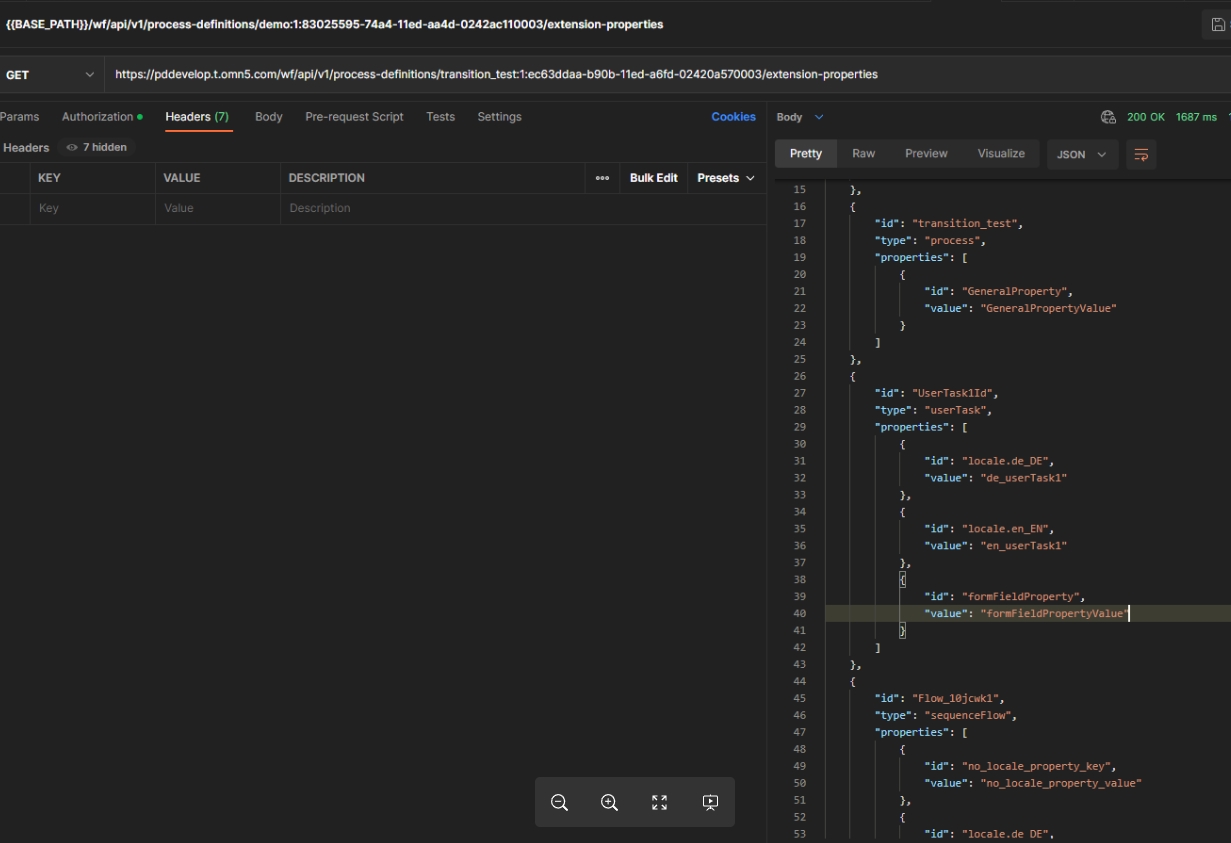
Add properties from form fields to extension properties API endpoint
| References | OW-793 |
|---|
Properties from Camunda form fields are considered in the getExtensionProperties REST API endpoint
Introduce expressions for camunda process definition information
| References | OMN-10198 |
|---|
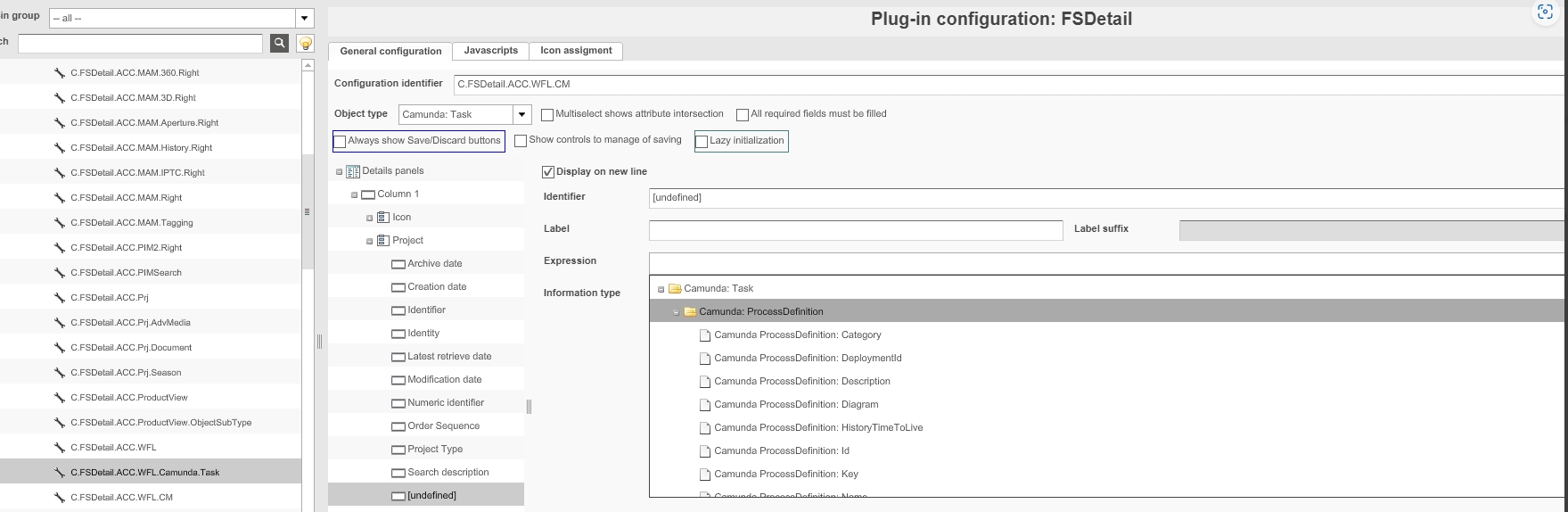
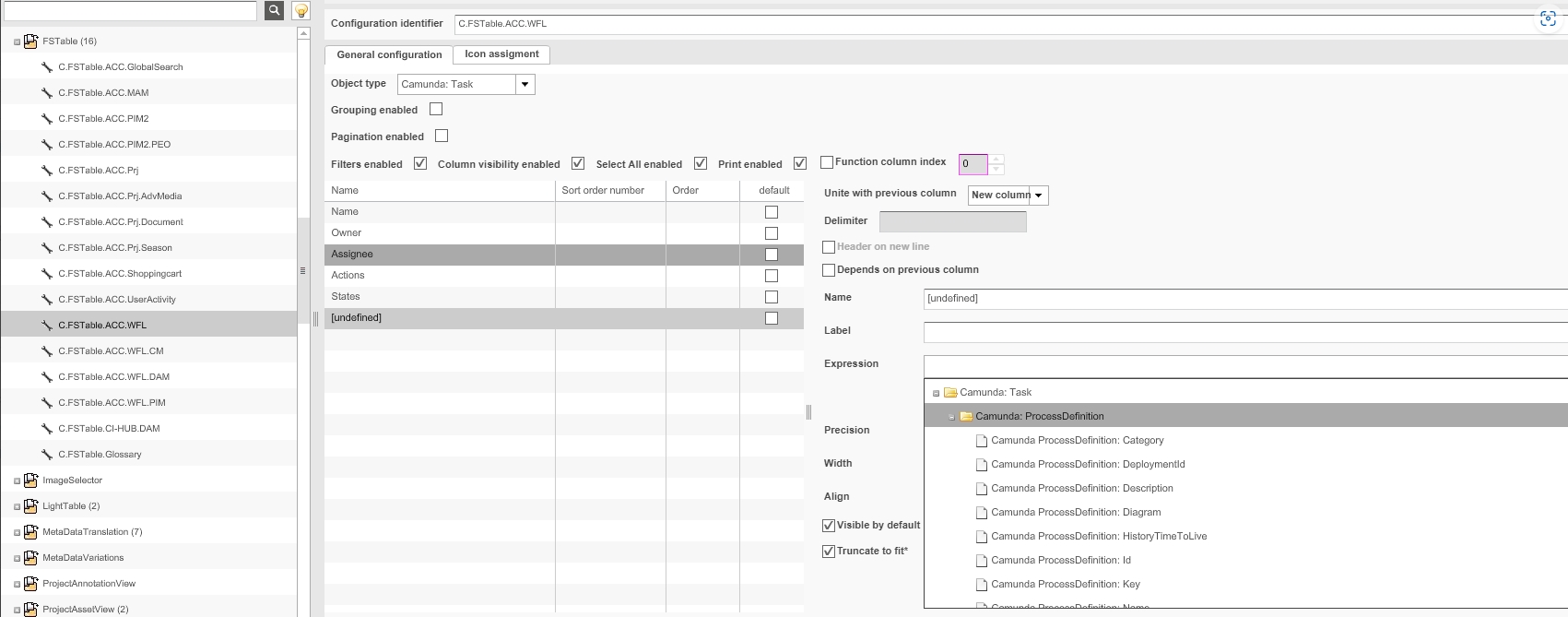
New Sub-Expressions Camunda: Process Definition is configurable for FSTable/FSDetails of type Camunda: Task
| configuration is not available yet in new configclient, but will be available in one of next versions |
Load localized values for Camunda objects from BPMN
| References | OMN-9978, OG-13269, PIC-699 |
|---|
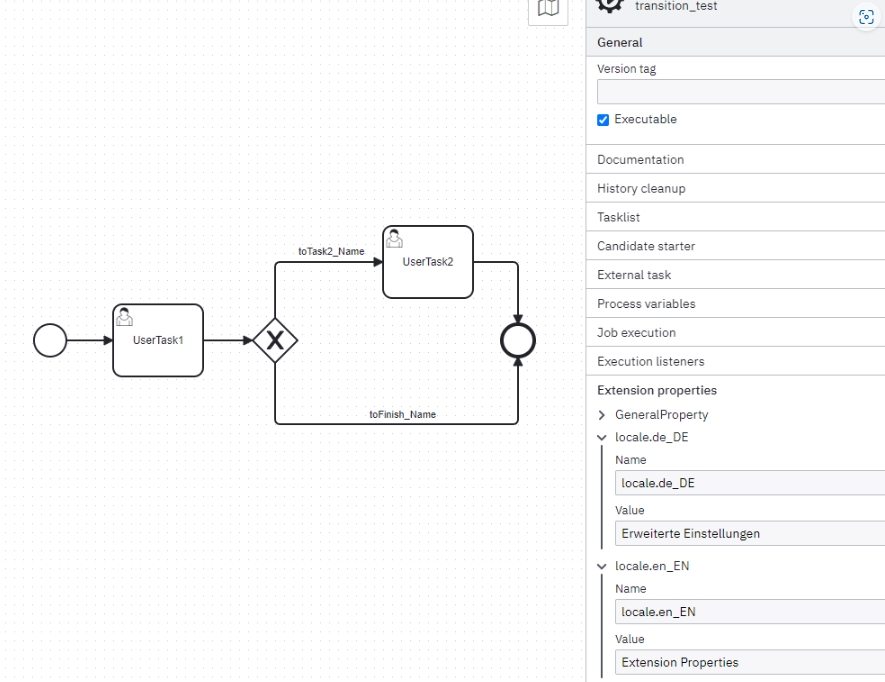
OMN used the extension properties over omn camunda api to process localization properties (filter by properties starting with "locale.") and put the properties into the localization cache so that the localized properties can be used from in the UI
-
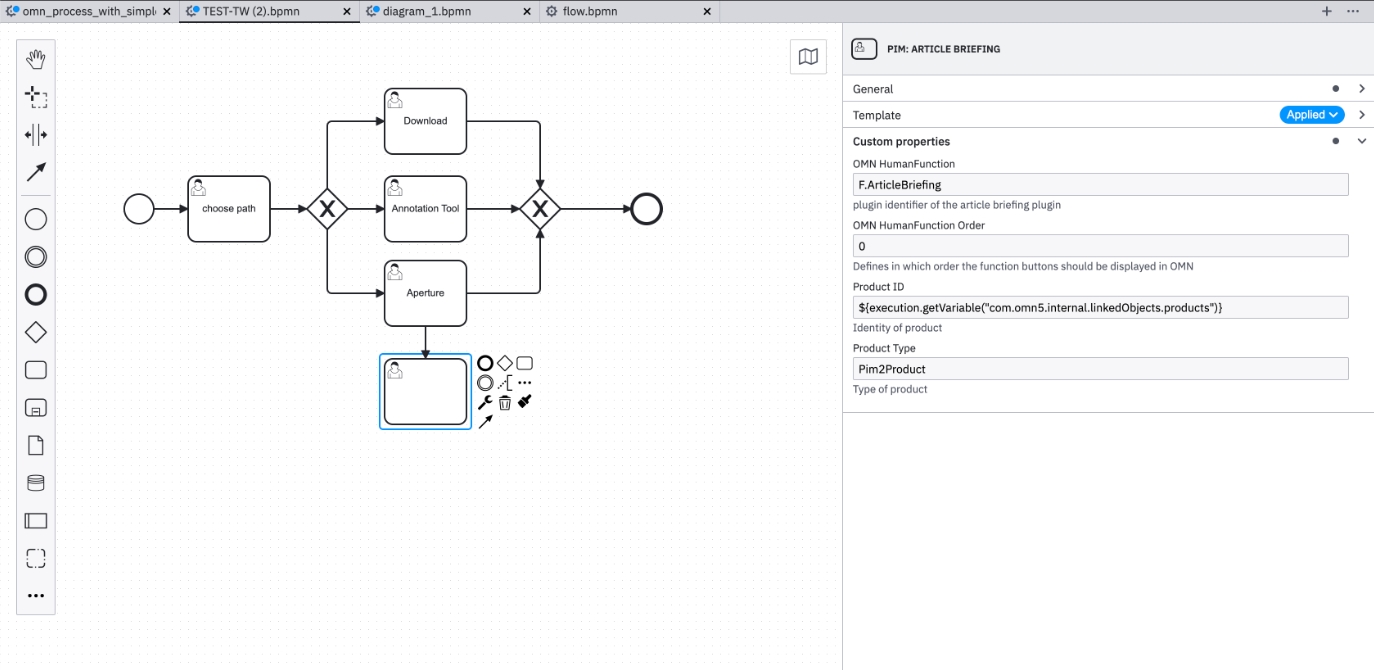
BPMN Workflow with Extension properties including localizations in context of the workflow
-
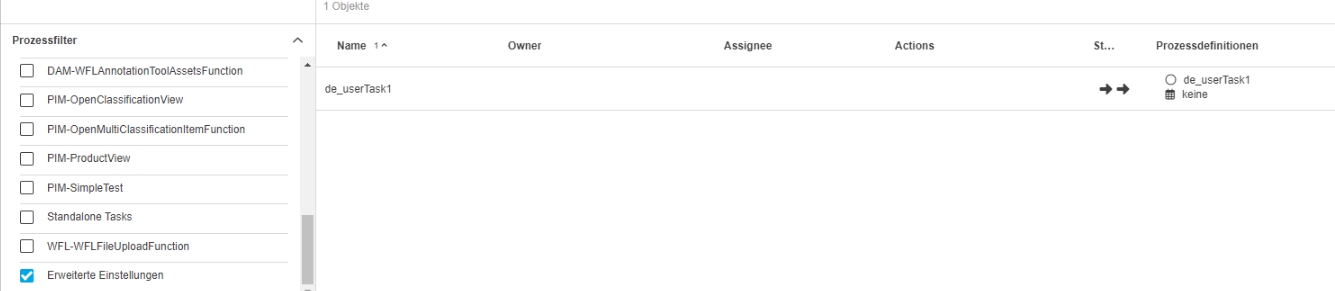
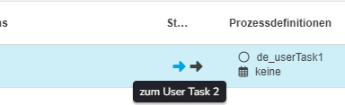
Localizations defined in the workflow modal will be displayed in the OMN UI for Transitions, Workflow- and Task name
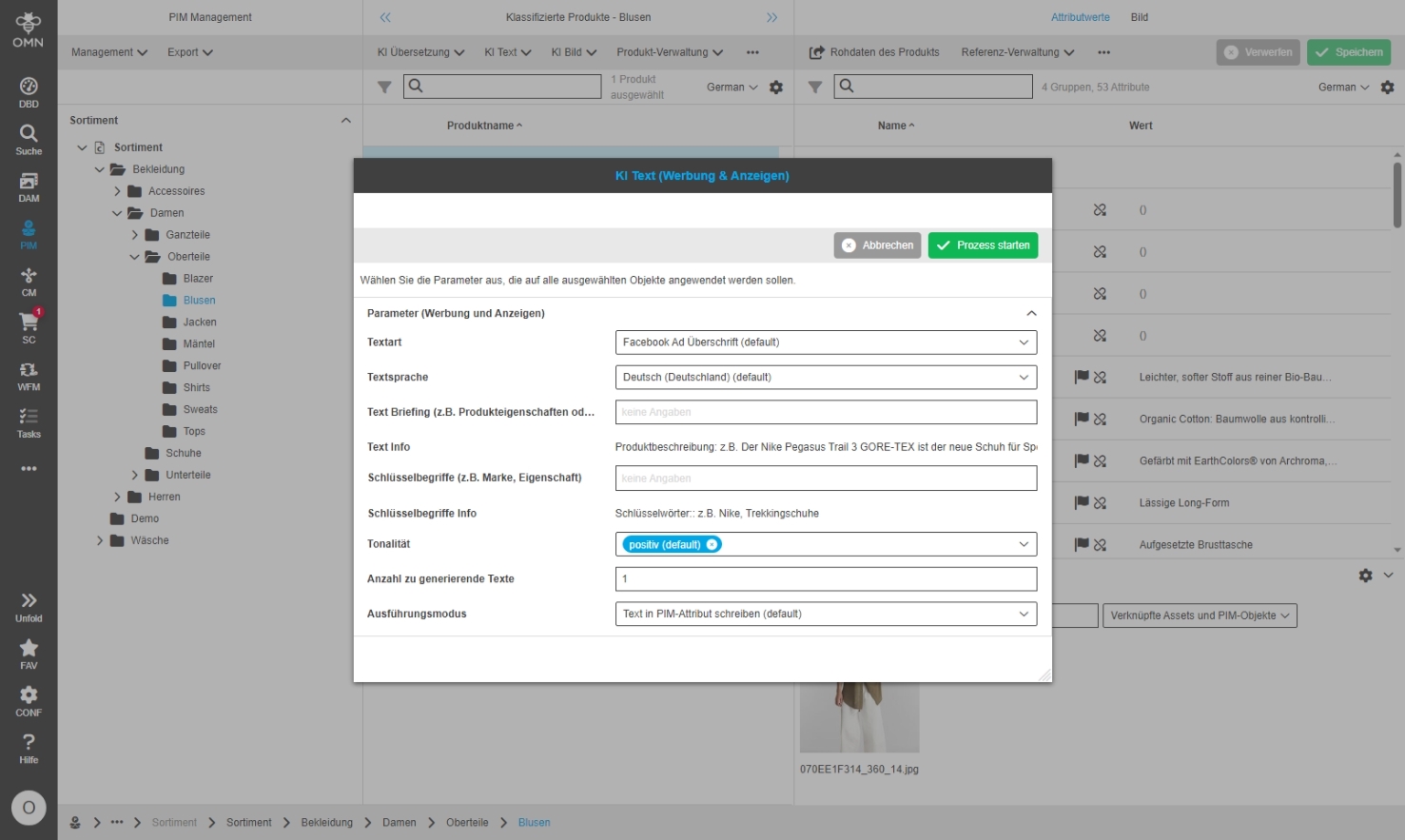
FSDetail - Display workflow config start process modal in the UI
| References | OMN-10237, OG-14426 |
|---|
Possibility to configure FSDetail with workflow attributes (created in new workflow attribute configuration and with improved expressions which can be used alternately for auto-modals in workflow startup (if configured)
-
example of DetailView with workflow attributes
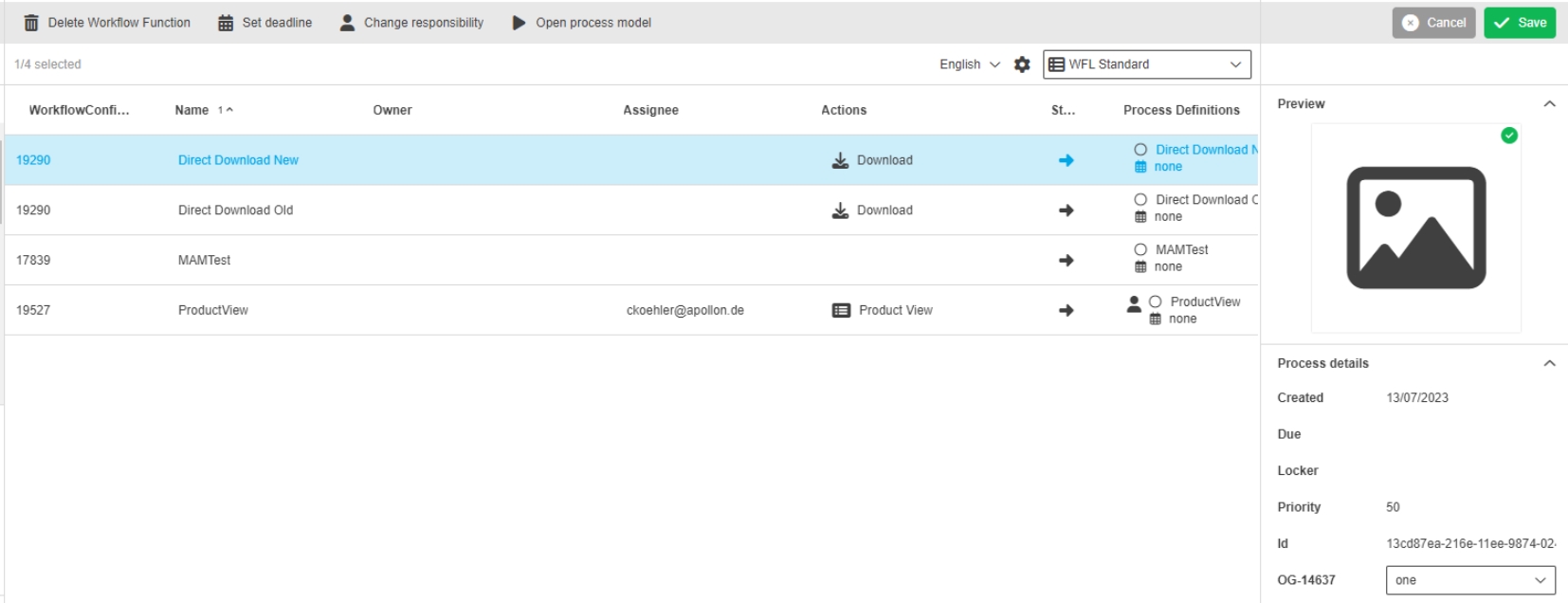
Workflow attribute localization is in the workflow views based on started workflow configuration
| References | OG-14637 |
|---|
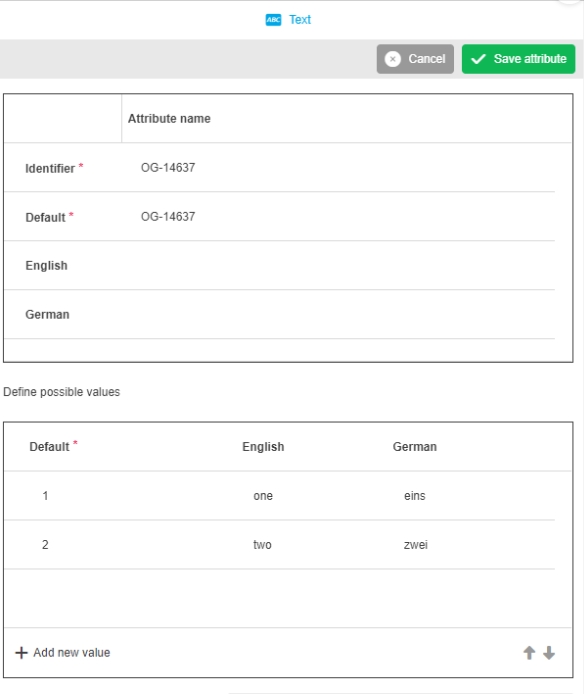
Possibility to see local and global possible values localization for Workflow Attributes in Table and Detail content views, so that the user see possible values in set language
-
Display of localized values for workflow Attribute in Detail View
-
configuration of possible values
Add field ProcessDefintionKey to camunda workflow index
| References | PIC-665 |
|---|
(Process) DefinitionKey is now added to camunda workflow index
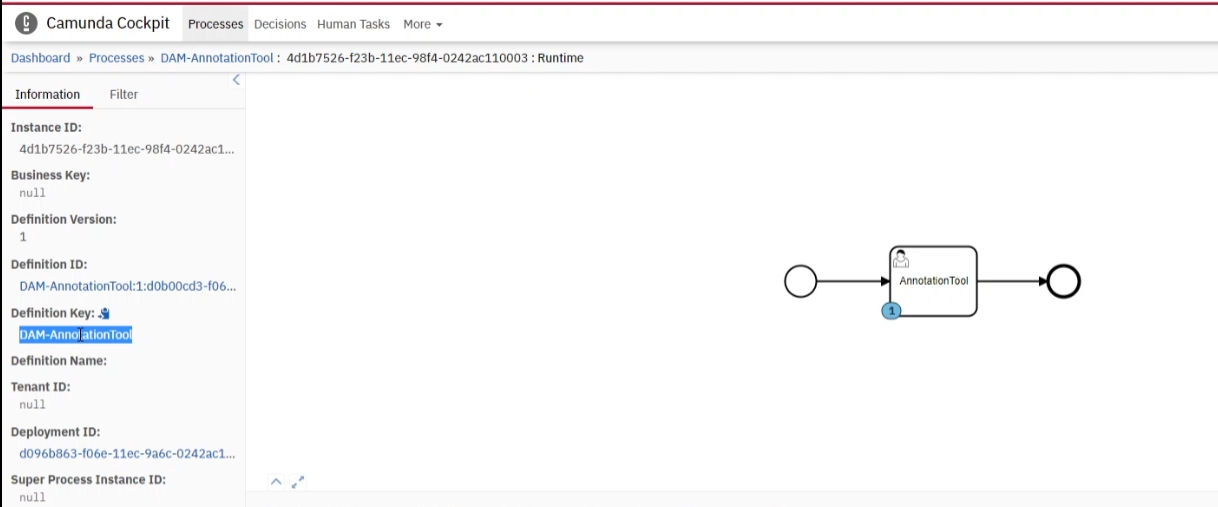
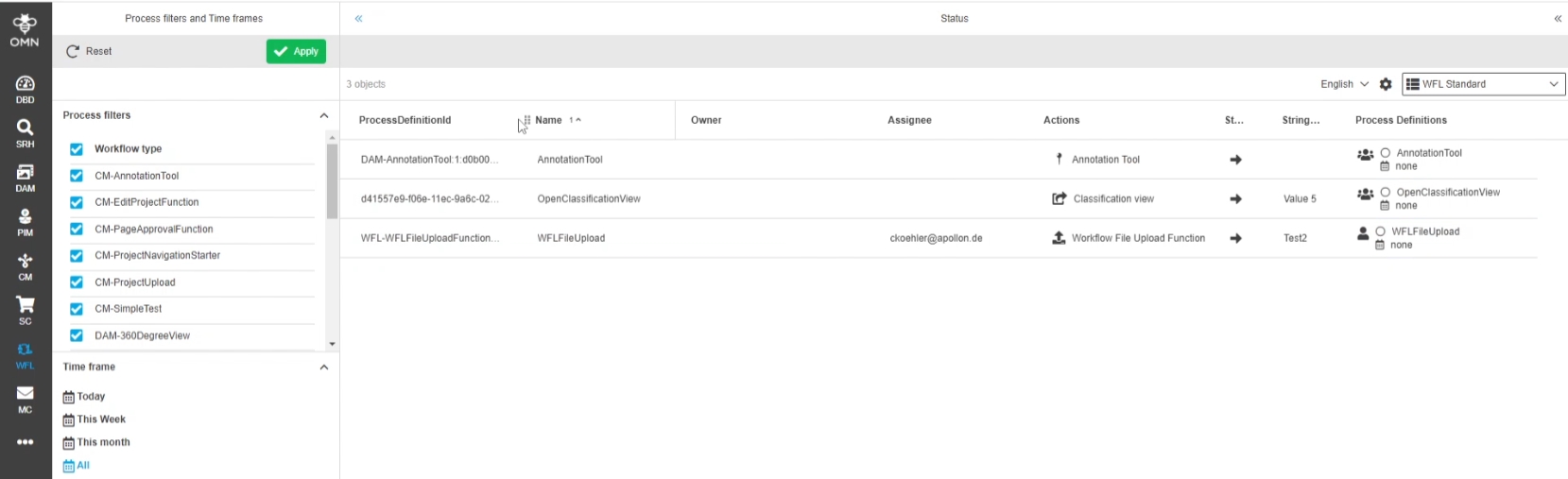
Use new Camunda Process Definition Expressions
| References | OG-14494, OMN-10244 |
|---|
New Expressions for Camunda process definitions (e.g. name/key) can be used at places where Workflows are displayed
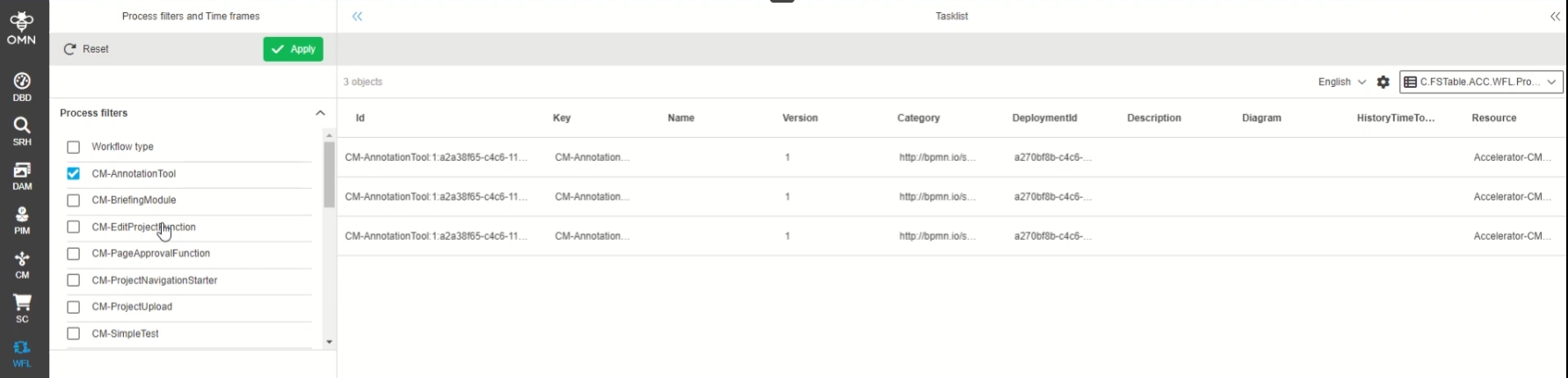
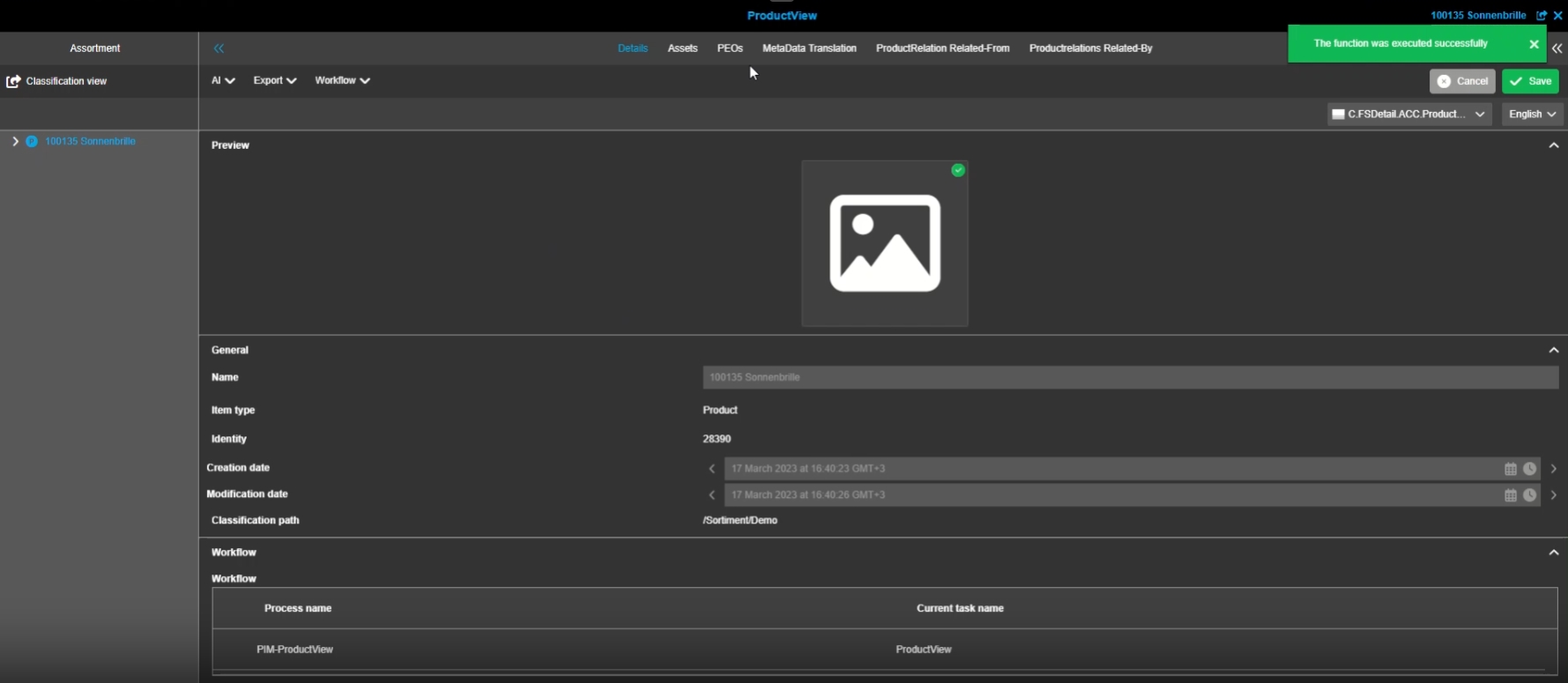
Camunda Engine support should be enabled by default
| References | OMN-9267 |
|---|
Camunda is enabled as active Default workflow engine
The Setting can be changed in #workflow_engine.properties

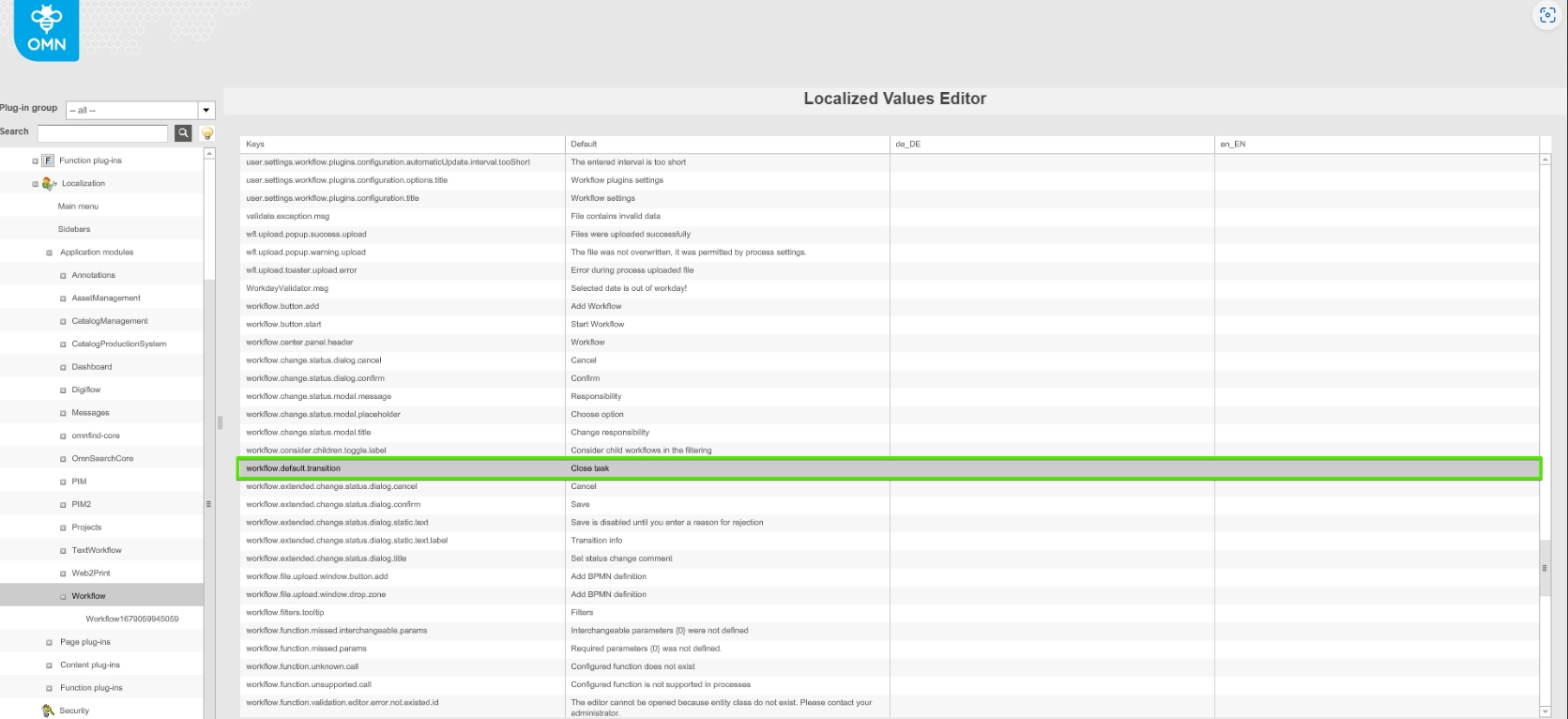
Add Localization key for Camunda default transition
| References | OG-14516, OMN-9976 |
|---|
Possibility to localize default transition by new localization key
-
Display of Default Transition in Client

-
new localization key for workflow.default.transition
Use camunda engine plugin to set Task Listener script in OMN Human function tasks
| References | OW-714 |
|---|
Task Listener script in OMN Human function Tasks uses Camunda engine Plugin now
Support Standalone Tasks in Workflow Widget
| References | OW-840 |
|---|
Relation to stand-alone Tasks (running process instances) are now shown in the workflow Widget
-
additional functionality is coming in later versions
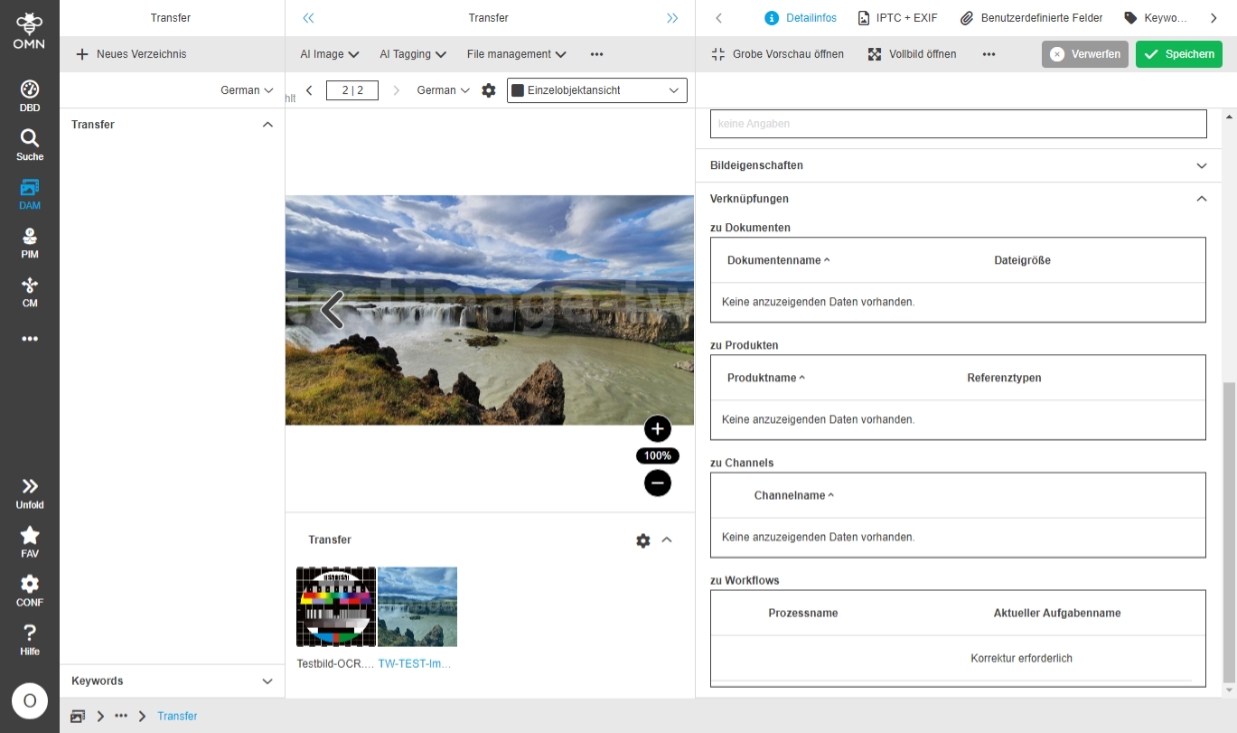
Workflow Relation between process instance and used workflow configuration during process start
| References | OMN-10323 |
|---|
Possibility to see with which Workflow Config a camunda workflow instance was started on base of a new Expression
-
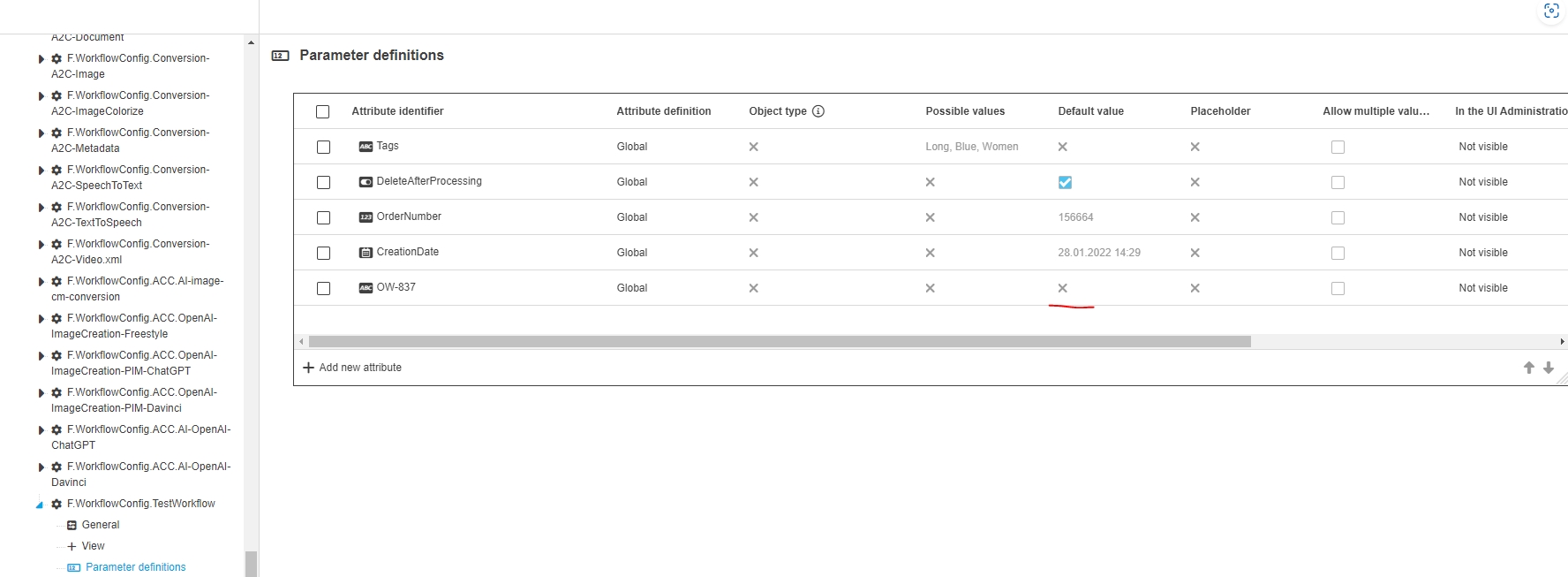
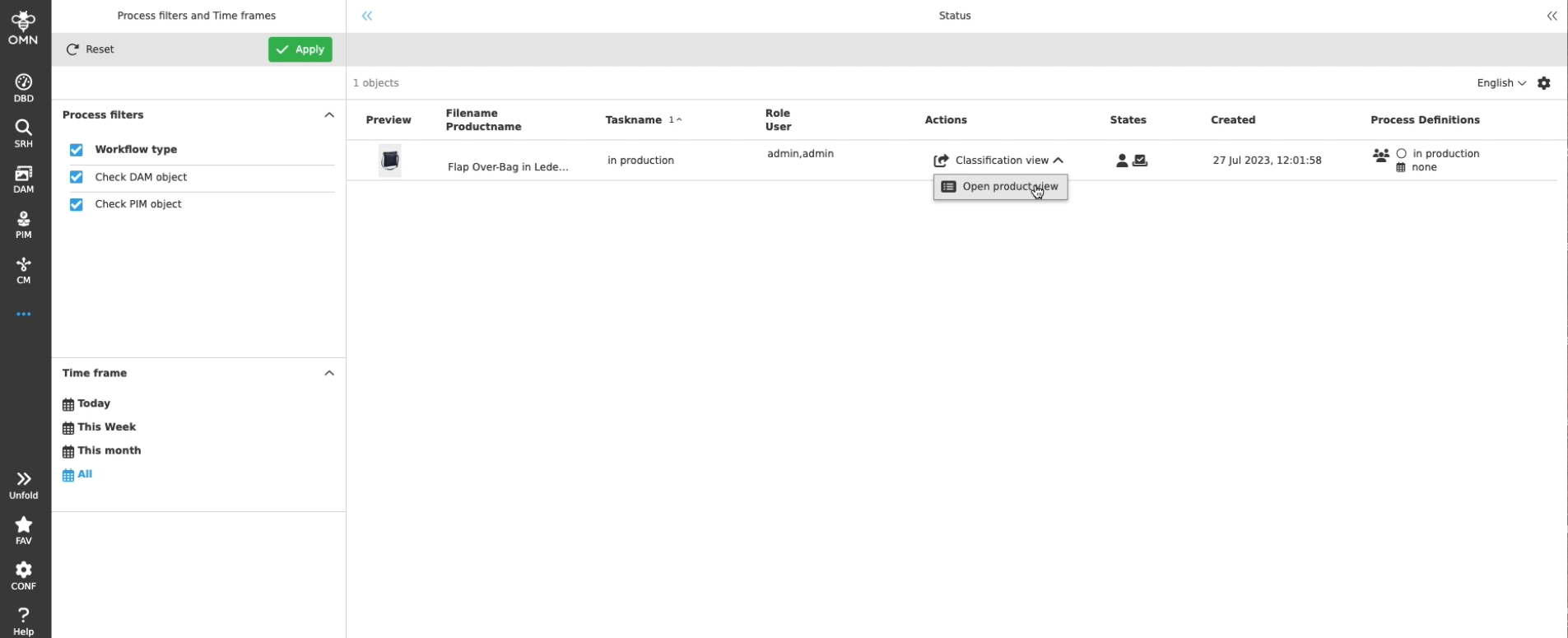
new Expression Camunda Task: WorkflowConfigID contain the identity of the used workflowConfig Plugin with which the process was started
-
new default Parameter is passed to the started process instance while executing a workflow Config and contains the identity of the used workflowConfig Plugin
-
Display of the WorkflowConfigID with which the workflow process was started

-
configuration of new Expression eg. in FSTable for Workflow

WorkflowConfig
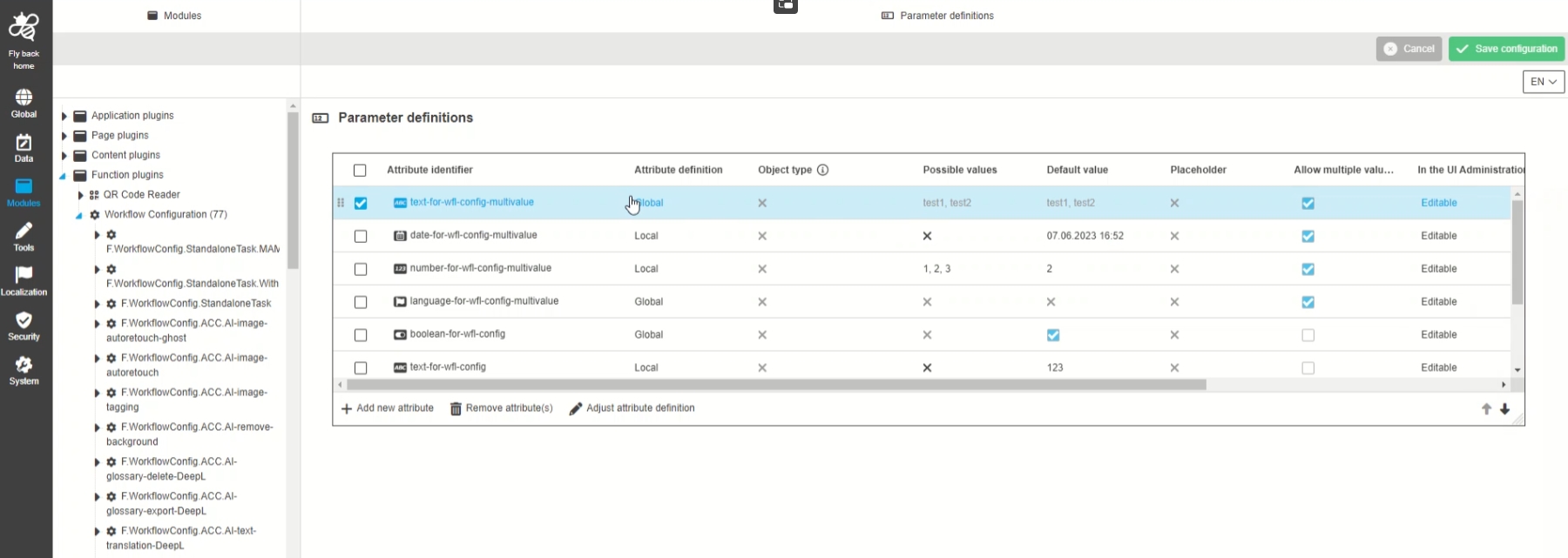
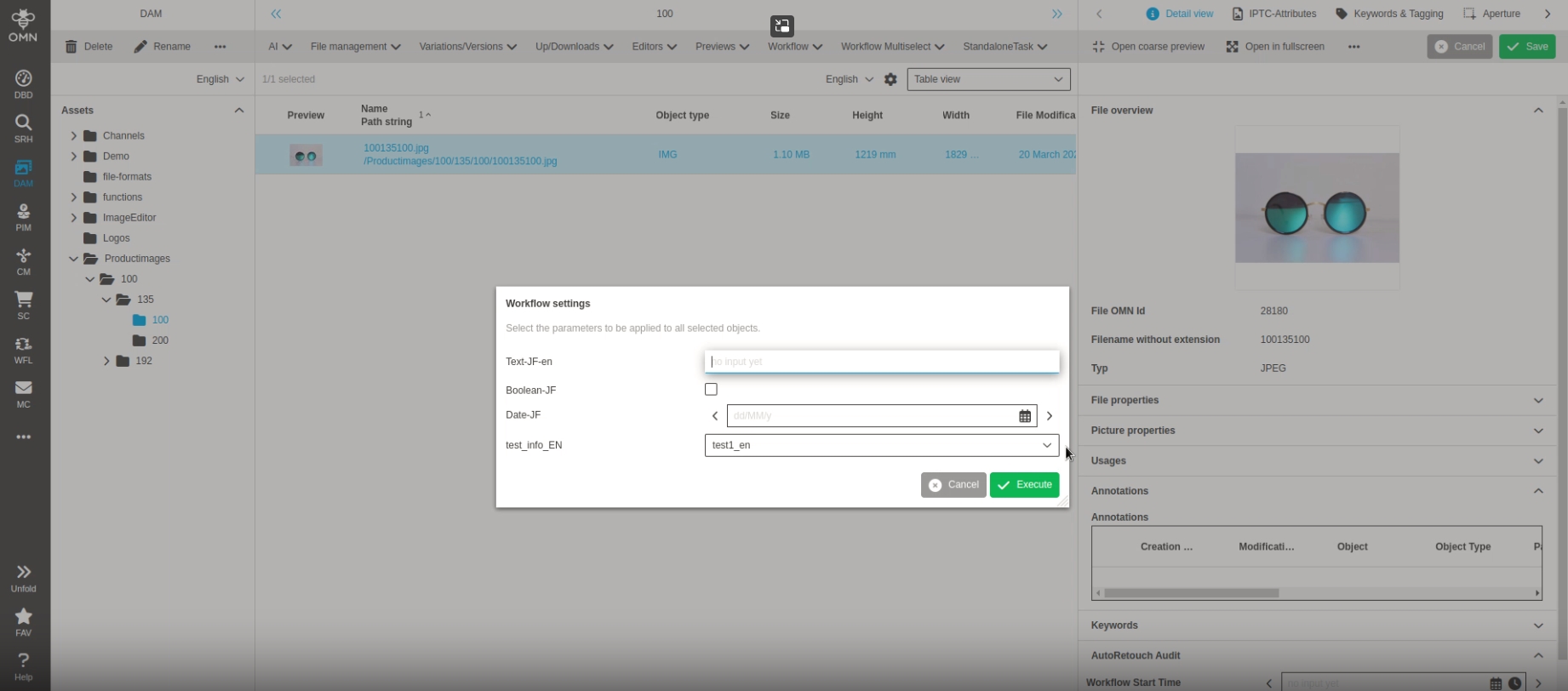
Wfl Config - Use localizations of possible values in global attribute definition in the UI
| References | OG-14441 |
|---|
Possibility to see the localizations of possible values in the UI, which are defined via global workflow attribute Definition
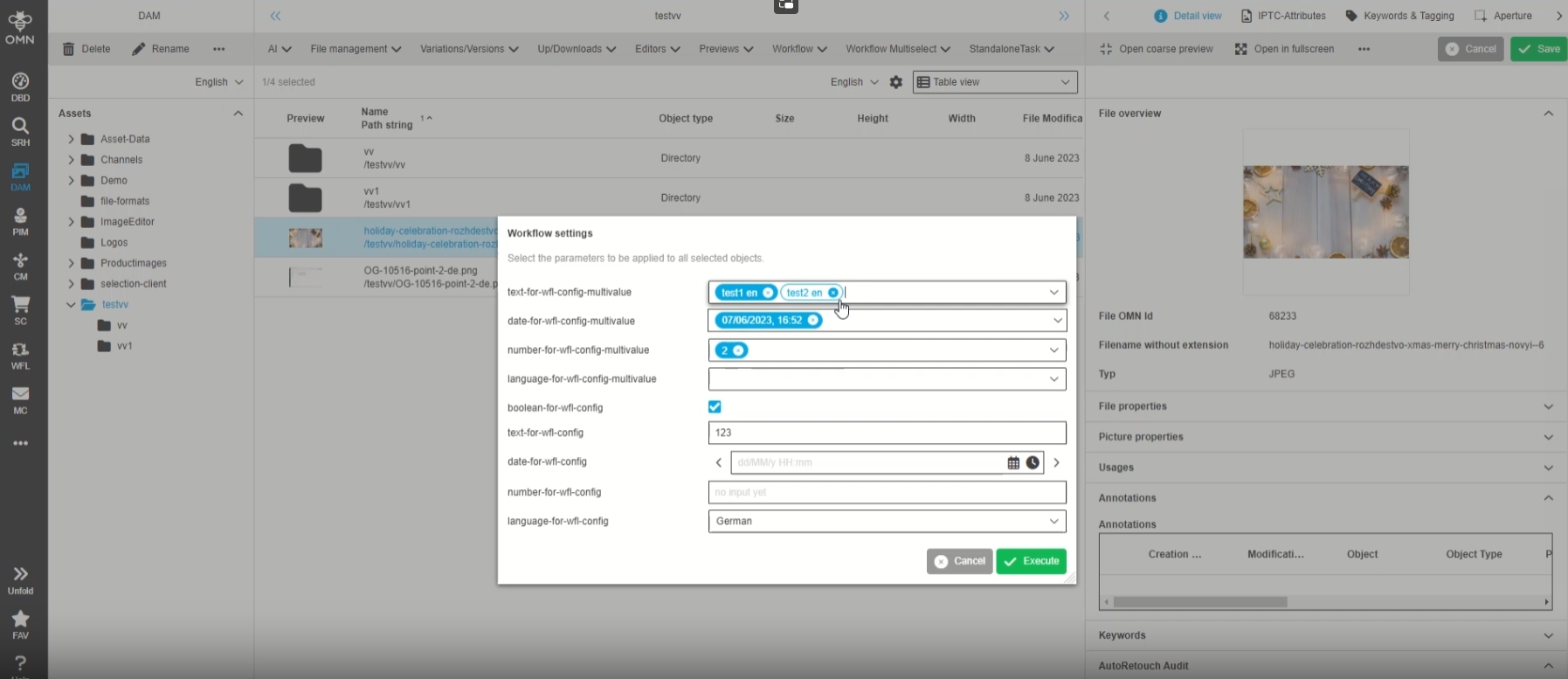
-
configuration of workflow Attribute localization
WorkflowConfig - Masked attributes in Process start modal
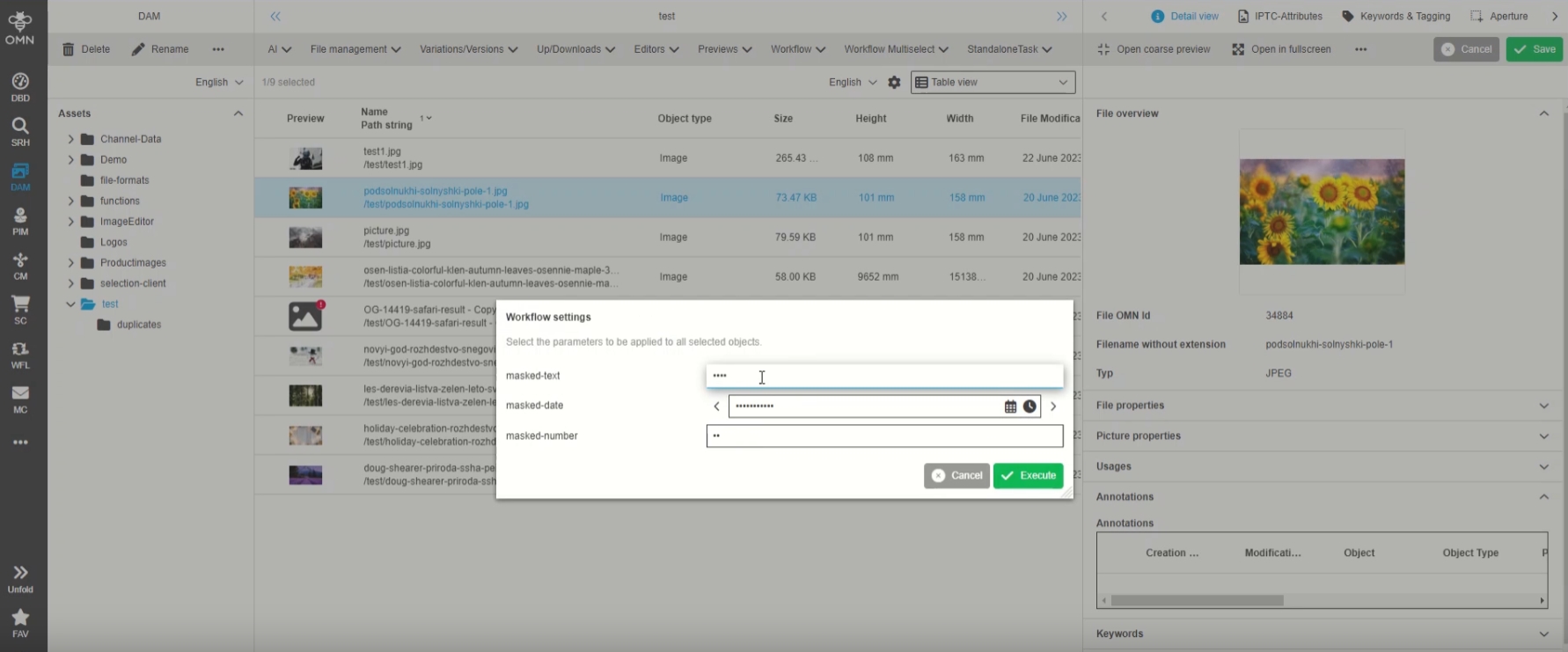
| References | OG-14544 |
|---|
Possibility to see so called masked workflow attributes with masking in process start modal in the UI, so that the user is not able to read the value but am aware that parameter will be transferred to process like API credentials
-
example of Workflow start modal with masked attributes
Add possibility to save possible values for language attributes
| References | OMN-10419 |
|---|
Possibility to add, edit, delete, sort possible value or set Default value for workflow Attributes over UI Administration
-
Possibility to manage workflow Attribute values over UI Administration eg. change an API Key
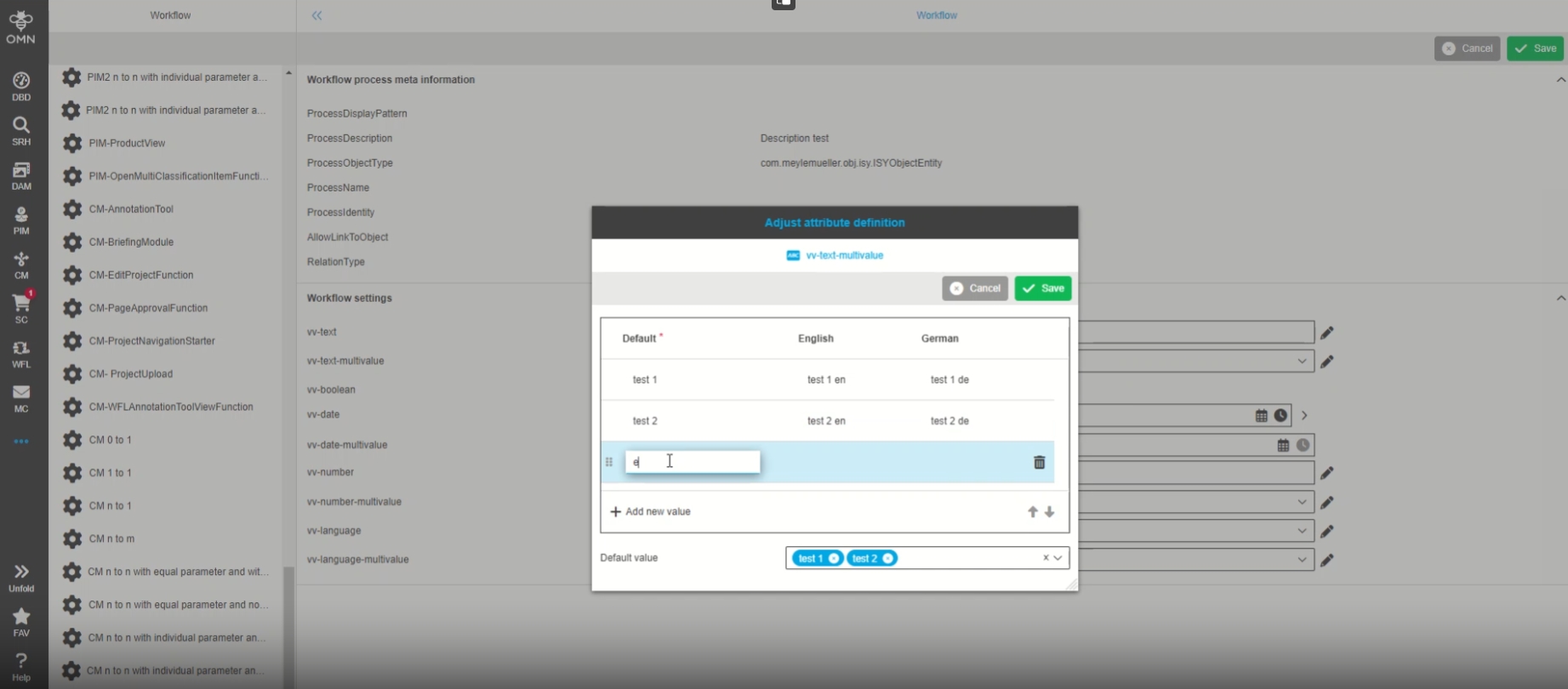
-
precondition: the language attribute from the WworkflowConfig is set as editable in UI-Administration
Other
Adjust WFLs to new compact JSON format on Rest API
| References | OW-820 |
|---|
Camunda WFLs are now using new compact JSON structure from Rest-API introduce with OMN 5.12
Implement FTP Hotfolder Camunda External Task
| References | OW-809 |
|---|
New Camunda External Task to get / send data to FTP folders
-
FTP Camunda External Task that can be used to notify Camunda processes on file transfer
-
Hotfolder monitoring and file transfer to supported protocols (OMN, FTP , SFTP, SCP, FTPS, SMB, LOCAL)
-
Rollback mechanism on failure
UI Administration
UI Administration - Possibility to create, delete, localize and reorder possible values for workflowConfig in the UI
| References | OG-13873, OMN-10331 |
|---|
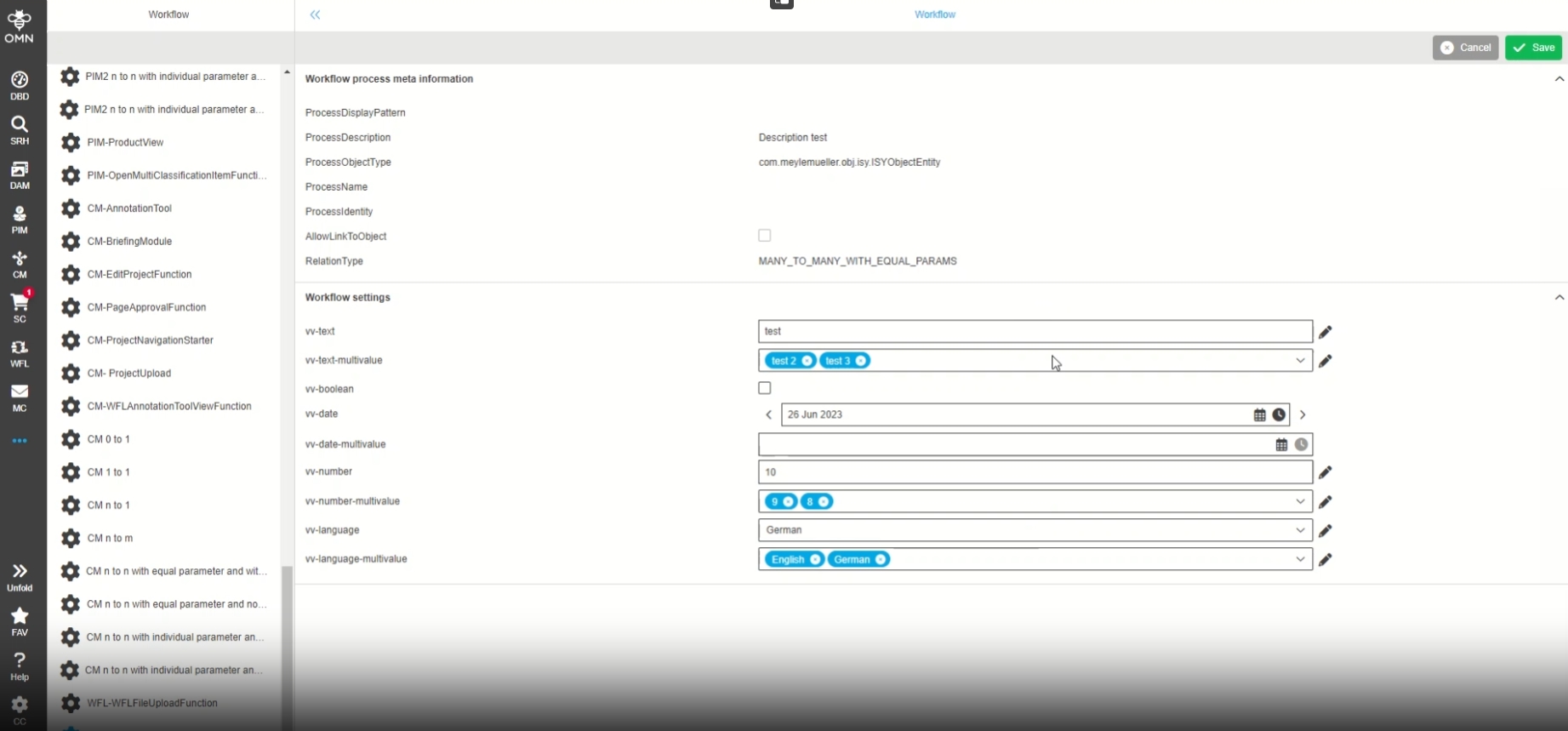
Possibility to create, delete, localize, and reorder possible values of Workflow Configurations in the UI administration, so that the user can make a local attribute definition that is usable for a workflow
-
Example
-
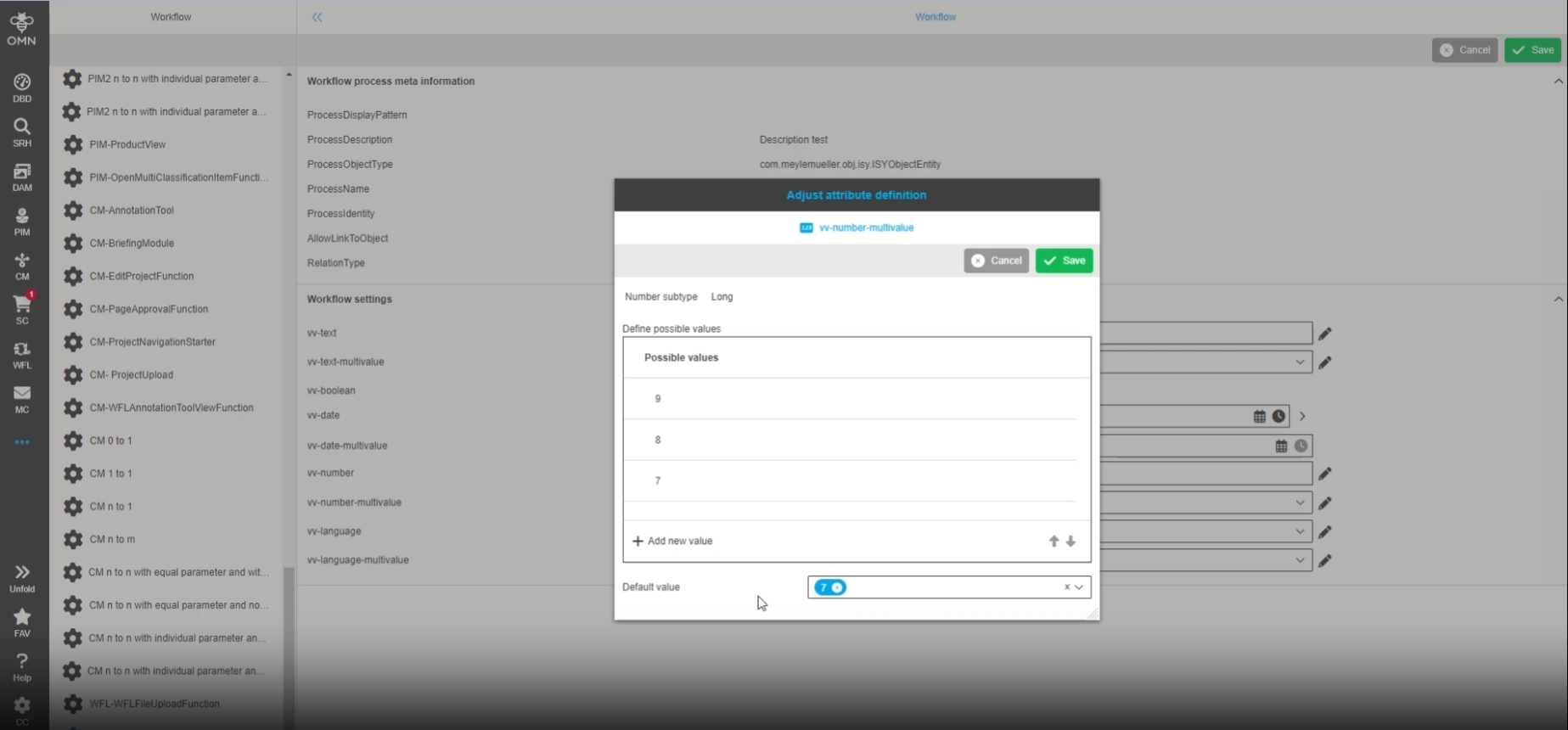
the admin defines a new Default value in UI Administration for a specific workflow
-
-
this default value will be prefilled if user start a new workflow
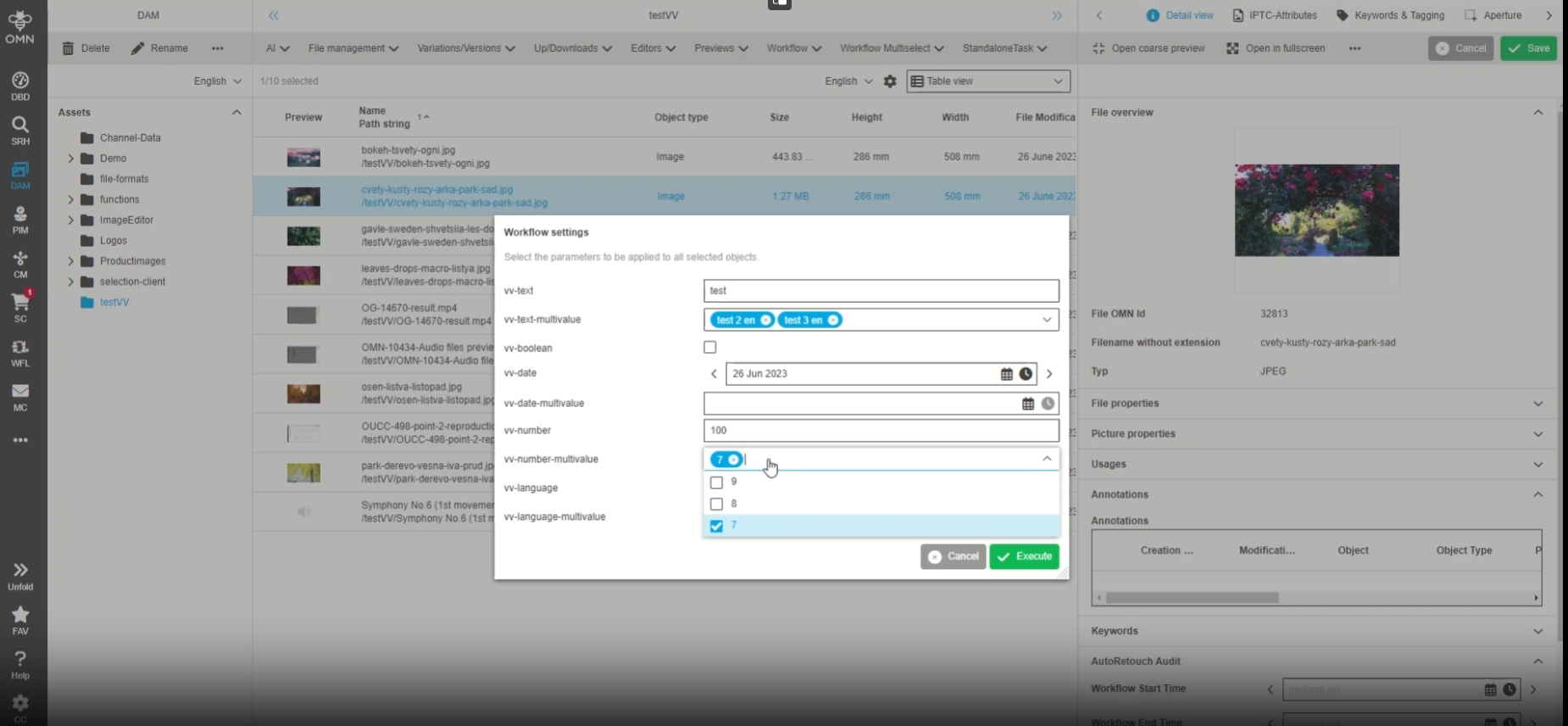
UI Administration - show masked values for correspondingly configured parameters
| References | OG-12558 , OMN-9028 |
|---|
Introduction of new flag "Masked" for Workflow Attributes , so that in UI the value of this parameter is hidden (e.g. url and key for external Services)
-
Display of masked Attribute in frontend
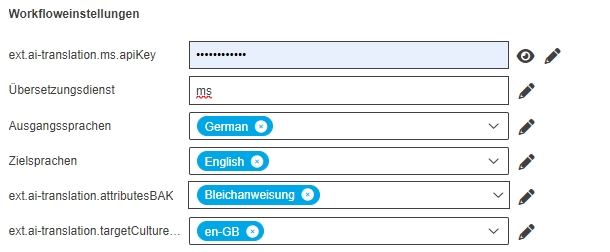
-
Configuration
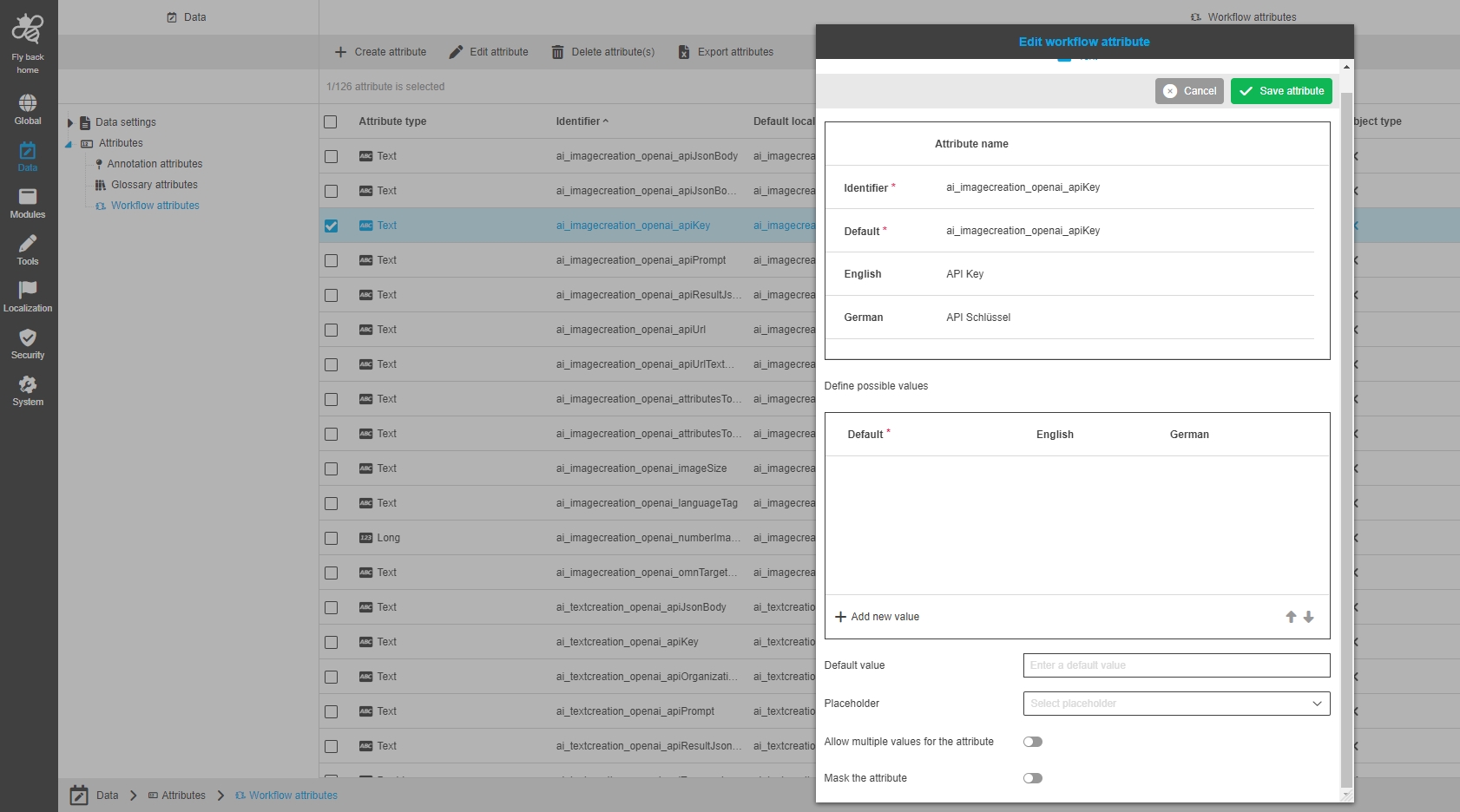
UI Administration - Configured attributes from type file are not shown in the UI admin
| References | OG-14528 |
|---|
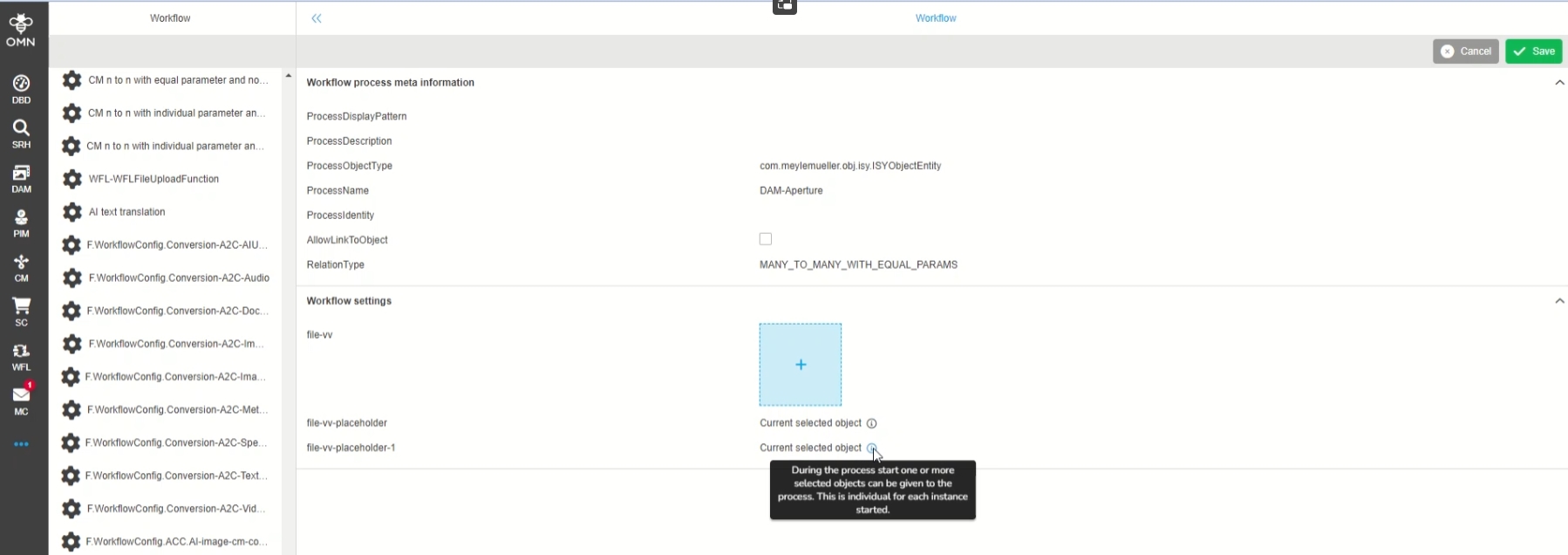
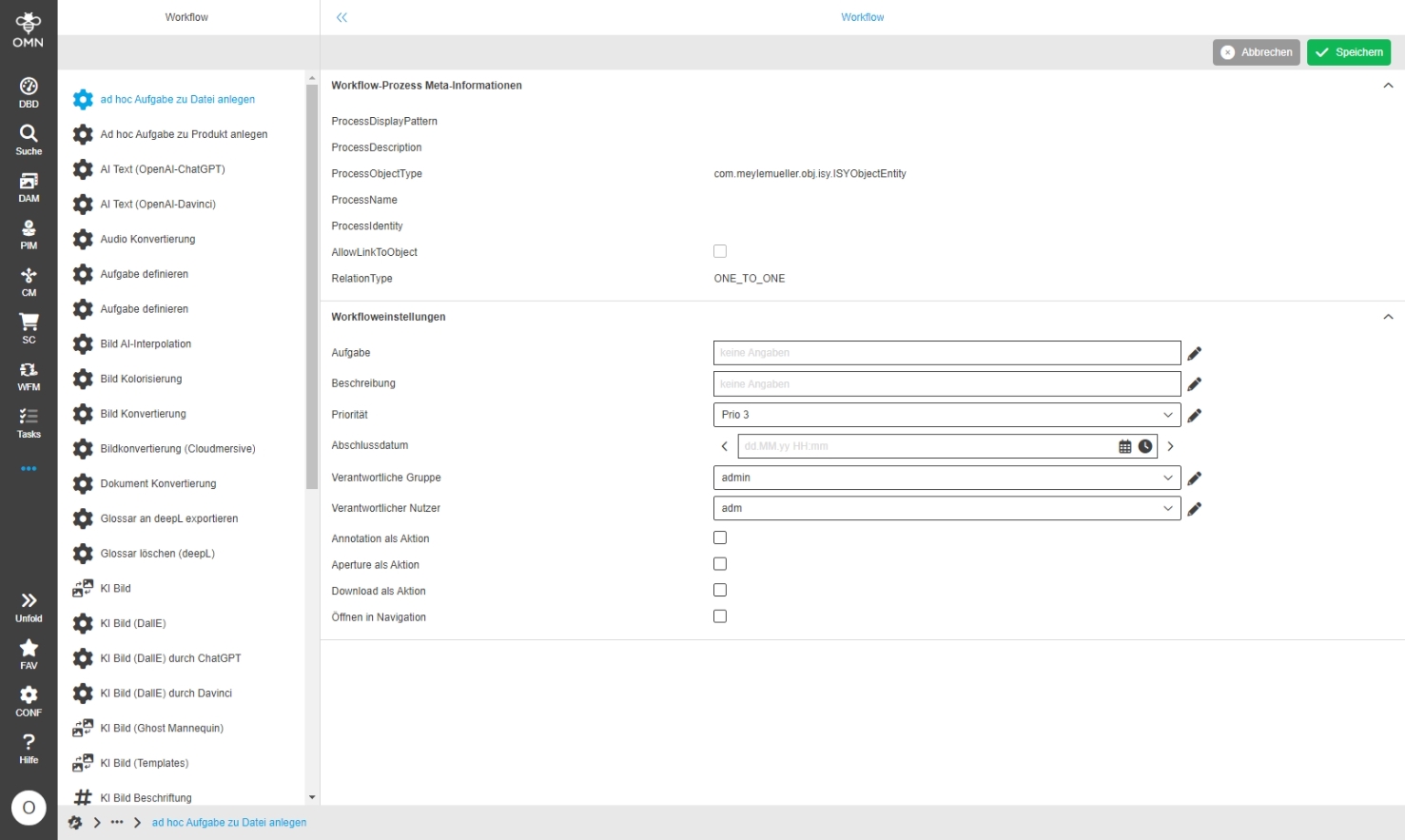
In case visible and / or editable flags has been set in the WorkflowConfig Plugin and the placeholder value 'Current selected object' in workflow configuration for attribute from type file, the attribute will be displayed in UI Administration now
-
Configuration in WorkflowConfig Plugin
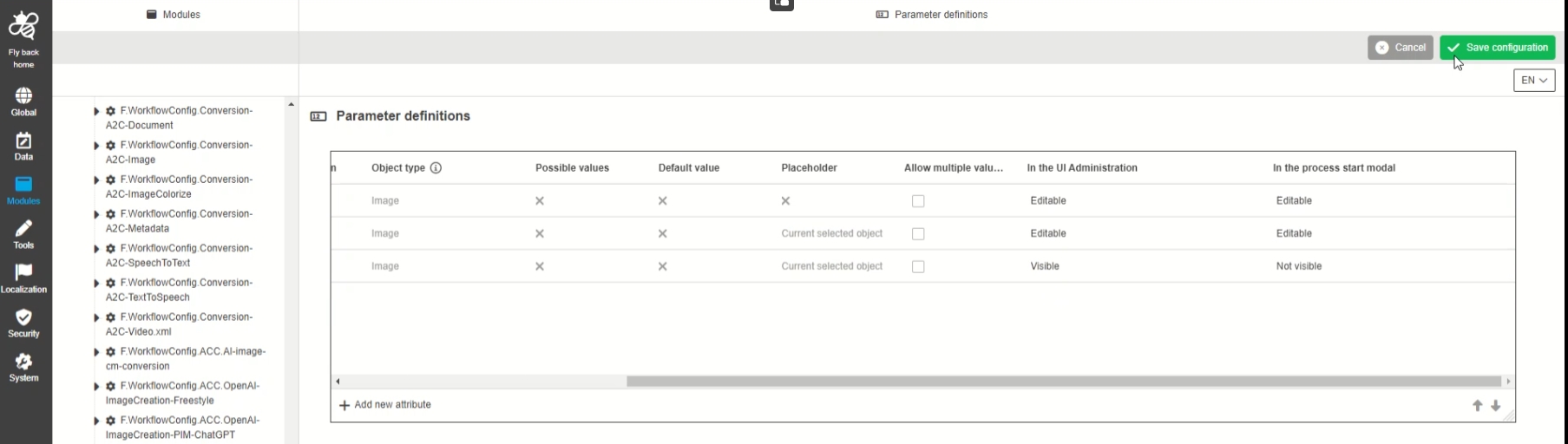
-
Manageable placeholder in UI Administration
Search
OMN-Search
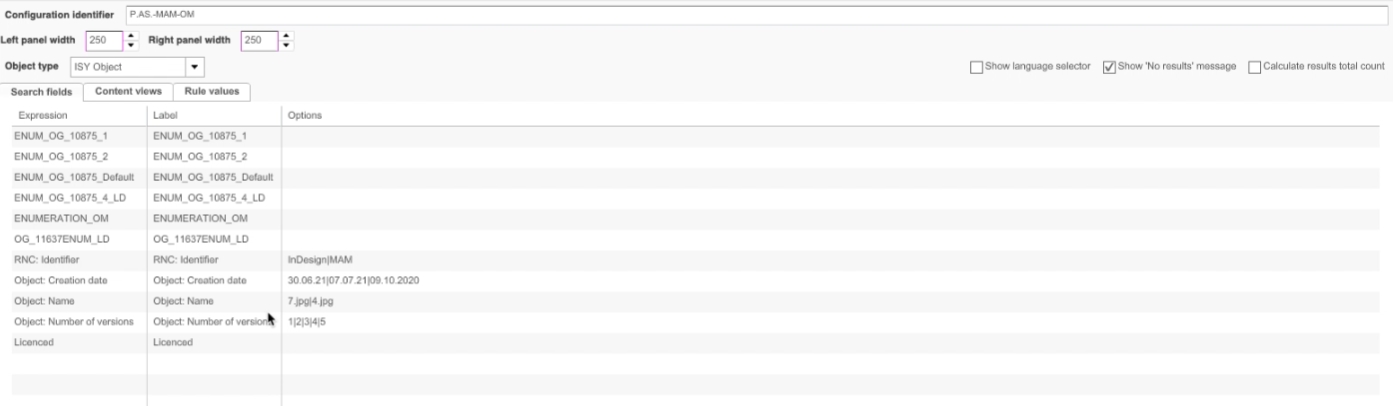
AdvancedSearch - Support of Show configured options
| References | OG-13936 |
|---|
Support of configured options for AdvancedSearch search, so that the search can be performed according to configured values
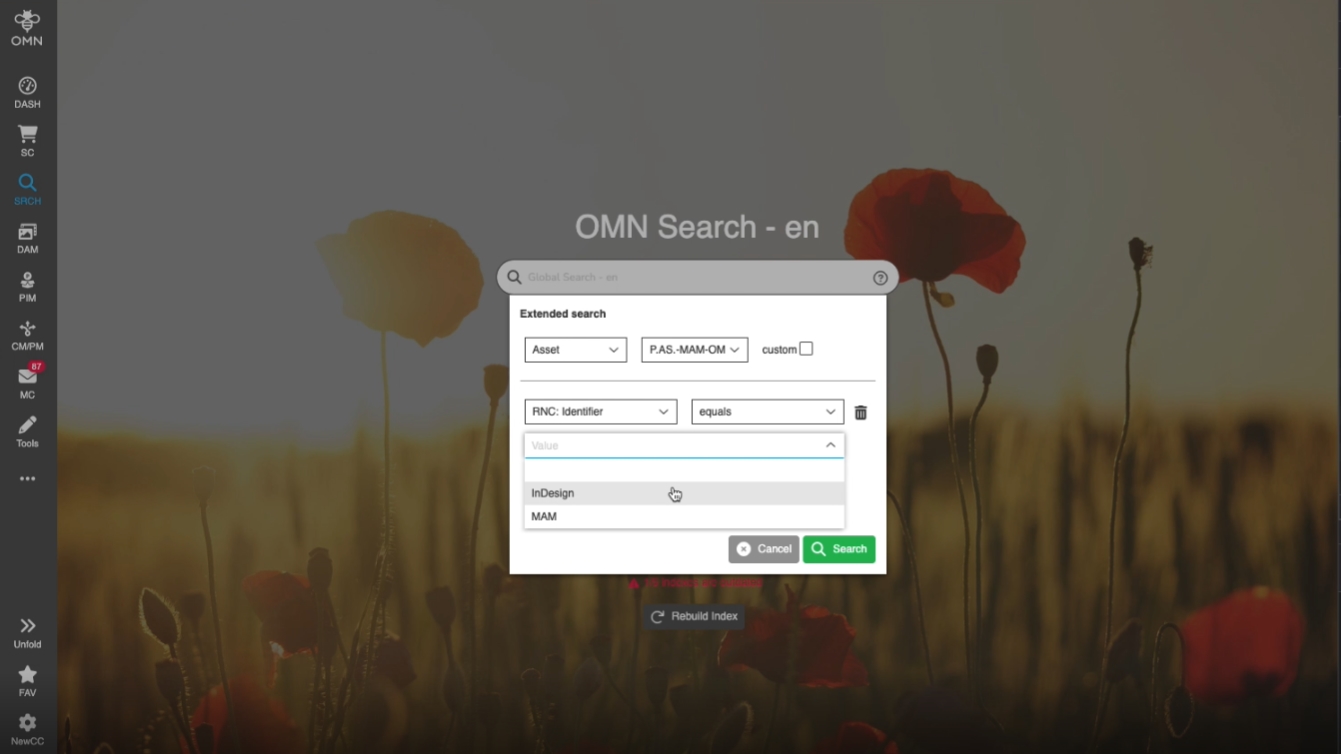
-
Configured Search Option
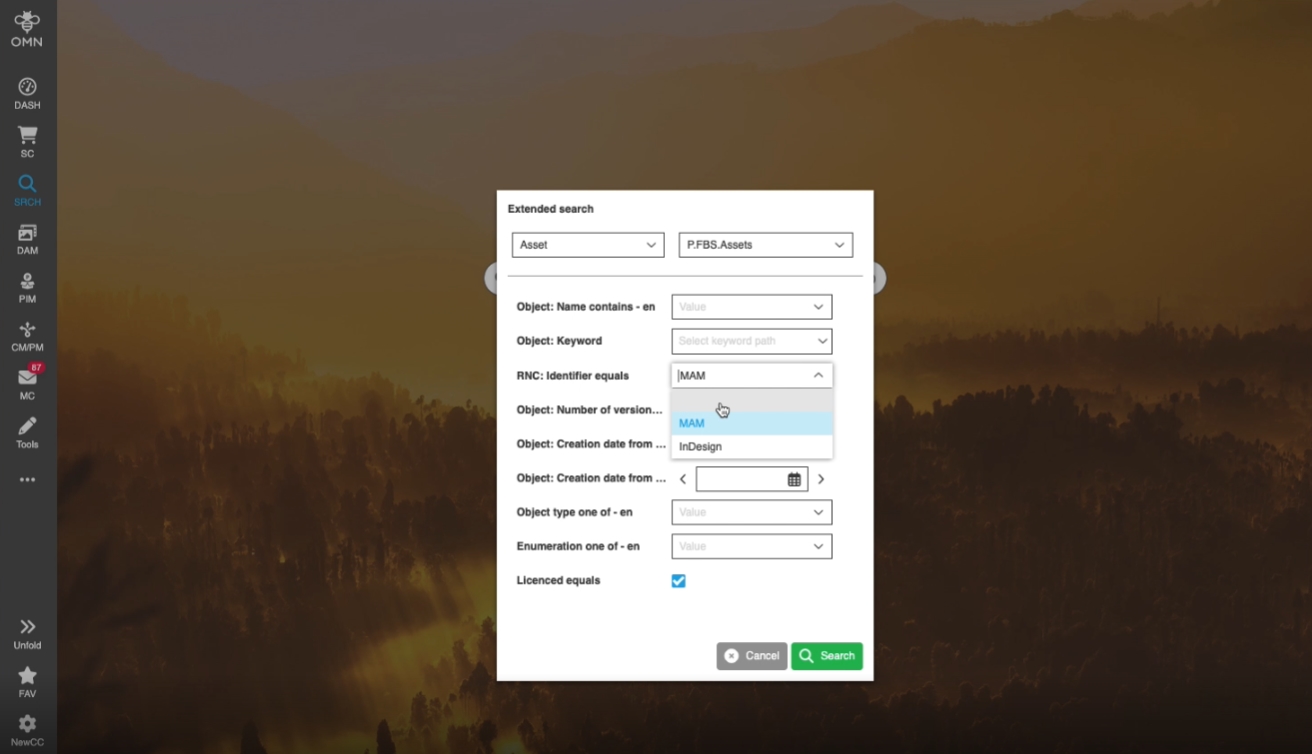
OMN Search - Extended search - Single-select dropdown - Add empty row to make the field without value
| References | OG-13946 |
|---|
Possibility to deselect the selected value in a single-select dropdown so that the user can leave the field empty
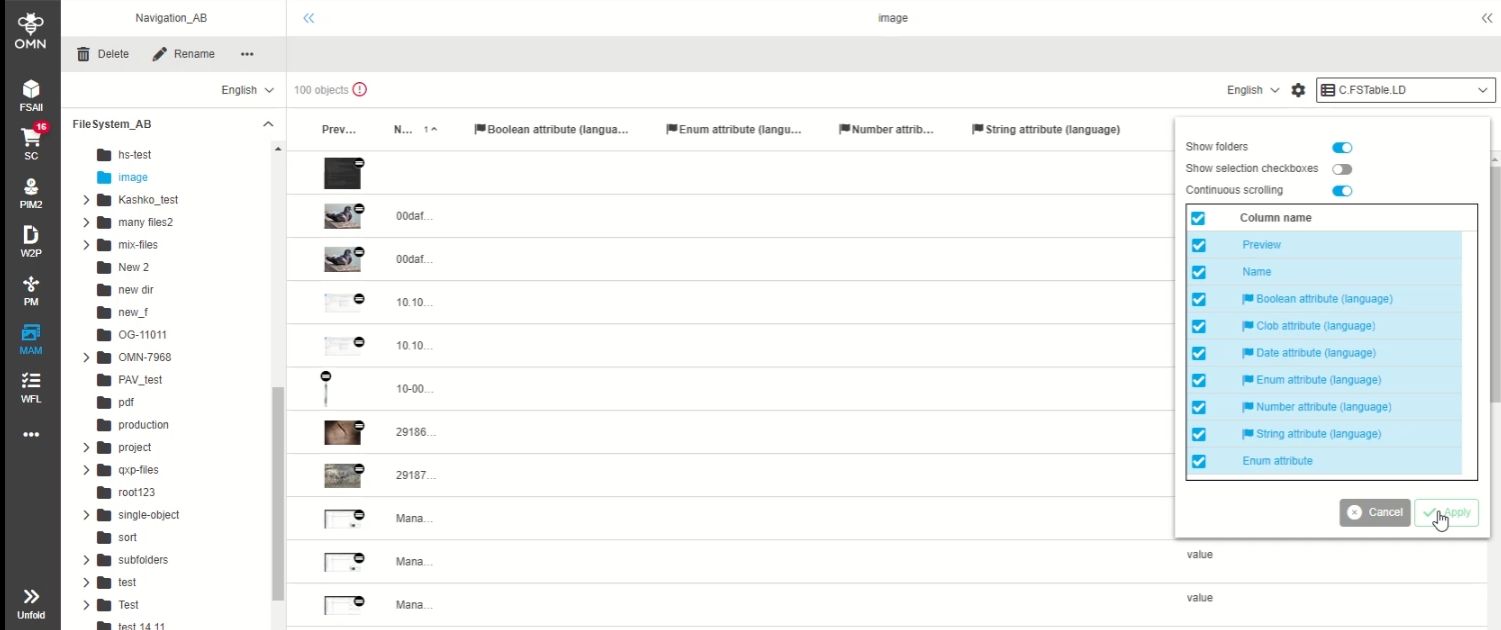
OMN-Search - Search result page FS Table - Show language dependant icon for language dependant attributes
| References | OG-14083 |
|---|
Visualization Improvement for indication of language-dependent attributes (columns) in TableView
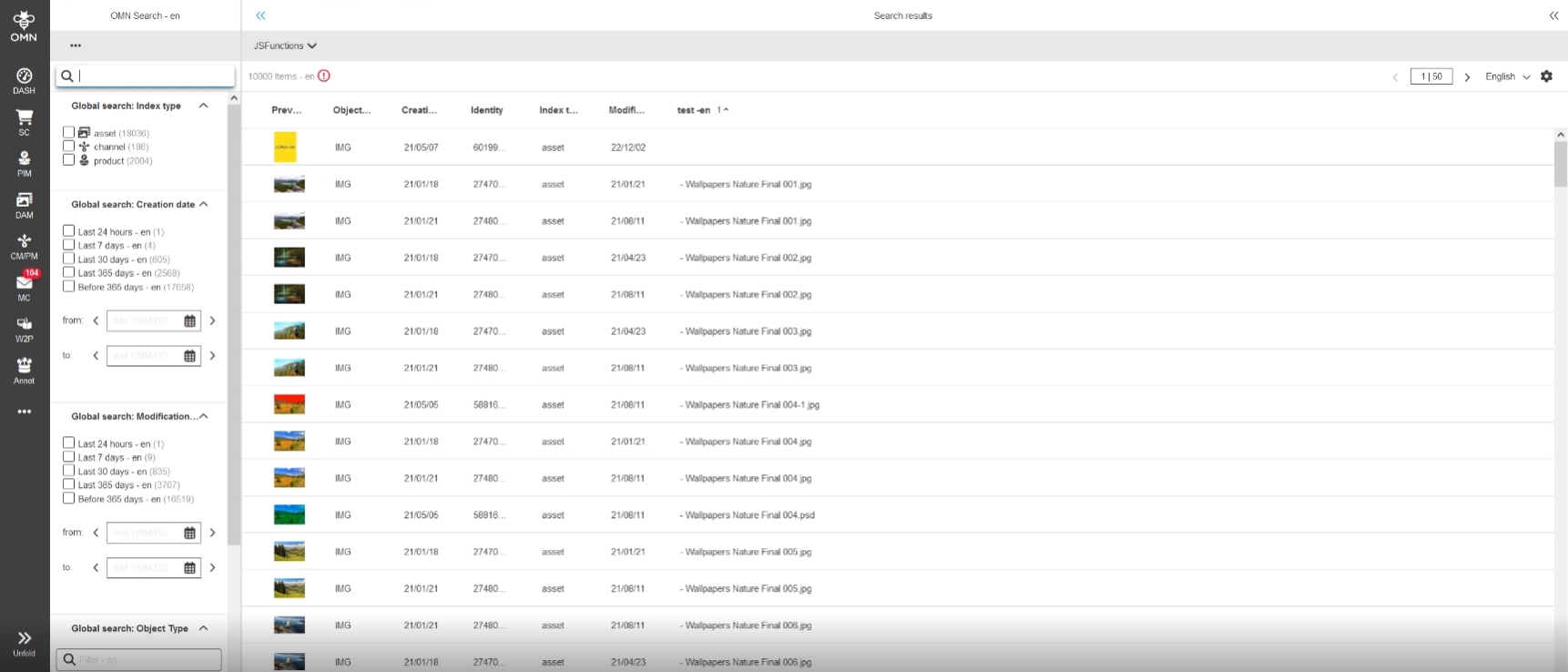
OMN Search - Search Result Page - Index Type Icon
| References | OG-14147 |
|---|
New improved object type indication (asset, product, channel) in form of a visual Icon in OMN-Search, so that it is consistent to other places
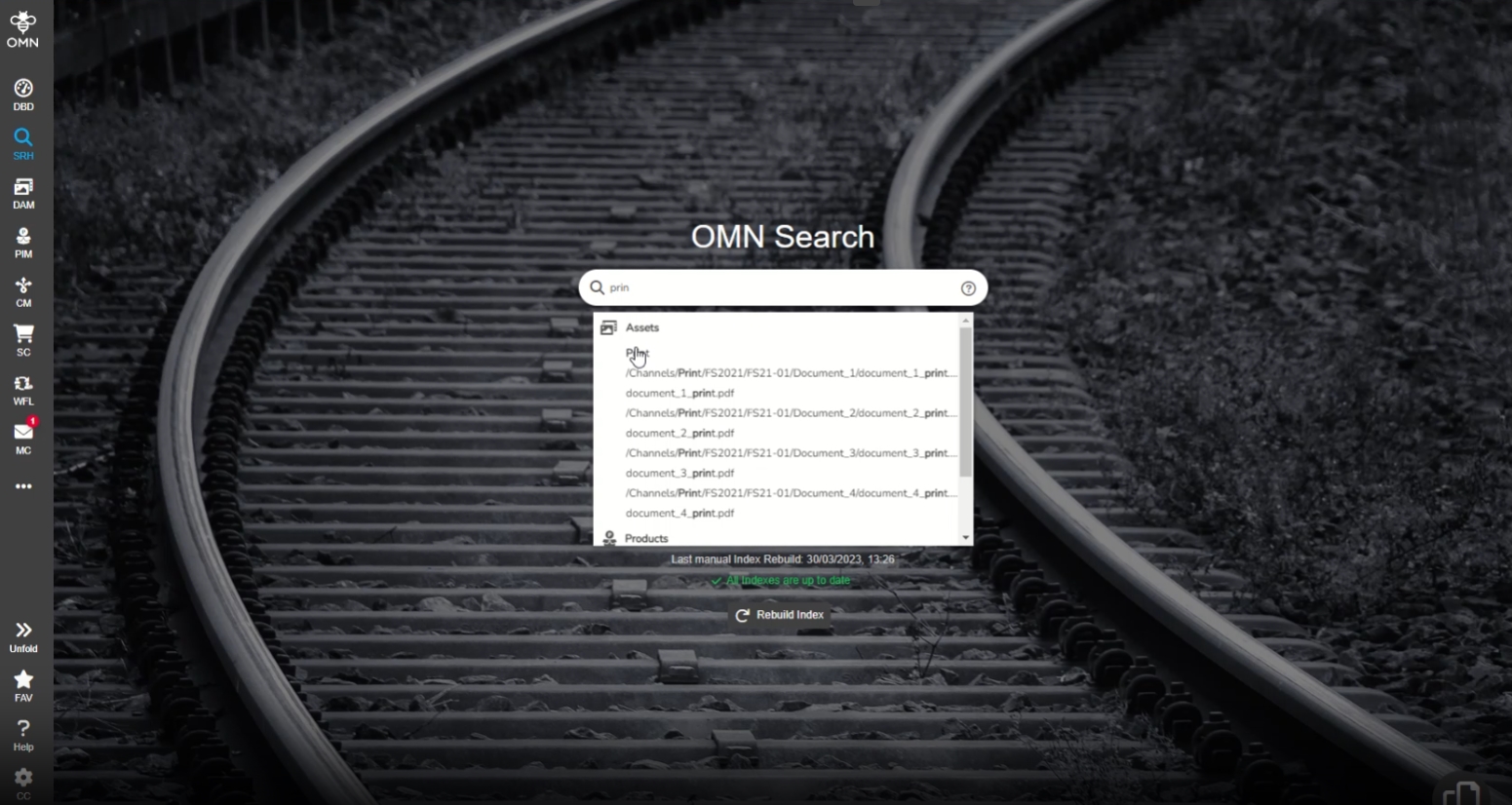
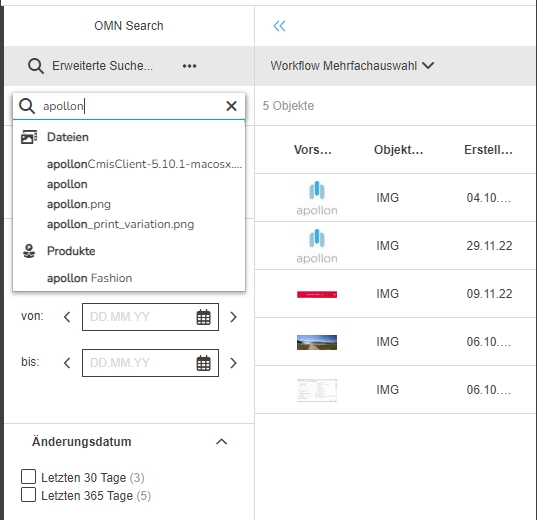
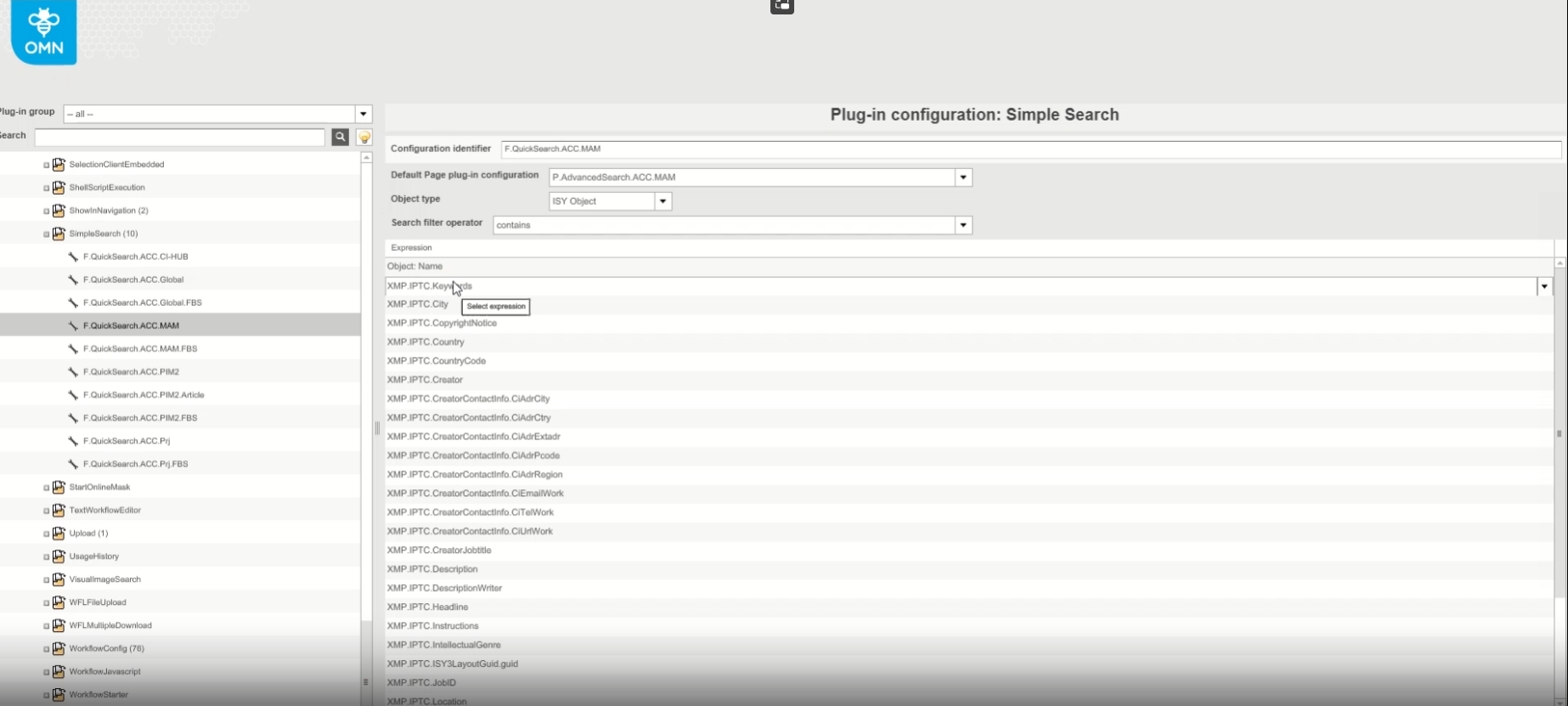
OMN Search - Suggestions - Show type Icon (asset, product, channel)
| References | OG-12362 , PIC-670 |
|---|
Improved Display of Suggestions by new type indication (asset, product, channel)
Index+Facettes
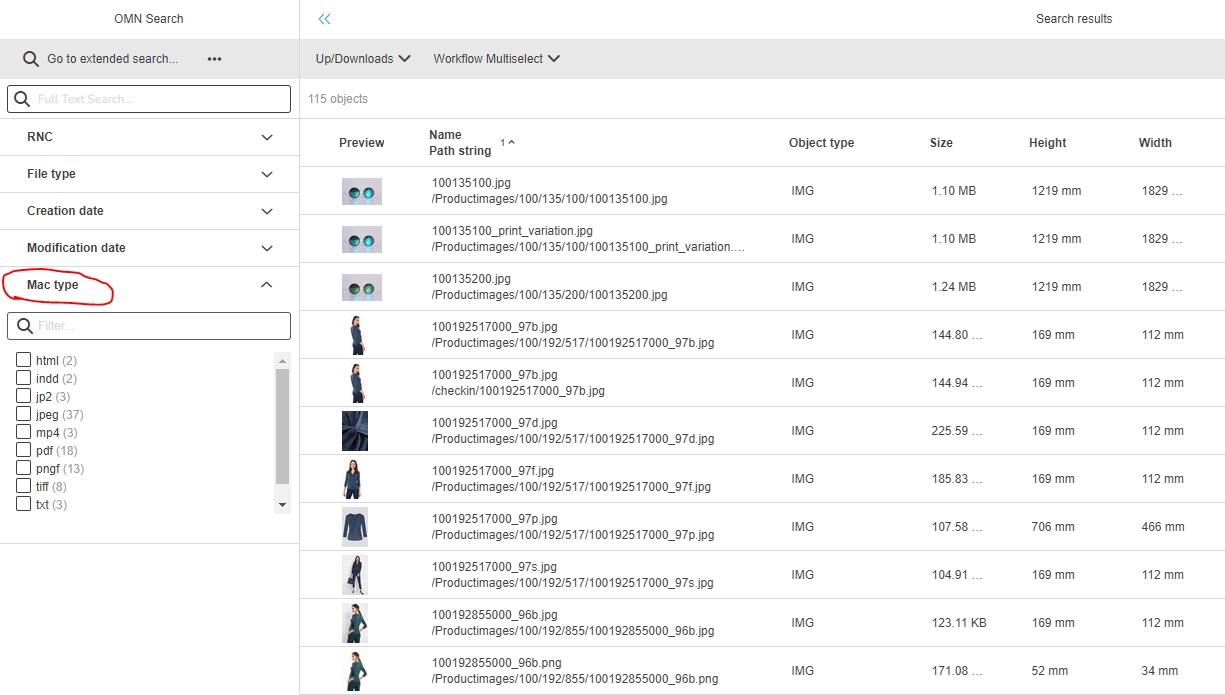
OMNSearch - AdvancedSearch - It is possible to facette after File mac type
Filetype can now be used as facet in OMN-Search
Asset fulltext search support enum type
| References | PIC-695 |
|---|
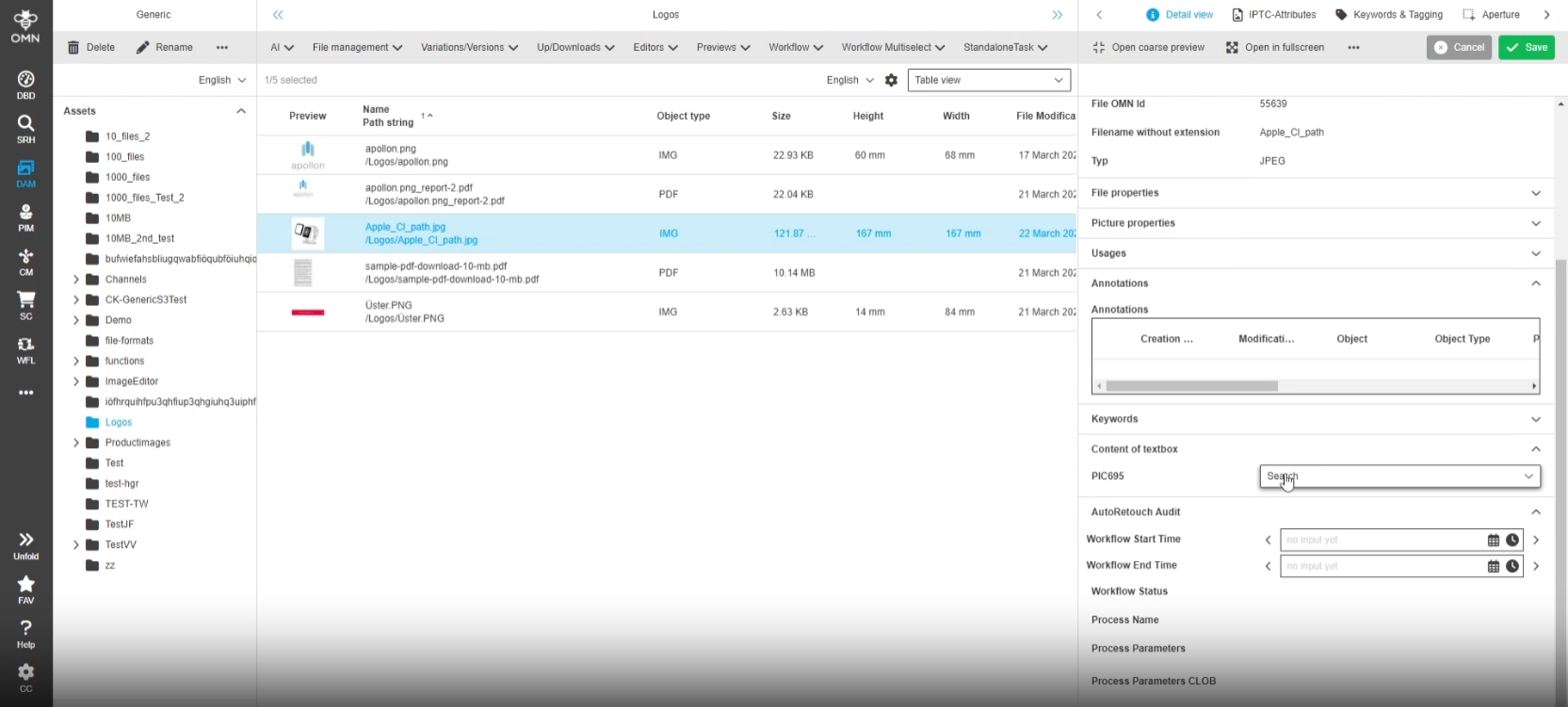
Enum type is supported by full text search in asset index
-
Precondition: Image is tagged by enum Attribute, this Attribute is indexed
-
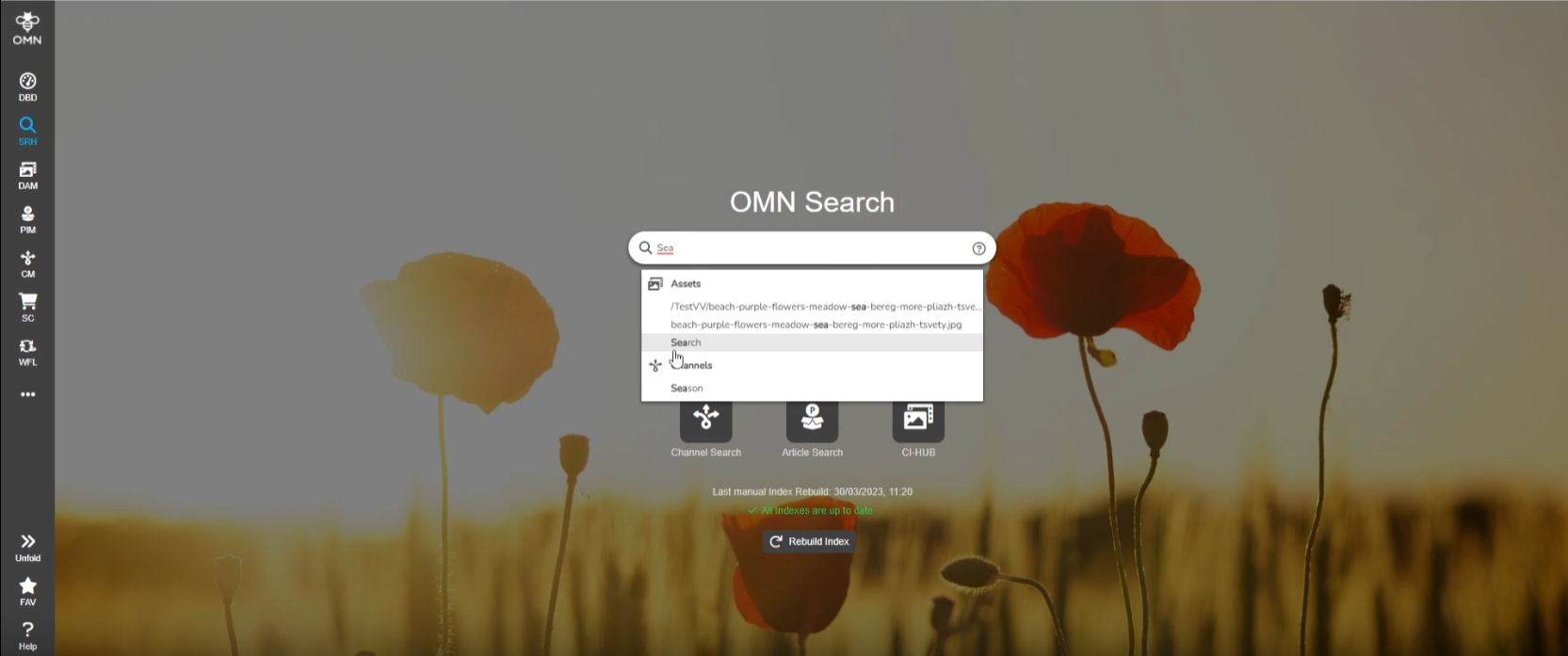
Search for enum Attribute via OMN-Search
Dashboard
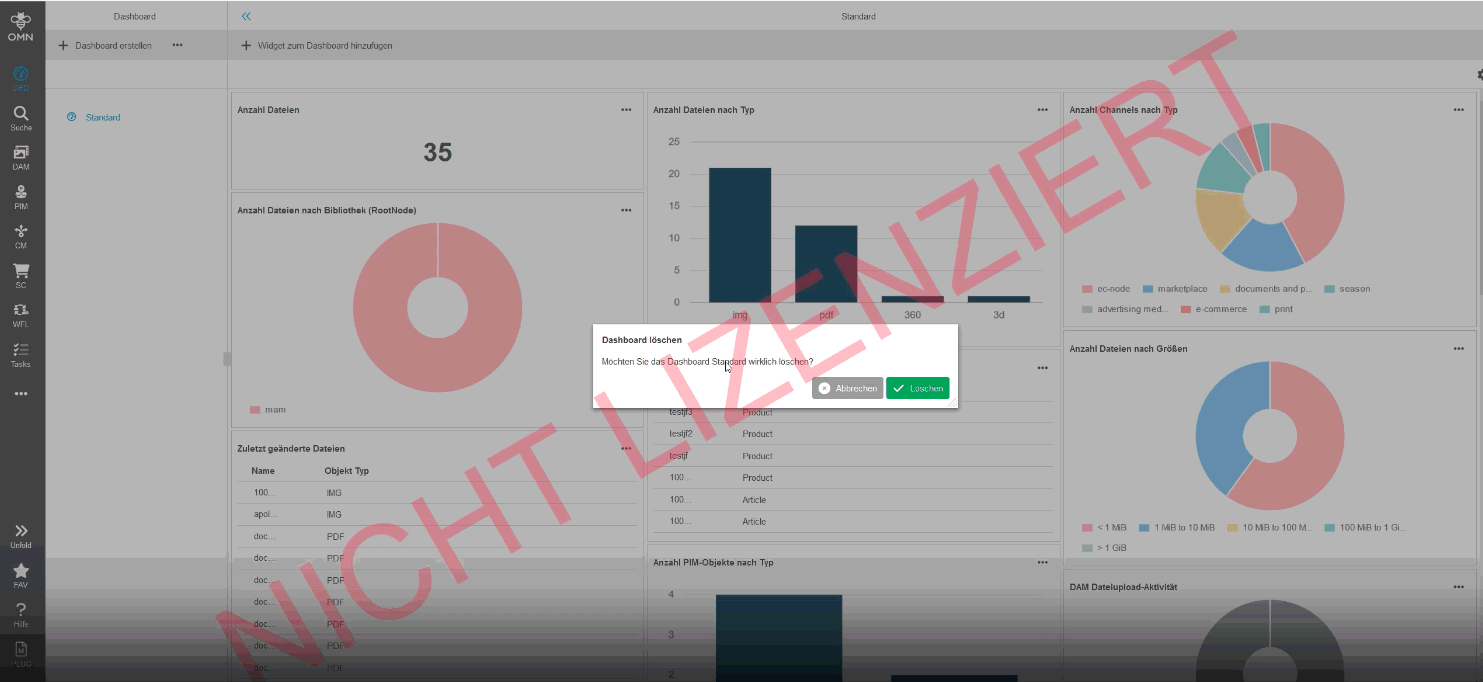
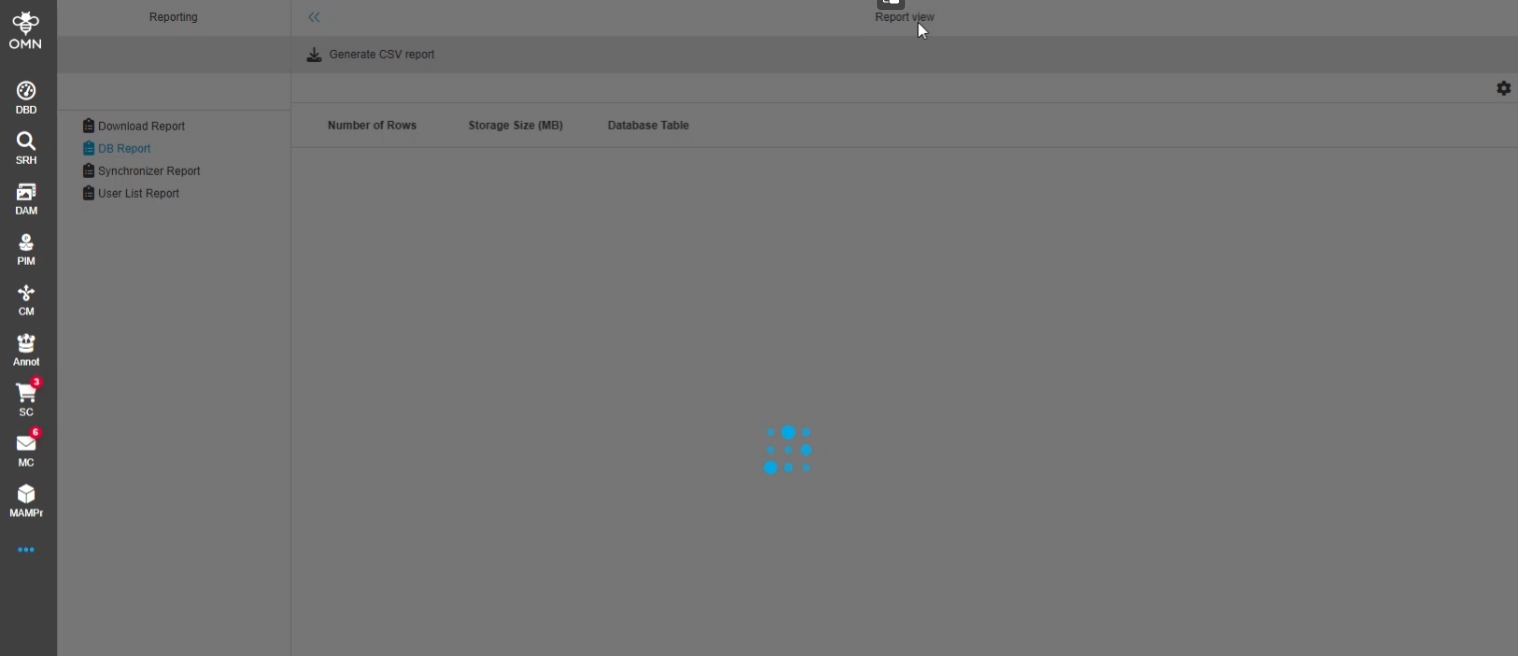
Dashboard - possibility to use preview expression in table widget to show object preview in table
| References | OG-11261 |
|---|---|
Documentation |
ODOCU-786 |
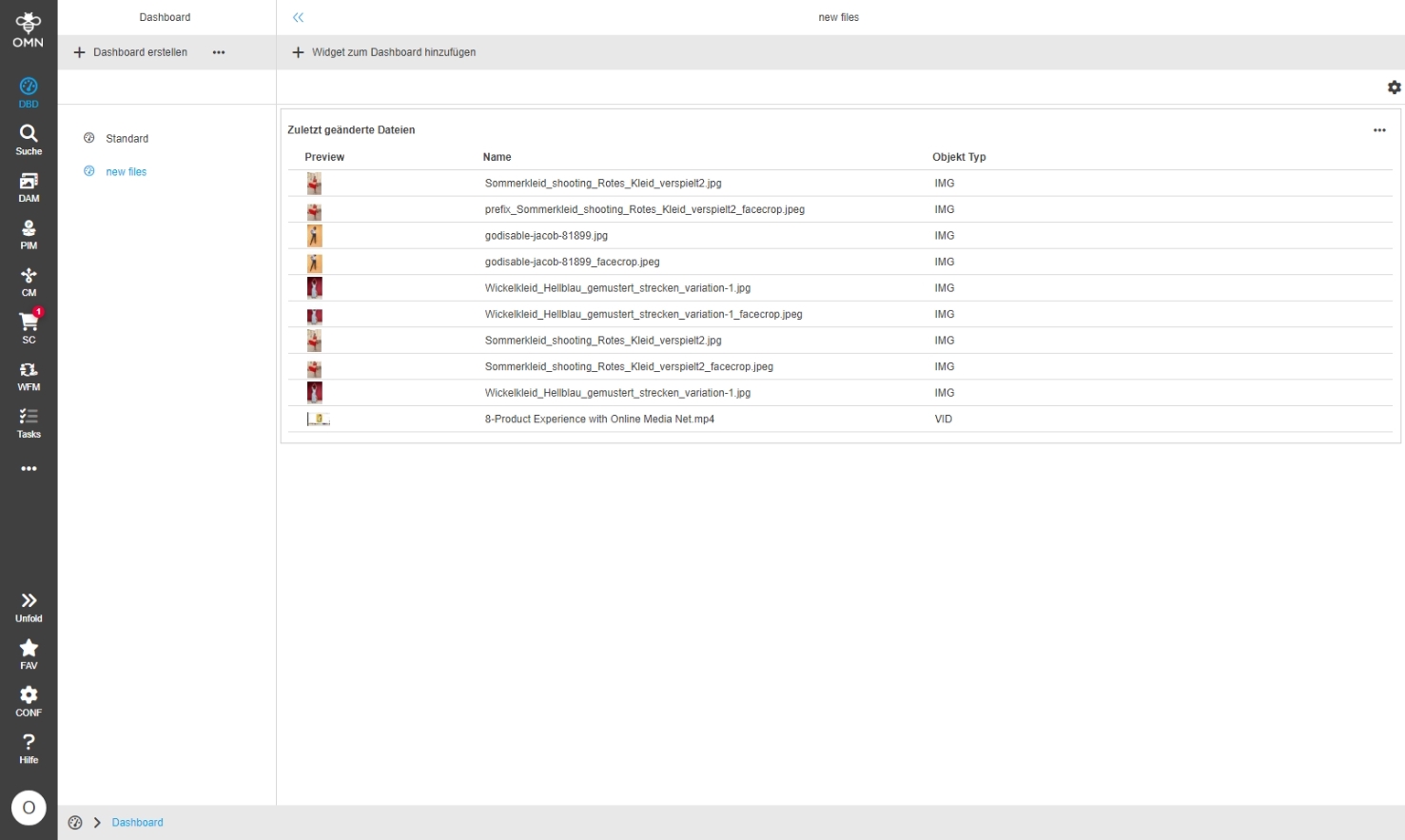
Possibility to use a preview in the Dashboard table widget component for all object types which are supporting previews
-
new Checkbox to enable previews is available in table widget
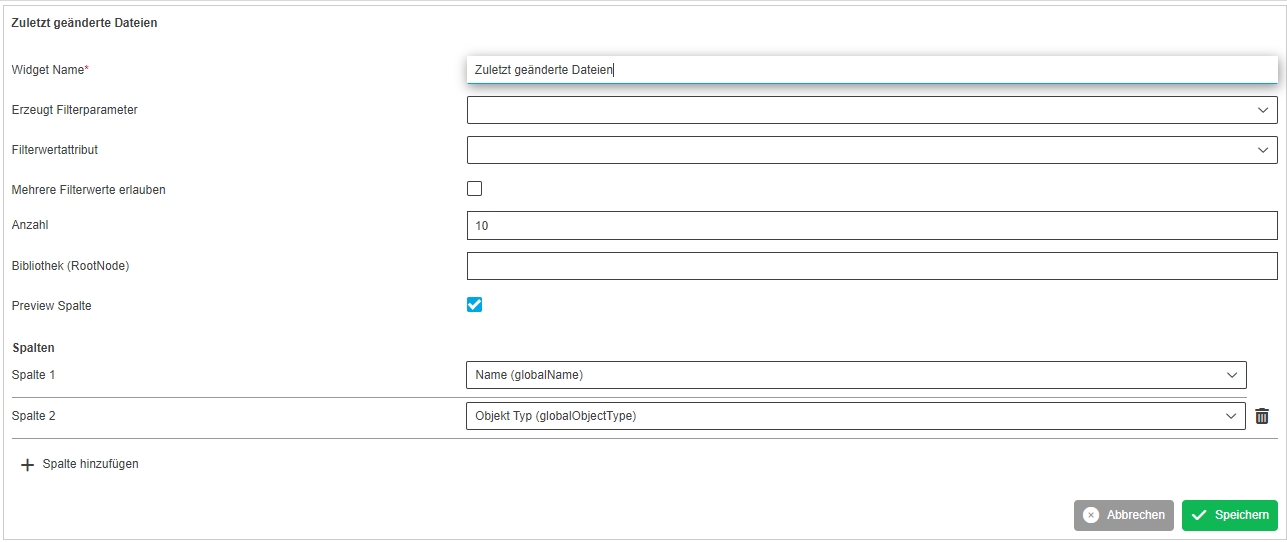
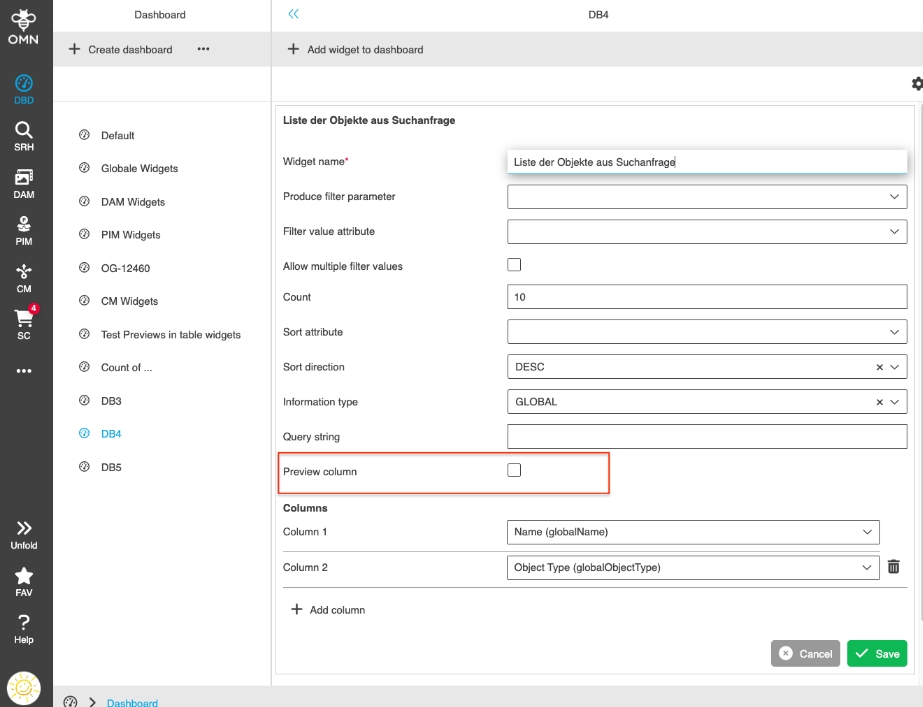
Dashboard - preview column should be selected by default
| References | OG-14367 |
|---|
The preview column in table widgets is now enabled by Default
Dashboard - Keep custom settings
| References | OG-12819 |
|---|
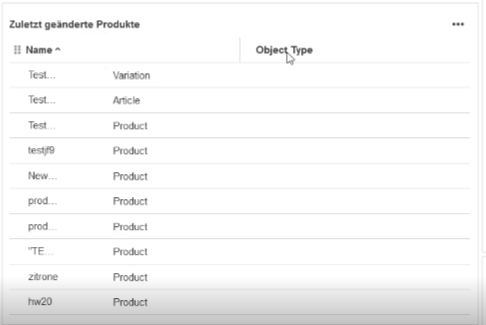
Improvement to save settings of Dashboard table widget inside user-based Settings
The following "settings" options are saved for Table Widgets
-
column width of table widget
-
applied sorting (ASC/DESC) saved in the widget configuration (Edit → Sort attribute / Sort direction
Annotation
AnnotationTool
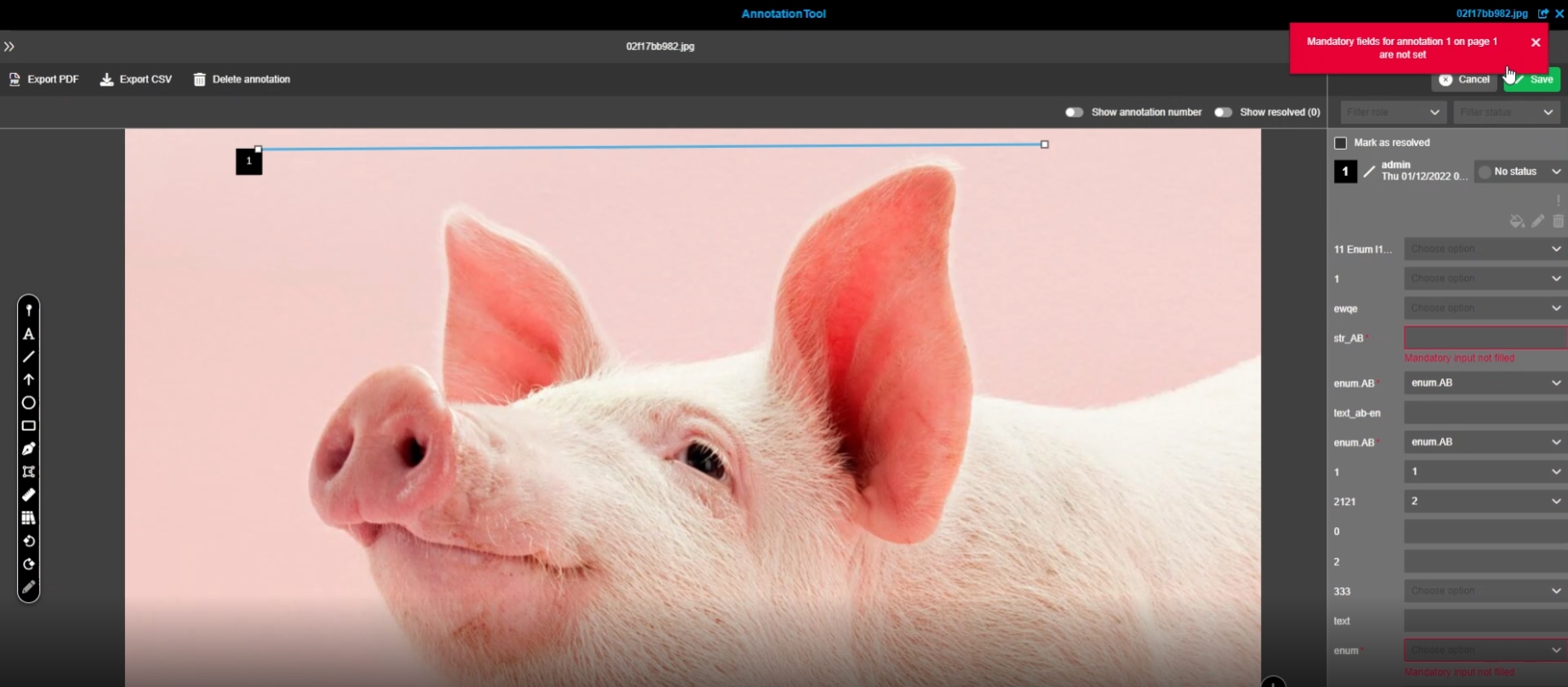
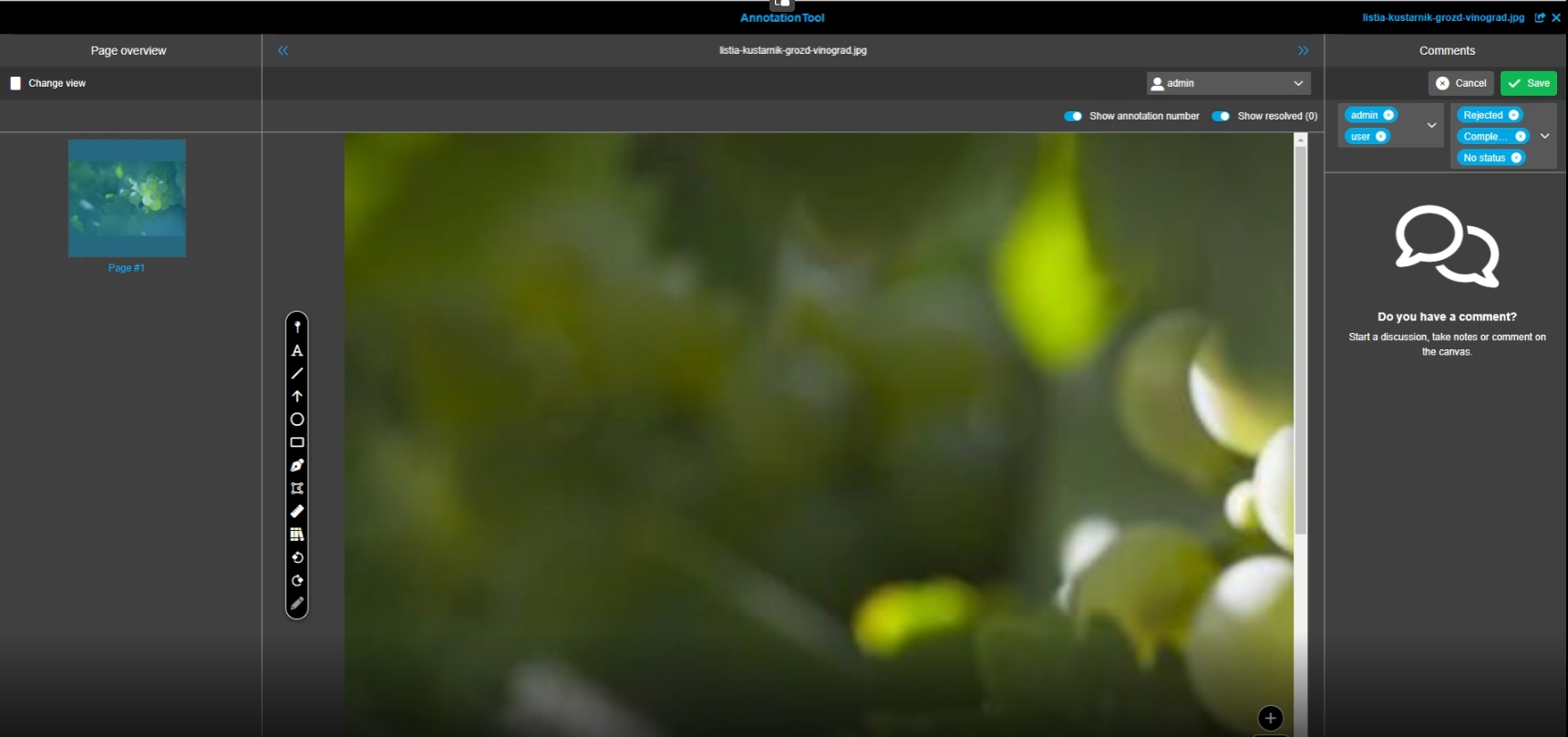
AnnotationTool - Right panel - Empty comment view improvement
| References | OG-9452 |
|---|
Improved information in right panel comment view, if no annotation has been made yet

Briefingmodule
Briefing templates may only be changed in the template administration
| References | OMN-10070 |
|---|
Briefing templates can now only be changed in the template Administration
In former versions in normal briefing mode Adjustments in boxes was saved to the template which has lead to unwished changed to the template
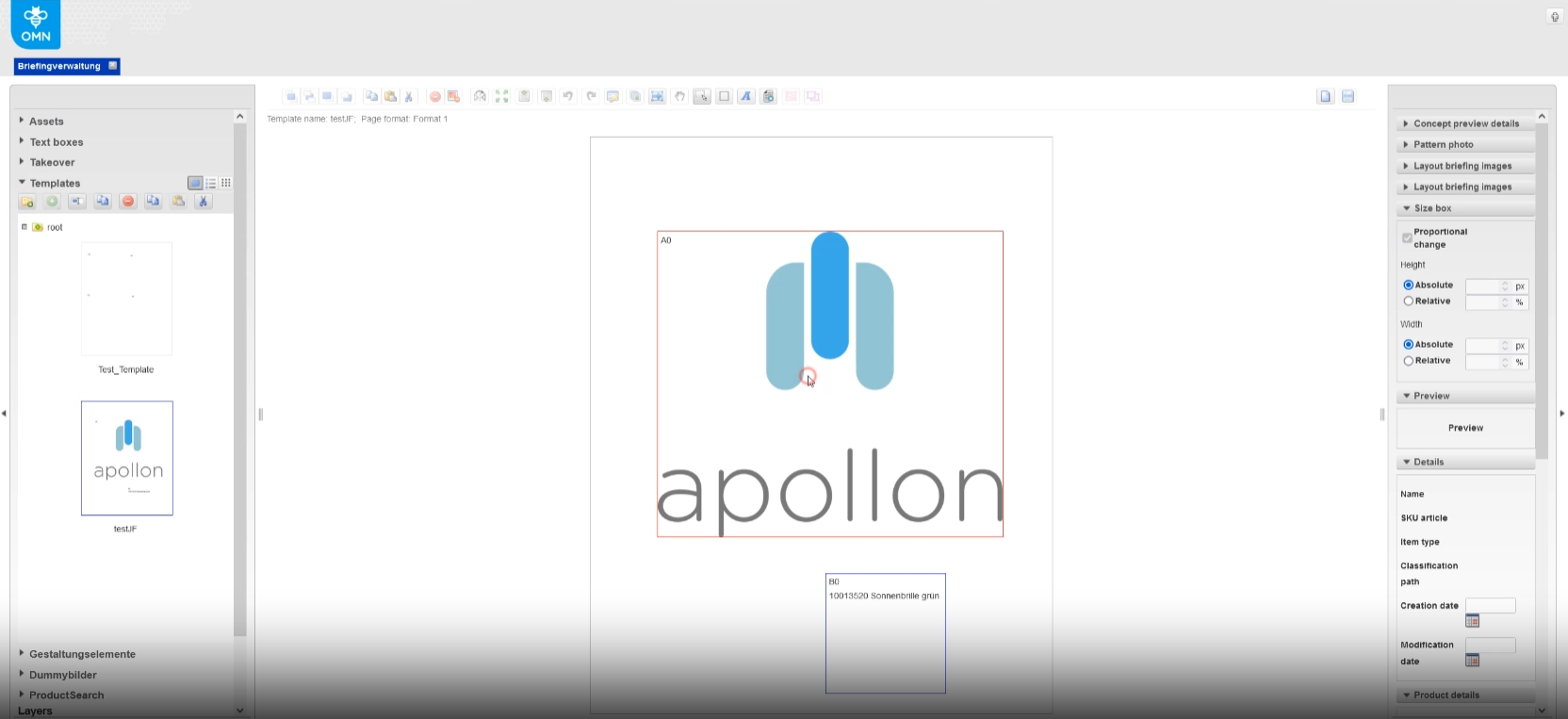
Initialize Coverage Metadata fields for Briefing Module with default values
| References | OMN-10367 |
|---|
Briefingmodule Export and Import can now handle default Coverage Metadata
-
If a new BriefingModule configuration is created either manually, or via plugin import (Accelerator) the two default Coverage Metadata fields should be initialized with the following Attributes:
-
ACTIVE_DIGIT_COUNTER=false
-
MIN_STRING_VALUE=0
-
MAX_STRING_VALUE=0
-
BOX_ATTRIBUTE_POSITION=-1
-
Configclient
General
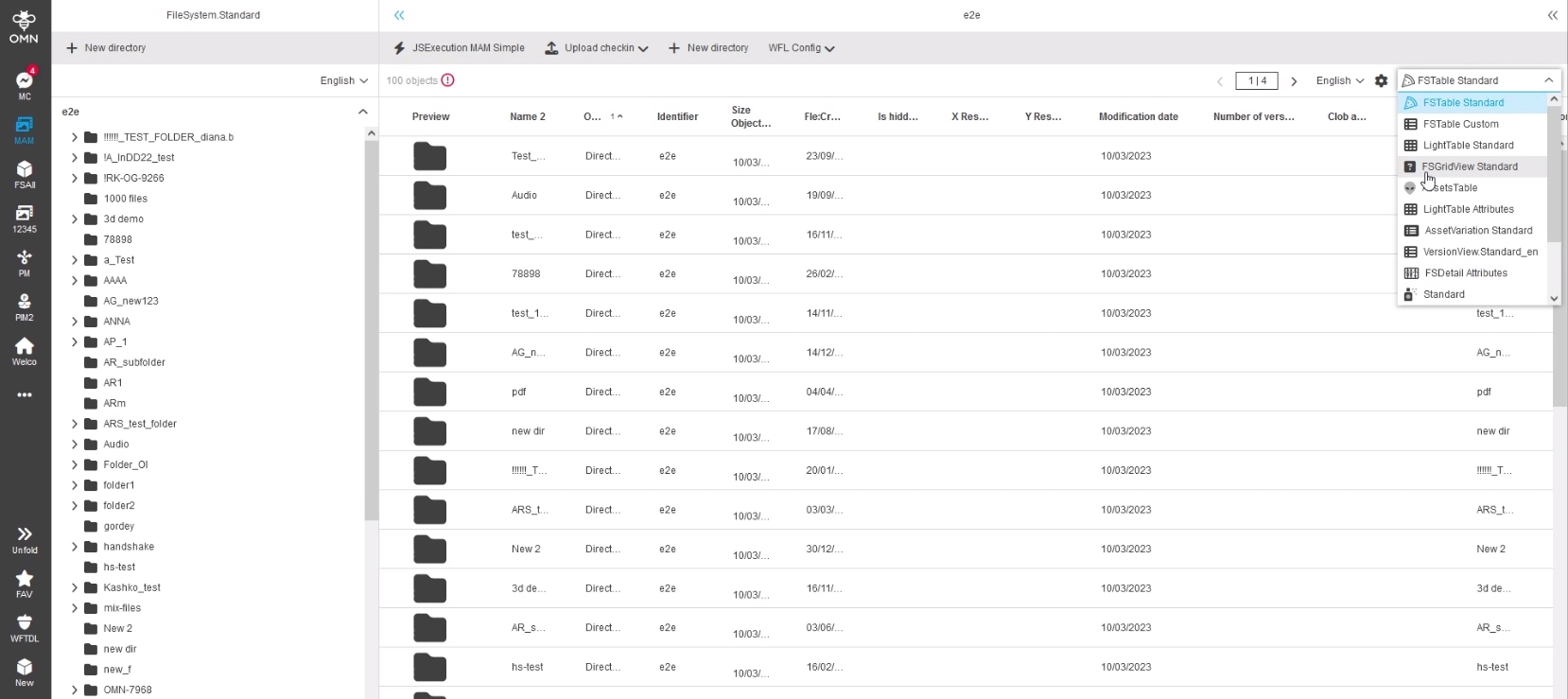
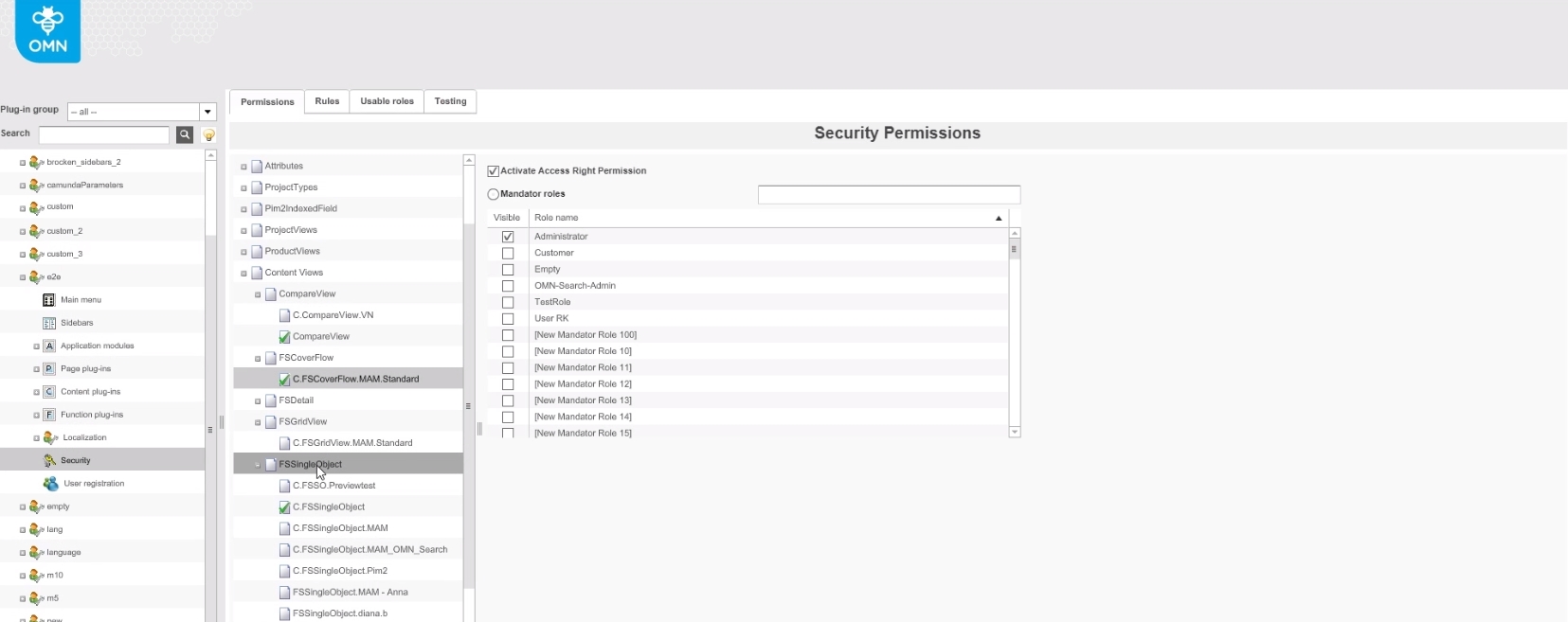
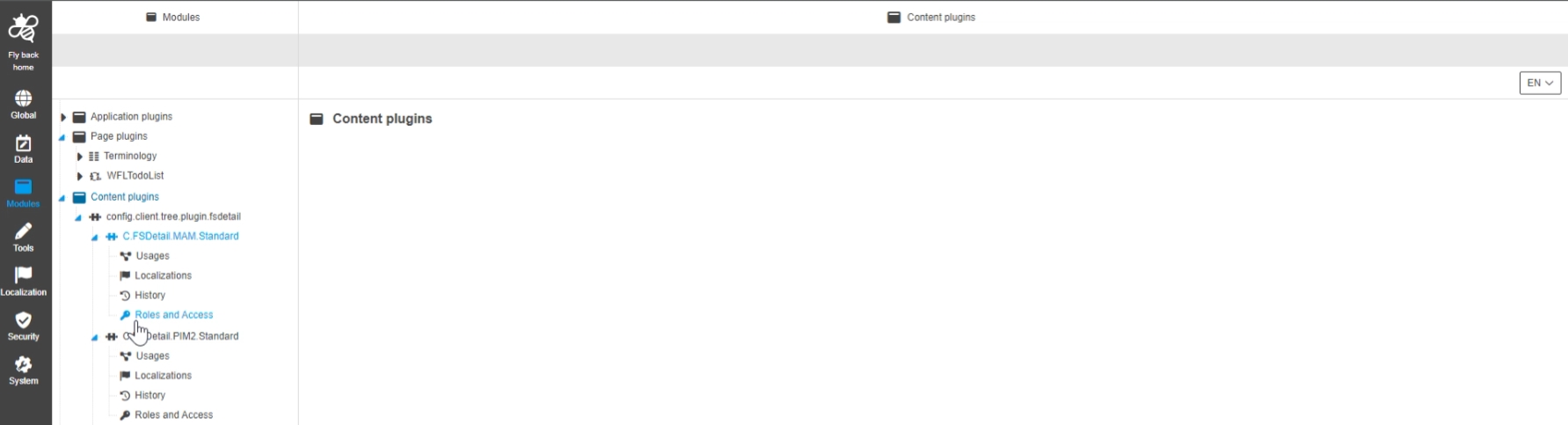
Security Permissions on Contentplugins like FSDetail
| References | OMN-10321 |
|---|
Access right permissions for ContentPlugins (in context of FSNavigation and Search) can now be restricted to certain roles
| configuration is not available in new Config Client yet, Extension available in old Config client |
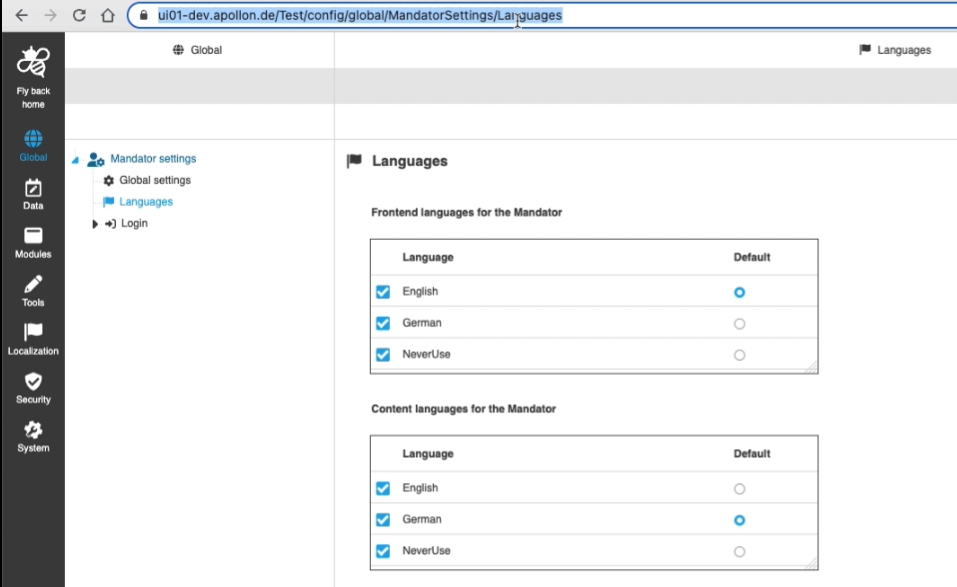
ConfigClient - Routing
| References | OUCC-471 |
|---|
New ConfigClient allows to navigate to specific tree node, directory etc. by url parameters
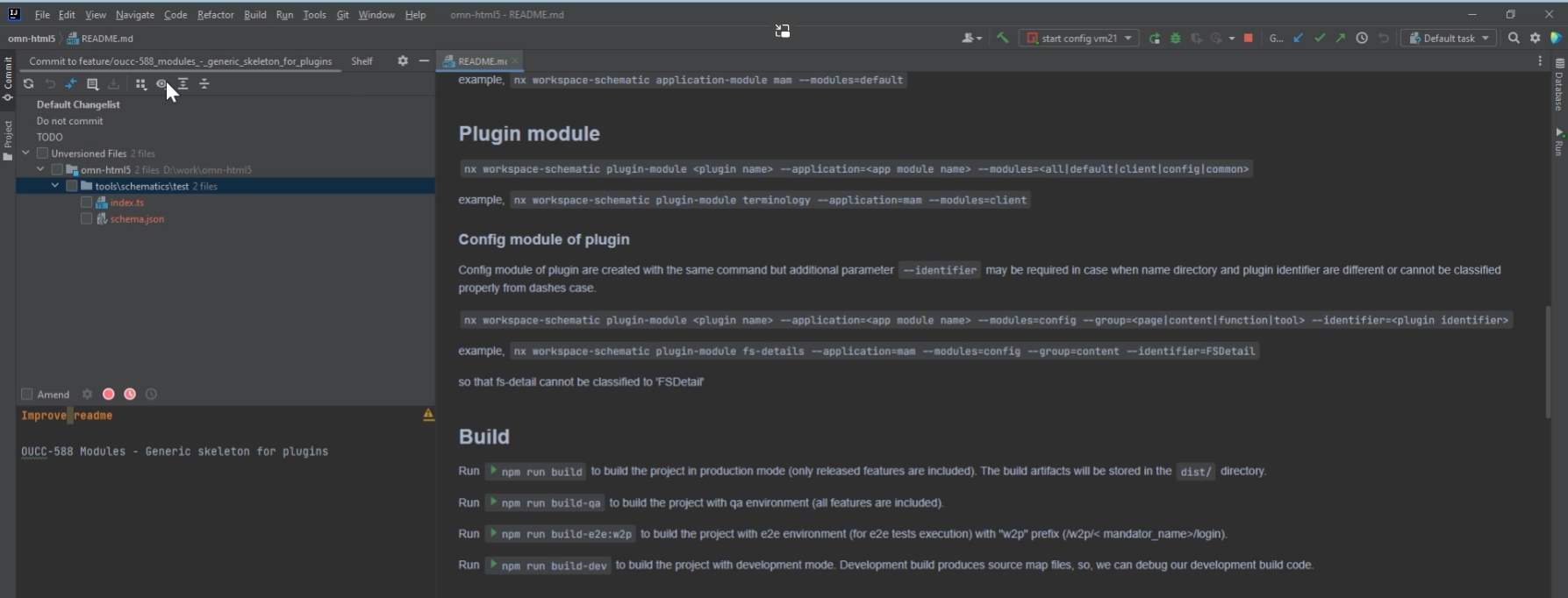
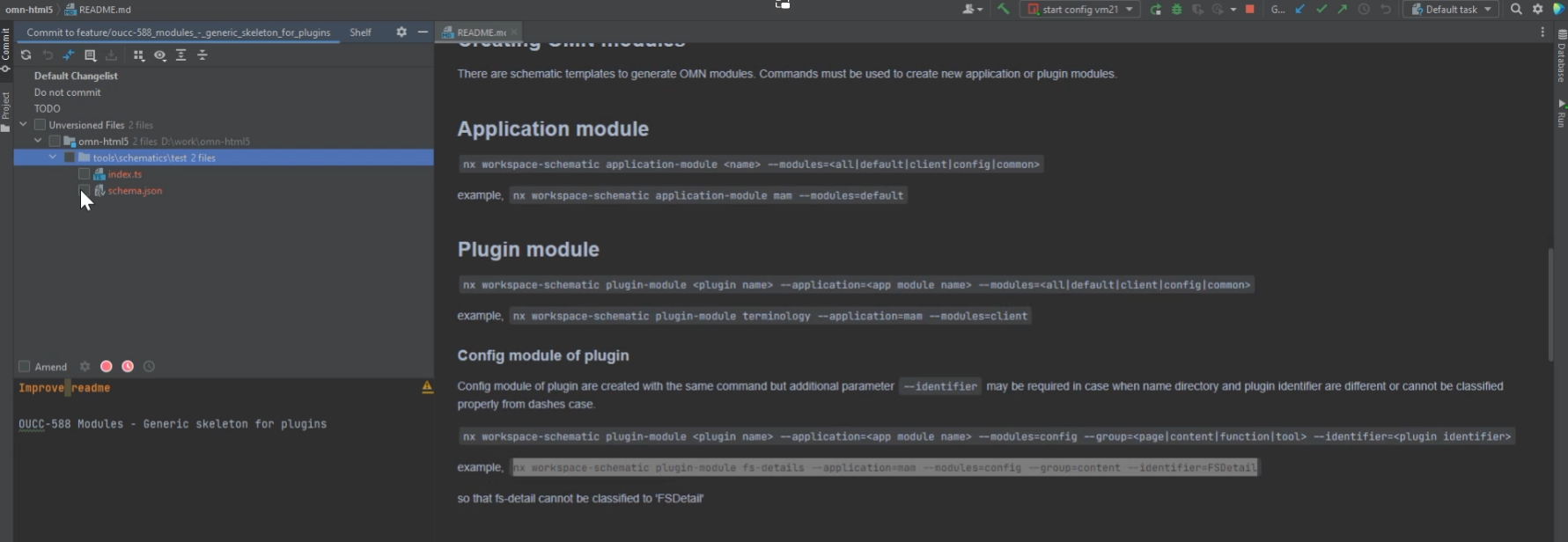
Modules - Generic skeleton for plugins
| References | OUCC-588 |
|---|
Possibility for developers to create the skeleton of plugin configuration with a single command in order to reduce effort for creating new plugins in Config Client
ConfigClient - Introduce spinner (loading) for all server requests
| References | OUCC-412 |
|---|
New loading spinner if a server request takes more than 500 ms (as in html5 client), so that it can be obvious that some data is loading currently

Adding sorting for received plugins and functions
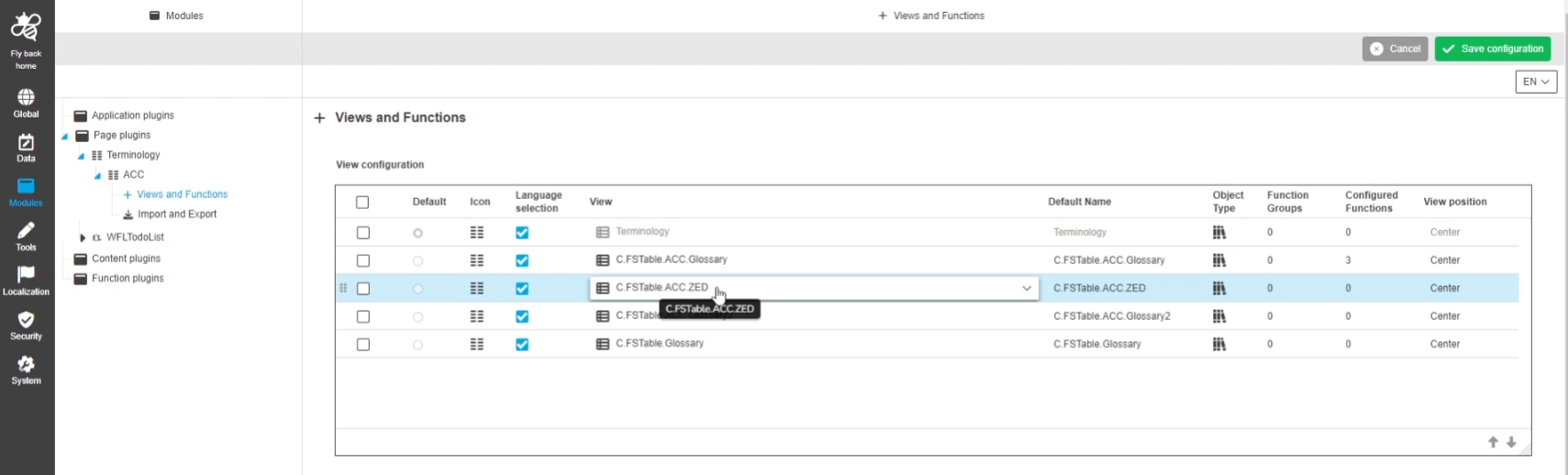
| References | OMN-9730 |
|---|
Added sorting for received plug-ins and functions in Terminology, so that all objects come in order by identifier
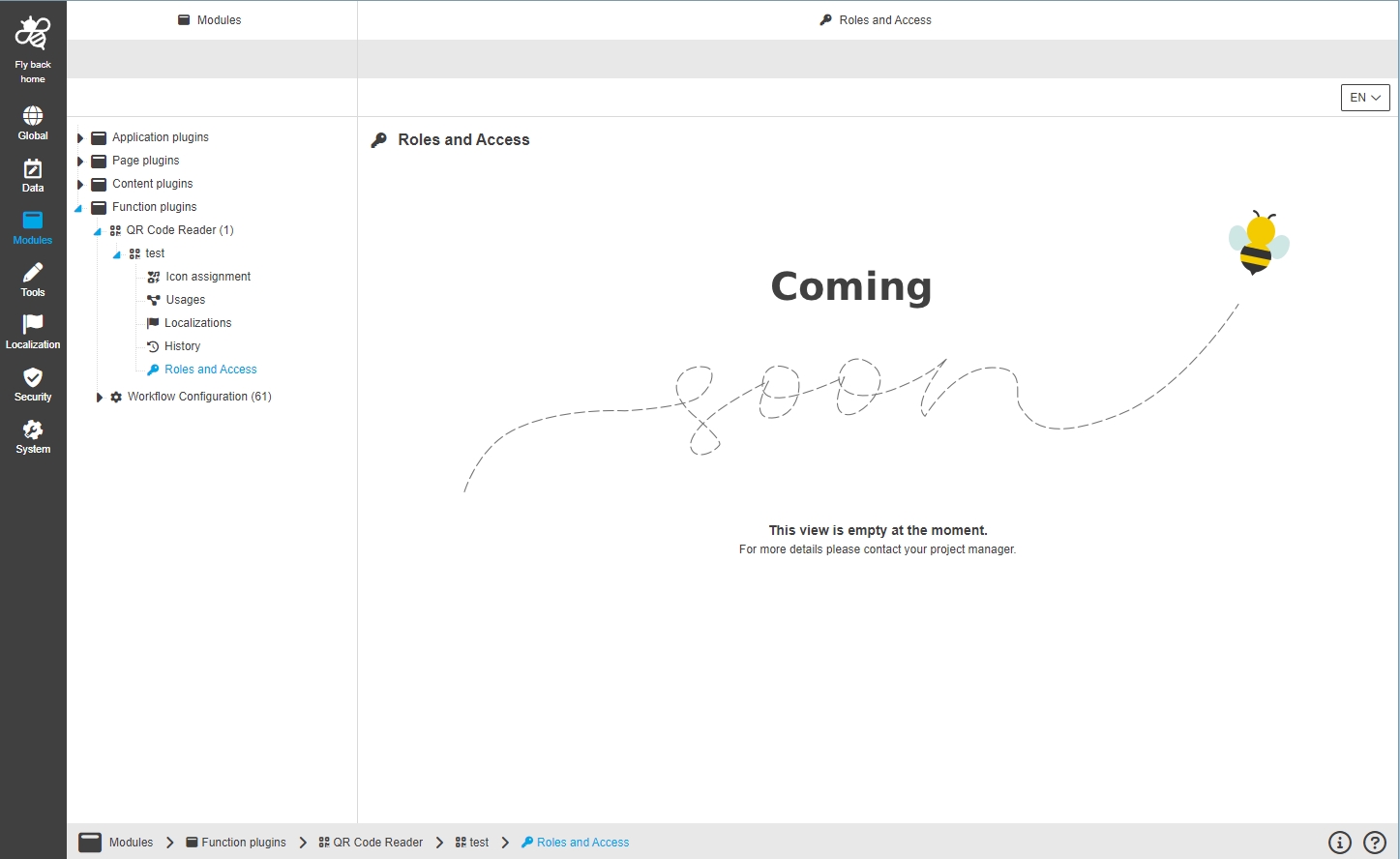
ConfigClient - Empty view for under construction views (dead links)
| References | OUCC-625 |
|---|
Display special information in case a Configuration is not supported yet but page in configuration area is available in Navigation
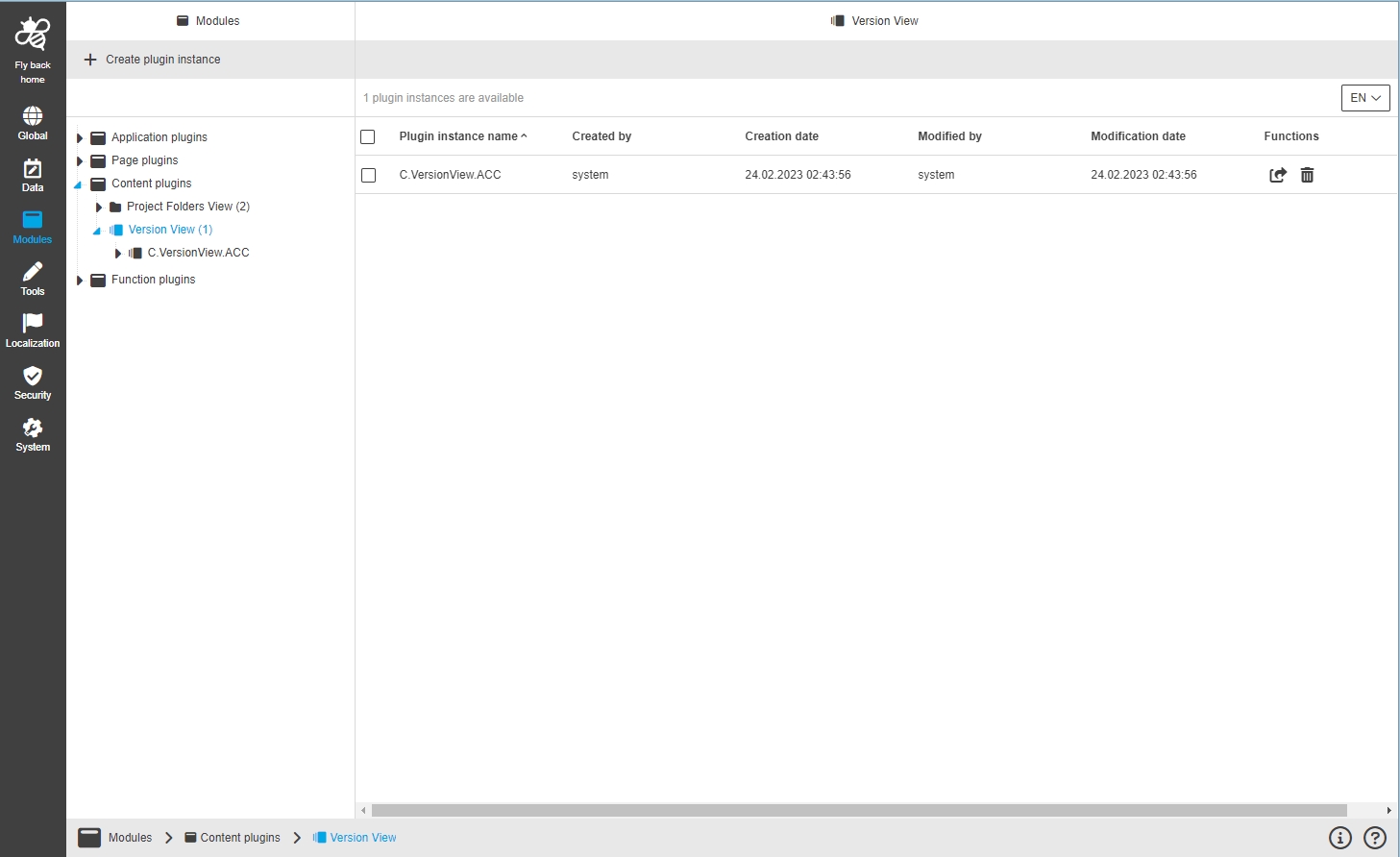
Modules
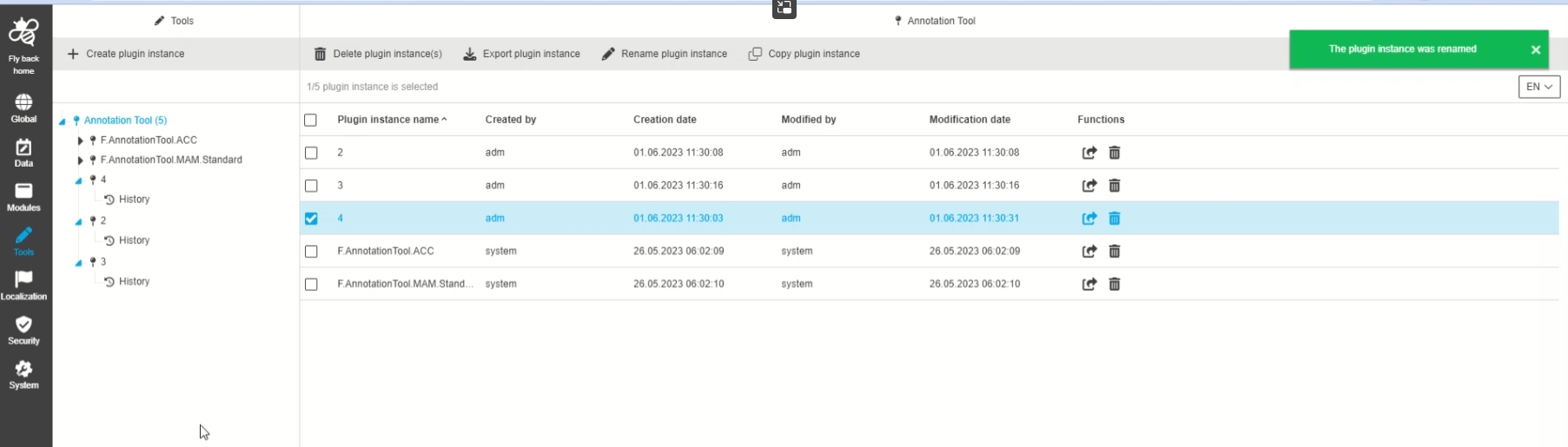
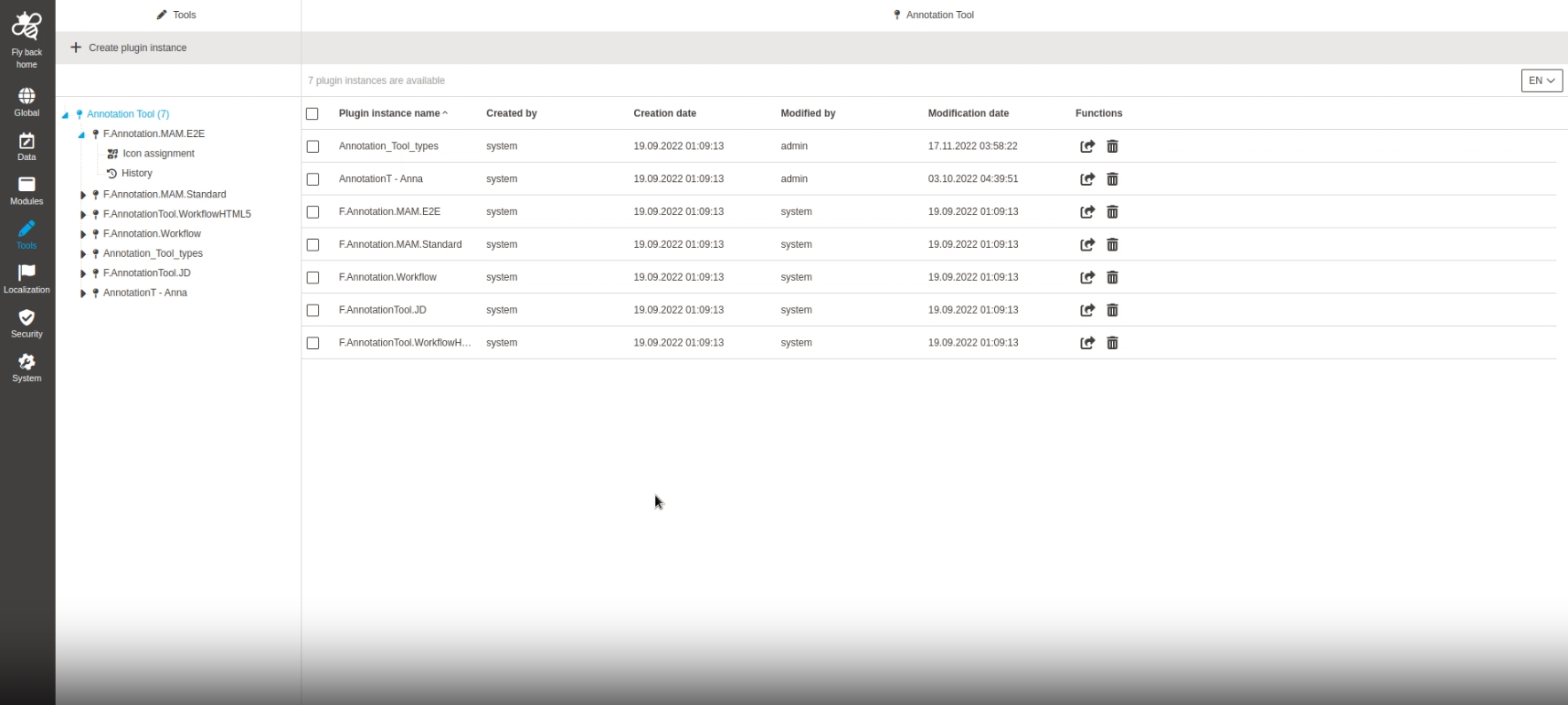
Modules - Plugin Instances - General Layout - Overview for Tool plugins
| References | OUCC-857 |
|---|
New plugin instance overview is Available in configuration tool sections so that the user can see the plugin instances of a tool and have all related functionality available
Modules - Plugins - Unify spelling of Plugin-Instanz
| References | OUCC-884 |
|---|
Localization Improvements in Plugin-Konfiguration - Tableview
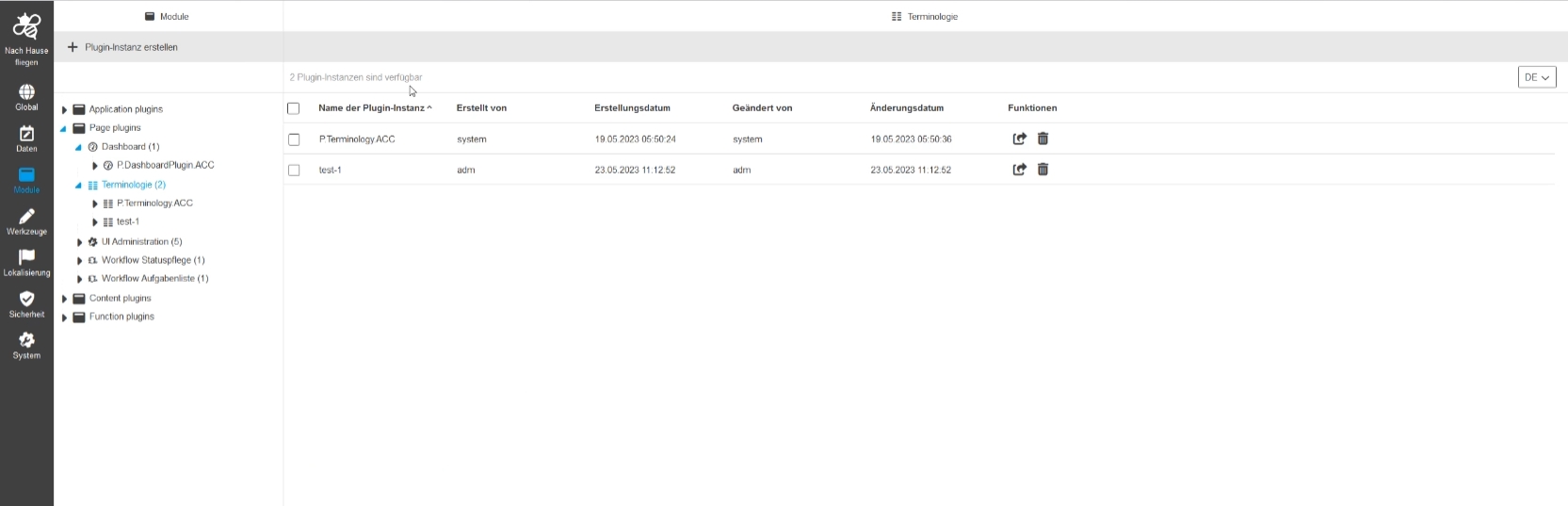
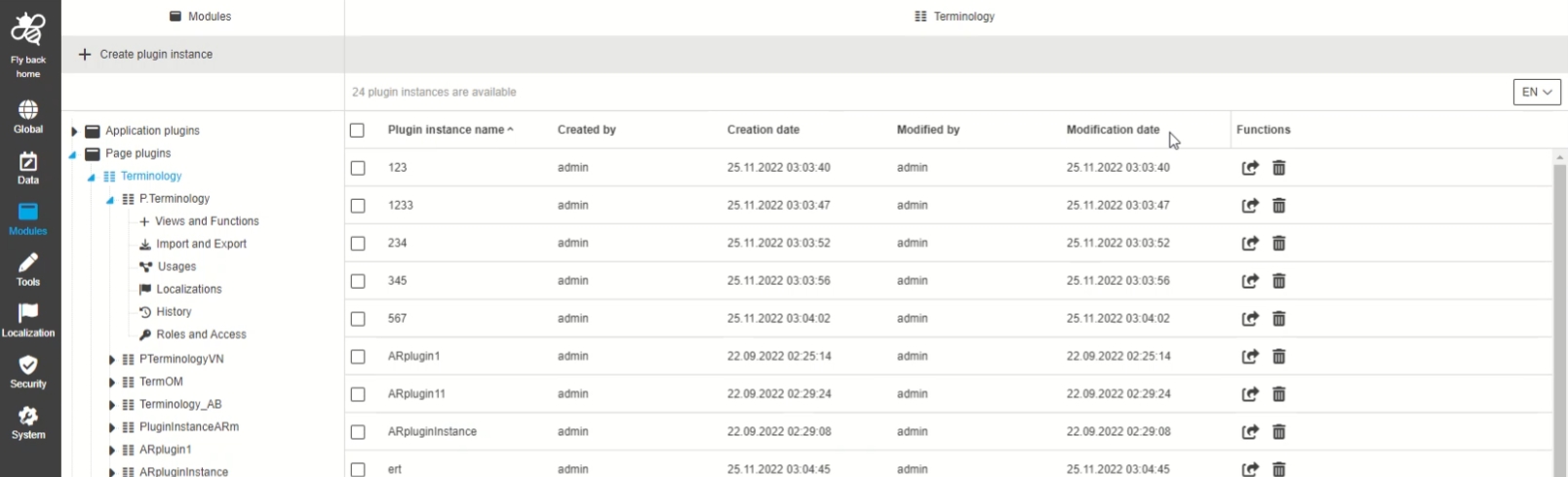
Modules - Plugin Instances - General Layout - Improvement as table visualization
| References | OUCC-434 |
|---|
Possibility to see plugin instances overview as a table, so that the admin can see infos in a more structured way
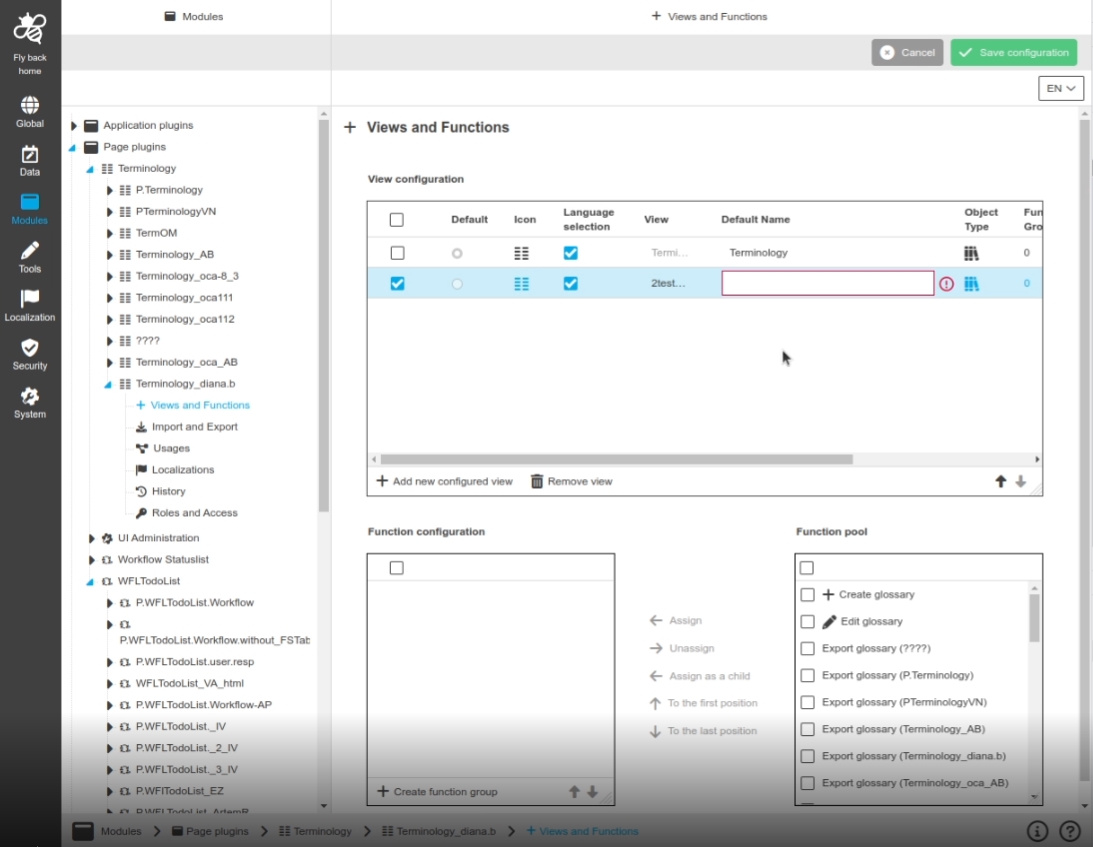
Modules - Views & Functions - Validation for 'Default Name' field
| References | OUCC-399 |
|---|
Improved Validation with additional info if some configuration cannot be saved
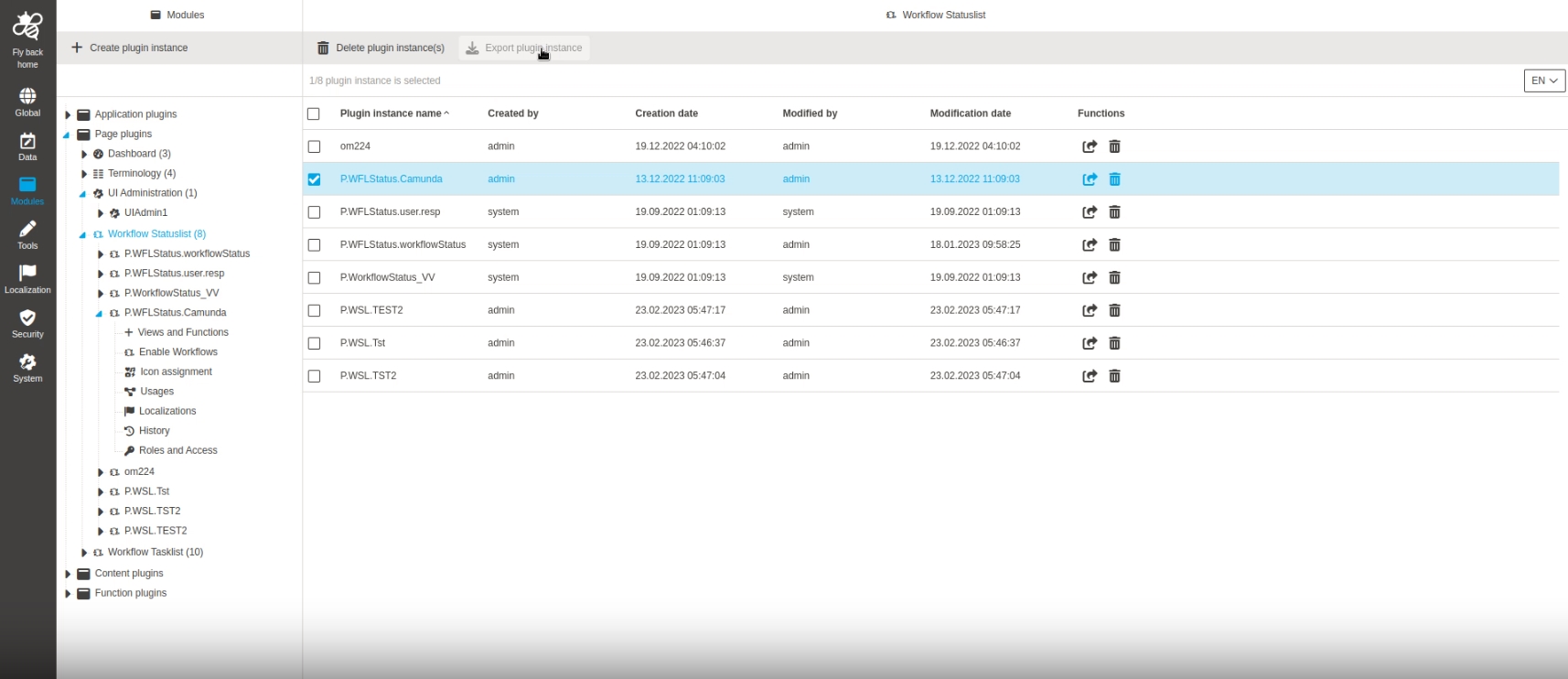
Modules - Plugin Instances - Function - Export of Plugins
| References | OUCC-270 |
|---|
Possibility to export certain plugin instance(s), so that the admin can use them on another system or do some reworks locally in the XML file
Adjust structure of attribute export to match structure from mandator xml
| References | OMN-10274 |
|---|
The Export XML Structure for Data Attributes now contains informaiton About mandator so that this xml is compatible with ConfigImport in old Client during Transition Phase

Data Attributes - All attribute types - Function to export attributes from table - Disable function for annotation attributes
| References | OUCC-970 |
|---|
Export function for annotation Attributes is not available as for other Attribute configurations , the feature will be available in one of next version
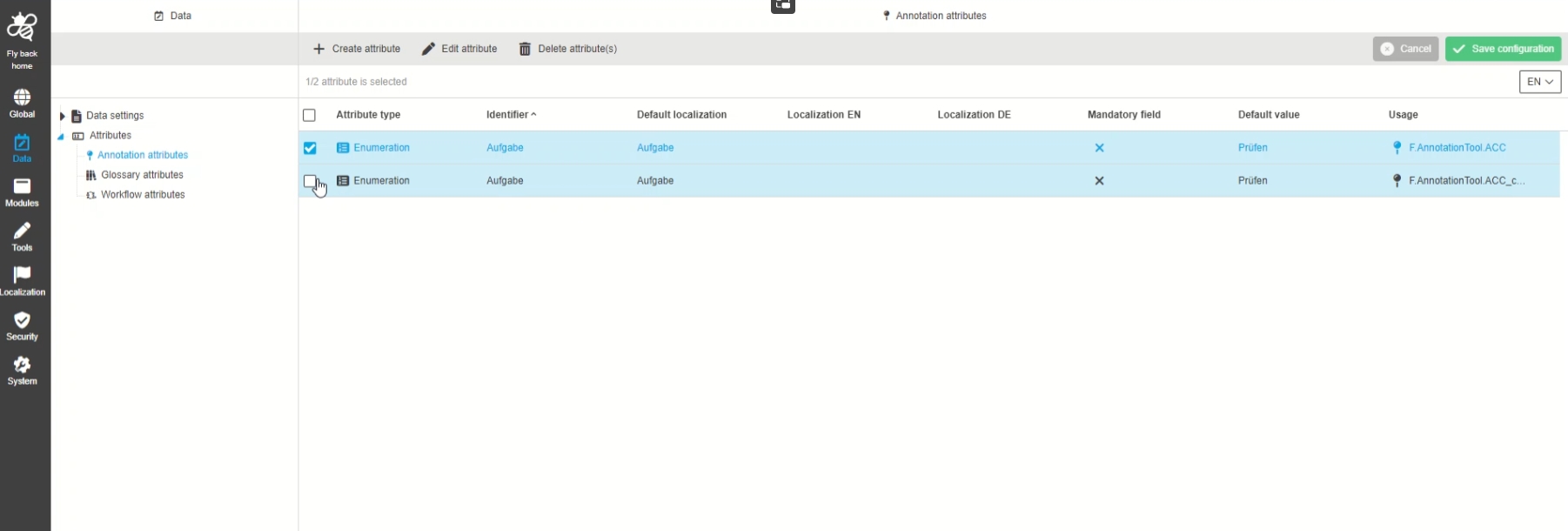
Reuse the defined camunda parameters in foreign plugins
| References | OMN-8100 |
|---|
The camunda parameter definitions which were introduced within (OMN-8003) are useable with WorkflowConfig
DB structure has been changed so migration is executed during 5.11 → 5.12 update.
-
Conflicts are possible between Workflow Plugin instances so check if MIGRATION_LOG db table after update to 5.12 is necessary.
-
Migration can’t be rerun after update. But it can be executed again from dump of previous version.
-
Ex/import xml structure is changed so export of Camunda parameters(Workflow attributes) and Workflow Config instances is not compatible with older versions.
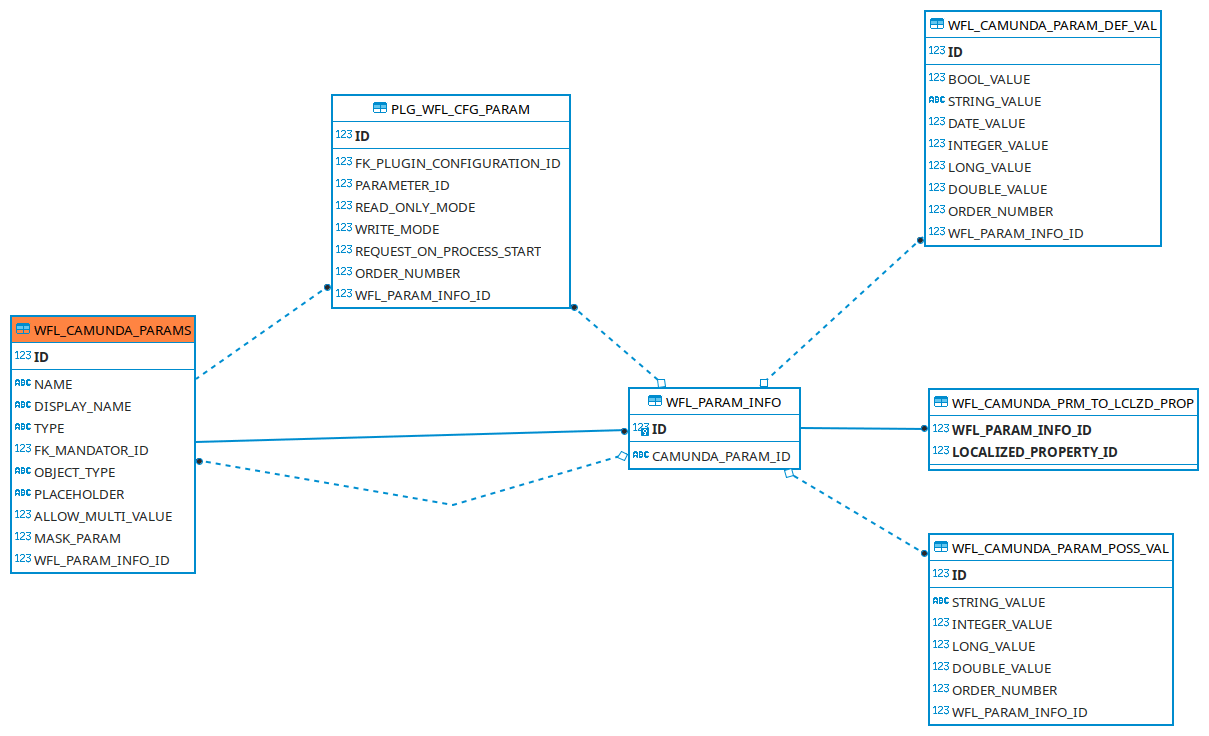
ConfigClient - UI Pattern - Plugin Tab for History - Function - Export XML of specific Version (Versioning)
| References | OUCC-346 |
|---|
Possibility to download a configuration of a XML in a certain version, to import it and so to be able to restore a specific configuration
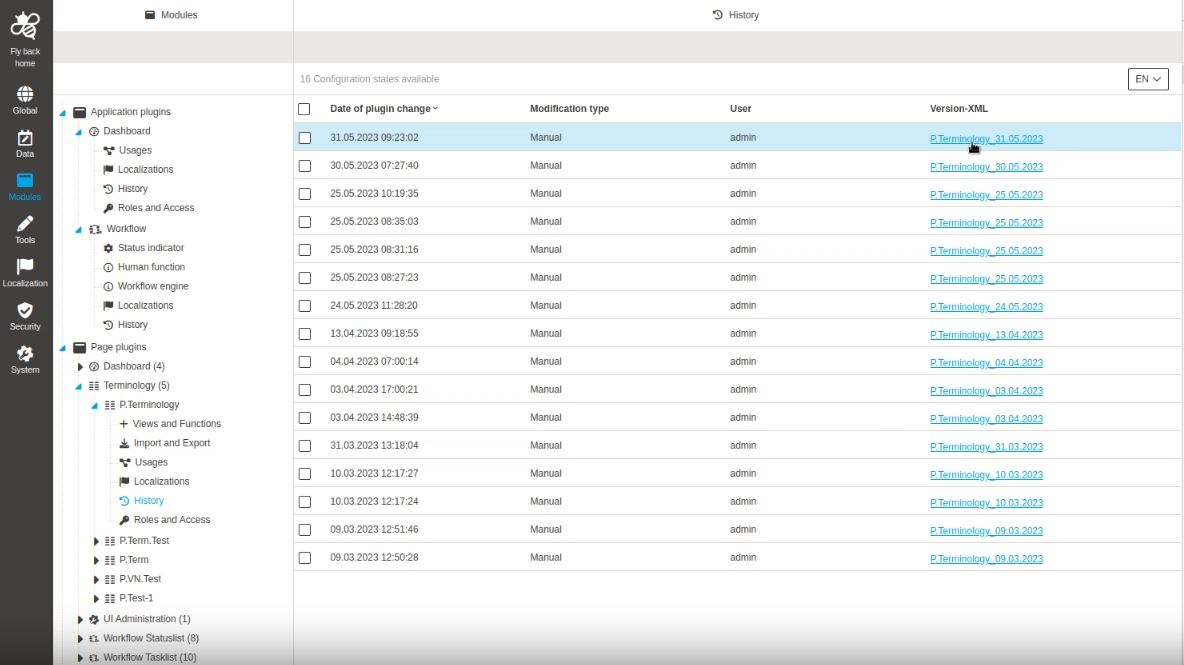
WorkflowConfig
-
Modules - Function Plugin - WorkflowConfig - General Layout
| References | OUCC-261 |
|---|
Possiblity to enable and configure WFLConfig plugin in the Configuration UI, so that user can start custom processes on base of Workflows in the Frontend on base of this configuration
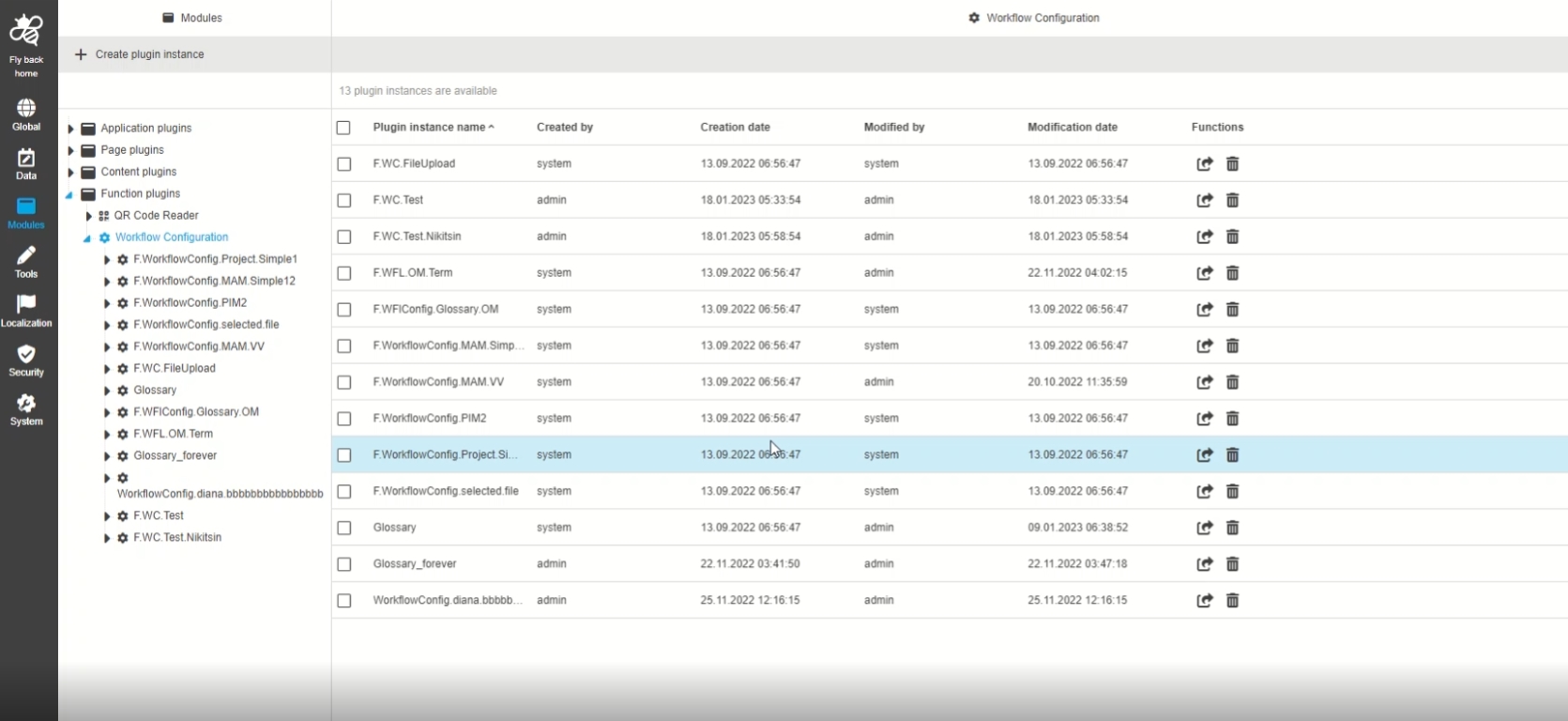
-
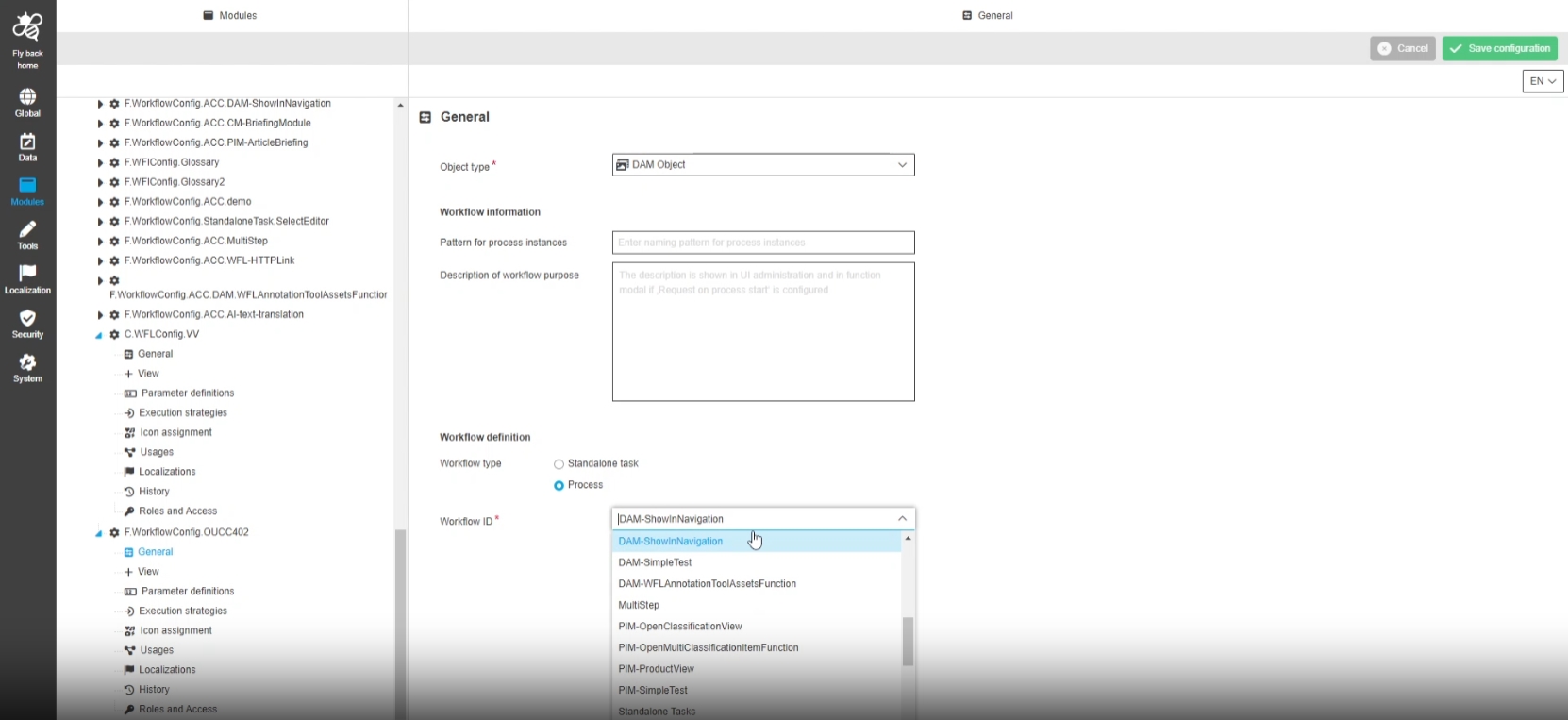
Modules - Function Plugin - WorkflowConfig - General
| References | OUCC-402 |
|---|
Possibility to configure WorkflowConfig Plugin in order to work with Camunda Workflows in OMN
-
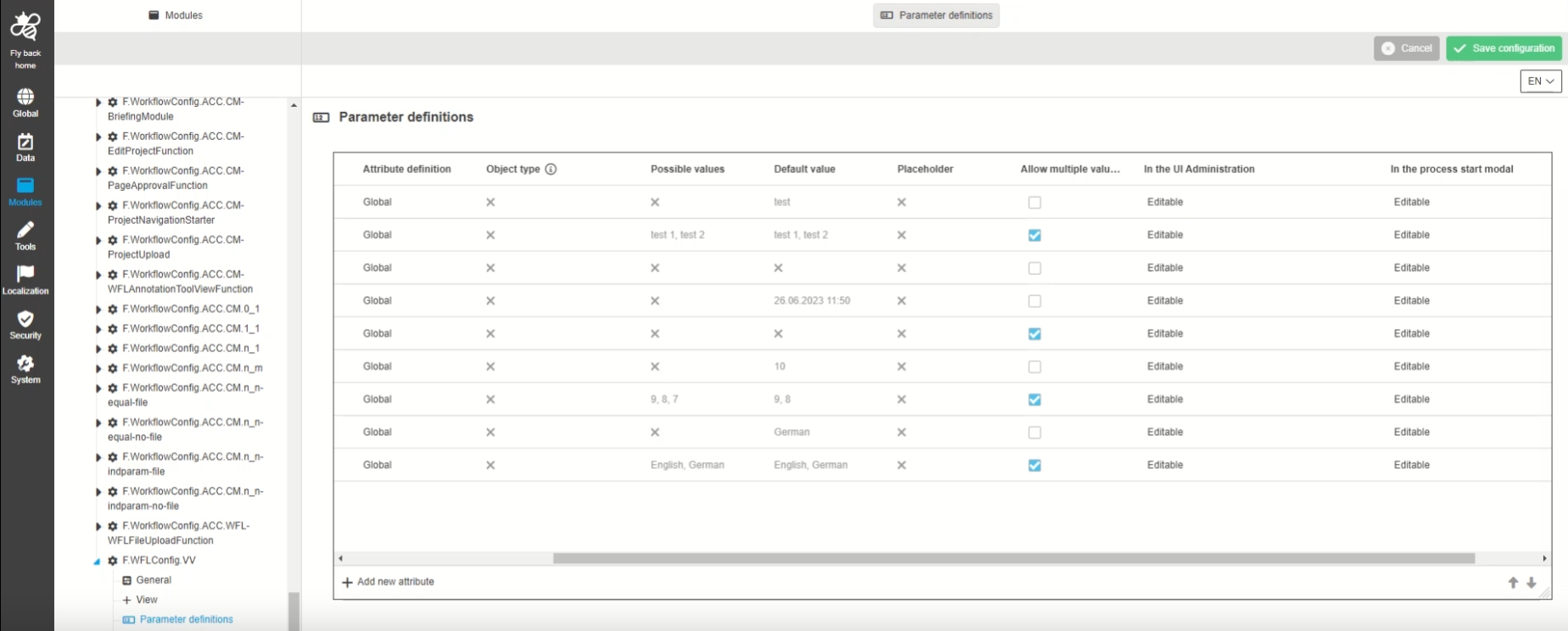
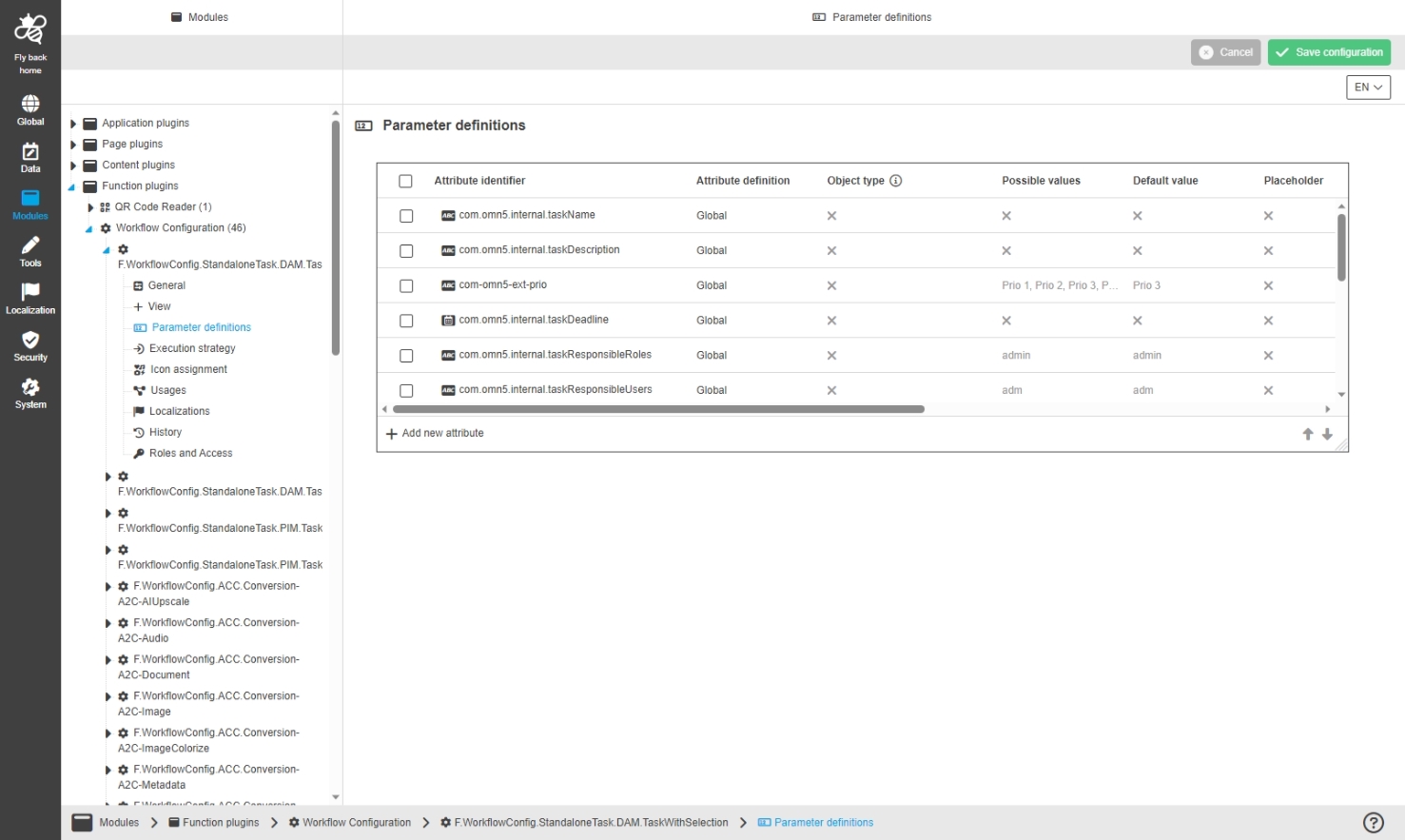
Modules - Function Plugin - WorkflowConfig - Parameter definitions
| References | OUCC-403 |
|---|
Configuration of Parameters in WorkflowConfig Plugin in order to work with Camunda Workflows in OMN
-
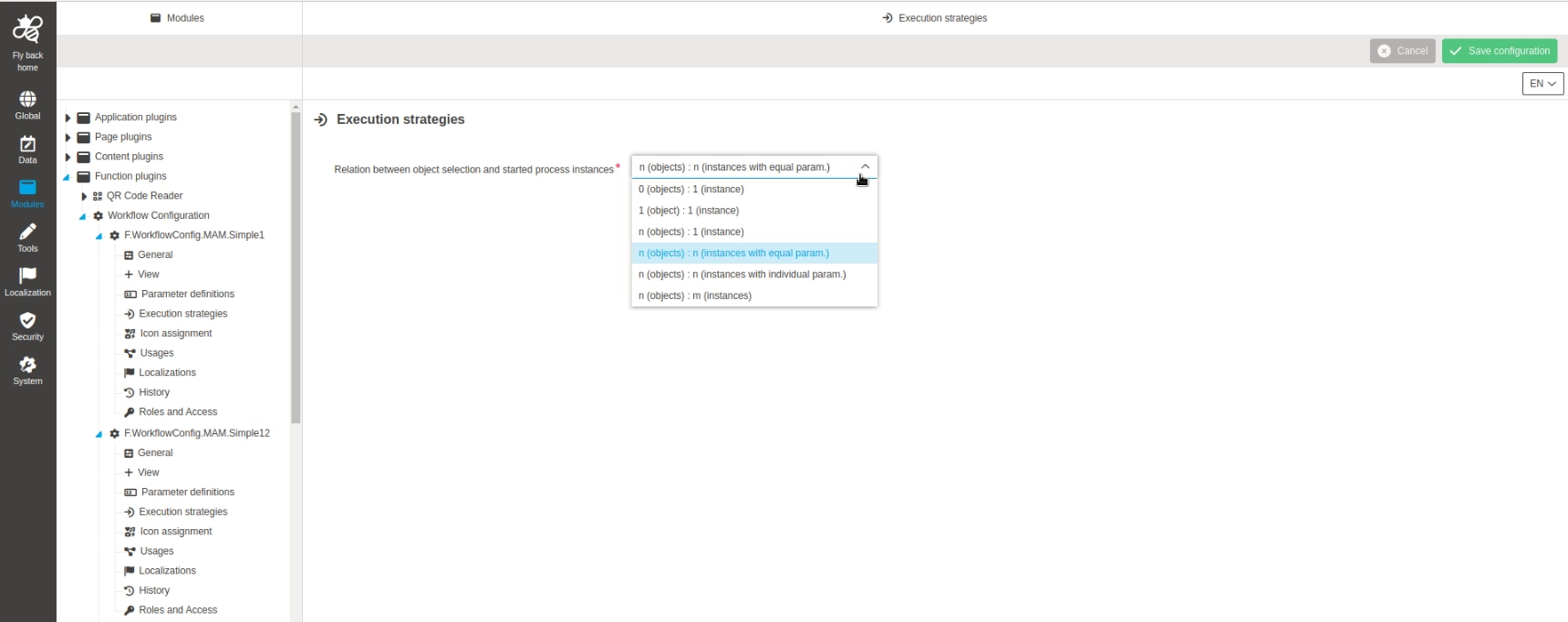
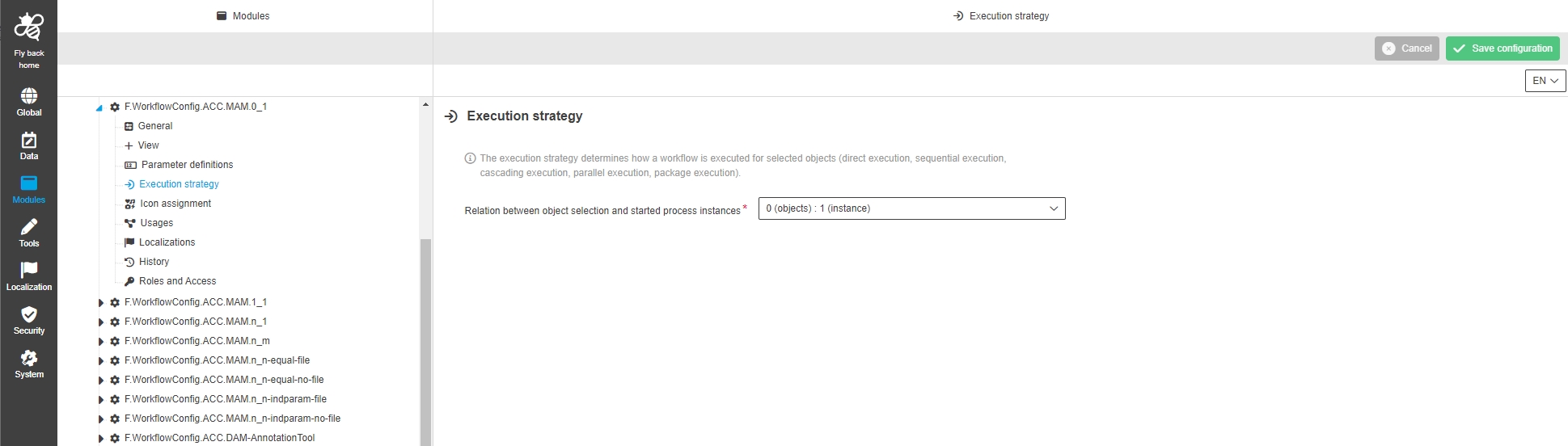
Modules - Function Plugin - WorkflowConfig - Execution
| References | OUCC-404 |
|---|
Possibility to define in which execution mode a workflow will be executed by different available execution strategies, when a workflow is start in the UI
-
eg. n Objects: 1 instance means that for each objects from Multiselection a single workflow will be started
-
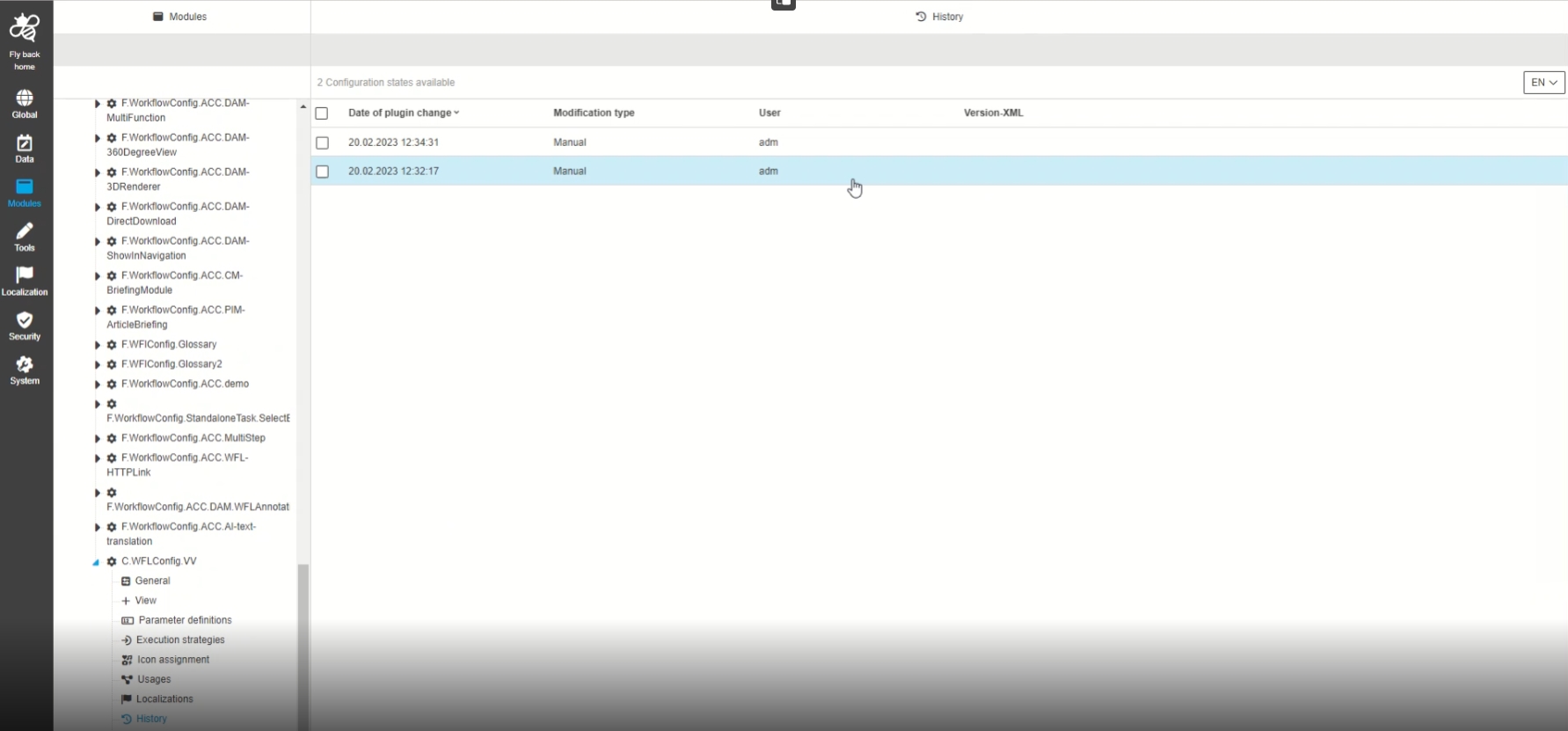
Modules - Function Plugin - WorkflowConfig - History
| References | OUCC-361 |
|---|
Possibility to have an overview of all modifications made in the workflow function Plugin, so that the user can understand who, when and what changes within the configuration
-
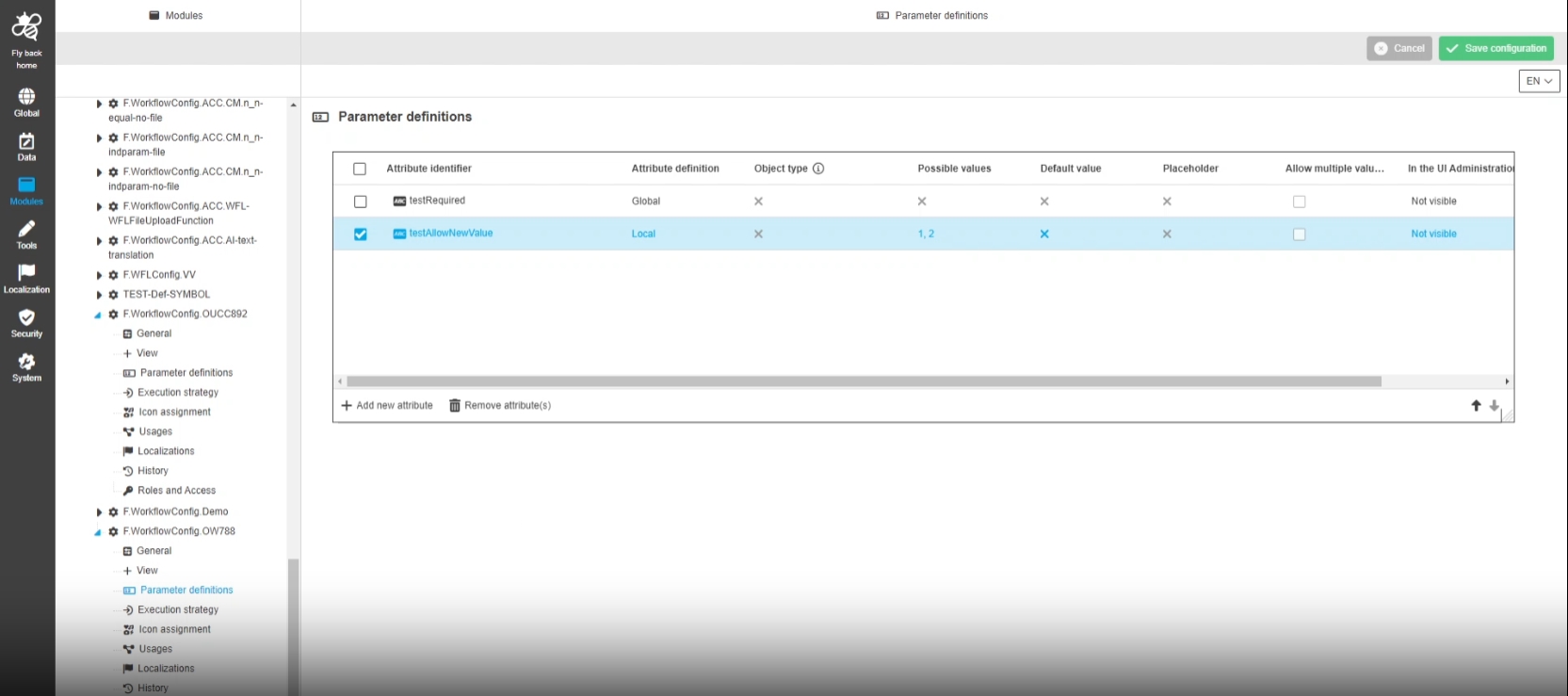
Modules - Function Plugin - WorkflowConfig - Parameter definitions - Modal to adjust attribute definition - Text
| References | OUCC-854, OMN-10255 |
|---|
Possibility to adjust the global attribute definition for workflow text Attributes and thus createa local configuration of the attribute for a related workflow configuration
-
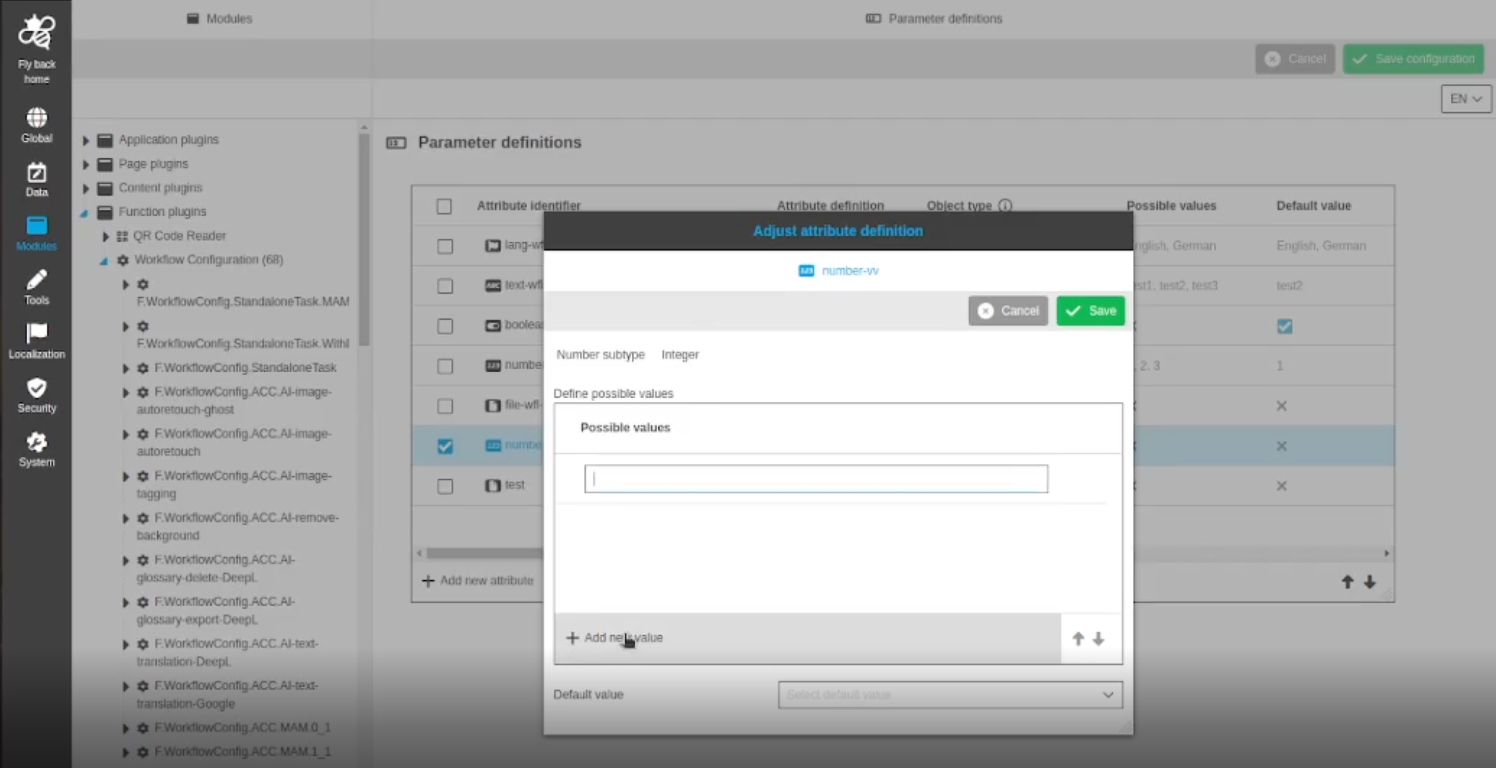
Modules - Function Plugin - WorkflowConfig - Parameter definitions - Modal to adjust attribute definition - Number
| References | OUCC-855 |
|---|
Possibility to adjust the global attribute definition for workflow number attributes, so that a local configuration of the attribute in wfl config and UI Administration can be used
-
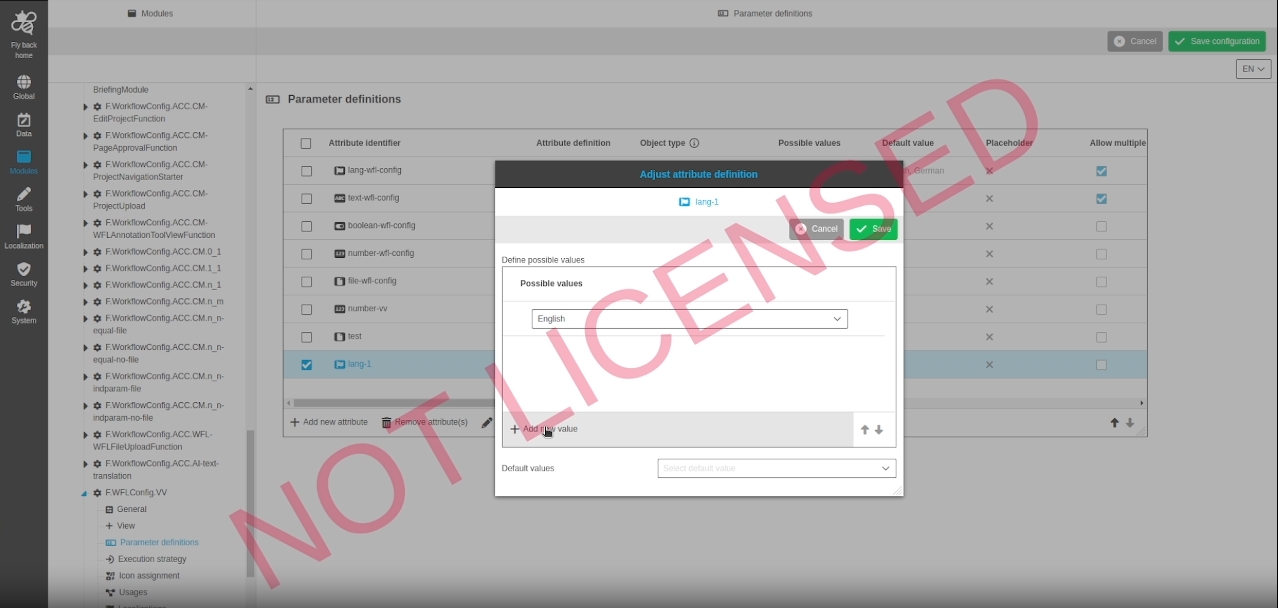
Modules - Function Plugin - WorkflowConfig - Parameter definitions - Modal to adjust attribute definition - Language
| References | OUCC-856 |
|---|
Possibility to adjust the global attribute definition for workflow language attributes, so thata local configuration of the attribute in wfl config and UI Administration can be used
-
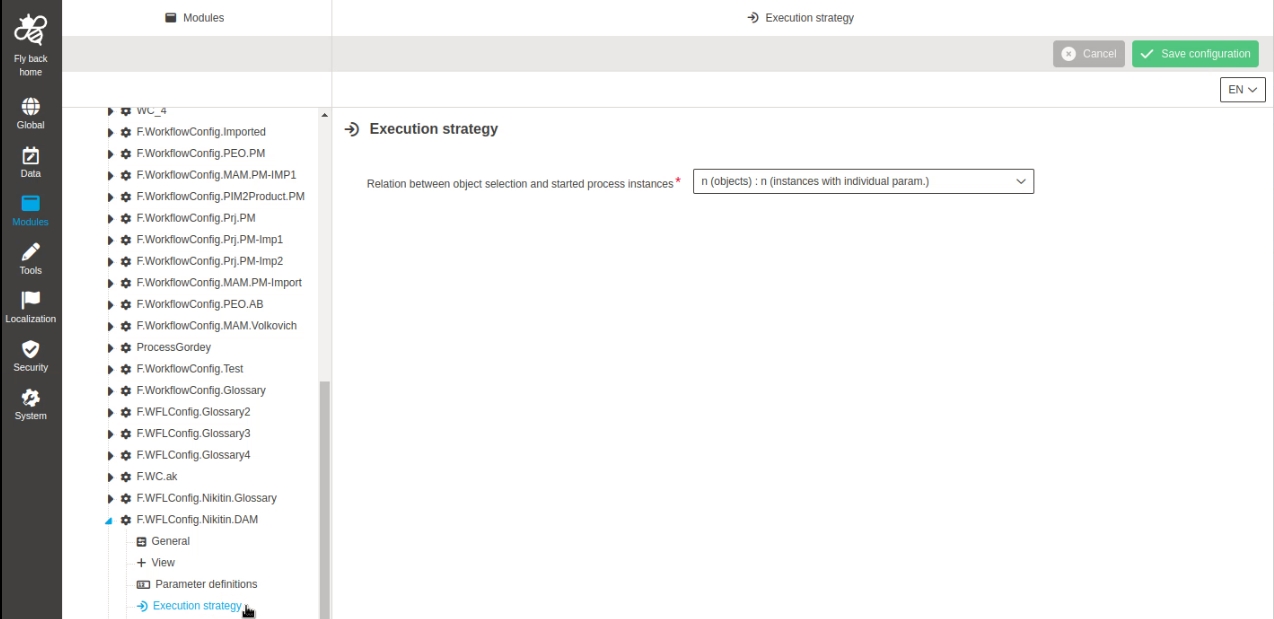
Modules - Function Plugin - WorkflowConfig - Execution strategies - Adjust wording
| References | OUCC-899 |
|---|
Improved Localization for Execution Strategies of WorkflowConfig Configuration
-
Modules - Function Plugin - WorkflowConfig - Execution strategies - Adjust inline help
| References | OUCC-900 |
|---|
Improved inline help Texts for Workflow Configuration Execution strategies
Component
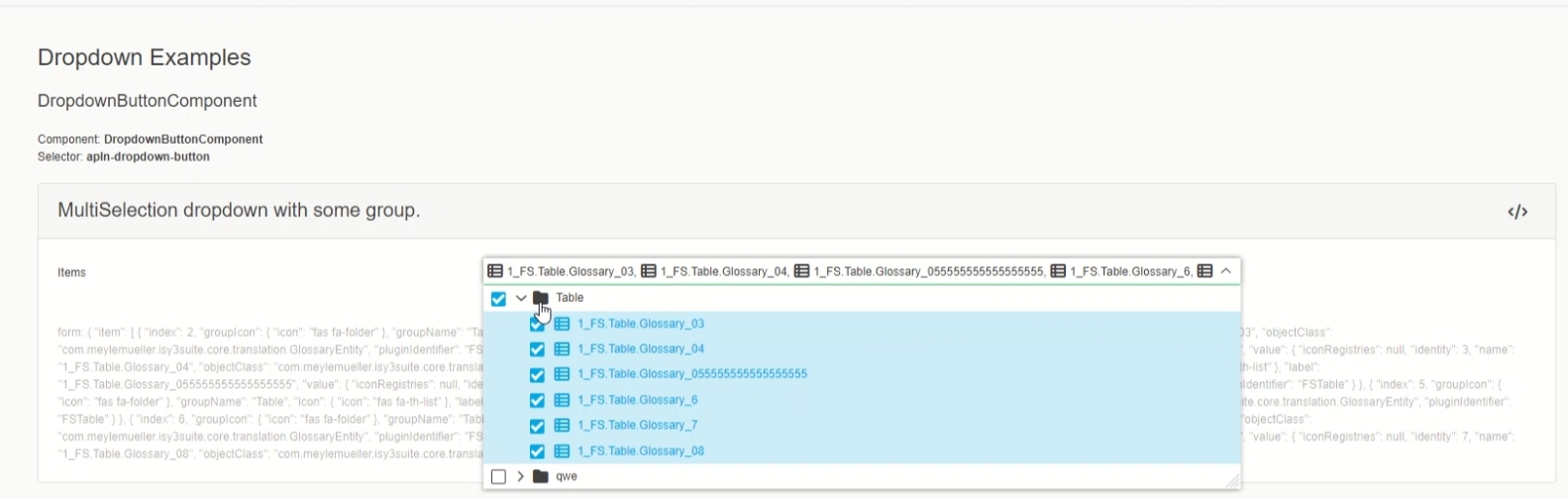
ConfigClient - UI Component - Sidebar - Open UI in extra browser tab by shortcut
| References | OUCC-429 |
|---|
Possibility to open frontend UI in a separate browser tab without replacing my configuration
Controls on fly back home button
-
mac (command) + left mouse click
-
win (ctrl) + left mouse click

Pattern
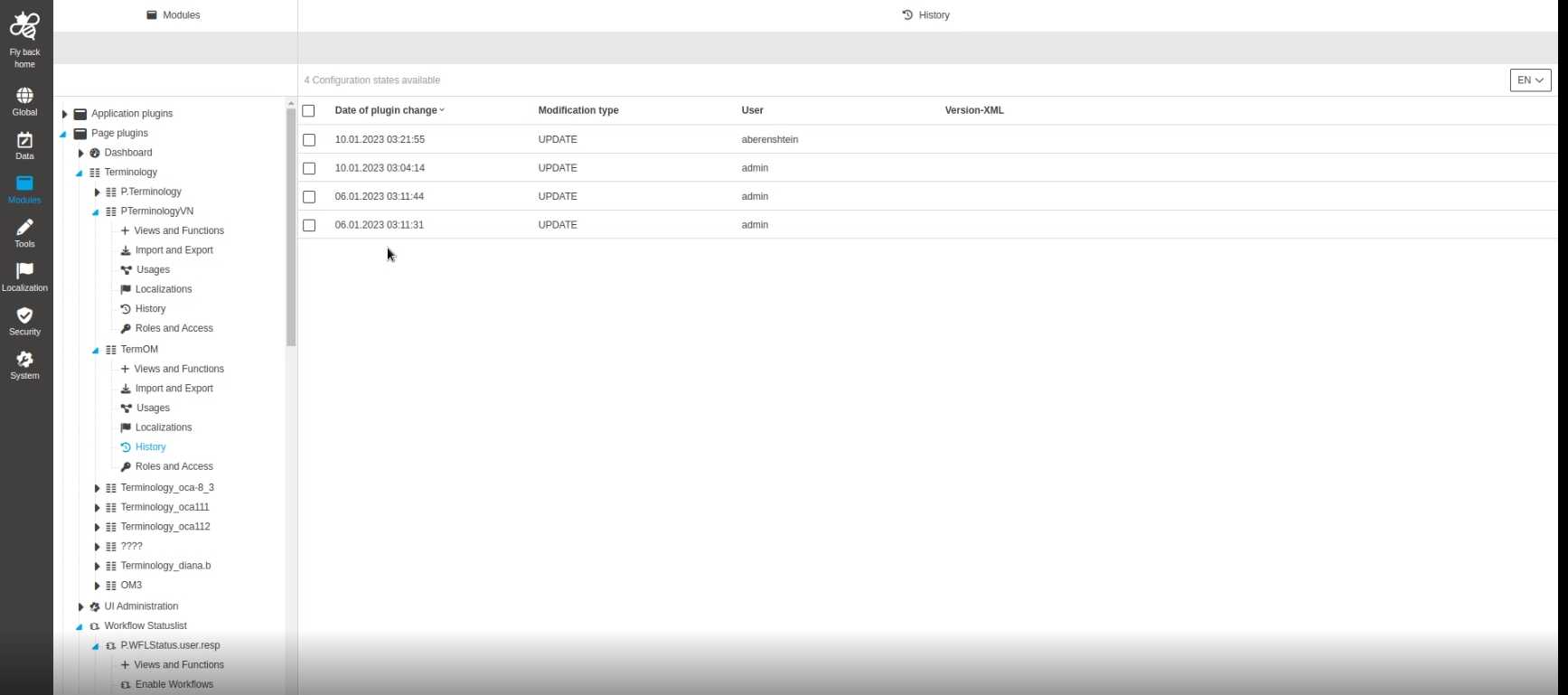
ConfigClient - UI Pattern - Plugin Tab for History - General Layout
| References | OUCC-342 |
|---|
Overview of all modifications made in one plugin instance, so that admin understands who, when and what has changed configuration
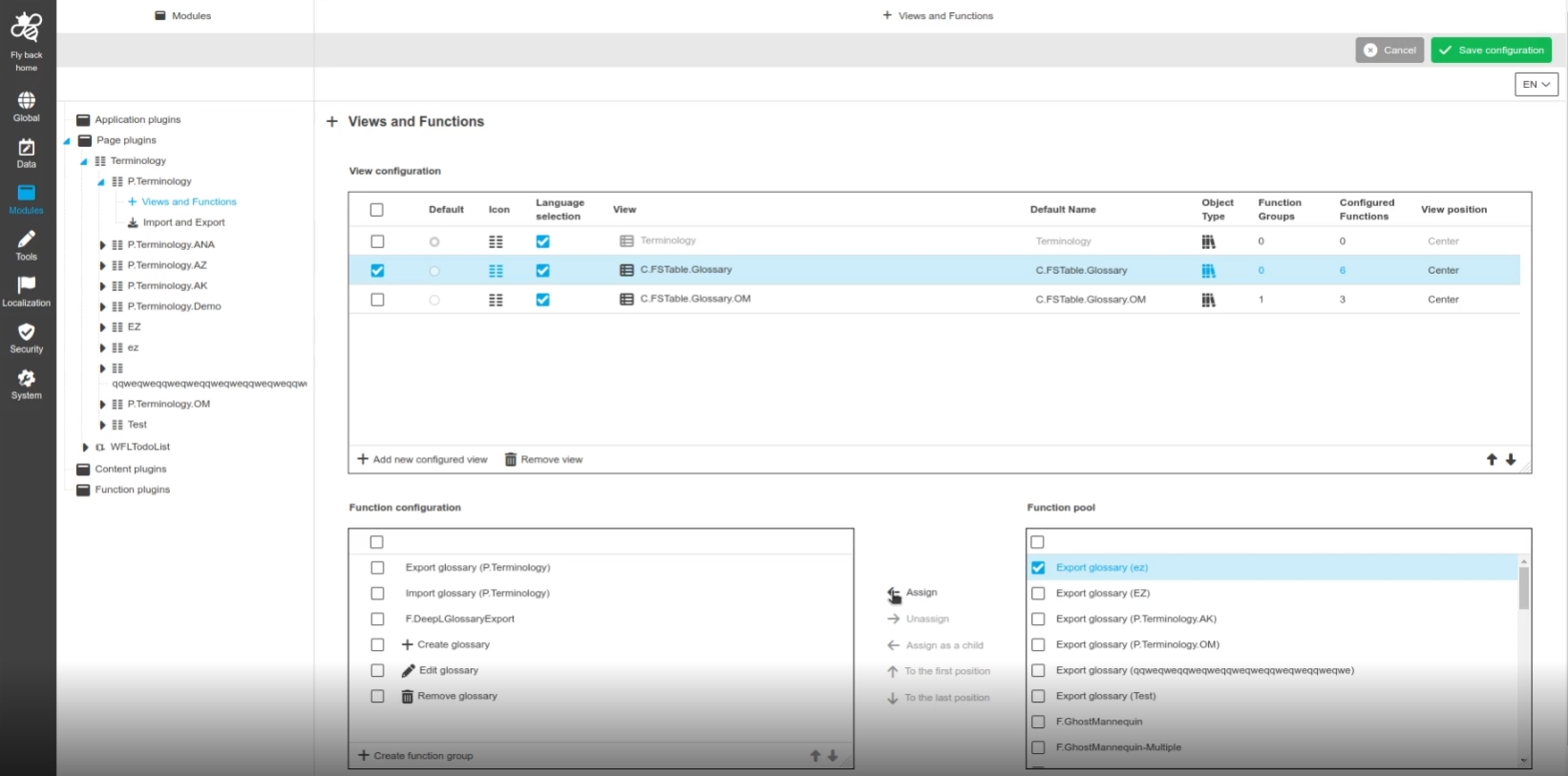
ConfigClient - UI Pattern - Function configuration - Function renaming
| References | OUCC-590 |
|---|
Improved names of the functions in function configurations (UI-pattern) in all places where this is available
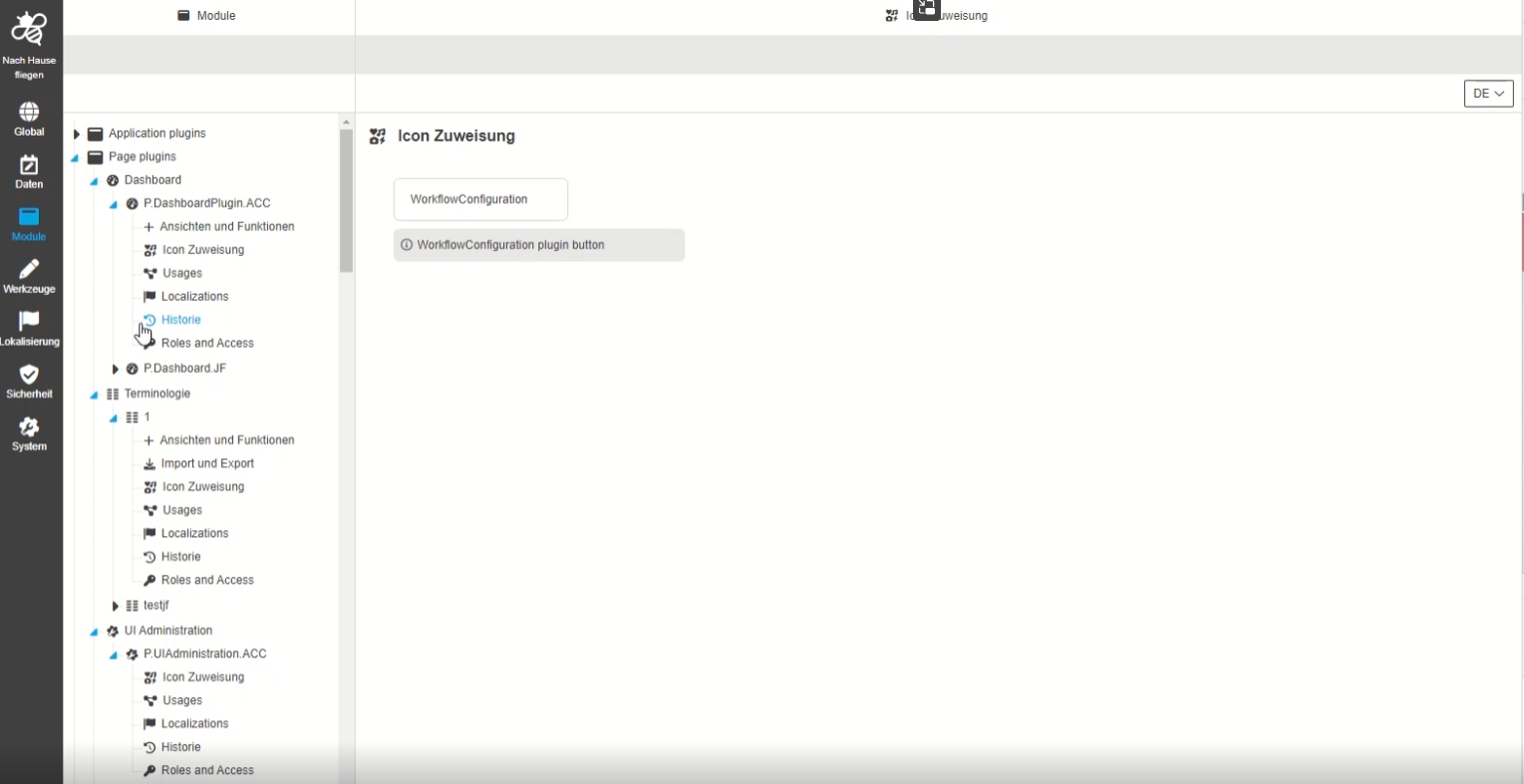
ConfigClient - UI Pattern - Plugin Tab for Icon assignment - General layout
| References | OUCC-414 |
|---|---|
Documentation |
ODOCU-771 |
Possibility to define a individual icon for a function which will be displayed in the UI
-
the Icons are provided by Fontawesome library
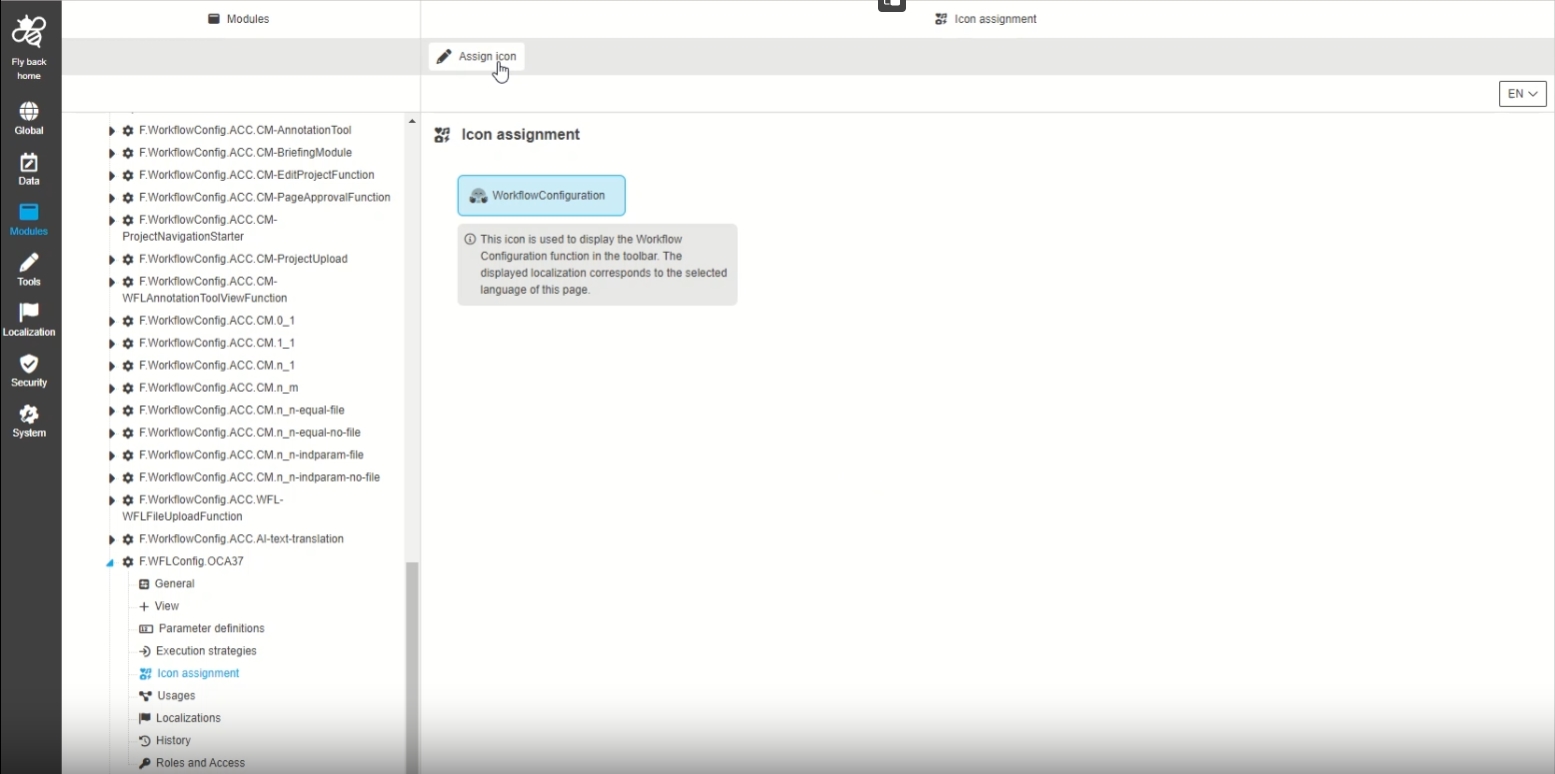
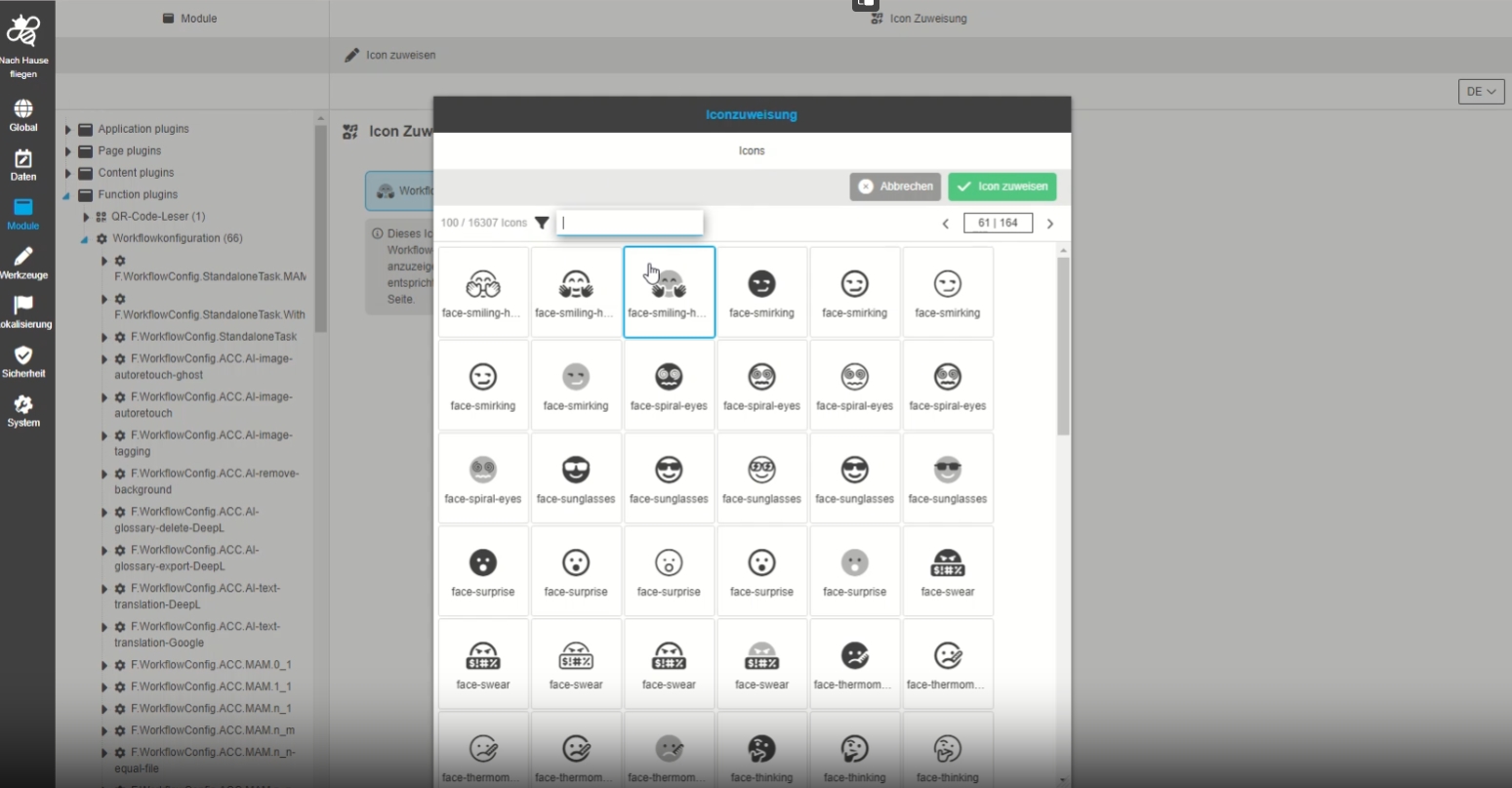
ConfigClient - UI Pattern - Plugin Tab for Icon assignment - Function - Assign icon
| References | OUCC-416 |
|---|
Possibility to assign an icon to a function in new Config Client, which will be used in the UI
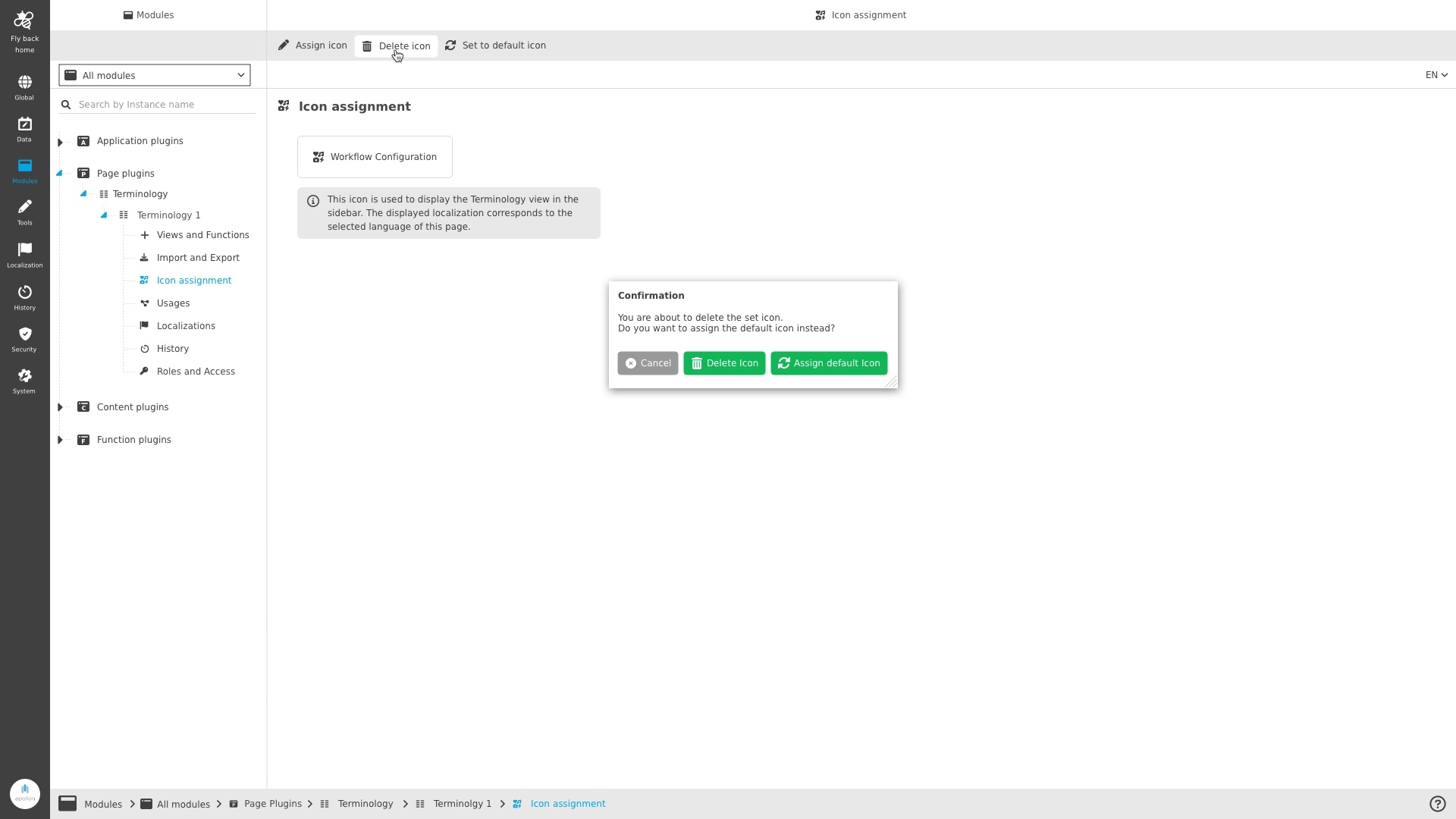
ConfigClient - UI Pattern - Plugin Tab for Icon assignment - Function - Delete icon
| References | OUCC-417 |
|---|
Possibility to delete an icon for a function, content view
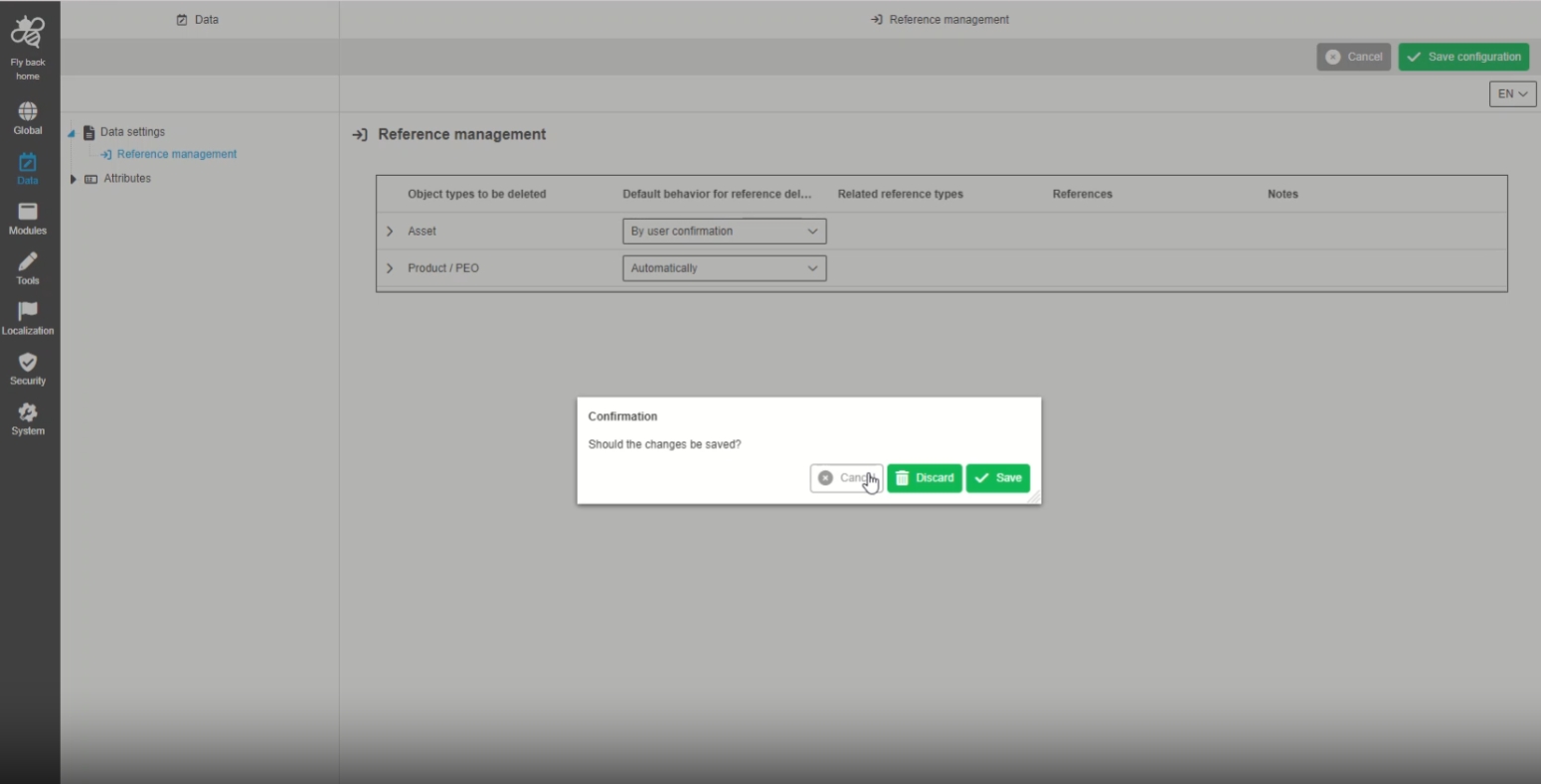
ConfigClient - UI Pattern - Dirty checking - General Layout
| References | OUCC-384 |
|---|
Dirty Check Popup to save unsaved changes in the configuration in configuration client, which gives me the option to save or abort if I have forgotten to save before and switch to another section
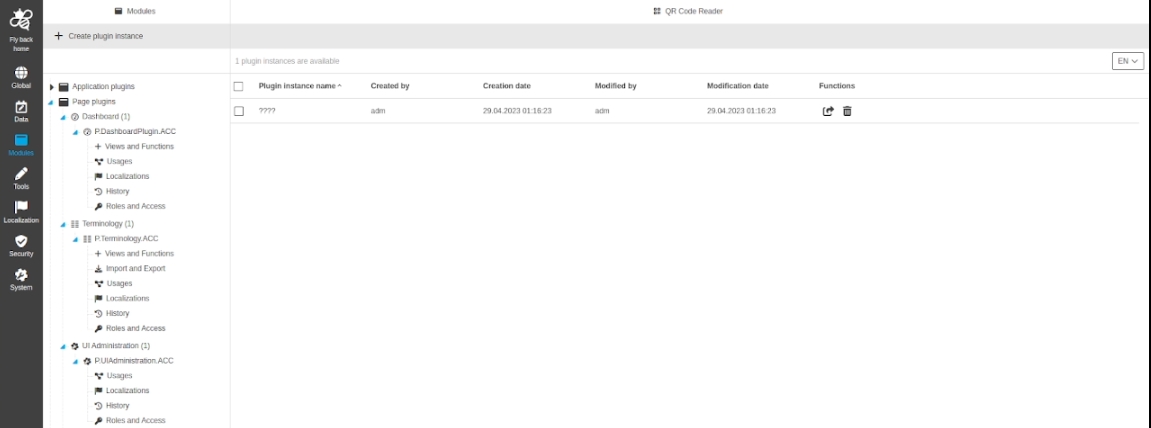
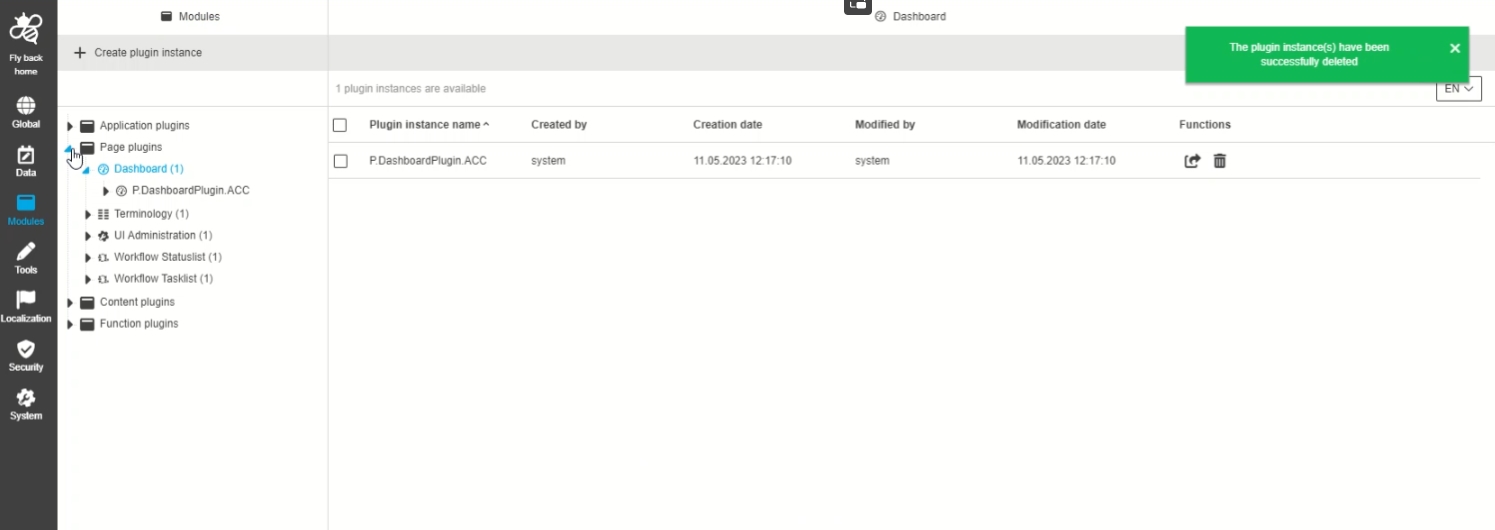
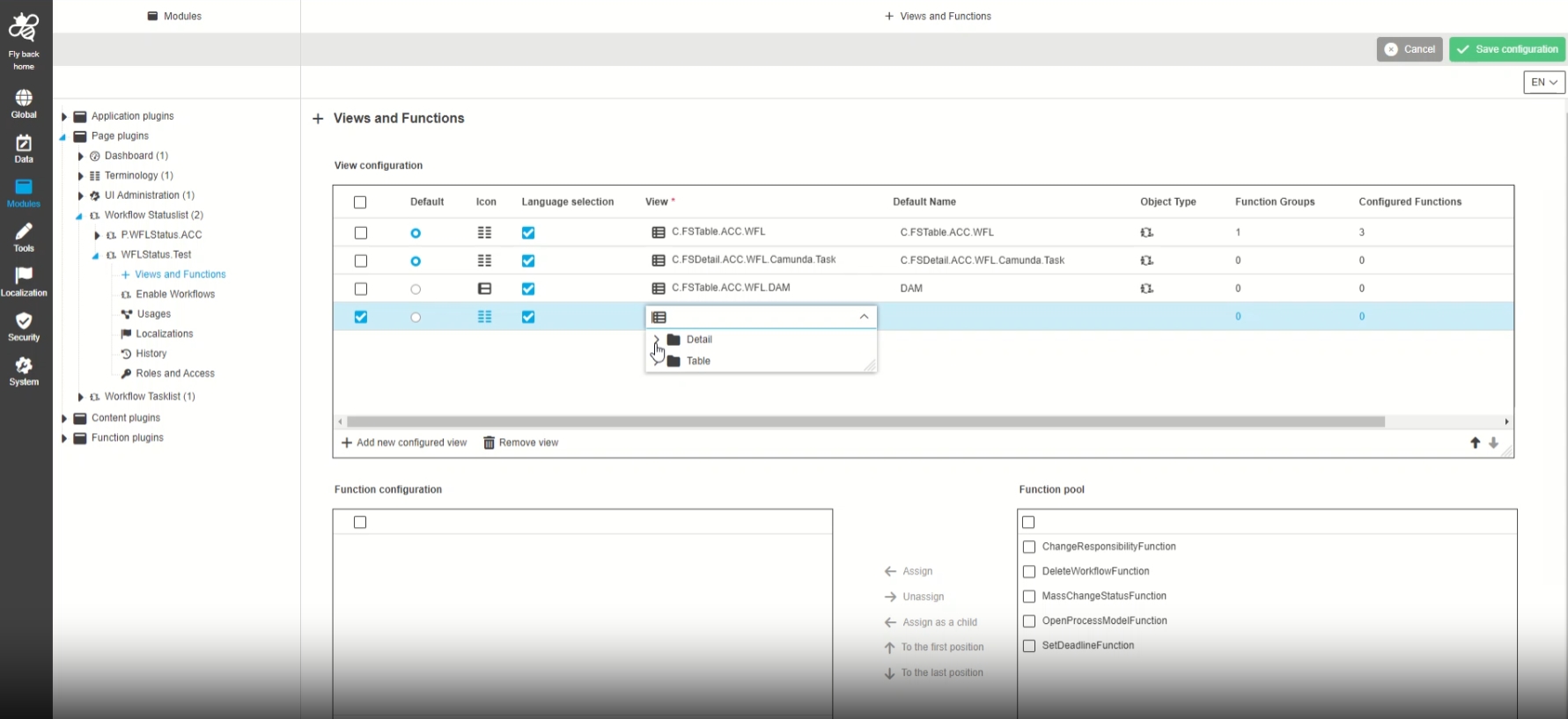
ConfigClient - UI Pattern - Plugin Tab for Icon assignment - Hide not yet specified icon assignments 5.12. version
| References | OUCC-874 |
|---|
Visualization of icon assignment is now only available for plugins, which support icon assignment already (in this case the Navigation element is not displayed)
-
Example Plugin without functionality to assign Icons
Mandator
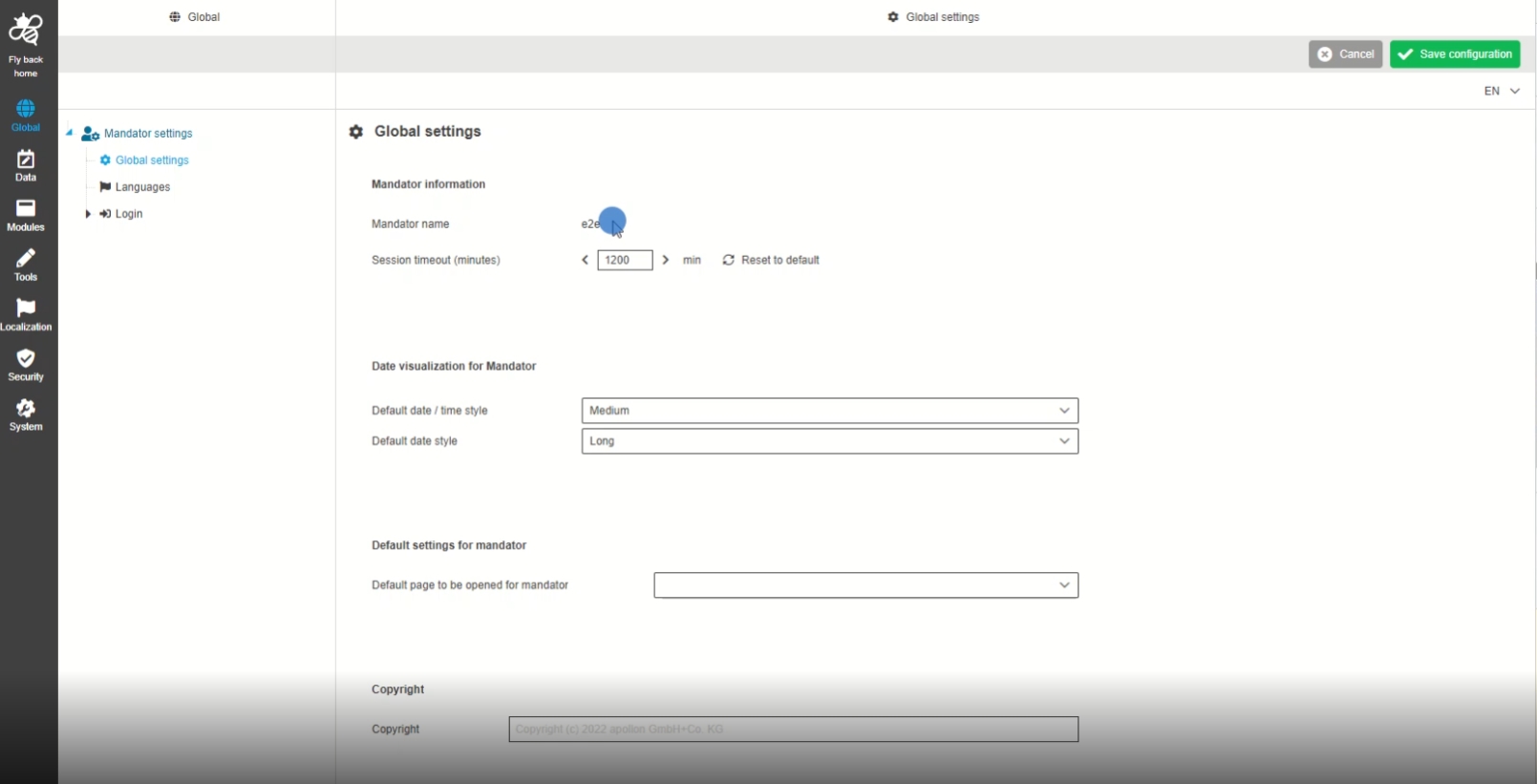
ConfigClient - Global settings page - Improvements
| References | OUCC-397 |
|---|
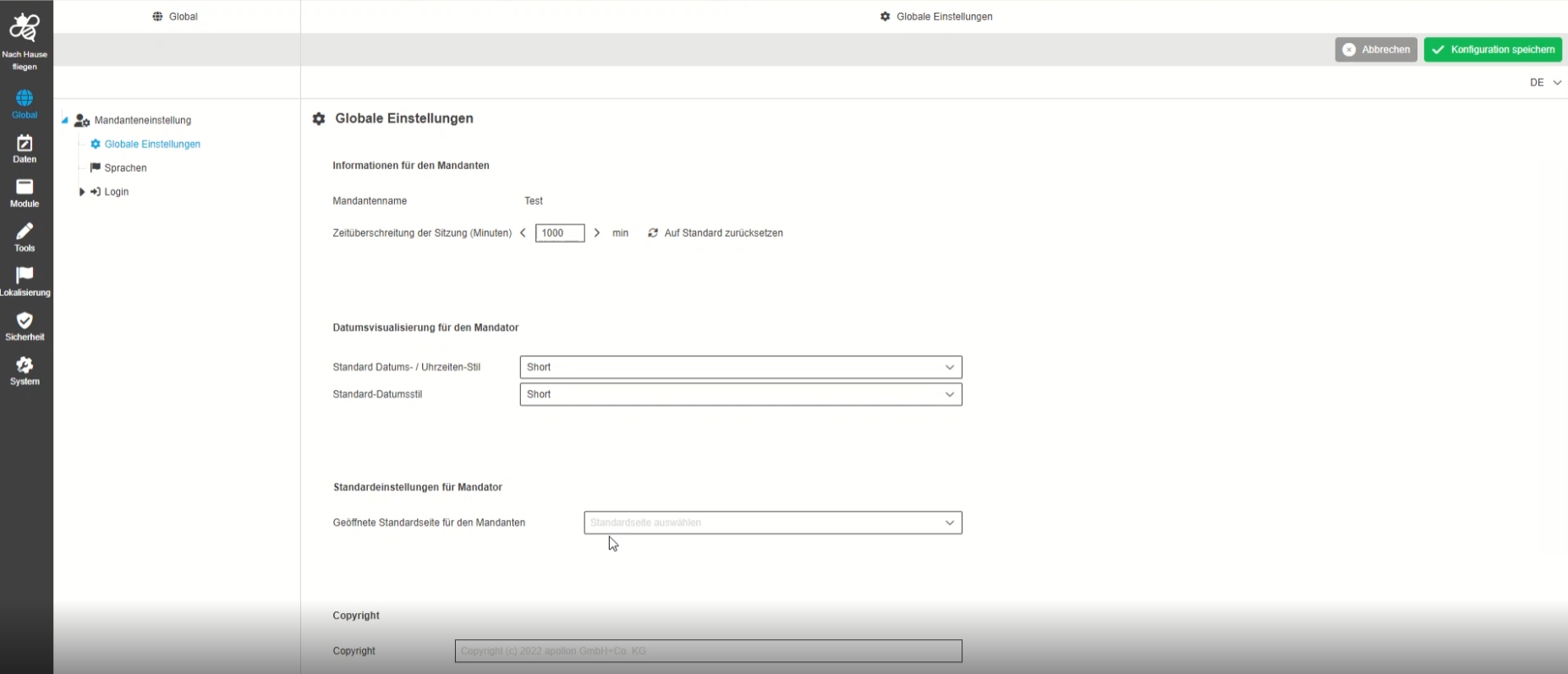
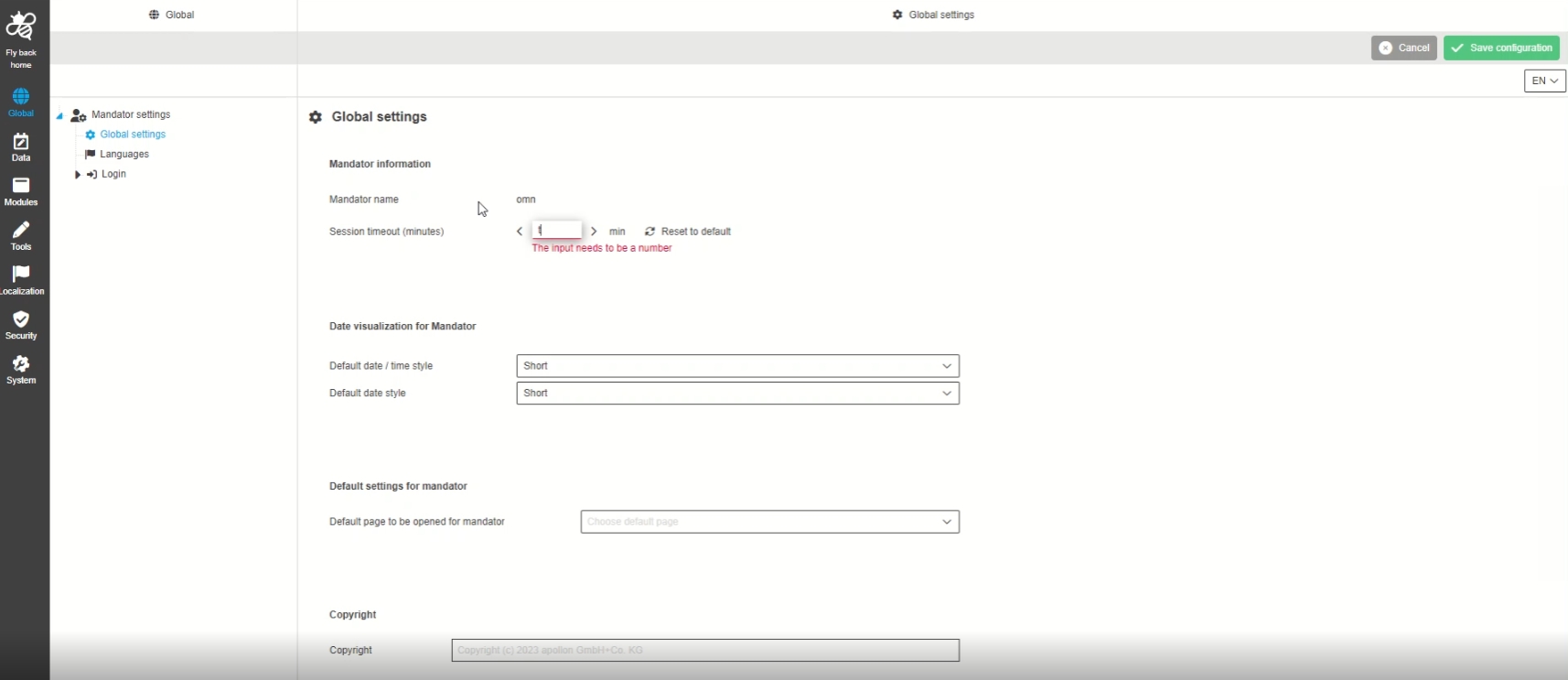
Small improvement that Mandator name is now shown on the global Settings page of configuration
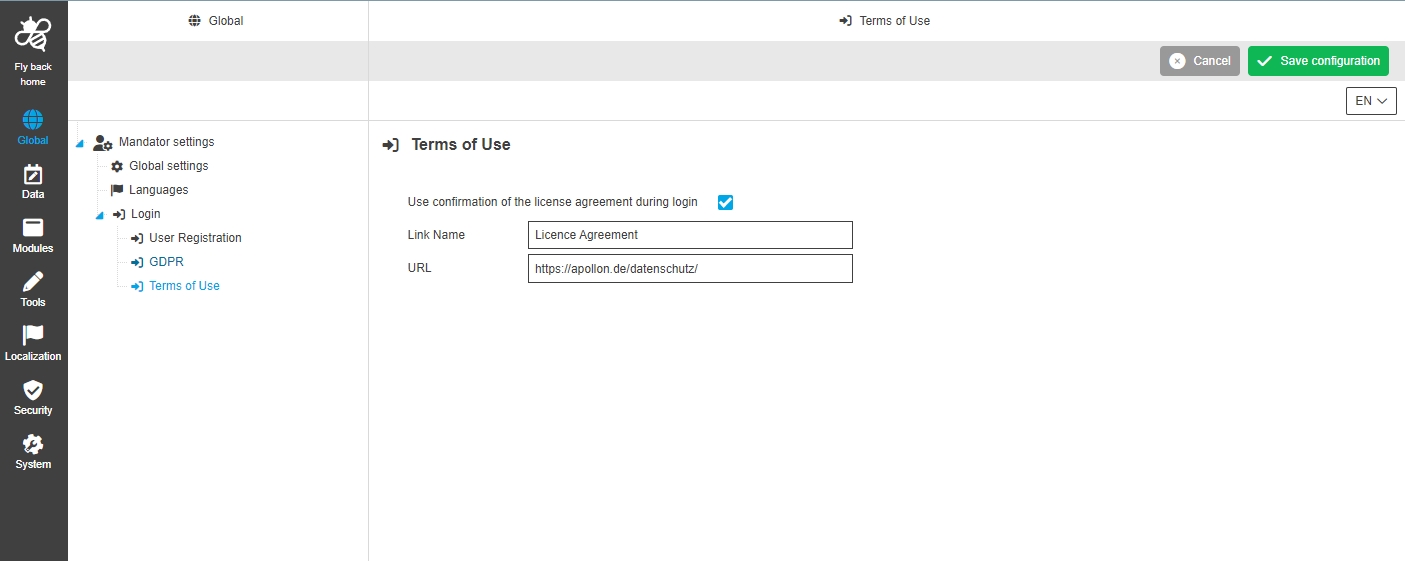
Global - Mandator settings - Login - Terms of Use - Link name and URL no mandatory fields
| References | OUCC-532 |
|---|
Possibility to save the Terms of use in new Configclient, so that the admin can see fallback link name and URL
Data
General
-
Data - Attributes - Introduce status bar settings for all attribute types
| References | OUCC-401 |
|---|
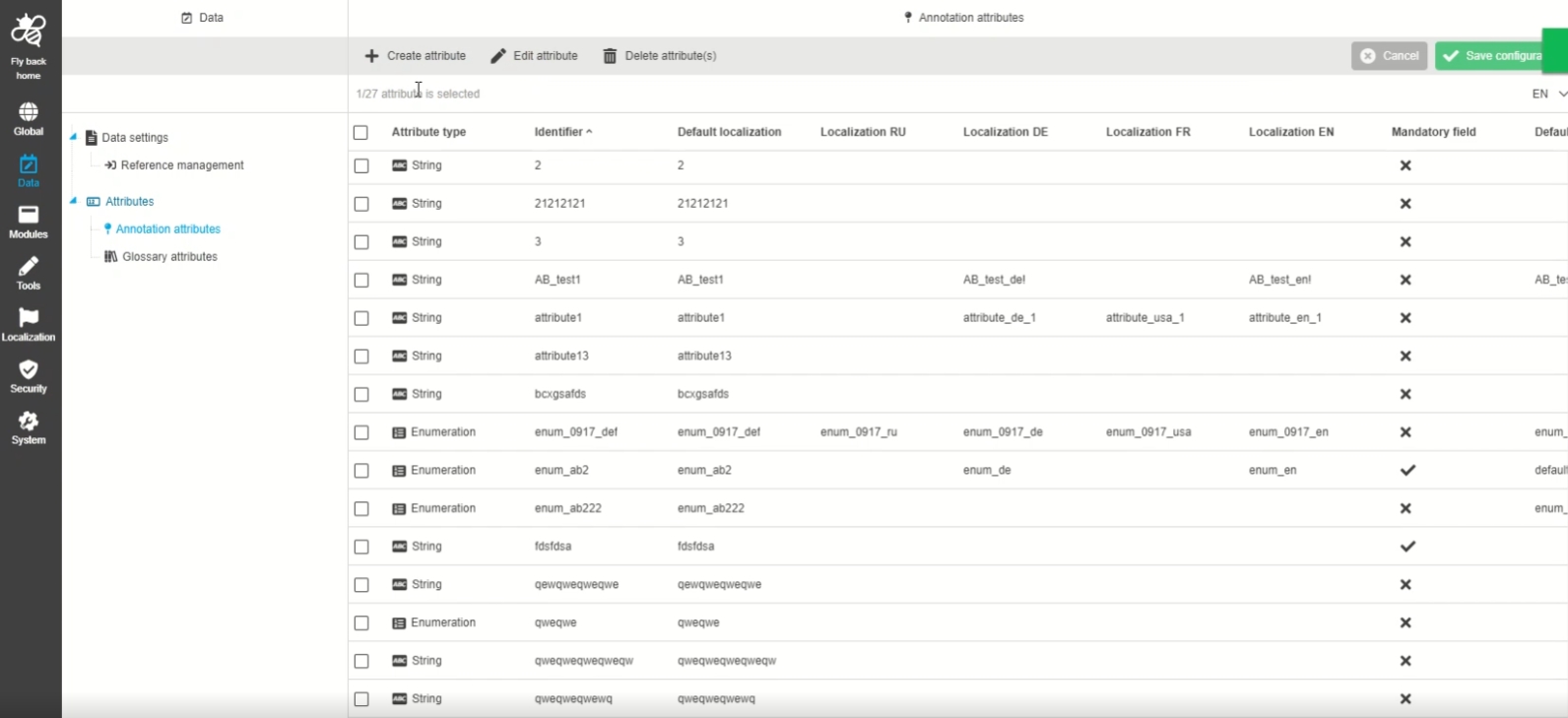
Status bar is now available in attribute tables (all types), so the the administrator can select/deselect attributes and will see corresponding information about available and selected attributes from table
-
Data - Creating attributes - To make focus in the input automatically
| References | OUCC-455 |
|---|
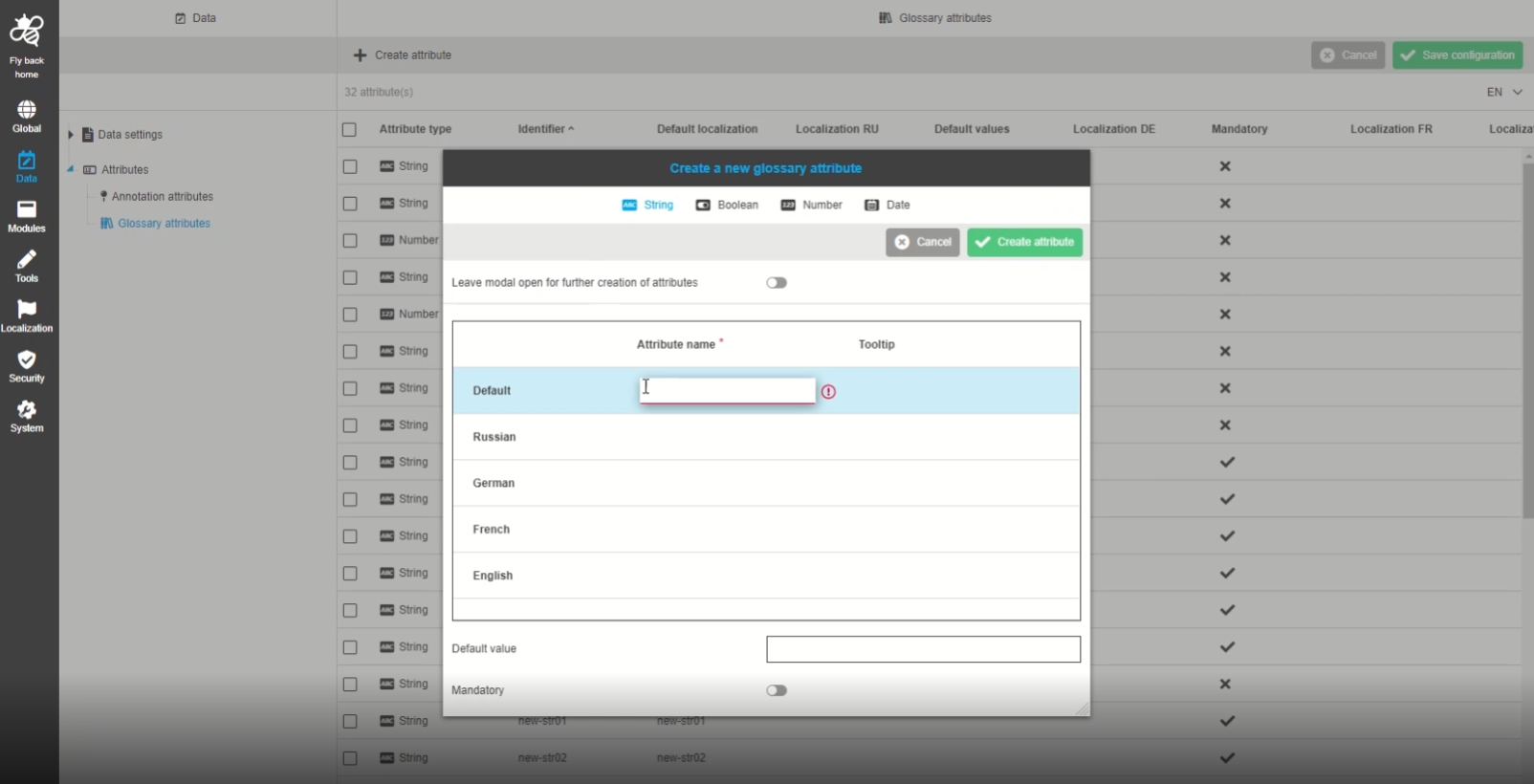
Improvement on creating attribute by having focus in the input field directly after opening the modal window directly
-
Data - Attributes - Object Type Annotation and Glossary - Annotation type string should be renamed to Text
| References | OUCC-572 |
|---|
Improved, more a user-friendly localization for attribute type string which is called text right now
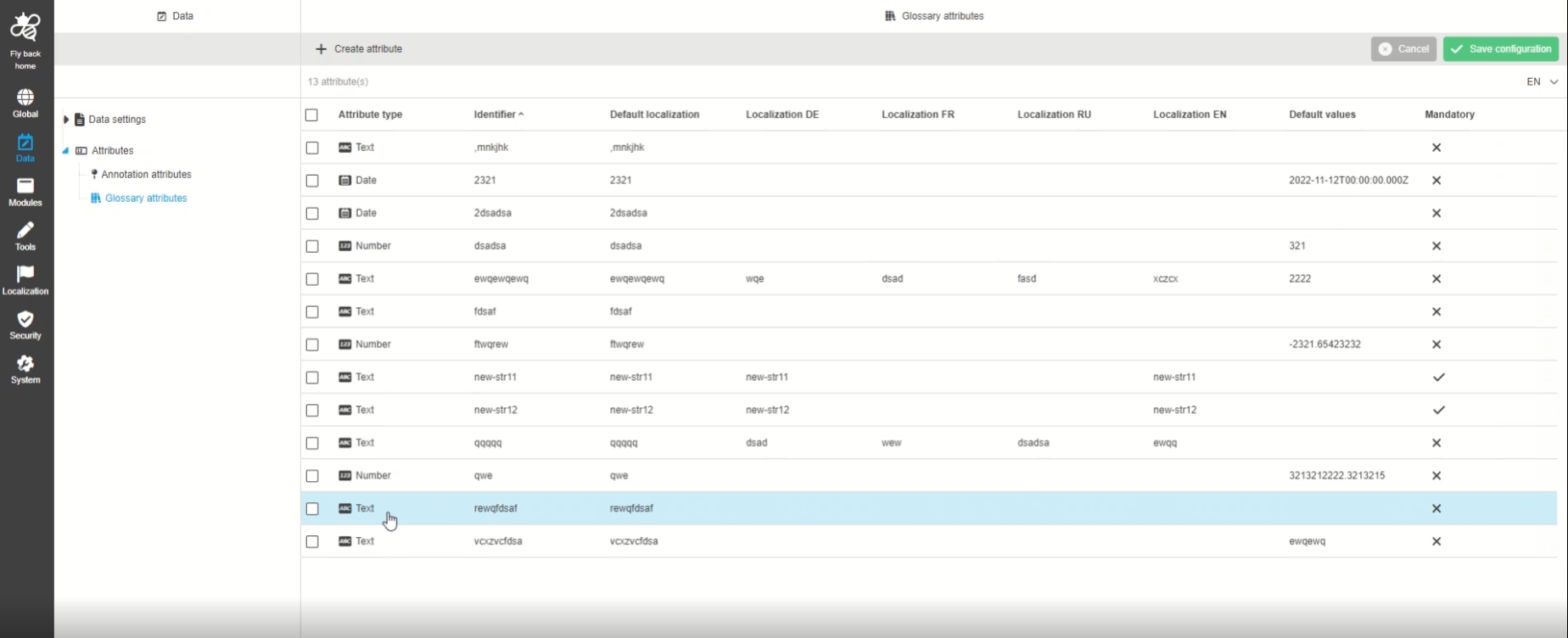
-
Data - Attributes - support for localization of attribute tooltips
| References | OUCC-440, OCA-30, OMN-9927 |
|---|
New localized tooltips for glossary and annotation attributes, so that the admin can use it on the config client during creating and editing ones
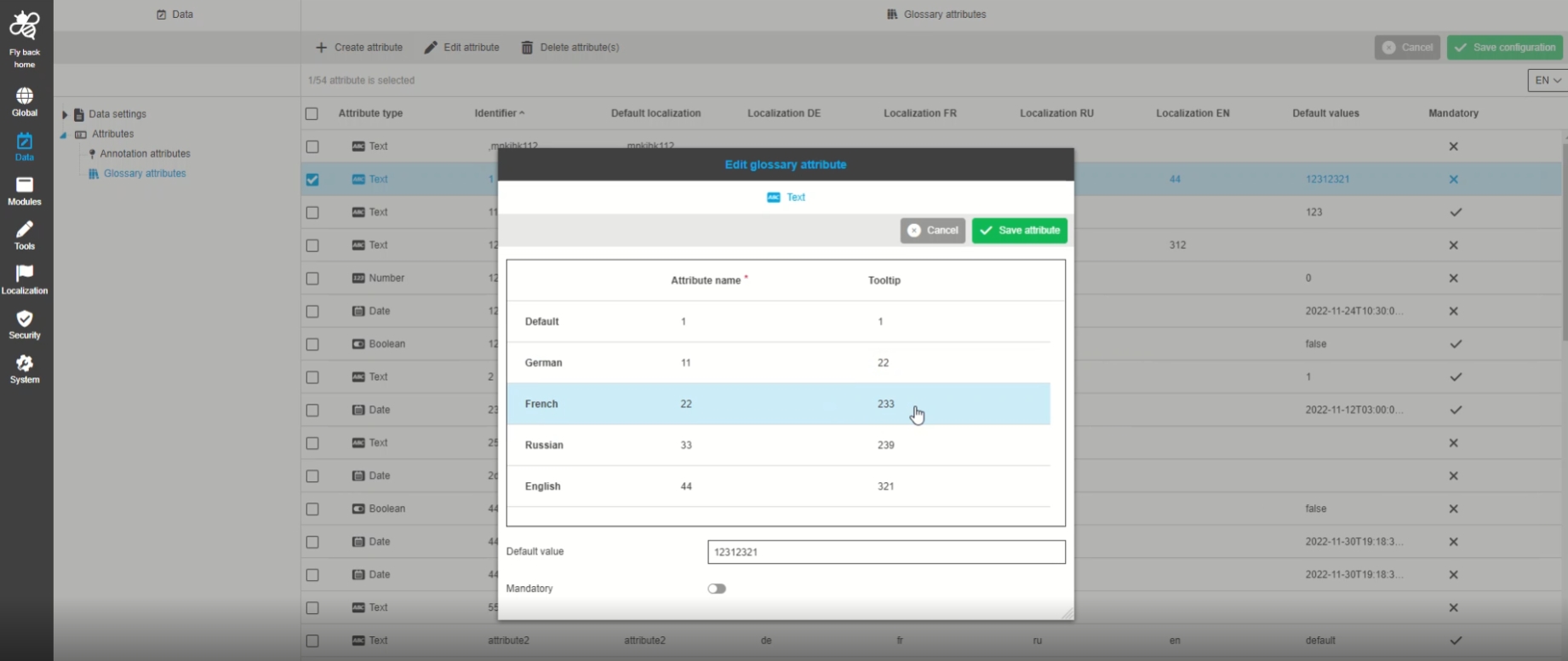
attribute name key 'glossary.attribute.{name}.name' - key was changed so previously created attributes should be deleted/modified (release notes)
tooltip key 'glossary.attribute.{name}.tooltip'
-
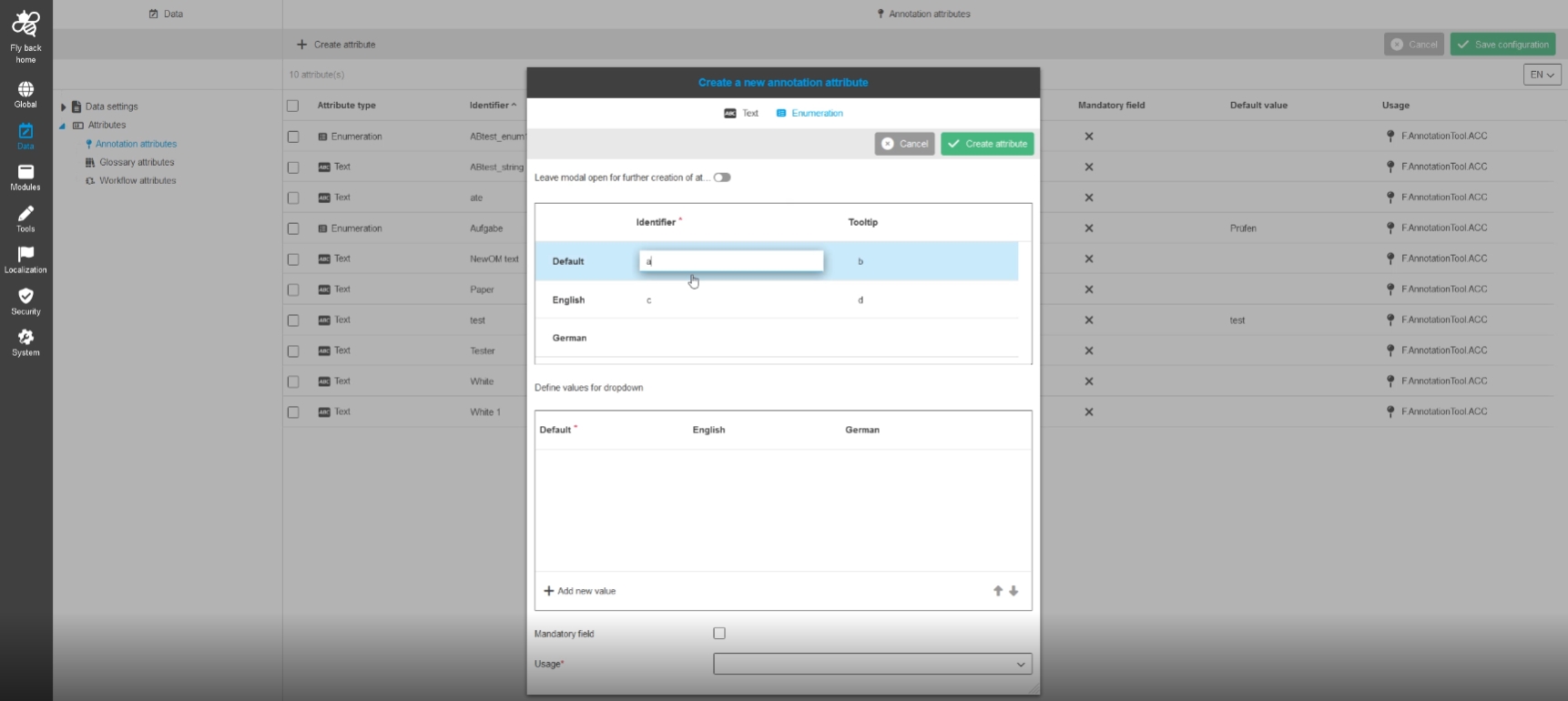
Data - Attributes - Object type Annotation - UX improvement for Default values for enumeration type
| References | OUCC-550 |
|---|
Possibility to create a new enumeration attribute from type annotation in a convenient way
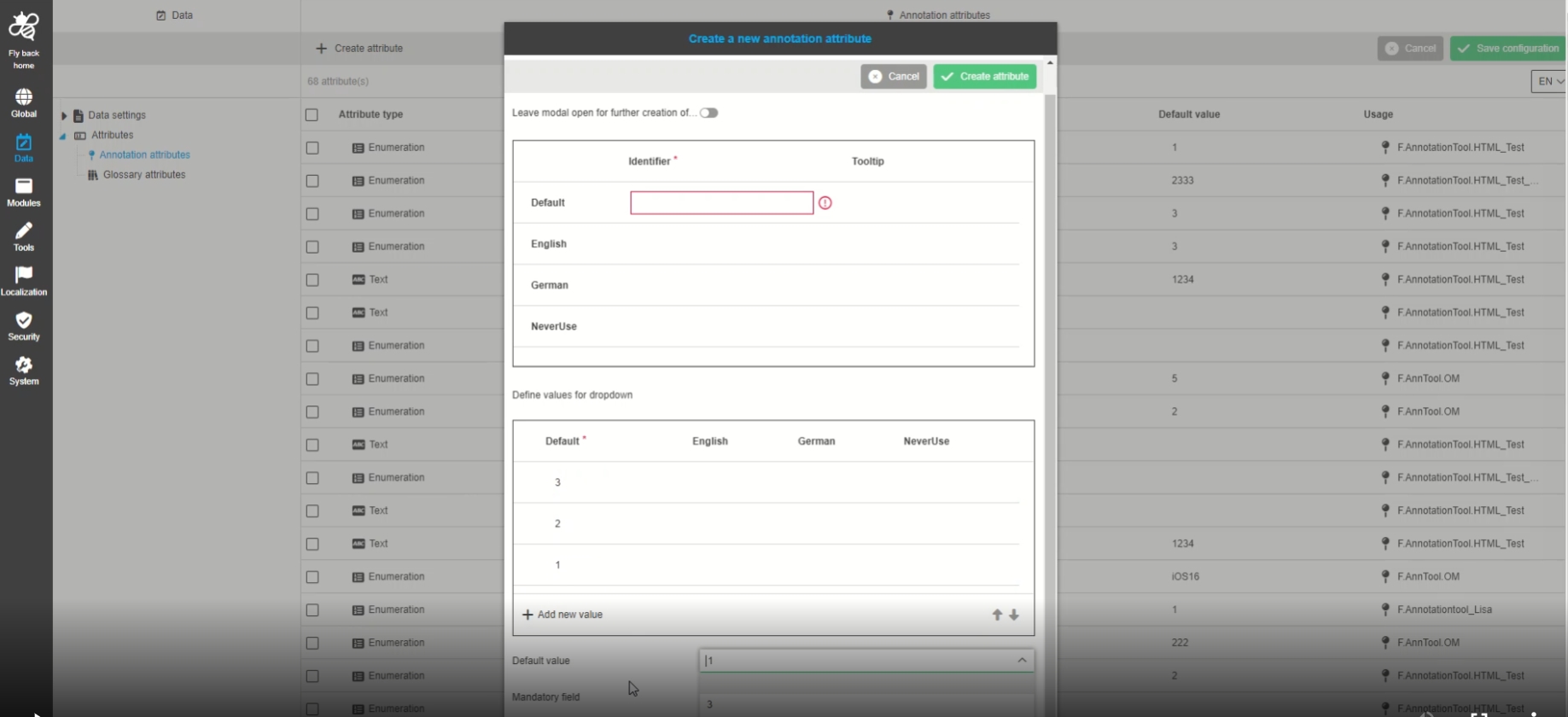
-
Adjust UI to use changes attributes api
| References | OUCC-713 |
|---|
Adjustment on glossaries and annotation tool attributes API to work with newest changes
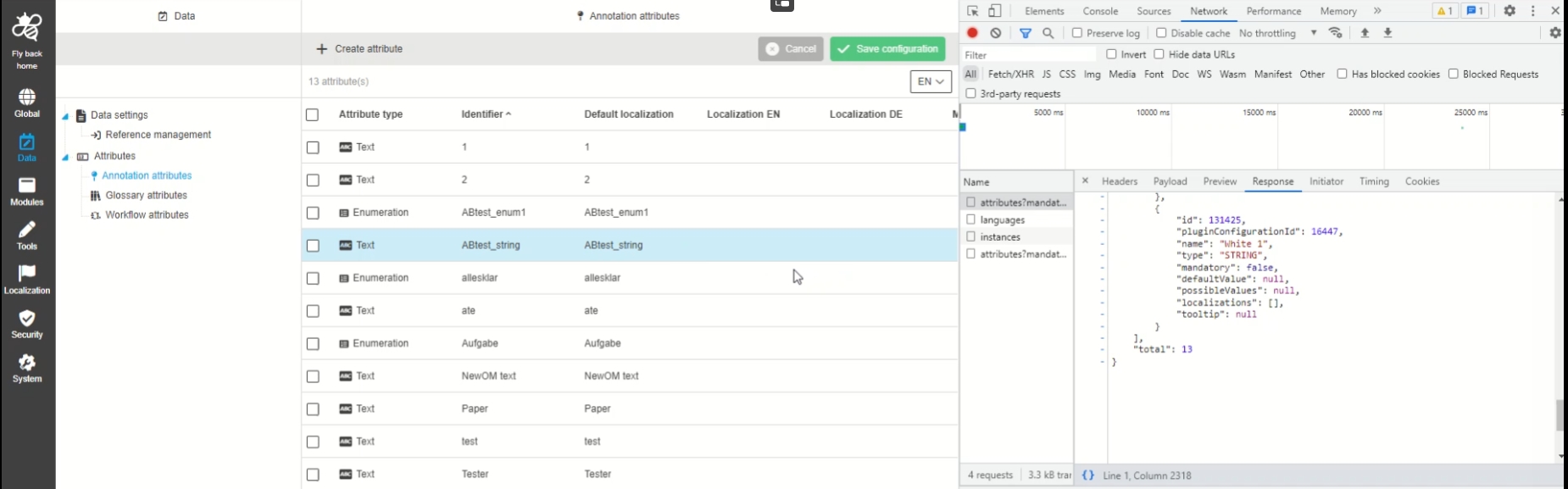
-
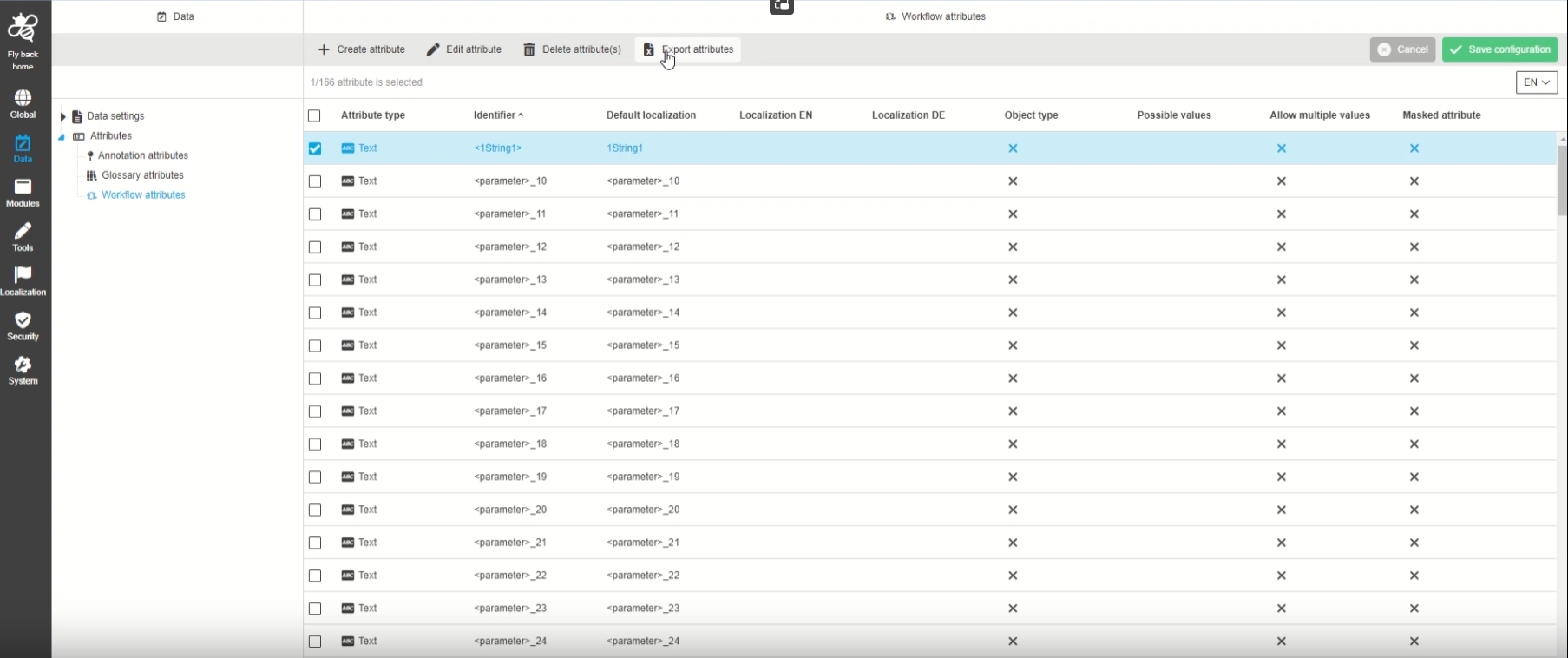
Data Attributes - All attribute types - Function to export attributes from table
| References | OUCC-689 |
|---|
Possibility to export attributes from a specific type from the attributes table, so that the admin can import them for example on another system, to reuse the same Attributes
| Export of Annotation Attributes and Import of any Attributes will be supported in next version |
-
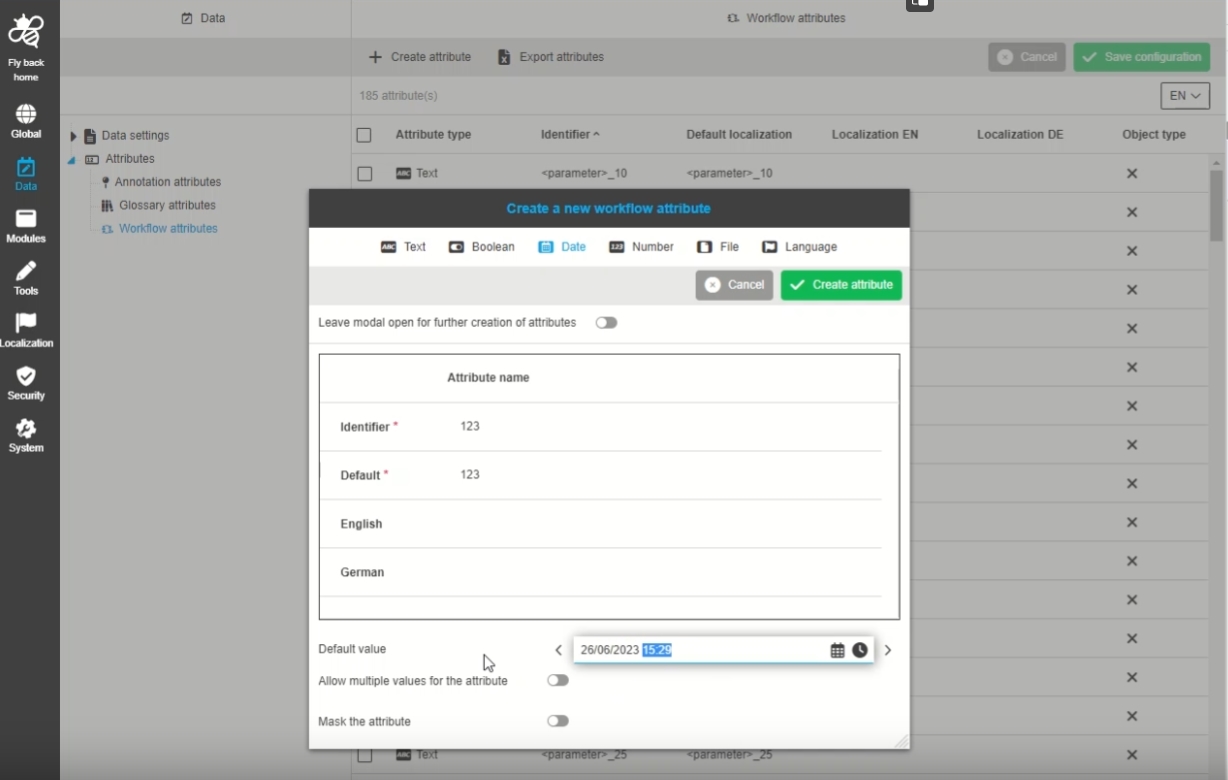
Change date and time format for attributes
| References | OUCC-922 |
|---|
Defined date time format string is used for loading and saving attributes' default values in Workflow attribute configuration
Annotation
-
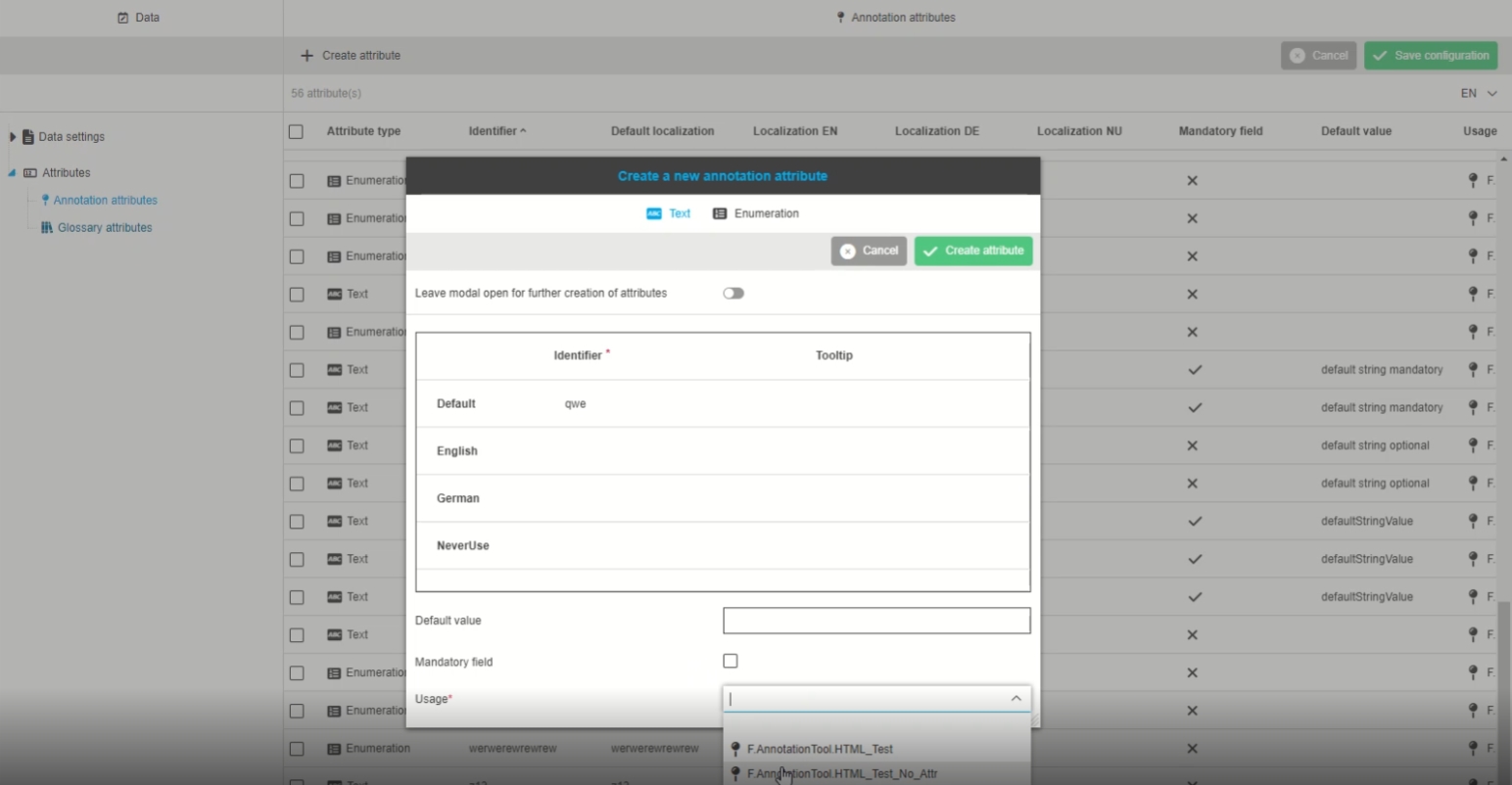
Data - Atrributes - Object Type Annotation - Create attribute - Show icons for 'Usage' dropdown
| References | OUCC-480 |
|---|
Improvement of new icon display in usage dropdown when creating new annotation attribute
Glossary
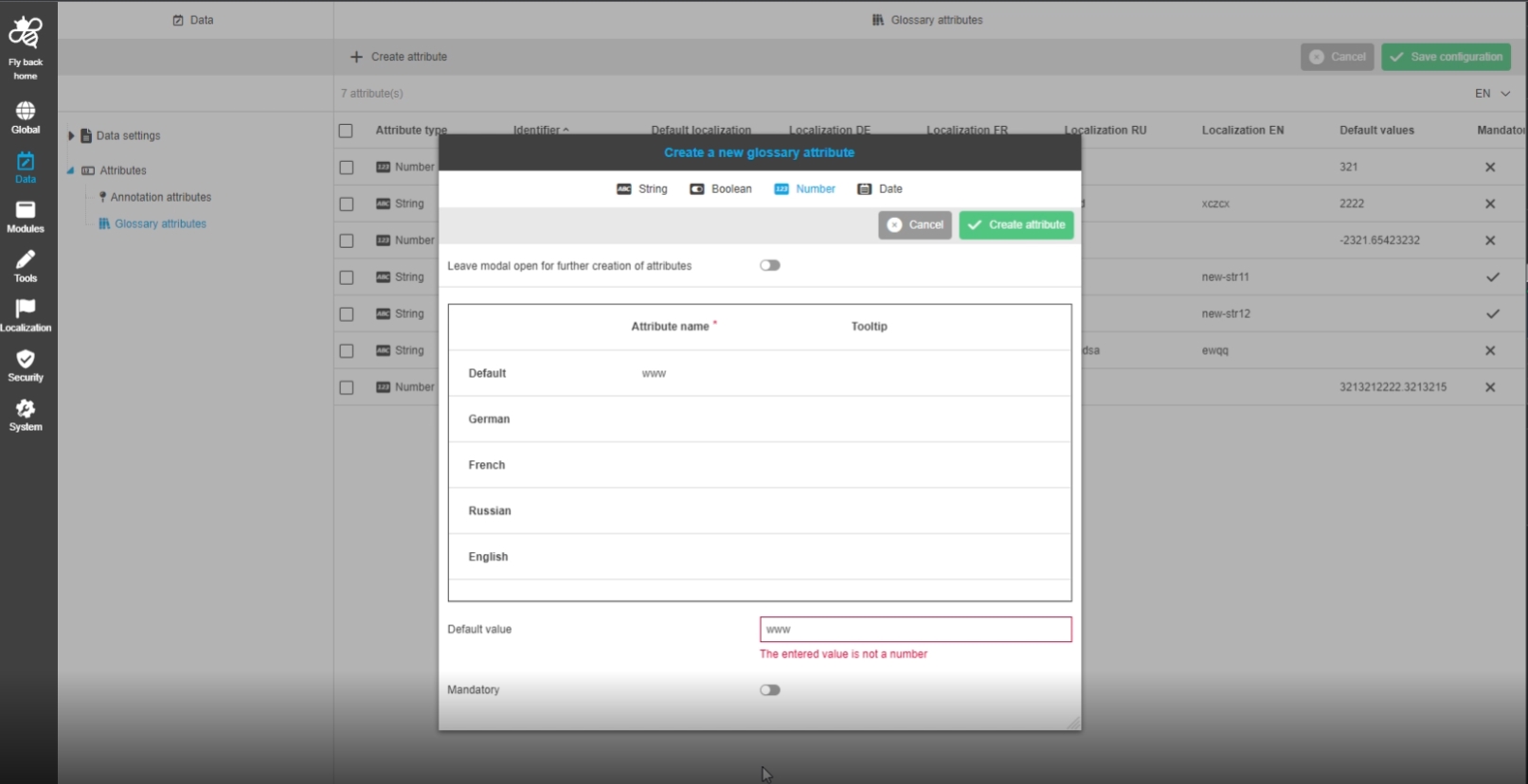
-
Data - Glossary attributes - Add validation for default number field
| References | OUCC-559 |
|---|
New validation message for default number field, so that am attribute can be successfully created
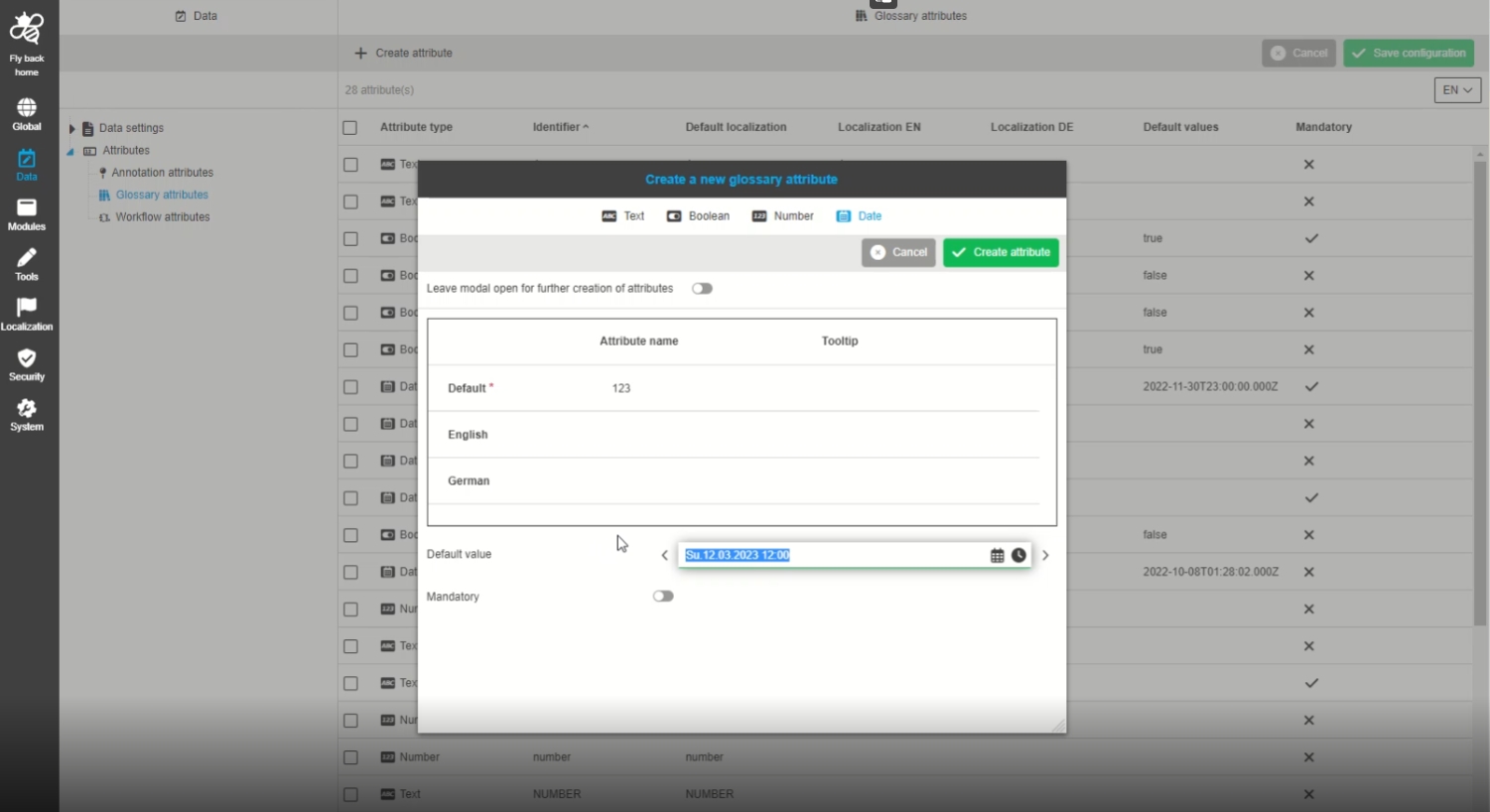
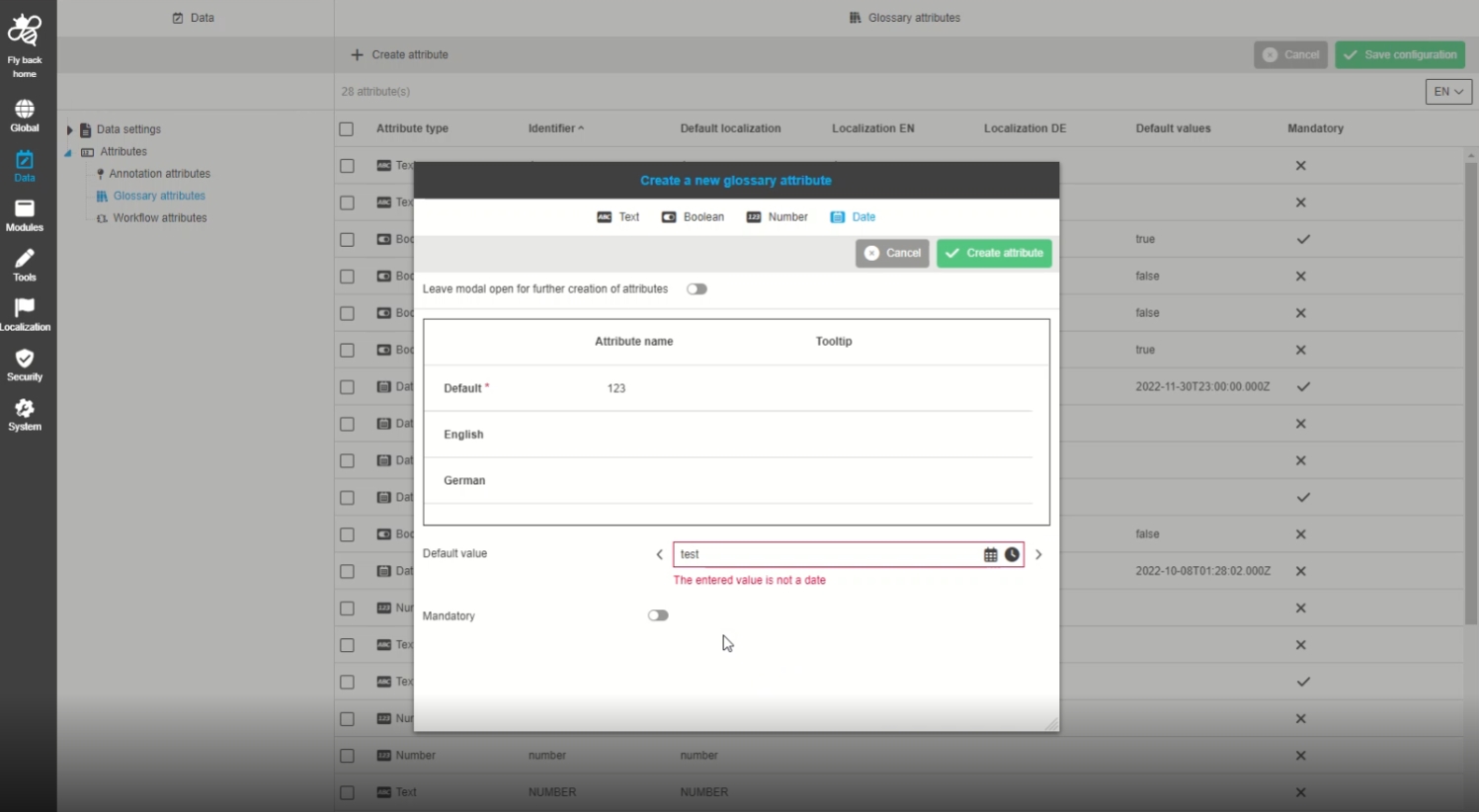
-
Data - Glossary attributes - Add validation for default date field
| References | OUCC-569 |
|---|
Improvement by new validation message for default date field, so that an attribute can be successfully created and edited
Workflow
-
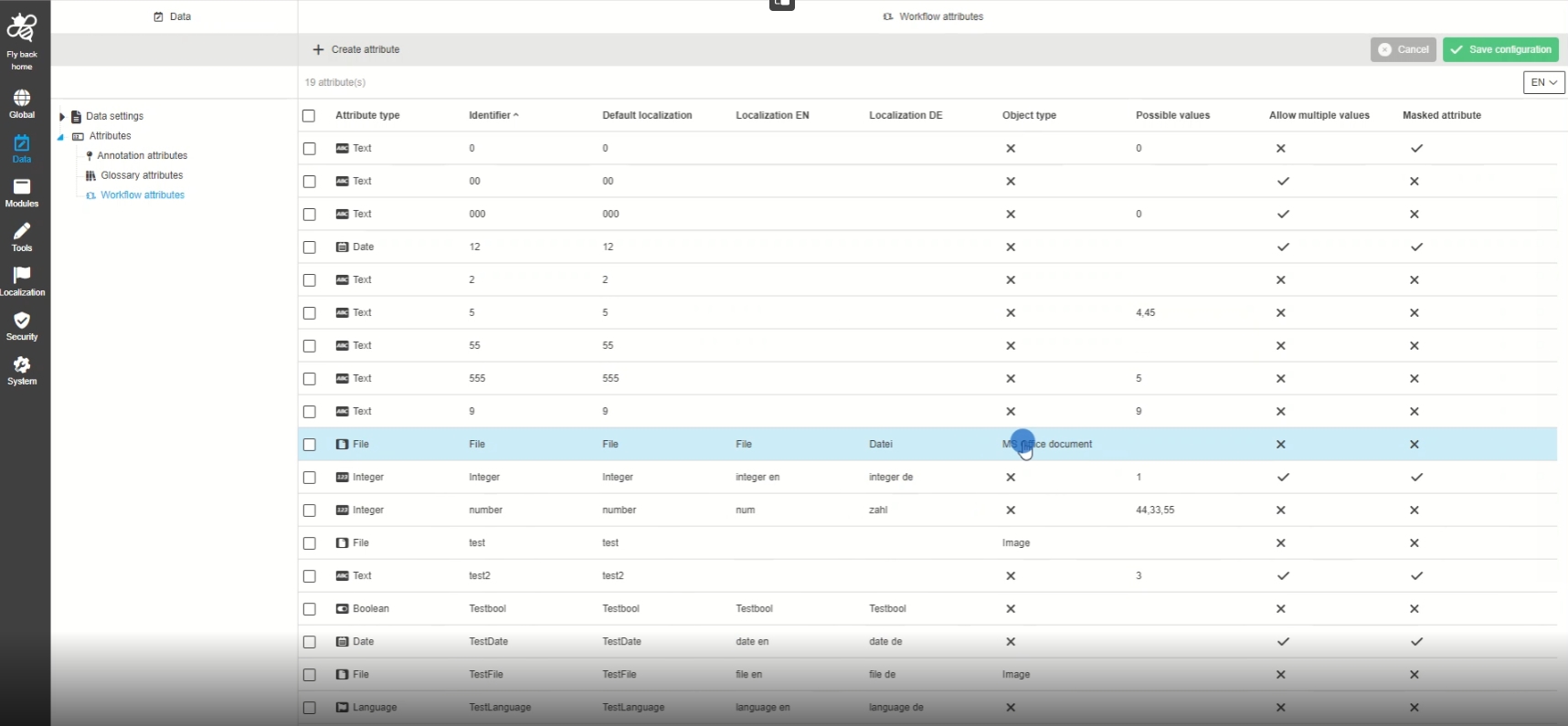
Data - Atrributes - Object Type Workflow
| References | OUCC-332 |
|---|
Possibility to configure Attributes with different types for object type workflow
-
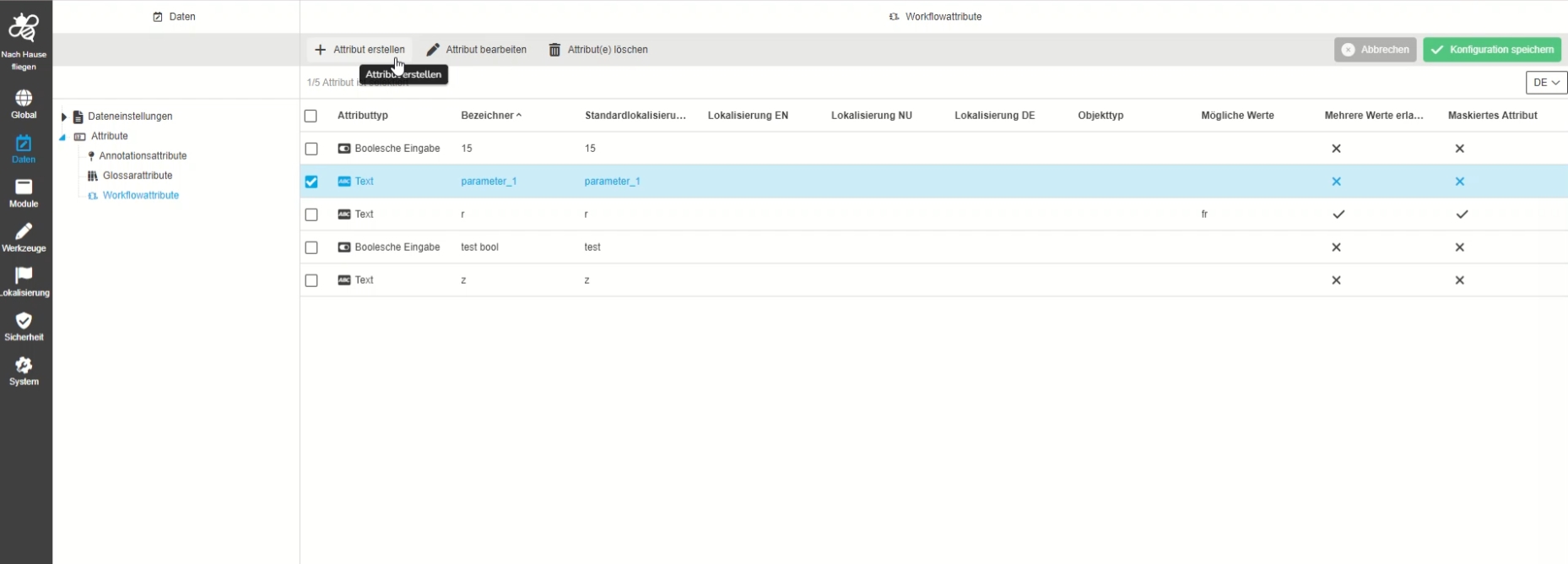
Data - Attributes - Object Type Workflow - Create Attribute
| References | OUCC-354 |
|---|
Possibility to create a new attribute from type workflow, so that the user can use it in table for Wfl Todolist or StatusList
-
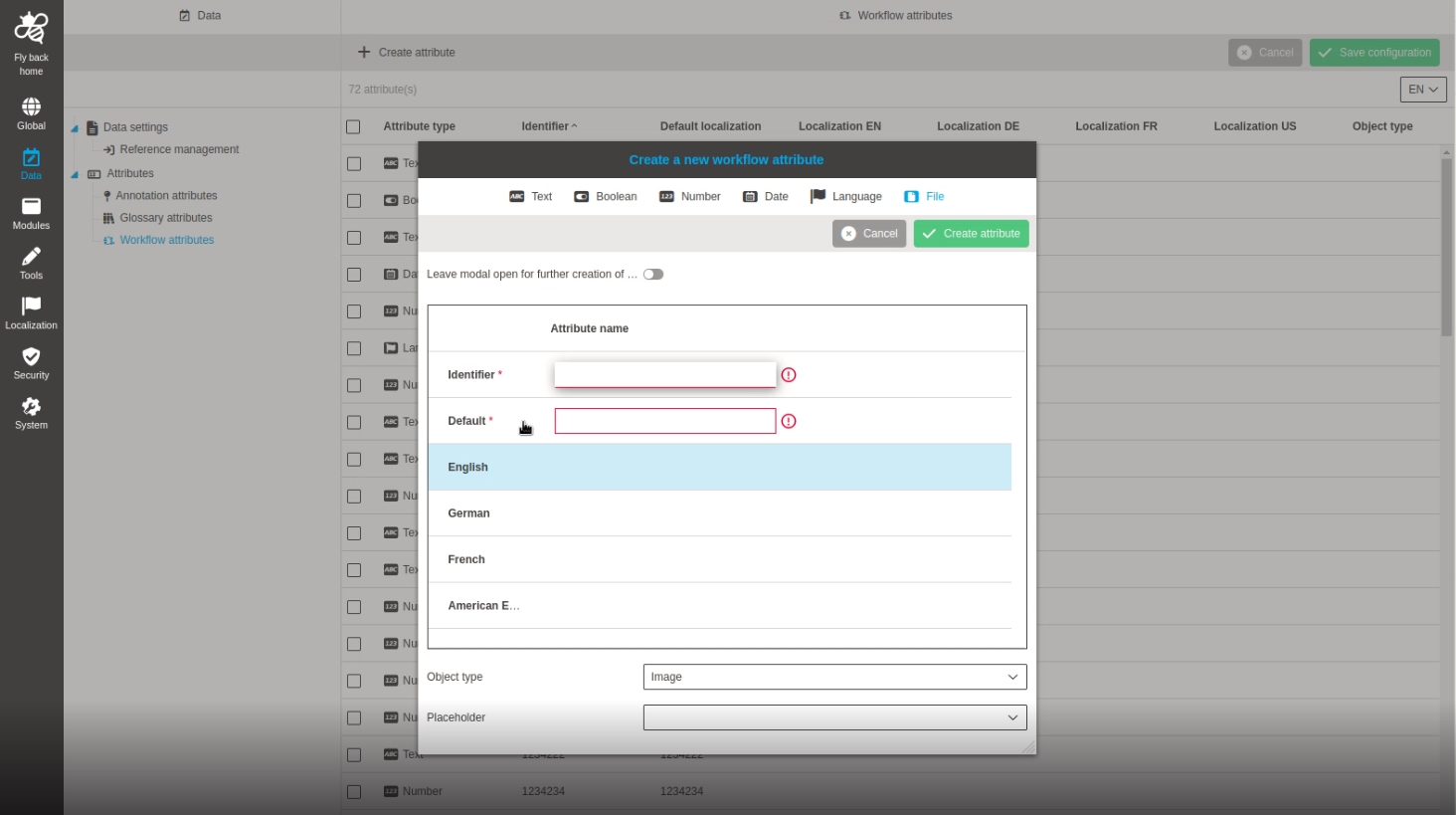
Data - Attributes - Object Type Workflow - Create attribute - File
| References | OUCC-565 |
|---|
Possibility to create a workflow file attribute so that the admin can use it in workflow configuration, table and/or detail view
-
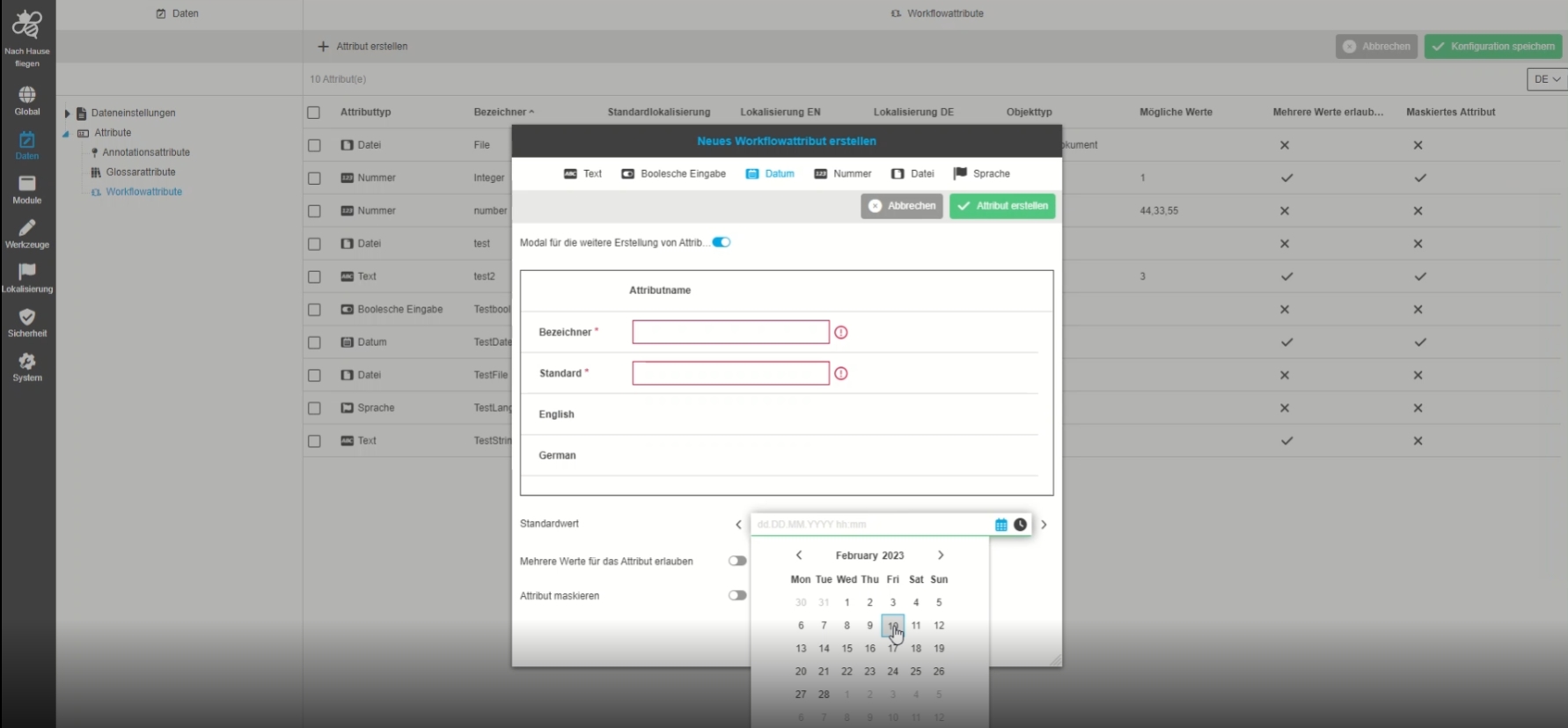
Data - Attributes - Object Type Workflow - Create attribute - Date
| References | OUCC-563 |
|---|
Possibility to create a workflow date attribute so that the admin can use it in workflow configuration, table and/or detail view
-
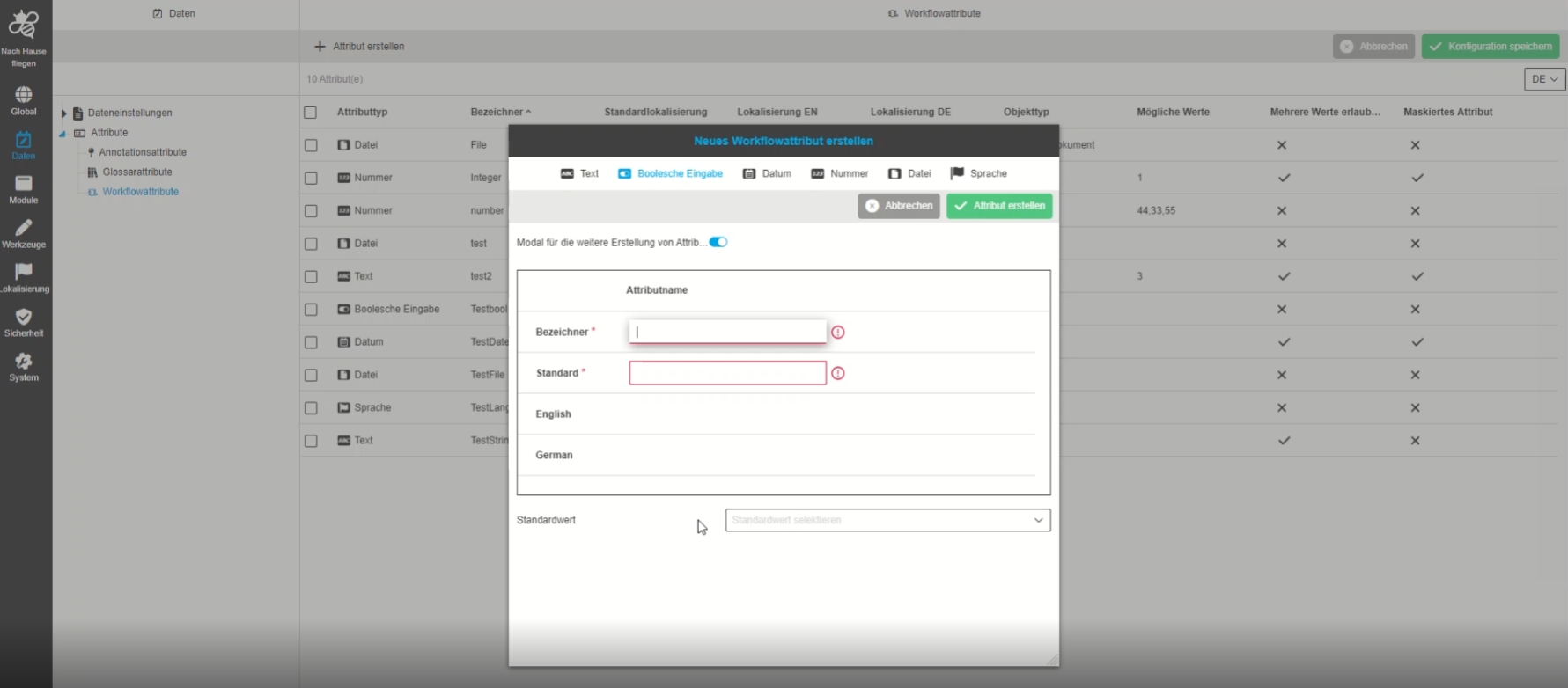
Data - Attributes - Object Type Workflow - Create attribute - Boolean
| References | OUCC-562 |
|---|
Possibility to create a workflow boolean attribute, so the admin can use it in workflow configuration, table and / or detail view
-
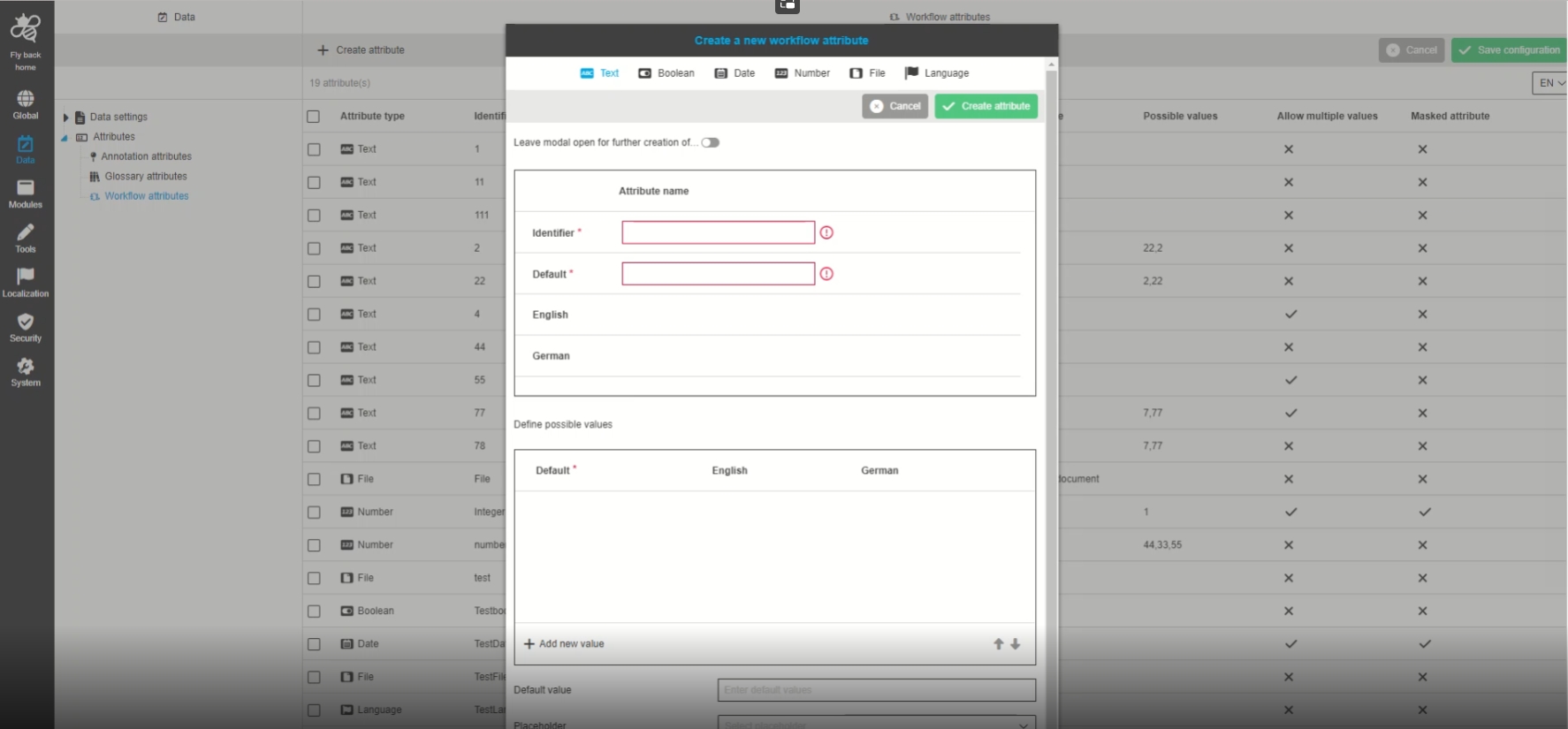
Data - Attributes - Object Type Workflow - Create attribute - Text/String
| References | OUCC-561 |
|---|
Possibility to create a workflow string attribute, so that the admin can use it in workflow configuration, table and / or detail view
-
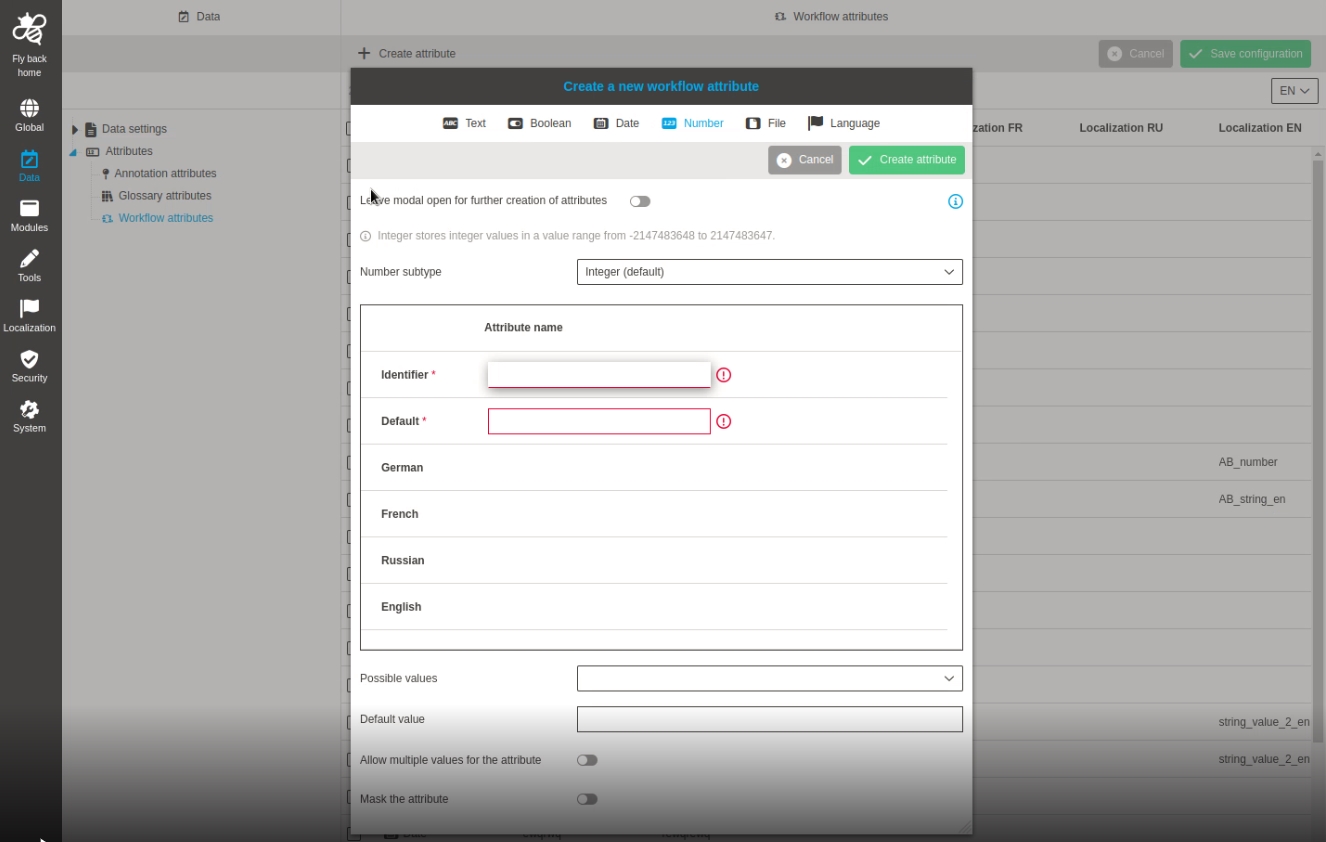
Data - Attributes - Object Type Workflow - Create attribute - Number
| References | OUCC-564 |
|---|
Possibility to create a workflow number attribute, so that the admin can use it in workflow configuration, table and / or detail view
-
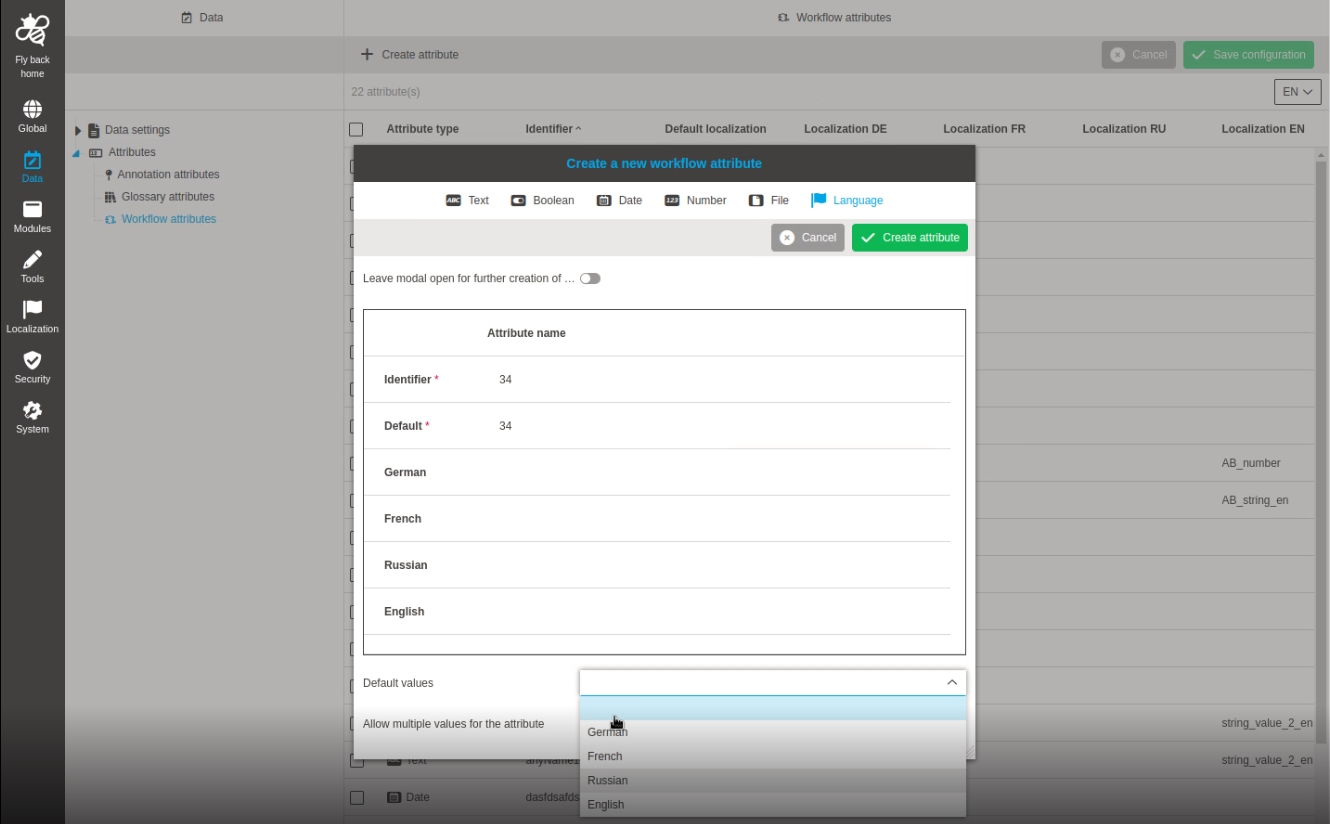
Data - Attributes - Object Type Workflow - Create attribute - Language
| References | OUCC-566 |
|---|
Possibility to create a workflow language attribute, so that the admin can use it in workflow configuration, table and / or detail view
-
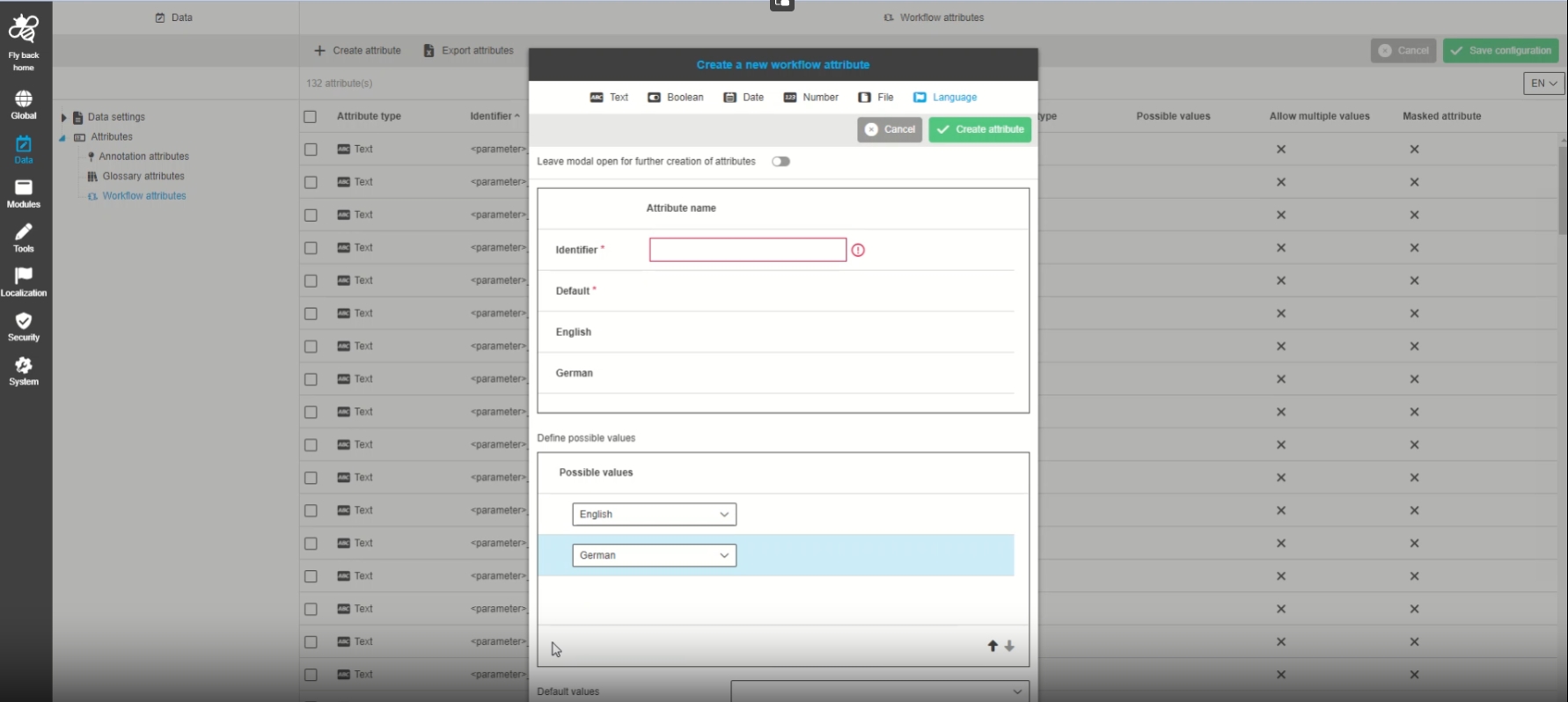
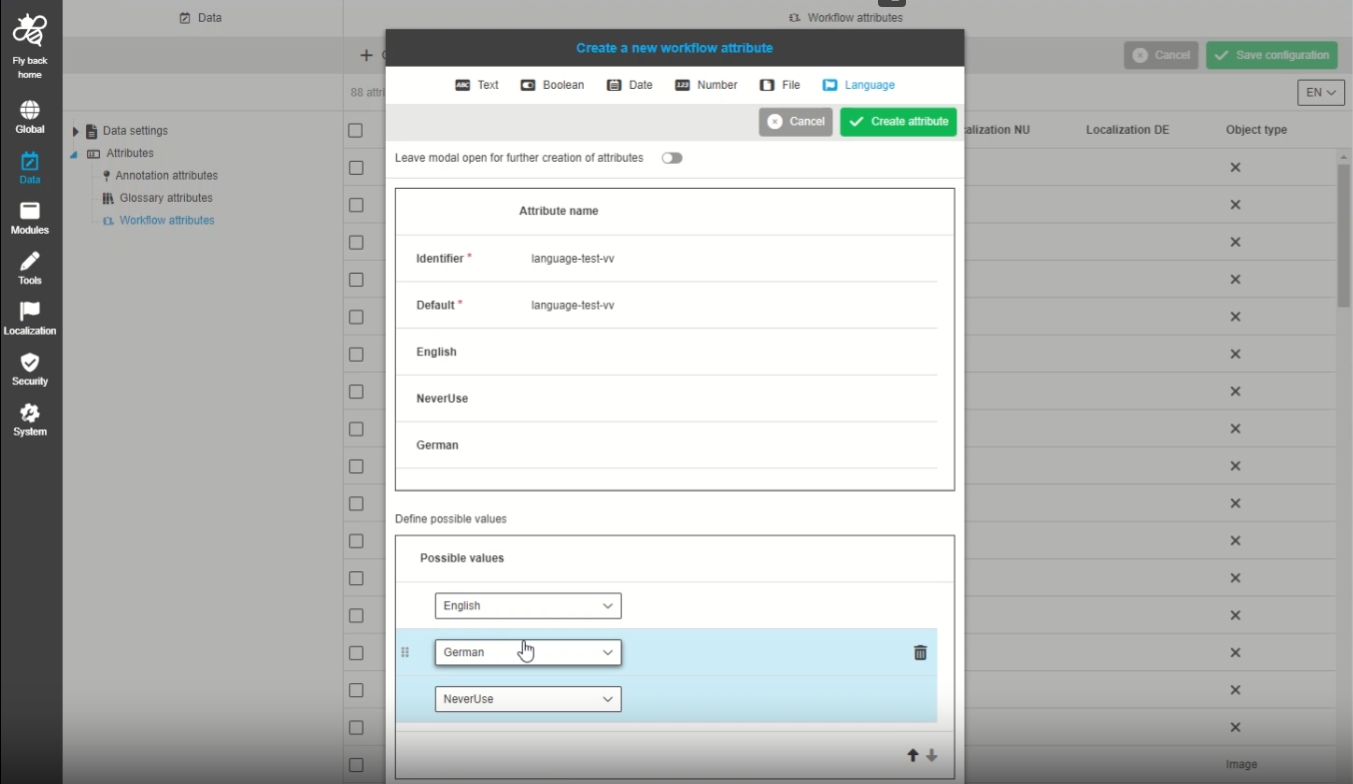
Data - Attributes - Object Type Workflow - Create attribute - Language - Introduce possible values
| References | OUCC-784 |
|---|
Possibility to configure possible values for workflow attributes from type language
-
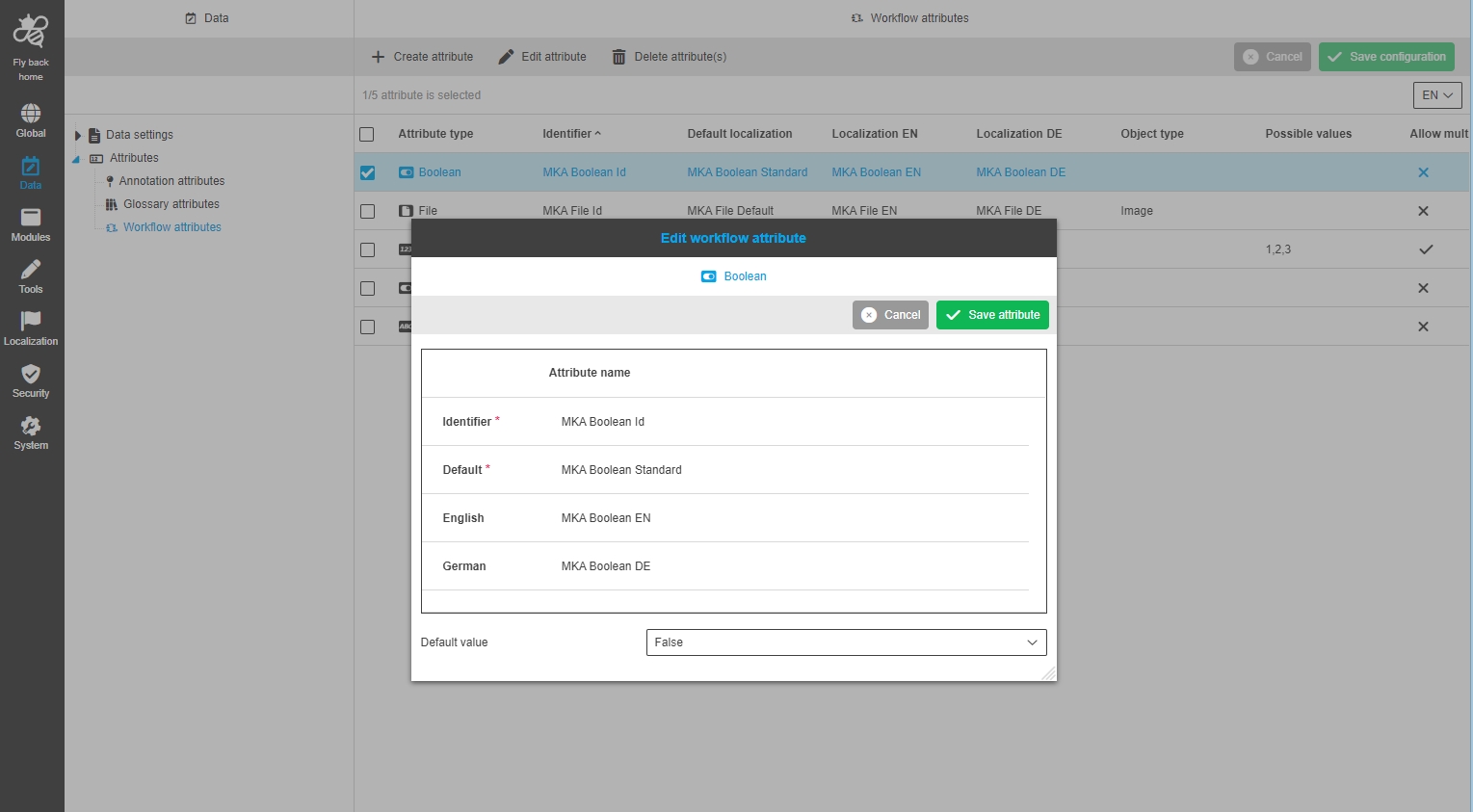
Data - Attributes - Object Type Workflow - Edit attribute
| References | OUCC-376 |
|---|
Possibility to edit attributes from the type workflow so the admin can use those attributes in the context of Workflows
-
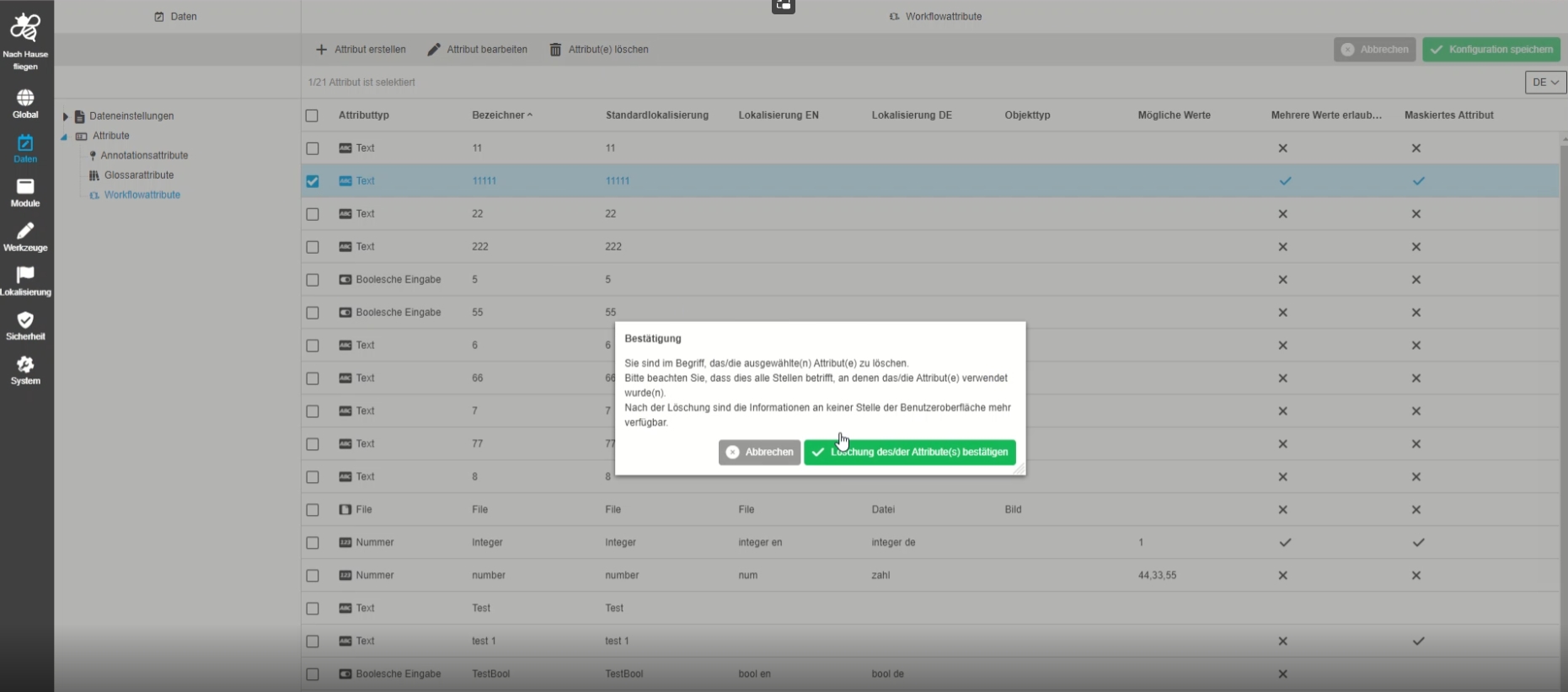
Data - Attributes - Object Type Workflow - Delete attribute(s)
| References | OUCC-377 |
|---|
Possibility to delete an attribute from type workflow in Config Client
-
Data - Attributes - the columns should not change the order
| References | OUCC-721 |
|---|
Small improvements in Attribut management so that DnD patterns are not displayed after hovering on column name and columns do not change the order
-
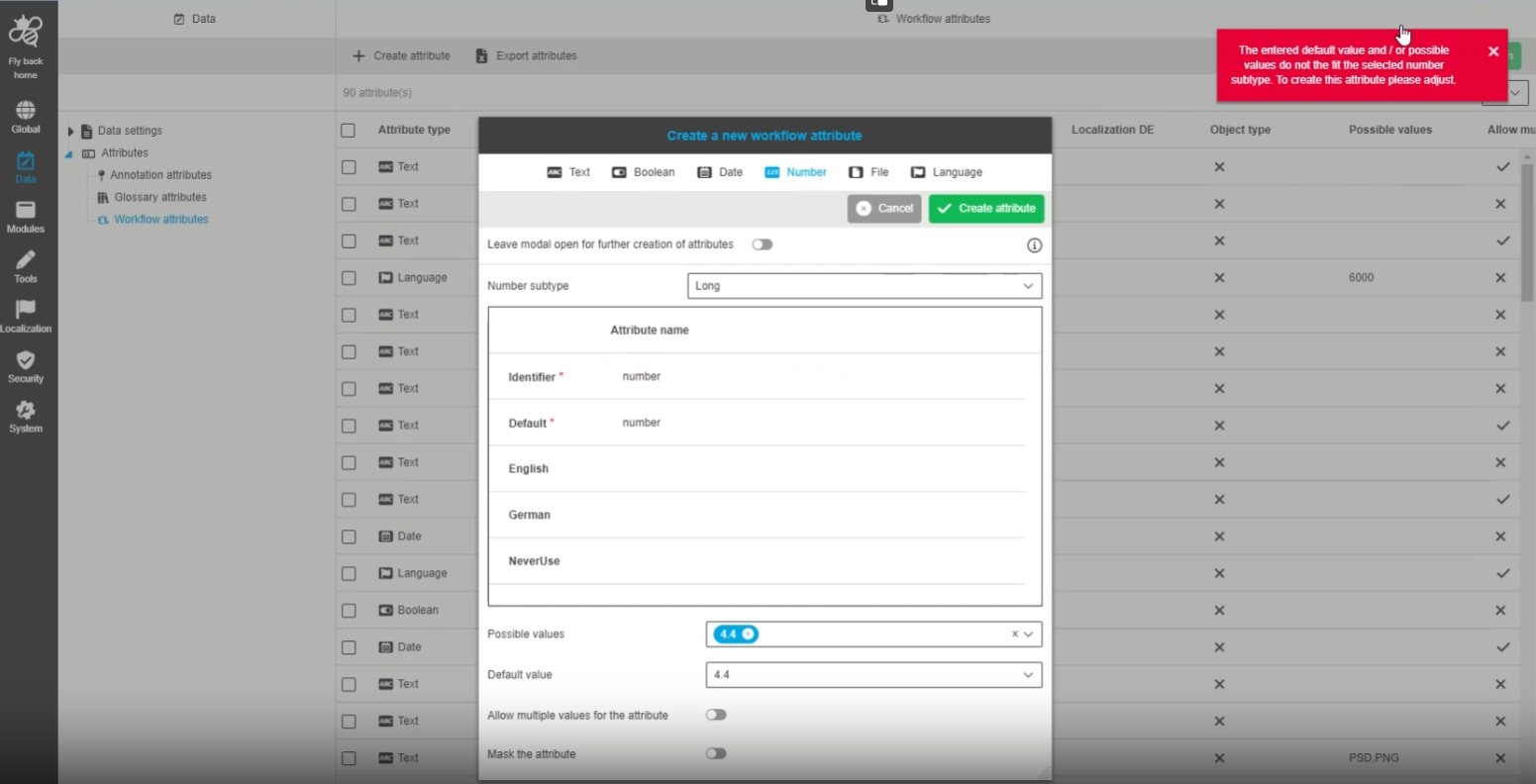
Data - Attributes - Object Type Workflow - Create attribute - Number - Validation according to selected number subtype in possible values and default valuefield
| References | OUCC-765 |
|---|
Improved input validation for workflow attributes from type number
-
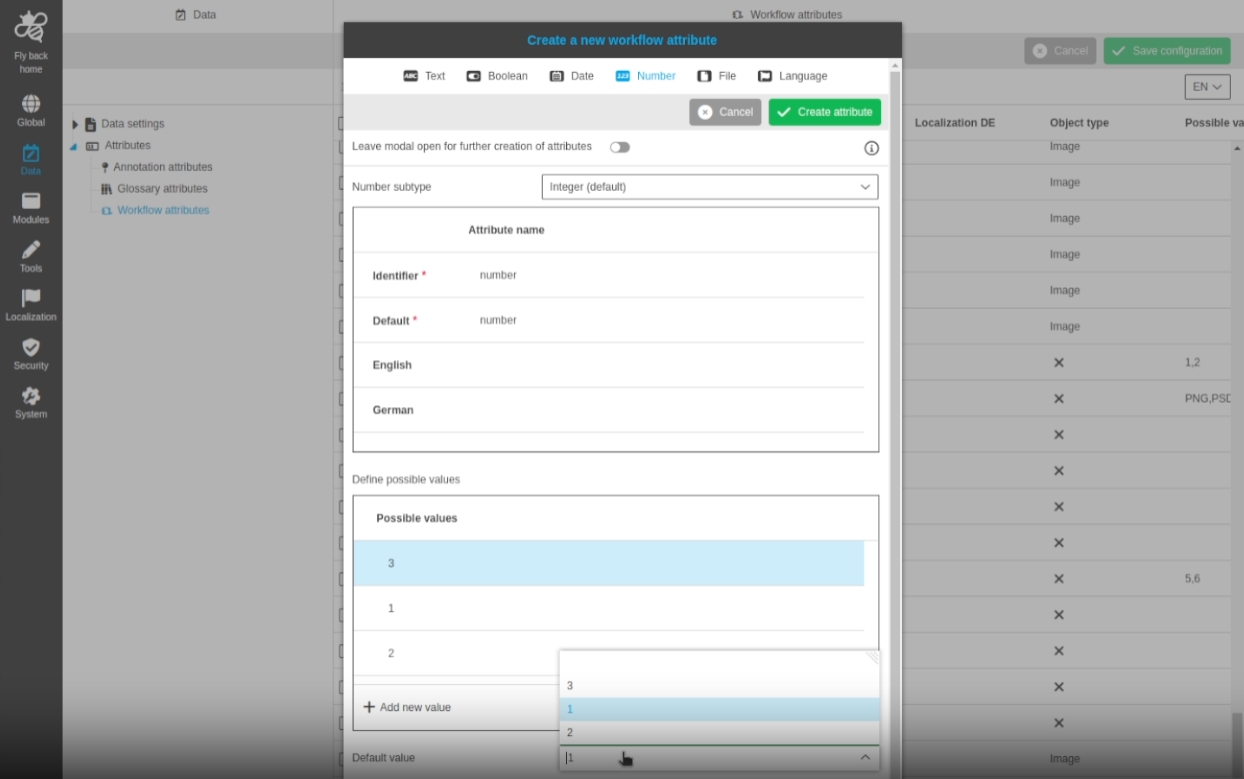
Data - Attributes - Object Type Workflow - Create attribute - Number - possible values with table visualization
| References | OUCC-846 |
|---|
Possibility to sort values of workflow attributes from type numbers so that it is possible to arrange my possible values list
-
Introduce possible values for Workflow attribute of Language type
| References | OMN-10207 |
|---|
Introduce possible values for Workflow attribute of Language type
-
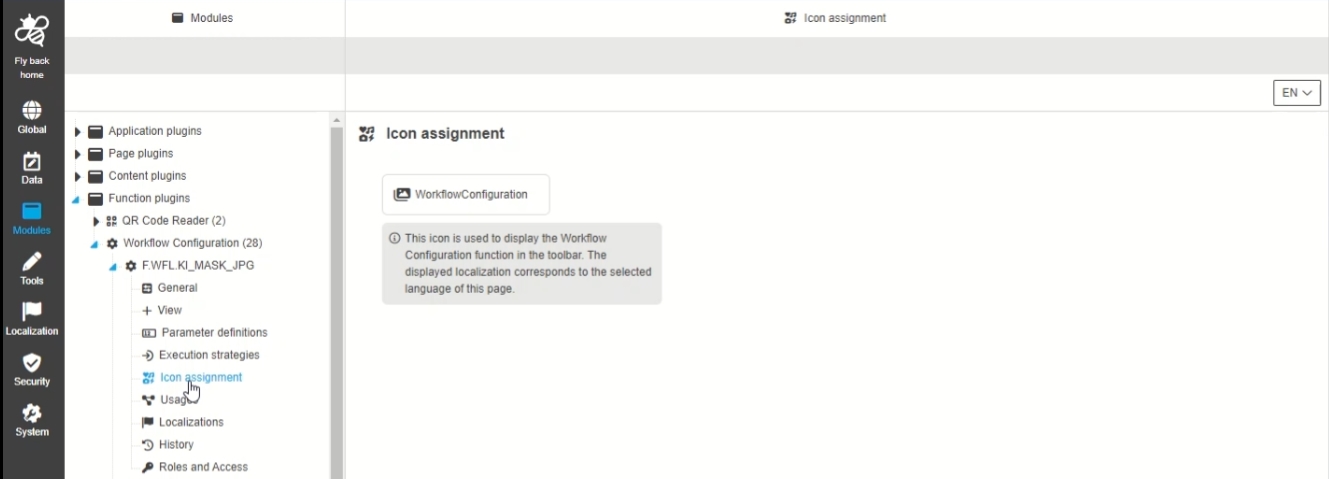
Define default icons
| References | OMN-10212 |
|---|
Technical introduction of default icons on the Configclient for newly created plugin instances
-
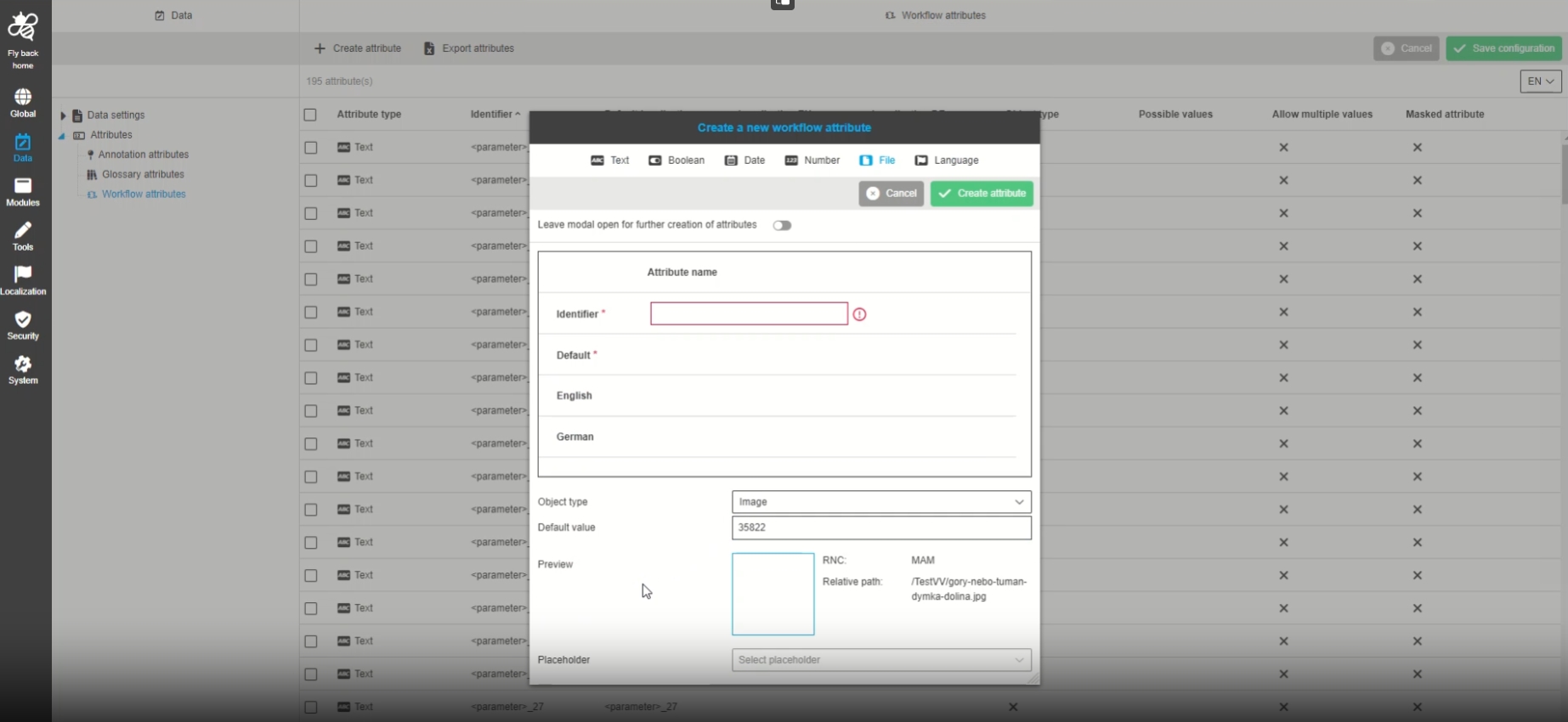
Data - Attributes - Object Type Workflow - File - Configure default value
| References | OUCC-1009 |
|---|
Possibility to configure a default value for workflow attribute from type file, so that the admin can define a global attribute definition with default value
Reference Management
-
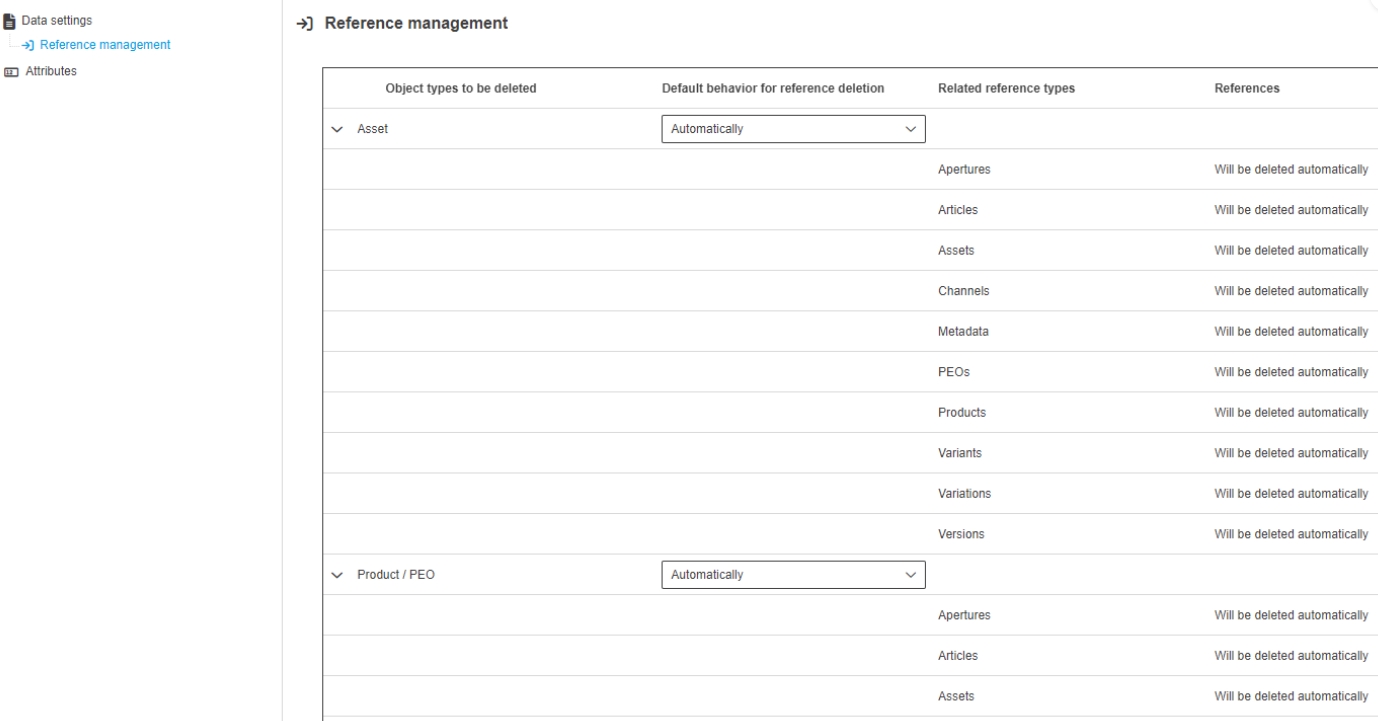
Data - Data settings > Reference management - sorting of column "Related reference types"
| References | OUCC-875 |
|---|
Alphabetical ascending sorting of content in column "Related reference types" (EN) / "Zugehörige Referenztypen" (DE), each for "Asset" list" and "Product / PEO" list is now possible
-
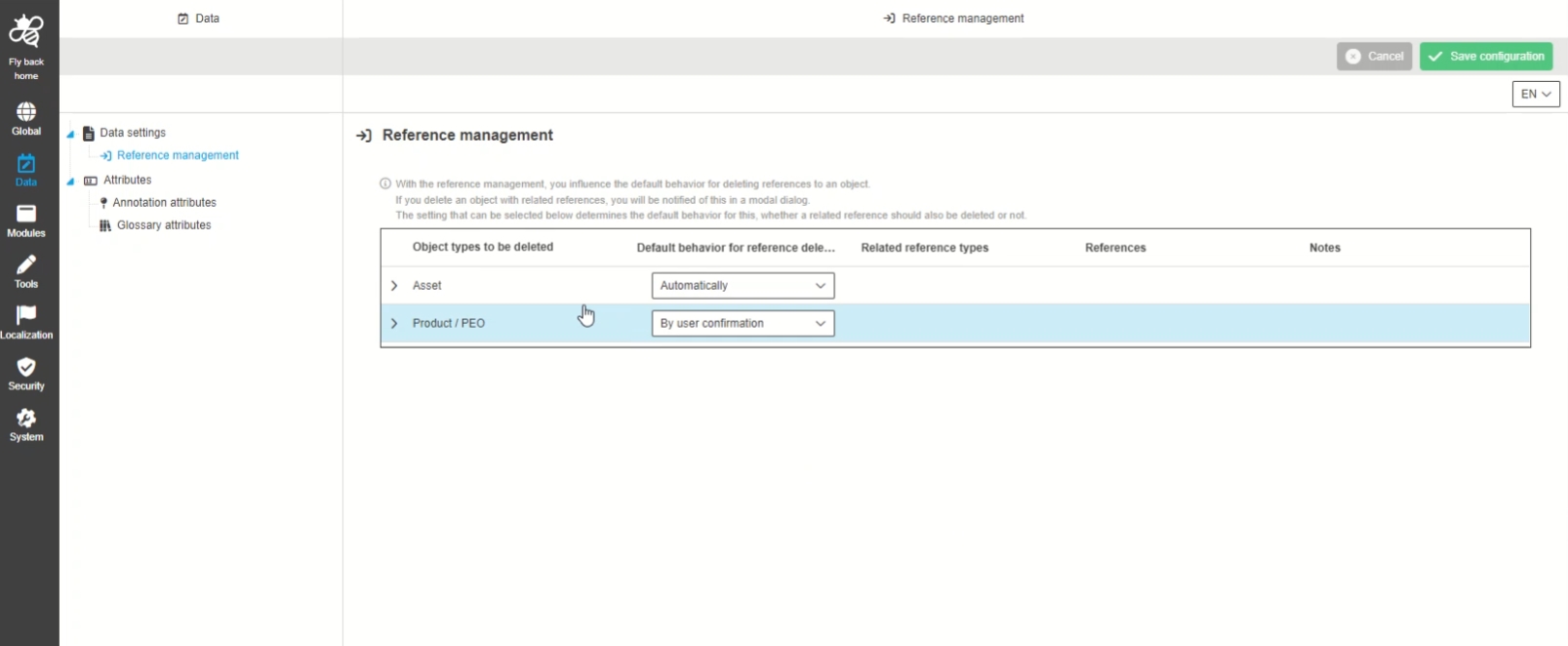
ConfigClient - Data - Data settings - Reference Management - Improvement that explanation text is info which can be shown or hidden
| References | OUCC-618 |
|---|
New explanation text as info as in every other place in new CC, so that the admin can get more information about configuration in reference management
-
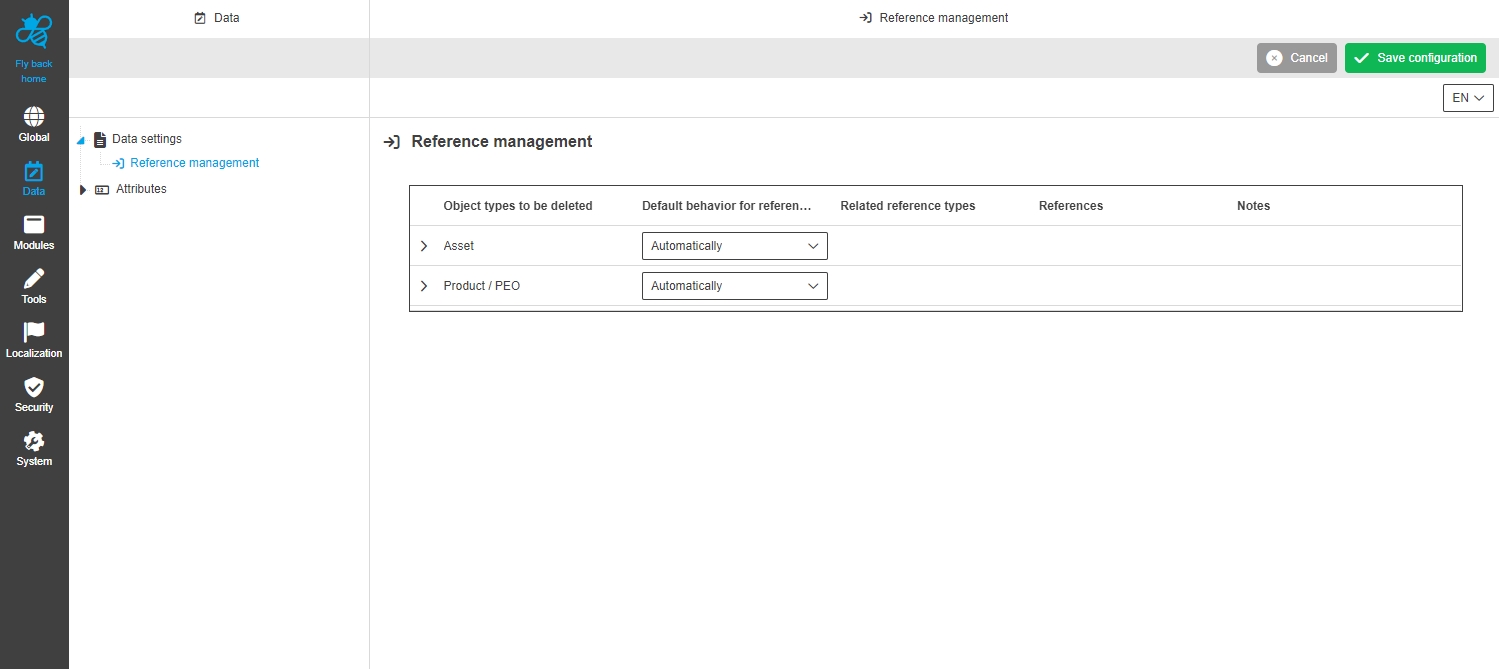
Providing default Reference management on the server side
| References | OMN-9640 |
|---|
New default reference management Settings exists on Servers side, so that by default references will be deleted automatically
Application
Dashboard Application Plugin
| References | OUCC-11 |
|---|
-
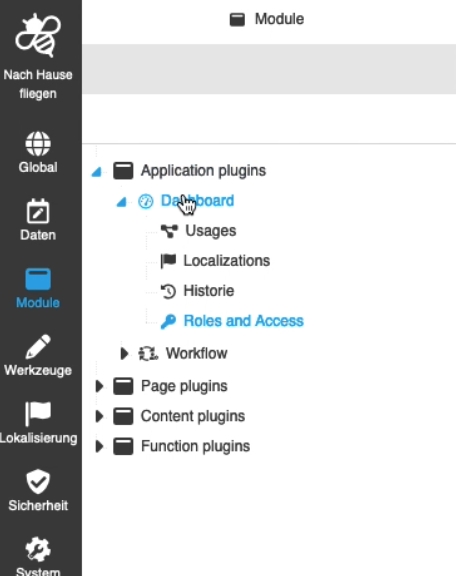
Modules - Application plugin - DashboardPlugin - General layout
| References | OUCC-645 |
|---|
Possibility to enable dashboard plugin in the ConfigUI, so that Dashboard is available in OMN application
-
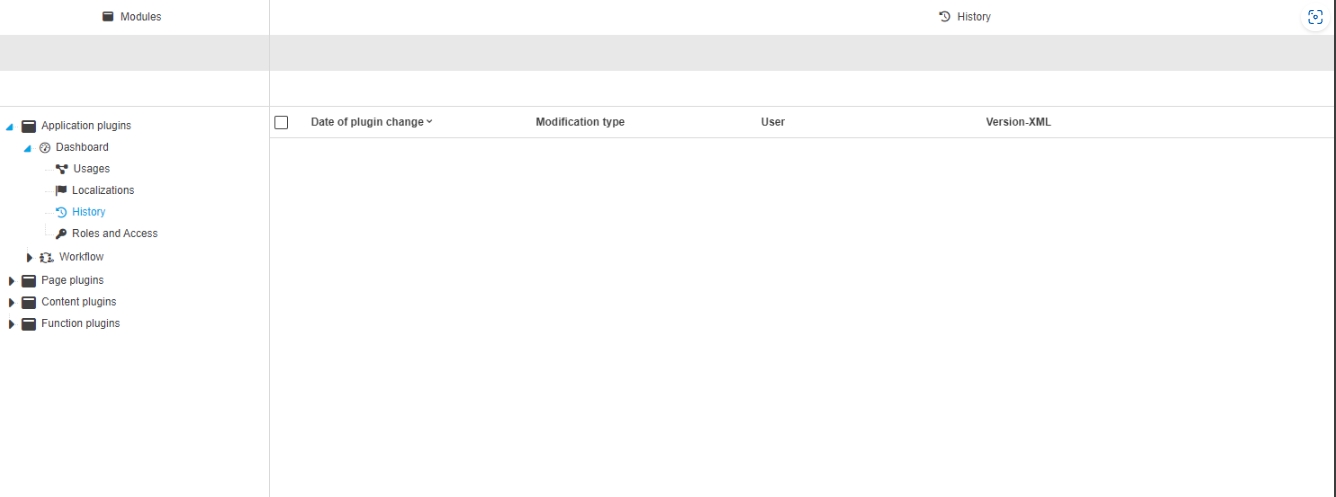
Modules - Application plugin - DashboardPlugin - History
| References | OUCC-648 |
|---|
Overview of modifications made in the Dashboard application plugin instance for better transperancy who, when and what changes within the configuration
Workflow
-
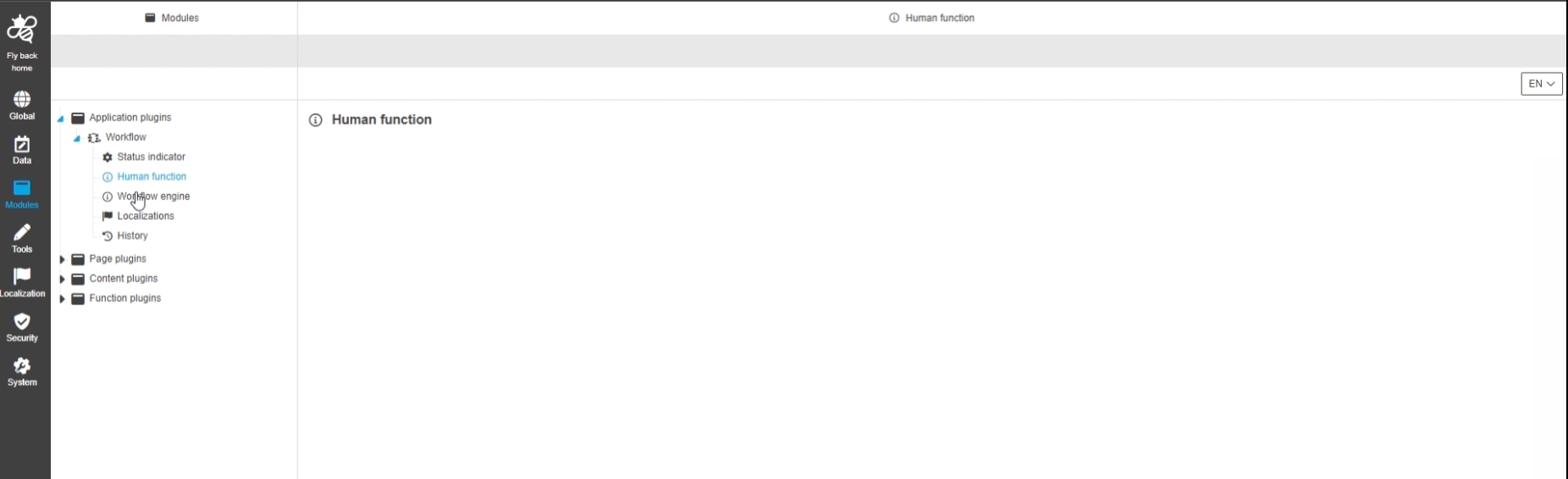
Modules - Application Plugin - Workflow - General Layout
| References | OUCC-349 |
|---|
Possibility to enable and configure the workflow plugin in the Config UI
-
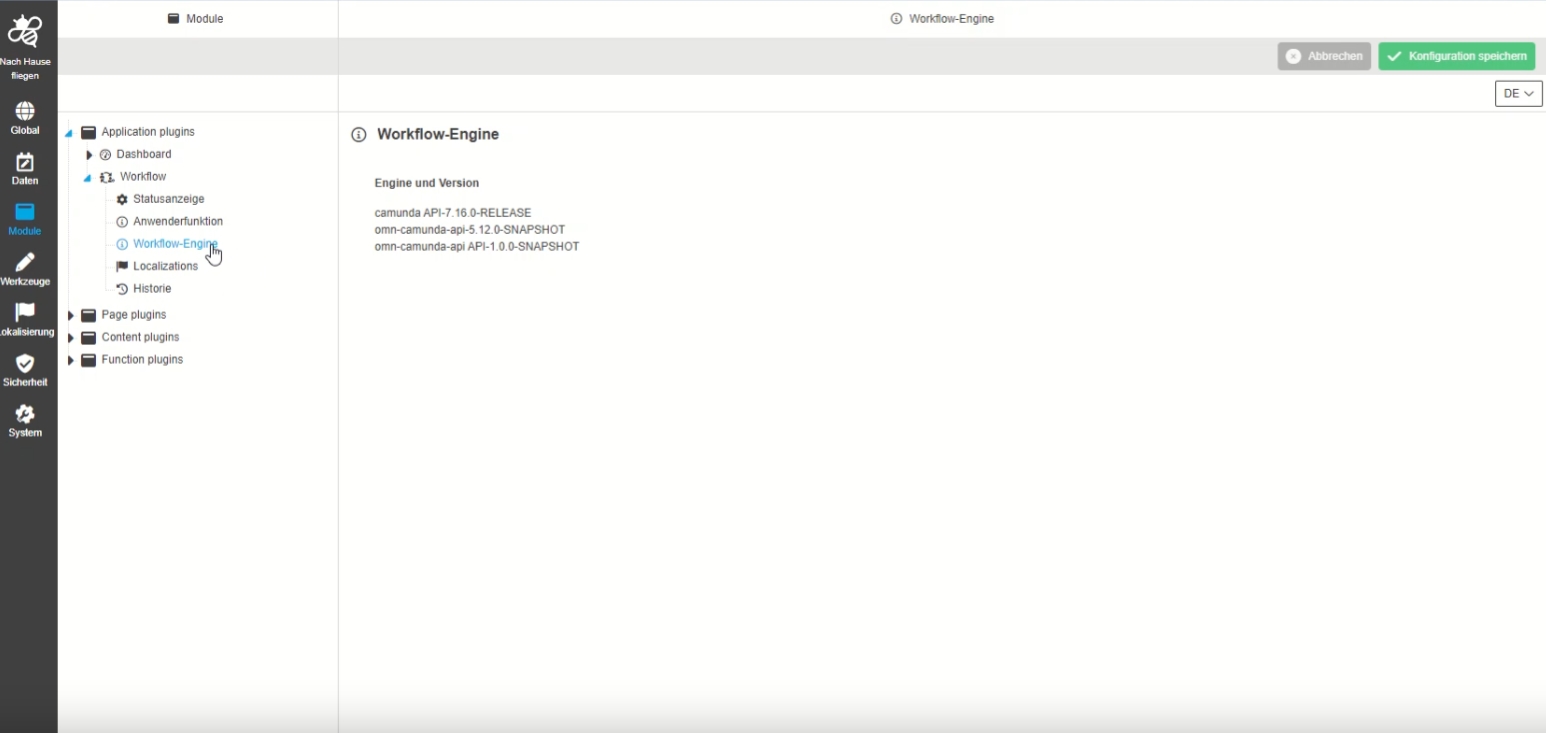
Modules - Application Plugin - Workflow - Workflow engine
| References | OUCC-381 |
|---|
Possibility to see Detail information About camunda workflow engine and API
-
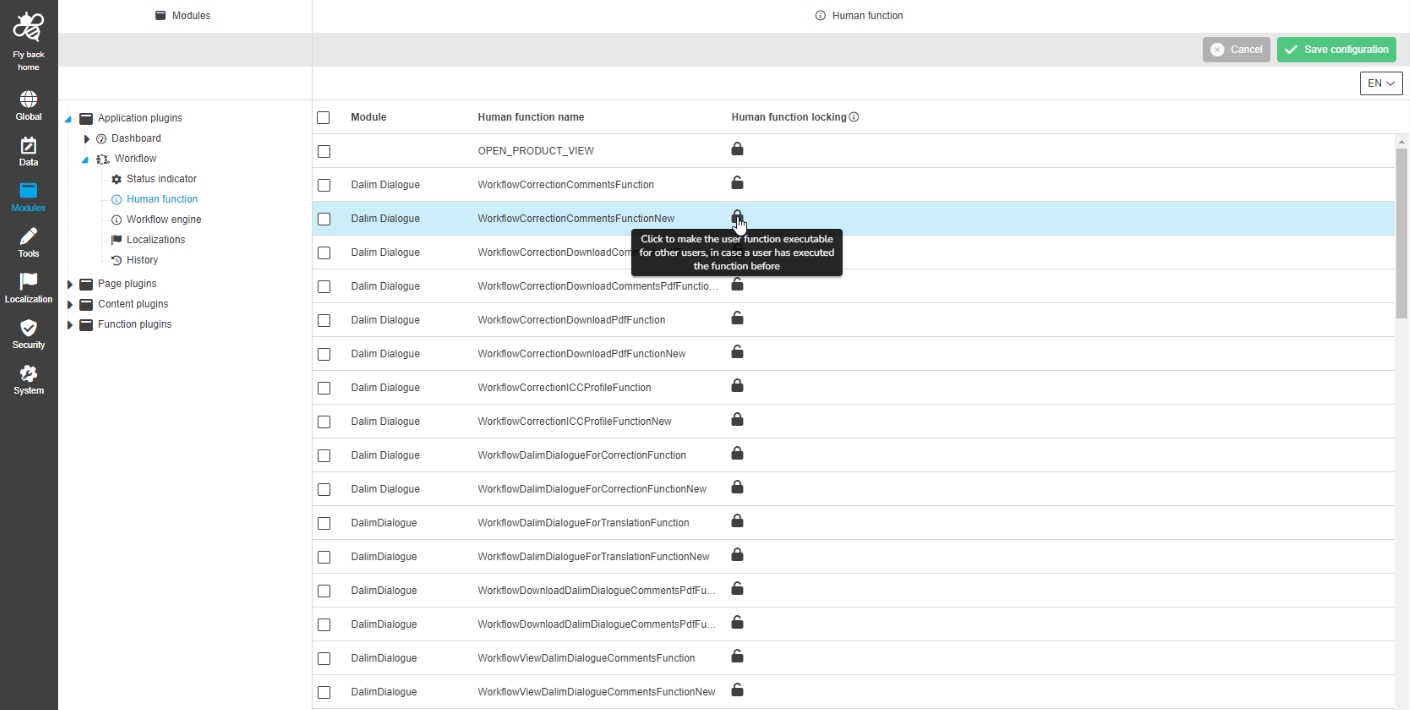
Modules - Application Plugin - Workflow - Human function
| References | OUCC-379 |
|---|
New overview of all available human functions on a system with possibility to lock specific human functions, so other users cannot execute the human function as soon as current user has executed it
-
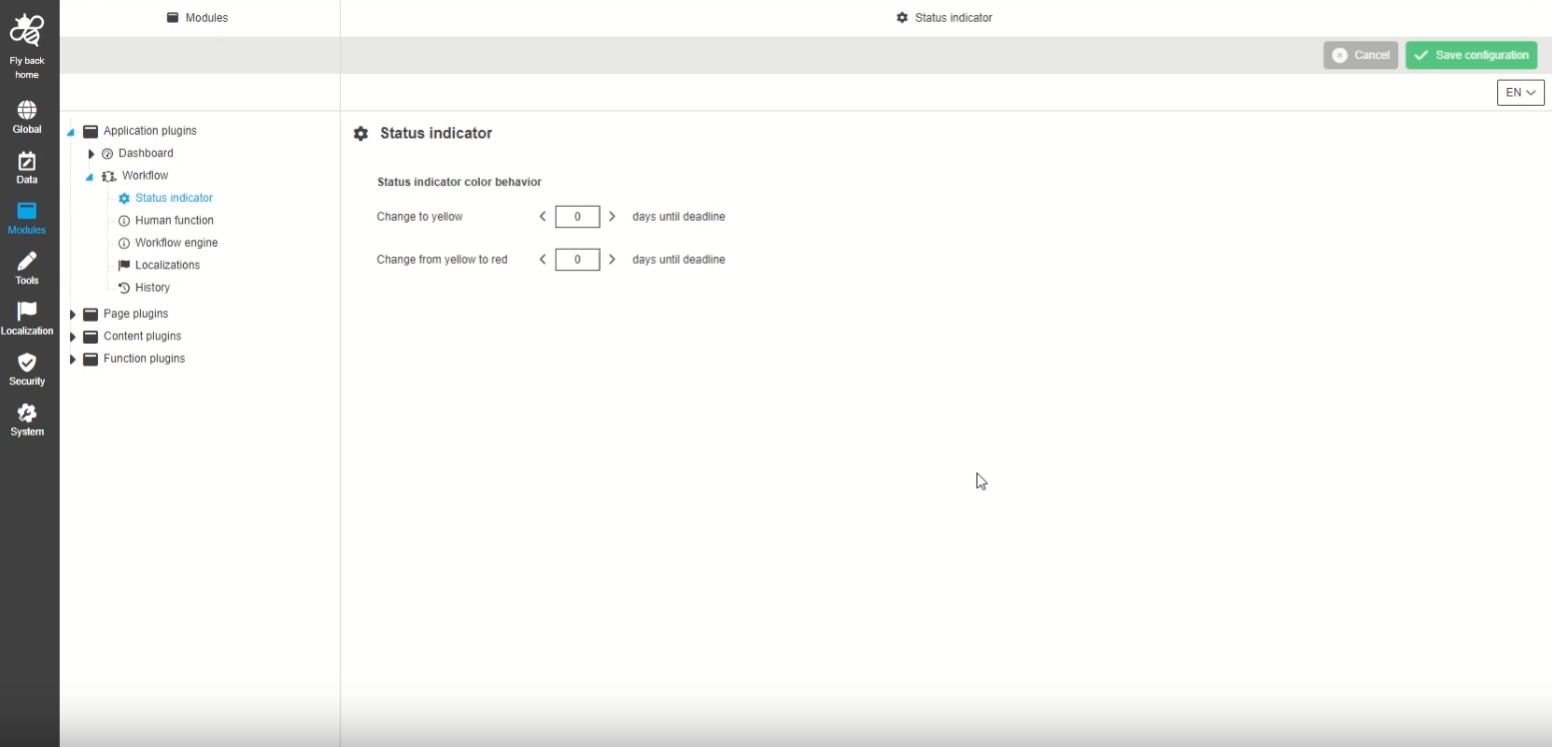
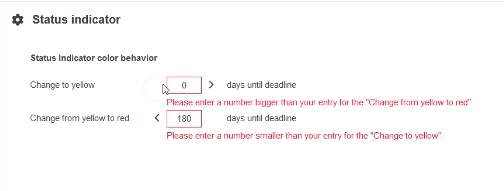
Modules - Application Plugin - Workflow - Status indicator
| References | OUCC-378 |
|---|
Possibility to define status indicators yellow and red for the UI in a corporate-related way. This Setting is considered for Display of Deadline indications in Workflow Tasklist
-
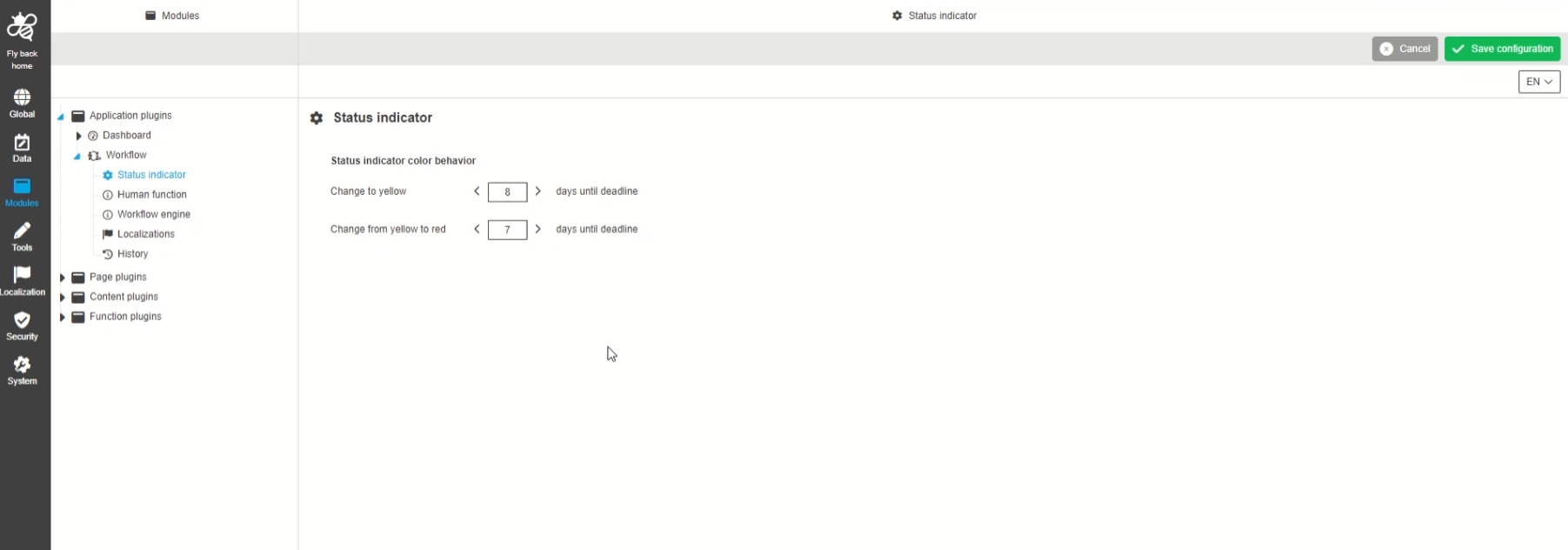
Modules - Application Plugin - Workflow - Status indicator - Improvements
| References | OUCC-898 |
|---|
Detail improvements on validations for configuration of Status indicator
-
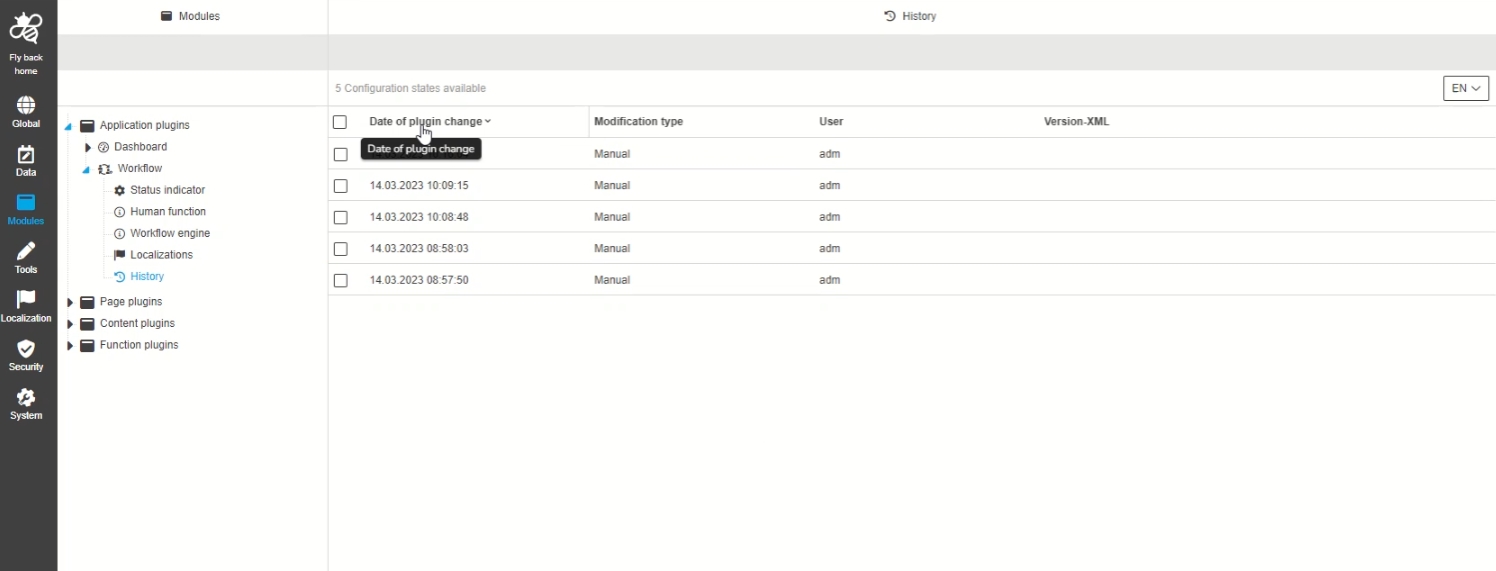
Modules - Application Plugin - Workflow - History
| References | OUCC-352 |
|---|
Overview of all modifications made in workflow application module which makes transparent who, when and what changes within the configuration was done
-
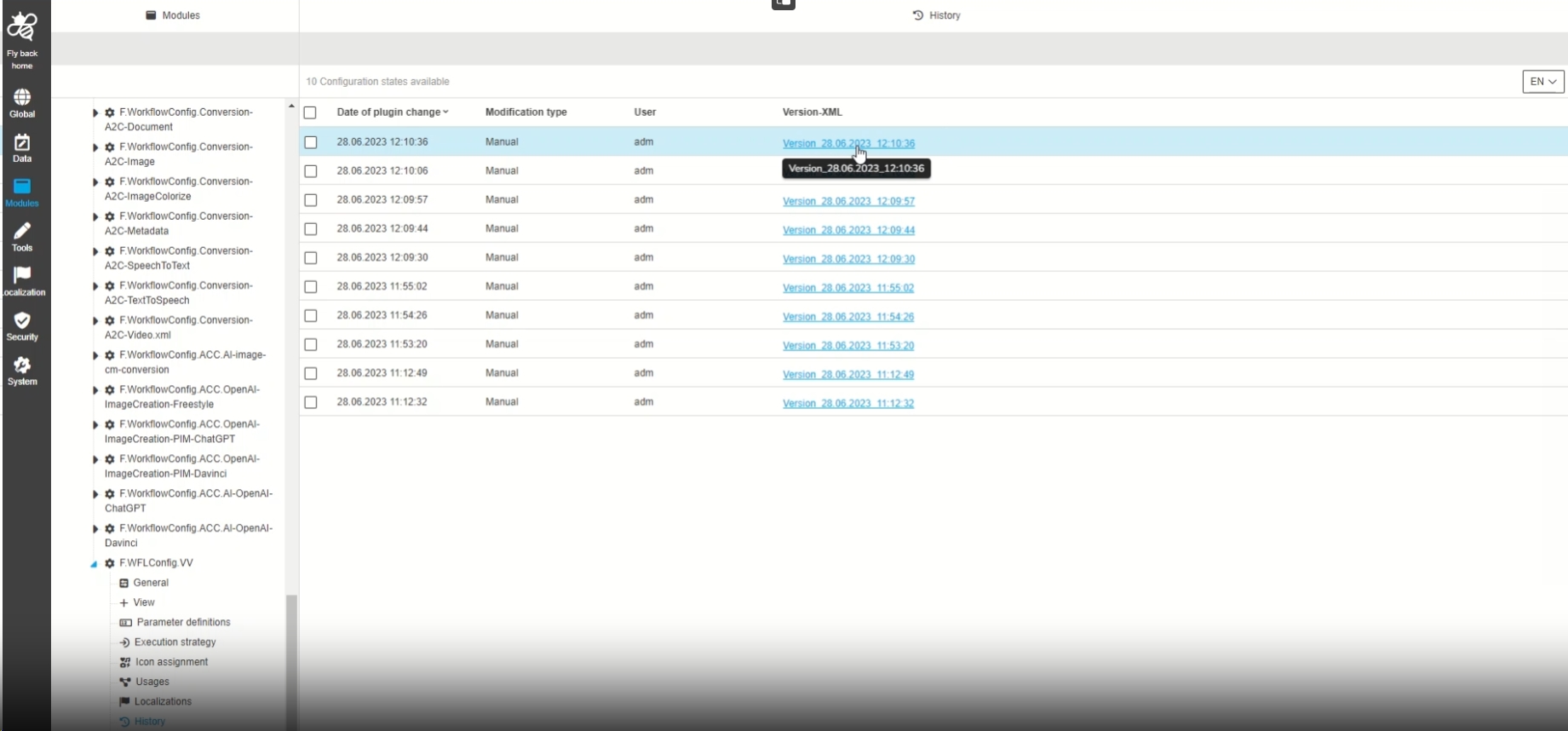
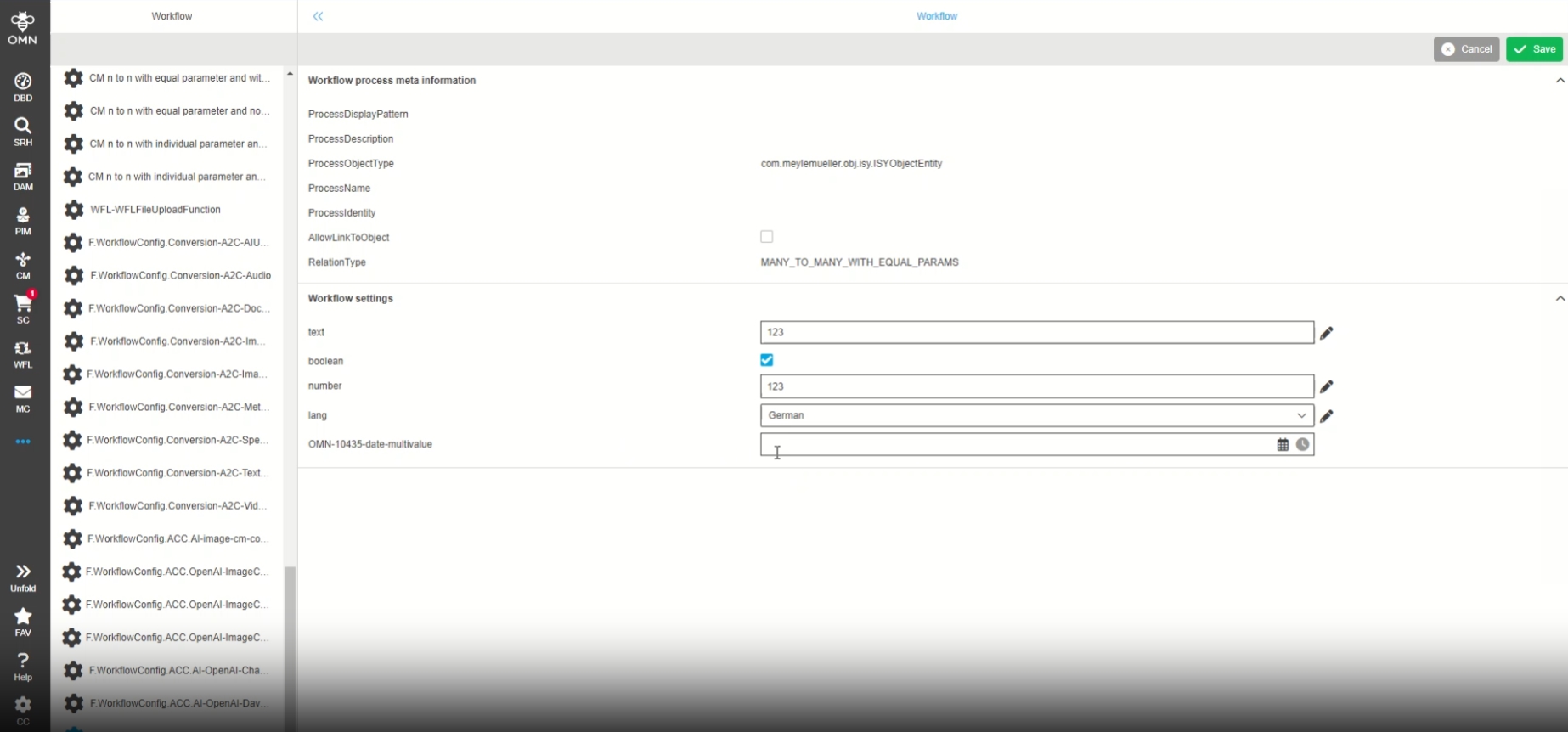
Create version in history tab in case that local attribute definition has been saved in UI administration
| References | OMN-10407 |
|---|
A XML Configuration version of a WorkflowConfig is created now in case that workflow attributes for this workflow have been changed and saved via UI administration, so that the admin have the latest and correct state available in the history tab
-
Available XML configuration in WorkflowConfig History tab
-
Changes in UI Administration
-
Modules - Application Plugin - Workflow - Status indicator - Improvements part II
| References | OUCC-986 |
|---|
Small improvements in configuration so that actions that are not allowed and lead to errors are prevented by the interface
-
If the "smaller than" arrow (<) is used, it will be hidden when the number 0 is reached
-
If the "greater than" arrow (>) is used, it will be hidden when the number 180 is reached
UI Admininistration
| References | OUCC-58 |
|---|
-
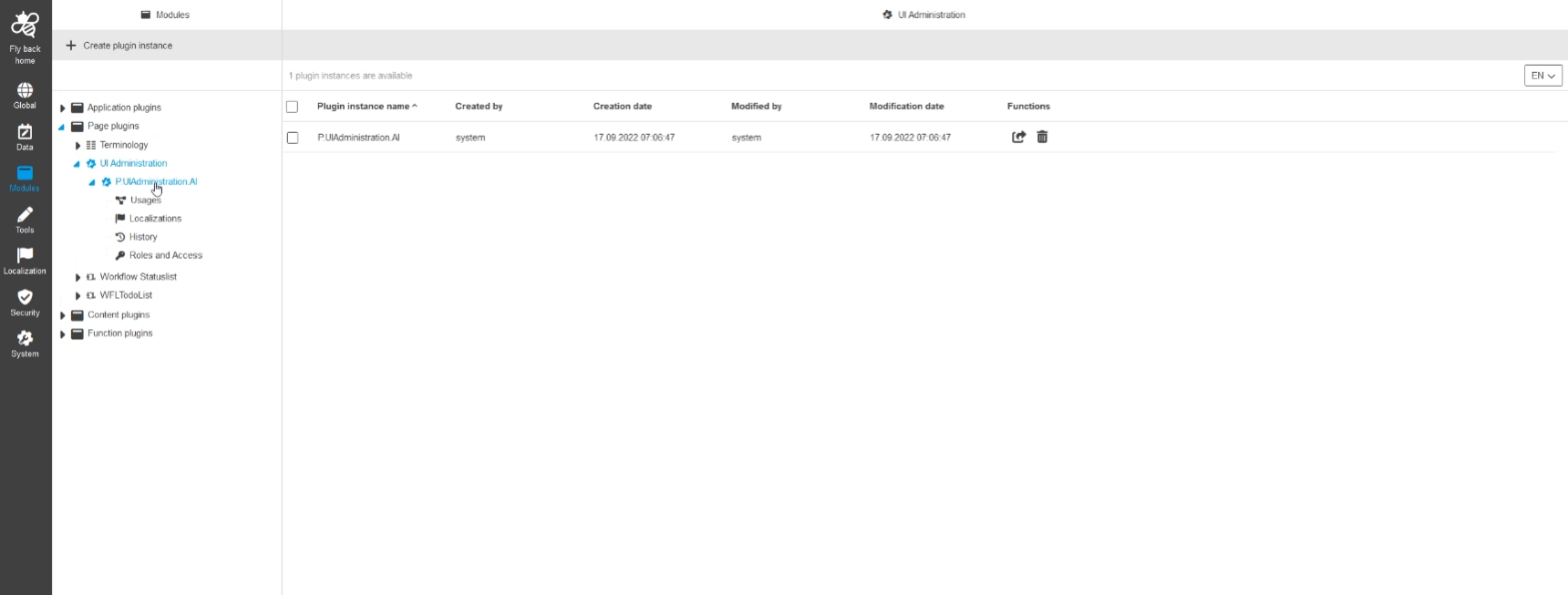
Modules - Page Plugin - UI Administration - General layout
| References | OUCC-264 |
|---|---|
Documentation |
ODOCU-1012 |
PagePlugin UI Administration can now be configured via new HTML5 ConfigClient
-
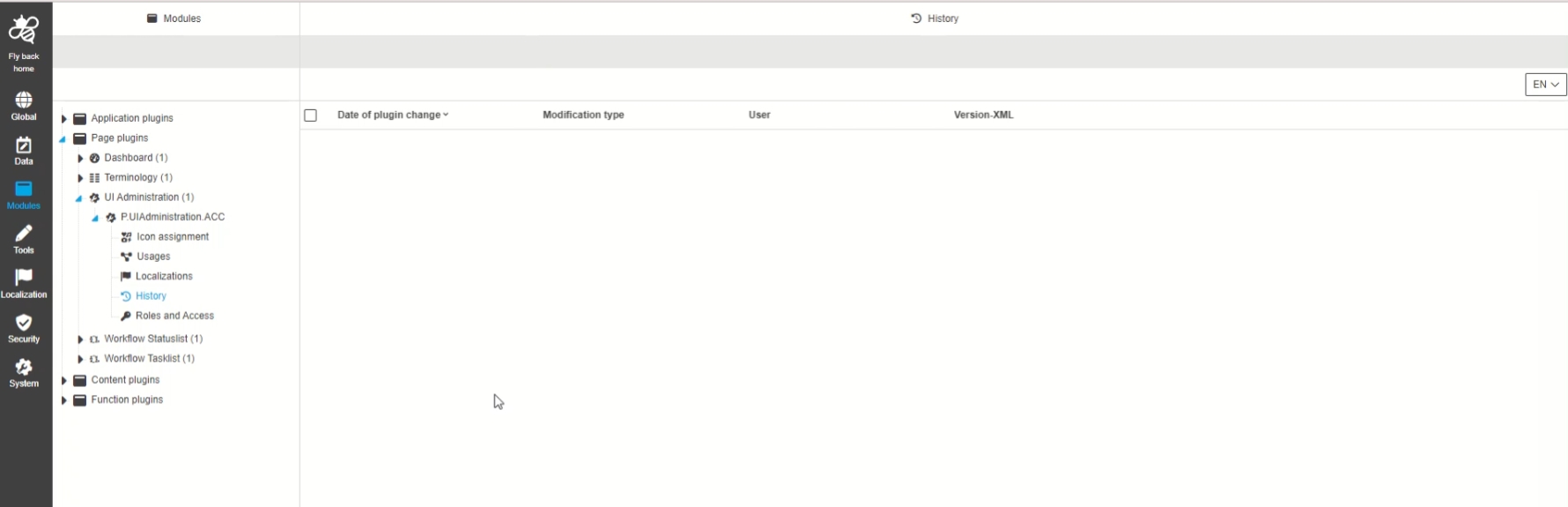
Modules - Page Plugin - UI Administration - History
| References | OUCC-664 |
|---|
New overview of all modifications made in the UI Administration plugin instance in new history overview
Page
Dashboard Page Plugin
-
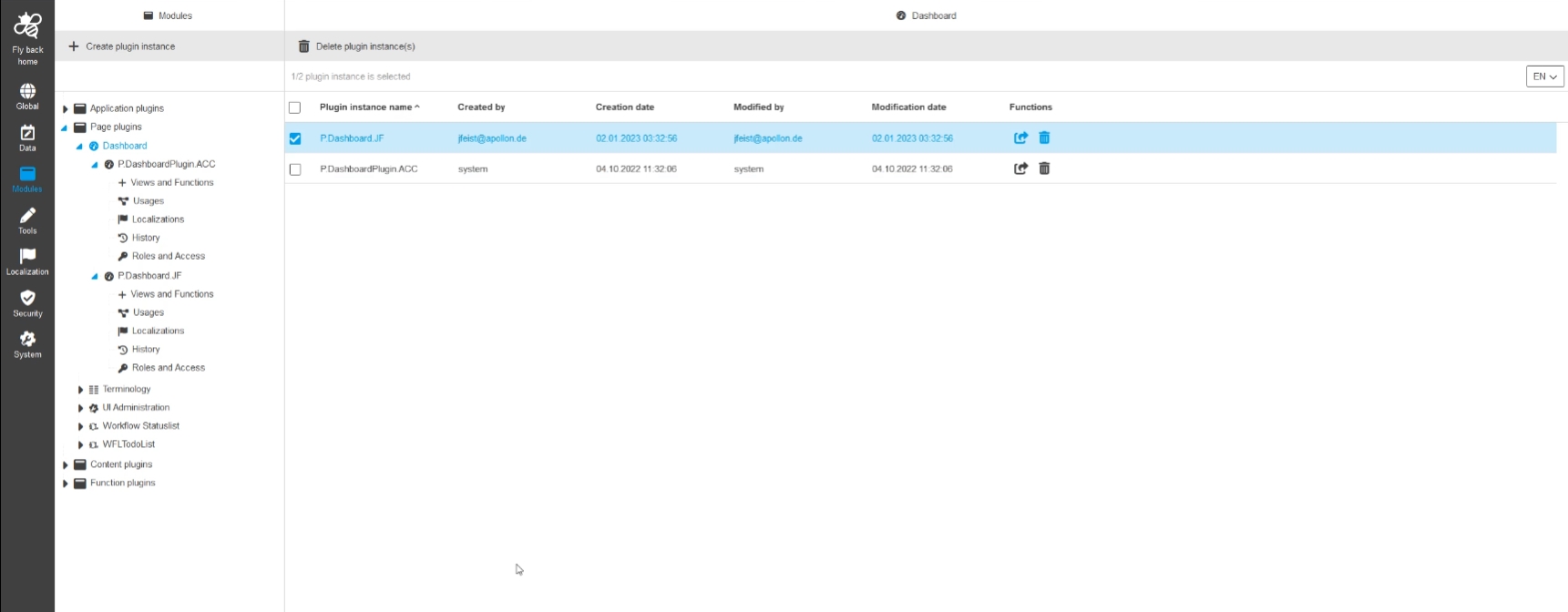
Modules - Page plugin - DashboardPlugin - General layout
| References | OUCC-638 |
|---|
Possibility to configure Dashboard page plugin in the new Config UI
-
Implement plugin configuration info repository for DashboardPlugin
| References | OMN-10020 |
|---|
New plugin configuration info repository for DashboardPlugin page Plugin which will be provided for new config client via single entry point
-
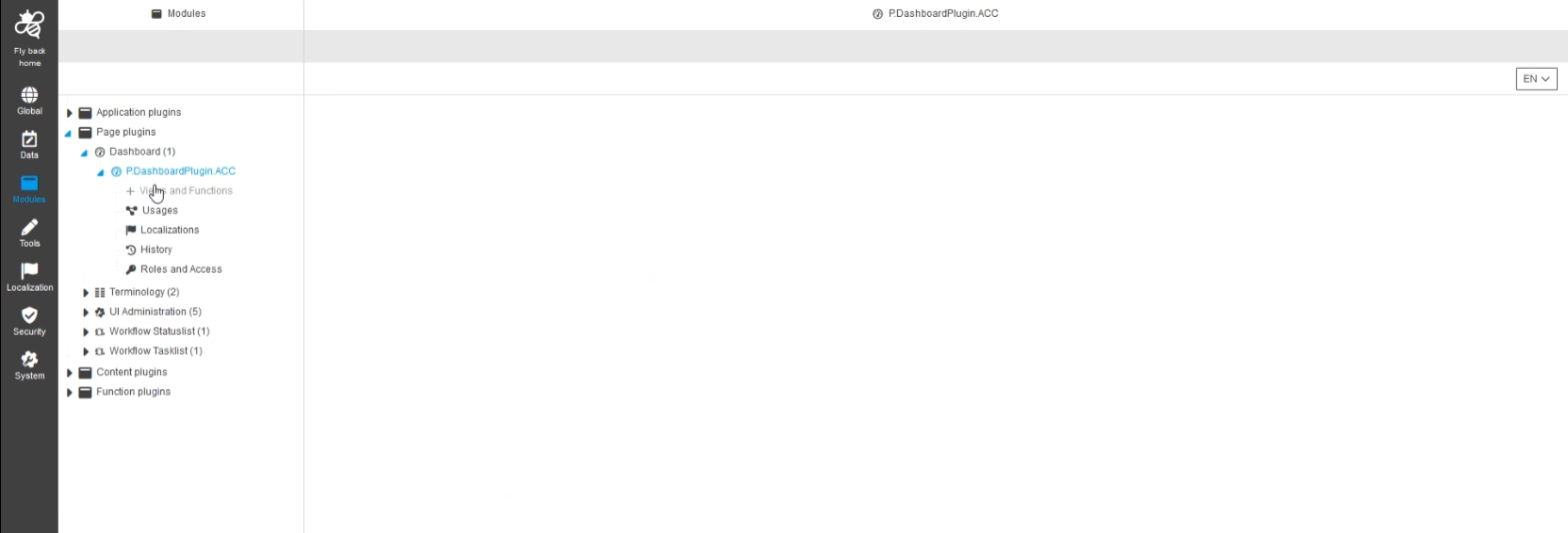
Modules - Page plugins - Dashboard - Deactivate tab Views and Functions
| References | OUCC-959 |
|---|
The Dashboard Configuration Tab for Views und Functions will be available in one of next version and is therefore deactived right now
ContentPlugins
VersionView
| References | OUCC-95 |
|---|
-
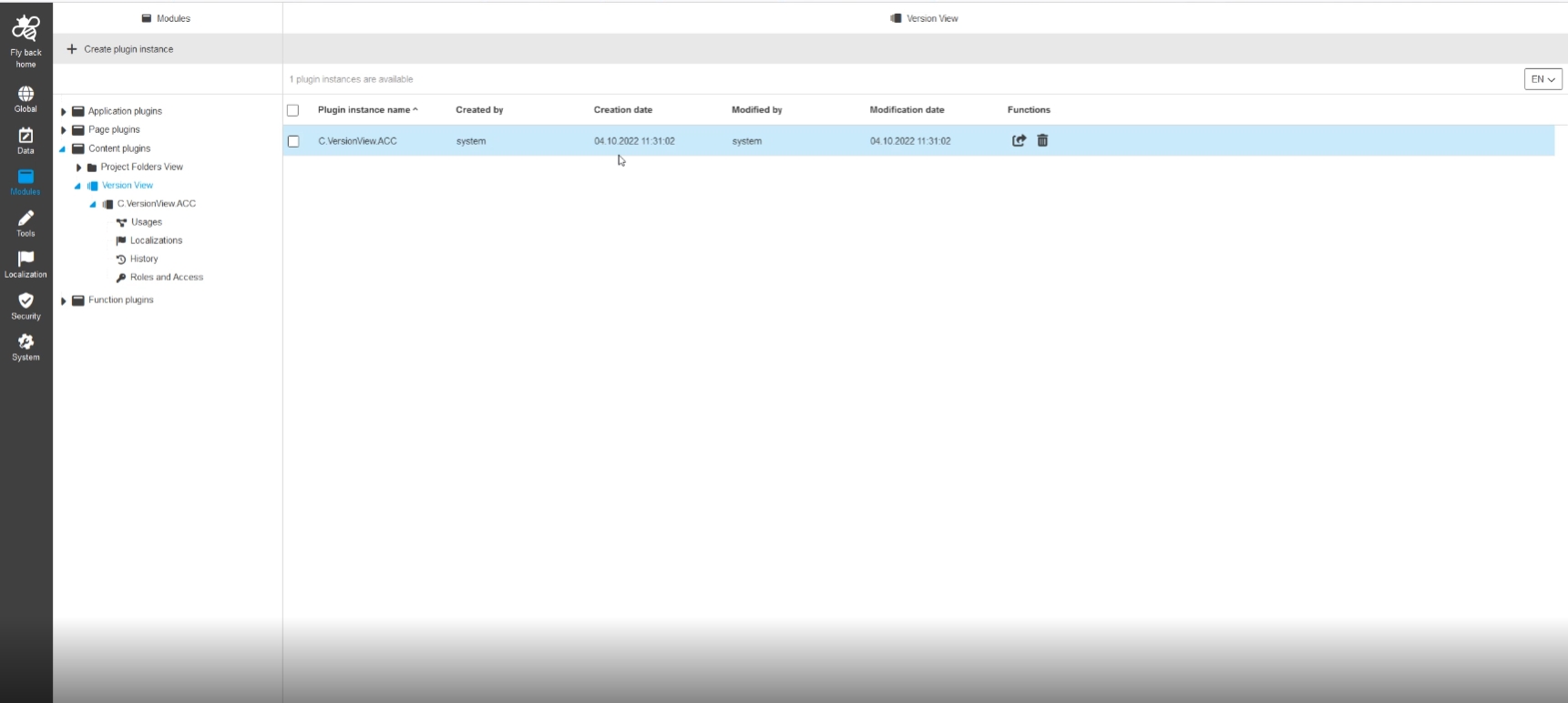
Modules - Content plugin - VersionView - General layout
| References | OUCC-652 |
|---|
Versionview Plugin is now configurable with new Configuration Client
-
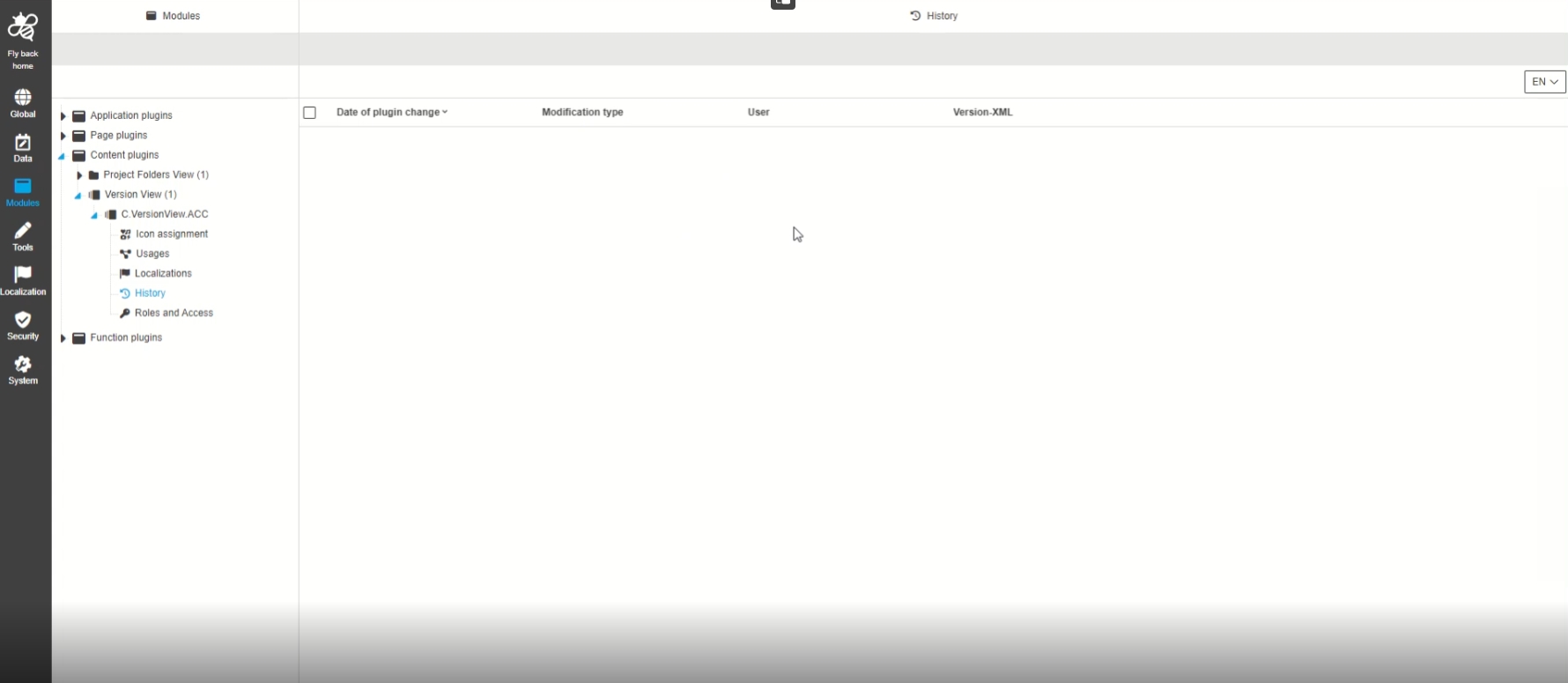
Modules - Content plugin - VersionView - History
| References | OUCC-655 |
|---|
Overview of all modifications made in the VersionView plugin instance in History section
Function plugins
General
-
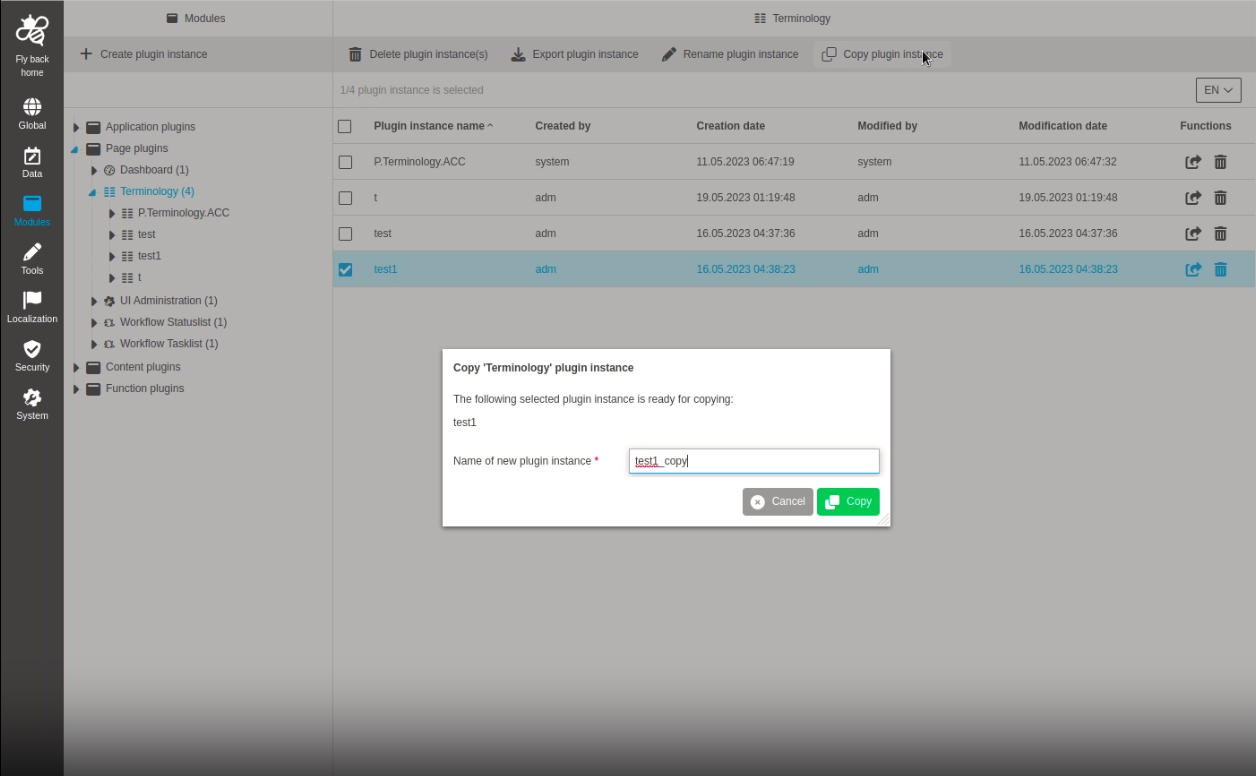
Modules - Plugin Instances - Function - Copy Plugins
| References | OUCC-272 |
|---|---|
Documentation |
ODOCU-772 |
Function to copy plugin instances of an OMN system, so that the admin can reuse the made configuration and adjust it a little bit for example
-
Modules - Plugin Instances - Function - Rename plugin instance
| References | OUCC-912 |
|---|---|
Documentation |
ODOCU-772 |
Possibility to rename an existing plugin instance, so the name is updated in plugin instance overview and in the left panel tree
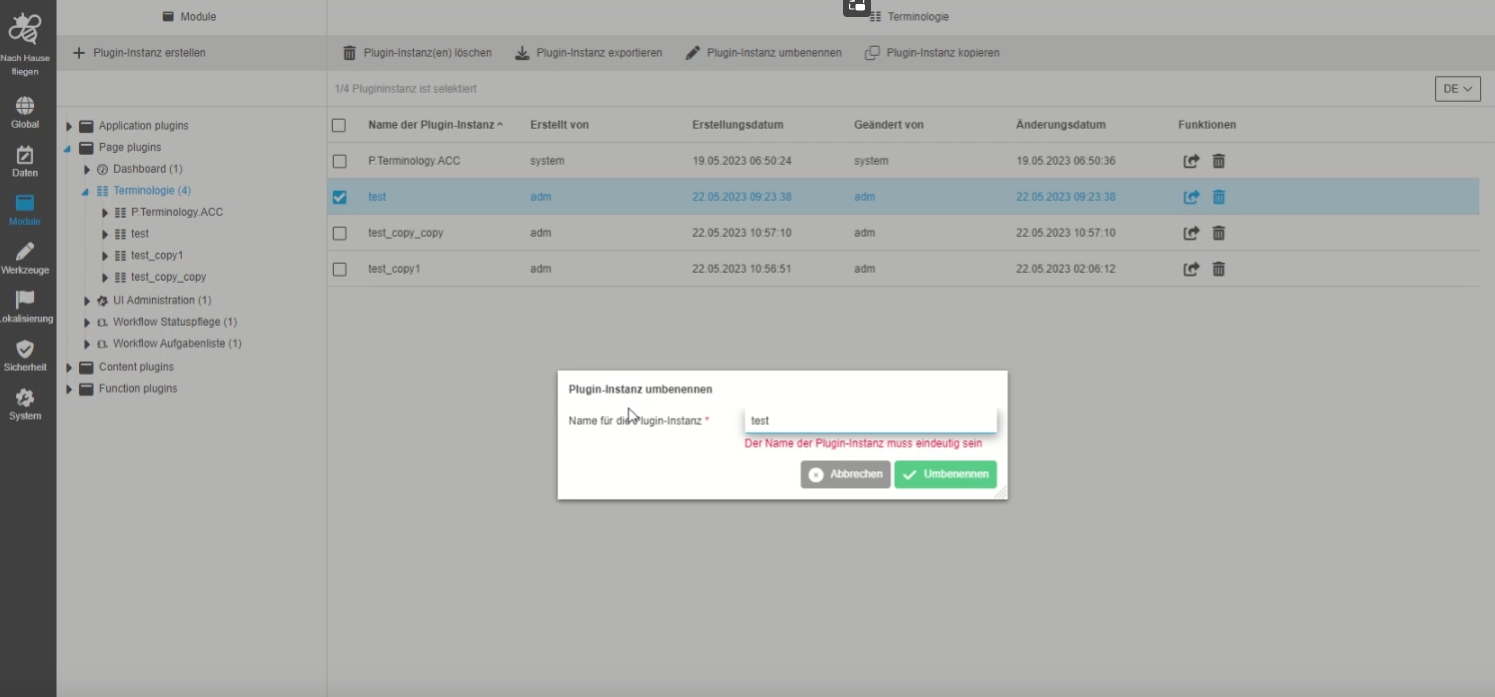
Terminology
-
Modules - Page plugin - Terminology - Import and Export - Remove None acceptable property parameter
| References | OUCC-531 |
|---|
None acceptable property" configuration Parameter is removed from Configuration since the export or import has a new Format and this Parameter is not relevant any more
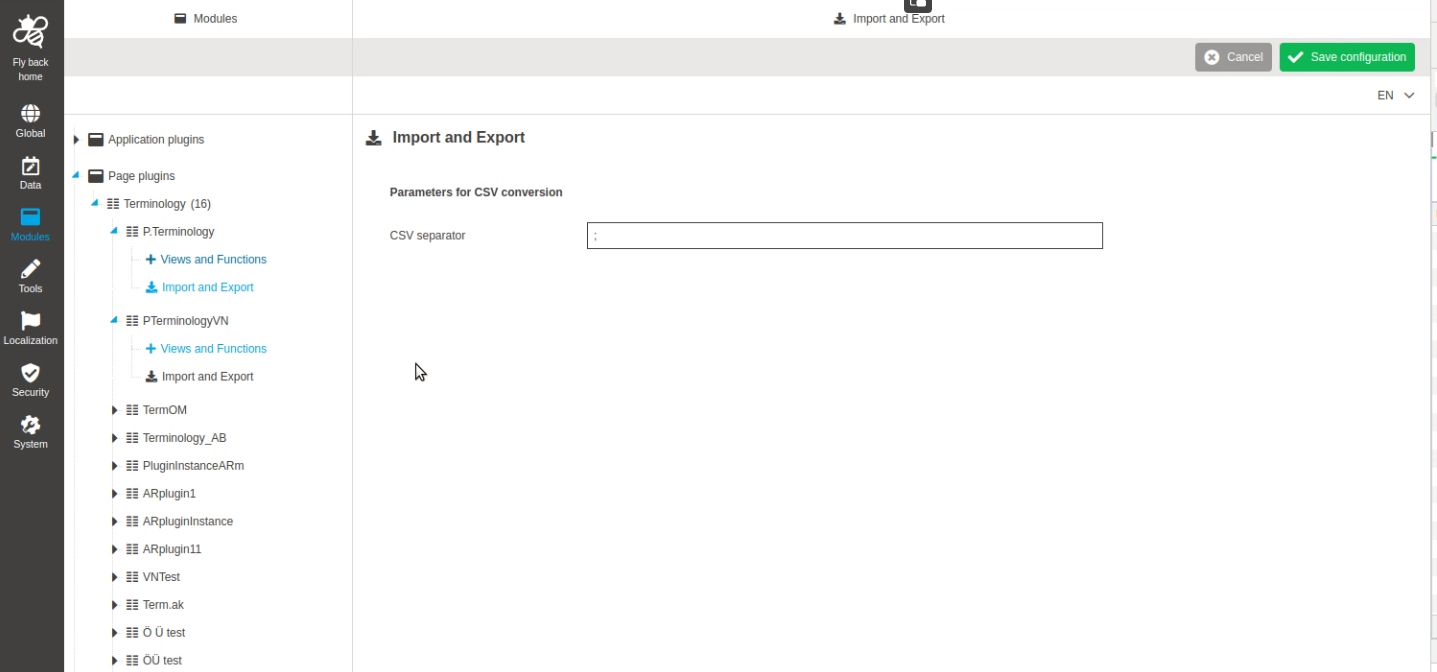
-
ConfigClient - Terminology - Views and Functions - Dirty checking
| References | OUCC-371 |
|---|
New Dirty Check in ConfigClient UI when there are not saved values, so that the user won’t loose configured data without warning
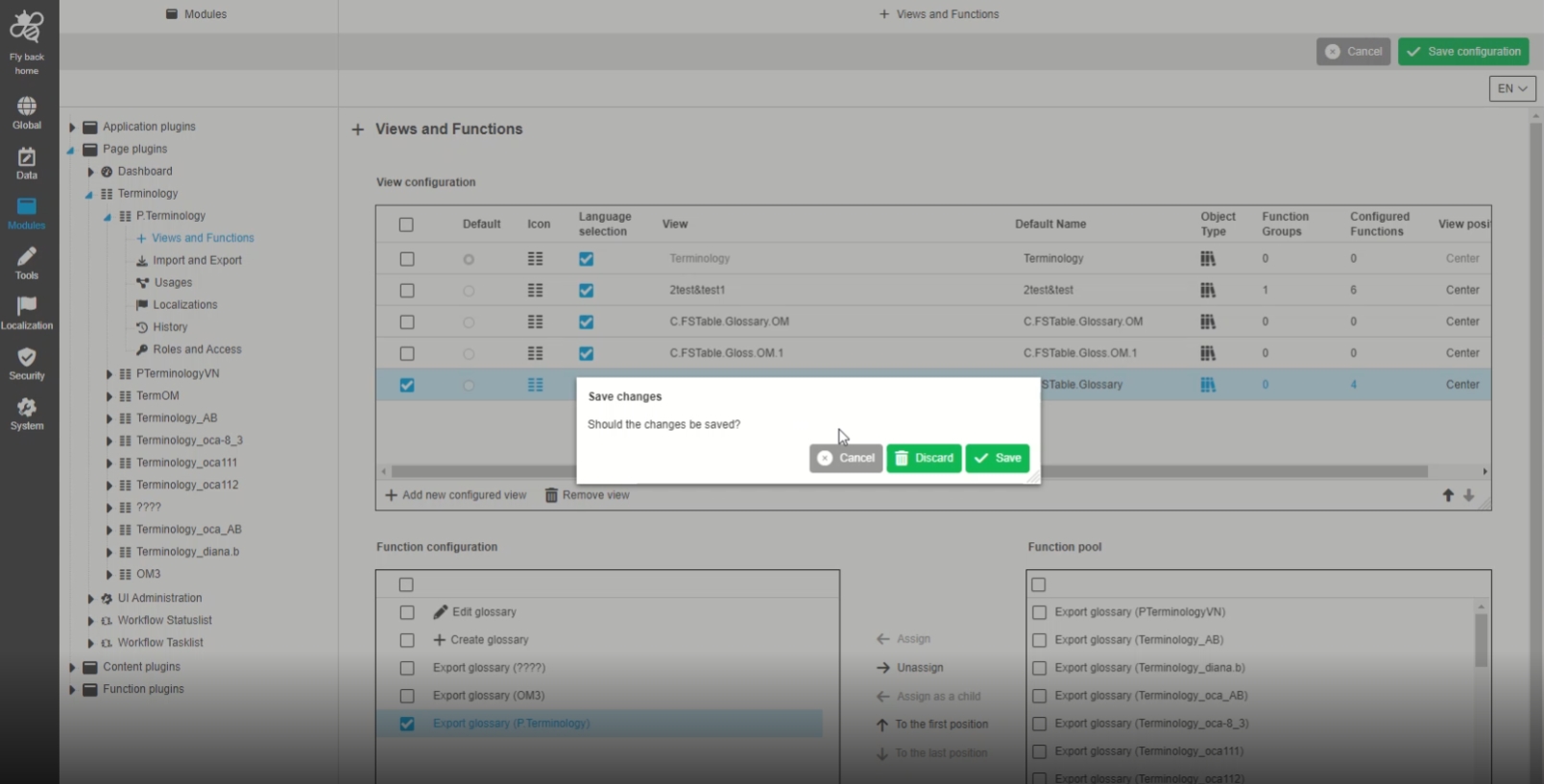
-
Terminology - Views and Functions - disable 'Default Name' column for hardcoded row
| References | OUCC-431 |
|---|
Possibility to see inactive fields as disabled for hardcoded elements, so that the admin will not be confused what can be changed in a table
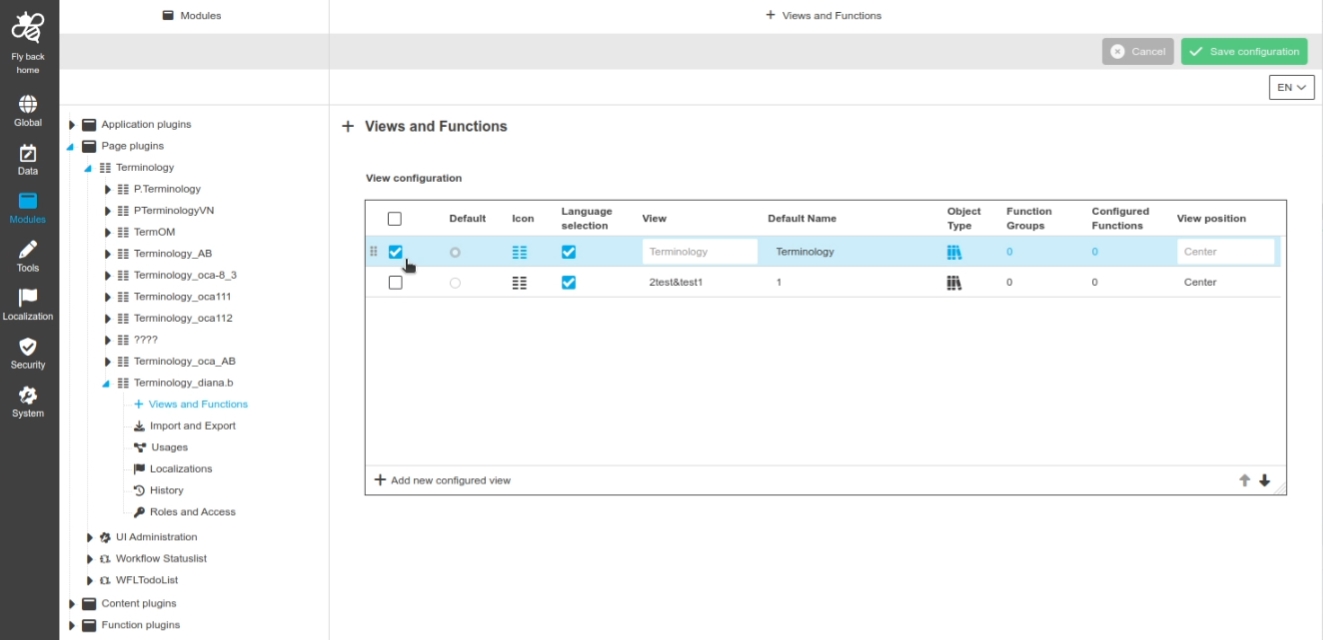
Annotationtool
| References | OUCC-99 |
|---|
-
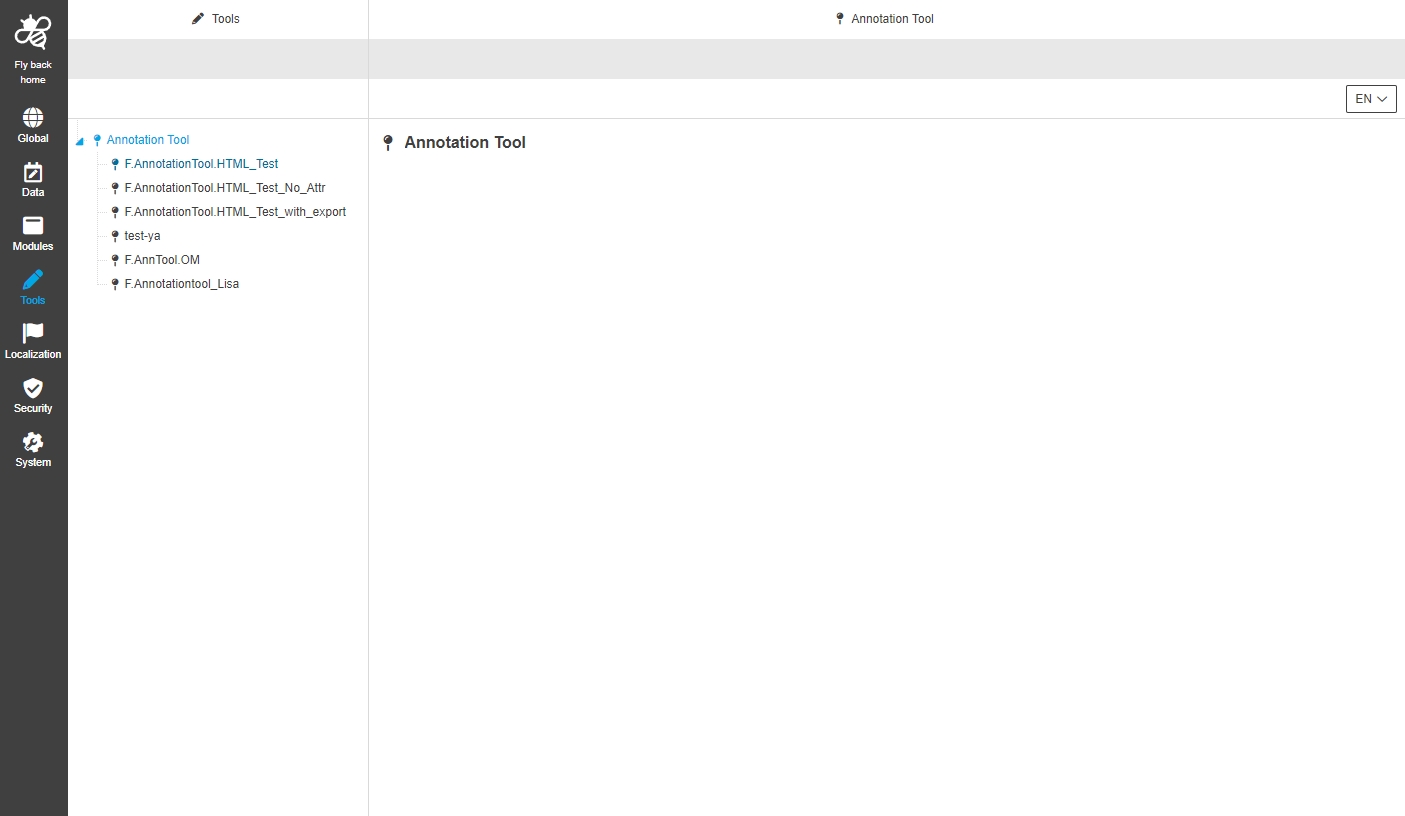
ConfigClient - Tools - AnnotationTool
| References | OUCC-299 |
|---|
Possibility to enable and configure annotationtool plugin in the new Config UI
-
Implement plugin configuration info repository for Annotationtool plugin
| References | OMN-10032 |
|---|---|
APNORD |
APNORD |
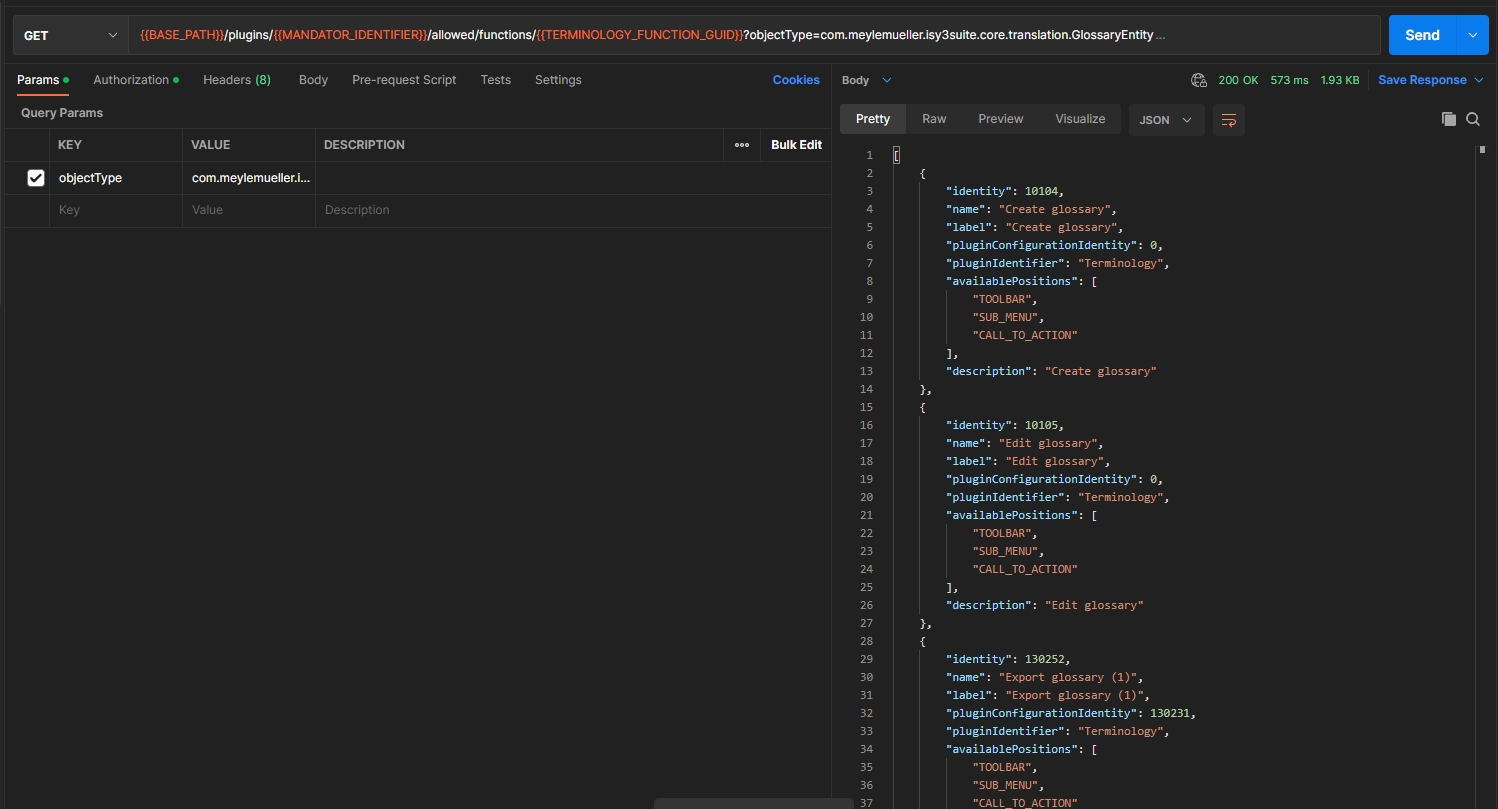
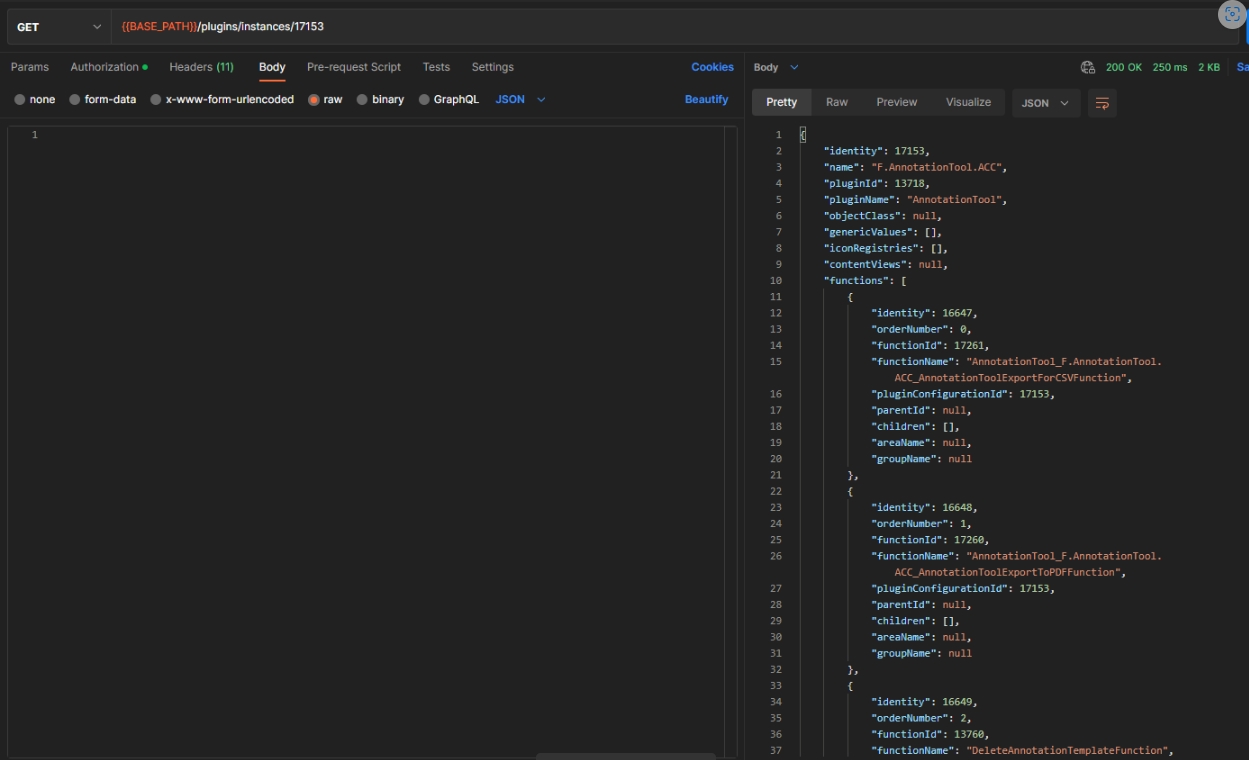
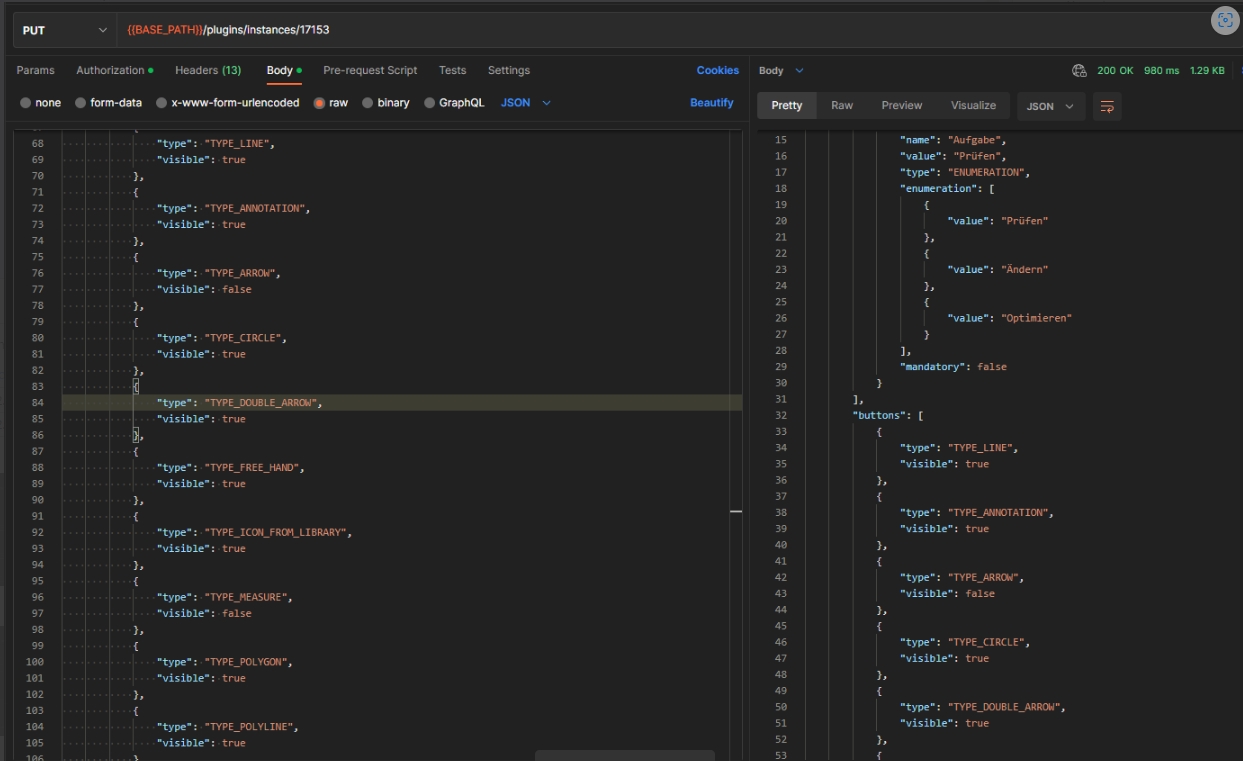
Possitbilit to edit Annotationtool plugin configuration via ConfigAPI which allows loading and saving of annotation tool configuation plugin info
-
get instance
-
update instance
-
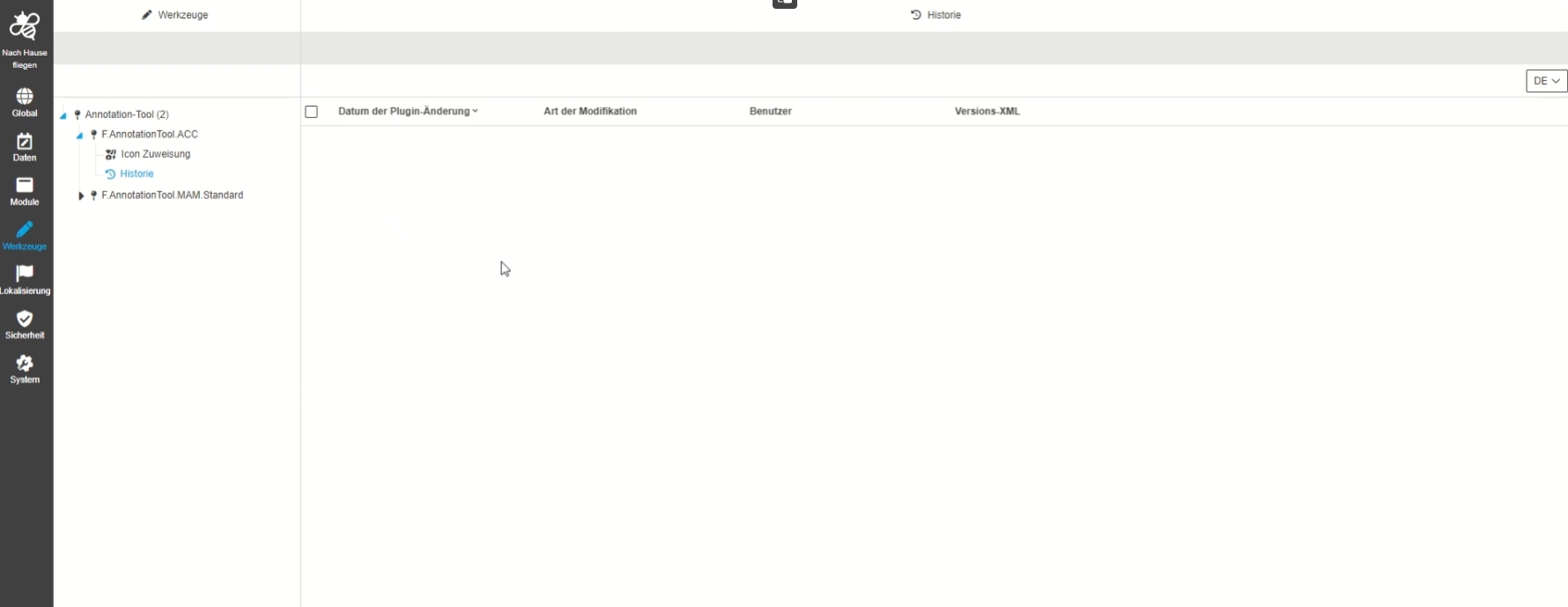
ConfigClient - Tools - AnnotationTool - History
| References | OUCC-242 |
|---|
New History overview showing modifications made in annotationtool plugin instance
Workflow
-
ToDoList
-
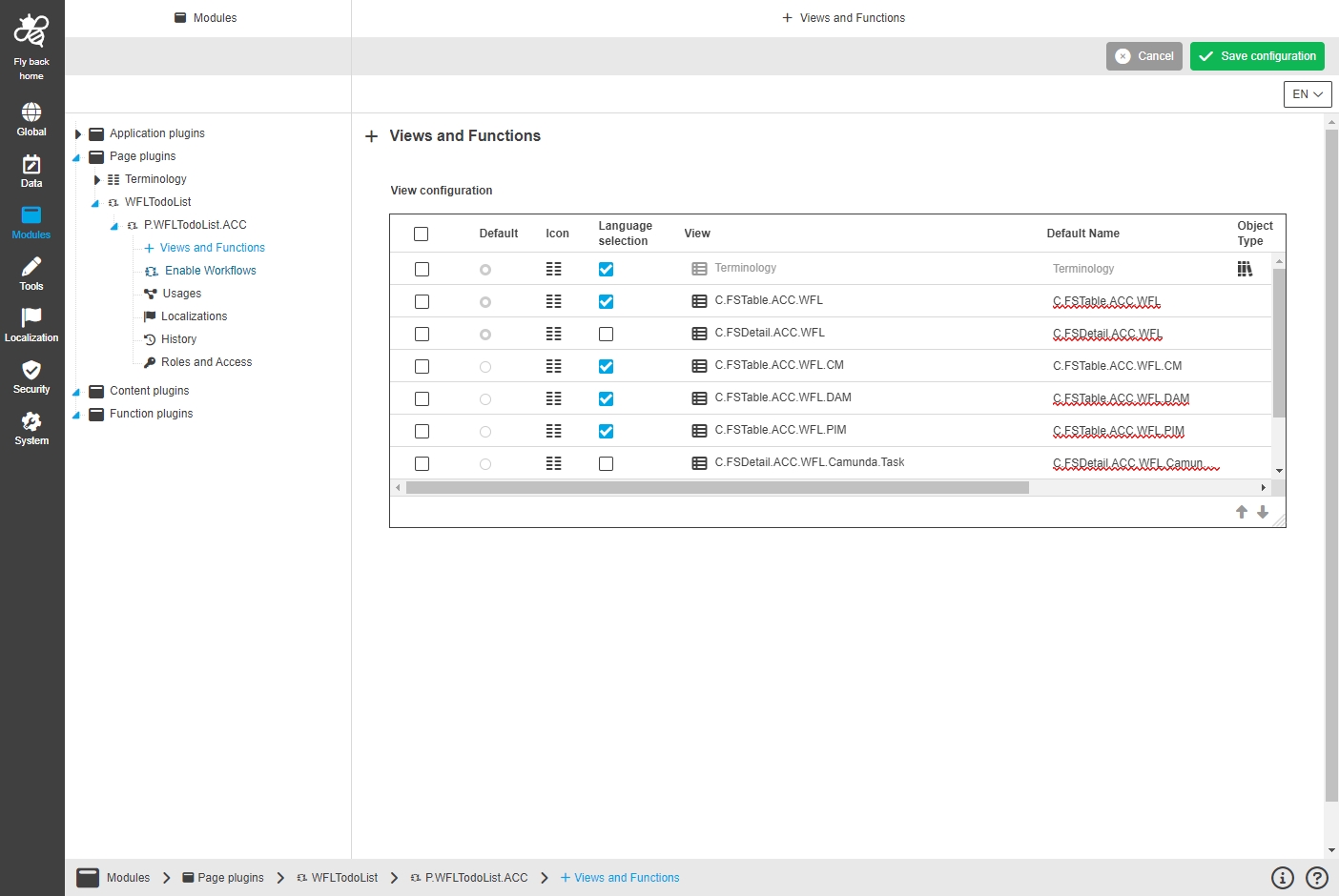
Modules - Page plugin - WFLToDoList - General Layout
-
| References | OUCC-510 |
|---|
Possibility to configure Workflow TodoList plugin in new Config UI
-
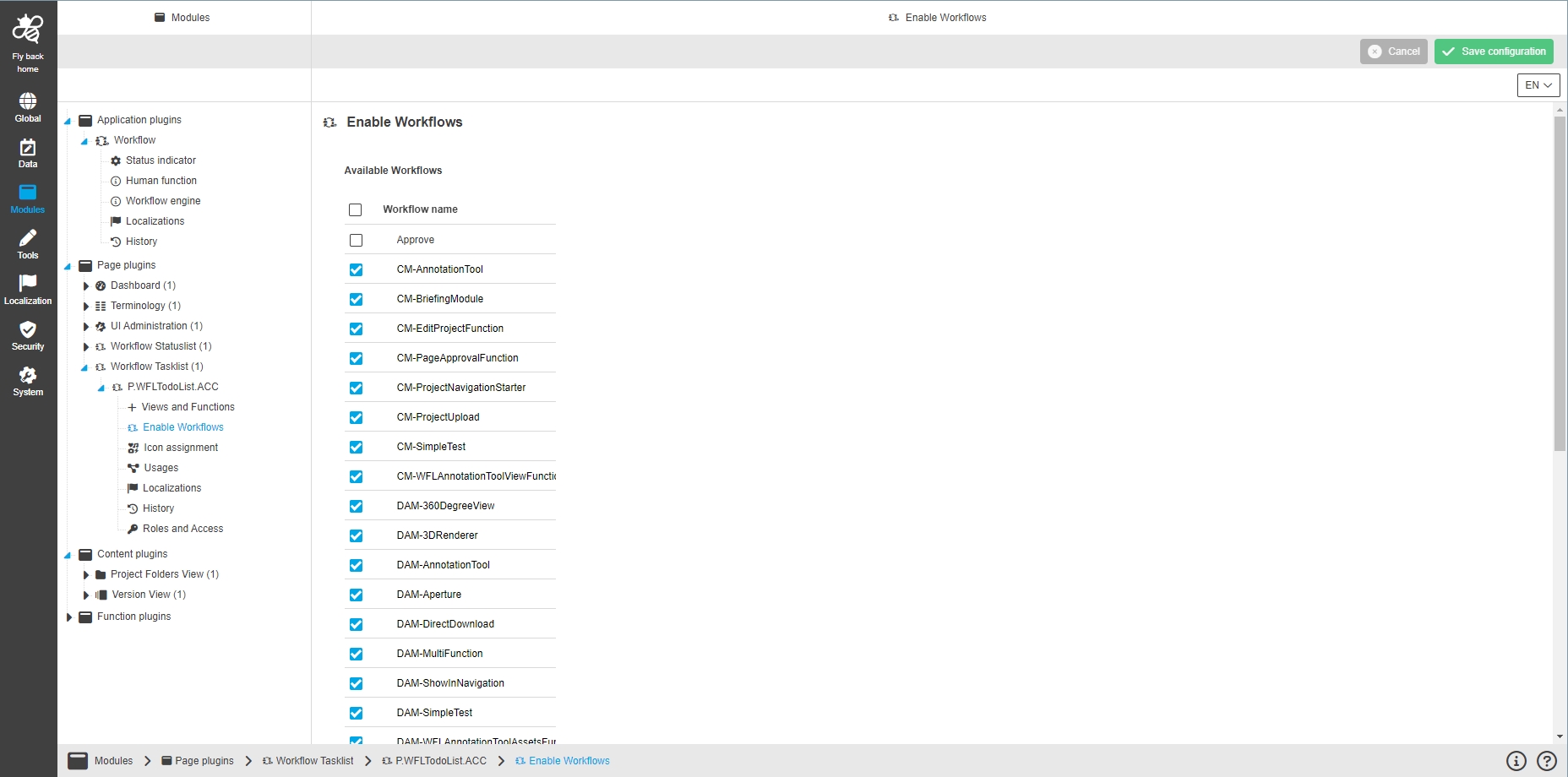
Modules - Page plugin - WFLToDoList - Enable Workflows
| References | OUCC-512 |
|---|
Possibility to enable specific camunda workflows for WorkFlowTodoList configuration, so that the user can see then enabled Workflows in the UI and can manage tasks and responsibilities for them
-
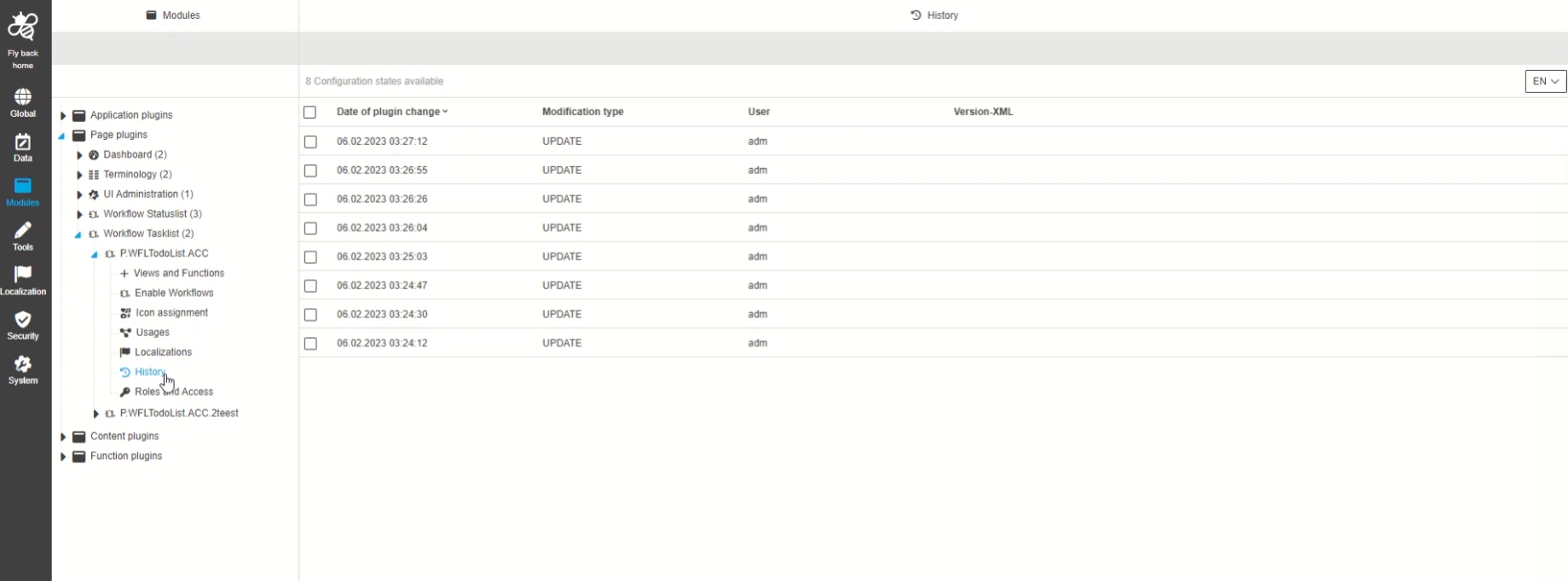
Modules - Page plugin - WFLToDoList - History
| References | OUCC-514 |
|---|
New Change history Overview of all modifications made in the Workflow Todolist plugin instance
-
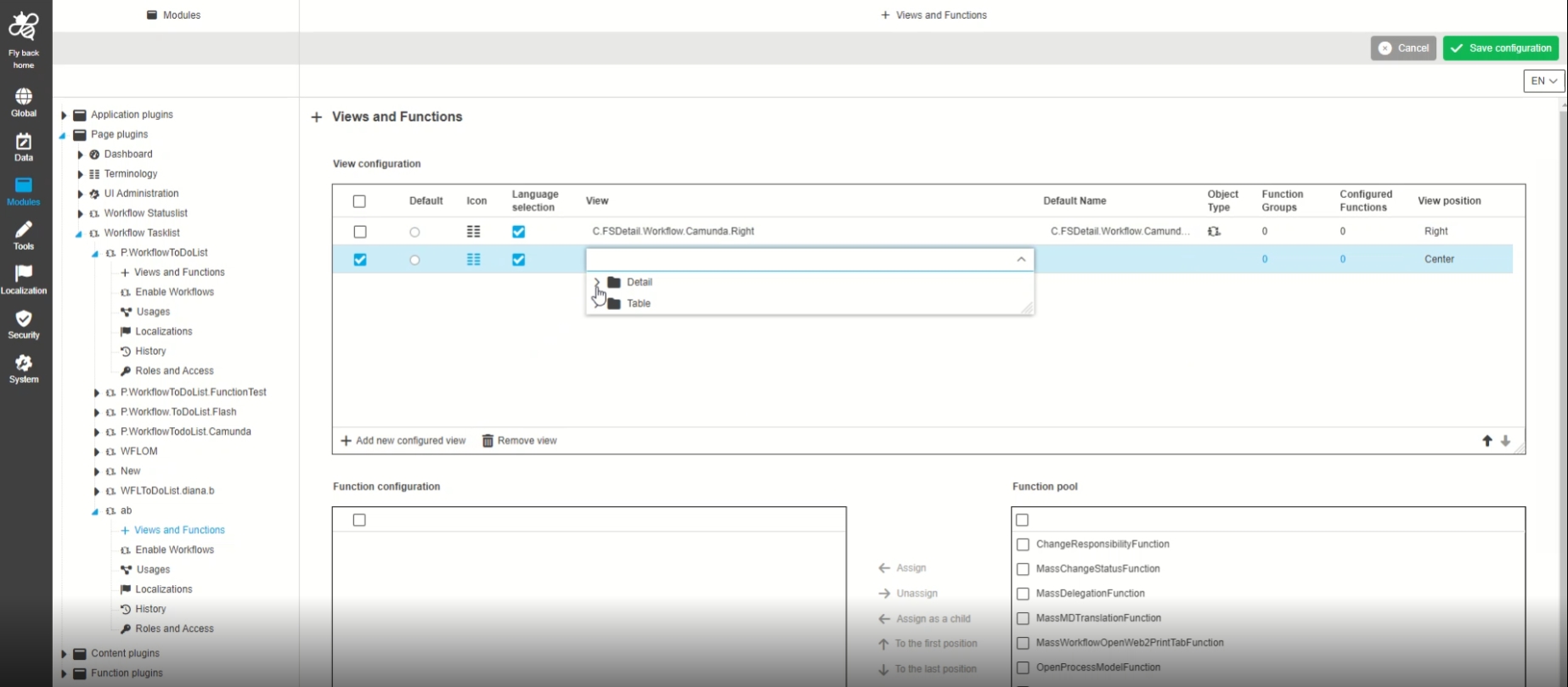
Modules - Page plugin - WFLToDoList - Views and functions
| References | OUCC-511 |
|---|
Possibility to assign views and functions for Workflow Todolist Plugin in order to display certain information and functions in the frontend UI
-
StatusList
-
Modules - Page plugin - WFLStatus - General Layout
-
| References | OUCC-517 |
|---|
Possibility to enable and configure Wfl Status plugin in the UI, so that the admin have an overview of all enables workflows in the UI
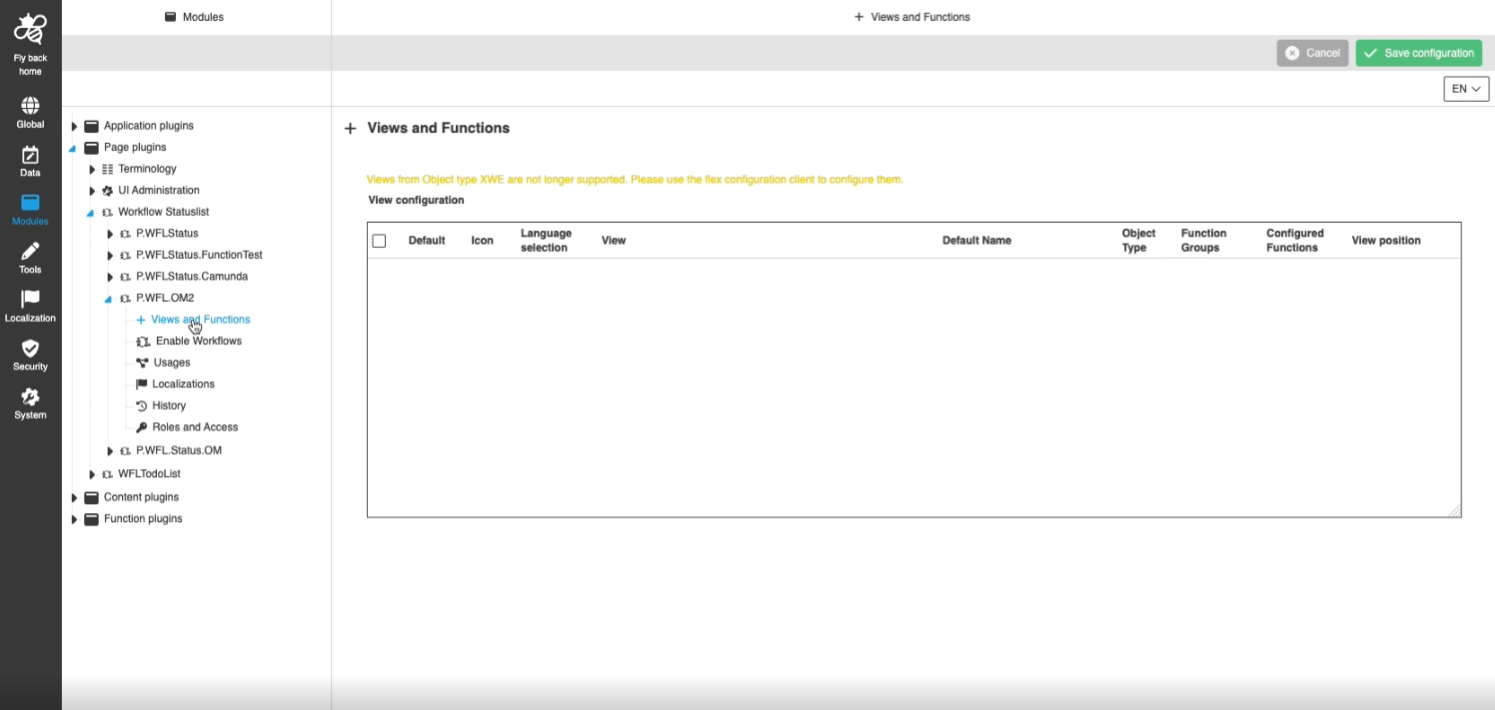
-
Modules - Page plugin - WFLStatus - Views and Functions
| References | OUCC-518 |
|---|
Possibility to assign views and functions for Workflow Statuslist in Configuration Client to display certain information and functions in the frontend UI
-
assignment of views and functions
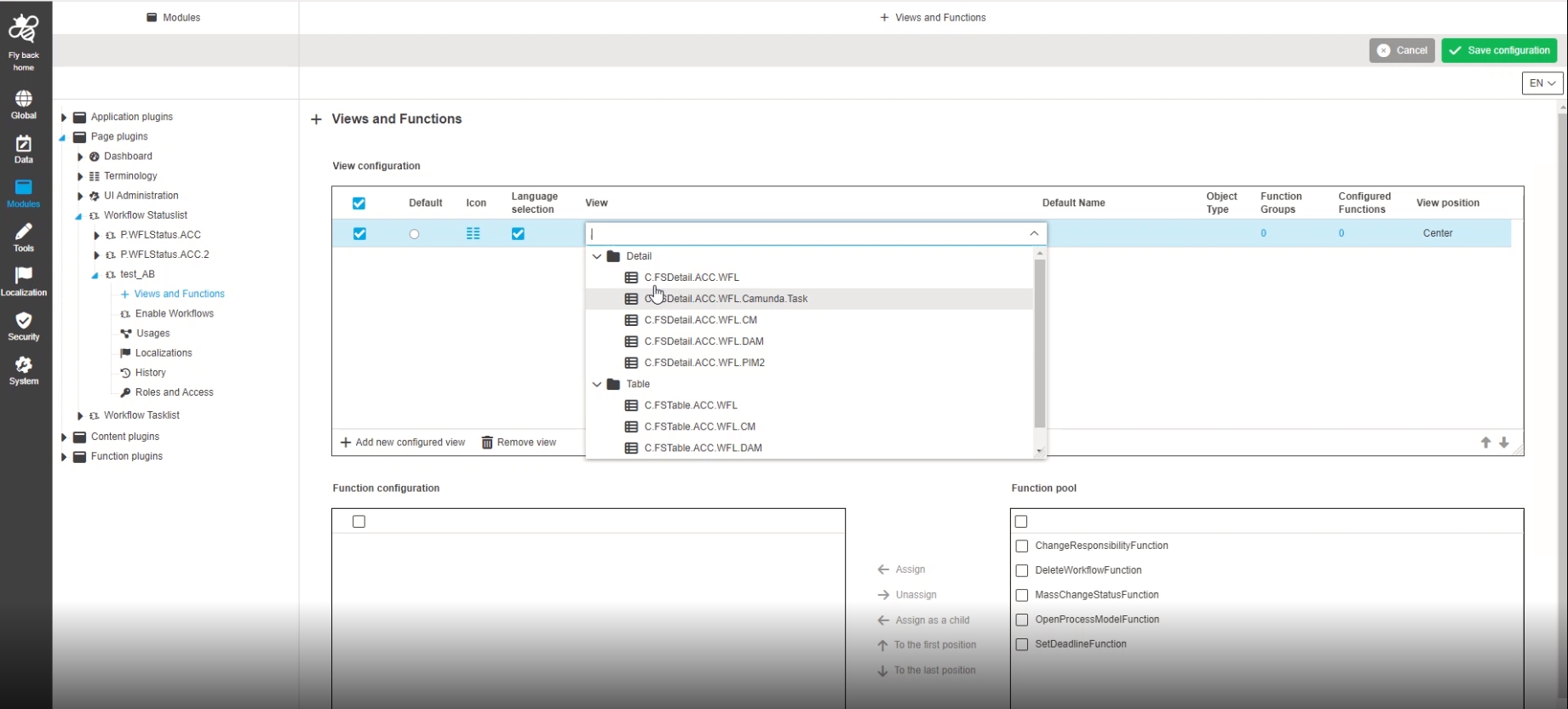
-
Modules - Page plugin - WFLStatus - Enable workflows
| References | OUCC-519 |
|---|
Possibility to enable camunda workflows that have been created in the workflow statuslist, so the the user can see the enabled in the UI and can manage tasks and responsibilities for them
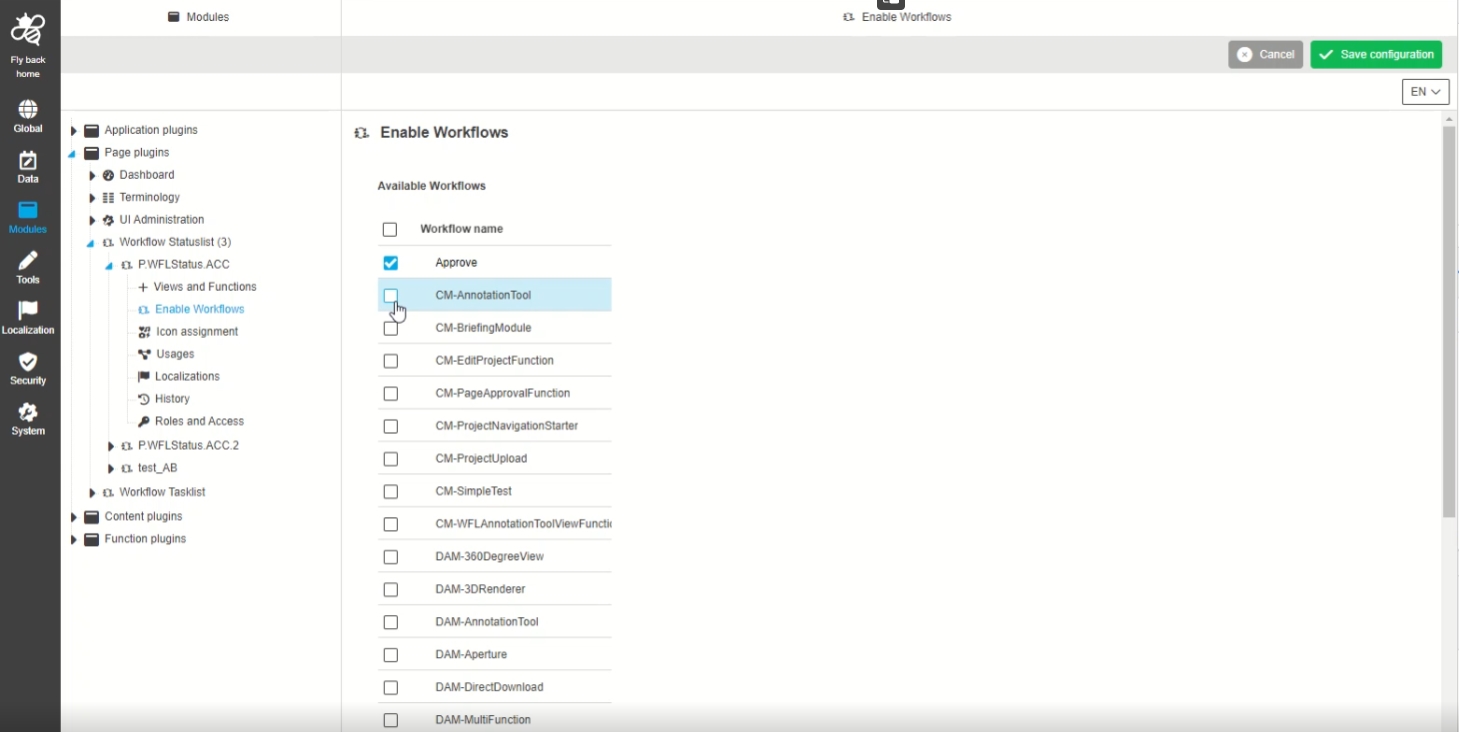
-
Modules - Page plugin - WFLStatus - History
| Documentation | OUCC-521 |
|---|
Possibility to have an overview of all modifications made in Workflow Statuslist plugin instance
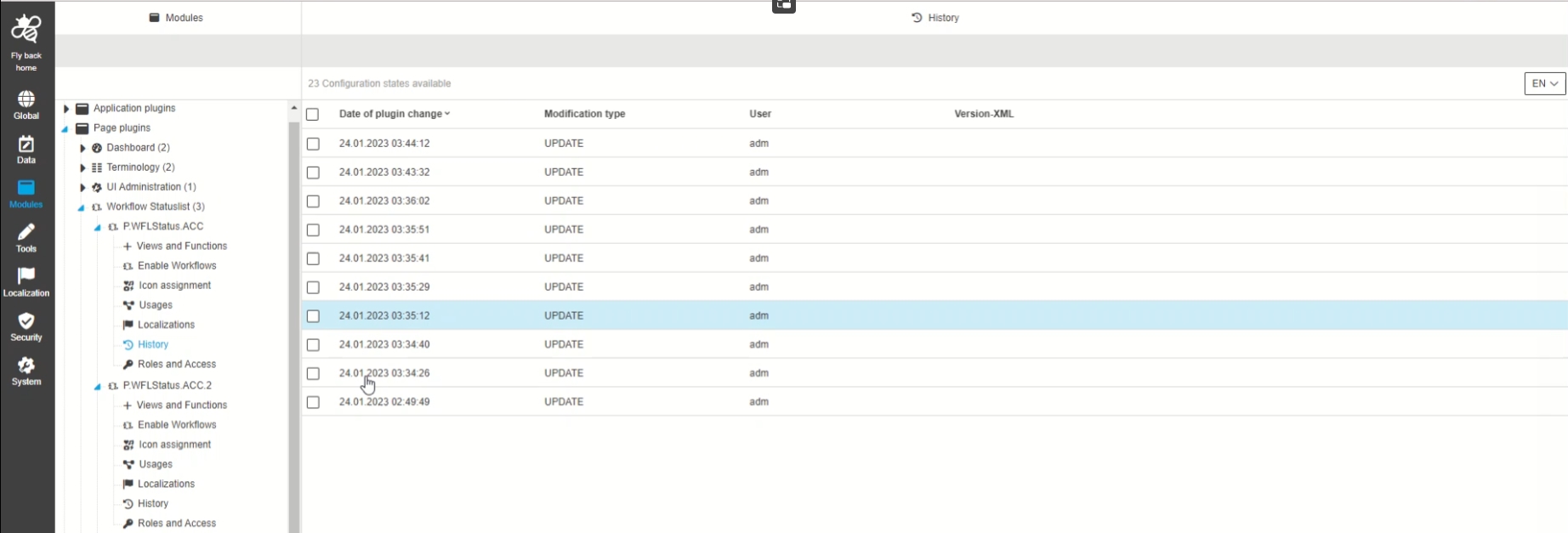
-
WFLConfig
-
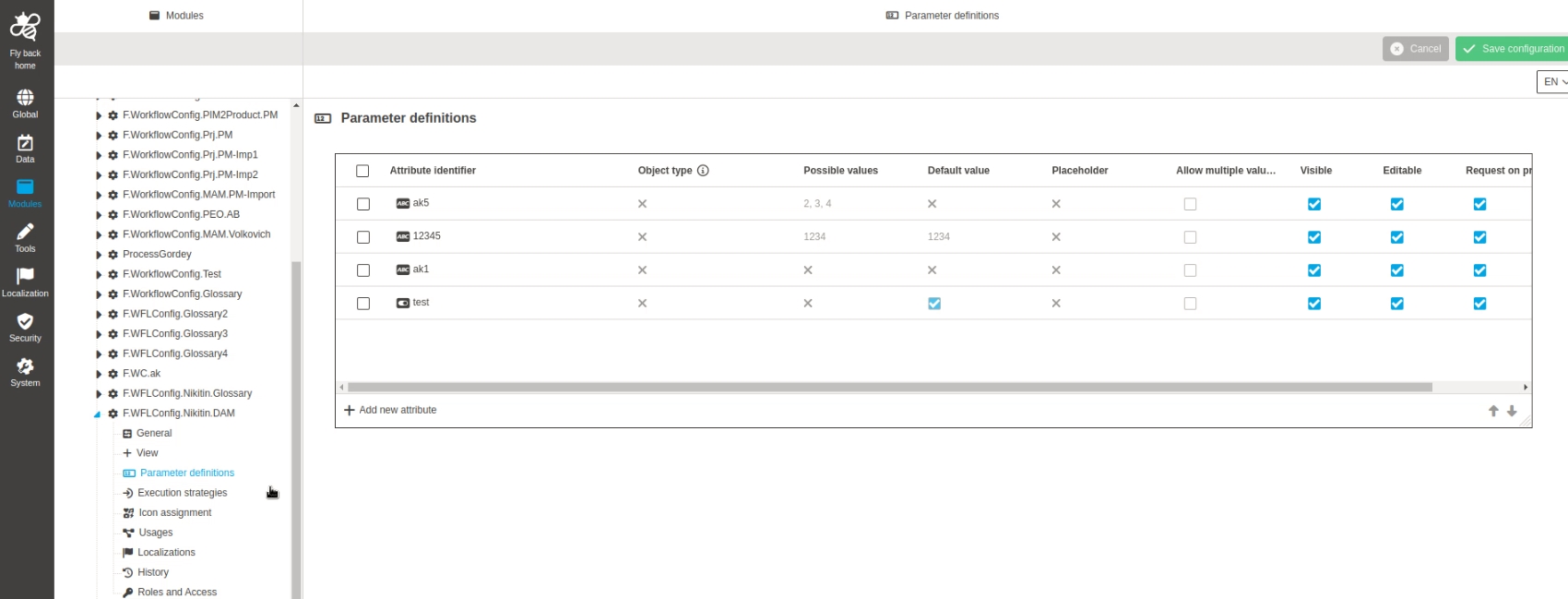
Modules - Function Plugin - WorkflowConfig - Parameter definitions
-
| References | OUCC-403 |
|---|
Possibility to configure the Parameters for WorkflowConfig Plugin configuration which are needed to operate with a workflow
-
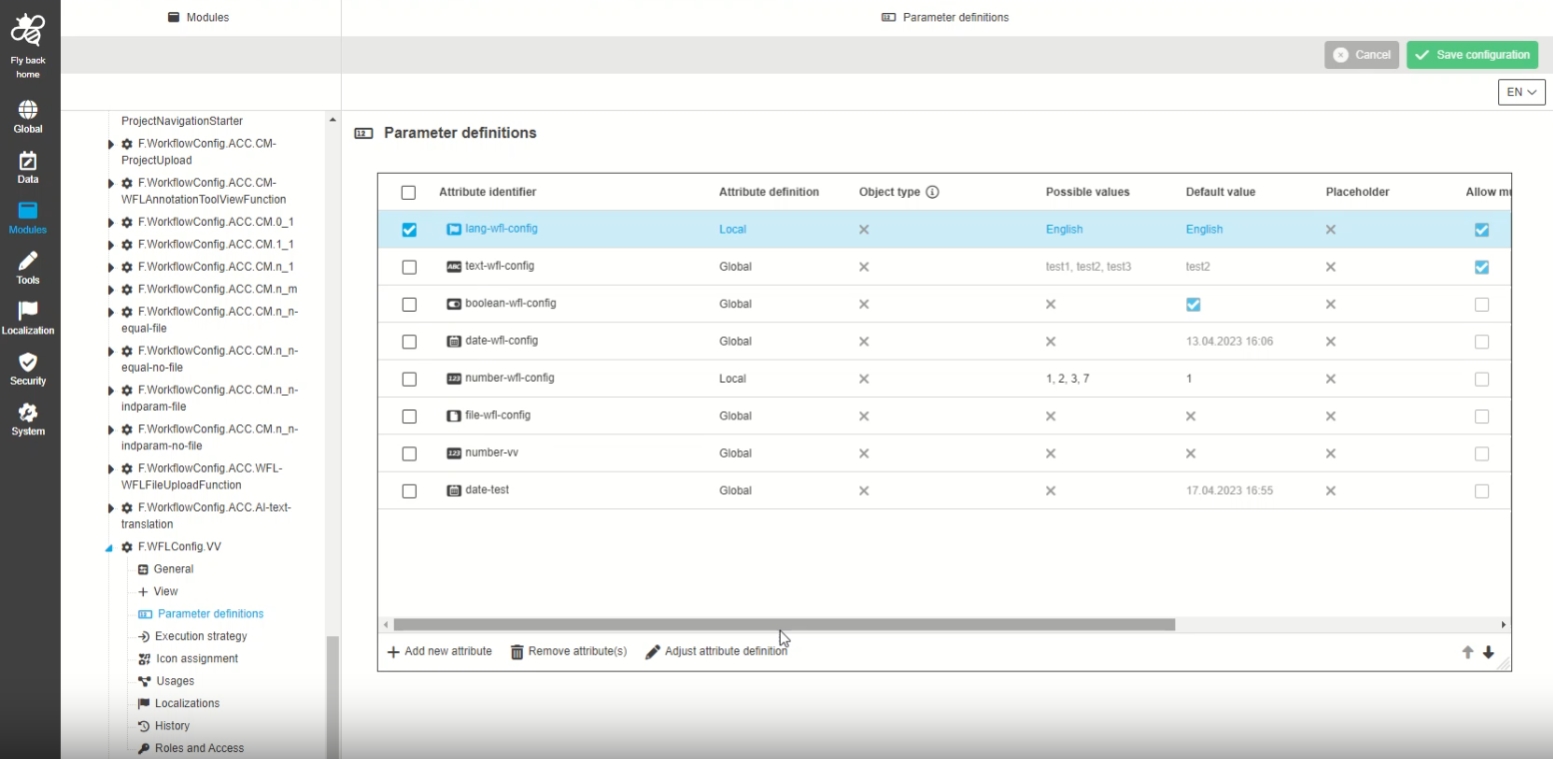
Modules - Function Plugin - WorkflowConfig - Parameter definitions - Highlight attributes which have been modified in abstraction layer
| References | OUCC-809 |
|---|
Possibility to see which attributes are the same as the attribute definition and which are modified in the abstraction layer (UI administration), so the admin is aware if global attribute definition is used or local attribute Definition
-
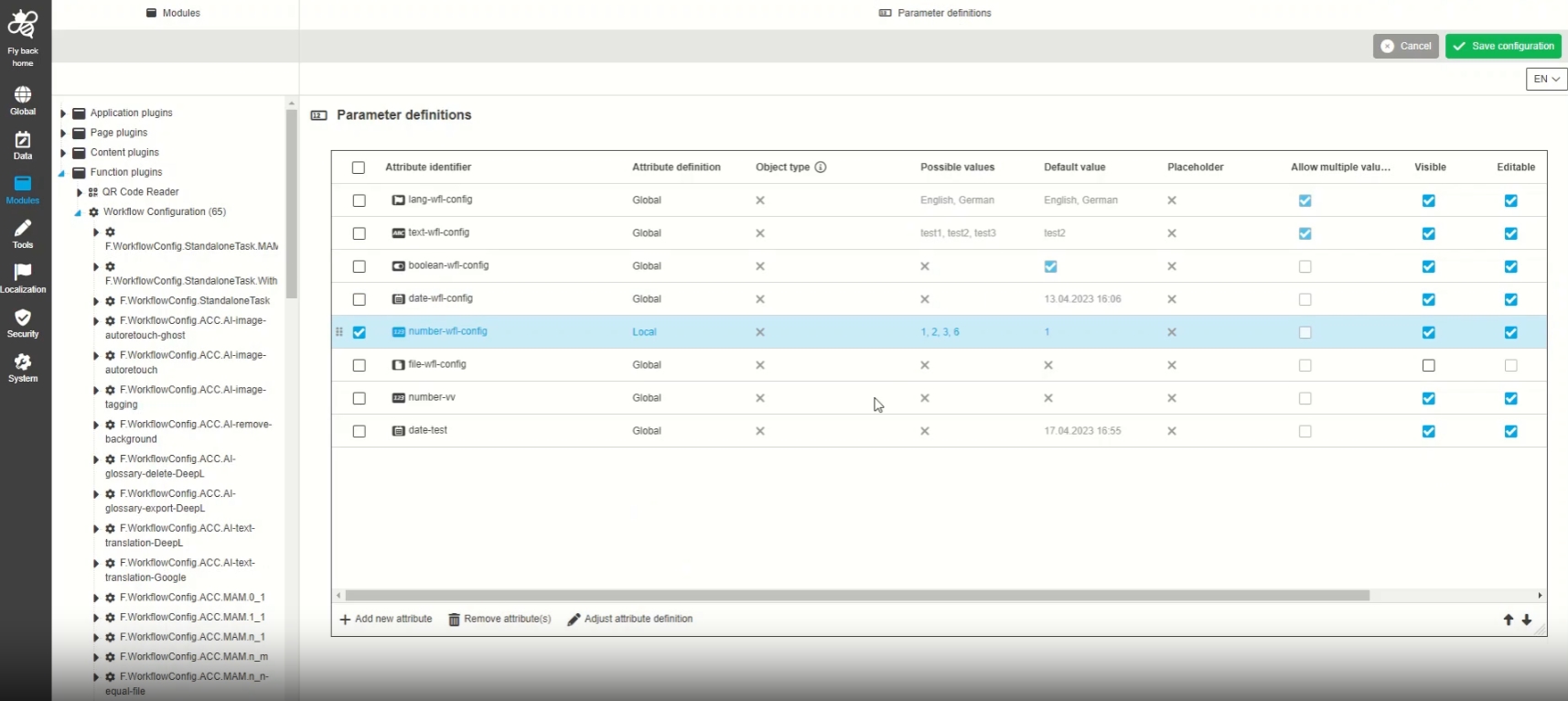
Modules - Function Plugin - WorkflowConfig - Parameter definitions - Modal to adjust global attribute definition
| References | OUCC-848 |
|---|
Possibility to open a function modal to adjust the global attribute definition into a local one via Workflow-Config plugin, so that this local attribute Definition is used for the workflow
-
Typical Usecase: the global Attribute is a enum and define 10 values. In a specific workflow configuration only 2 of this 10 values Should be useable. instead of creating an own Attribute, the admin can use the global Attribute and modify Definition which means that this Attribute has a local Definition for a specific workflow
-
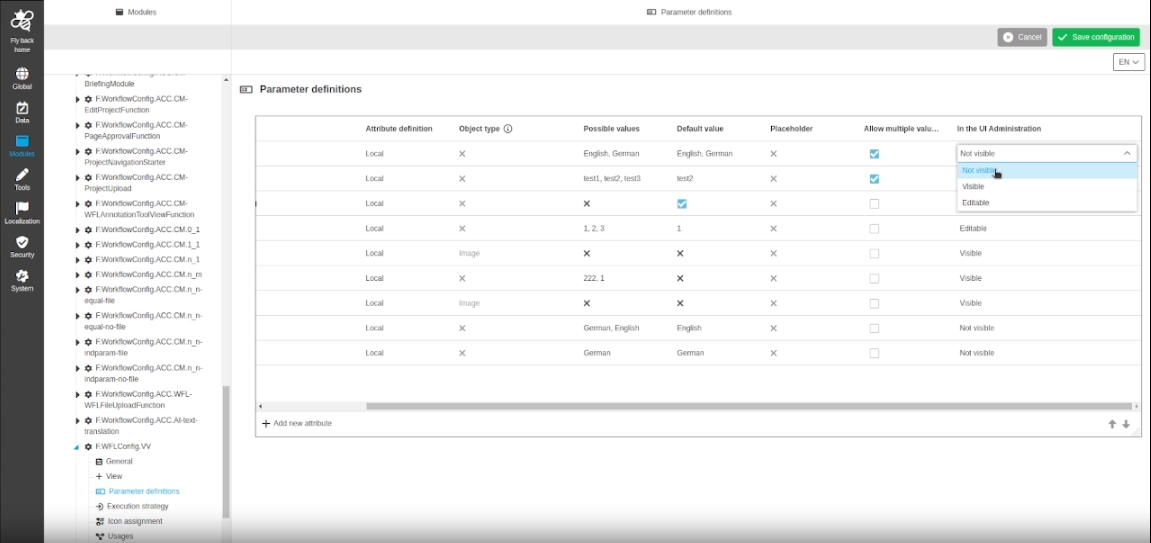
Modules - Function Plugin - WorkflowConfig - Parameter definitions - UX Improvement for visible editable and request checkboxes
| References | OUCC-896 |
|---|
Improved configuration in WorkflowConfig Plugin parameter definitions table, so that the Administrator can better configure which workflow Attribute settings referes to UI-admin, autocreation modal for the UI, and FS Detail for the UI
-
Workflow process parameter does not include localized values in modal WFL execution
| References | OMN-10330 |
|---|
Workflow process parameter now supports Display of localized values for workflow Parameters
-
Display of localized values for parameters in UI workflow execution
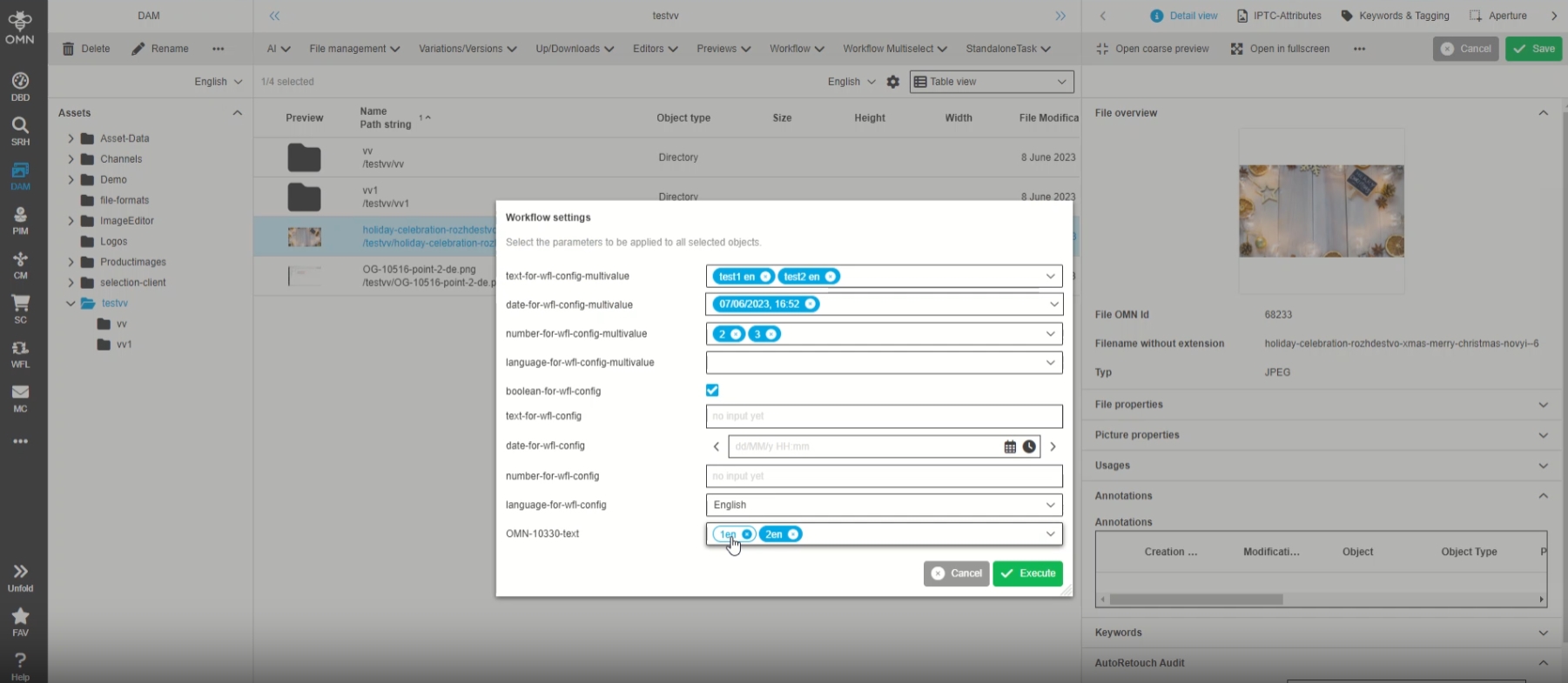
-
example Attribute with localized values (used for configured workflow)
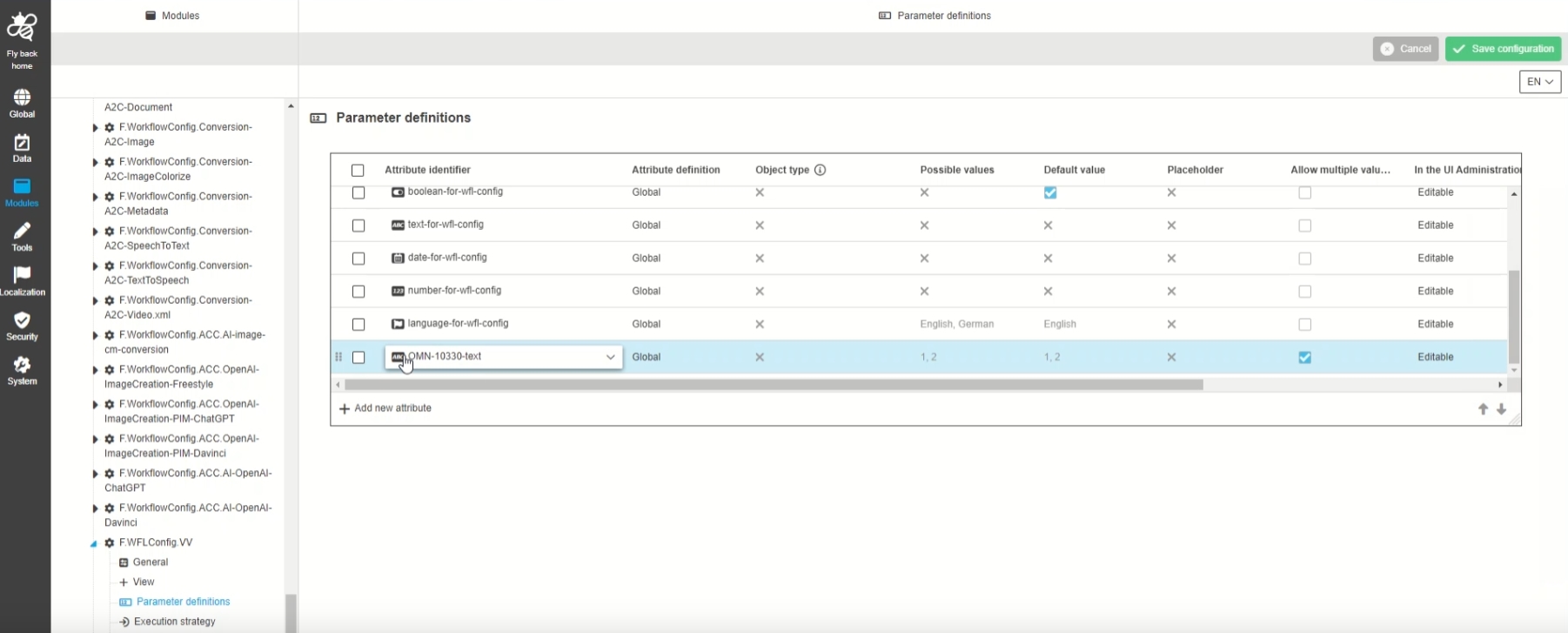
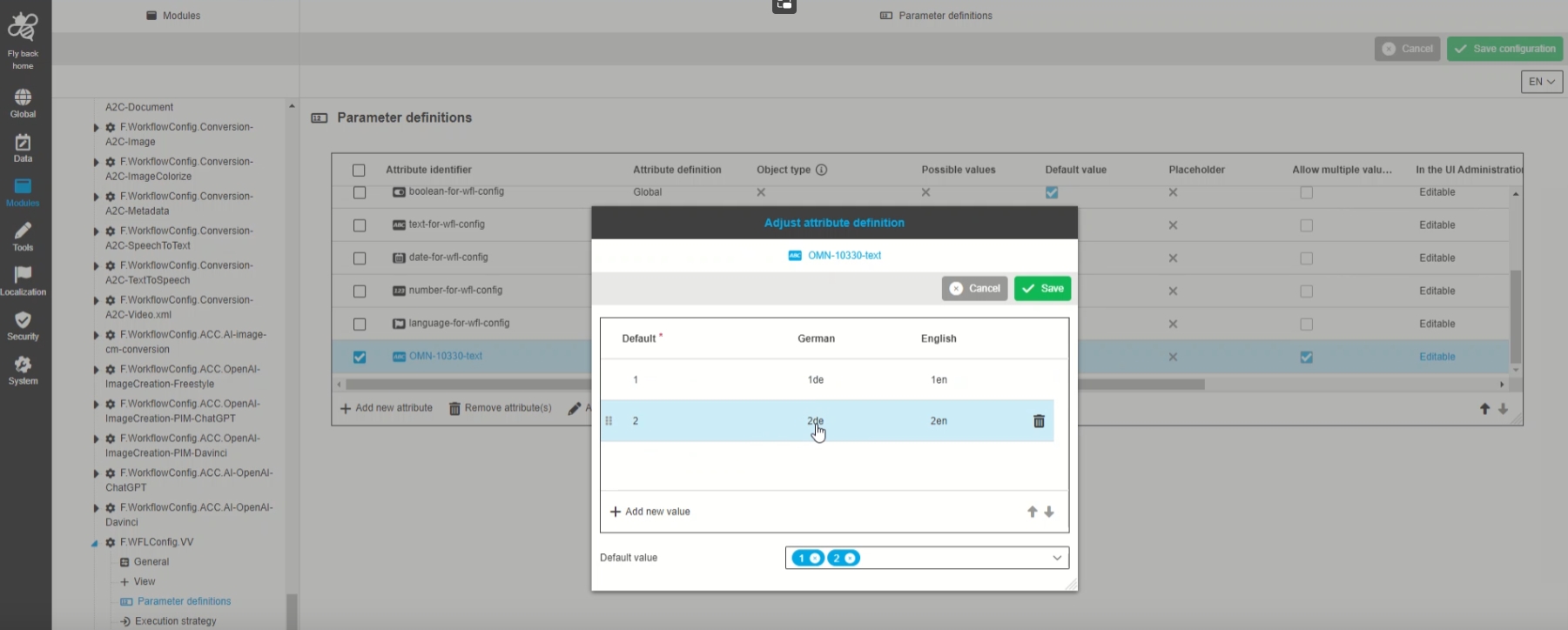
-
FSDetail - Display workflow config start process modal in the UI
| References | OG-14426 |
|---|
Possibility to see process start modal (workflow config) based on an FS Detail configuration, so that the user can view and set see the parameter fields in a user-friendly and use case confirm way
-
the specific Workflow FS-Detail can be configured and used if auto-modals are not enough (eg. Additional labels, Accordeons etc are needed for workflow start
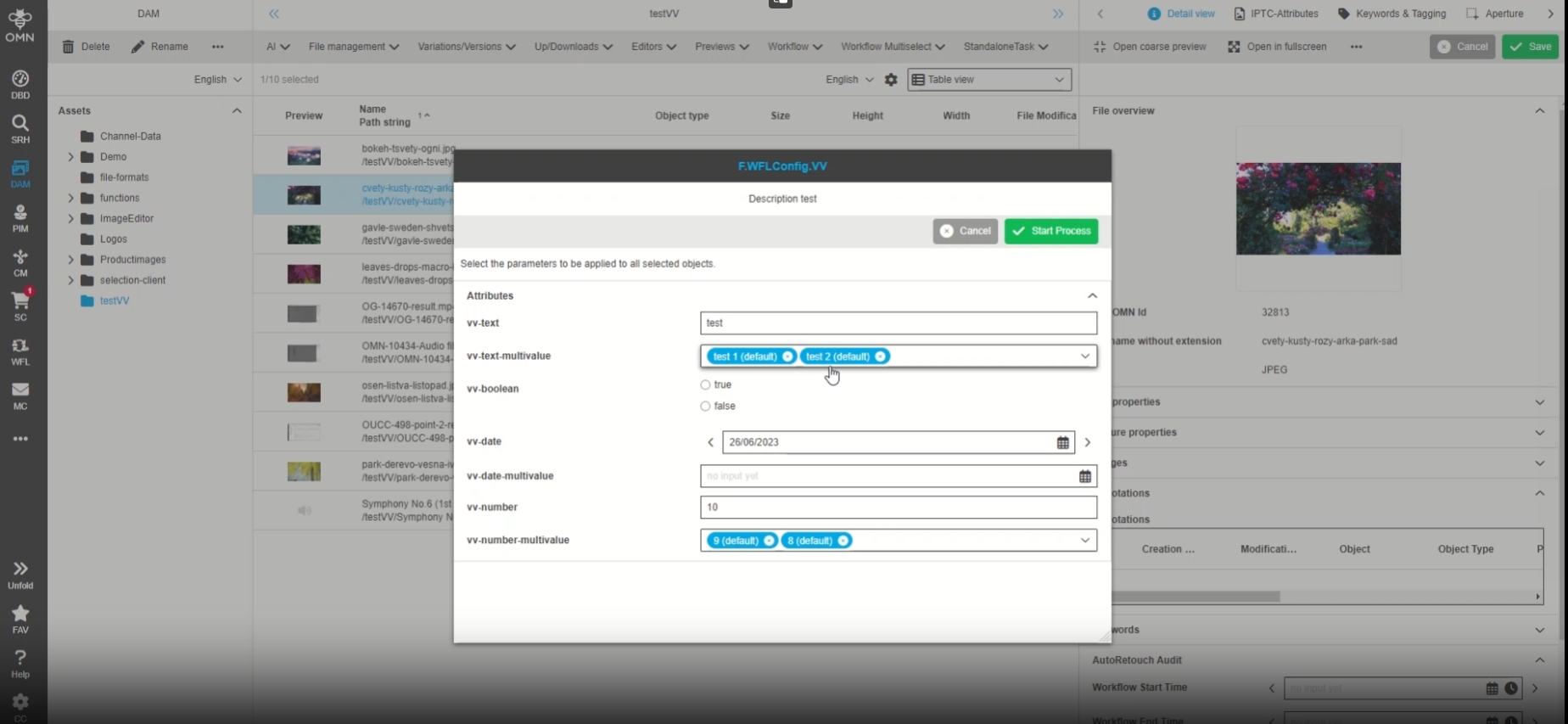
-
Configured Workflow-FS-Detail in new ConfigClient
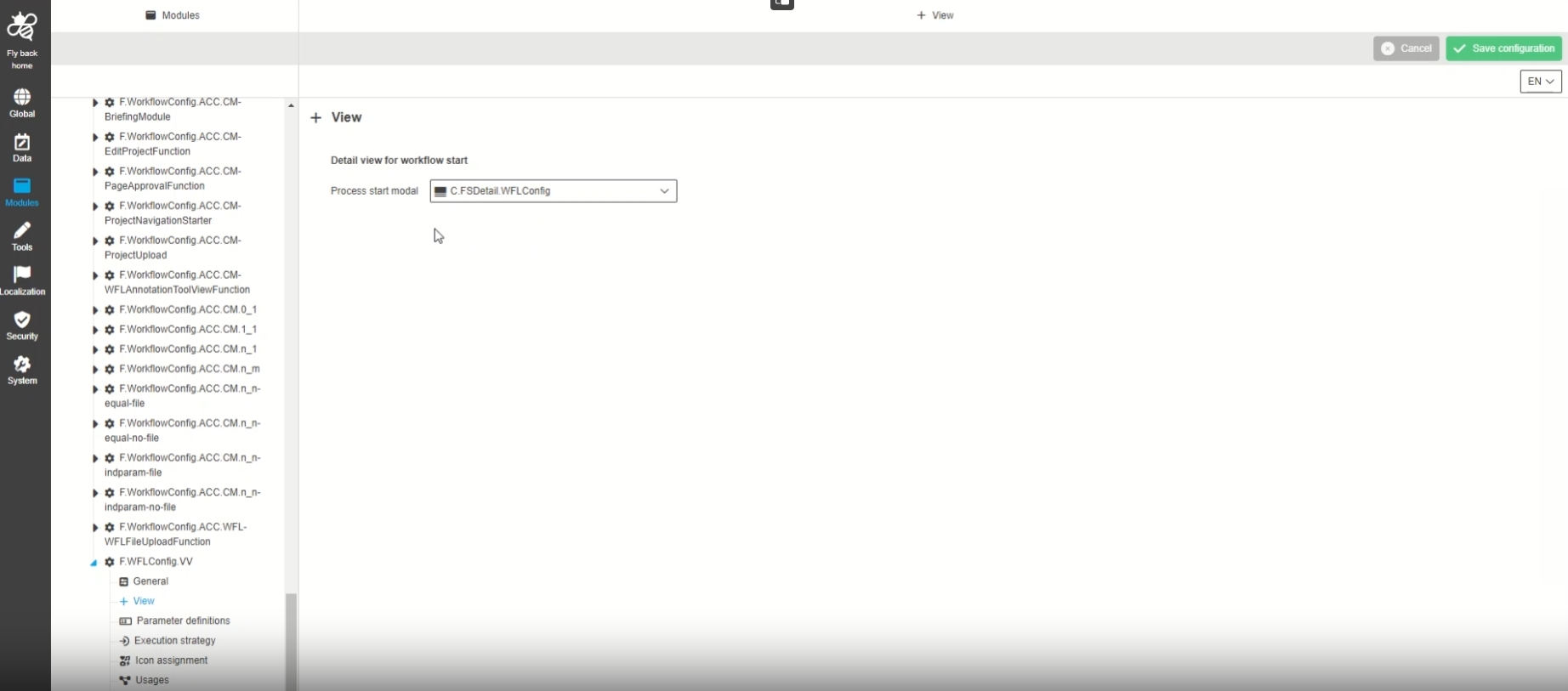
-
Create version in history tab in case that local attribute definition has been saved in UI Administration
| References | OUCC-1012 |
|---|
A version of a WorkflowConfig will be saved, in case workflow config attributes have been changed and saved via UI administration, so that the admin will have the latest and correct state available in the history tab
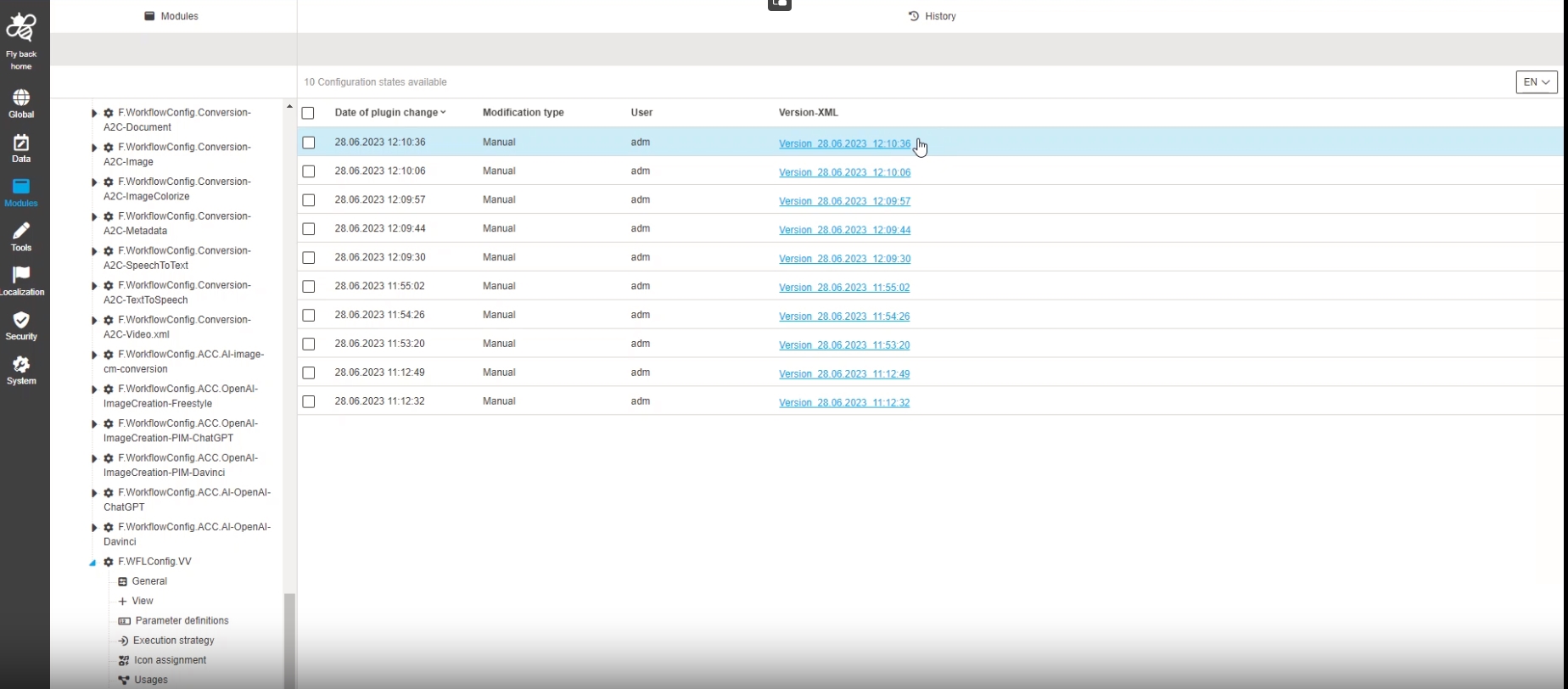
-
Modules - Function Plugin - WorkflowConfig - Parameter definitions - Modal to adjust attribute definition - File
| References | OUCC-1011 |
|---|
Possibility to adjust the attribute definition for workflow attributes from type file within the workflow configuration, so that it is possible to use a local attribute definition with a use-case-specific default value
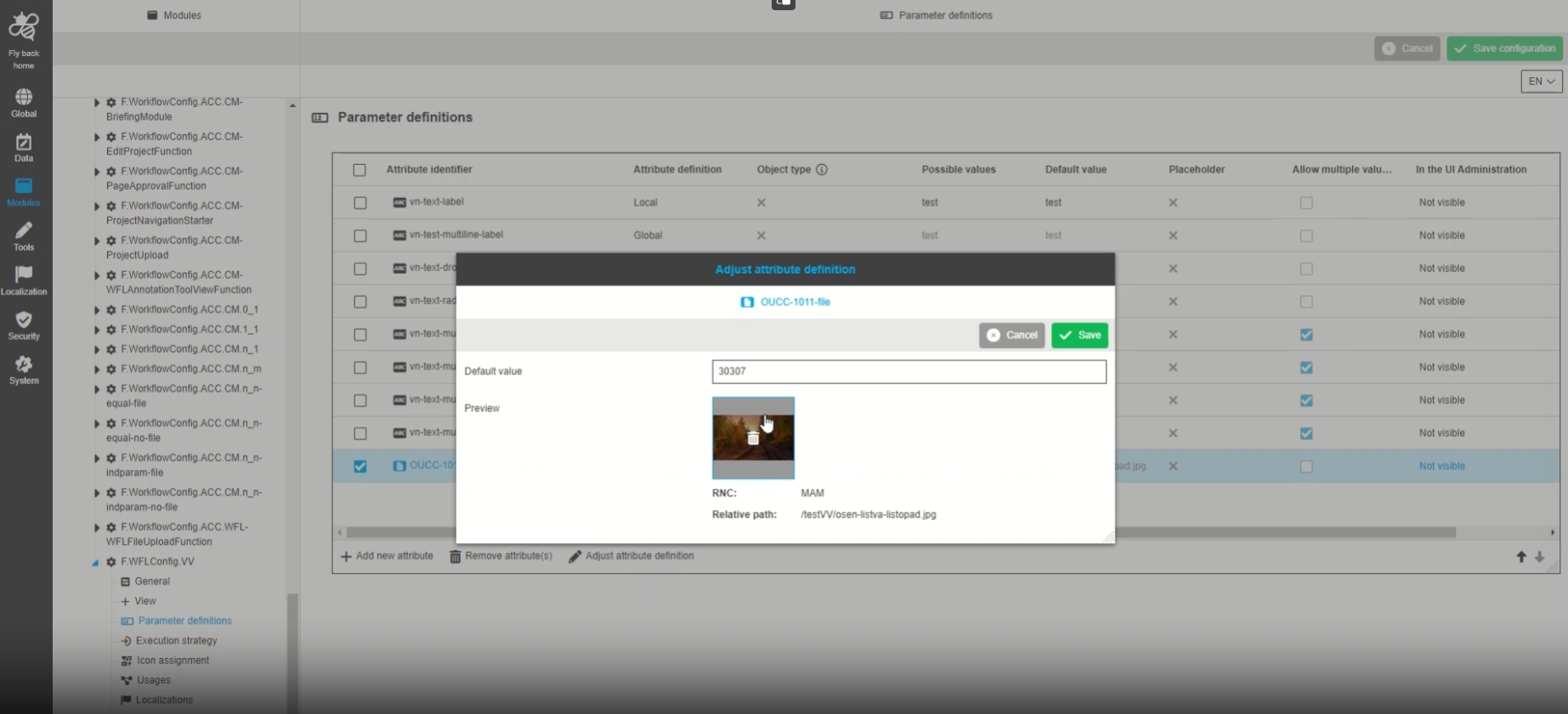
-
Modules - Function Plugin - WorkflowConfig - General - Object type Subtype support (first version for DAM and PIM)
| References | OUCC-985 |
|---|
Possibility to specify for what kind of object a configured Workflowfunction will be available, eg if a specific workflow can only work on Assets
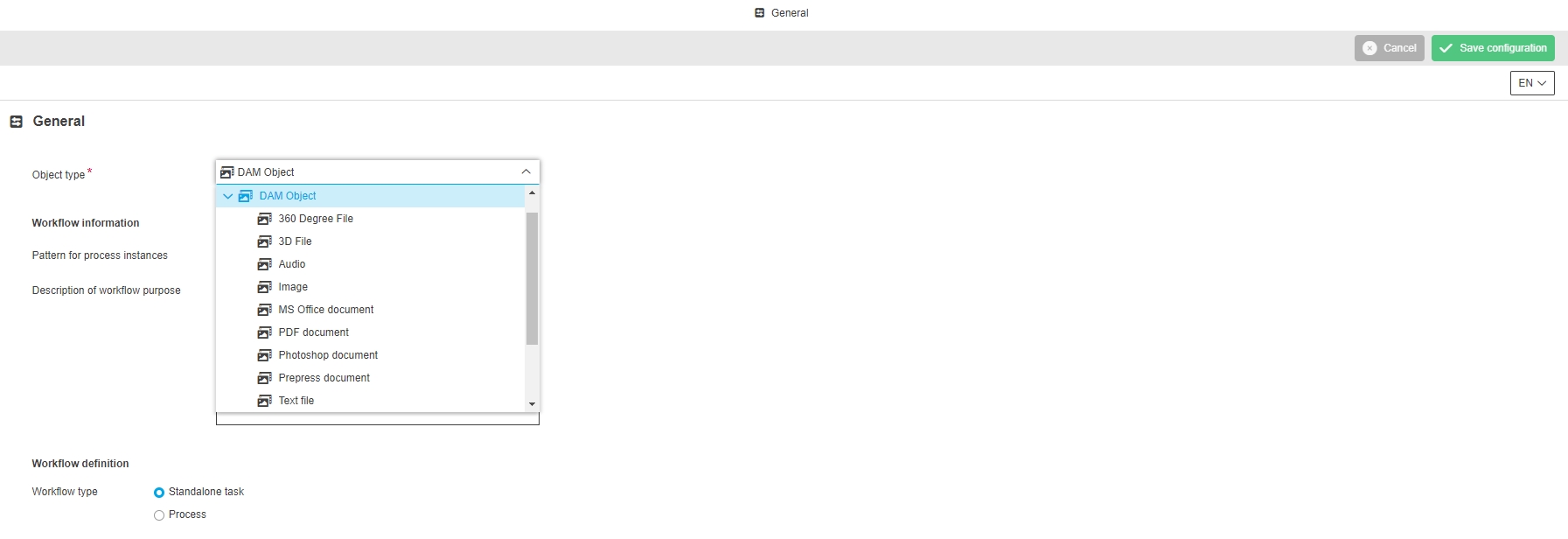
-
Modules - Function Plugin - WorkflowConfig - Parameter definitions - Adjustments according to default values for file attributes
| References | OUCC-1010 |
|---|
Possibility to see configured attributes from the type file with set default values in the parameter definitions table correctly, so that the admin knows if global attribute definition or local one will be used and if default value is set or not
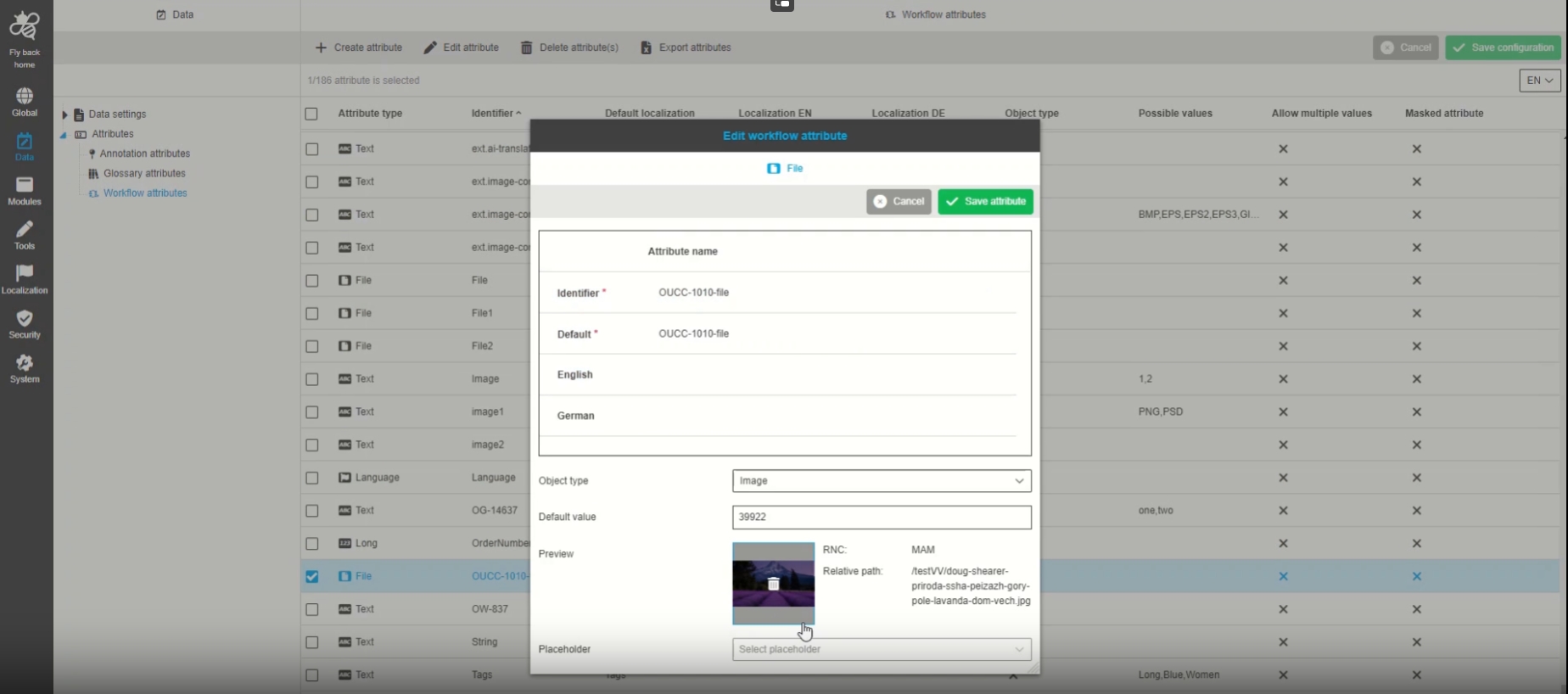
-
Modules - Function Plugin - WorkflowConfig - General - Change functionality of 'Description of worklfow purpose'
| References | OUCC-1091 |
|---|
Small UI Improvement for Workflow Modals that the configuration option description of workflow Purpose will not be displayed in UI
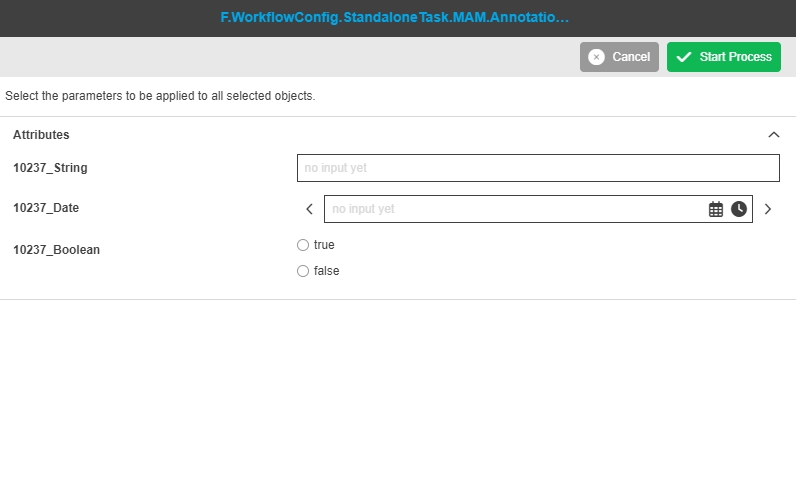
-
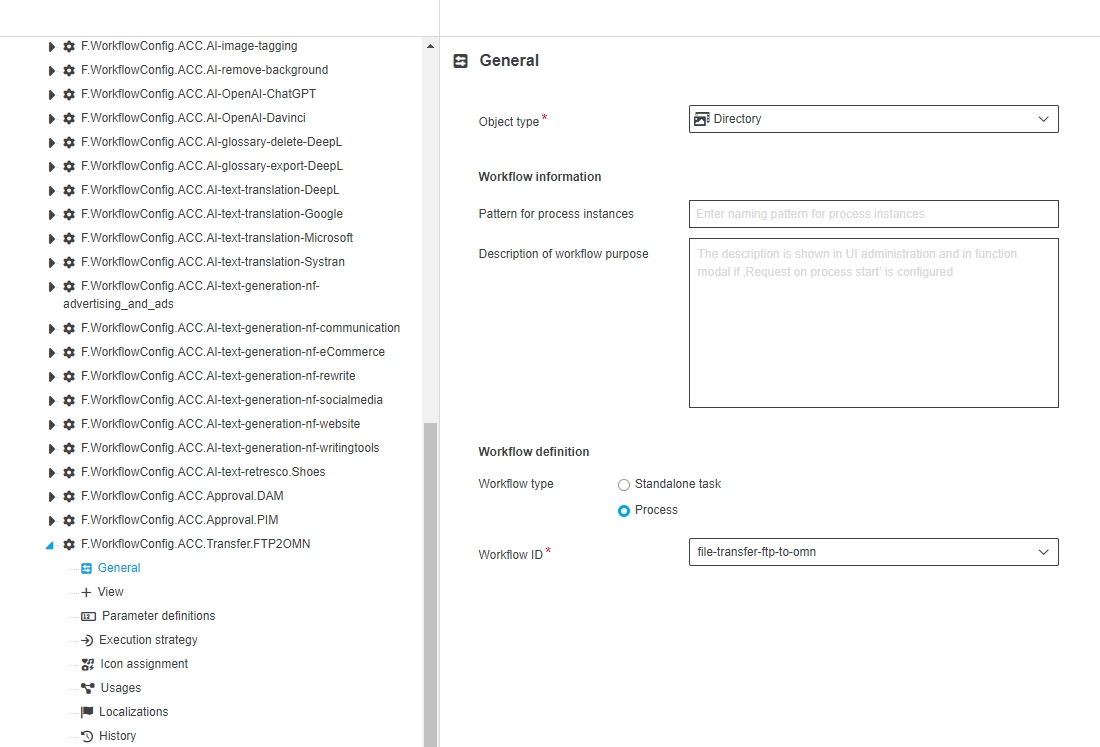
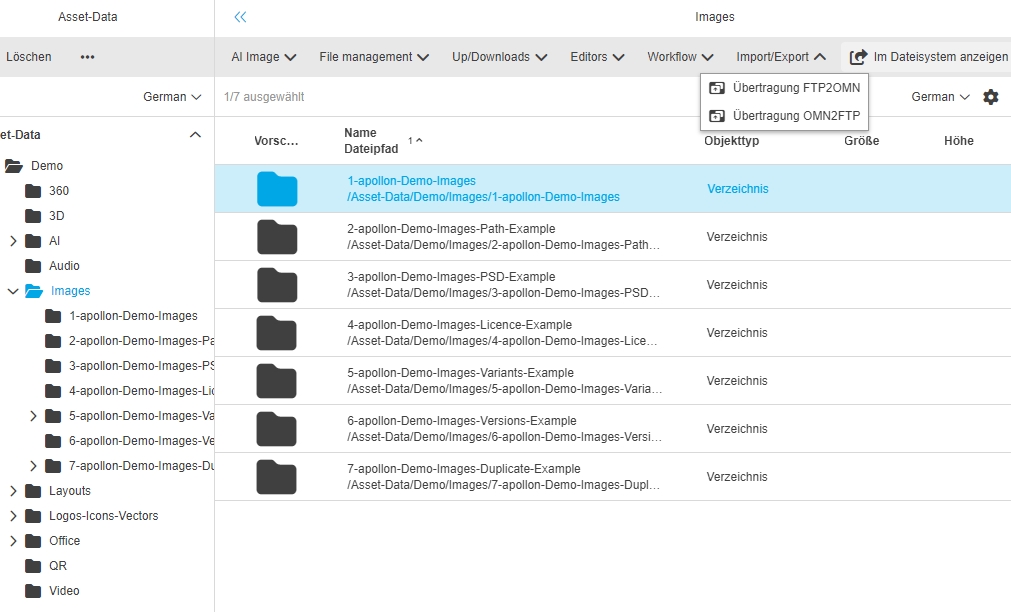
Modules - Function Plugin - WorkflowConfig - General - Object type Subtype support DAM - Directory (Interim 5.12.)
| References | OUCC-1099 |
|---|
Possibility to configure a workflow configuration with sub-object type directory, so that the user can execute the function in the UI only on directories / Folders
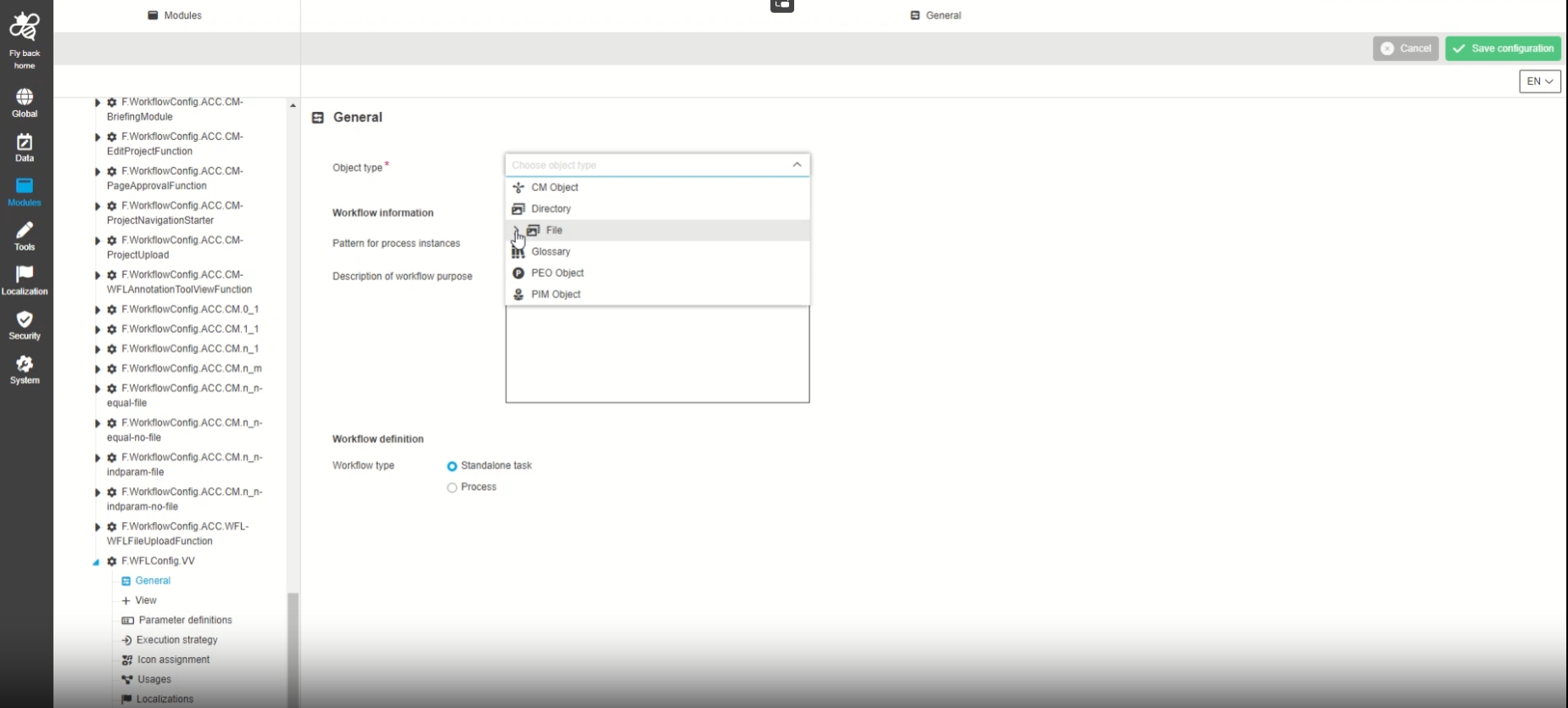
-
Modules - Function Plugin - WorkflowConfig - General - Object type DAM Object (parent of File and Directory)
| References | OUCC-1102 |
|---|
Possibility to select DAM object as parent element of all related DAM sub-object entities in the workflow config general tab, so that the user will be able to start a process on all DAM Objects without further restrictions
-
configuration of DAM Object in ConfigClient
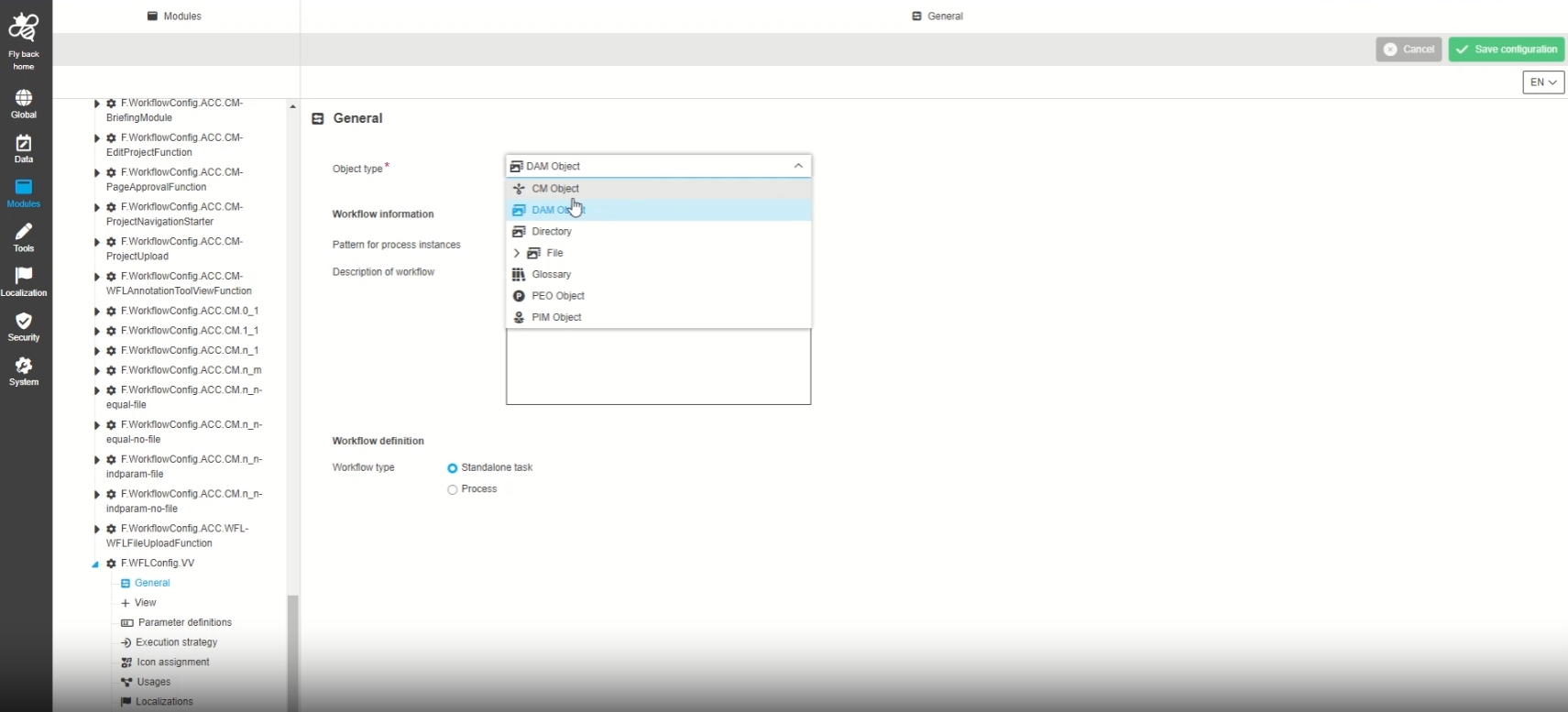
-
Execution of Workflows for Object in UI
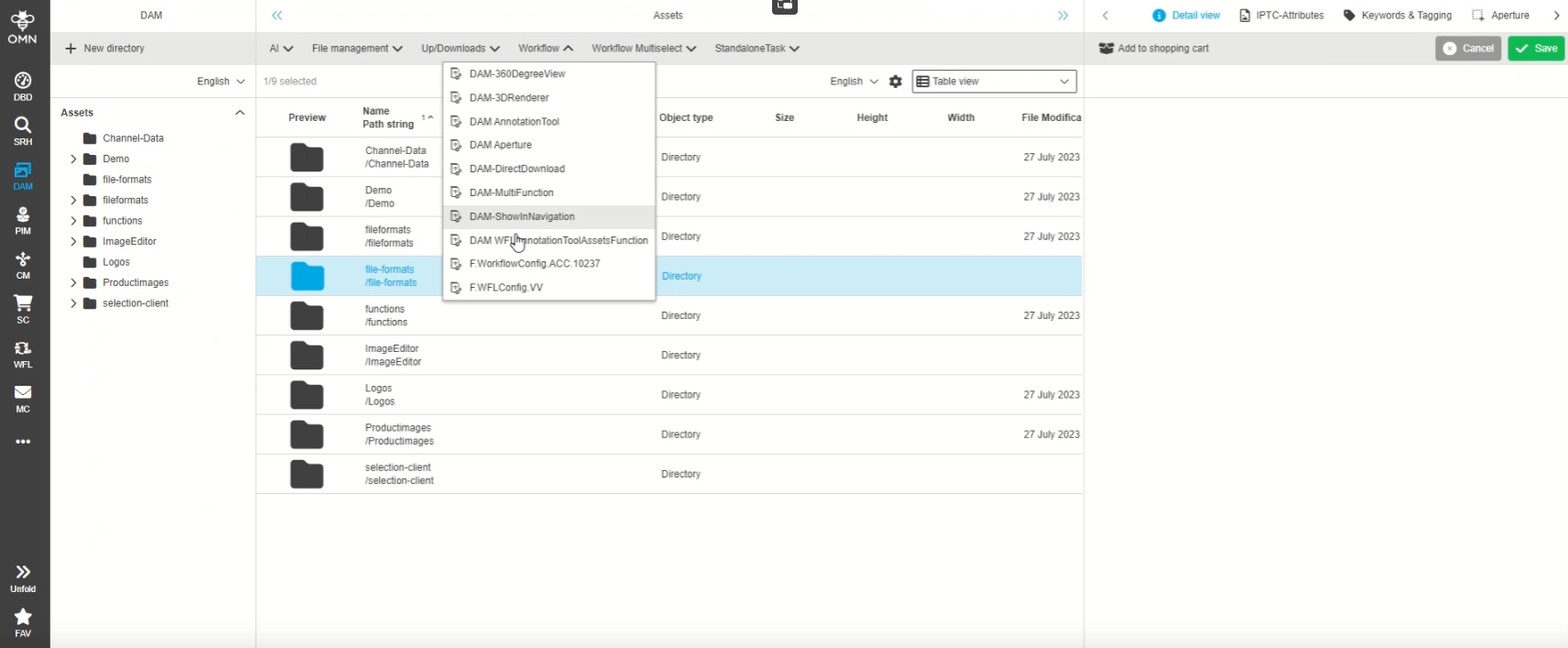
ProjectFolderView
| References | OUCC-84 |
|---|
-
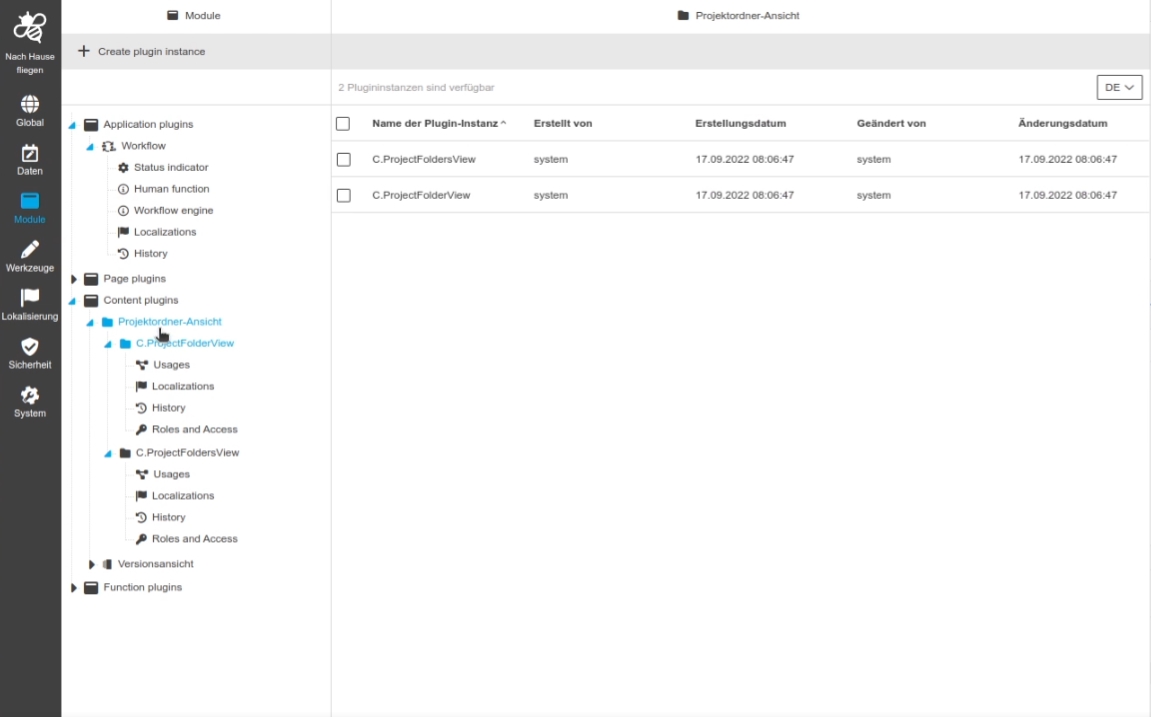
Modules - Content plugin - ProjectFoldersView - General layout
| References | OUCC-650 |
|---|---|
Documentation |
ODOCU-1010 |
Possibility to enable and configure the ProjectFolderView plugin in the ConfigUI
-
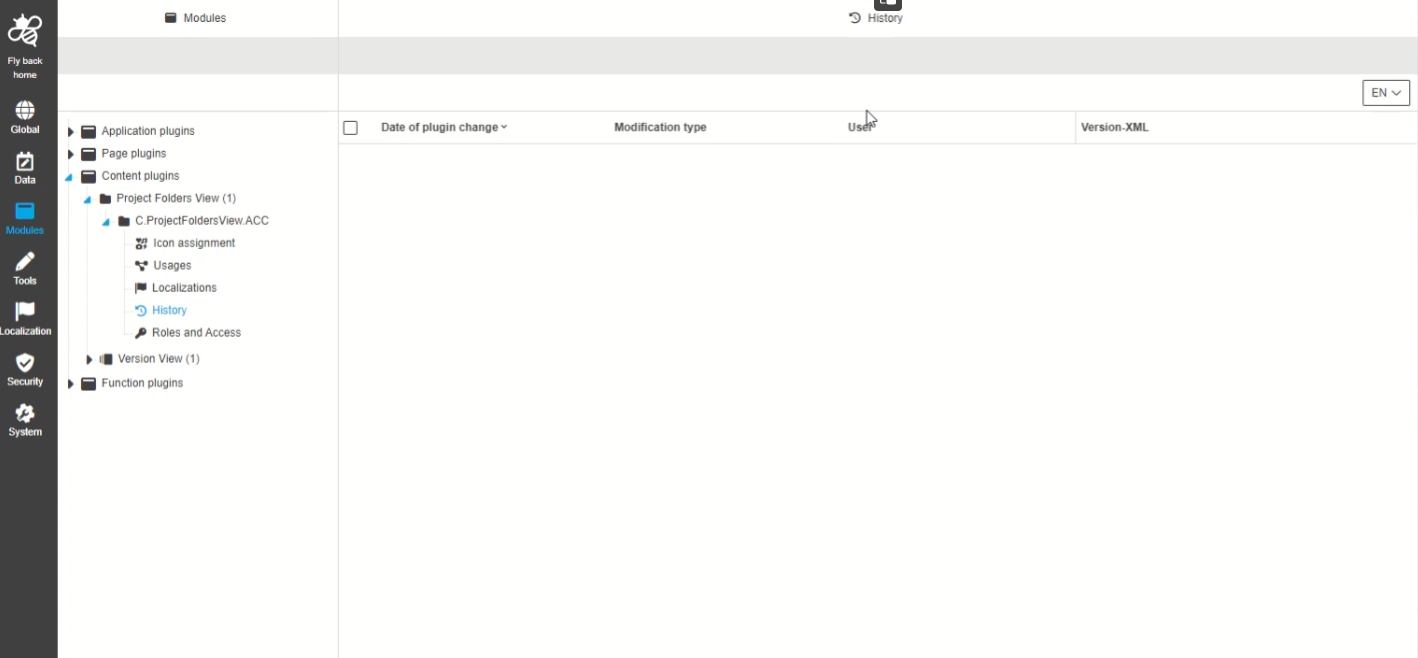
Modules - Content plugin - ProjectFoldersView - History
| References | OUCC-659 |
|---|
Overview of all modifications made in the ProjectFoldersView plugin instance in History tab
QRCode
| References | OUCC-145 |
|---|
-
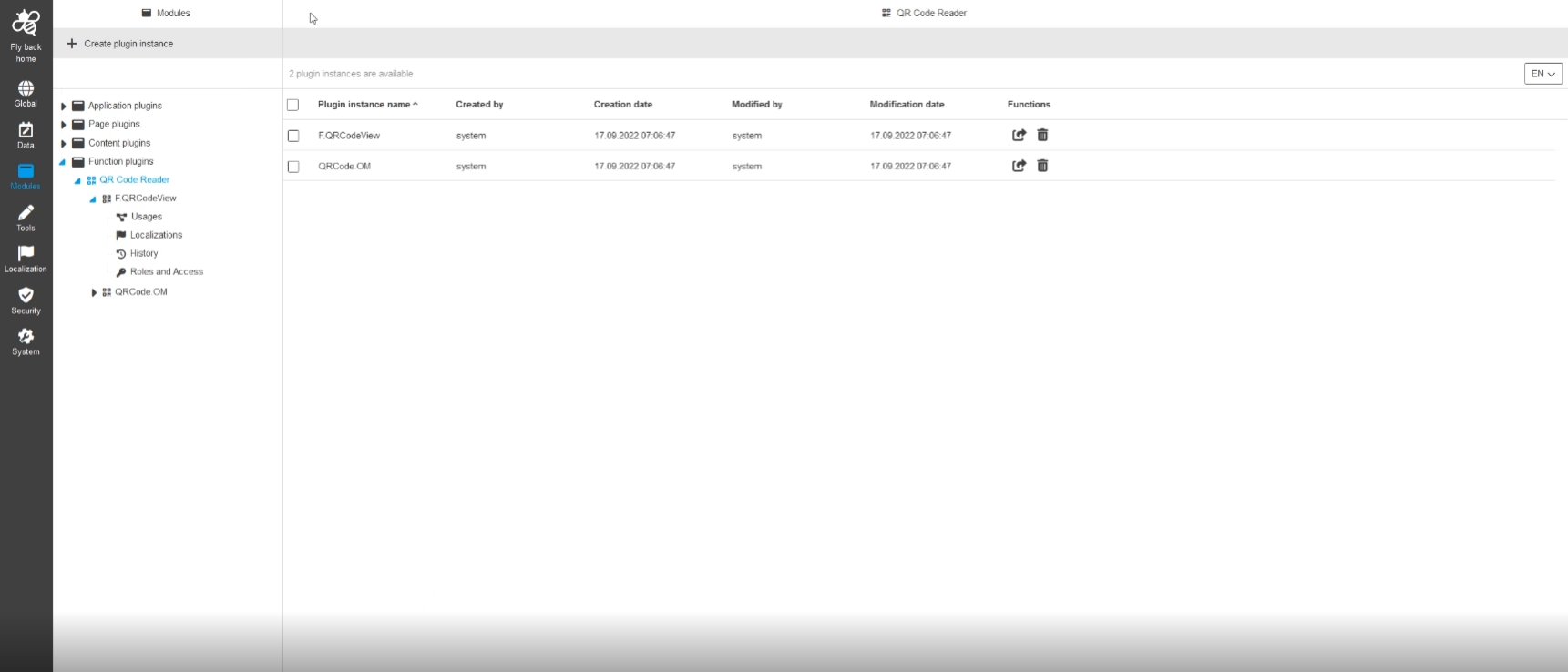
Modules - Function plugin - QRCodeView - General layout
| References | OUCC-673 |
|---|
Possibility to configure the QR Code view tool in the new ConfigUI
-
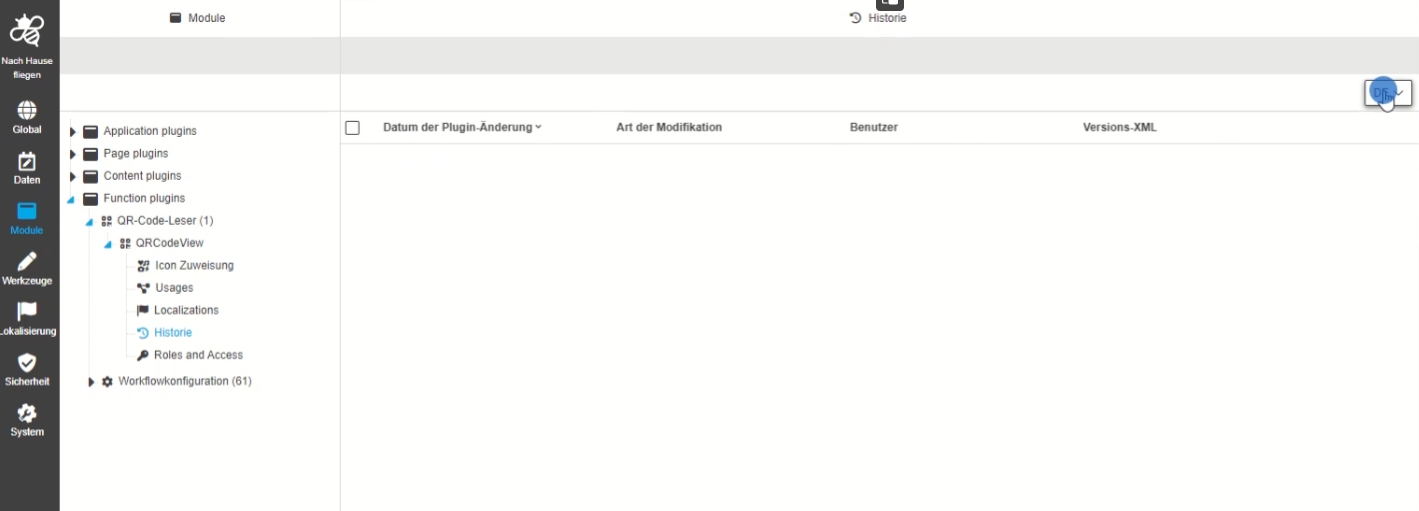
Modules - Function plugin - QRCodeView - History
| References | OUCC-676 |
|---|
Possibility to have an overview of all modifications made in the QR Code Plugin instances via new History overview
Tools
Workflow
-
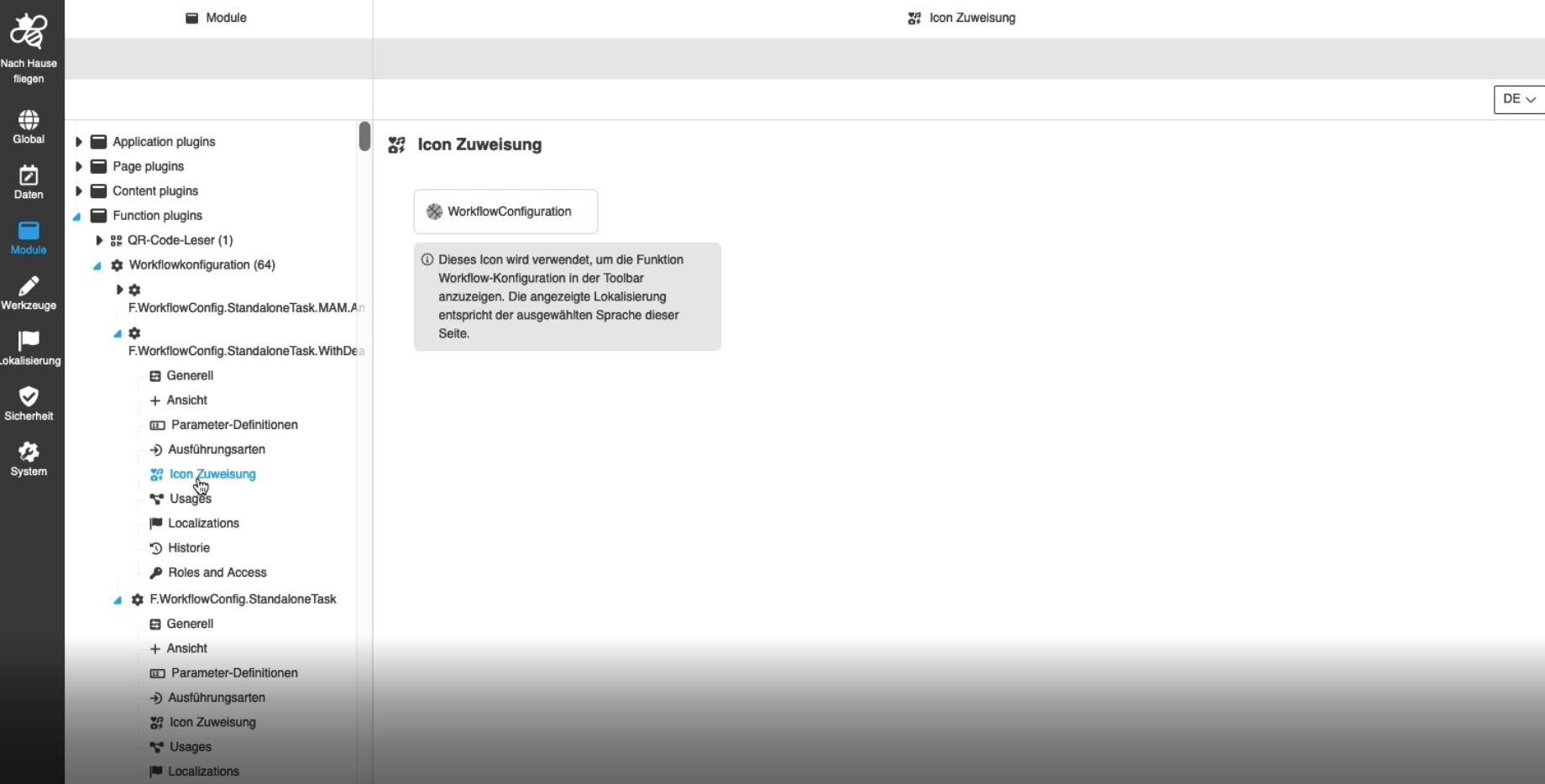
Modules - Function Plugin - WorkflowConfig - Icon
| References | OUCC-405 |
|---|
Possibility to assign an icon for a workflow configuration function, so the icon is shown for the corresponding function in the UI
-
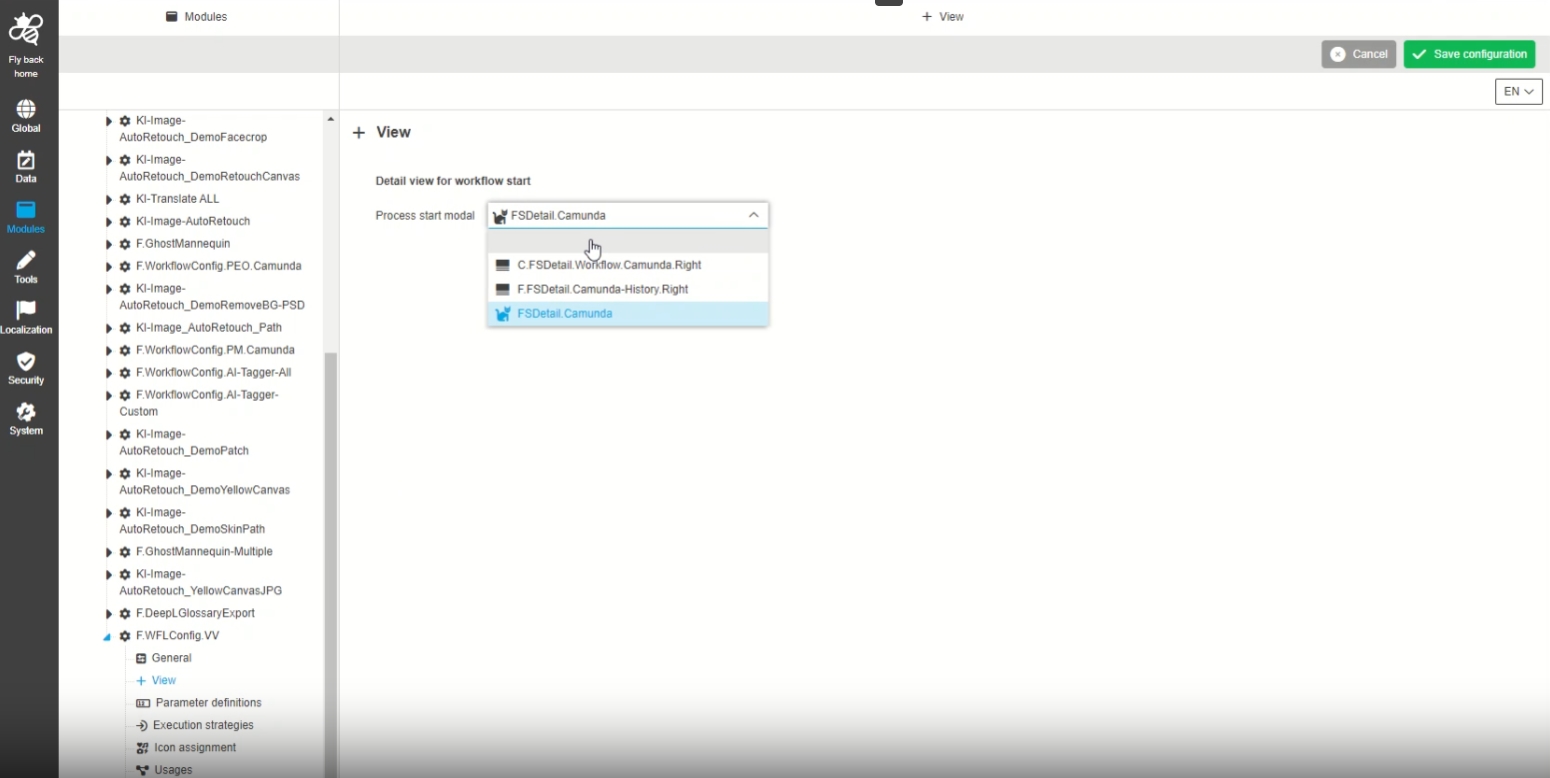
Modules - Function Plugin - WorkflowConfig - View
| References | OUCC-629 |
|---|
Configuration of a special view which is used when starting a Camunda workflow. This view will replace the Auto-Modal which is used when no special view is configuration and results purely from the configuration of workflow Attributes
Administrator Settings
Storage
| References | OUCC-213 |
|---|
-
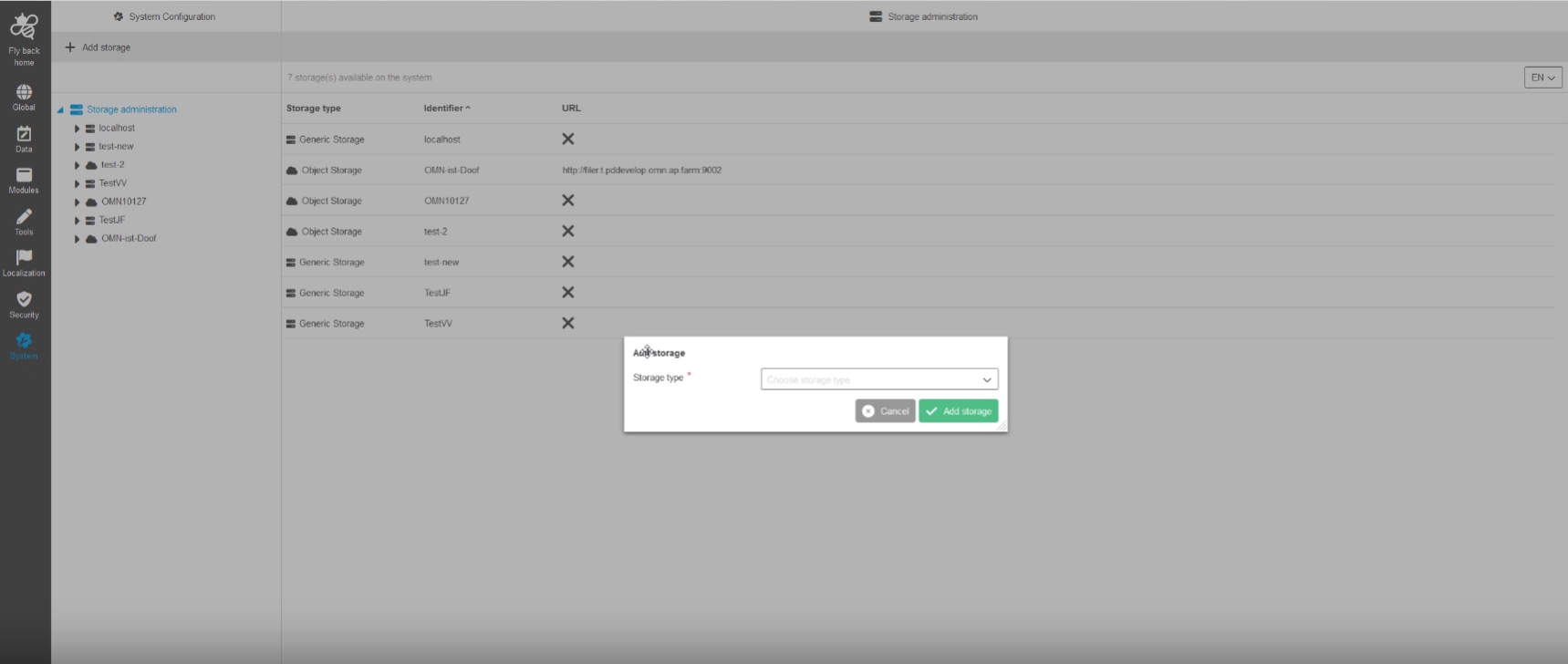
System Configuration - Server Administration - Storages (Server)
| References | OUCC-214 |
|---|---|
Documentation |
ODOCU-645, ODOCU-613 |
Possibility to add a new storage (server) via function to an OMN system, so that a user can store and manage certain data on a separate storage
-
System Configuration - Storage Administration - Overview table for created RNCs
| References | OUCC-538 |
|---|
-
System Configuration - Storage Administration - General layout
| References | OUCC-215 |
|---|---|
Documentation |
ODOCU-614 |
Possibility to enable and configure storages in an OMN System via Configuration Client
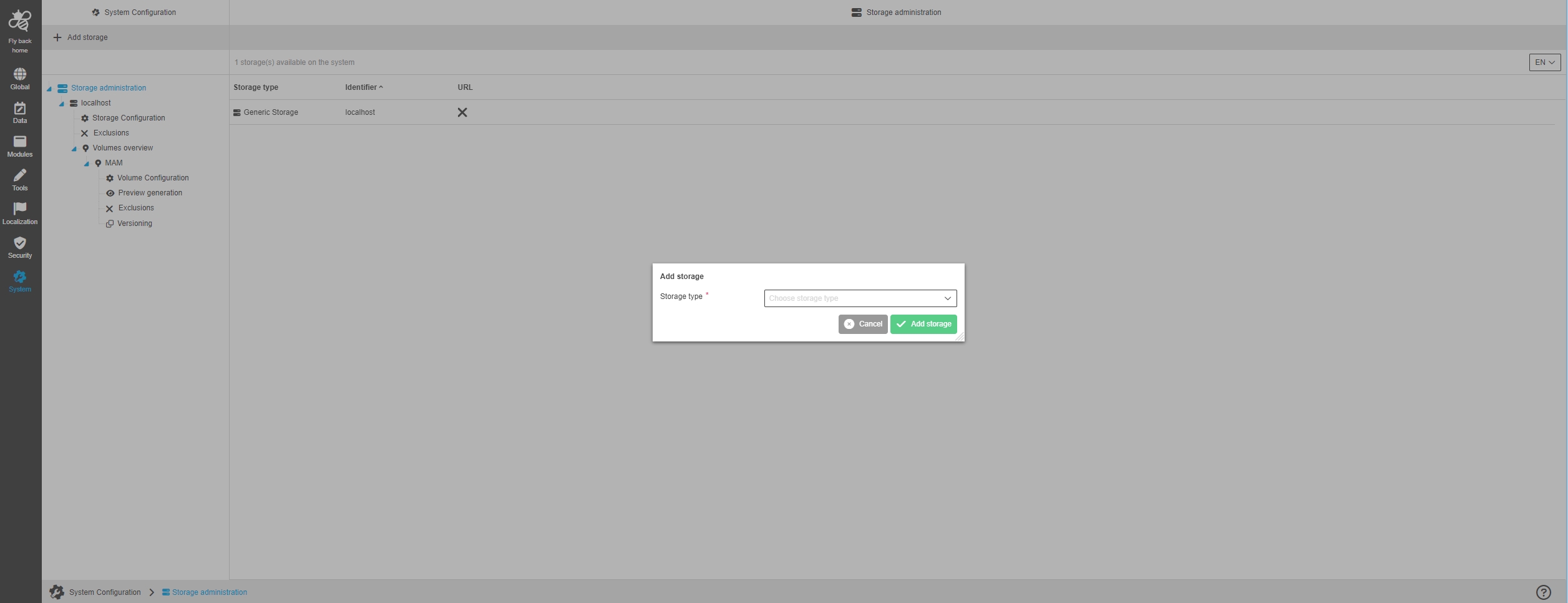
-
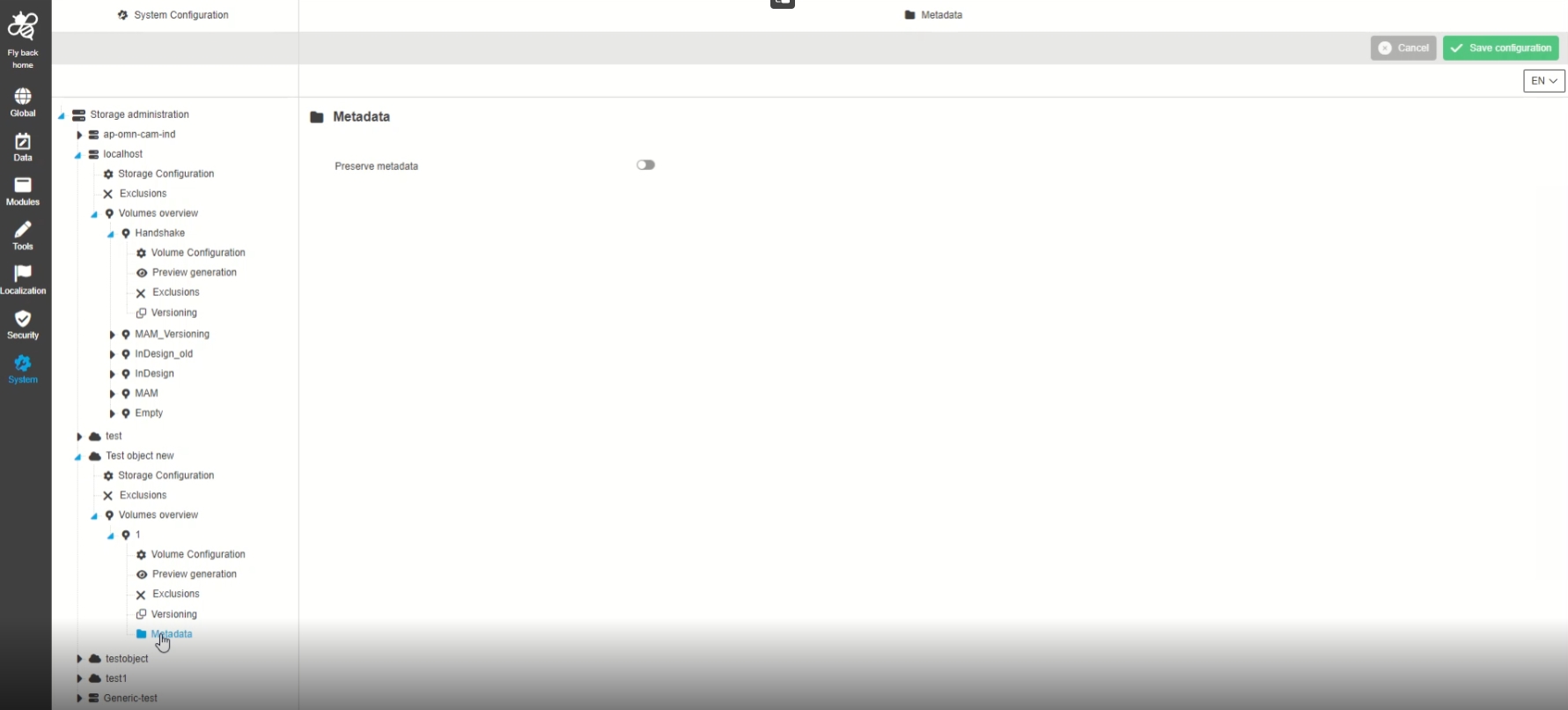
System Configuration - Storage Administration - Volume (RNC) - Metadata
| References | OUCC-585 |
|---|
Possibility to configure preserve metadata Option for a volume available on a object storage server that is used in OMN
-
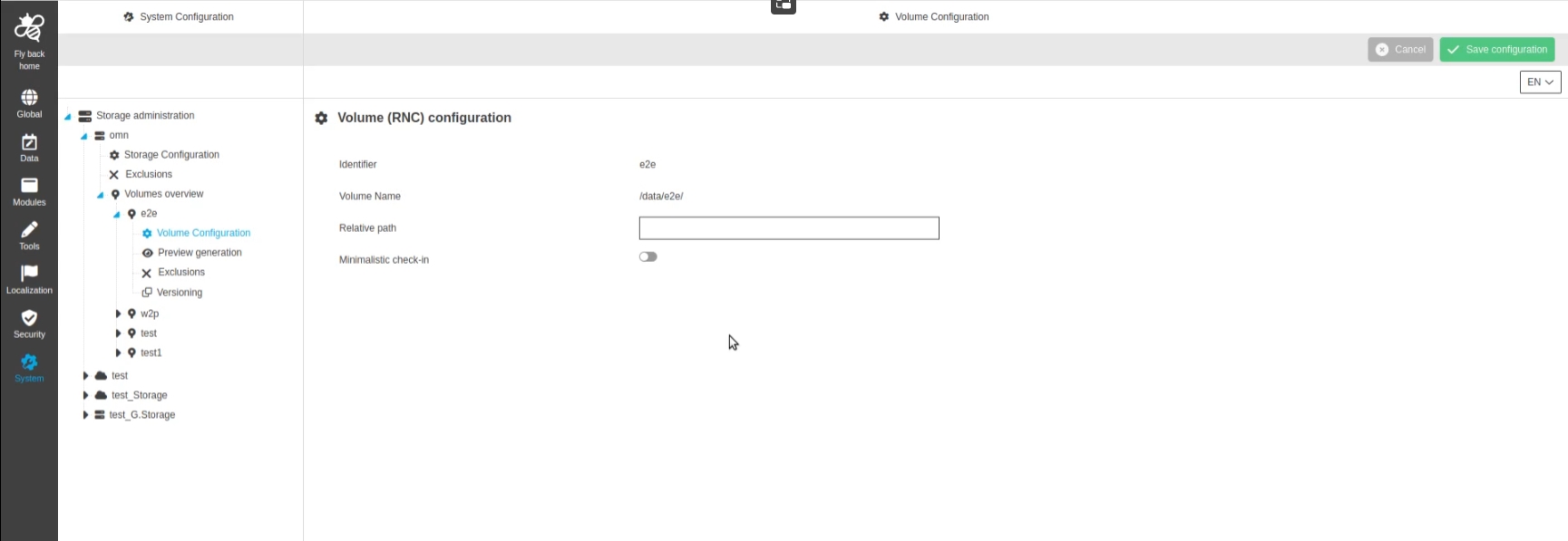
System Configuration - Storage Administration - Volume (RNC) - Volume (RNC) Configuration
| References | OUCC-581 |
|---|
Possibility to configure basic volume configurations for a volume available on a server that is used in OMN
-
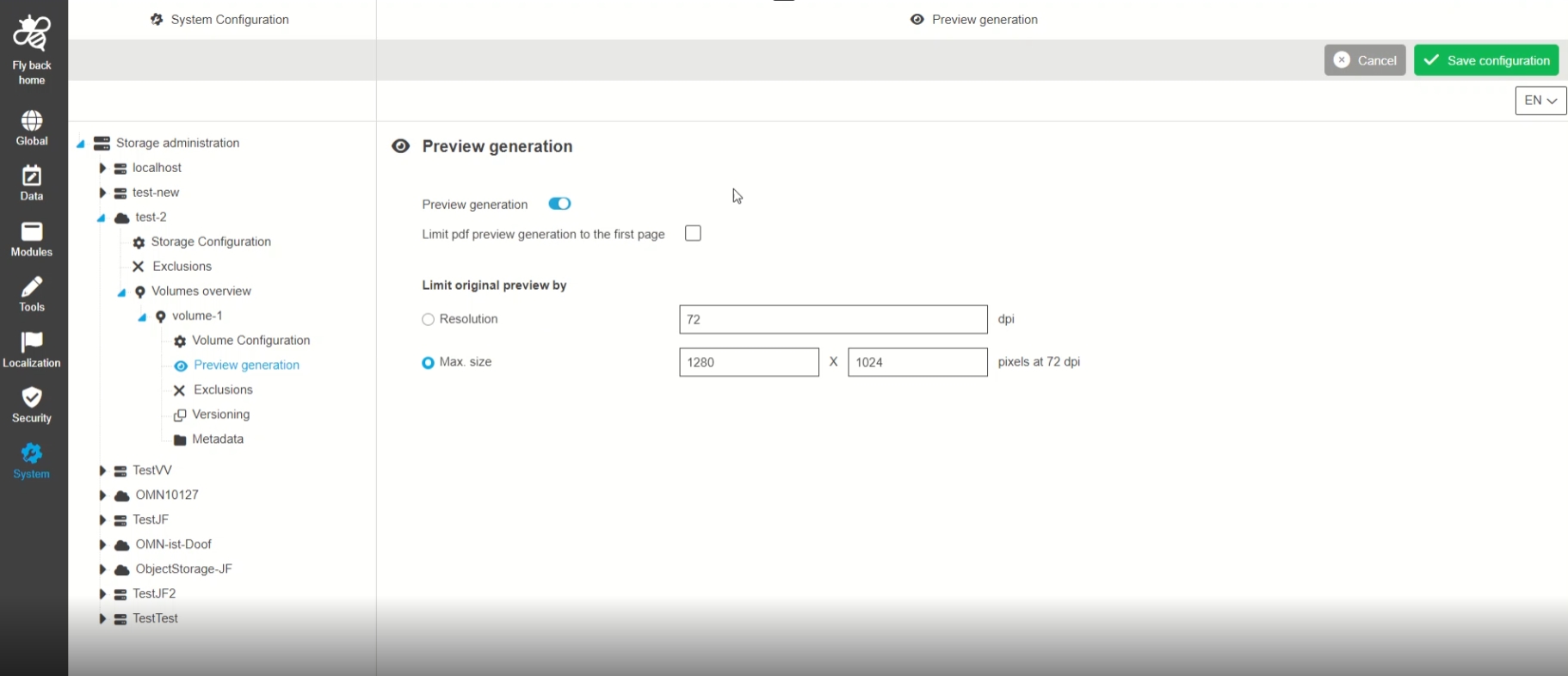
System Configuration - Storage Administration - Volume (RNC) - Preview generation
| References | OUCC-582 |
|---|
Possibility to configure the preview generation / details for a volume available on a server that is used in OMN with new ConfigurationClient
-
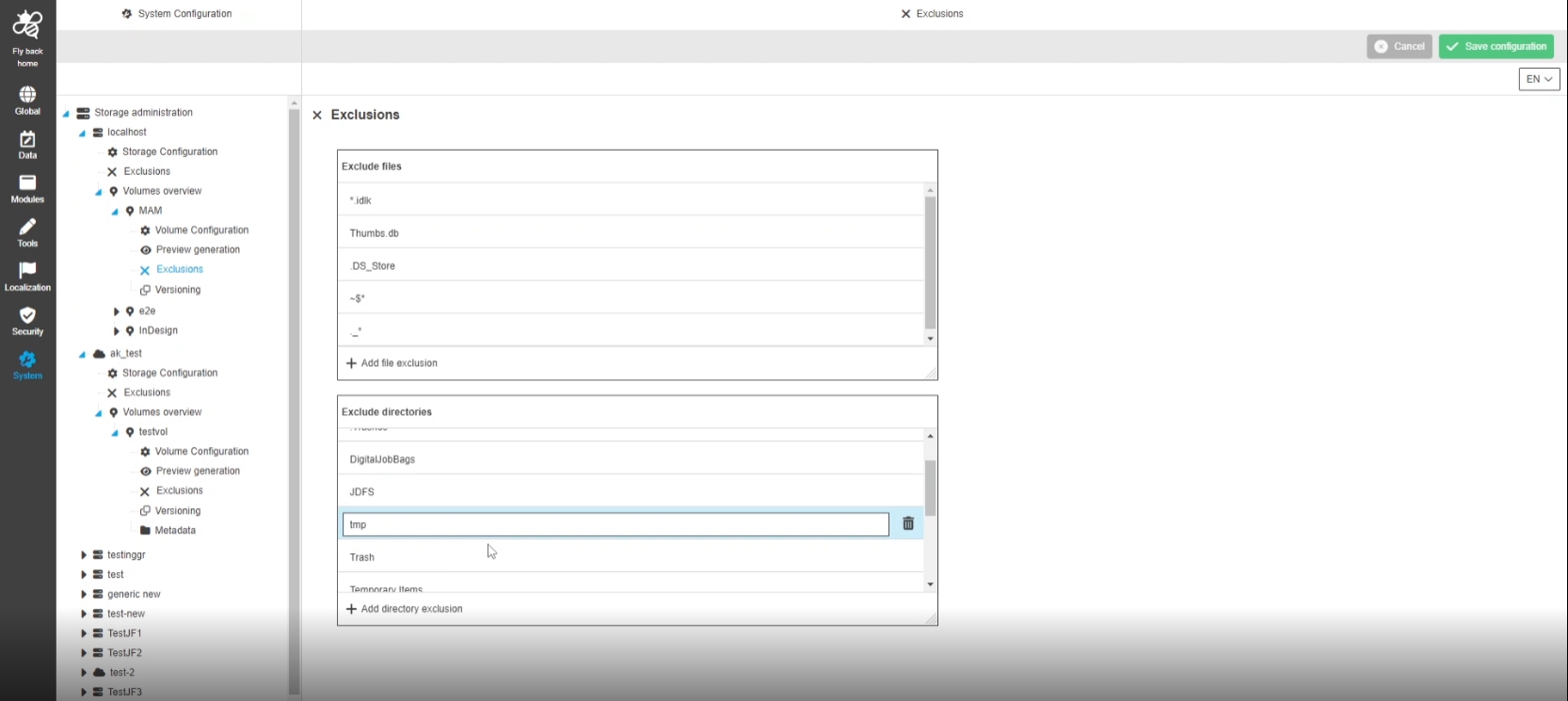
System Configuration - Storage Administration - Volume (RNC) - Exclusions
| References | OUCC-583 |
|---|
Possibility to configure the exclusions for a volume available on a server that is used in OMN to exclude files in Display - eg. temp or System files
-
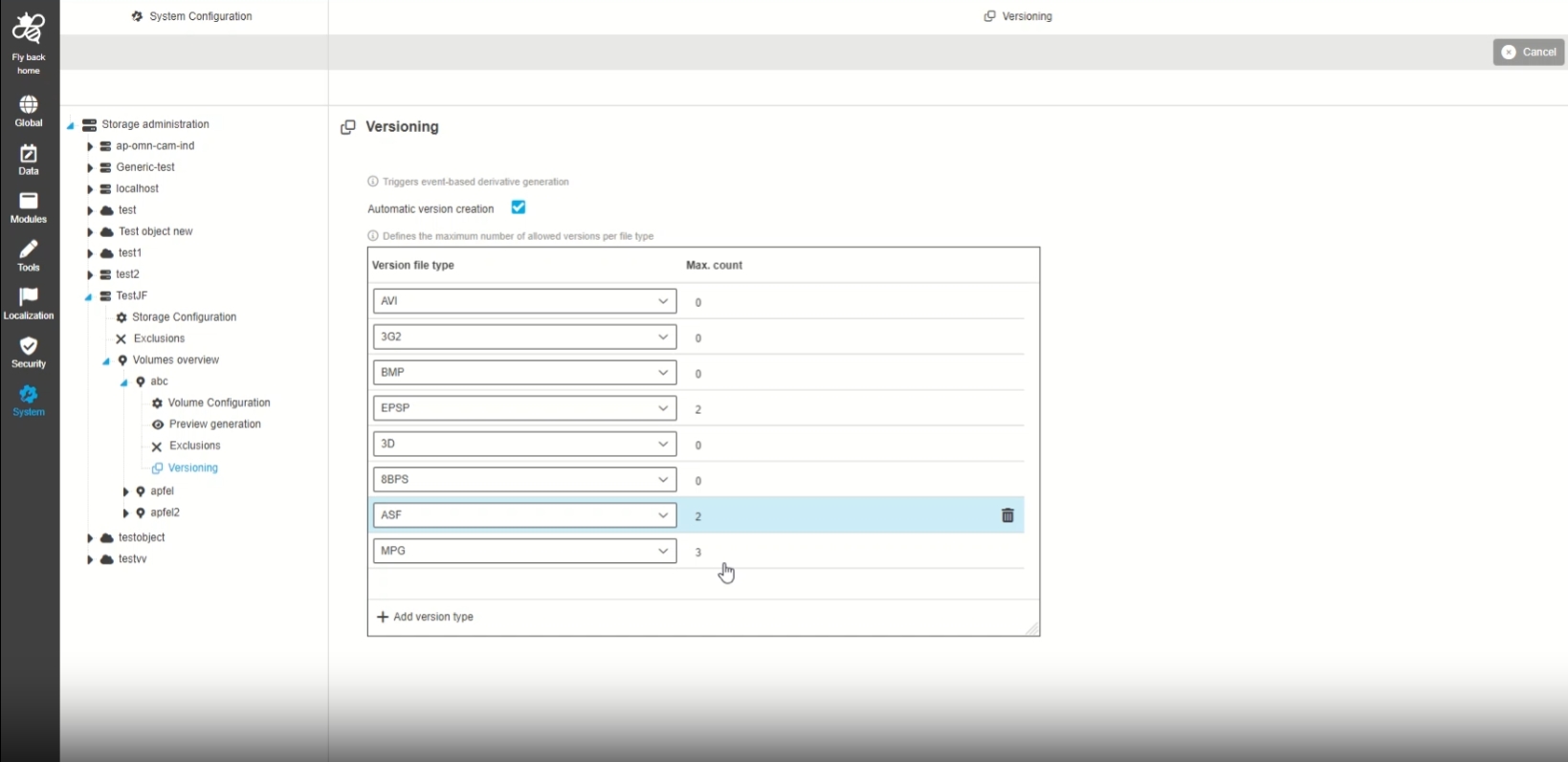
System Configuration - Storage Administration - Volume (RNC) - Versioning
| References | OUCC-584 |
|---|
Possibility to configure Versioning for specific volumes
| Right now this Option is only supported for generic file system |
-
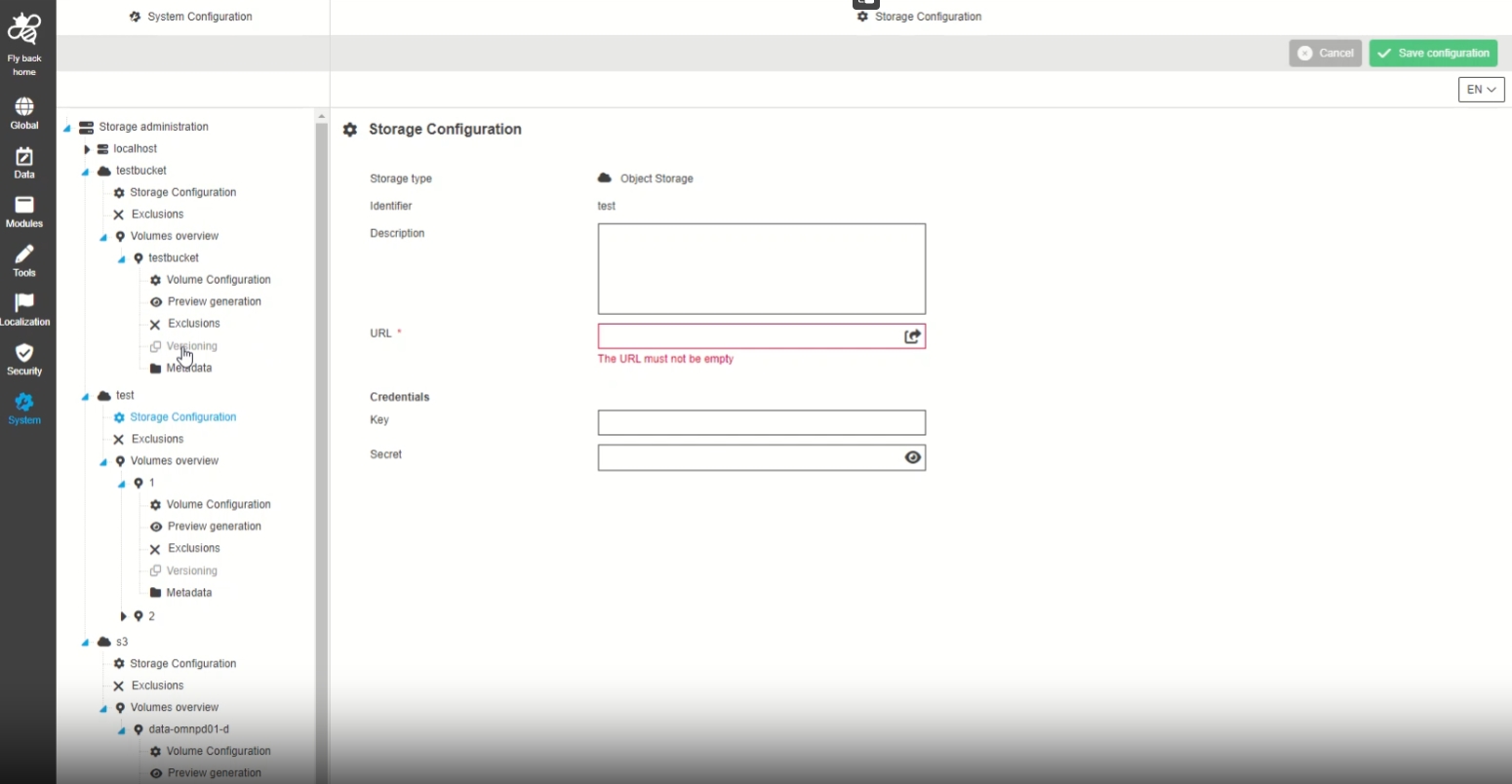
System Configuration - Storage Administration - Volume - Versioning - Disable tab for Object storage servers
| References | OUCC-839 |
|---|
Possibility to see the version tab disabled for object storage Servers as long as Versioning as not supported for Objectstorage
-
Support of Versionining for Object Storage will be part of future version
-
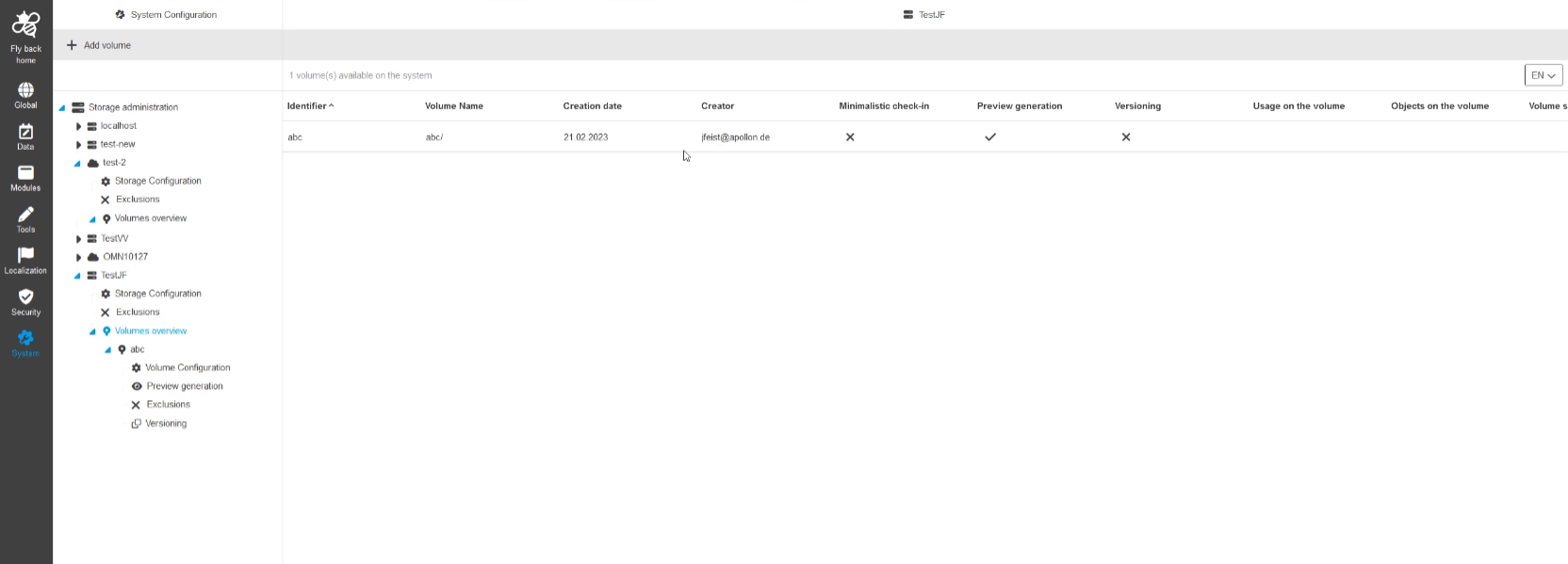
System Configuration - Storage Administration - Function - Add Volume (RNC)
| References | OUCC-536 |
|---|
Possibility to create a new volume (RNC, bucket,…), so that the can define omn specific details for my server volume
-
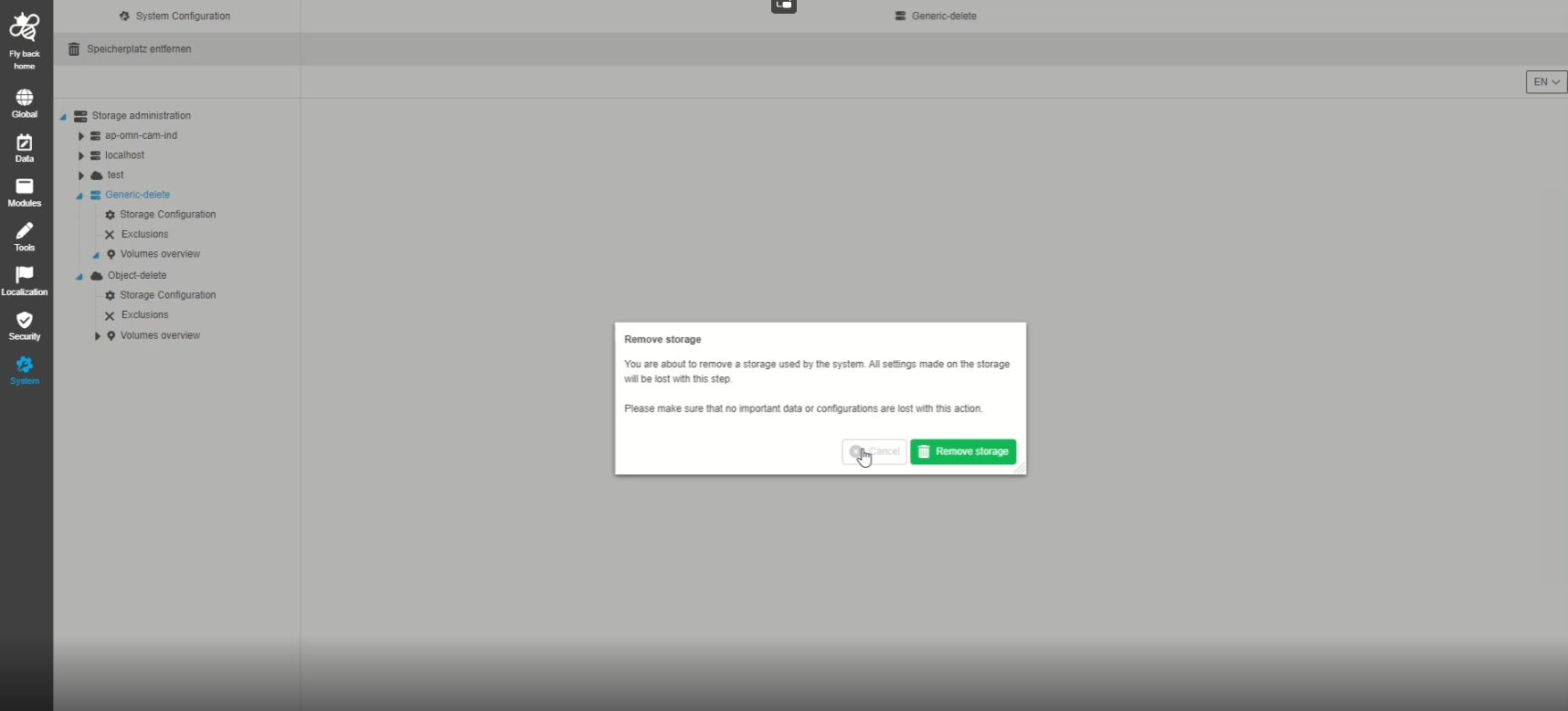
System Configuration - Storage Administration - Function - Remove Storage (Server)
| References | OUCC-586 |
|---|
Possibility to remove storage (server) via function from the omn System
-
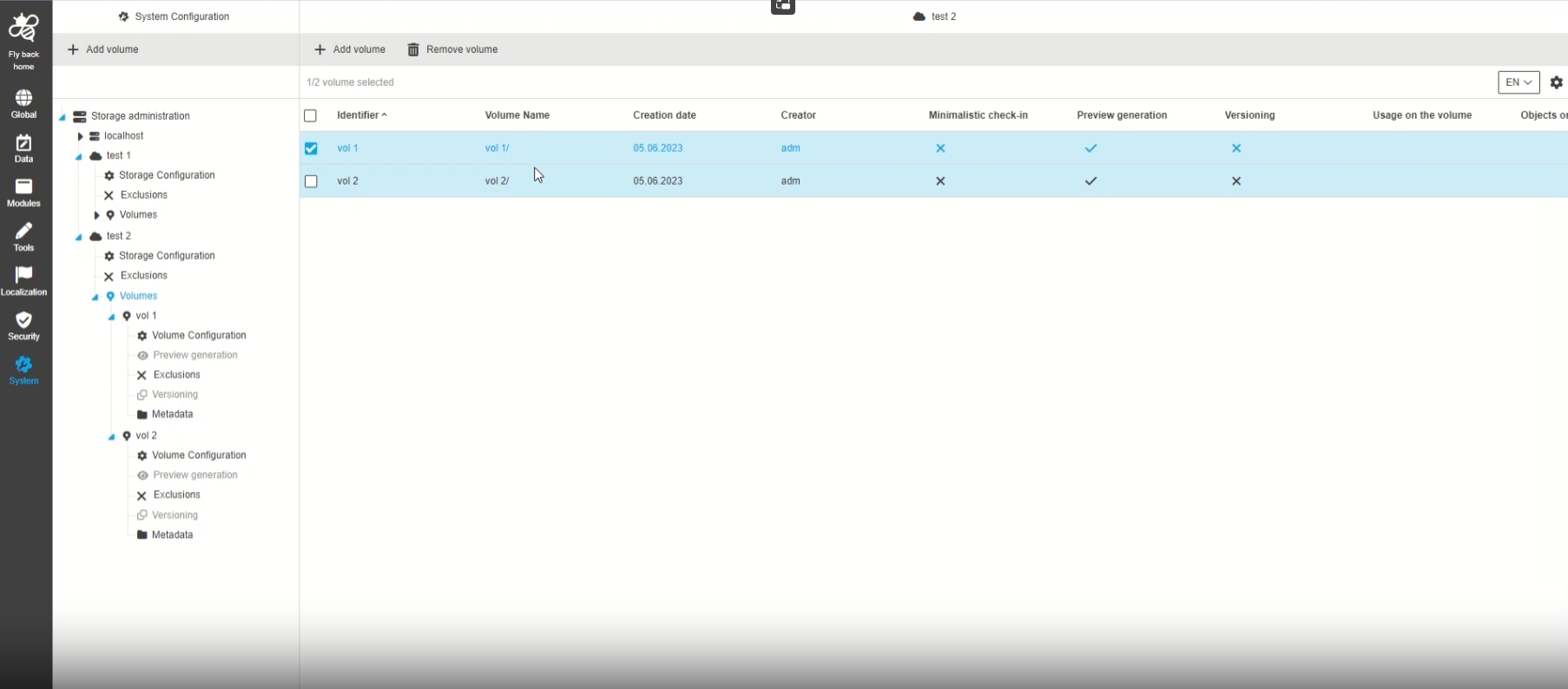
System Configuration - Storage Administration - Functions - Multi deletion of Storages and Volumes
| References | OUCC-908 |
|---|
Possibility to delete multiple storages/volumes in the related overview tables in one stroke
-
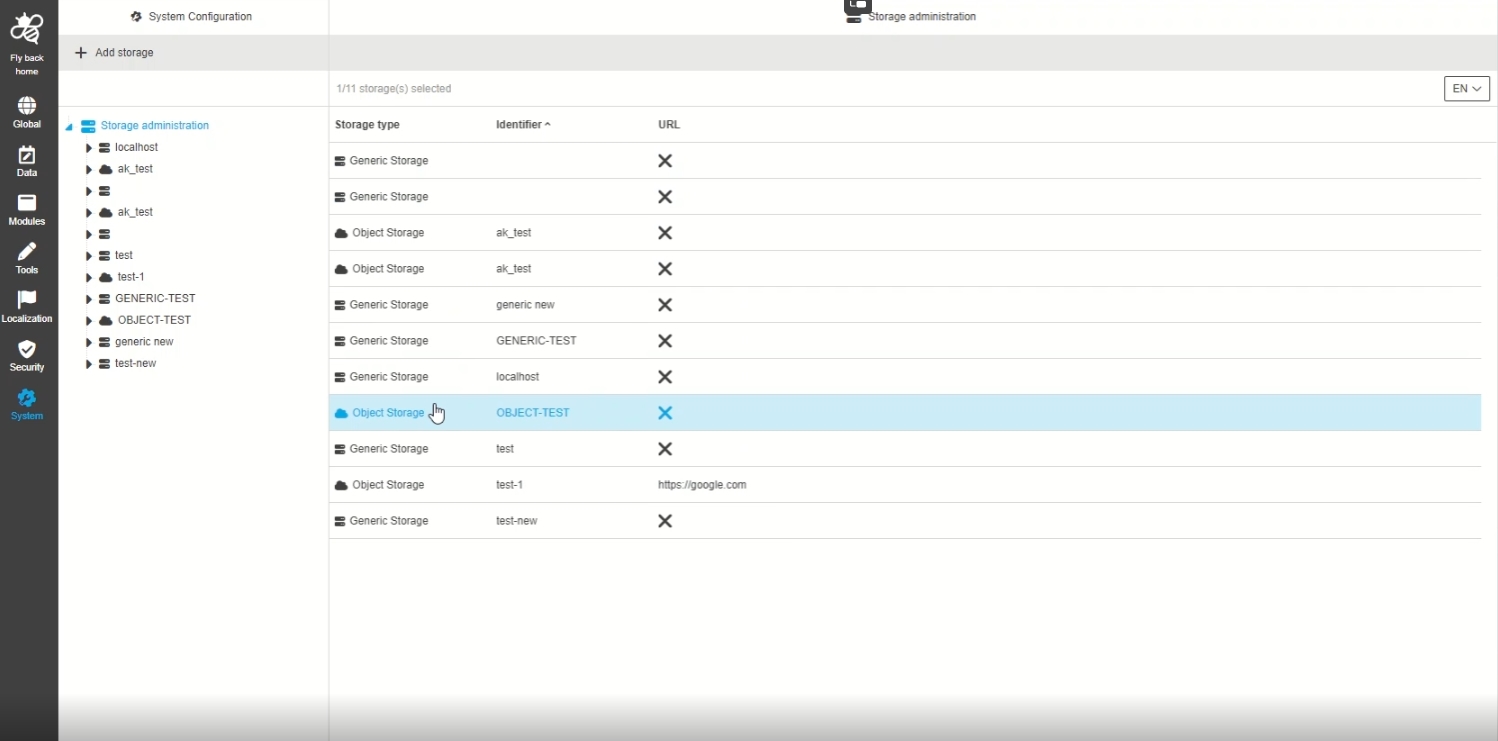
System Configuration - Storage Administration - Overview table for created storage servers
| References | OUCC-537 |
|---|
Possibility to have an overview of all created storage with some detailed information
-
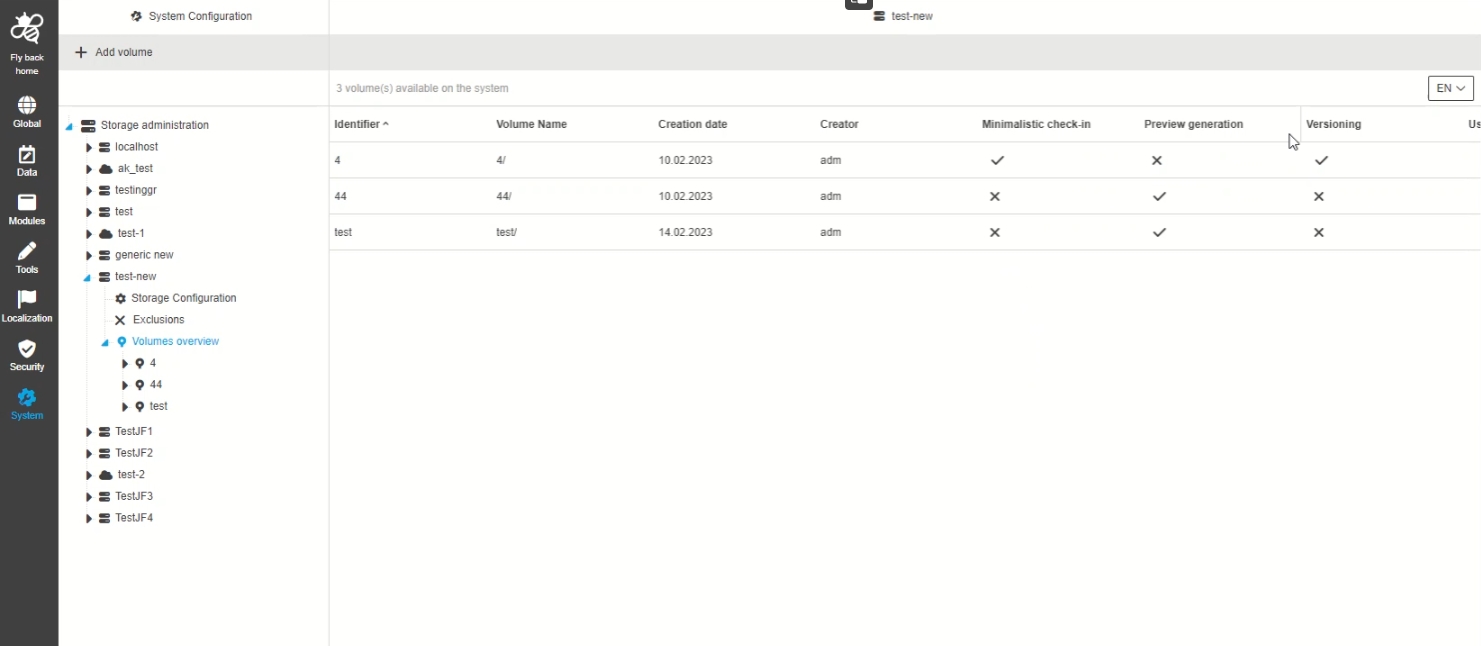
System Configuration - Storage Administration - Overview table for created RNCs
| References | OUCC-538 |
|---|
Possibility to have an overview of all created columes with some detailed information
-
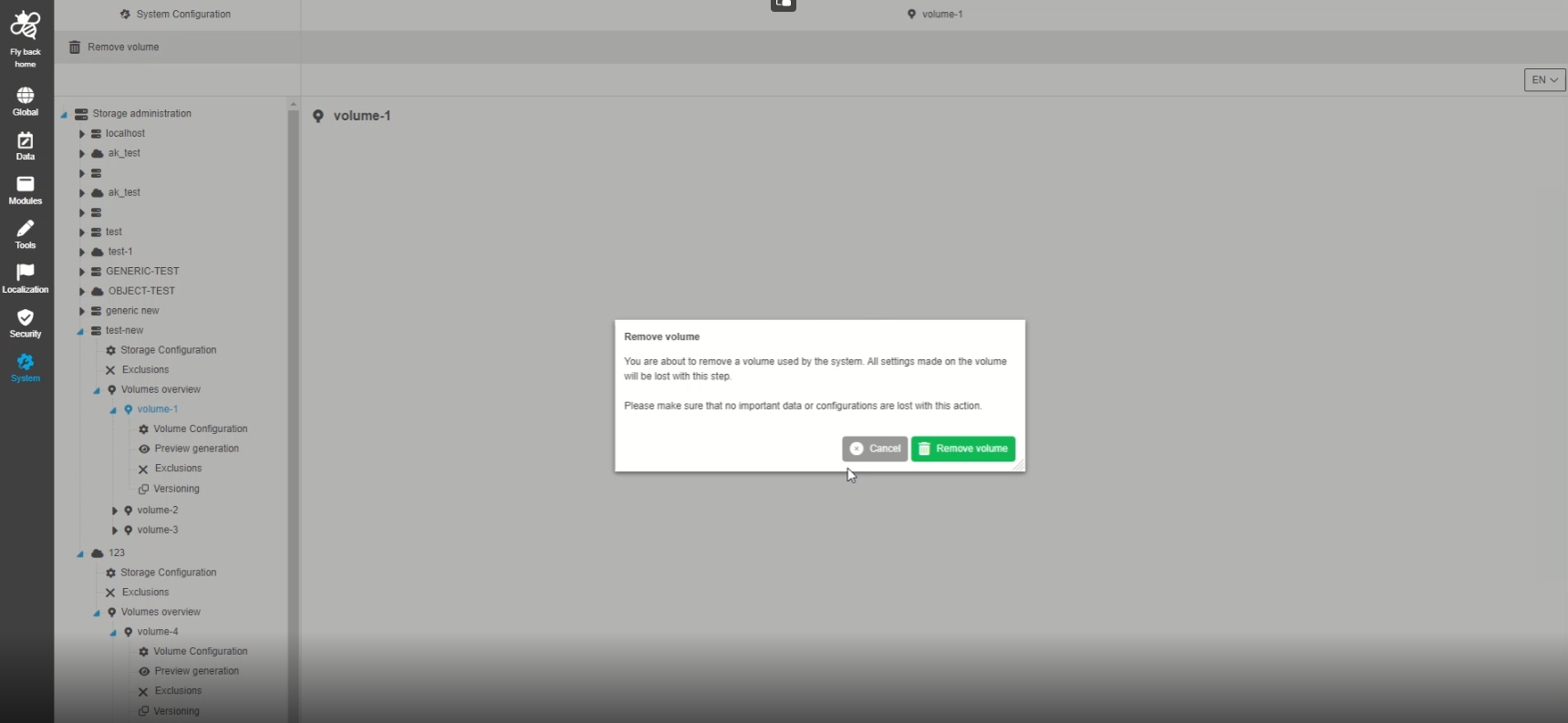
System Configuration - Storage Administration - Function - Remove Volume
| References | OUCC-587 |
|---|
Possibility to remove a volume via function from the omn System
-
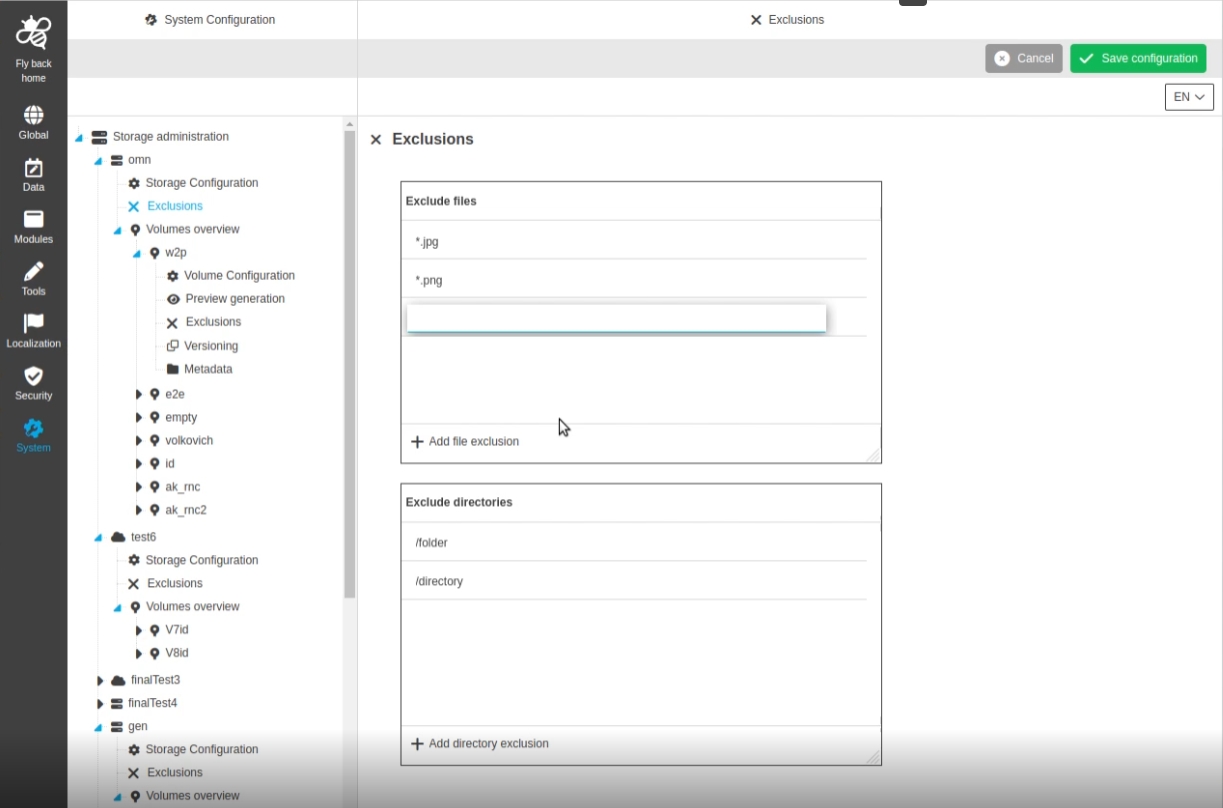
System Configuration - Storage Administration - Object Storage - Exclusions
| References | OUCC-682 |
|---|
Possibility to configure the exclusions for a storage that is used in OMN
-
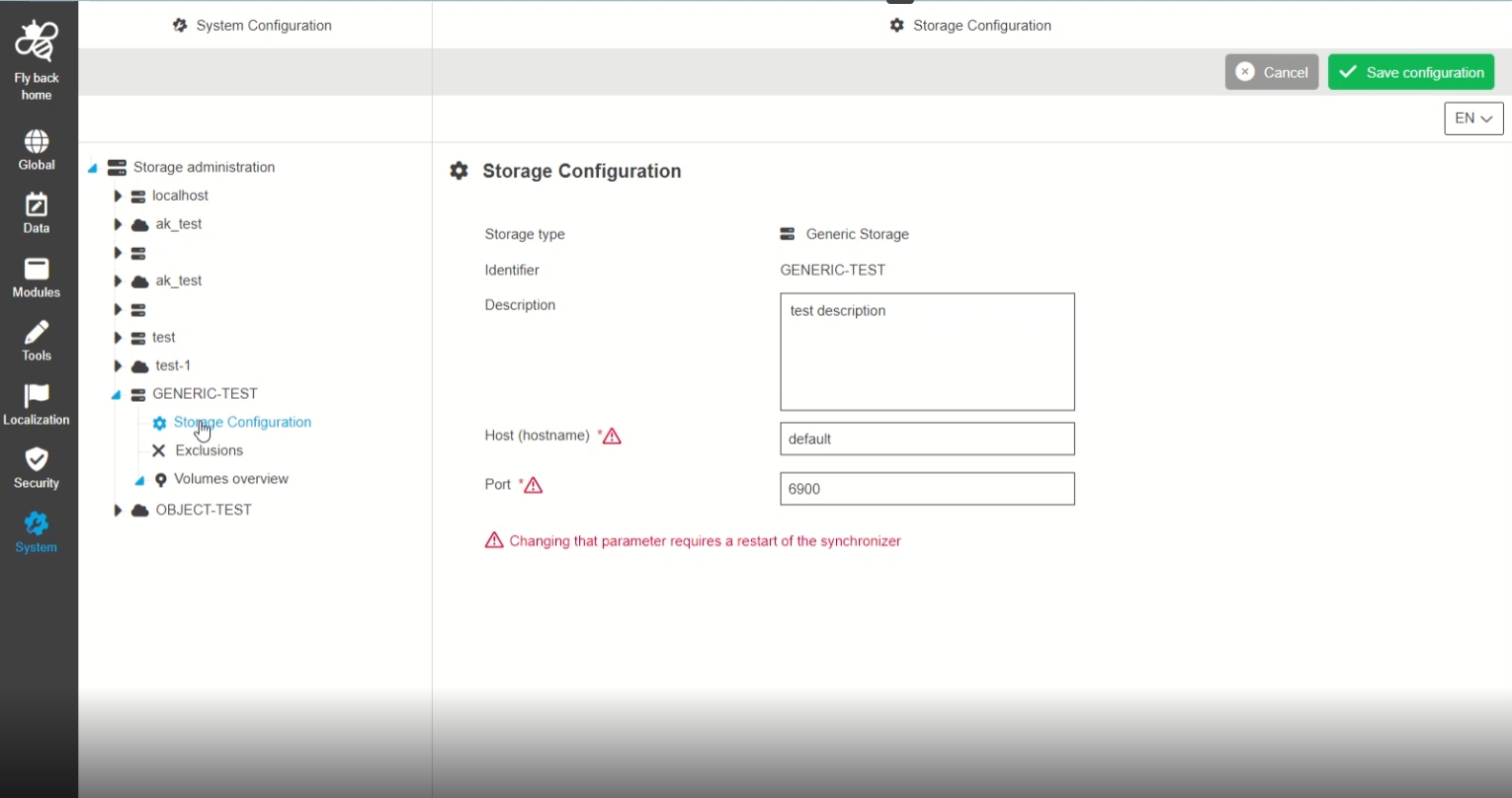
System Configuration - Storage Administration - Generic Storage - Storage Configuration
| References | OUCC-683 |
|---|
Possibility to configure generic storage settings in the new CC for storage of files on classical filesystems
-
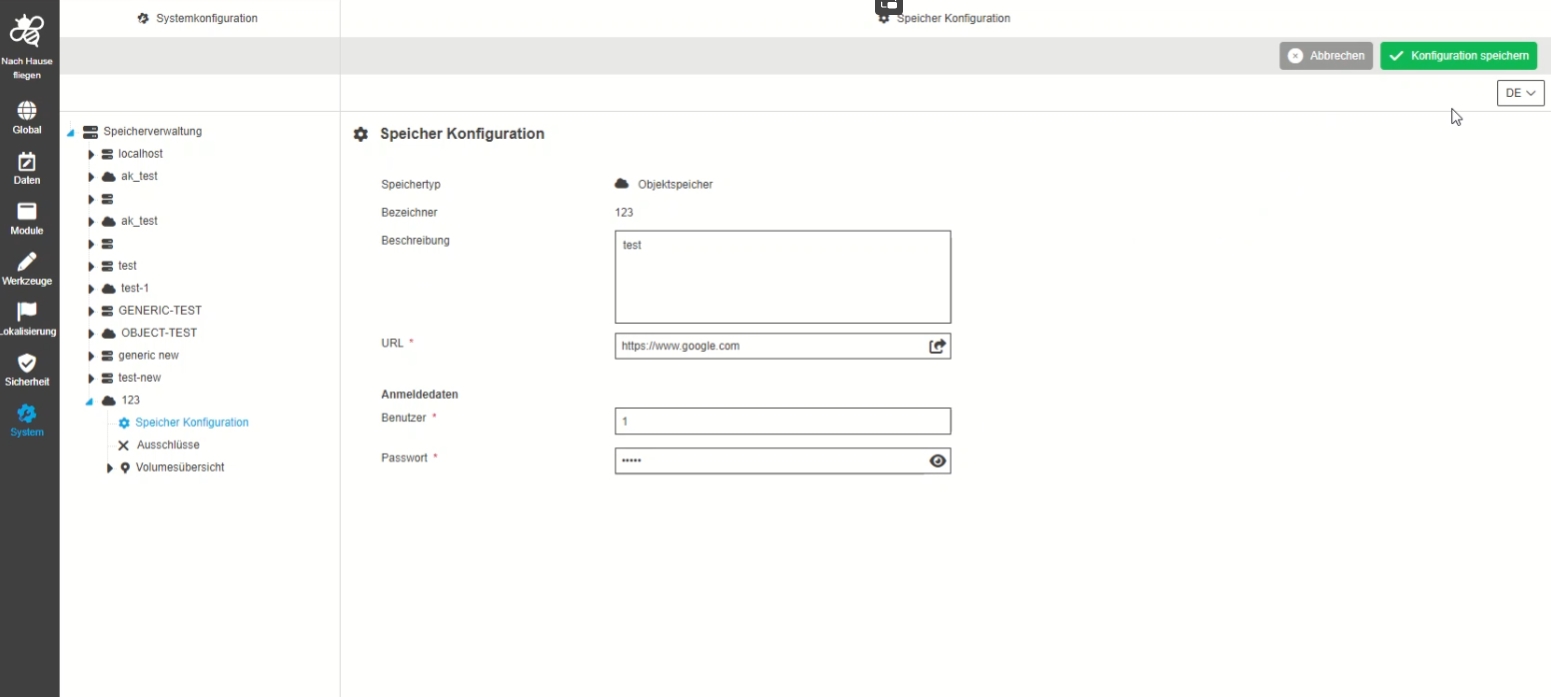
System Configuration - Storage Administration - Object Storage - Storage Configuration
| References | OUCC-681 |
|---|
Possibility to configure object storage settings in the new CC to store files on S3-based storage Systems
-
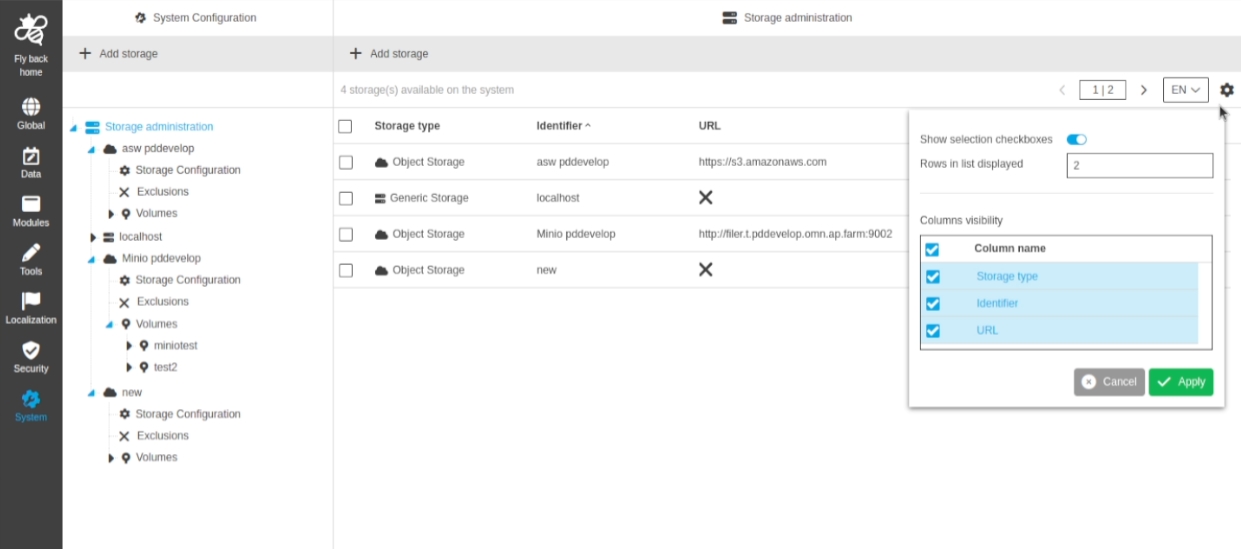
System Configuration - Storage Administration - Overview tables (Volumes and storages) - Statusbar improvements
| References | OUCC-634 |
|---|
New item counter in statusbar and view Settings to adjust table Settings of storage administration
-
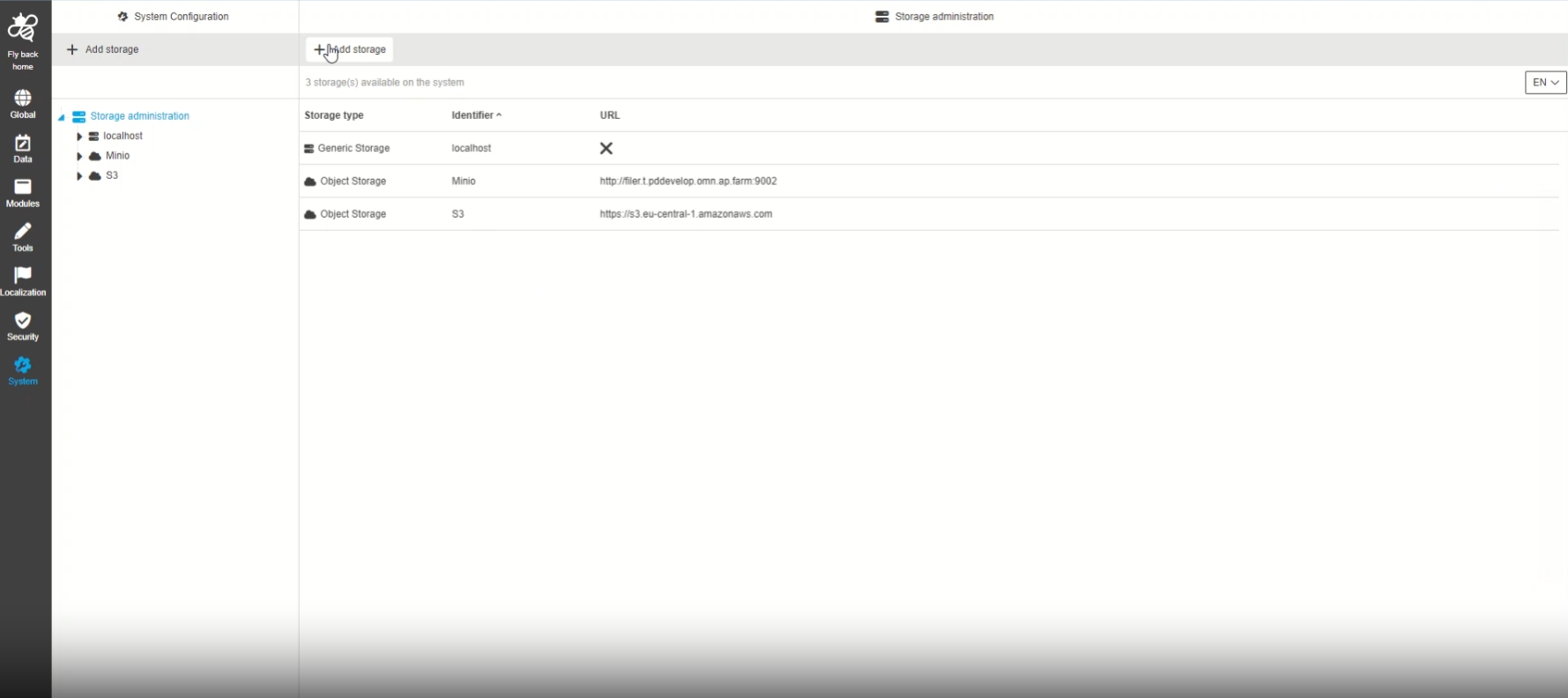
System Configuration - Storage Administration - Functions - Add/Remove Storage Add/Remove Volume available in overview tables' toolbar (Improvement)
| References | OUCC-805 |
|---|
Possibility to see functions for Add/Remove storages and Add/Remove volumes also in their related overview tables, so that the admin can manage storages/volumes in this views as well
-
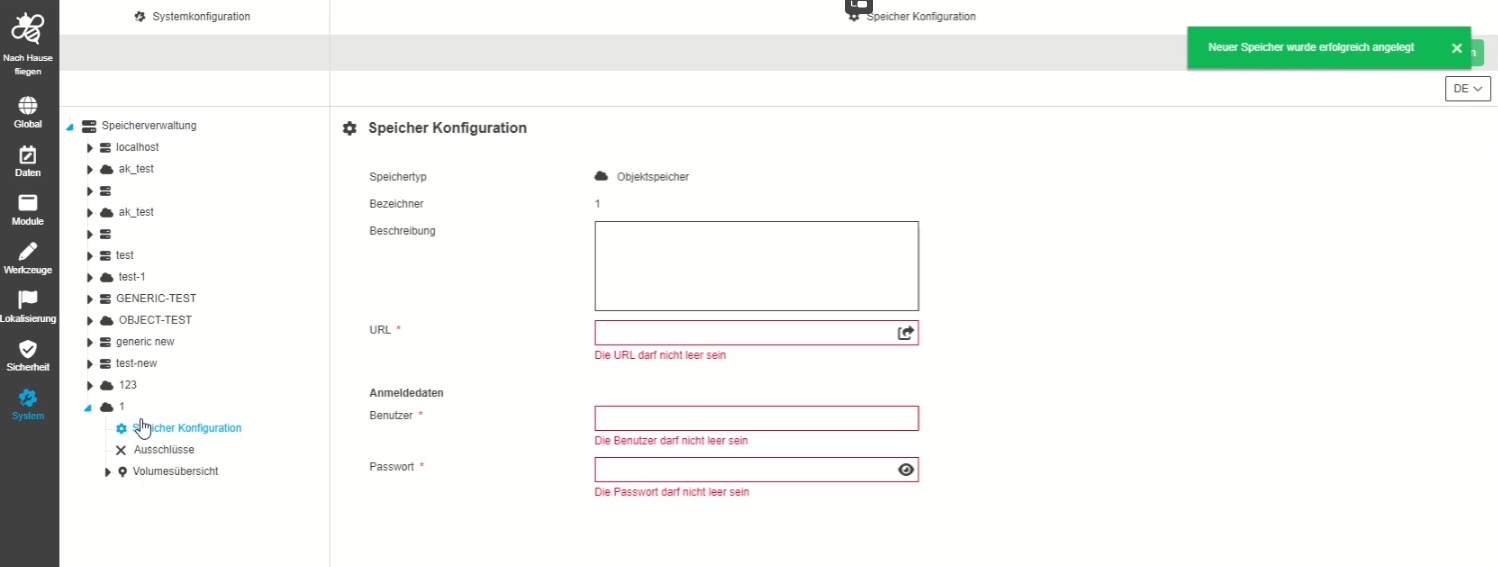
System Configuration - Storage Administration - UX improvement to select newly created storage
| References | OUCC-727 |
|---|
Improvement to have the created storage / volume directly selected after adding, so tha the admin can start to configure it without further navigation in the tree
-
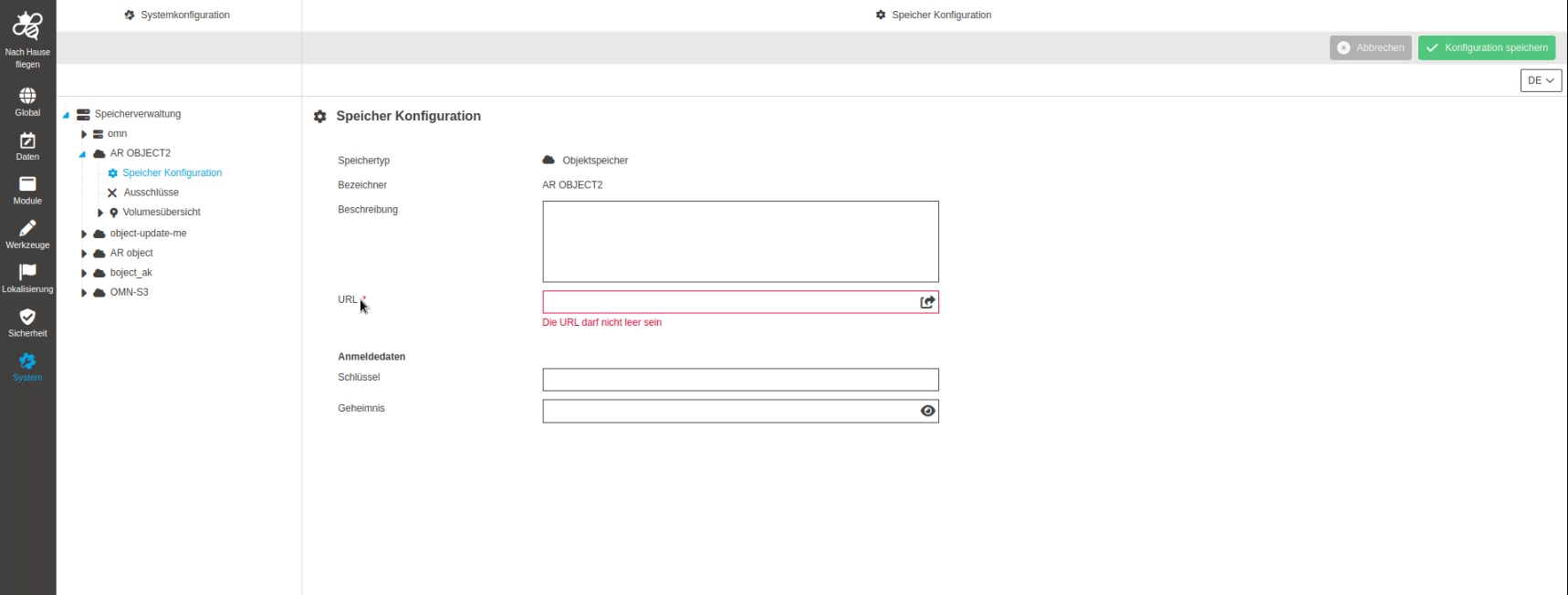
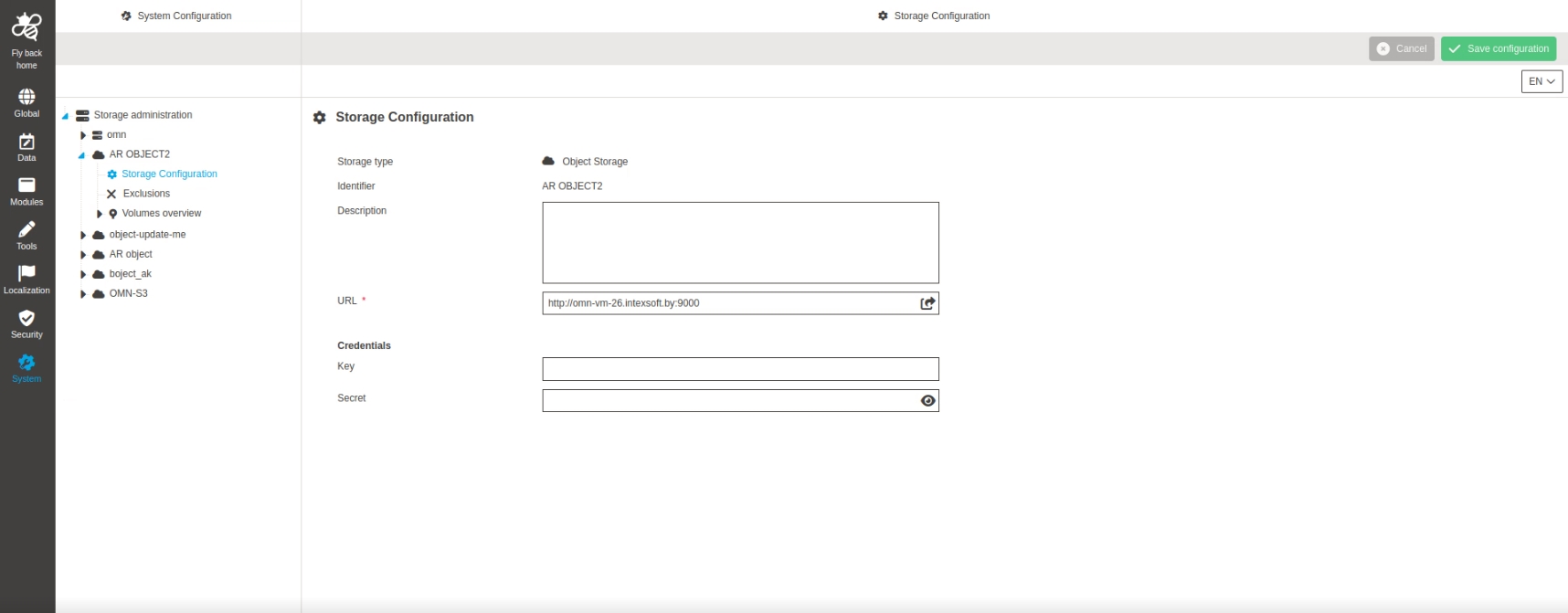
System Configuration - Storage Administration - Object Storage - Storage Configuration - Rename fields and set them as optional fields
| References | OUCC-834 |
|---|
Possibility to configure fields in object storage configuration in a way, that the configuration is not only valid for mini.io
-
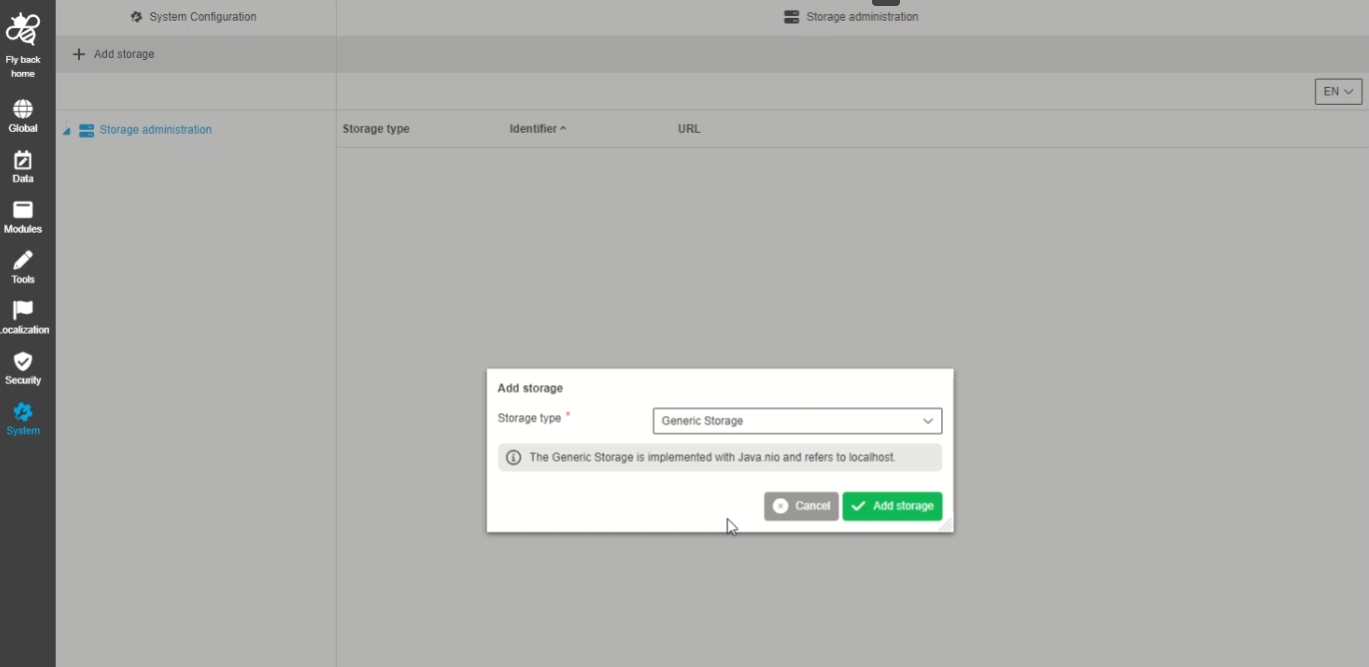
System Configuration - Storage Administration - Generic Storage - Configuration - Only one localhost per OMN system
| References | OUCC-842 |
|---|
Improved configuration for generic storage configuration for OMN
-
configuration of generic storage is Bound to one local host per OMN System
-
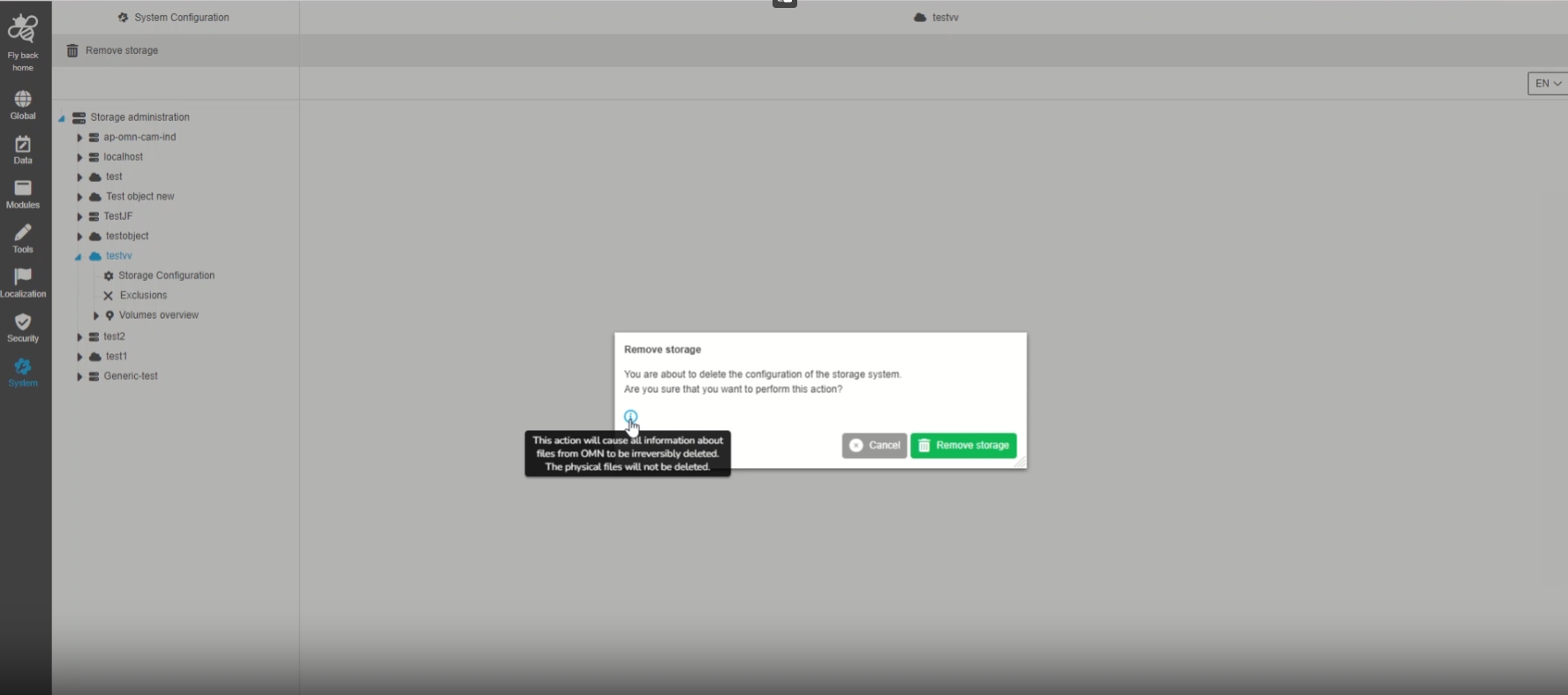
System Configuration - Storage Administration - Function - Remove Storage - Improvement to be more precise about result of deletion
| References | OUCC-819 |
|---|
More detailed information when the administrator removes a storage configuration, so that it is clear what data is lost in the process
-
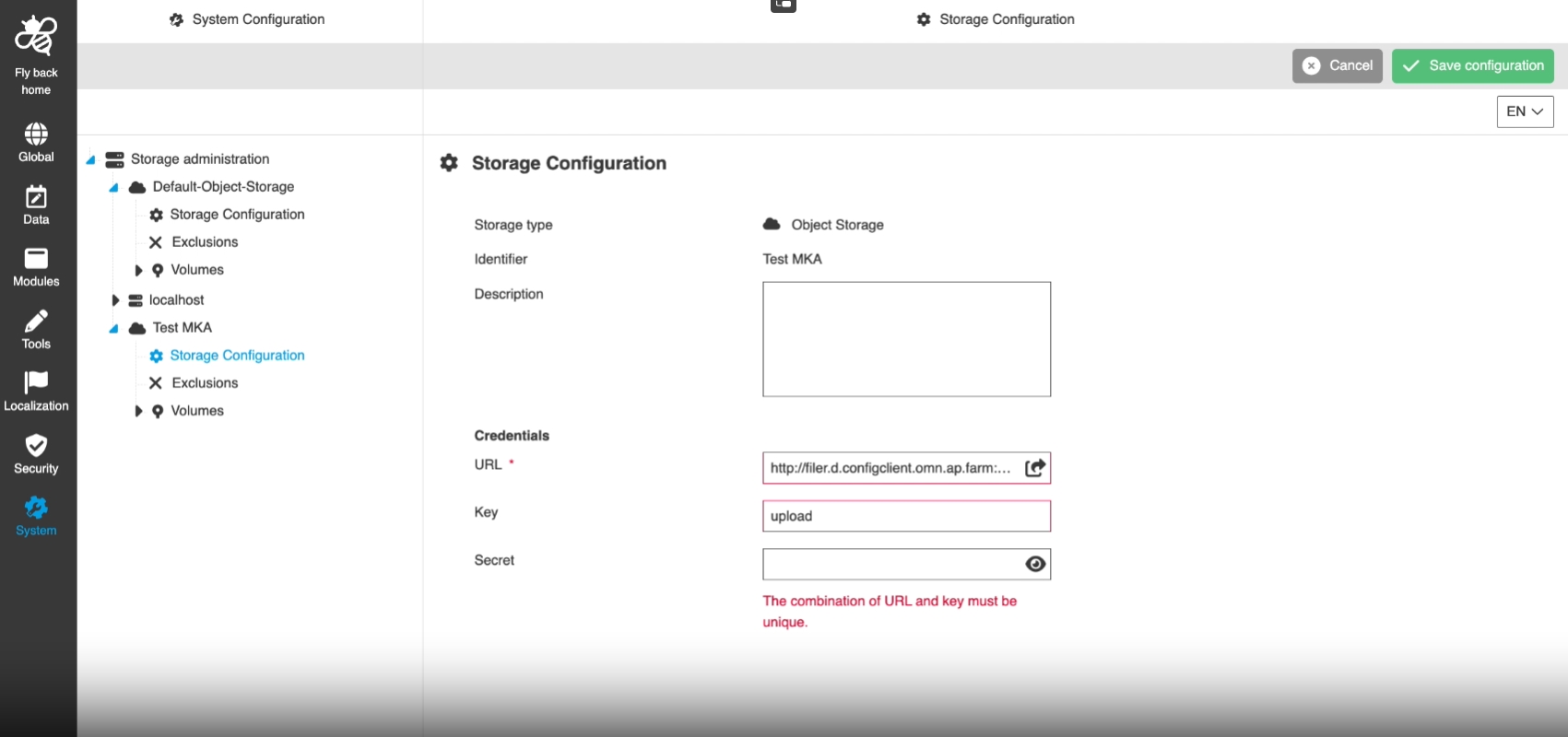
System Configuration - Storage Administration - Functions - Add/Remove Storage Add/Remove Volume - Validation to avoid duplicates
| References | OUCC-807, OCA-69 |
|---|
New improved validation in case the admin creates a storage with the exact same parameters or a volume on a storage with the same relative path as another one
-
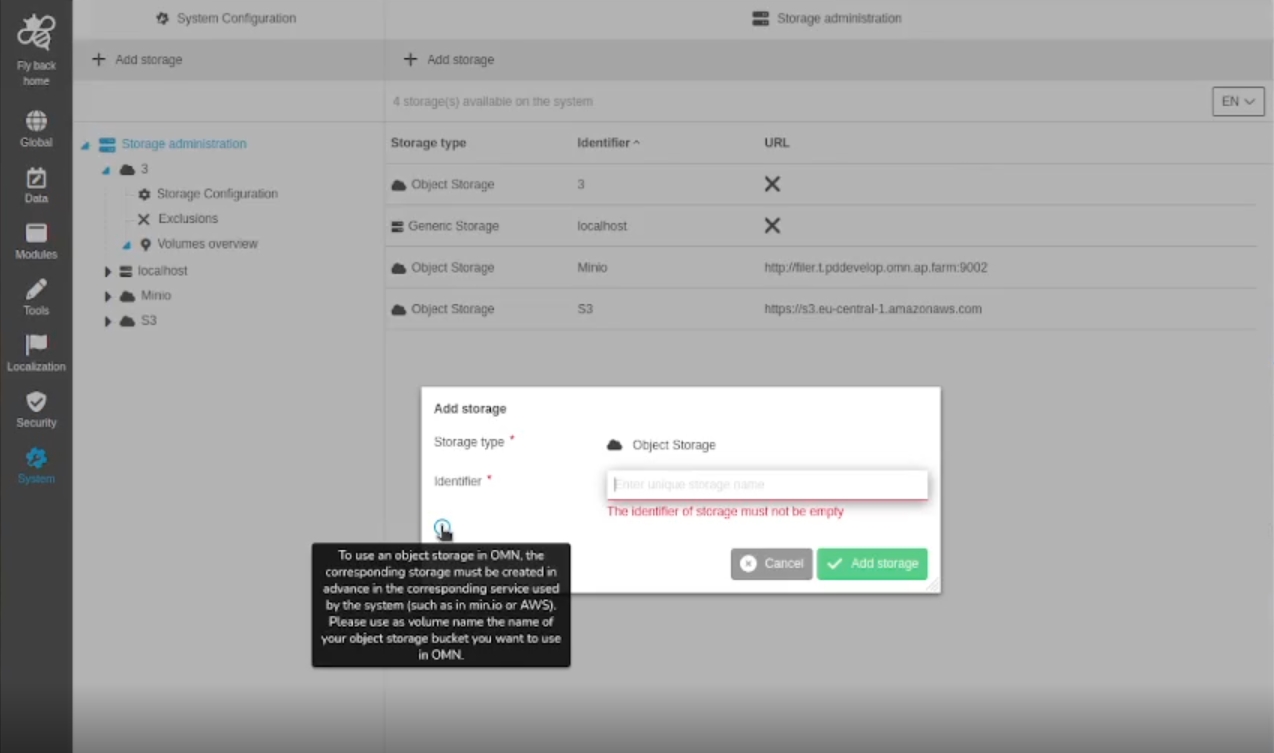
System Configuration - Storage Administration - Function - Add Volume / Add Storage - Additional info for object storage
| References | OUCC-806 |
|---|
New additional info in the creation modal when creating object Storages so that preconditions are more clear
-
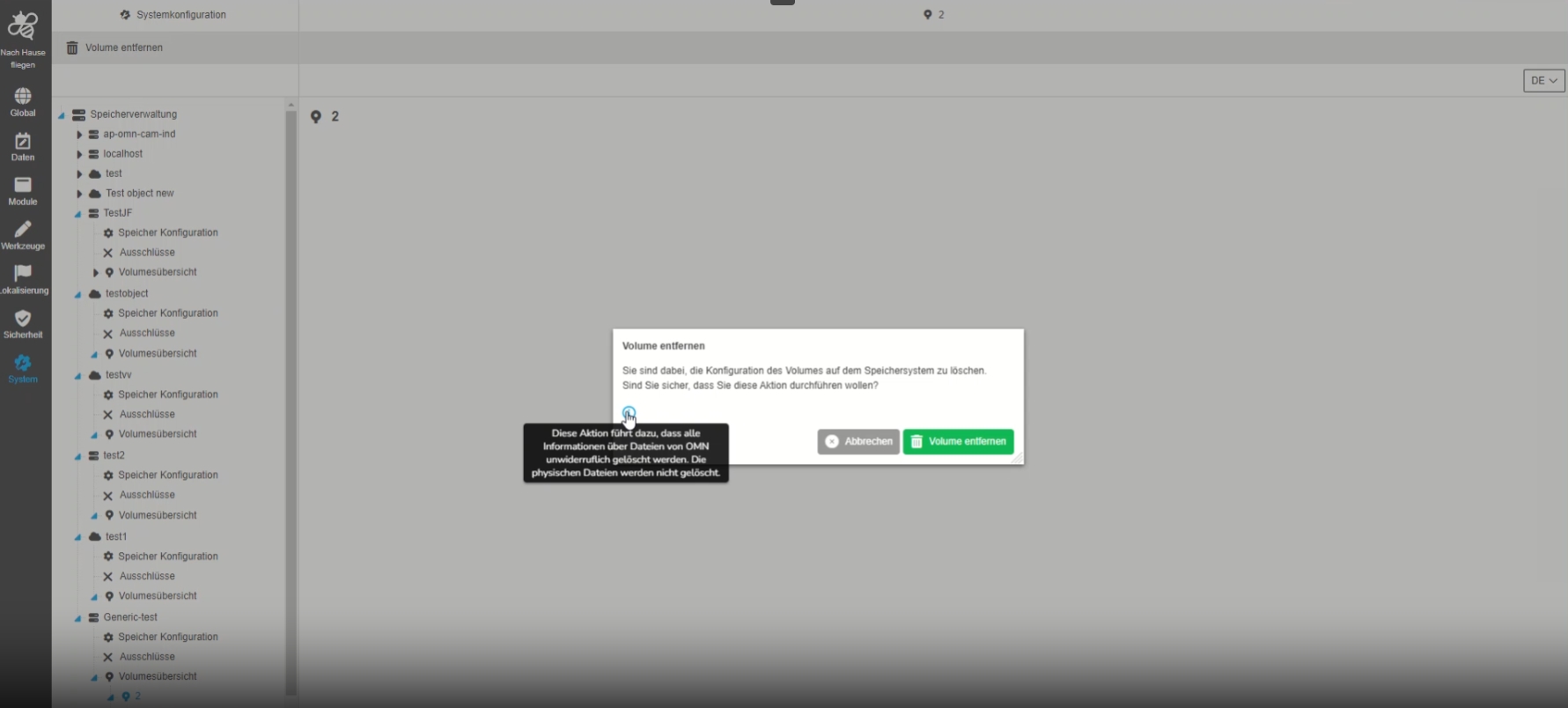
System Configuration - Storage Administration - Function - Remove Volume - Improvement to be more precise about result of deletion
| References | OUCC-820 |
|---|
Improved information when the administrator removes a storage volume so that it is clear what data is lost in the process
-
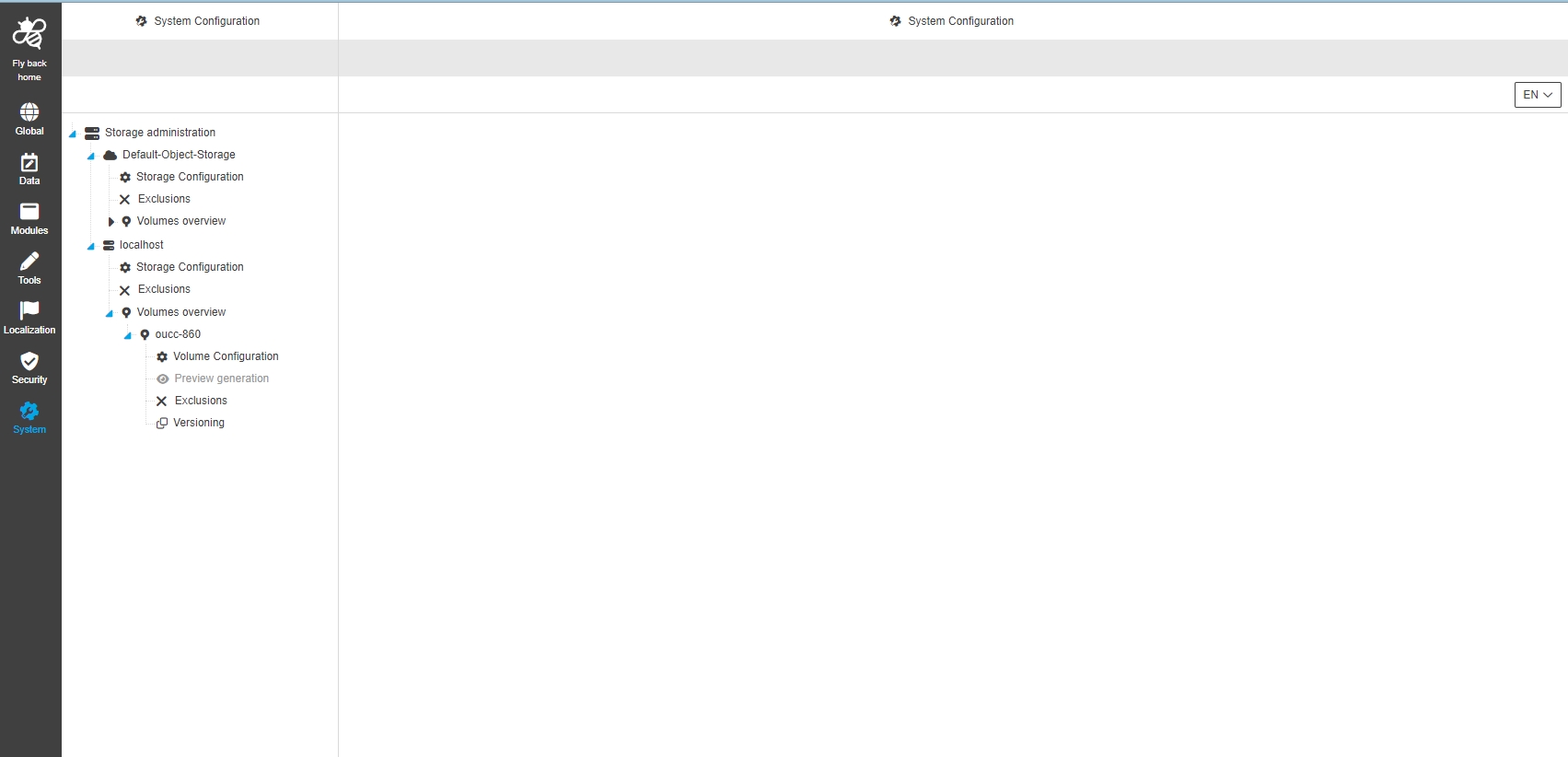
System Configuration - Storage Administration - Volume - Preview generation - Disable tab for Object and Generic Storage
| References | OUCC-860 |
|---|
The preview generation tab for configuration of Special previews for object and generic Storages is disabled in 5.12 and will be supported in later versions
-
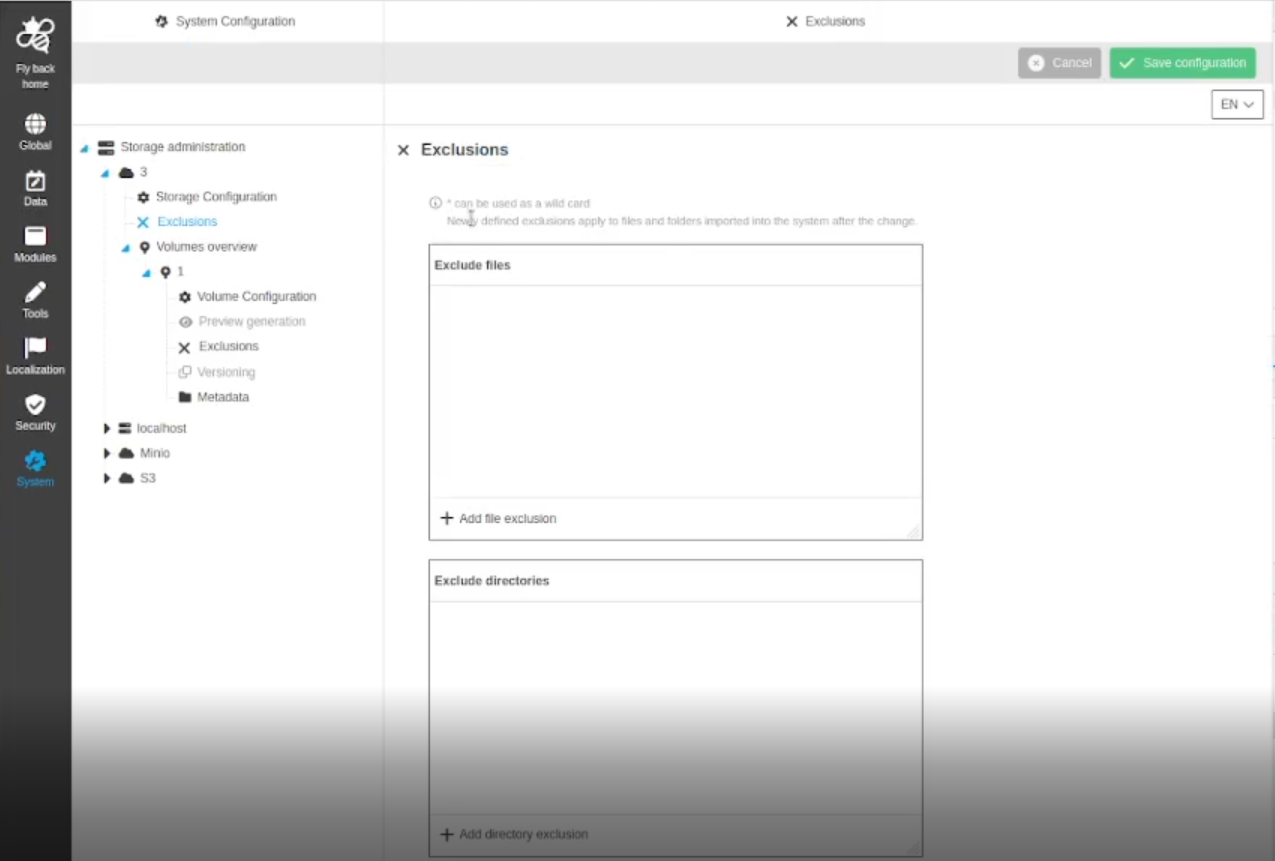
System Configuration - Storage Administration - Volume and storages - Exclusions - Inline help that adjustments in exclusions are only applied to newly imported data
| References | OUCC-870 |
|---|
Improved information via inline help that exclusions for directories and files (on storage an volume level) are only applied to the folders and files imported to the system after the Adjustments
-
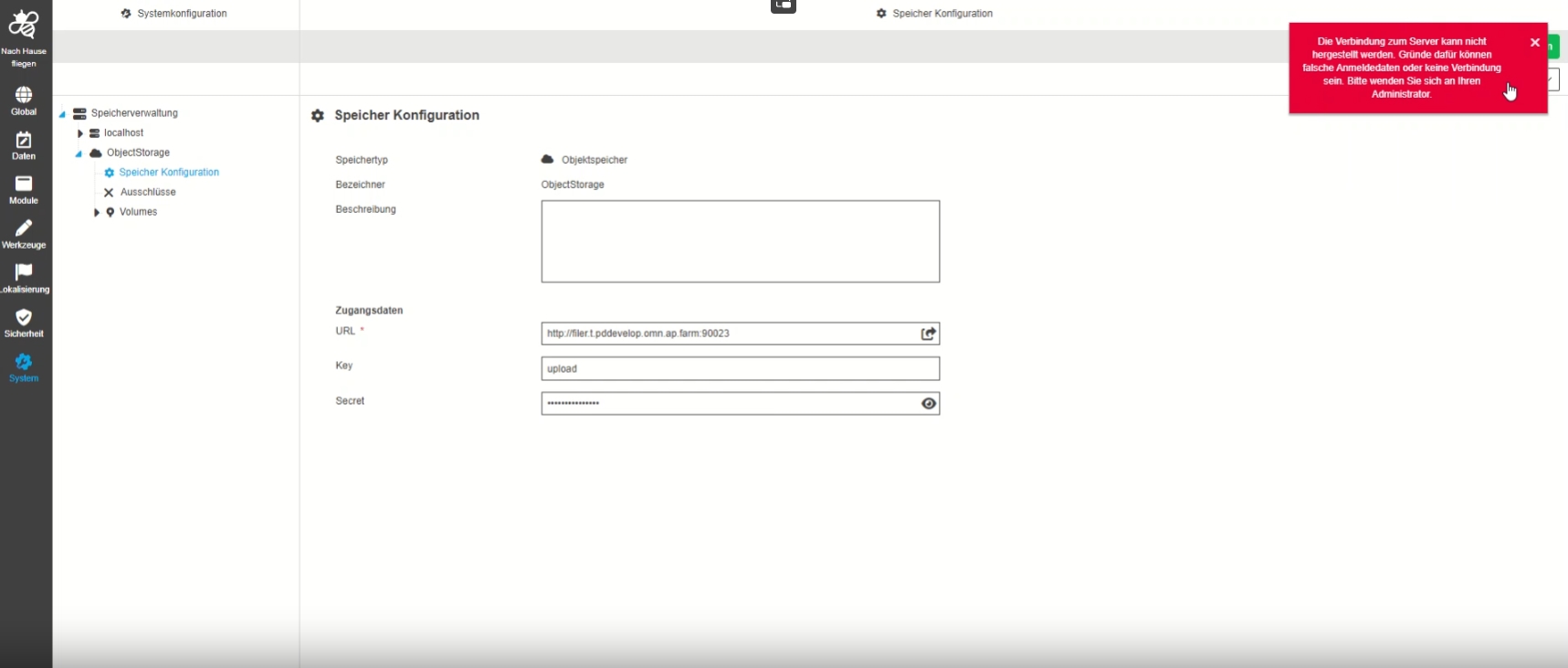
Storage Administration - Object storage - Storage configuration - Add error message if wrong credentials are used for Object storage
| References | OUCC-894, OMN-10210 |
|---|
Improved handling when credentials which are used for ObjectStorage configuration are not valid or object storage is not available
-
System Configuration - Storage Administration - Volume - Change Wording
| References | OUCC-923 |
|---|
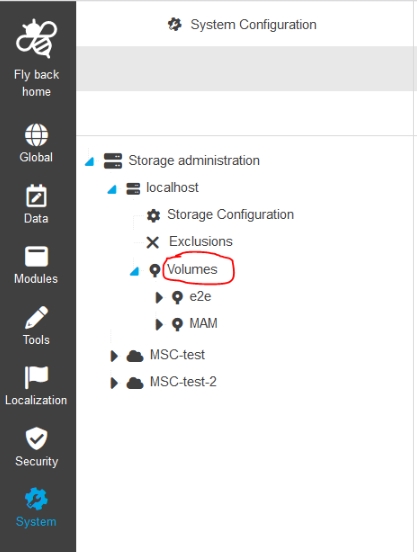
Improved localization for storage Administration (Volumes)
-
Volumes is used instead of Volume overview
-
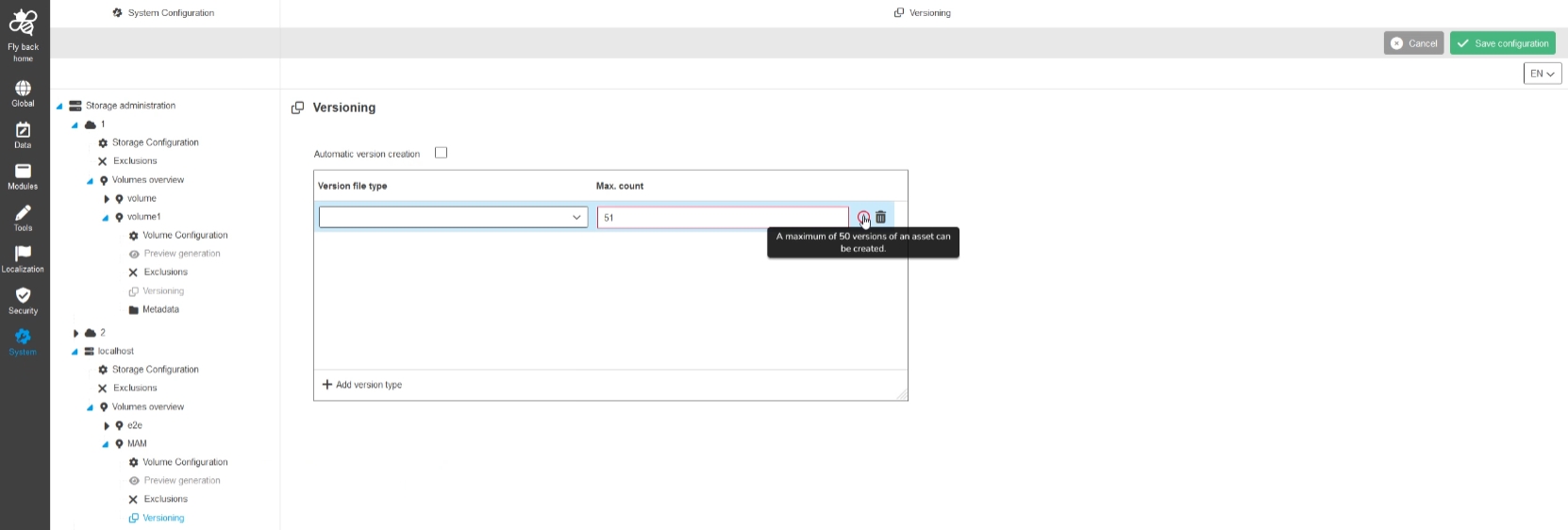
System Configuration - Storage Administration - Volume - Versioning - wrong inline error message when entering more than 10 numbers
| References | OUCC-904 |
|---|
Improved and more meaningful inline validation message, in case the admin exceeded the max. count for versions to create for an asset
-
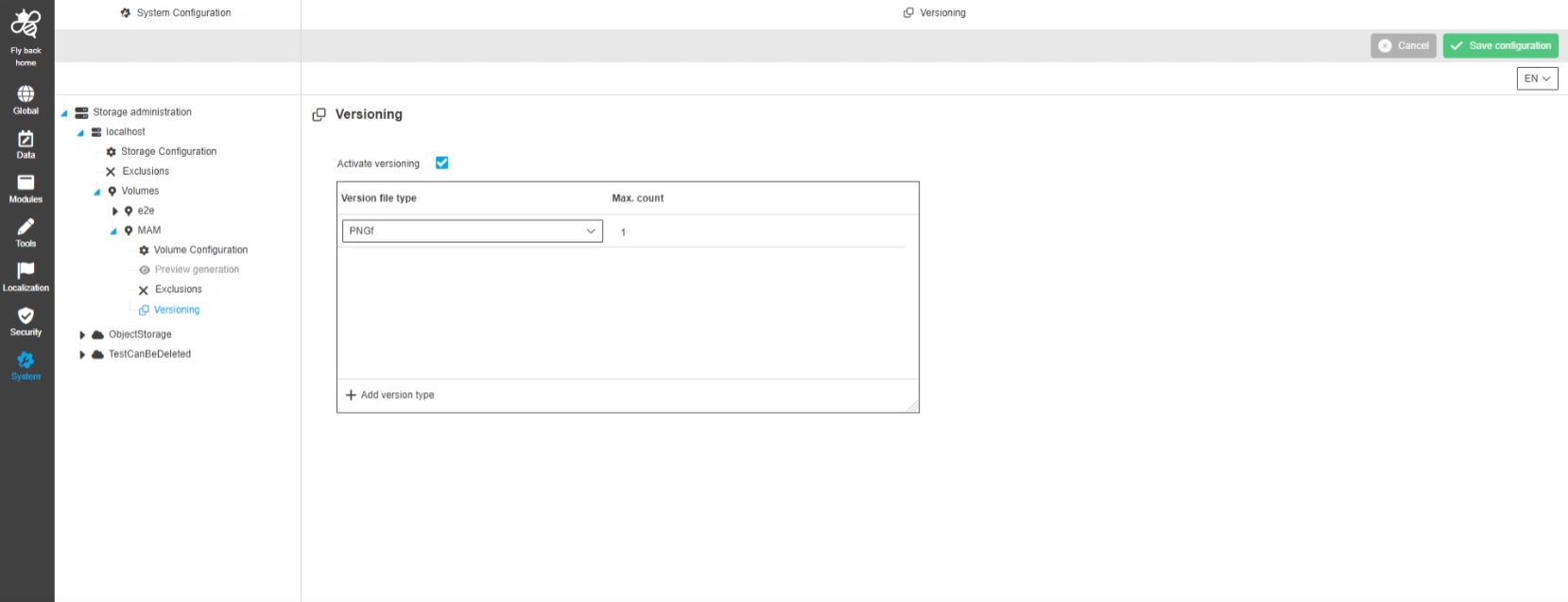
System Configuration - Storage Administration - Volume - Versioning - UX improvement for 'automatic version creation'
| References | OUCC-966 |
|---|
Improved localization for automatic version creation to better understand that the admin must enable the checkbox to define limitations for object types
-
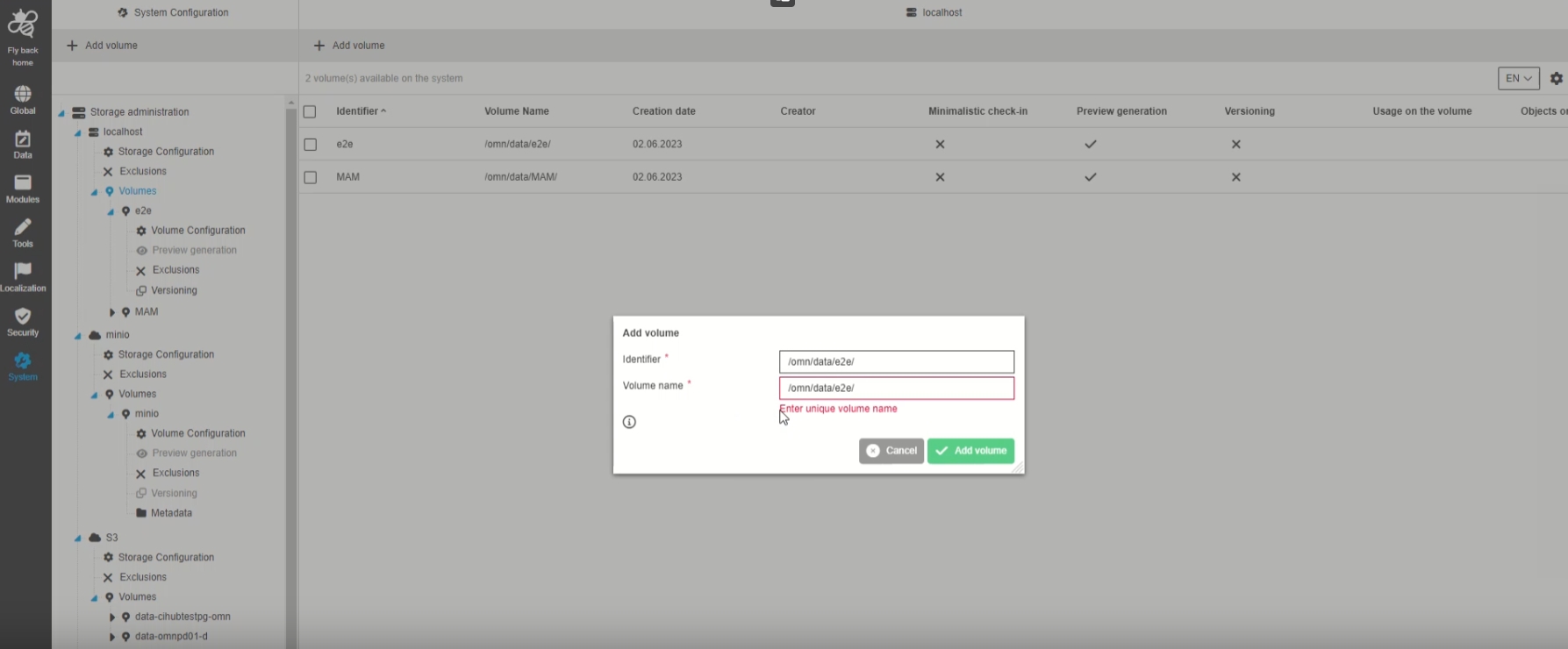
System Configuration - Storage Administration - Functions - Add Volume - Validation
| References | OUCC-968 |
|---|
Additional validation in case the admin creates a volume with a name that already exists for this type of storage
-
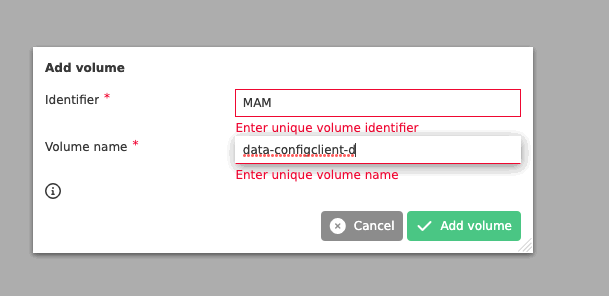
System Configuration - Storage Administration - Functions - Add Volume - Validation of Identifier
| References | OUCC-1066 |
|---|
New validation in case the admin creates a volume with a volume identifier that already exists
Integrations
AI - Translation
Set default values for translation services
| References | OW-777 |
|---|---|
Documentation |
ODOCU-840 |
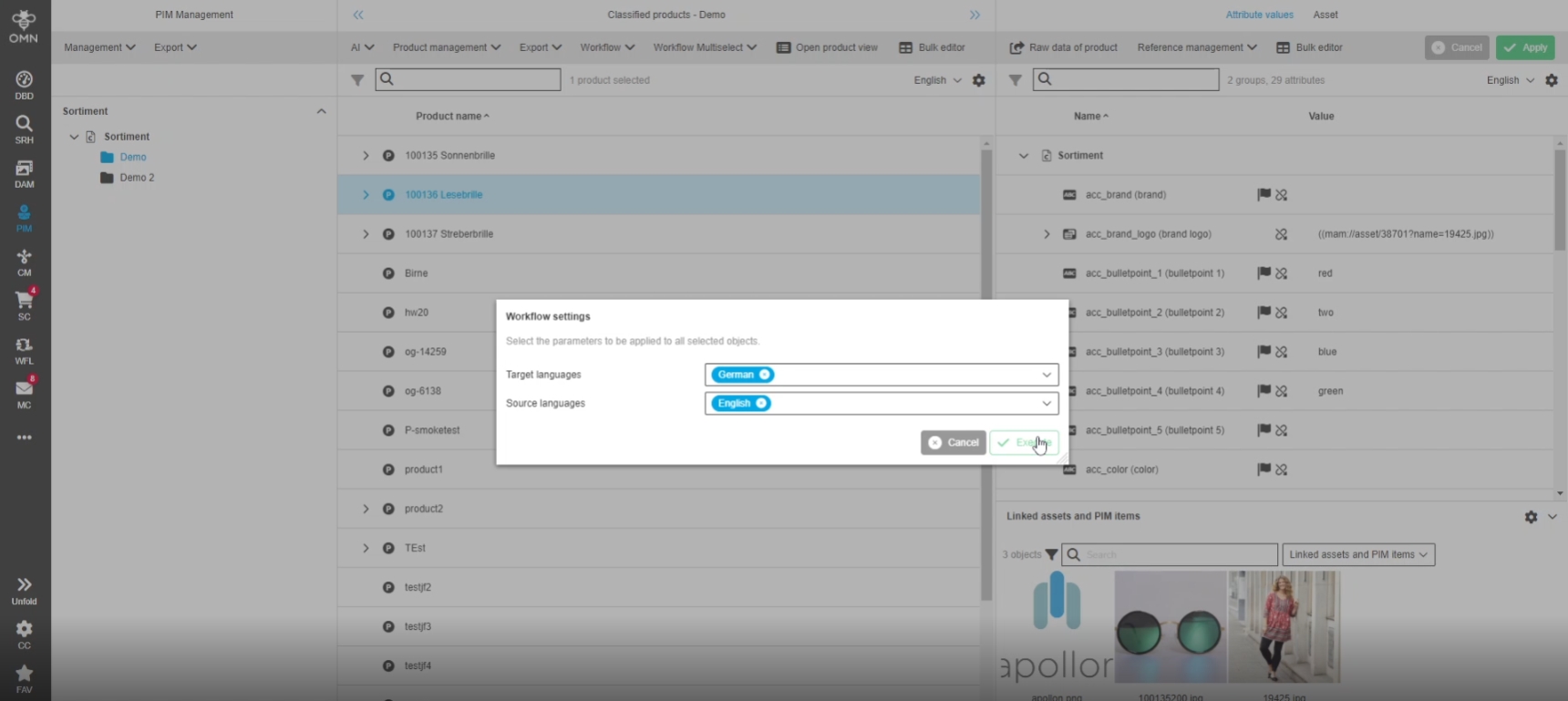
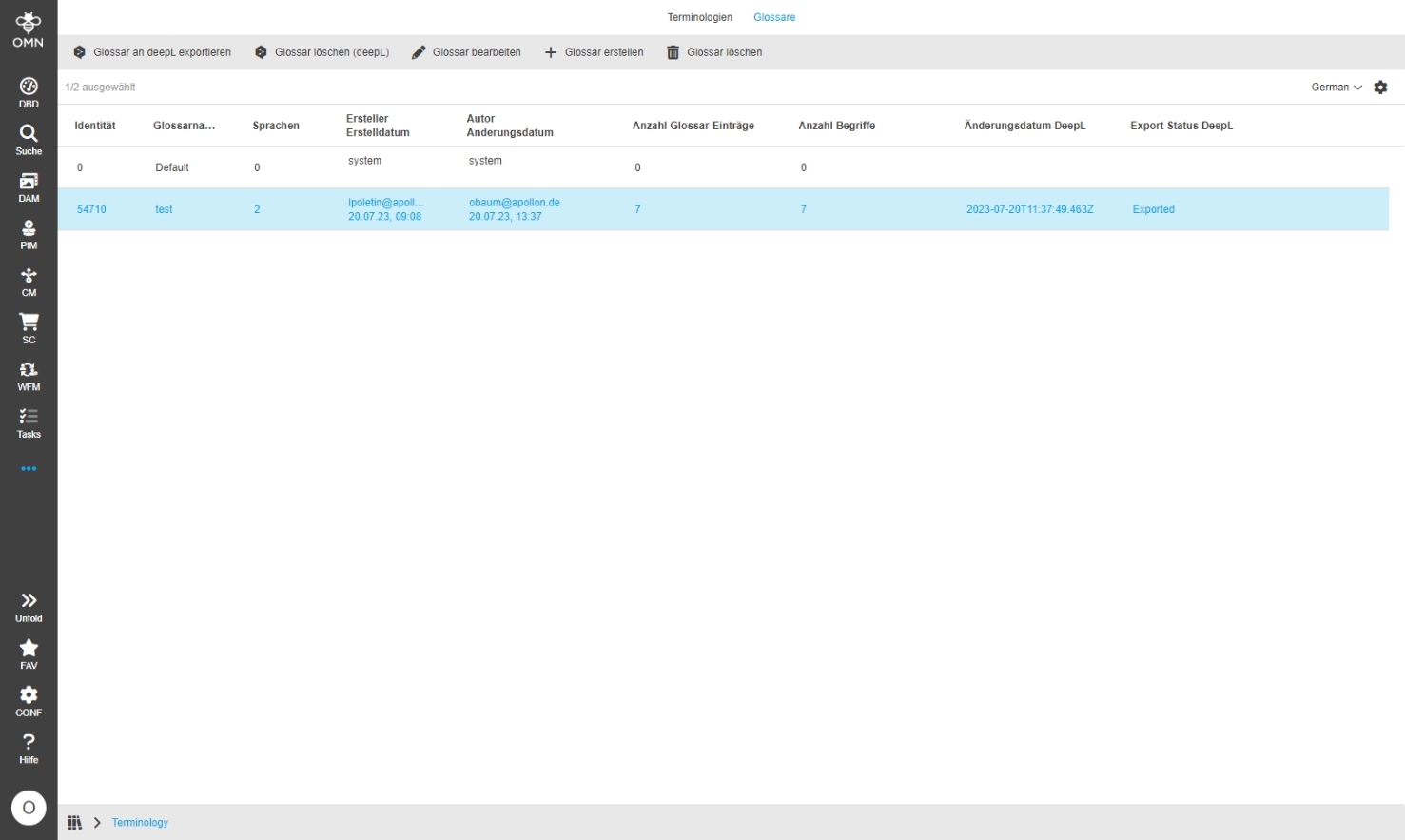
AI Translation Services are working with reasonable default values when no values in WorkflowConfig Plugin are set
-
Example: user want to use AI Translation in frontend
-
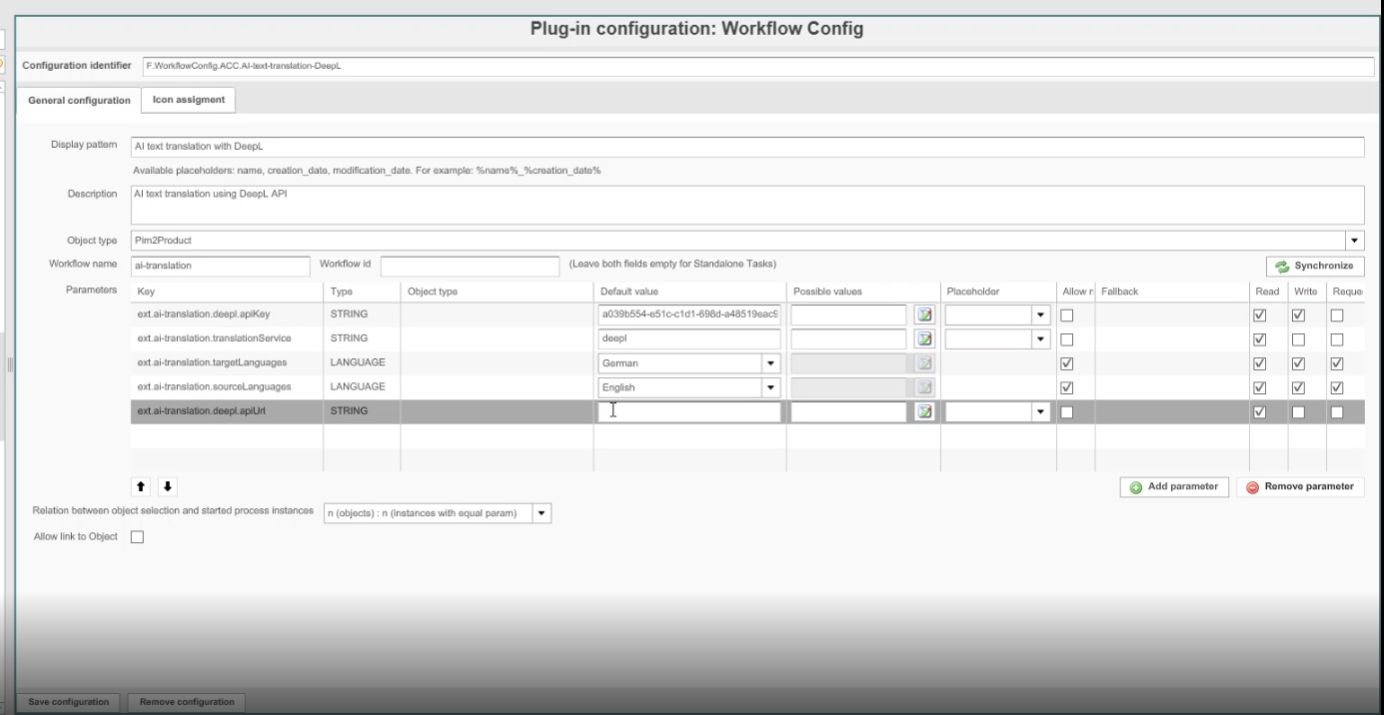
but in the WorkflowConfig Plugin configuration no api key is set
-
in this case Default value for API key will be used
-
Precondition: The default values should be set on the BPMN directly and the new PDT SetDefaultValuesTask should be leveraged to add them to the execution variables (further information can be found in the Documentation)
AI-Text
Improvements for AI Text - Textengine.io
-
Make ai textcreation asynchronous
| References | OW-590 |
|---|---|
Documentation |
ODOCU-1124 |
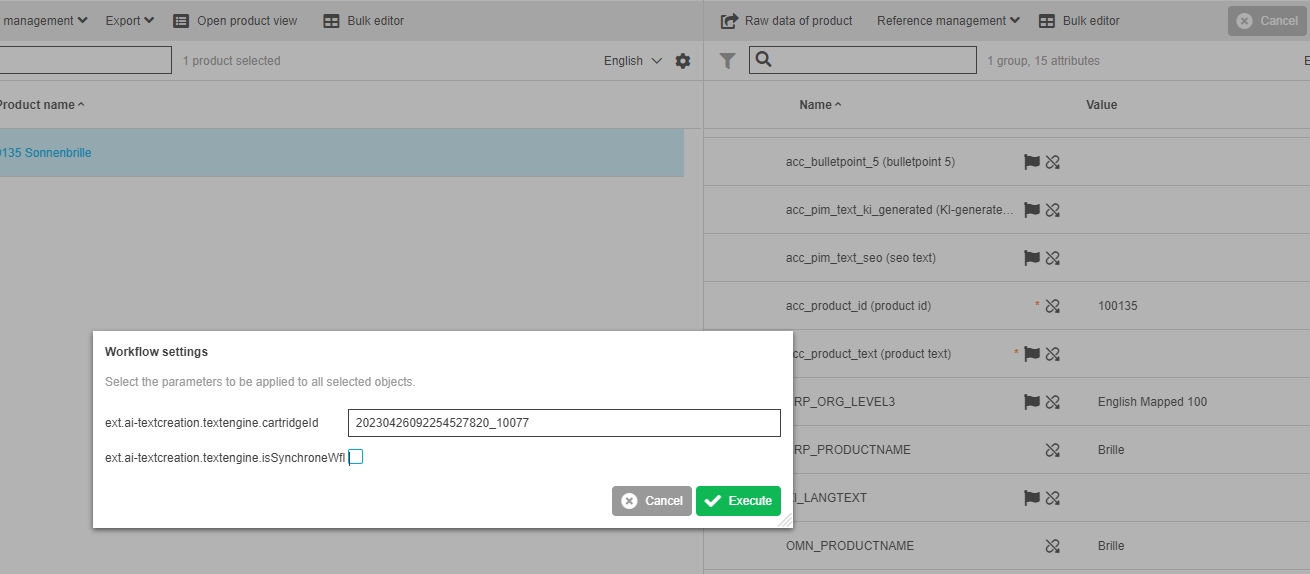
New parameter is introduced in AI-Text workflow to define if workflow will run synchronously or asynchronously
-
Optimize ai textcreation result handling
| References | OW-827 |
|---|
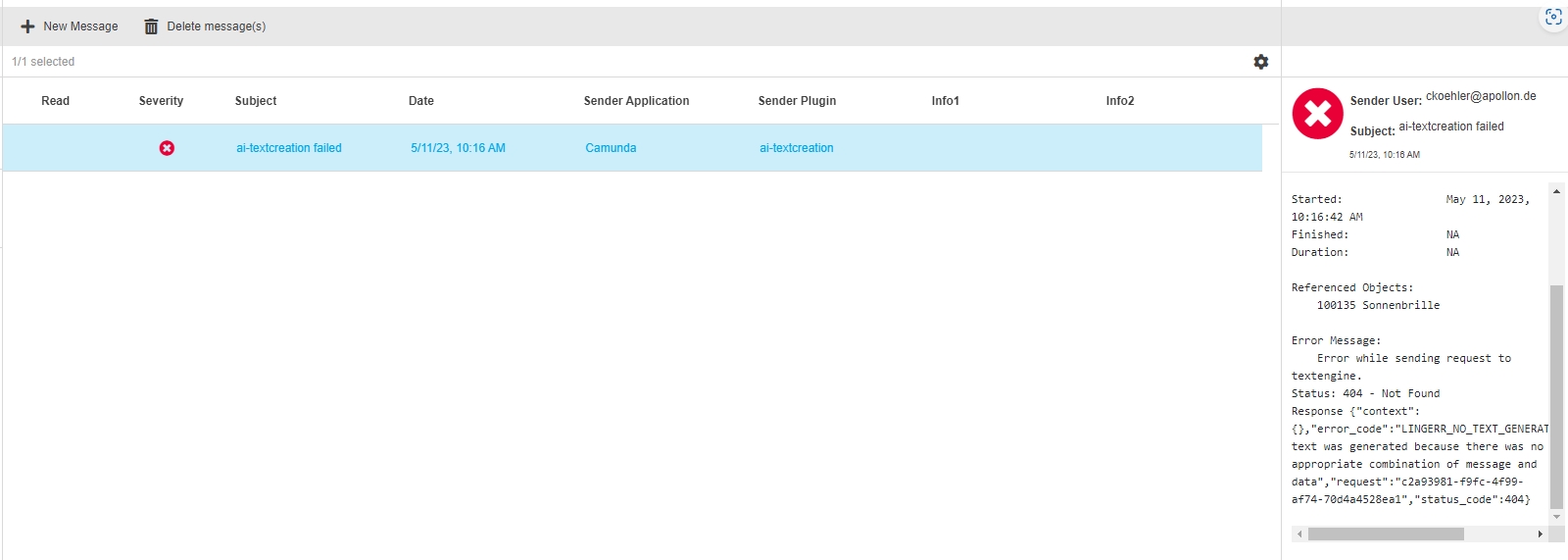
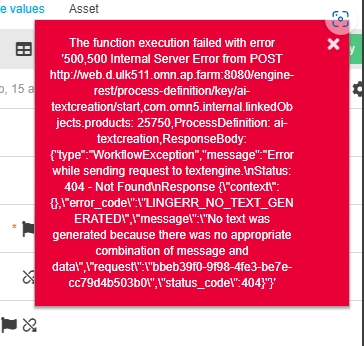
In case the AI Text service returns a status which is not like "ok", the failure will be reported to OMN
-
for asynchronous process as message in message Client
-
for synchronous process as notification
-
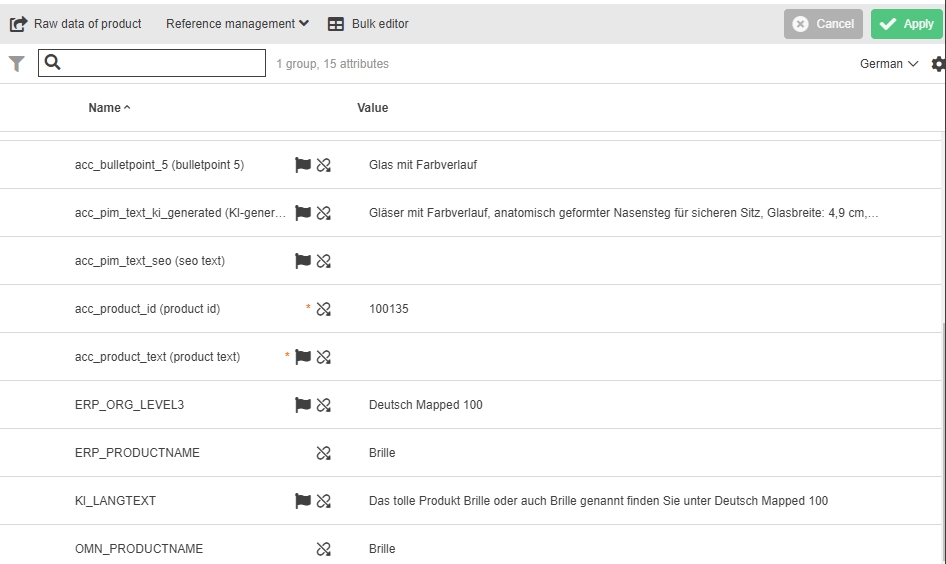
Export pim domain localized value instead of keys
| References | OW-826 |
|---|
For AI-textcreation the localized domain values will be exported now to Text engine instead of the default keys
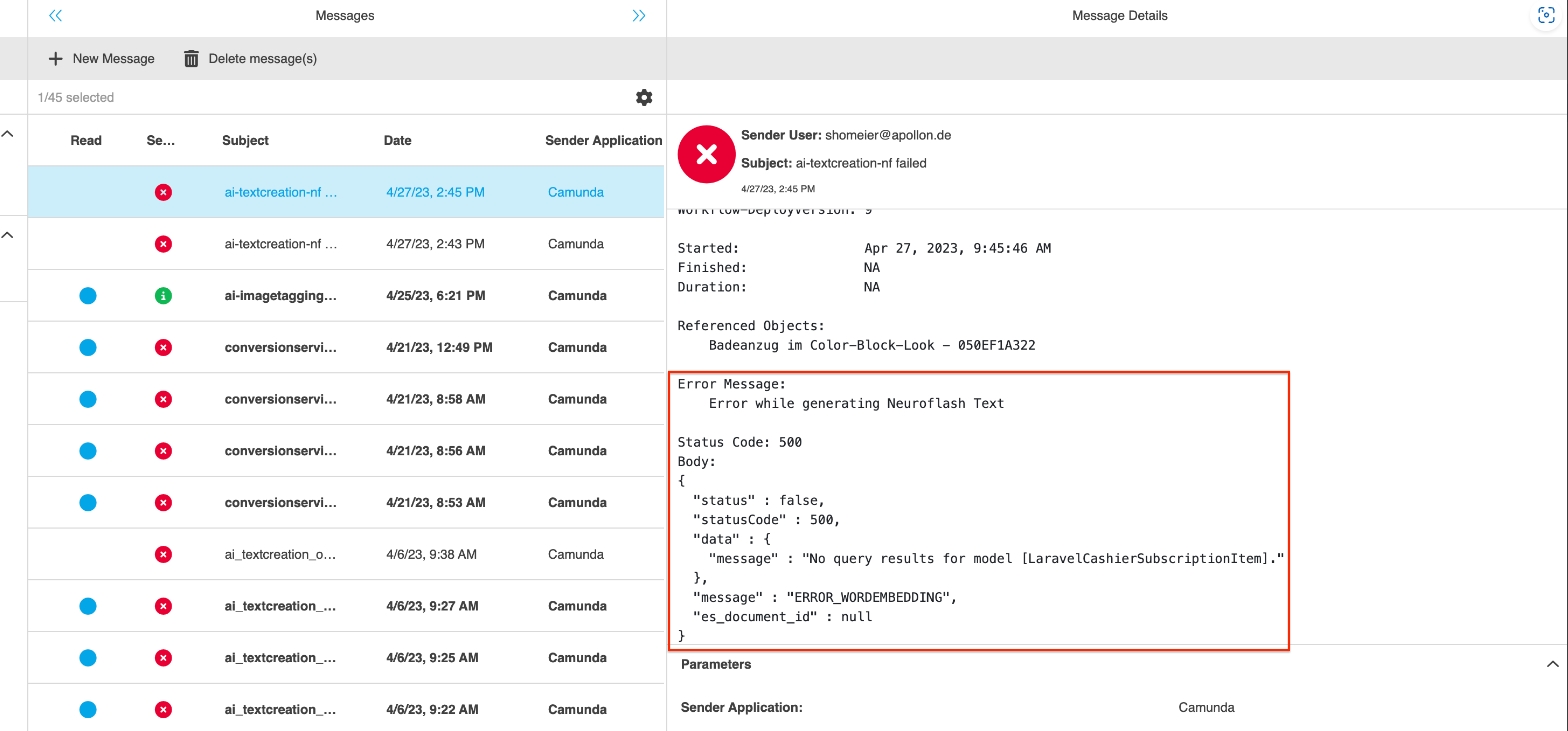
Pass JSON Body to MessageClient in case of error
| References | OW-825 |
|---|
More detailed information in case of Neuroflash textcreation has failed by passing JSON Bodies to error message
Adjust Textcreation WFL to not rely on CLOB Serialization
| References | OW-844 |
|---|
AI Textcreation Workflow for Retresco/Textengine does not support CLOB deserialization to java.util.HashMap 5.12.0 any longer and uses string encoded maps as new Approach for configuration
-
If the "*.modelMap" parameter is configured in a format like this:
\{ "serializedType": "java.util.HashMap", "value":\{"Farbe":"Farbe","Marke":"Marke","Größe":"Größe","Listenpreis":"Listenpreis","Material":"Material", "Ist_Reduziert":"Ist_Reduziert", "Aktion_StartDatum":"Aktion_StartDatum", "PRODUCT_NAME":"PRODUKT_NAME", "ARRAY_ATTRIBUTE":"ARRAY_ATTRIBUTE"}} -
Then it must be migrated to a String-Encoded Map like this:
Farbe:Farbe,Marke:Marke,Größe:Größe,Listenpreis:Listenpreis,Material:Material,Ist_Reduziert:Ist_Reduziert,Aktion_StartDatum:Aktion_StartDatum,PRODUCT_NAME:PRODUKT_NAME,ARRAY_ATTRIBUTE:ARRAY_ATTRIBUTE
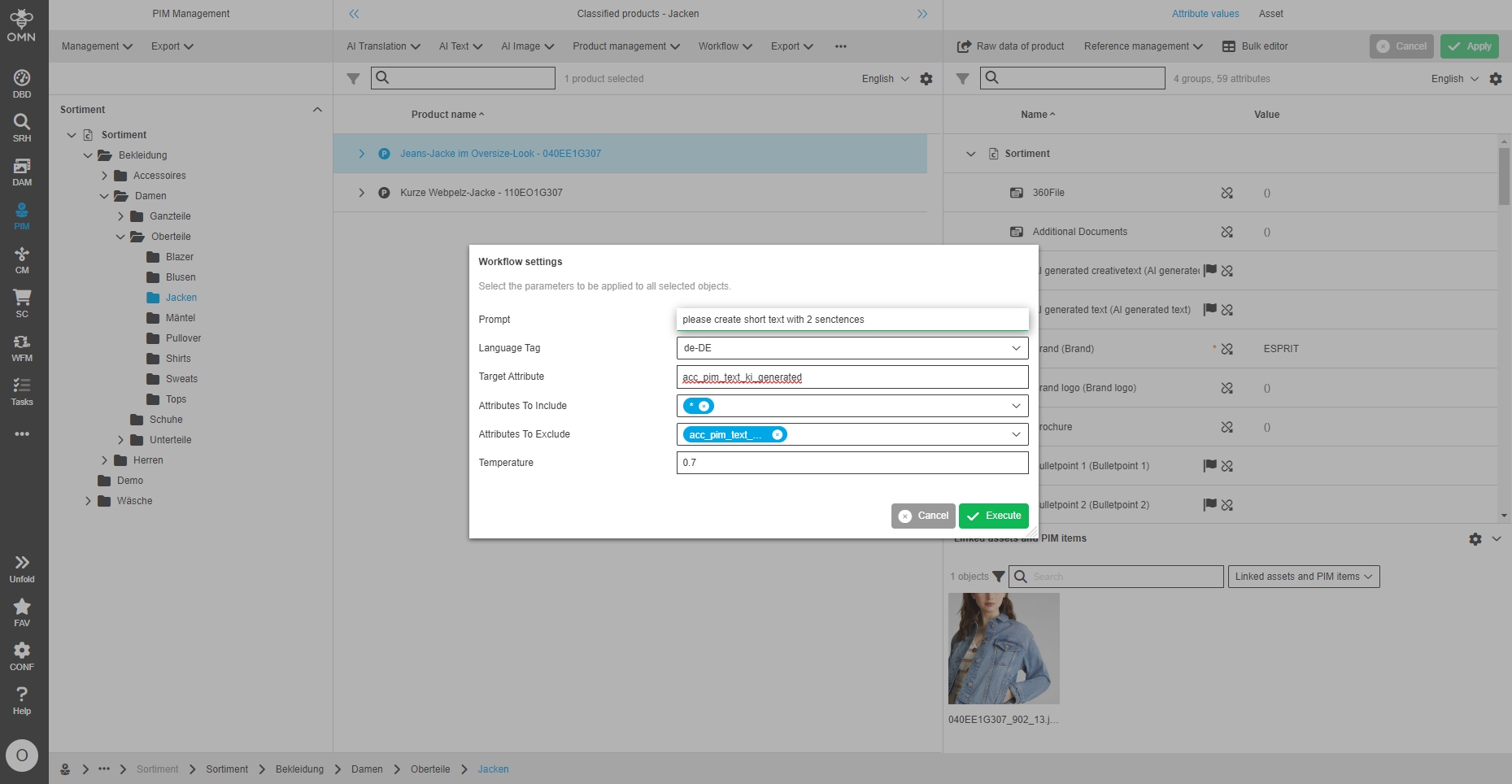
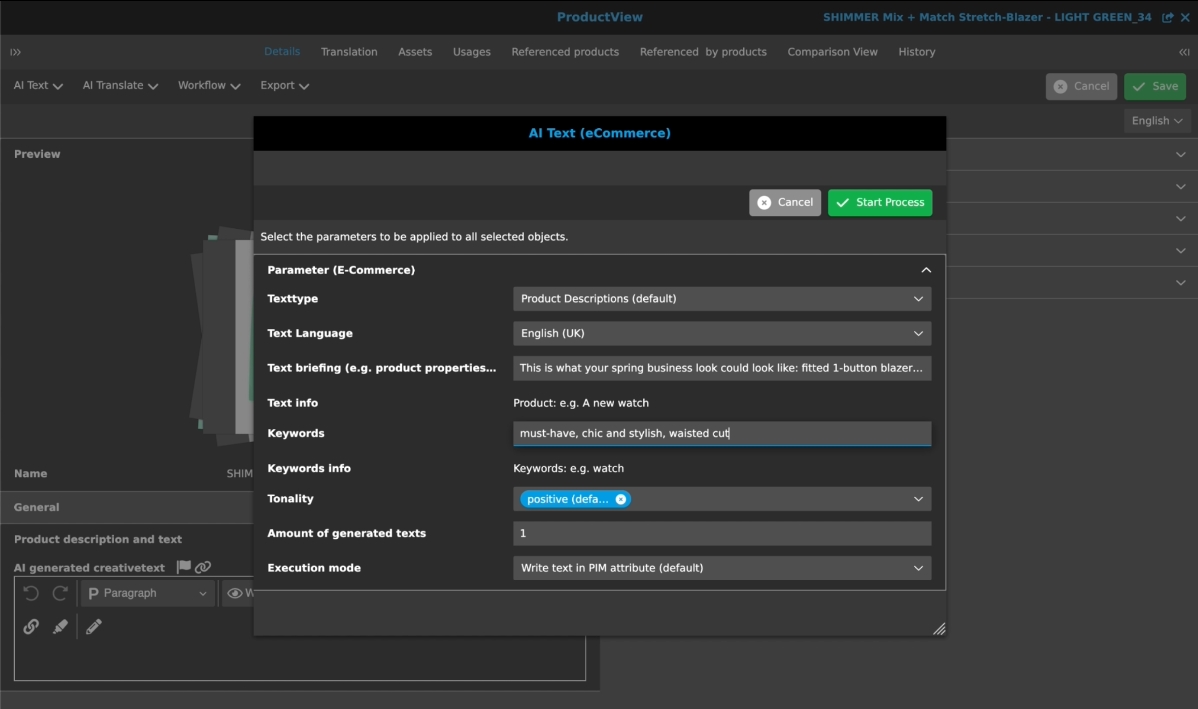
Integration to ChatGPT
| References | OW-803 |
|---|---|
Base-Requirement |
OR-1350 |
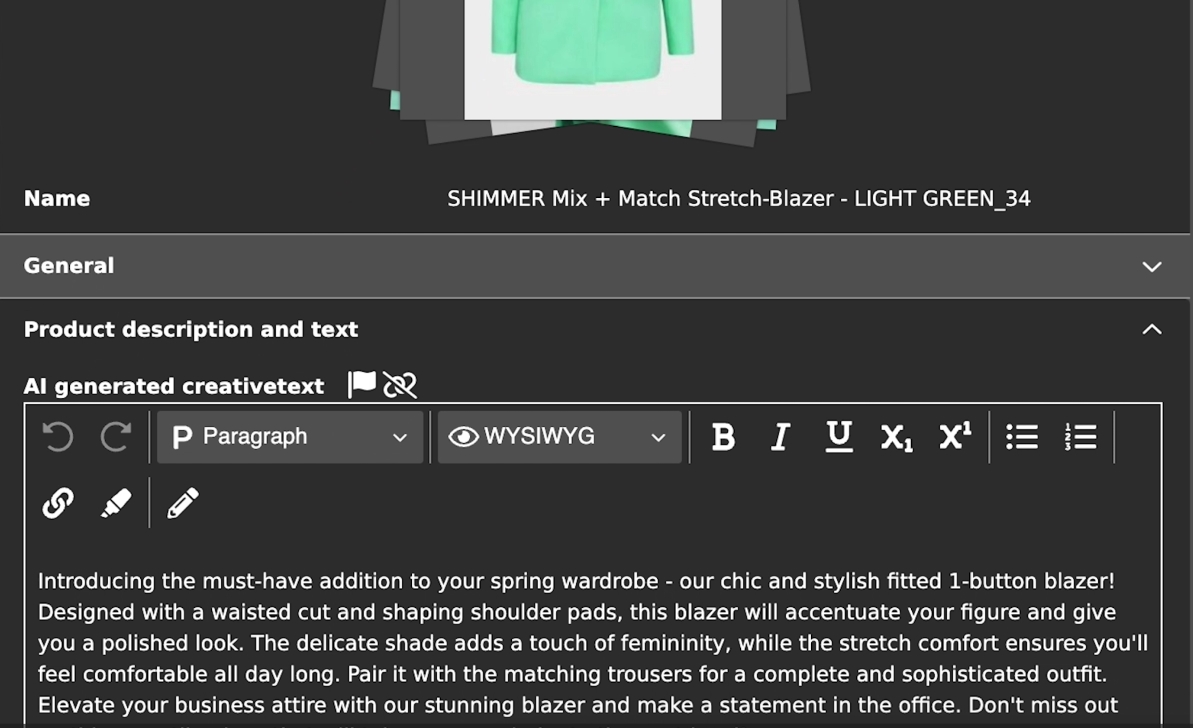
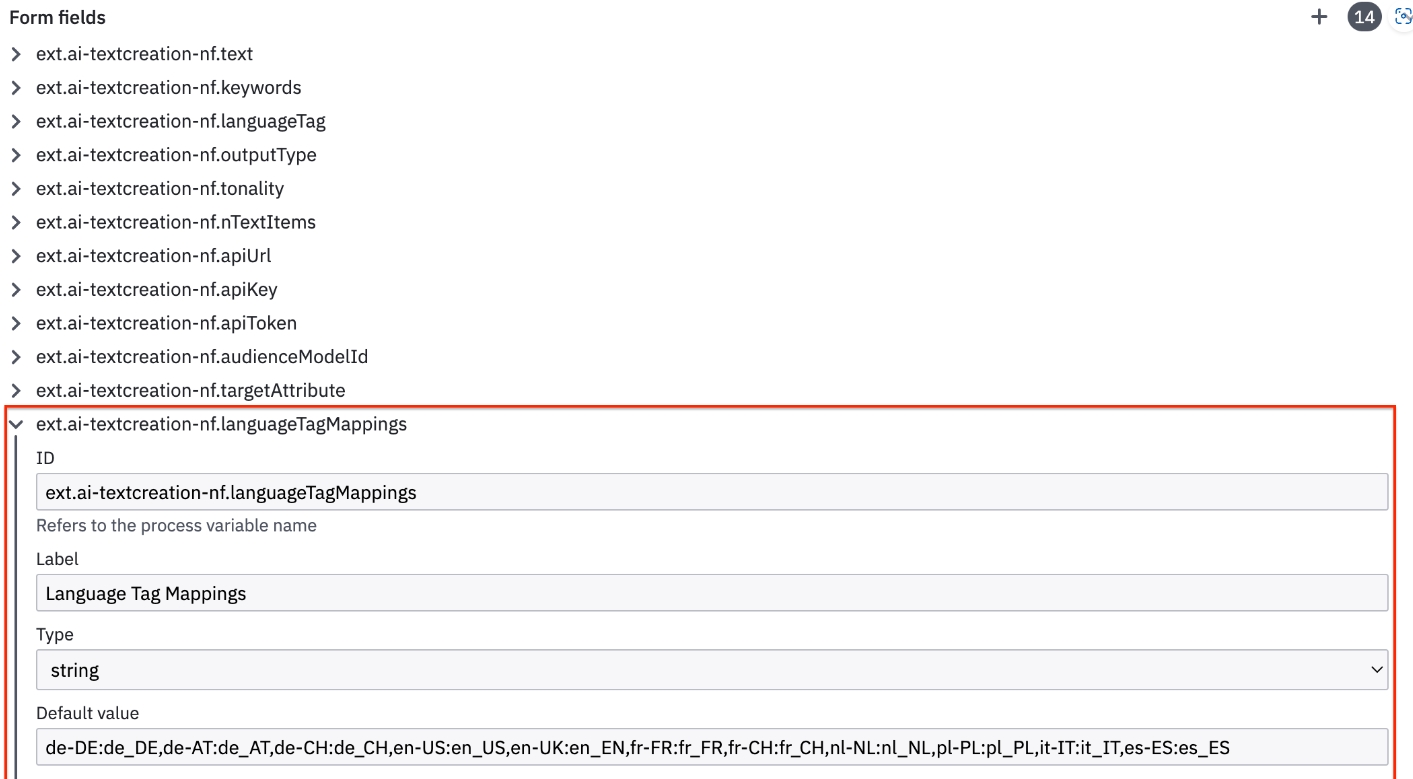
OMN PIM has now Integration with Open AI’s GPT3 to automatically generate an output based on a configurable prompt and an input field and writes it to a target field of OMN PIM Entity
AI Tagging
General
-
Limit AI Tagging WFL to Single Execution
| References | OW-815 |
|---|
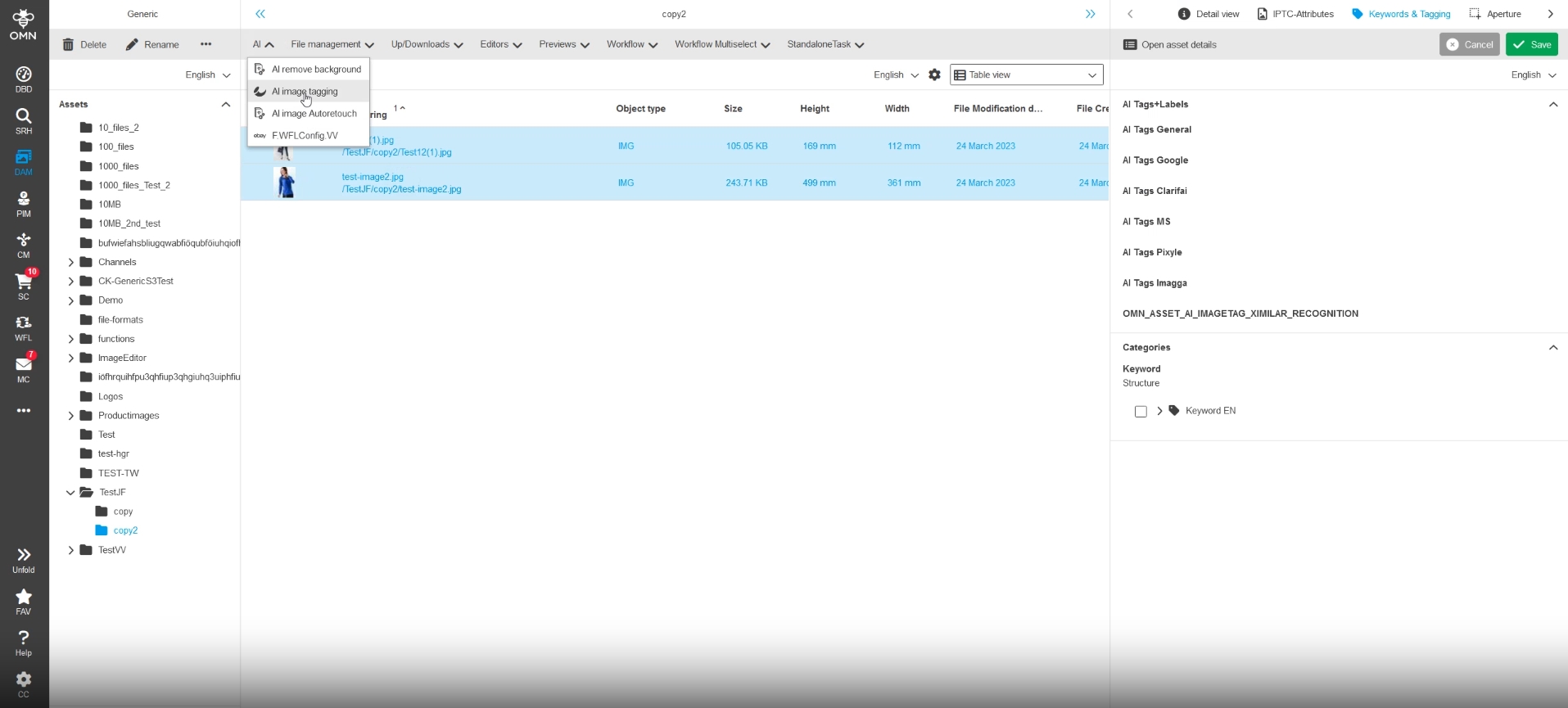
The AI Tagging WFL now works only on a single asset at a time (n:n) to ease implementation and remove complexity
-
Adapt AI Tag workflow to write result also into enum Attributes
| References | OW-810 |
|---|
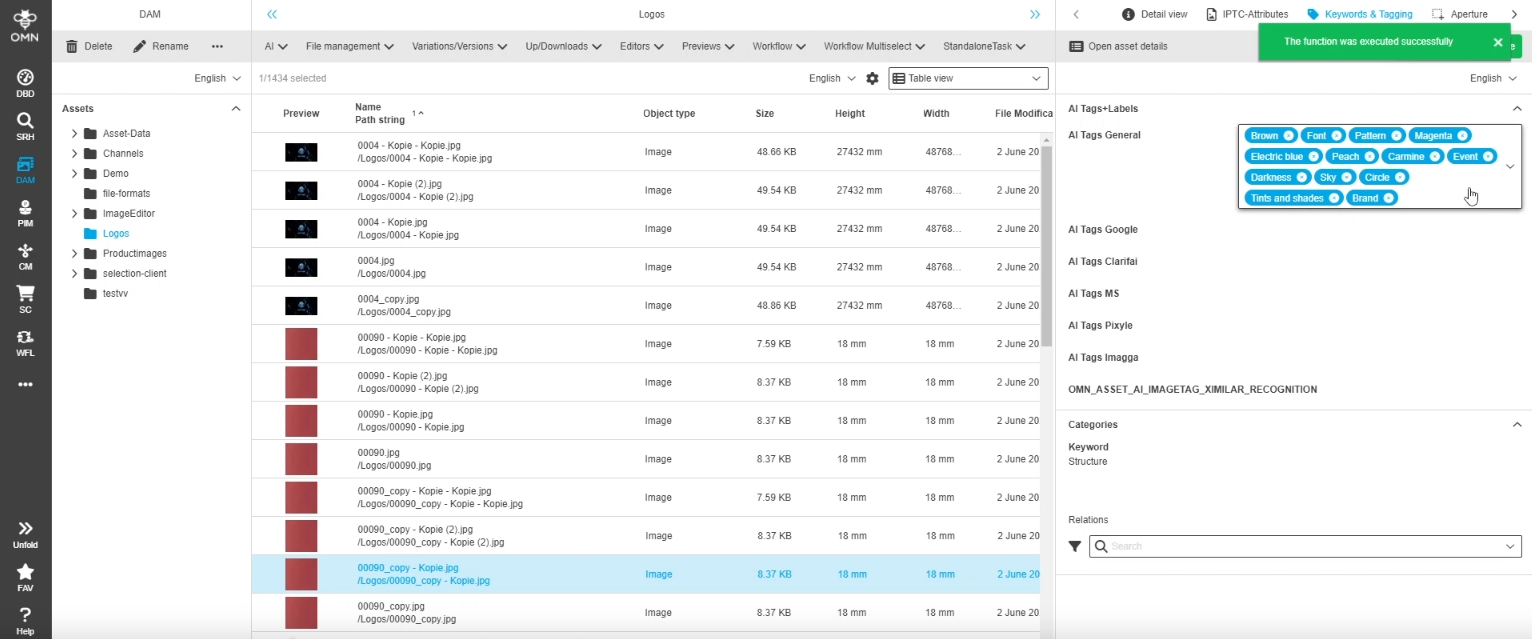
Tags created by AI-Service can now be written as enumeration value and will set set entry in history table, when new value is created
-
AI Tagging - Google - Language Support for Translation of Labels
| References | OW-723, OMNA-1420 |
|---|---|
Base-Requirement |
OR-1191 |
Automatic translation of tags if AI Service cannot provide tags in required language
-
Translation is limited to DeepL Translation and its supported languages only
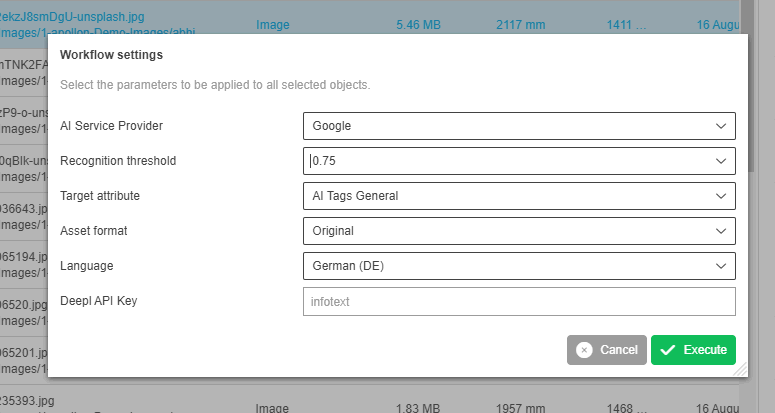
-
Reuse deepl config parameter in AI Tagging
-
| References | OW-872 |
|---|
The existing global Workflow Attributes for DeepL Translate are also used for Translation of Tags in AI Image tagging
Pixyle
-
Image Tagging Camunda Workflow pixyle - support of German data model (taxonomy)
| References | OW-523 |
|---|---|
Base-Requirement |
OR-1089 |
Support of following further languages with apollon Fashion Tagging (powered by pixyle)
-
en
-
de
-
nl
-
da
-
fi
-
se
-
no
-
pl
-
fr
-
it
-
es
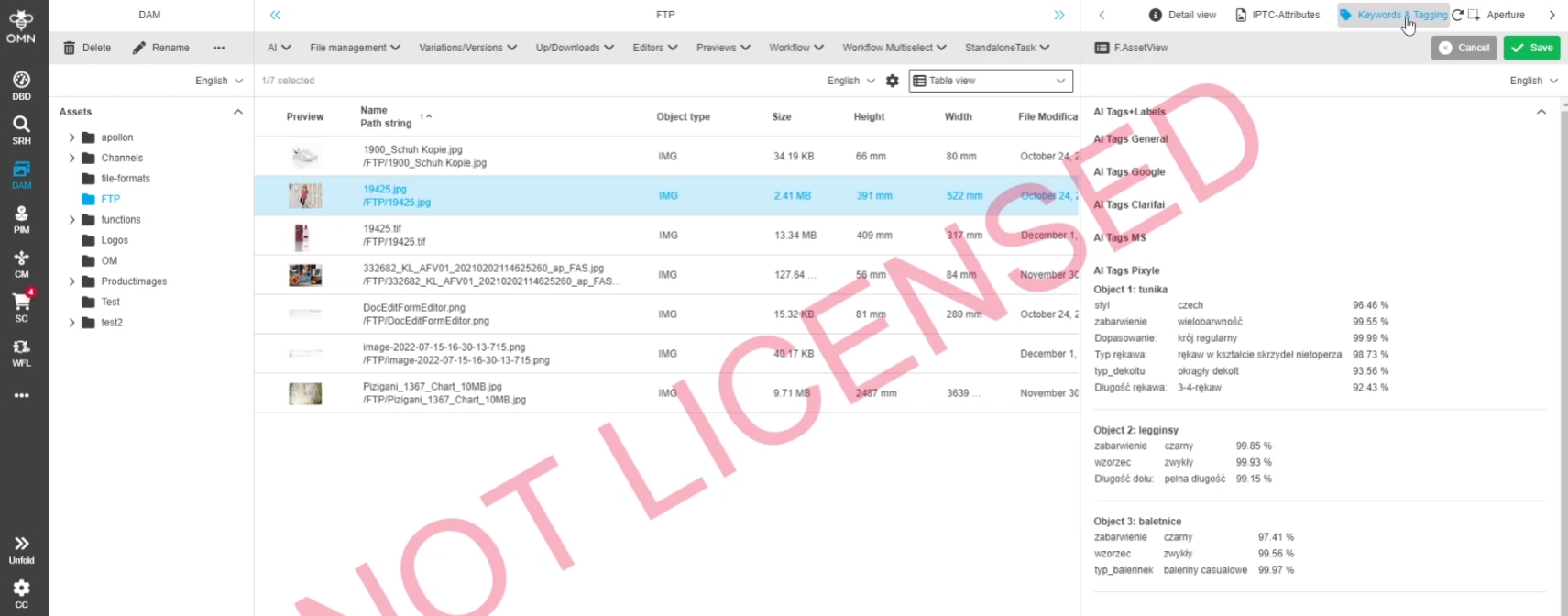
Clarifai
-
Apply required Auth Changes for Clarify Update 9.3
| References | OW-807 |
|---|
Changes in AI Tagging Integration for Clarifai because of major API authorization changes in Clarifai 9.3 which are required after 30.3.2023
-
usage of PAT (Personal Access Token) instead of API Key in Auth Header when calling a Workflow from OMN in clarfai
-
change from https://api.clarifai.com/v2/workflows/:workflowId/results to https://api.clarifai.com/v2/users/:userId/apps/:appId/workflows/:workflowId/results
-
Further information : https://docs.clarifai.com/clarifai-basics/authentication/personal-access-tokens/
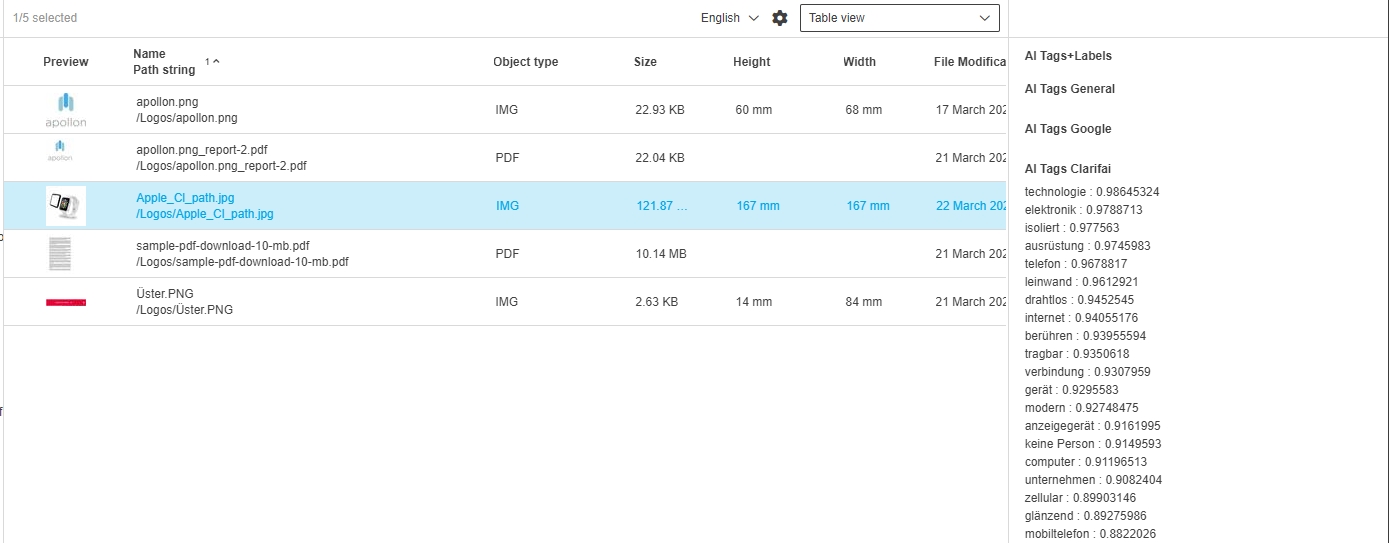
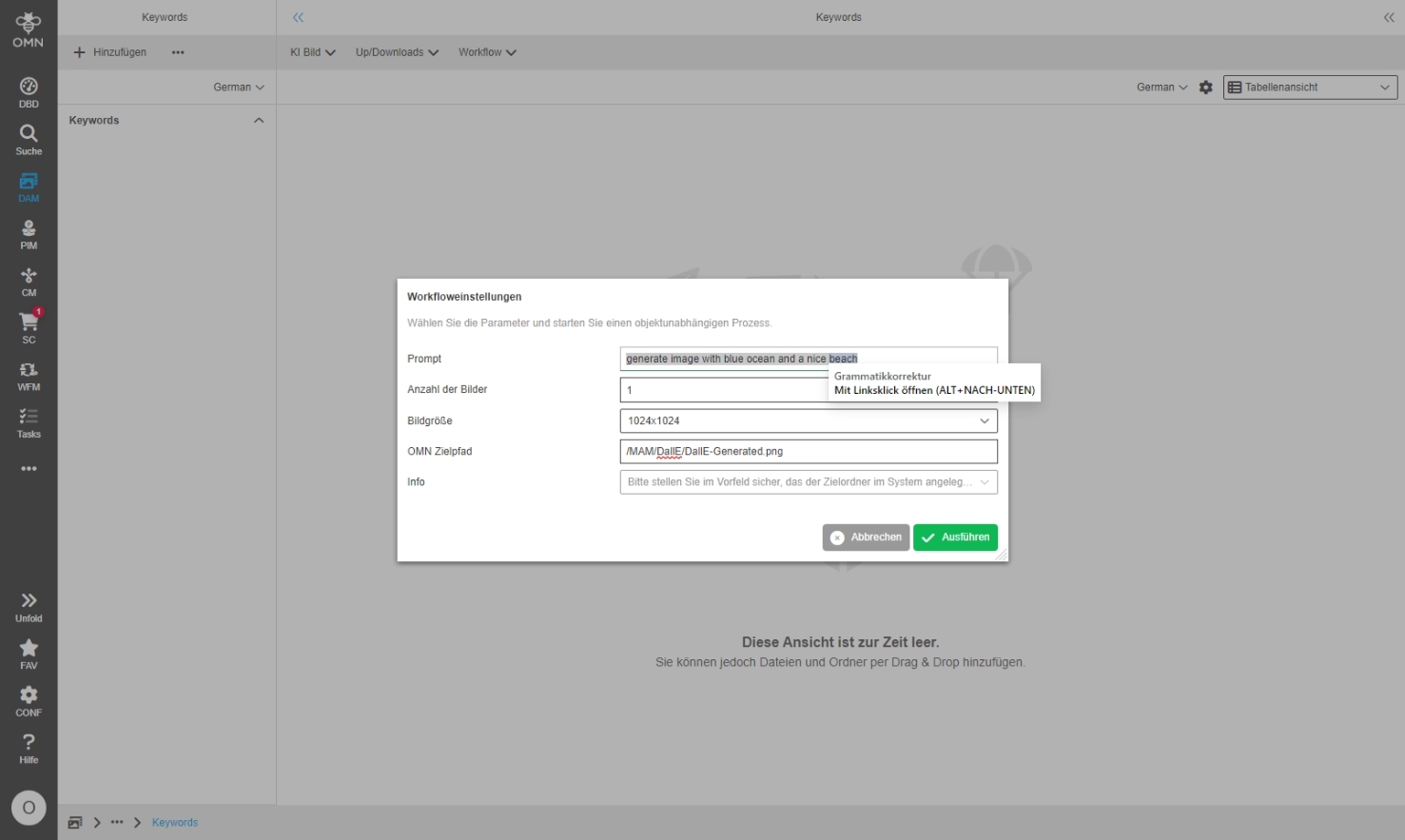
Other
Integrate api2convert conversion Services
| References | OW-799 |
|---|---|
Documentation |
ODOCU-1058 |
New Conversion Services are integrated on base of api2convert Service which can be used on OMN assets
-
the Service provides conversion for different asset types like Images, Videos, Audio file
-
OMN Accelerator provides ready2use configurations in the Fashion profile
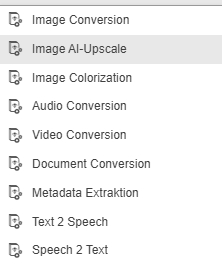
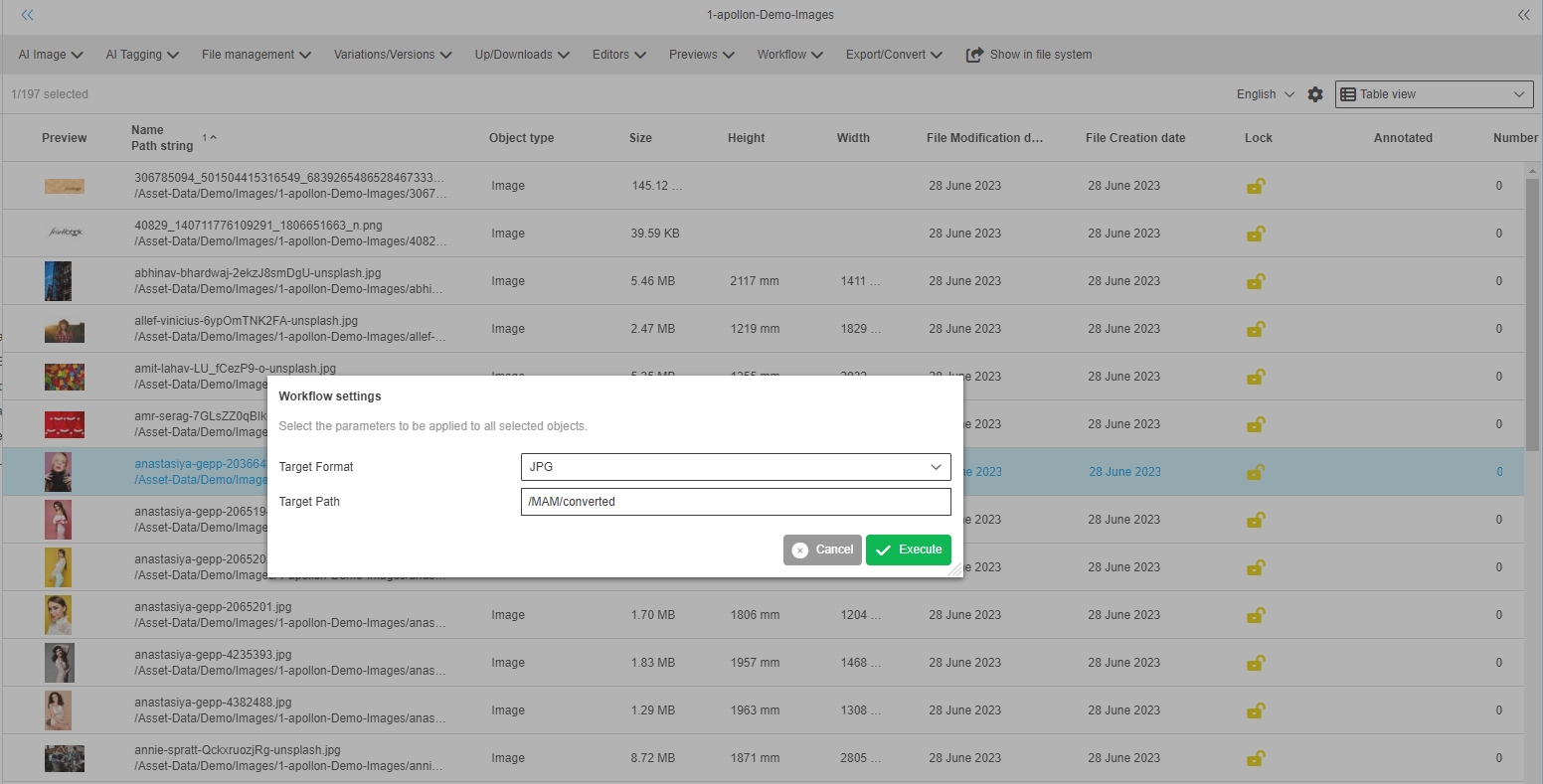
EAI
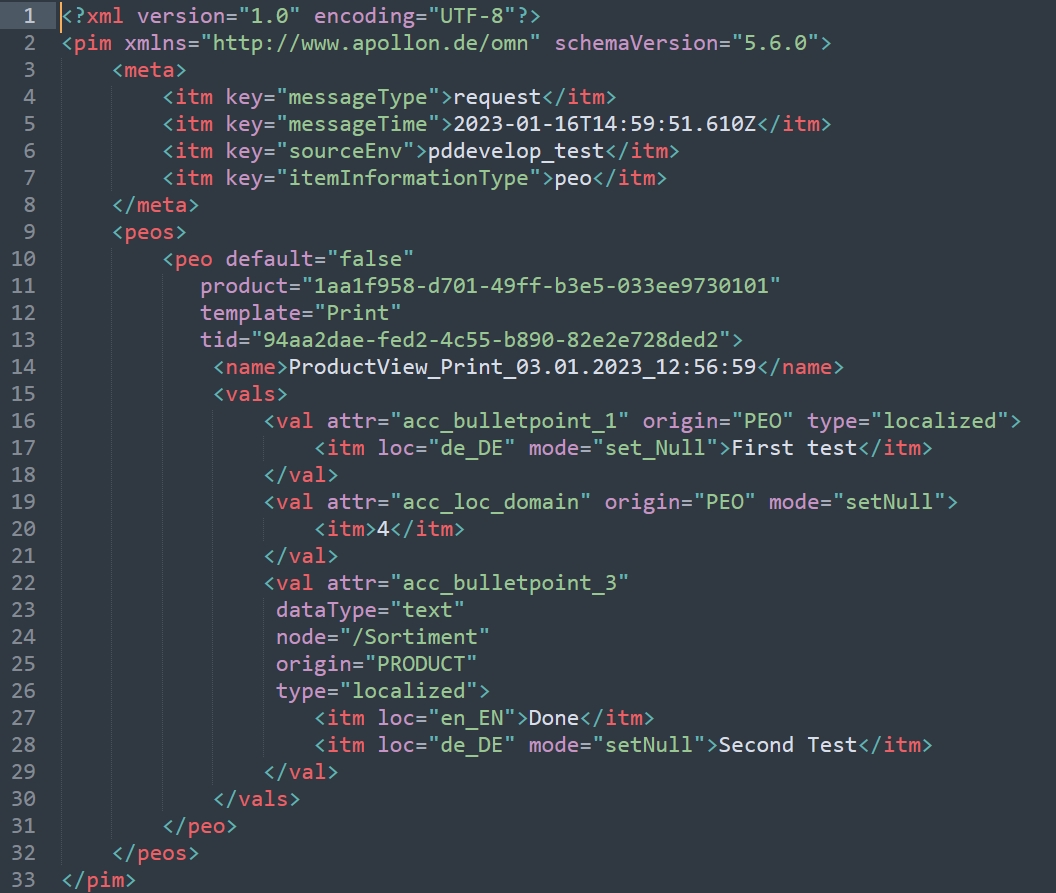
Use NameType for name attribute in KeywordType
| References | XR-1115 |
|---|
KeywordType had name attribute which is using the ItemsType. With this change it uses the existing NameTyp now
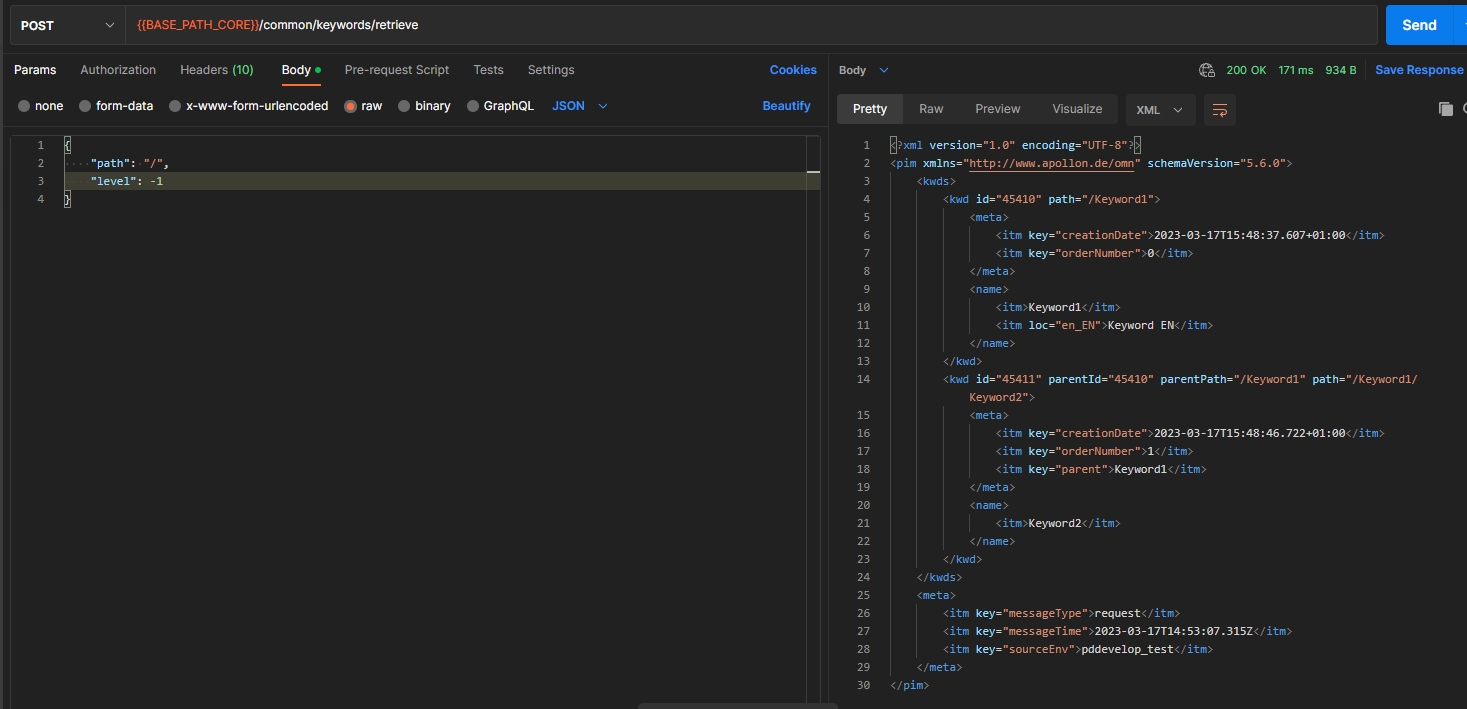
Missing unhandled pim2 attribute definition flag in EAI
| References | XR-1017 |
|---|
Support of configuration flag noValidateAsRichText is now supported with EAI
-
corresponding Setting in PIM2 configuration (UI)
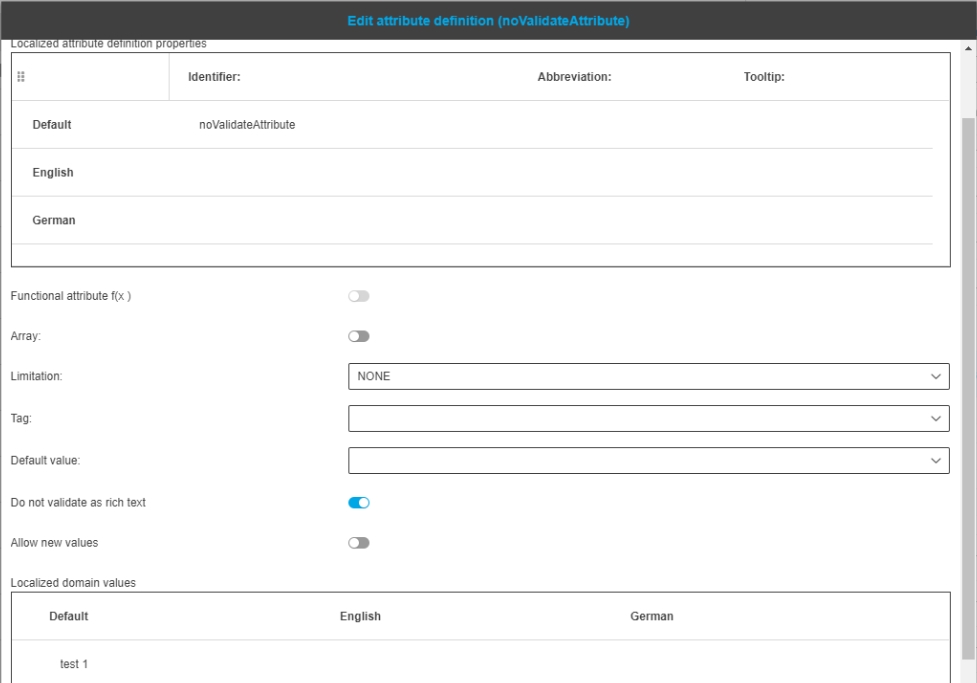
-
consideration in EAI structure
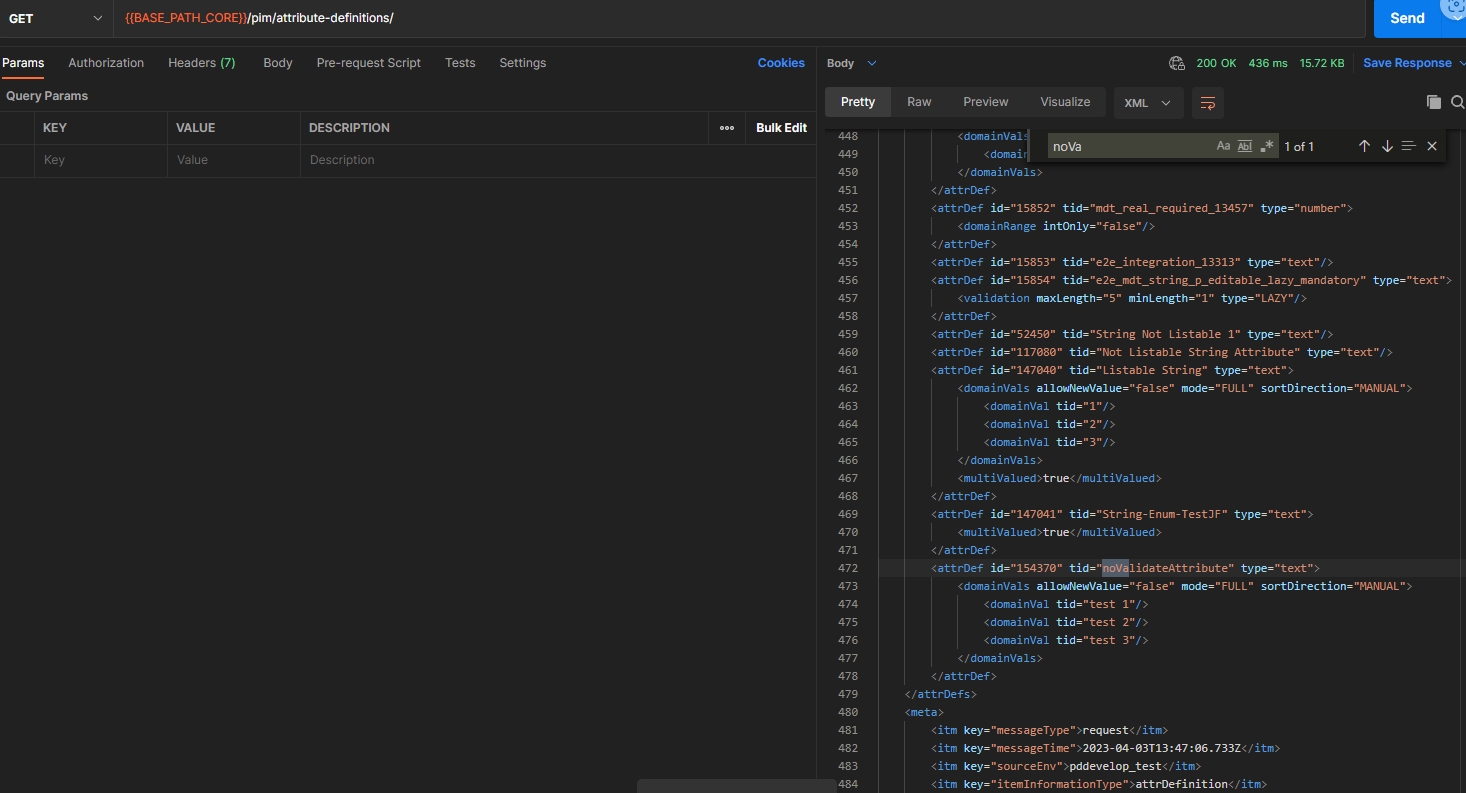
Add module for integration tests
| References | OMN-10206 |
|---|
Module for EAI Integration Tests which allows a developer to write/test an implementation in a complete OMN Environment
-
a requirement for execution is, that the InfluxDB has to be available
-
further information can be found in developer guide (https://kb.onlinemedianet.de/omn/en/dev-guide/components/eai/index.html)
Retrieve Attribute Definitions in JSON
| References | XR-1128 |
|---|
PIM Attribute Definitions can bei fetch in SON Format now via PIM Core API endpoint
-
/pim/attribute-definitions/retrieve
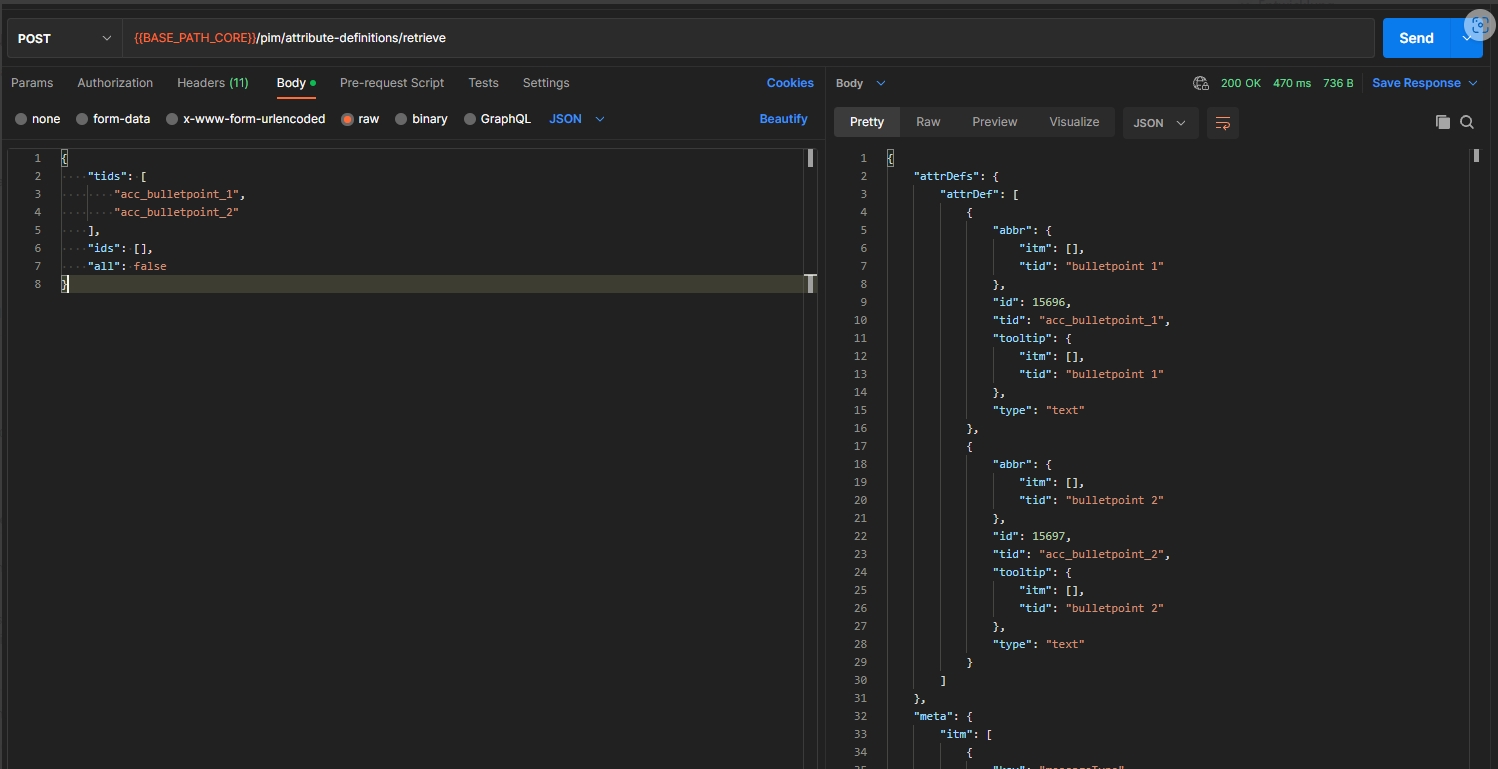
Import of glossary custom attributes
| References | XR-1152 |
|---|
New possibility to create glossary custom attribute definitions via OMN EAI
Example
<glossaries>
       <glossary id="29899">
           <name>Default</name>
           <meta>
               <itm key="containedLanguages">3</itm>
               <itm key="creationDate">2022-12-06T20:53:48.166+03:00</itm>
               <itm key="creationUser">system</itm>
               <itm key="modificationDate">2022-12-06T20:53:48.206+03:00</itm>
               <itm key="modificationUser">system</itm>
               <itm key="numberOfAllEntries">3</itm>
               <itm key="numberOfSentences">0</itm>
               <itm key="numberOfTerms">3</itm>
           </meta>
           <vals>
               <val attr="BOOLEAN_ATTRIBUTE">
                   <itm>false</itm>
               </val>
           </vals>
       </glossary>
       <attrDefs>
           <attrDef tid="glossaryAttrName" type="string">
               <meta>
                   <itm key="mandatory">true</itm>
               </meta>
               <defaultVal>
                   <itm>test</itm>
               </defaultVal>
       </attrDefs>
   </glossaries>
           </attrDef>
API
General
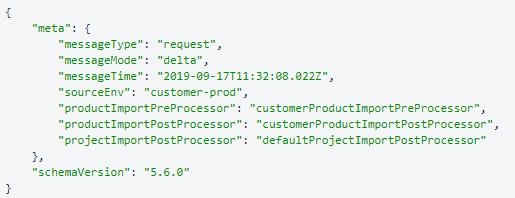
DAM
Import and object status expression for an asset
| References | XR-671 |
|---|
New status Expressions to get the status of one or multiple asset(s)
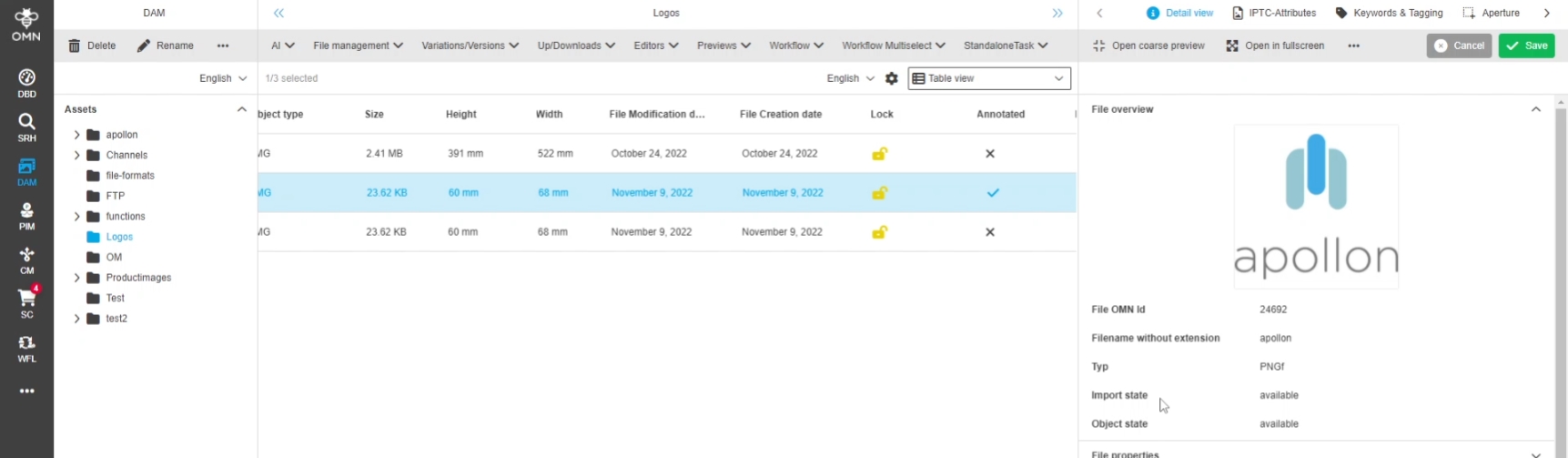
-
importStatus
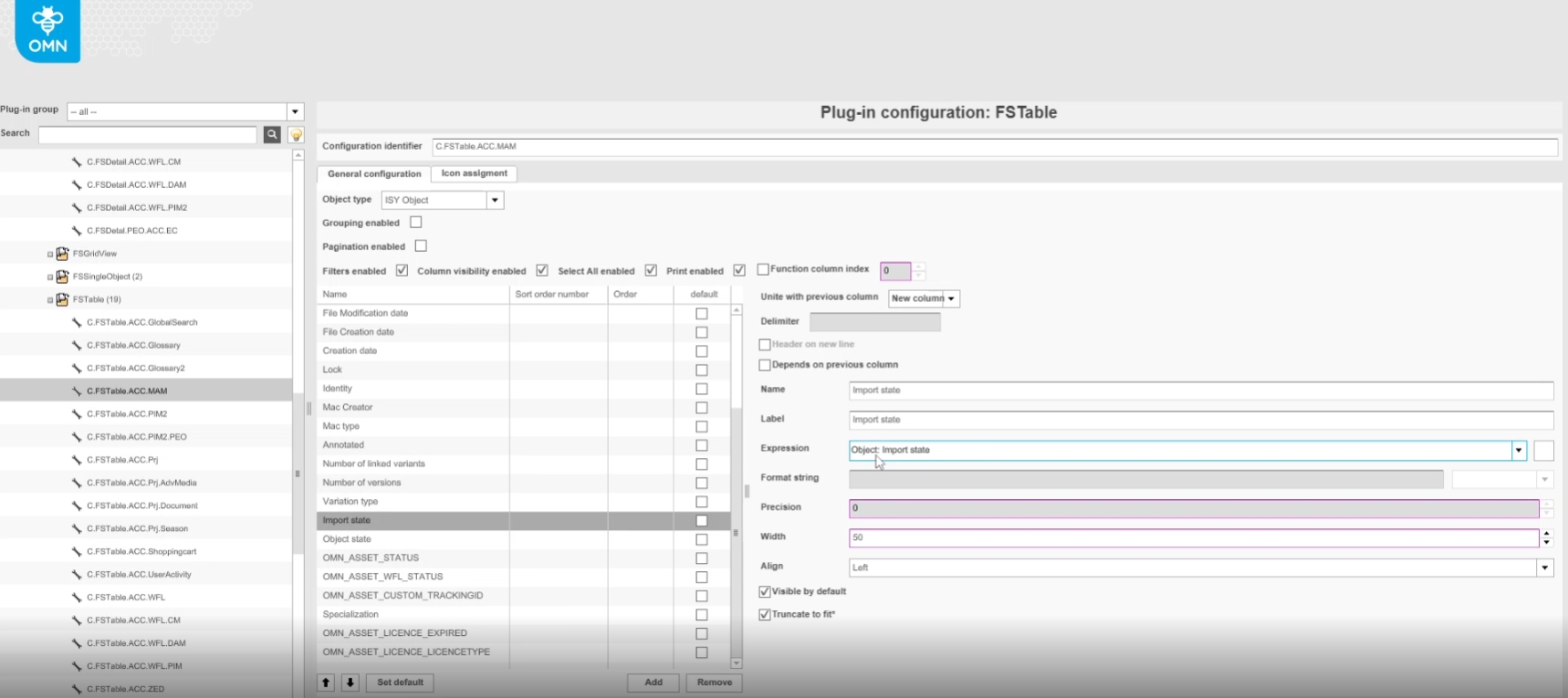
-
objectStatus
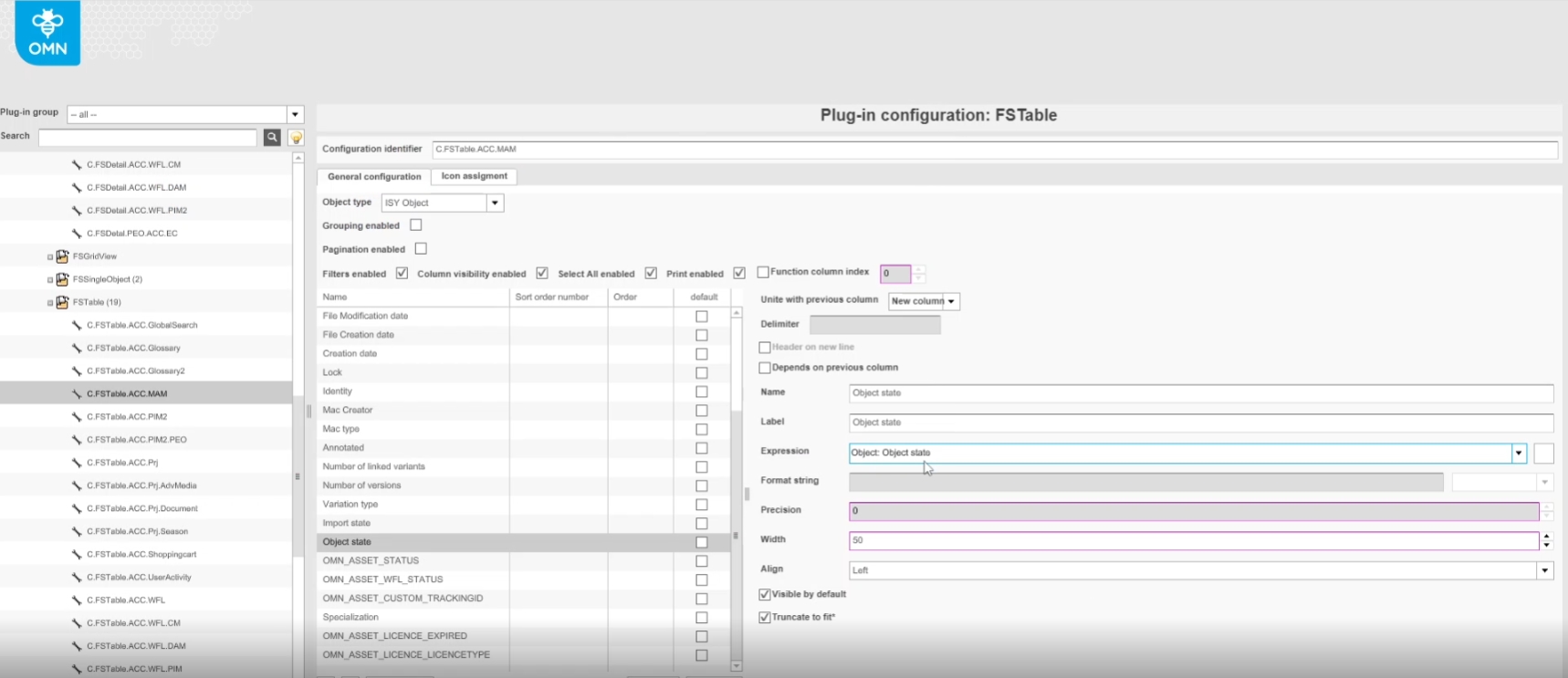
Upload as Variations
| References | XR-792 |
|---|---|
Documentation |
ODOCU-962 |
API endpoint to upload an edited asset in the corresponding tool via CI-Hub as a new variation so that a relationship between the original asset and the variant is formed in OMN
-
method: POST;
-
path: "/dam/assets/variations/bin/persist"
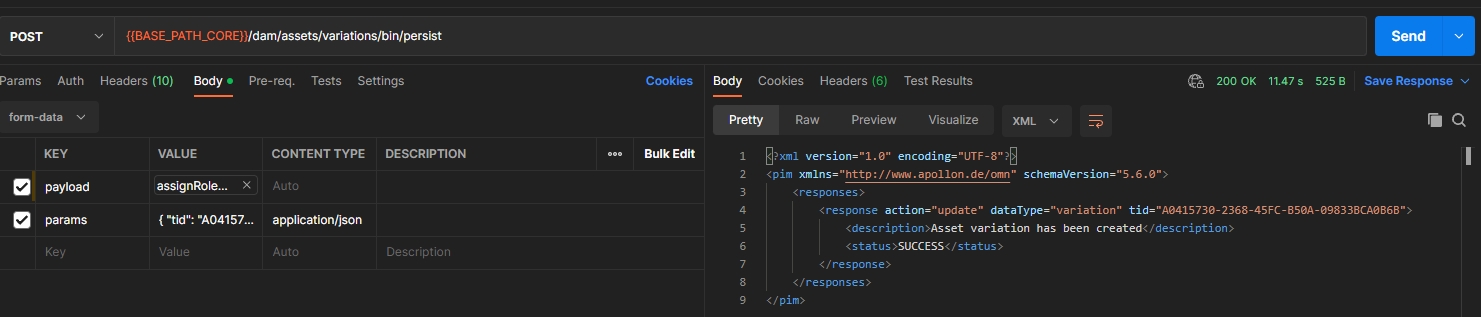
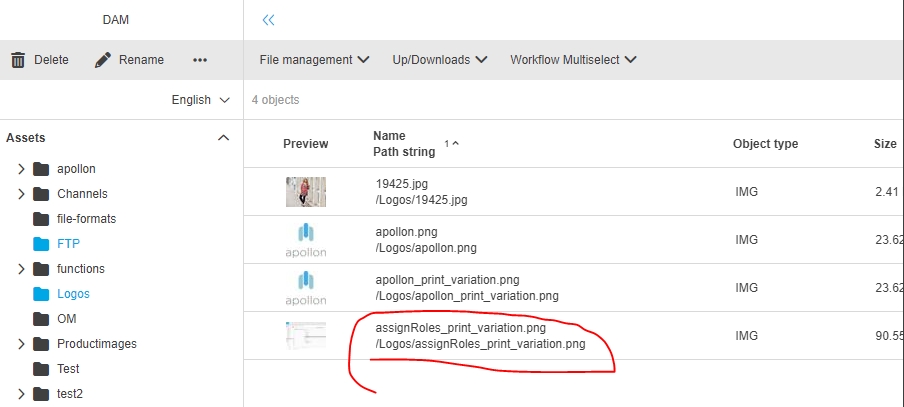

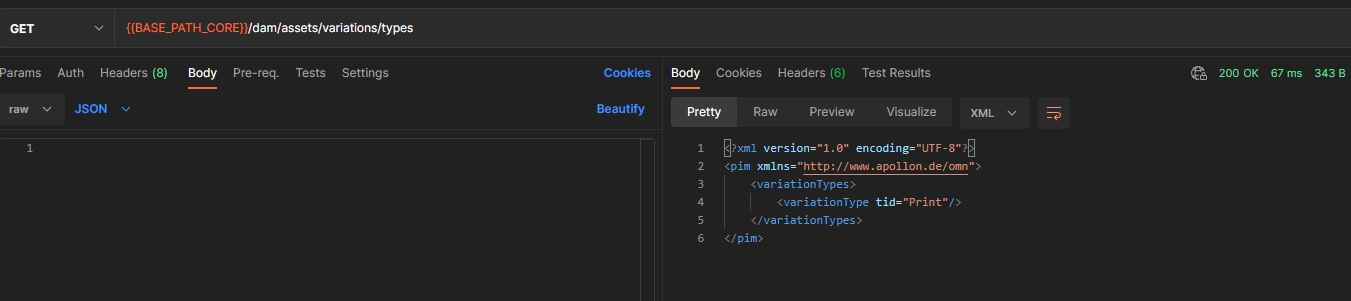
PIM
Link assets to products
| References | XR-665 |
|---|
API endpoint to link an asset to an existing Product
-
path: /common/links/persist
-
method: POST
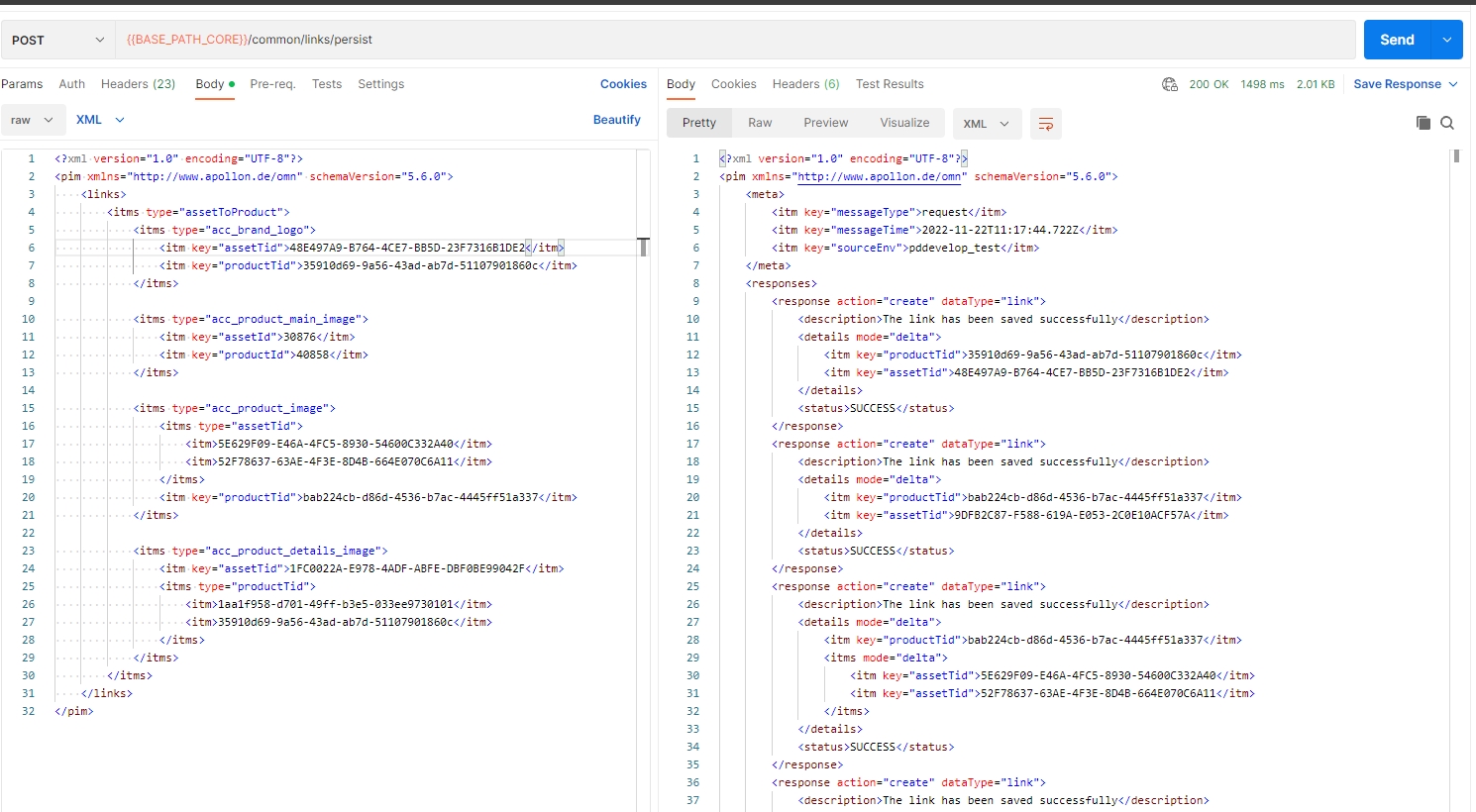
PIM Retrieve classifications
| References | XR-896 |
|---|
New API endpoint to retrieve PIM Classifications information via API
-
path: /pim/classes/retrieve
-
method: POST
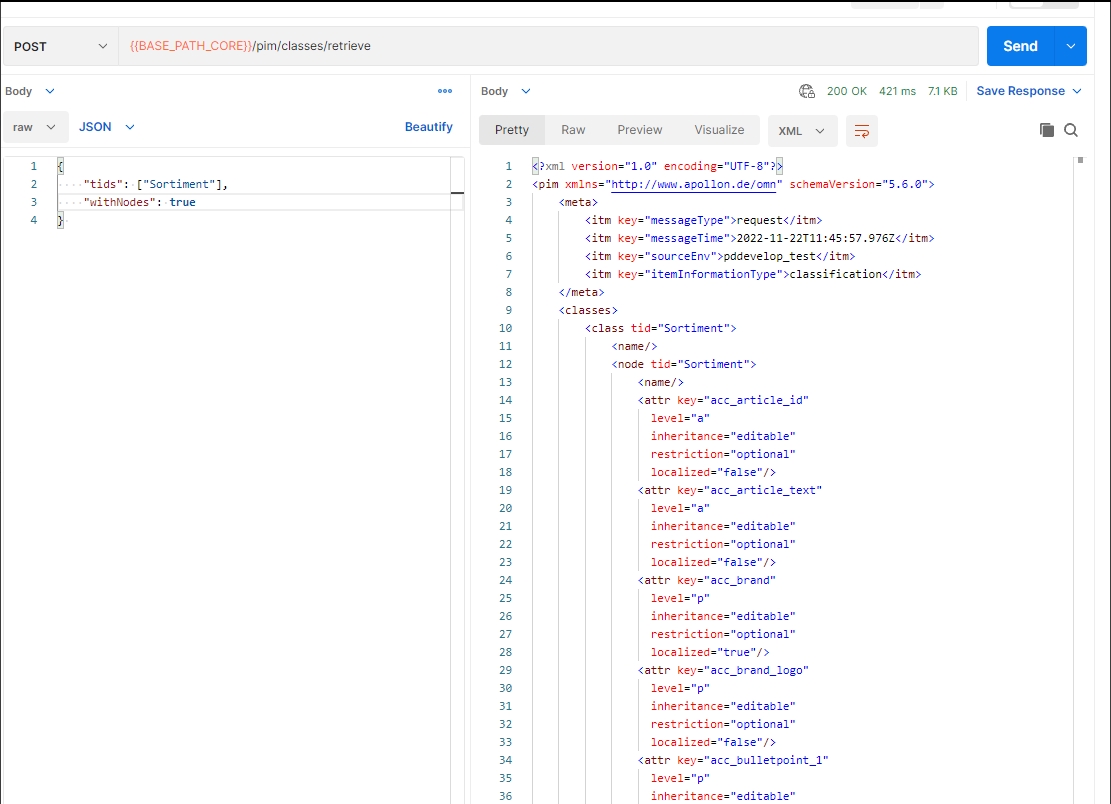
PIM Delete classification
| References | XR-897 |
|---|---|
Documentation |
ODOCU-969 |
API endpoint to delete an existing PIM Classification
-
method: POST
-
path: /pim/classes/perform
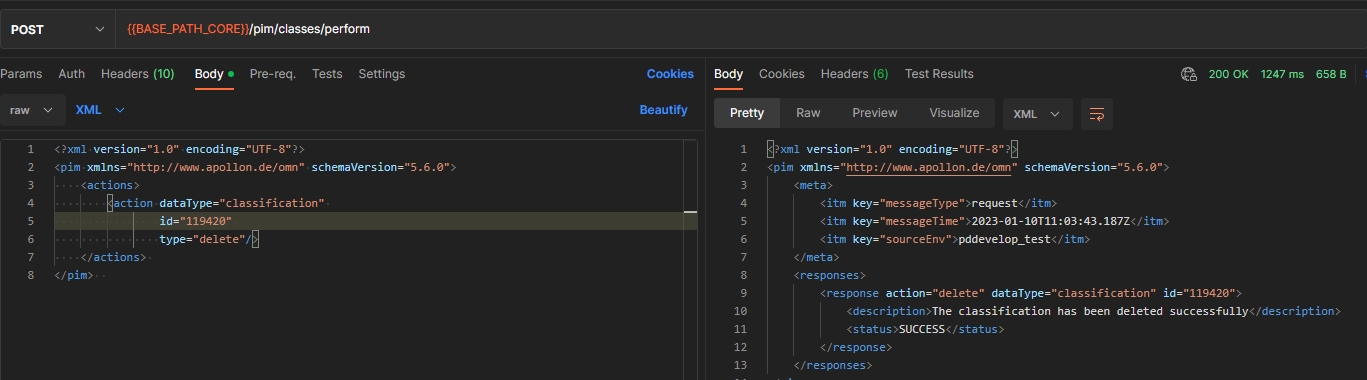
PIM Create and update classification node
| References | XR-898 |
|---|
New API endpoint to create a new and/or update an existing PIM2 Node
-
path: /pim/nodes/persist
-
method: POST
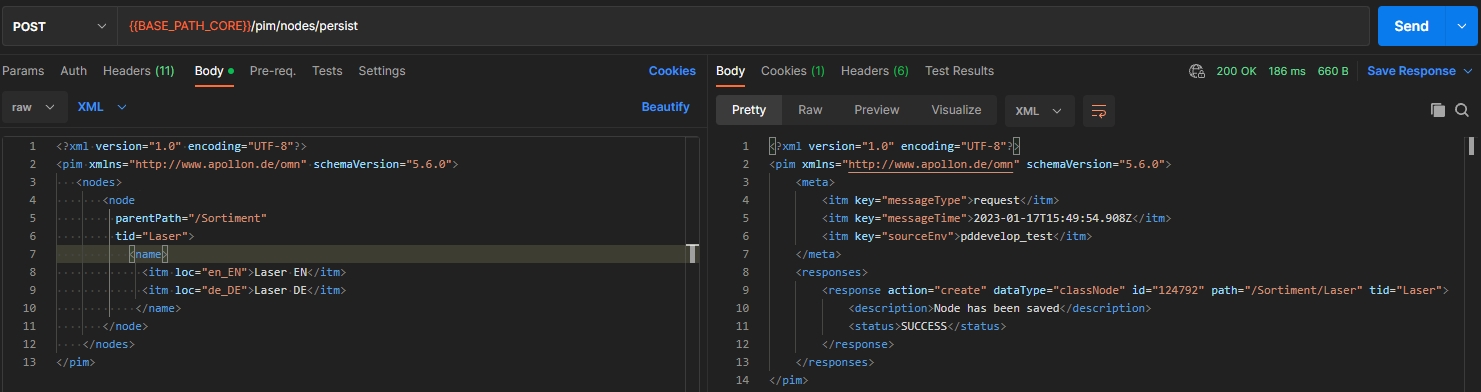
Create and Update Product
| References | XR-859 |
|---|
New API Endpoint to create a new and/or update/rename an existing OMN Product via API
-
path: /pim/products/persist
-
method: POST
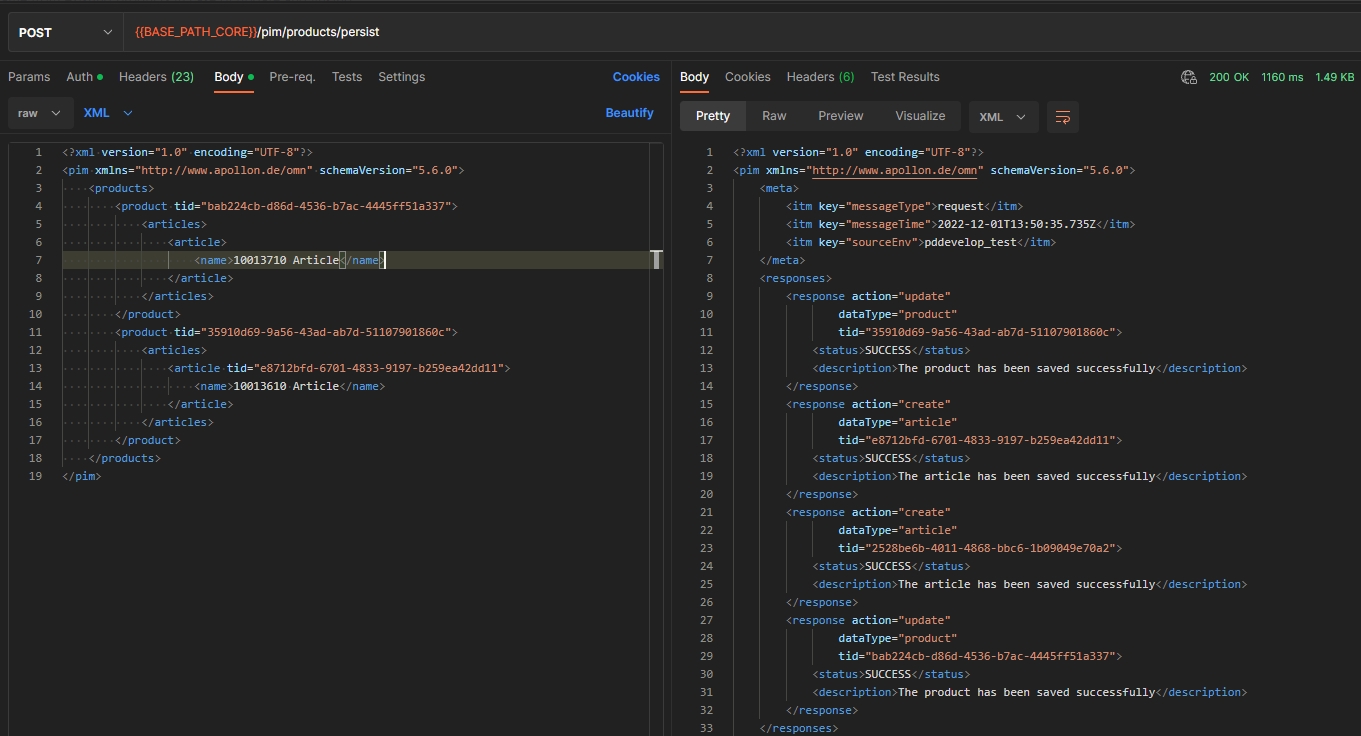
Move Products
| References | XR-920 |
|---|
API endpoint to move one or more existing OMN Products via API to another OMN Product
-
path: /pim/products/perform
-
method: POST
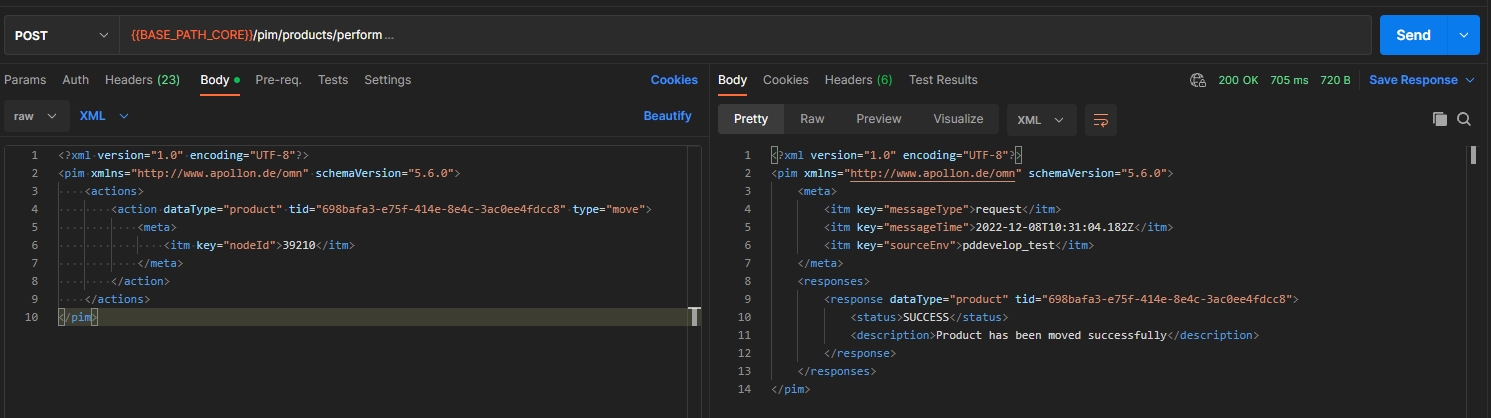
Link Products
| References | XR-921 |
|---|
API Endpoint to link one or more existing OMN Products via API to OMN Classification Node or another OMN Product
-
path: /pim/products/links/persist
-
method: POST
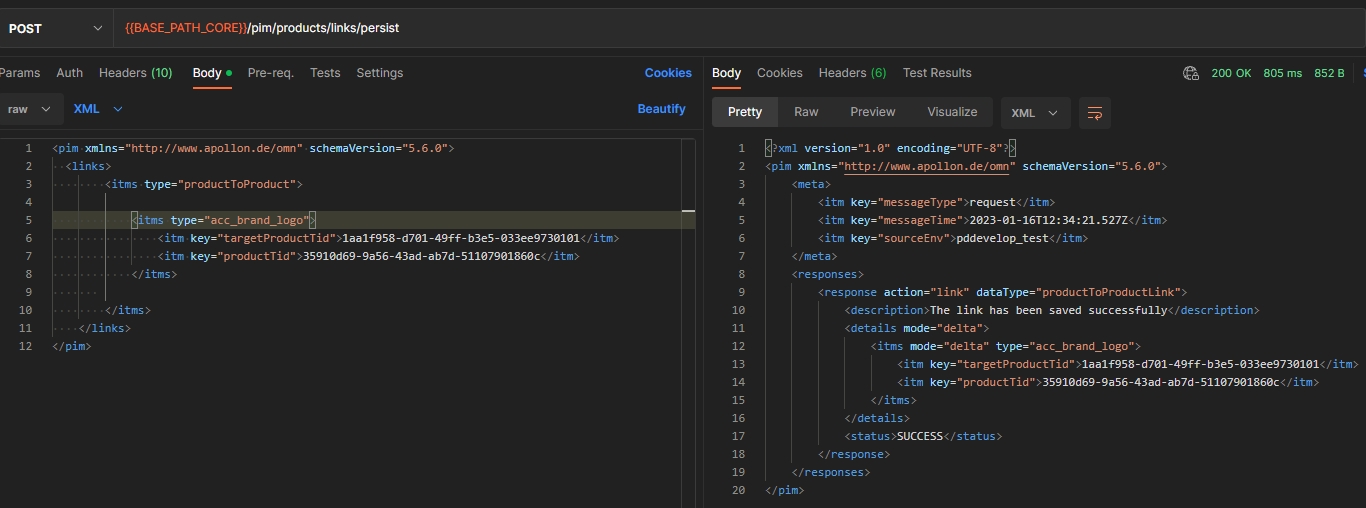
Unlink Products
| References | XR-922 |
|---|
API Endpoint to unlink one or more existing OMN Products via API from OMN Classification Node or another OMN Product
-
path: /pim/products/links/perform
-
method: POST
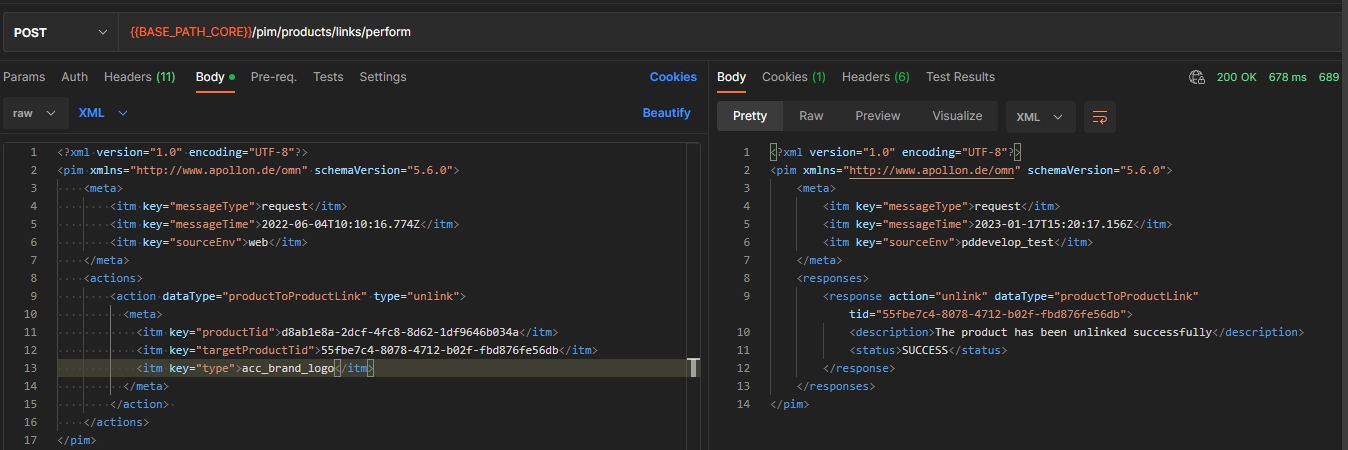
PIM Create and update attribute
| References | XR-889 |
|---|
API Endpoint to create a new and/or update an existing OMN PIM Attribute
-
path: /pim/Attributes/persist
-
method: POST
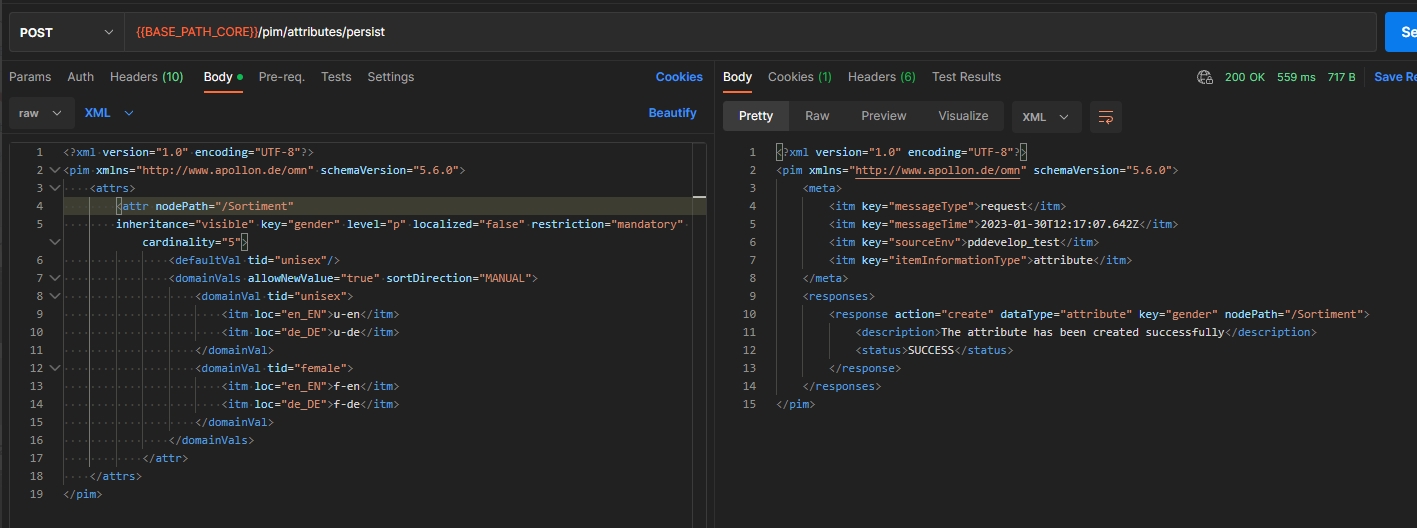
PIM Create and update attribute definition
| References | XR-885 |
|---|
API Endpoint to create a new and/or update an existing OMN Attribute-Definition
-
path: /pim/attribute-definitions/persist
-
method: POST
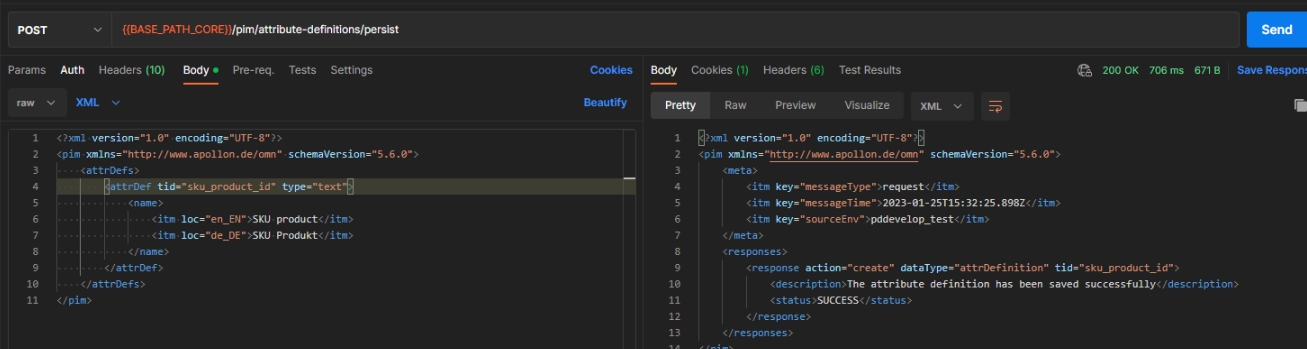
PIM Delete attribute definition
| References | XR-886 |
|---|
Rest API to delete an existing OMN PIM Attribute-Definition
-
path: /pim/attribute-definitions/perform
-
method: POST
Copy Product XML format
| References | XR-860, OMN-10050 |
|---|
New API Endpoint to copy an existing OMN Product via API
-
path: /pim/products/perform
-
method: POST
Link and unlink PEO to Product and Project
| References | XR-923, ODOCU-1027 |
|---|
New API Endpoint to link and unlink an existing OMN Product Export Option
-
path: /pim/peos/perform
-
path: /pim/peos/links/persist
-
method: POST
Delete Products
| References | XR-861 |
|---|
API endpoint to delete one or more existing OMN Products via API
-
method: POST
-
path: /pim/products/perform
PIM Delete classification node
| References | XR-903 |
|---|
New API endpoint to delete an existing PIM Classification nodes via API
-
method: POST
-
path: /pim/nodes/perform
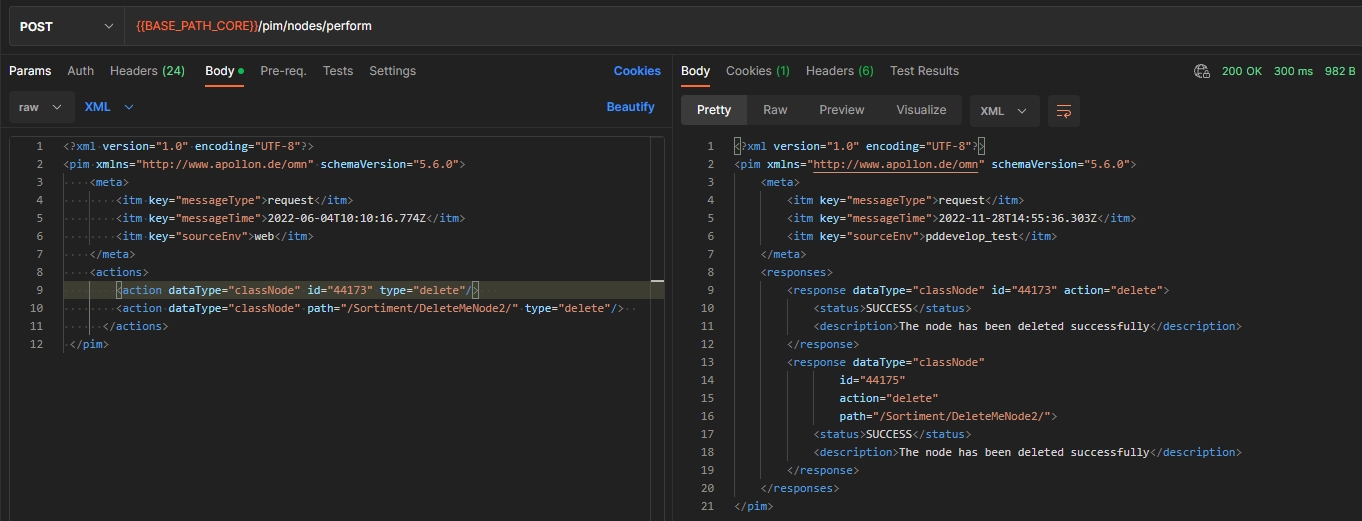
PIM Navigate classification nodes
| References | XR-900 |
|---|
API endpoint to navigate through the the existing OMN Classification nodes structure and retrieve related elements (Classification nodes with Attributes)
-
pim/nodes/retrieve
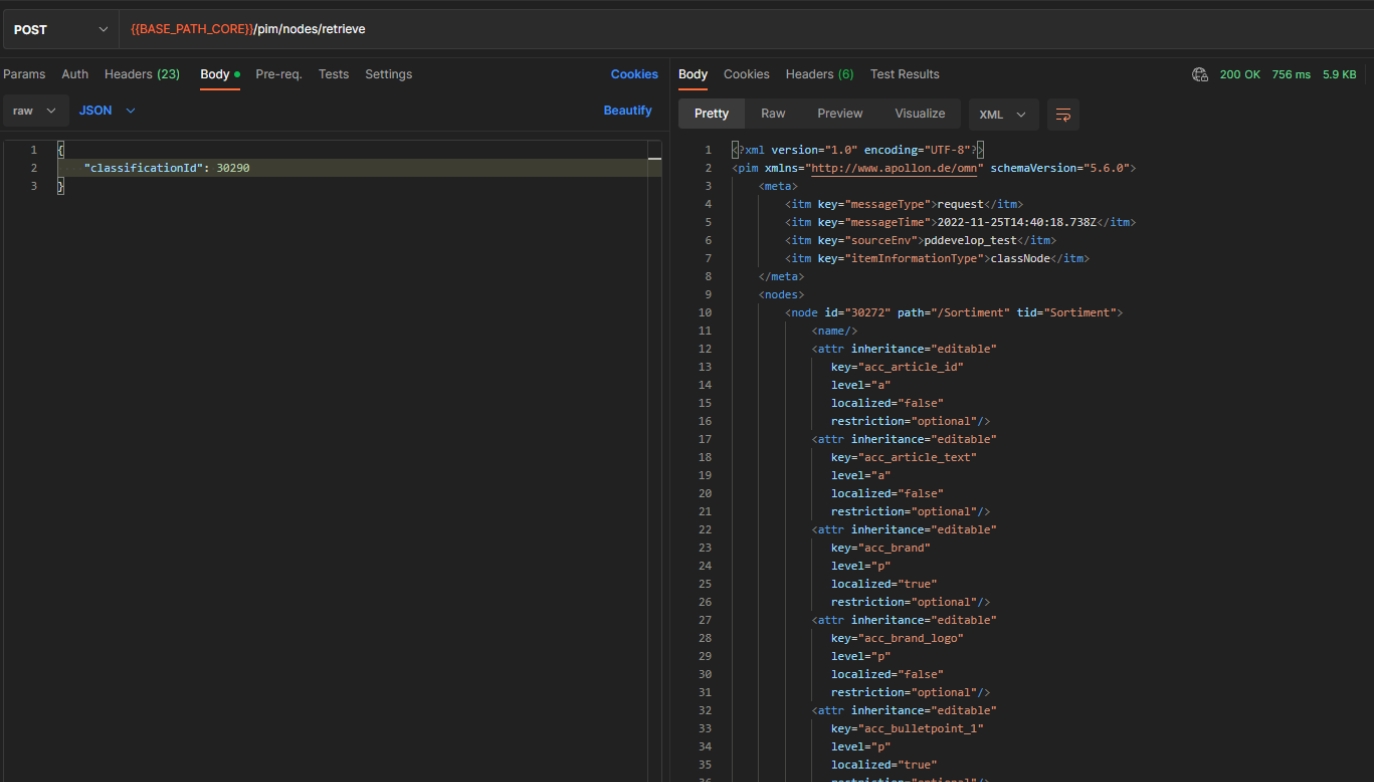
Retrieve Products Status
| References | XR-862 |
|---|
API endpoint to retrieve the OMN Product Status via API
-
method: POST
-
path: /pim/products/retrieve
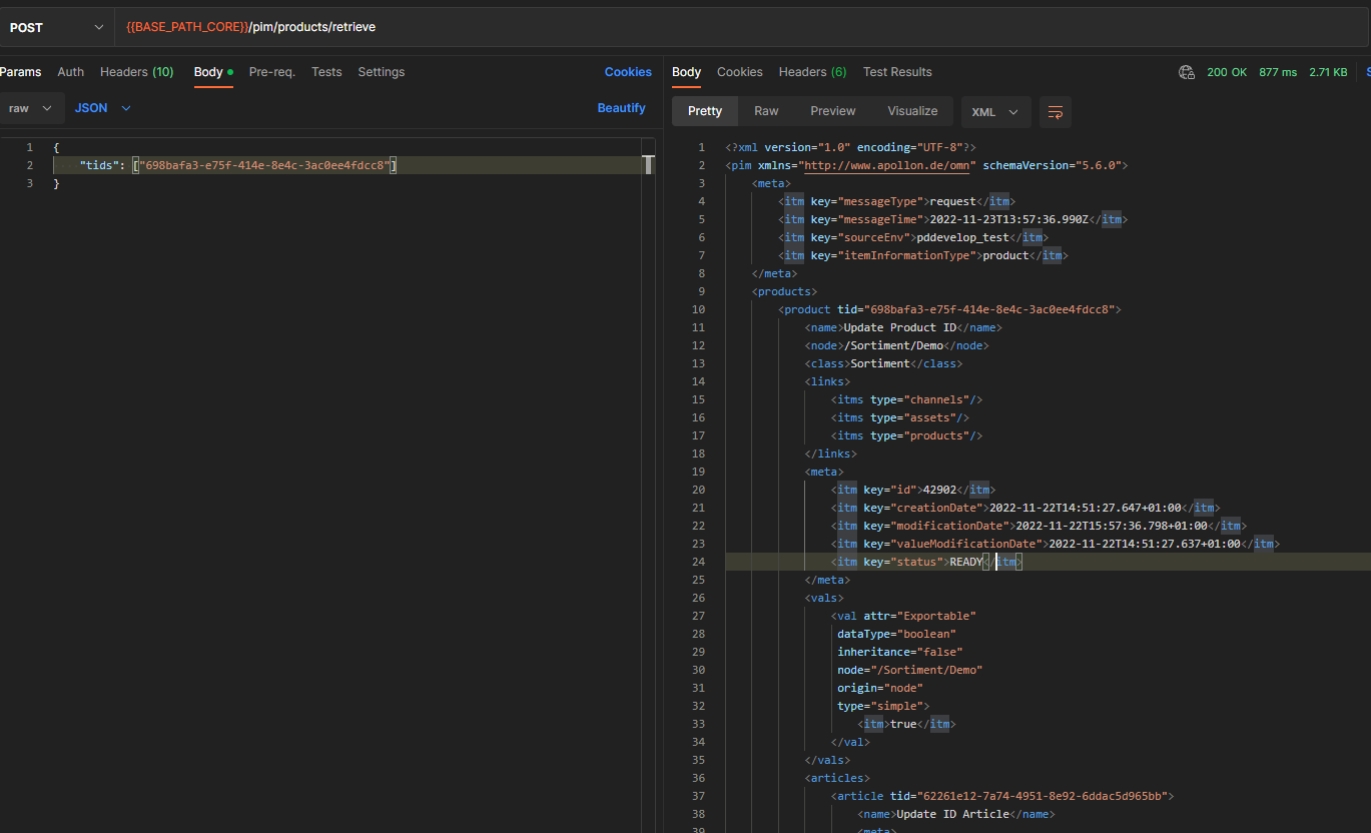
PIM Create and update classification
| References | XR-894 |
|---|
API endpoint to create a new and/or update an existing OMN Classification via API
-
method: POST
-
path: /pim/classes/persist
PIM Query attribute definitions
| References | XR-887 |
|---|---|
Documentation |
ODOCU-1018 |
Rest API to query OMN Attribute-Definitions ids by criteria
-
path: /pim/attribute-definitions/query
-
method: POST
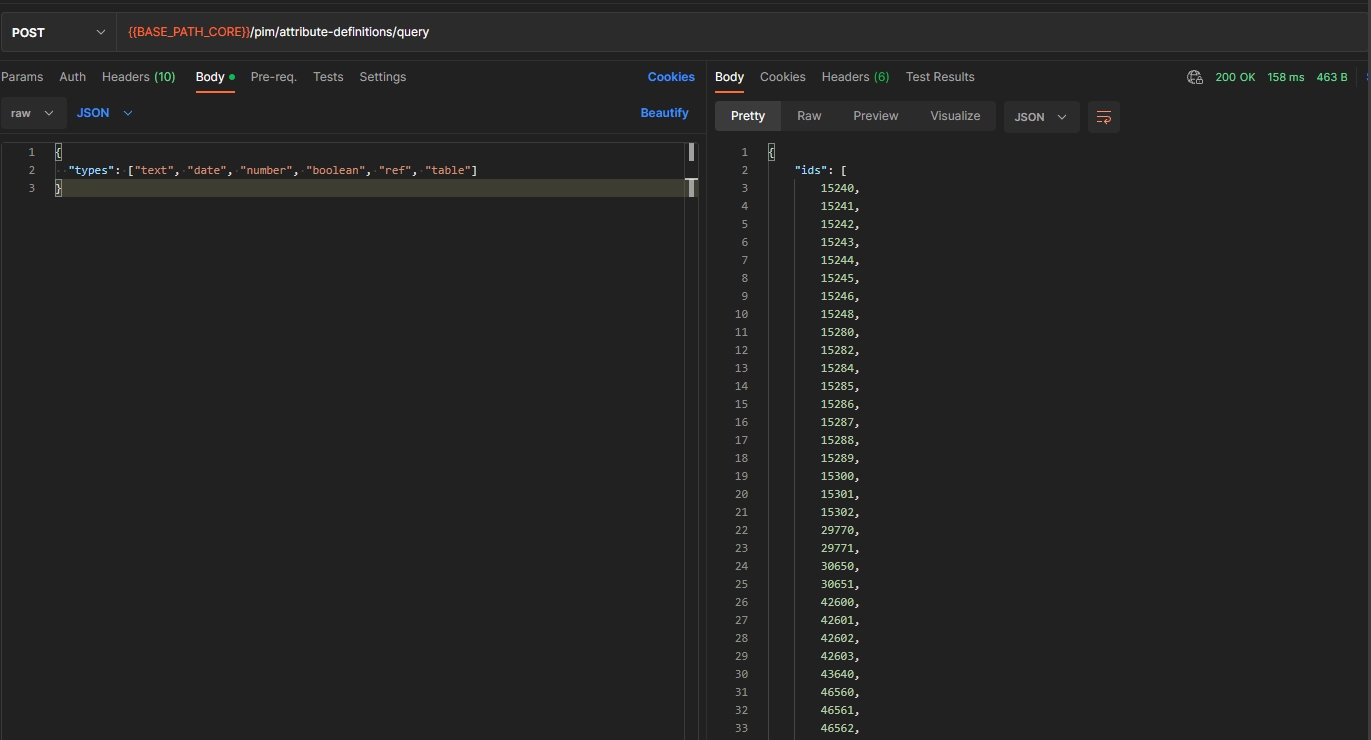
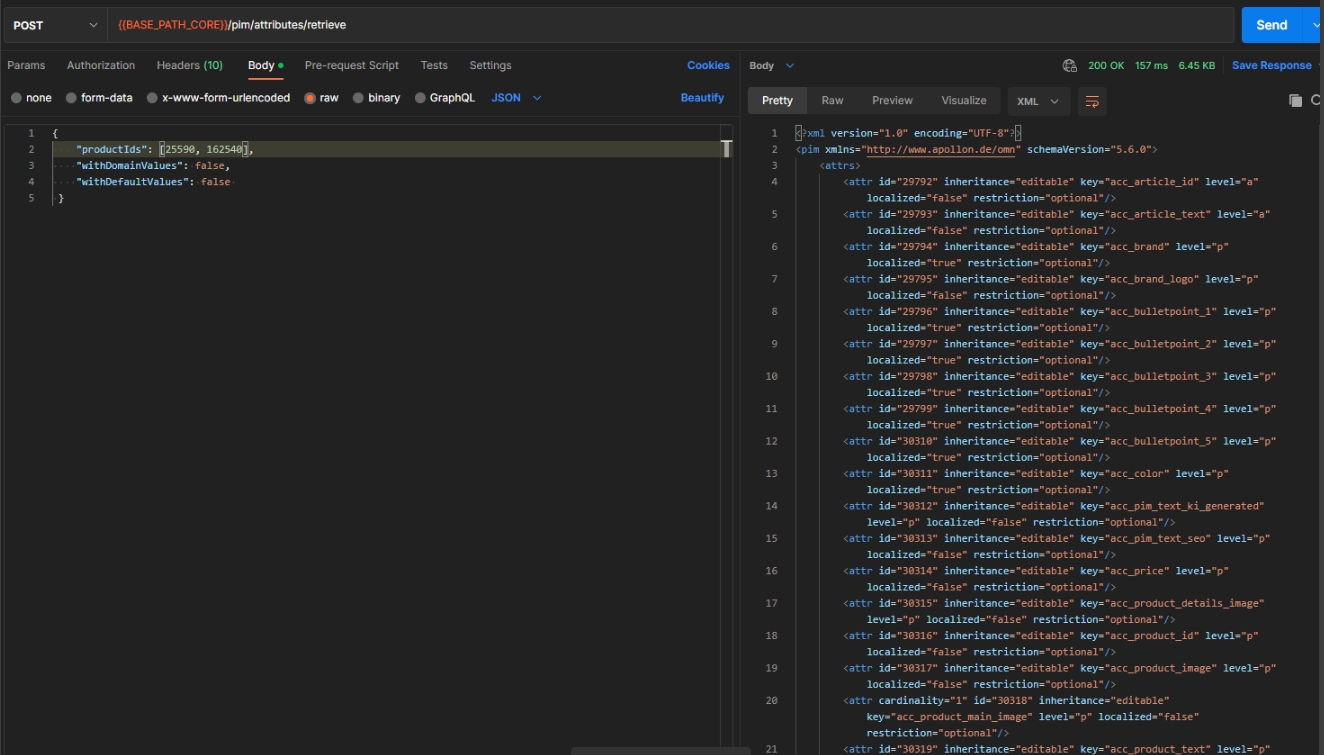
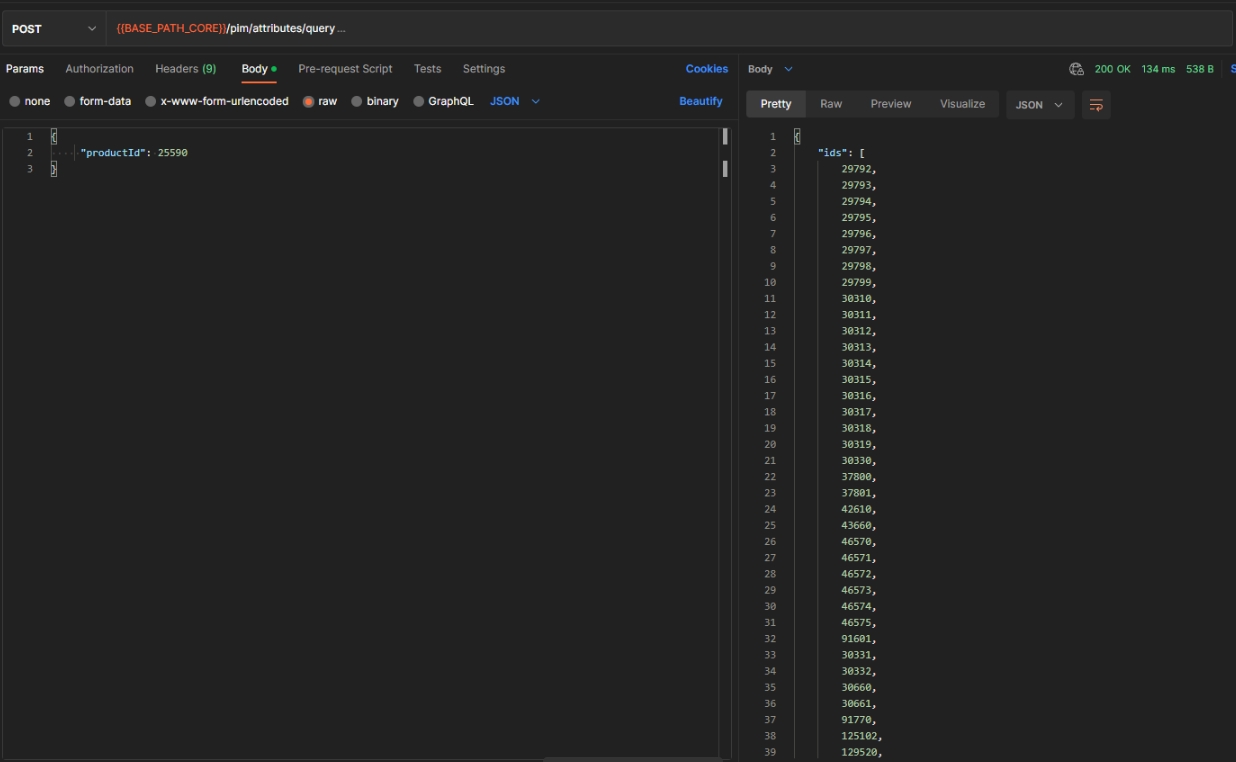
PEO
Copy PEO
| References | XR-884 |
|---|---|
Documentation |
ODOCU-1035 |
New API endpoint to copy an existing OMN PEO via API
-
path: /peo/peos/perform
-
method: POST
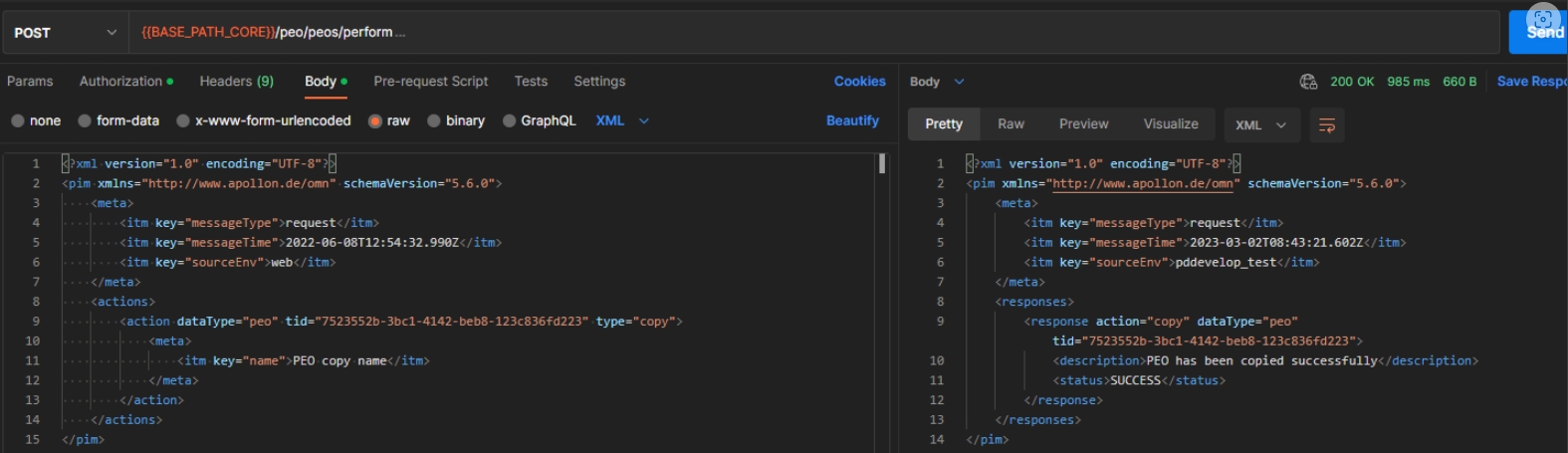
Delete PEOs
| References | XR-883 |
|---|---|
Documentation |
ODOCU-1035 |
New API endpoint to delete an existing OMN PEO via API
-
POST /pim/peos/perform
-
method: POST
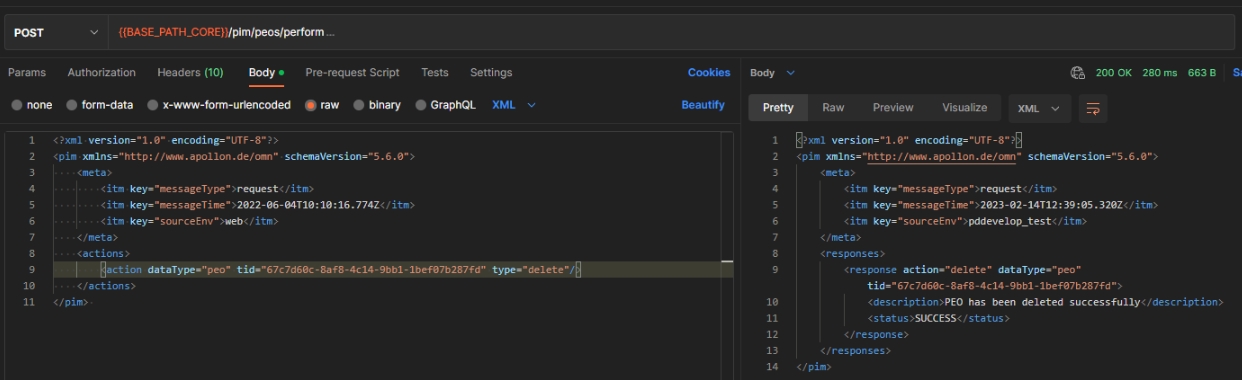
Create and Update PEO
| References | XR-881 |
|---|---|
Documentation |
ODOCU-1034 |
New API endpoint to create a new and/or update/rename an existing OMN Product Export Option
-
path: /pim/peos/persist
-
method: POST
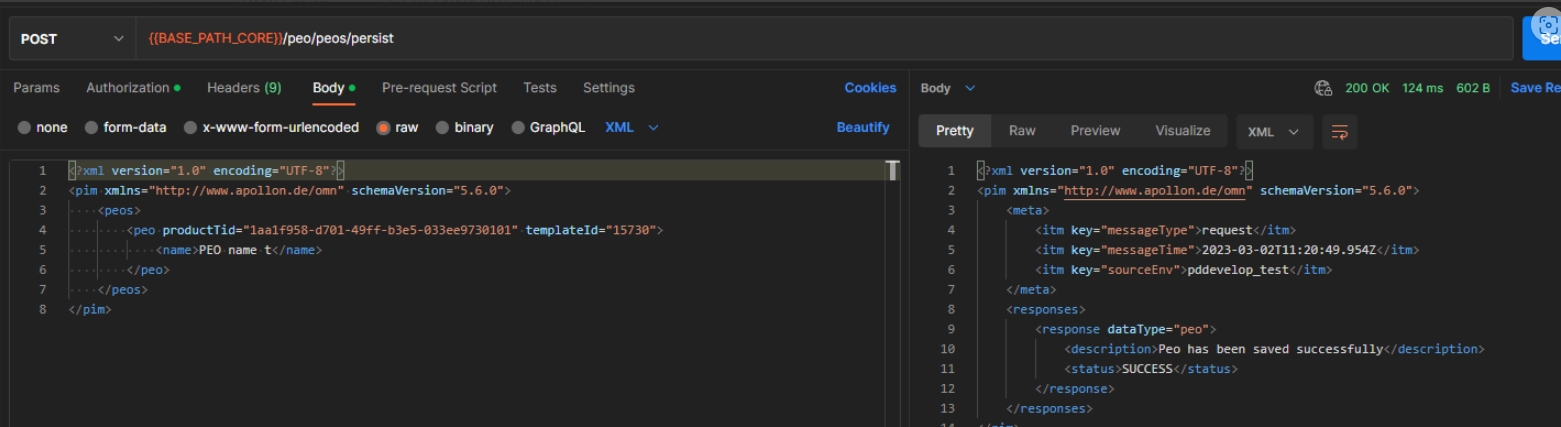
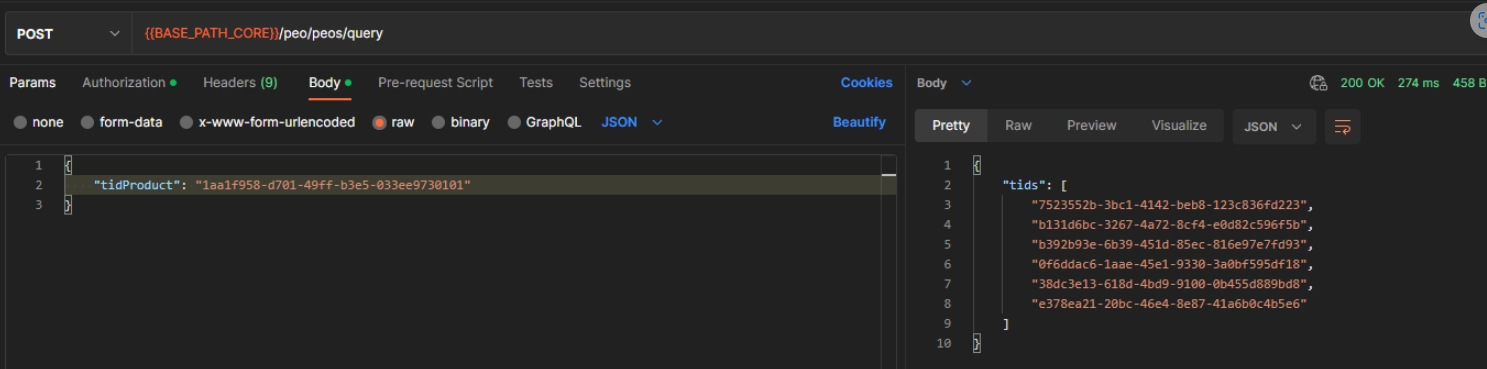
Glossary API
Create Glossary API
| References | XR-1022 |
|---|
New API endpoint to create new Glossary via API
-
method: POST
-
path: /common/glossaries/persist
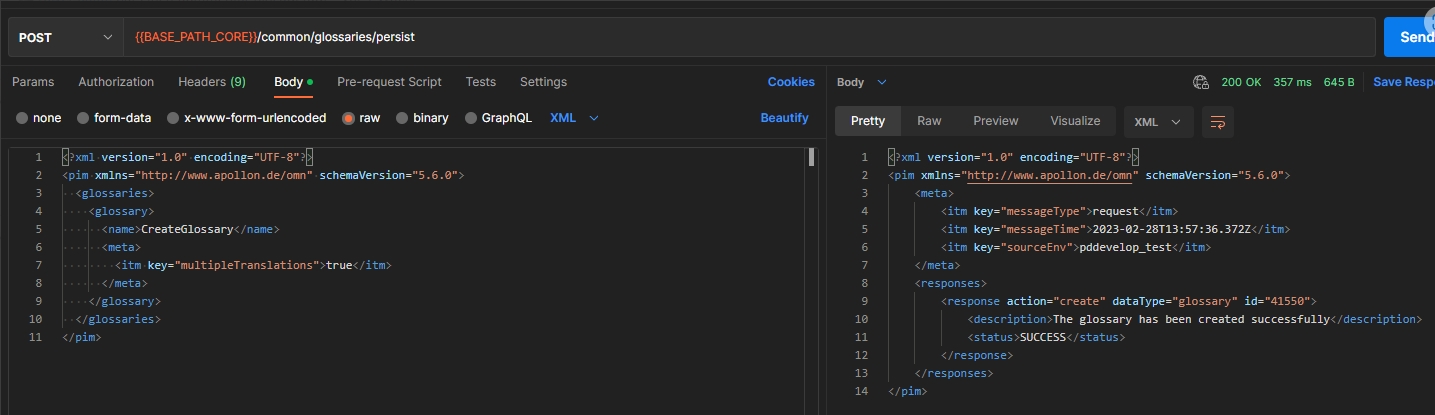
Delete Glossary API
| References | XR-1023 |
|---|
REST API to delete existing Glossary via API
-
path: /common/glossaries/perform
-
method: POST
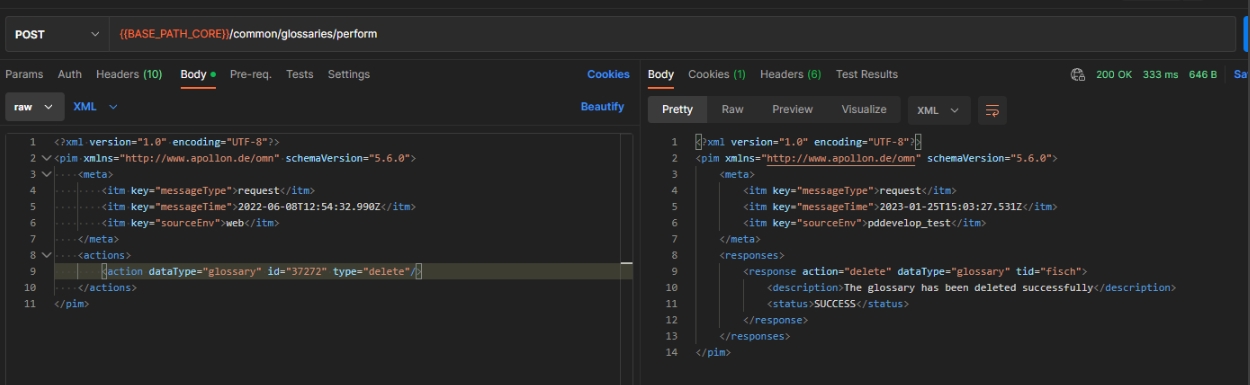
Export and import of Glossaries via OMN EAI
| References | XR-1021 |
|---|
Possibility to export and import Glossaries EAI XMLs together with their translation entries via OMN EAI
-
Export
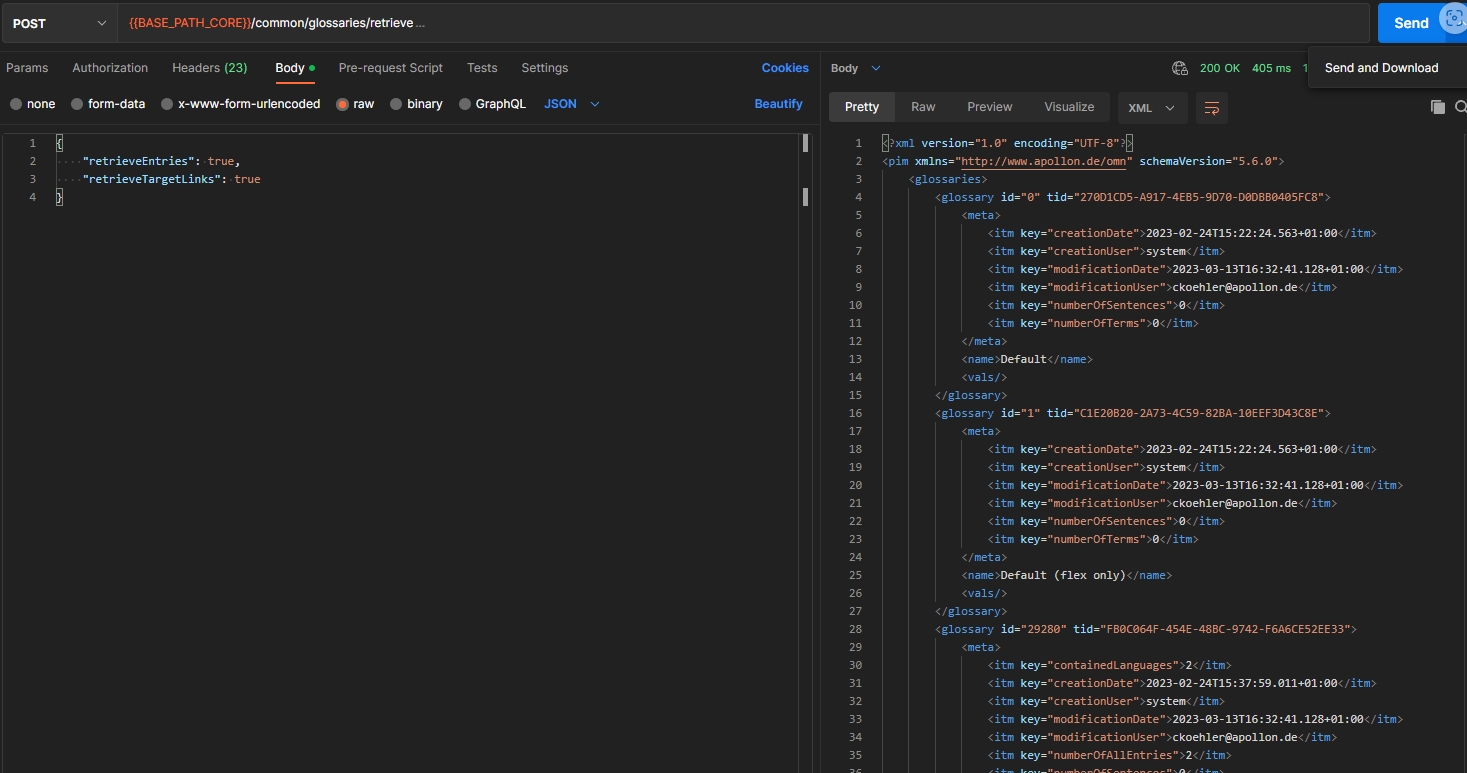
-
Import
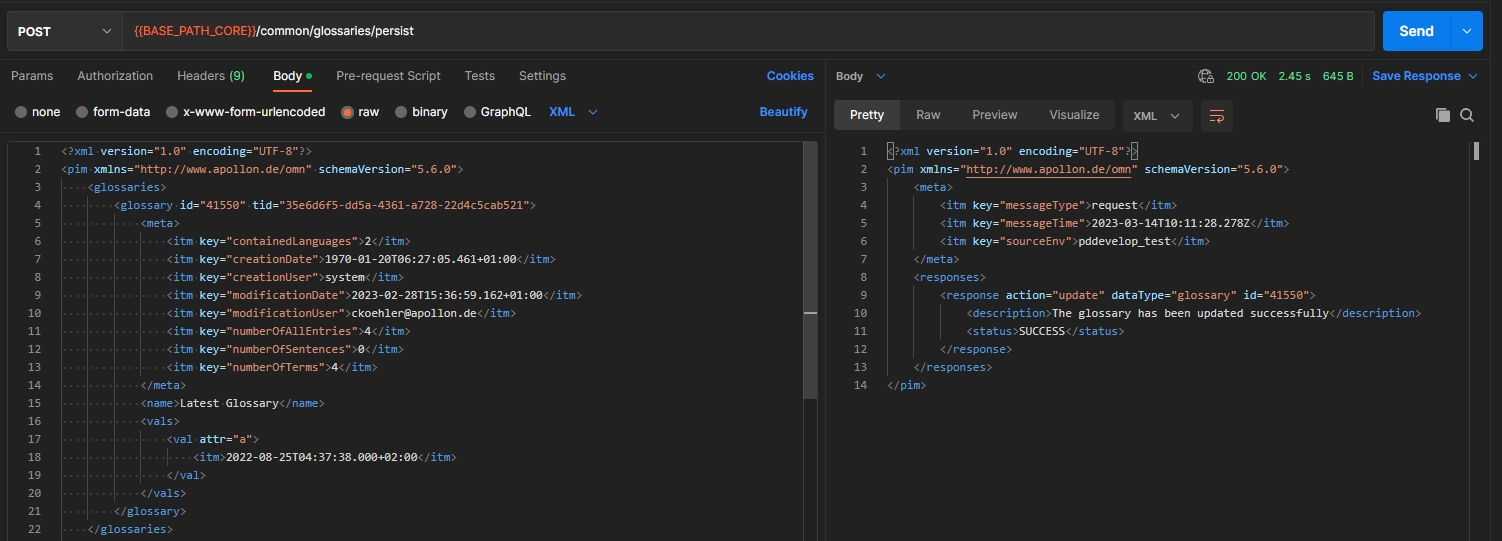
Update Glossary API
| References | XR-1024 |
|---|
New API endpoint to update existing Glossary
-
method: POST
-
path: /common/glossaries/persist
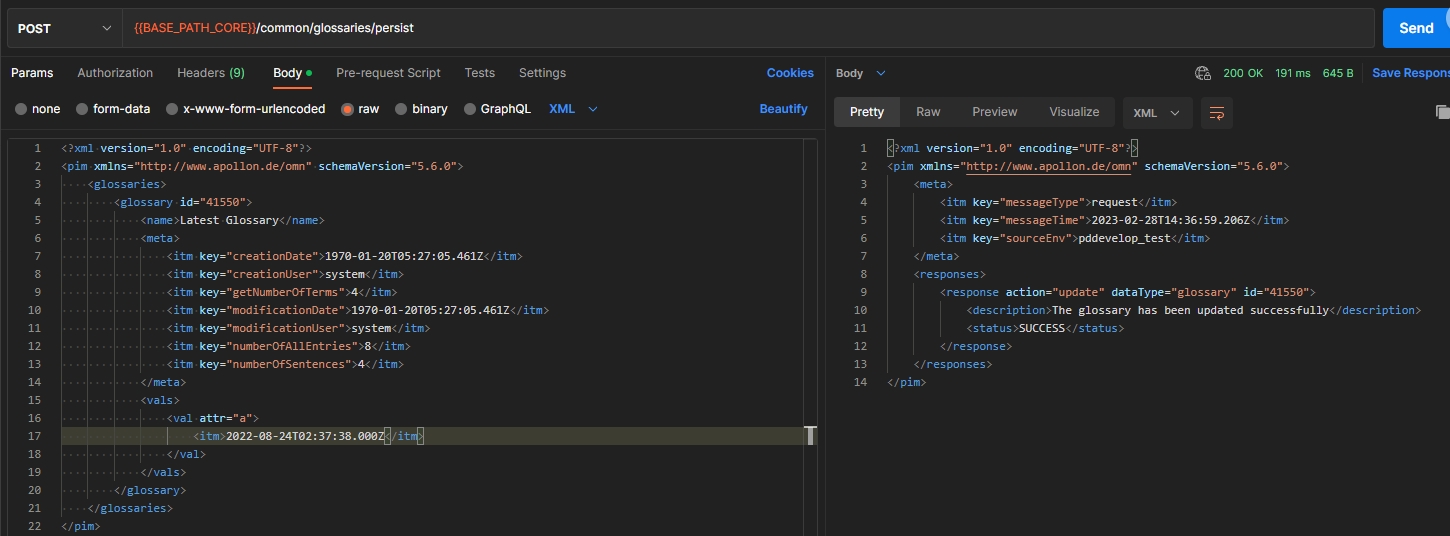
Move translations from Glossary to Glossary
| References | XR-1029 |
|---|
New API endpoint to move an existing translations from Glossary to Glossary via API
-
path: /common/translations/perform
-
method: POST
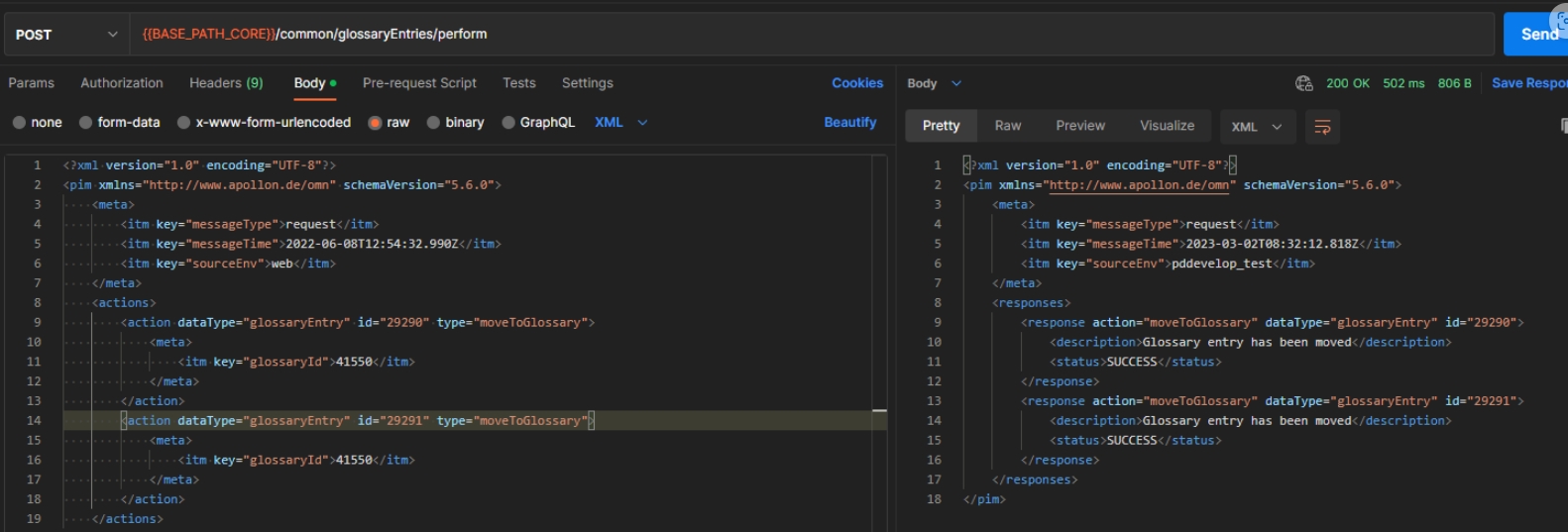
Copy translations from Glossary to Glossary
| References | XR-1028 |
|---|
Possibility to copy an existing translations from Glossary to another Glossary via API
-
path: /common/translations/perform
-
method: POST
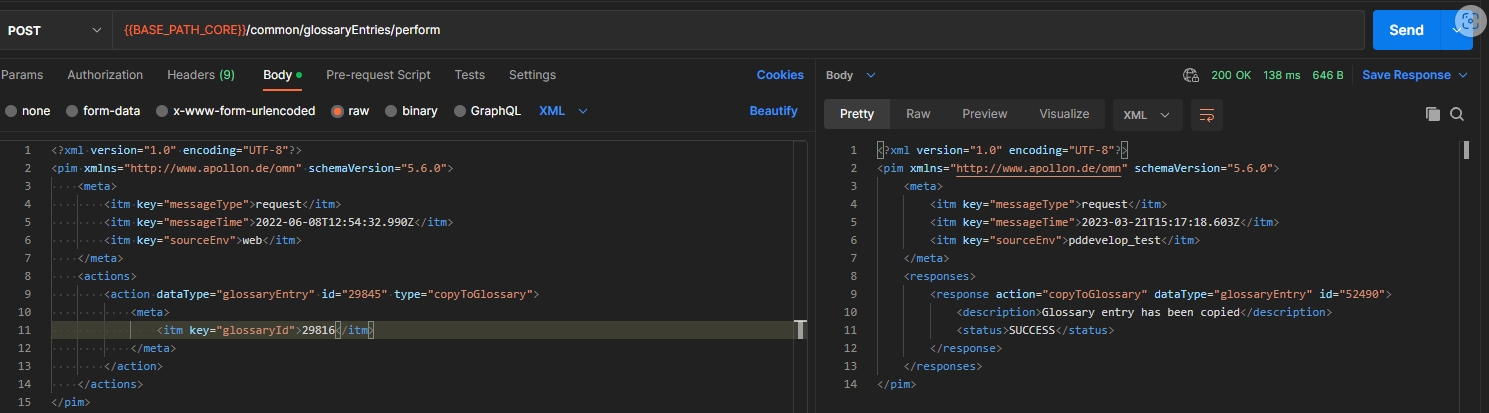
Remove translations from Glossary API
| References | XR-1027 |
|---|
New API endpoint to delete existing translations from a Glossary
-
method: POST
-
path: /common/translations/perform
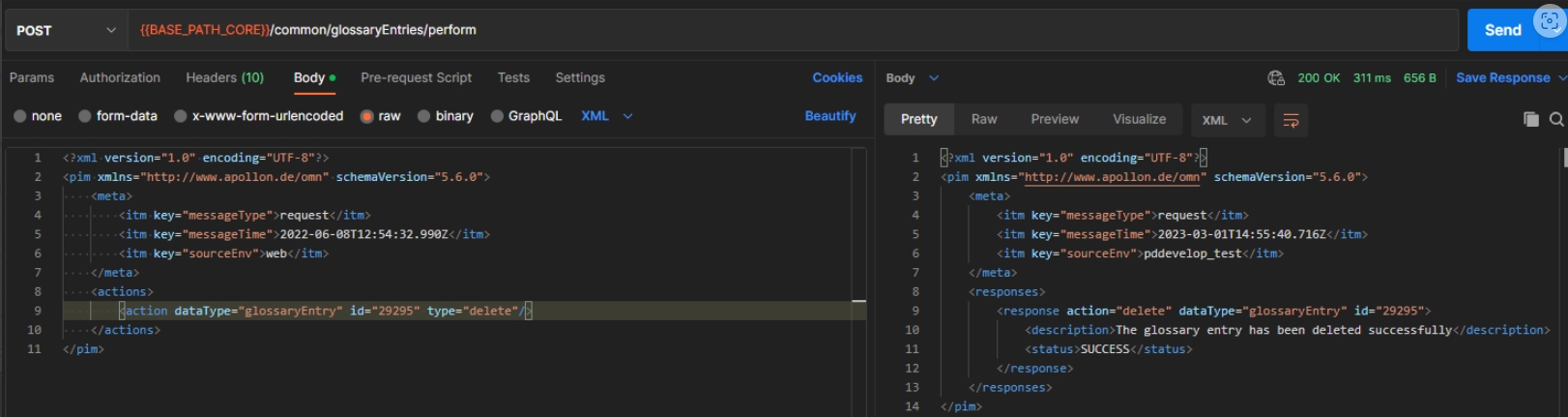
Update translations in Glossary API
| References | XR-1026 |
|---|
New API endpoint to update existing translations in Glossary
-
method: POST
-
path: /common/translations/persist
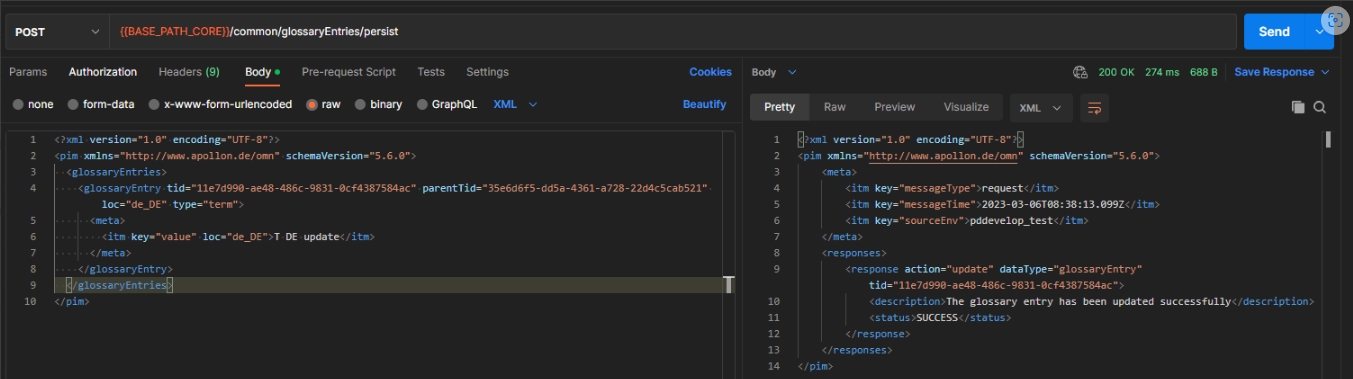
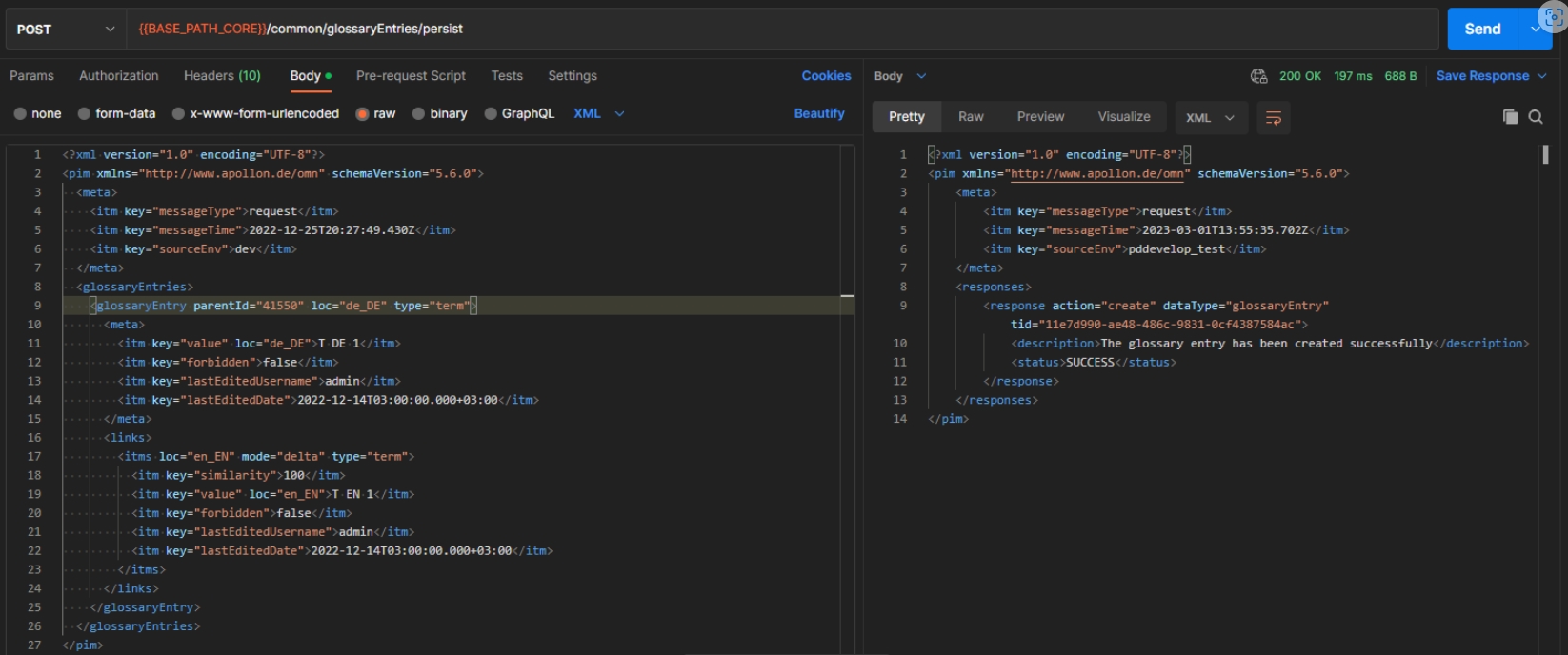
Workflow-API
Add possibility to start workflows
| References | XR-1019, OMN-10109 |
|---|
Possibility to start one or more camunda workflows for a specific omn workflow definition via its identifier (WorkflowConfig) over OMN Workflow-API
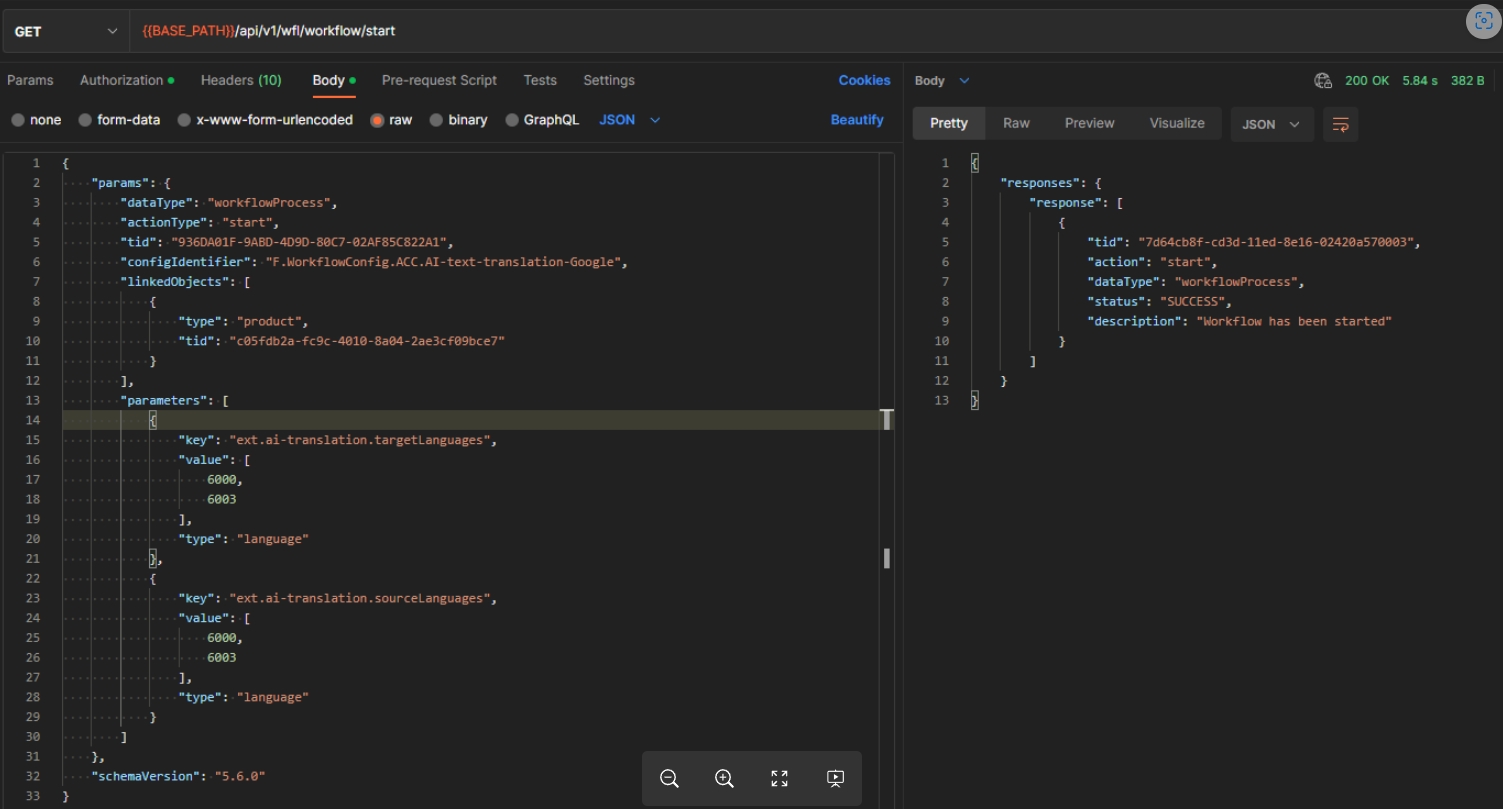
Implement OMN API Start Workflow External Task
| References | OW-818 |
|---|
External task for Camunda that can start omn workflows via its API
-
this functionality is used for FTP Hotfolder Camunda External Task (OW-809)
Create API endpoint to receive camunda extension properties
| References | OW-786 |
|---|
Possibility to get a List of all existing extension properties from a Camunda BPMN
-
GET /wf/api/v1/process-definitions/{identifier}/extension-properties
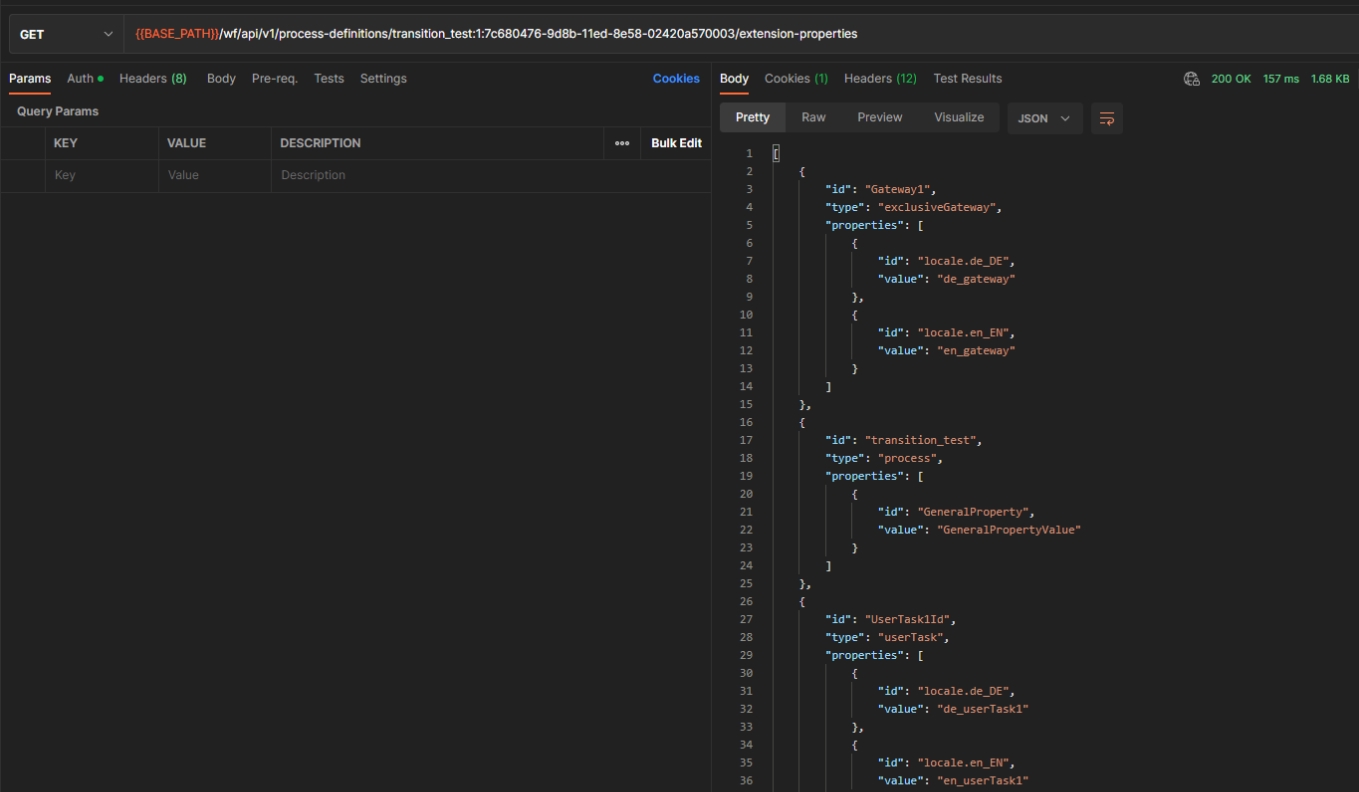
Add API Endpoint to return extension properties of multiple Definitions
| References | OW-795, OW-813 |
|---|
Possibility to get a List of all existing extension properties by given DefinitionIDs
-
method: /wf/api/v1/process-definitions/extension-properties-by-ids
-
type: Post
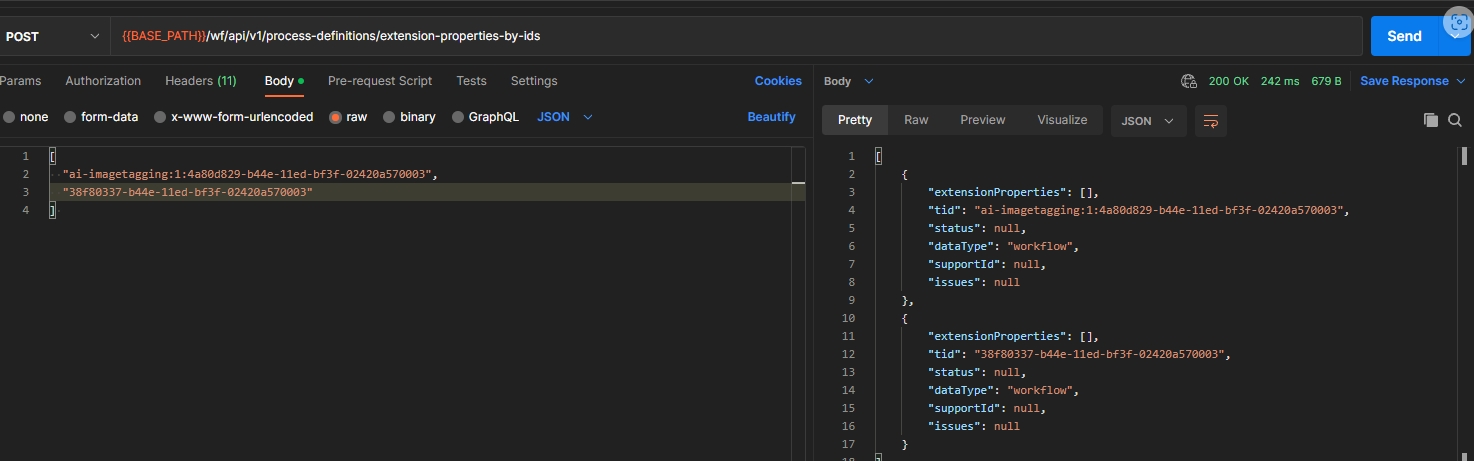
Change OMN-WFL-API to use Workflow specific DTOs instead of PimType
| References | OW-837 |
|---|
Simplified handling of request/response payload, the generation of the Workflow API-Client and the Documentation
-
Base Path has been changed to /api/wfl/v1/
-
Endpoint is accessible at /api/wfl/v1/workflow/start
-
POST is used instead of GET
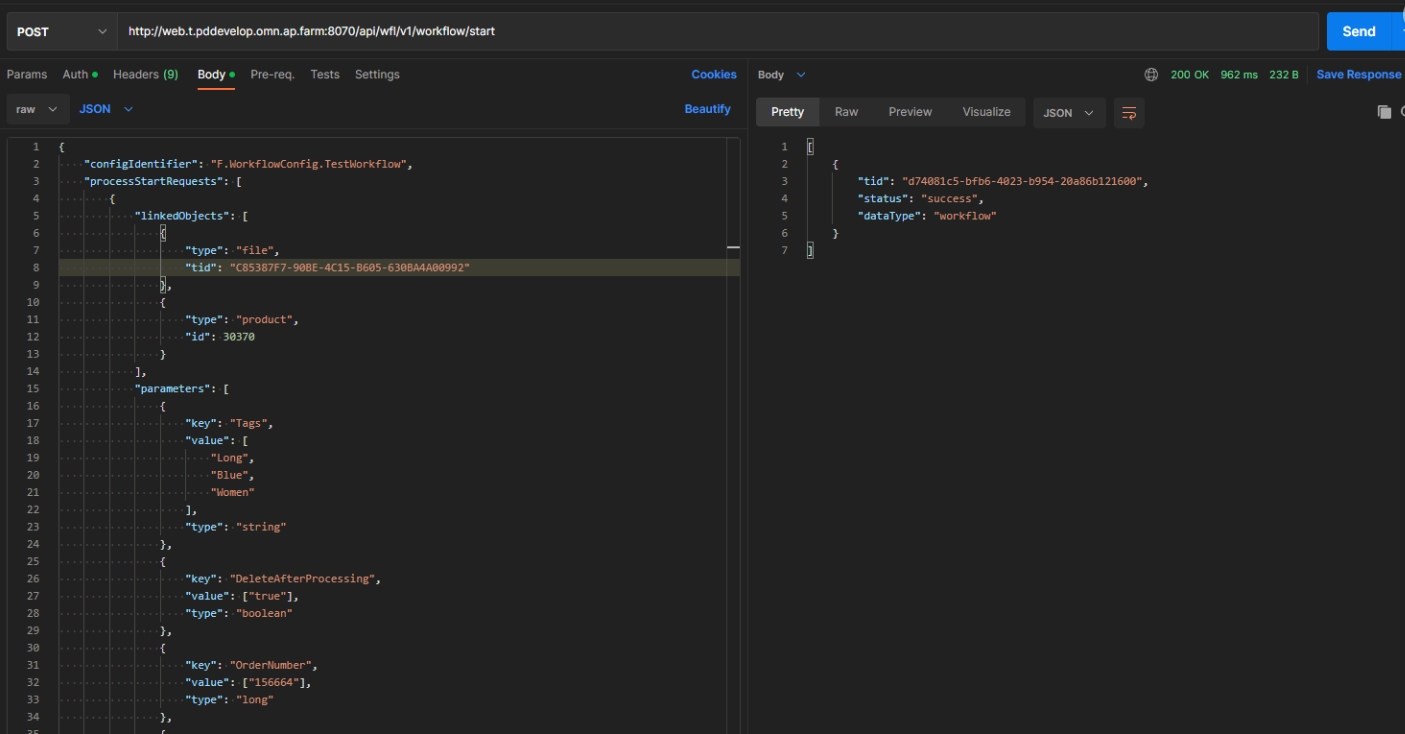
ConfigAPI
Performance improvement for loading global settings
| References | OCA-21 |
|---|
Performance-Improvement in API that global settings data can loaded in <1-2 seconds
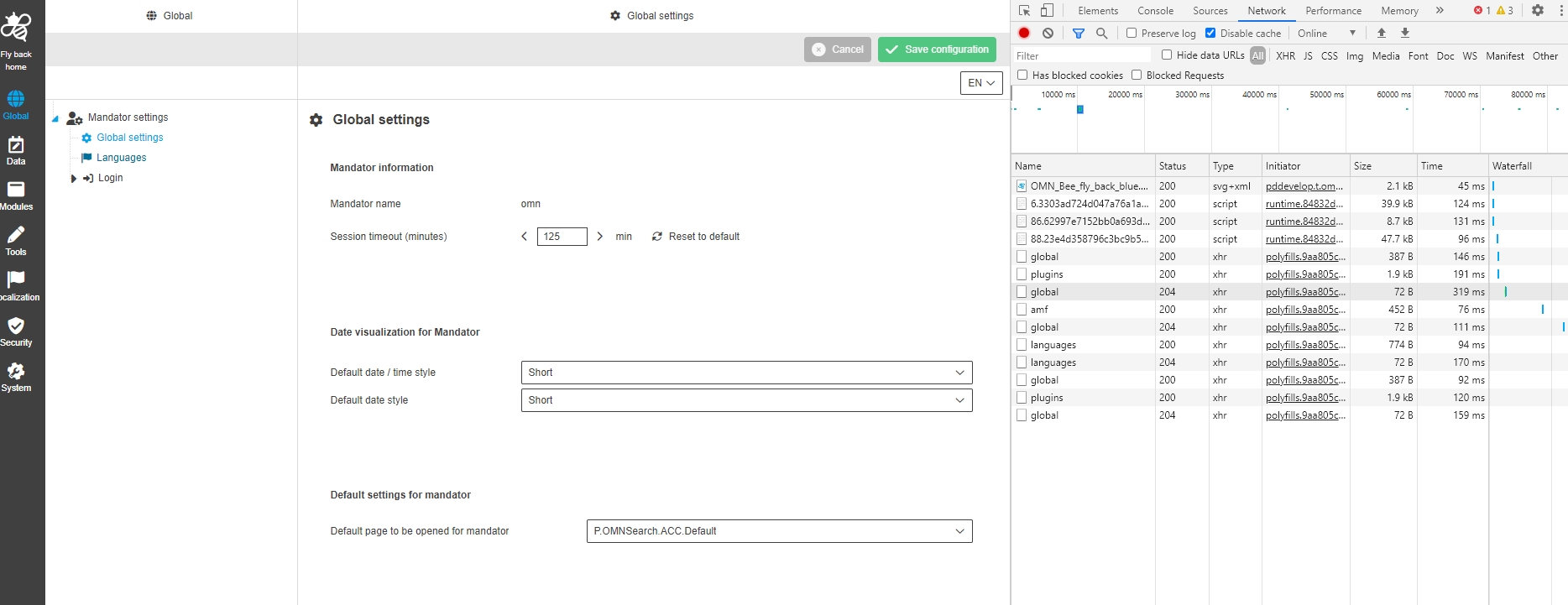
Performance improvement for saving global settings
| References | OCA-28 |
|---|
Performance Improvement in API, so that saving global settings request will be under 2 seconds
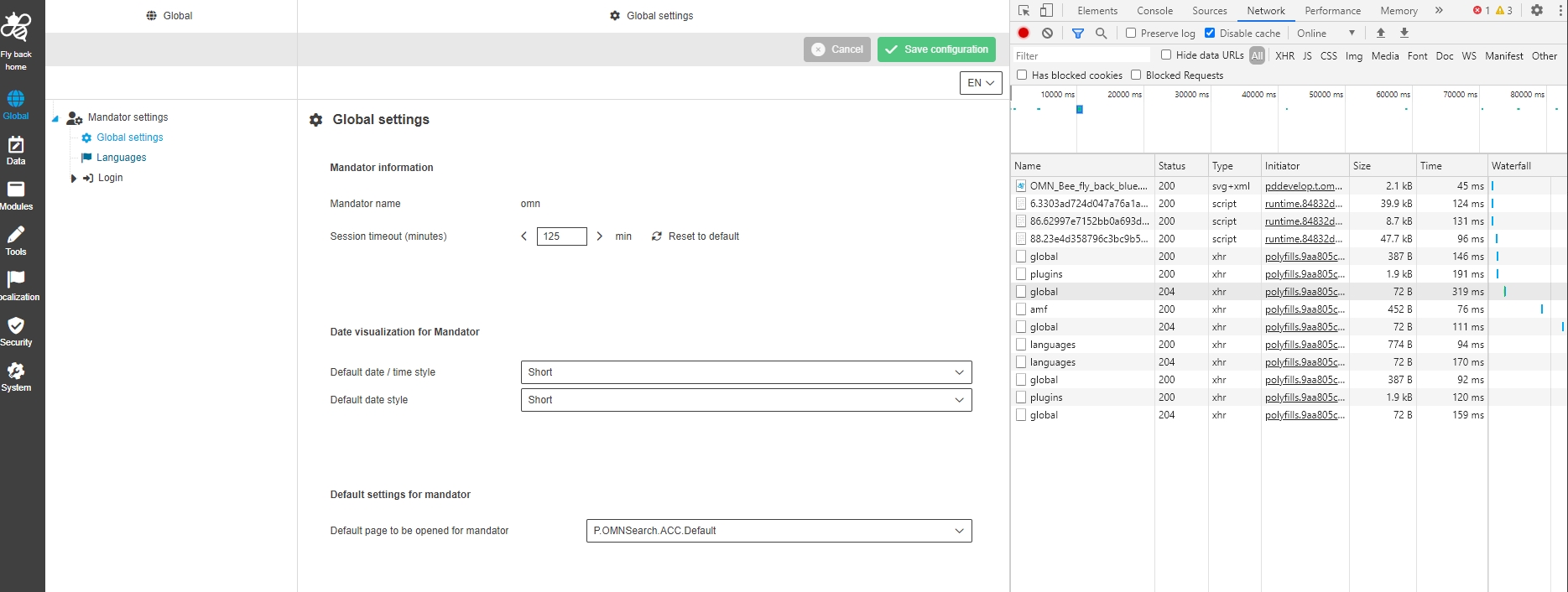
Provide information about images for Customization page of Mandator settings
| References | OCA-12 |
|---|
Config API for Mandator settings configuration provide now information about images (links) for 'Logos' on 'Customization' page
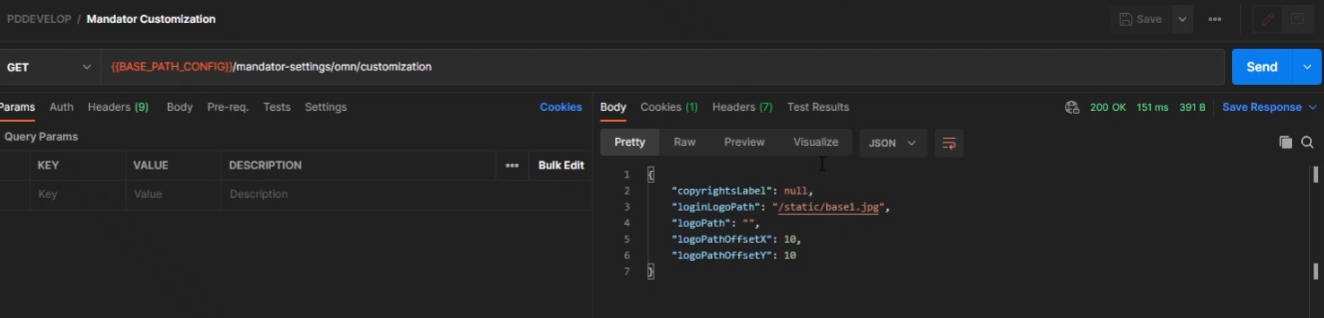
Support localization of tooltip for glossary attributes
| References | OCA-30 , OMN-9927 |
|---|
Server-side support of getting localized tooltip values for glossary Attributes
-
Definition of Tooltip in HTML5 ConfigClient
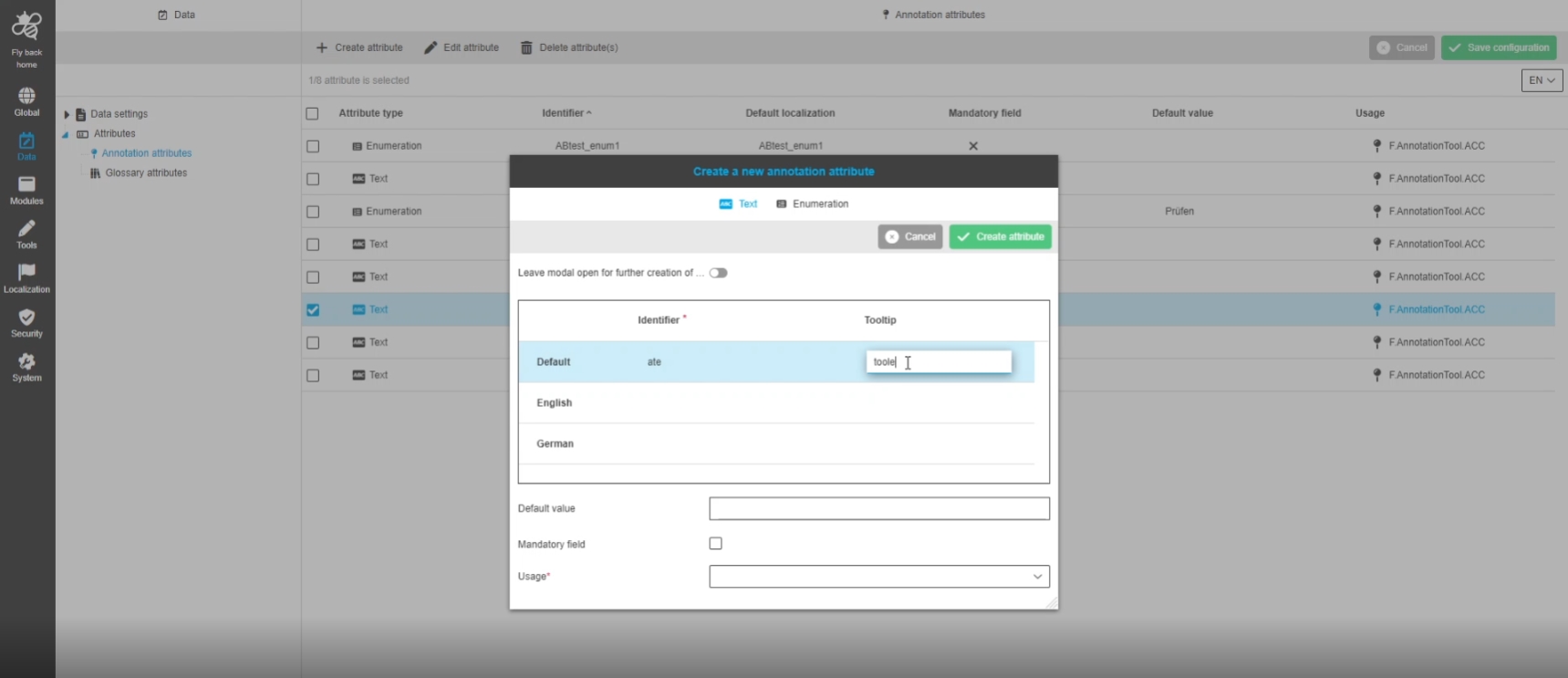
Provide info about content plugins icons
| References | OCA-17 |
|---|
Possibility to get configured icons information from server side via ConfigAPI
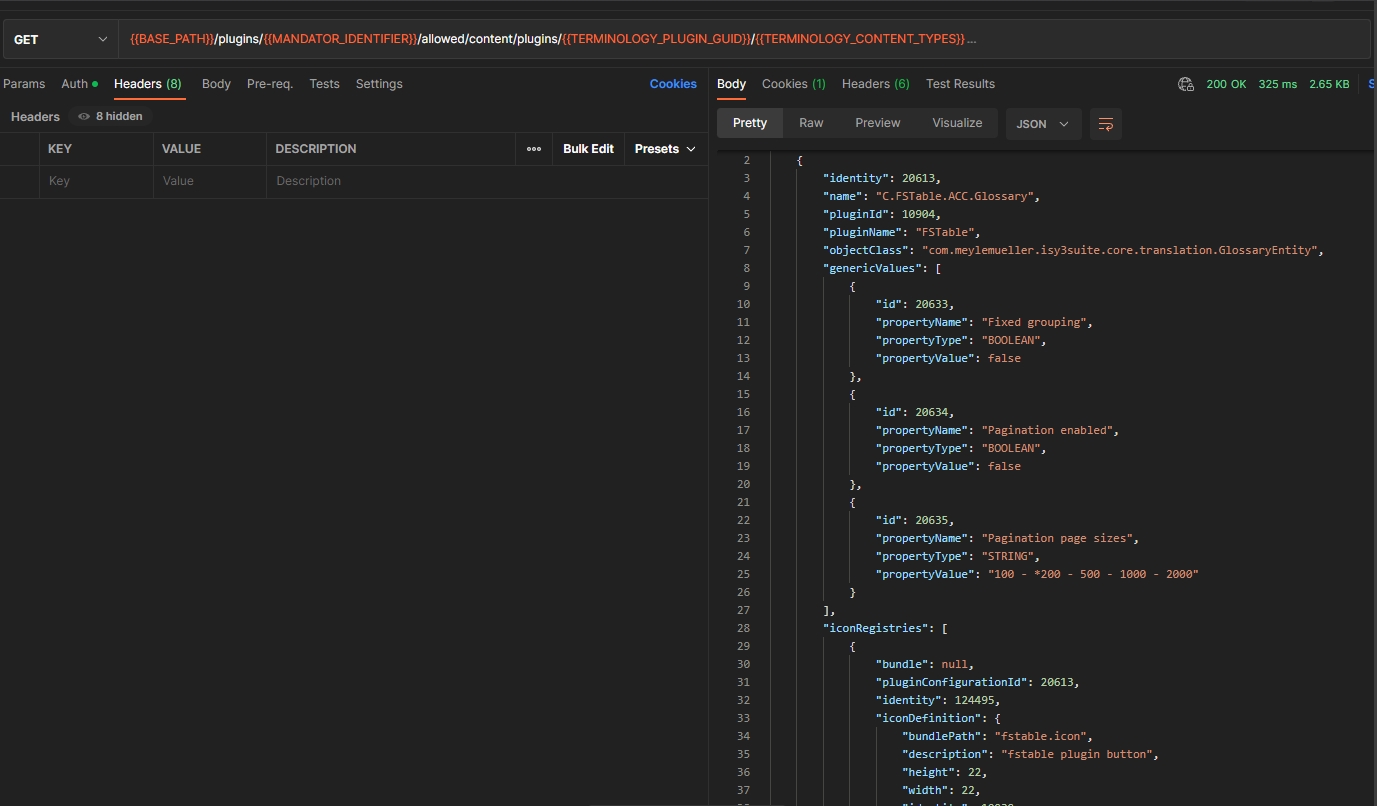
Pagination for attributes endpoints
| References | OCA-29 |
|---|
Possibility to set amount of items per page to load and have an ability to load specific page for Glossary and Annotation Attribute endpoints via Config-API
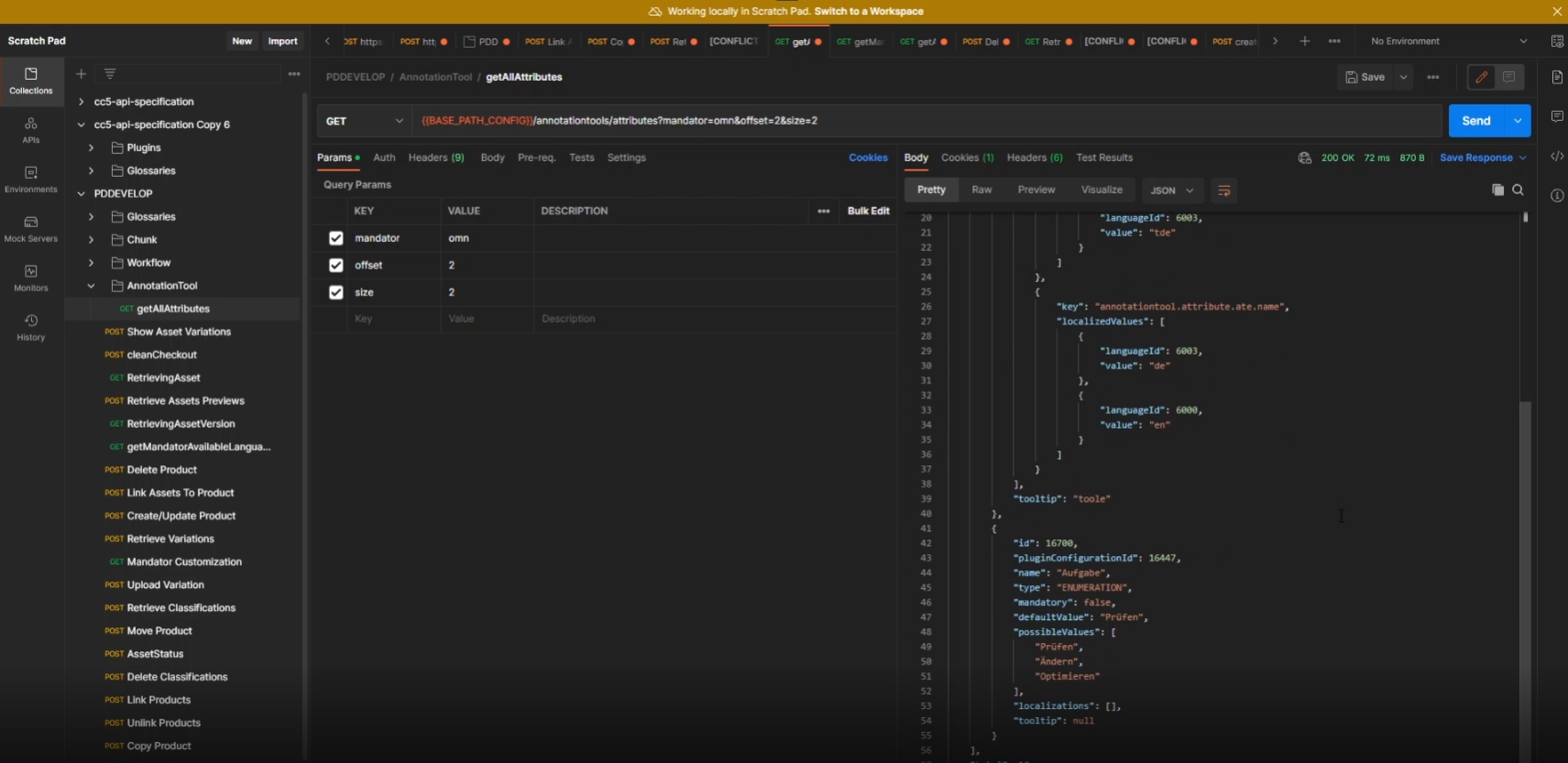
Provide new API to load functions by object type for Terminology
| References | OCA-31, OUCC-568 |
|---|
Possibility to get workflow Configfunctions for Terminology Plugin only with Glossary object type via Config API
-
GET /plugins/{mandatorIdentifier}/allowed/functions/{guid}
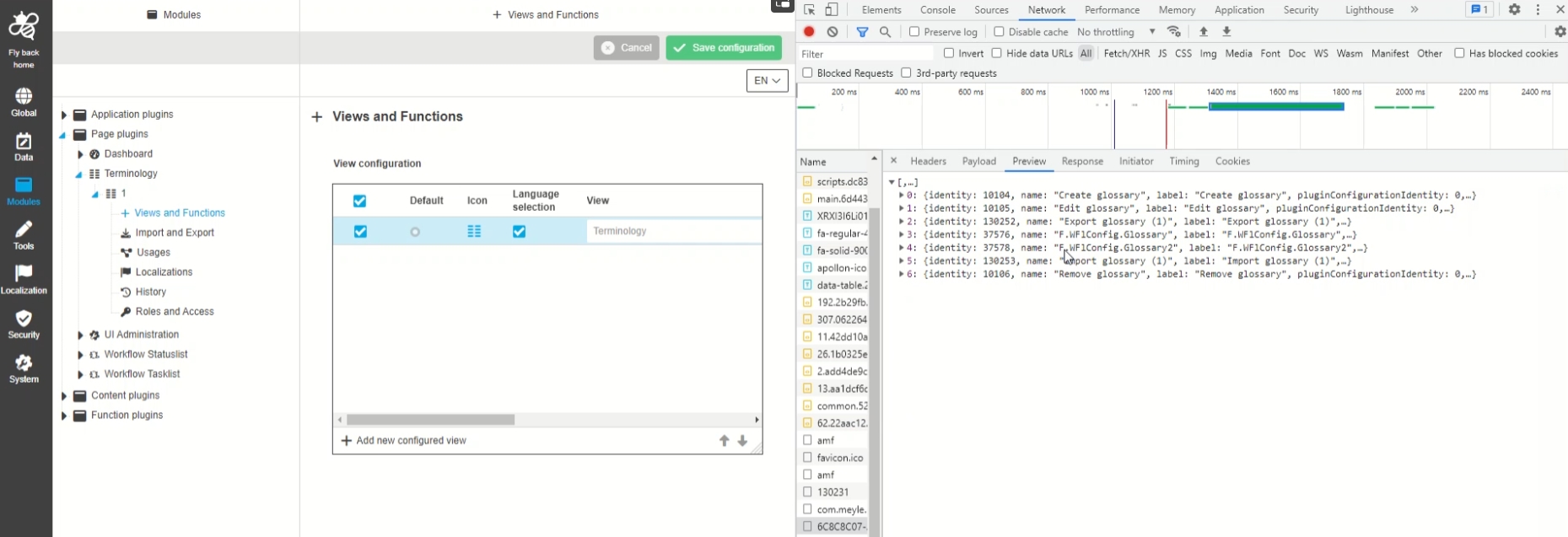
REST API to manage workflow attributes
| References | OCA-32 |
|---|
REST API to manage OMN workflow Attributes
-
POST /workflow/attribute
-
DELETE /workflow/attributes/{ids}
-
GET /workflow/attribute/{id}
-
GET /workflow/attributes
-
PUT /workflow/attribute
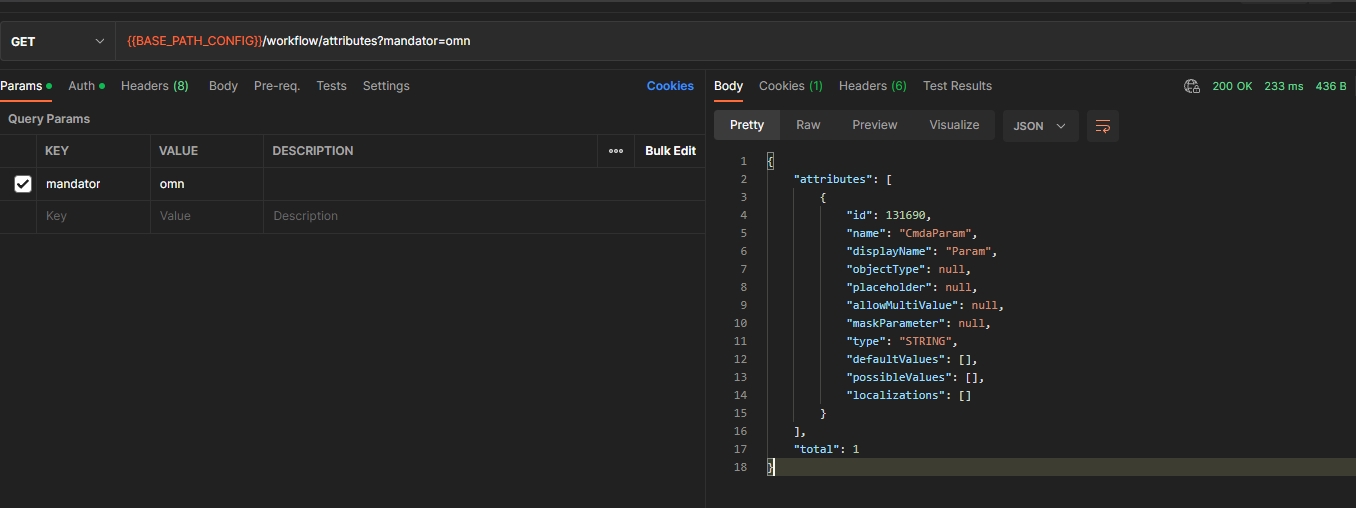
Create a link between camunda attributes and localization
| References | OMN-9934 |
|---|
Server-side support for localization of workflow Attributes
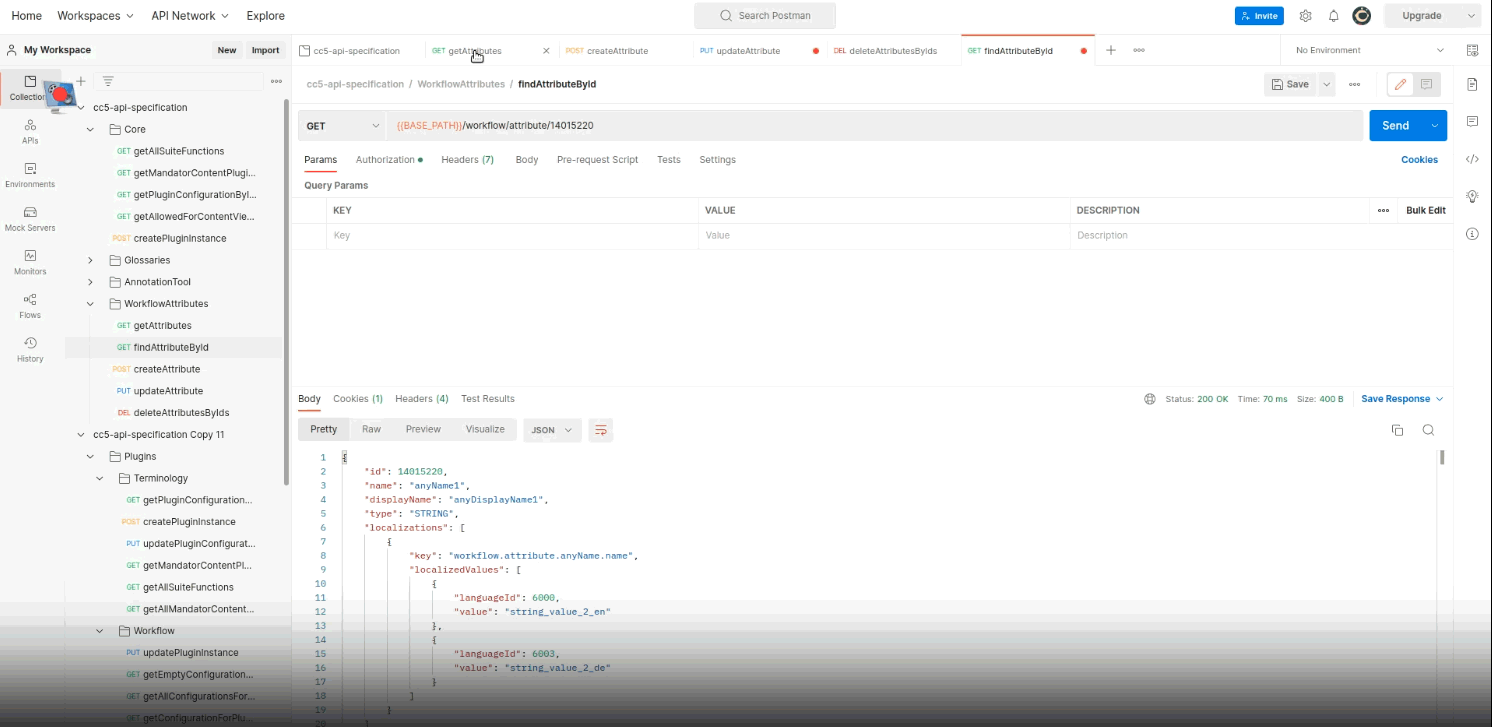
Load plugin configuration by identifier instead of identity
| References | OCA-33, OMN-9937 |
|---|
Extension in ConfigAPI to get plugin configuration DTO by identifier instead of identity
-
path: /plugins/instances/ {pluginIdentifier}
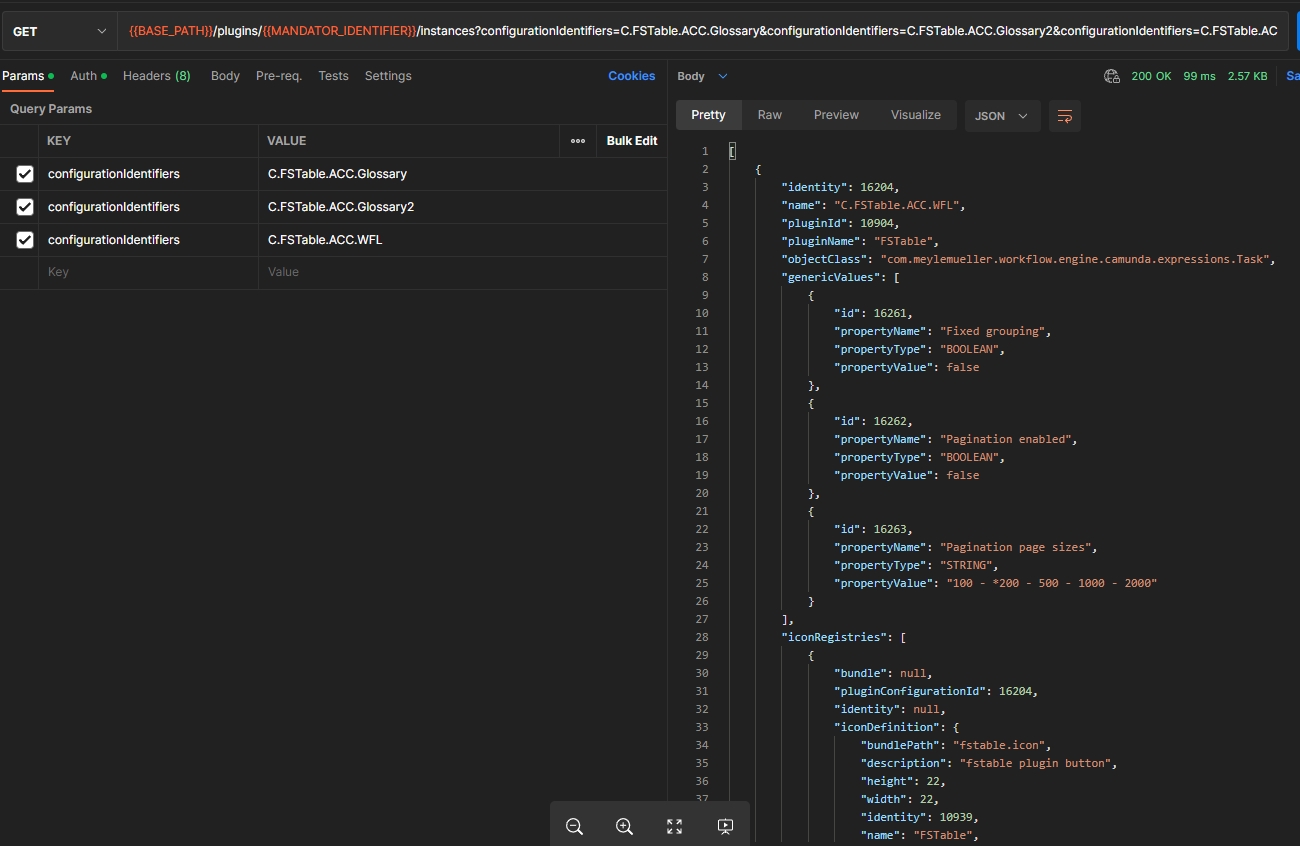
Get number of plugin configurations
| References | OCA-34 |
|---|
New API endpoint to get count of configuration of page, content, and function plugins by separate in order to see how many configurations exists for each plugin in the config Client
-
GET /Plugins/{mandatorIdentifier}/instances/amount
-
the API returns an object that contains plugin identifiers as property and number of configurations as value
-
the result depends on mandator
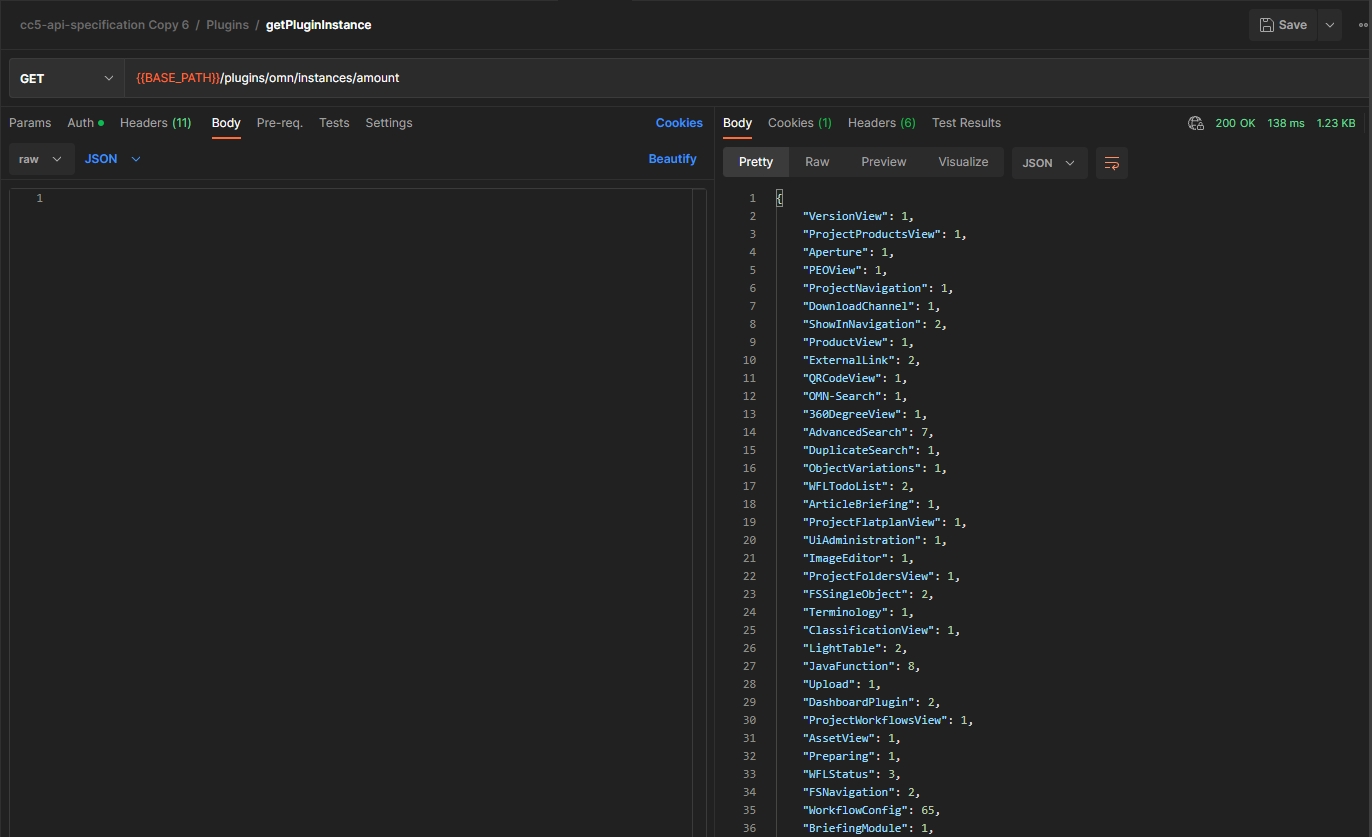
REST API for WFLStatusList
| References | OCA-35, OMN-9945, OMN-9980 |
|---|
New API method to get REST API to load and update a StatusList configuration for new config Client
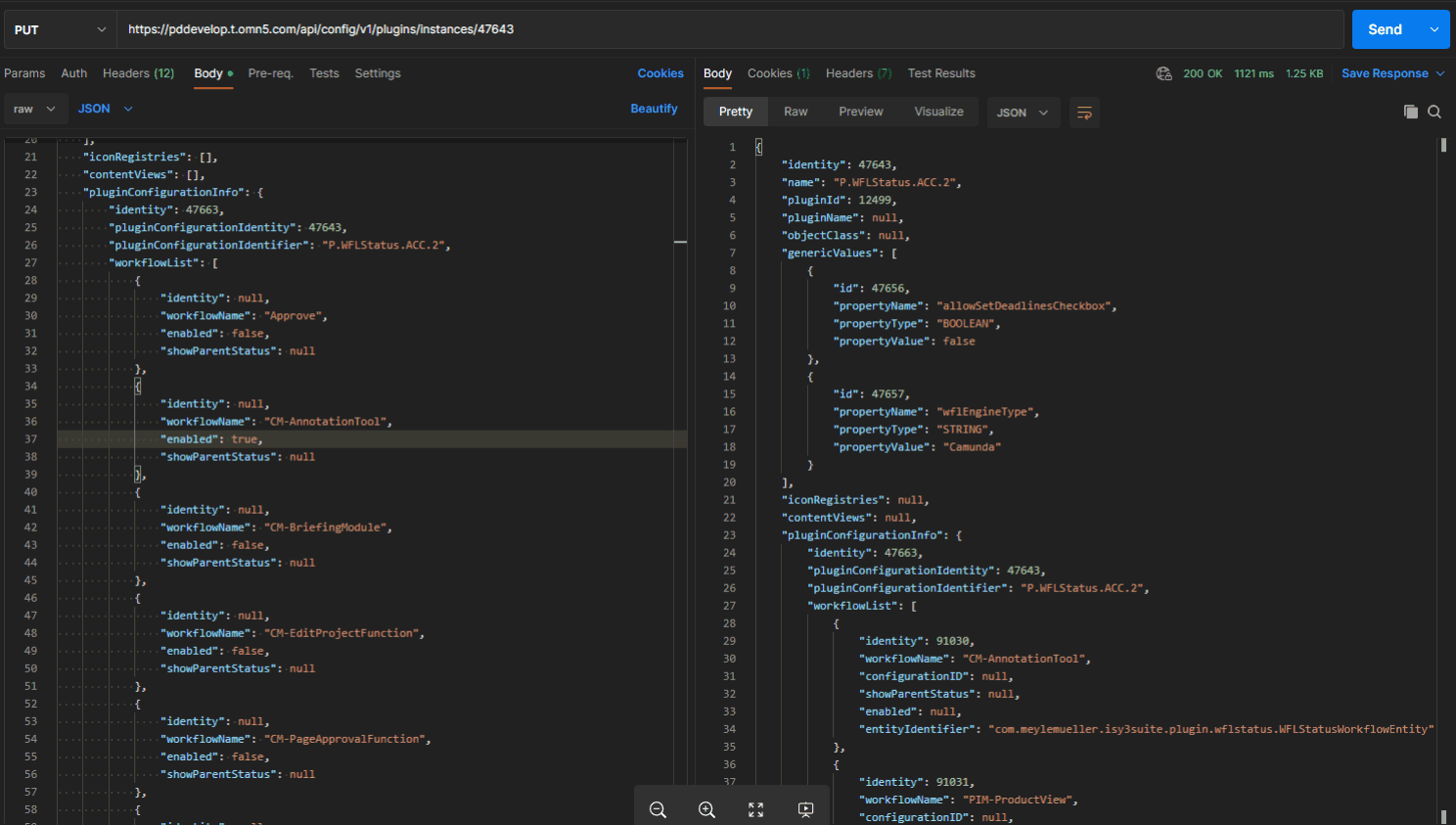
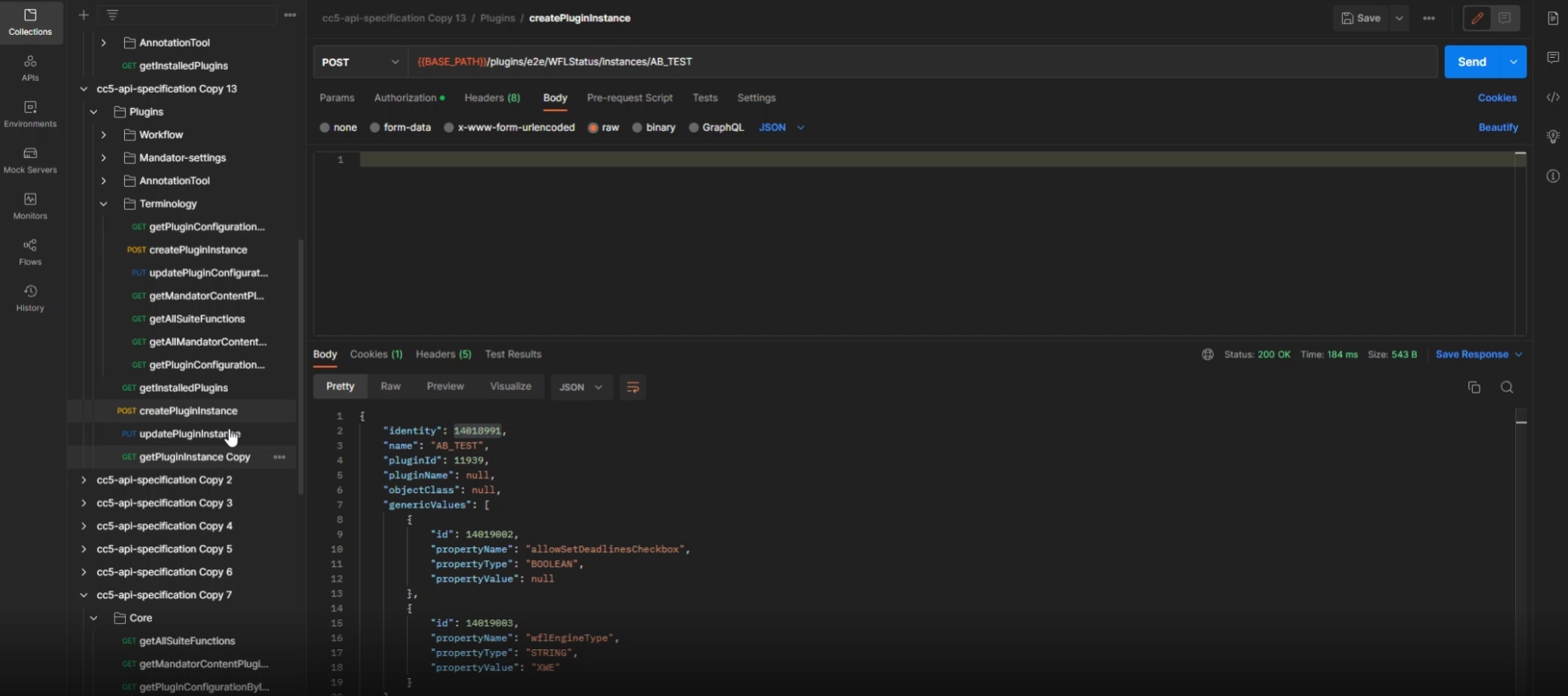
REST API for WFLTodoList
| References | OMN-9958 |
|---|
REST API to load and update a TodoList configuration for new config Client
-
create a TodoList plugin instance (post)
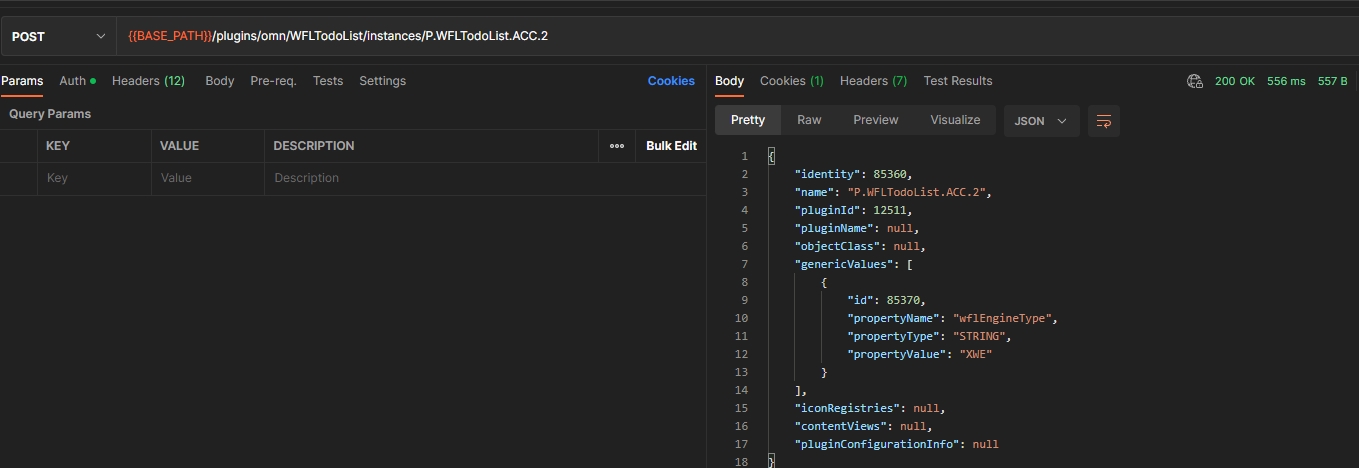
-
load Plugin configuration (get)
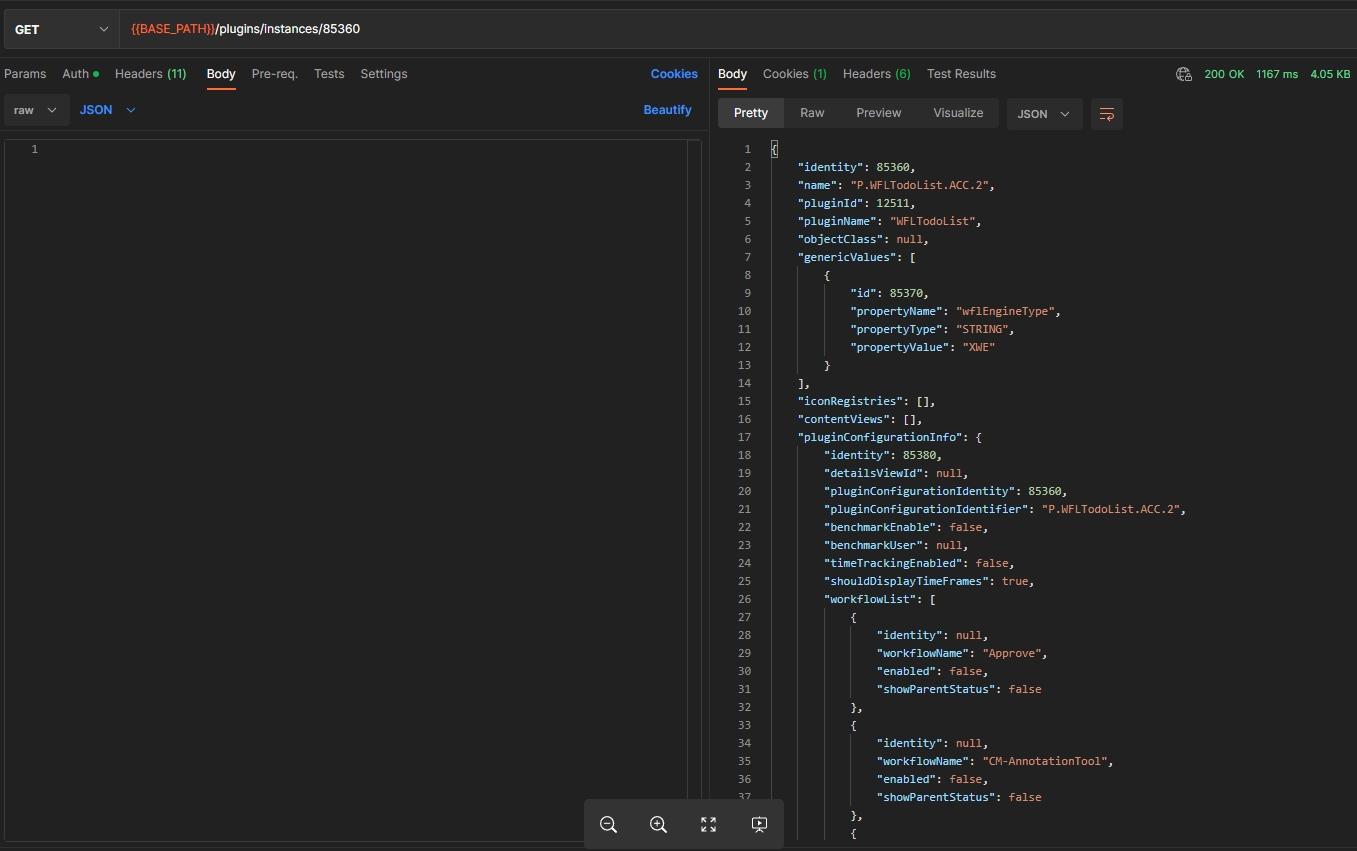
-
load needed datasources (e.g. process definitions, available plugins and functions) (get)
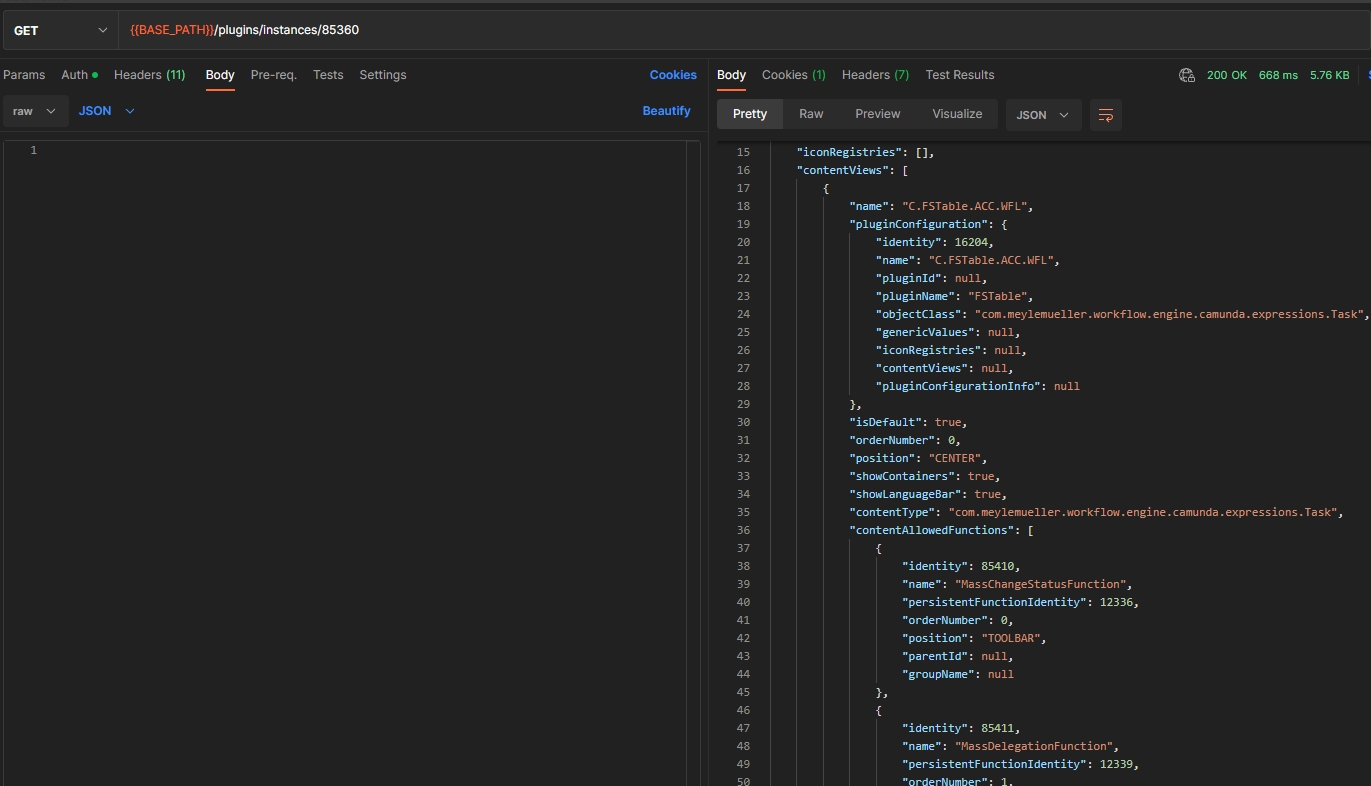
-
update the configuration and the configuration info (put)
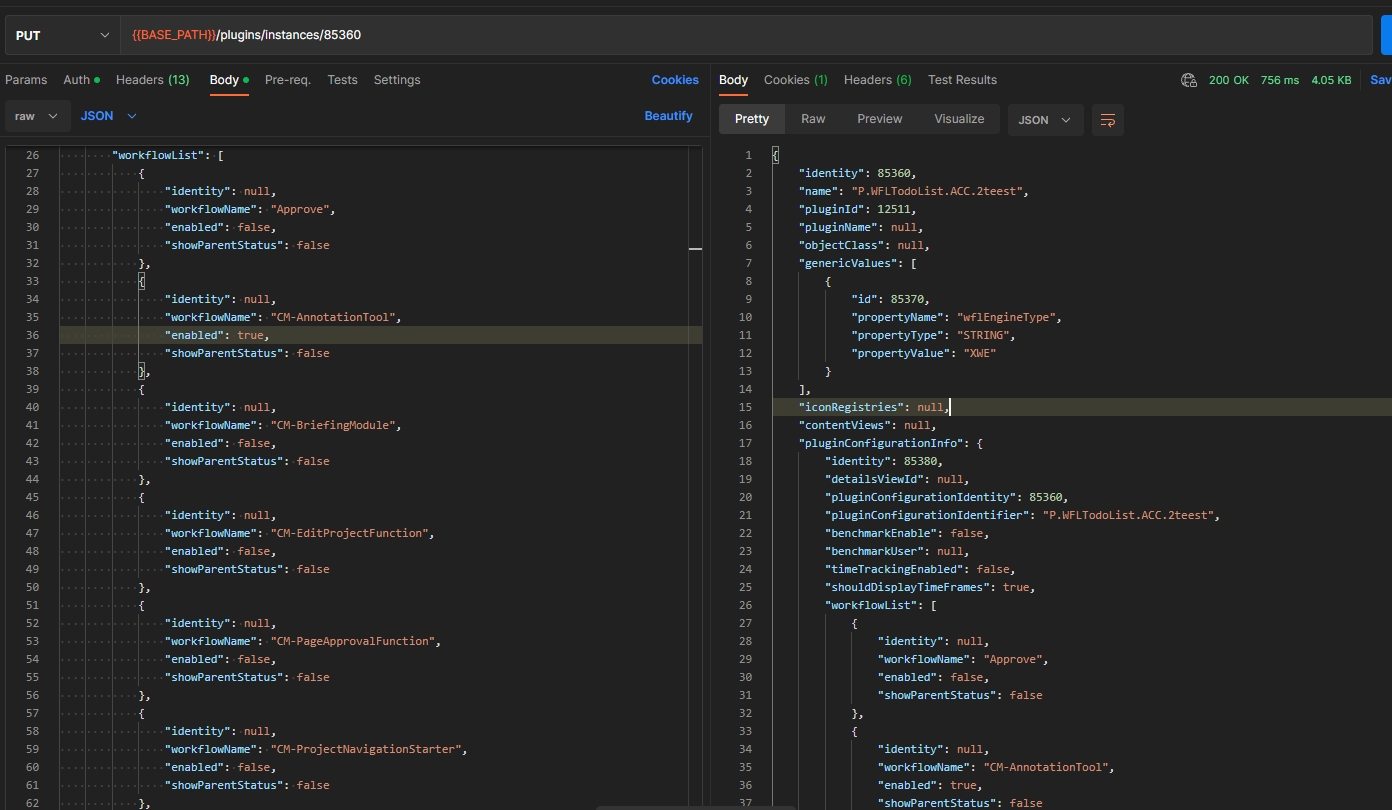
REST API for WorkflowConfig
| References | OCA-37, OMN-10102 |
|---|
Possibility to get and save and update Workflow plugin instances via new Config Client API
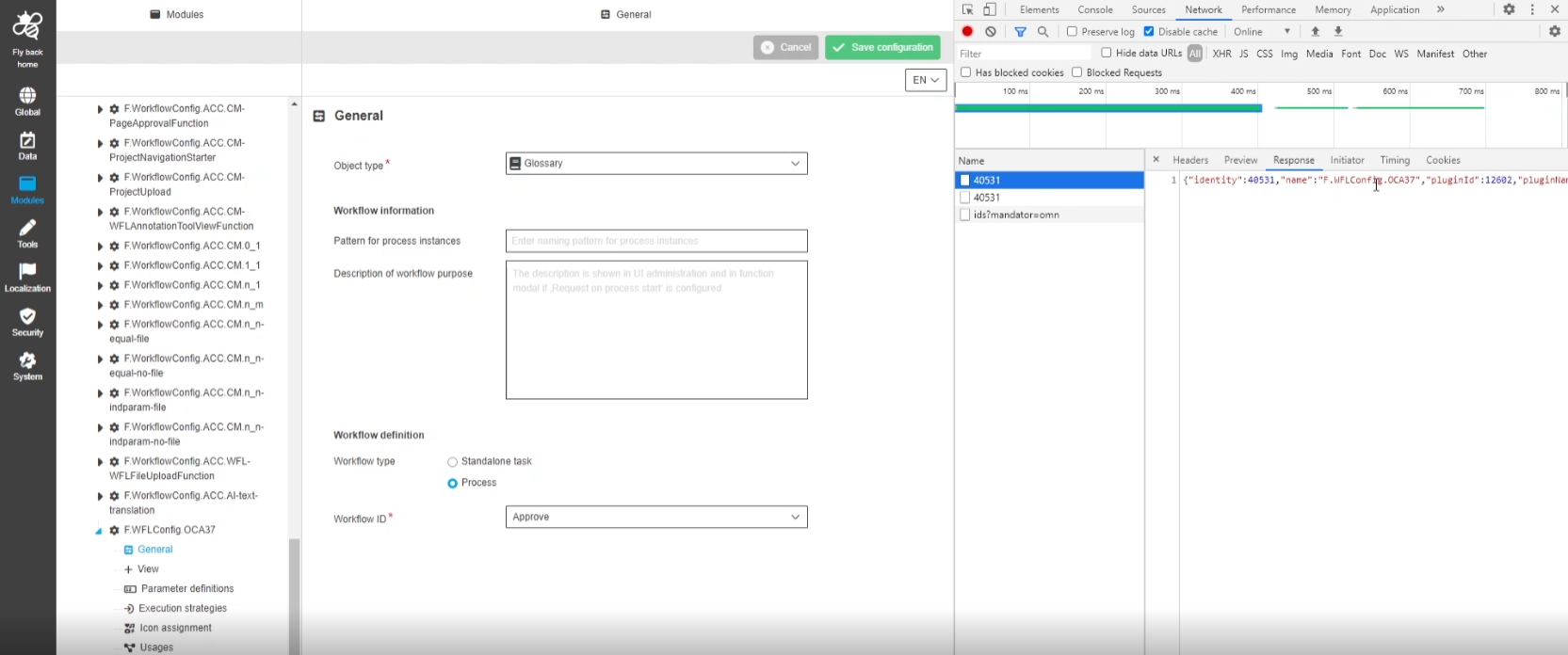
Rest API for loading history of plugin changes
| References | OCA-39, OMN-9970 |
|---|
Rest API for loading history of plugin changes to see which Person changed a configuration and when
-
GET /histories
-
GET /history-details/{id}
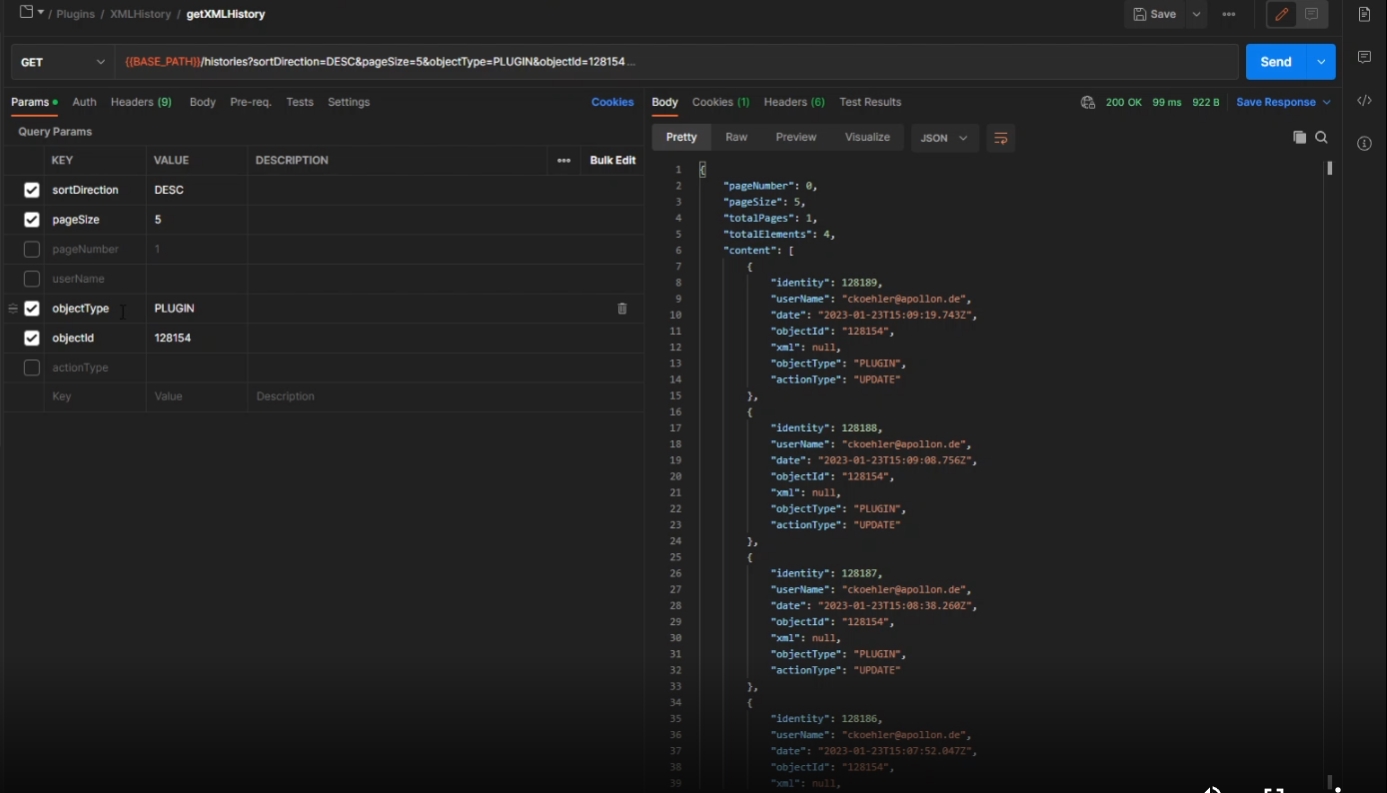
Provide information about configured functions for function plugins
| References | OCA-41, OMN-10028 |
|---|
Possibility to get list of configured functions for function Plugin and save function for Plugin instance
-
Get
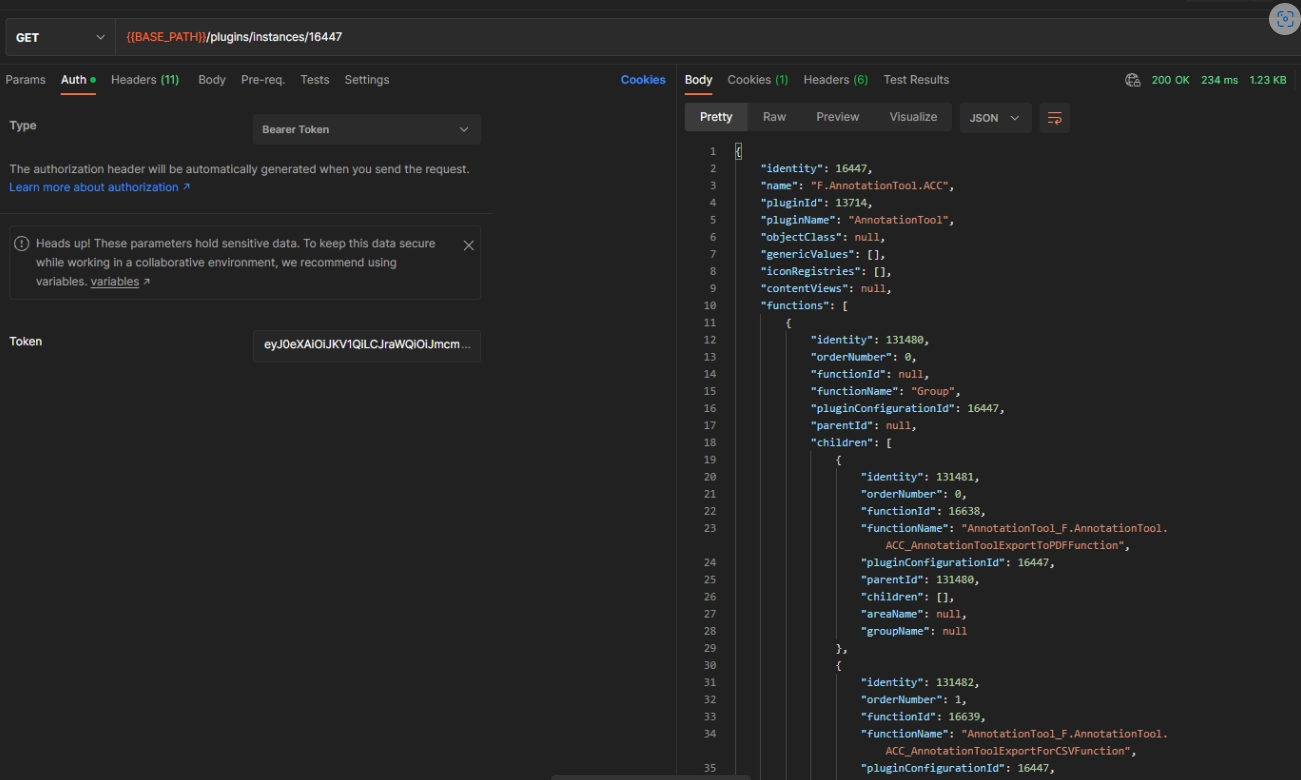
-
Put
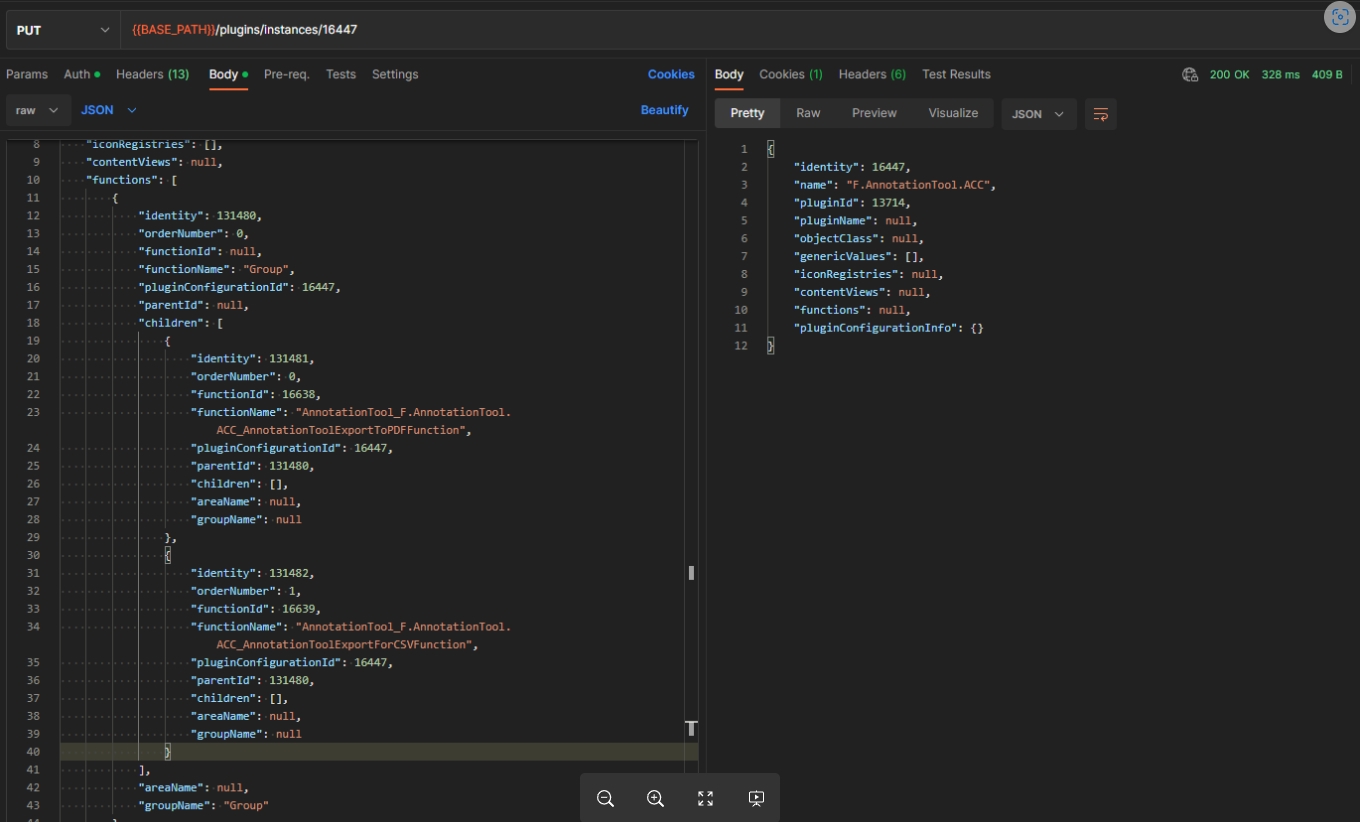
Rest API for storage administration
| References | OCA-43, OMN-9992 |
|---|
New Configuration REST API endpoint for system configuration for following use cases: Get list of all available/created Storages, Add and remove storage, Get storage volumes, Add and remove volume, Get and save volume configuration, Get and save volume preview Generation, Get and save volume exclusions, Get and save volume Versioning, Get and save volume metadata
-
POST /system/storages
-
POST /system/storages/{storageId}/volumes
-
DELETE /system/storages/{storageId}
-
DELETE /system/storages/{storageId}/volumes/{volumeId}
-
GET /system/fileTypes
-
GET /system/storages/{storageId}
-
GET /system/storages
-
GET /system/storages/{storageId}/volumes/{volumeId}
-
GET /system/storages/{storageId}/volumes
-
PUT /system/storages/{storageId}
-
PUT /system/storages/{storageId}/volumes/{volumeId}
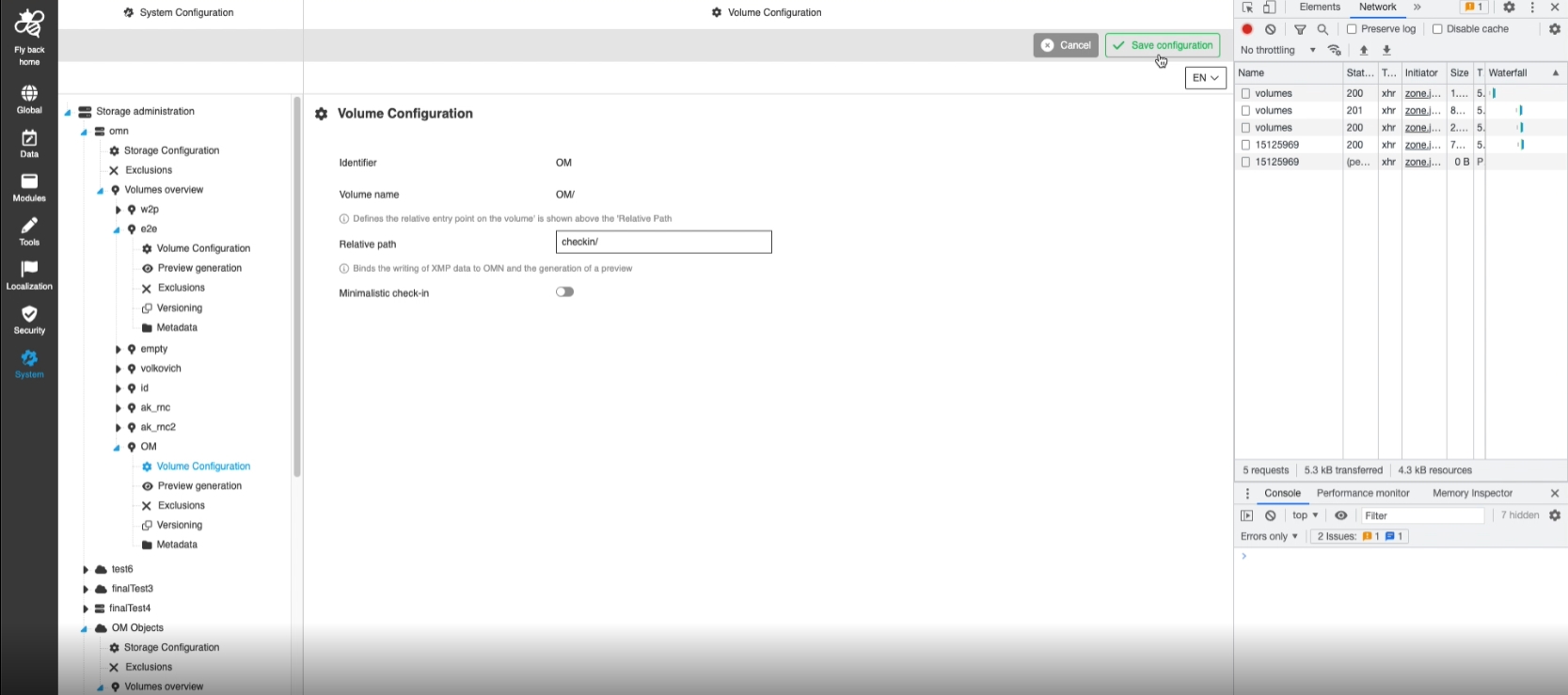
Add API to load workflow id
| References | OCA-54 |
|---|
New Config API endpoint to load available workflow ID so UI developer can use it
-
/workflow/ids?mandator=xxx"
-
method: get
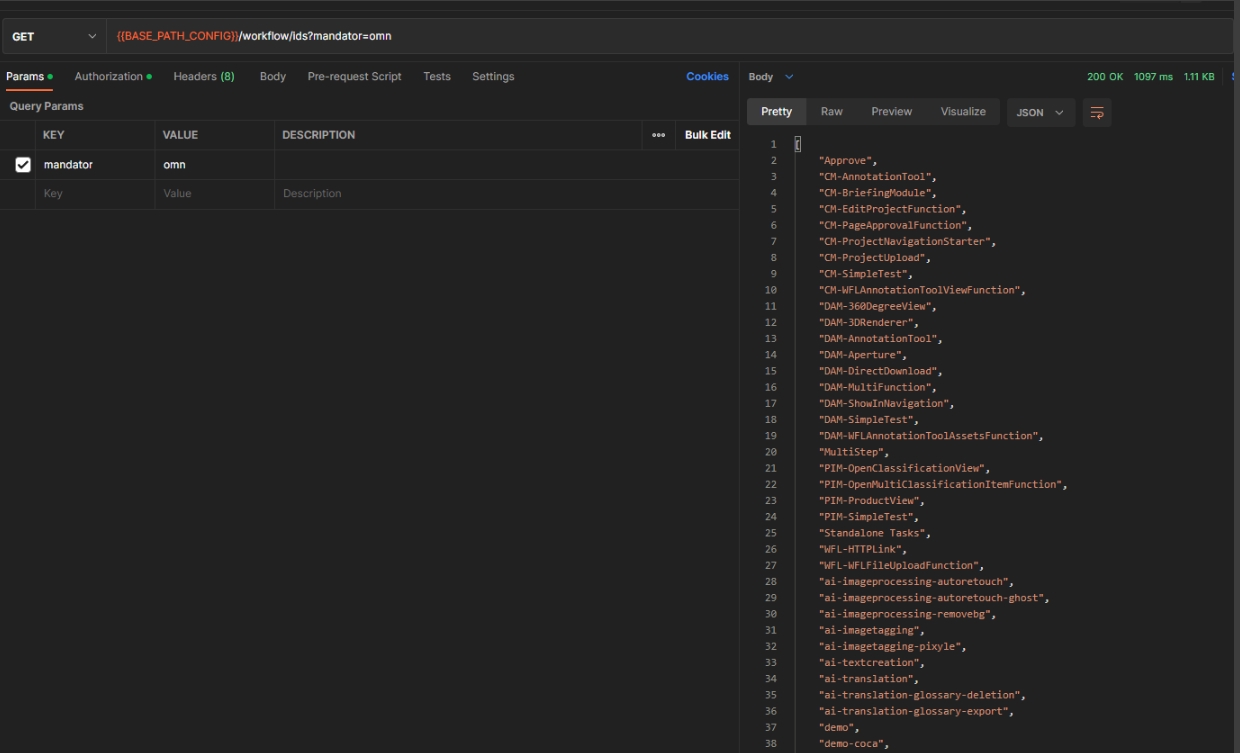
Change name of param cc5 to newName
| References | OMN-9987 |
|---|
Change in names for cc5 params of WorkflowToDoList Plugin
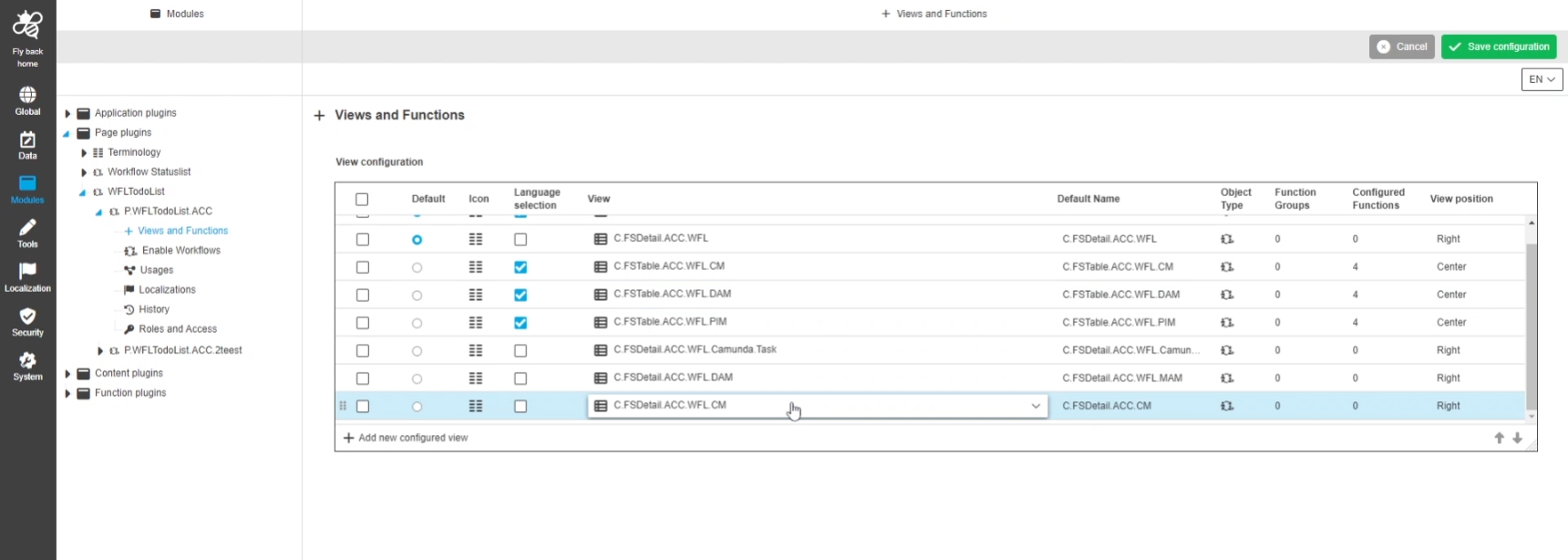
Provide info about content plugins icons
| References | OCA-17 |
|---|
Possibility to take configured icons information from server side, so that the admin can configure them for Plugins which allow to configure Icons
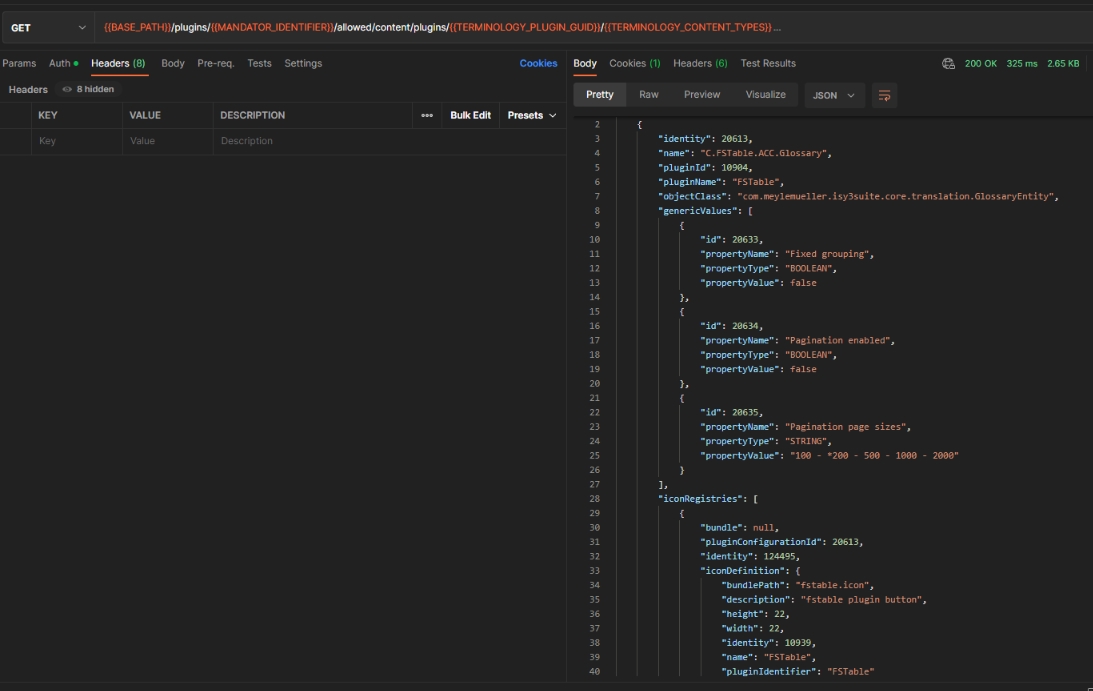
Add API to load Glossary and Annotation attributes with pagination
| References | OMN-9900, OCA-29 |
|---|
Introduction of pagination API for Annotation and Glossary attributes endpoint
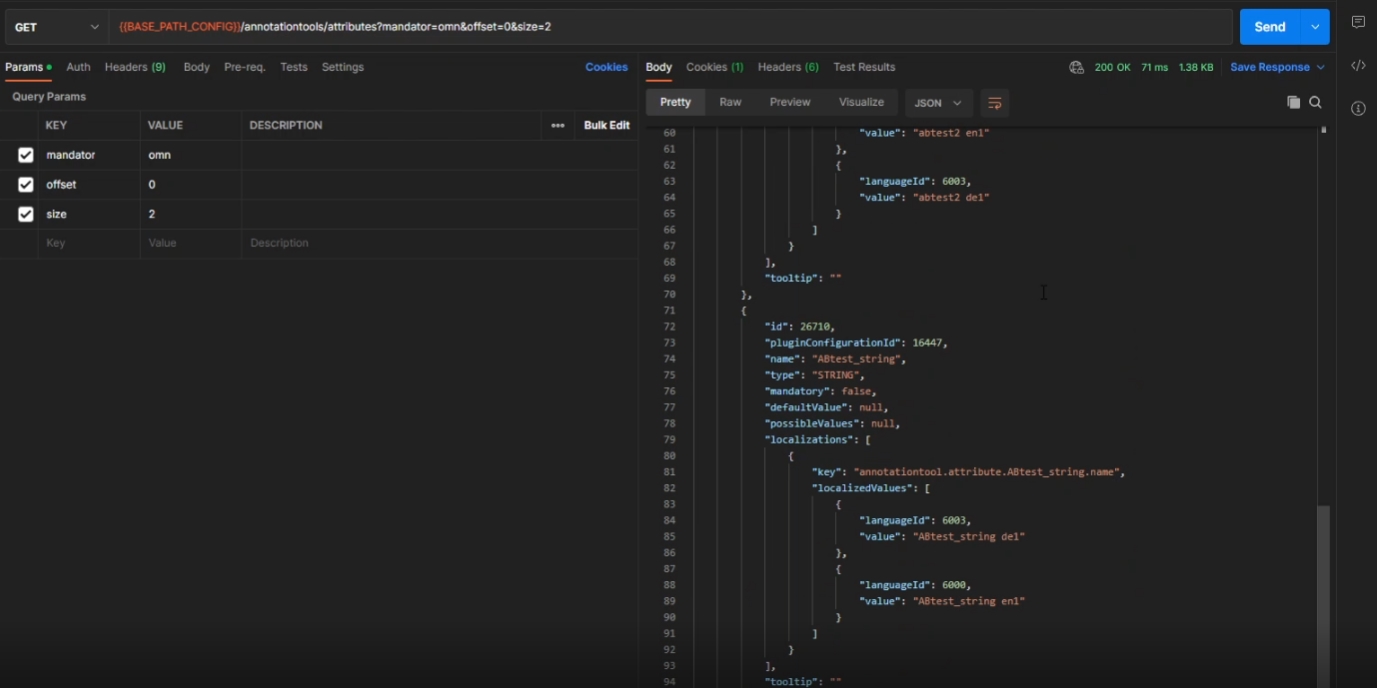
Rest API for Workflow application plugin/Workflow Application Configuration Repository
| References | OCA-53, OMN-10125, OMN-10141 |
|---|
New Workflow Application Config Repository with possibility to load and save Workflow Application Config in new ConfigClient
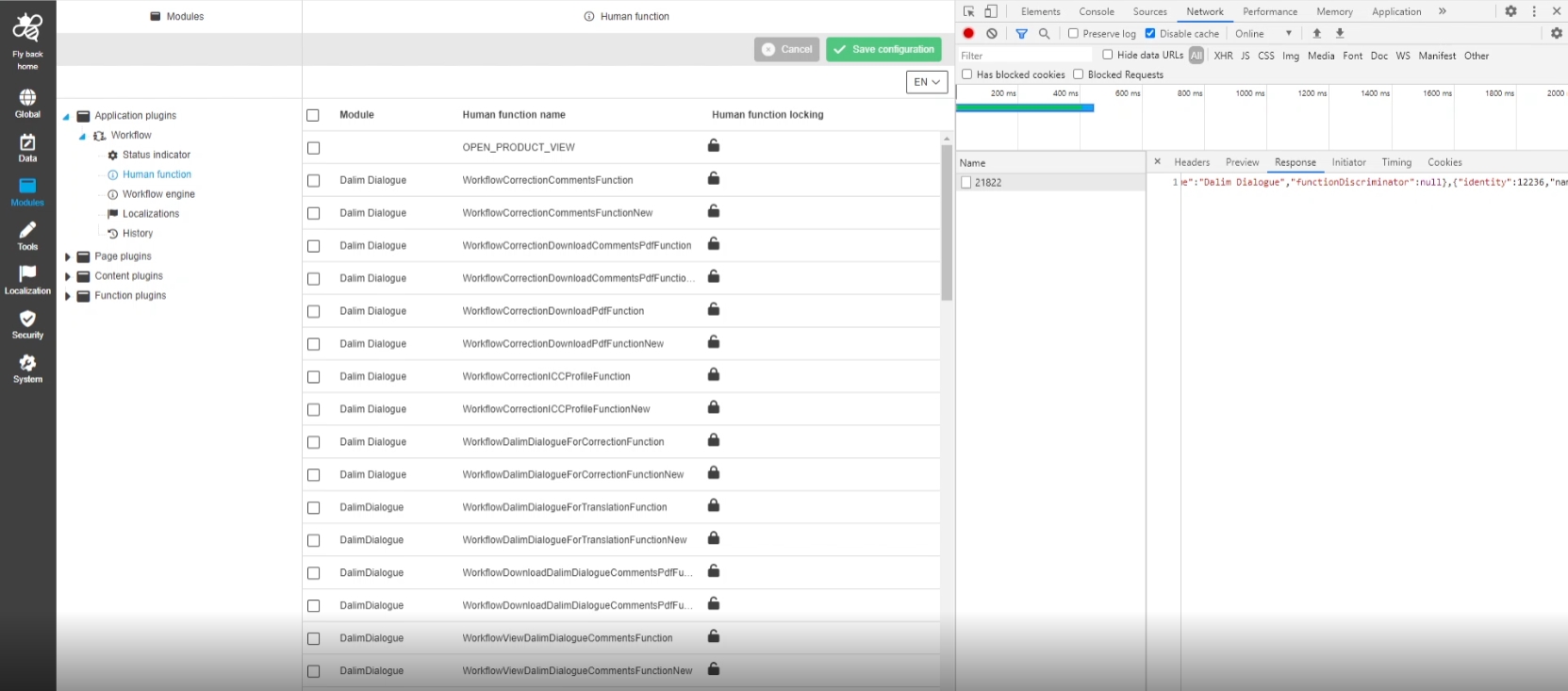
Save Workflow Application Plugin history
| References | OCA-59, OMN-10181 |
|---|
Transparency of changes in Workflow Application Plugin configuration is now visible be History
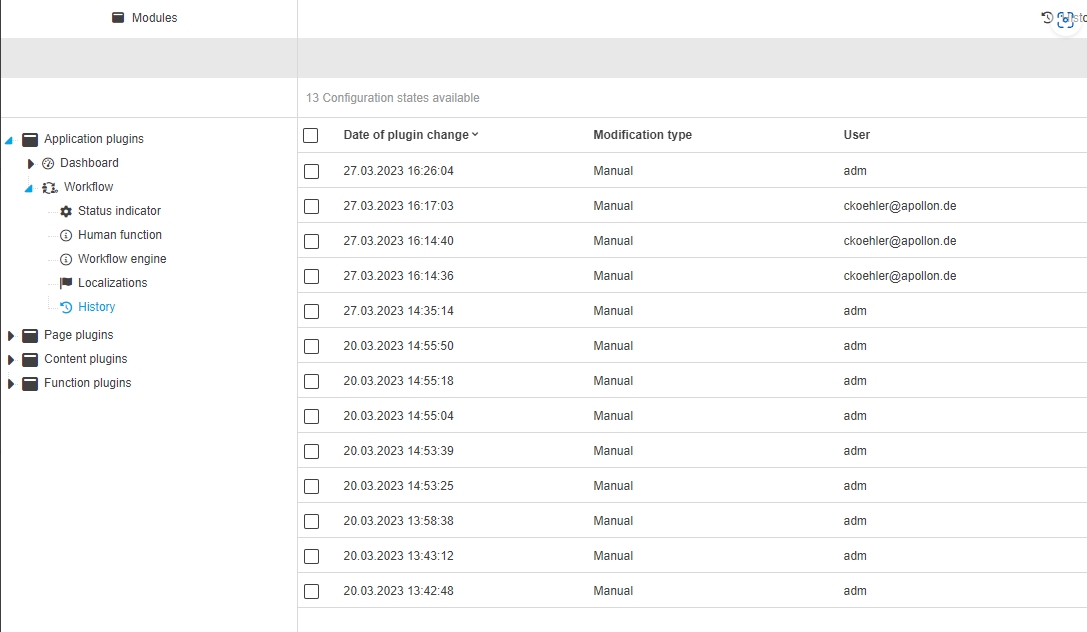
Adjust creation of workflow attribute
| References | OCA-60 |
|---|
Adjustments in Workflow attribute creation, editing, deletion to make them suitable with core changes from OMN-8100
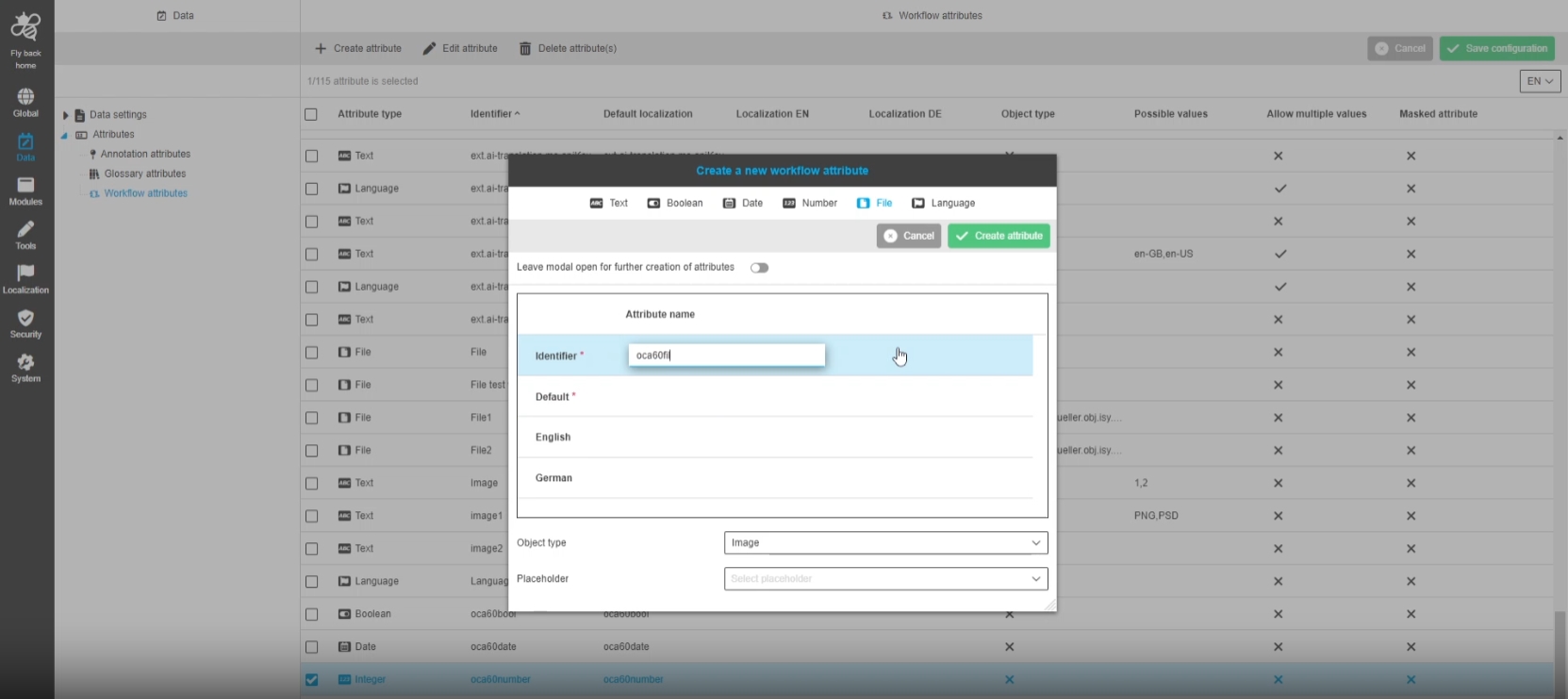
REST API to export attributes from table
| References | OCA-52 |
|---|
New ConfigAPI Endpoint to load and export all or specific attributes (from all types) to export them from the new ConfigClient
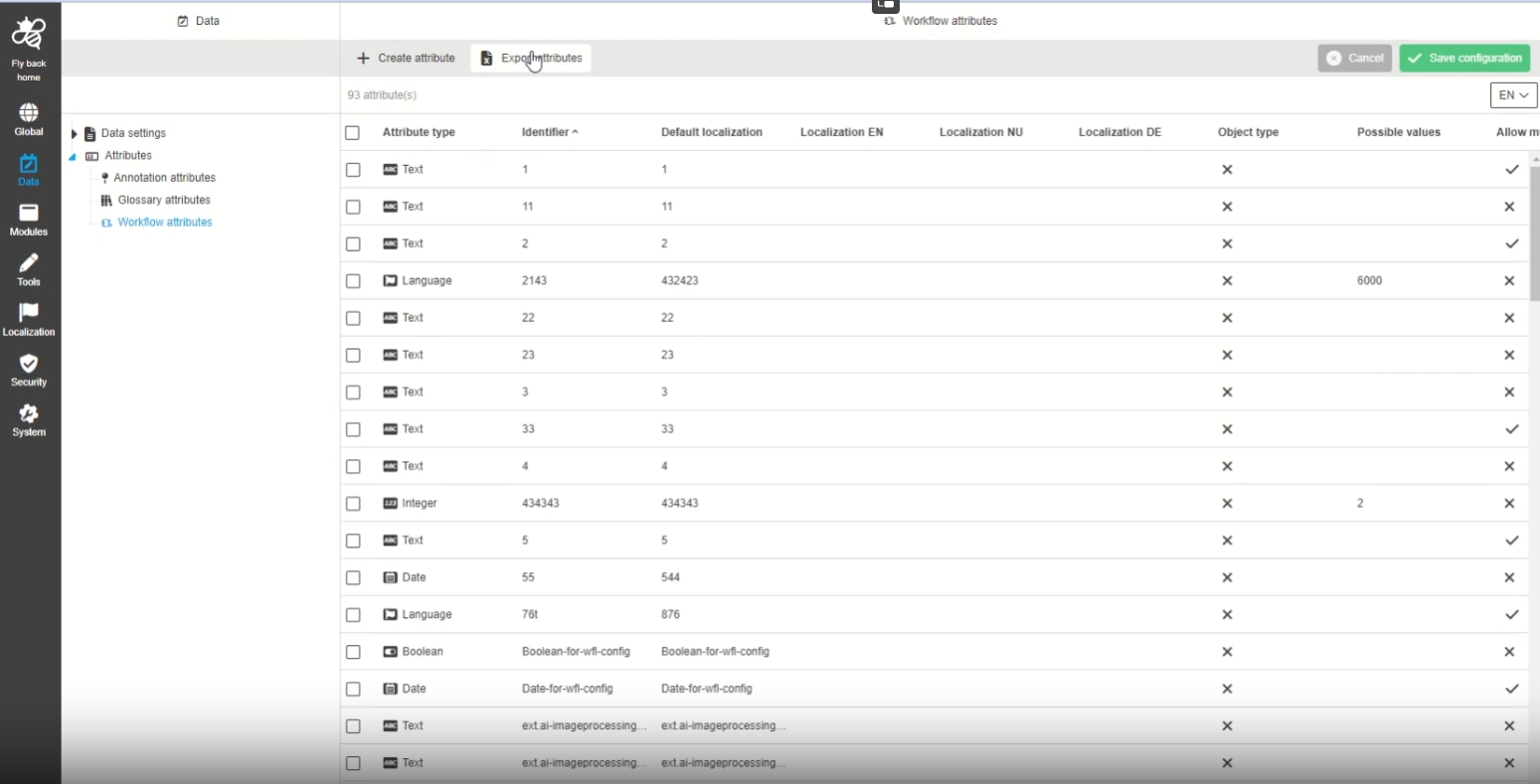
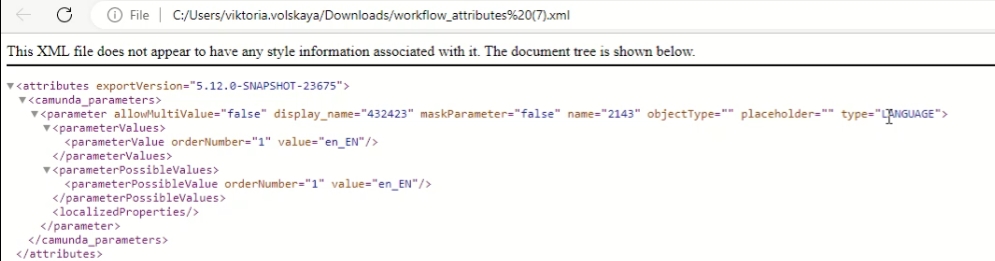
REST API to export plugin instance configuration
| References | OCA-61, OMN-10200 |
|---|
New ConfigAPI endpoint to load and export specific plugin instance configuration to export them from the new ConfigurationClient
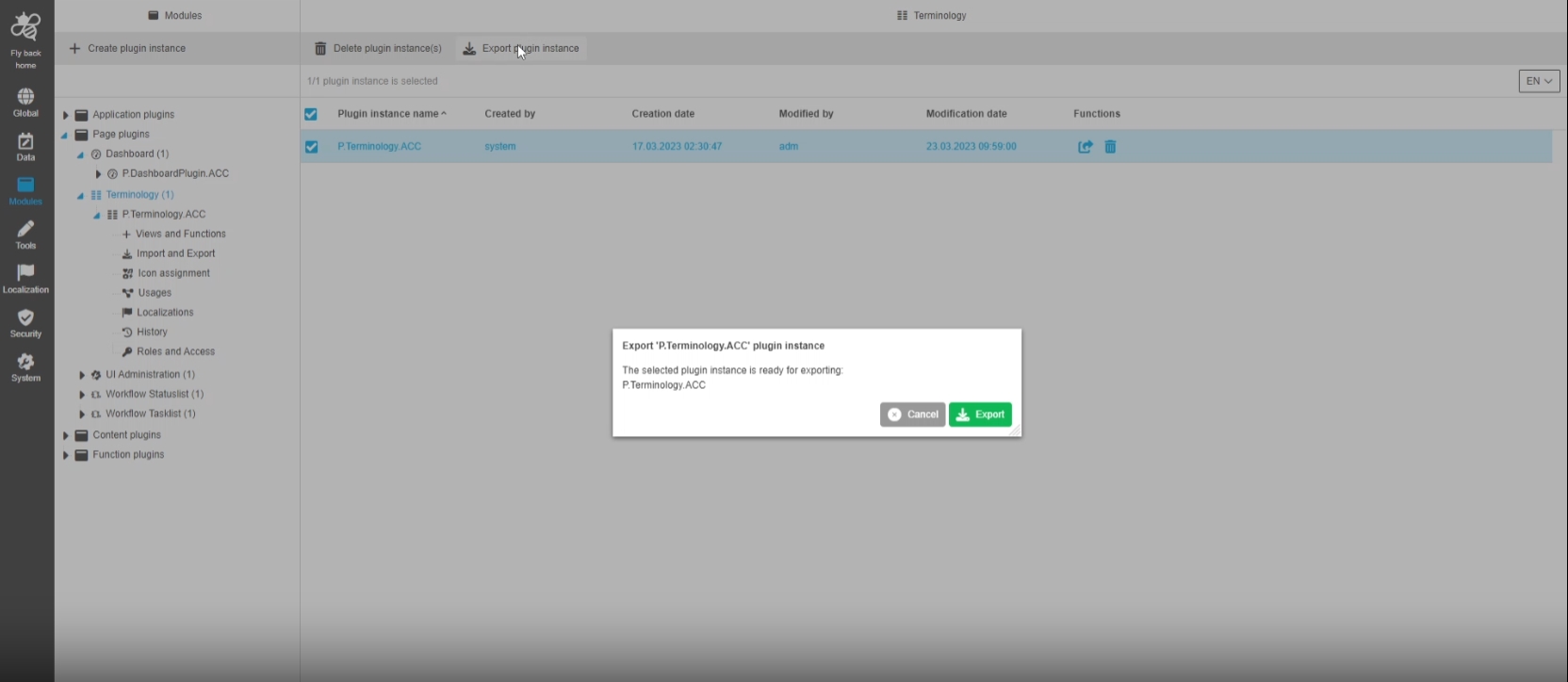
-
Export workflow (camunda) attributes from new config
| References | OMN-10215 |
|---|
New Config API endpoint to export all or specific attributes (from all types) from the new CC
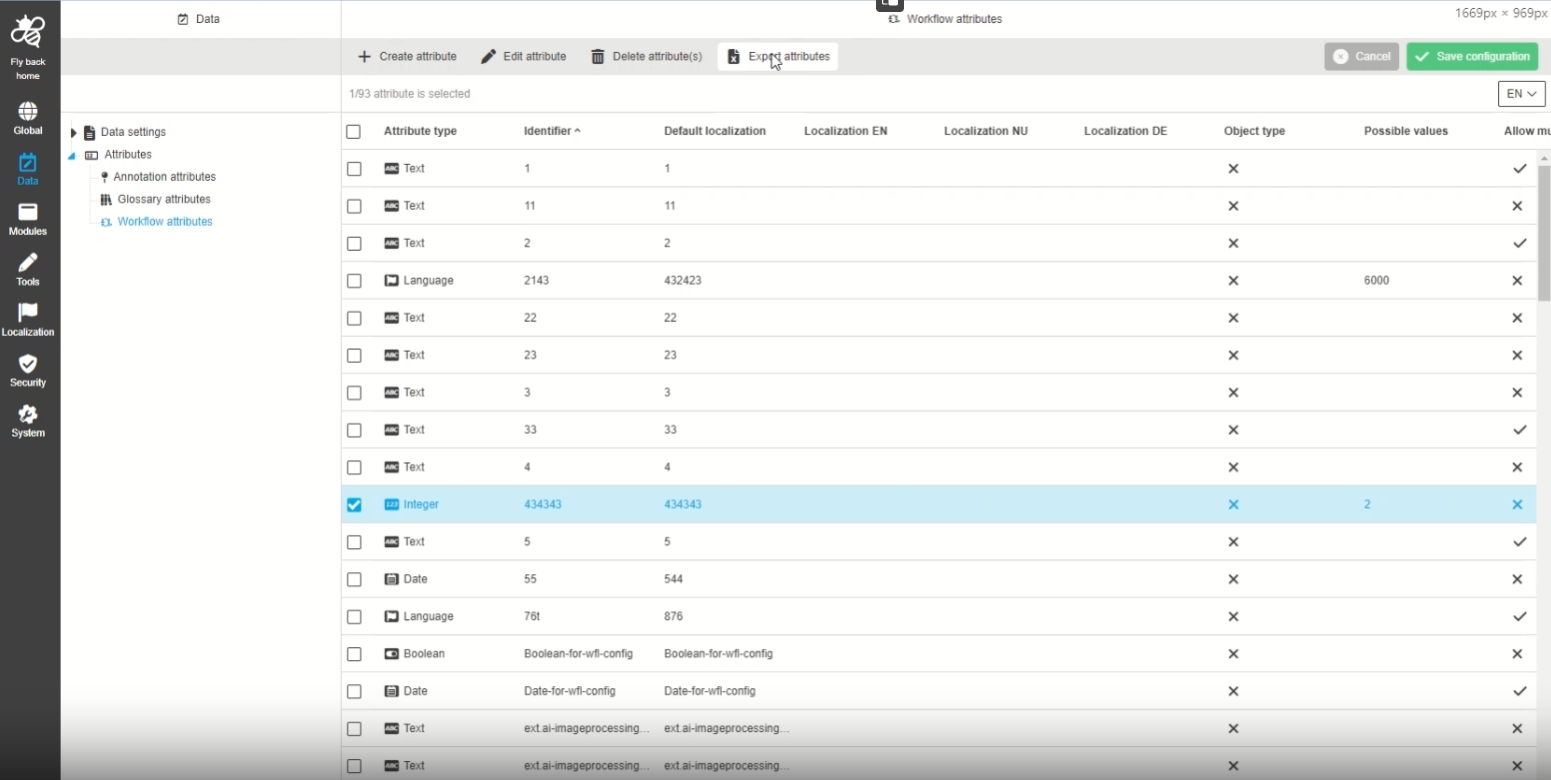
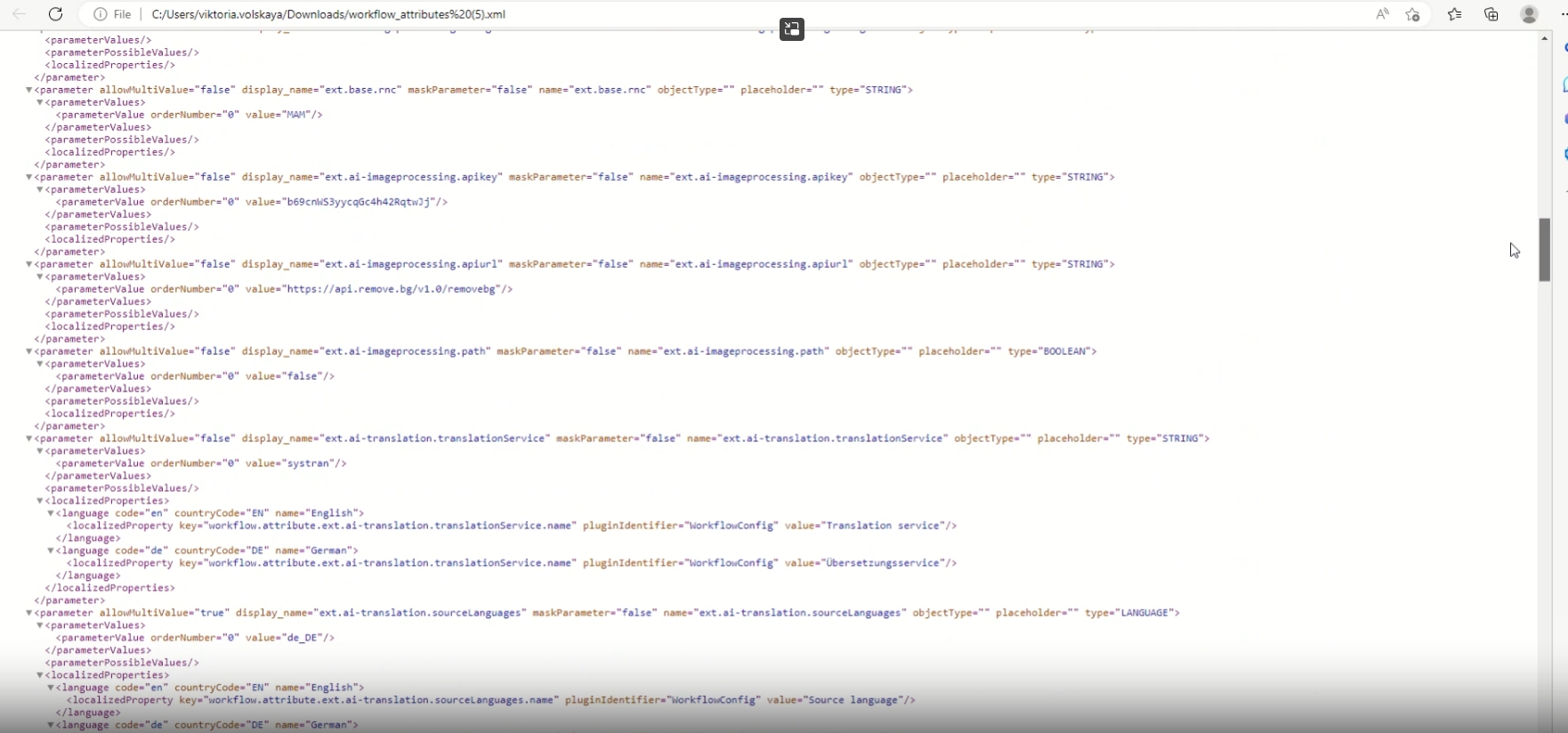
-
Export glossary attributes from new config
| References | OMN-10224 |
|---|
Possibility to export Glossary Attributes from the new CC as xml file
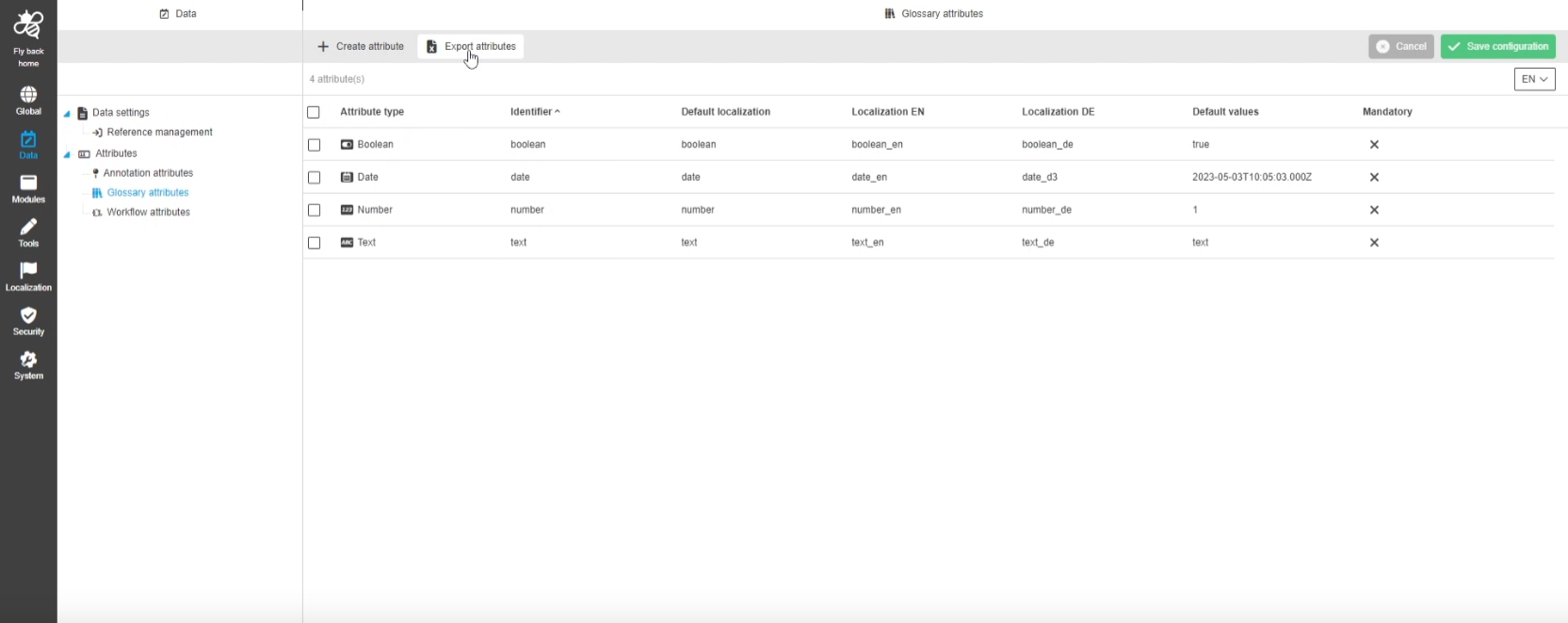
-
Example XML Export
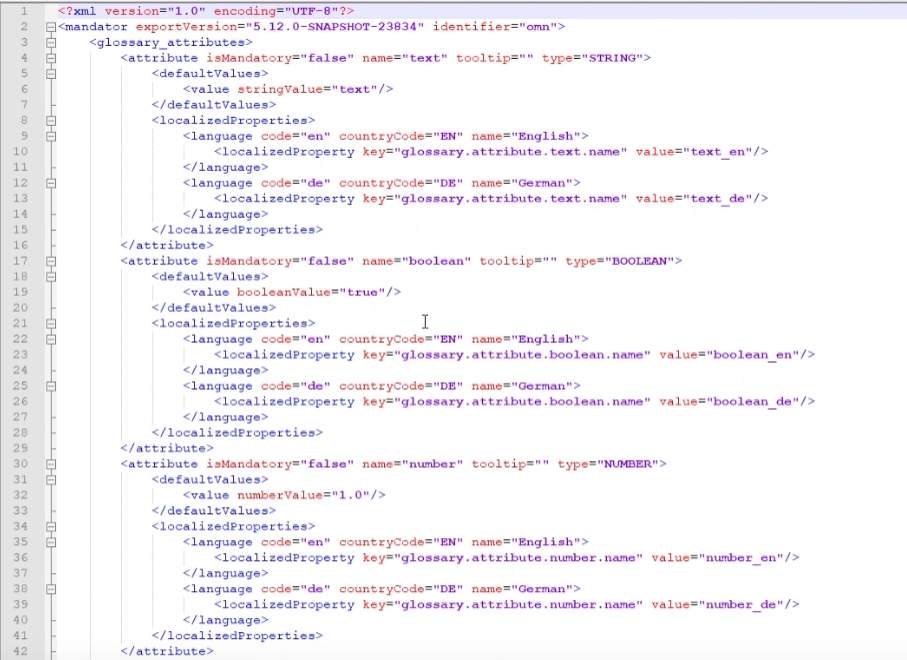
Adjust API to delete multiple storages and volumes
| References | OCA-62 |
|---|
REST API endpoint in ConfigAPI to delete multiple storages and volumes
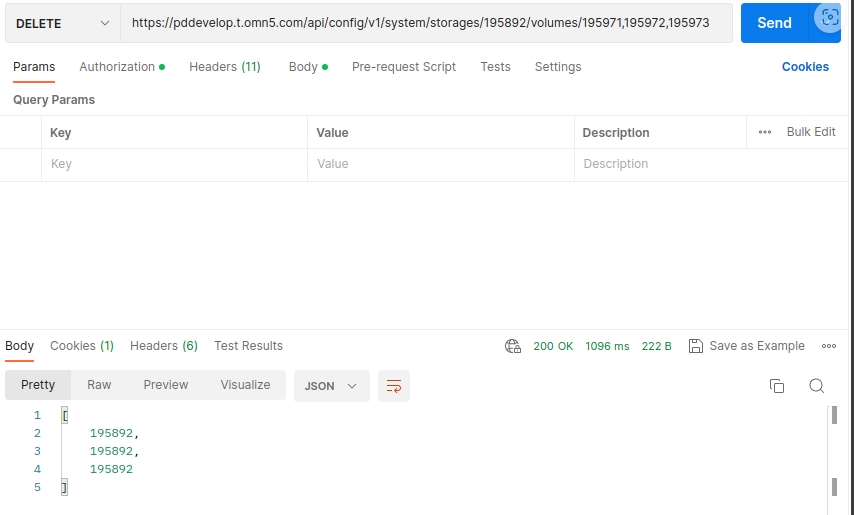
Support sorting filtration pagination for storages and volumes API
| References | OCA-48 |
|---|
Possibilities to sort/filter/paginate Storages and Volumes Collections via ConfigAPI
-
method: Get
-
sort
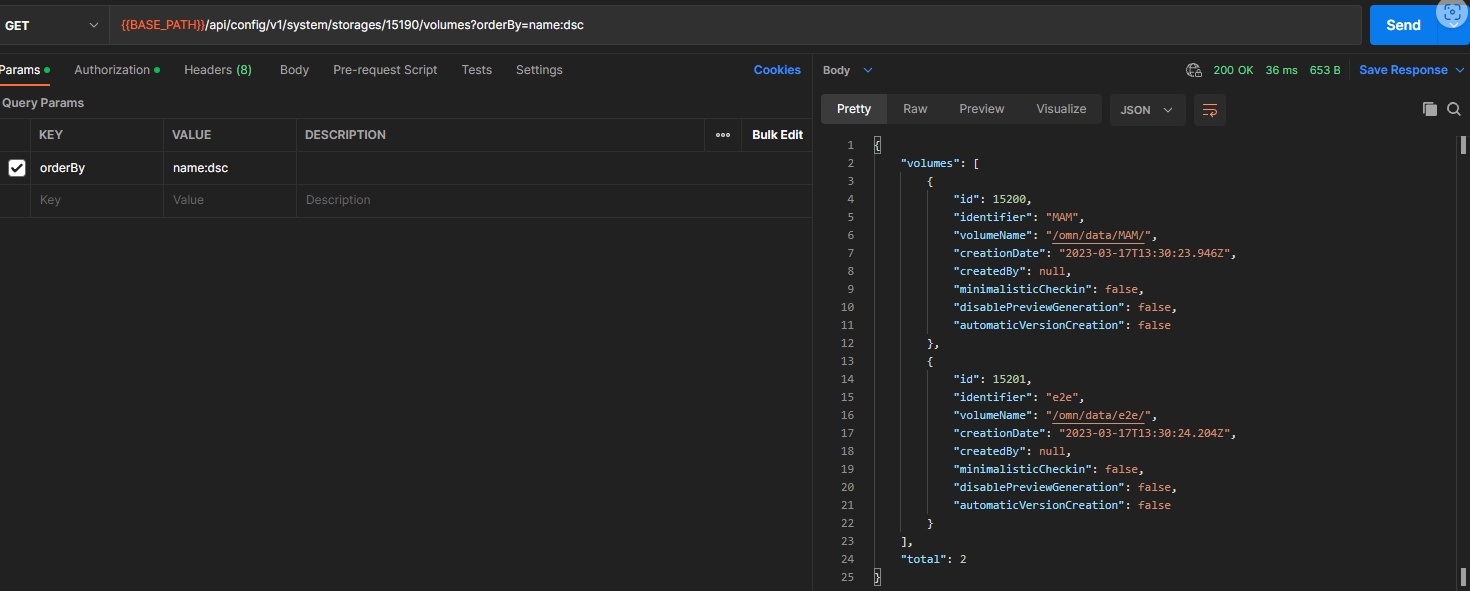
-
paginate
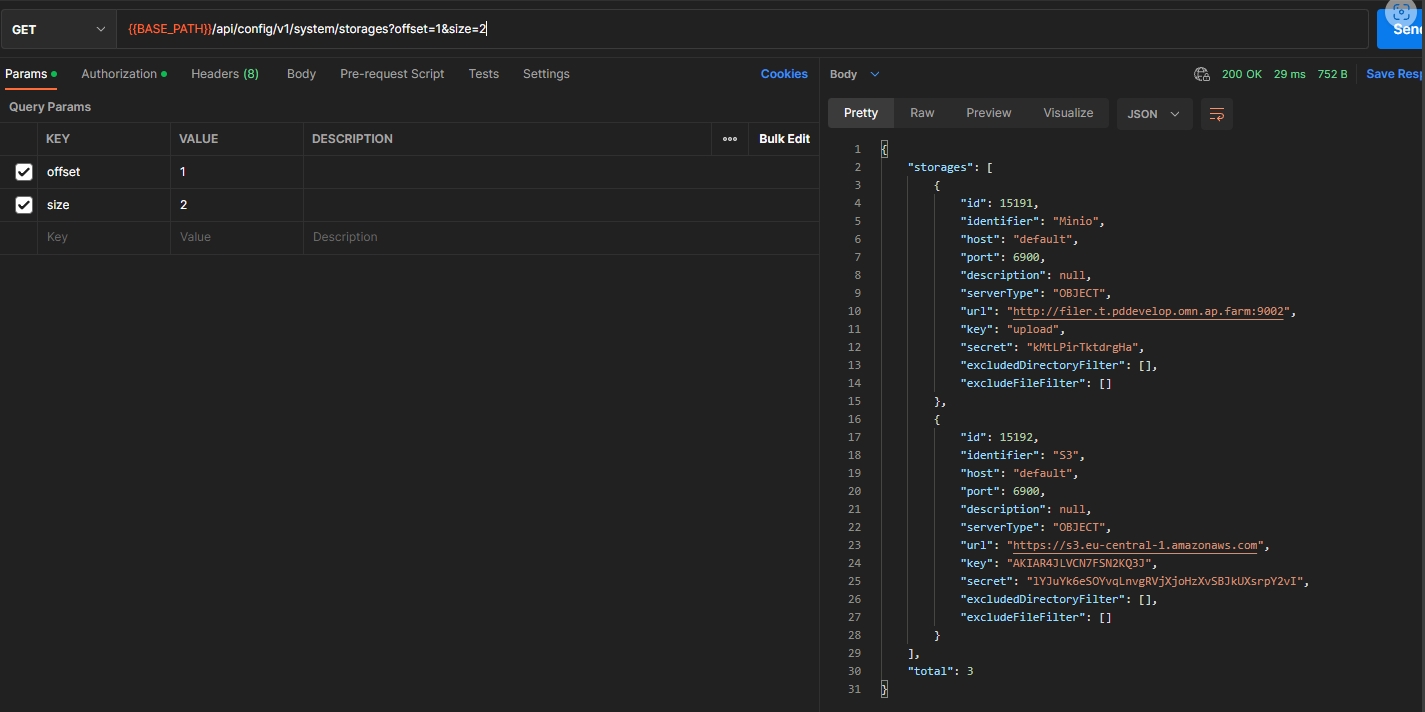
WorkflowConfig API provides content view of the configured FSDetail
| References | OMN-10209 |
|---|
Possibility to see configured process start modal (workflowconfig) based on a specific FS Detail configuration, so that the enduser will see the parameter fields in a user-friendly and use-case confirm way
-
configured FSDetail View
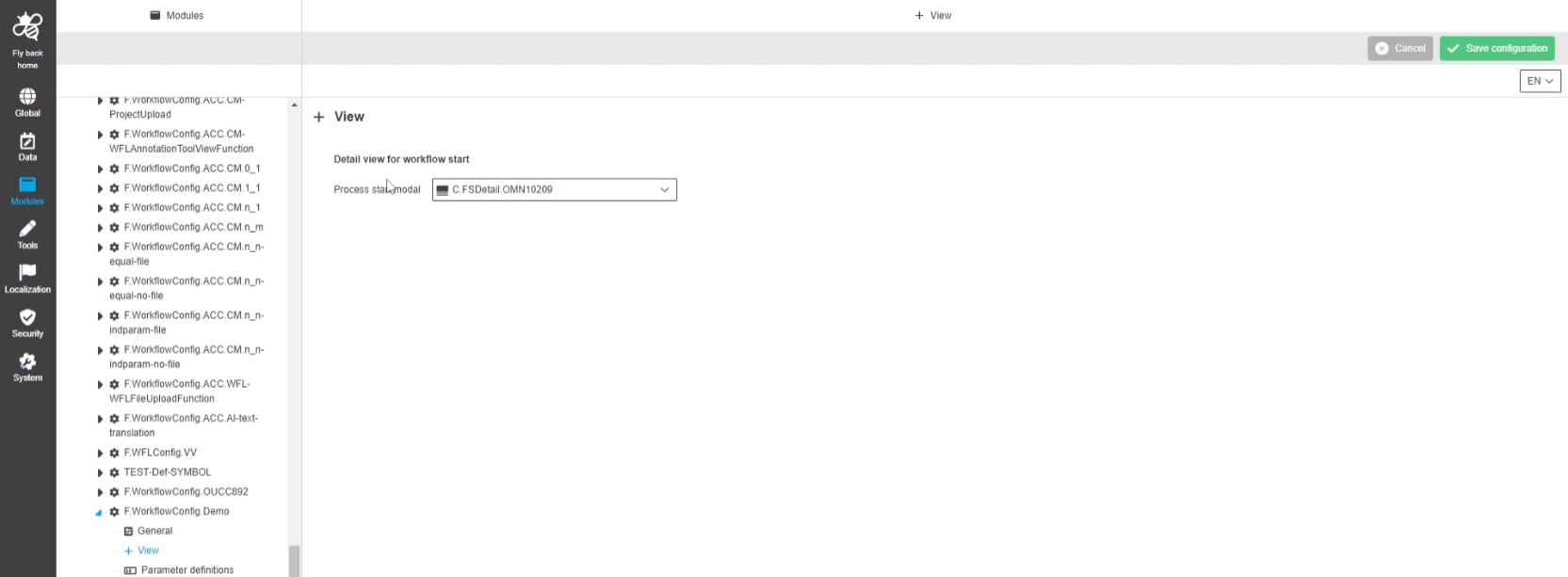
WorkflowConfig API split Visible and Editable flags for parameters
| References | OMN-10254, OMN-10318 |
|---|
Improved Definition settings to Configure read/write Rights for workflow parameters in UI-admin in autogeneration modal
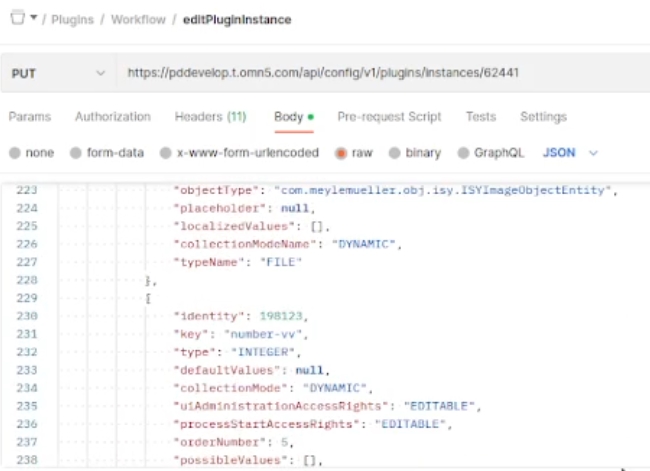
Avoid duplicates in system configuration for storages and volumes
| References | OCA-69 |
|---|
Uniqueness check in ConfigAPI for Storage and Volumes to make sure that no duplicates of storages / volumes can be created within OMN
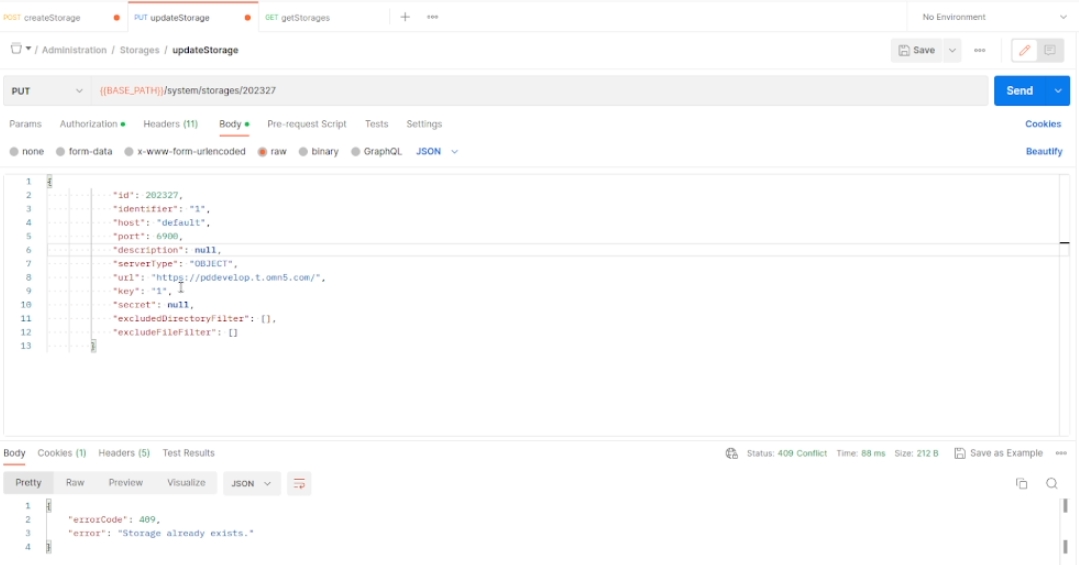
Change date and time format for requests and responses
| References | OCA-71 |
|---|
Changes in handling/converting of date time Format string allowing to set Date via UI in locale time Format but handle date with UTC Format (ISO 8601) on Server side
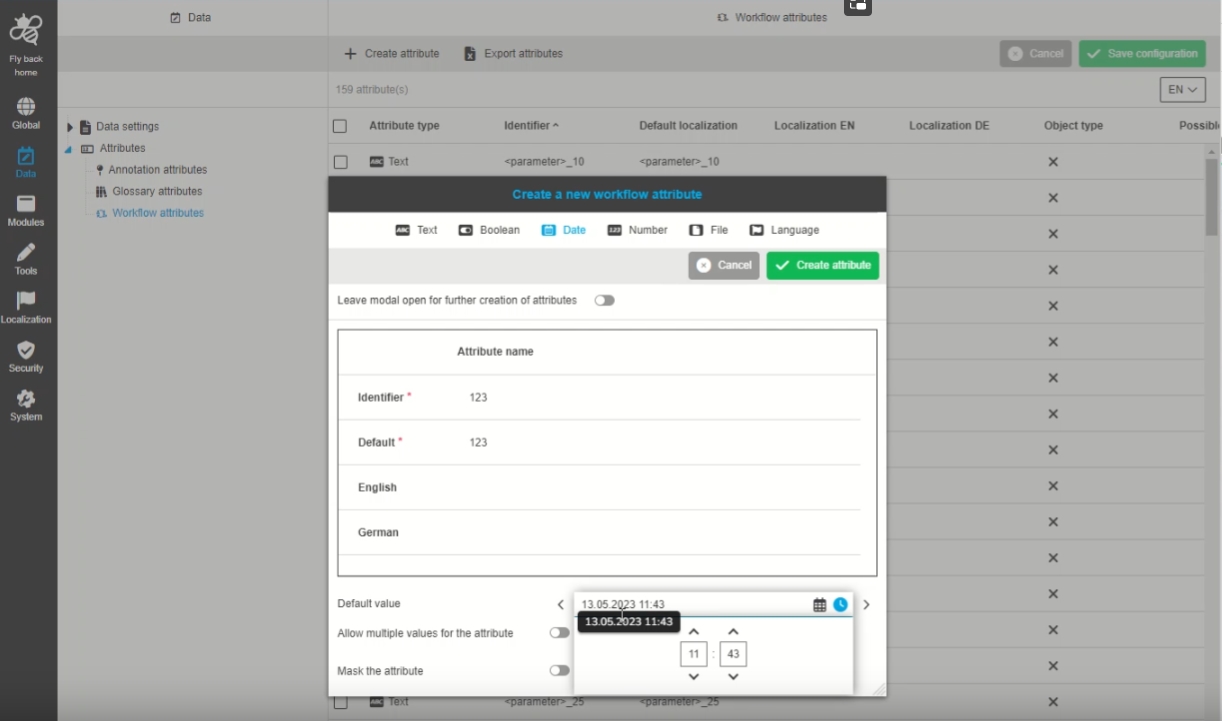
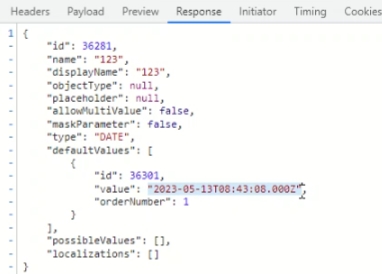
Endpoint to copy plugin instances
| References | OCA-77 |
|---|
New ConfigAPI endpoint to have an ability to copy plugin instances in new ConfigurationClient
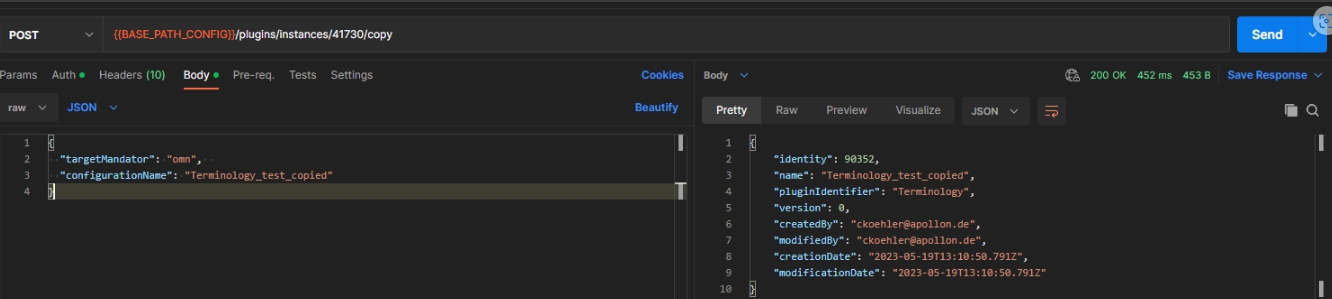
Endpoint to rename plugin instance
| References | OCA-78 |
|---|
New ConfigAPI endpoint to have an ability to rename plugin instances in new ConfigurationClient
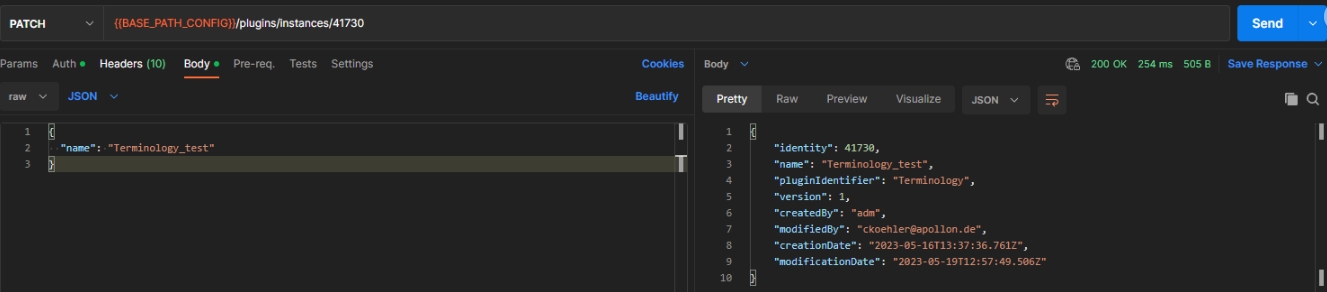
Validate volume name for storages of same type
| References | OCA-79 |
|---|
Possibility to get information via ConfigAPI whether a volume name is unique for storages of the same type
-
method: api/Config/v1/System/Storages/volumes/validation?storagetype={storagetype}&volumename={volumename}
-
get
-
Status Code
-
200: validation succeeded, the name is unique for storages of this type
-
409 : validation failed, the name is already used
-
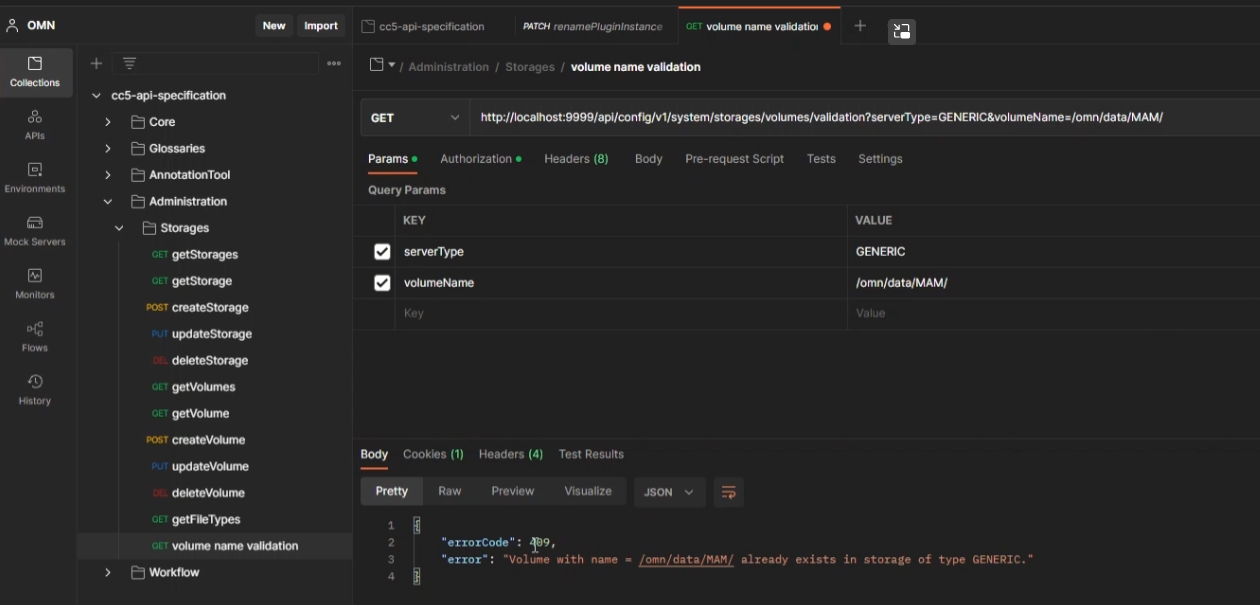
Pagination for workflow attributes endpoint
| References | OCA-56 |
|---|
Introduce of pagination and sorting for Workflow attributes endpoint
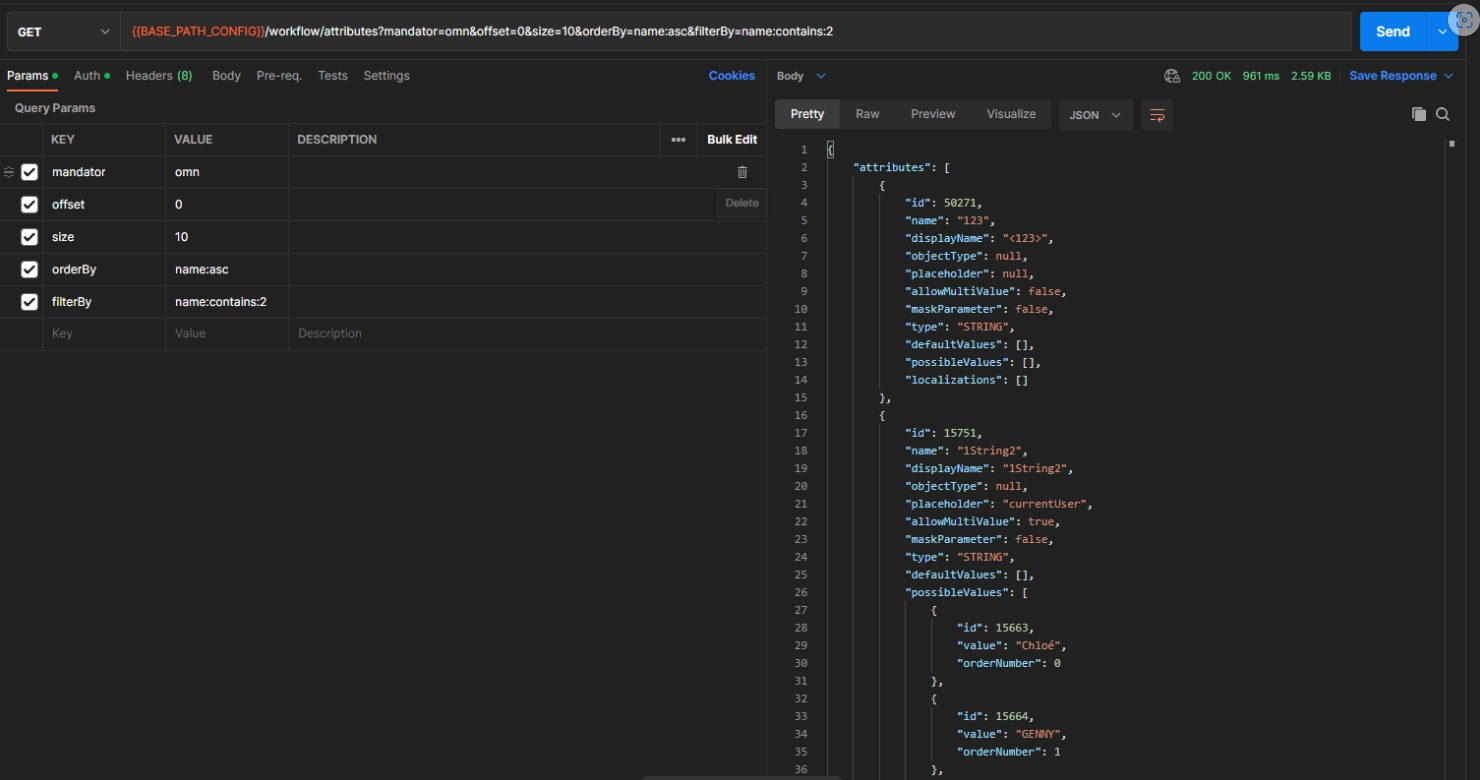
Retrieve list of available detail plugins for dashboard configuration
| References | OCA-84 |
|---|
Possibility to get lists of all available detail plugins, the can be used in the configuration of a dashboard page Plugin
-
api/config/v1/plugins/omn/allowed/detail/plugins/FSNavigation,AssetView
-
api/config/v1/plugins/omn/allowed/detail/plugins/ClassificationView,ProductView
-
api/Config/v1/Plugins/omn/allowed/Detail/Plugins/ProjectNavigation
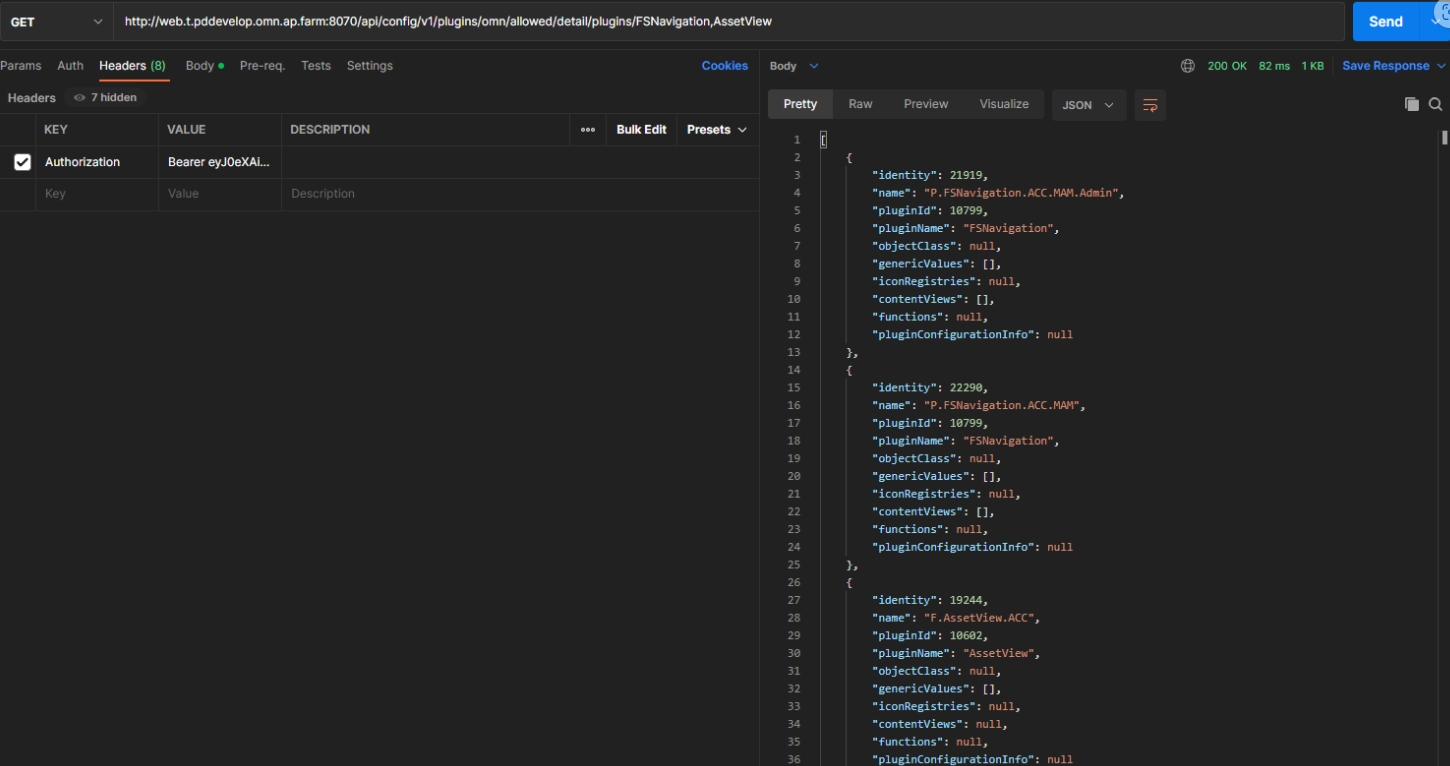
Data - Attributes - Object Type Workflow - File - Configure default value - Show preview widget for default value
| References | OCA-87 |
|---|
Possibility to get a preview asset via ConfigAPI in case the user entered a valid asset ID in workflow attribute file attribute definition modal, so the assigned asset will be displayed visually
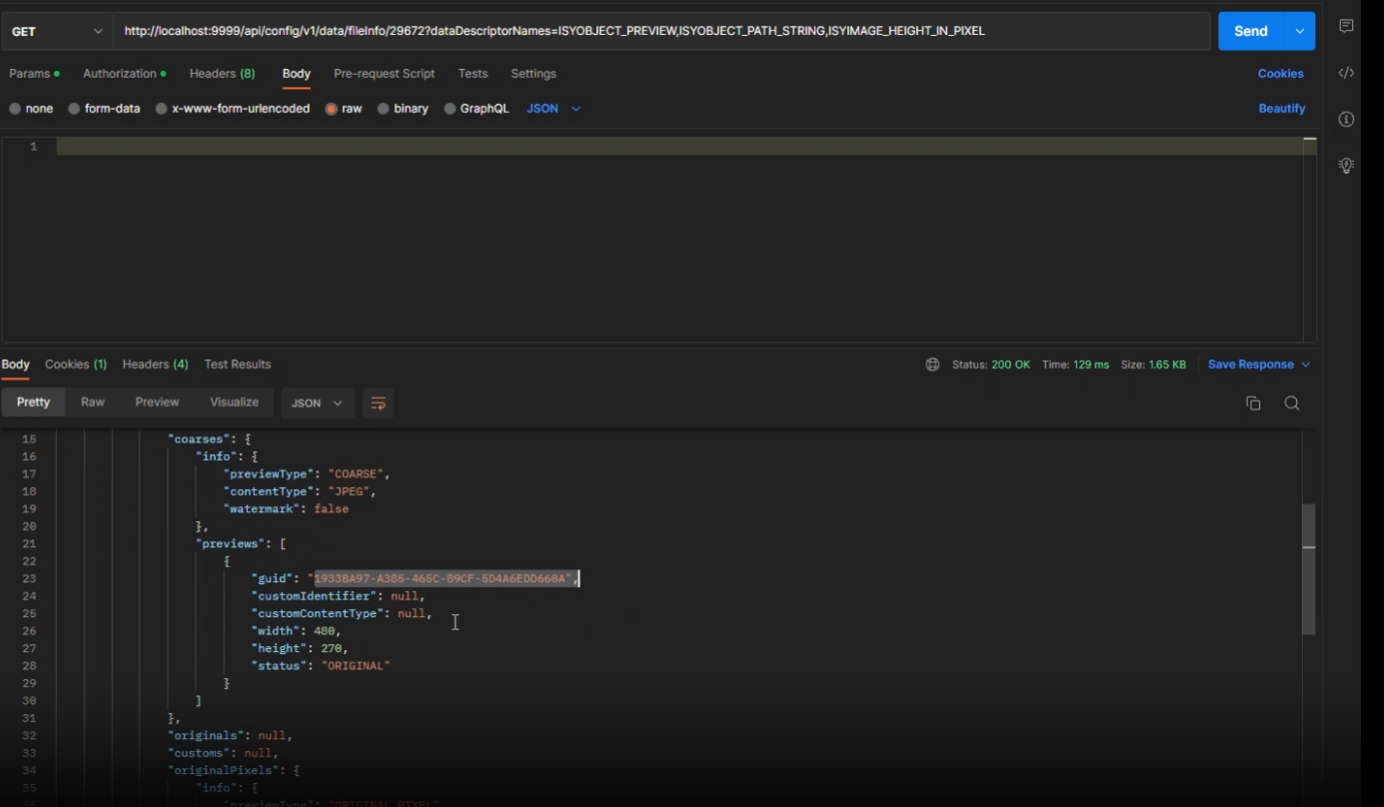
WorkflowConfig General tab Object type Subtype support REST endpoint
| References | OCA-89 |
|---|
Extension of REST endpoint for support of sub-object types in the context of workflow configuration
Validate volume identifier
| References | OCA-88 |
|---|
Possibility to get information whether a volume identifier is unique
-
method: get
-
api/config/v1/system/storages/volumes/identifier-validation?volumeIdentifier={volumeIdentifier}
Tech-Updates
Object Storage support
| References | OMN-9289, OMN-10078 |
|---|
OMN supports storage of Files on AmazonS3 based ObjectStorages
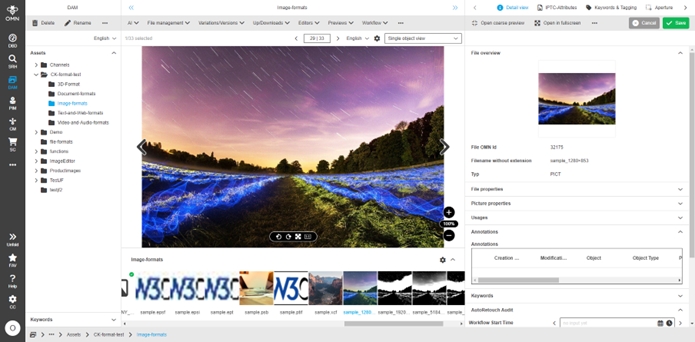
Support latest19 Oracle 19 LTS-Version
| References | OG-14038, OMN-9902, OMN-10077 |
|---|---|
Base-Requirement |
OR-783 |
Support latest19 Oracle 19 LTS-Version and Support of Oracle 18XE (Xpress)
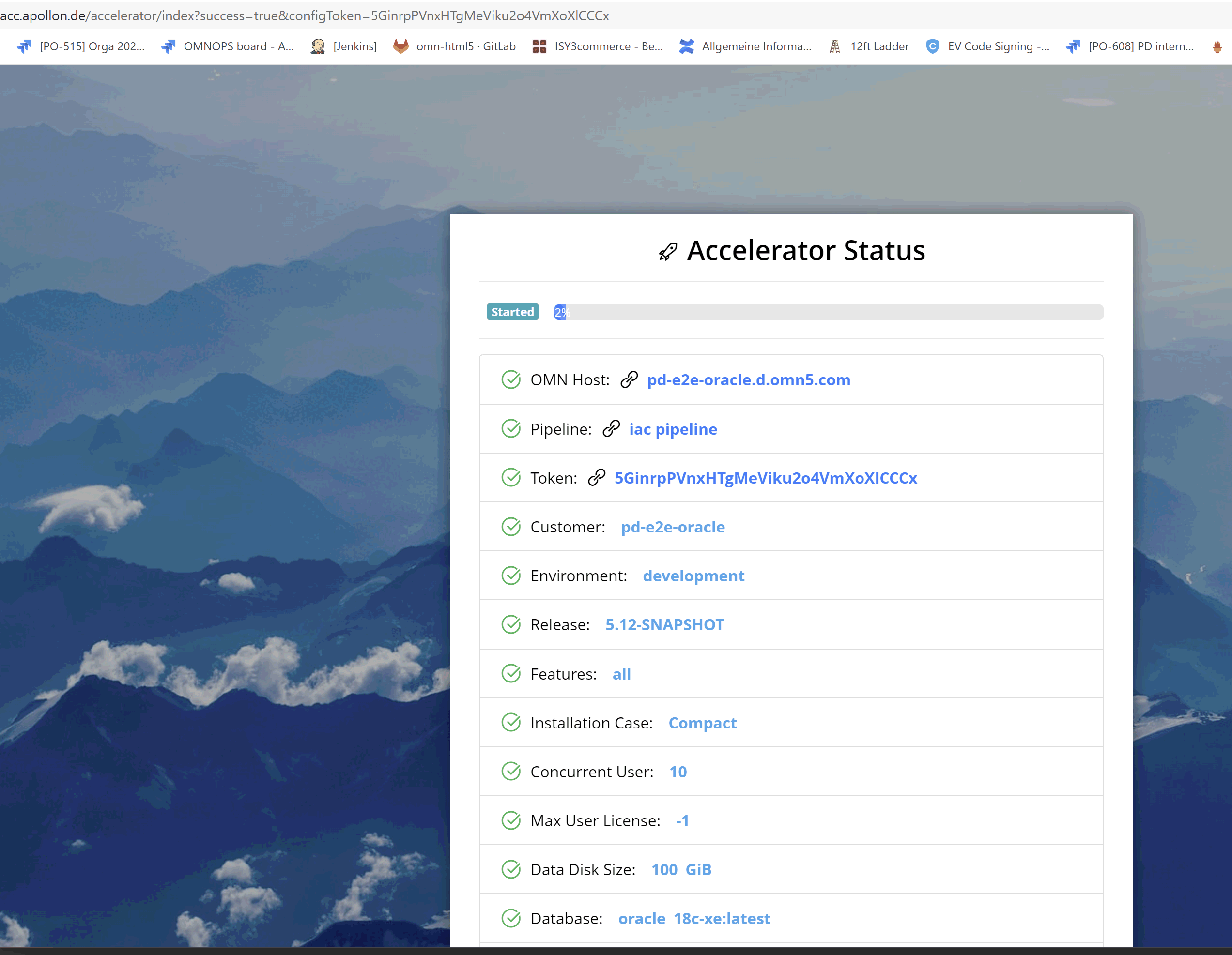
Accelerator - Changes
General
Support PostGreSQL with Accelerator
| ACC-Profile | Base, APP |
|---|---|
References |
OMNA-937 |
OMN Accelerator can now Setup OMN System on base of PostGreSQL DB (alternatively to MSSQL und Oracle)
Use new OMN product Icons for AI Functions and CI-Hub
| ACC-Profile | Base, Fashion |
|---|---|
References |
OMNA-1086 |
News icons for AI functions is used within function Dialogs
-
AI Image
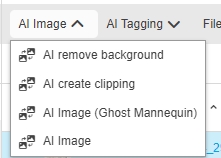
-
AI-Tagging
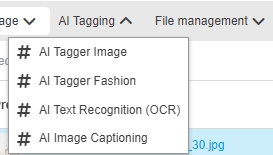
-
AI Translation
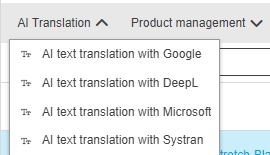
-
RNC-Optimizations
-
Possibility to Setup ACC Environment with selectable profile but without Demo Data
| ACC-Profile | APP |
|---|---|
References |
OMNA-1132, DEVOPS-13821 |
New Option in ACC AP while Setting up an accelerator environment to choose if demo data Should be included or not
-
in case of demo data will be included the pipeline will automatically deploy demo assets into new OMN installation
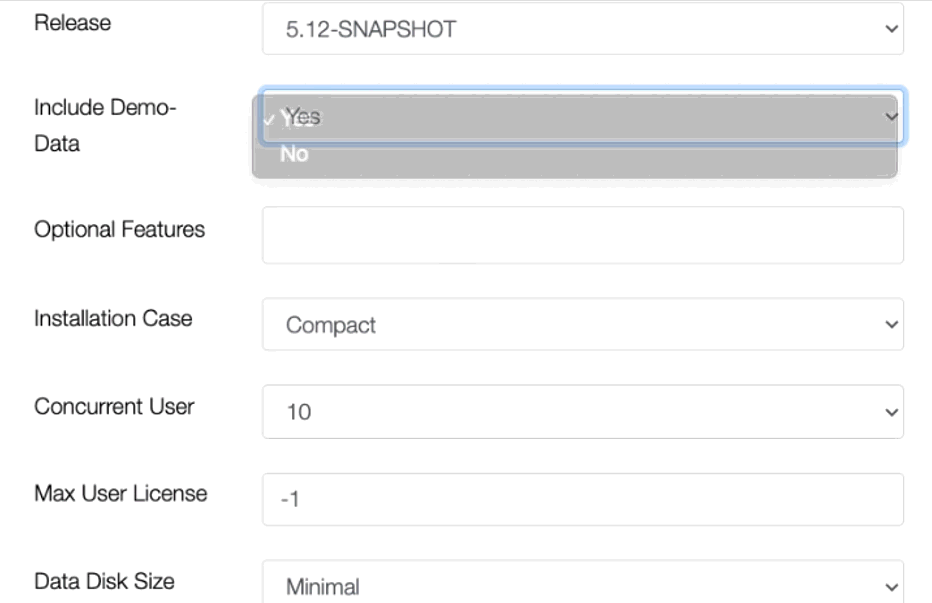
-
RNC Configuration for ACC Profiles
| ACC-Profile | Base, Optional |
|---|---|
References |
OMNA-1100 |
OMN Accelerator profile version 5.12 offers with preconfigured data Areas
-
Transfer (data Transfer area)
-
Asset-Data (for all General assets)
-
Product-Asset-data (for product assets, linked with products
-
Channel data (for channel specific assets)
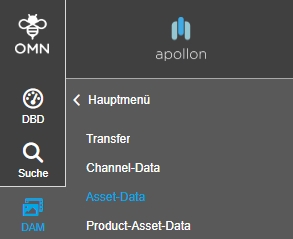
-
Improved Sort order of DAM entries in the sidebar menu
| References | OMNA-1350, Base |
|---|
Improved sort order of DAM entries in the sidebar menu
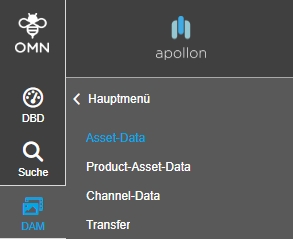
Rename Sidebar Element of Workflow
| ACC-Profile | Base |
|---|---|
References |
OMNA-1177 |
Sidebar element for Workflow is now renamed to WFM

Change Upload configuration from syncronious to asynchronious
| References | OMNA-1164, Base |
|---|
Upload works no asynchronously so that the user does not need to wait until previews are generated
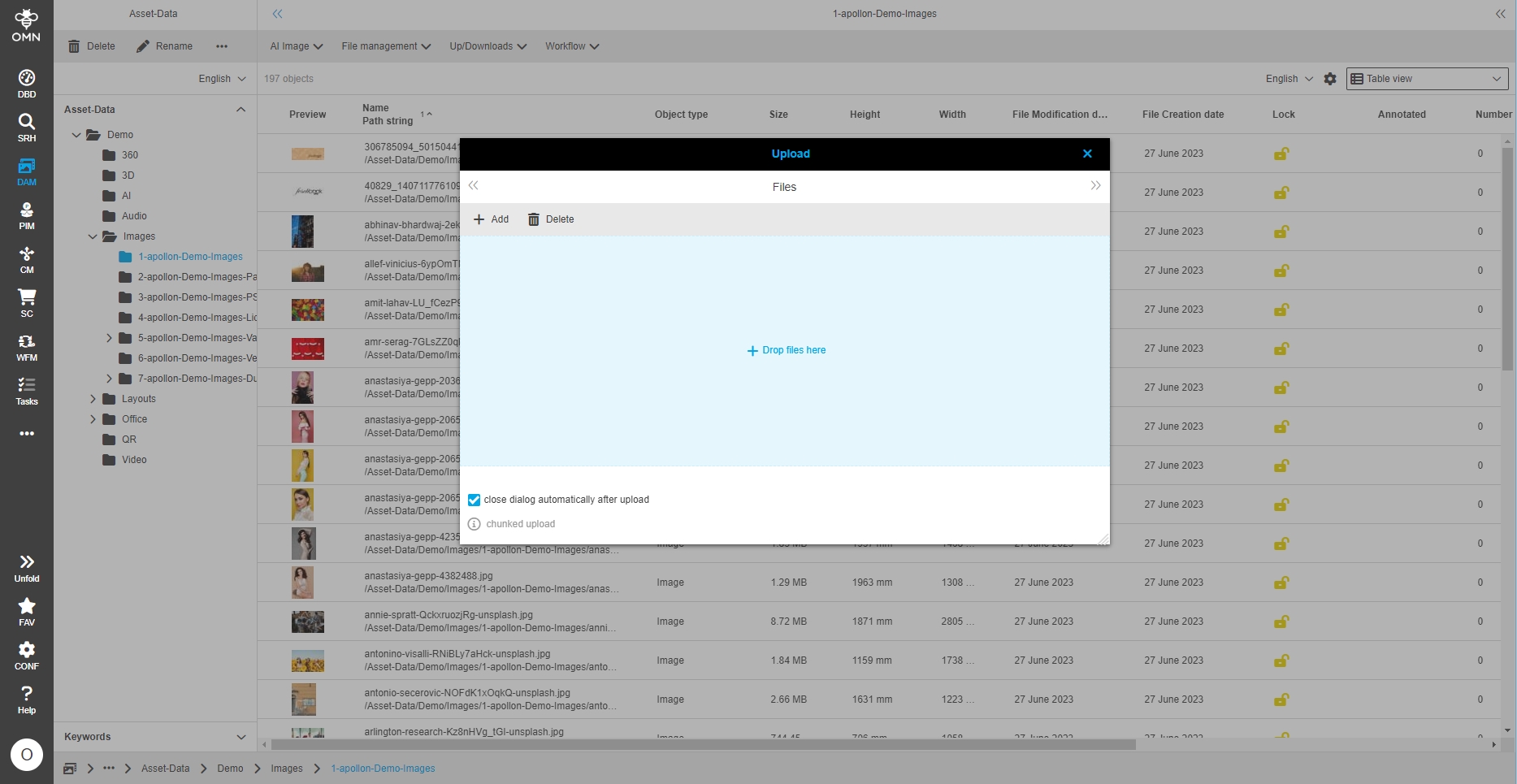
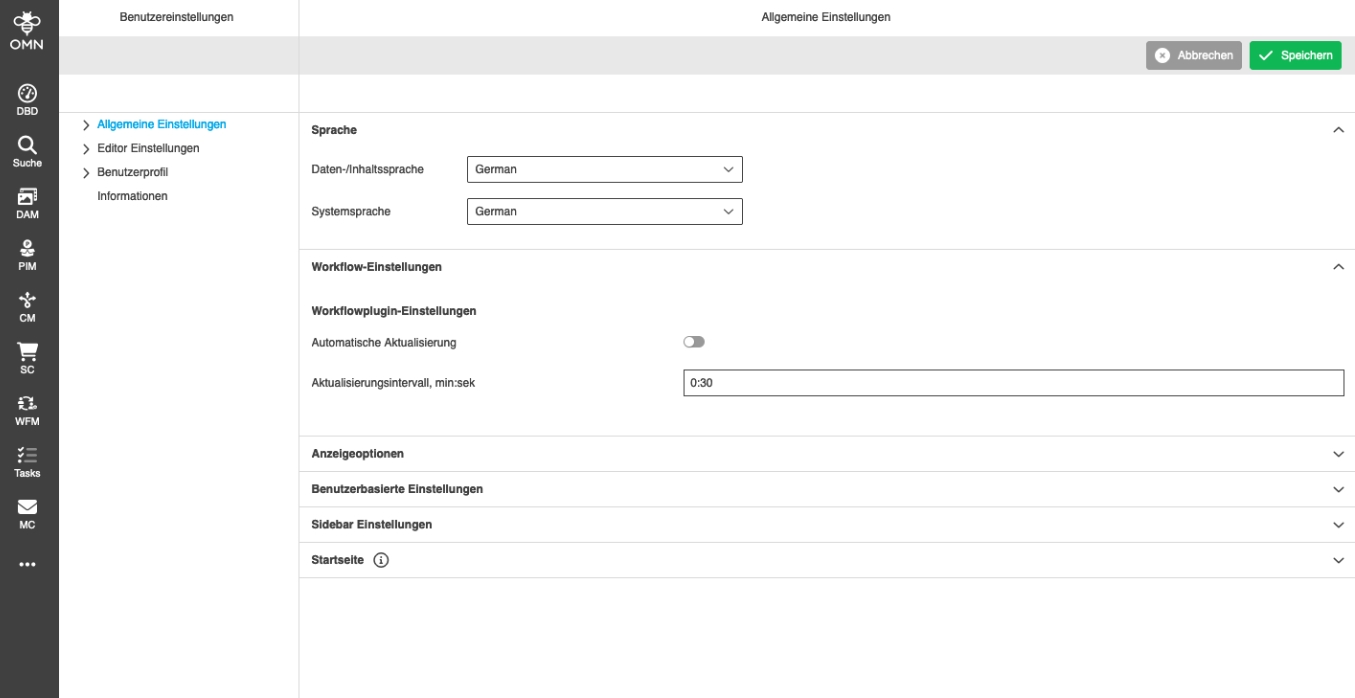
Profile-Changes
make feature 360 viewer non optional
| References | OMNA-1318 |
|---|
The current existing configuration for 360 Degree View is moved from optional to a dedicated stage in mandatory of
-
base/fashion profile
-
full feature profile
make feature annotationtool non optional
| References | OMNA-1321 |
|---|
The current existing configuration forAnnotationTool is moved from optional to a dedicated stage in mandatory of
-
base/fashion profile
-
full feature profile
make feature 3D viewer non optional
| References | OMNA-1319 |
|---|
The current existing configuration for 3D View is moved from optional to a dedicated stage in mandatory of
-
base/fashion profile
-
full feature profile
Demo-Data
Accelerator - Demodata Assets - 360
| ACC-Profile | Optional, Base |
|---|---|
References |
OMNA-1192 |
Accelerator Demo Dataset provides now example 360 Degree files
-
demo files are stored under: Demo/360
-
it is not allowed to publish or distribute the demo files
Accelerator - Demodata Assets - 3D
| ACC-Profile | Optional, Base |
|---|---|
References |
OMNA-1193 |
Accelerator Demo Dataset provides now example 3D files
-
demo files are stored under: Demo/3D
-
it is not allowed to publish or distribute the demo files
Accelerator - Demodata Assets - Audio
| ACC-Profile | Base |
|---|---|
References |
OMNA-1186 |
Accelerator Demo Dataset provides now example Audio files
Accelerator - Demodata Assets - Video
| ACC-Profile | Base, Optional |
|---|---|
References |
OMNA-1187 |
Accelerator Demo Dataset provides now example Video files
-
demo files are stored under: Demo/Video
-
it is not allowed to publish or distribute the demo files
Accelerator - Demodata Assets - QR
| ACC-Profile | Base, Optional |
|---|---|
References |
OMNA-1189 |
Accelerator Demo Dataset provides now example QRCode-files
-
demo files are stored under: Demo/QR
-
it is not allowed to publish or distribute the demo files
Accelerator - Demodata Assets - AI-Image
| ACC-Profile | Base, Optional |
|---|---|
References |
OMNA-1191 |
Accelerator Demo Dataset provides now example files for AI Image Service
-
demo files are stored under: Demo/AI/AI-Image
-
it is not allowed to publish or distribute the demo files
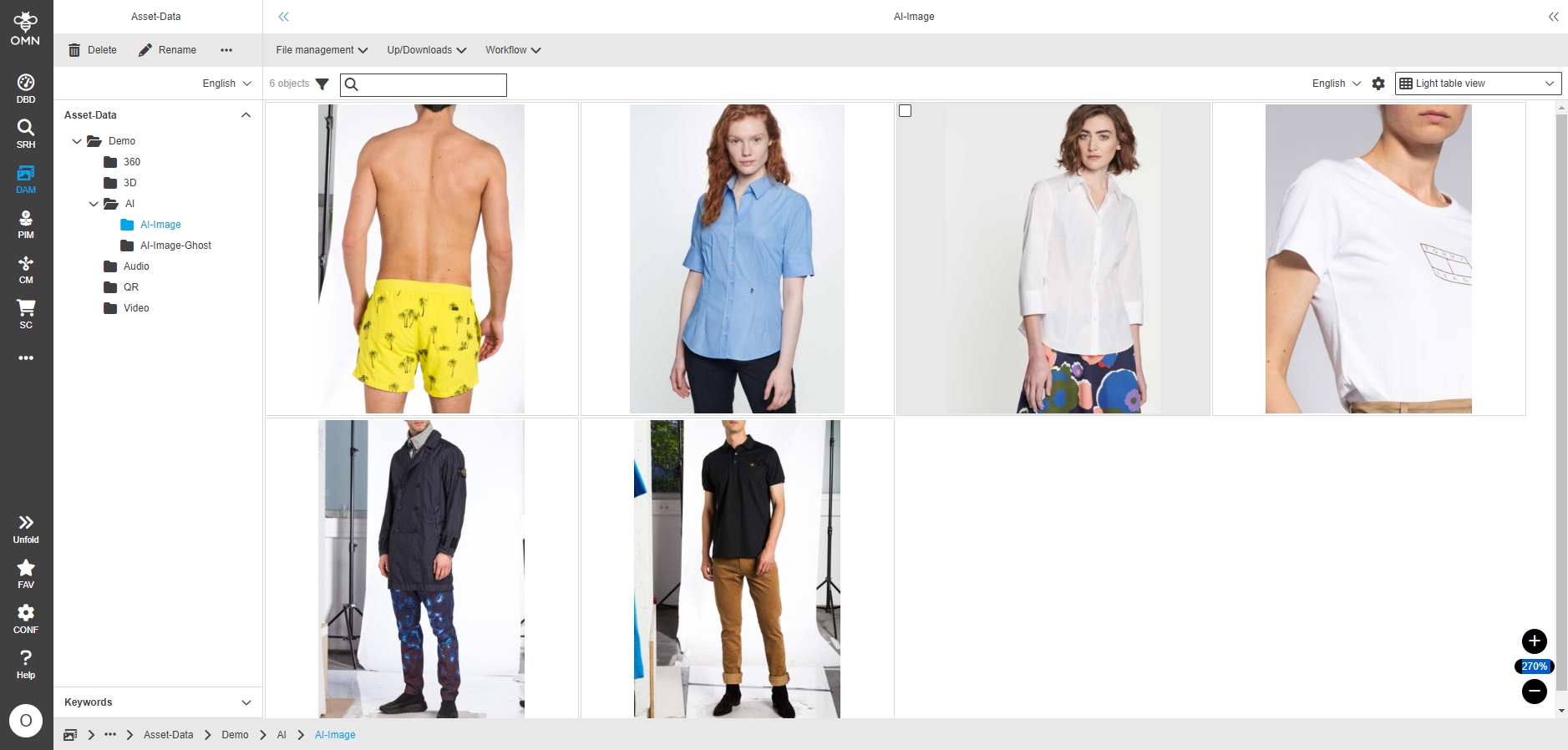
Accelerator - Demodata Assets - AI-Image-Ghost
| ACC-Profile | Base, Optional |
|---|---|
References |
OMNA-1190 |
Accelerator Demo Dataset provides now example files for AI Image Ghost Service
-
demo files are stored under: Demo/AI/AI-Image-Ghost
-
it is not allowed to publish or distribute the demo files
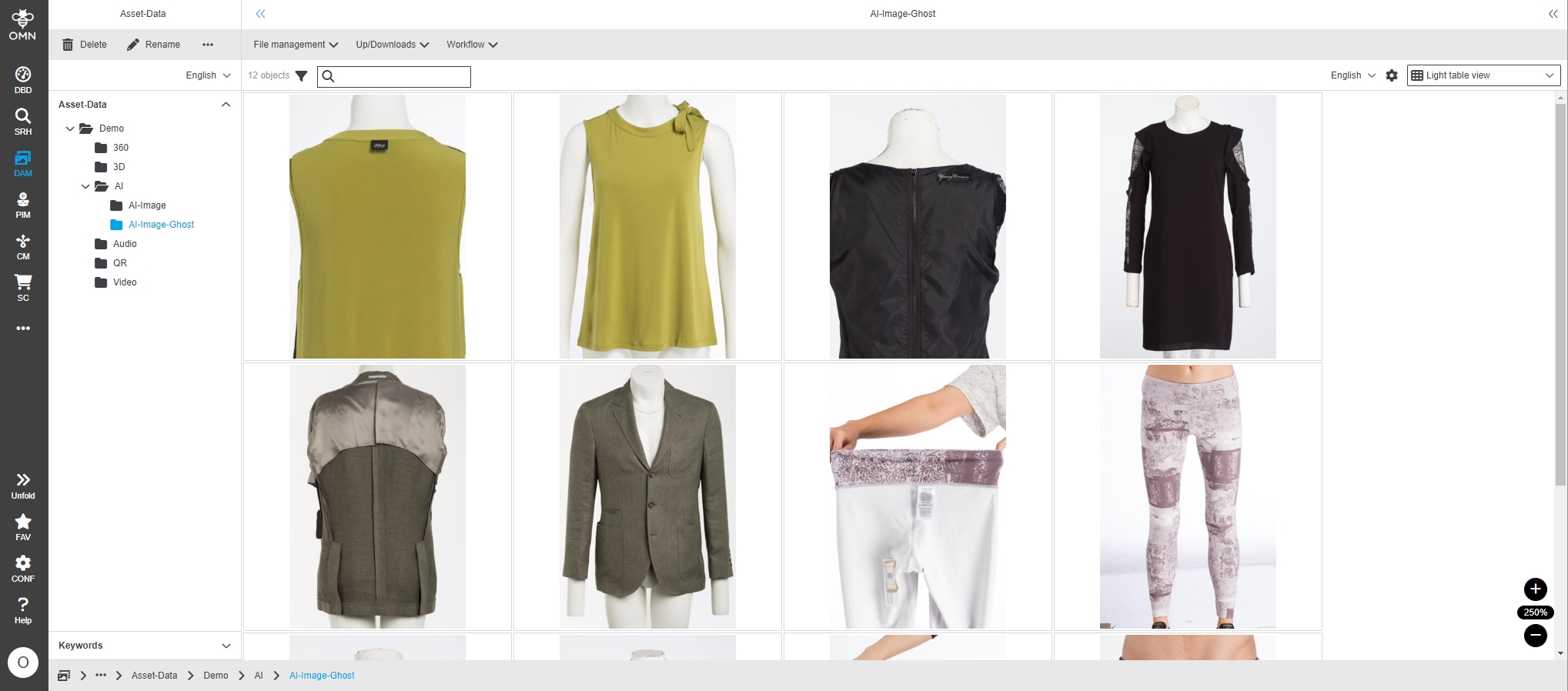
Accelerator - Demodata Assets - ImageEditor Backgrounds
| ACC-Profile | Base |
|---|---|
References |
OMNA-1188 |
Accelerator Demo Dataset provides now example files for Image Editor Backgrounds
-
files are deposit under templates / ImageEditorBackgrounds
-
it is not allowed to publish or distribute the demo files
-
Backgrounds are available in Image Editor
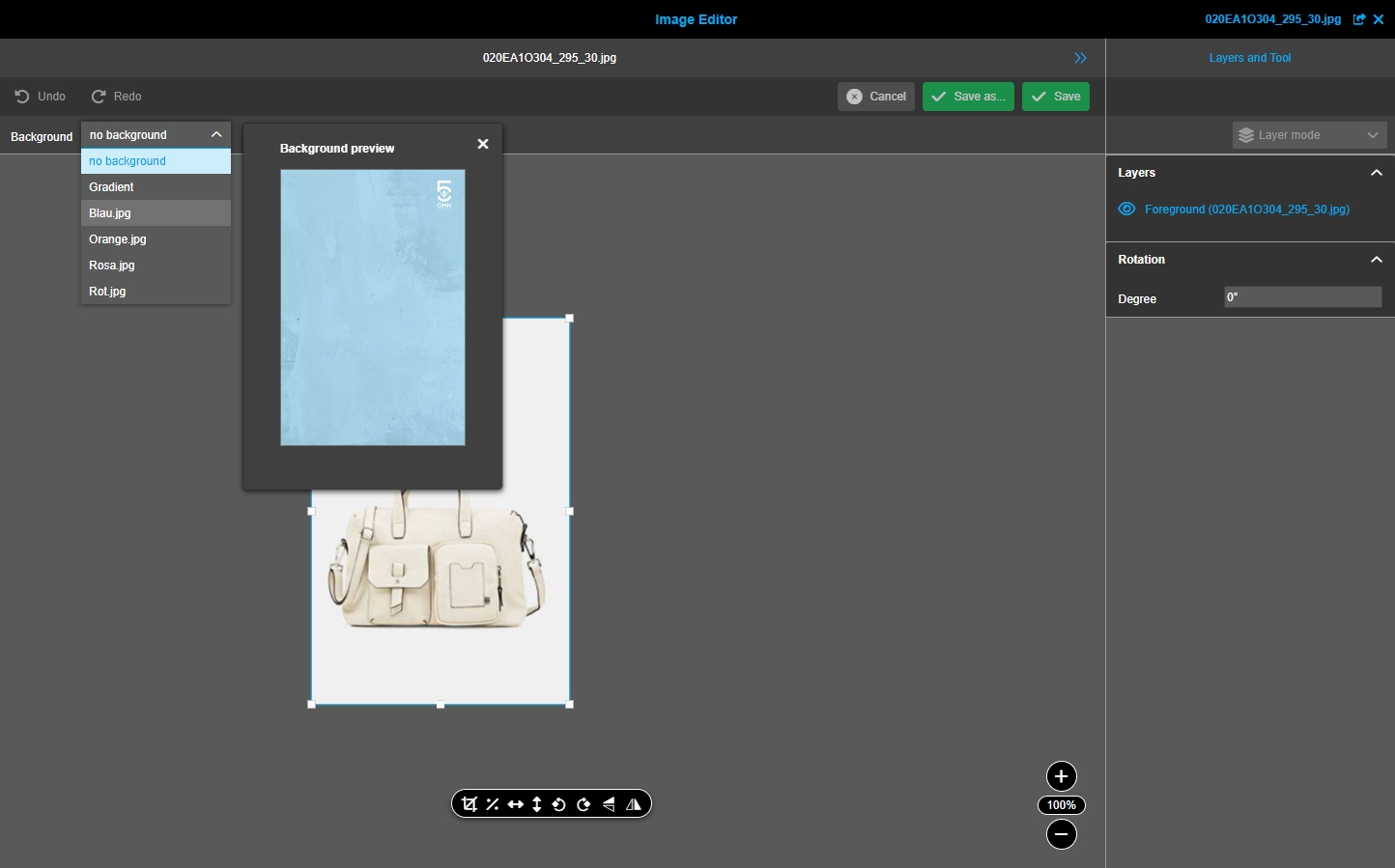
Accelerator - Demodata Assets - Images (1-General Demo Images)
| ACC-Profile | Base, Optional |
|---|---|
References |
OMNA-1211 |
Accelerator Demo Dataset provides now example files for Images
-
demo files are stored under: Demo/Images/apollon-Demoimages
-
it is not allowed to publish or distribute the demo files
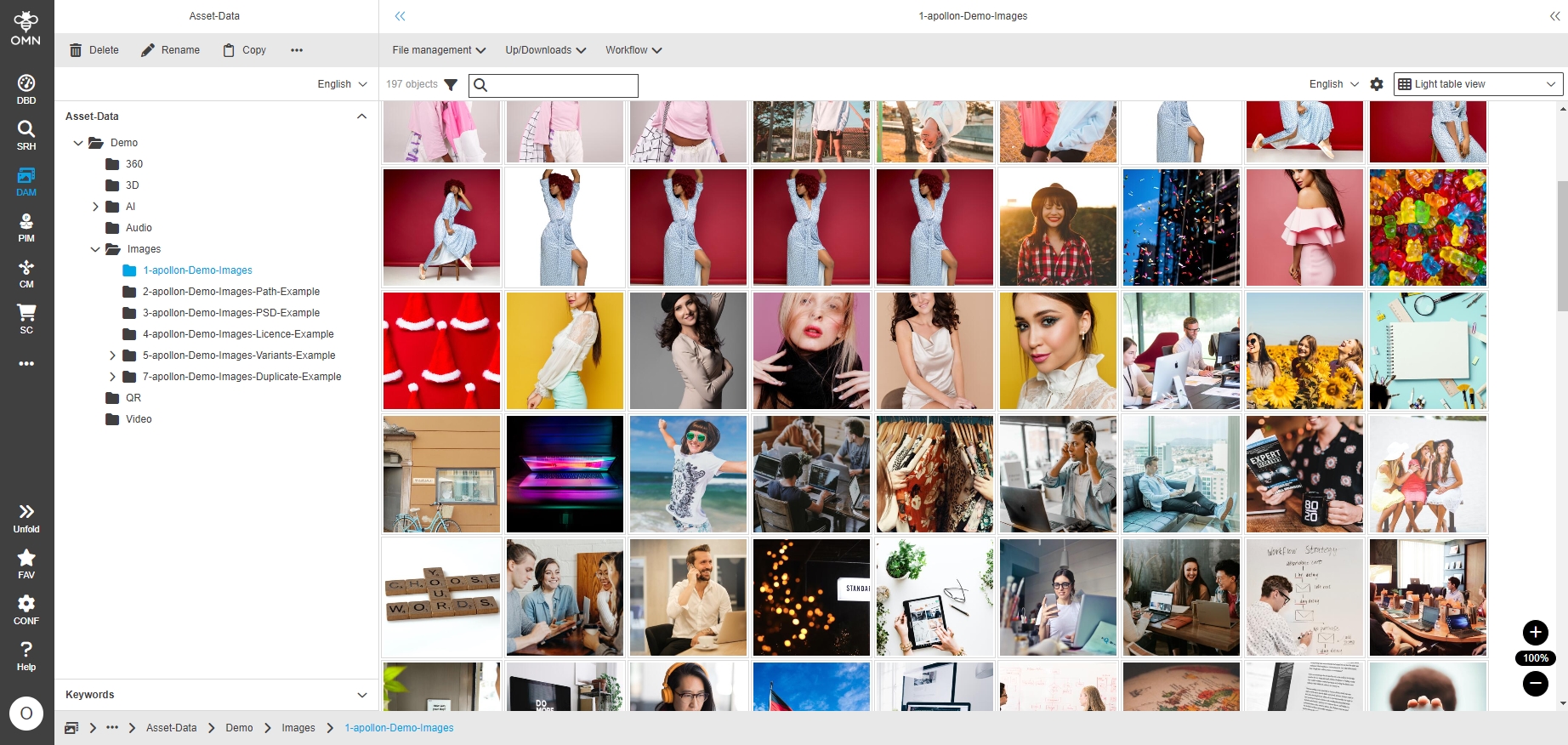
Accelerator - Demodata Assets - Images (2-apollon-Demo-Images-Path-Example)
| ACC-Profile | Base, Optional |
|---|---|
References |
OMNA-1219 |
Accelerator Demo Dataset provides now example files for Images with Clipping path
-
demo files are stored under: Demo/Images/2-apollon-Demo-Images-Path-Example
-
it is not allowed to publish or distribute the demo files
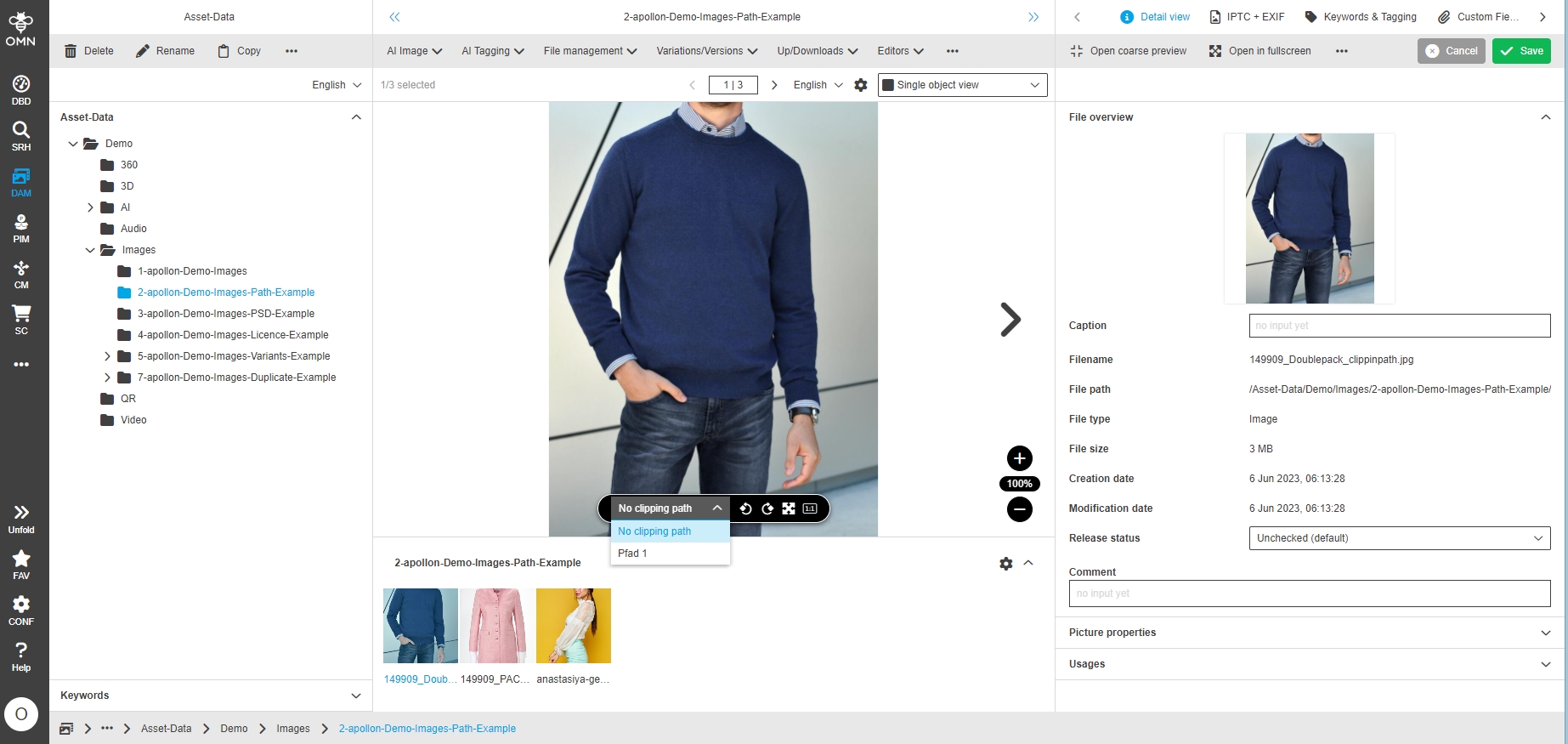
Accelerator - Demodata Assets - Images (3-apollon-Demo-Images-PSD-Example)
| ACC-Profile | Base, Optional |
|---|---|
References |
OMNA-1220 |
Accelerator Demo Dataset provides now example files for Image Composing
-
demo files are stored under: Demo/Images/3-apollon-Demo-Images-PSD-Example
-
it is not allowed to publish or distribute the demo files
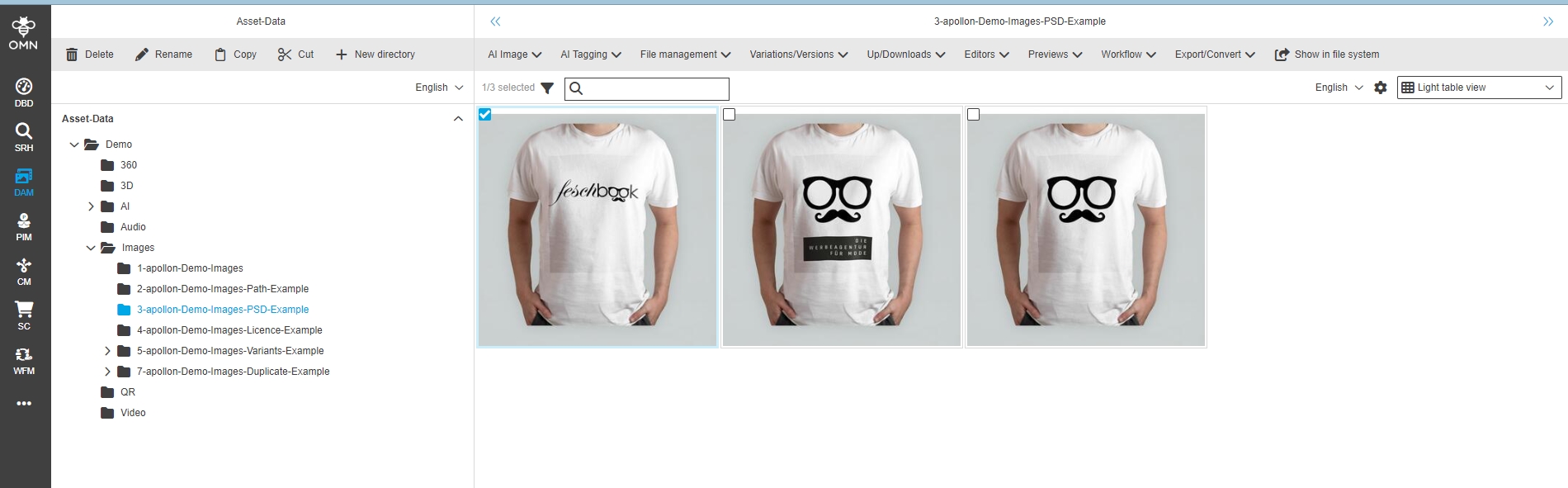
Accelerator - Demodata Assets - Images (4-apollon-Demo-Images-Licence-Example)
| ACC-Profile | Base, Optional |
|---|---|
References |
OMNA-1221 |
Accelerator Demo Dataset provides now example files for Licence Image
-
demo files are stored under: Demo/Images/4-apollon-Demo-Images-Licence-Example
-
it is not allowed to publish or distribute the demo files
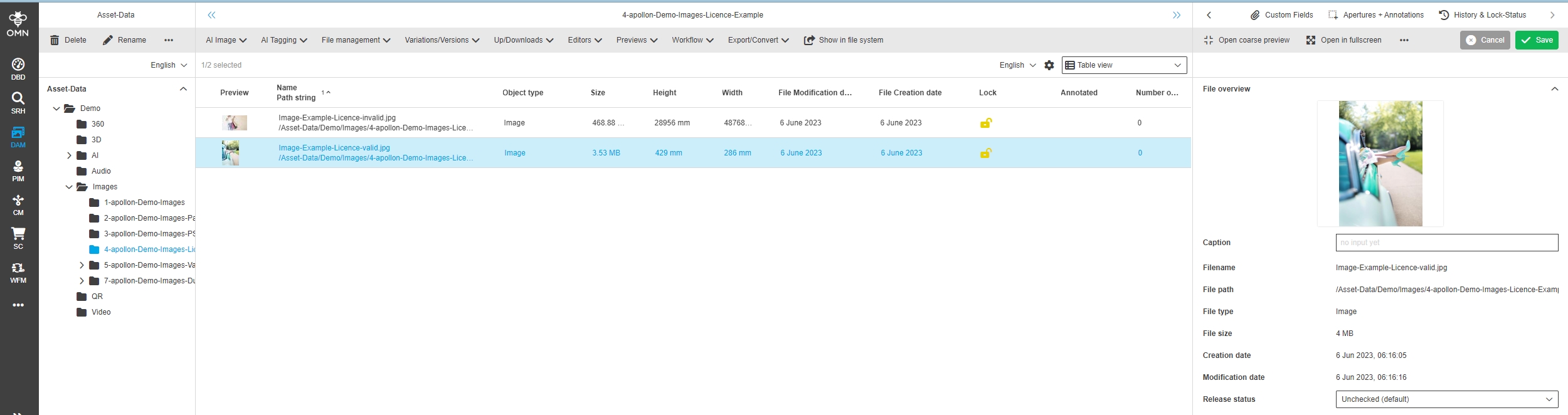
Accelerator - Demodata Assets - Images (4-apollon-Demo-Images-Licence-Example) - Provide metadata
| References | OMNA-1286, Base, Optional |
|---|
Some sample license meta data is set for example files
-
Folder: Demo/Images/4-apollon-Demo-Images-Licence-Example
-
this is just for demo purpose
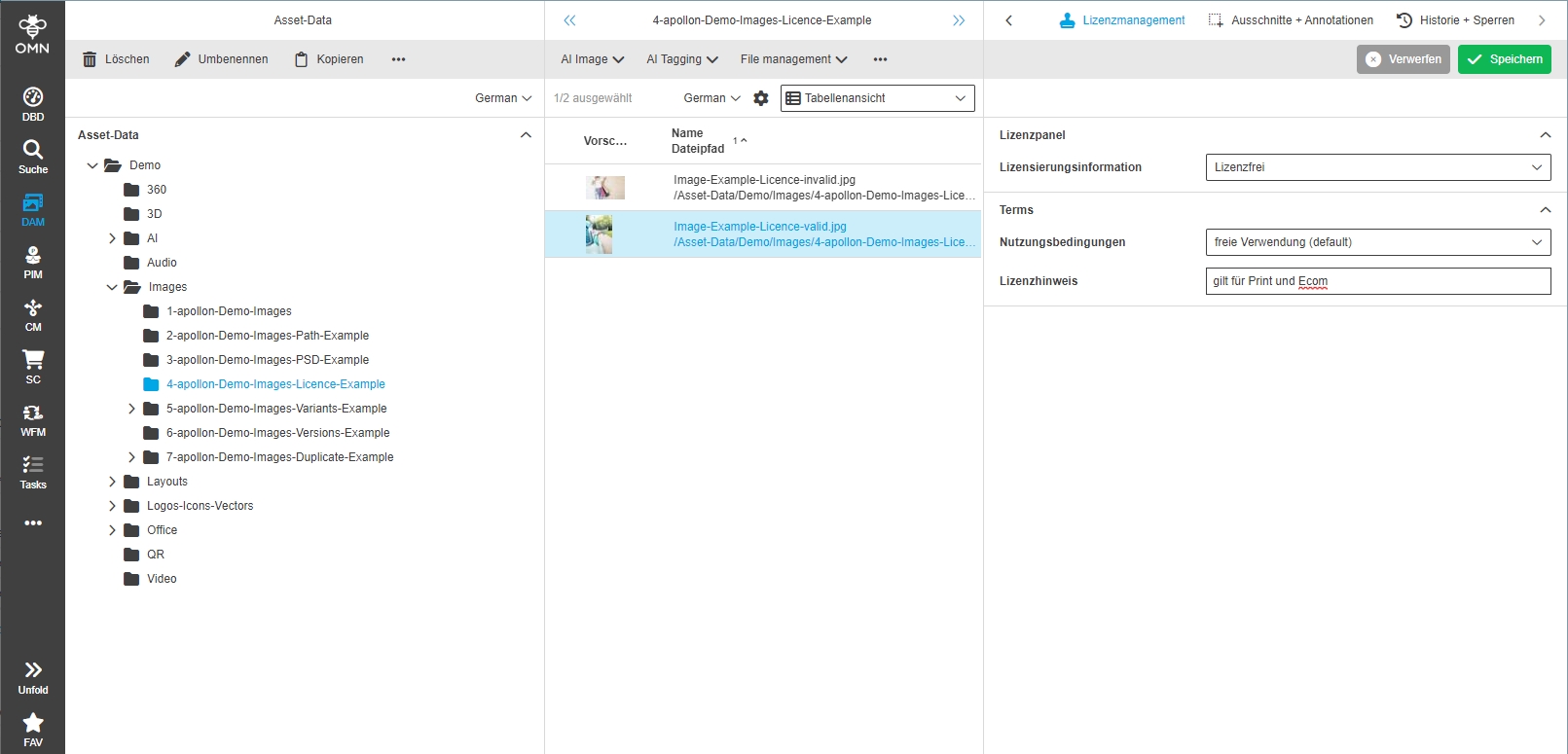
Accelerator - Demodata Assets - Images (5-apollon-Demo-Images-Variants-Example)
| ACC-Profile | Base, Optional |
|---|---|
References |
OMNA-1212 |
Accelerator Demo Dataset provides now example files for Image Variants
-
demo files are stored under: Demo/Images/5-apollon-Demo-Images-Variants-Example
-
it is not allowed to publish or distribute the demo files
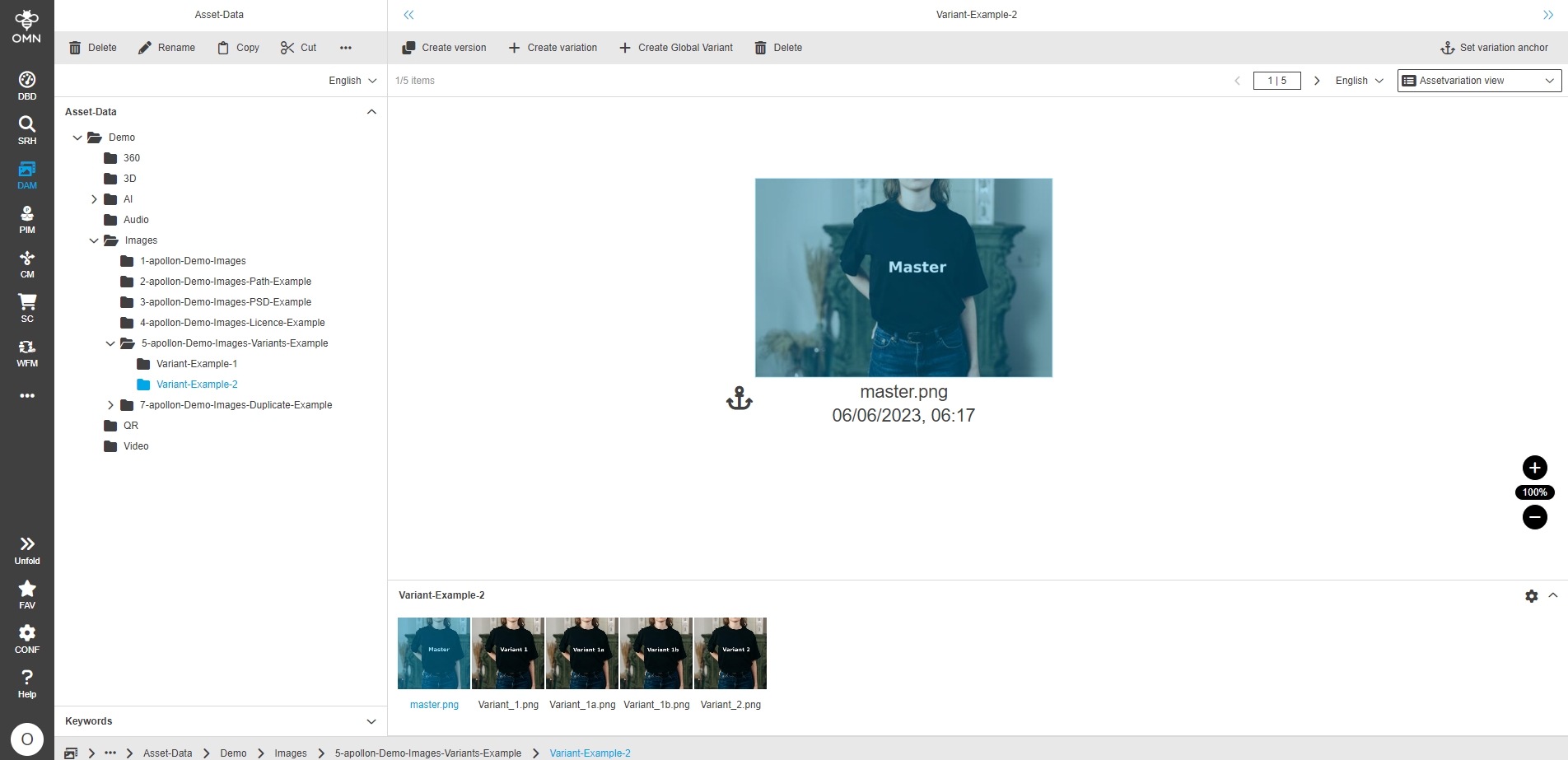
Accelerator - Demodata Assets - Images (6-apollon-Demo-Images-Versions-Example)
| ACC-Profile | Base, Optional |
|---|---|
References |
OMNA-1213 |
Accelerator Demo Dataset provides now example files for Images for File duplicates
-
demo files are stored under: Demo/Images/6-apollon-Demo-Images-Versions-Example
-
it is not allowed to publish or distribute the demo files
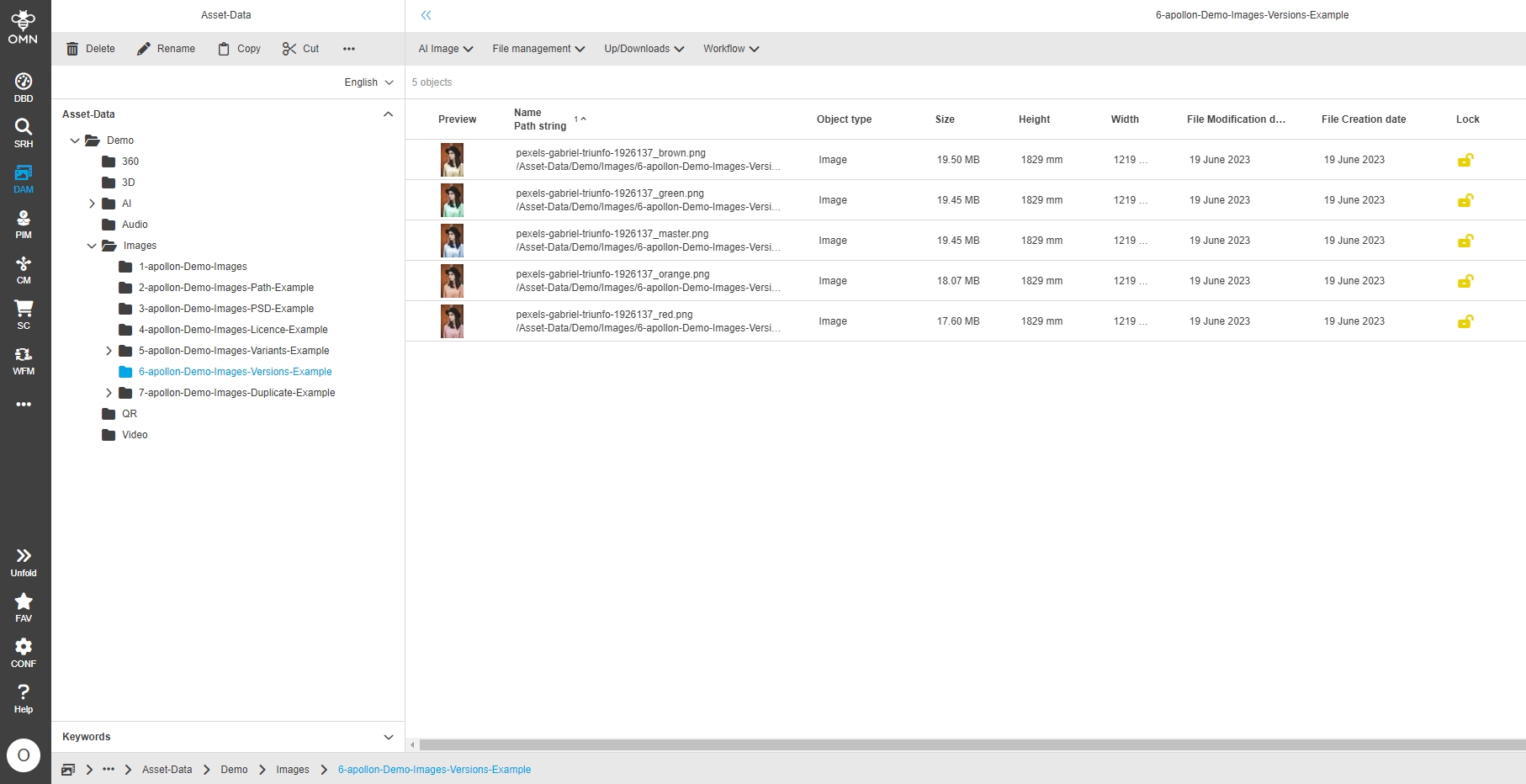
Accelerator - Demodata Assets - Images (7-apollon-Demo-Images-Duplicate-Example)
| ACC-Profile | Base, Optional |
|---|---|
References |
OMNA-1222 |
Accelerator Demo Dataset provides now example files for Images for File duplicates
-
demo files are stored under: Demo/Images/7-apollon-Demo-Images-Duplicate-Example
-
it is not allowed to publish or distribute the demo files
Accelerator - Demodata Assets - Logo Vector Icons
| ACC-Profile | Base, Optional |
|---|---|
References |
OMNA-1194 |
Accelerator Demo Dataset provides now example files for Logos, Vectors and Icons
-
demo files are stored under: Demo/Logos-Icons-Vector
-
it is not allowed to publish or distribute the demo files
Icons
Logos
Vectors
Accelerator - Demodata Assets - Layouts (Indesign, PDF, Illustrator)
| ACC-Profile | Base, Optional |
|---|---|
References |
OMNA-1195 |
Accelerator Demo Dataset provides now example files for Layouts
-
demo files are stored under: Demo/Layouts and subfolders
-
it is not allowed to publish or distribute the demo files
Accelerator - Demodata Assets - Office (XLS PPT Word)
| ACC-Profile | Base, Optional |
|---|---|
References |
OMNA-1196 |
Accelerator Demo Dataset provides now example files for Office documents
-
demo files are stored under: demo files are stored under: accelerator-data/Datenstruktur Minio/Fileformats/Office
-
it is not allowed to publish or distribute the demo files
Move Product Assets into new RNC for channel-relatedimages on base of Minio
| References | OMNA-1200, Base |
|---|
Channel related demo assets are now stored in new RNC for channel-related images on base of Minio
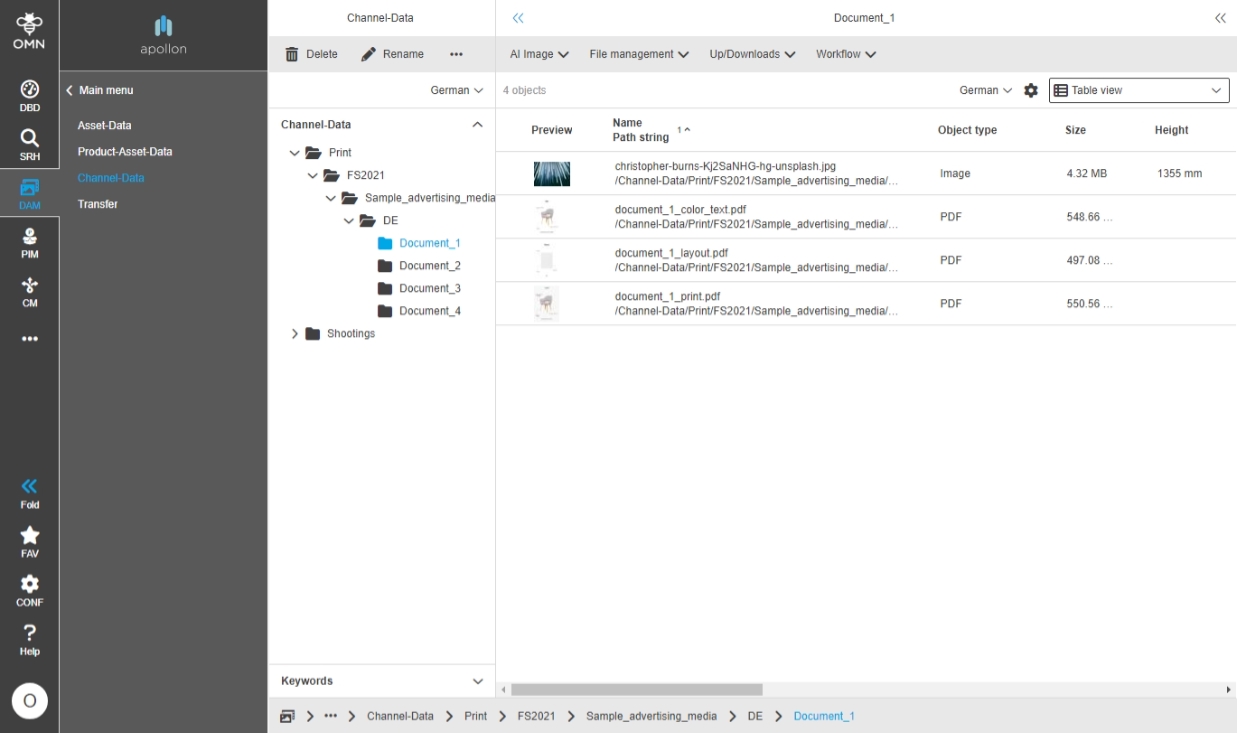
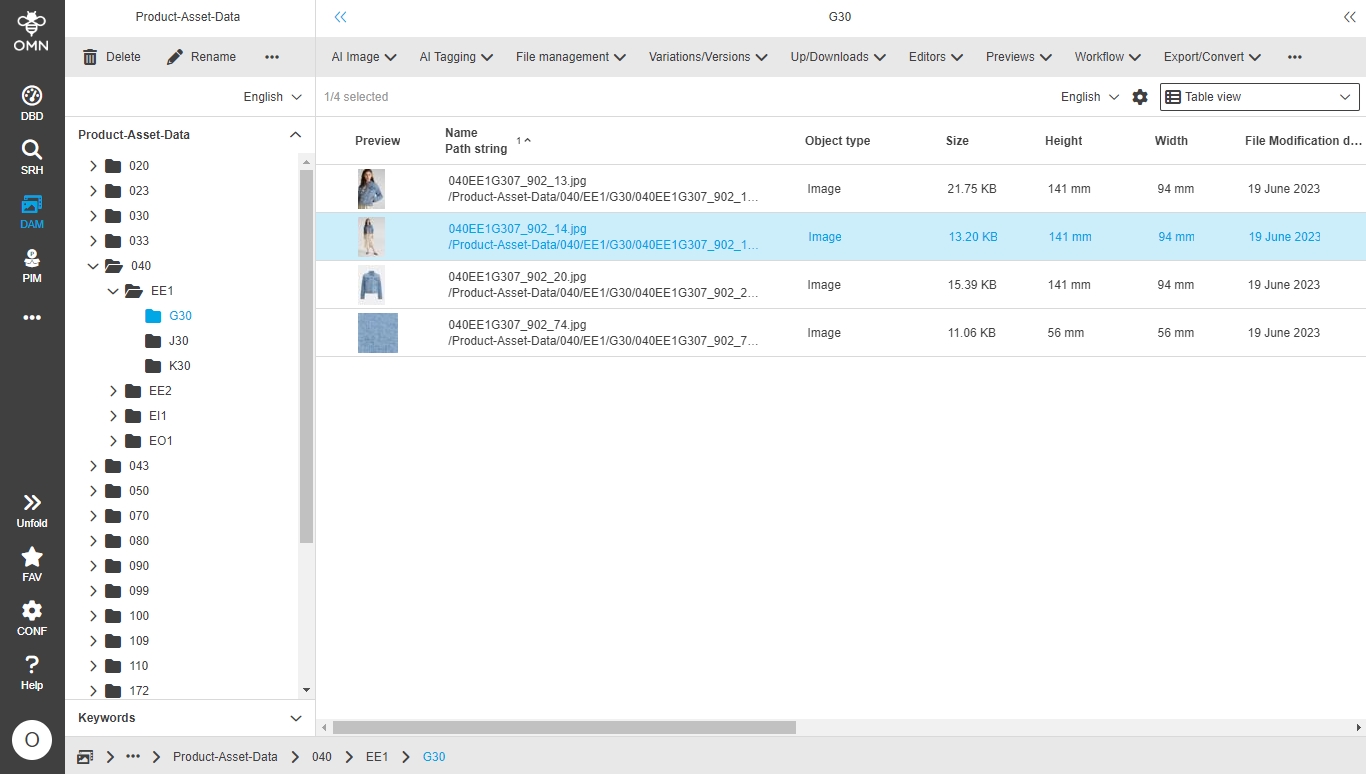
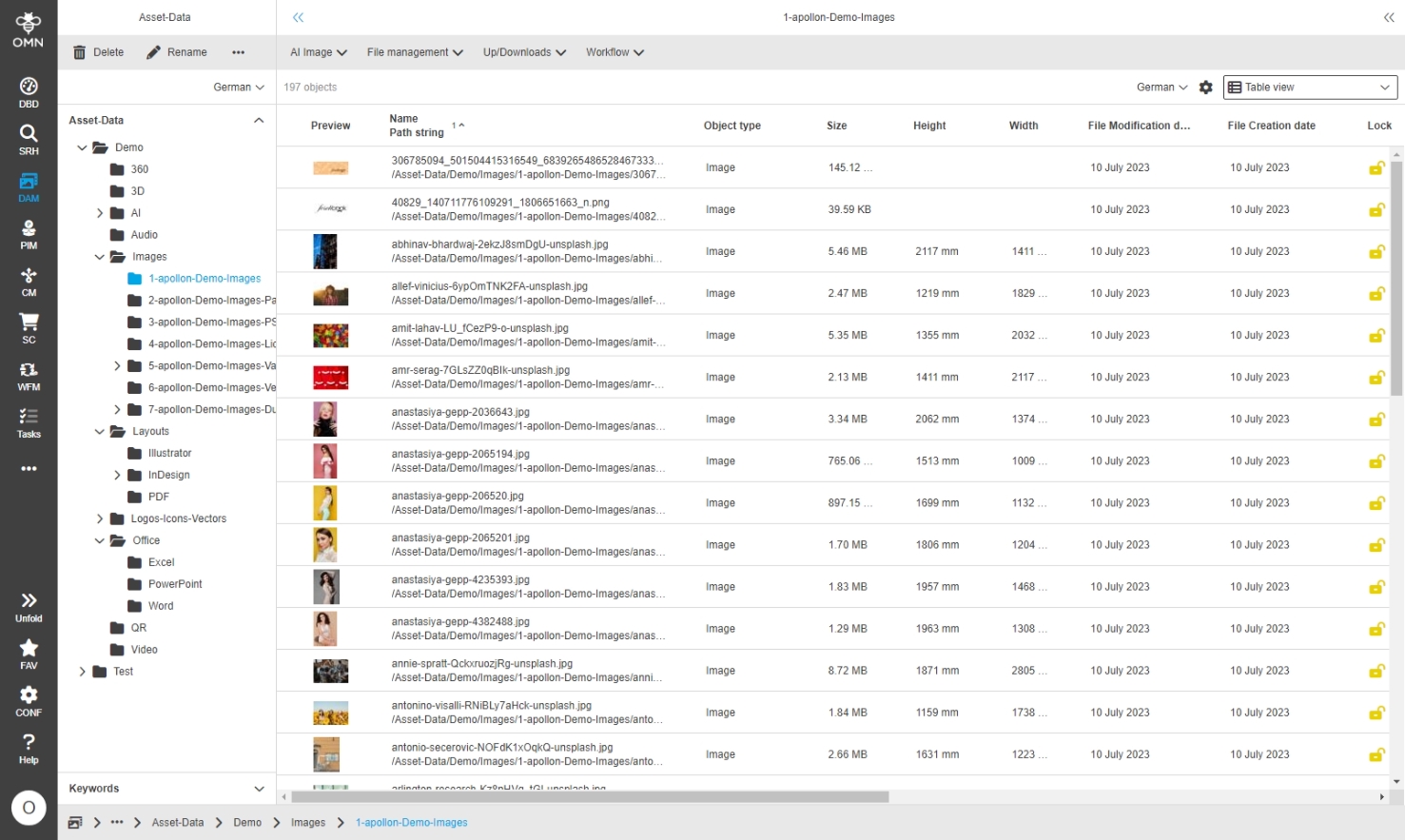
DAM
Navigation
-
Reorganize Function groups and its functions in DAM
| ACC-Profile | Base |
|---|---|
References |
OMNA-1103 |
Function groups and Functions are reorganized in a more logical way
| beside reorganization new functions are added in 5.12 profile |
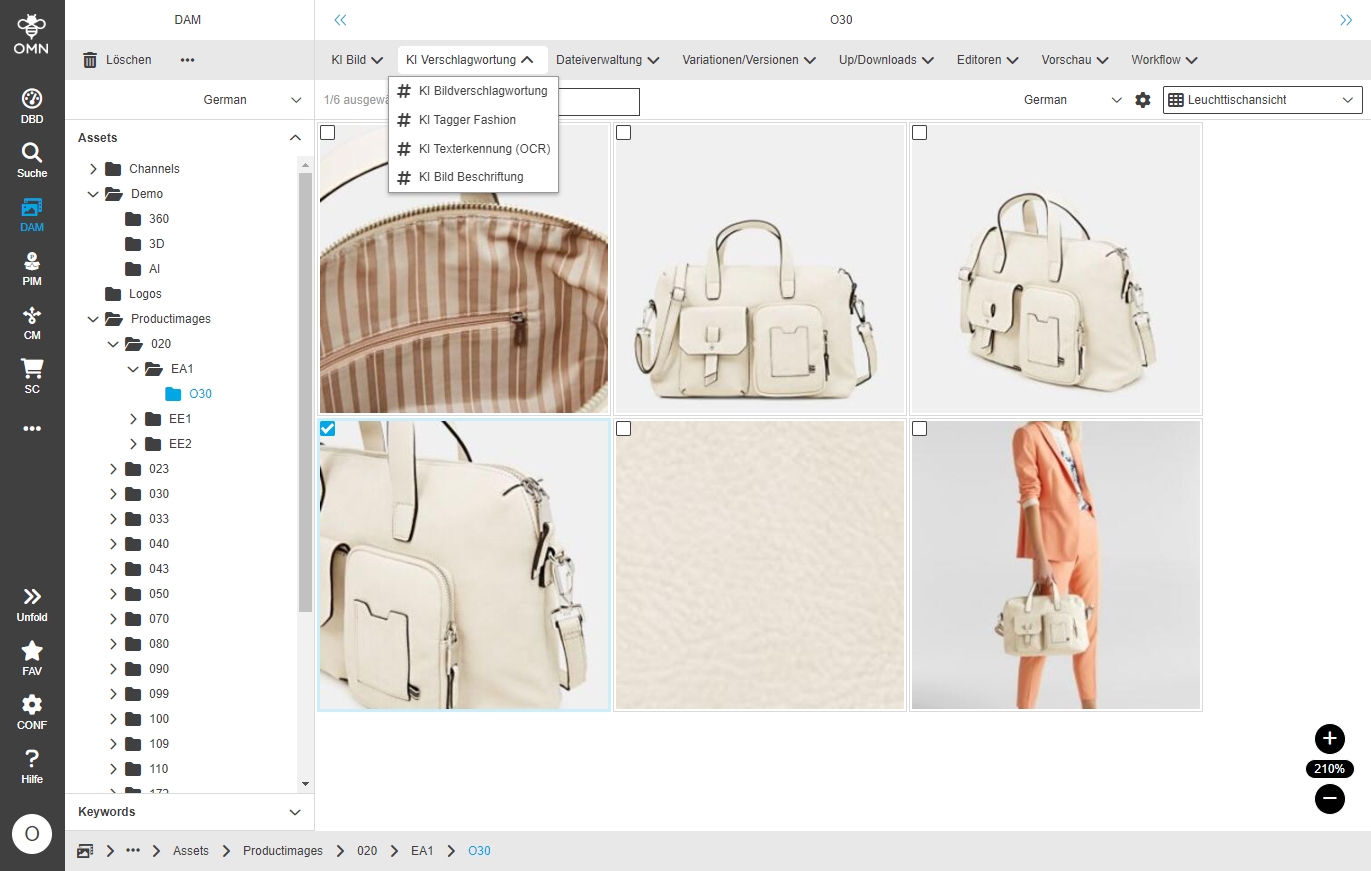
-
Add Data Inbox in ACC Base
| ACC-Profile | Base |
|---|---|
References |
OMNA-1087 |
New data area with possibility to provide data in Online Media Net transfer area without having to know my way around the entire file structure
-
available unter DAM/Transfer
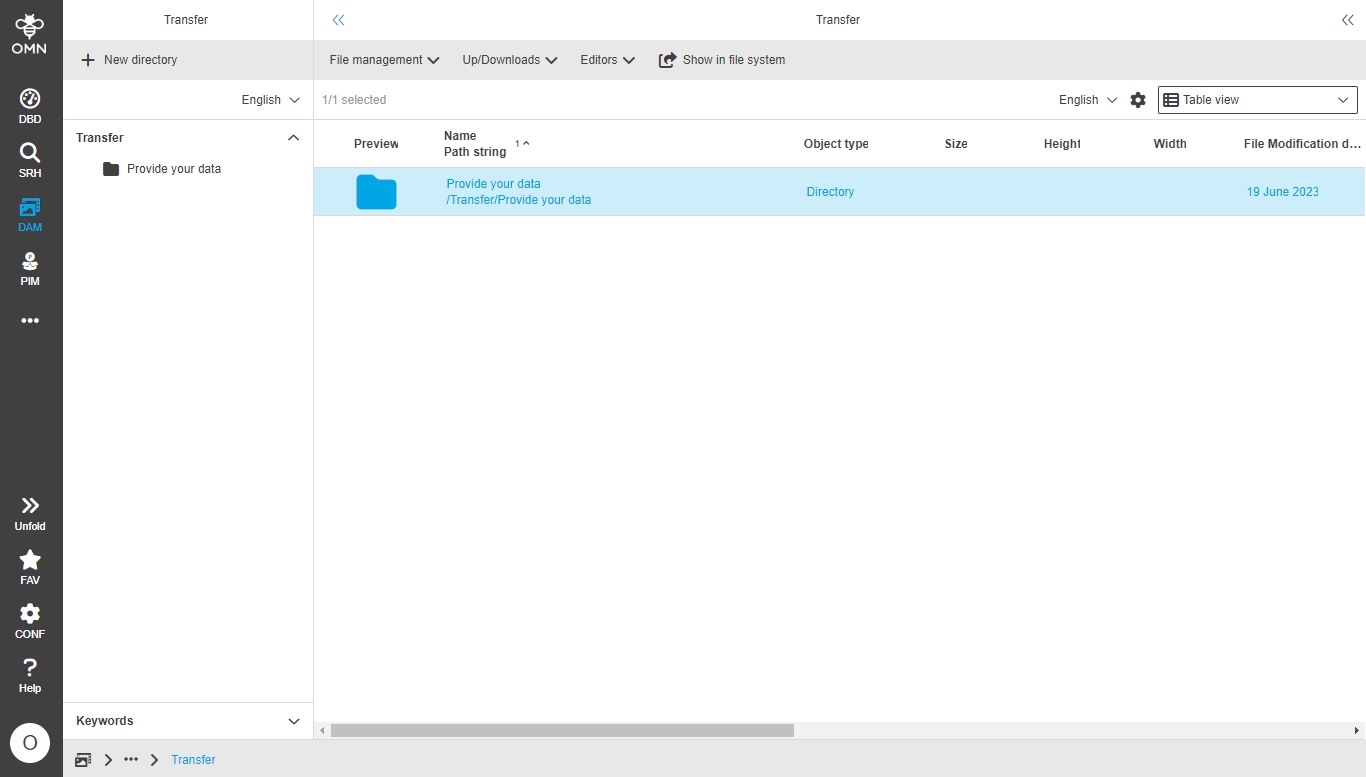
-
Lighttable - extension of available attributes
| ACC-Profile | Base |
|---|---|
References |
OMNA-969 |
Select and deselect standard attributes that are available in the FS detail also in the light table view so that the user can adjust the lighttable view to his needs
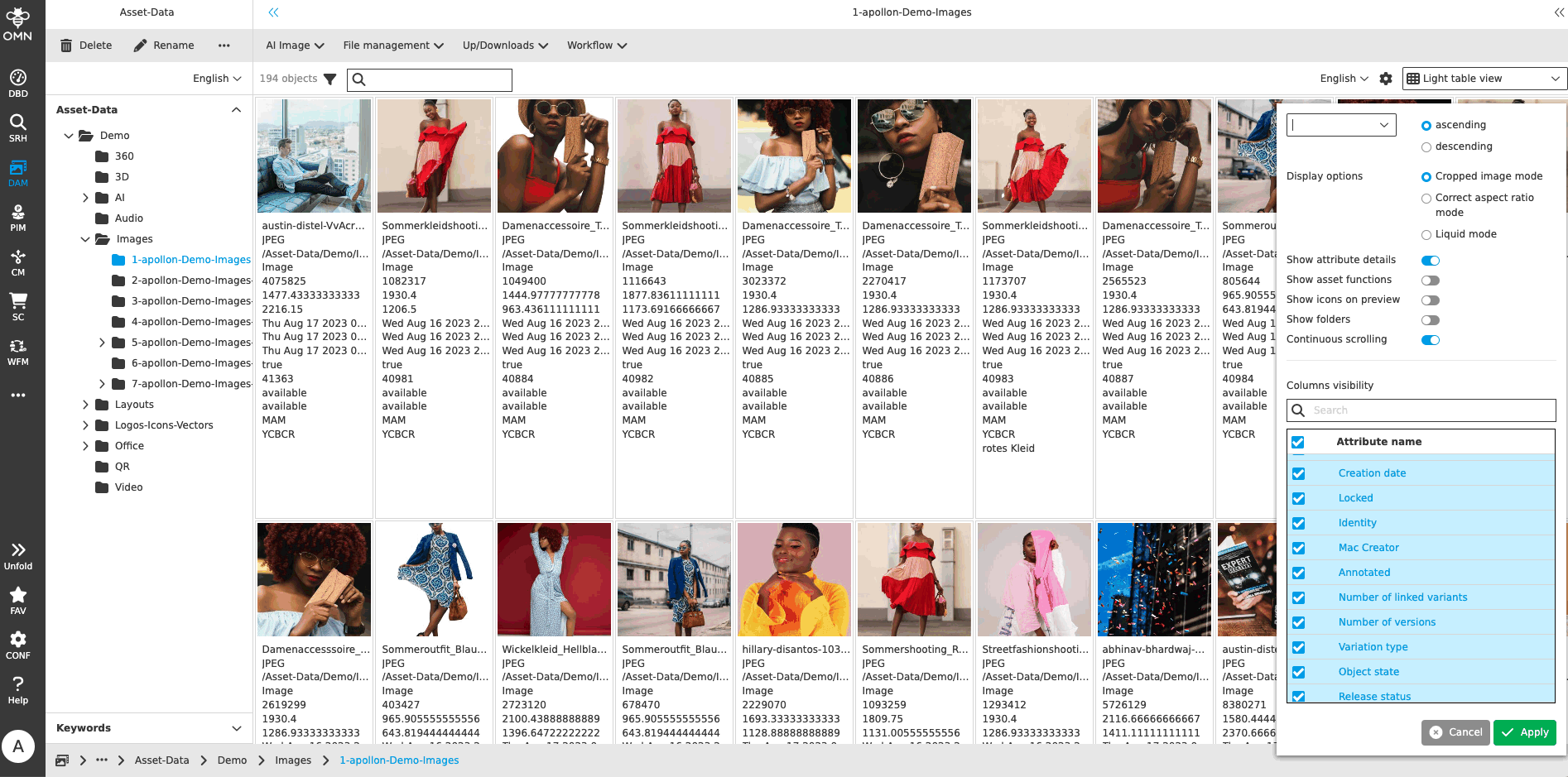
-
Adjustment FSTable DAM
| References | OMNA-1115, Base |
|---|
Possibility to select and deselect standard attributes that are available in the Detail also in the table view
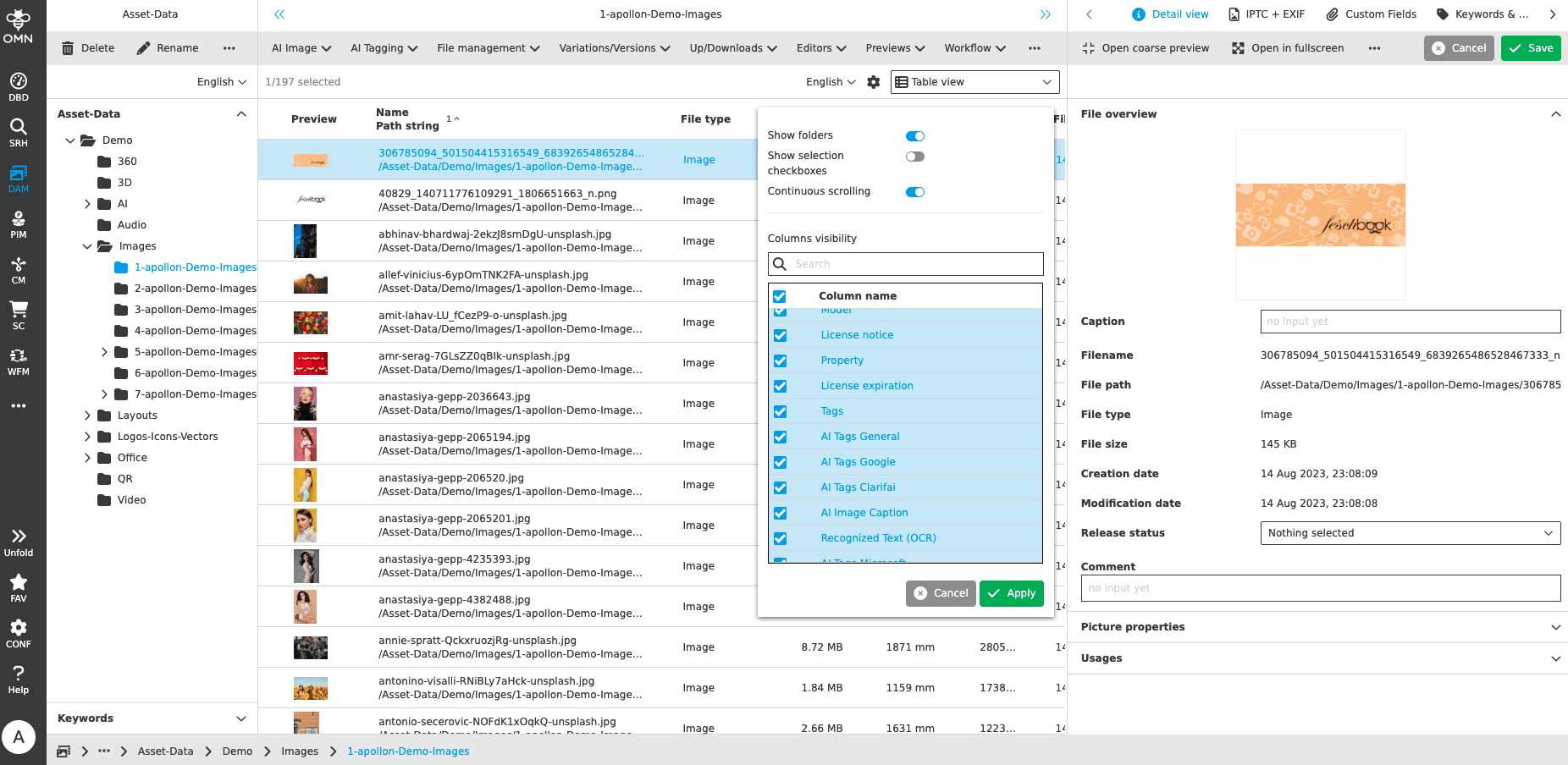
-
Configuration of Double-click function for FSNavigation TableView
| ACC-Profile | Base |
|---|---|
References |
OMNA-1169 |
AssetView will be open when using double-click function in FSNavigation Table Content View on Preview Icon
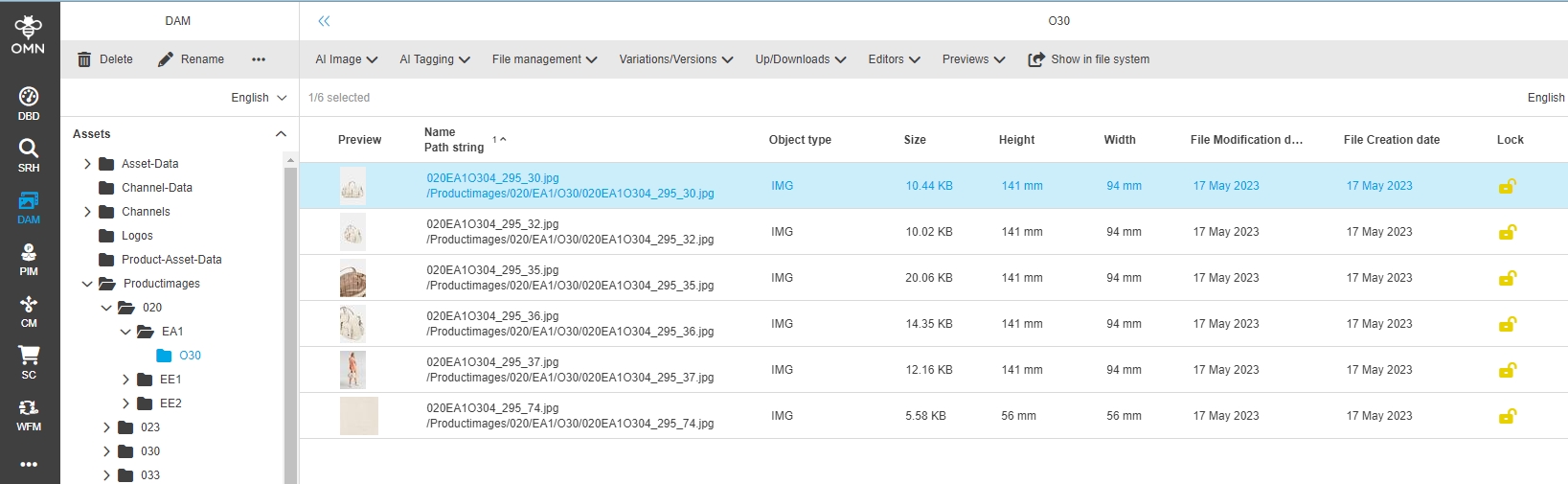
-
Functions Filesystem Admin view
| References | OMNA-1293, Base |
|---|
The DAM Admin View contains same function Groups and functions as in normal DAM Navigation
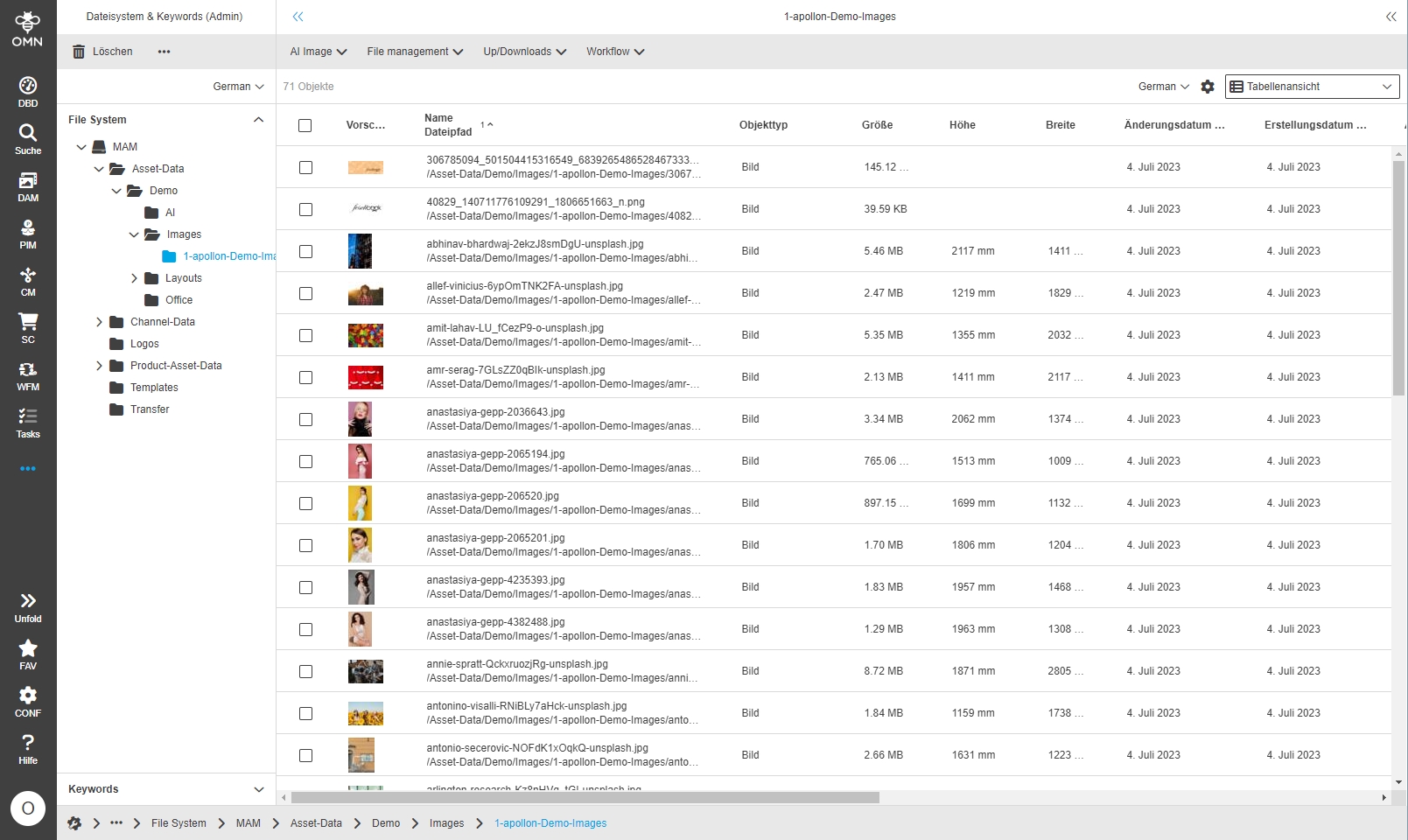
-
Localization of Checkout Function and Lock Status
| References | OMNA-1116, Base |
|---|
Improved localization of Checkout Function and Lock Status
-
Checkout function
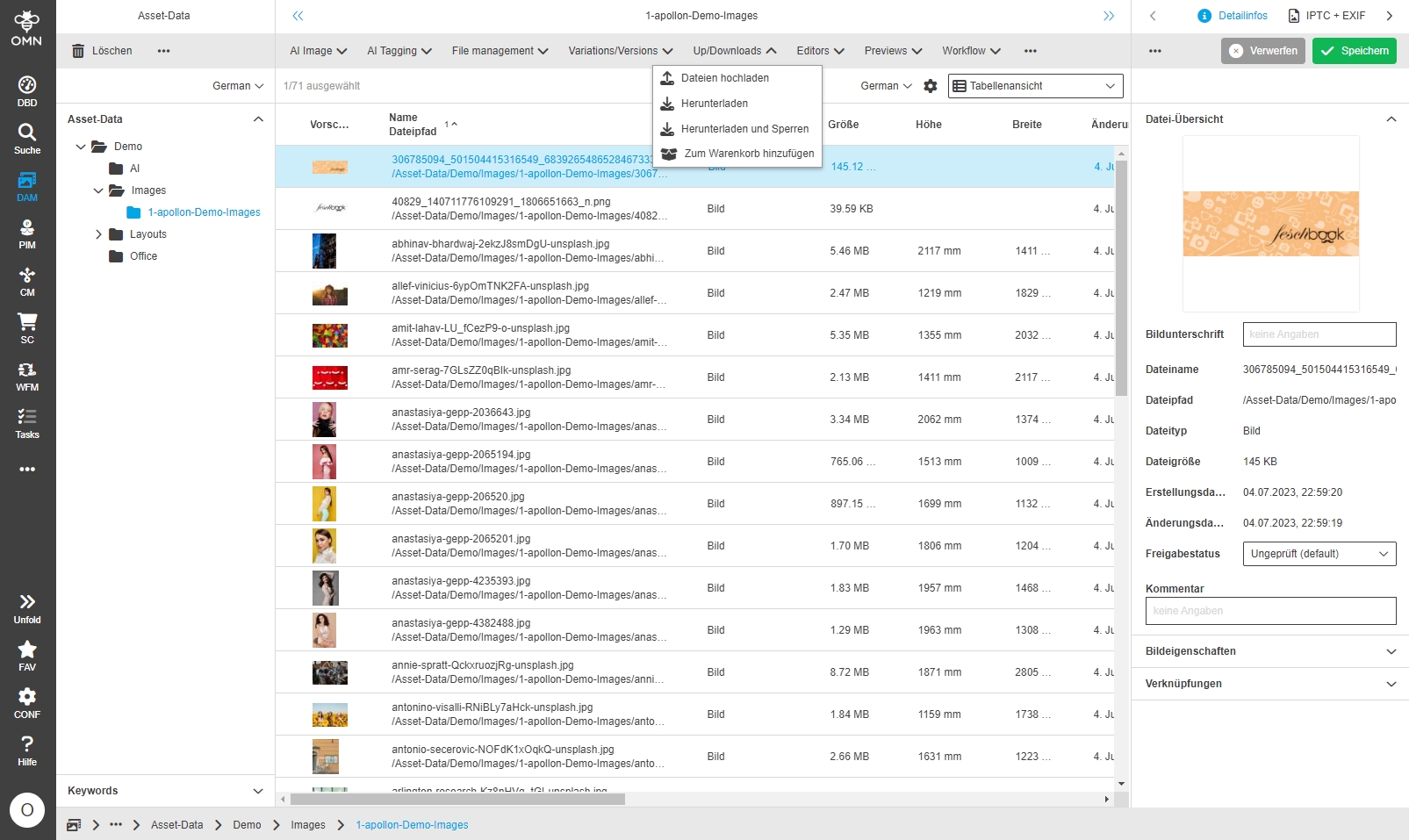
Lock function
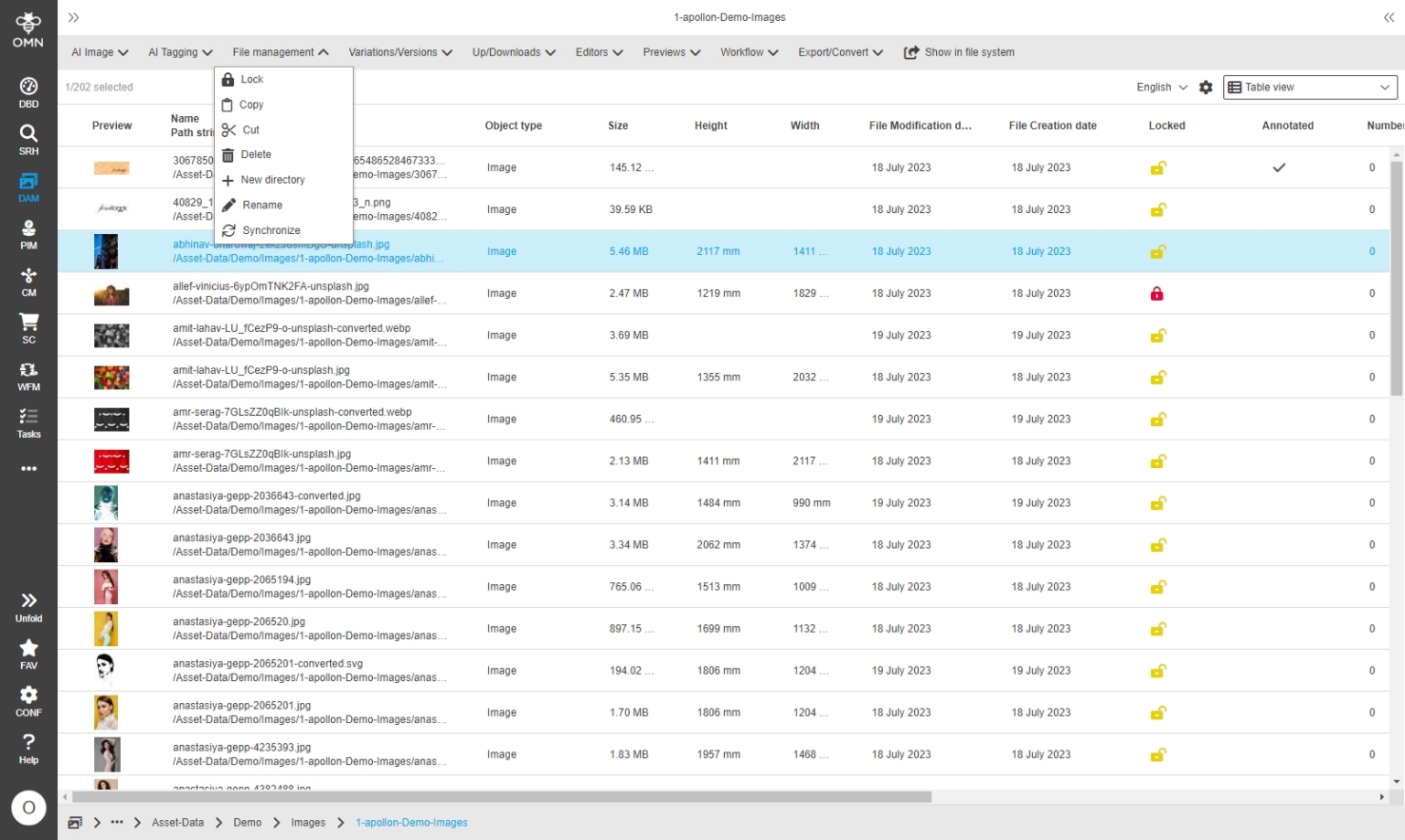
-
Sidebarelement for Keyword view (FSNavigation)
| References | OMNA-1358, Base |
|---|
New separate sidebar sub-element that allows to access the keyword navigation separately without having access to physical file Navigation
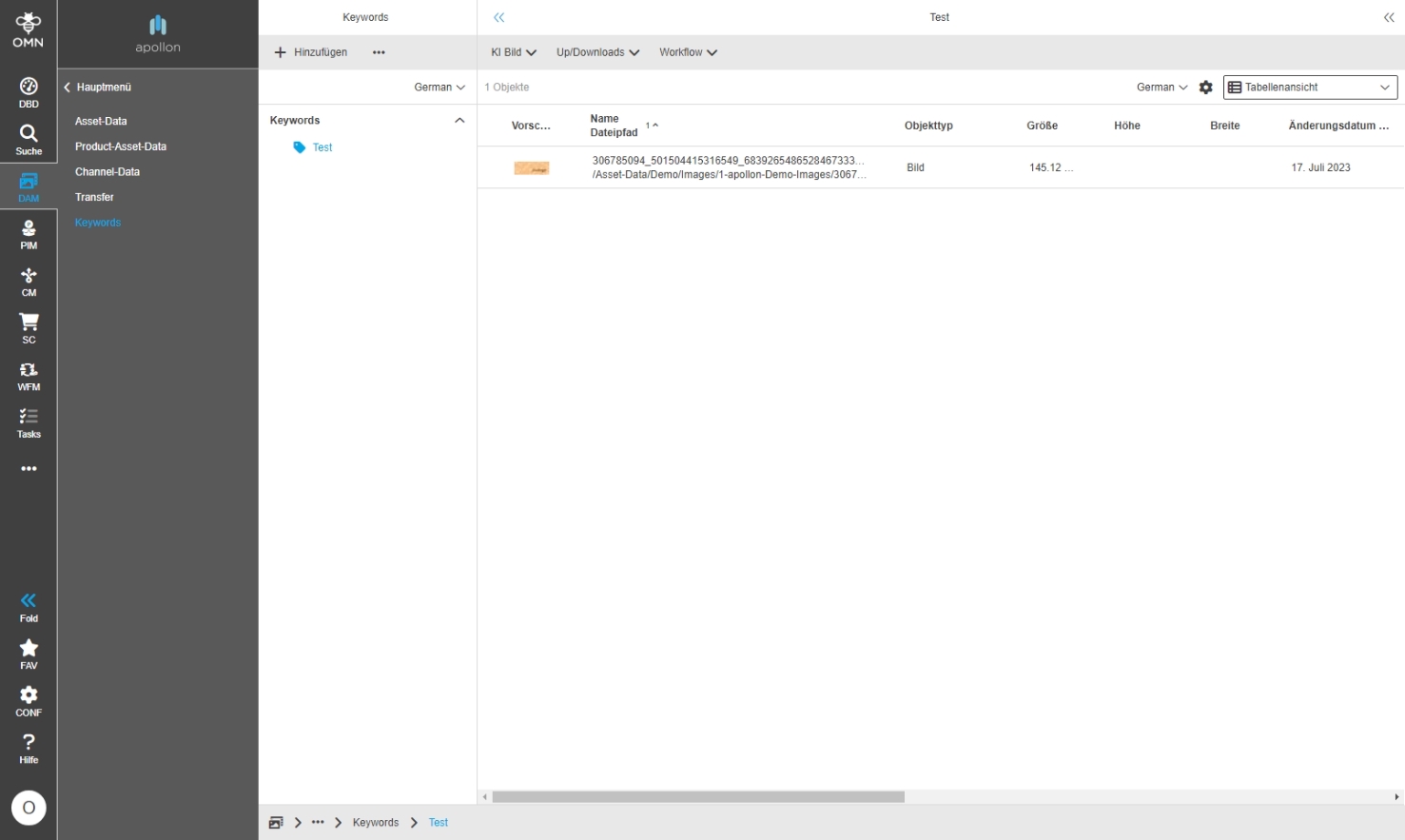
-
Direct Download for documents ands its images in FS Table
| ACC-Profile | Base |
|---|---|
References |
OMNA-621 |
Special direct download function for documents providing documents with all used Images
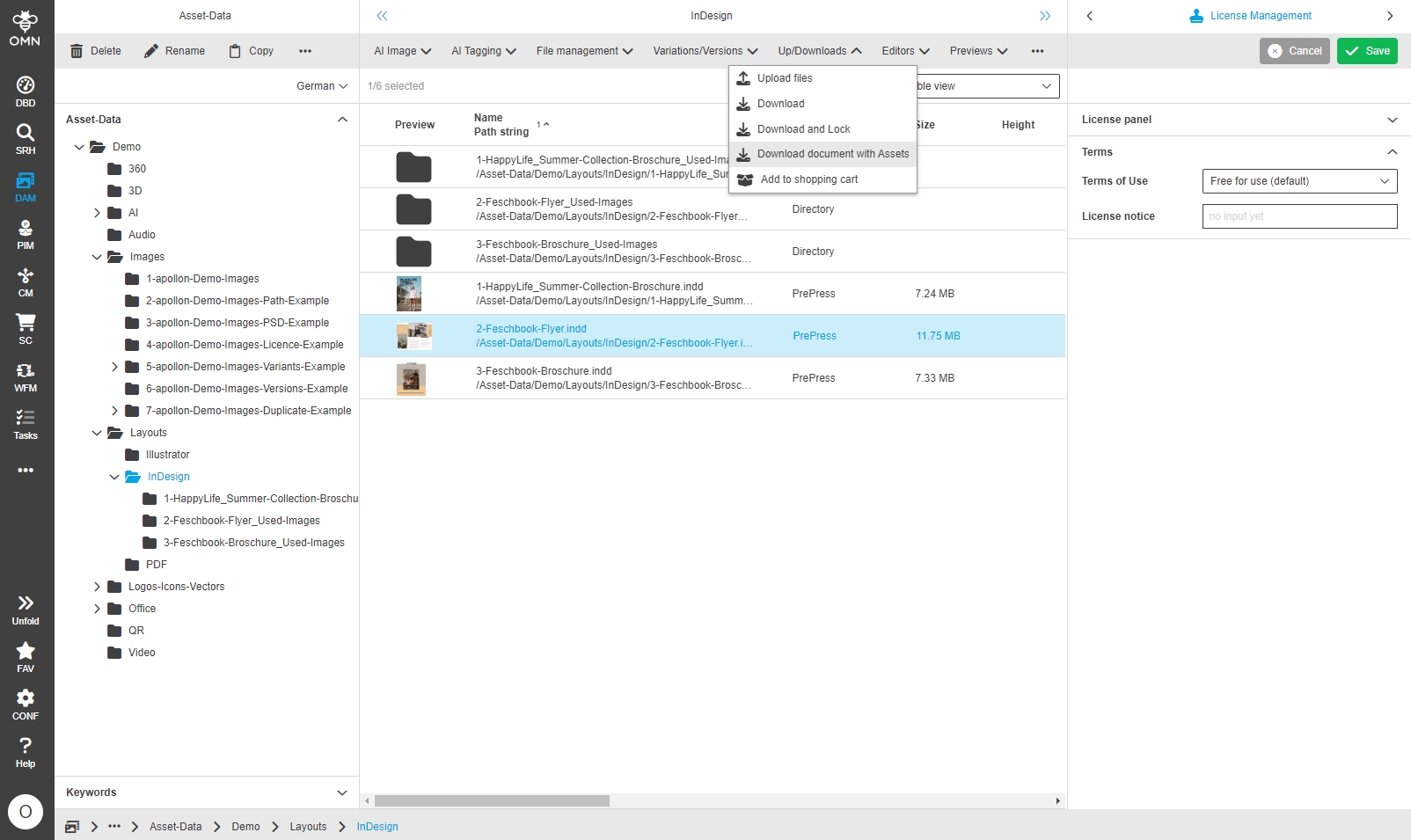
The Downloadfunction provide a ZIP file containing
-
the layout document
-
Folder with linked assets
-
Folder containing information About not available images
-
Allow setting ACL on Keywords
| References | OMNA-1269, Base |
|---|
Possibility to set ACLS (Access control list) on a keyword node to define which user roles can Access assets assigned to a specific Keywords
-
possibility to set ACL on Keyword for selectable user roles
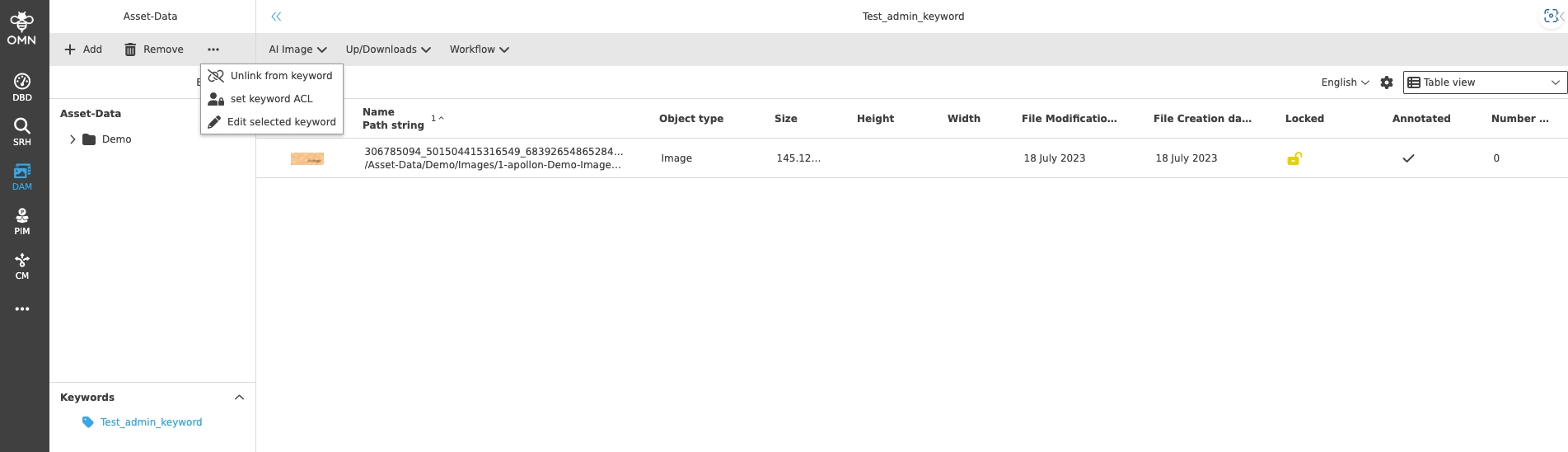
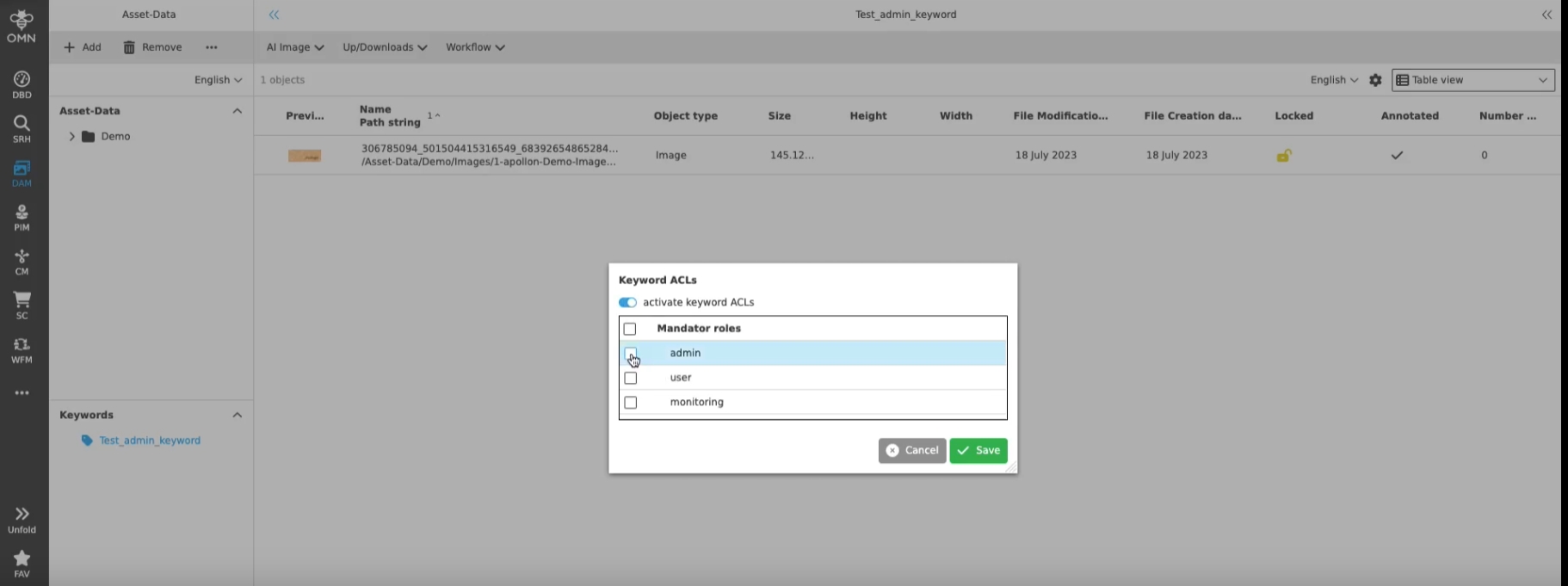
-
in order to user ACLs in frontend, ACL Controlling must be set on Keywords nodes in ConfigClient
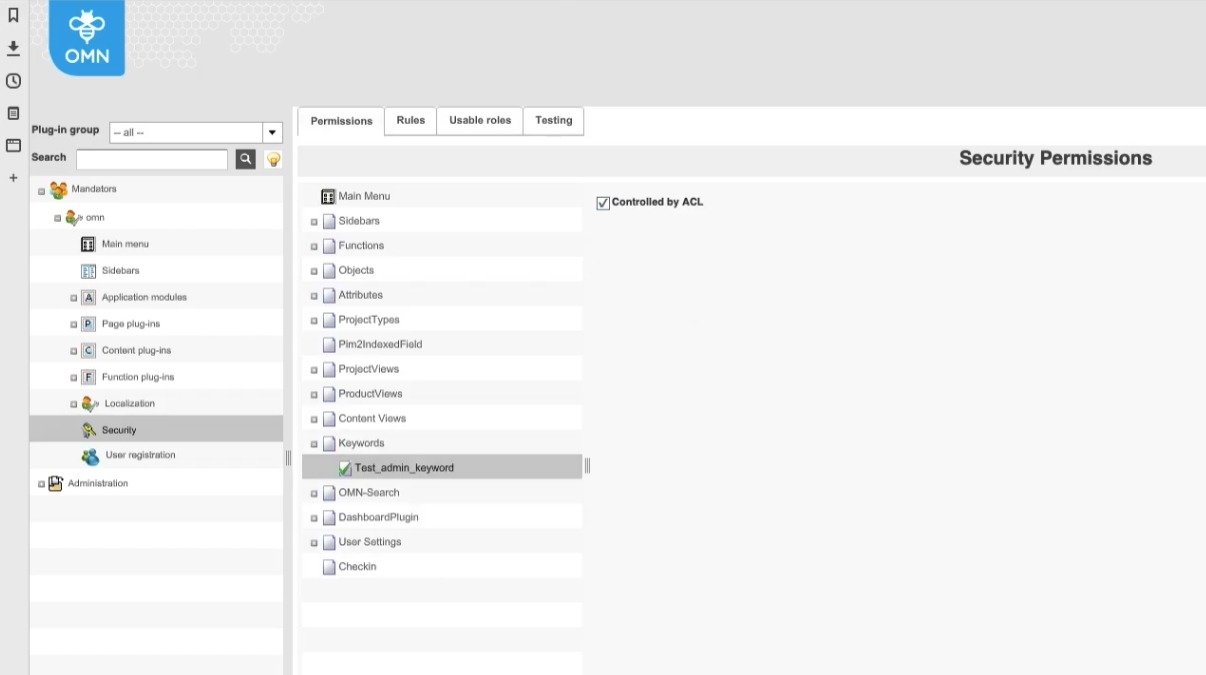
| Currently Accelerator does not deliver any Default Keywords and thus Standard Settings for ACLs |
-
Change Default localization for object Types in DE and EN for PDF and PrePress
| References | OMN-10520, Base |
|---|
Improved default localization for object Types PDF and Prepress
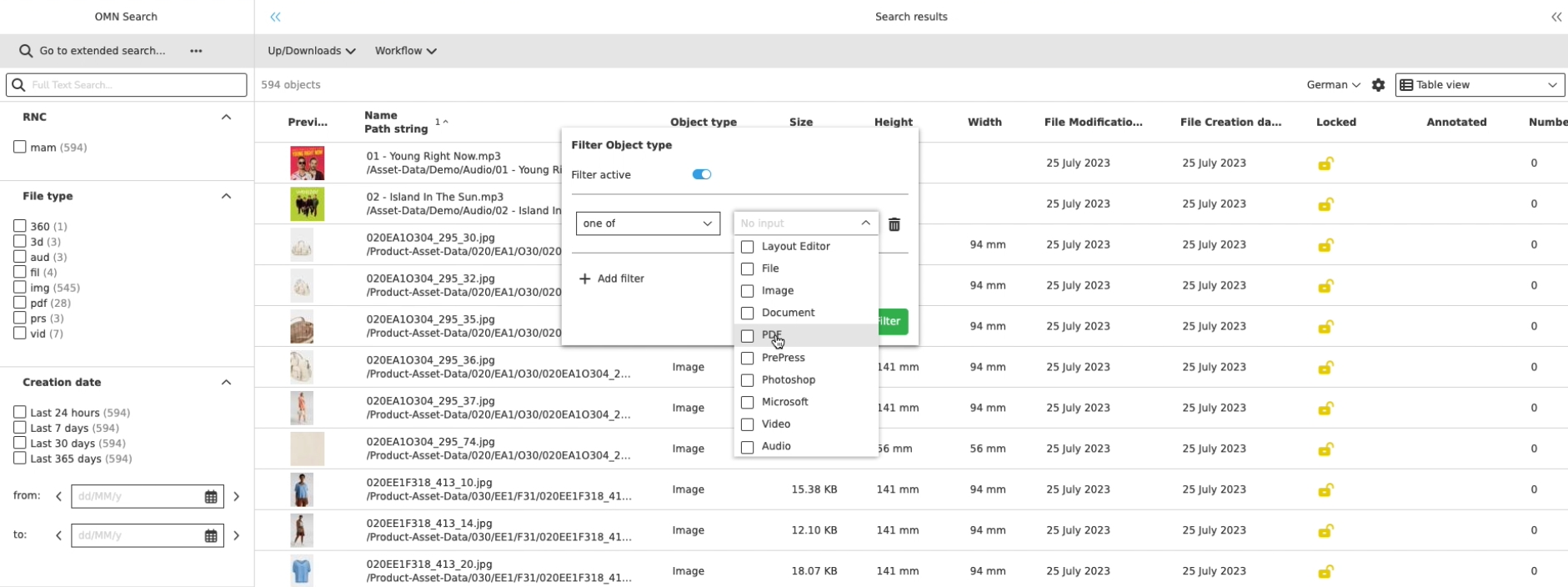
-
Localisation of object types
| References | OMNA-1204, Base |
|---|
Improved localizations for DAM object types
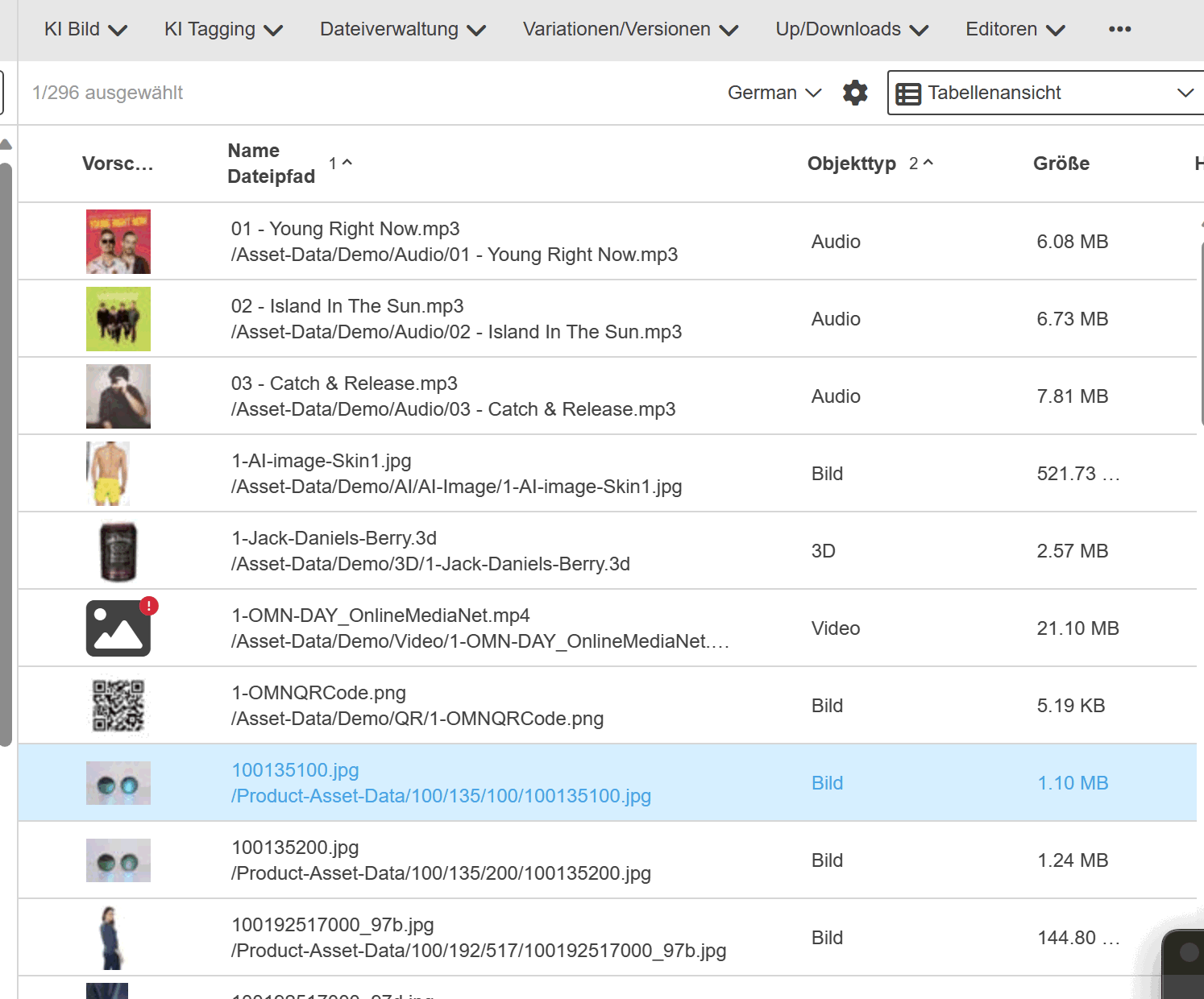
Detailview (FSDetail)
-
File Status Info
| ACC-Profile | Base |
|---|---|
References |
OMNA-1036 |
New common File-Status Info is added in FSDetail - Info
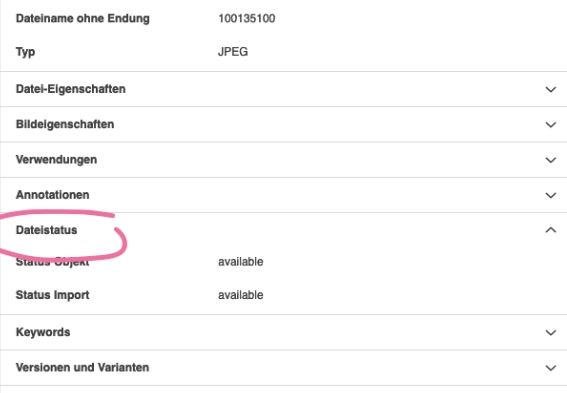
-
Editor Function for relation Widgets in DetailView
| ACC-Profile | Base |
|---|---|
References |
OMNA-722 |
Relation Widgets in FSDetail now provide possibility to open related item in corresponding Plugin directly
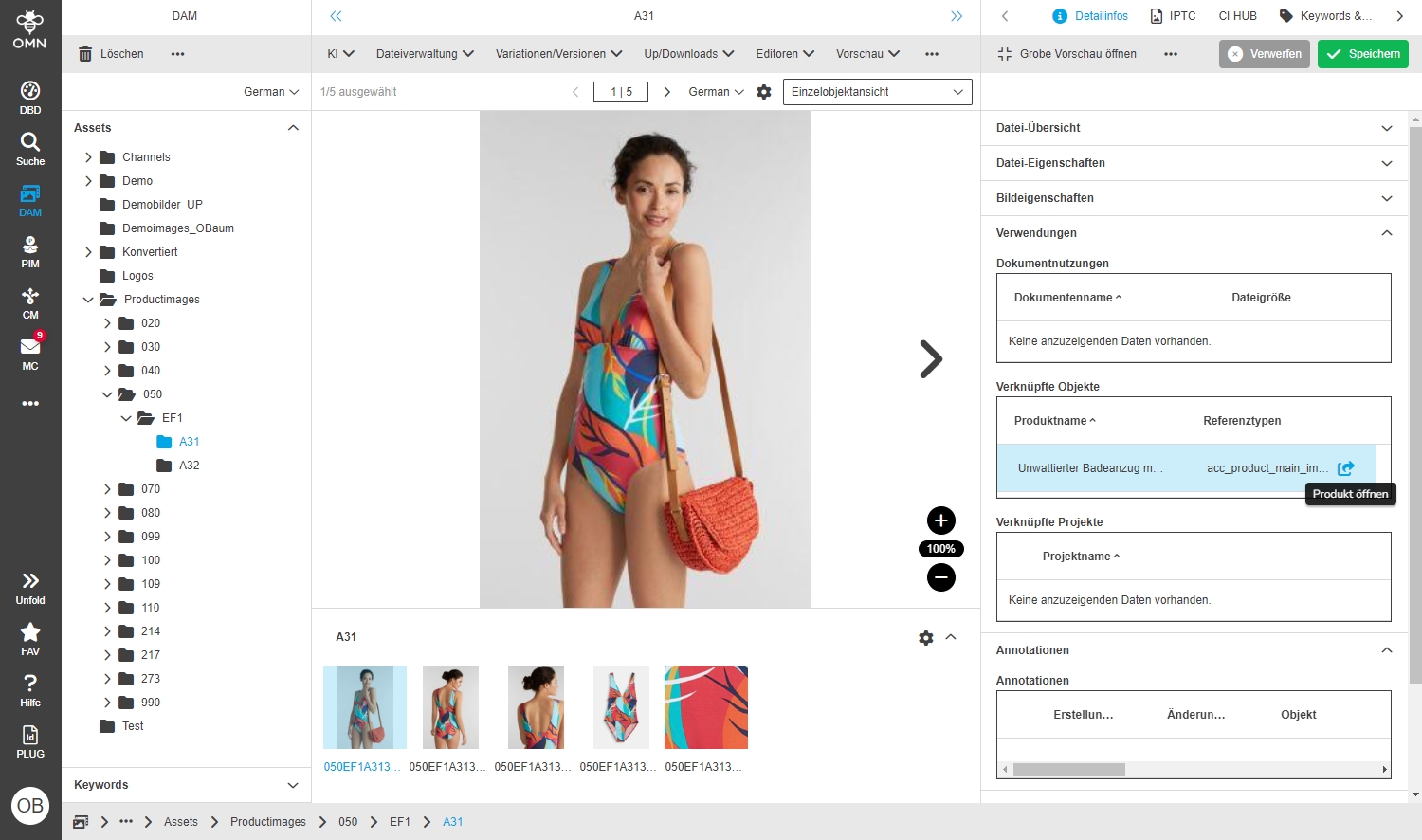
-
Versions and Variants Information in DetailView
| ACC-Profile | Base |
|---|---|
References |
OMNA-983 |
New accordion in Info Panel showing information if asset has versions and/or variants
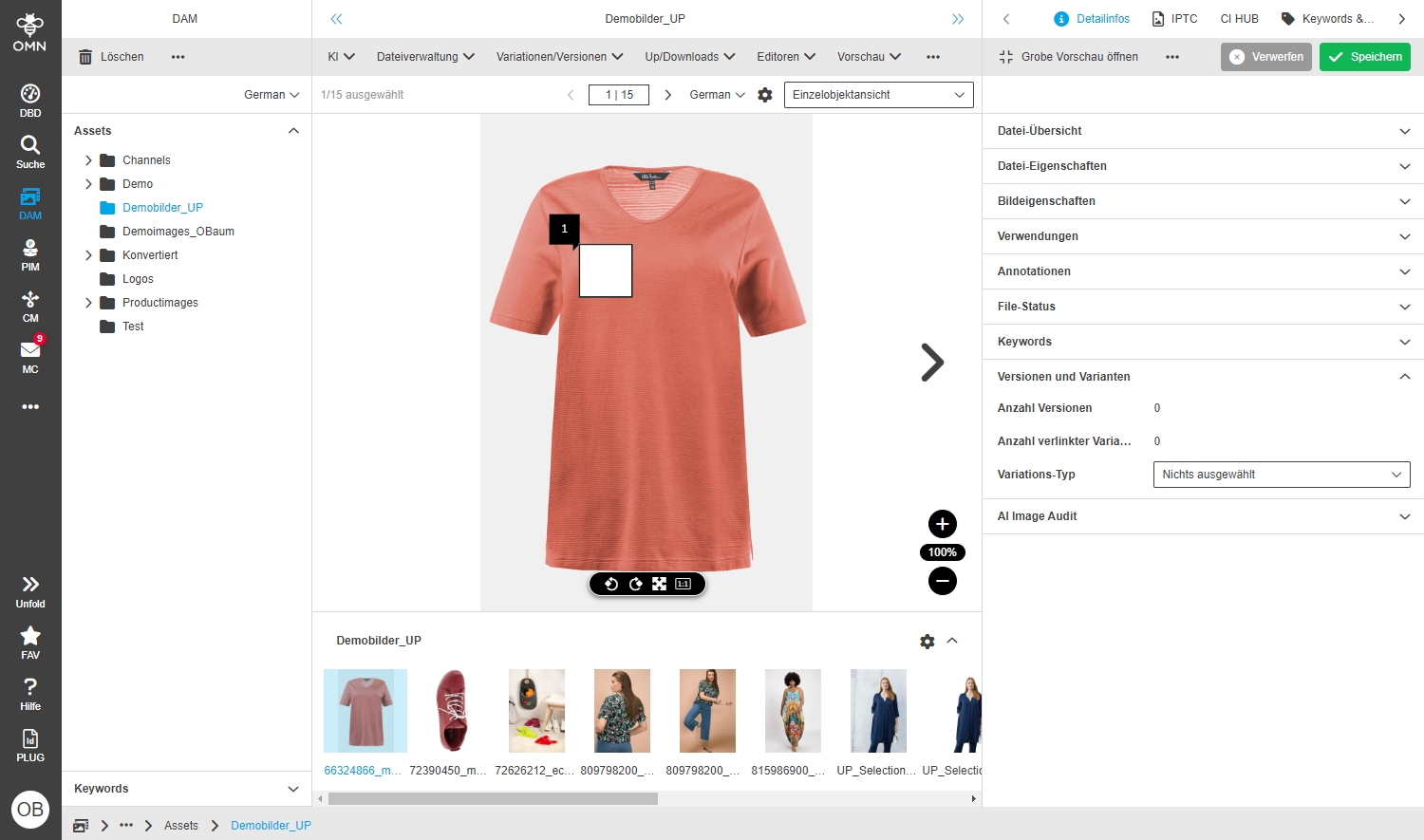
-
New DetailView Tab IPTC CI HUB
| ACC-Profile | Base |
|---|---|
References |
OMNA-1023, OG-14382 |
New FSDetail "IPTC - CI HUB" to manage metadata which is supported by CI-hub in one view
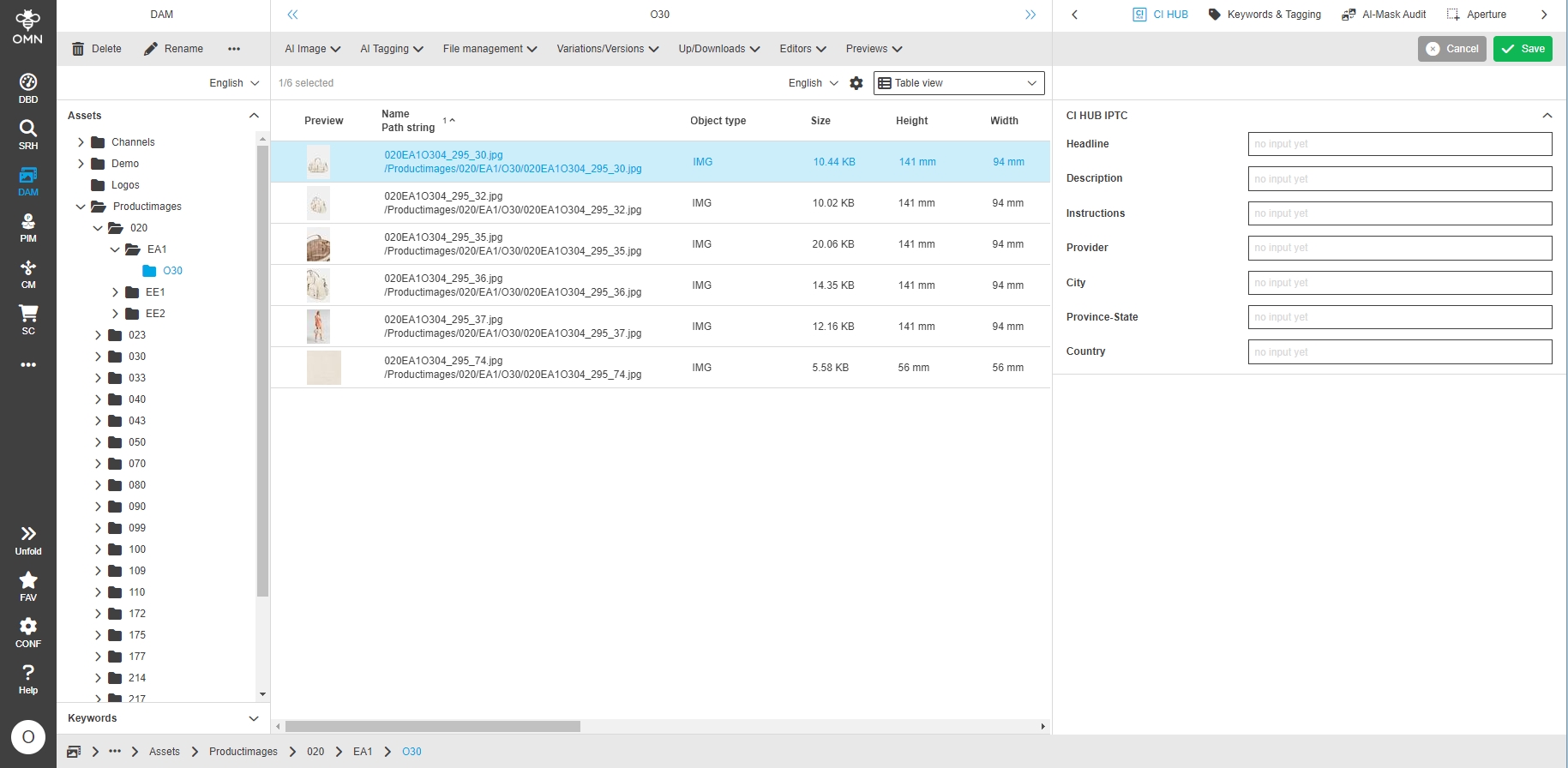
-
this metainformation is accessible from CI HUB Plugin for each asset
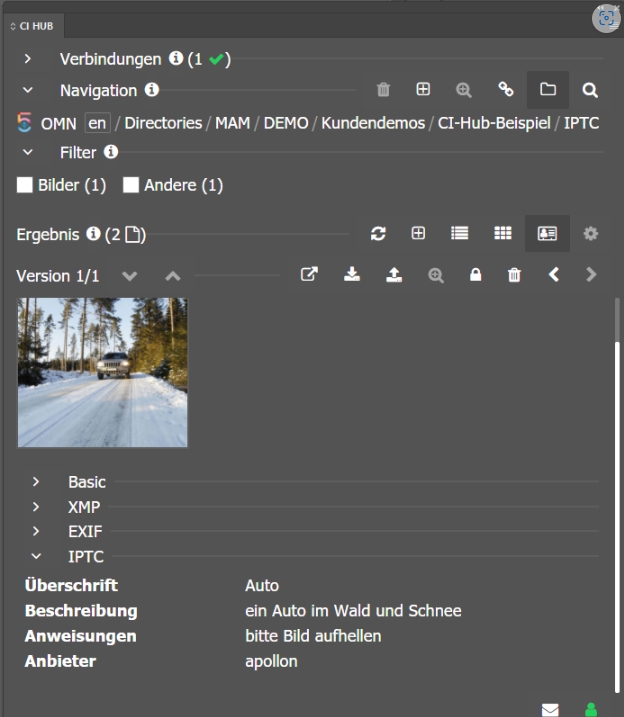
-
Integration TAGS in FSDetail
| ACC-Profile | Base |
|---|---|
References |
OMNA-1017, OMNA-1004 |
FSDetail "Keywords&Tagging" includes new accordion "Tags" which allow to set manual tags on assets
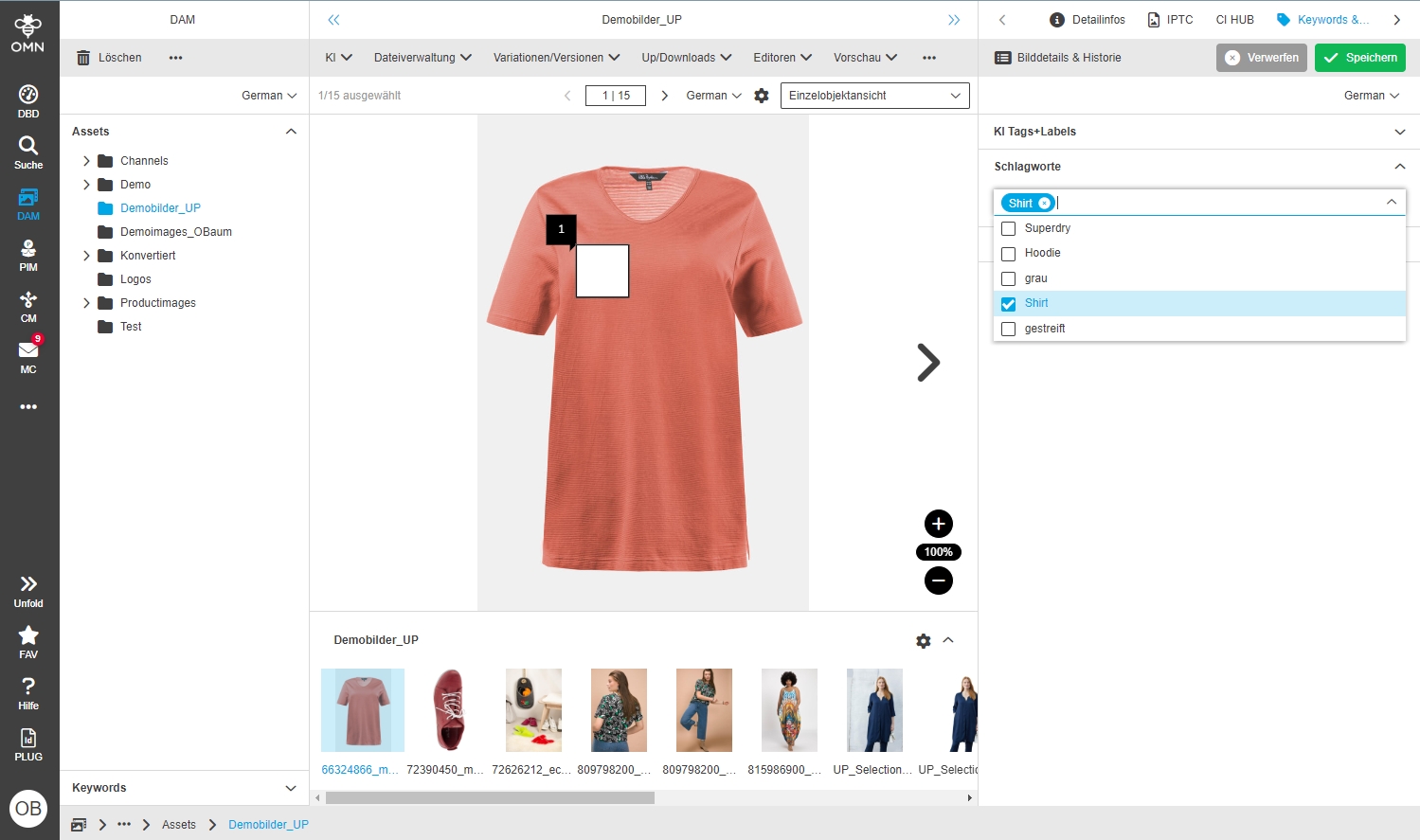
-
FSDetail Autoretouch Audit
| ACC-Profile | Base |
|---|---|
References |
OMNA-1035 |
More detailed process information about AI Image processes is now shown in new Asset Detail Process Tab
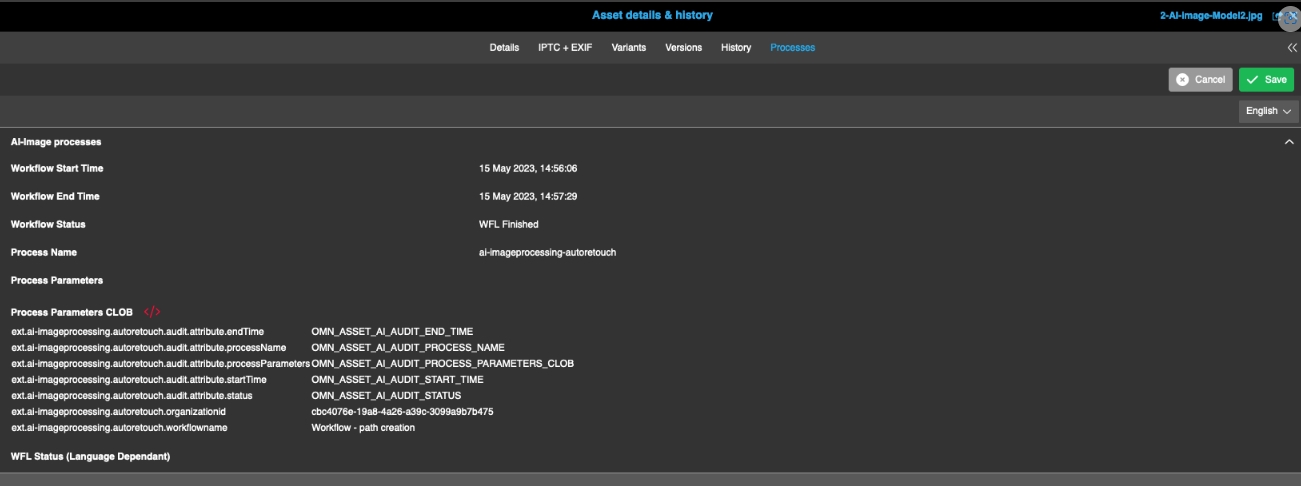
-
provide Workflow Widget in FSDetail and AssetView
| ACC-Profile | Base |
|---|---|
References |
OMNA-1170 |
Widget display for visualization of user task of a workflow
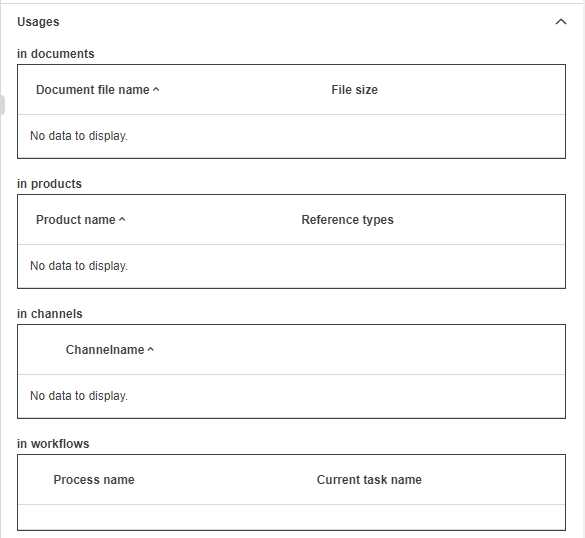
-
add FSDetail CustomAttribute
| ACC-Profile | Base |
|---|---|
References |
OMNA-1093 |
New FSDetail containing custom attribute is provided by Accelerator profile containing descriptive and custom attributes
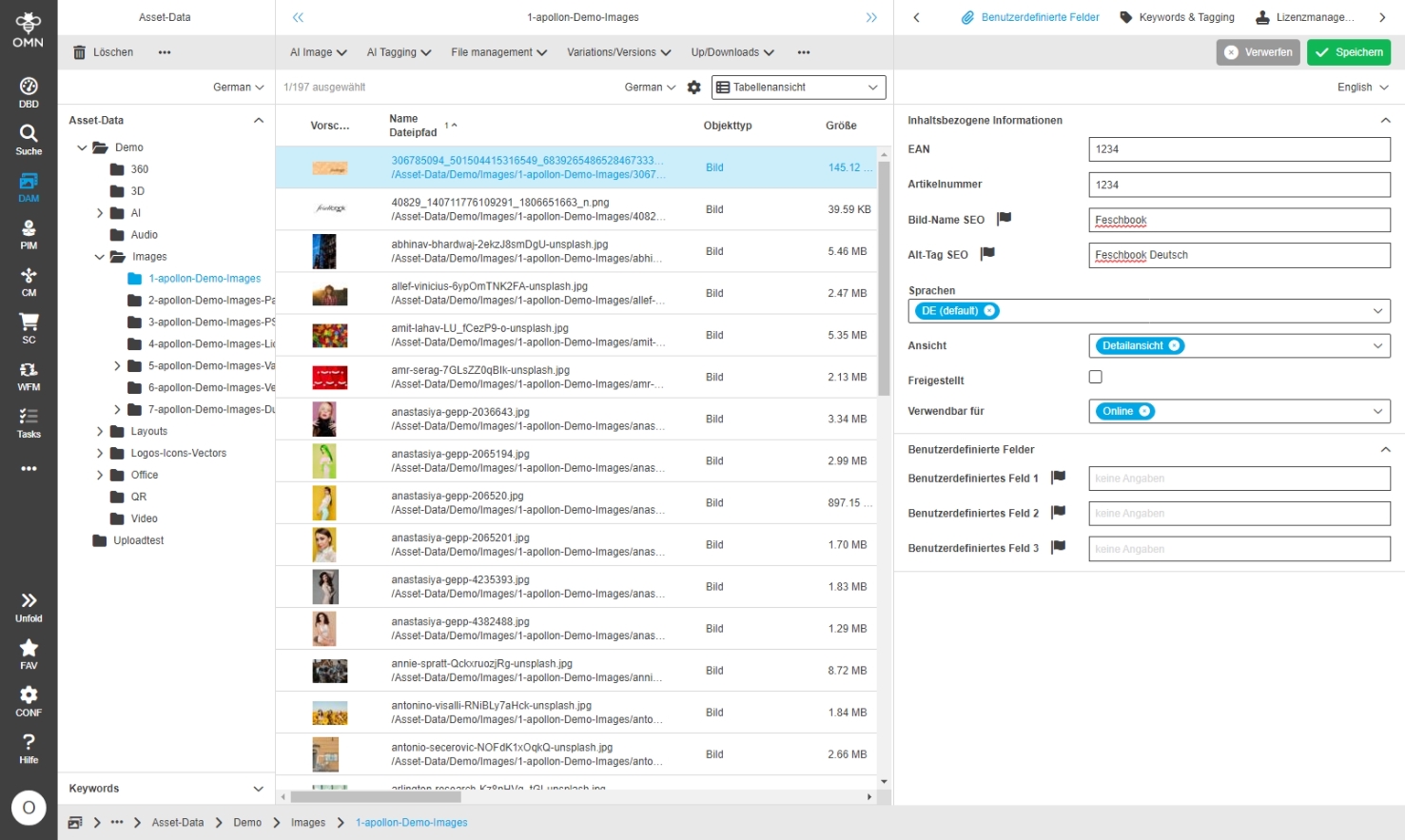
-
DAM - Add language selector to the Custom Fields FSDetail from FSNavigation
| References | OMNA-1370, Base |
|---|
The user can change the content language in the FS Detail containing language dependent attributes to manage meta data in different languages
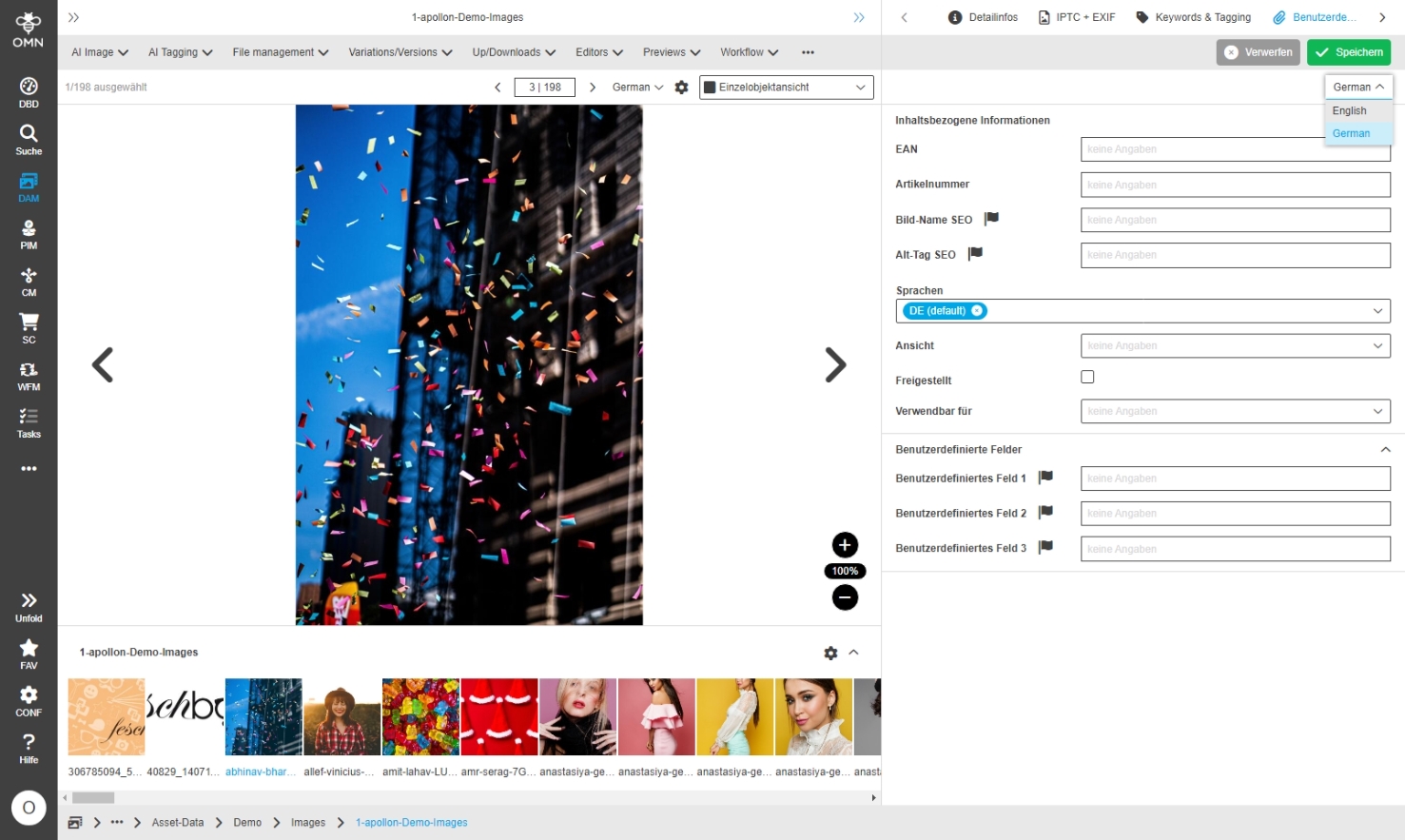
-
Change DAM Status attribute Freigabestatus
| References | OMNA-1379, Base |
|---|
Change DAM Status attribute "Freigabestatus" to work with keys and localizations so that is easier to extend in future
-
empty
-
010 ungeprüft
-
020 Warten auf Prüfung/entscheid
-
030 Freigegeben (nur für interne Nutzung)
-
040 Freigegeben (unbeschränkte Nutzung)
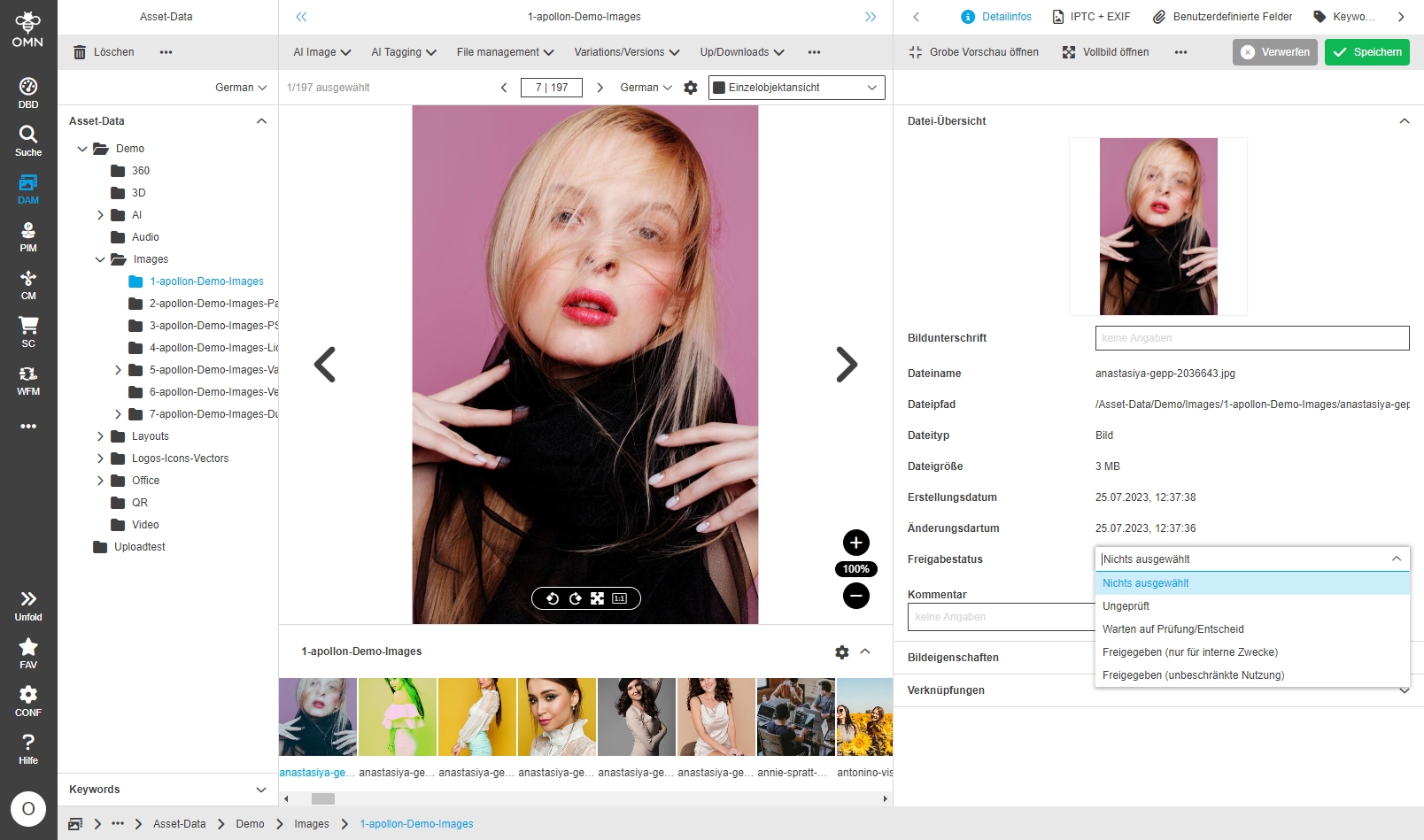
-
Extend EXIF-Attributes for FSDetail IPTC/EXIF
| References | OMNA-1006, Base |
|---|
Access to the common / important EXIF and GPS information of images in an OMN installation
-
Common IPTC, EXIF, GPS and XMP metadata for assets
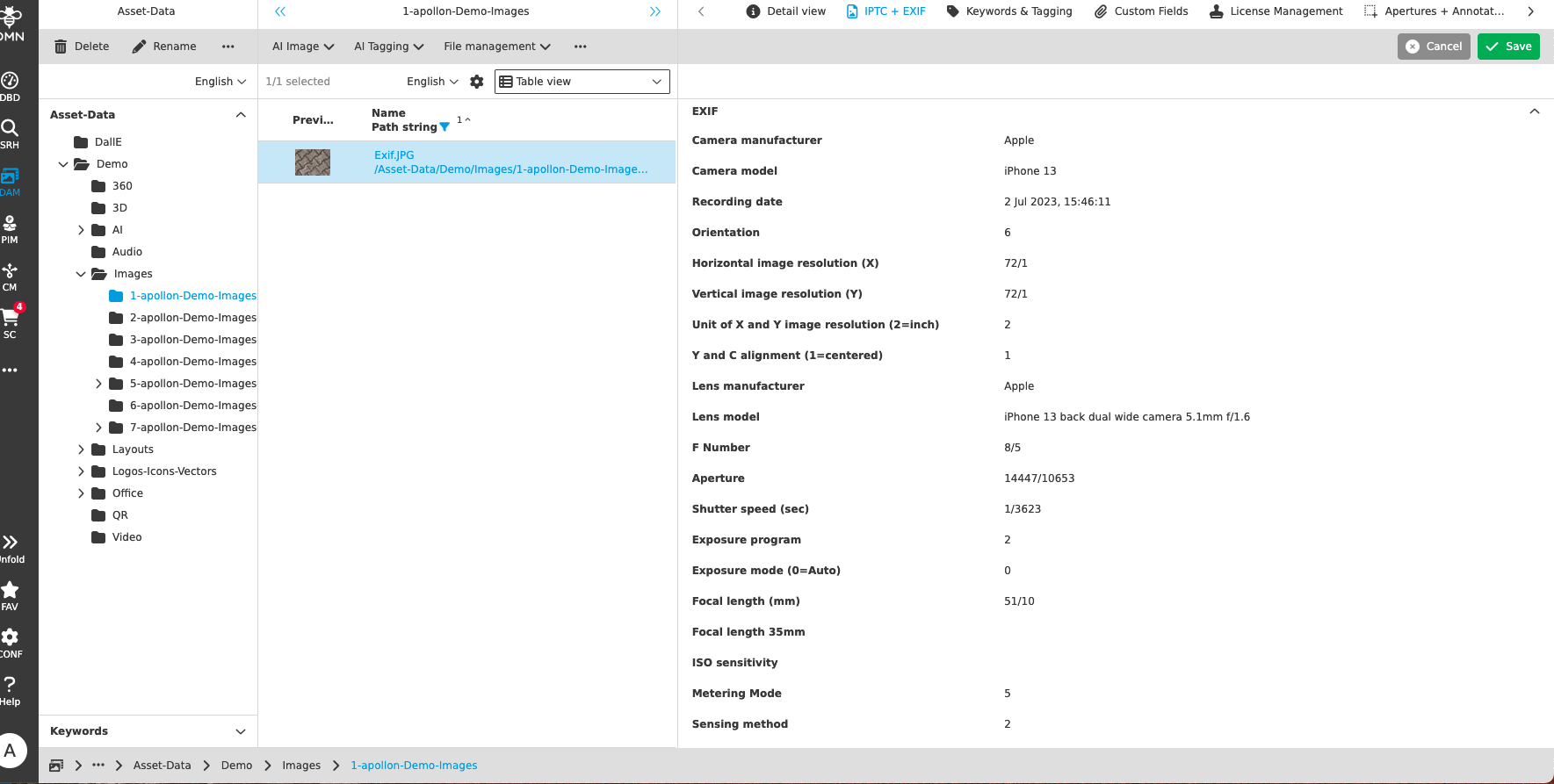
LicenceCheck
| ACC-Profile | Base |
|---|
-
Licence FSDetail for licence management in Accelerator profile
| ACC-Profile | Base |
|---|---|
References |
OMNA-705 |
New FSDetail containing Standard metadata to administer license information for assets
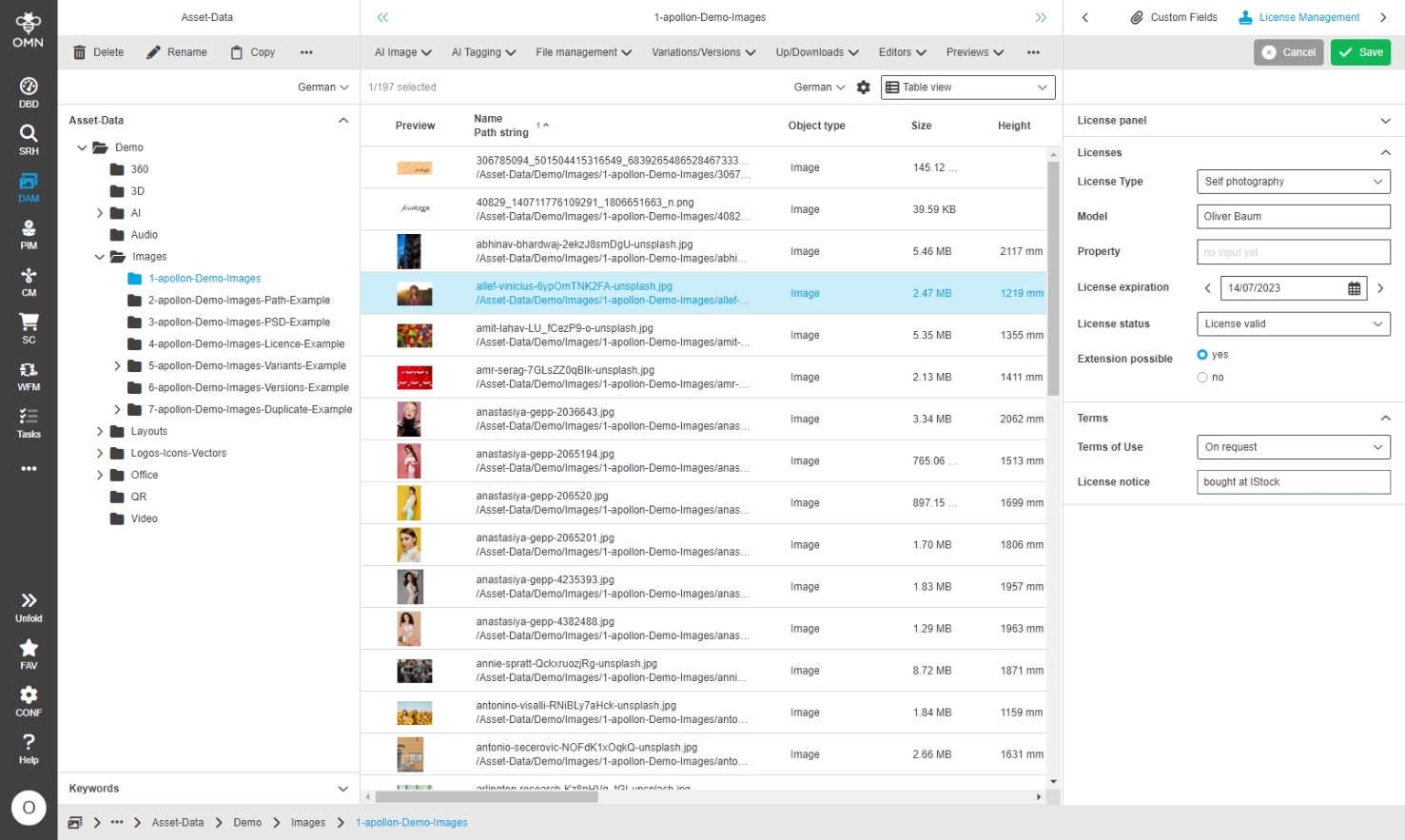
-
Display watermark on image preview when asset is not licenced or has expired licence
| References | OMNA-973, Base |
|---|
Display of a watermark on image preview when asset is not licenced or has expired licence
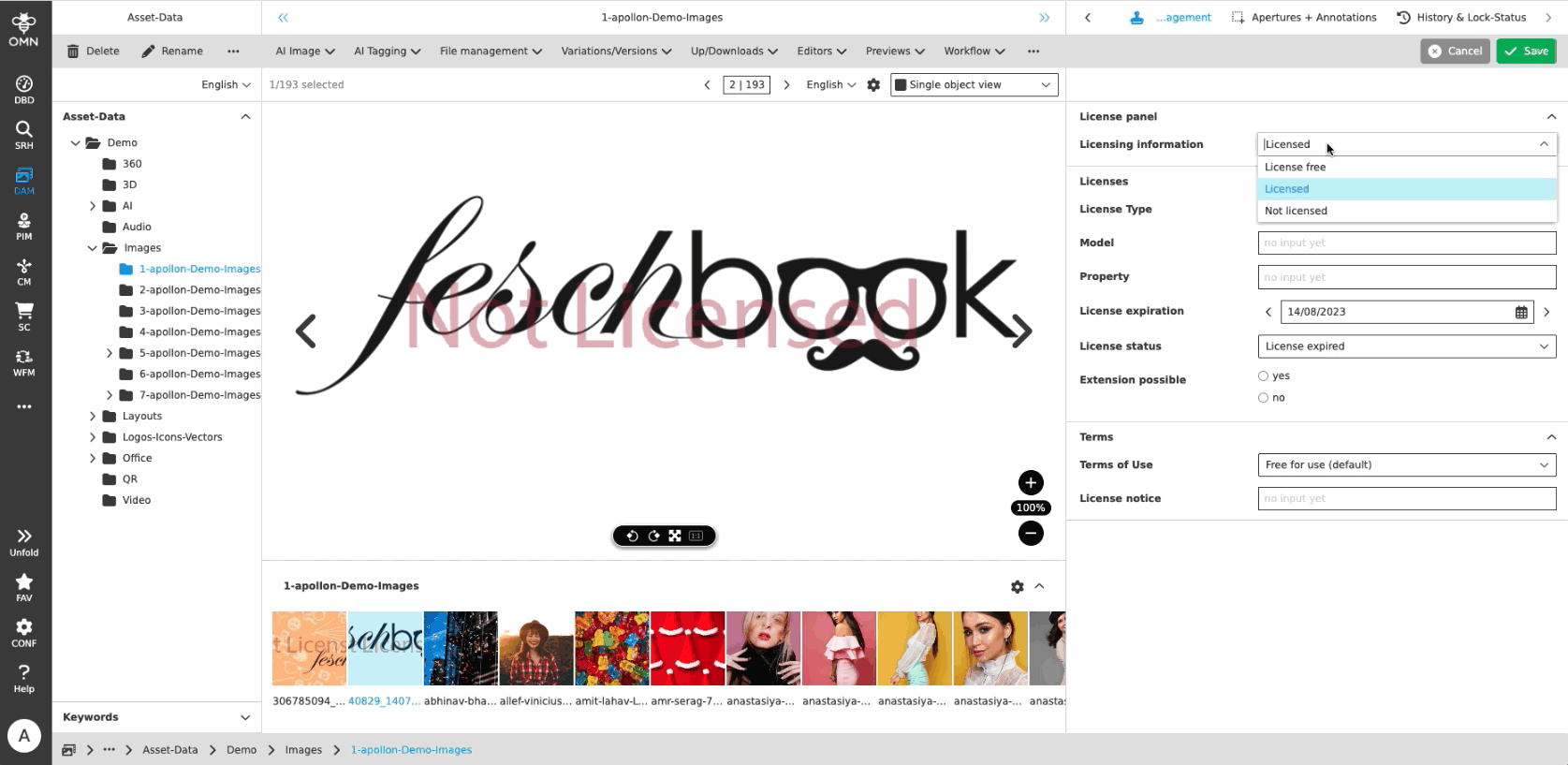
AI-Image
-
DallE Configuration
| ACC-Profile | Base |
|---|---|
References |
OMNA-1031 |
New Service based on DallE from OpenAI to create artificial images on base of a prompt
-
Functionality is available in DAM (no Image selected)

-
specify prompt to generate Image
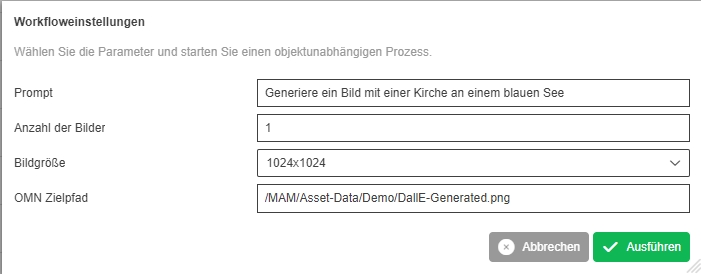
-
generated Output is stored in DAM
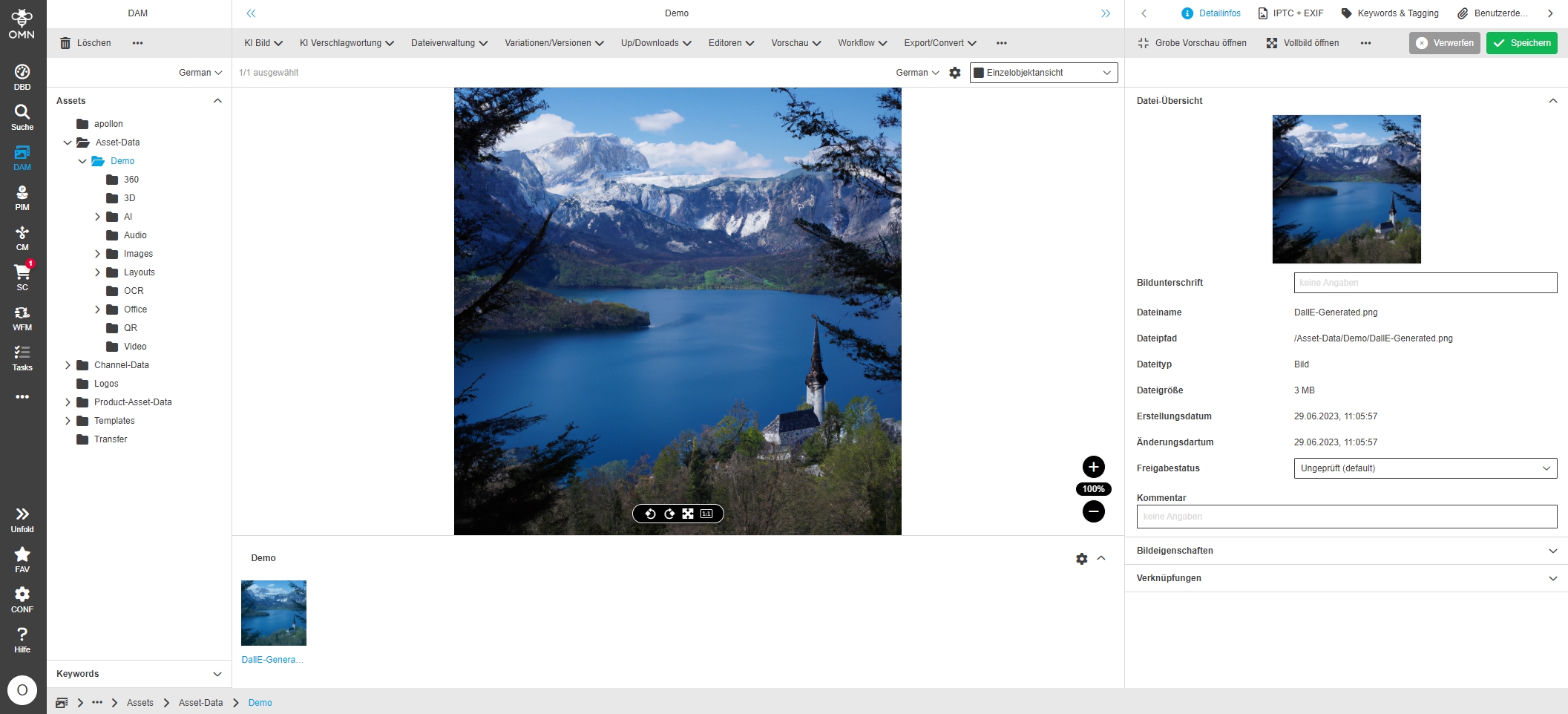
-
DallE - change default for number generated images to one
| References | OMNA-1308 |
|---|
The Default number of generated image is 1 to avoid unnecessary costs with DallE Image generation
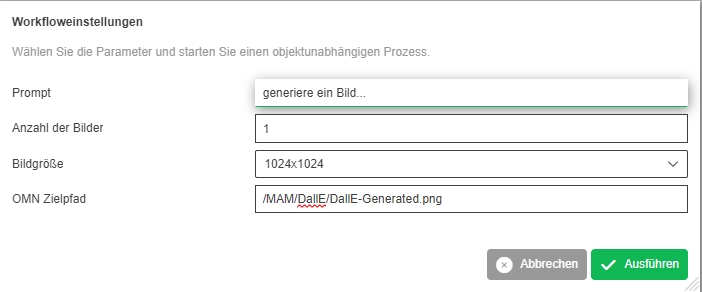
-
Target default folder setup for DallE-Service - Change relative path for target folder
| References | OMNA-1426 |
|---|
New Location of the target folder for created images with DallE service (AI Image (DallE) → Freestyle)which is accessible not only for admin
-
Path:
-
Target default folder setup for DallE-Service
-
| References | OMNA-1306, Base |
|---|
Accelerator provide a Default Folder, where Images are stored created by DallE Service
-
Default Folder DallE is available in Filesystem Admin section
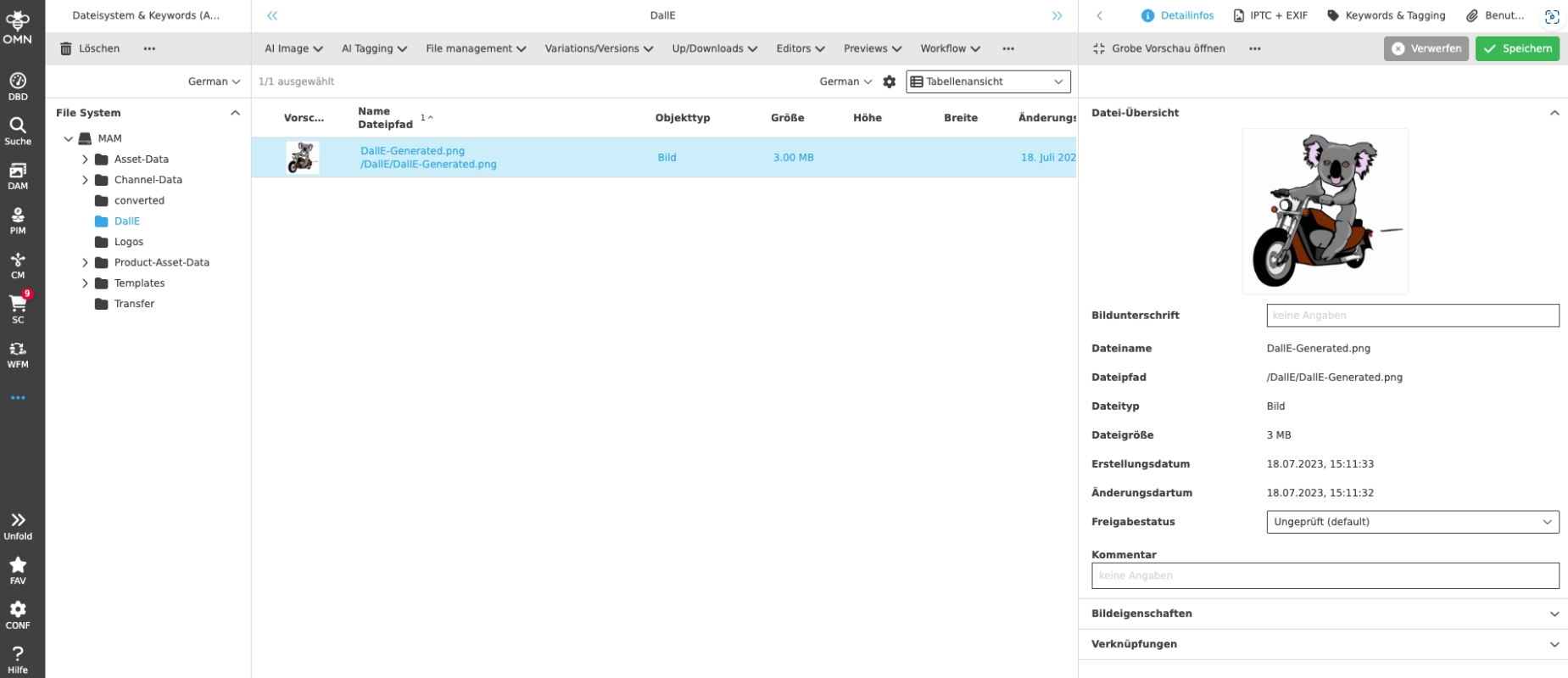
-
Folder is preselected when using DallE Function to create artificial images
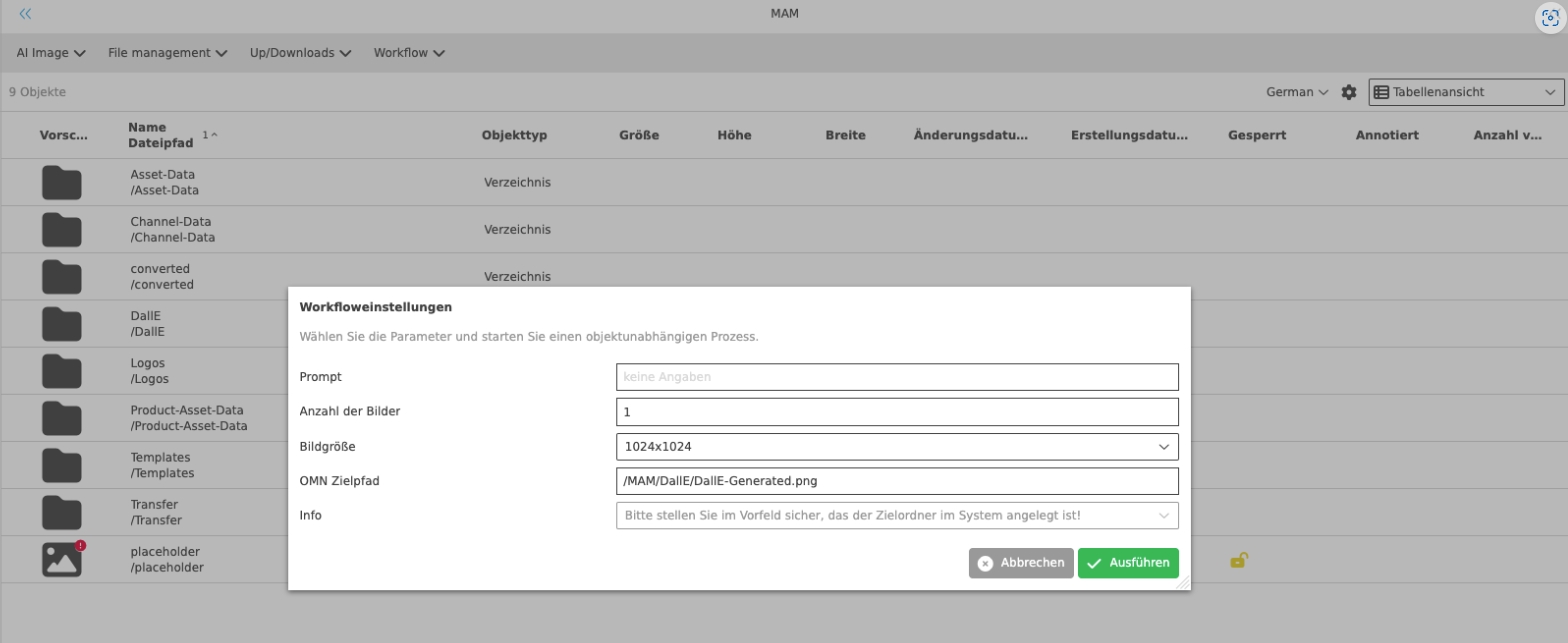
-
Optimization of Localization for AI - Services
| ACC-Profile | Base |
|---|---|
References |
OMNA-1027 |
Revised localization for AI-Services with new Marketing names in the profile
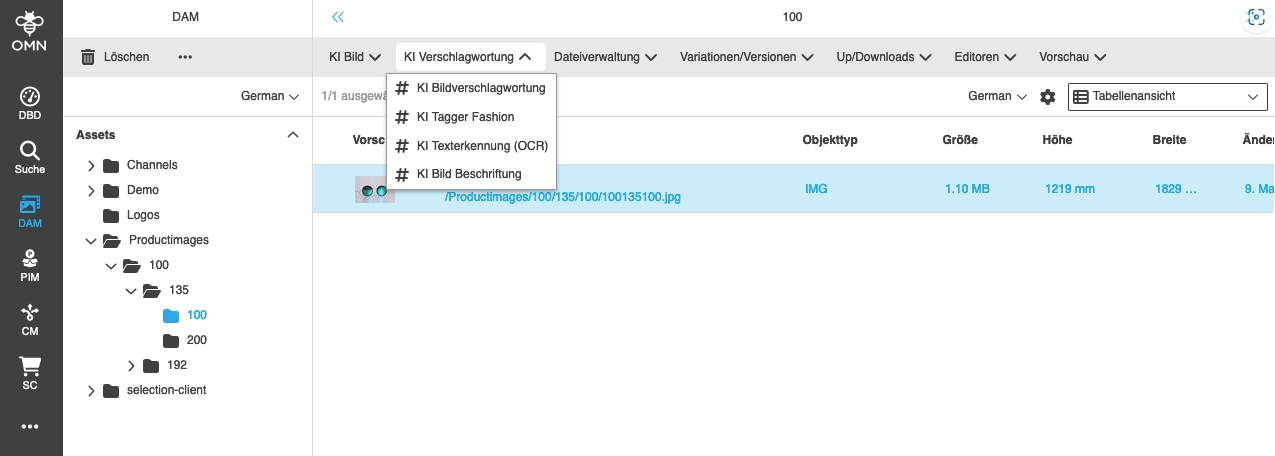
-
KI remove background via removebg
| ACC-Profile | Base |
|---|---|
References |
OMNA-1013 |
RemoveBG Background Removal Service is now available in ACC base profile
-
KI Hintergrund entfernen
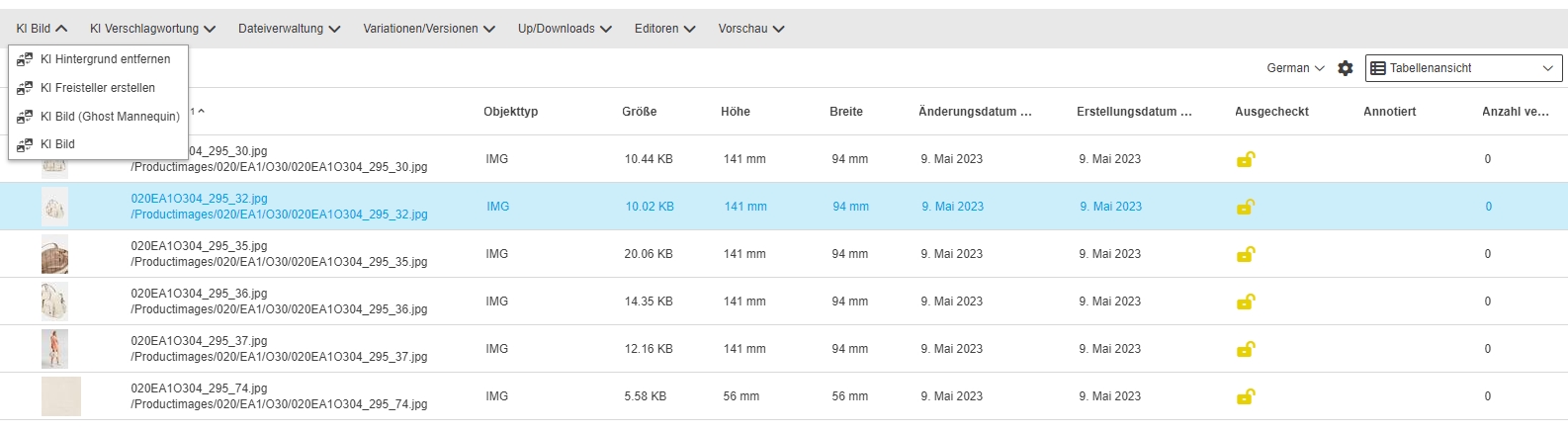
-
Provide AI Image Templates in ACC AI Image
| ACC-Profile | Base |
|---|---|
References |
OMNA-910 |
AI Image provides now a set of Standard templates for Image Manipulation
-
OMN uses standardtemplates from Provider AR
-
AI Image with Templates is available in AI Image function Group >> AI Image (Templates)
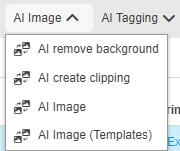
-
the following templates are available with accelerator configuration
-
Product Imagery - Remove Background
-
Fashion Imagery on Model - Basic Retouch
-
Amazon - Main Image - Fashion - On Figure
-
Amazon - Main Image - Fashion - On-Figure - Square
-
Shopify - Fashion - On Model
-
Shopify - Fashion - Clothing Only
-
Shopify - Objects
-
About You - Bust Images
-
About You - Model Front Crop Tops
-
About You - Model Front Crop Bottoms
-
About You - Model Front Crop Long Dresses
-
About You - Model Front Crop Short Dresses
-
About You - Shoes & Accessories
-
Breuninger - Full/Half Body Model WITH Feet
-
Breuninger - Full/Half Body Model WITHOUT Feet
-
Breuninger - Freisteller/Mannequin
-
Breuninger - Model Detail
-
Breuninger - Product
-
INNO - Jewellery (Plain Background)
-
INNO - Jewellery (Non Plain Background)
-
INNO - Jewellery Detail
-
INNO - Accessories
-
INNO - Shoes & Bags
-
INNO - Bust / Mannequin
-
INNO - Model Images (Clothing)
-
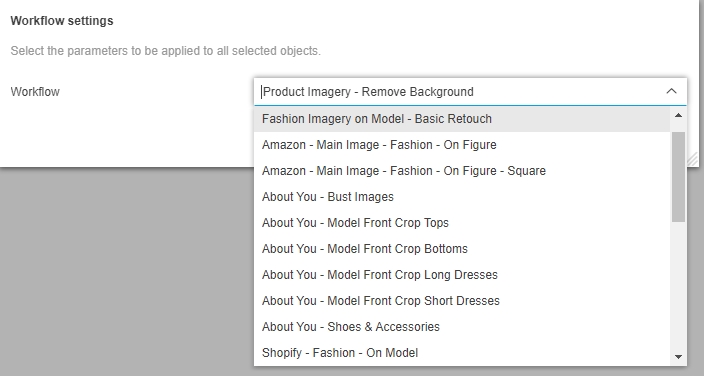
-
Improved Localization of AI Image Template (DropDown)
| References | OMNA-1092, Base |
|---|
Improved Localization of AI Image Template (DropDown) for DE and EN
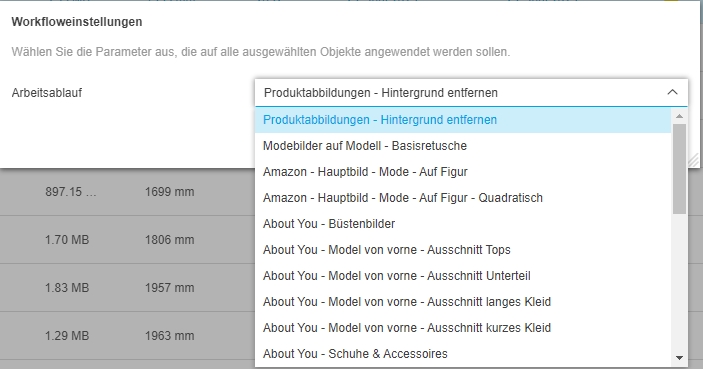
-
Autotouch Ghost Mannequin Workflow only available with single selection
| References | OMNA-1352 , Base |
|---|
The AI Image(Ghost Mannequin function is available when selecting 2 assets which must be processed together
-
the Service will created one Output from 2 Input fields
-
the Service only works on specific Images see Documentation
| In the fashion world, a ghost mannequin (aka neck-joint, invisible mannequin, or hollow-man) is the name for an image editing technique which gives the illusion of a human body filling the clothes. |
Further information can be found in Documentation: https://kb.onlinemedianet.de/omn/en/config-guide/integrations/ai/ai-services/ai-imageprocessing/ai-imageprocessing-autoretouch-ghost.html
-
Input files
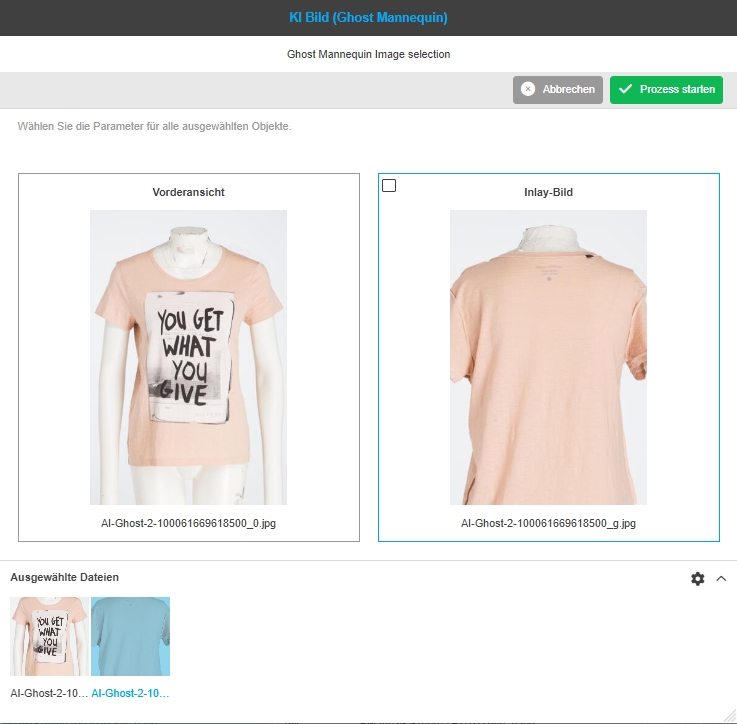
-
Generated Output file

-
Rules for AI functions
| References | OMNA-1297, Base |
|---|
Improvement that the UI functions are only displayed for the file types for which they can be executed
-
AI remove background → allow only JPG, TIFF, PNG, WEBP
-
AI create clipping → allow only JPG, TIFF, PNG, WEBP
-
AI Image (Ghost Mannequin) → allow only JPG, TIFF, PNG, WEBP
-
AI Image → allow only JPG, TIFF, PNG, WEBP
-
AI Image (Templates) → allow only JPG, TIFF, PNG, WEBP
-
AI Tagger Image → allow only JPG, TIFF, PNG
-
AI Tagger Fashion → allow only JPG, TIFF, PNG
-
AI Text Recognition (OCR) > allow only JPG, TIFF, PNG
-
AI Image Captioning > allow only JPG, TIFF, PNG
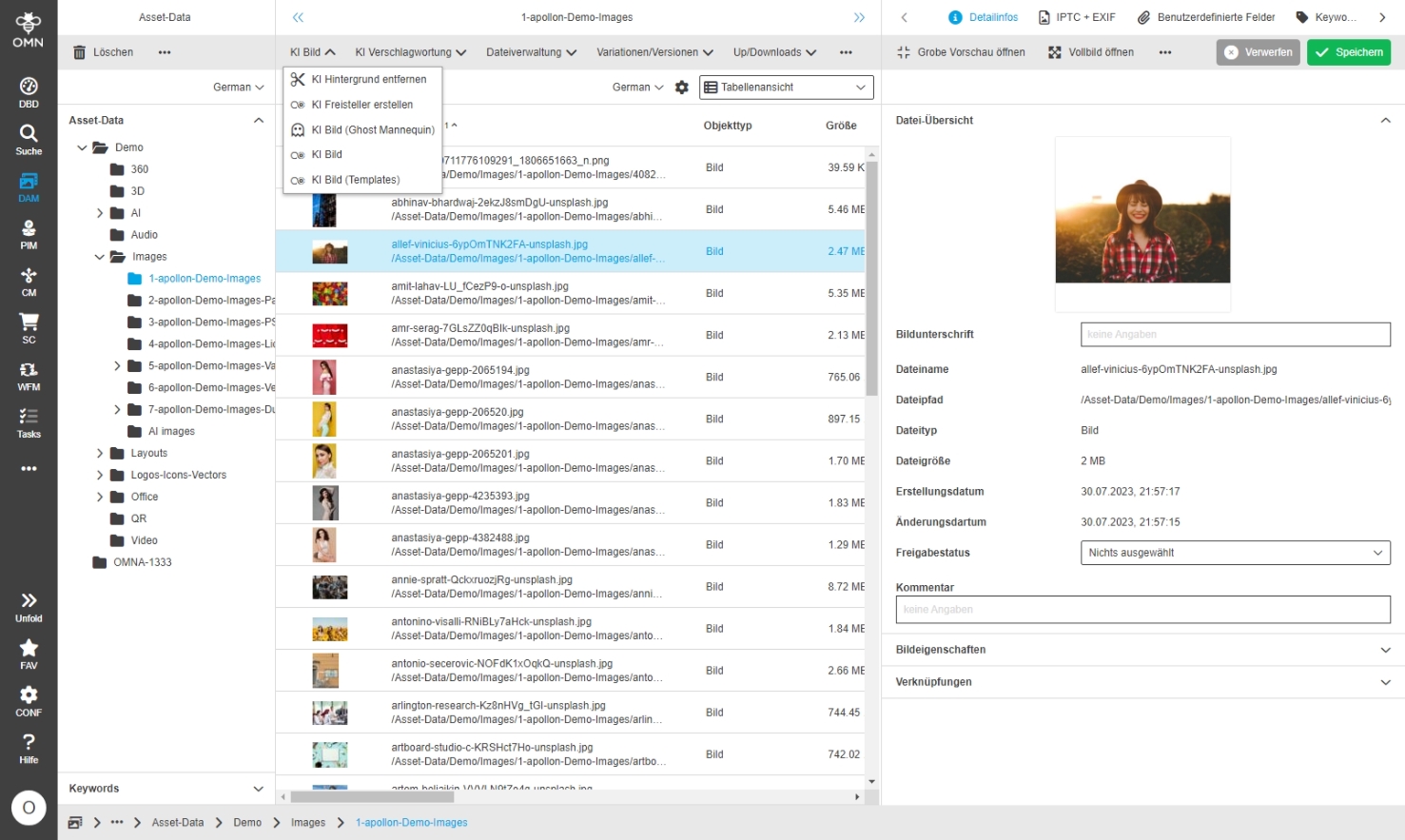
-
AI Image (Template) function localization in workflow settings modal
| References | OMNA-1365, Base |
|---|
Small localization Improvement in workflow modal for AI Image Workflow - Template selection
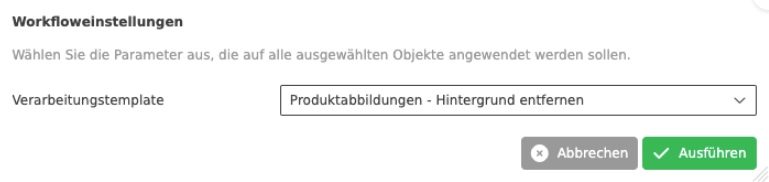
-
Adjust ghostmannequine usecase configuration so picture is processed correctly
| References | OMNA-1406, Base |
|---|
Improved configuration of Ghost Mannequin Service
-
the placeholders are now no longer pre-populated, but can be filled by the user
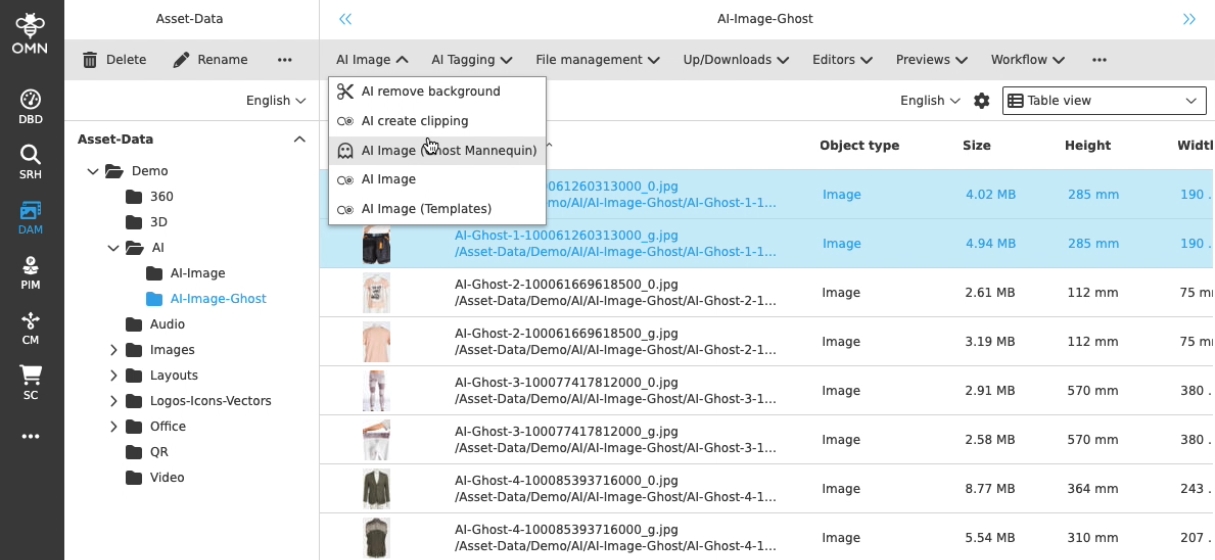
AI-Tag
-
OMN AI Tag Caption with clarifai
| ACC-Profile | Base |
|---|---|
References |
OMNA-955 |
AI "Captioning" with Clarifai AI Service is now available in DAM to tag assets
-
this Service create a description of an Image and not labels
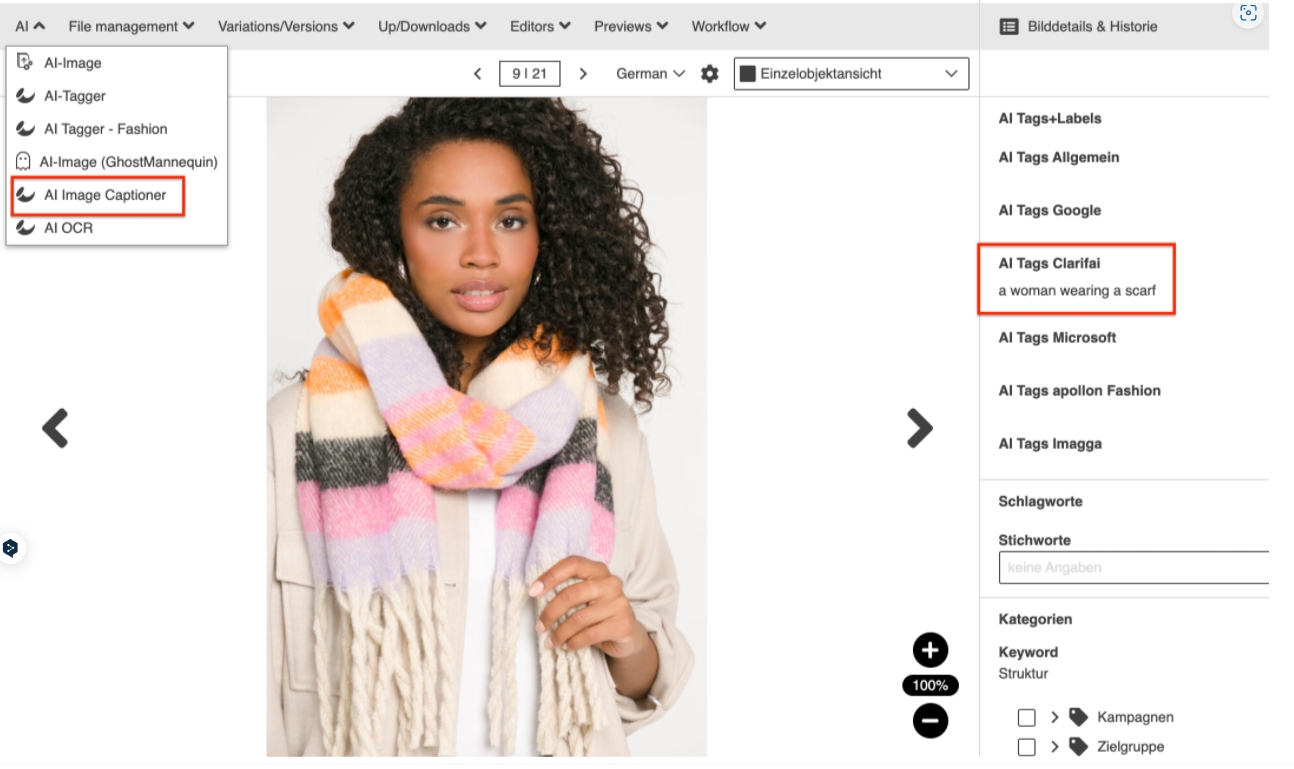
-
Include pixyle fashion tagging service with multi-language support
| ACC-Profile | Base |
|---|---|
References |
OMNA-1007 |
Fashion tagging Service has now multi-language support to create tags in different languages
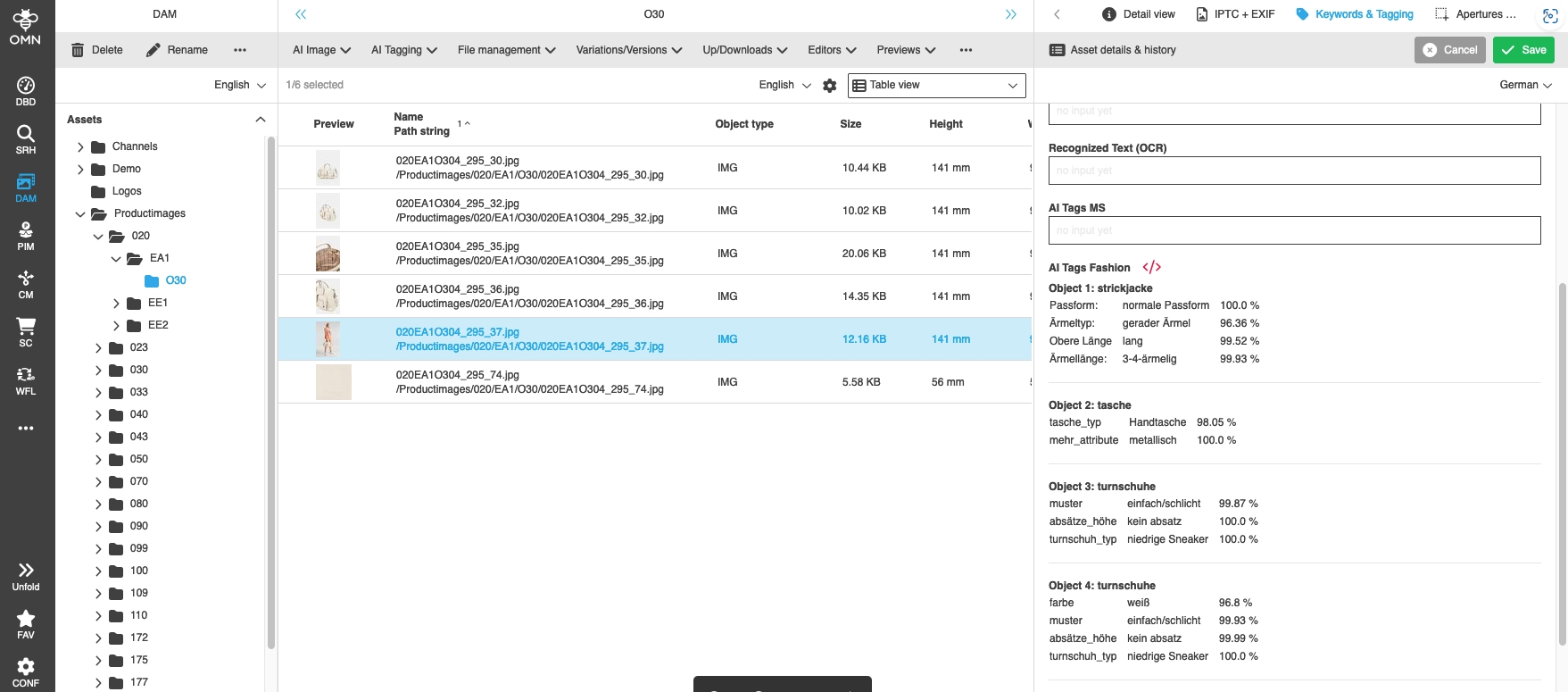
-
AI Tagging with Enums
| References | OMNA-1112, Base |
|---|
Improvement of attribute fields for AI-generated tags from string to enum, so that these fields can be edited and searched for better
| Currently it is not possible to add AI generated tags to an attribute definition |
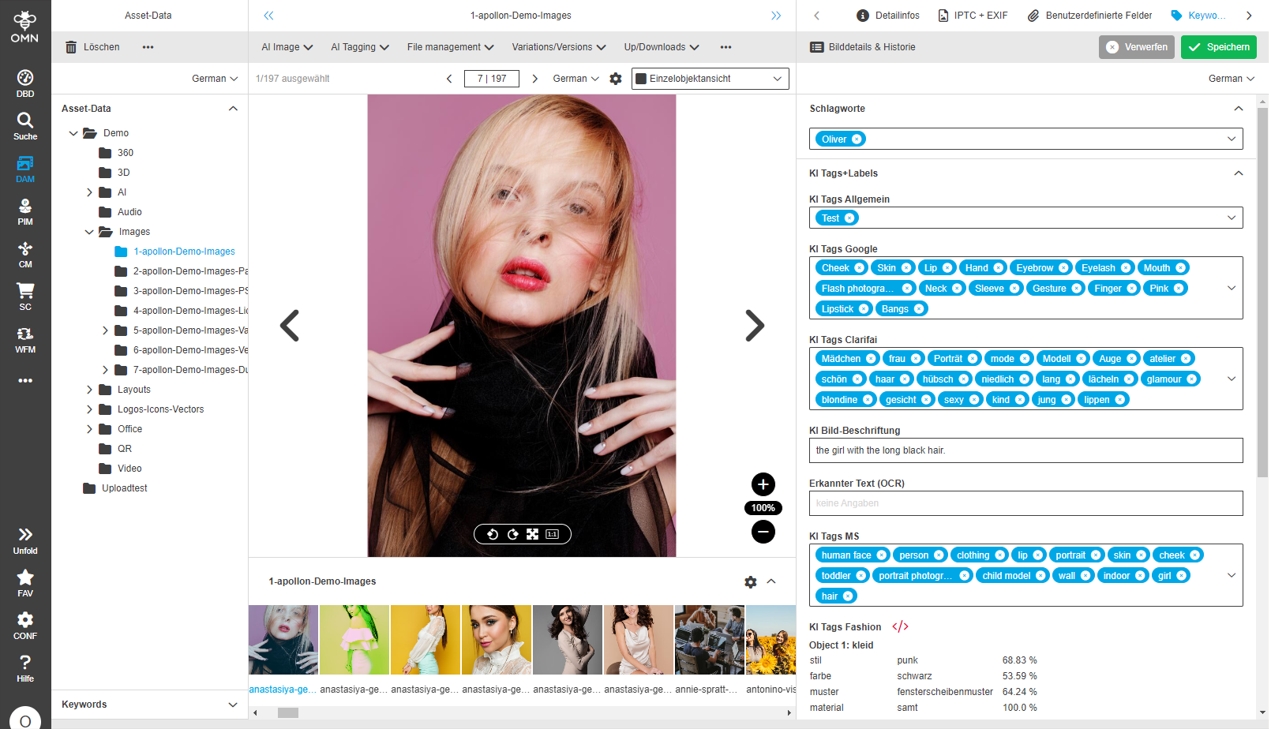
-
AI Tagging workflow modal with two language entries
| References | OMNA-1315, Base |
|---|
Localization Improvements for AI Image Tagging Function in Workflow Modal, so that it is more clear for which Service the language Settings are belonging
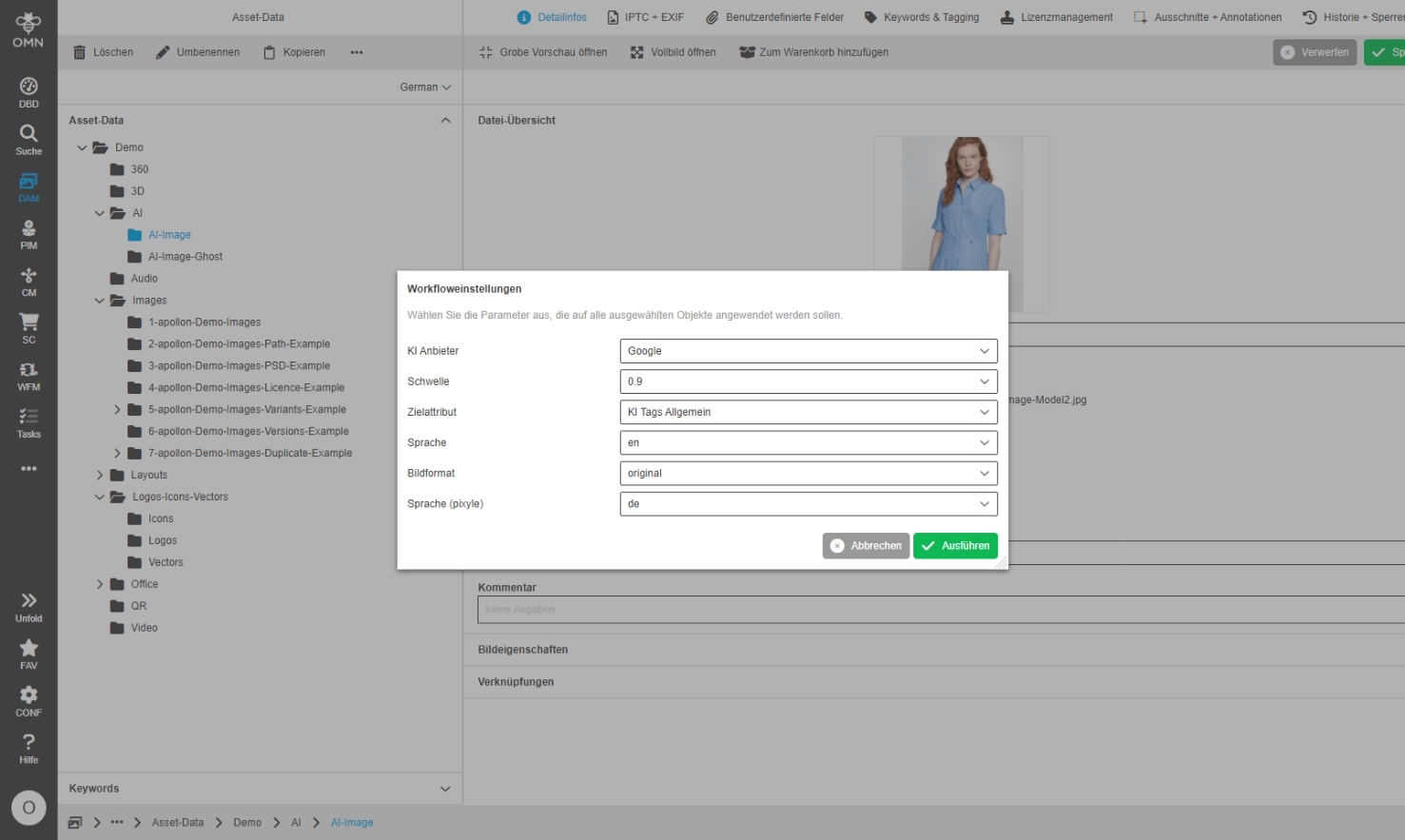
-
AI Tagging services - Sort order and localization of languages
| References | OMNA-1364, Base |
|---|
The Language selection is improved and contains now
-
improved localization
-
sorting by Country Code
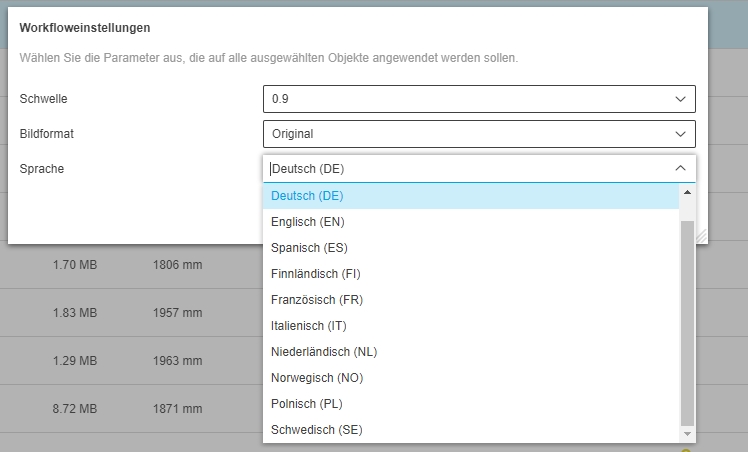
-
Adjust Process description for Image Caption service
| References | OMNA-1310, Base |
|---|
Improved Process description in English and German for Image Caption Service
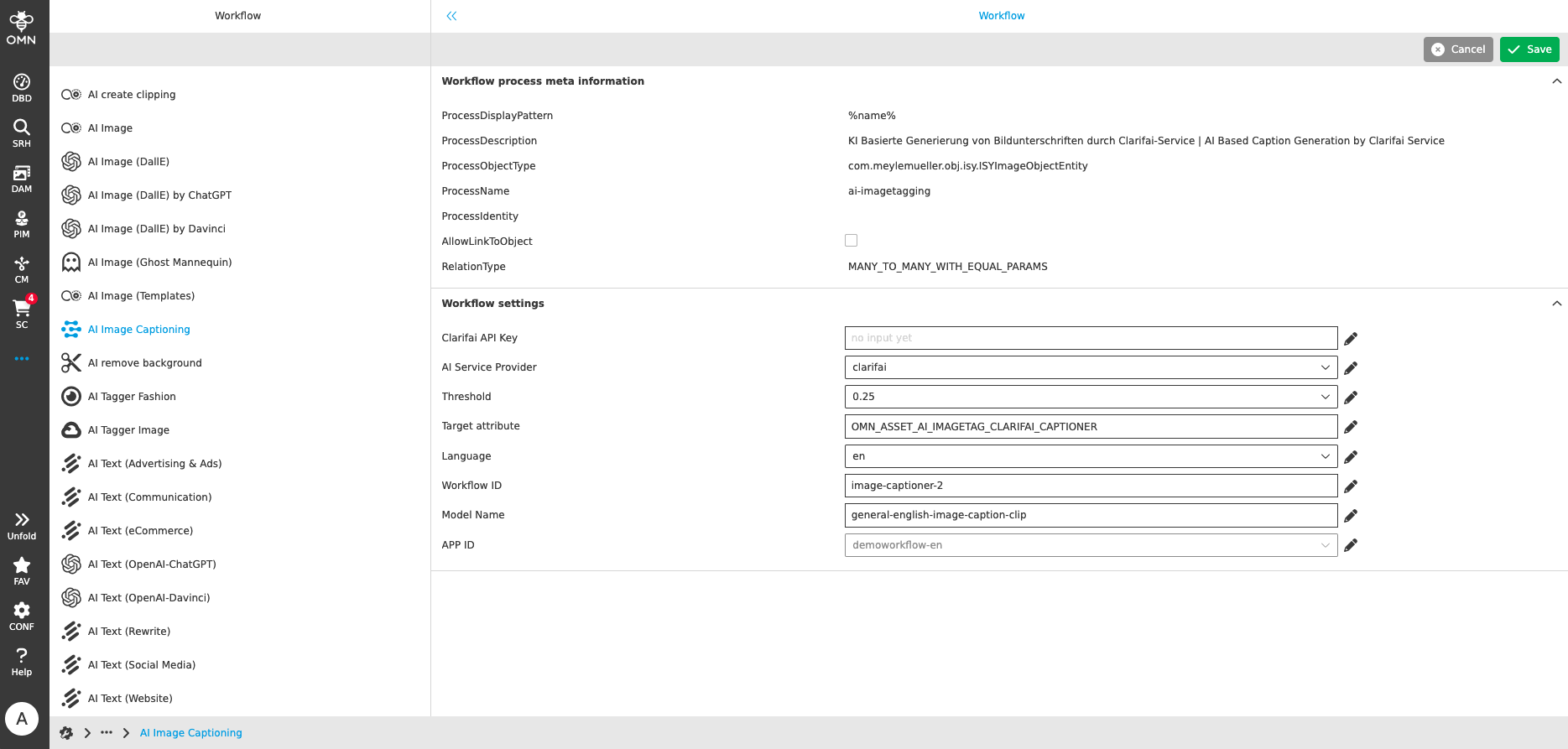
-
AI Tagging (Service Microsoft) localization adjustment in FS Detail
| References | OMNA-1407, Base |
|---|
Improvement names for Attribute related to AI Microsoft service
-
EN: "AI Tags Microsoft"
-
DE: "AI Tags Microsoft"
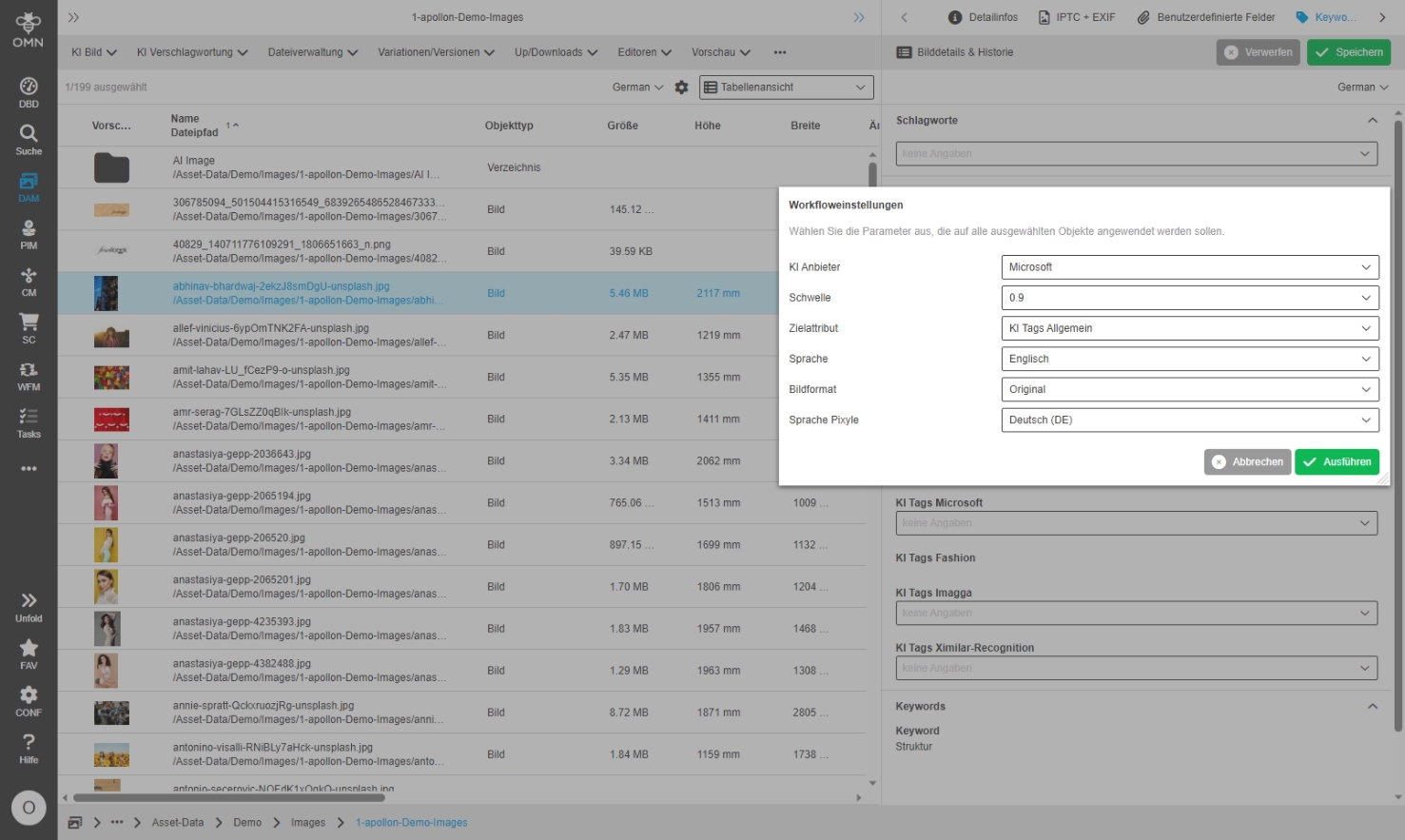
-
Adaptions of AI Tagging Workflow to use Translation of Tags if provider does not support a certain language
| References | OMNA-1420, Base |
|---|
New possibility to translate AI generated tags automatically via AI-Translate (only DeepL) in case of AI tagging provider does not support the wished target language
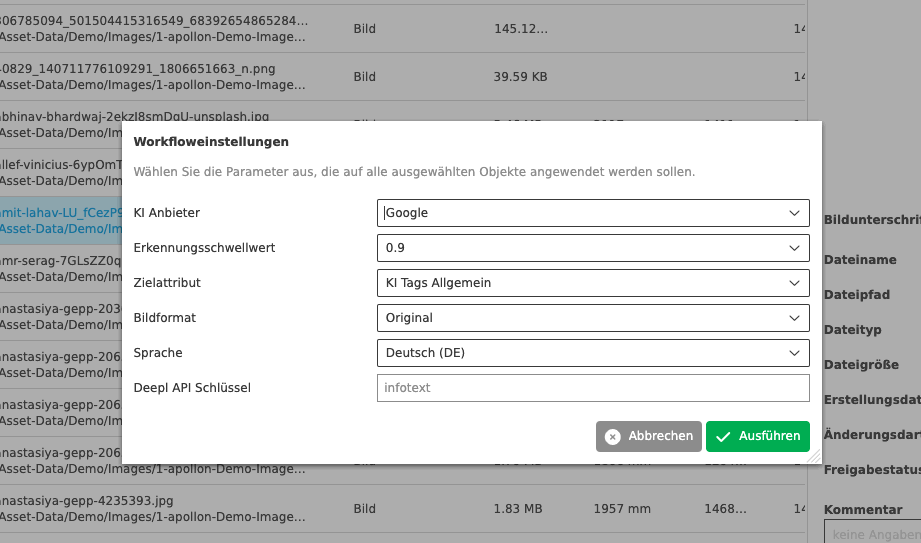
Convert
-
Convert - Cloud based image conversion
| References | OMNA-1156, Base |
|---|
New Conversion Service for images based on Cloudmersive OnlineService
-
Image conversion is available as Toolbar function in Export / Convert Group
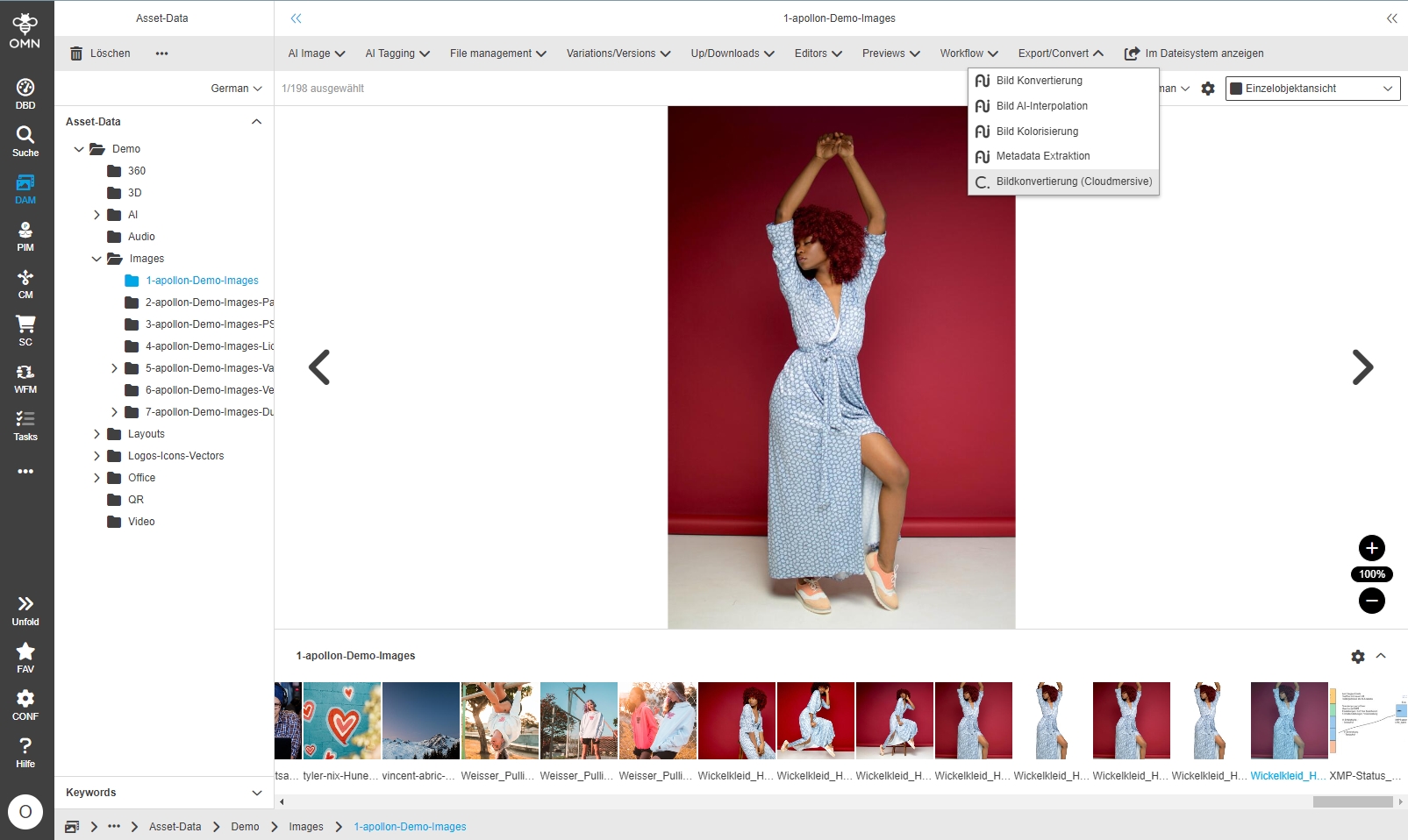
-
Target folder setup for cloud based image conversion
| References | OMNA-1305, Base |
|---|
The current conversion function integration can place calculated files into an existing folder, but not create missing folder structures automatically
For this reason
-
a default folder for conversion results is created during initial Setup (only available in Filesystem Admin section)
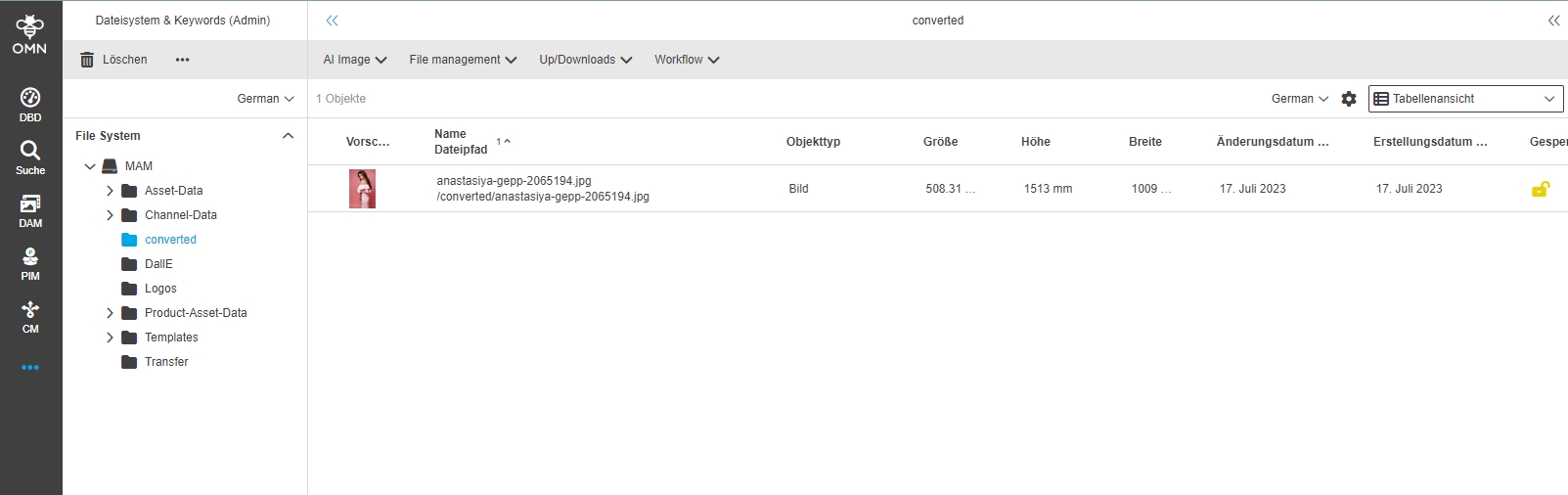
-
a hint is given to the user when triggering the conversion that the target directory must exist
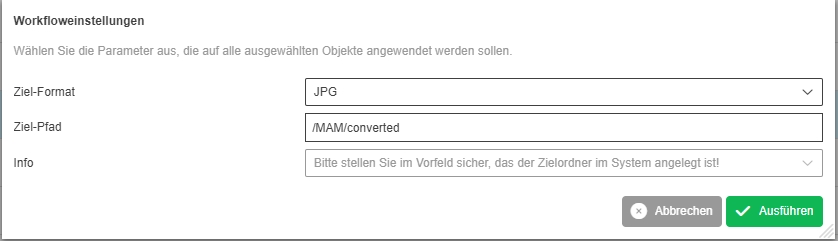
-
API2Convert service to convert various Asset formats
| ACC-Profile | Base |
|---|---|
References |
OMNA-1122 |
New Functionality to convert different asset files over Convert2API Service
-
the functionality is available in new function Group Export/Convert
-
the availability of function depends on the filetype of selected object
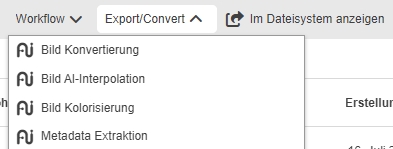
-
Rules for conversion functions
| References | OMNA-1294 |
|---|
Due to new rules, the conversion functions are displayed only if they are executable on a certain file type
-
example Image file
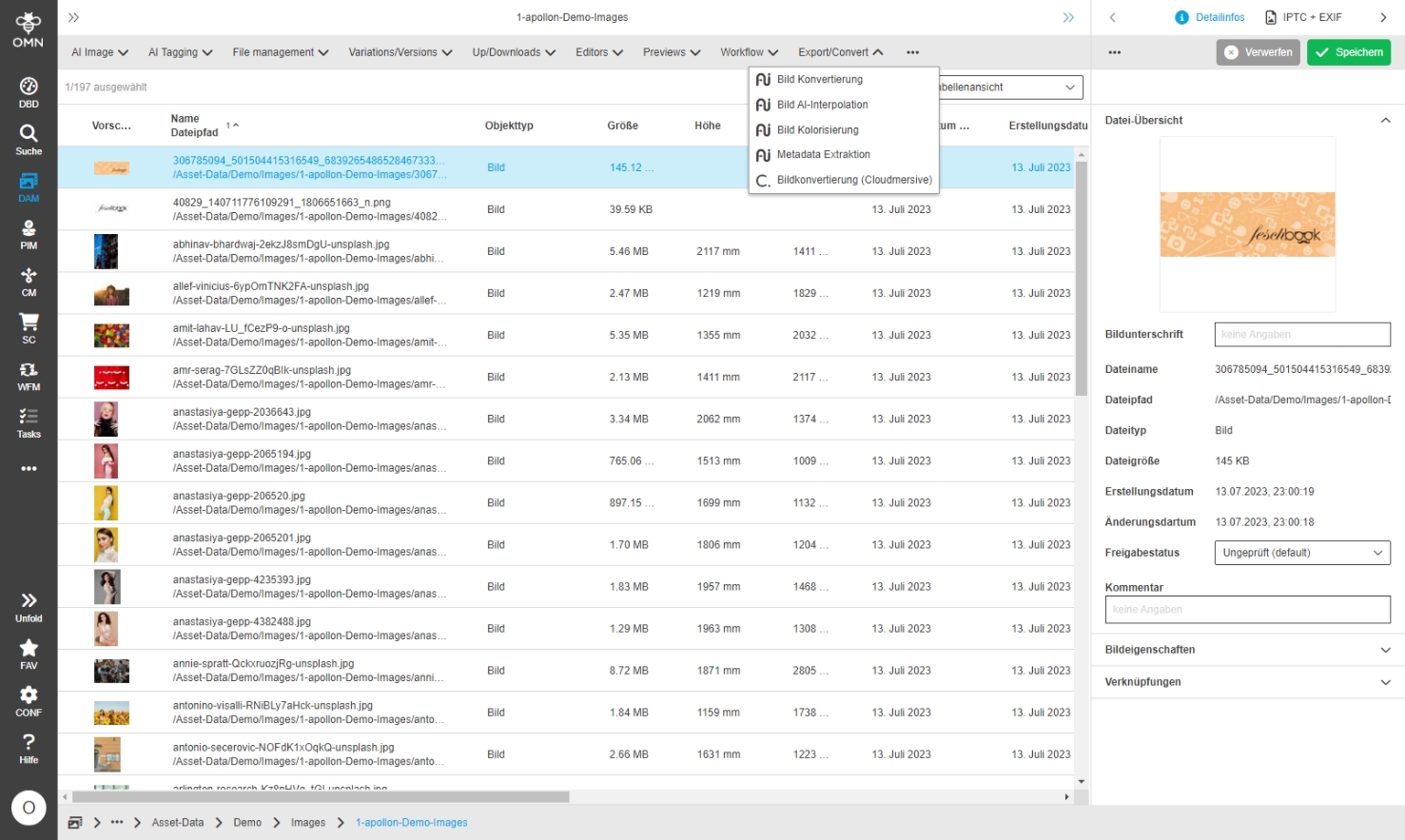
-
example Video file
-
example Audio file
-
Convert - Image Conversion
| References | OMNA-1147 |
|---|
New Conversion Service based on API2Convert Service for Image conversion on base of AI
-
Image conversion is available as Toolbar function in Export / Convert Group for selected images
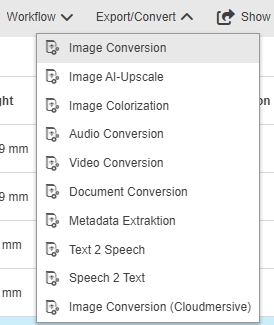
-
Possibility to define target Format and conversion parameters
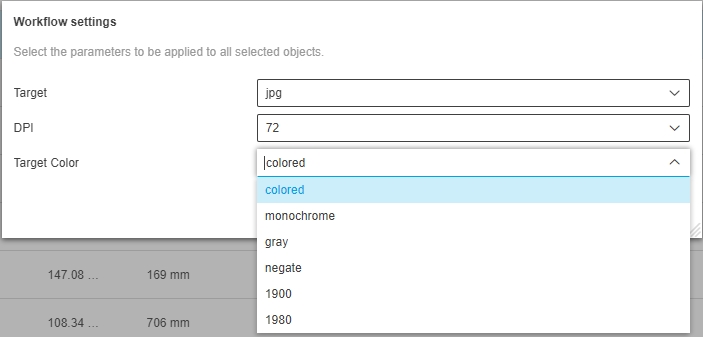
-
The converted file will be saved in same Folder as original file
-
Convert - AI Image Upscale
| References | OMNA-1148 |
|---|
New Conversion Service based on API2Convert Service for Image Upscaling on base of AI
-
Image Upscaling is available as Toolbar function in Export / Convert Group
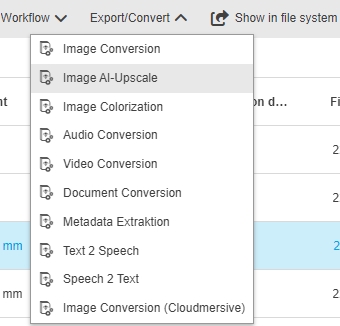
-
Possibility to define the upscale factor for AI upscale
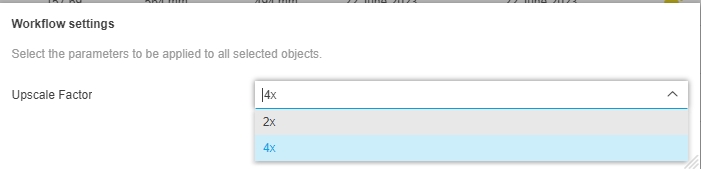
-
The converted file will be saved in same Folder as original file
-
example for upscaled Image
-
Convert - Image Colorization
| References | OMNA-1149 |
|---|
New Conversion Service based on API2Convert Service for Color conversion with Colorization Option on base of AI
-
Image Color conversion is available as Toolbar function in Export / Convert Group
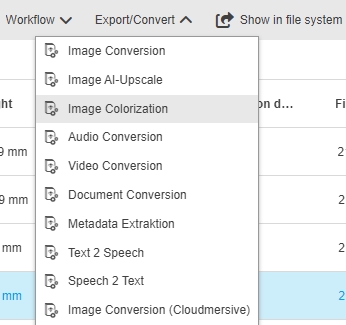
-
Possibility to define target Format with Parameter for Image colorization
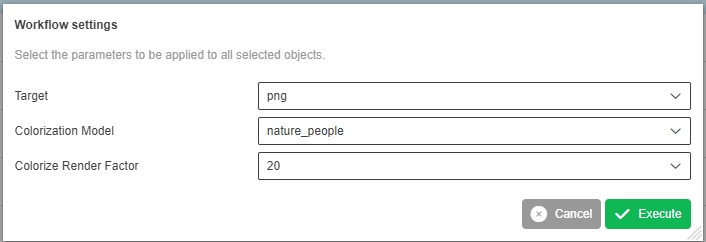
-
The converted file will be saved in same Folder as original file
-
Convert - Audio Conversion
| References | OMNA-1150 |
|---|
New Conversion Service based on API2Convert Service for Audio conversion
-
Audio conversion is available as Toolbar function in Export / Convert Group
-
Possibility to define target Format and Bitrate for Audio conversion
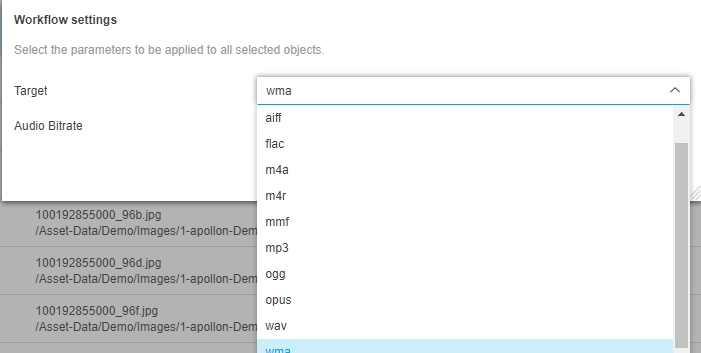
-
The converted file will be saved in same Folder as original file
-
Convert - Video Conversion
| References | OMNA-1151 |
|---|
New Conversion Service based on API2Convert Service for Video conversion
-
Video conversion is available as Toolbar function in Export / Convert Group
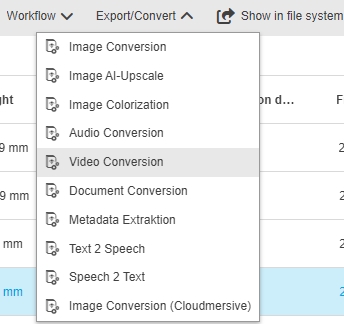
-
Possibility to define target Format and Mirroring for Video conversion
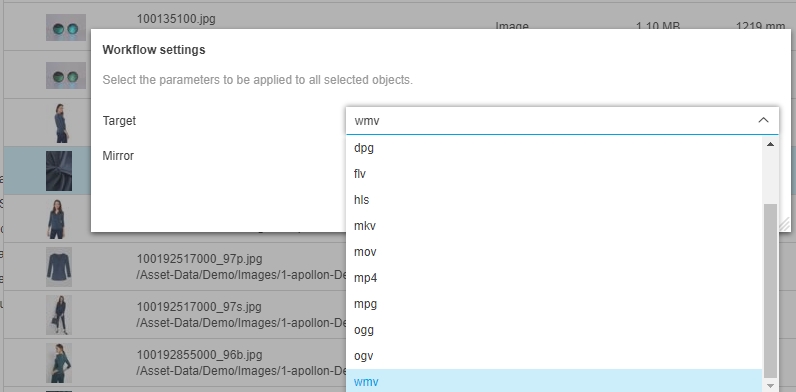
-
The converted file will be saved in same Folder as original file
-
Convert - Video Conversion - add format webm
| References | OMNA-1422 |
|---|
New conversion format WEBM is available for Video conversion
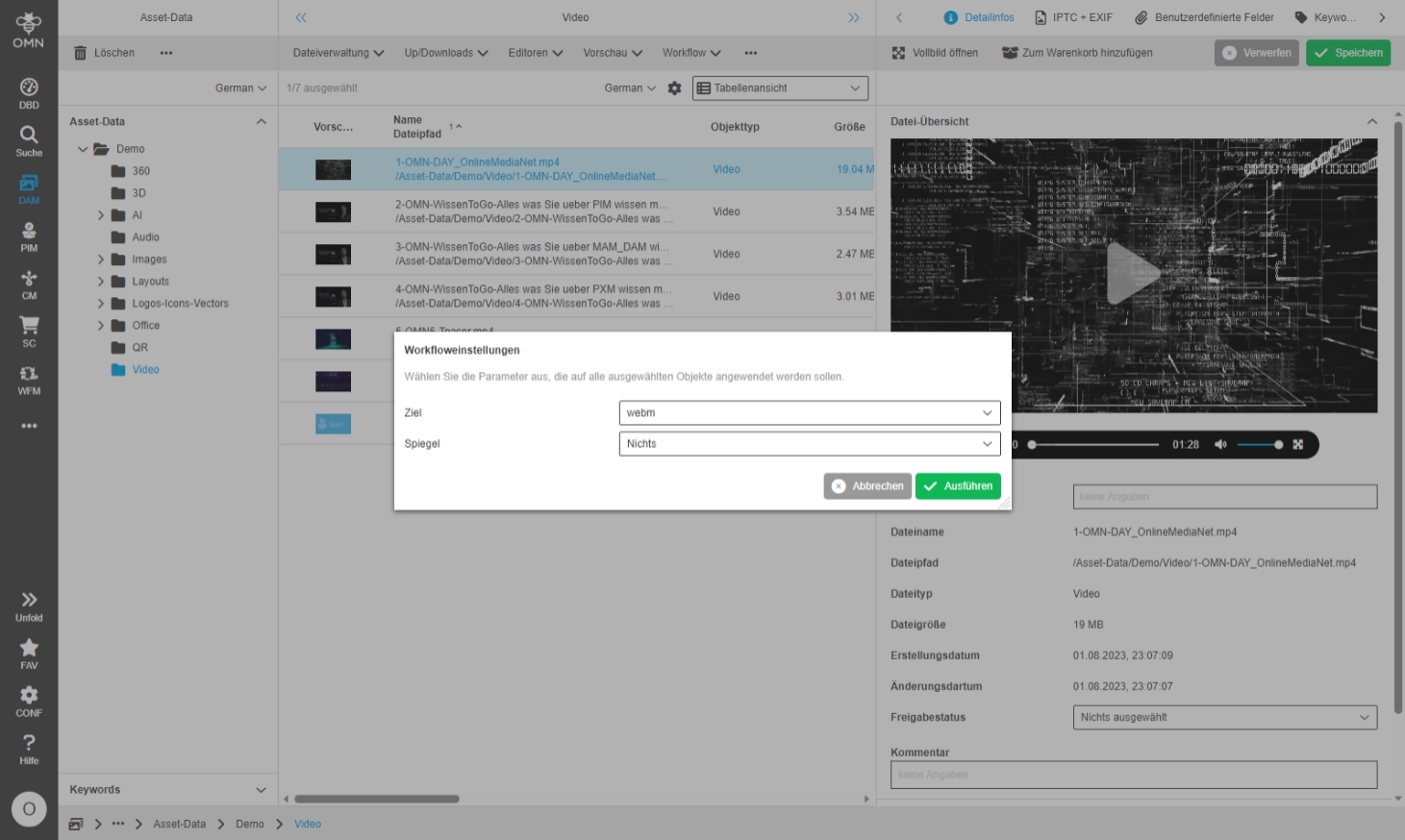
-
Convert - Document Conversion
| References | OMNA-1152 |
|---|
New Conversion Service based on API2Convert Service for Document conversion
-
Document conversion is available as Toolbar function in Export / Convert Group
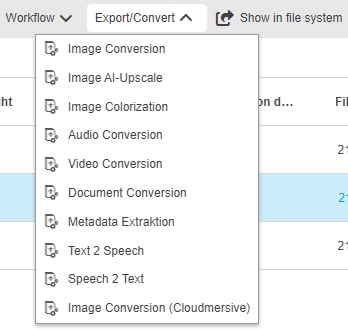
-
Possibility to define target Format for Conversion
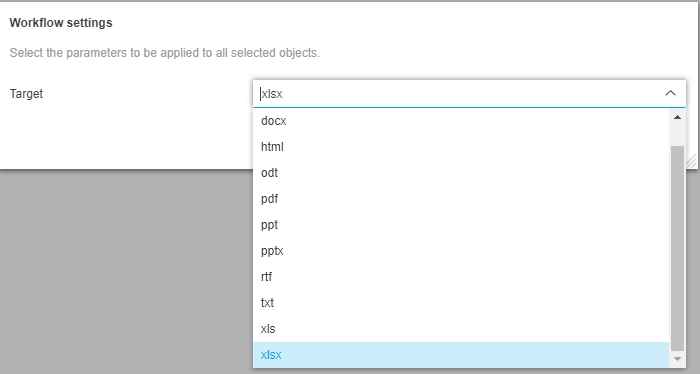
-
The converted file will be saved in same Folder as original file
-
Convert - Metadata Extraction
| References | OMNA-1153 |
|---|
New Conversion Service based on API2Convert Service for Metadata Extraction
-
Metadata extraction conversion is available as Toolbar function in Export / Convert Group
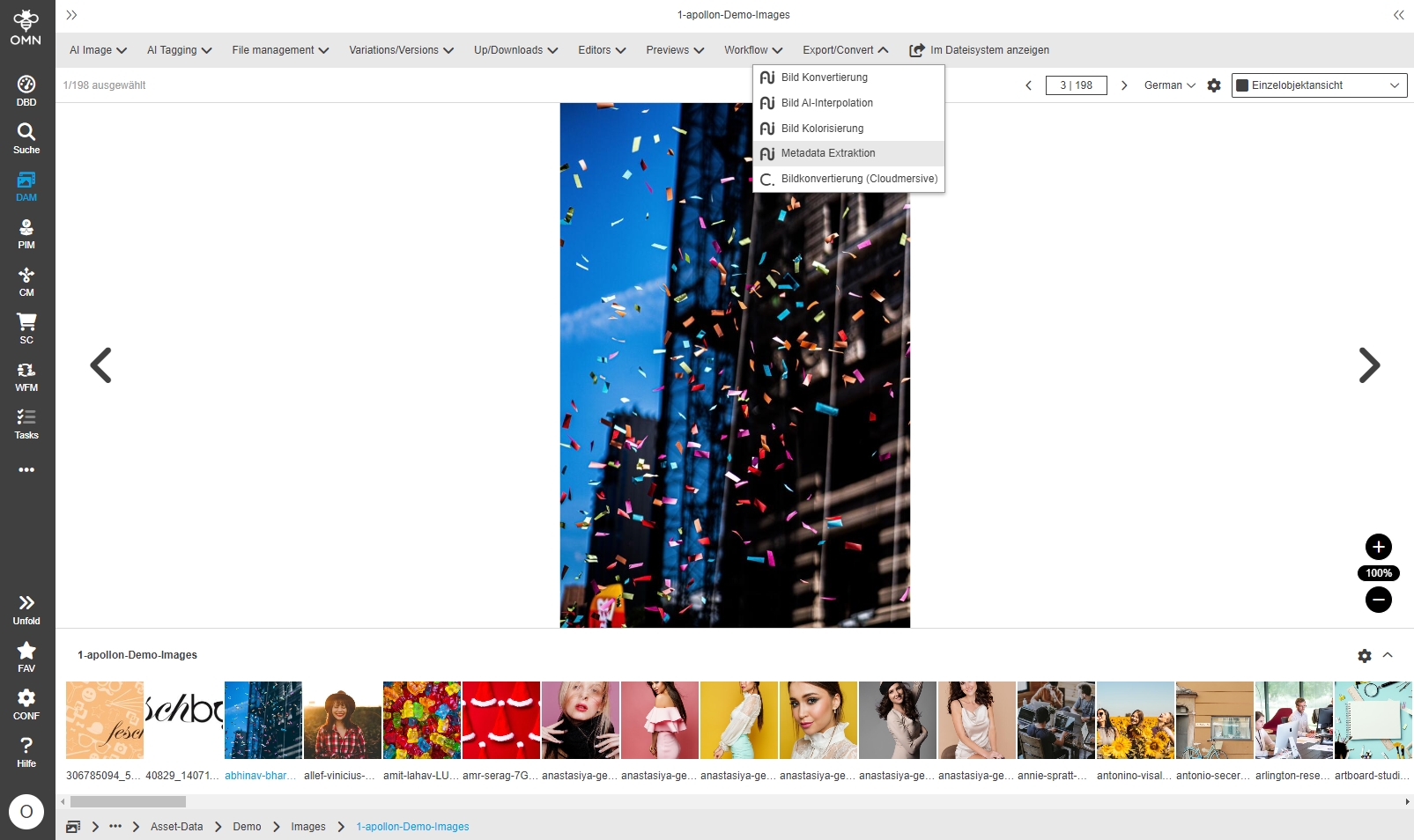
-
Possibility to define target Format and Metadata Output mode
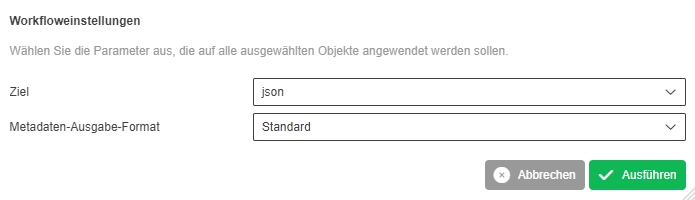
-
Example Output File
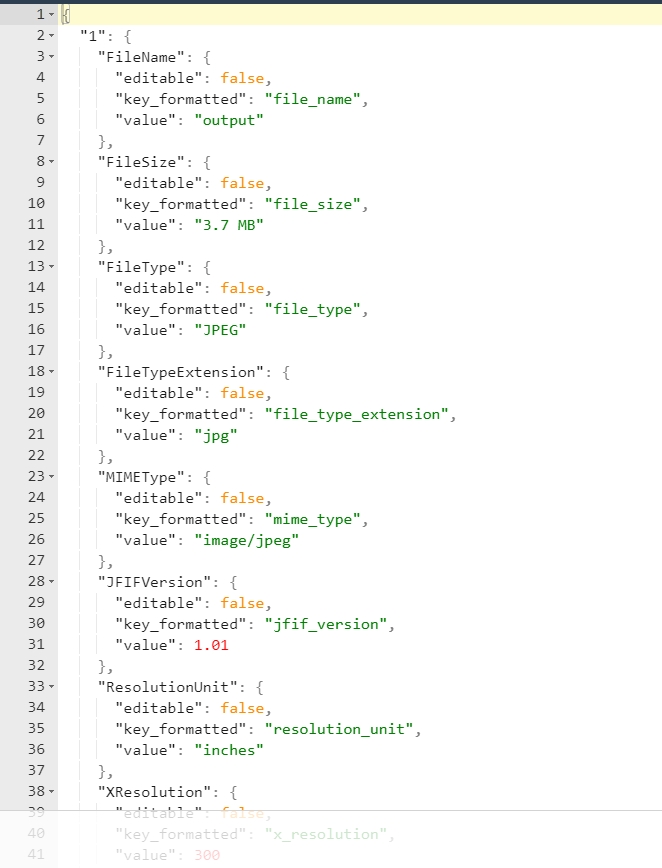
-
Convert - Text 2 Speech
| References | OMNA-1154 |
|---|
New Conversion Service based on API2Convert Service for text to audio on base of AI
-
Text2Speech conversion is available as Toolbar function in Export / Convert Group
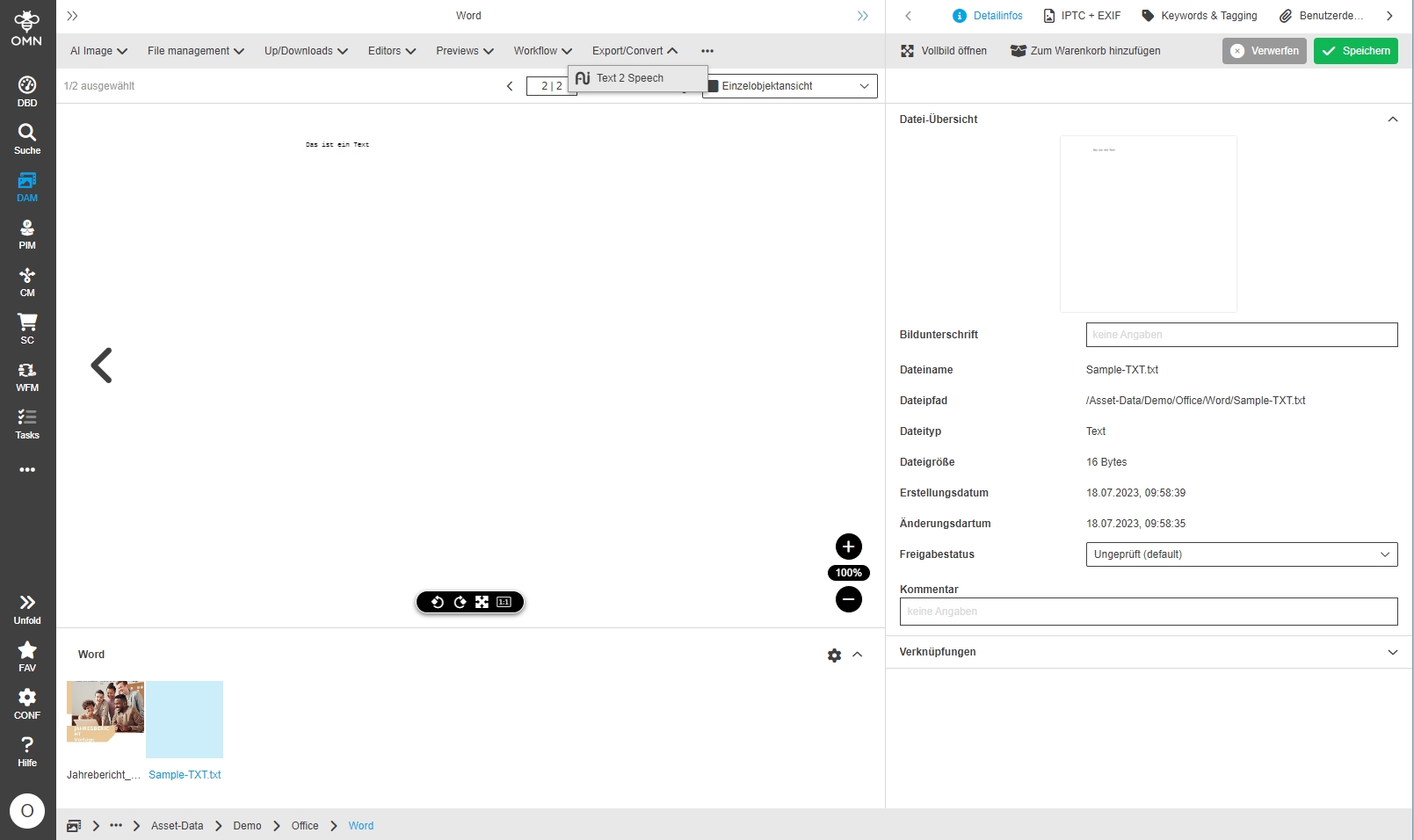
-
Possibility to define target Audio Format, language and Gender for conversion (not gender is not supported for all languages)
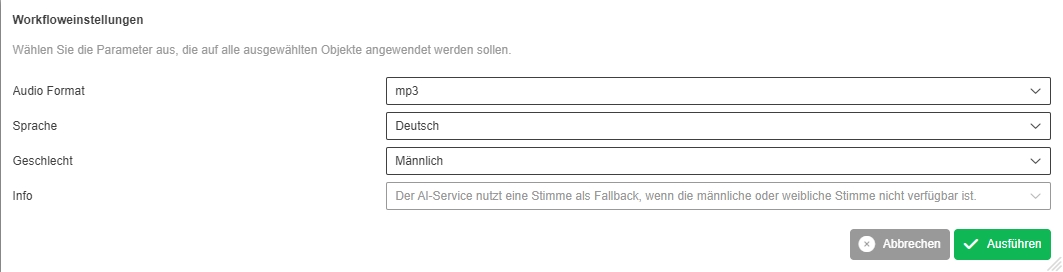
-
The converted file will be saved in same Folder as original file
-
Convert - Speech 2 text
| References | OMNA-1155 |
|---|
New Conversion Service based on API2Convert Service for audio (speech) to text on base of AI
-
Audio2Text for Speeches conversion is available as Toolbar function in Export / Convert Group
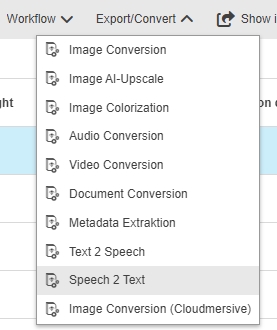
-
Possibility to define target format and language for conversion
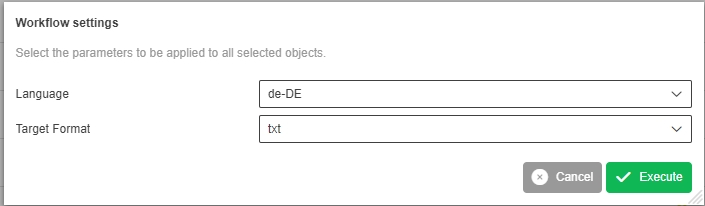
-
The converted file will be saved in same Folder as original file
-
Speech 2 Text Conversion - Optimization of localization of possible values
| References | OMNA-1292 |
|---|
Improve localization of possible value list of Speech2Text Conversion Service to specify target Format more clearly
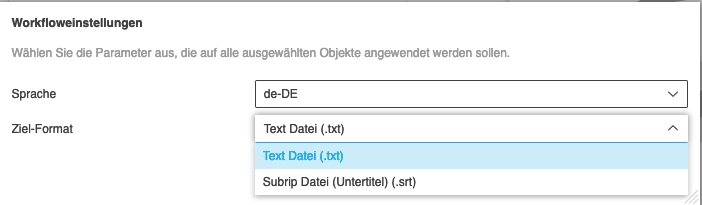
Annotationtool
-
Add Annotationtool function text pointer
| ACC-Profile | Base |
|---|---|
References |
OMNA-956 |
Annotationtool Text pointer tool is added to AnnotationTool configuration allowing to mark text in a PDF and create comment out of it
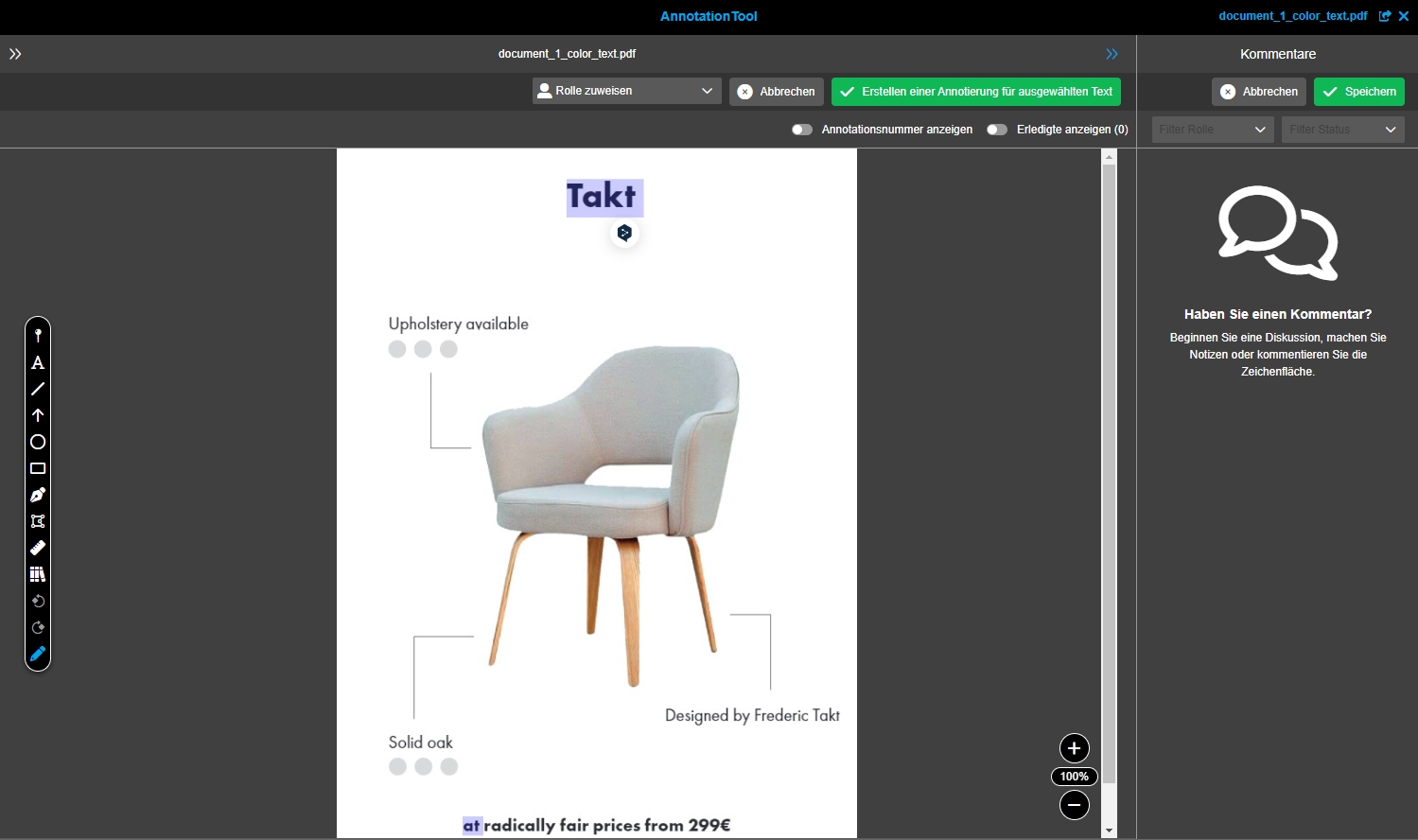
Editors
-
Add QR Code Viewer with Examples
| ACC-Profile | Base |
|---|---|
References |
OMNA-963 |
QR Code Viewer with Example Files is delivered in Base Profile
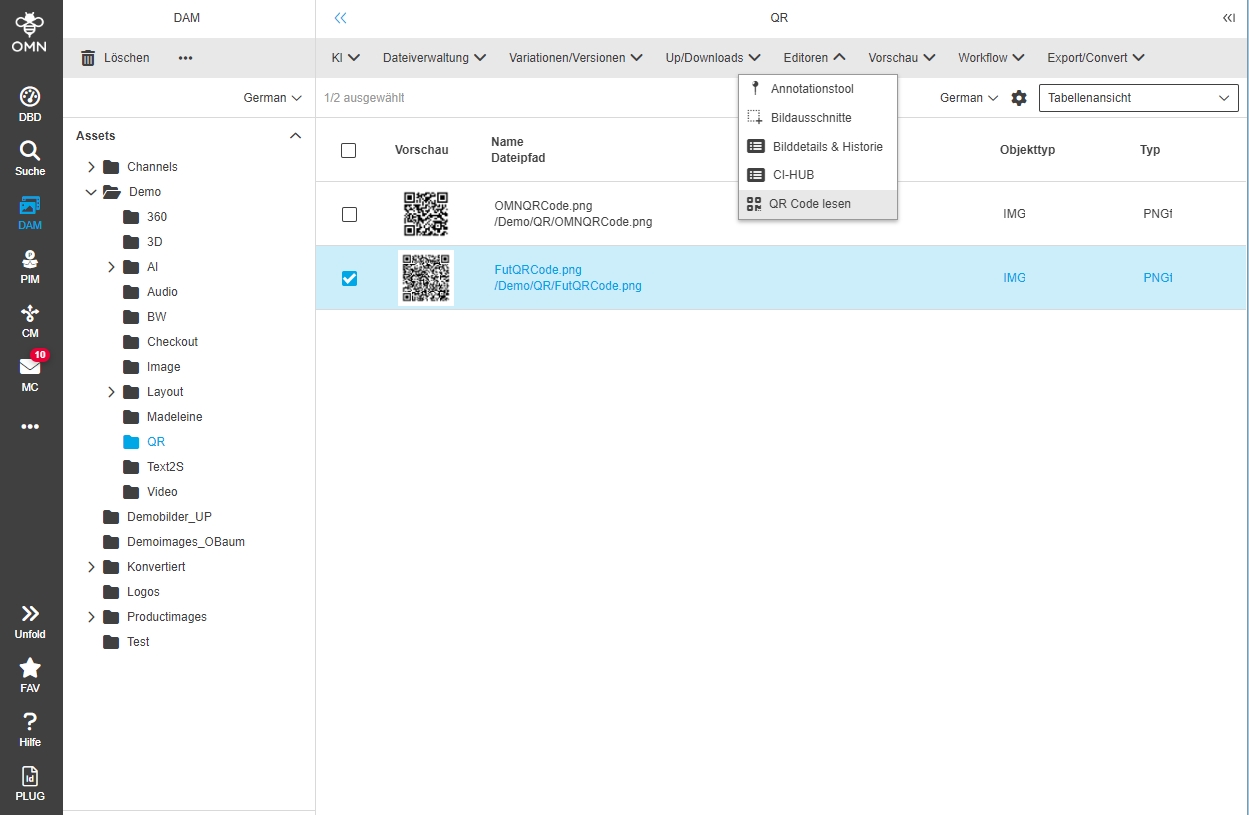
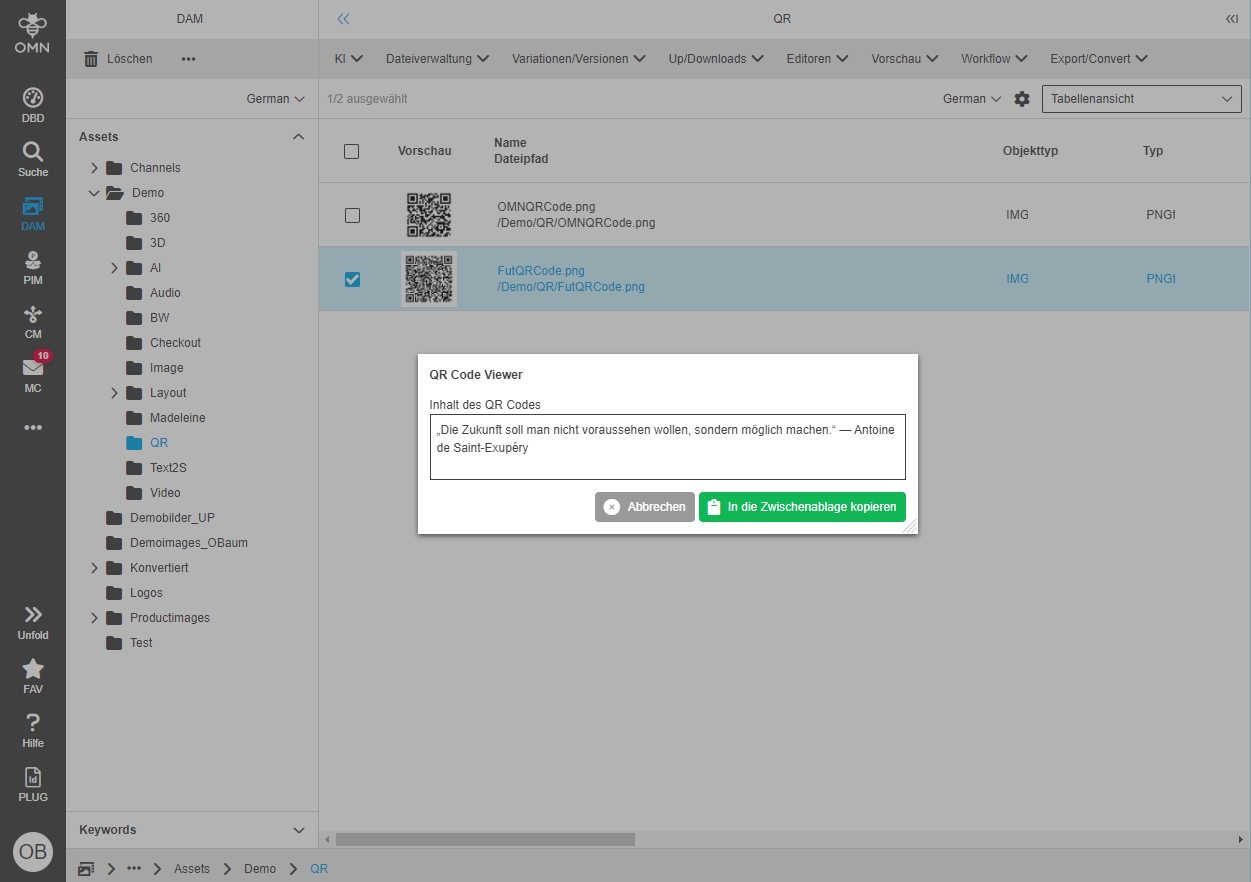
-
AssetView
| ACC-Profile | Base |
|---|---|
References |
OMNA-1057, OMNA-968, OMNA-1130 |
The asset view which can be opened on an asset contains now following areas
-
Access to metadata (Details, References, Tags)
-
Access to IPTC metadata (Details, General, IPTC, Custom)
-
Access to user-defined metadata
-
Access to License Management attributes
-
Access to variants
-
Access to versions
-
Access to History
-
Access to Process information
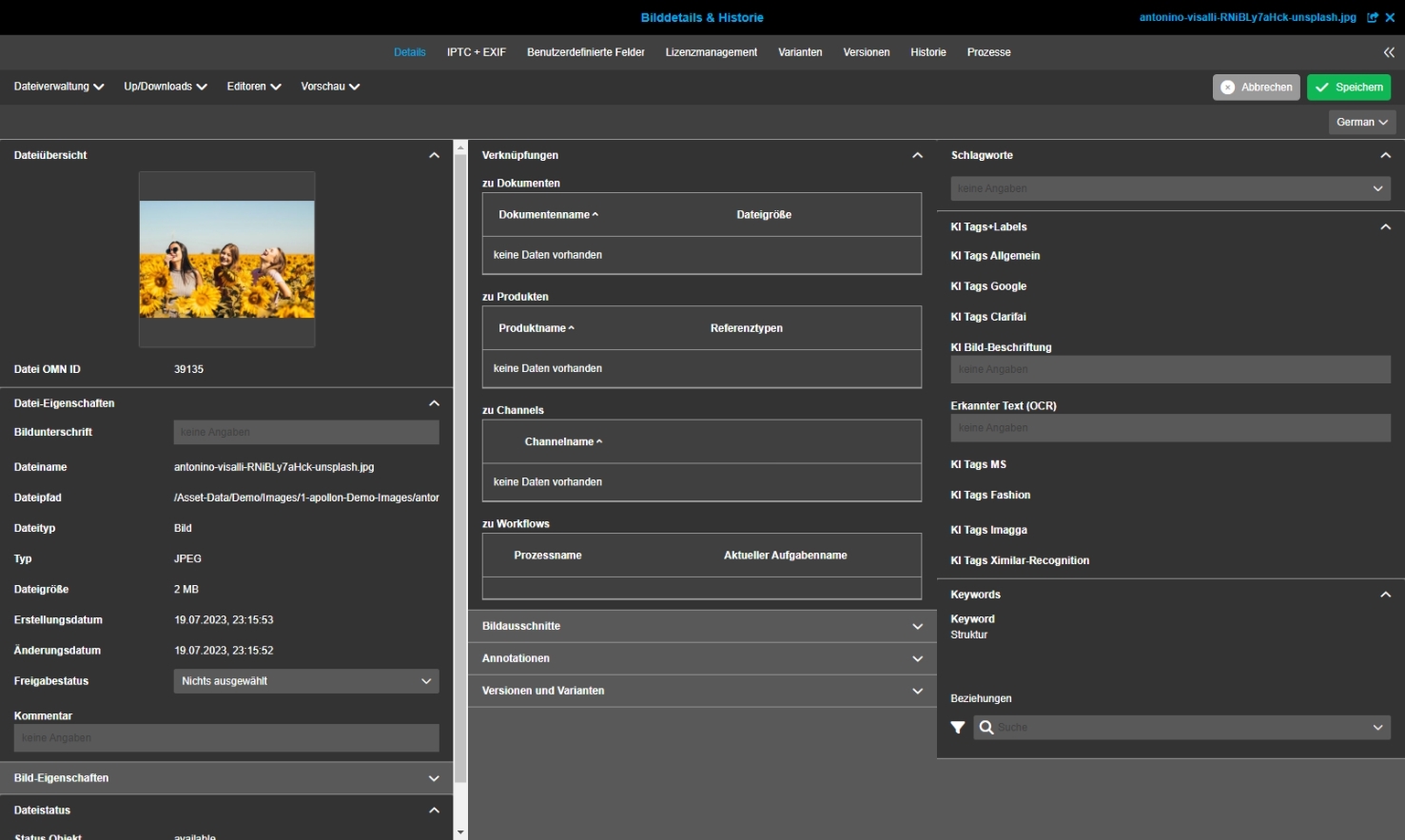
-
Editor functions are available in AssetView FS Detail (Base)
| ACC-Profile | Base |
|---|---|
References |
OMNA-1089 |
AnnotationTool function is configured in the FSDetail of the AssetView so that it can be used from there
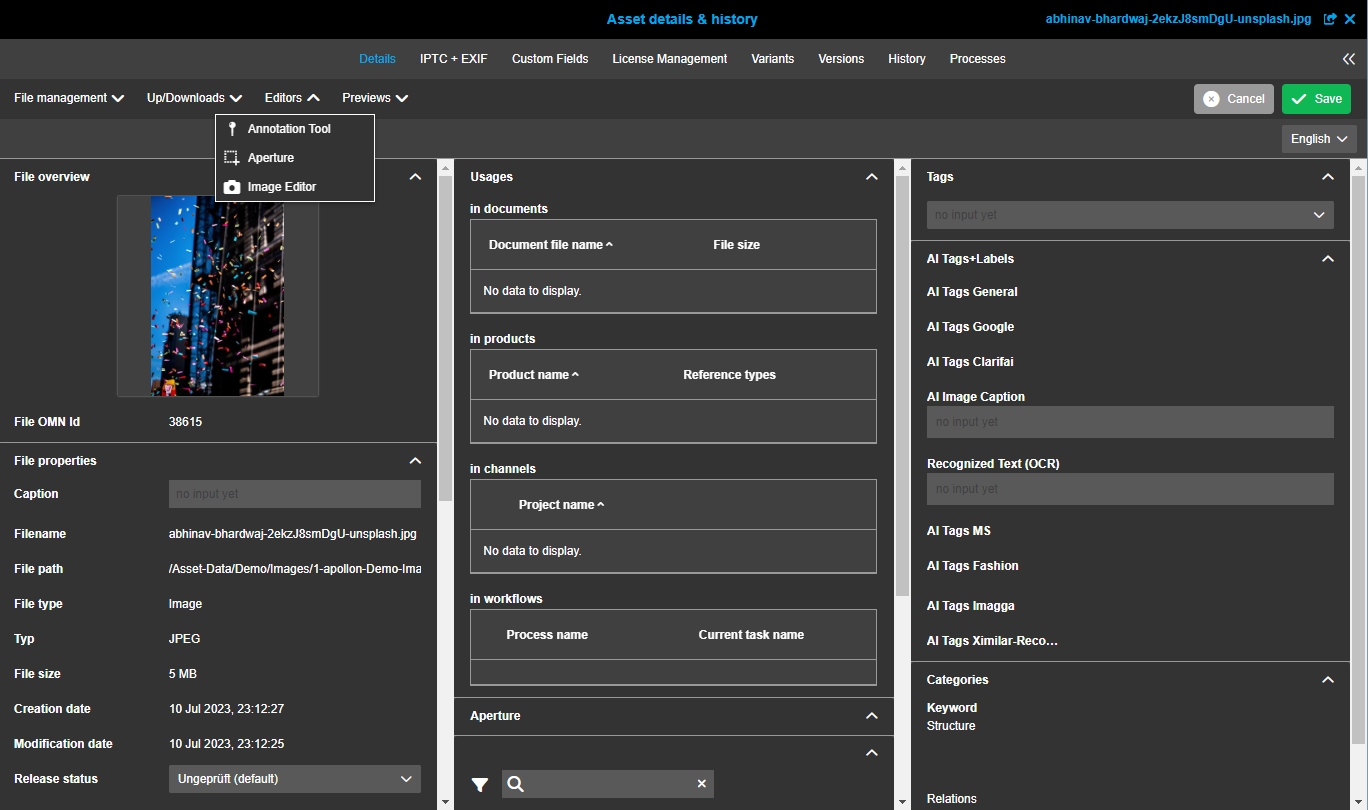
-
Asset-Variation Function - show in navigation
| ACC-Profile | Base |
|---|---|
References |
OMNA-1311 |
Show in navigation function is now available in AssetView
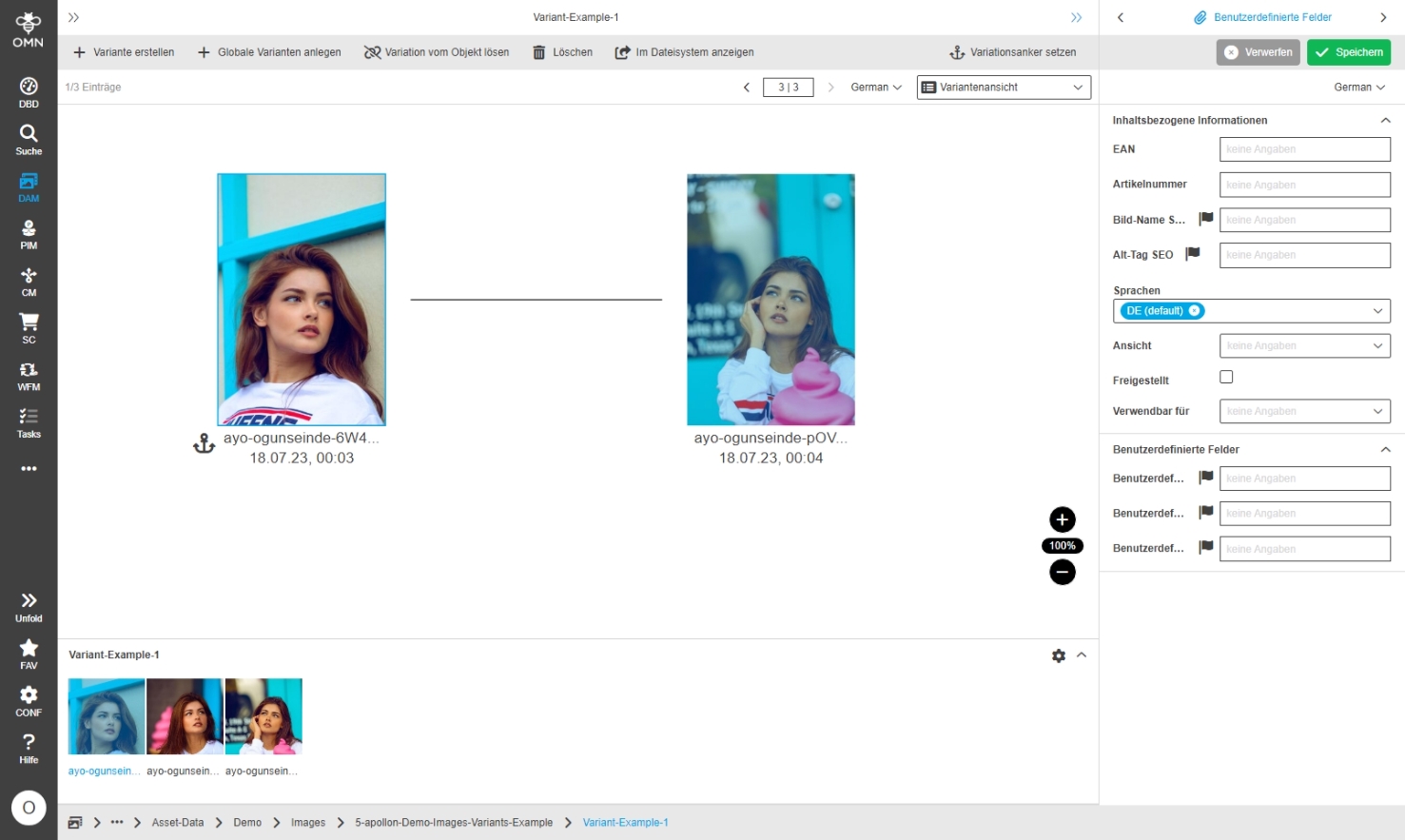
-
Adjustmens to the Asset View configuration
| ACC-Profile | Base |
|---|---|
References |
OMNA-1351 |
Small improvement in the asset view, that links to other objects e.g. from an asset to the product can be opened directly now
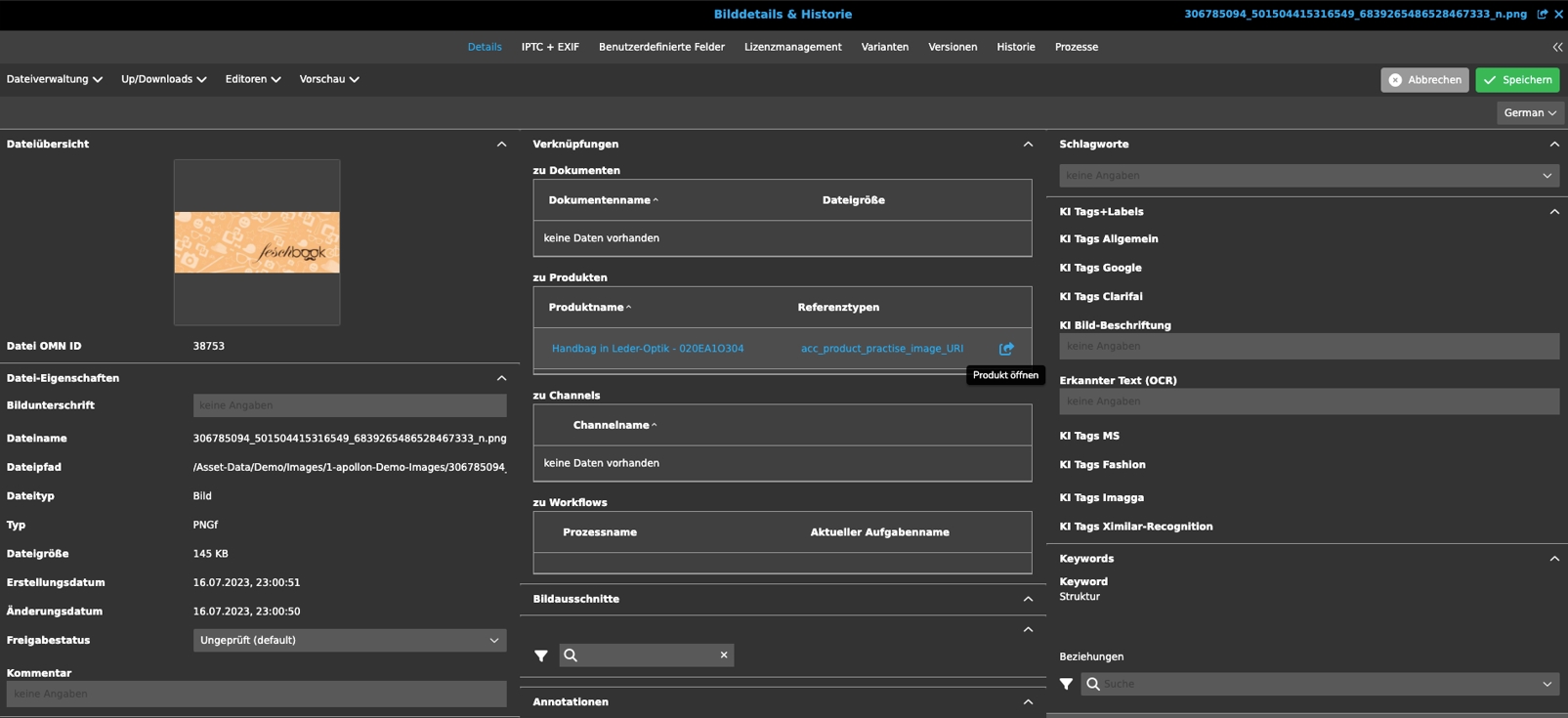
-
AssetView - CI HUB
| ACC-Profile | Base |
|---|---|
References |
OMNA-1361 |
The CI HUB asset view which can be opened on an asset contains now following areas
-
Access to metadata (Details, References, Tags)
-
Access to CI HUB supported IPTC Metadata
-
Access to variants
-
Access to versions
-
Access to History
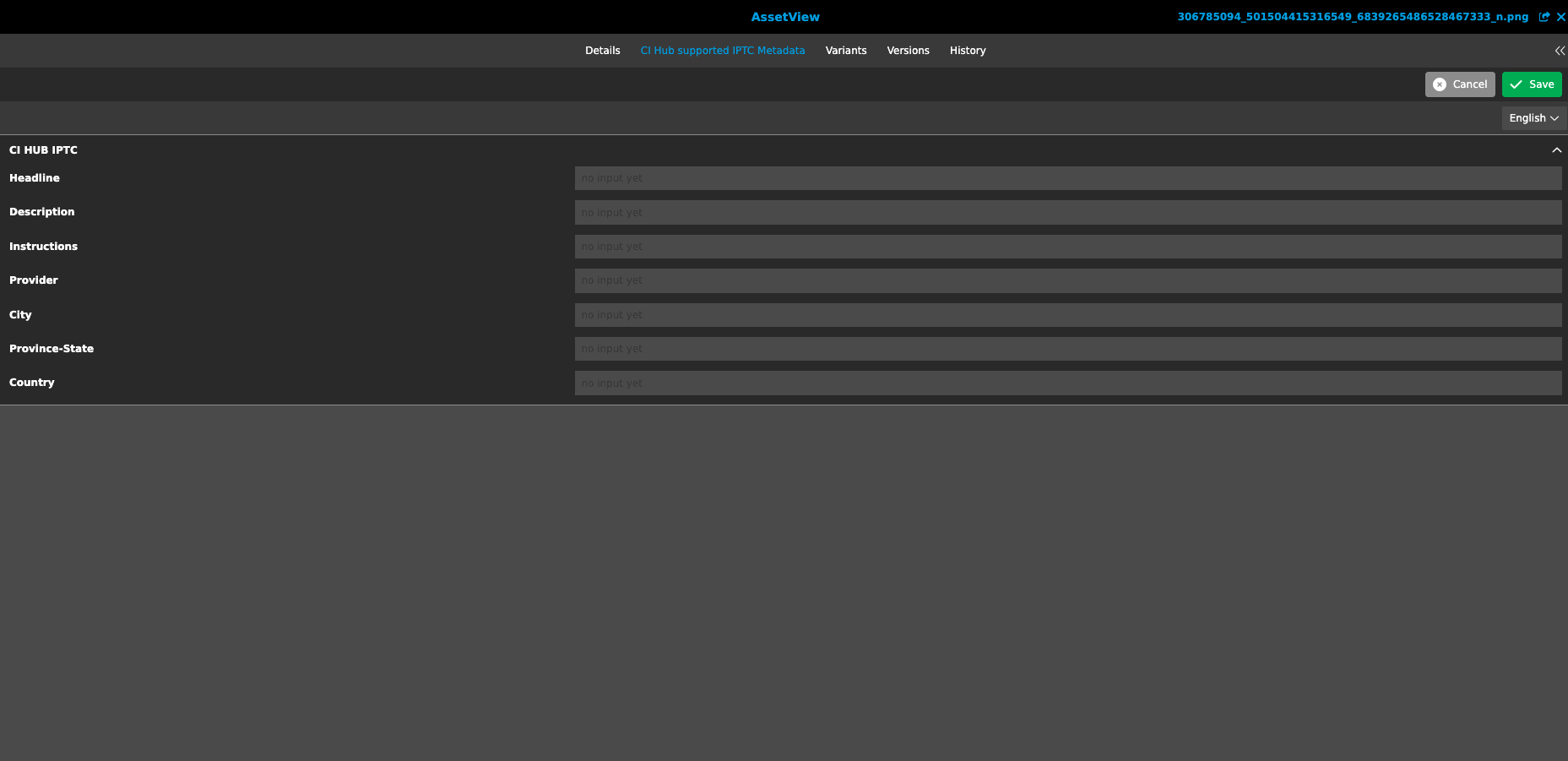
-
Add ImageEditor to FF and base profile
| ACC-Profile | Base, Optional |
|---|---|
References |
OMNA-1000 |
ImageEditor Module is now part of Accelerator base profile
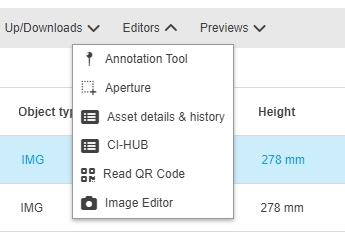
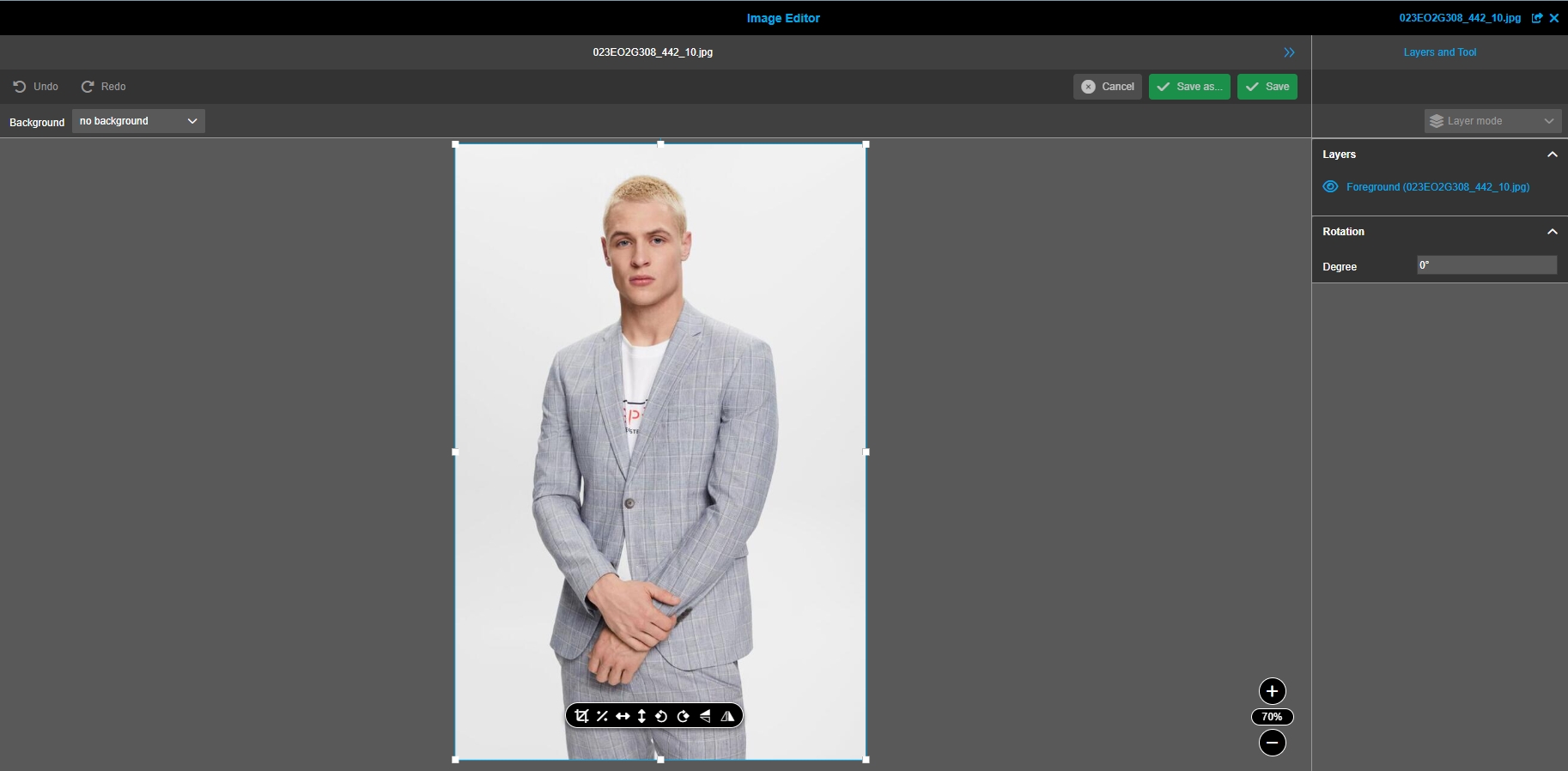
-
Provide demo backgrounds for image editor
| ACC-Profile | Base |
|---|---|
References |
OMNA-1182 |
ACC is providing some demo backgrounds for Image Editor
-
die Demo-Backgrounds sind im Ordner Templates / ImageEditorBackgrounds gespeichert (Zugänglich über File-System-Admin)
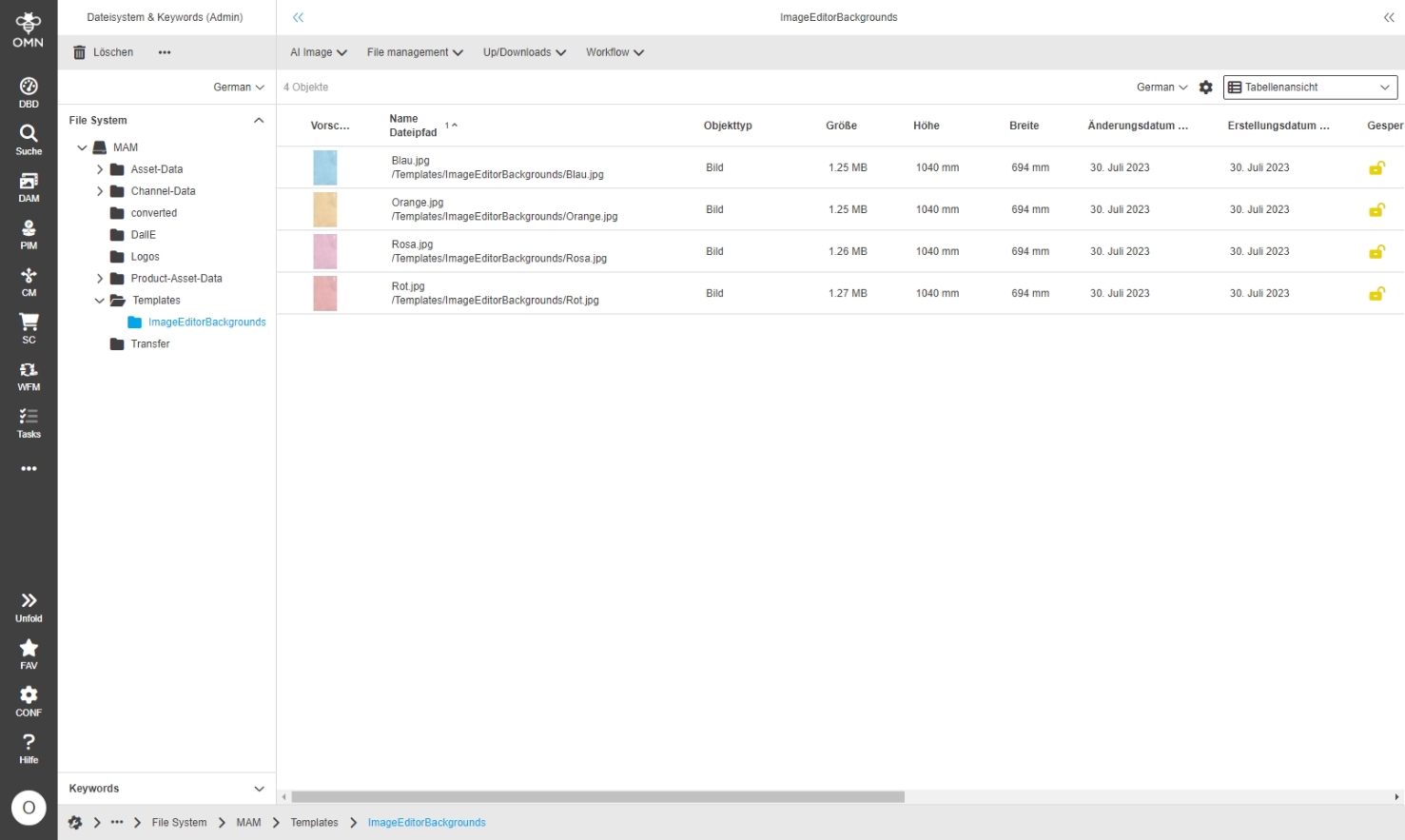
ShoppingCart
-
Remove from ShoppingCart Localization needs to be improved
| ACC-Profile | Base |
|---|---|
References |
OMNA-1041, OMNA-1429 |
Improved localizations of dialoges in Shopping card
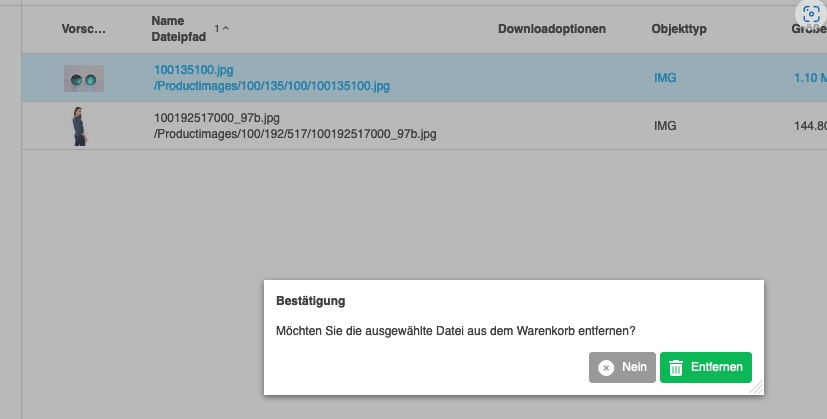
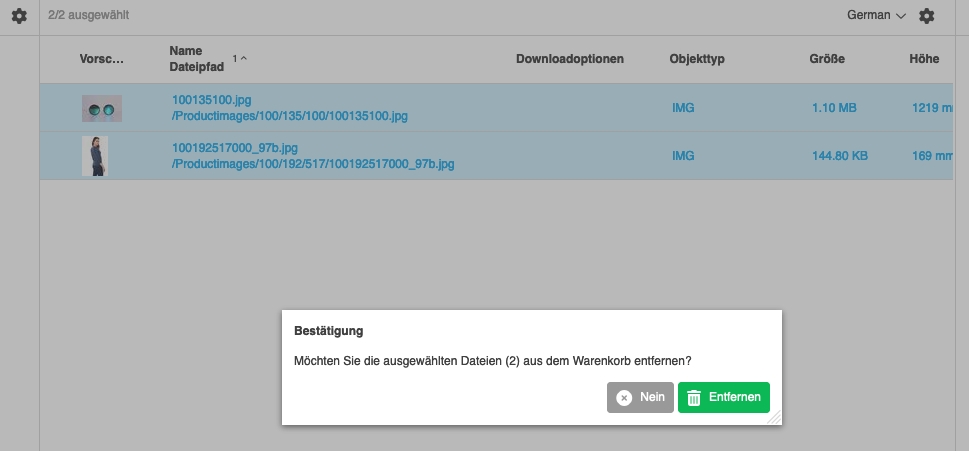
-
Downloadoption for PDF
| ACC-Profile | Base |
|---|---|
References |
OMNA-1052, OMNA-1020 |
New download Options in Shopping basket to download a hires pdf in a lower Quality
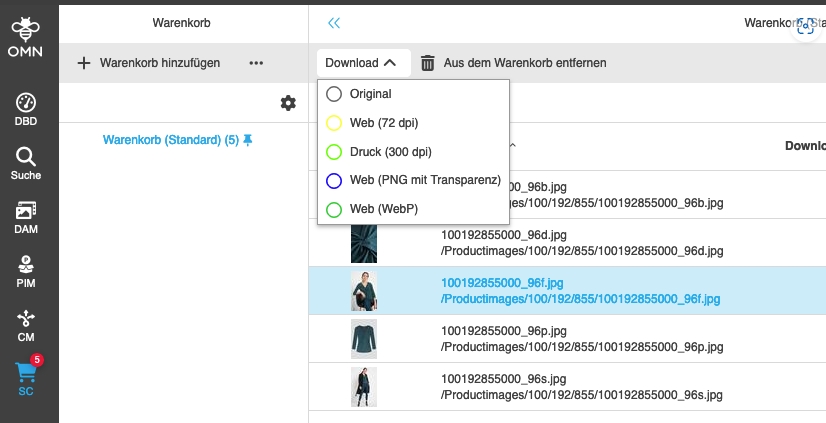
-
New Downloadoption for Images in WebP Format
| ACC-Profile | Base |
|---|---|
References |
OMNA-1019, OMNA-1020 |
New Download option to download Image in WebP Format is available
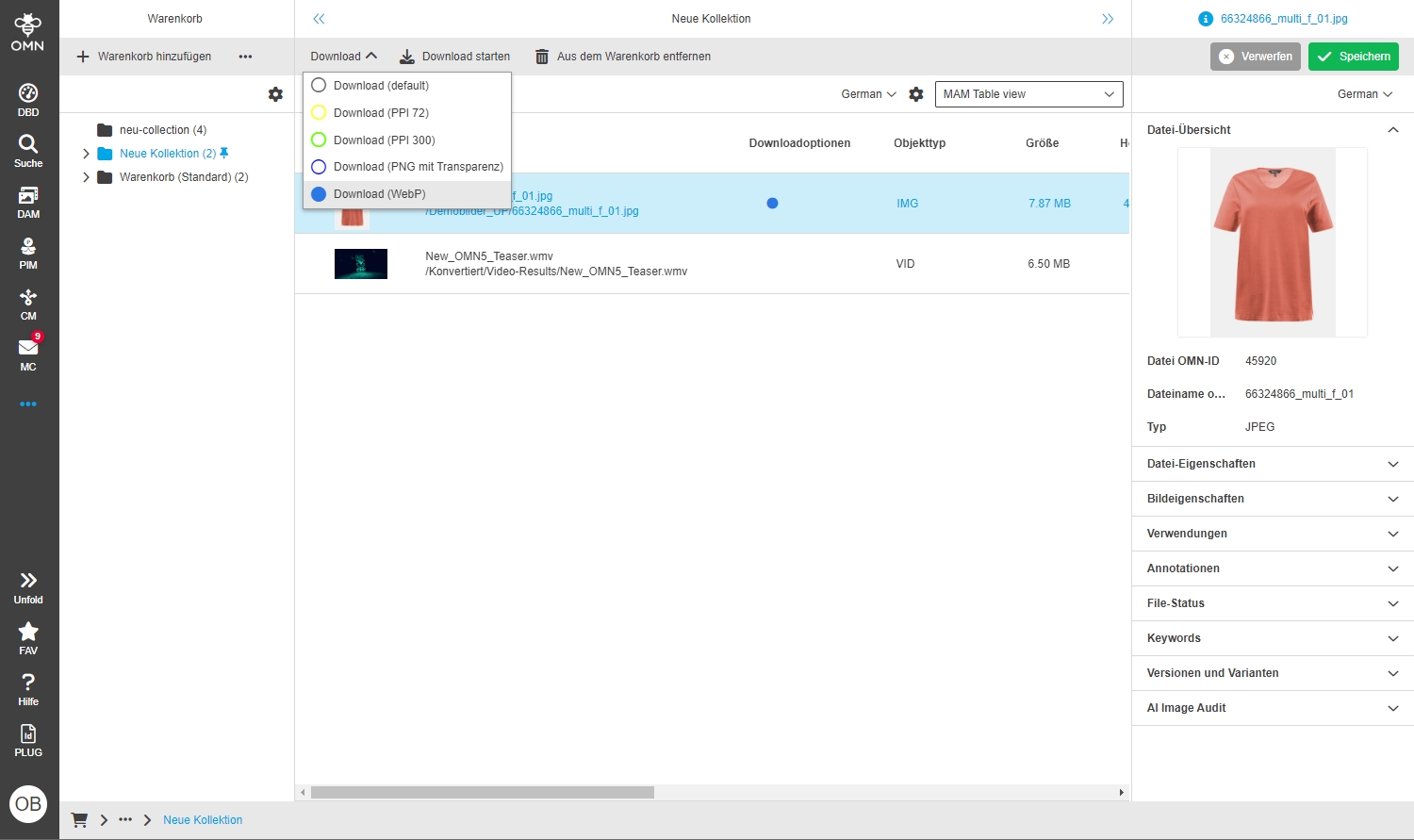
-
Download image as PDF-File
| ACC-Profile | Base |
|---|---|
References |
OMNA-1135 |
New Download option in Shopping Cart allowing to download an Image as converted PDF File
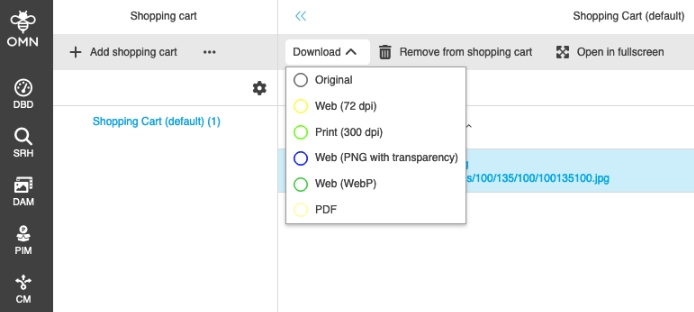
-
Configuration of Double-click functions and usage in Shopping cart in ACC profiles
| ACC-Profile | Base |
|---|---|
References |
OMNA-935 |
Possibility to use double-click functions in Shopping cart on selected object to show object in ist original Destination
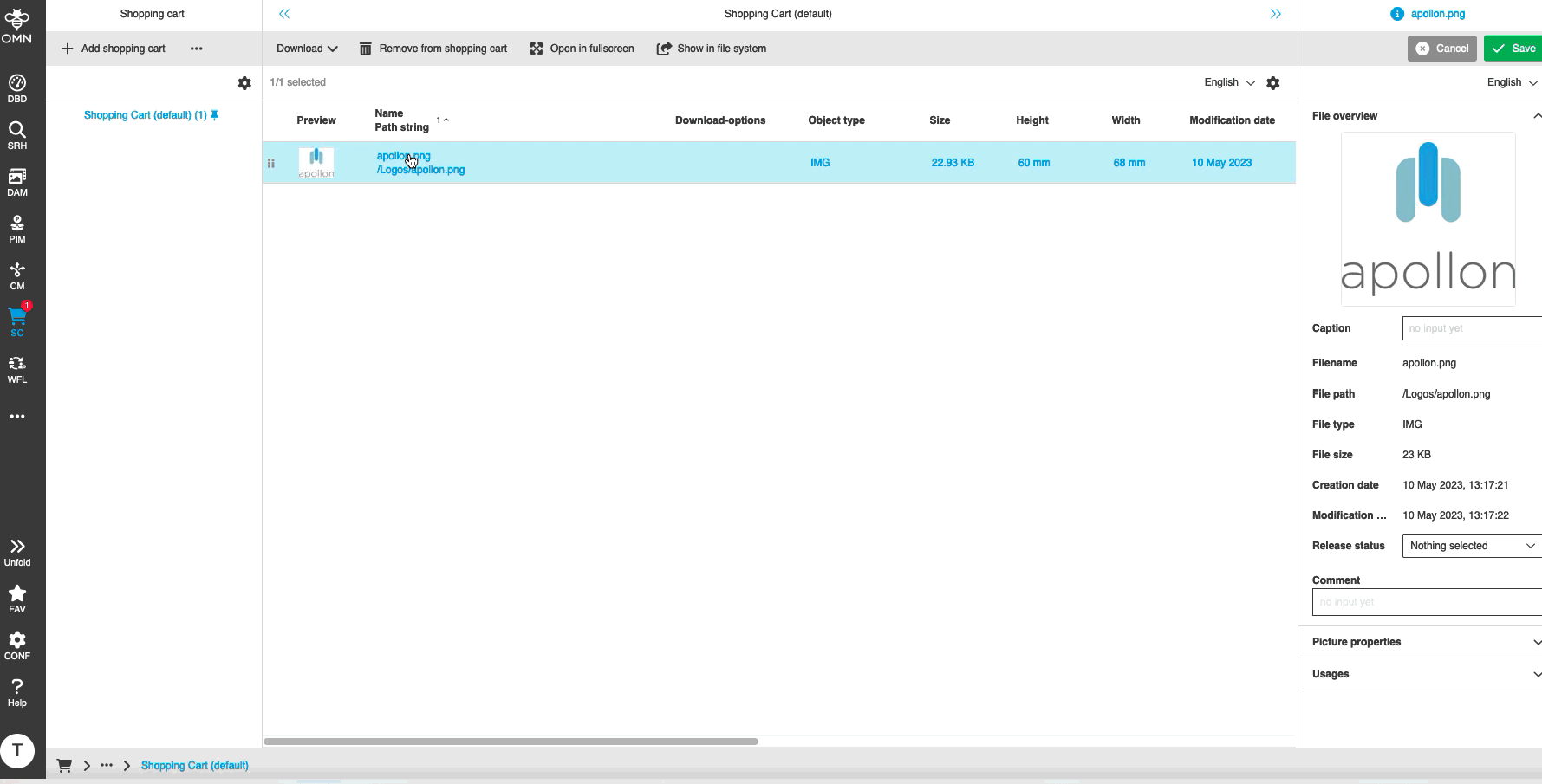
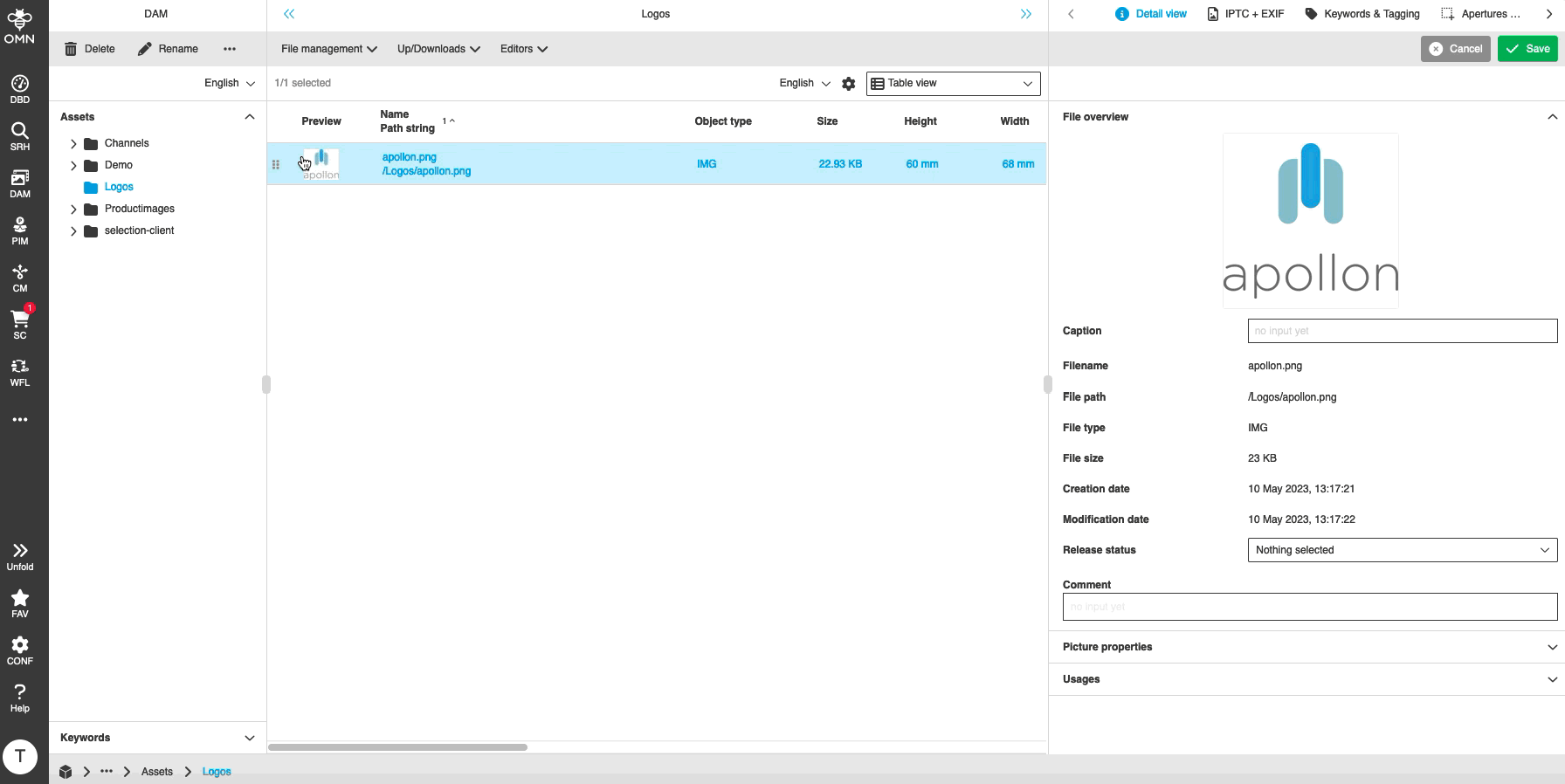
-
ShoppingCard Downloads for further filestypes
| References | OMNA-1171, OMNA-1429, OMNA-1020 |
|---|
New Function in Shopping Card to define the Default Shopping Card
-
the default Shopping Card is visualized with a pin Icon
-
the Default Shopping Card is used, if an asset is DnD from Center to Shopping Cart Sidebar item in order to assign an asset to a Shopping Card
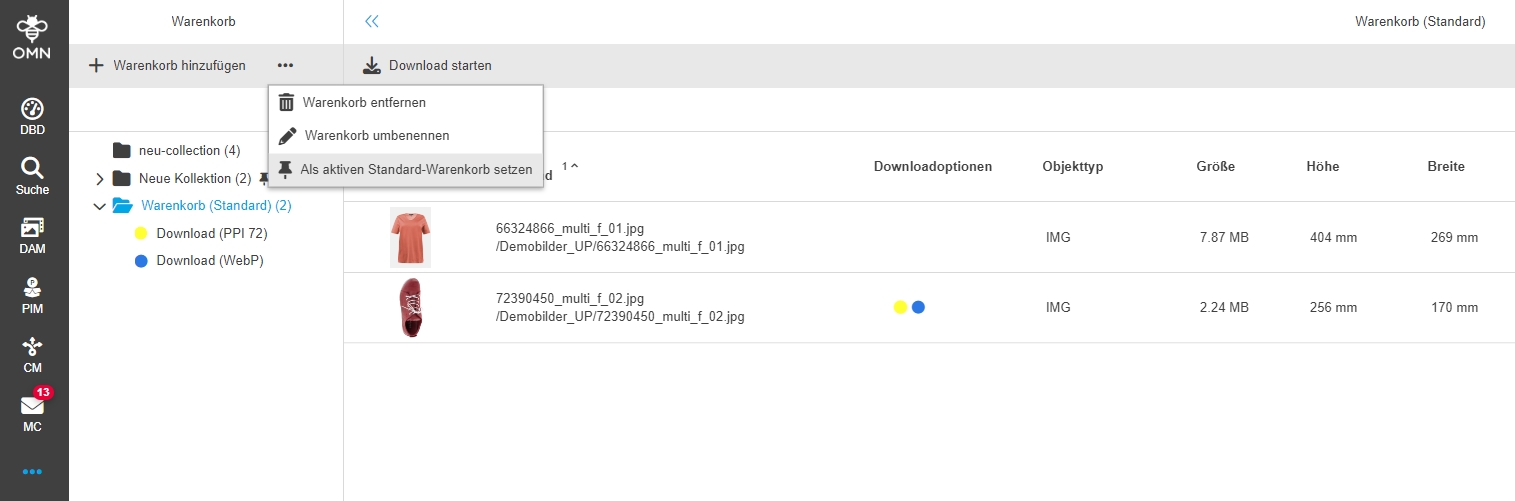
-
Shopping Cart Function active selection
| ACC-Profile | Base |
|---|---|
References |
OMNA-970, OMNA-1429 |
-
Rules for Downloadoption from Shopping Cart
| ACC-Profile | Base |
|---|---|
References |
OMNA-1137, OMNA-1429 |
Improvement in shopping card download functions, so that the display of available download sets depends on the selected file Format
-
eg. download Options for Images
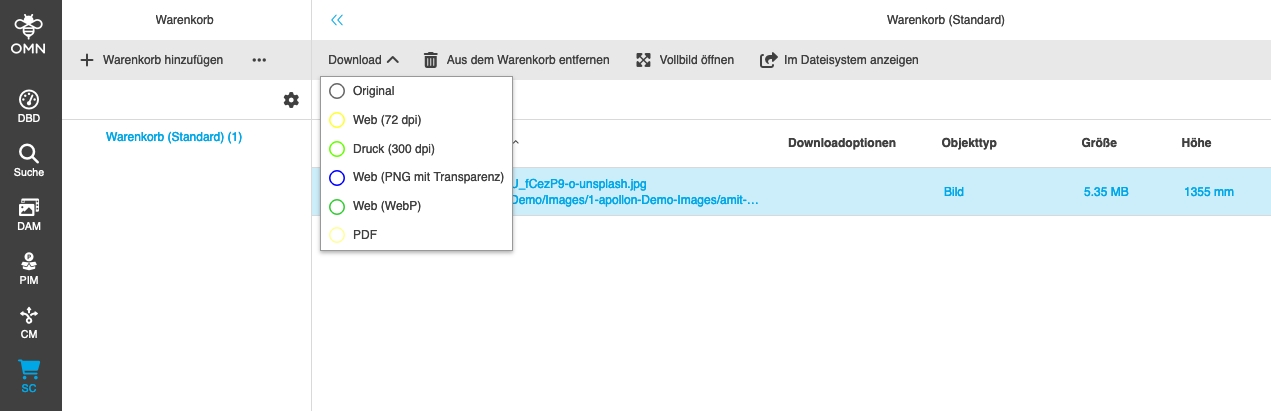
-
download Option for pdf
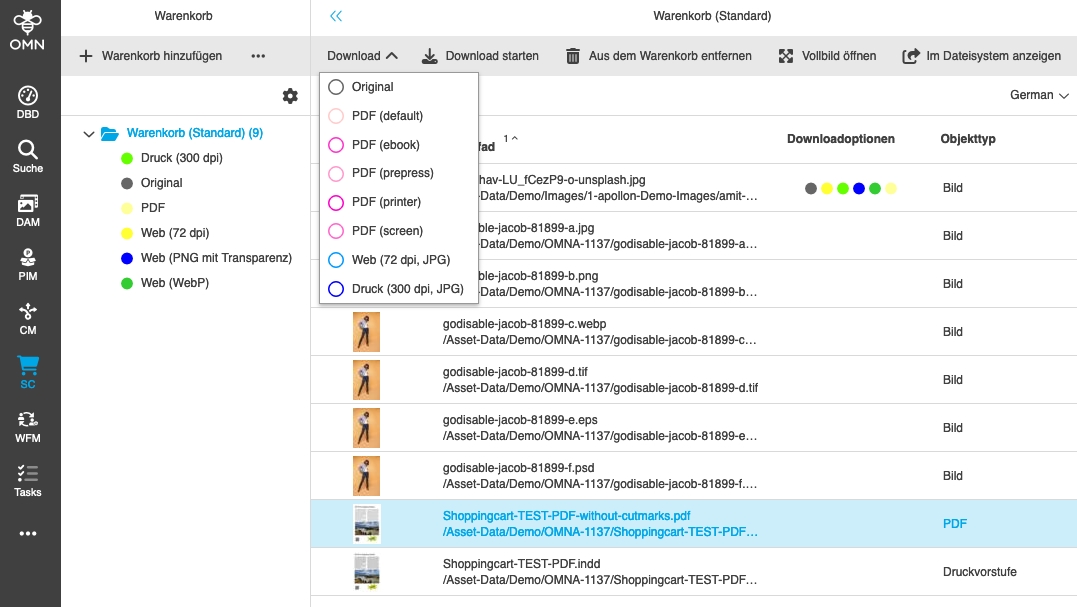
-
Optimize Shopping Cart Download Email
| References | OMNA-966, OMNA-1429 |
|---|
Optimization of the shopping card email that a recipient receives when a shopping cart download is provided
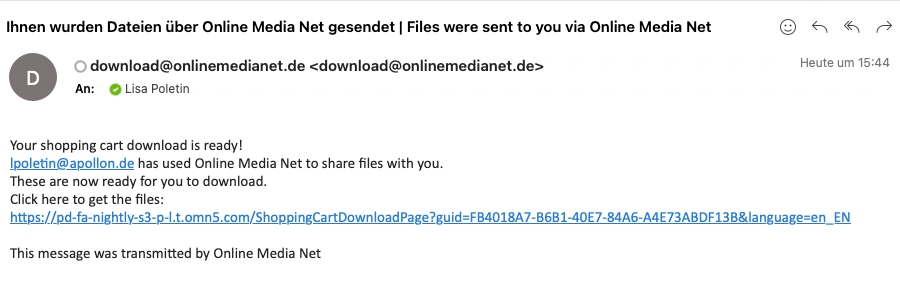
-
Shoppingcart - Lighttable should be available
| References | OMNA-1429 |
|---|
LightTableView is now usable in Shopping Card module
-
Watermark Download Option
| References | OMNA-1387, OMNA-1399 |
|---|
Accelerator offers a download option with a watermark in the download file
+
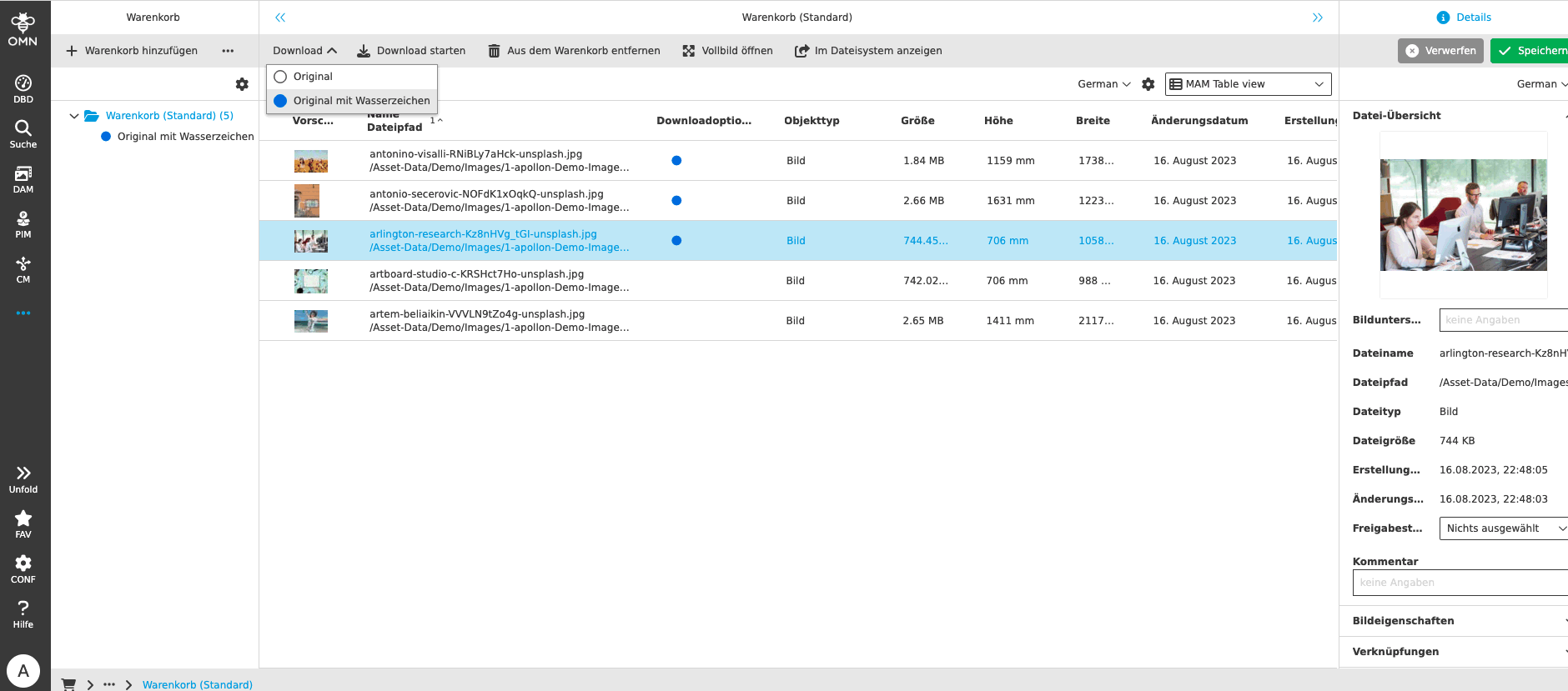
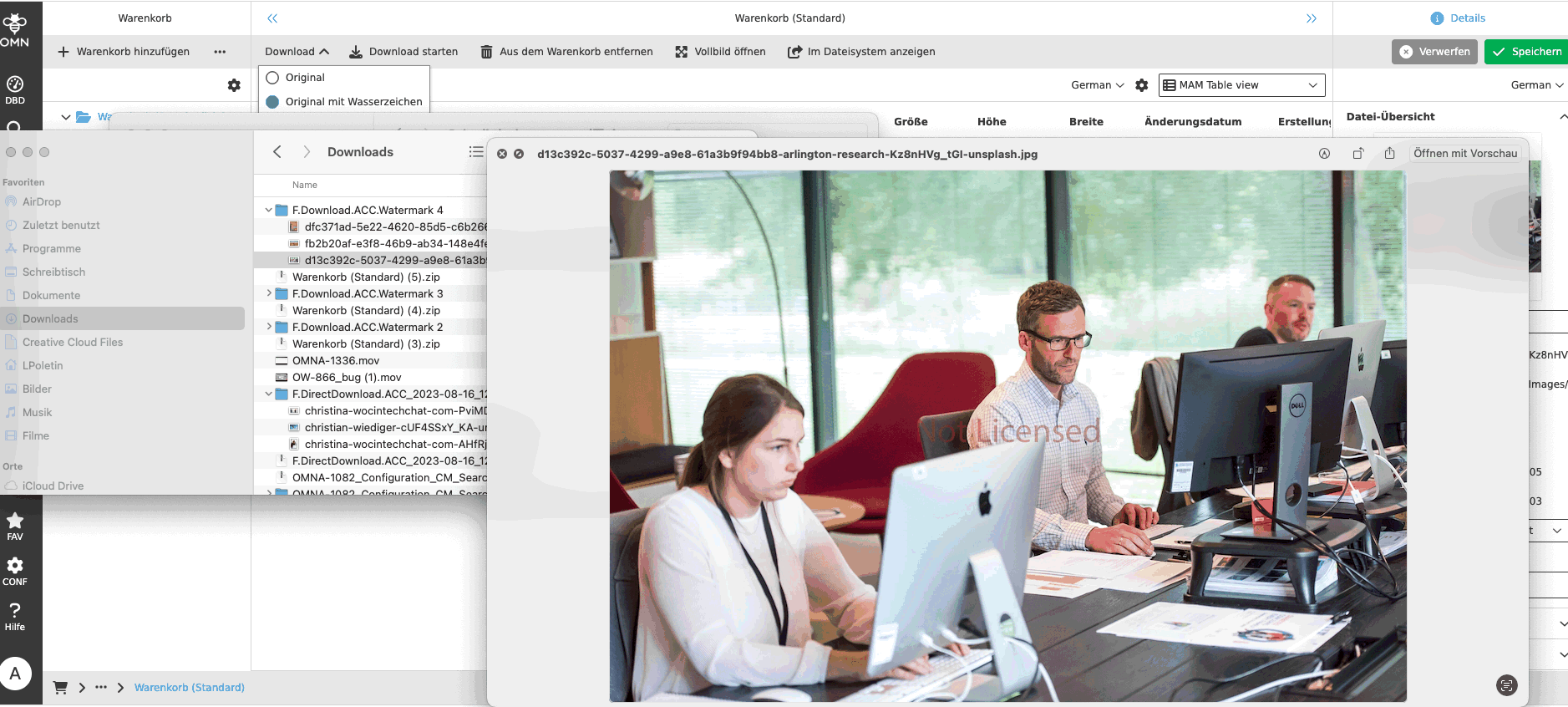
-
Downloadoptions for Shoppingcart
| ACC-Profile | Base |
|---|---|
References |
OMNA-1069 |
Shoppingcart provides different Download options
-
Original: Original file will be downloaded without changes
-
Web (72 dpi): file will be converted to 72 dpi
-
Druck (300 dpi): file will be converted to 300 dpi
-
Web (PNG mit Transparenz): file will be downloaded as png with transparent background
-
Web (WebP): file will be downloaded as webp-file without changes
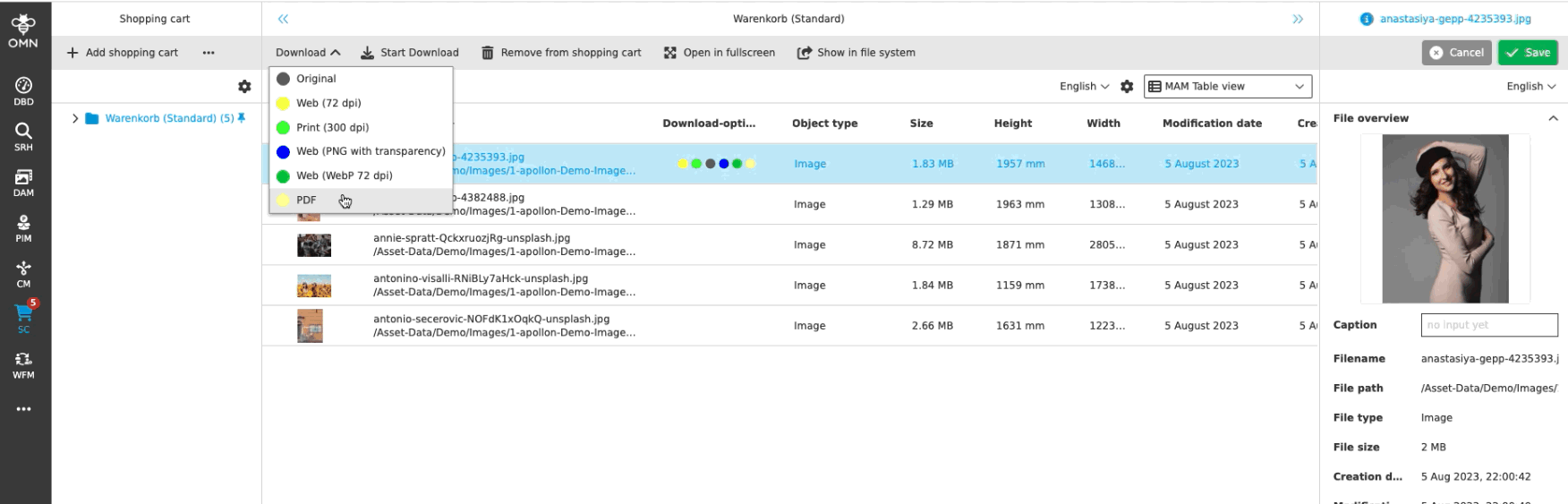
CI - Hub Configuration
| ACC-Profile | Base, Optional |
|---|---|
References |
OMNA-1043 |
CI HUB Configuration is not part of profile allowing to use CI HUB Plugins from Desktop Tools like Photoshop with OMN
| Please note that this feature requires separate license |
Further information can be found under:
Add EAI property to enable versioning in CI-HUB
| ACC-Profile | Base |
|---|---|
References |
OMNA-1380 |
Following property is added in file config/omn_eai.properties in omn-web container, if generic file system is used
-
omn.eai.enabled-components=omn-Versioning
-
in case of Option is enabled and FileStorage is Type Generic version will be used so that it is possible to create a version of a file from CI-Hub (otherwise File will be overwritten when using update function in CI-Hub
-
for Object Storage Option is not enabled, Because Versioning is not supported yet for FileStorage Type Object Storage
With object storage:
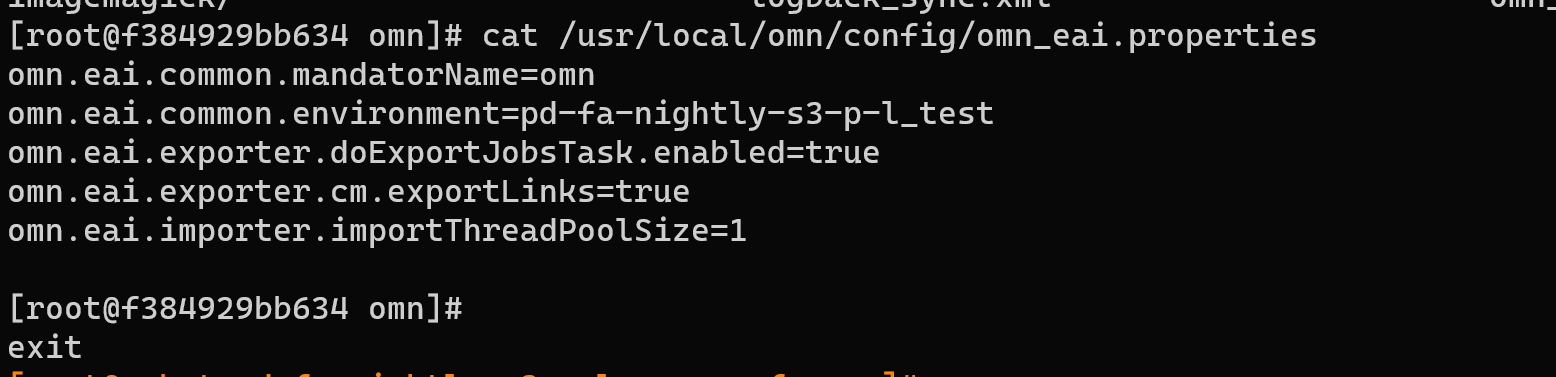
With generic storage:

PIM
Fashion-Data-Model
-
Introduce reference type product
| ACC-Profile | Base |
|---|---|
References |
OMNA-1145 |
New default reference type for linking products is introduced in ACC Base profile
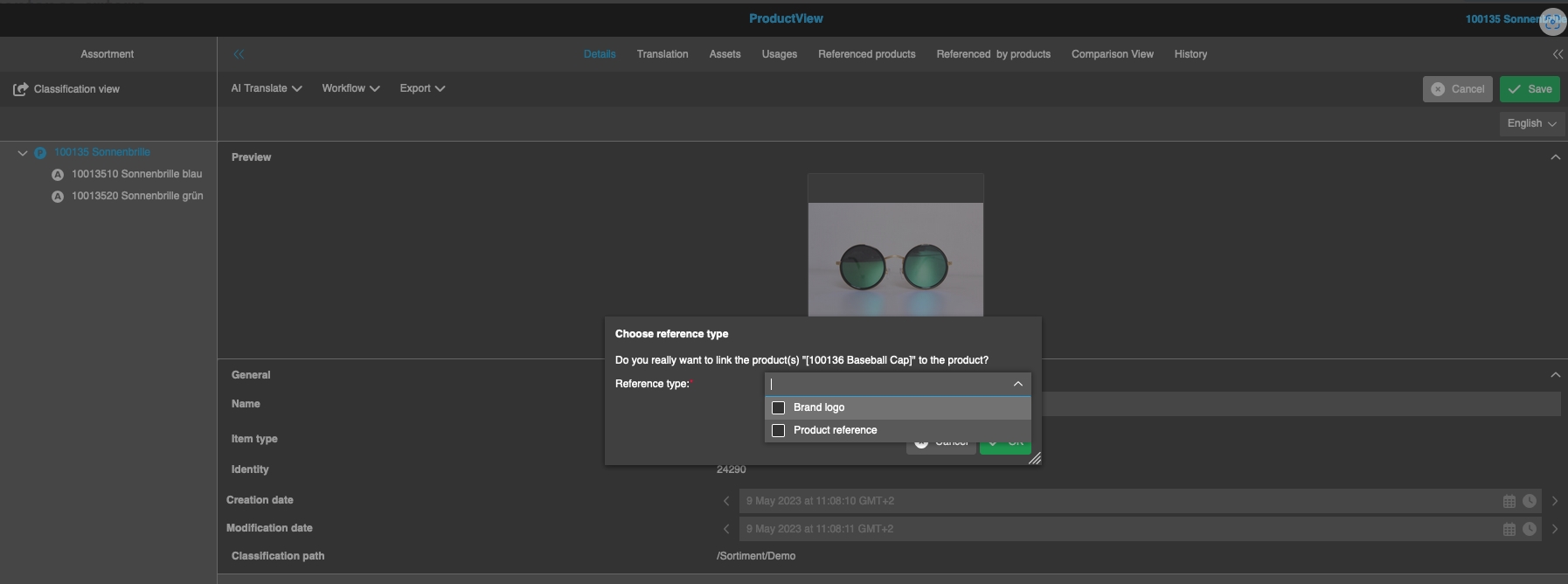
-
Add MetadataTranslationView to ProductView (Fashion Profile)
| ACC-Profile | Fashion |
|---|---|
References |
OMNA-1085 |
MetadataTranslationView to make Translation from source to target language with a special editor is now available in OMN Fashion profile
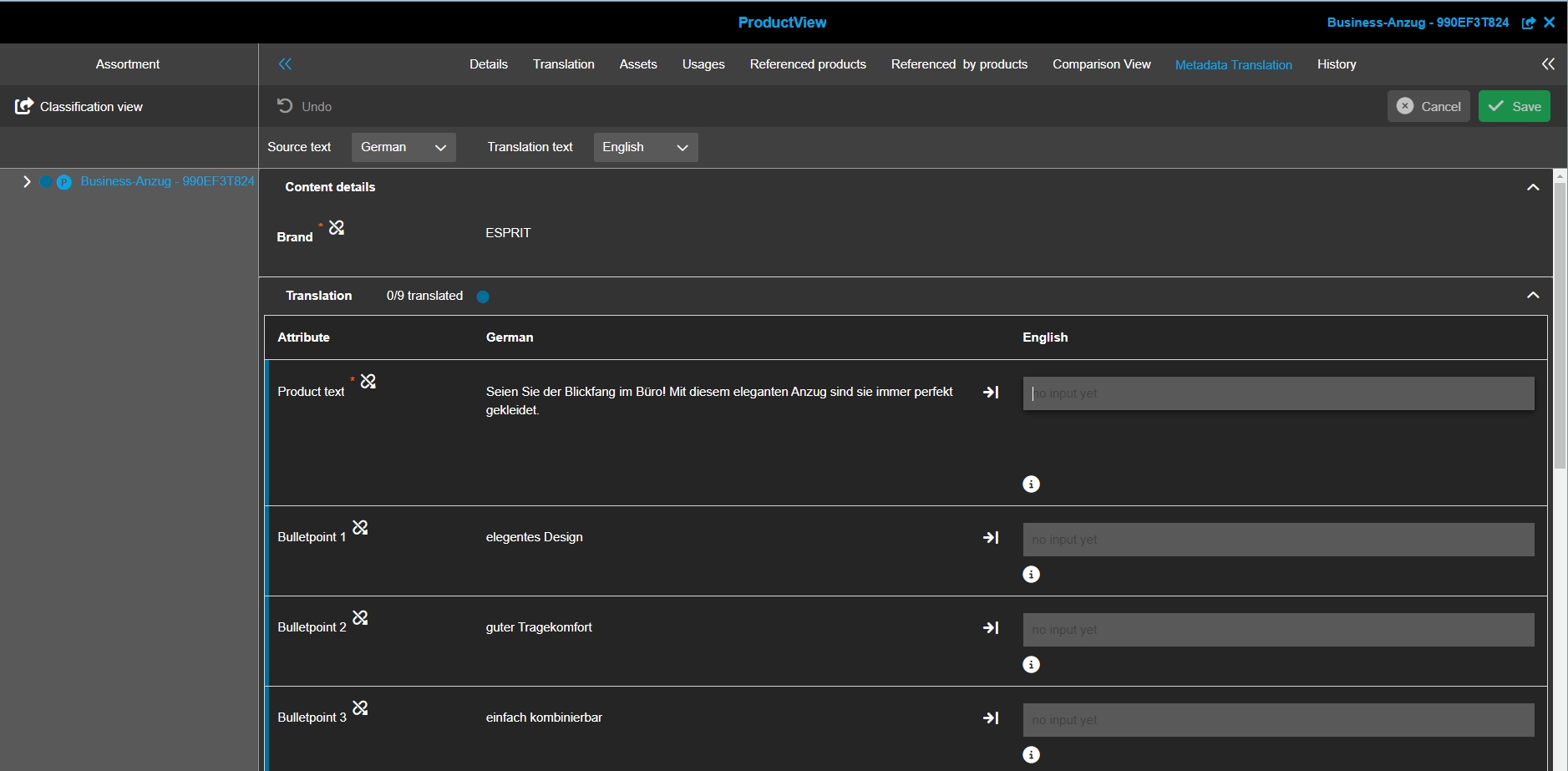
-
Adjust PIM2-Structure to fitt classification
| ACC-Profile | Fashion |
|---|---|
References |
OMNA-951 |
Enhanced Classification Structure for Fashion
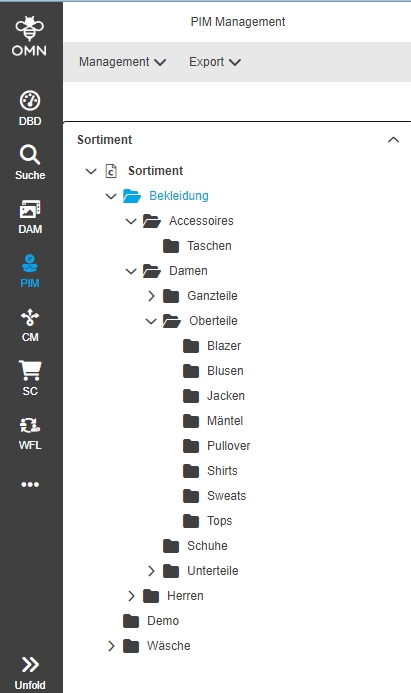
-
ProductView - English localization of attributes (Fashion Profile)
| ACC-Profile | Fashion |
|---|---|
References |
OMNA-703 |
OMN Fashion Modell now contains localized attribute names for Fashion profile Attributes for English (beside German)
-
German
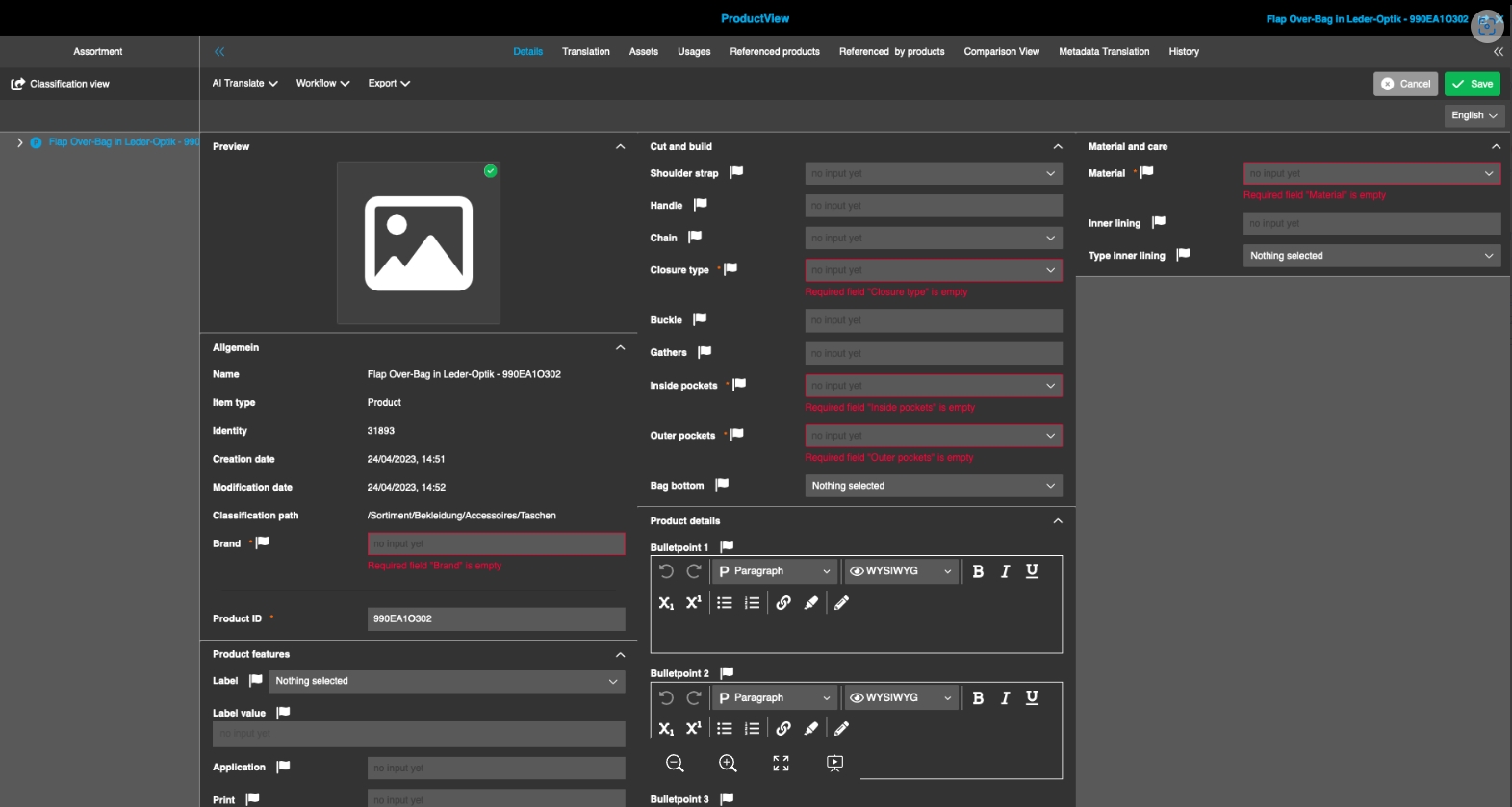
-
English
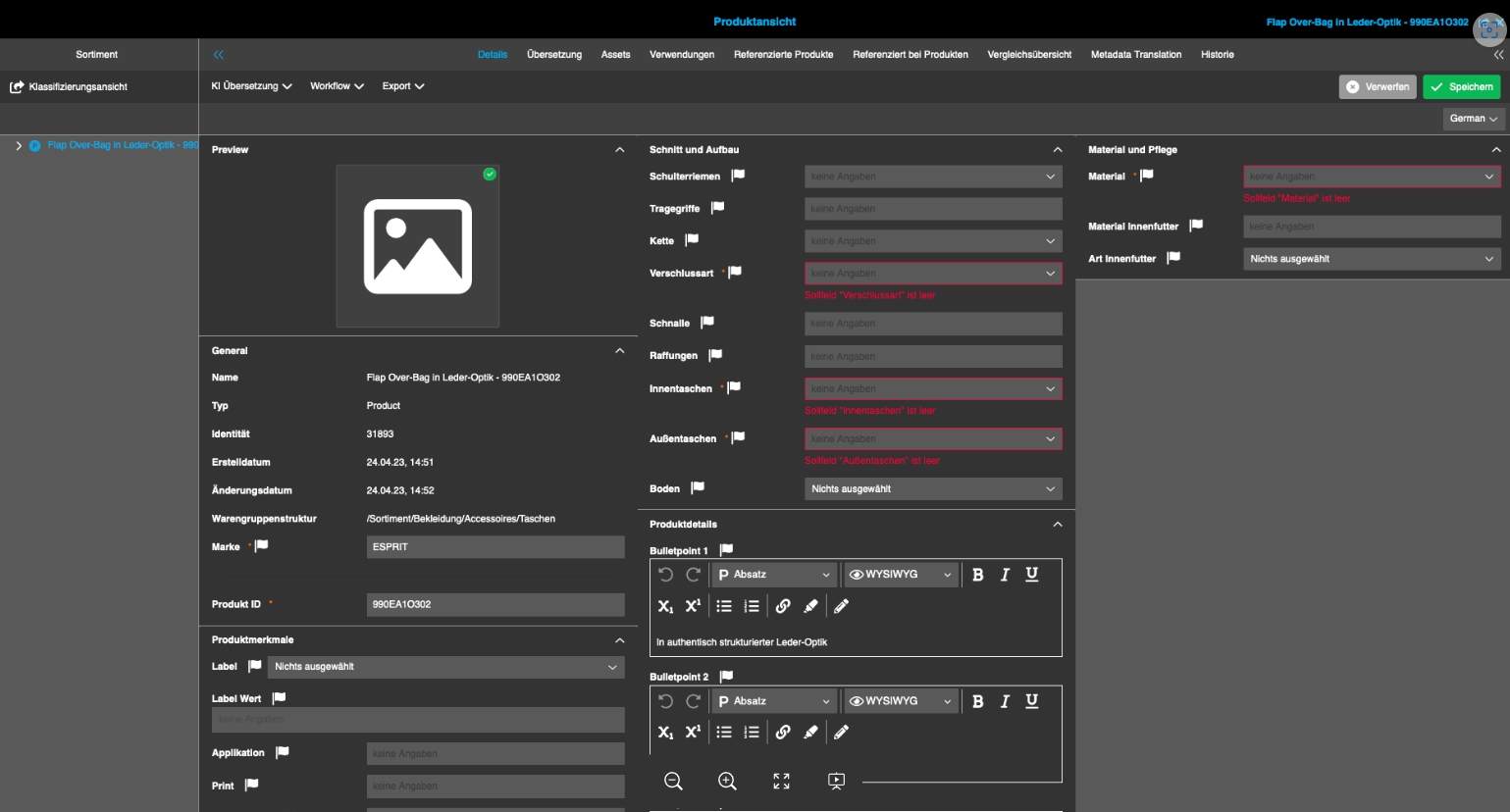
-
Adjustments Fashion datamodel ProductView Schuhe
| ACC-Profile | Fashion |
|---|---|
References |
OMNA-1072 |
Extension in Fashion data model for shoes
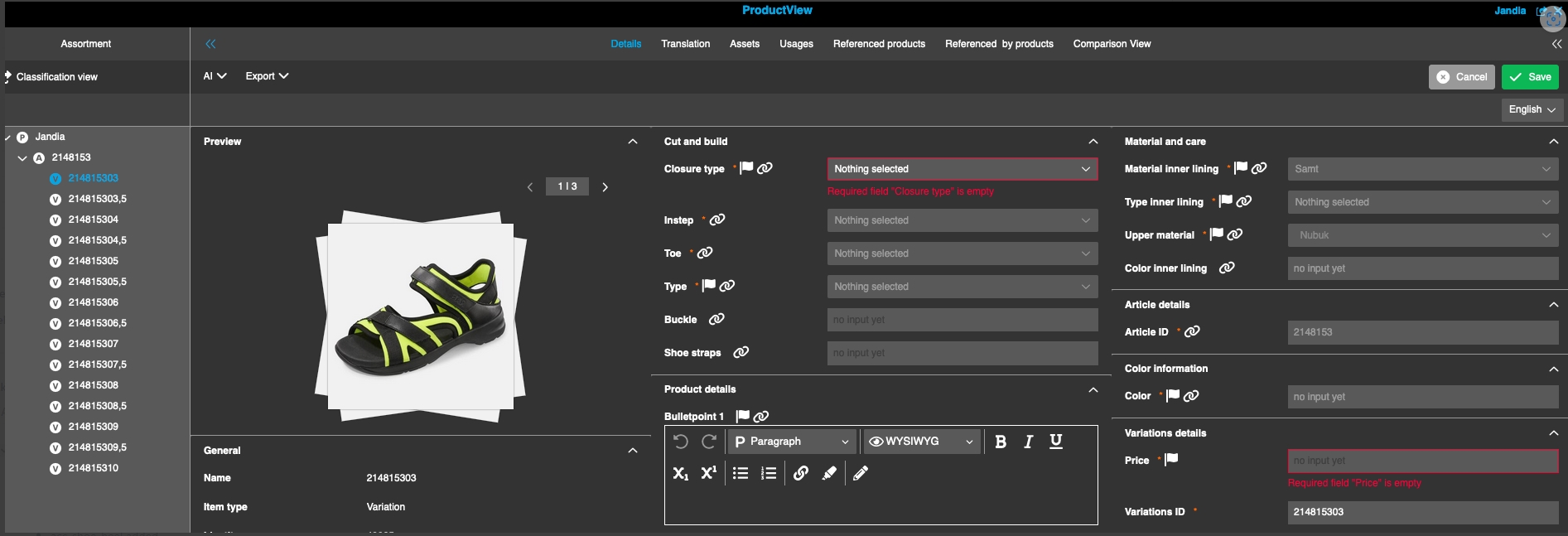
-
OMN introduce additional Status attributes in PIM Datamodel
| ACC-Profile | Fashion |
|---|---|
References |
OMNA-1210 |
OMN Accelerator provide standard product status attributes in PIM Data model
-
Product Lifecycle State / Produkt-Reifegradstatus with following states
-
Rohdaten|Raw data|
-
ERP-Stammdaten|ERP-master data
-
Basisdaten|Basic content
-
ECommerce-fähig |ECommerce-ready
-
Verkaufsfähig |sales-ready
-
Inaktiv|inactive
-
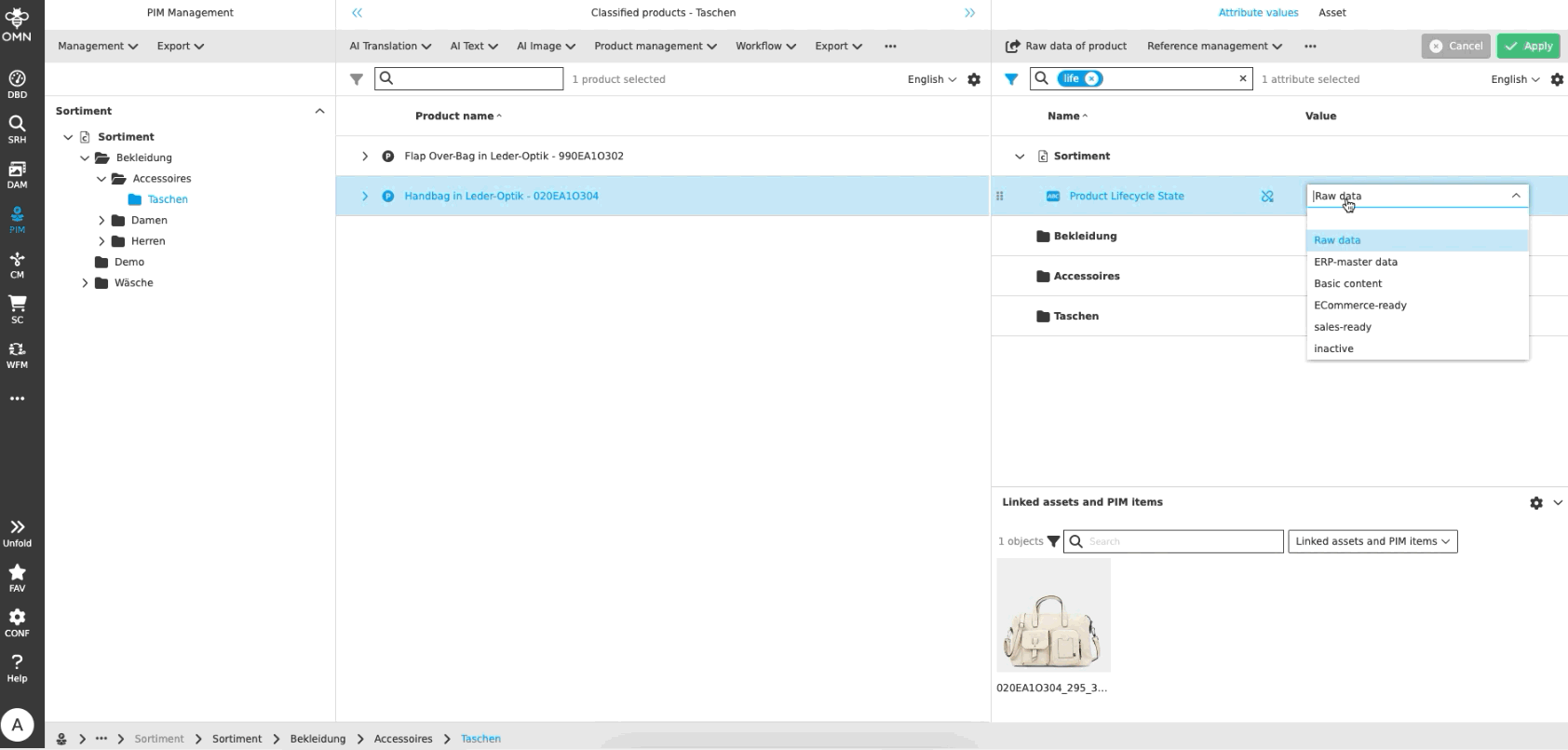
-
Product State / Produkt-Status with following states
-
Neu|New → DefaultWorkflow Mapping
-
Entwurf|Draft
-
Überarbeitung|Revision
-
Freigabebedarf|Need Approval
-
Überarbeitungsbedarf|Need Revision
-
Freigegeben|Approved
-
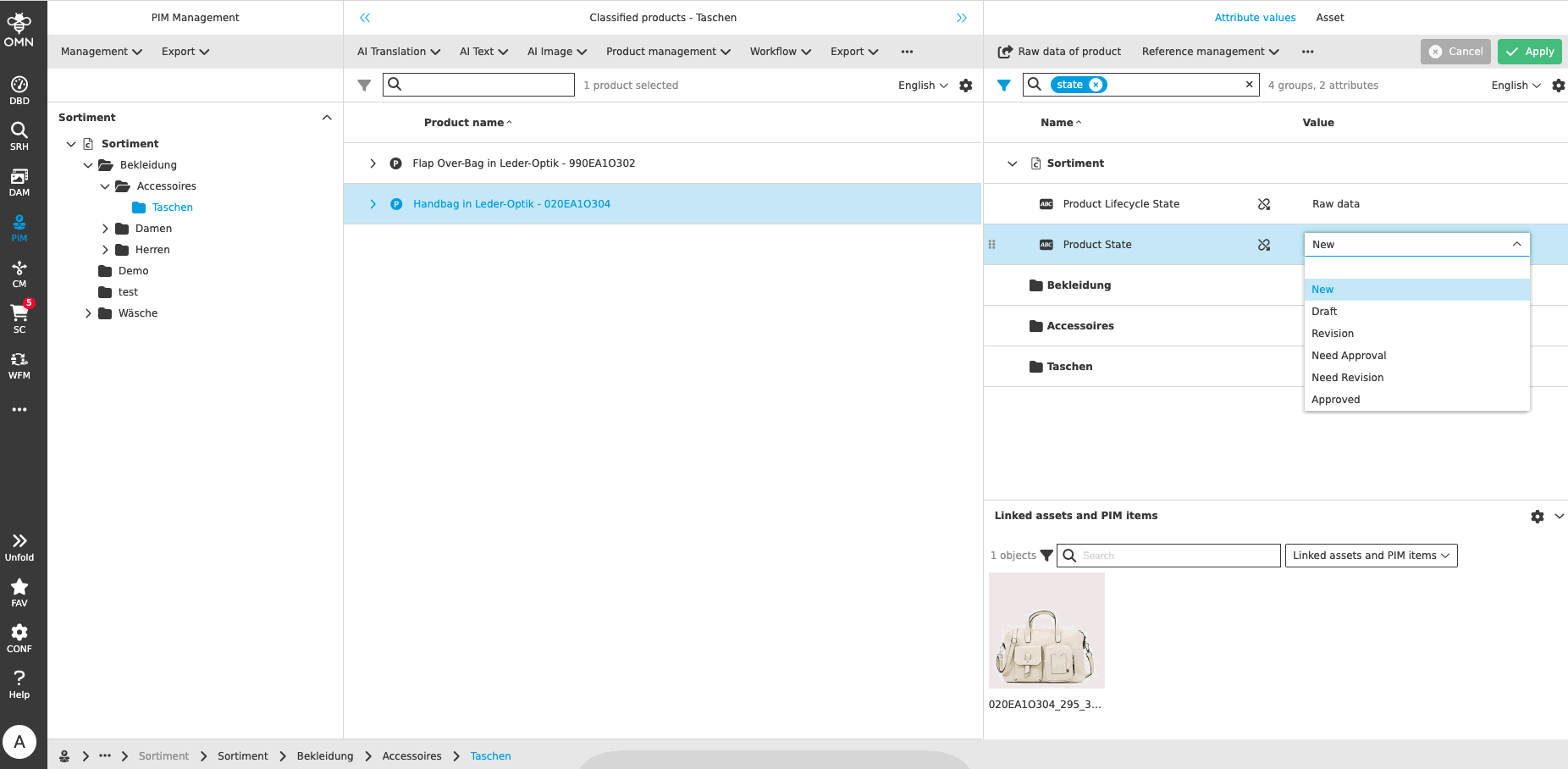
ProductView
-
Product ComparisonView
| ACC-Profile | Base, Fashion |
|---|---|
References |
OMNA-1077, OMNA-1042 |
New comparison view in Product view showing bulletpoints from different Product hierarchies in one view
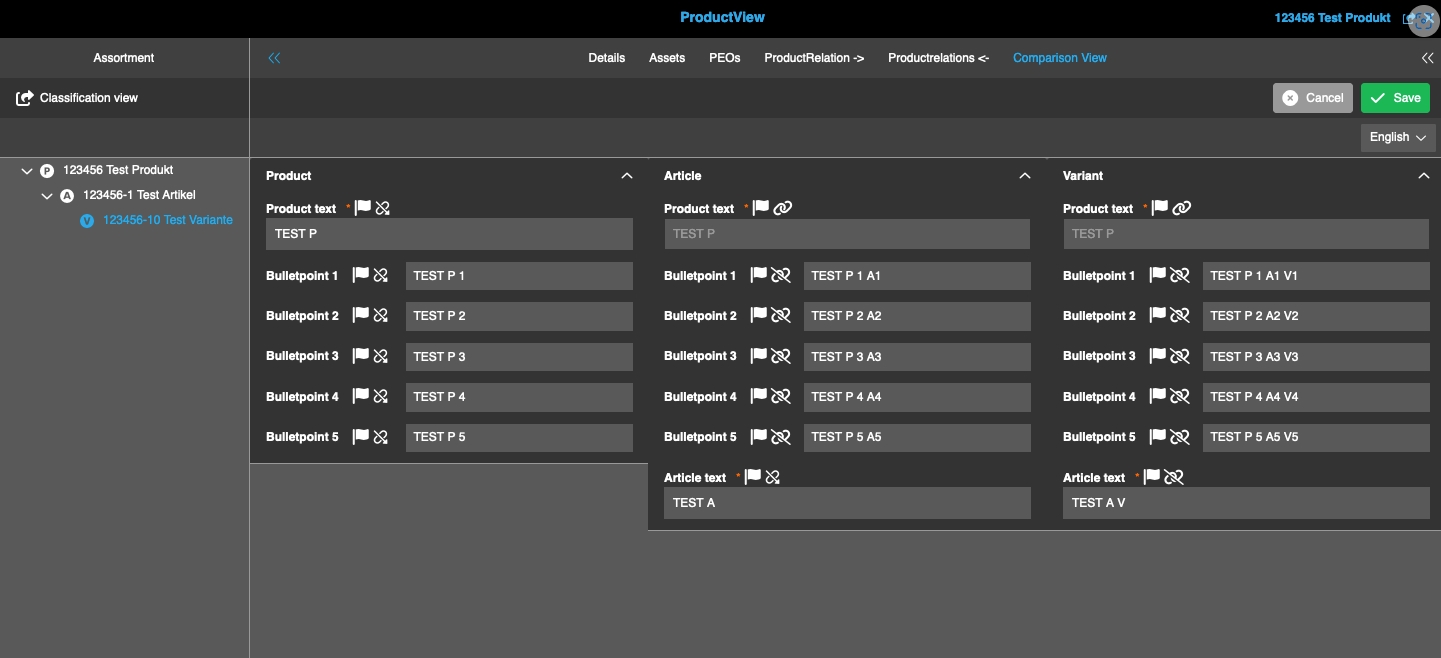
-
Add History to ProductViews
| ACC-Profile | Base, Fashion |
|---|---|
References |
OMNA-1107 |
History-Table is shown in ProductViews of following profiles
-
BASE
-
FASHION
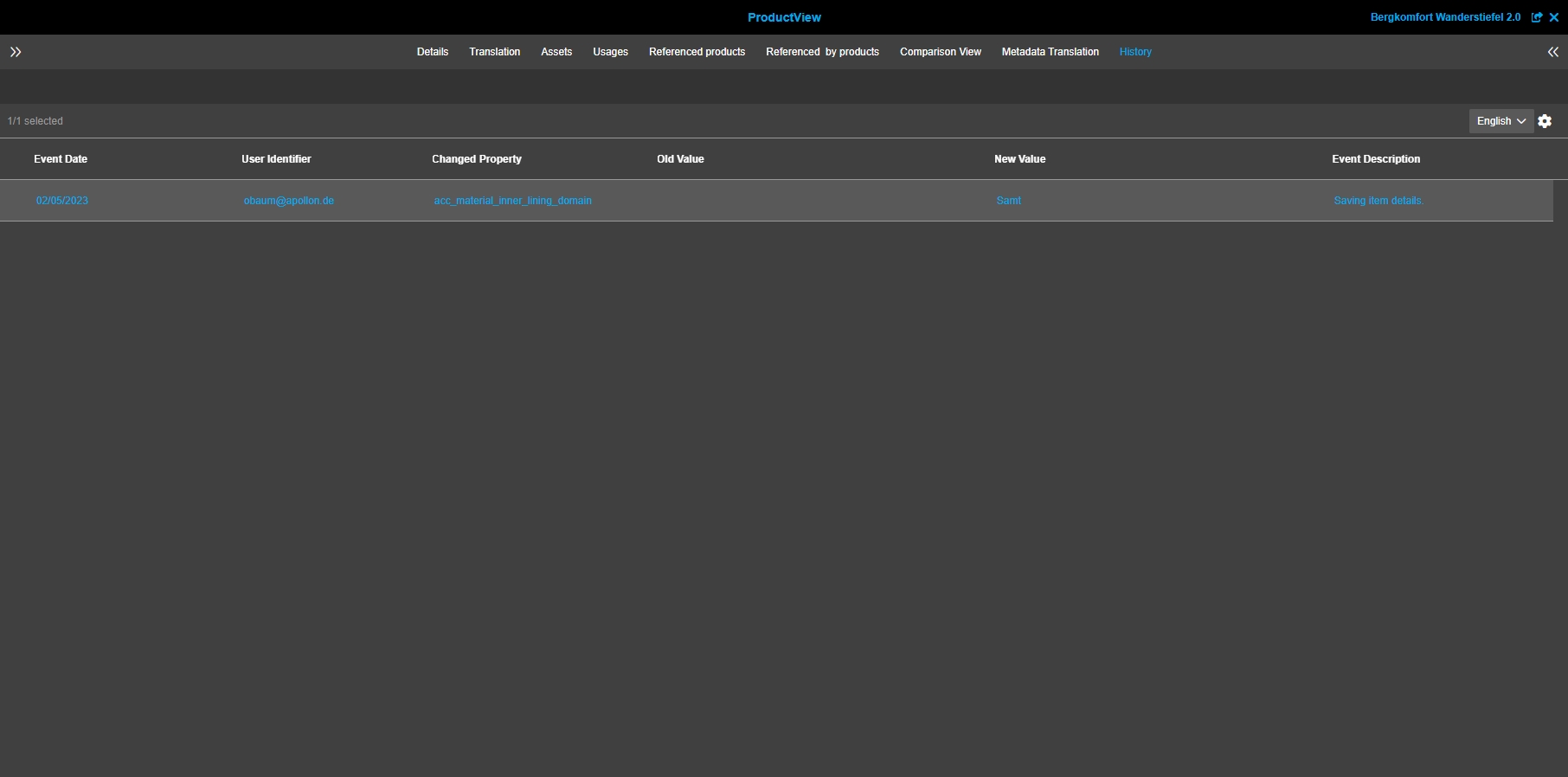
-
ProductView check and update functions
| ACC-Profile | Base, Fashion |
|---|---|
References |
OMNA-1091 |
Functions and Functions-Groups in ProductView are restructured and optimized
-
new Group AI Text is Additionally available to create AI-based texts
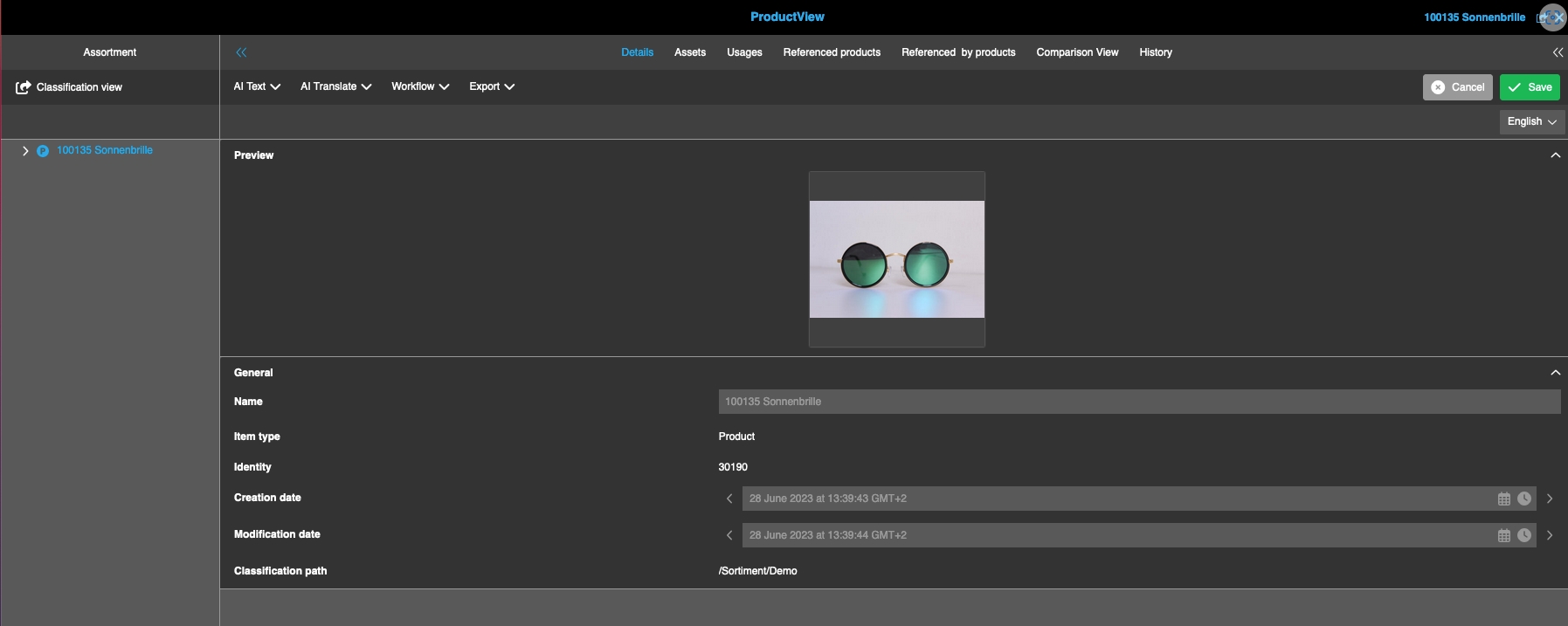
-
PIM2 LightTable Related products tab of Product View
| ACC-Profile | Base, Fashion |
|---|---|
References |
OMNA-1162 |
Related products can be viewed in Lighttable Mode (in Product View/Related Products)
-
Display of related product in Lighttableview
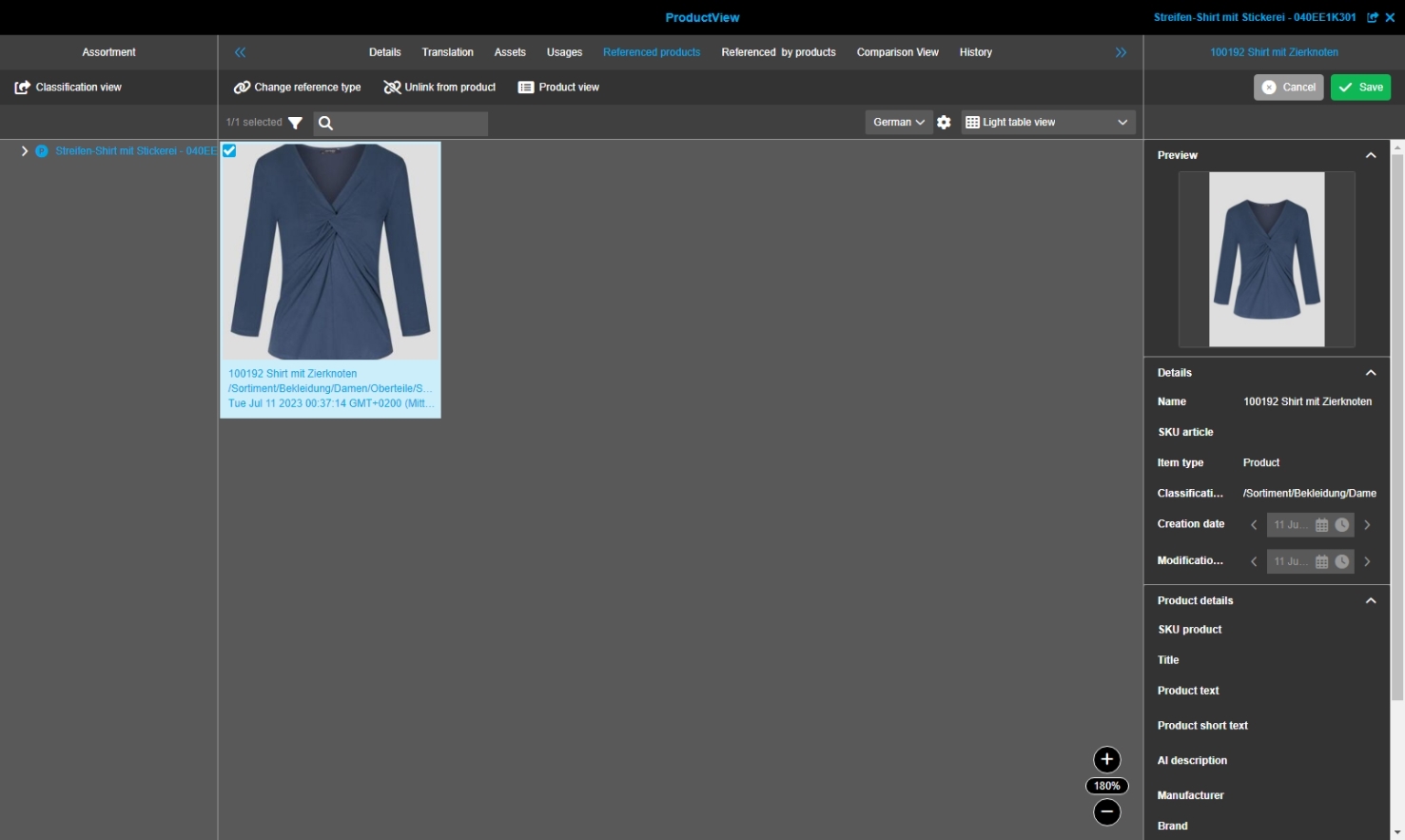
-
Configuration of Double-click function for ProductView - Linked Assets - Table view
| ACC-Profile | Base, Fashion |
|---|---|
References |
OMNA-1209 |
Possibility to use double-click functions in ProductView - Related Assets for configured content view Table
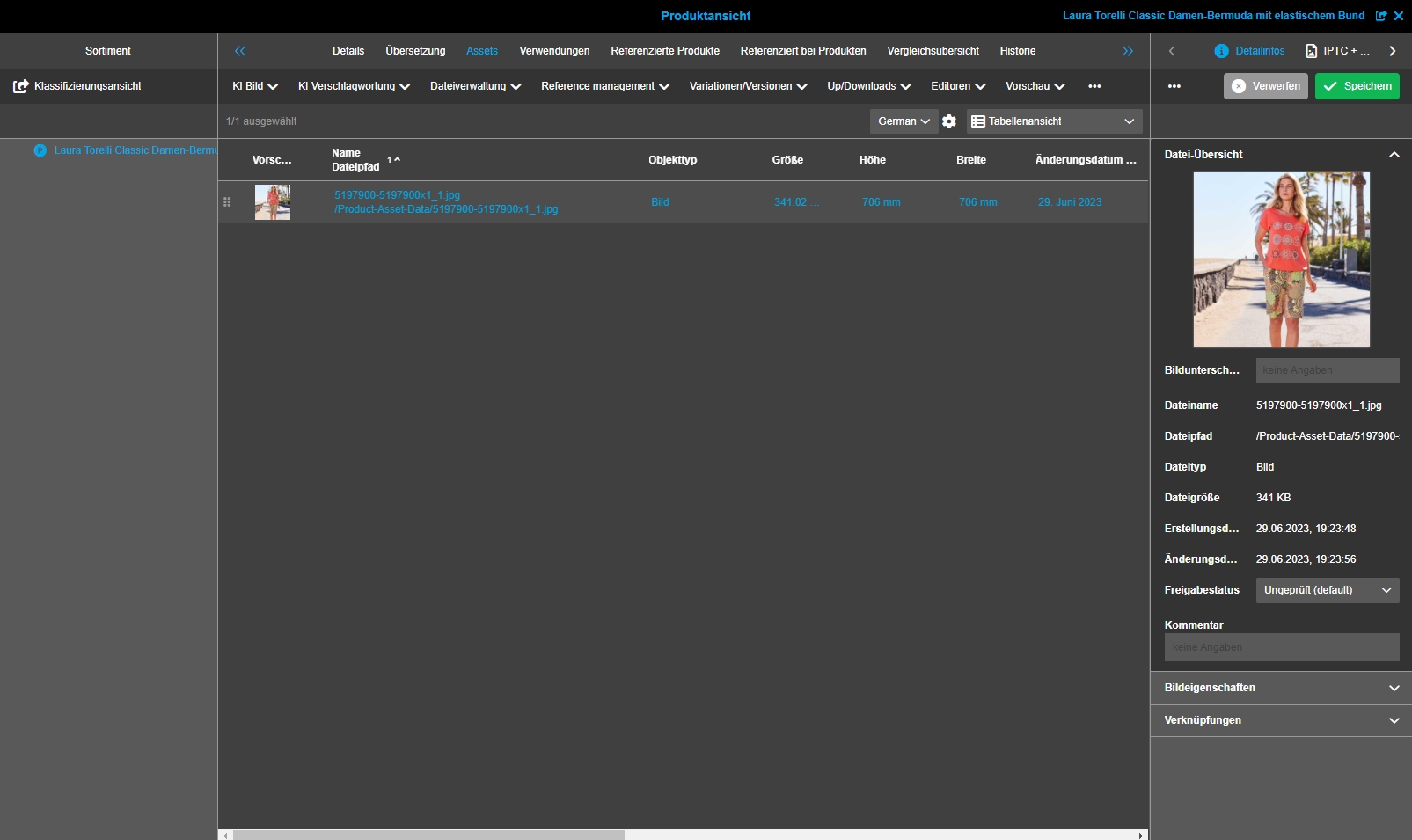
-
ProductView - Add function "Open in Channelmanagement" for PEOs to the usage tab
| ACC-Profile | Base, Fashion |
|---|---|
References |
OMNA-1389 |
Possibility to open the related channel management project were the selected PEO is linked to
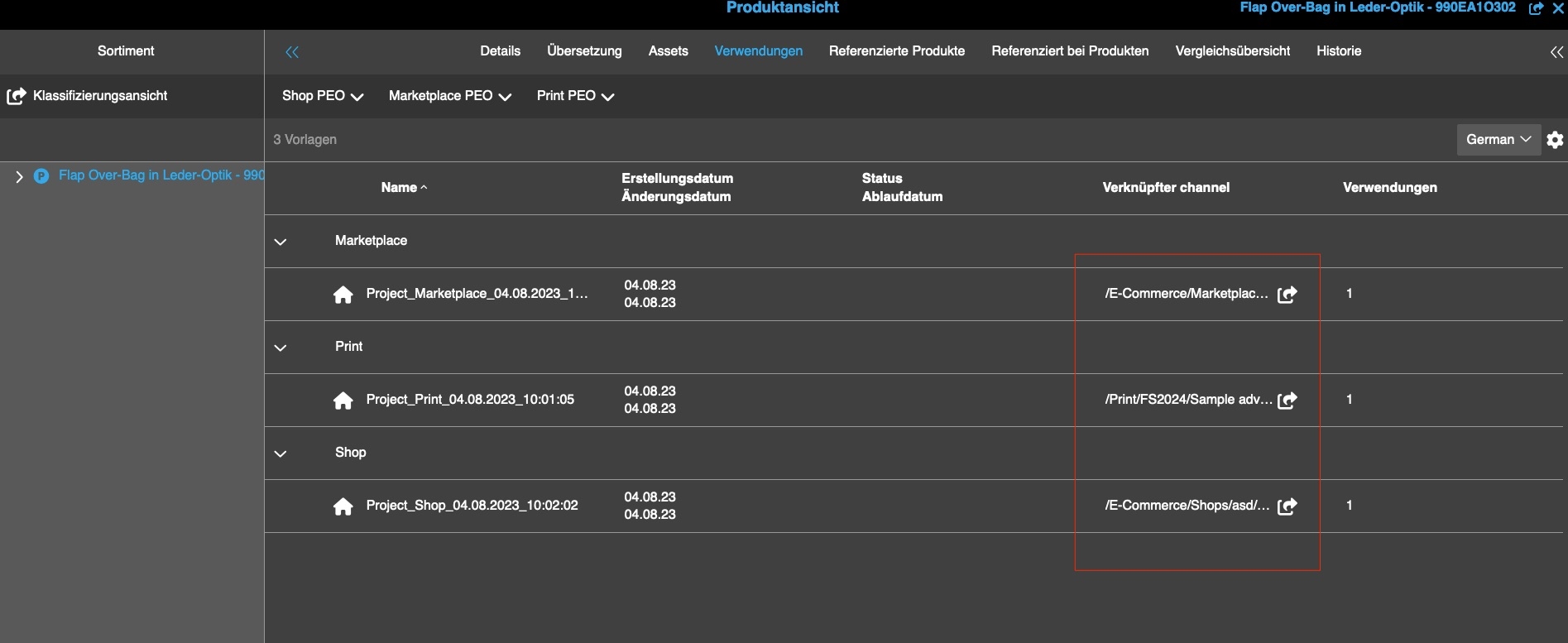
PEO
-
Profile Fashion: Create PEO Templates for EC and Print
| ACC-Profile | Base |
|---|---|
References |
OMNA-474 |
OMN Accelerator provided now 3 preconfigured PEO-Templates
-
Marketplace
-
Shop
-
Print
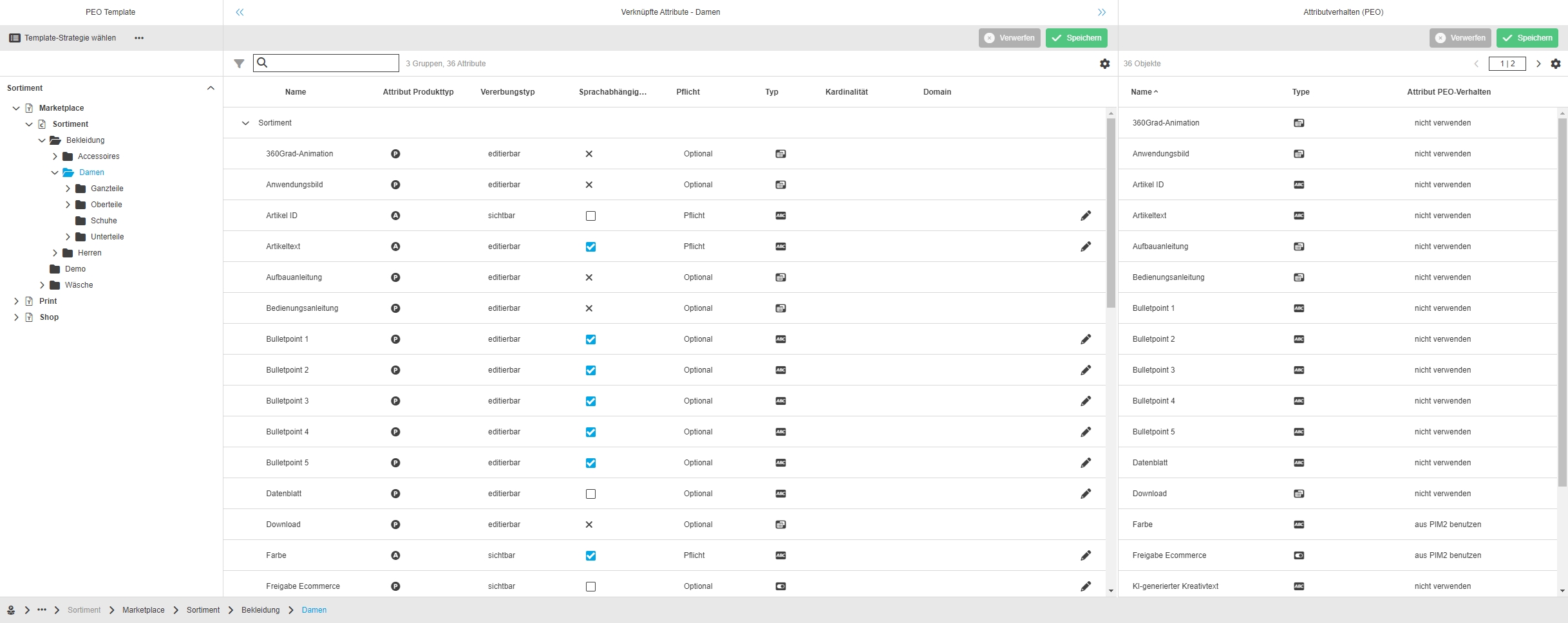
-
Extend PEOs with Attribute Article ID
| ACC-Profile | Base |
|---|---|
References |
OMNA-1295 |
Small Adjustment for extending PEO with Attribute ArticleID
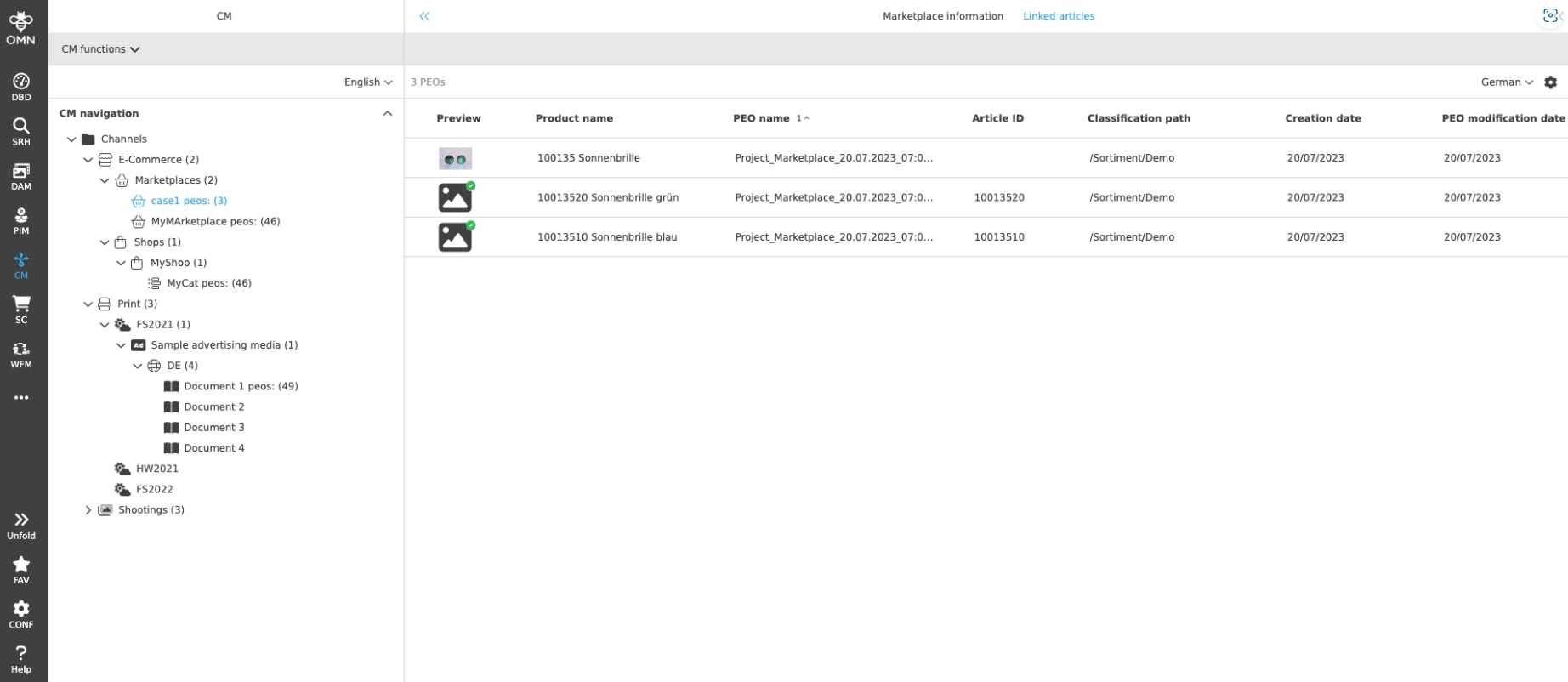
AI-Text
-
Extension of Data Fashion Modell for Neuroflash Attribute
| ACC-Profile | Base, Fashion |
|---|---|
References |
OMNA-989 |
New Attribute in Fashion Modell for AUTOcreated text with Neuroflash Service
-
acc_pim_text_ai_generated_creativetext
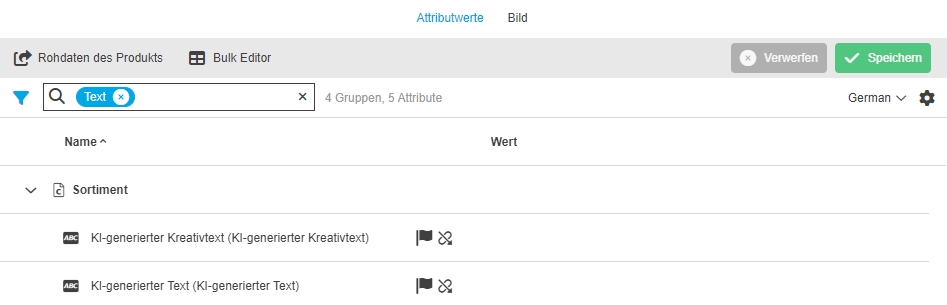
-
ChatGPT and DaVinci Integration
| ACC-Profile | Base |
|---|---|
References |
OMNA-1163 |
OMN Accelerator provides now possibility to generate Texts on base of OpenAI ChatGPT
-
availability of Open AIs Chat GPT Text Creation function in new function Group AI Text
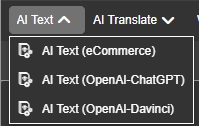
-
Modal to create prompt and define product Attributes which should be considered for AI based text Generation
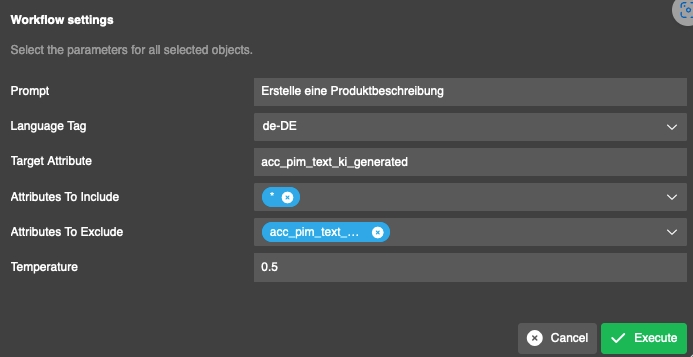
-
generated text is written into target Attribut definied in the execution modal
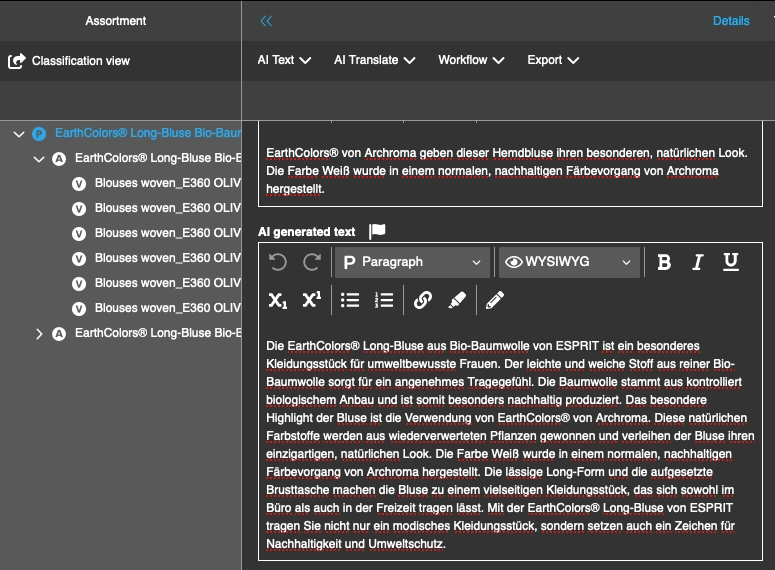
-
AI Text (Retresco) with Fashion data modell in acc profile fashion (only demo Purpose)
| ACC-Profile | Fashion |
|---|---|
References |
OMNA-997 |
Possibility to create automatic Text on base of Retresco Textengine for selected products
-
Textgeneration can only be used for category shoes
-
text Cartridge is for demo Purpose only
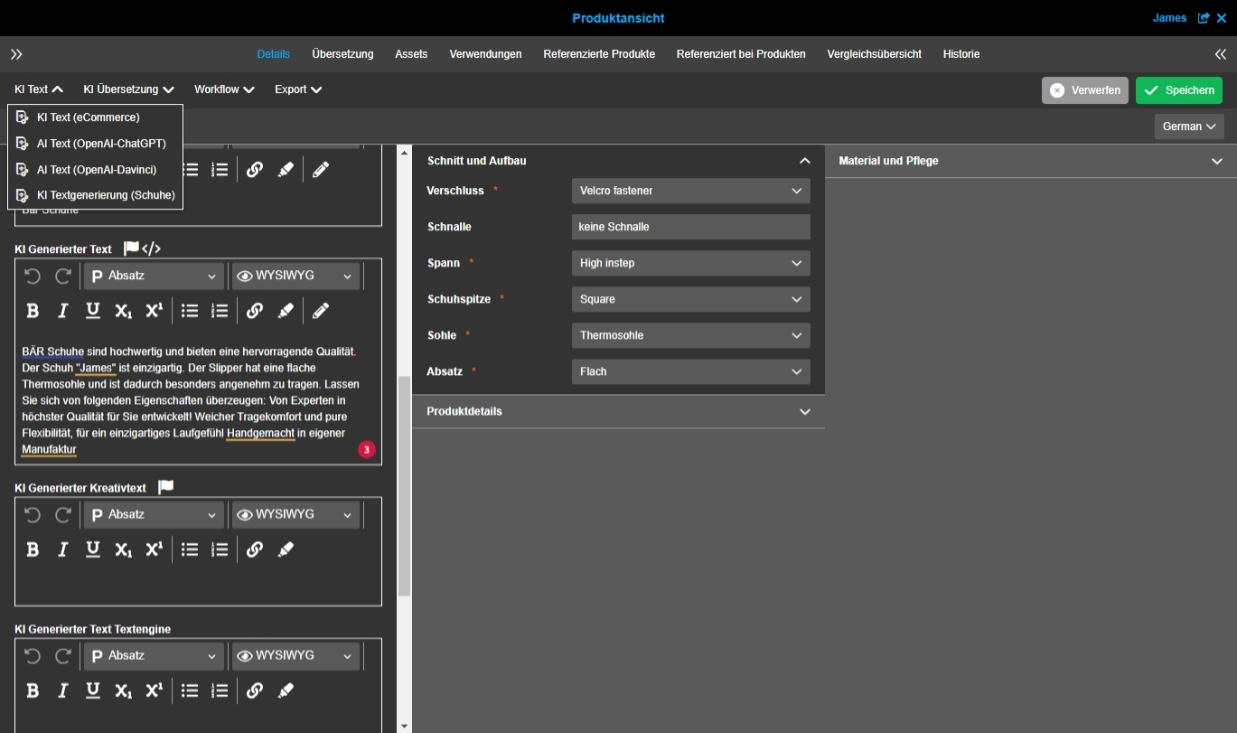
-
AI-Text Textcreation via Neuroflash on PIM items (ACC base)
| ACC-Profile | Base |
|---|---|
References |
OMNA-990 |
Accelerator provides functionality to generate Texts on base of AI on base of Neuroflash Service
-
example: Execution of AI Text function in product view
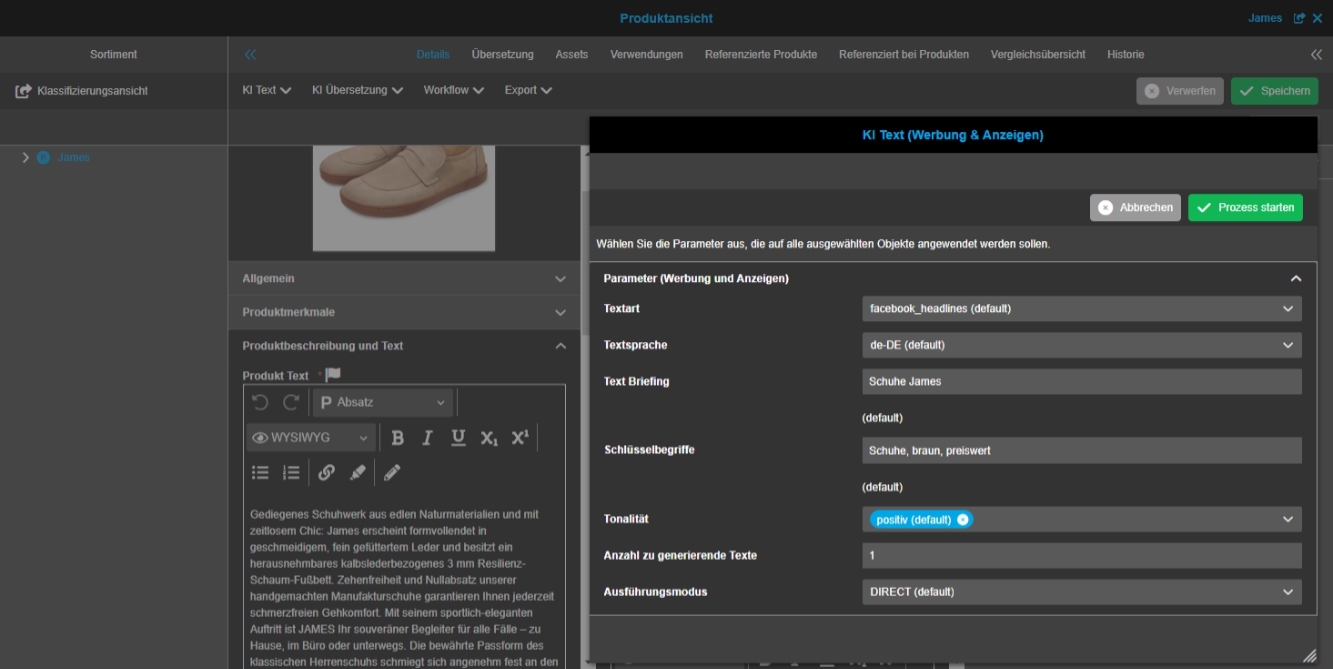
-
Neuroflash add field ApiKey in UI and change service output to AI generated creativetext
| ACC-Profile | Base |
|---|---|
References |
OMNA-1332 |
Neuroflash add field ApiKey in UI and change service output to AI generated creativetext
-
ApiKey is available in Admin - Workflows
-
Text is written in "AI generated creativetext"
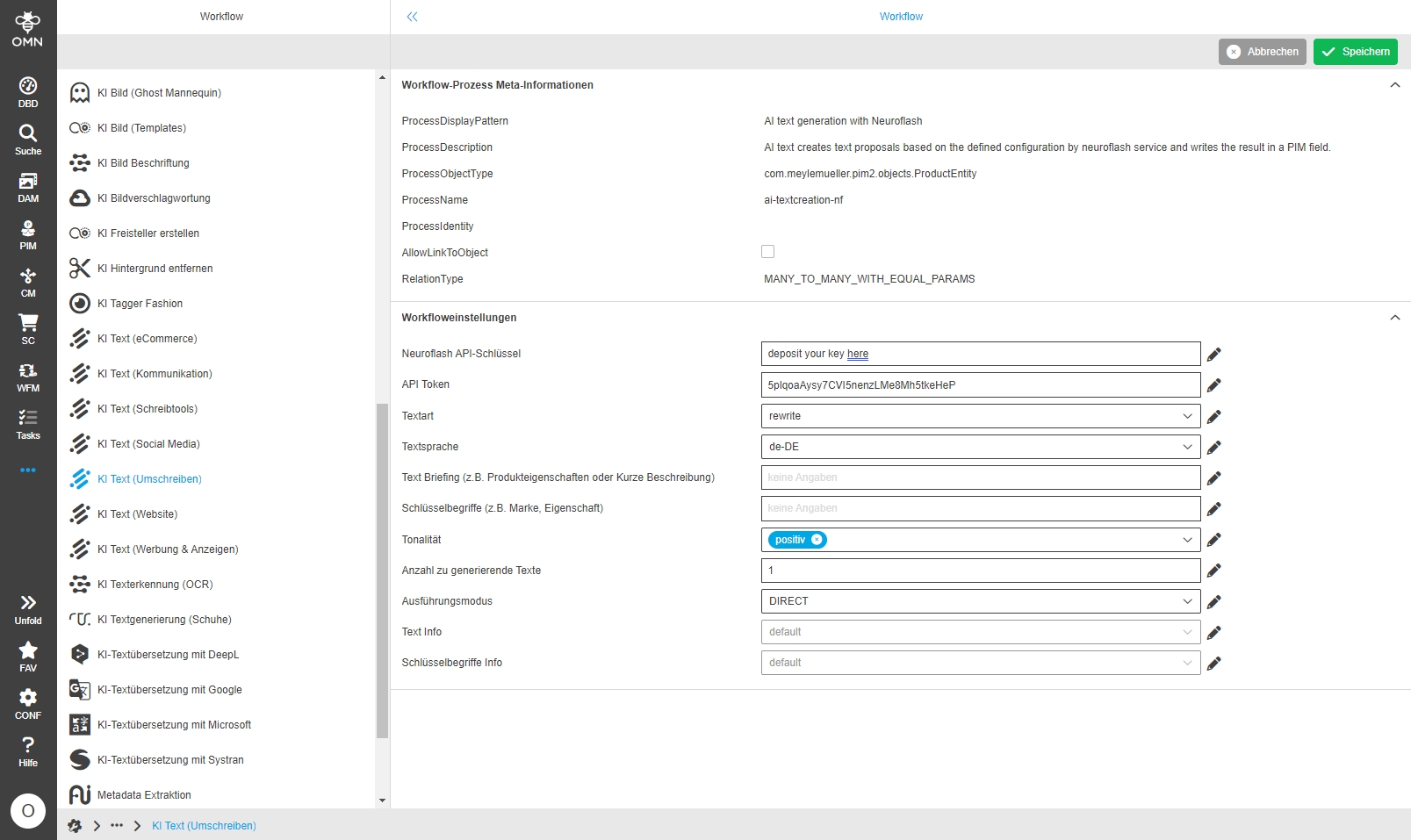
-
Change relation between object selection for ChatGPT workflow
| ACC-Profile | Base |
|---|---|
References |
OMNA-1302 |
AI Textgeneration with ChatGPT is executable on multi-selected product items
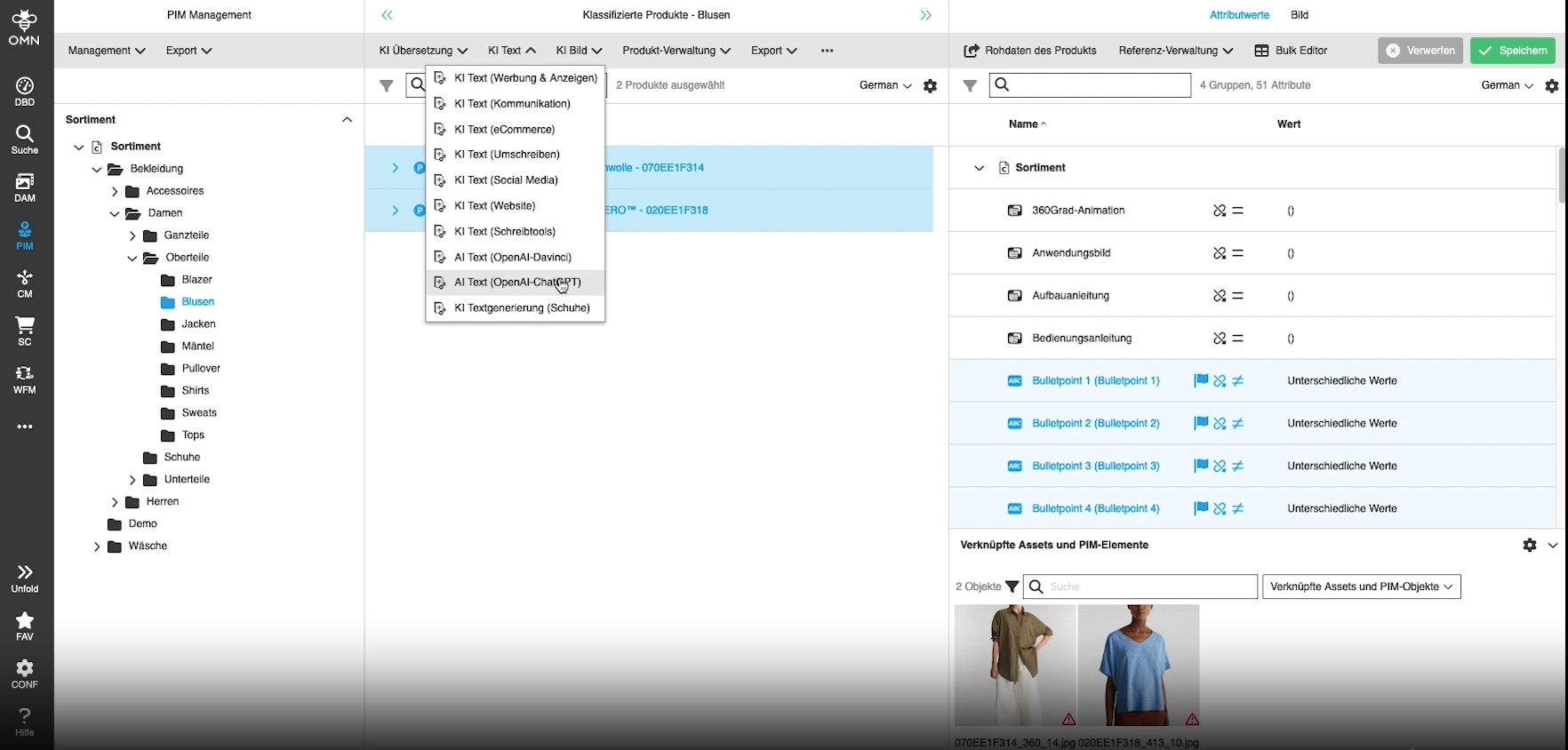
-
Integrate OMN AI Text Generation with Neuroflash in acc
| ACC-Profile | Base |
|---|---|
References |
OMNA-1051, OMNA-1424 |
AI Text-Generation with Neuroflash in Acc profile fashion and full feature
AI text generation with the following focal points:
-
Advertising and Ads
-
Communication
-
eCommerce
-
Rewrite
-
Social Media
-
Website
-
Writing Tools
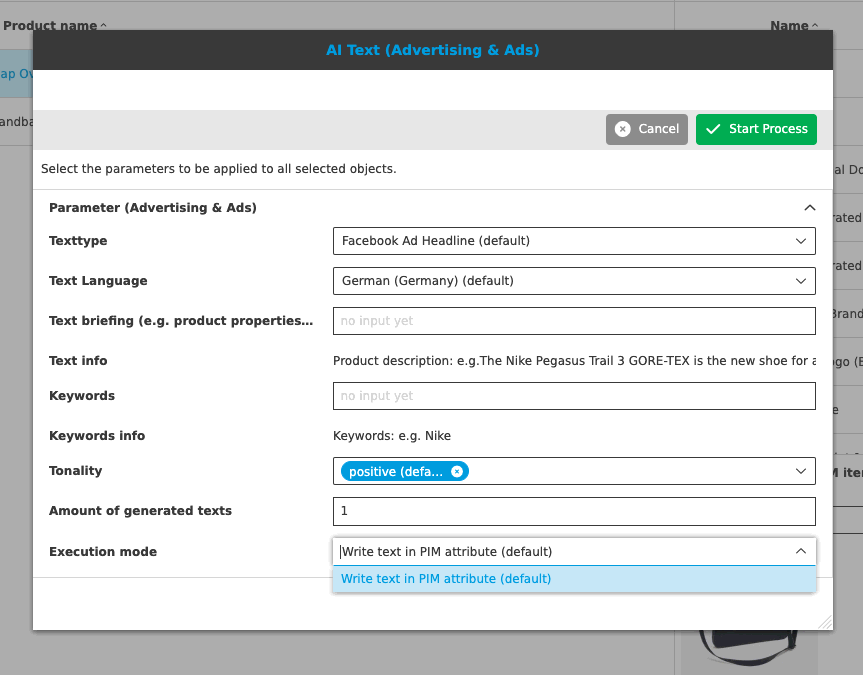
AI Translation
-
Localization improvement for AI translation modal from DeepL
| ACC-Profile | Base |
|---|---|
References |
OMNA-1314 |
Improvement of localization modal of the AI translation DeepL workflow Settings
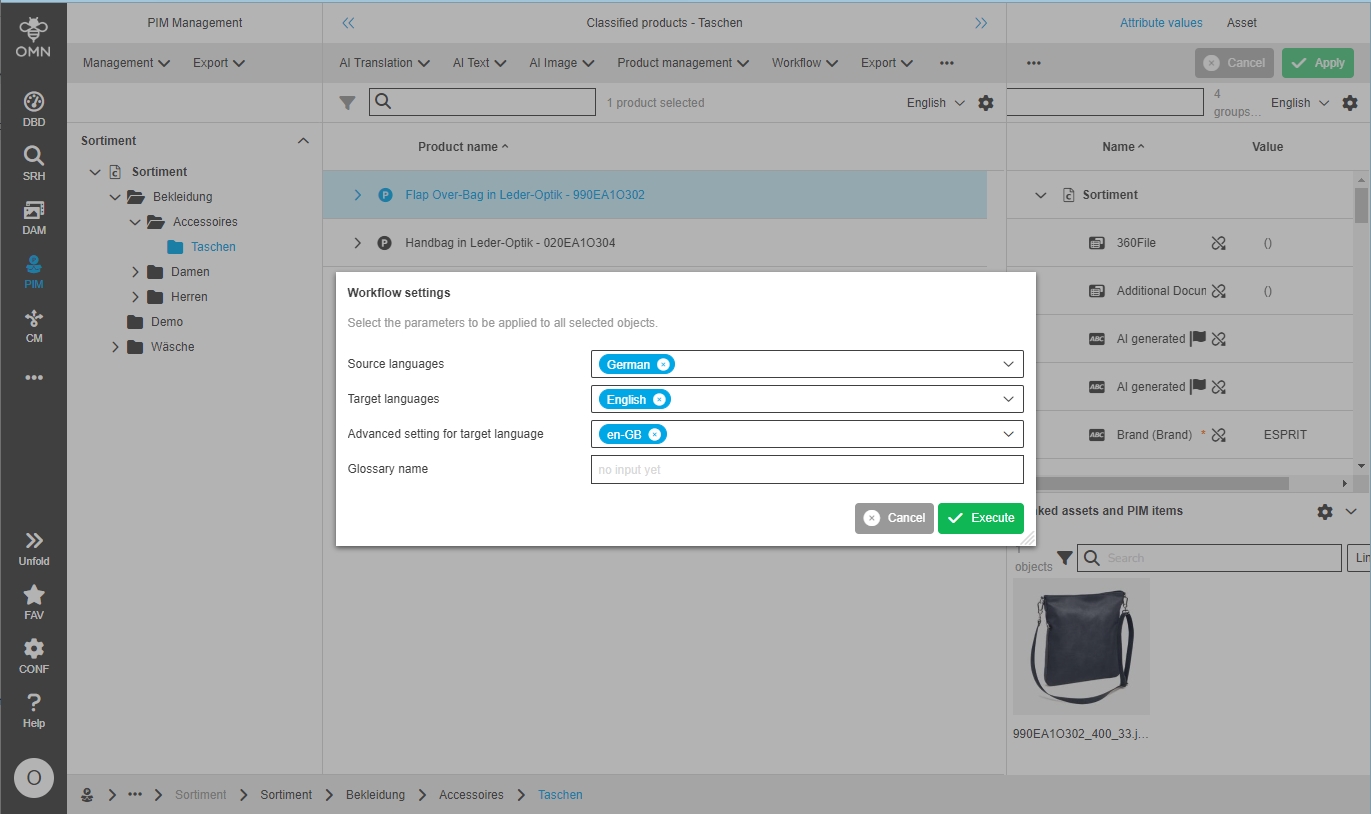
-
AI Translate Workflow configuration contains default glossary entry
| ACC-Profile | Base |
|---|---|
References |
OMNA-1423 |
AI Translate DeepL workflow is usable with the default glossary without changing a workflow configuration
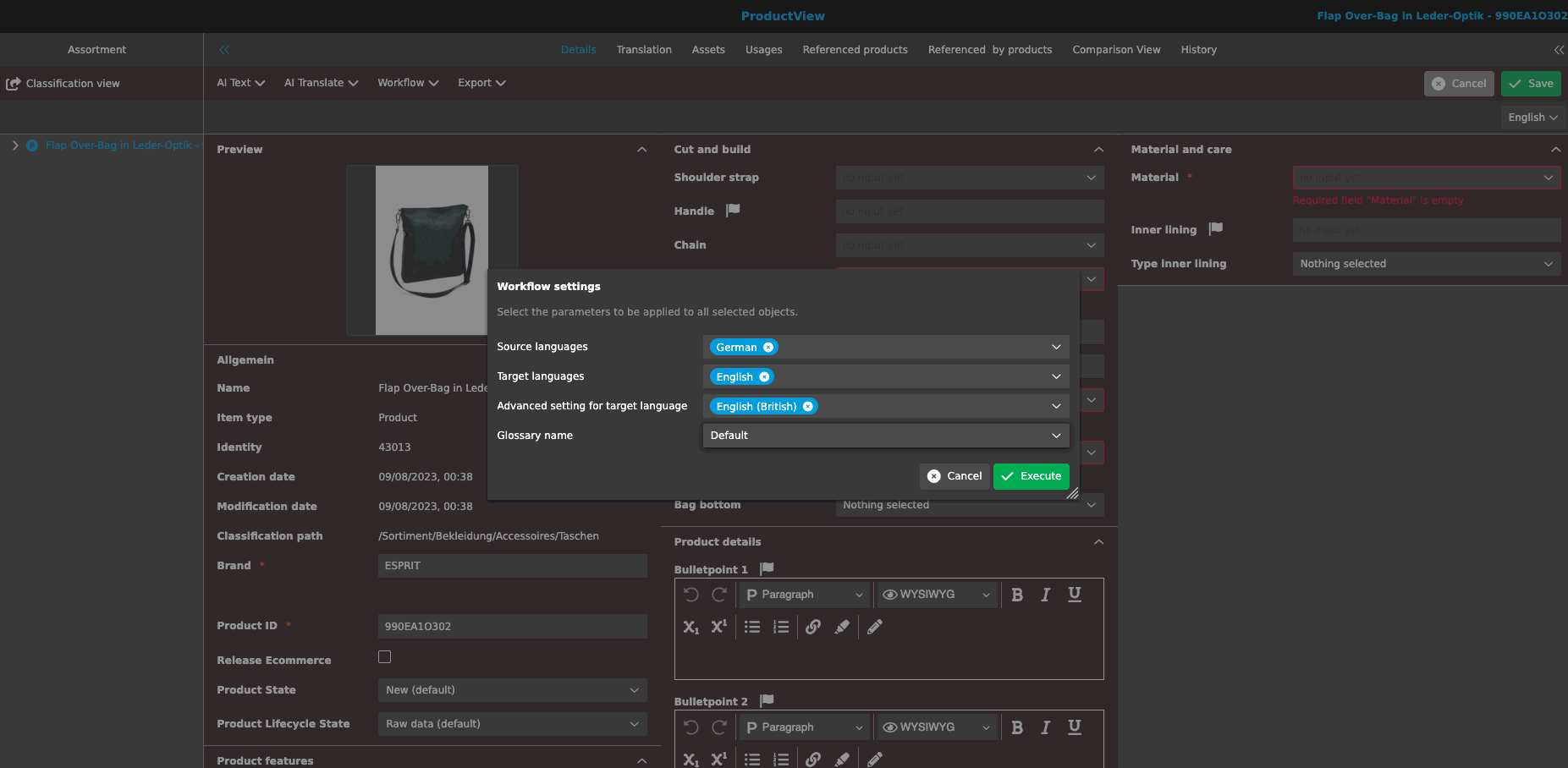
AI-Translation
-
AI Translation Microsoft configuration in acc profile base
| ACC-Profile | Base |
|---|---|
References |
OMNA-998 |
Microsoft translation AI - service to translate texts automatically with Microsoft can now be used with Accelerator configuration
-
AI Translation Systran configuration in acc profile base
| ACC-Profile | Base |
|---|---|
References |
OMNA-1003 |
Systran translation AI - service to translate texts automatically with Systran can now be used with Accelerator configuration
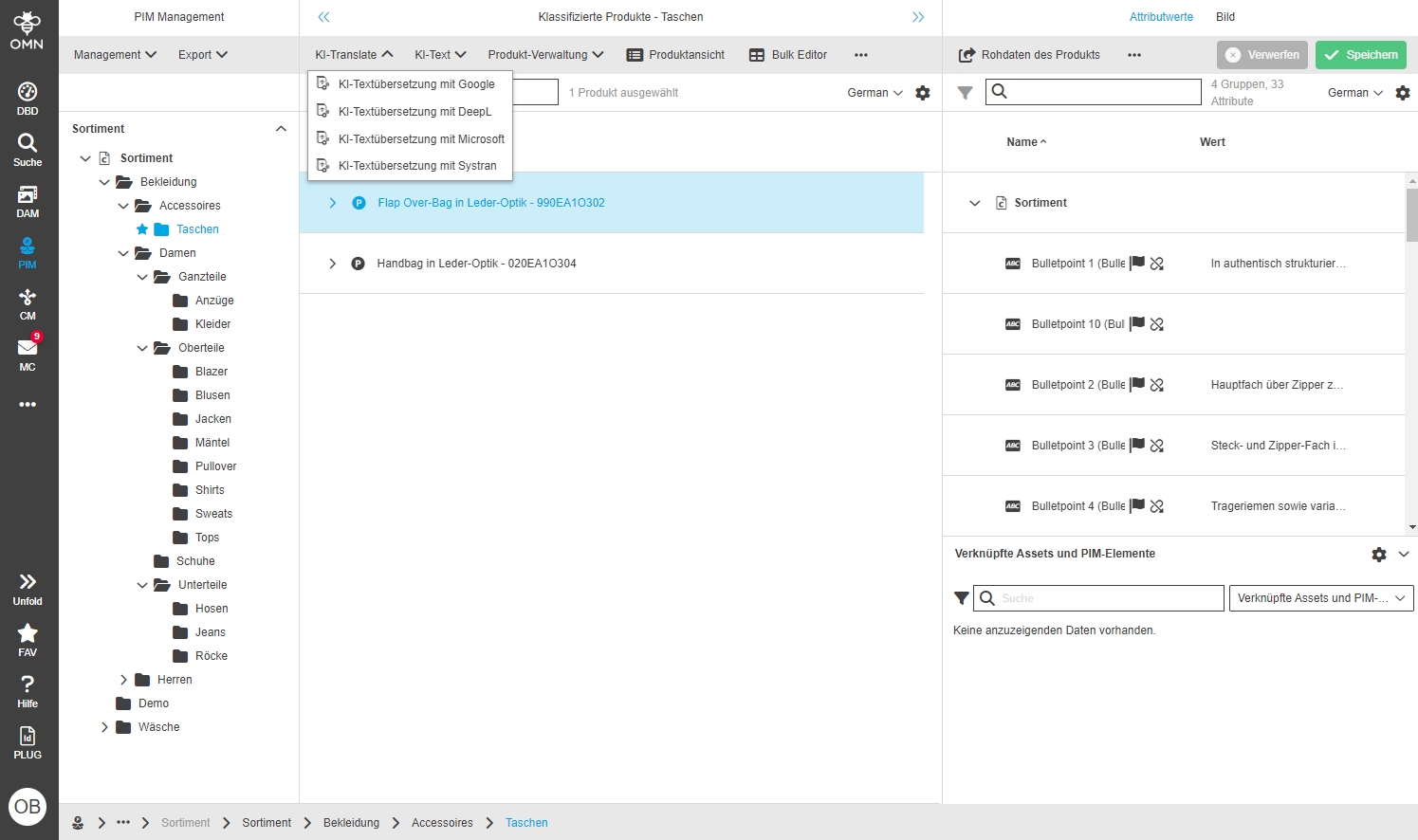
PIM Classification adapt Order of Function Groups
| ACC-Profile | Base |
|---|---|
References |
OMNA-1175 |
Harmonized order of functions and function groups in PIM
Same functions and order of functions in:
-
PIM Classification
-
PIM Management
-
Global Search
-
PIM Search
-
PIM Advanced search
-
PIM Formbase search
-
Product Views
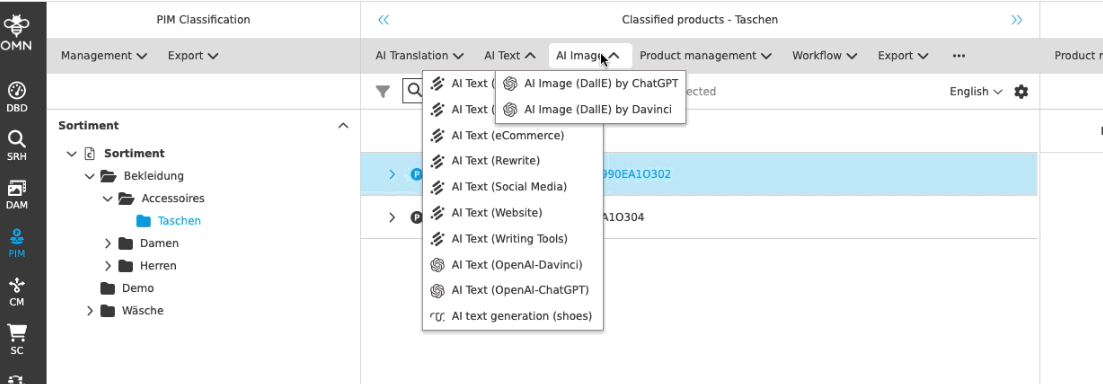
Add PEO function groups to the usages in the different product views in
| ACC-Profile | Base |
|---|---|
References |
OMNA-1366 |
ProductView includes now functions to manage PEOs
-
Shop PEO functions
-
Create PEO (Shop)
-
Open PEO (Shop)
-
Delete PEO (Shop)
-
-
Marketplace PEO functions
-
Create PEO (Marketplace)
-
Open PEO (Marketplace)
-
Delete PEO (Marketplace)
-
-
Print PEO functions
-
Create PEO (Print)
-
Open PEO (Print)
-
Delete PEO (Print)
-
-
Copy option
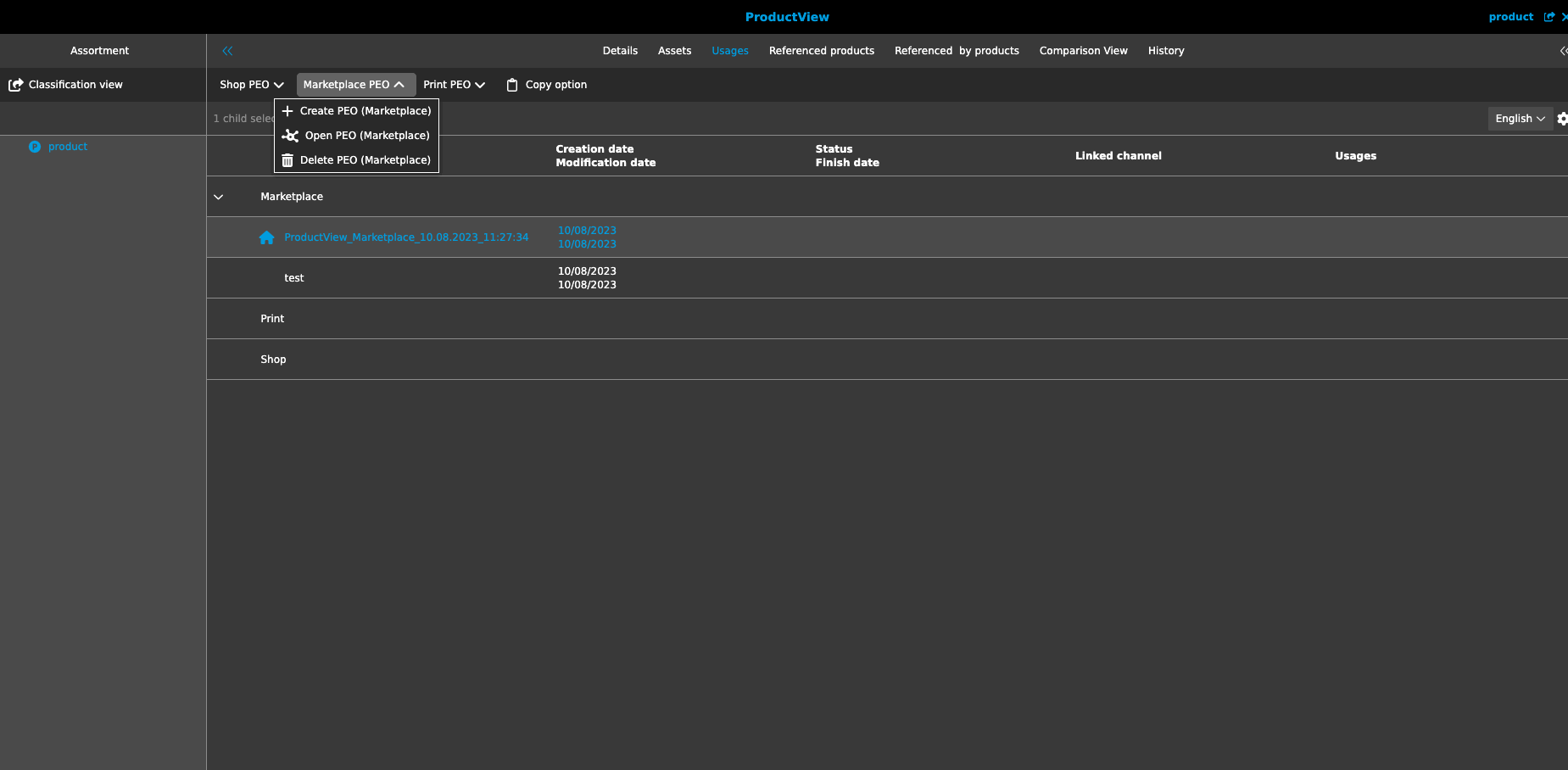
Extend Function in PIM Classification View for Assets
| ACC-Profile | Base |
|---|---|
References |
OMNA-1198 |
Extended Functionality in PIM Classification View for Assets and Attribute values
Following functionality was added:
-
Function Group Previews allowing to Access different forms of asset previews
-
Show in Navigation which allows to open the selected Asset in DAM directly
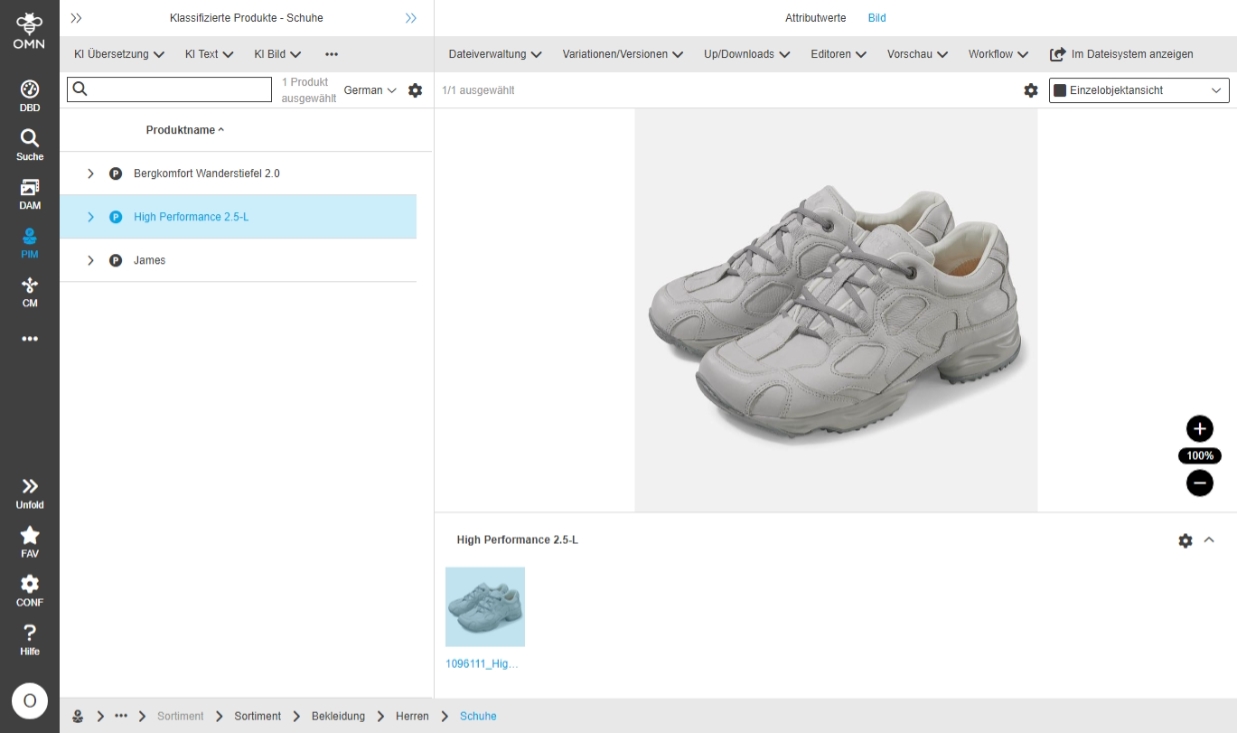
PIM Product View - Assets Tab - Add "Change reference type" and Unlink from product" functions
| ACC-Profile | Base |
|---|---|
References |
OMNA-1201 |
The user can now change a reference type of an asset or unlink it in the product view - Asset Tab alternatively to Asset Accordion in PIM2 Classification View
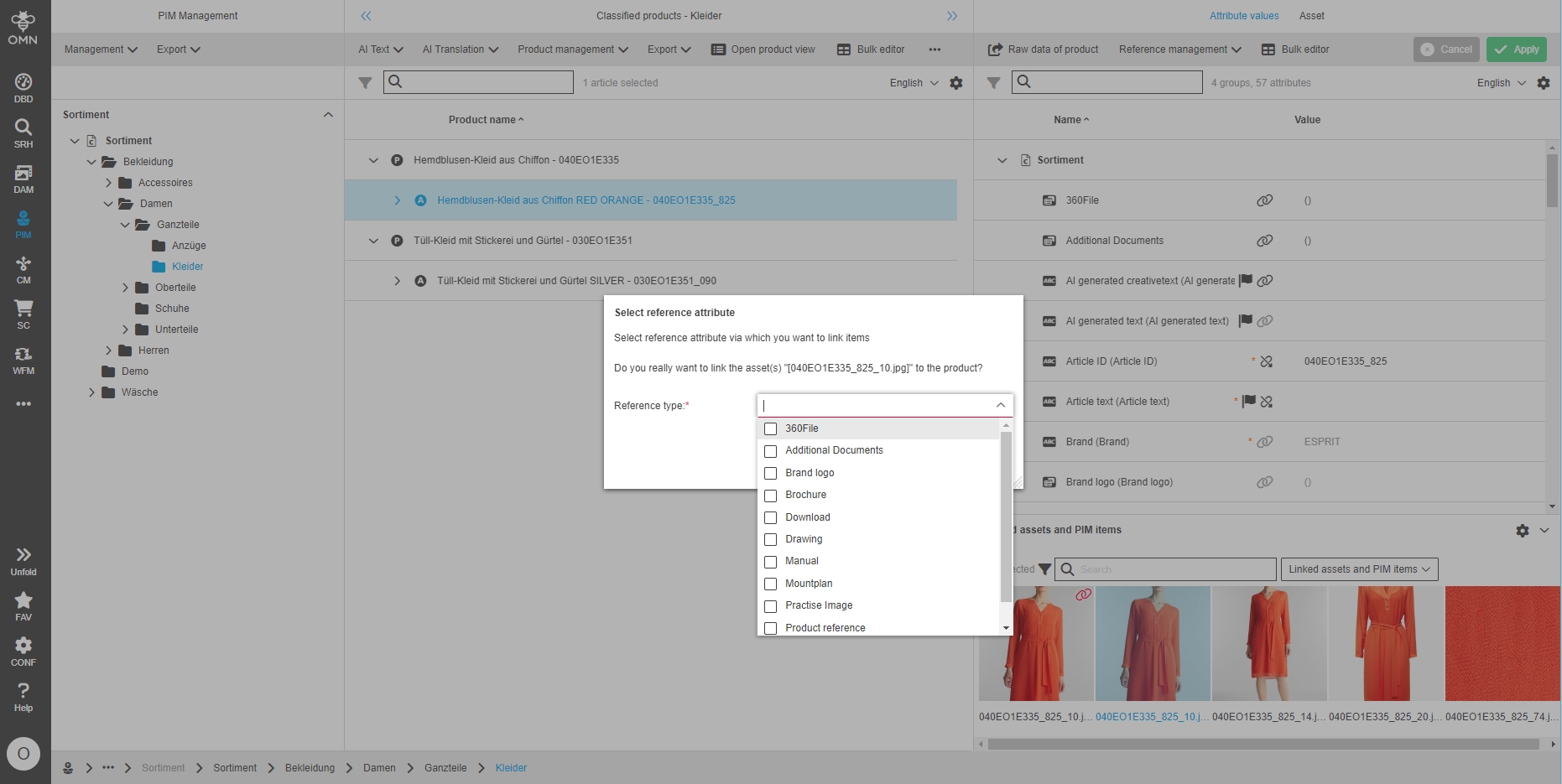
Extend reference types for asset linking
| ACC-Profile | Base |
|---|---|
References |
OMNA-1227 |
New Extended reference types are available for linking different kind of assets or another product to selected product
Following reference types are available in Fashion profile:
-
MainImage | Hauptabbildung / ProductImage (Cardinality 1)
-
AdditionalImage | Nebenabbildung / Additional Image (Card. n) >> We actually have this for every customer with a webshop and it is standard in SW and Magento.
-
DetailImage | Detailabbildung / Product detail image (Cardinality n)
-
PractiseImage | Anwendungsbild (Kardinalität n) ⇒ neu
-
Video | Produkt/Anwendungs-Video (Kardinalität n)
-
360Filef | 360Grad-Animation (BS: I think it is very special and can also run as a secondary image, but it may be marketing for our function.)
-
Drawing | Zeichnung (Kardinalität n)
-
Brochure | Broschüre/Printobject >> BS: Might be named "Publikation" in German instead of "Broschüre"?
-
Manual | Bedienungsanleitung (Kardinalität n)
-
Datasheet | Datenblatt
-
Mountplan | Aufbauanleitung
-
AdditionalDocument | Sonstige Dokumente / Other Documents (card. n)
-
Download | Downloads (card. n) >> BS: Documents or other files of any kind that are to be available for download in the shop
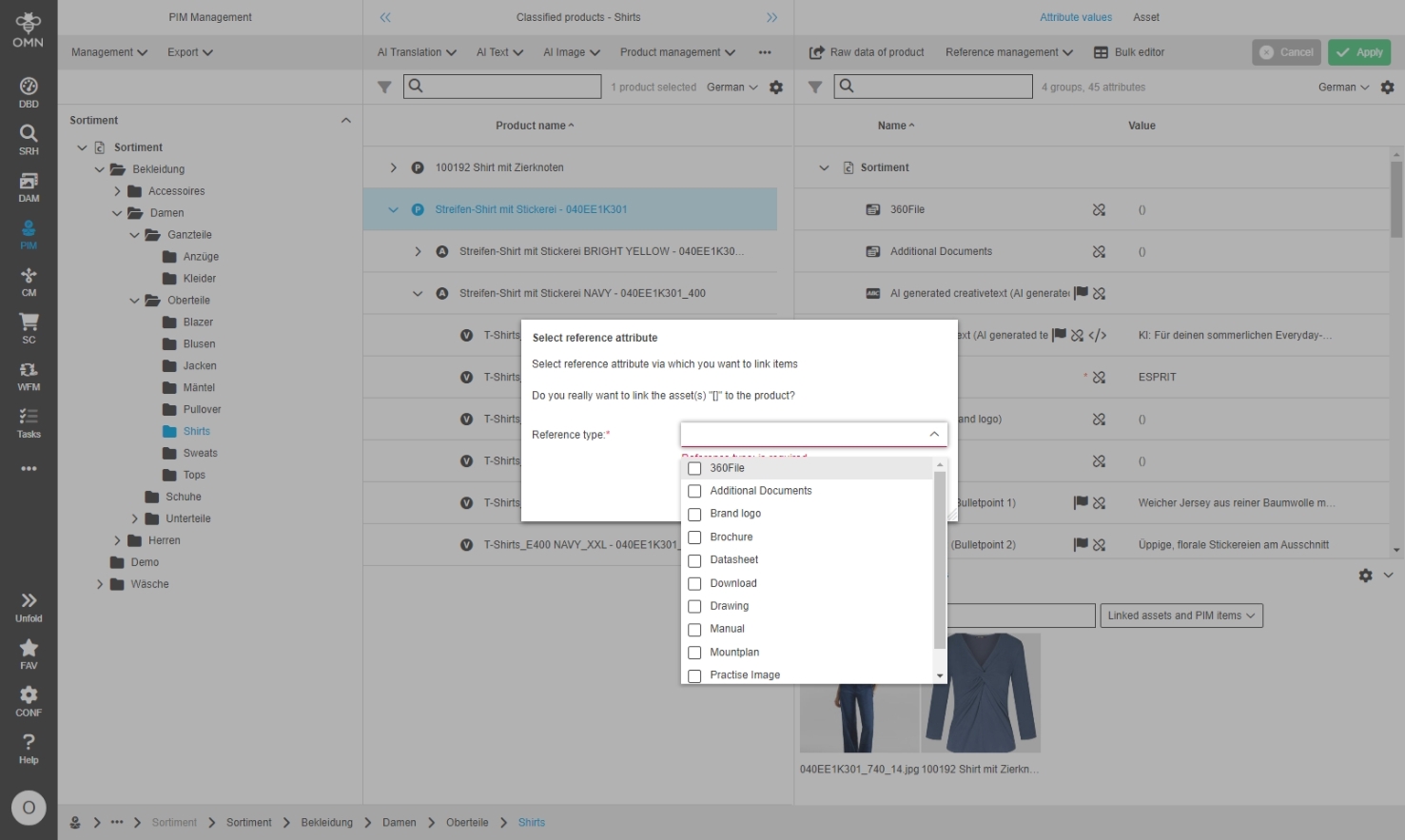
introduce additional Export allowed attribute in PIM Datamodel on product Level
| ACC-Profile | Base |
|---|---|
References |
OMNA-1216 |
Introduction of new status flag in PIM Data model which can be used to indicate for target channel which products and its articles are approved for release (the flag does not control the Export)
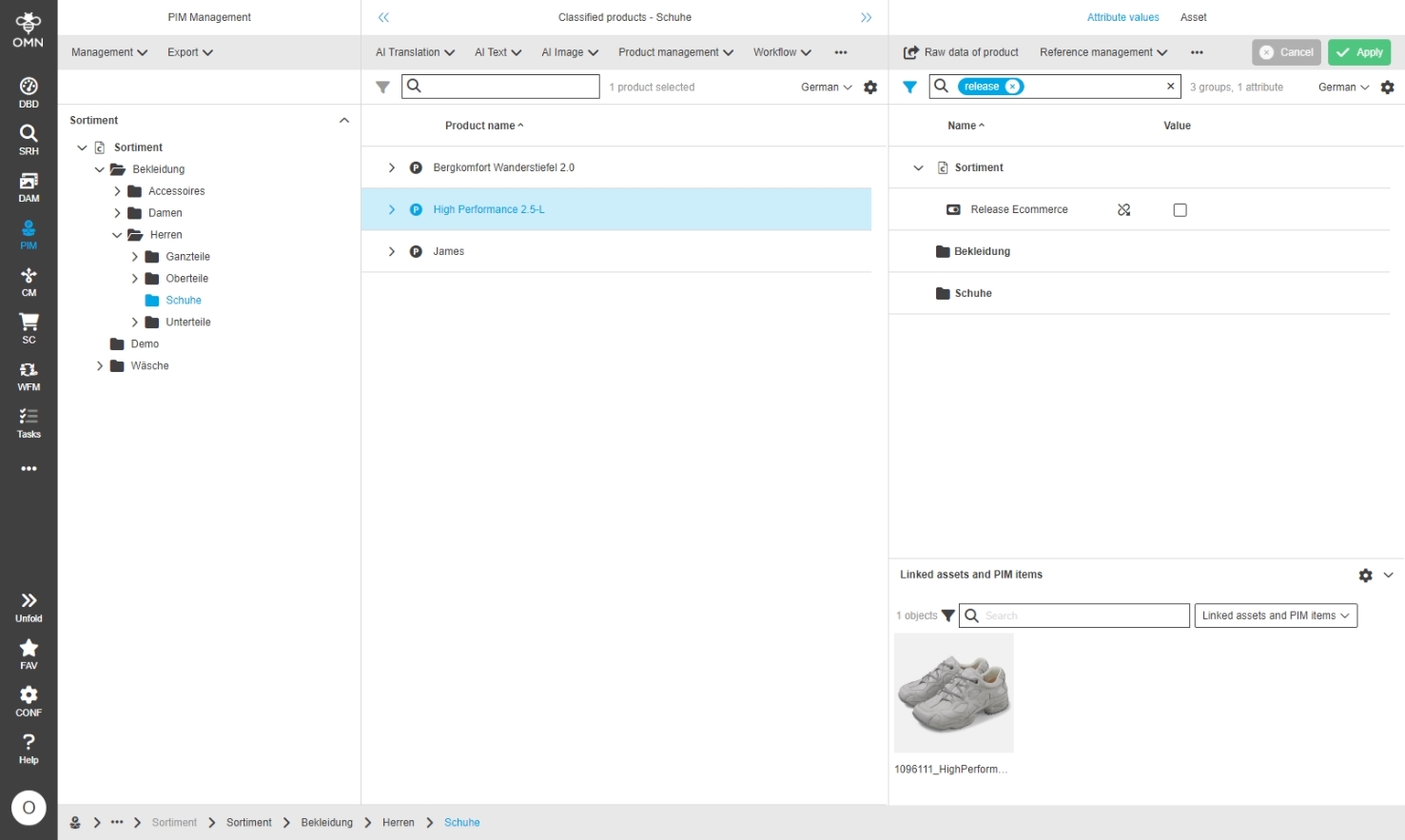
OMN Accelerator should provide default Tags on TagView within PIM ClassificationView
| ACC-Profile | Base |
|---|---|
References |
OMNA-1357 |
Accelerator profile provides default tags for logical grouping of attributes in PIM Classification
-
the tags must be assigned to attributes and nodes in PIM2 Configuration before they can be displayed
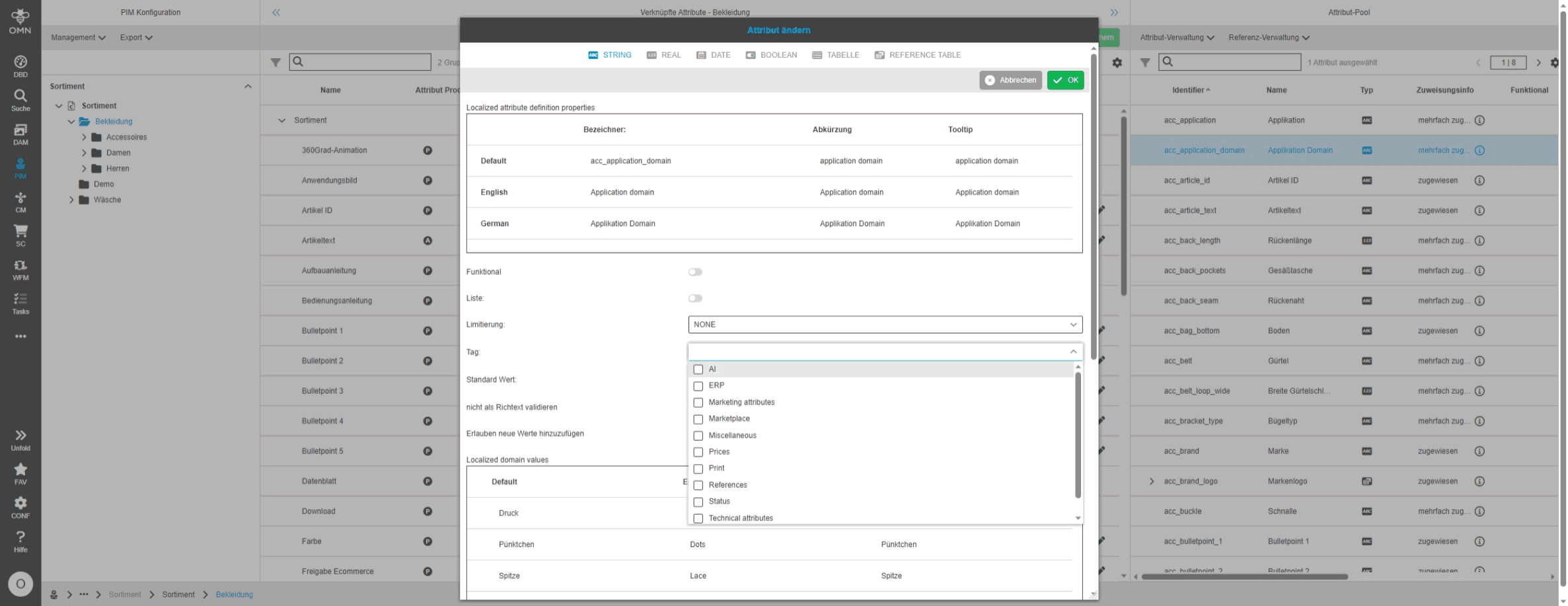
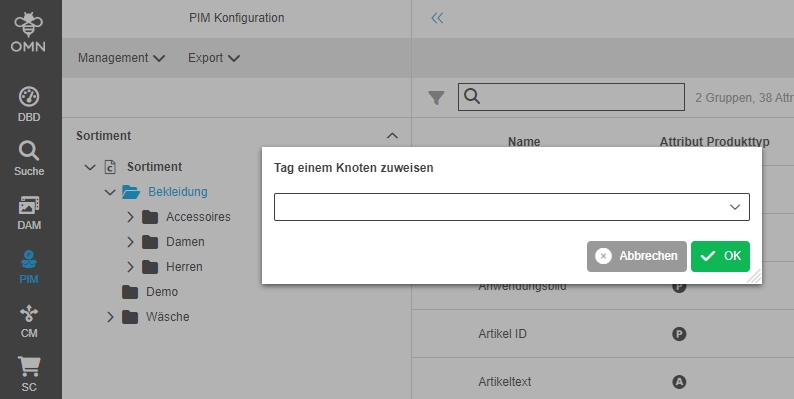
-
Following default tags are provided by profile
-
AI | KI (for attributes which will be filled by AI-Services)
-
Status | Status (for grouping of status attributes)
-
ERP | ERP (for ERP attributes - eg ArtikelNo)
-
Technical attributes | Technische Eigenschaften
-
Marketing attributes | Marketing-Eigenschaften (contains marketing related attributes)
-
References | Referenzen (contains all reference attributes)
-
Prices | Preise
-
Print | Druck (everything that is only specifically maintained for print)
-
Webshop | Webshop (everything that is only maintained specifically for webshop)
-
Marketplace | Marktplatz
-
Miscellaneous | Sonstiges
-
-
the tags can be seen in PIM Classification Management view (mode = TagView)
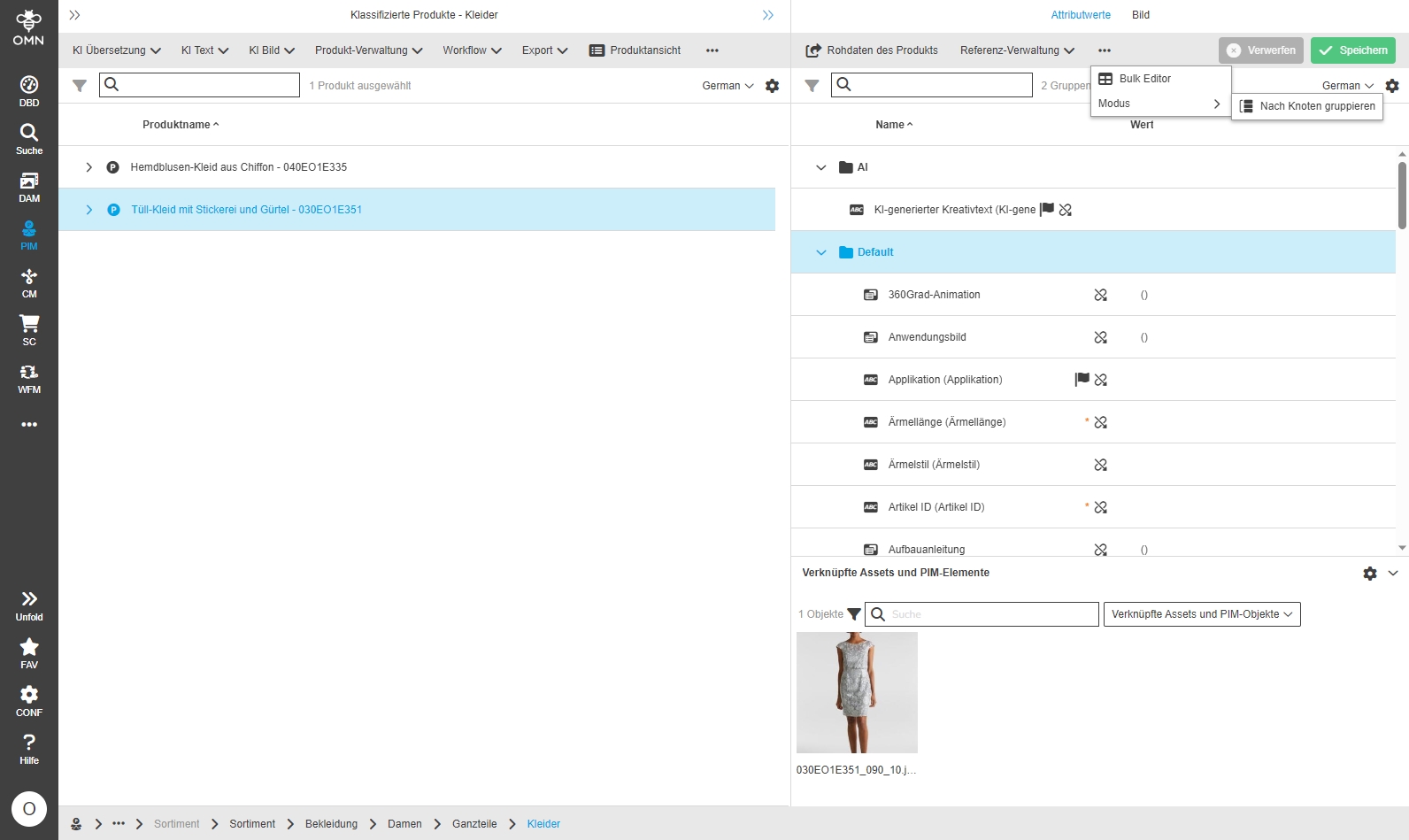
| Localization of Tags is currently not supported |
-
TagView in PIM ClassificationView
| References | OMNA-1377 |
|---|
Possibility to view/edit attributes in the PIM Classification View also by logical groupings called tags
-
precondition is, that tags are assigned to Attributes and classification nodes in PIM Configuration View
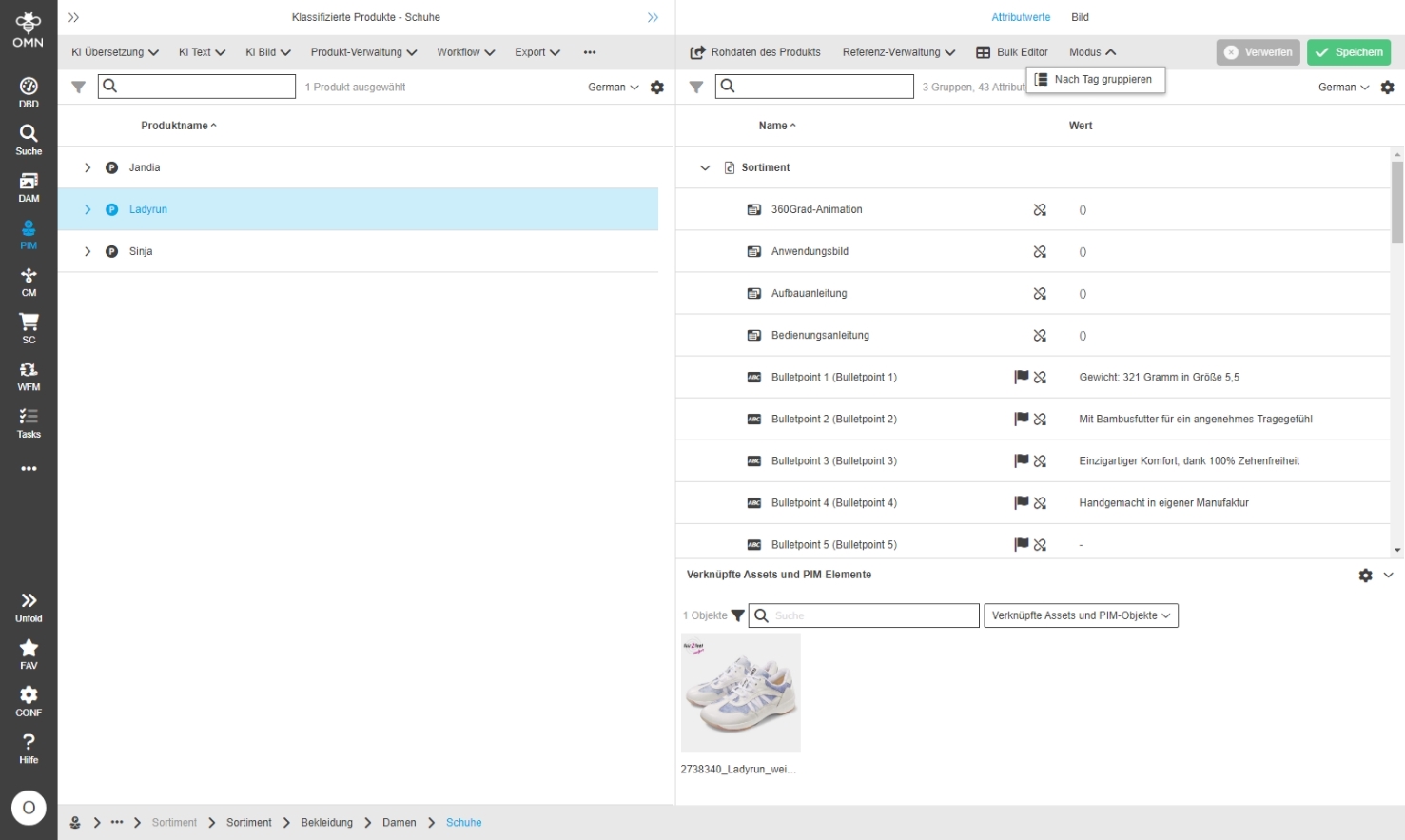
-
Configure Assign Tags function for Node view in ClassificationView
| References | OMNA-1417 |
|---|
Possibility to assign available Standard-Tags to specific Attributes
-
ACC provides several Default tags with 5.12 (OMNA-1357)
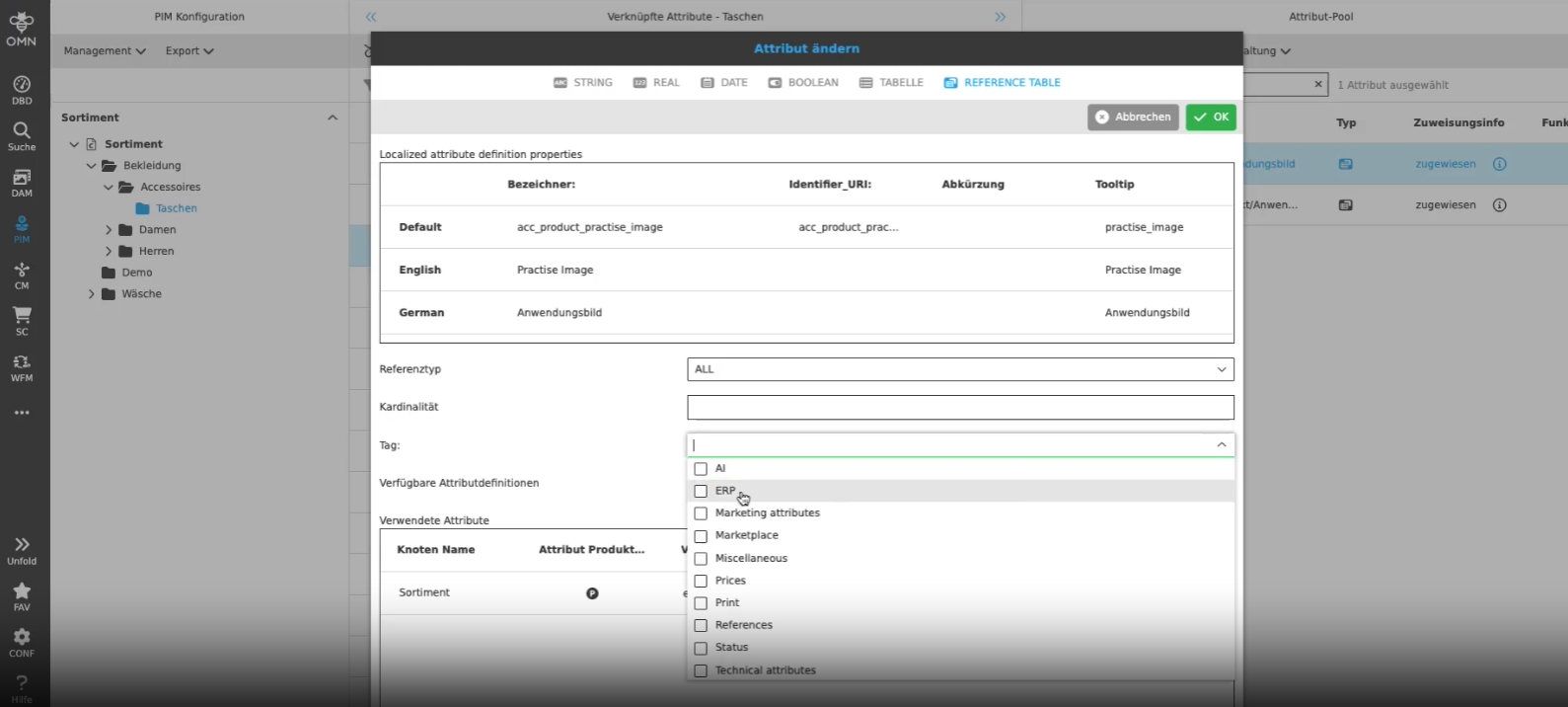
Remove export all PIM products button
| ACC-Profile | Base |
|---|---|
References |
OMNA-1375 |
The export of all products will be part of upcoming EA-UI and configured there in a more meaningfull way
-
as long as stability of current function is not given, the export all function will be longer accessible in PIM
-
it is further possible to Export products for nodes
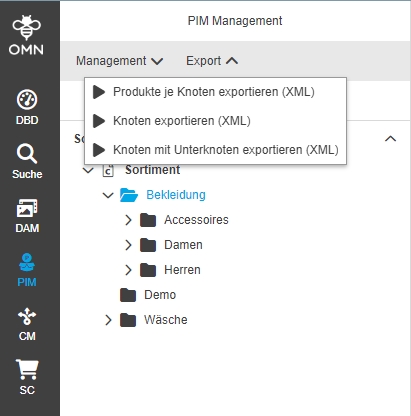
CM
Project Types
-
Default attribute configuration in CM for E-Commerce
| ACC-Profile | Base |
|---|---|
References |
OMNA-1106 |
Default E-Commerce attributes in Channel Management for EC Channels
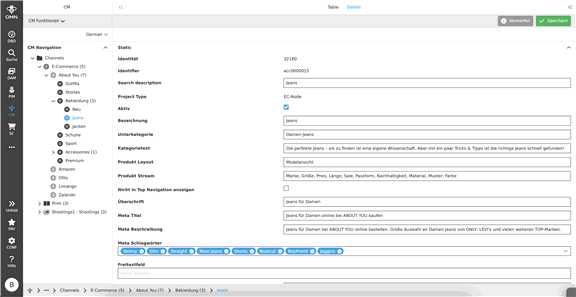
-
Improve localization of columns in C.ProjectProductsView ACC EC for German language
| ACC-Profile | Base |
|---|---|
References |
OMNA-1167 |
Improved localization of ProjectProductView columns

-
Adjustments of new CM Structure
| ACC-Profile | Base |
|---|---|
References |
OMNA-1299, OMNA-1184 |
Optimizations and corrections g of the new CM structure in Accelerator
The following nodes with configurations have been introduced:
-
E-Commerce Node
-
Marketplaces Node
-
Marketplace Node
-
Shop Node
-
-
Shops Node
-
Category Node
-
-
-
-
Print Node
-
Season Node
-
Advertising Media Node
-
Language Node
-
Document Node
-
-
-
-
-
Shootings Node
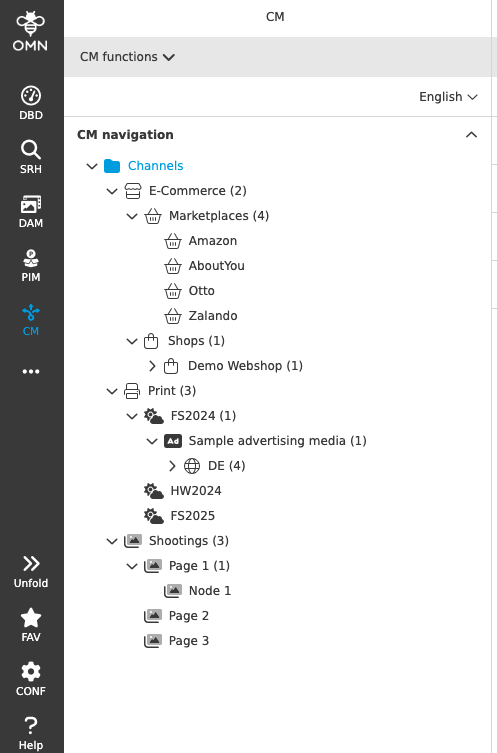
-
Fix localization on CM structure
| ACC-Profile | Base |
|---|---|
References |
OMNA-1404 |
Several Localization improvements for CM module panel names and Center FS Detail Attributes
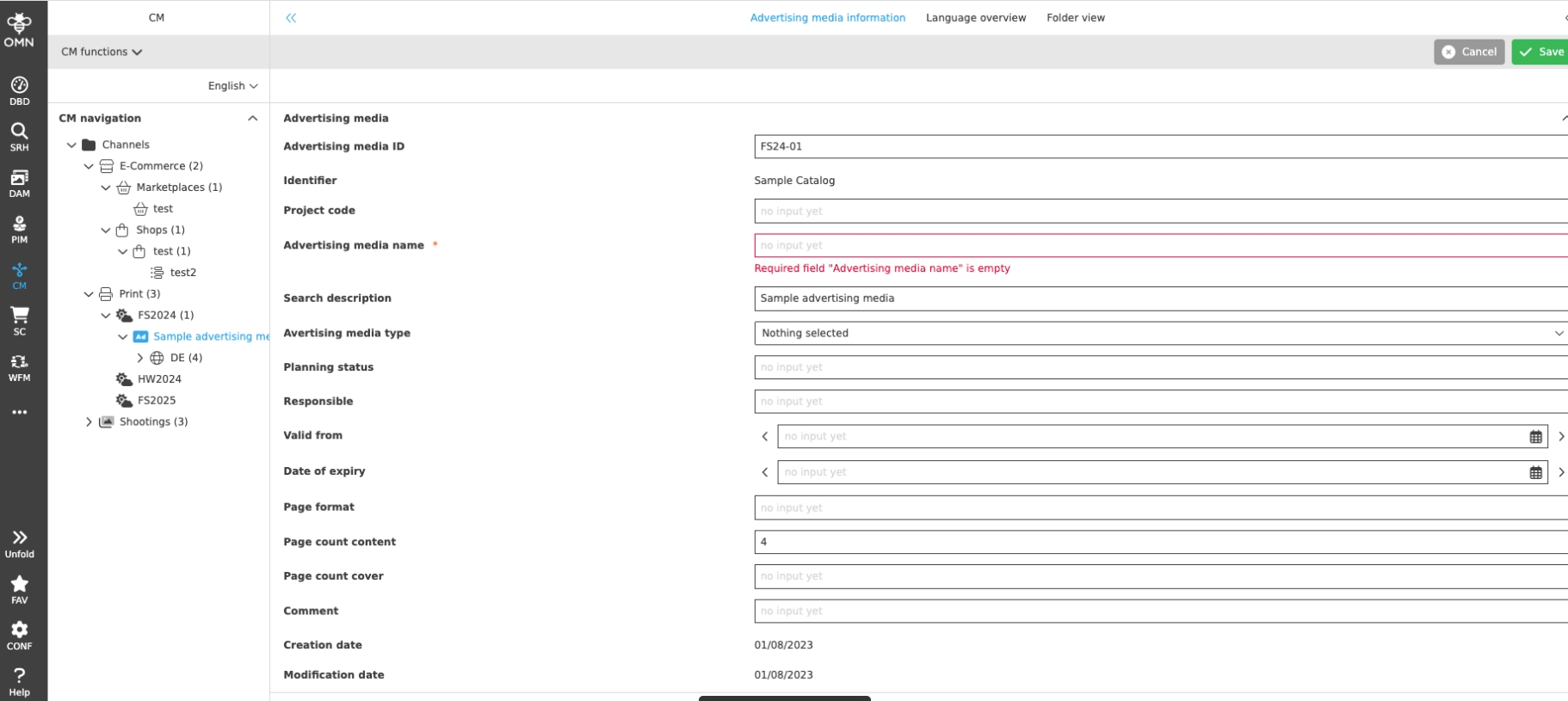
-
ProjectProduct View with sorting modes and right view panels
| ACC-Profile | Base |
|---|---|
References |
OMNA-1054 |
ProjectProductView is enhanced with
-
Lighttable showing references images for selected products in center
-
new Sorting mode to sort PEOs
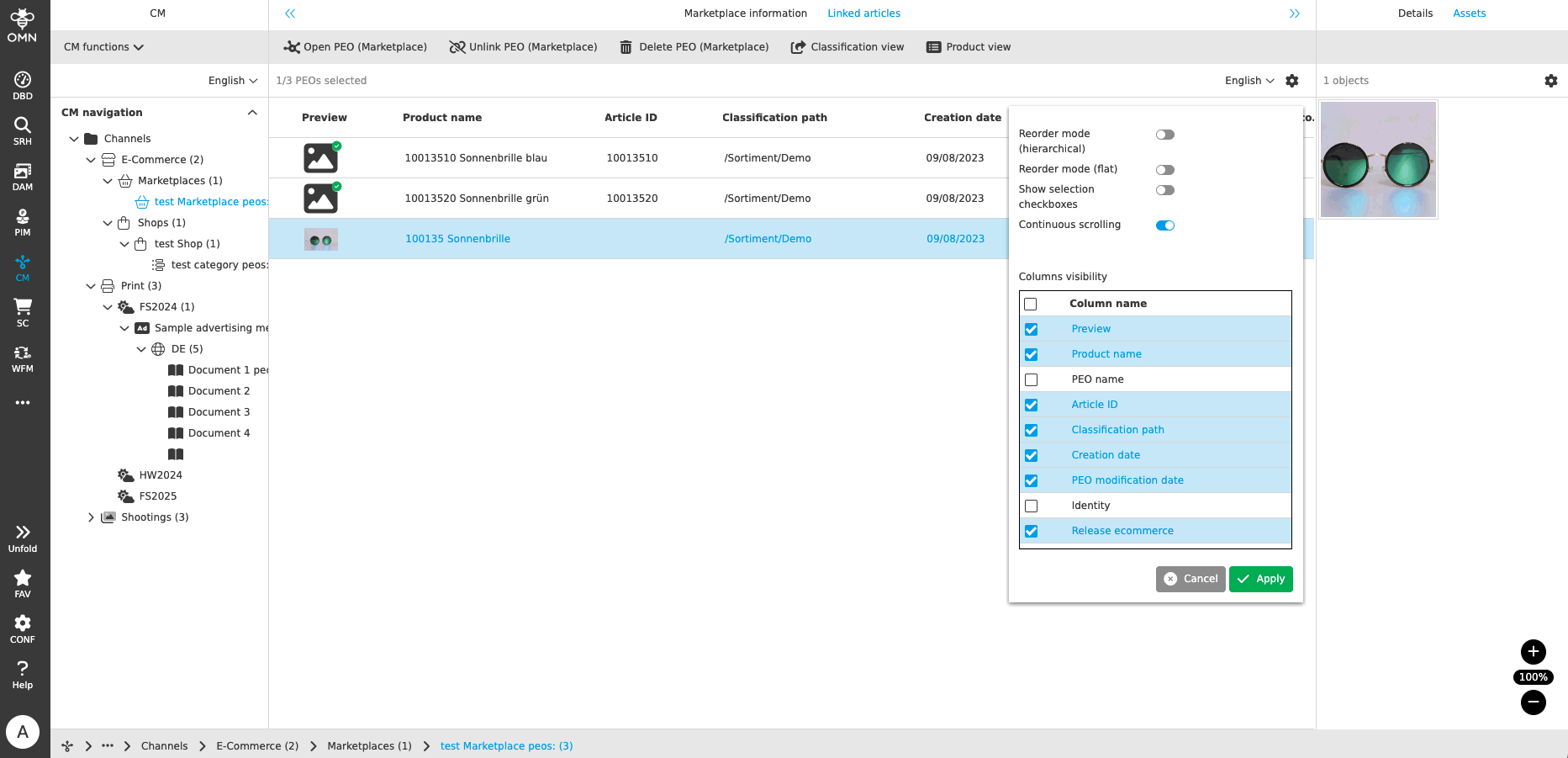
-
Project Creation will also create project folders automatically for specific project types
| ACC-Profile | Base |
|---|---|
References |
OMNA-1239 |
With project creation of project types folder structures on Filesystem will now be created automatically allowing to deposit Project-related assets
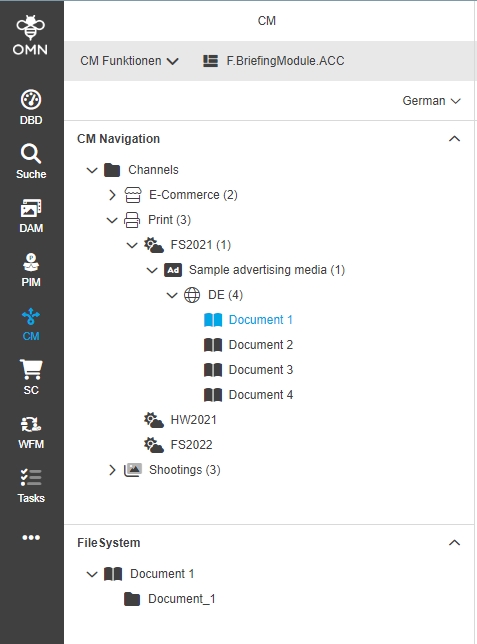
-
Add functions to ProjectProductsView
| ACC-Profile | Base |
|---|---|
References |
OMNA-1109 |
Several PEO-functions are now available in ProjectProductsView
-
Open PEO View
-
Unlink PEO from Project
-
Delete PEO
-
Open Product in ProductView
-
Open Product in ClassificationView
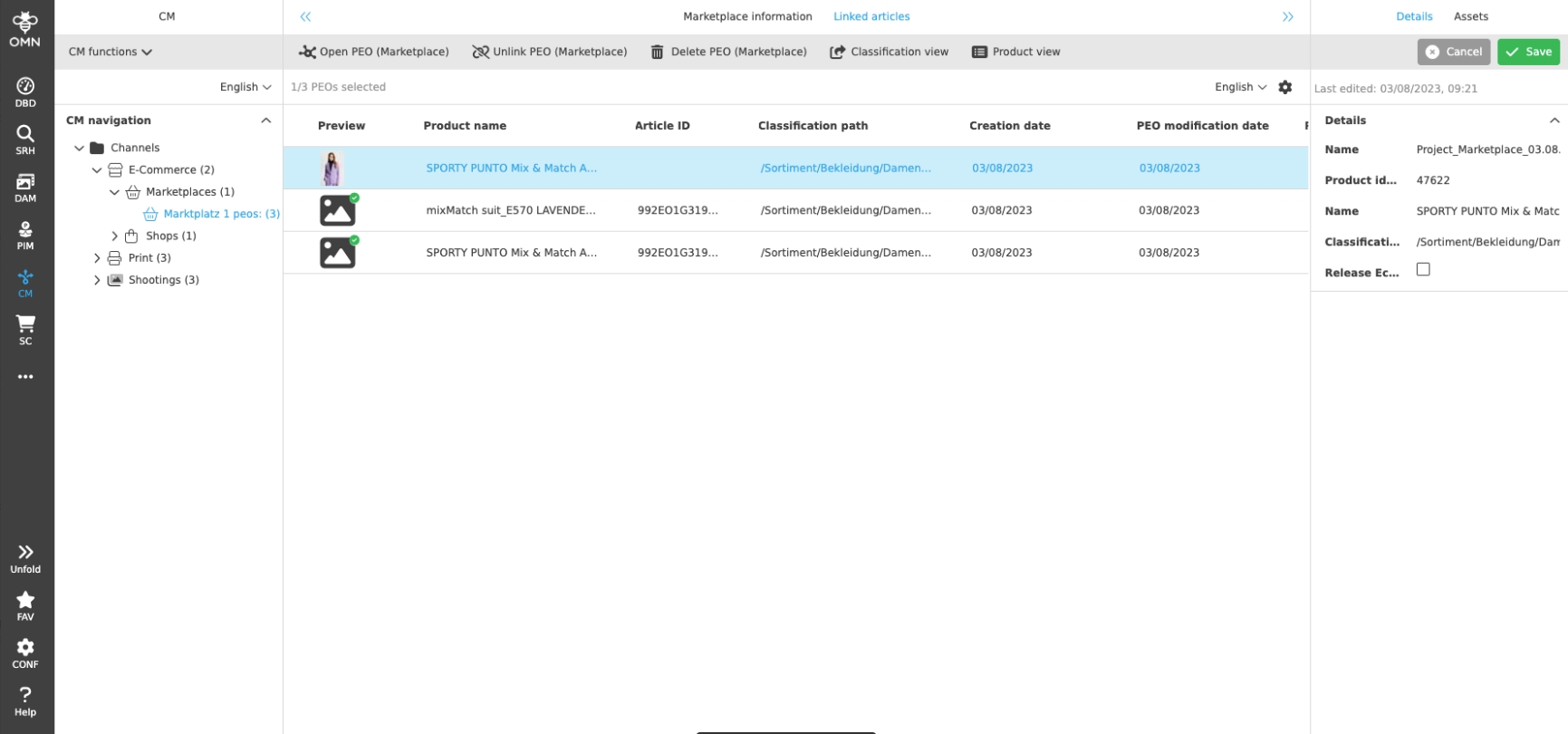
-
CM configuration - Function to create, rename and delete nodes in CM navigation
| ACC-Profile | Base |
|---|---|
References |
OMNA-1083 |
Ability to create, rename and delete nodes in the CM navigation
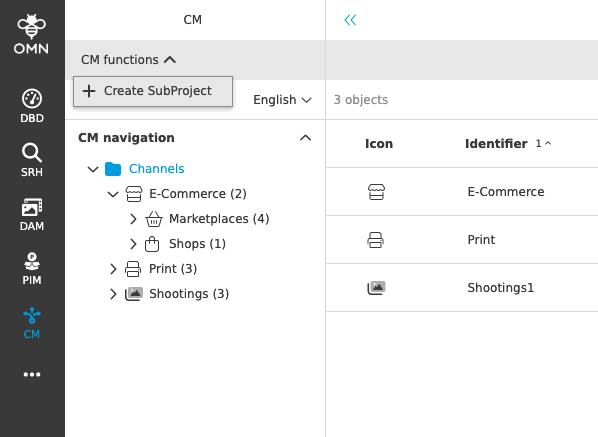
-
CM Creation Plugins / FSDetails adjustments
| ACC-Profile | Base |
|---|---|
References |
OMNA-1397 |
More self explaining attribute for the description/naming of a project type when creating sub projects
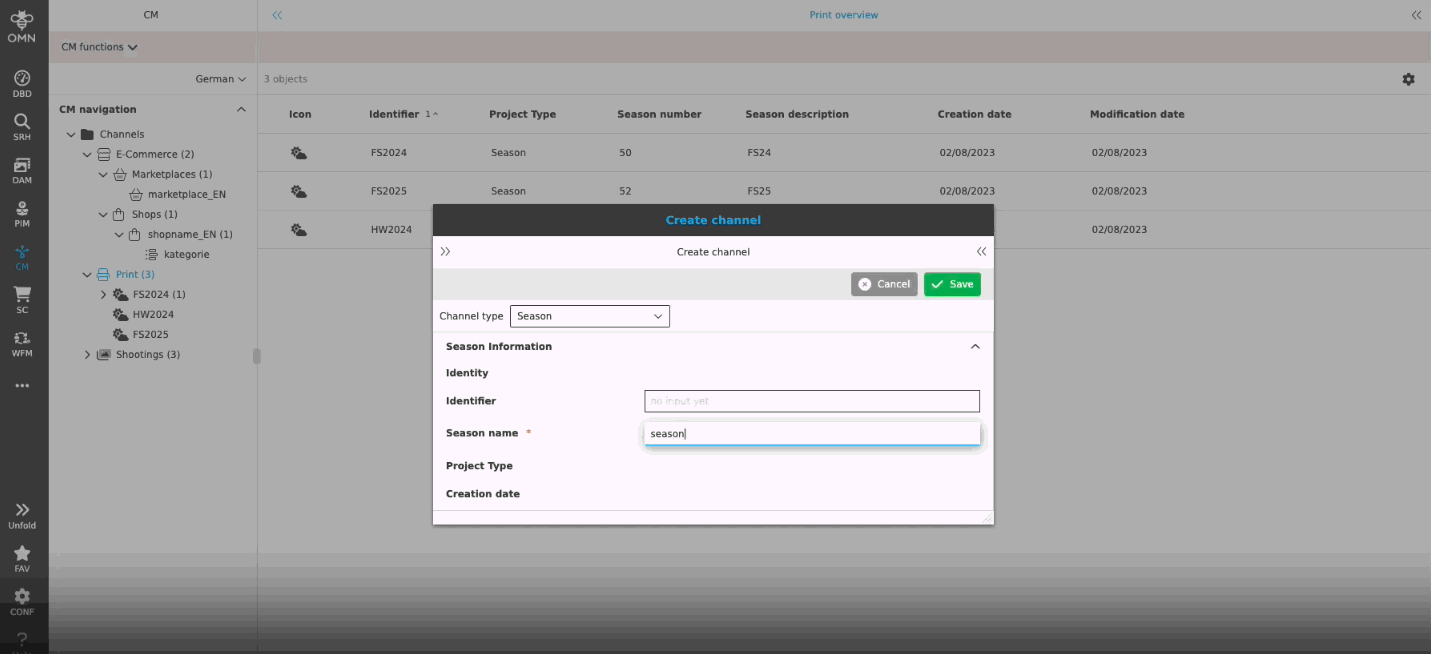
Plugins
-
Provide Selection Client in ACC base (optional, only for Demo Purpose)
| ACC-Profile | Base, Fashion |
|---|---|
References |
OMNA-1053 |
A selection client configuration can be optionally provide wie ACC Base Profile (optional)
| the configuration does not support a further standard process when an image get selected in selection Client |
| Configuration is only for demo Purpose and Need Manual adjustments |
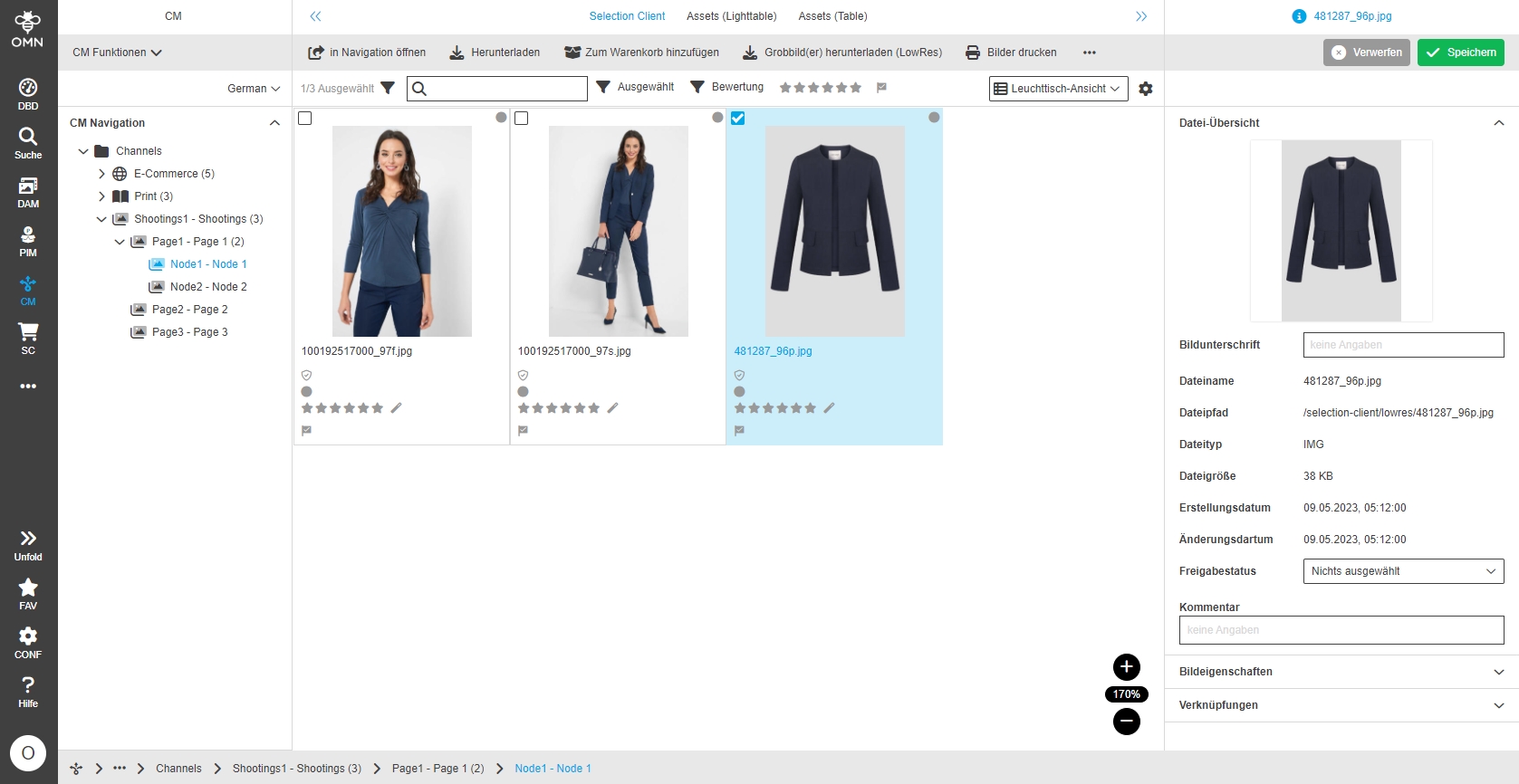
Search
FSDetail for Searches - Global Search
| ACC-Profile | Base |
|---|---|
References |
OMNA-1079, OMNA-1037, OMNA-1078 |
Harmonized and enhanced detail views in search results page of Global Search
-
same FSDetails are available as in Navigation
-
same function Groups are available as in Navigation
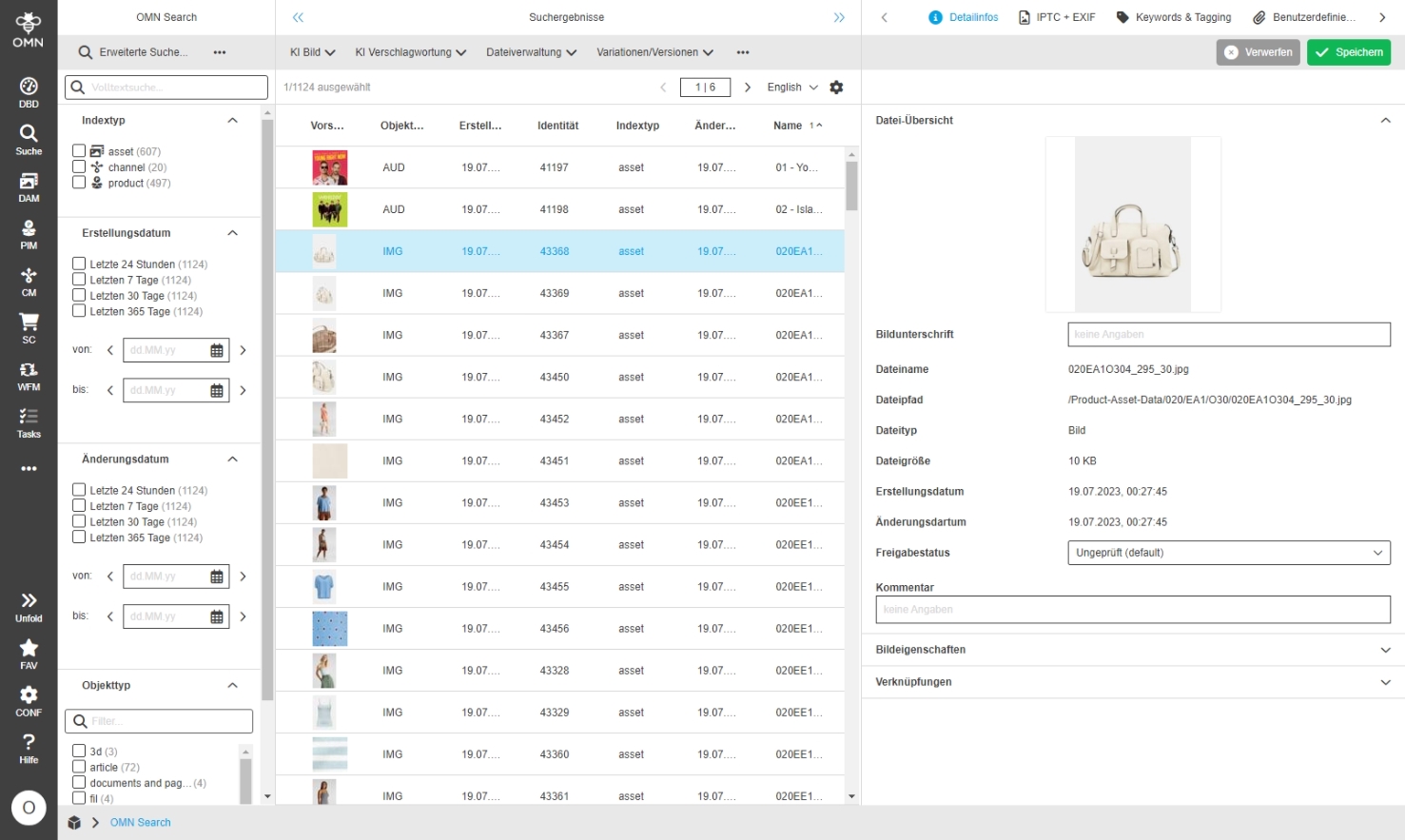
FSDetail for Searches - DAM Search
| ACC-Profile | Base |
|---|---|
References |
OMNA-1080, OMNA-1037, OMNA-1078 |
Harmonized and enhanced detail views in search results page of DAM Search
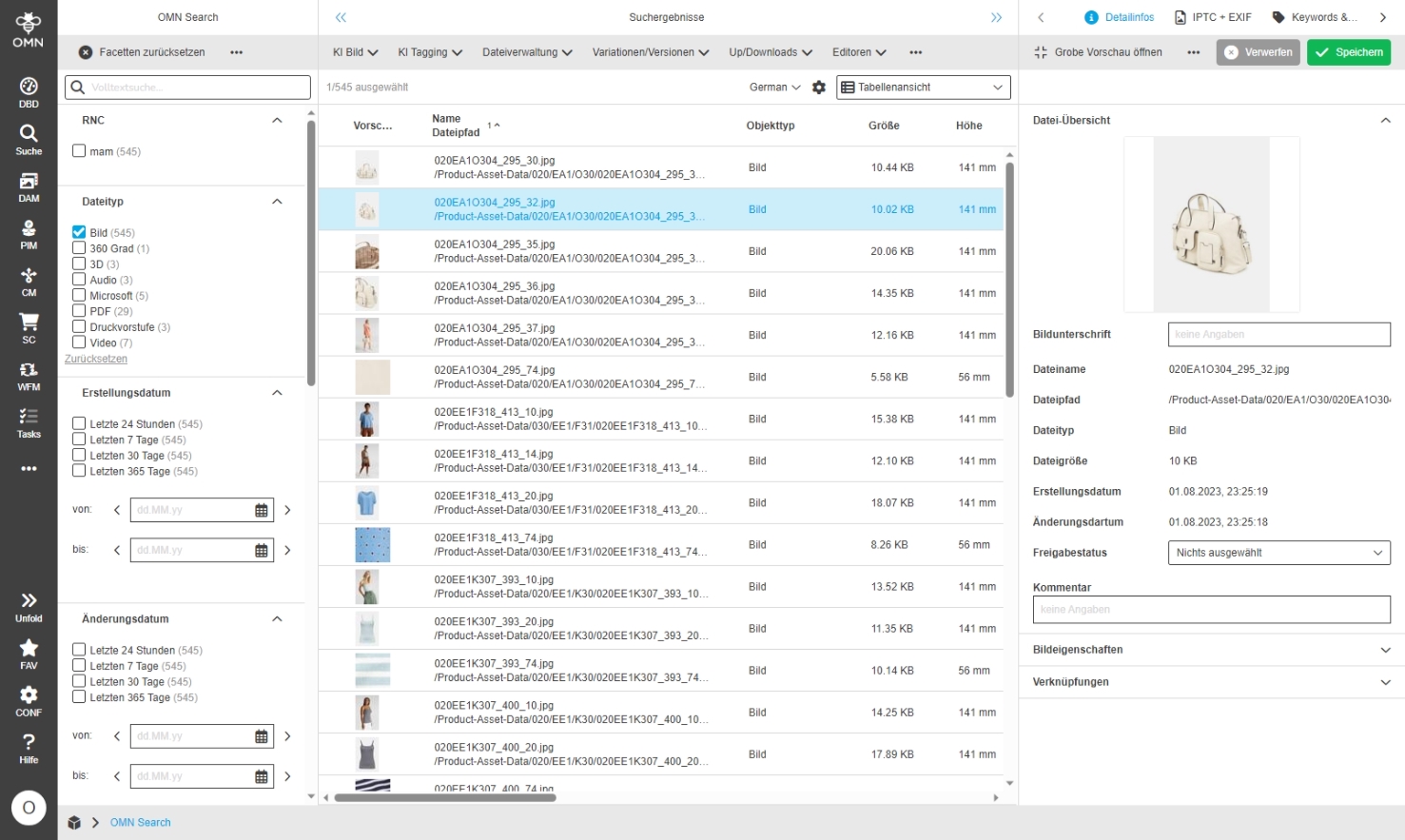
FSDetail for Searches - PIM Search
| ACC-Profile | Base |
|---|---|
References |
OMNA-1081, OMNA-1037, OMNA-1078 |
Harmonized and enhanced detail views in search results page of PIM Search
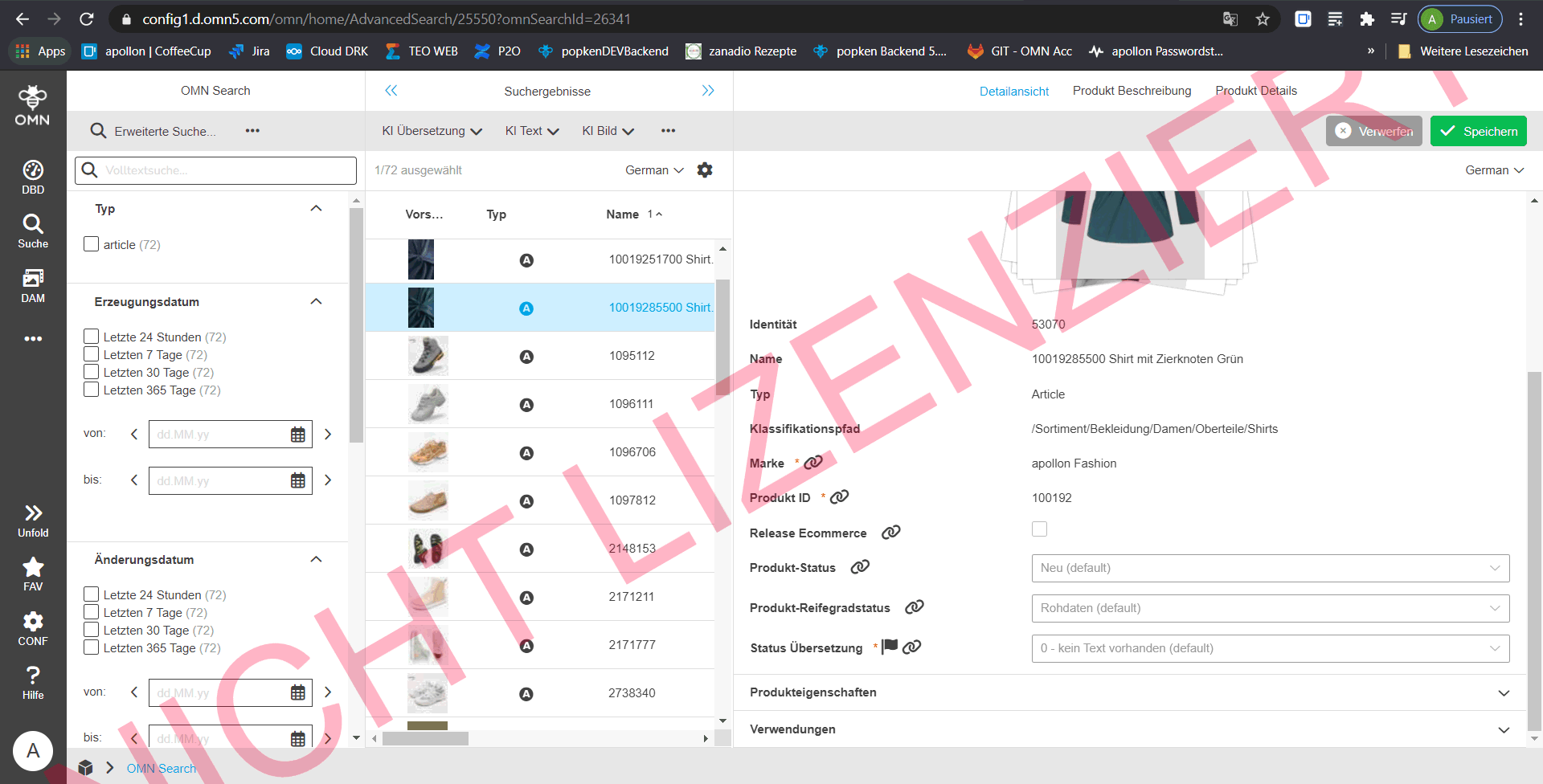
Extend DAM Search Facettes
| ACC-Profile | Base |
|---|---|
References |
OMNA-960 |
Extended list of attributes that are searchable and available as facets for entities
The following attributes are available as facets:
-
Release status
-
Tags
-
AI Tags General
-
AI Tags Google
-
AI Tags Clarifai
-
AI Tags Microsoft
-
AI Tags Immaga
-
AI Tags Ximilar
-
AI Tags Recognition
-
Languages
-
View
-
Usable for
-
Exempted
-
LicenseType
-
License Status
-
Term of Use
-
Extension Possible
-
RNC
-
Keywords
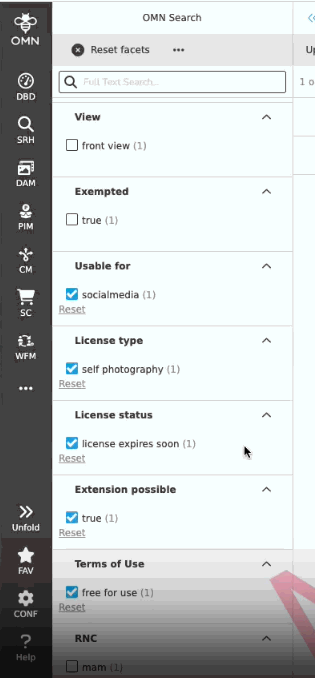
Add doubleclick function to open asset view in global advanced search
| ACC-Profile | Base |
|---|---|
References |
OMNA-1388 |
Possibility to open asset view by double-click on an asset in global advanced search search result page, so that the user can easily see the details of the clicked asset
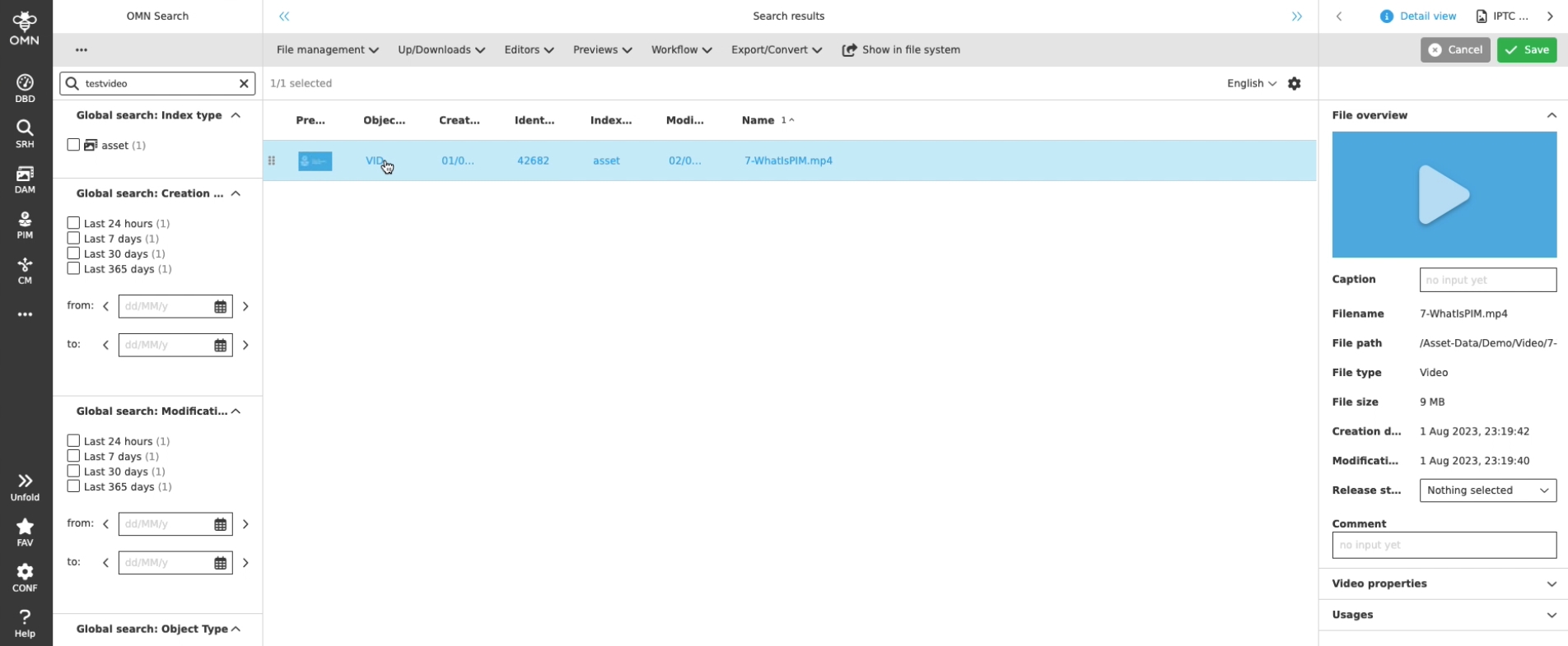
Configuration of Double-click functions and usage in FormBasedSearch in ACC profile
| ACC-Profile | Base |
|---|---|
References |
OMNA-1172 |
Double-click functions in FormbasedSearch for selected objects is allowed on preview Icon and will open related Editor
-
Assets ⇒ Asset Editor
-
Products ⇒ ProductView
-
Channels ⇒ Open Channel
Configuration of Double-click functions and usage in AdvancedSearch in ACC profile
| ACC-Profile | Base |
|---|---|
References |
OMNA-909, OMNA-1173 |
Double-click functions in AdvancedSearch for selected objects is allowed on preview Icon and will open related Editor
-
Assets ⇒ Asset Editor
-
Products ⇒ ProductView
-
Channels ⇒ Open Channel
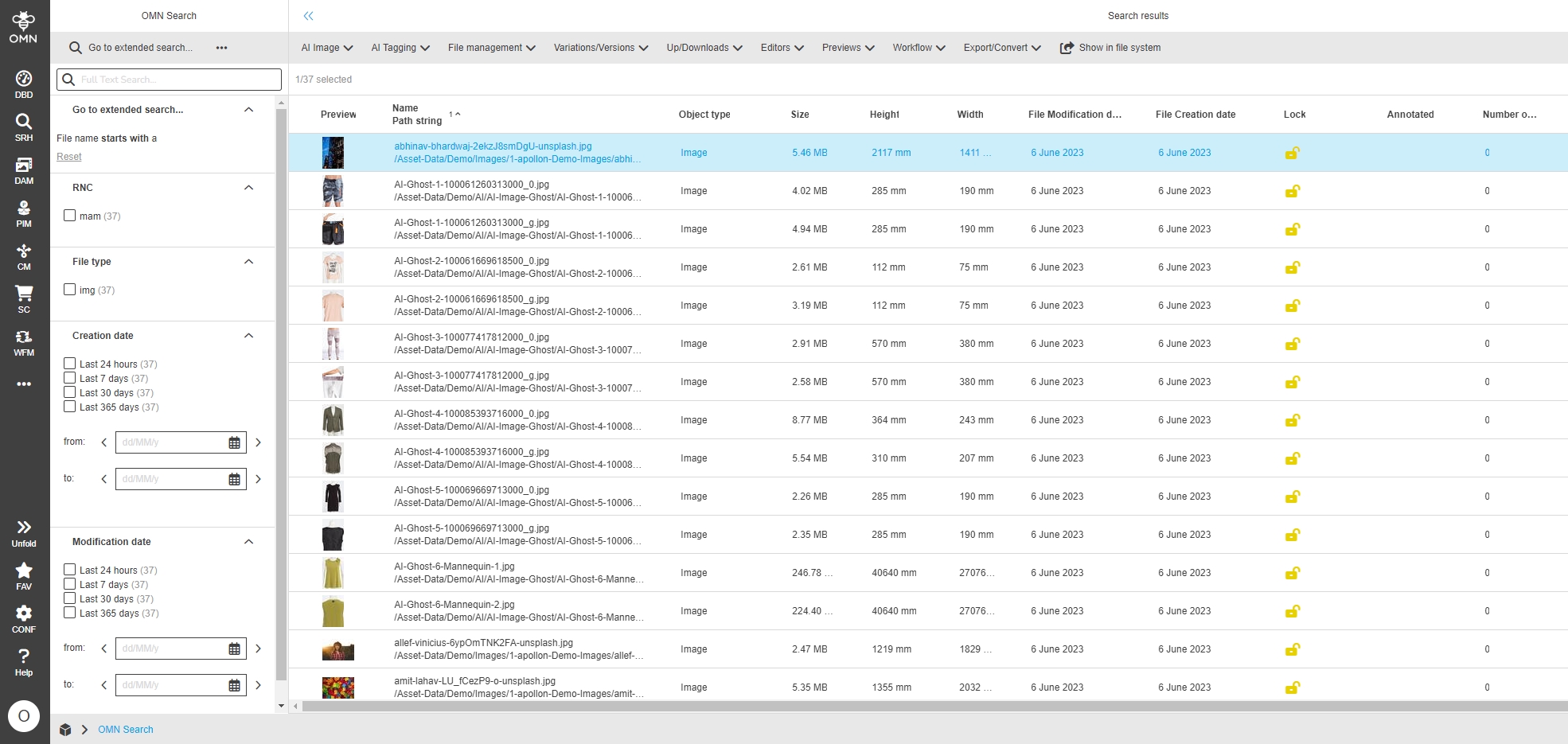
providing formbased search
| ACC-Profile | Base |
|---|---|
References |
OMNA-1172, OMNA-1102 |
The new ACC base profile delivers standard Form-based search
-
for assets
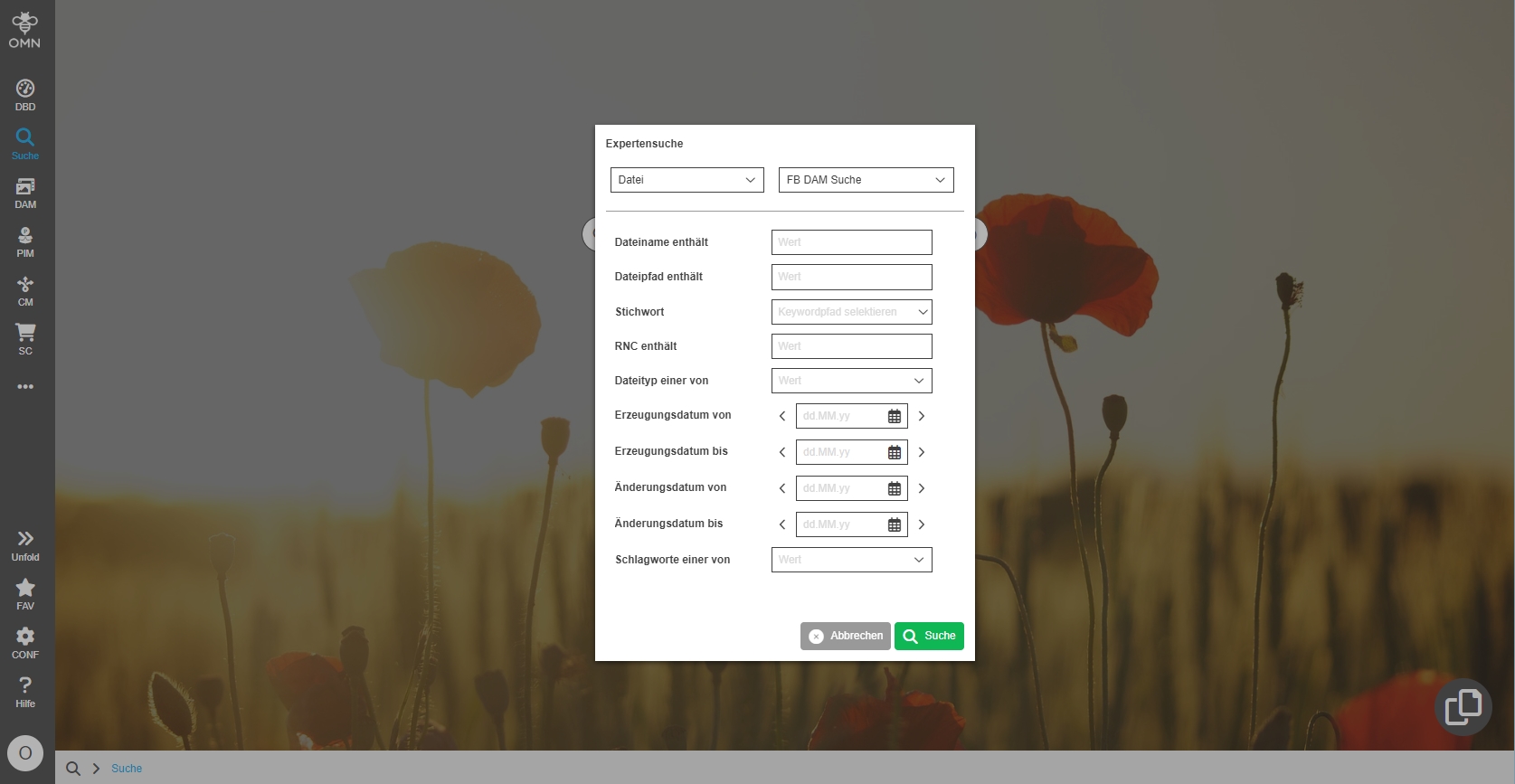
-
for products
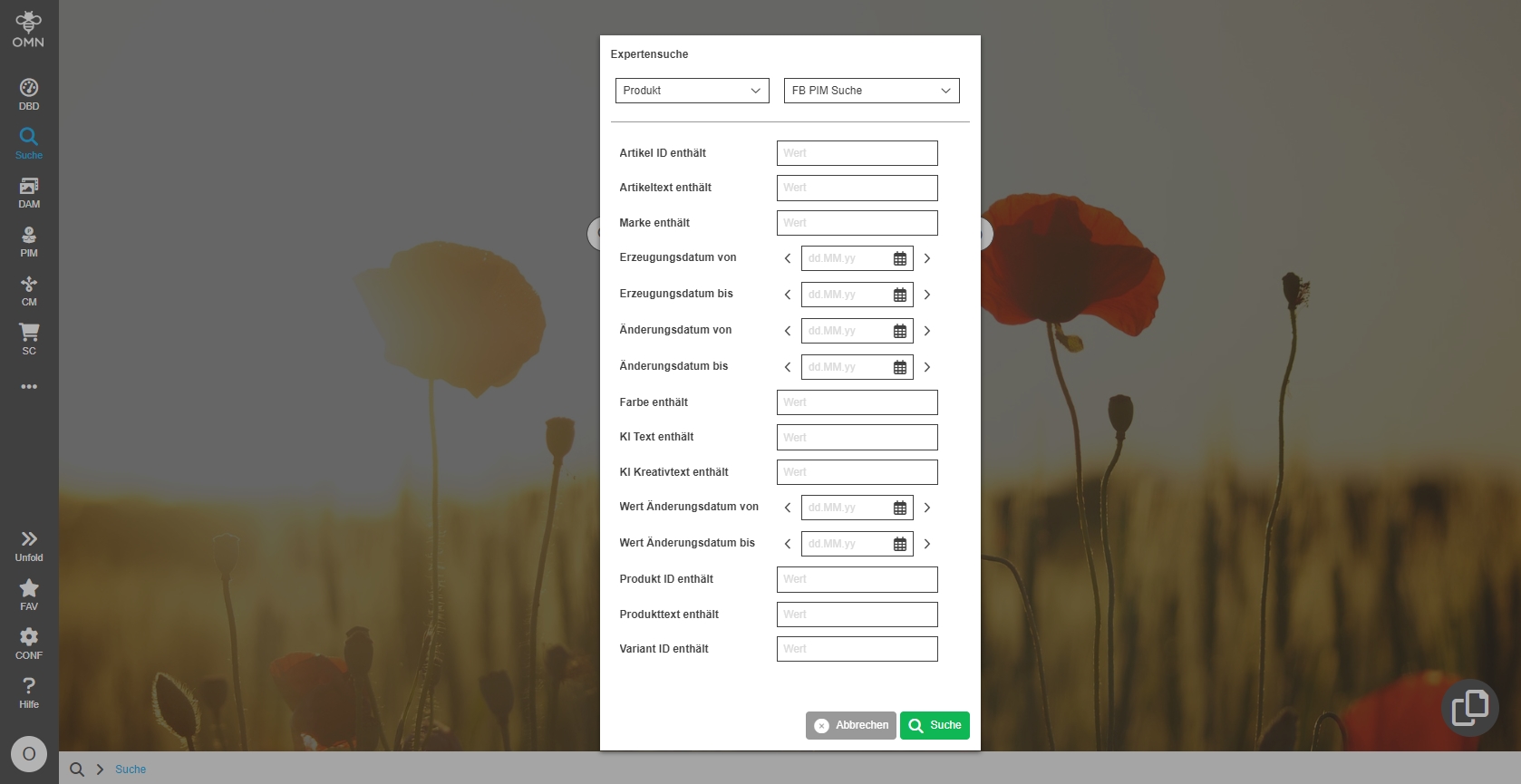
-
for channels
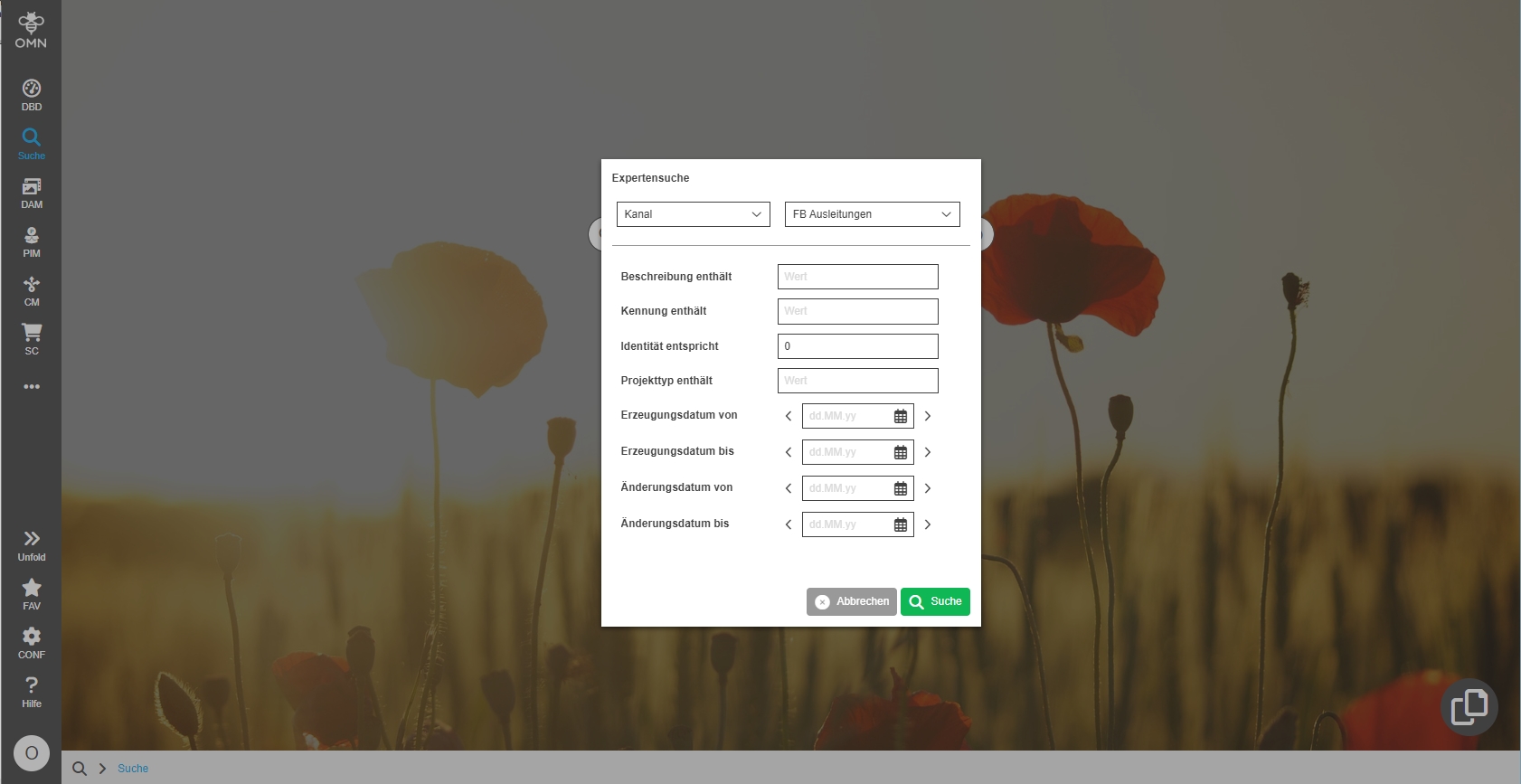
Localization of CM Search
| ACC-Profile | Base |
|---|---|
References |
OMNA-1179 |
The former localization "Ausleitung" which was used for Search for Channel Projects is replaced by Channel Search
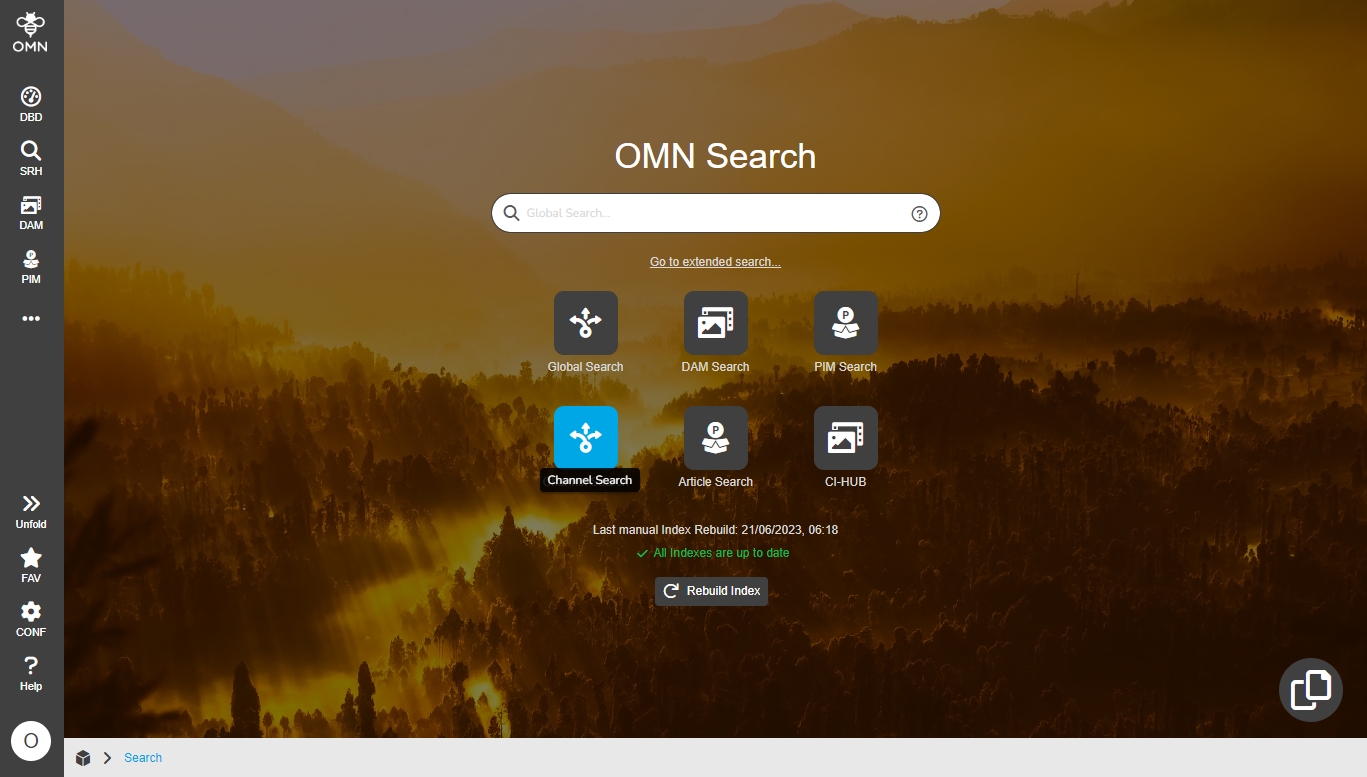
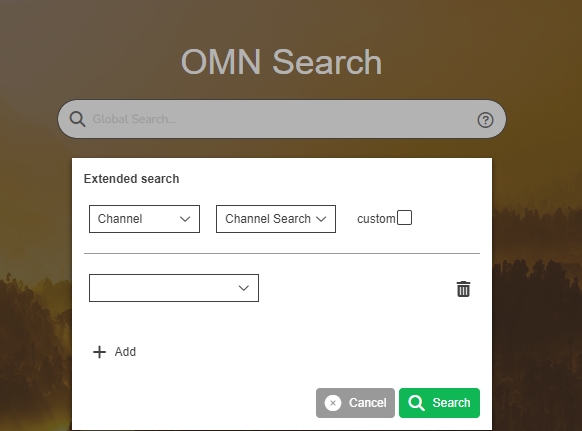
DAM Search should search in all configured attributes (adjustment of simple search)
| ACC-Profile | Base |
|---|---|
References |
OMNA-1360 |
All Attributes used in FSDetails search for the same attributes in the DAM search as in the global search
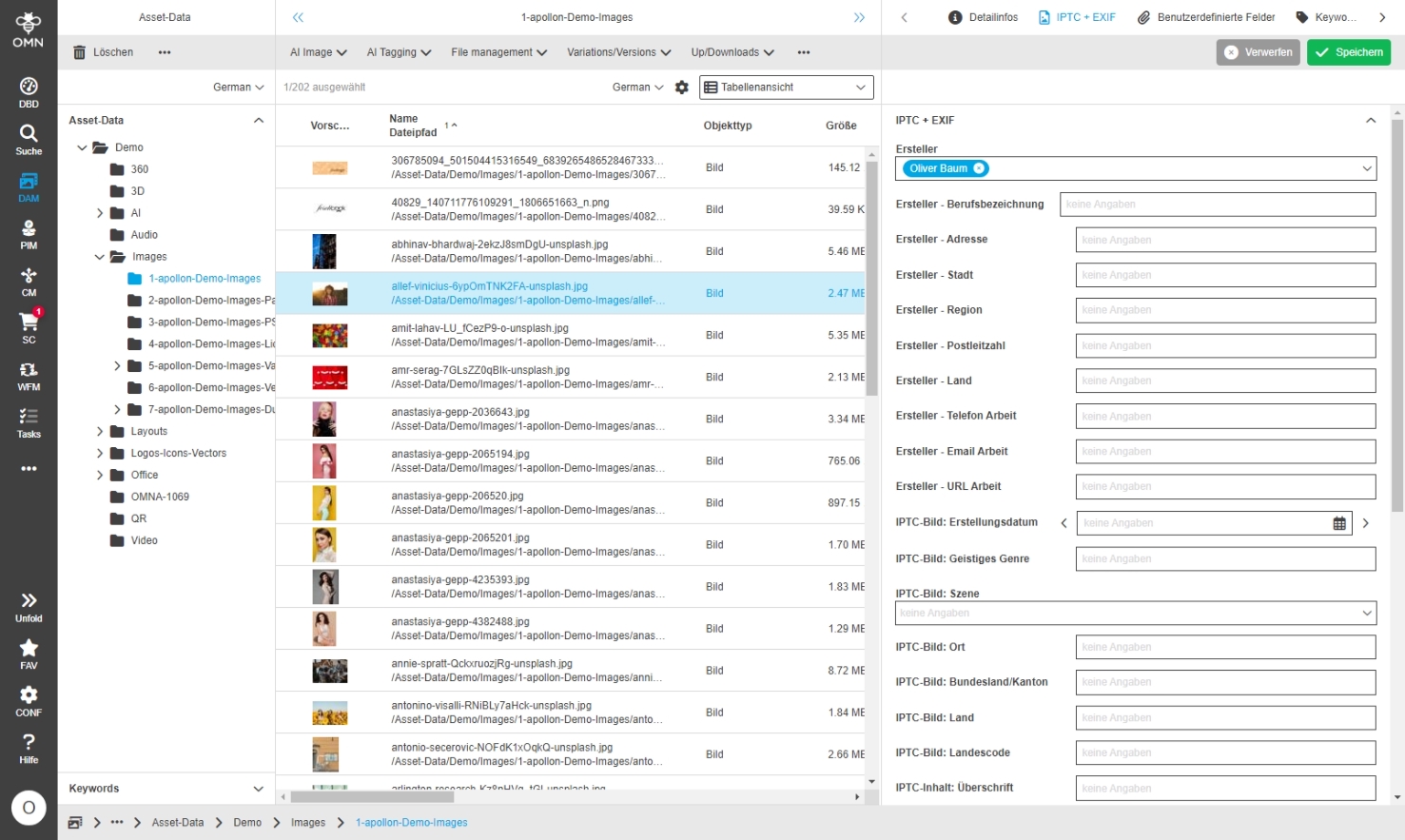
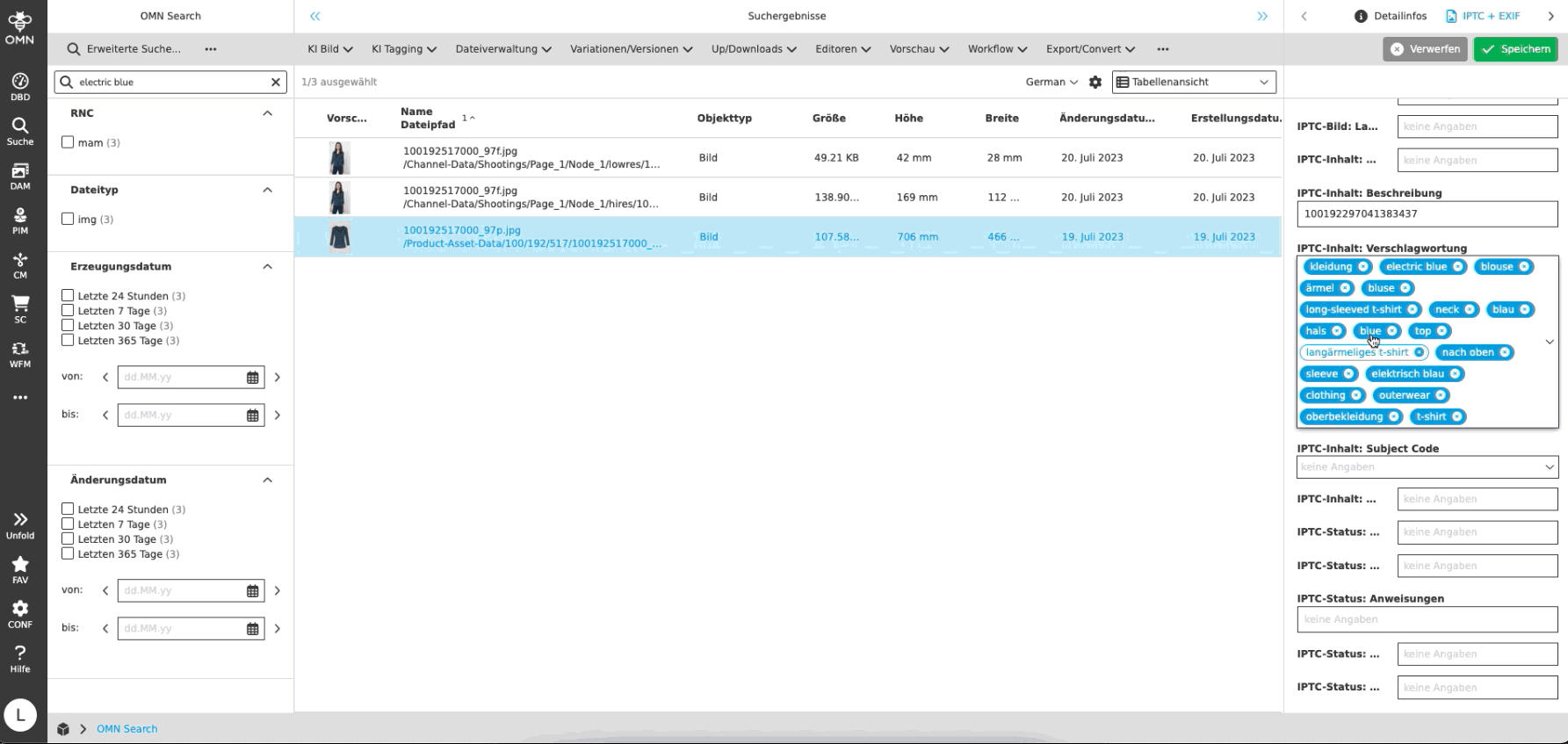

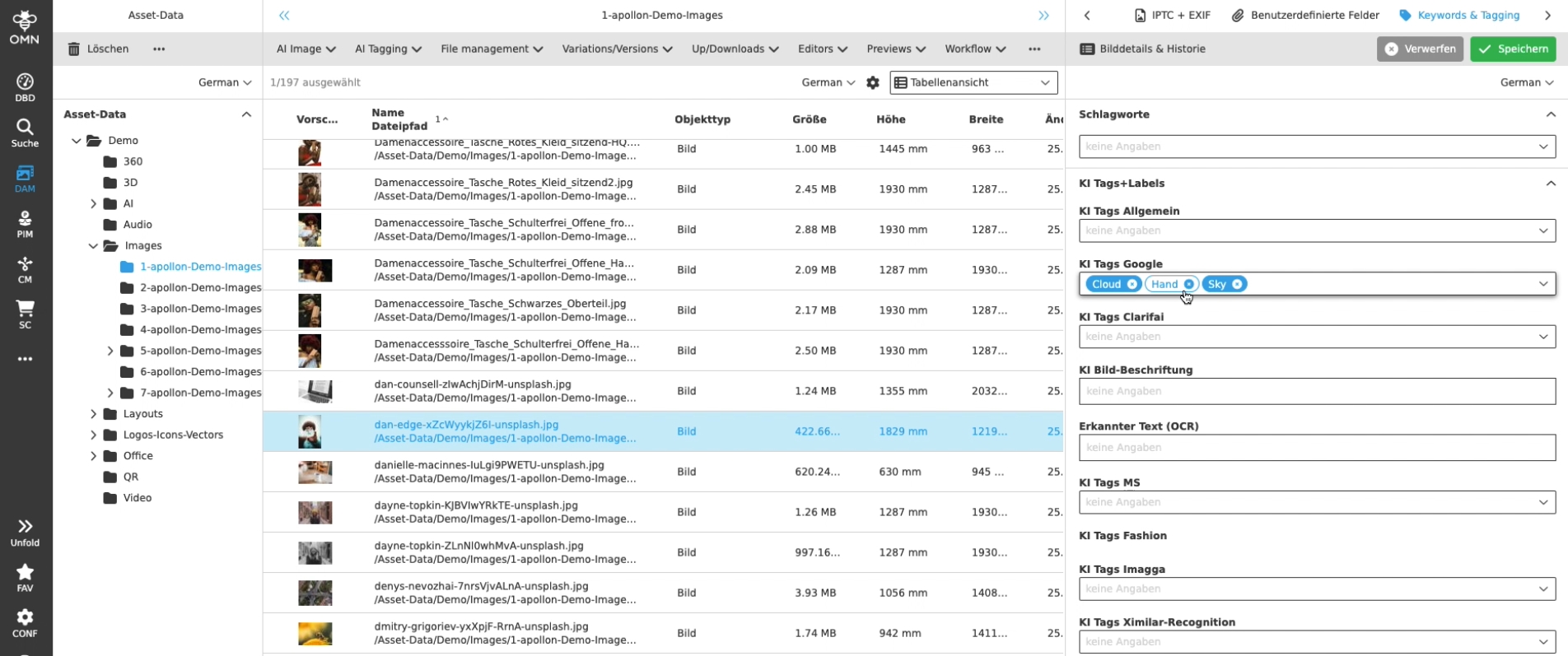
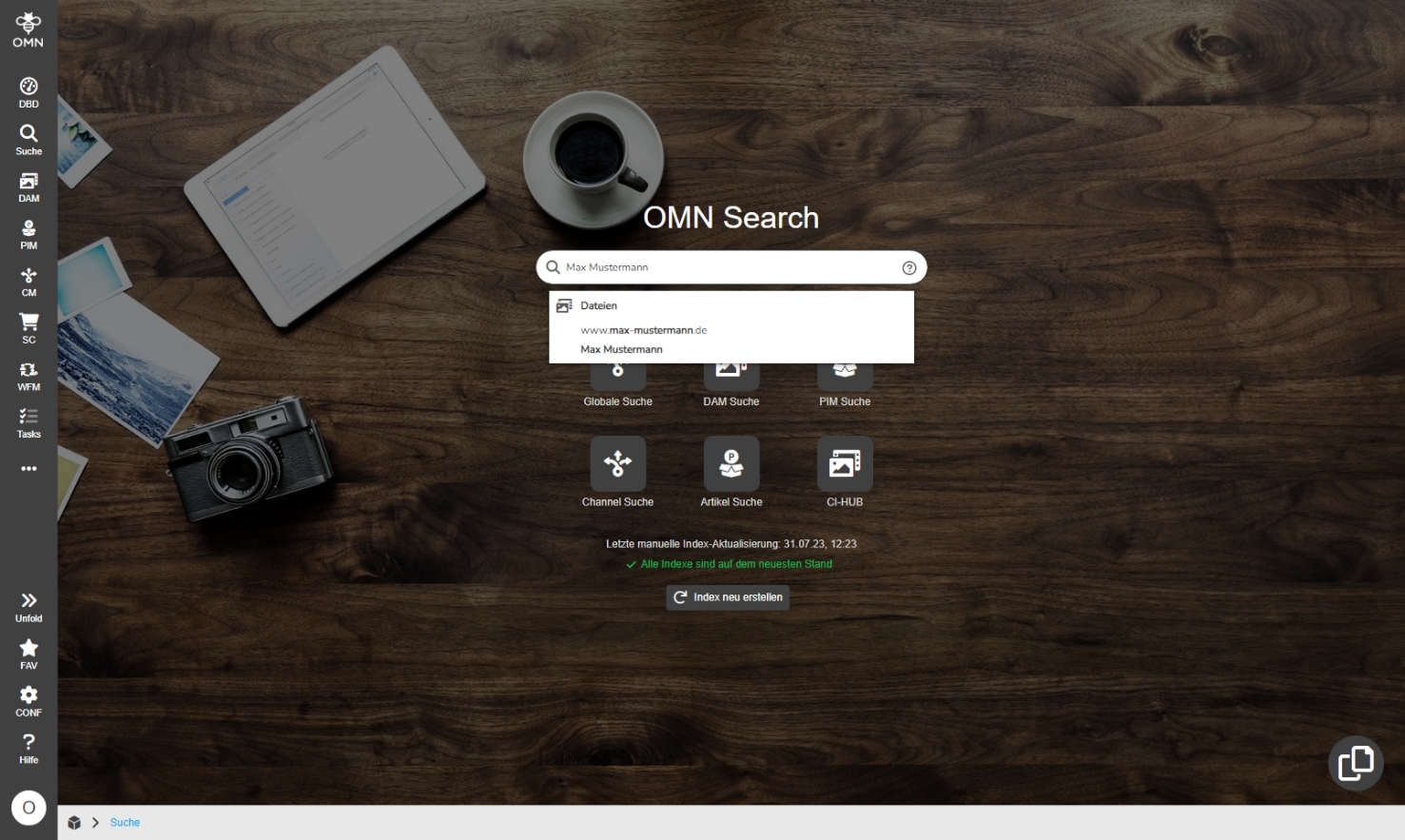
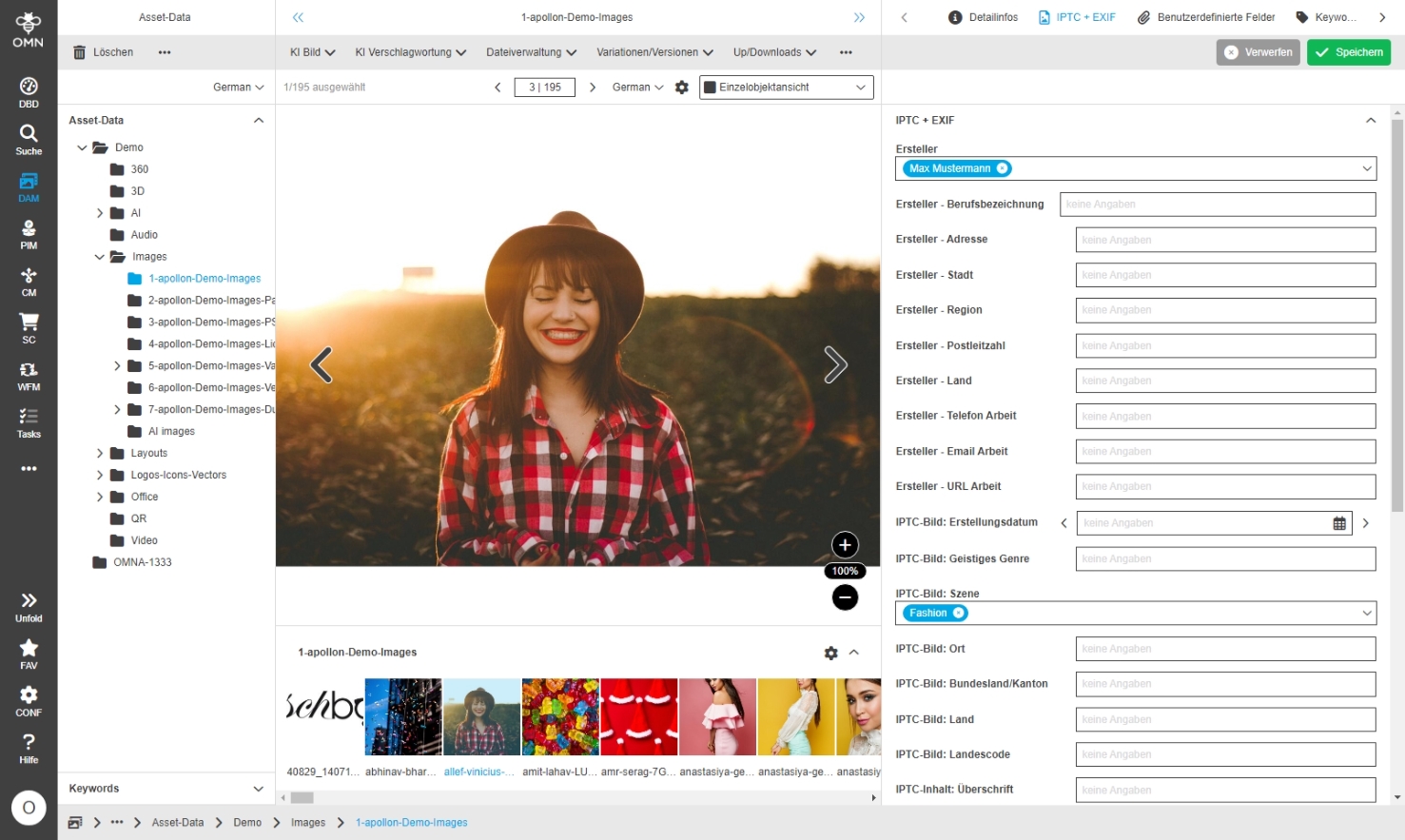
Workflow
Camunda-Workflow Overview
| ACC-Profile | Base |
|---|---|
References |
OMNA-702 |
Camunda Workflow-Cockpit is now part of Accelerator configuration
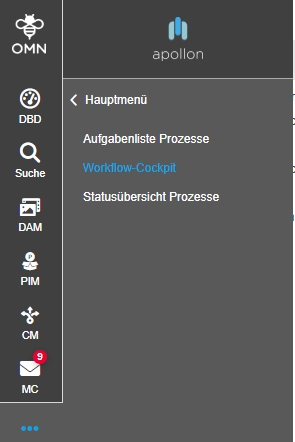
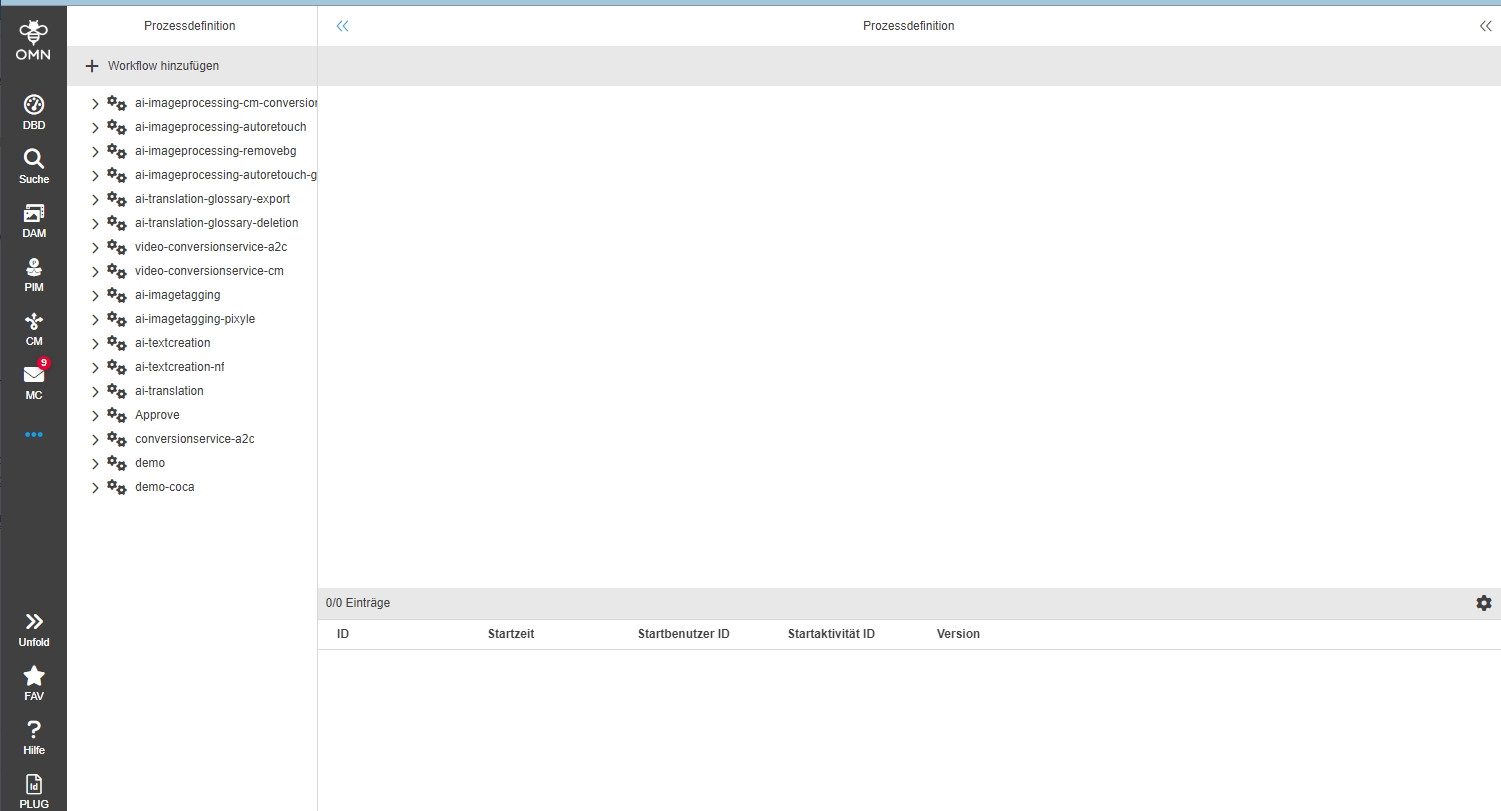
Standalone-Tasks
| ACC-Profile | Base |
|---|---|
References |
OMNA-1113, OMNA-854, OMNA-1159 |
Use of standalone tasks in accelerator based System to create quick Tasks on Asset or PIM items
-
start ad hoc Task
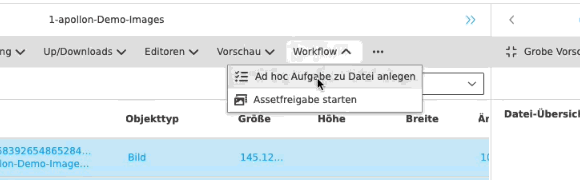
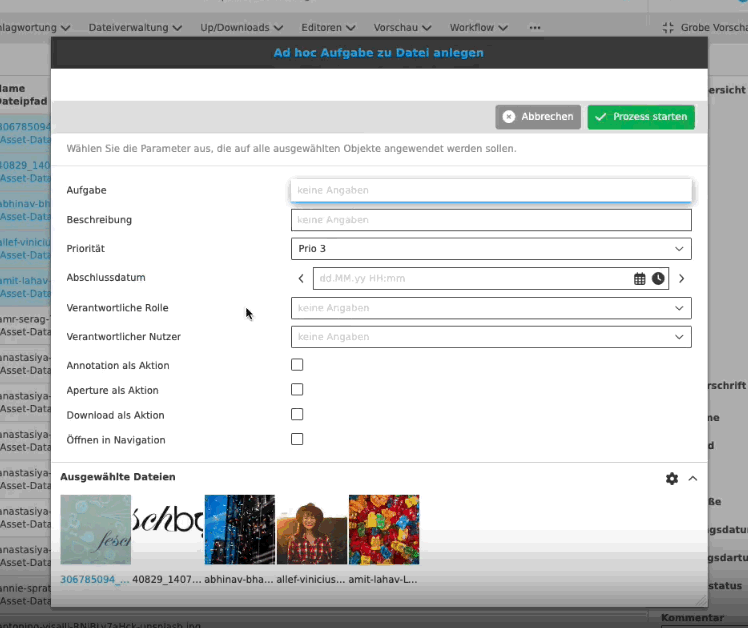
-
Tasklist for ad hoc tasks
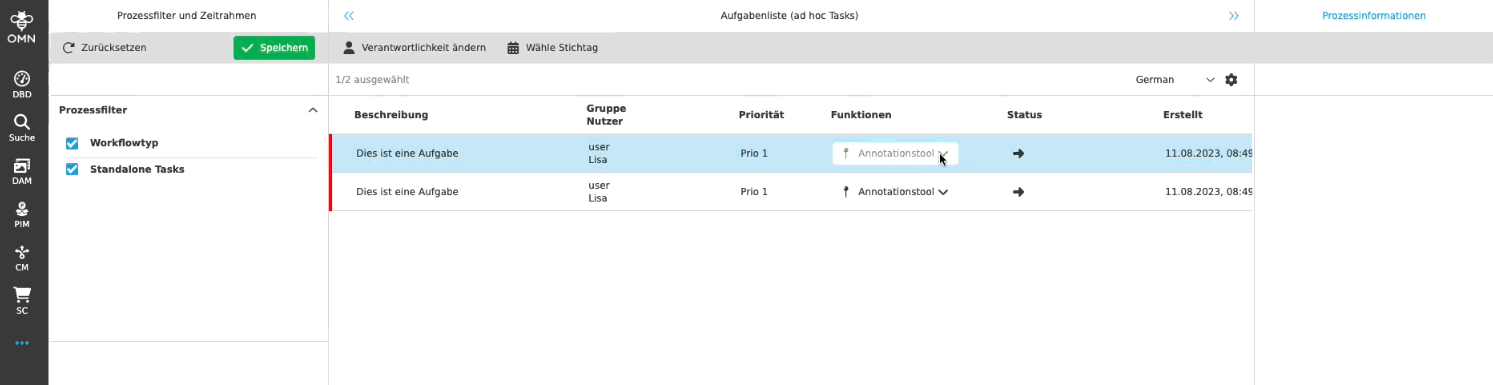
Standalone Tasks - Status and Todo list - Use hide if empty option for previews
| ACC-Profile | Base |
|---|---|
References |
OMNA-1386 |
If no preview is available the preview placeholder will be hidden in workflow Details, otherwise Preview will be shown
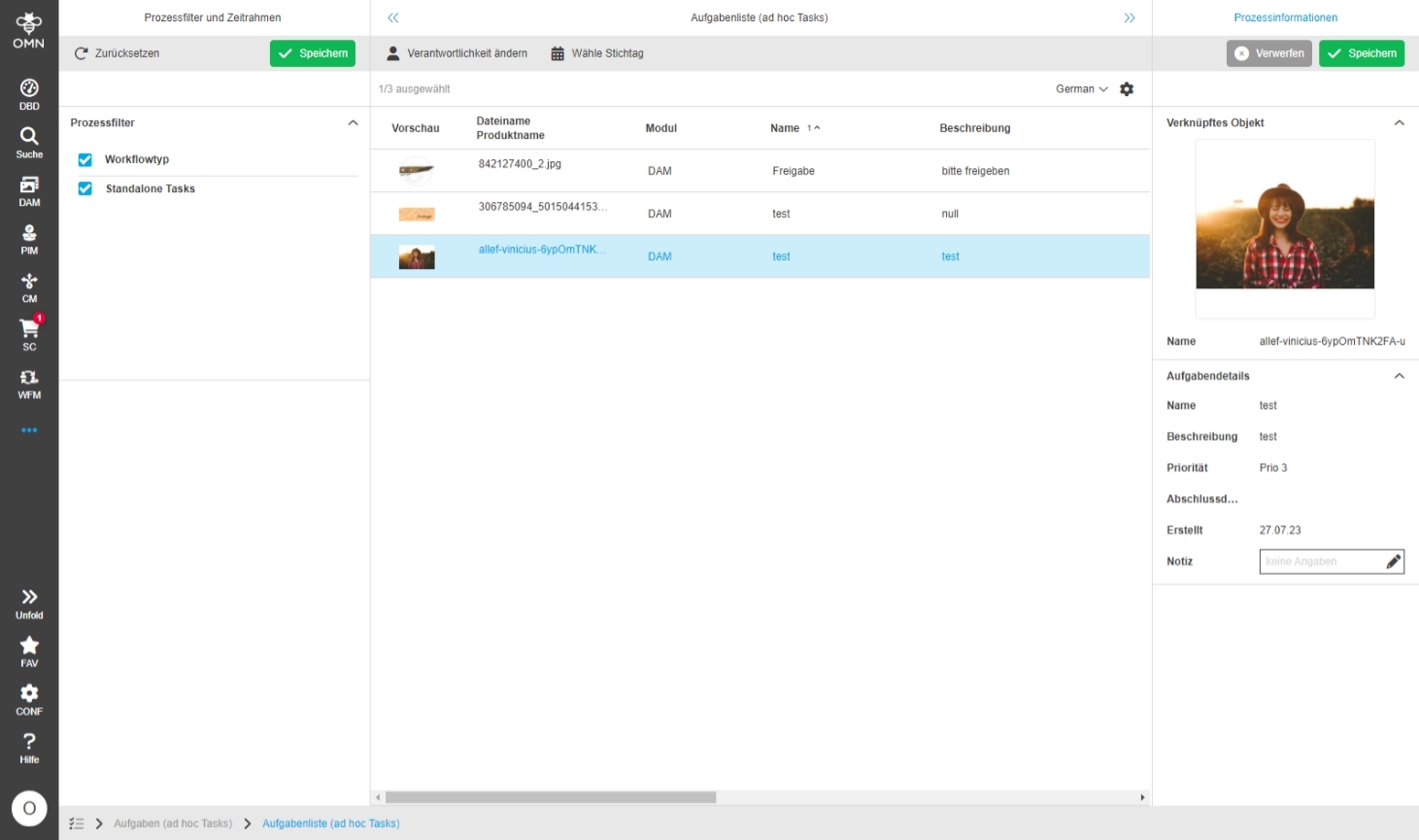
AdHocTask PIM rework to OPEN_PRODUCT_VIEW - Human Function
| ACC-Profile | Base |
|---|---|
References |
OMNA-1385 |
Ad Hoc Tasklist on PIM Items allow to open ProductView
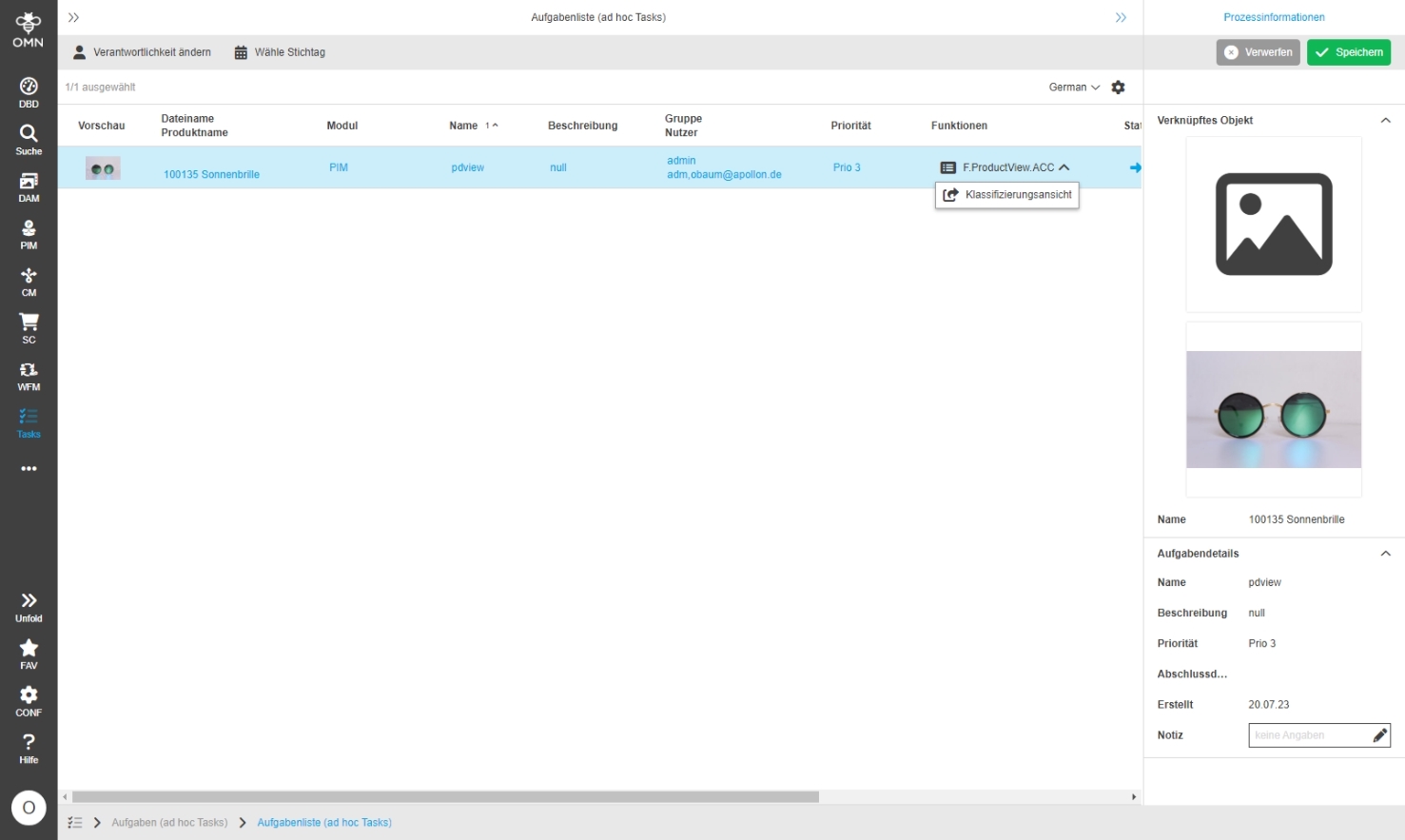
make adhoc n:n relation instead of 1:1
| ACC-Profile | Base |
|---|---|
References |
OMNA-1390 |
Allow multi-execution of standalone tasks on selected objects
-
Example DAM: Create ad hoc Task for multi-selected assets
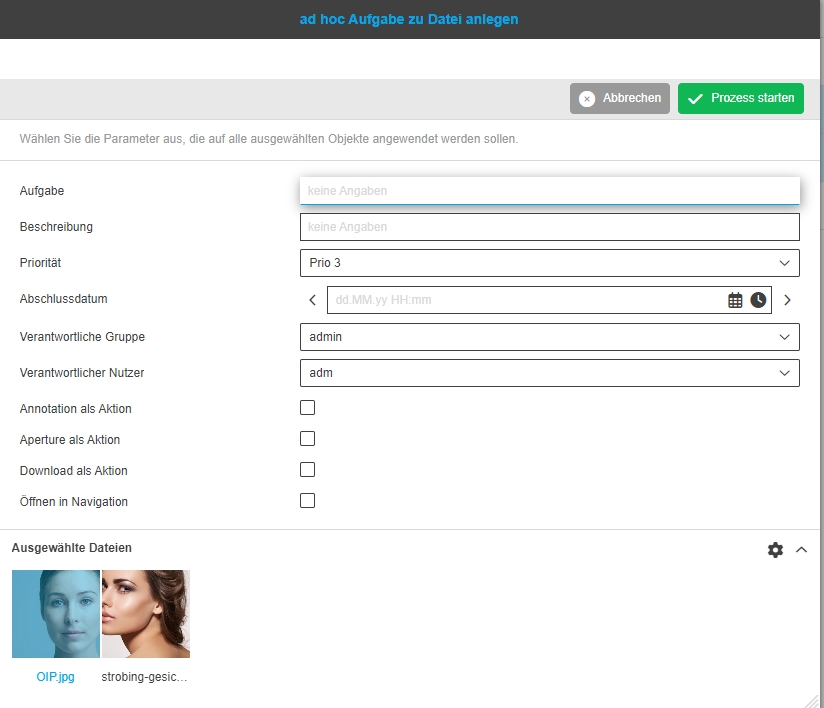
-
Example PIM: Create ad hoc Task for multi-selected products
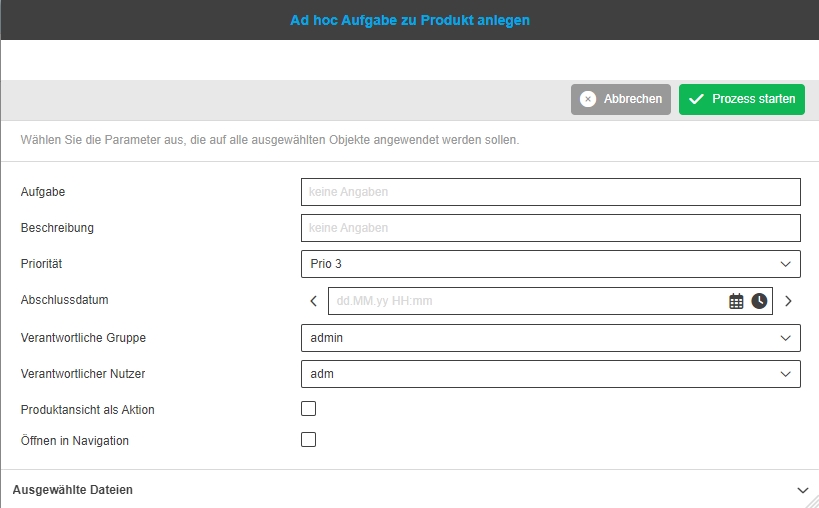
UI Administration + Workflow Config - Show defined standard icons
| ACC-Profile | Base |
|---|---|
References |
OMNA-1359 |
Usage of new standard icons for AI services, which have been introduced on apollon website, so the user recognize the functionality of the different workflows more easily
-
example: AI Functions on Assets
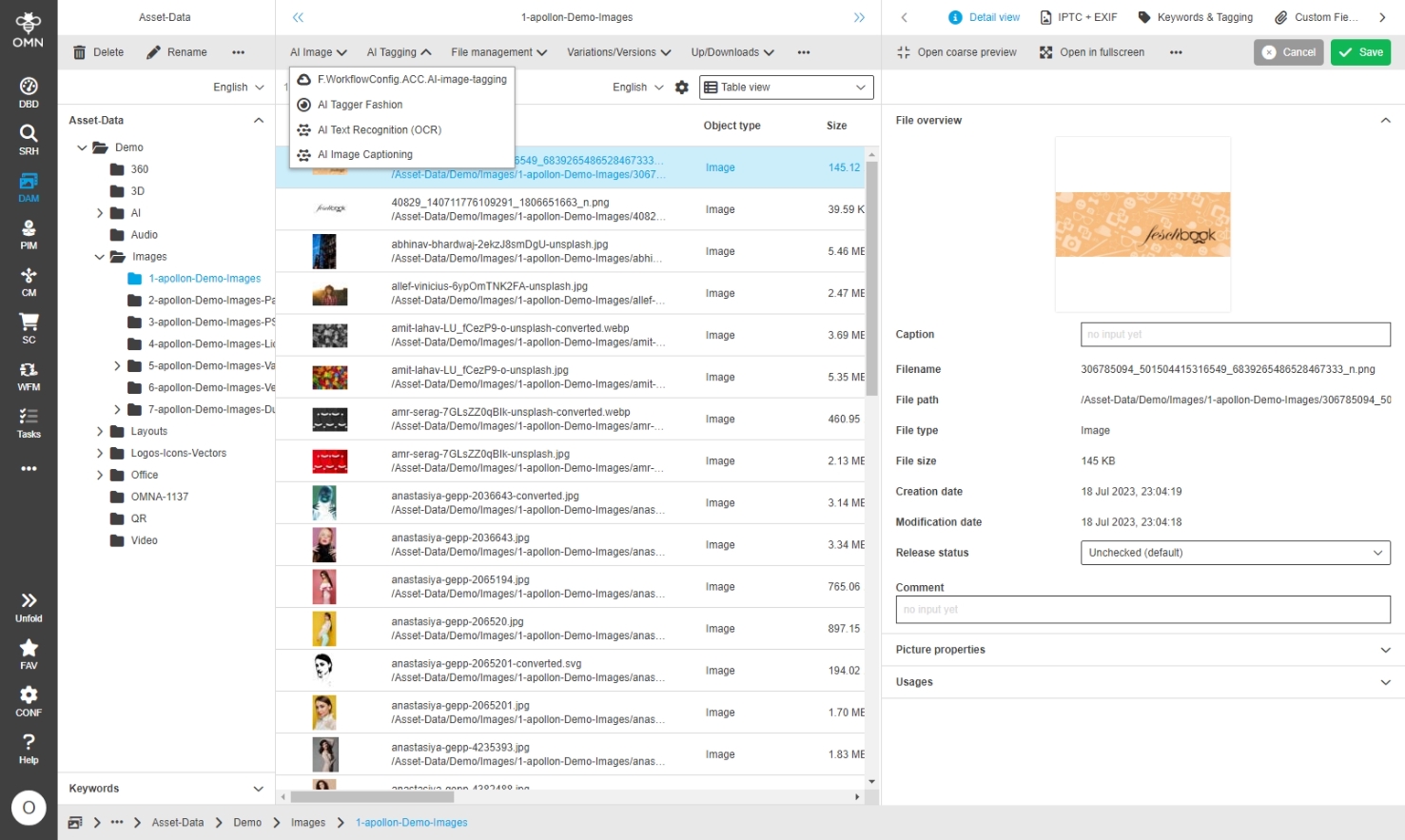
-
Functions in UI Administrations
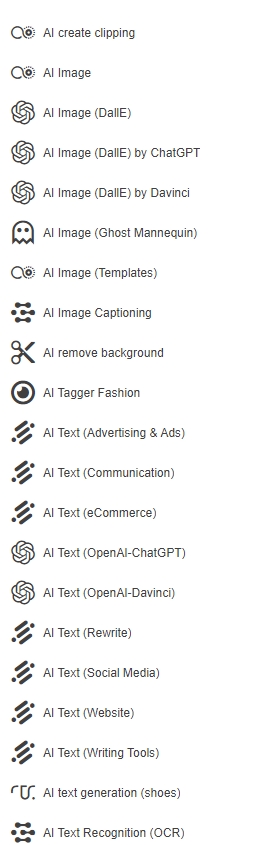
Workflow ACC Approval add function to various navigations
| ACC-Profile | Base |
|---|---|
References |
OMNA-1374 |
DAM and PIM approval workflow are now available on various places
-
From different searches (Global, PIM DAM) - see Example global Search with possibility to start Approval workflow on asset object
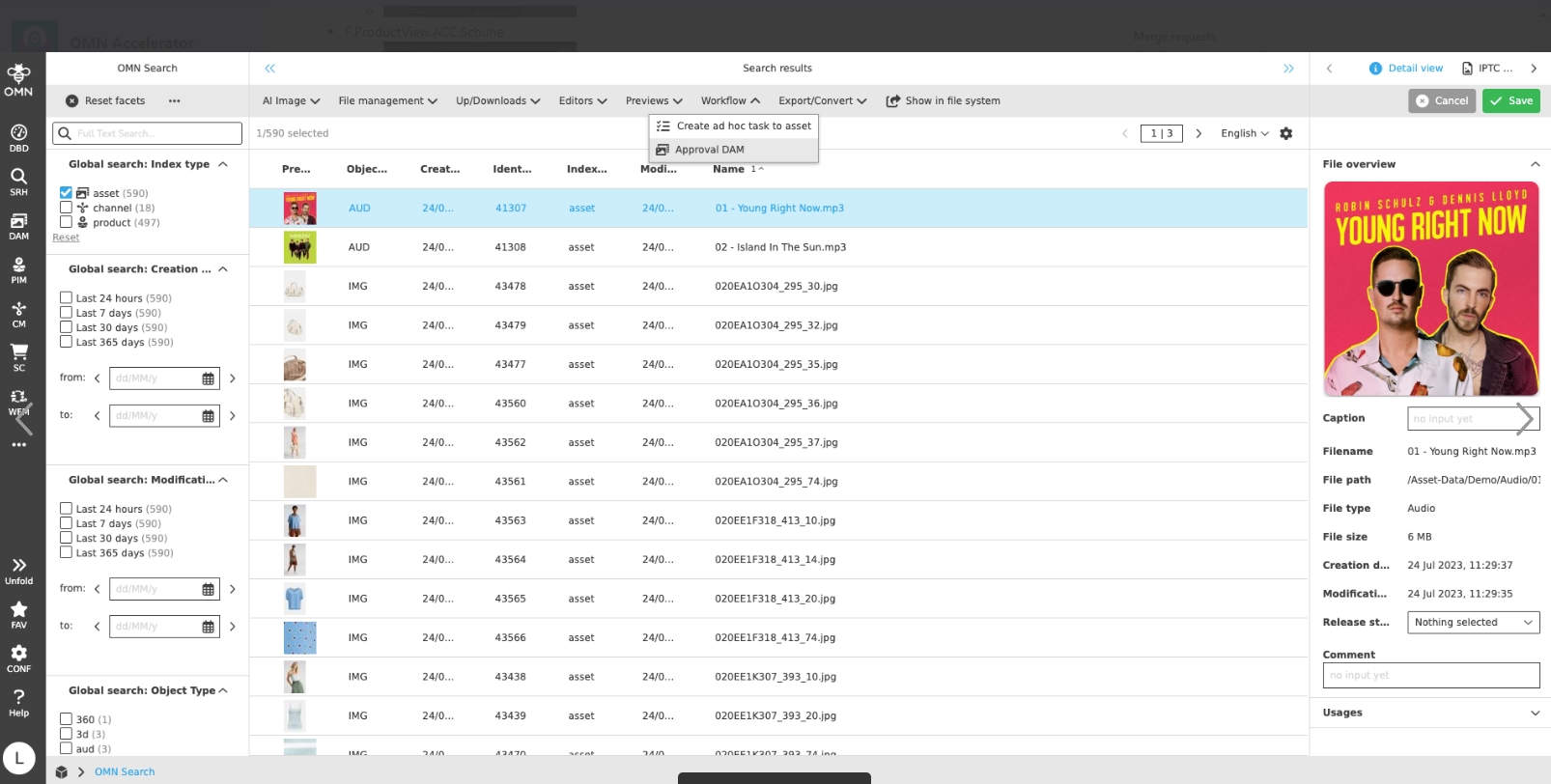
-
From Product View with possibility to start product approval workflow
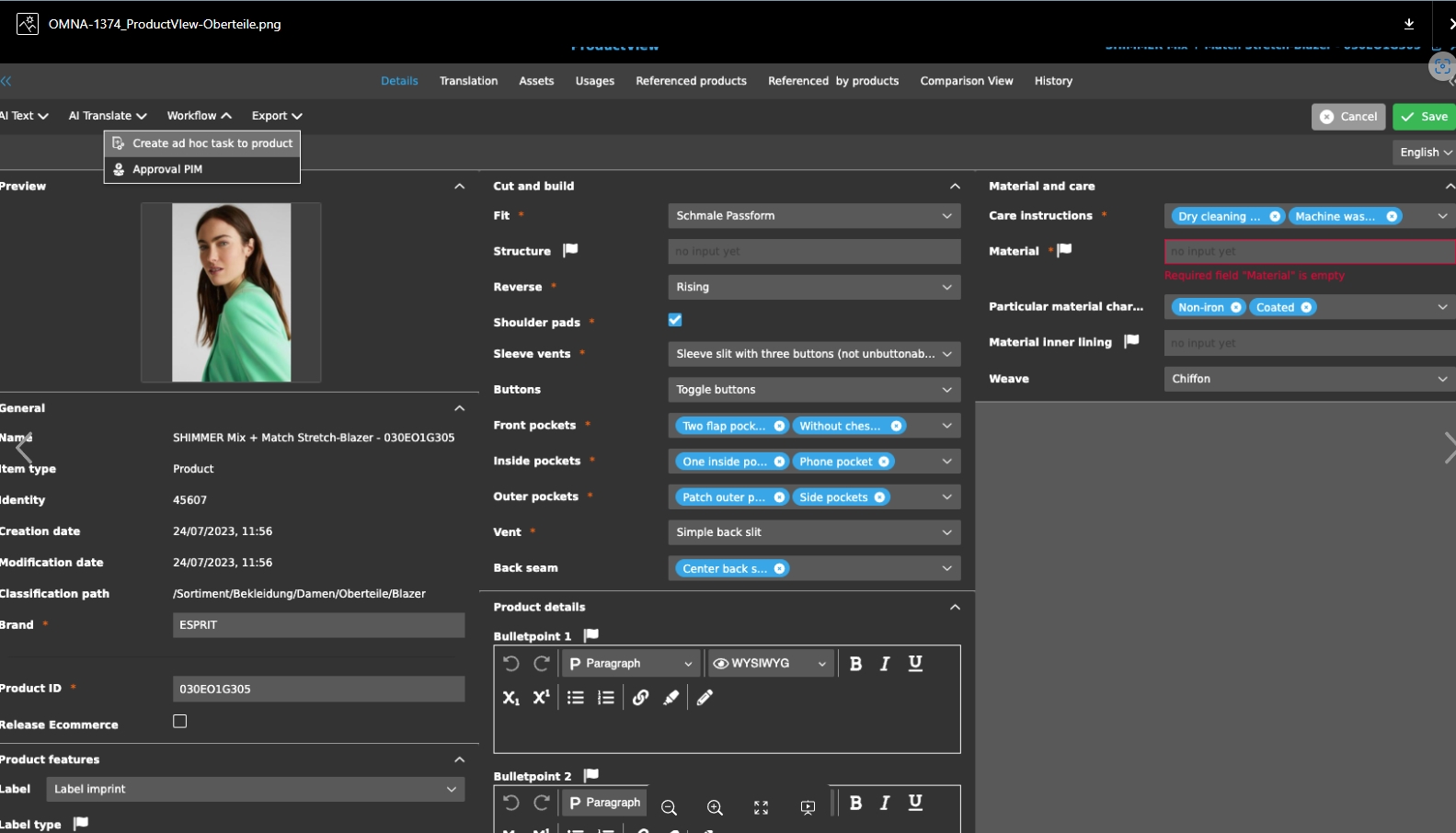
Workflow - Approval-Workflow for Assets and Products
| ACC-Profile | Base |
|---|---|
References |
OMNA-1146 |
OMN Accelerator is intended to provide a basic workflow for easy correction reconciliation between users/roles
The workflow can be executed on different object types. In DAM the workflow can be executed on assets with or without selection. The user can approve assets or disapprove them.
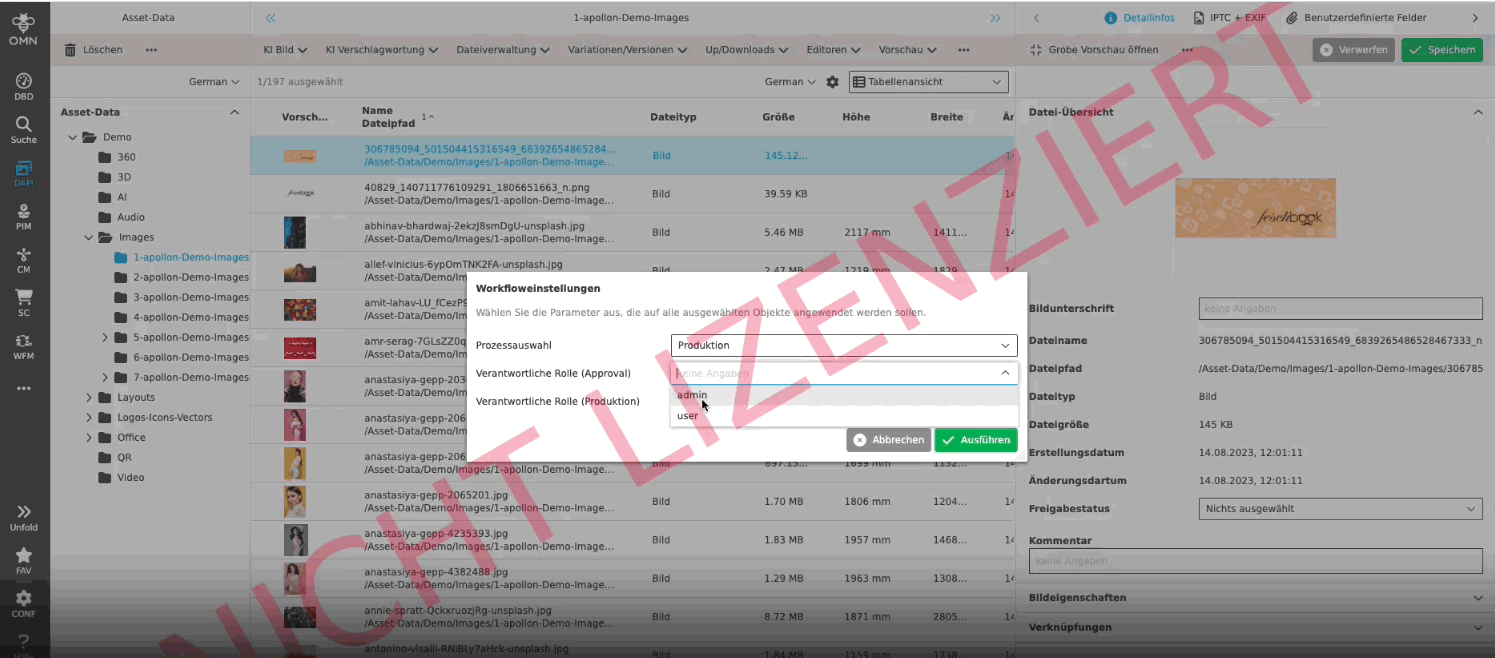
In PIM the workflow can be executed on products with or without selection. The user can approve products or disapprove them.
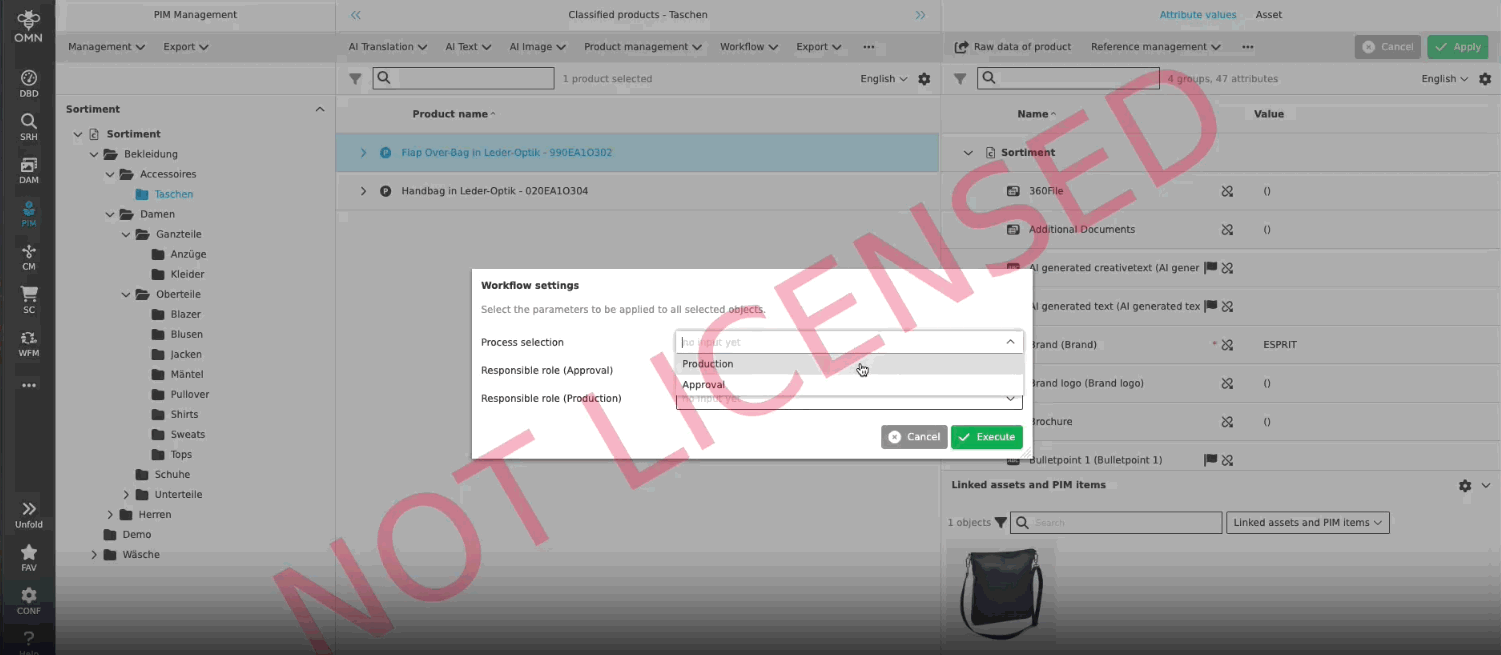
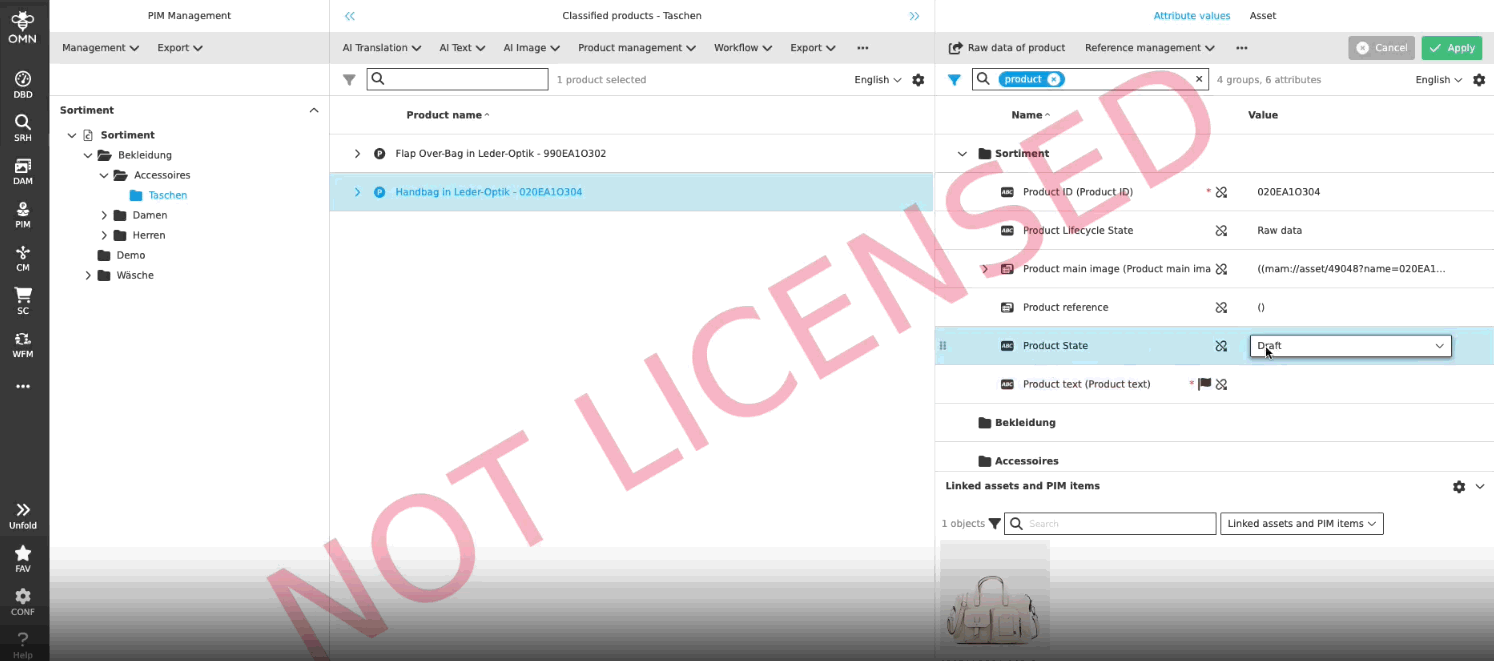
Localization of the workflow attributes in the new config client
| ACC-Profile | Base |
|---|---|
References |
OMNA-1335, OMNA-1276 |
Improved localizations for workflow configurations in UI administration, process start modals and in possible values
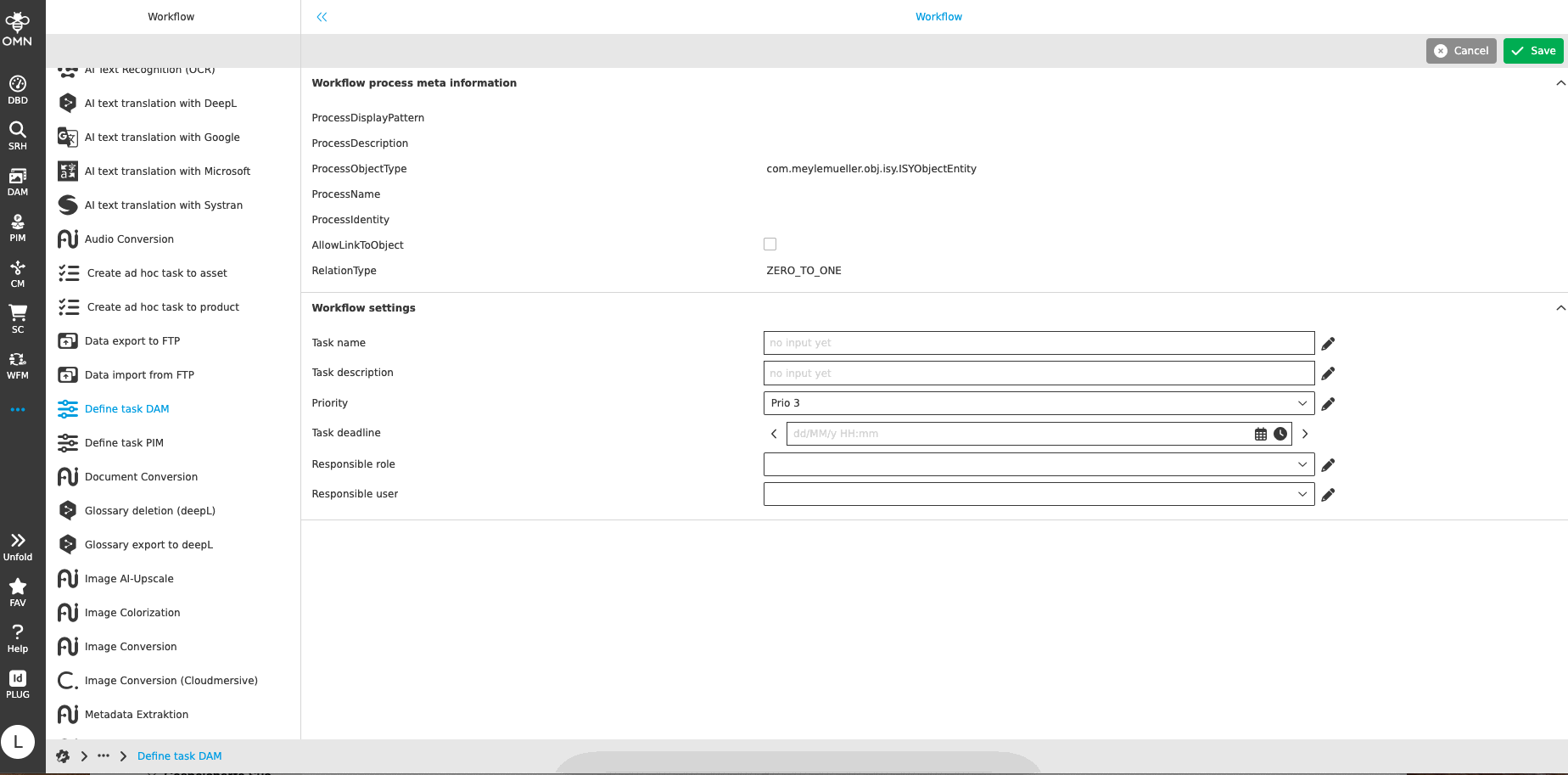
Workflow - FTP Pickup Workflow for Folders and assets
| ACC-Profile | Base |
|---|---|
References |
OMNA-1231, OMNA-1392 |
OMN Accelerator is intended to provide a basic workflow for fetching files and folders from a configured FTP-server
ACC provides a possibility to export and import data from a configured FTP. The user can decide between one time execution and endless execution for import, can decide if the structure within OMN or on the FTP should be considered during transfer and can define the target folders for the action.
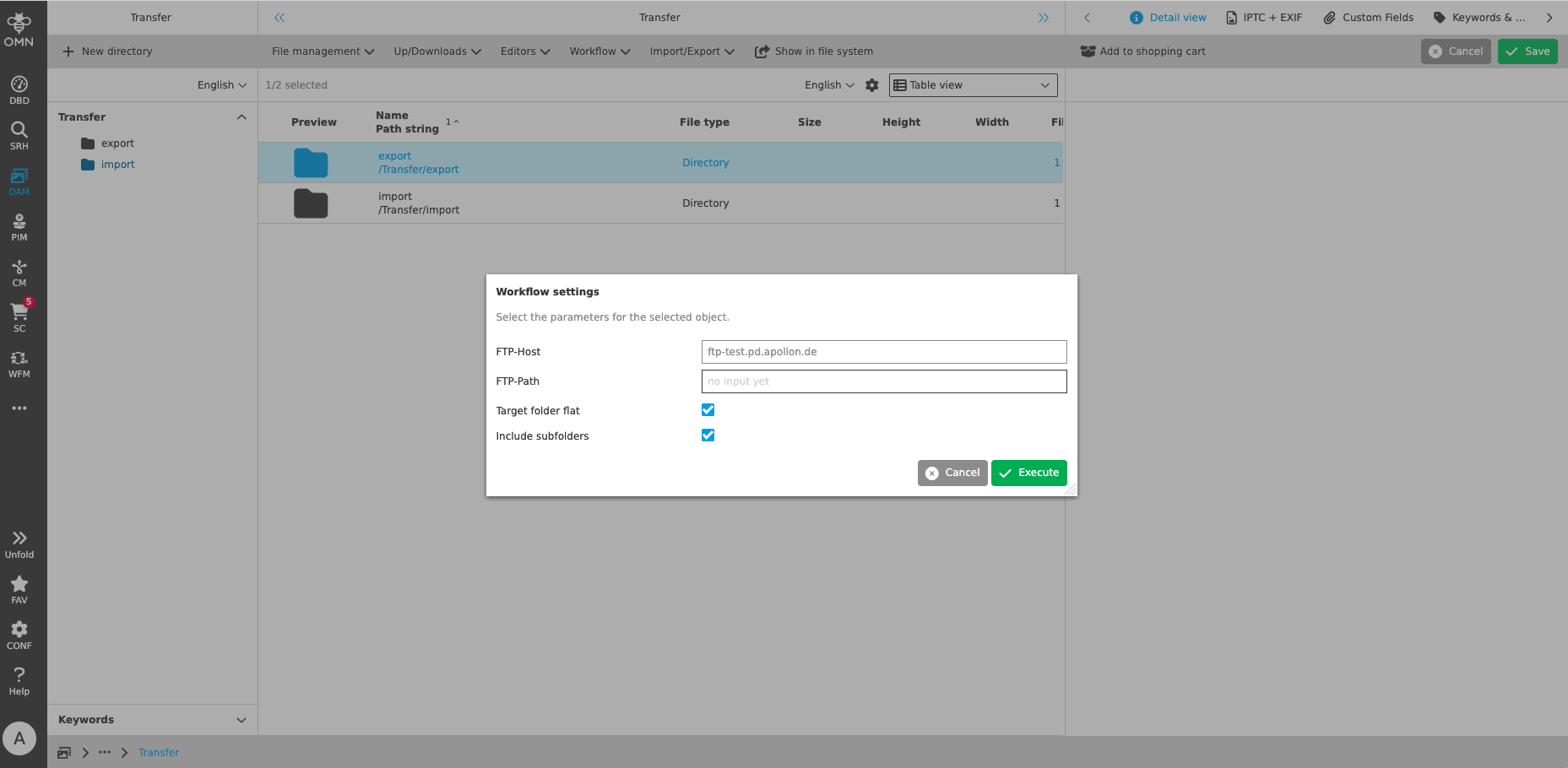
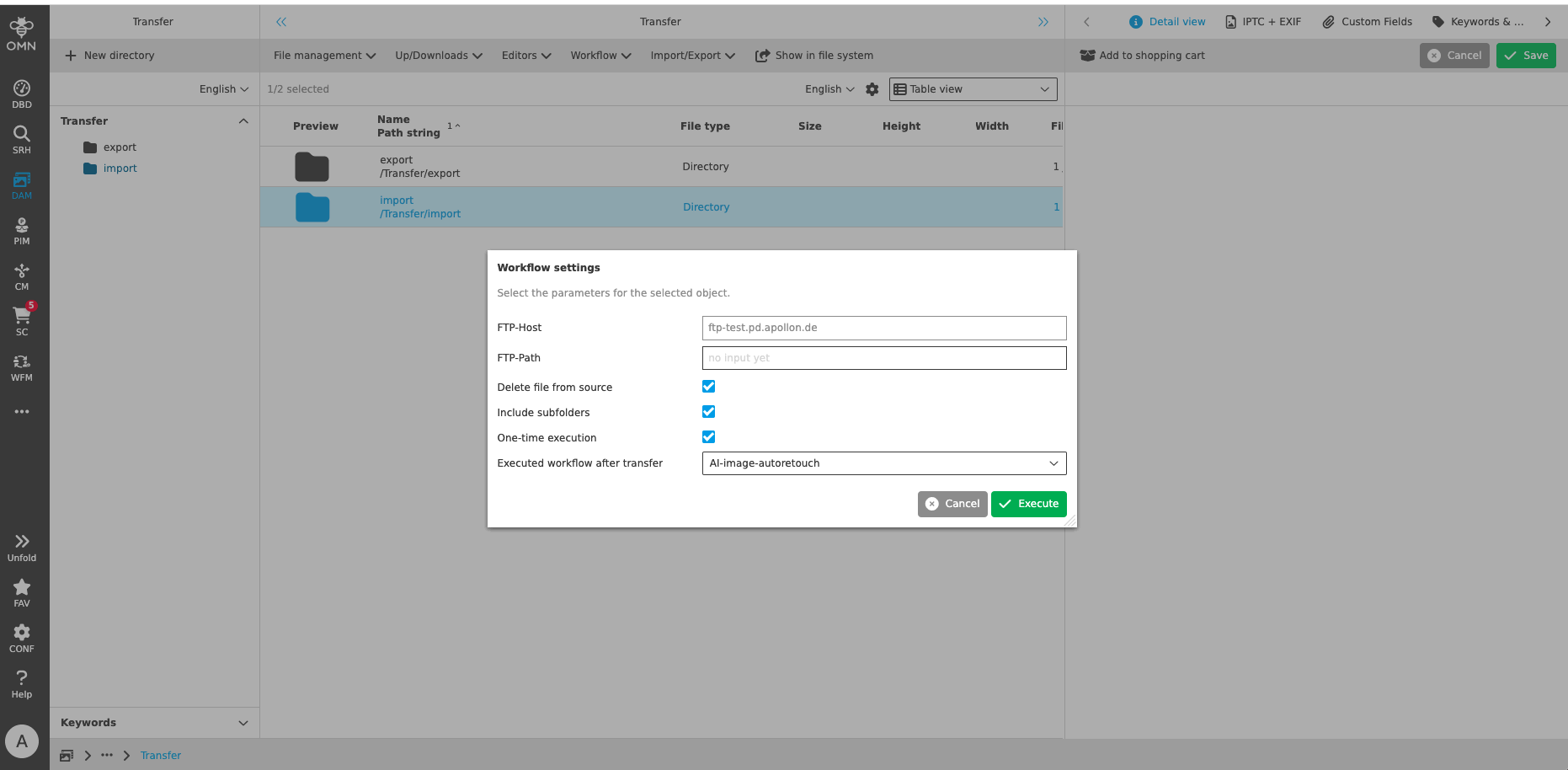
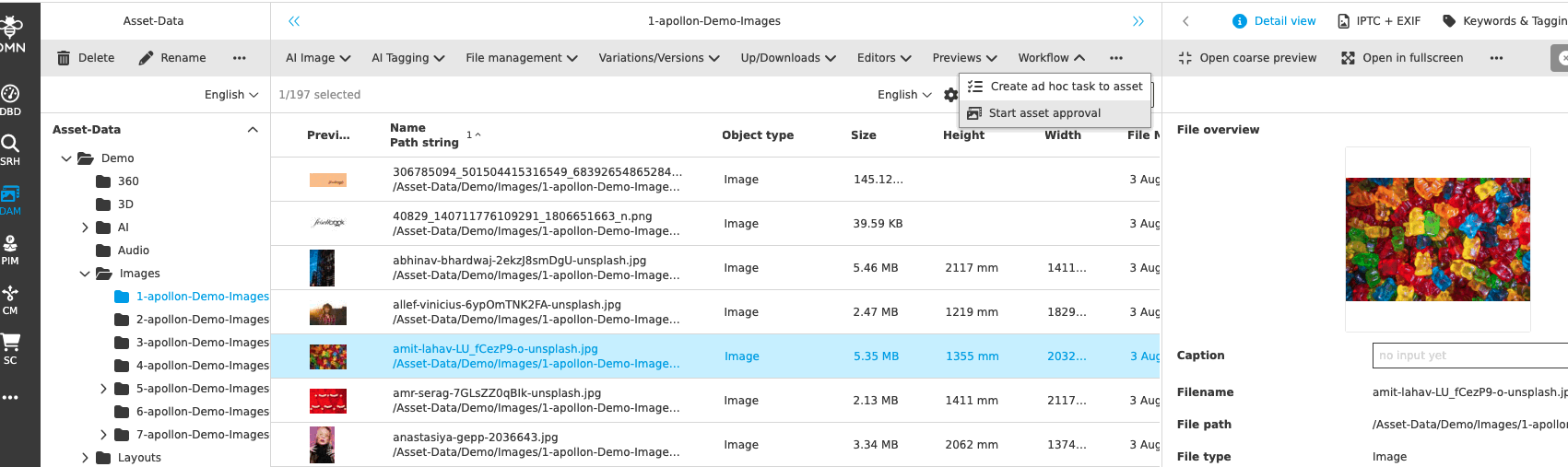
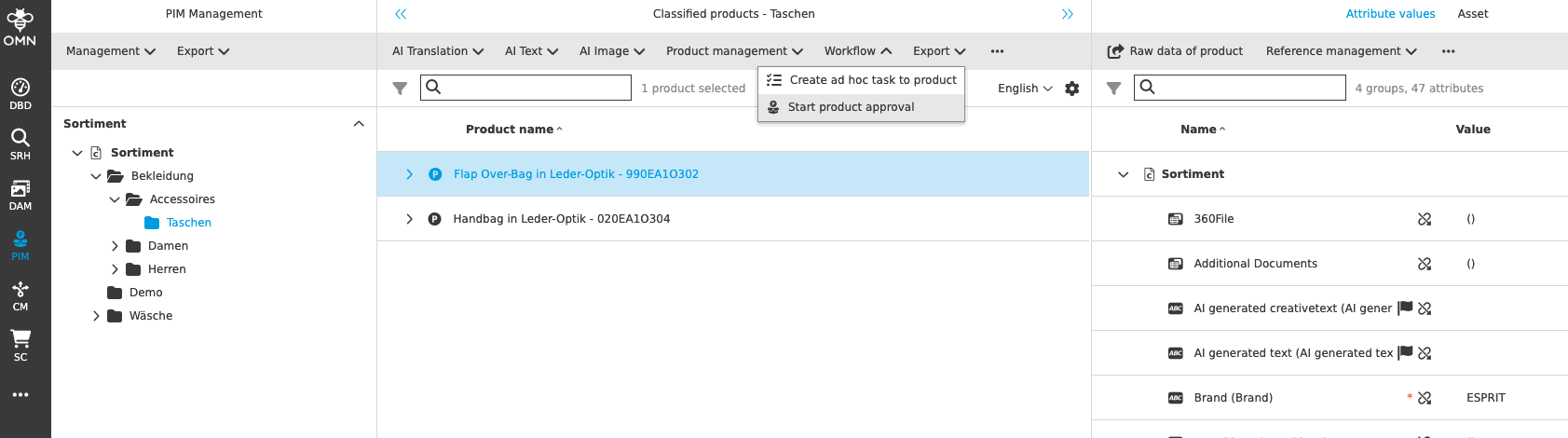

MISC/ Other Plugins
documentation and shortcut overview is linked in sidebar
| ACC-Profile | Base |
|---|---|
References |
OMNA-1063 |
Link to documentation as well as shortcut overview is now available from Sidebar

-
Shortcut-Overview (SCT)
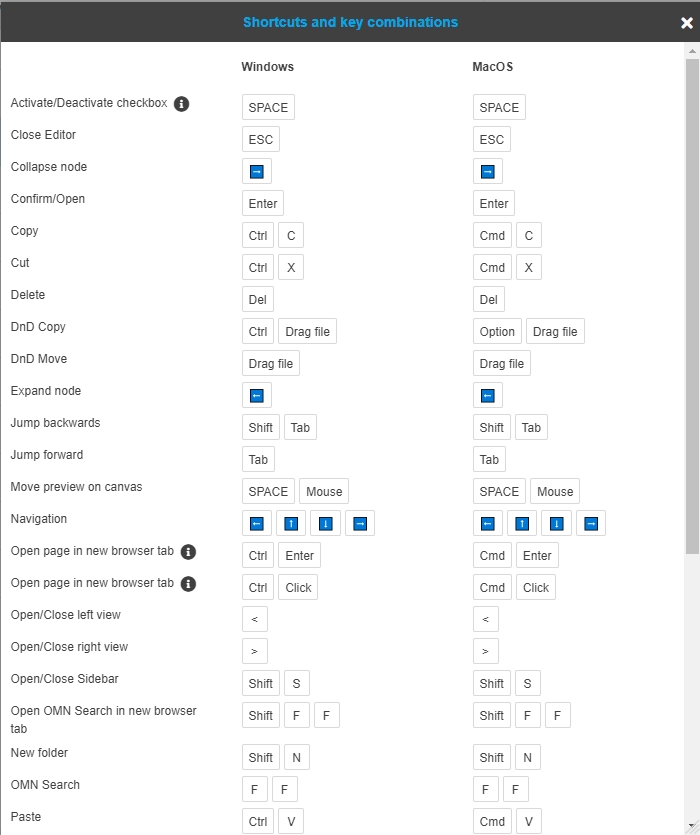
Configure Annotation Repository in ACC base
| ACC-Profile | Base |
|---|---|
References |
OMNA-1061 |
Annotation repository Plugin is now part of base profile to have an overview on all Annotations done in OMN
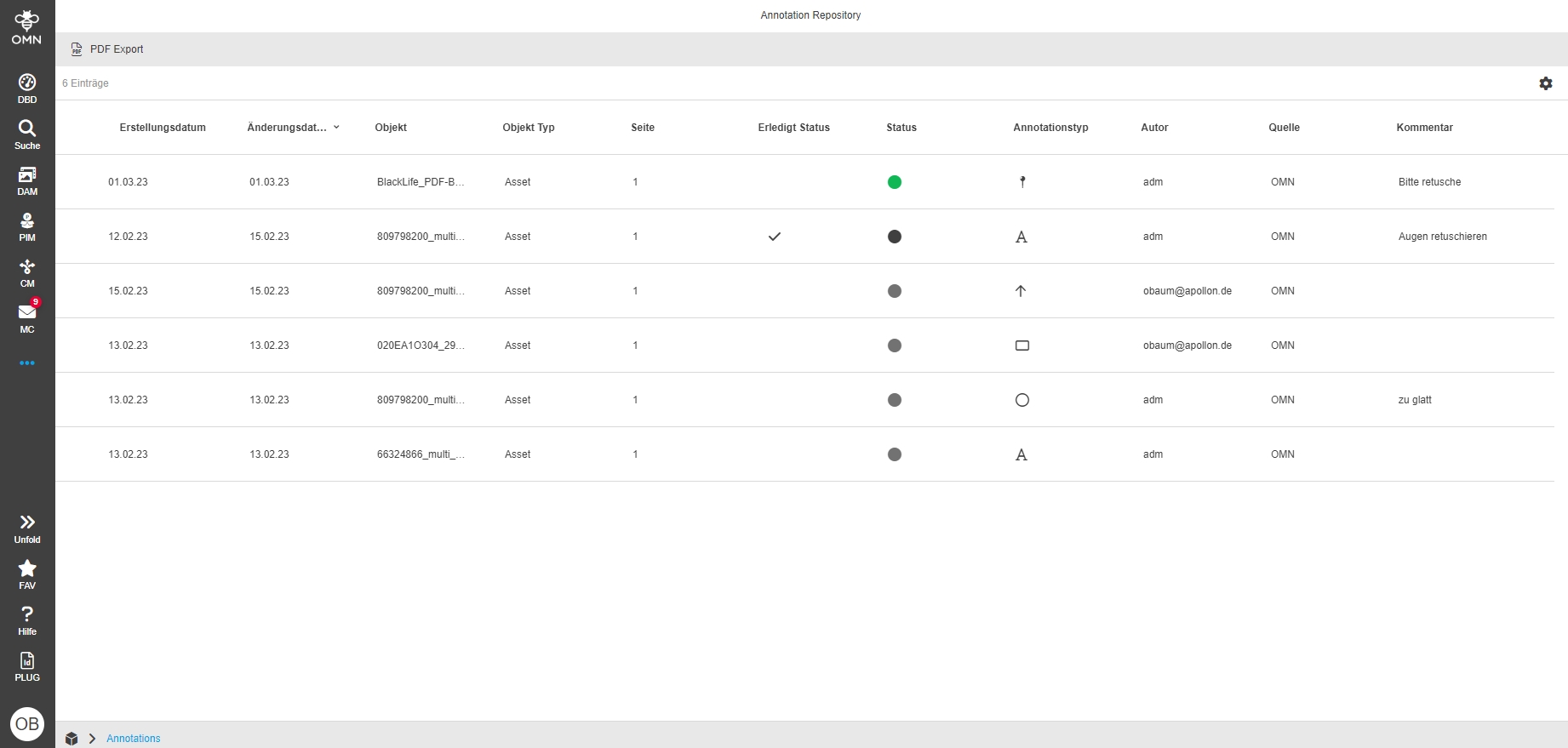
Add functions to the annotation repository
| ACC-Profile | Base |
|---|---|
References |
OMNA-1349 |
Annotation Repository provides additional functionality
-
open Annotationtool
-
open file in Navigation
-
open Details
-
Create PDF Export
-
Create CSV Export
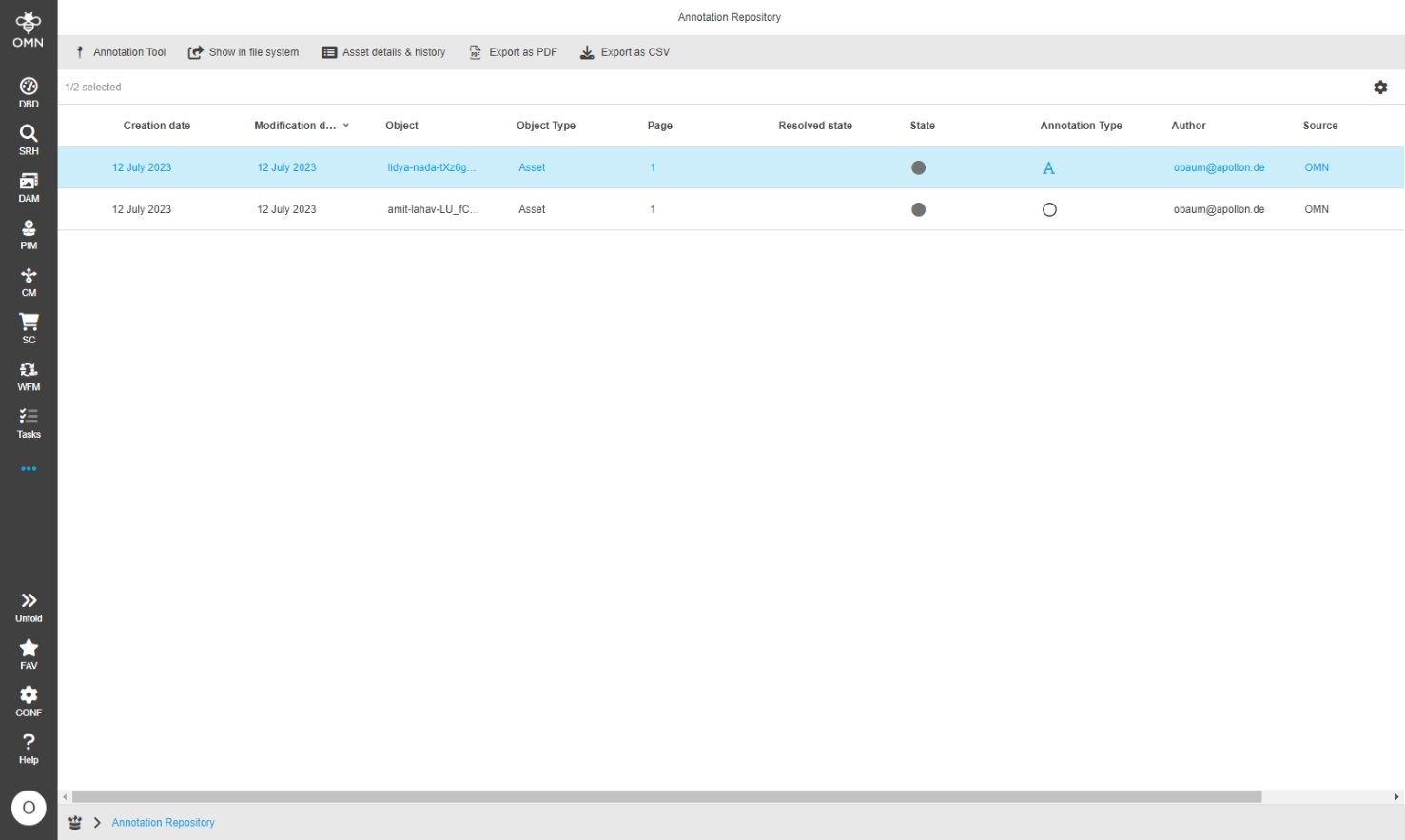
Terminology - Extend the configuration for terminology for base profile
| ACC-Profile | Base |
|---|---|
References |
OMNA-1090, OMNA-1016 |
Terminology Plugin including possibility to Export a glossary to DeepL is available in Profile
-
This function allows to Export Terms of a glossary to DeepL and use it in context of AI-Translation
-
create Terms in Terminology Plugin
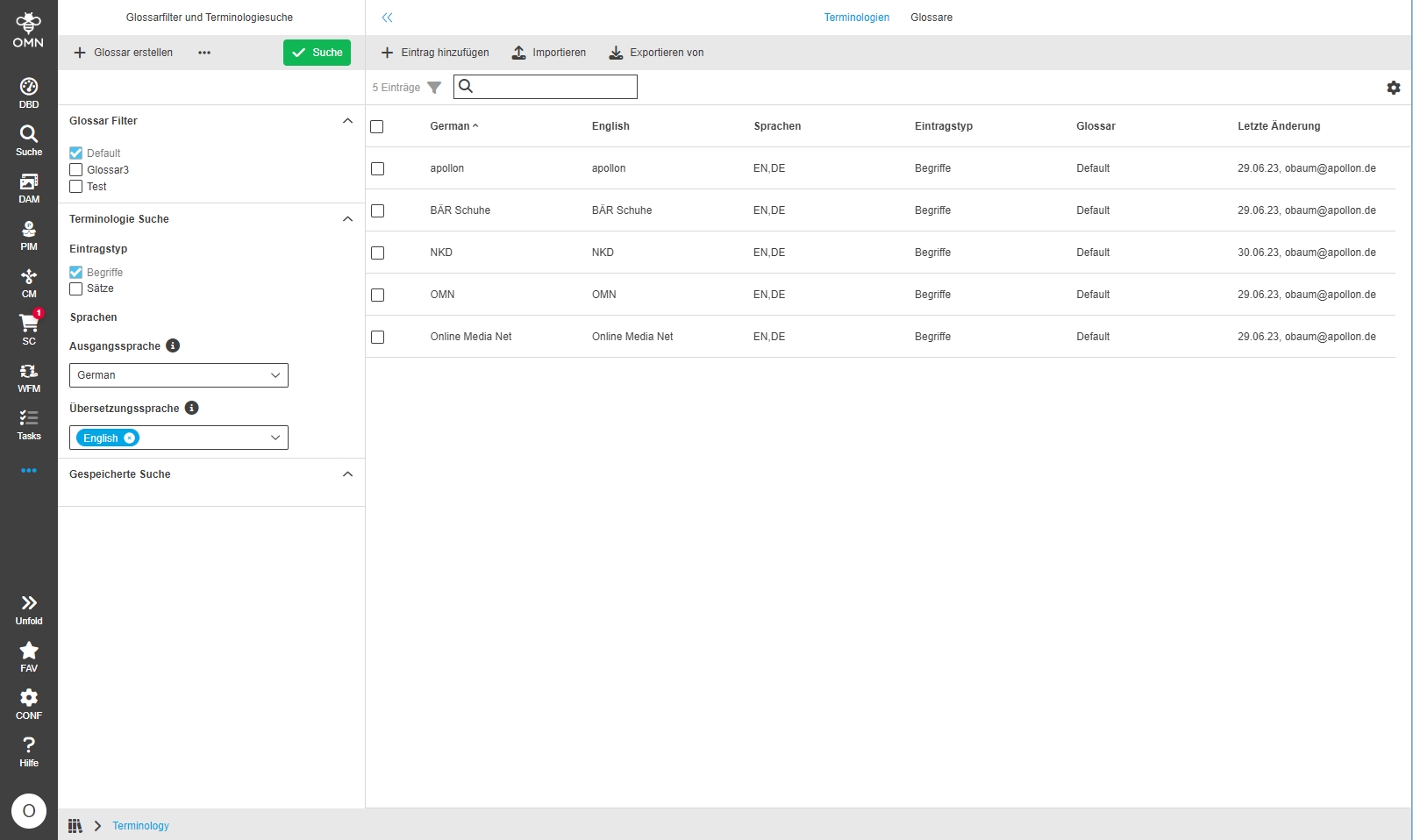
-
Export Glossary to DeepL
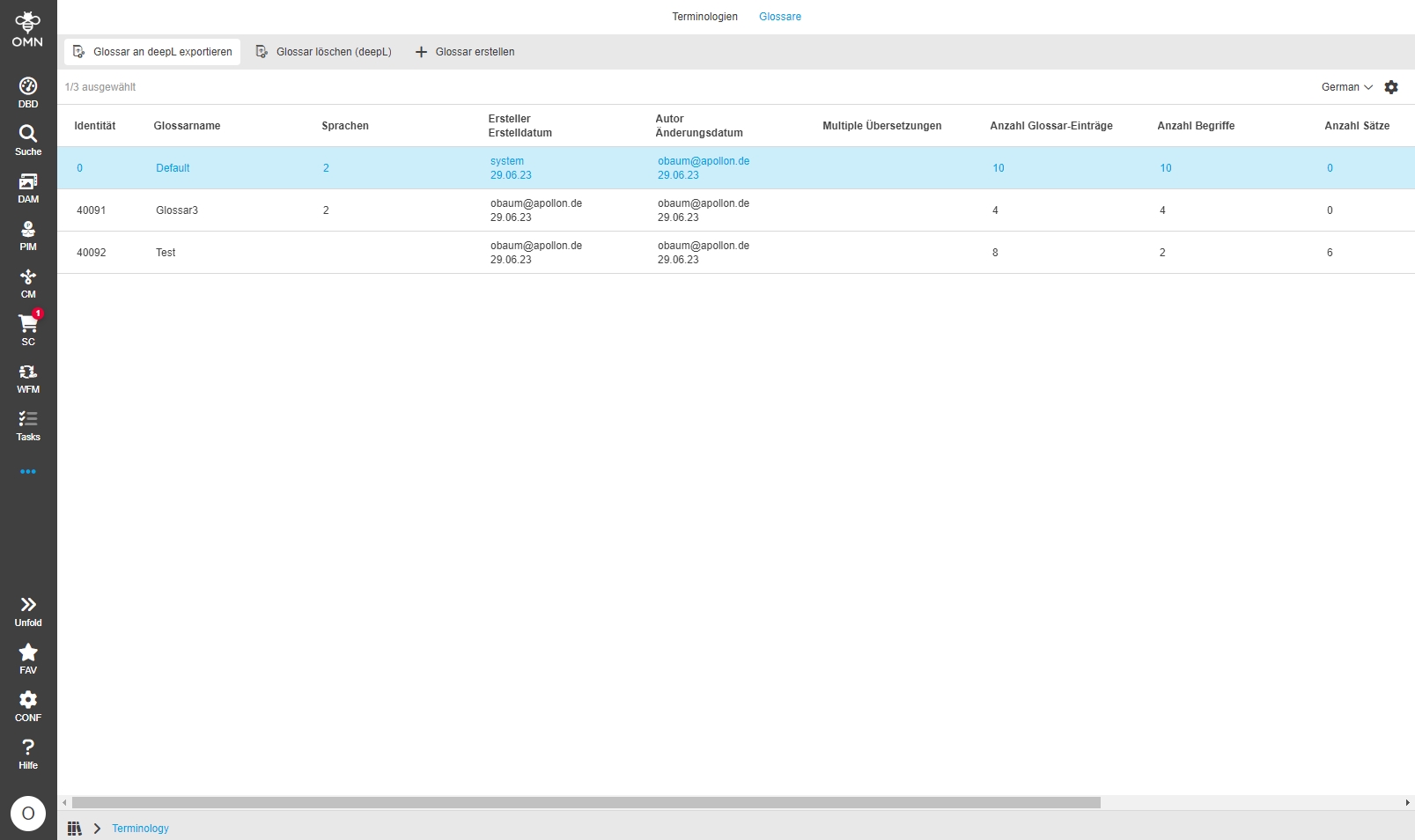
-
use Glossary in AI Translation with DeepL
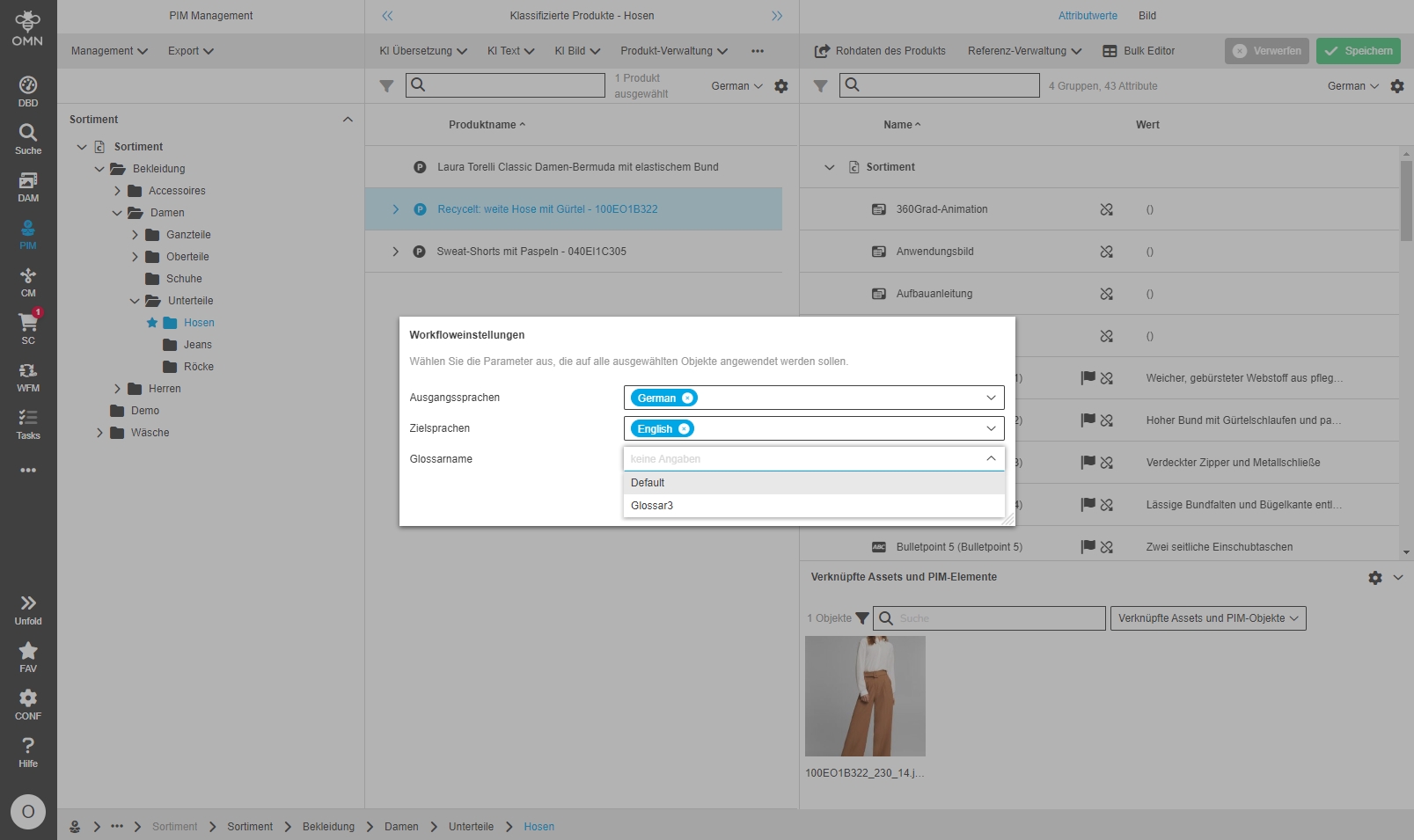
-
Terminolgy Glossary Overview - extend Attributes
| ACC-Profile | Base, Optional |
|---|---|
References |
OMNA-1176 |
The Terminology Plugin contains now new glossary overview allowing to Export glossary to DeepL
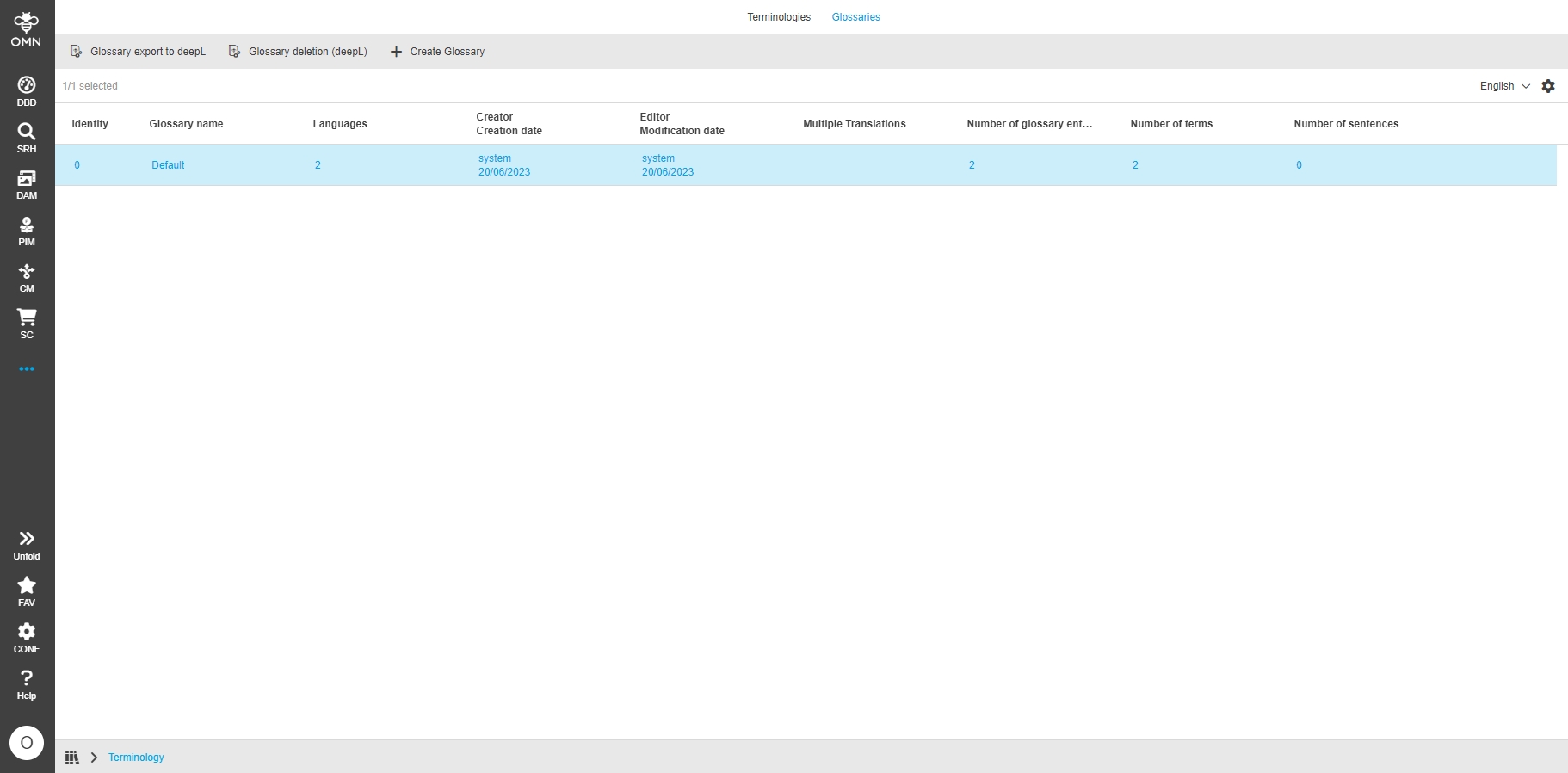
-
Adjustment of displaying date in terminology overview
| References | OMNA-1340 |
|---|
Improved visualization of dates in glossary overview
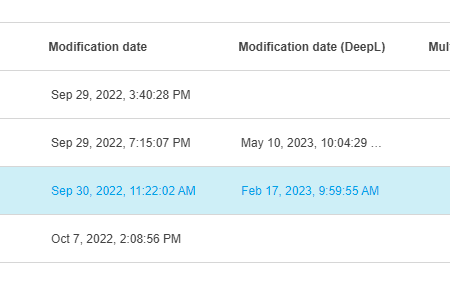
Add User to MessageList
| ACC-Profile | Base |
|---|---|
References |
OMNA-1028 |
The role „user“ sees messages in message client
Roles + Rights
-
Create Role Viewer with ACC
| ACC-Profile | Base |
|---|---|
References |
OMNA-1291, DEVOPS-14040 |
Accelerator provides an additional role called Viewer with ACC initialization with a corresponding rules (role configuration).
The viewer role is a role who can only read data. This results in the following permission restrictions:
-
The sidebar contains the following entry points only
-
Search
-
DAM
-
PIM
-
Shopping Cart
-
-
functions are restricted so that data cannot be manipulated and editors are hidden
-
adjustable FS Details are hidden
-
several content views are hidden
-
PIM is restricted to management view
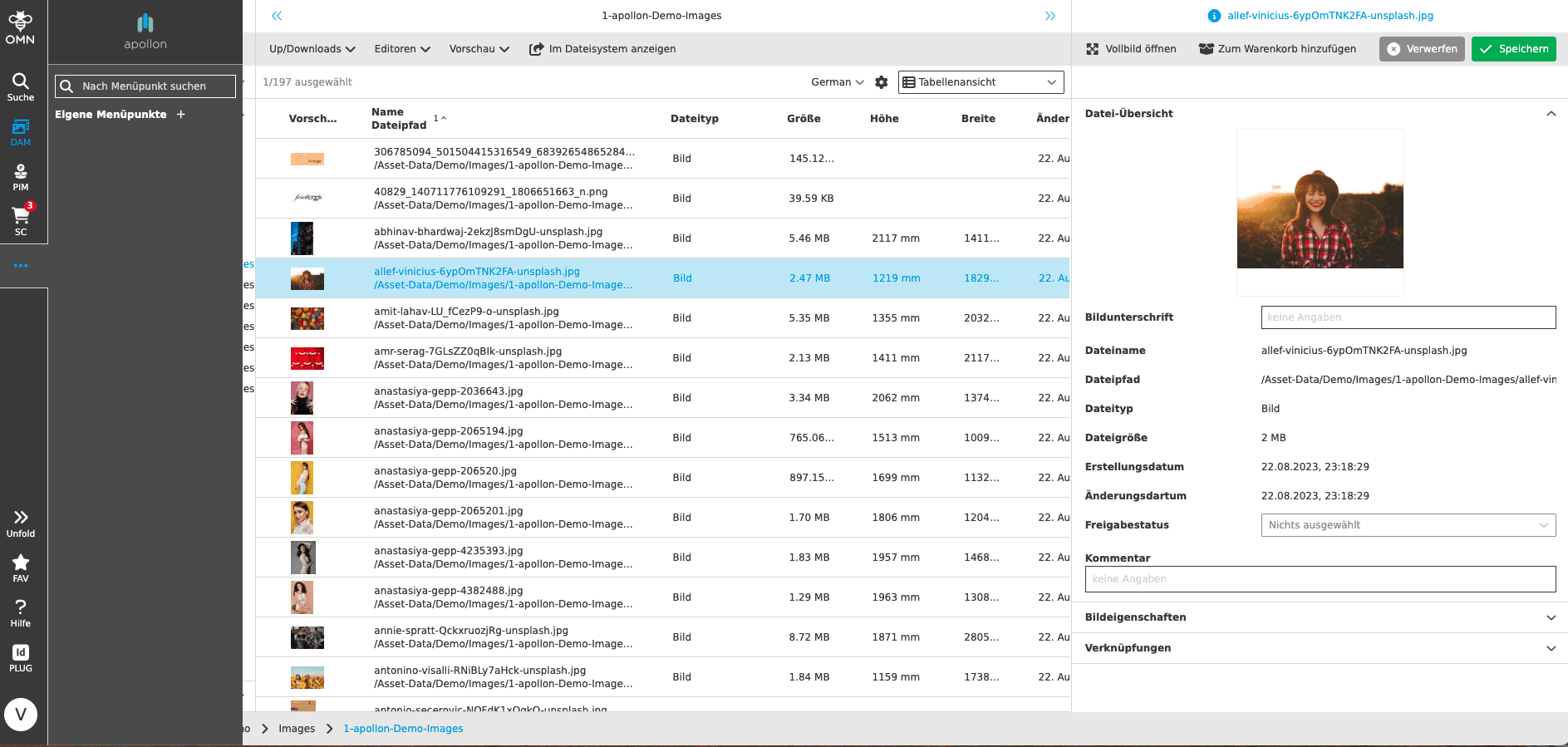
-
Adjust Roleconfigureation for User role
| ACC-Profile | Base |
|---|---|
References |
OMNA-1430 |
Accelerator provides an additional role called user with ACC initialization with a corresponding rules (role configuration).
The user role has restricted access to the following sidebar items:
-
PIM
-
PIM Configuration
-
PIM Template
-
Admin
-
Config Client
-
-
Activate ACC standard roles in user management
| ACC-Profile | Base |
|---|---|
References |
OMNA-1421 |
The admin can create users and assign standard roles (user and viewer)