Feature Details
General - General changes in OMN 6.0
New OMN6 Wallpaper Background
References |
OMN-10753 |
New background for OMN 6 which can be used by configuration

Create annotation for activation of mandator
New wrapper task like SessionTask for activating/deactivating mandator
Use 6.0.0 apollon custom fonts in ui suite
References |
OG-14944, OMN-10768 , OG-15035 |
New Version of custom Fonts 6.00 is used
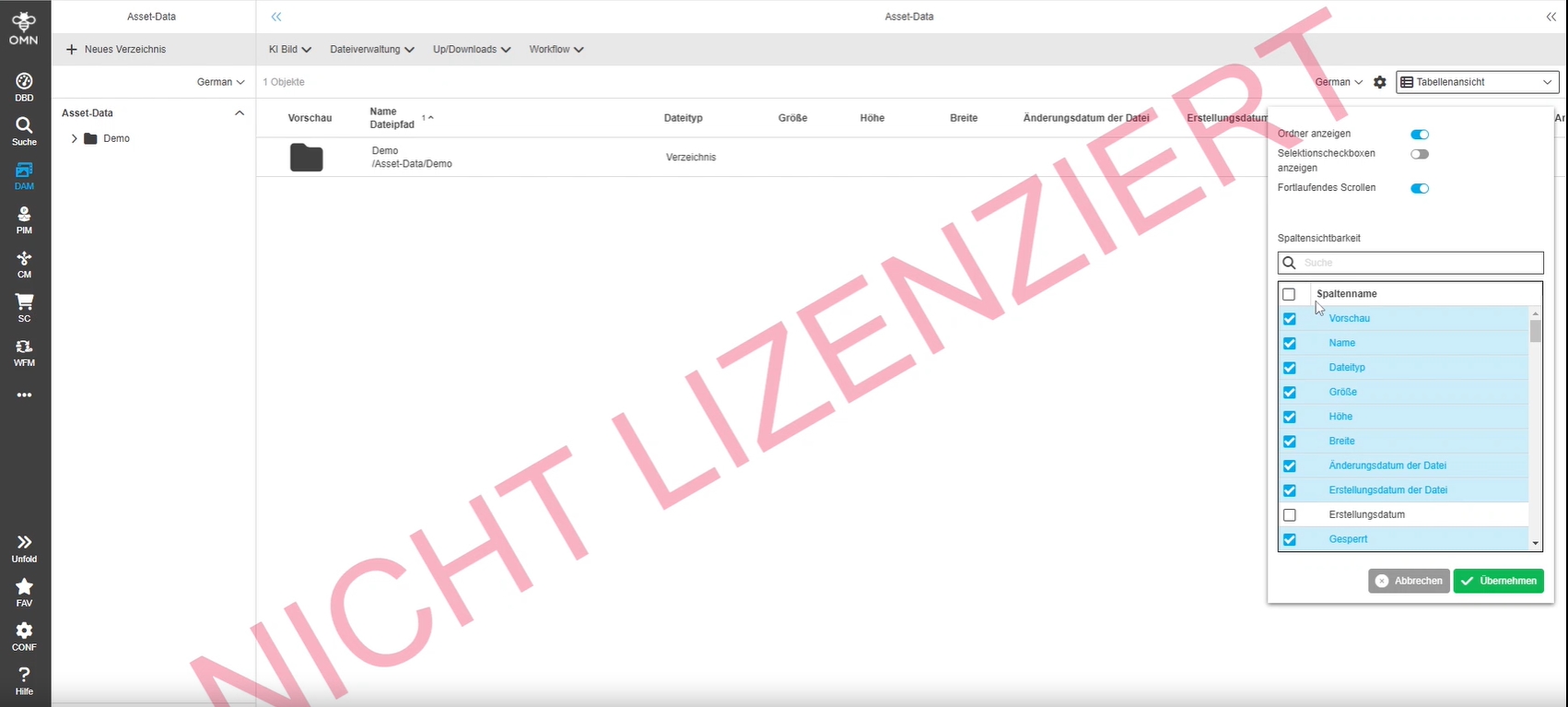
Statusbar table settings improvement - Disable drag icon
References |
OG-14625 |
The statusbar table settings is coherent and offers only executable Actions
Update to the latest Font Awesome 6.5.1
References |
OG-14943 |
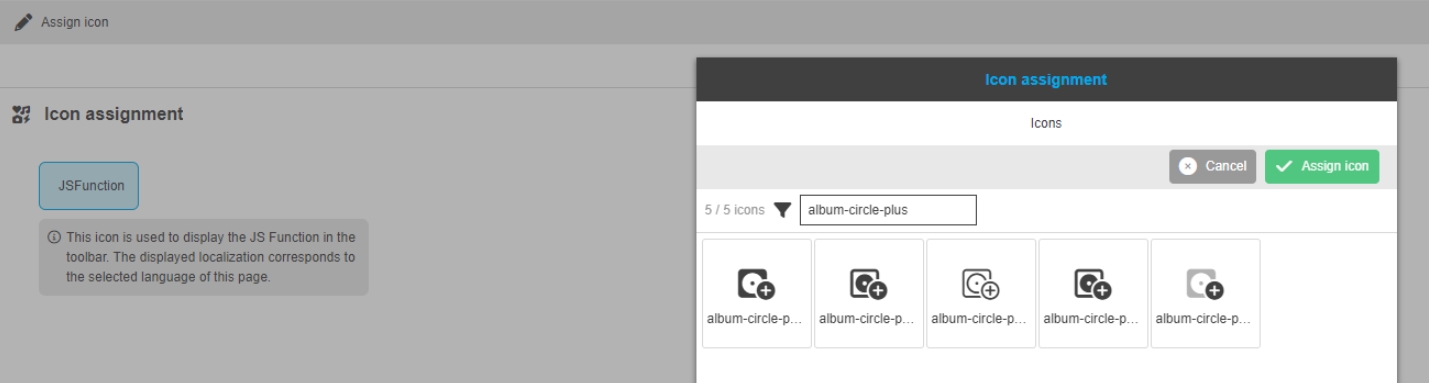
OMN 6.0 uses Font Awesome lib 6.5.1.
-
the Icons can be used in new HTML5 Configuration Client
Update PDF JS library to the newest version compatible with angular 8
References |
OG-14918 |
OMN uses PDF JS library Version 3.11 now
Remove LdapSyncJob
References |
OMN-11006 |
Due to the situation occurred multiple times from now, that during sync with ldap, all users in omn are marked as deleted while they are still available. in this changed LDAPSyncJob is removed and no users are deleted anymore
Preview download by URL on base of parameters
References |
OMN-11024 |
Base-Requirement |
OR-1649 |
Possibility to download an OMN Previews on base of parameter for a specific OMN ID by URL
https://customer.omn5.com[/servlet/preview-by-tid?omn-asset-tid=[tid]&preview-type=[type]
type parameter = Original, Coarse or Custom (must be configured separately)
Keycloak-Integration
Base-Requirement |
OR-1261 |
OMN 6 is using new Login component based on Keycloak

User settings - User Profile - Tokens
References |
OG-15001 |
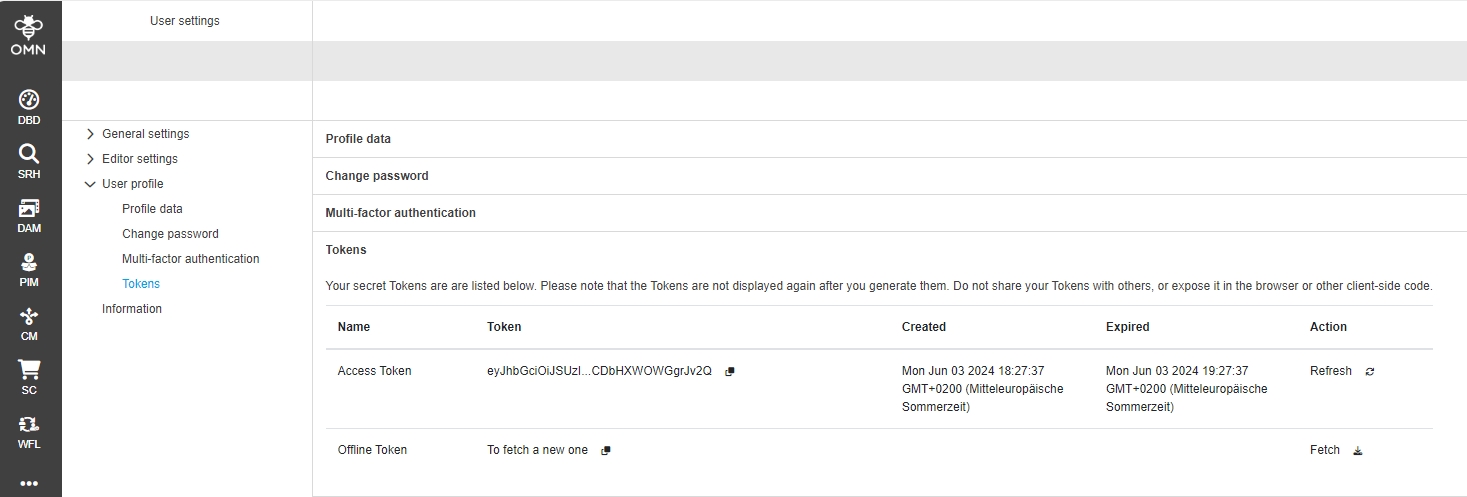
Possibility to create an Authentication token for my user in the user profile
Login - new OMN login page with keycloak integration
References |
OG-15002 |
Possibility to access OMN Login page (that is delivered by Keycloak but has full OMN look and feel and log into OMN or use login-related functions like forgot password, create user, authenticate with 2-FA

User settings - User Profile - multi-factor Authentication
References |
OG-15034 |
Possibility to register for 2FA login method with Security Key with corresponding setup page
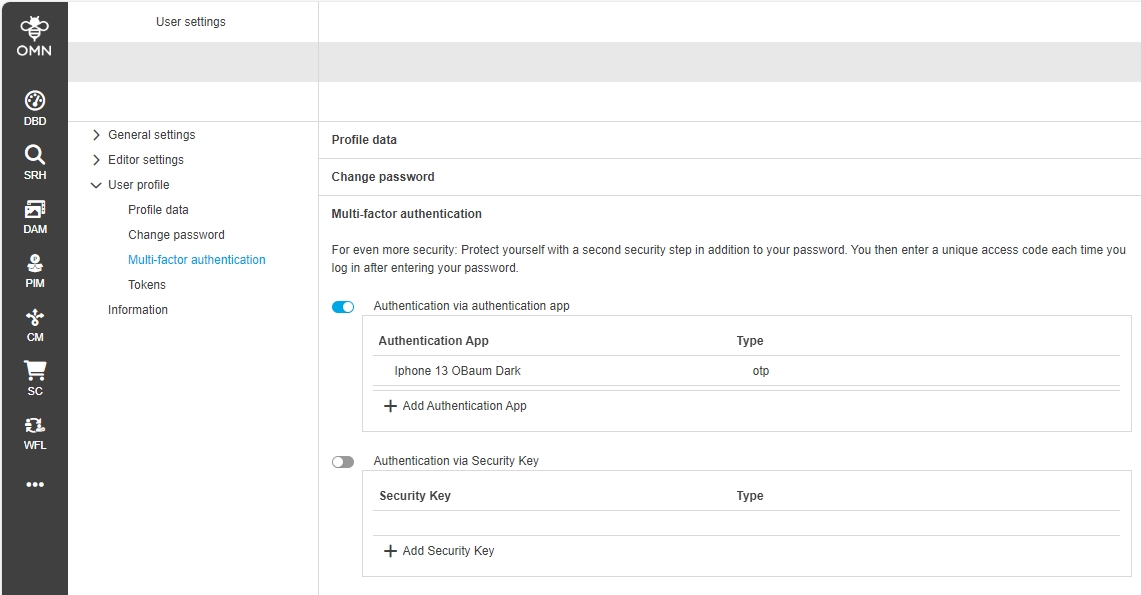
2FA - security key
References |
OG-15009 |
Possibility to use 2FA login method with Security Key on new OMN 6 Login page


DAM
General
Editable and exportable metadata fields for videos
References |
OMN-10607, OMN-10829 |
Writing XMP Meta Information is now possible for selected Videos Formats which supports XMP-standard
-
MP4/MPEG-4
-
MOV
-
M4V
Investigate ind documents for handling XMP metadata
References |
OMN-10596 |
Possibility to write IPTC XMP data into Adobe InDesign documents
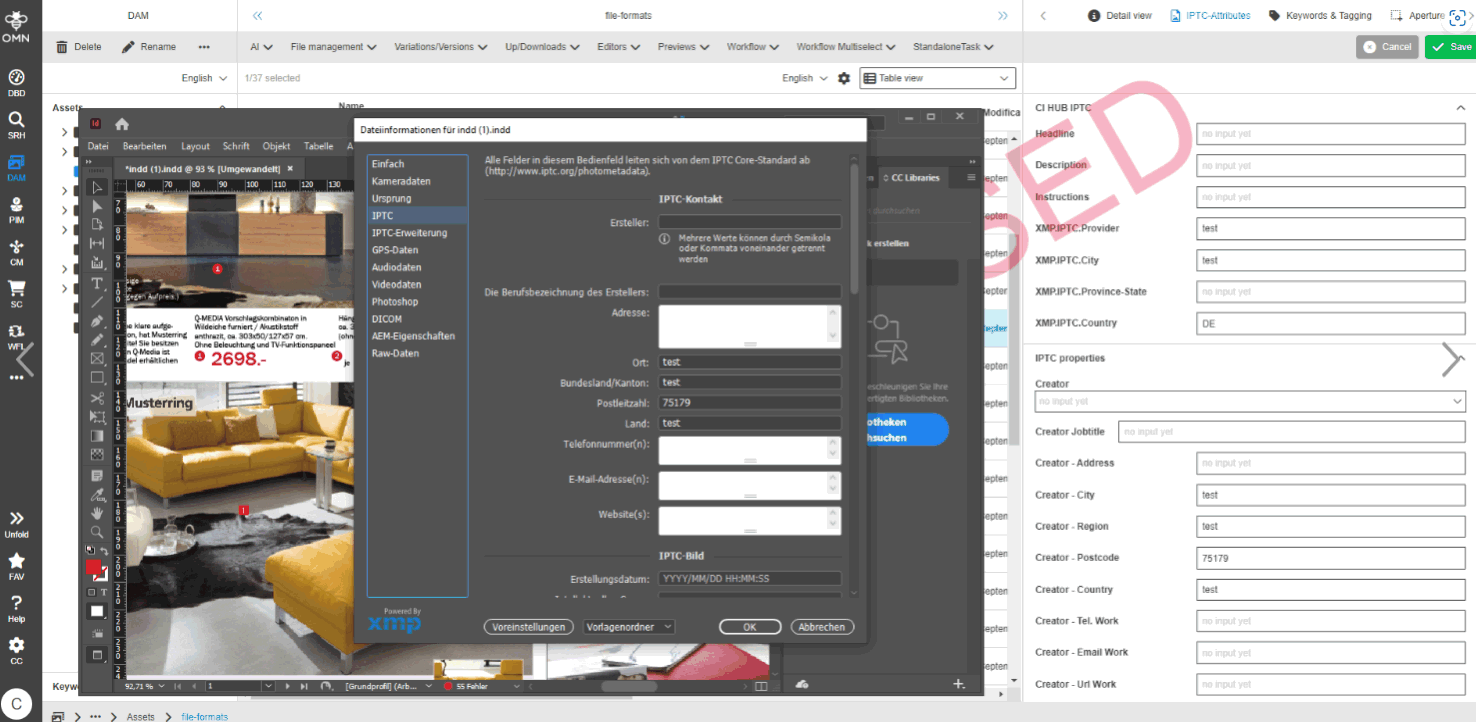
Add formats MOV MP4 and M4V to DTSXMP Default Settings
References |
OMN-10676 |
File formats MOV, MP4 and M4V all support embedded XMP metadata. The default settings of the DTSXMP has to be extended to make sure that those video file types are processed by calling the EXIF tool. The AdobeSDK is likely to break things here.
Add video formats MOV and MP4 to list of file types supporting XMP
References |
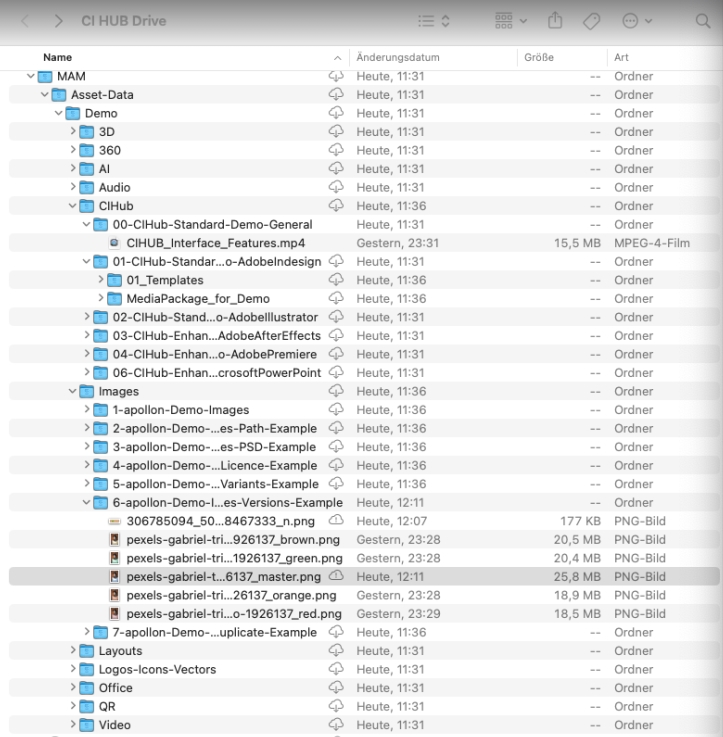
OMN-10678 |
File formats MOV, MP4 and M4V all support embedded XMP meta data
-
The default settings of the XMÜ is extended to make sure that those video file types are processed by calling the EXIF tool
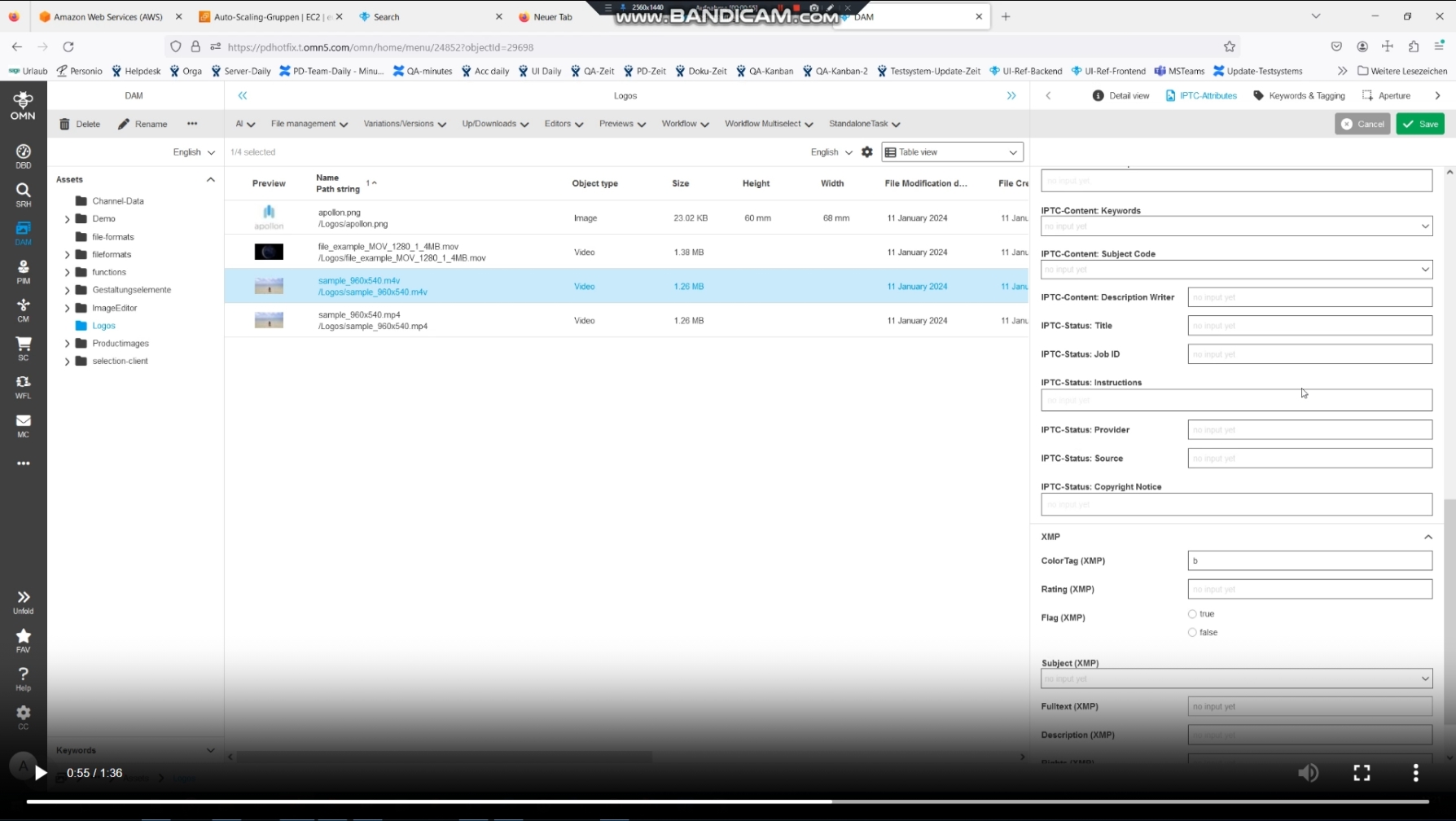
Support of the latest IPTC Photo Metadata Standard 2023.1
References |
OMN-10826 |
Latest IPTC Photo Metadata Standard 2023.1 is supported with OMN
Use the latest productive version of ExifTool (12.76)
References |
OMN-10830 |
OMN 6 uses the latest Version of EXIF Tool 12.76
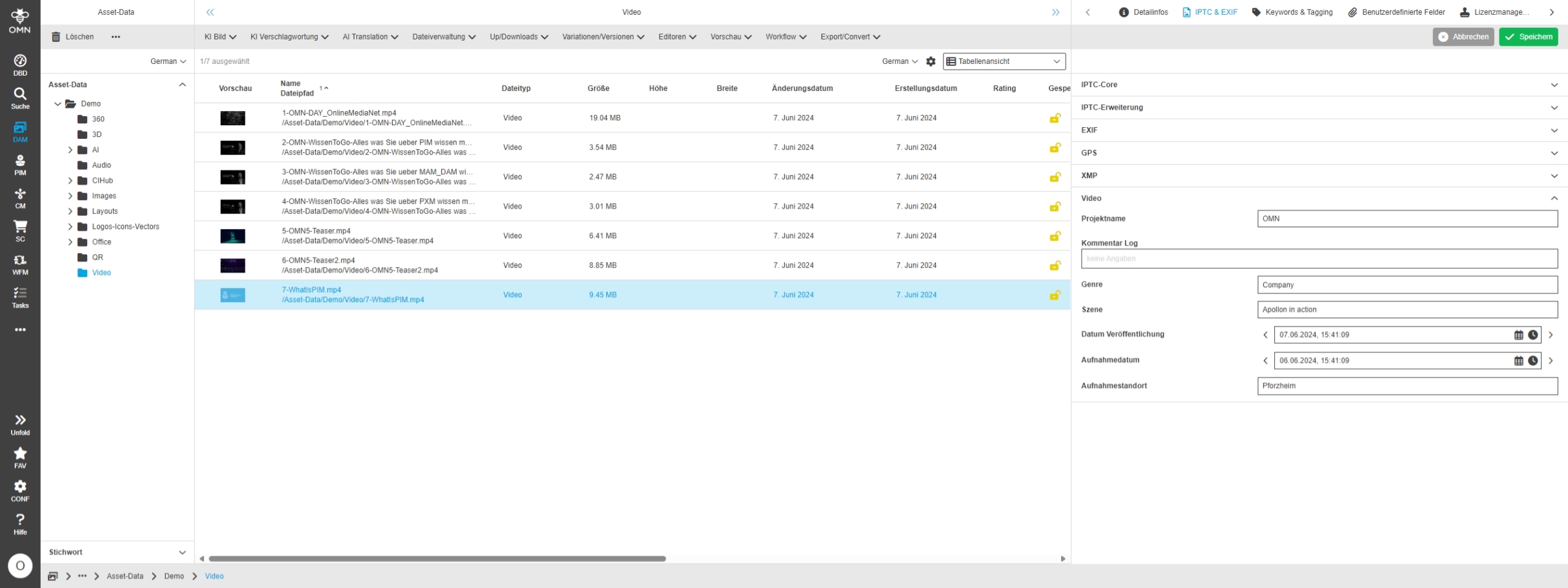
Provide Standard configuration for Video metadata
References |
OMNA-1559 |
New standard configuration for managing video meta-data in OMN profile
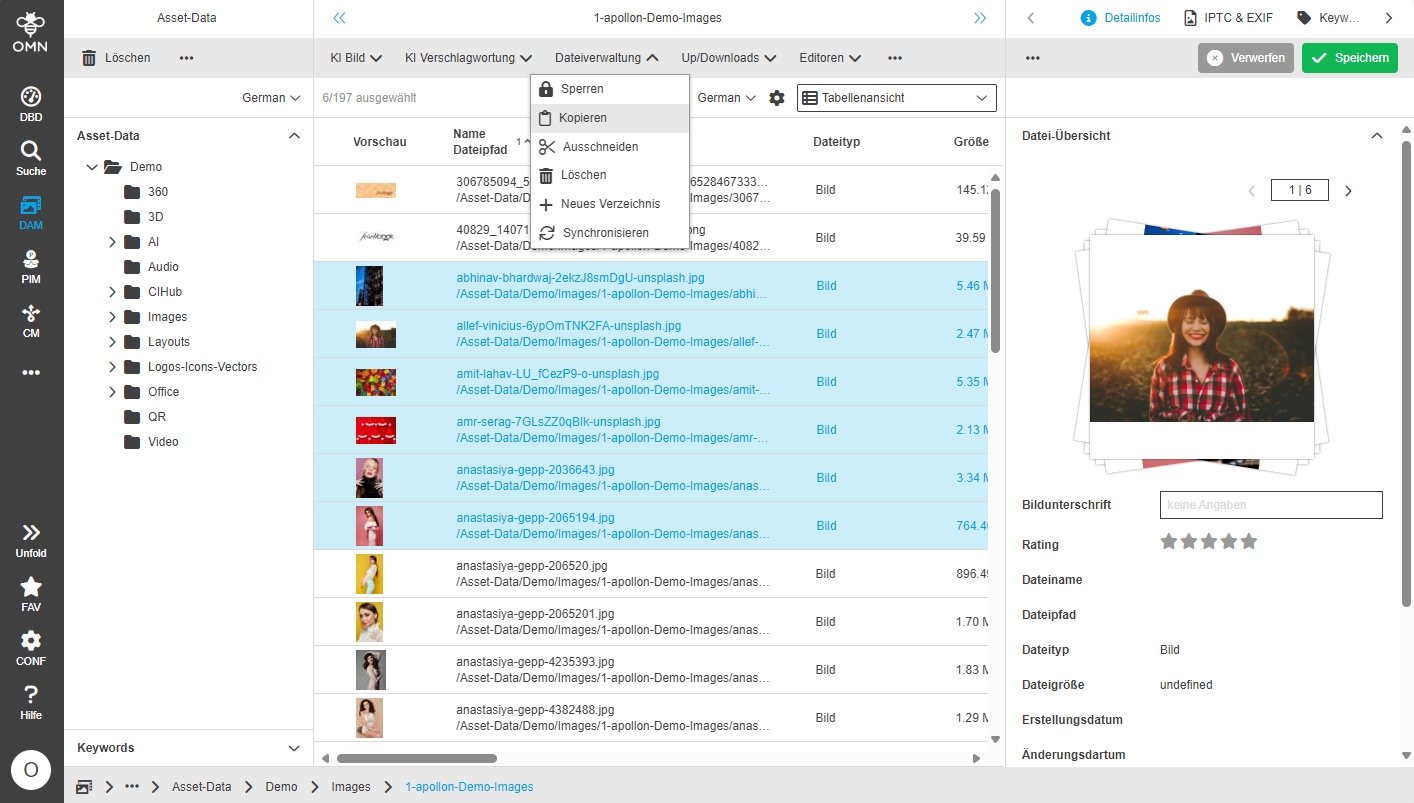
Optimize copying process of files
References |
OMN-10876 |
Performance Improvements for Cut and Paste File Management Operation
Aperture
PIM
Product View User History does not save related language
References |
OMN-10978, OG-15105 |
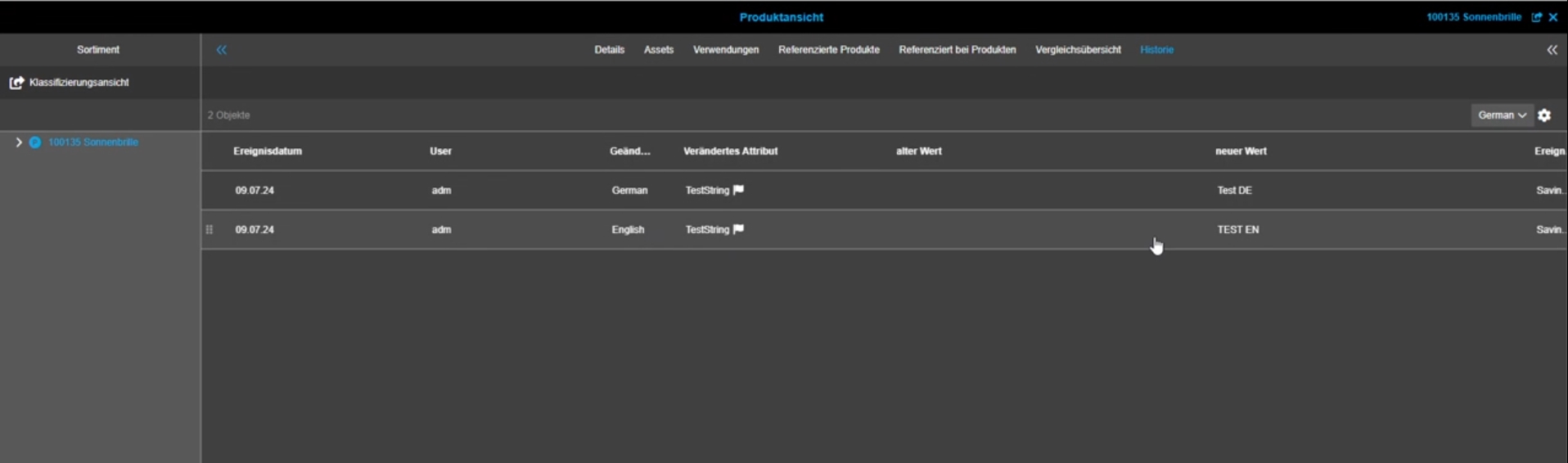
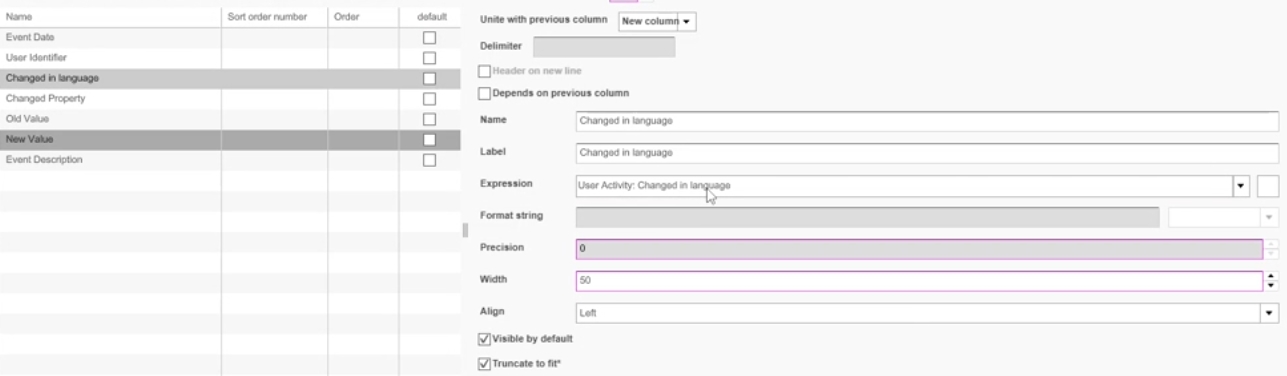
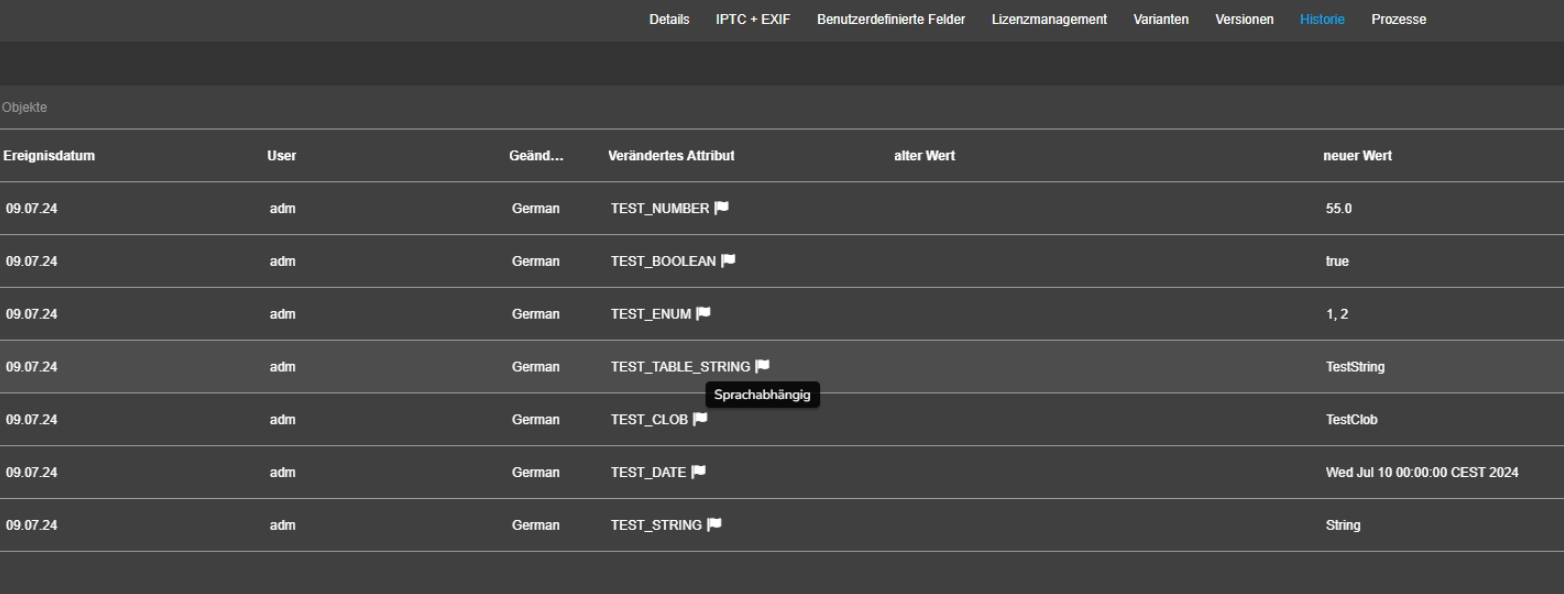
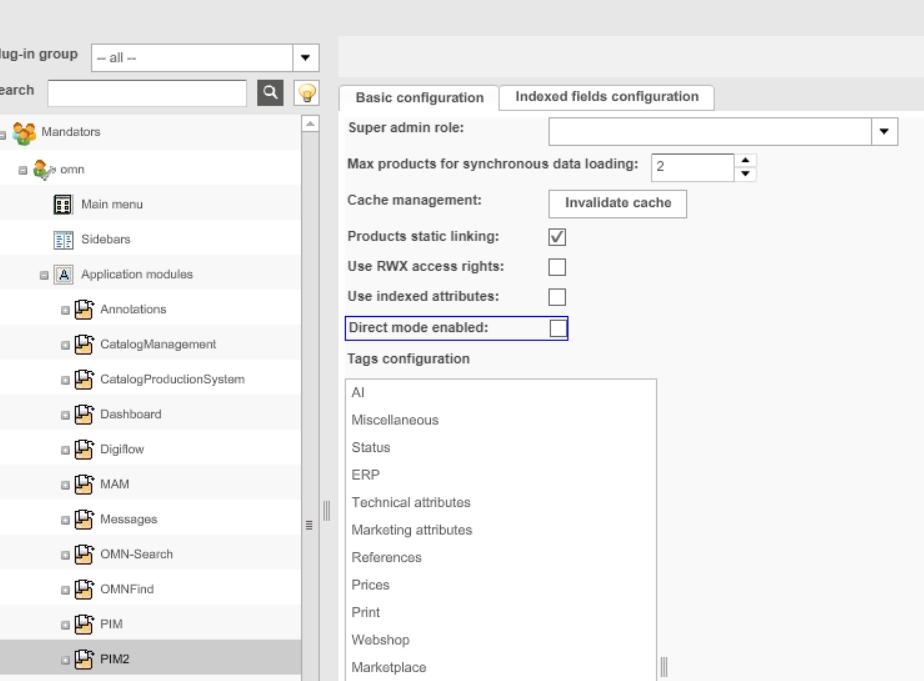
The user can see in the history for which language a value has been changed and Product View User History saves the related language
-
new property changed in language is introduced for Entity User activity
EAI
EAI UI
New OMN Module OMN EAI UI Which allows a user to configure and execute Imports from csv or xls files to OMN PIM
EAI UI - Process Controller
References |
OMN-10417, OG-14892 |
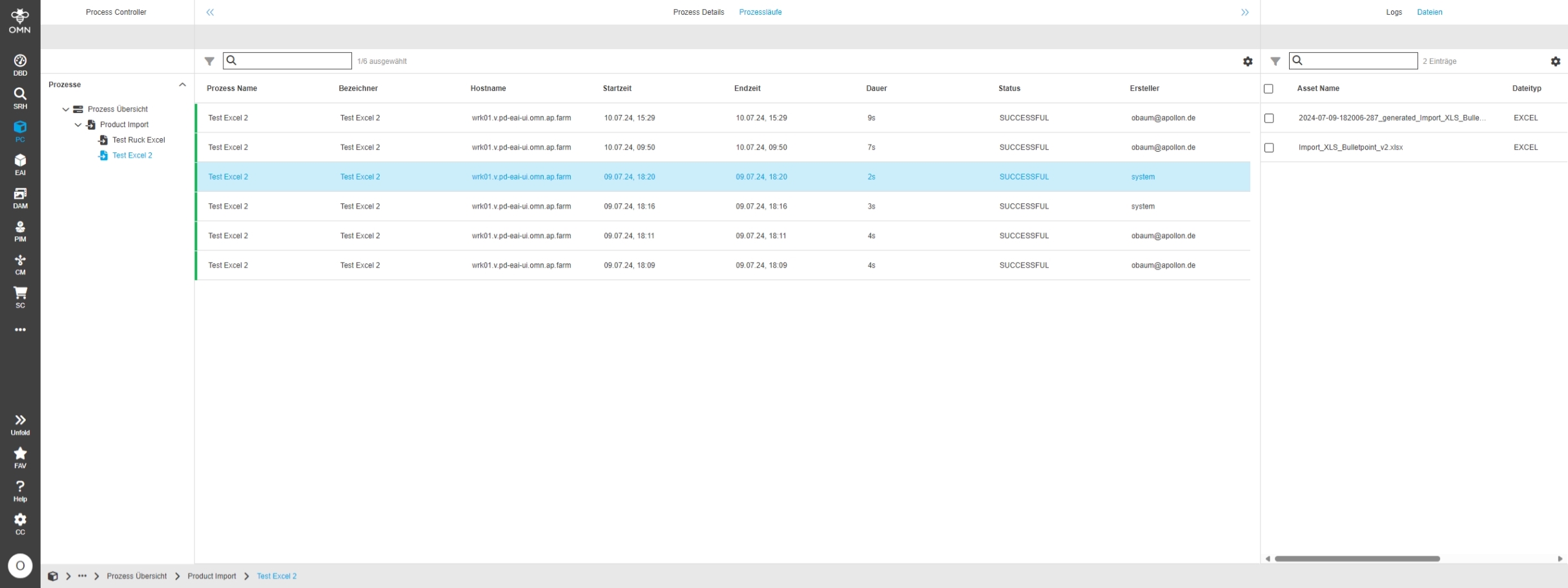
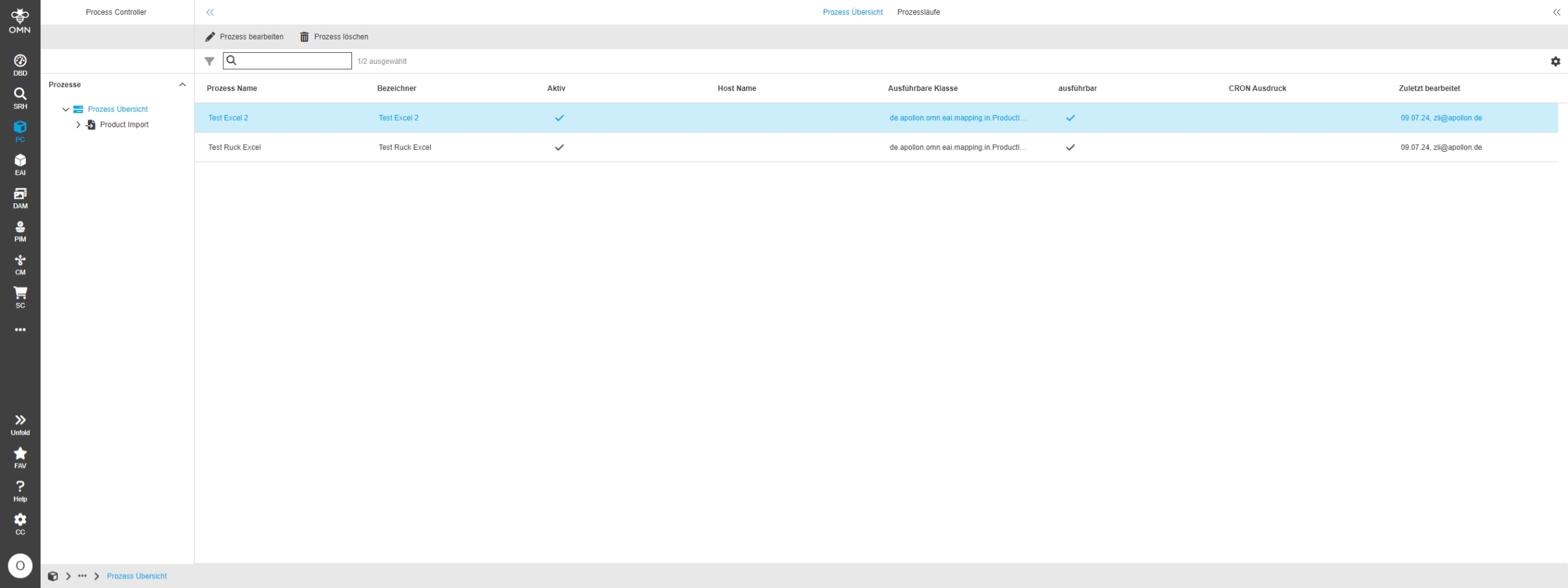
New Process Controller component which manage Import processes from new module OMN EAI UI
New Module called Process Controller to track processes
-
in 6.0.0 this module can only be used in context of Import process done over EAI UI
Page Plugin for Process Controller
References |
OMN-10374 |
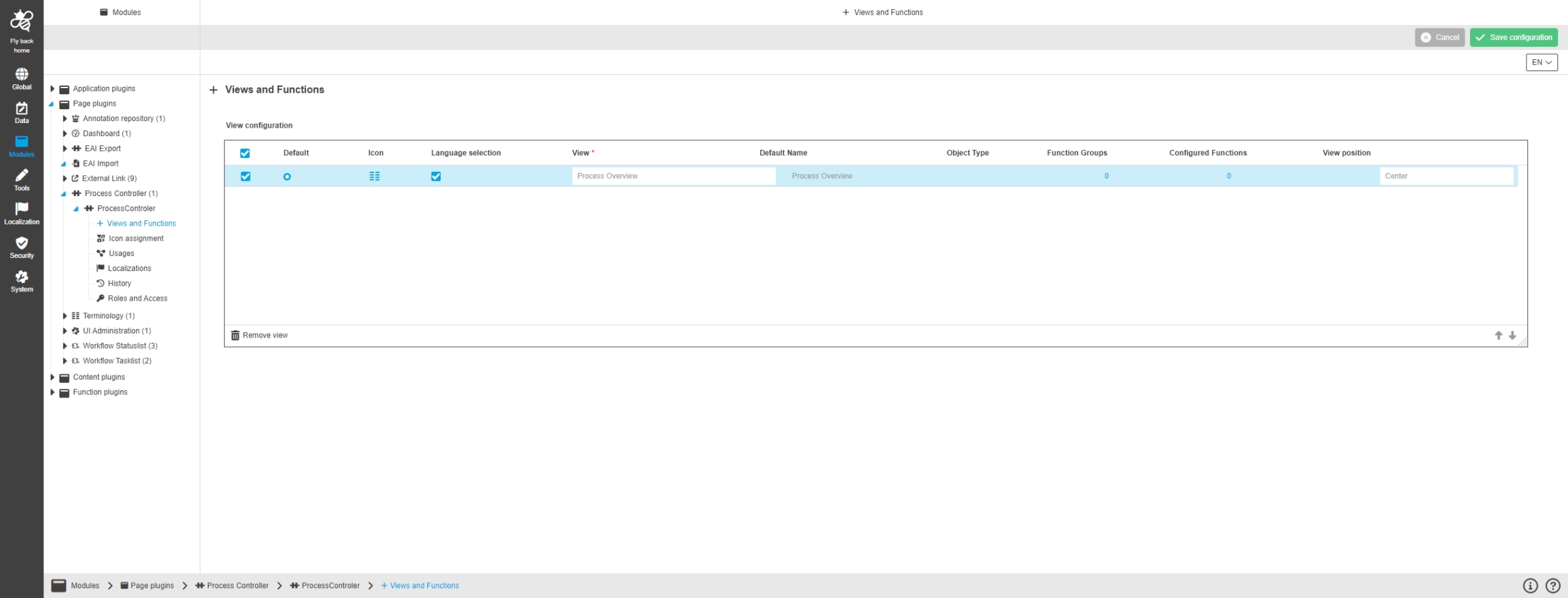
Introduction of new page plugin for process controller, so that the customer can see and edit the process controller in the OMN UI
Introduce Entities, DB tables and services for EAI UI Mapping
References |
OMN-10276 |
Introduction of new entities, dao and service for EAI UI mapping on OMN database level
Entities, DB tables and services for Process Controller
References |
OMN-10269 |
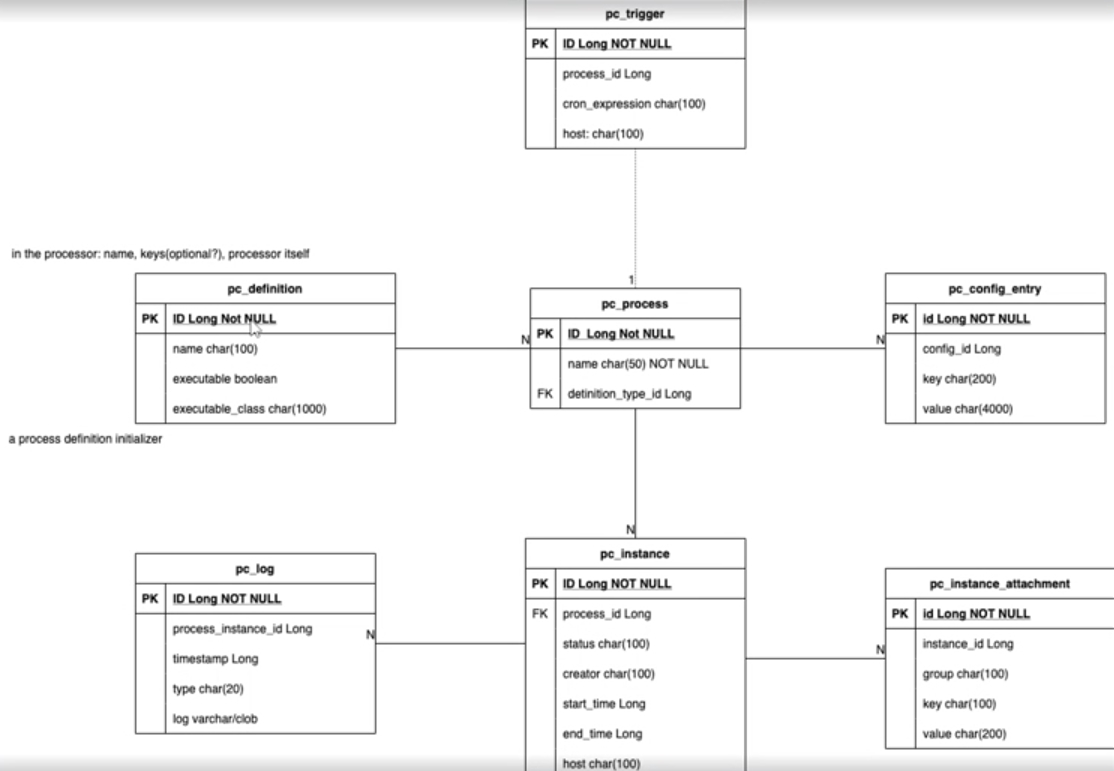
Introduction of new database tables and entities to store and map the data for process controller and services as api which can be called in other places
UI Rest API for Process Controller
References |
OCA-75 |
New Rest API for Process Controller, so that a developer can handle, retrieve the necessary data about via api for frontend or somewhere else.
UI Rest API for EAI UI import mapping
References |
OCA-95 |
New Rest API for EAI UI import mapping, so that a developer can handle, retrieve the necessary data about via api for frontend or somewhere else.
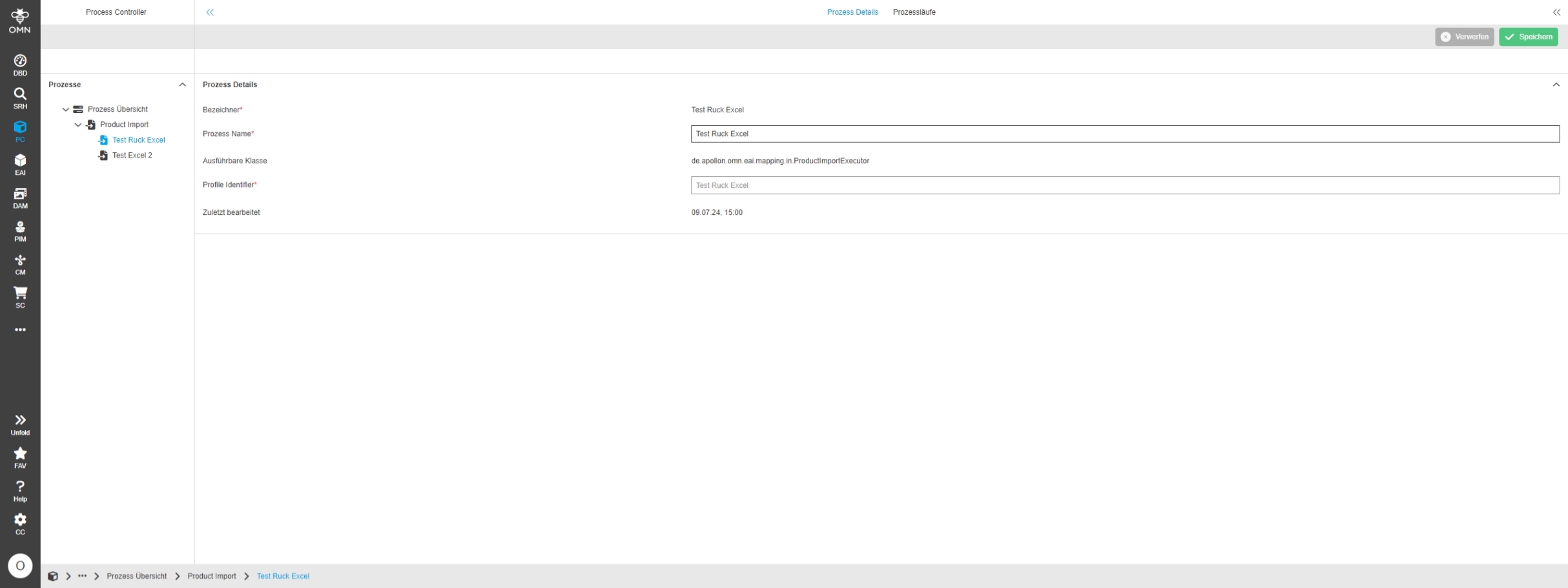
EAI UI - Process Controller - Process overview
References |
OG-14630 |
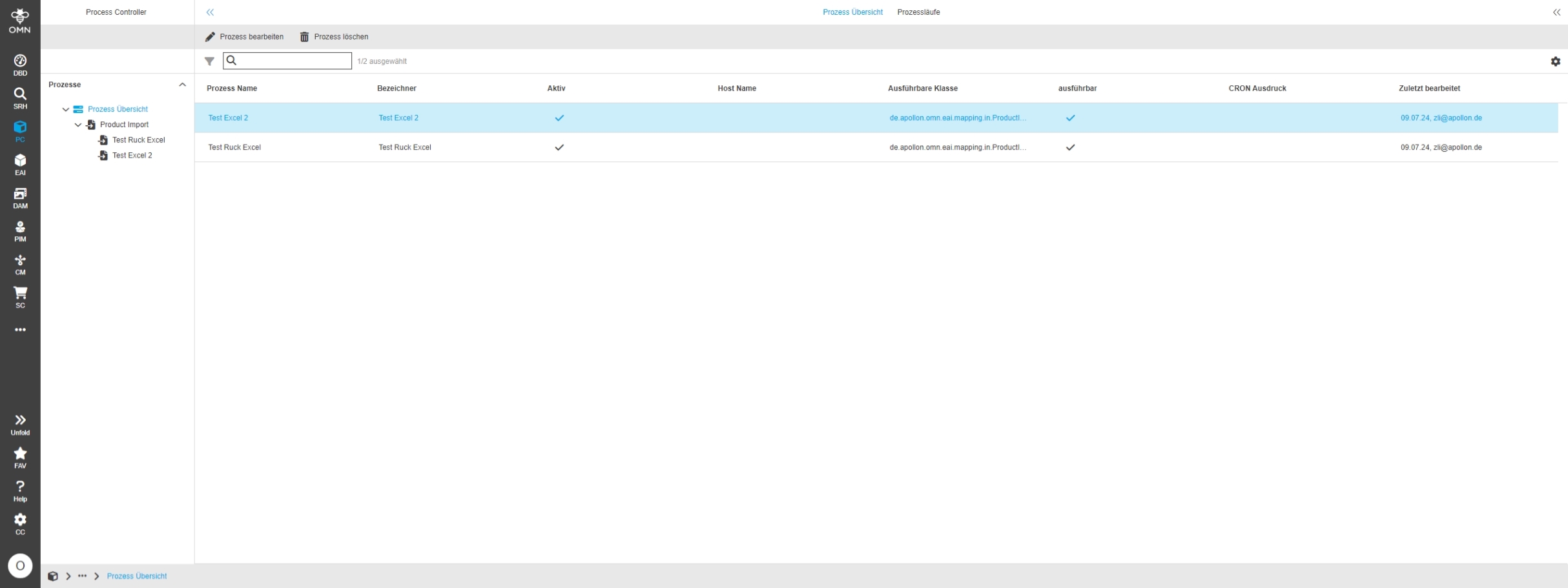
New Process Overview tab in the Process Controller module to see details of processes
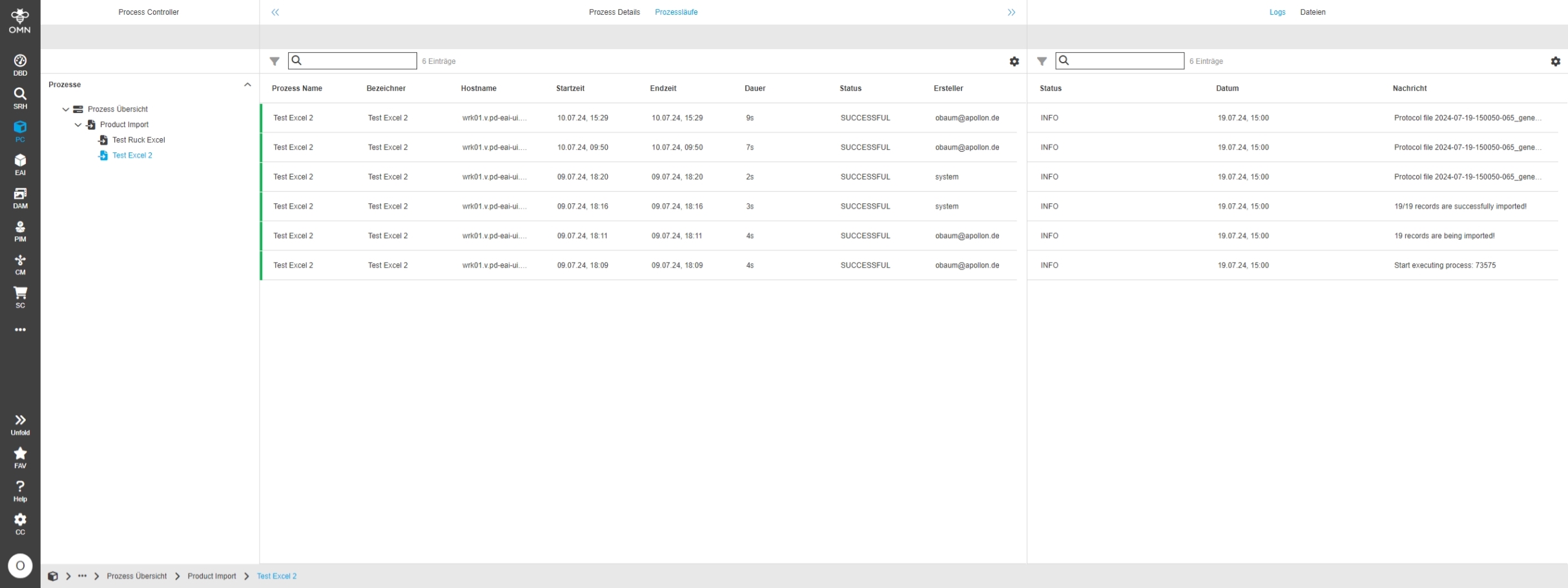
EAI UI - Process Controller - History
References |
OG-14628 |
new Process History tab in the Process Controller module to track the runs of Import processes
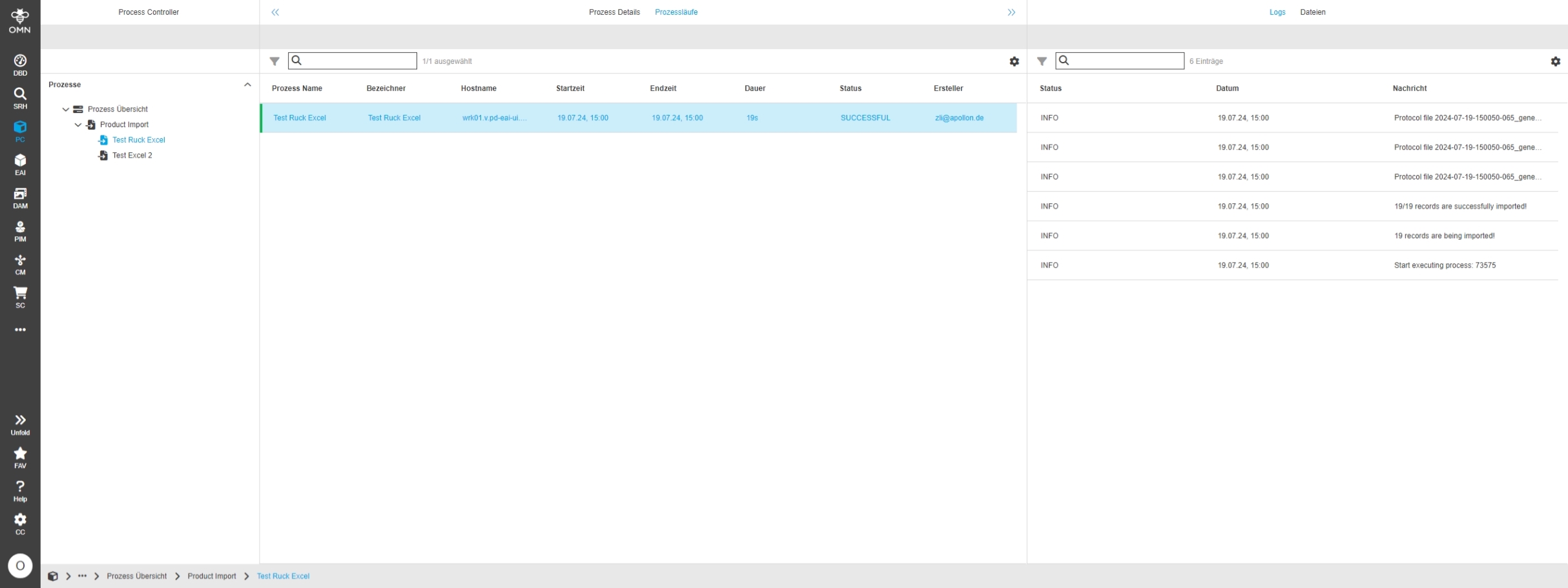
EAI UI - Process Controller - History - Logging
References |
OG-14648 |
New Logging overview within the History tab in the Process Controller module to the Details of Import process runs
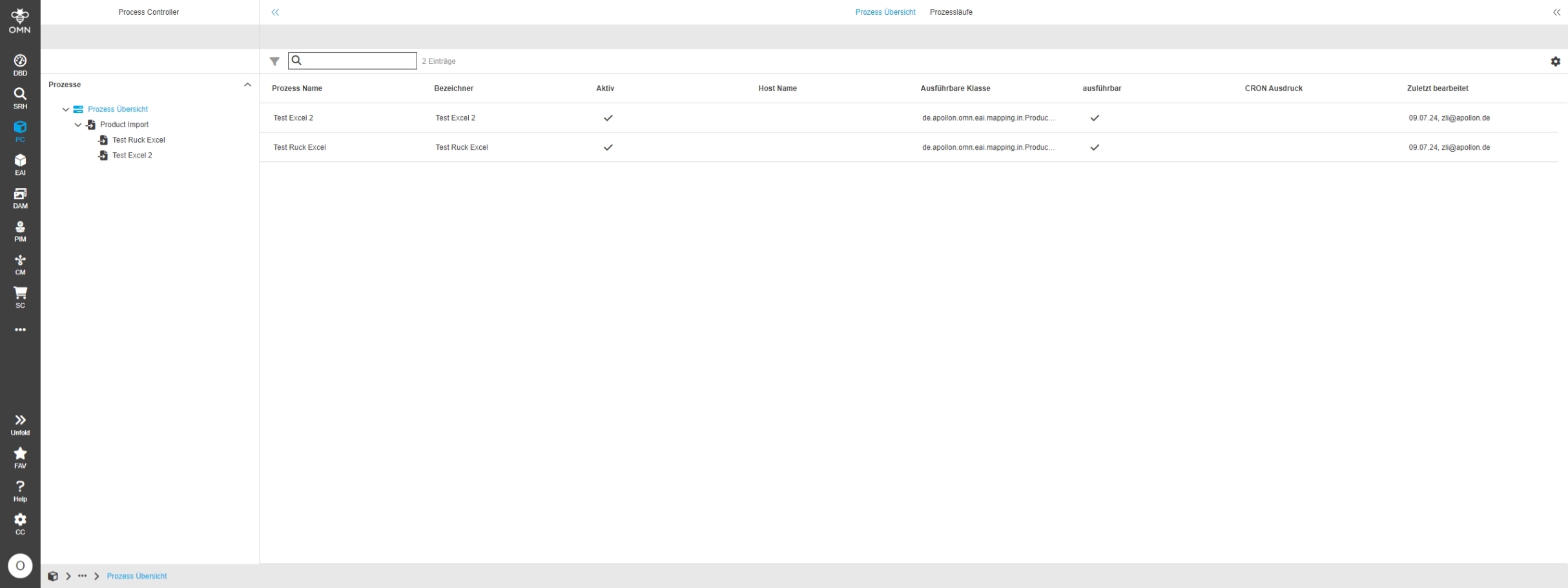
EAI UI - Process Controller - Left view
References |
OG-14649 |
Process Controller shows process definitions in new left view
EAI UI - Import Profiles
References |
OG-14891 |
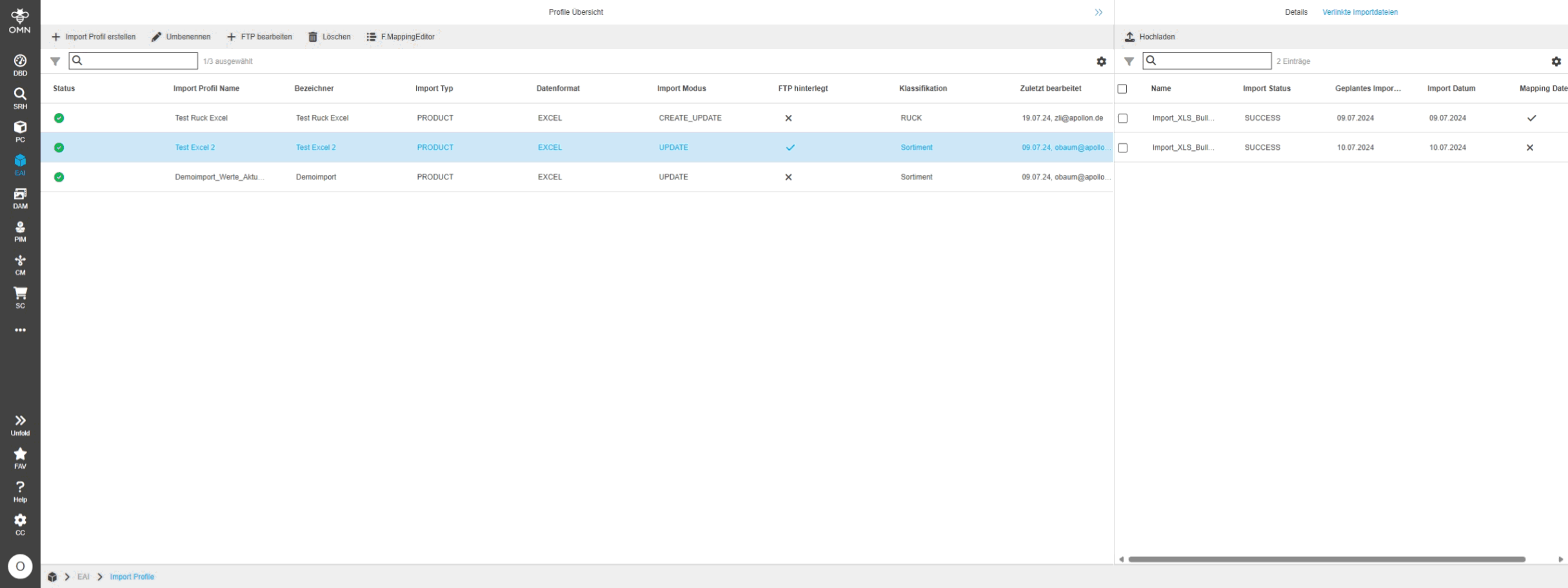
New plugin of EAI Import module for creating import profiles to Import data in PIM module
EAI UI - EAI-Import - Import Profile - Center View
References |
OG-14791 |
Import Profiles in OMN EAI UI shows created Import profiles in Center view
EAI UI - EAI-Import - Import Profile - Right View
References |
OG-14664 |
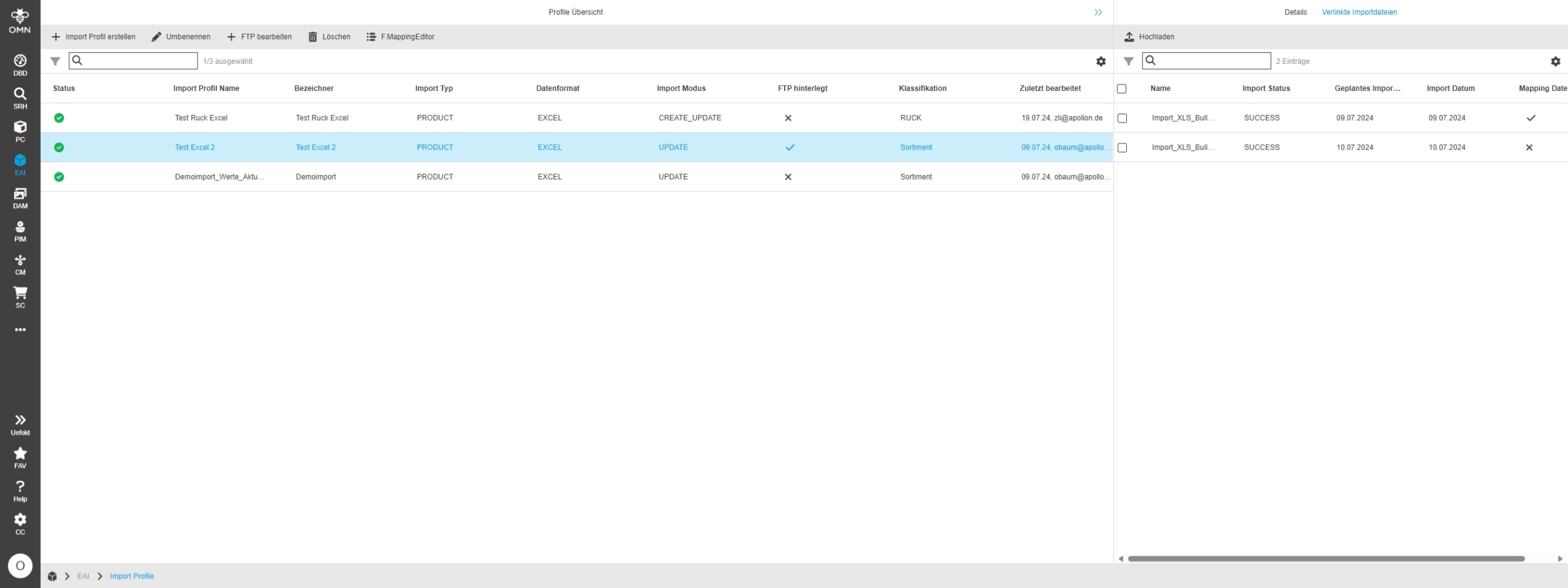
Import Profiles in OMN EAI UI Shows additional Details in Right View
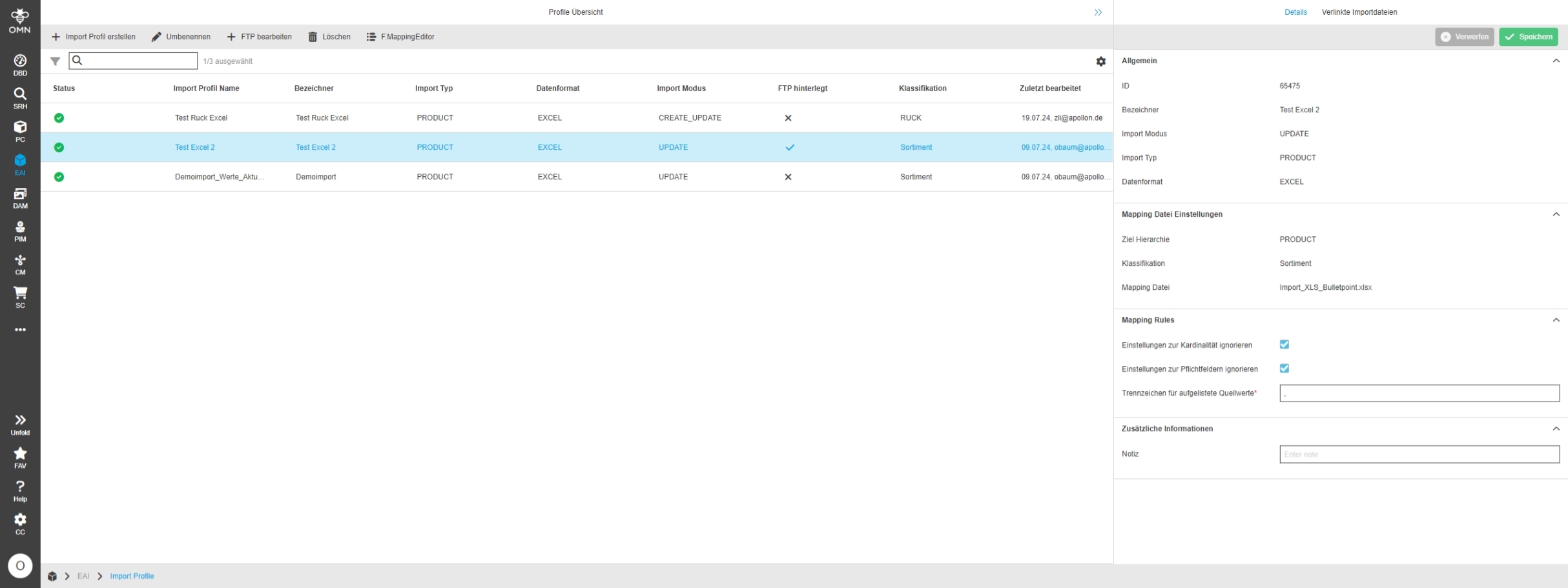
EAI UI - EAI-Import - Import Profile - Right View Functions
References |
OG-14633 |
Possibility to have functions in the right view of my import module
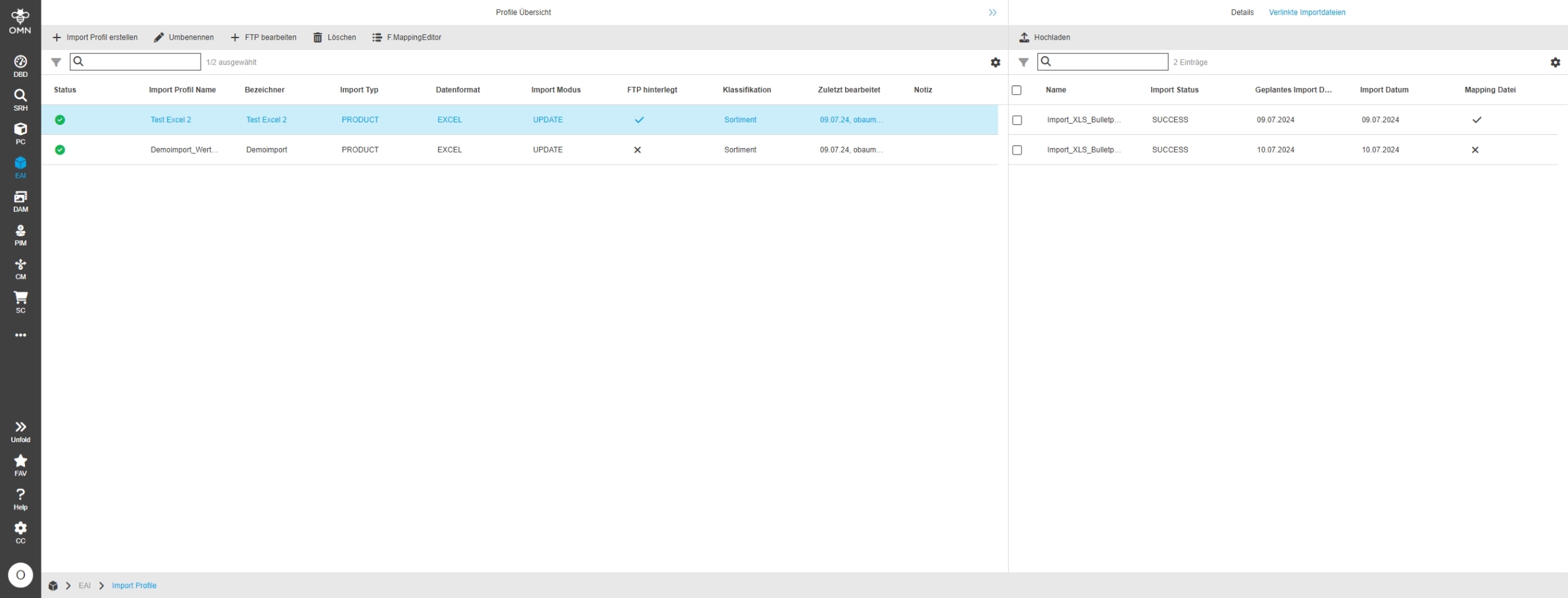
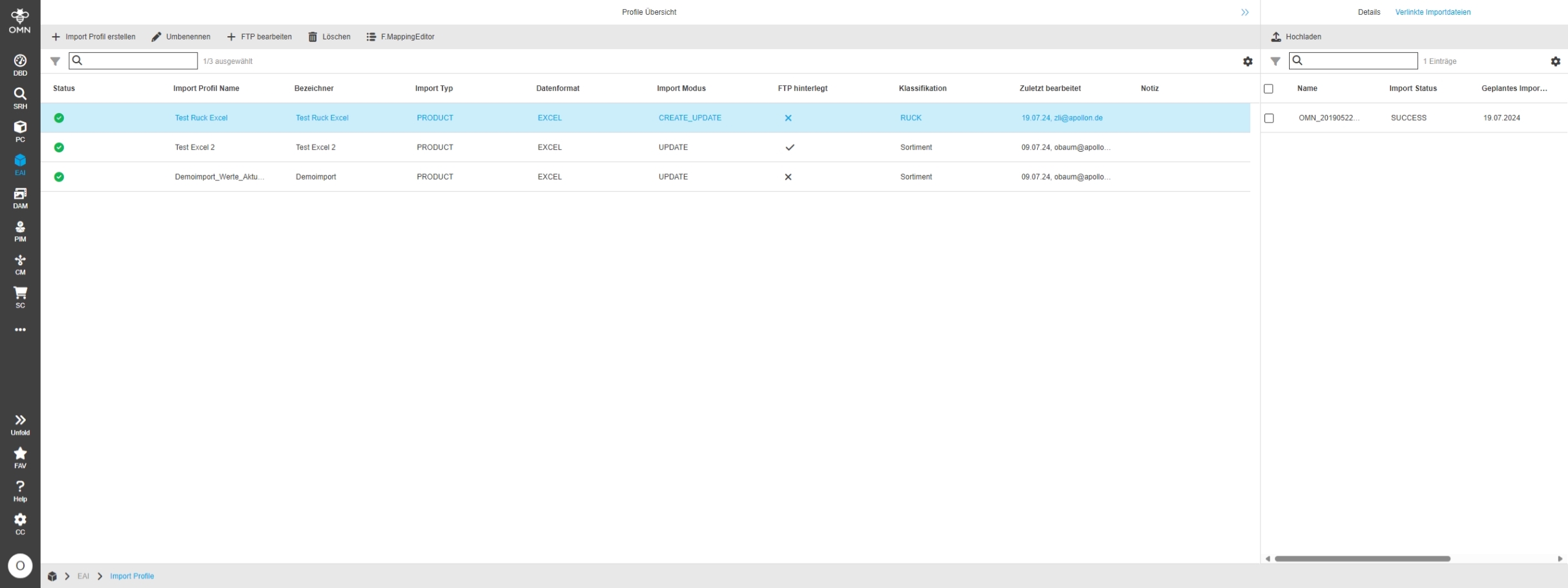
EAI UI - EAI-Import - Import Profile - Center View Functions
References |
OG-14663 |
EAI UI Import Profile section provide toolbar functions to create Import, rename and delete Imports and to define Mappings with Mapping Editor
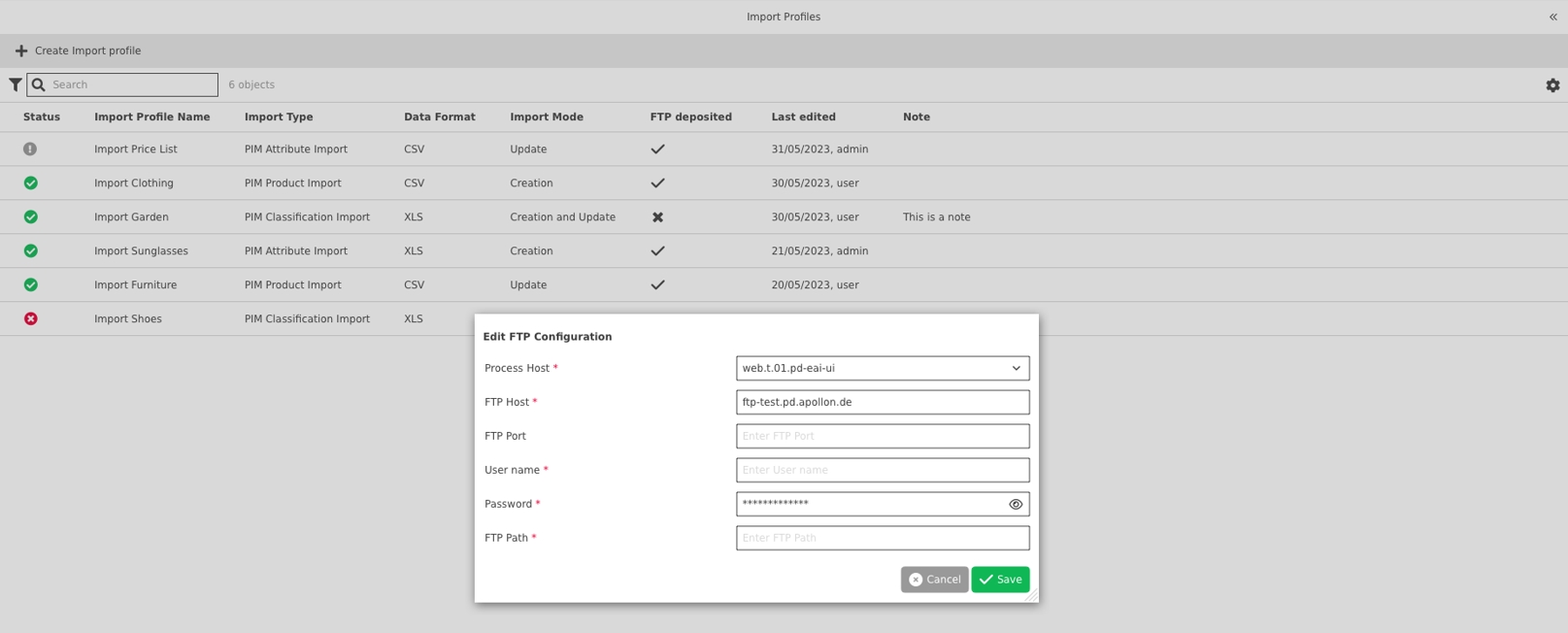
EAI UI - EAI-Import - Import Profile - Center View Functions - Edit FTP
References |
OG-14978 |
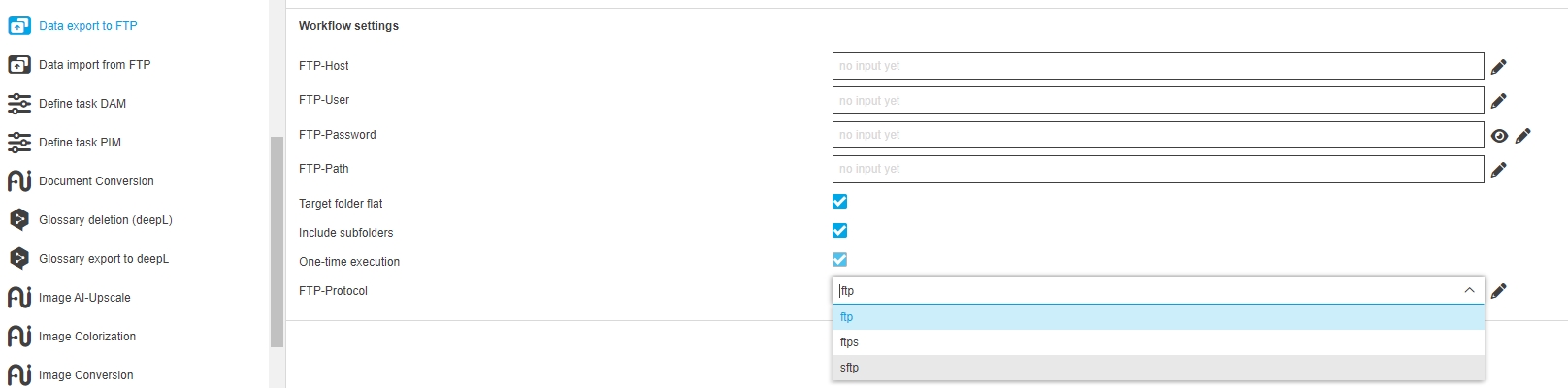
Configuration option to retrieve import files for an import profile from an FTP Server
EAI UI - EAI-Import - Import Profile - Right View - Mapping Rules - Listable source value separator
References |
OG-15127 |
Possibility to define the separator for listable source file values, to be able to recognize listable attributes in source file and to be able to map them correctly in mapping Editor
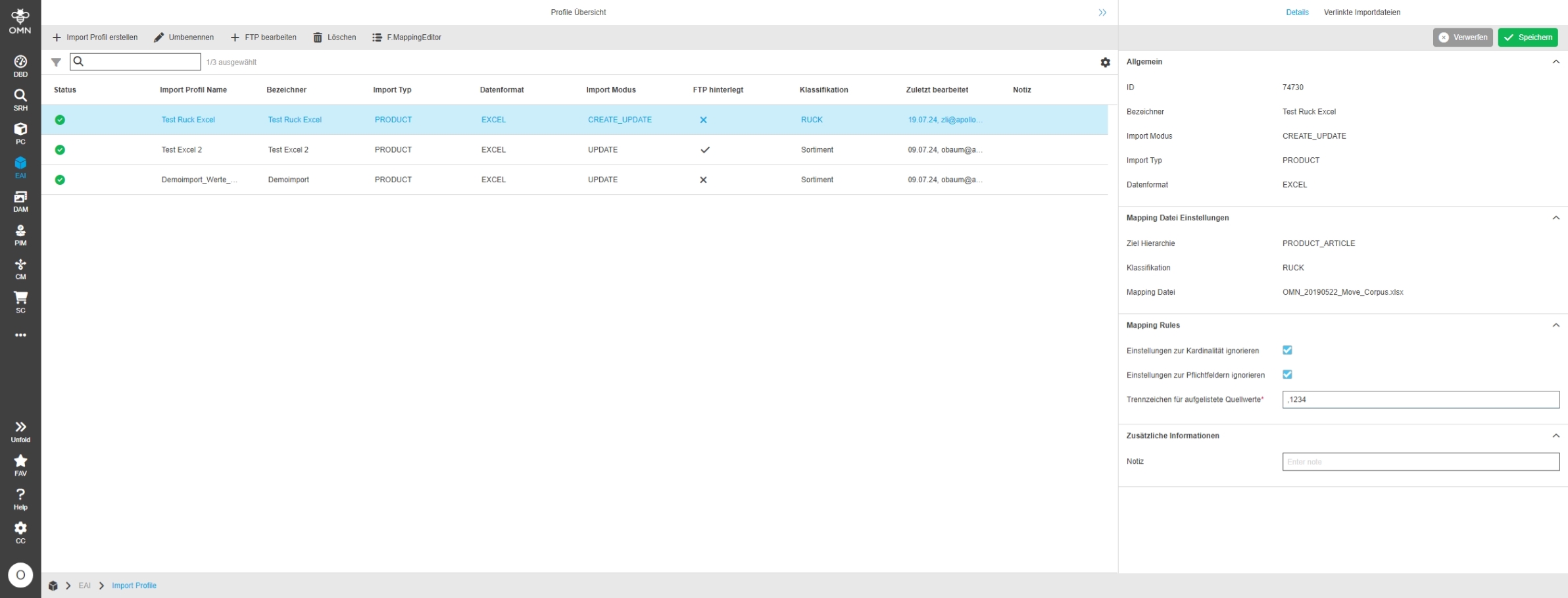
Mapping Editor
References |
OG-14890 |
EAI UI Mapping Editor is part of new Module EAI UI
EAI UI - Mapping
References |
OG-14632 |
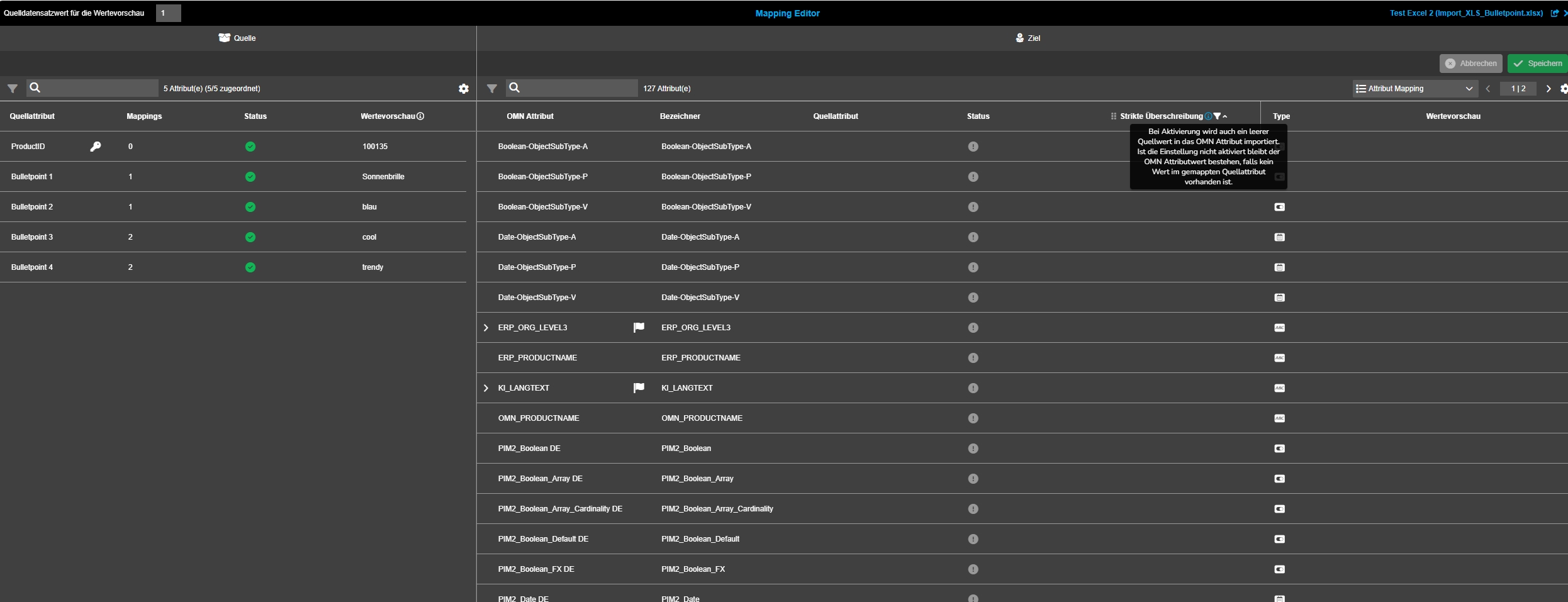
EAI UI Mapping Editor is part of new Module EAI UI which allows mapping Attributes of a source file to Attributes of OMN PIM
-
it consists out of Import profile to create Import profile and Mapping Editor
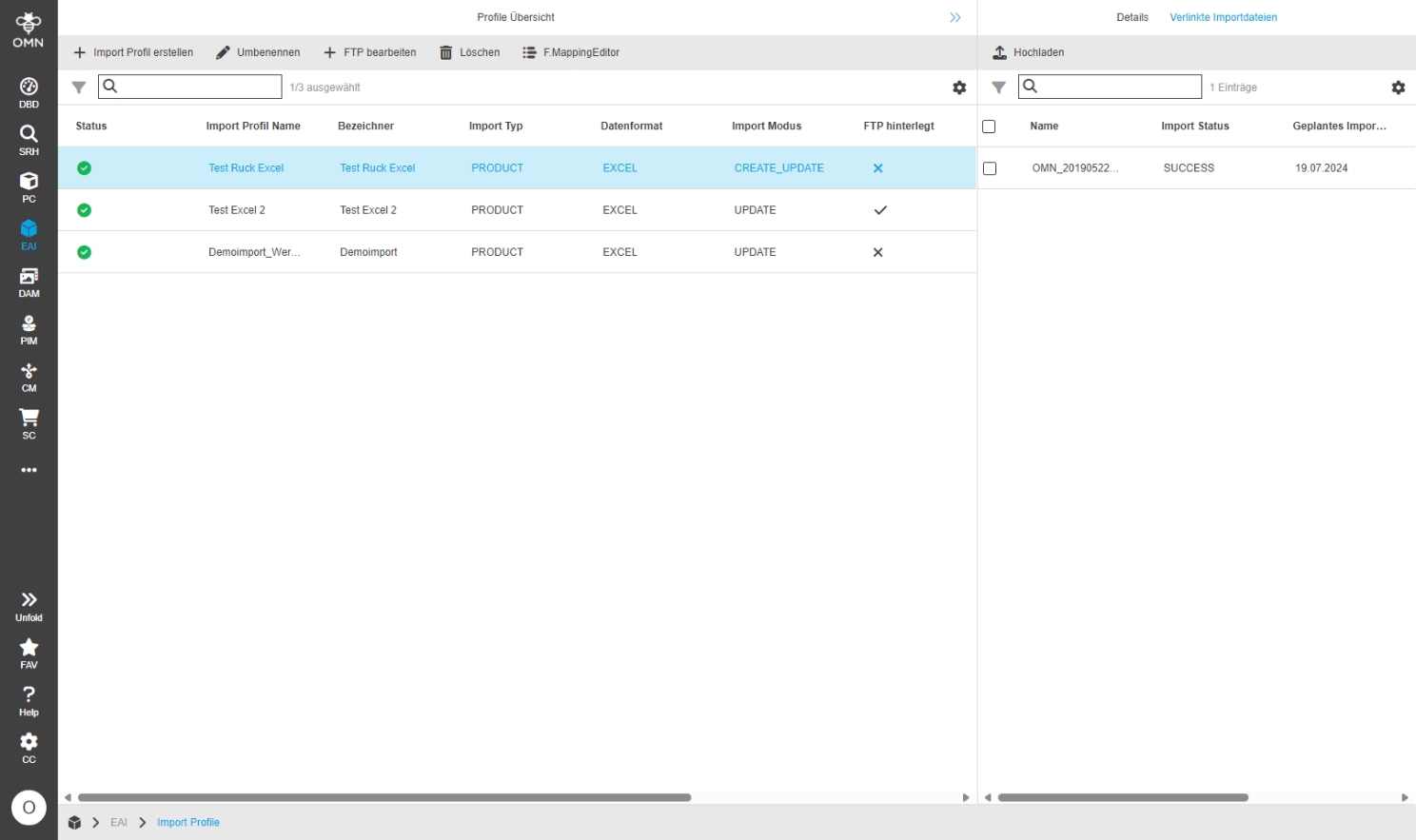
EAI UI - EAI-Mapping - Mapping Editor
References |
OG-14665 |
EAI UI has new Mapping Editor which allows mapping source Attributes of an Import file to target Attributes in OMN for Import
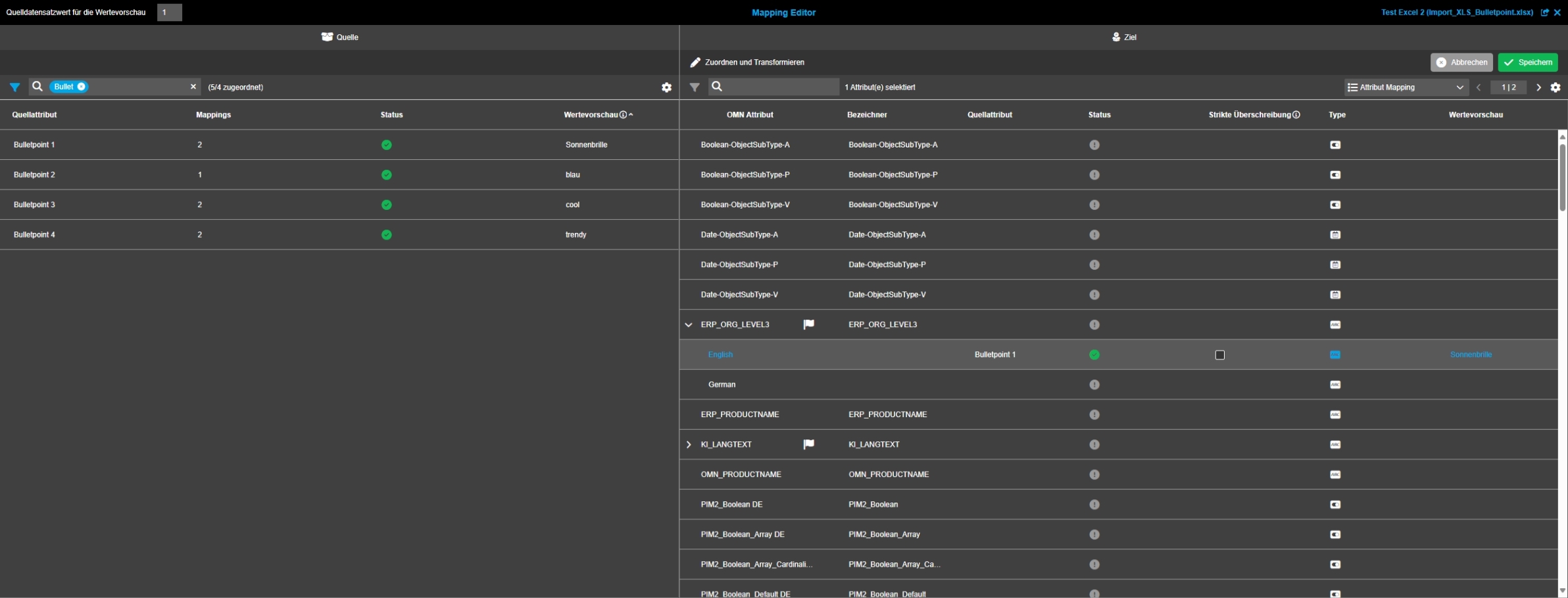
EAI UI - EAI-Mapping - Mapping Editor - Attribute Mapping
References |
OG-14880 |
New Mapping Editor in EAI UI Mapping Editor to map Attributes from a source structure to a target structure
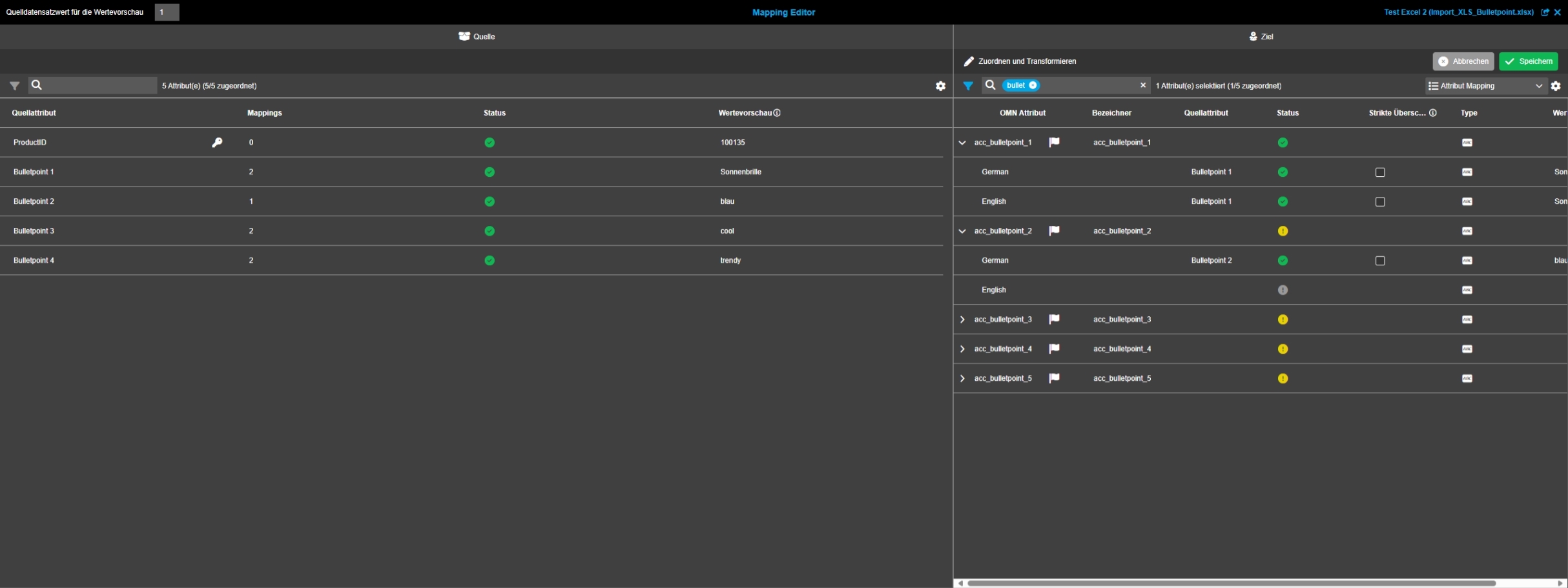
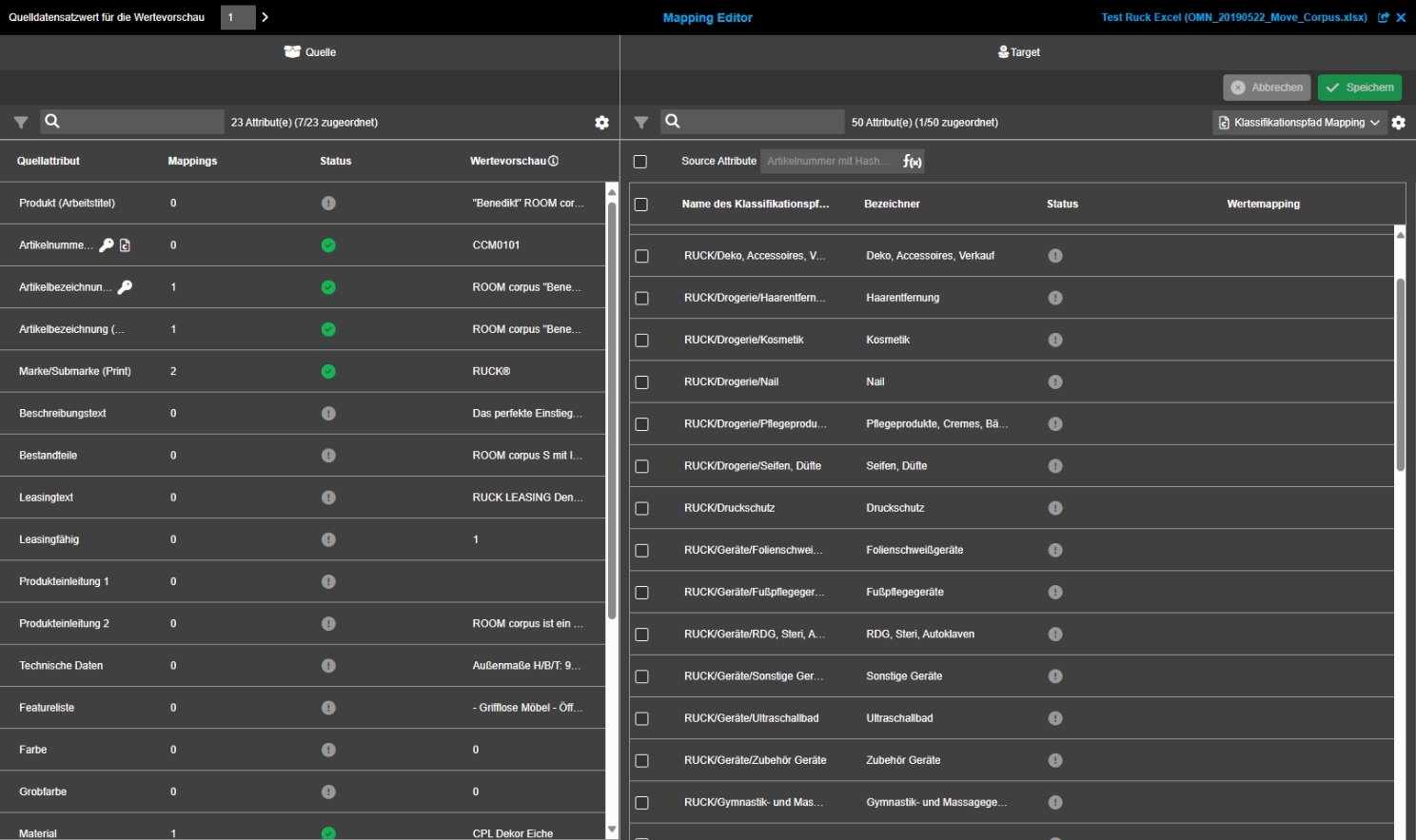
EAI UI - EAI-Mapping - Mapping Editor - Classification Path Mapping
References |
OG-14881 |
New Part of Mapping Editor which allows mapping source structure to a target structure eg, if user has Information in Import file which should be used in order to define in which classification node the product should be created
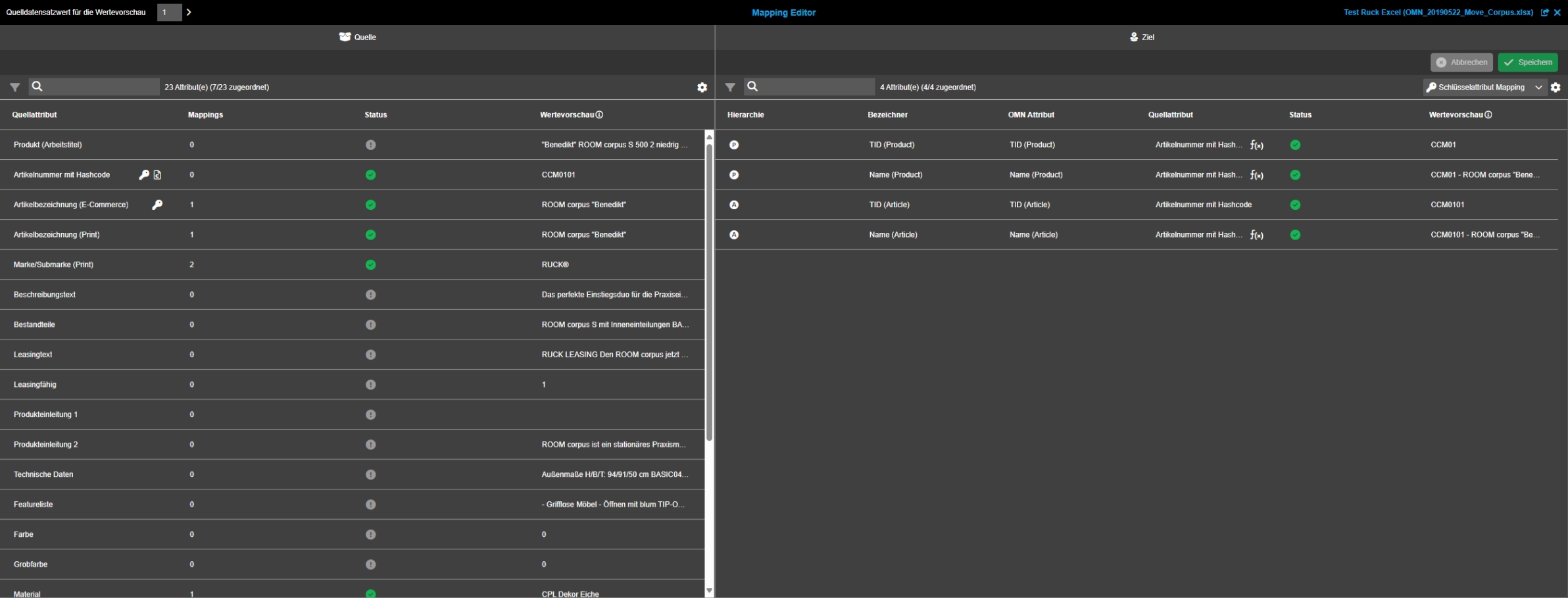
EAI UI - EAI-Mapping - Mapping Editor - Key Attribute Mapping
References |
OG-14882 |
New EAI UI Mapping Editor allows so-called key Attribute mapping to map source structure to a target structure
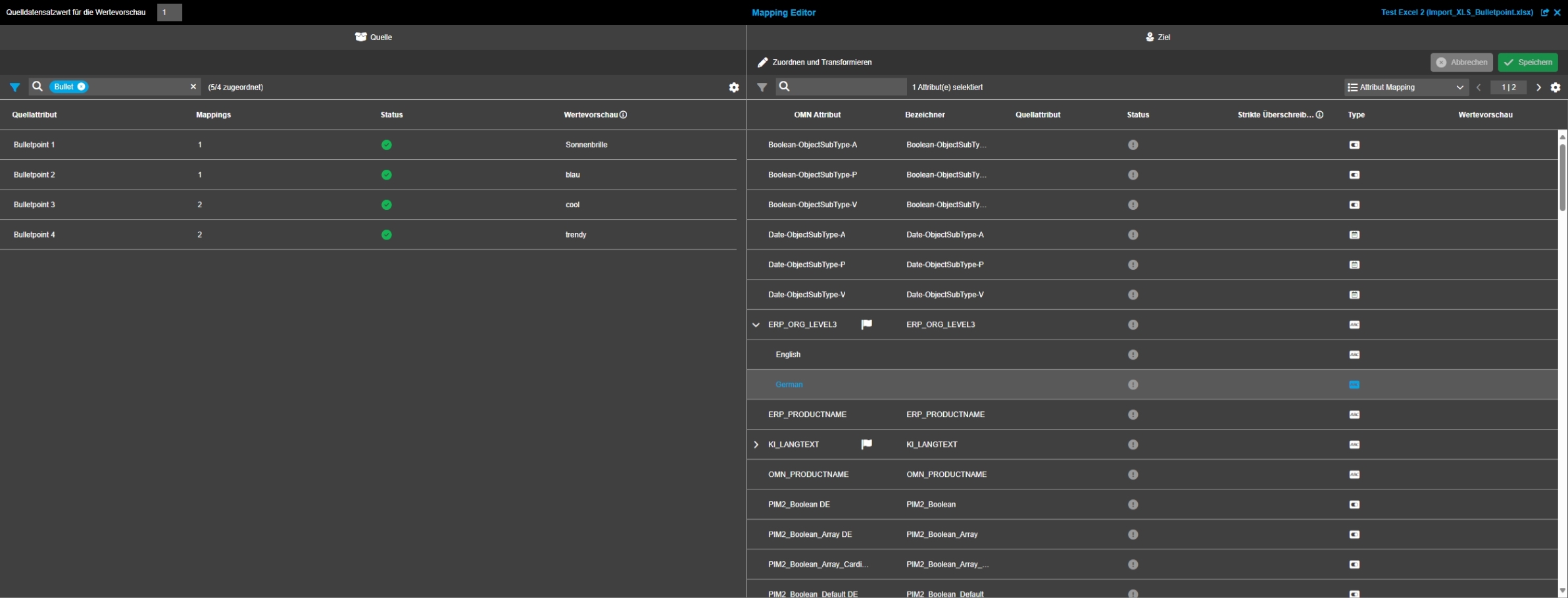
EAI UI - EAI-Mapping - Mapping Editor - Left View
References |
OG-14884 |
New Mapping Editor which is showing source structure of Import file on left area with sort, filter possibility
-
to left area Shows value preview and Information if source Attribute is already mapped to OMN target attribute
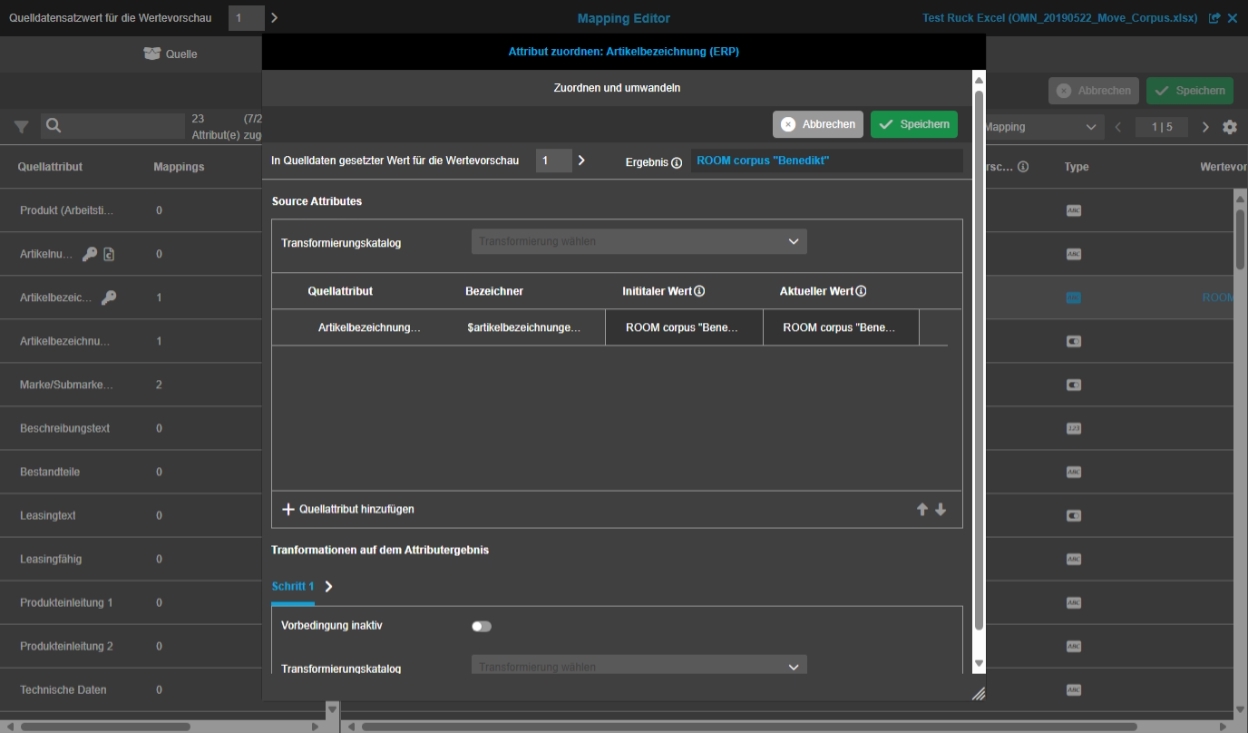
EAI UI - EAI-Mapping - Mapping Editor - Map and Transform
References |
OG-14939 |
New Map and Transform function to do complex transformations and mappings as in the Mapping Editor (single mapping only)
EAI UI - EAI-Mapping - Mapping Editor - Map and Transform - Map attribute table widget
References |
OG-14982 |
Possibility to map a source attribute(s) to omn attribute by using different transformations, so the imported data is maintained in OMN as required
-
transformations of different types can be set on source Attributes, e.g. add Character, delete Character, search and replace etc.
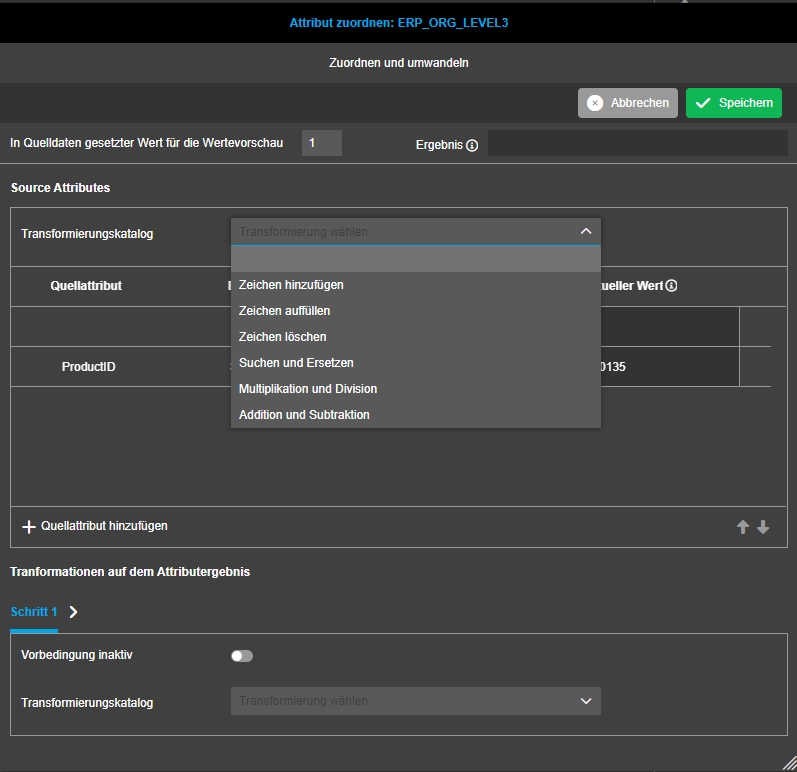
EAI UI - EAI-Mapping - Mapping Editor - Map and Transform - Transformation - Add characters
References |
OG-14983 |
New Transformation in EAI UI Mapping Editor which allows adding characters to the values
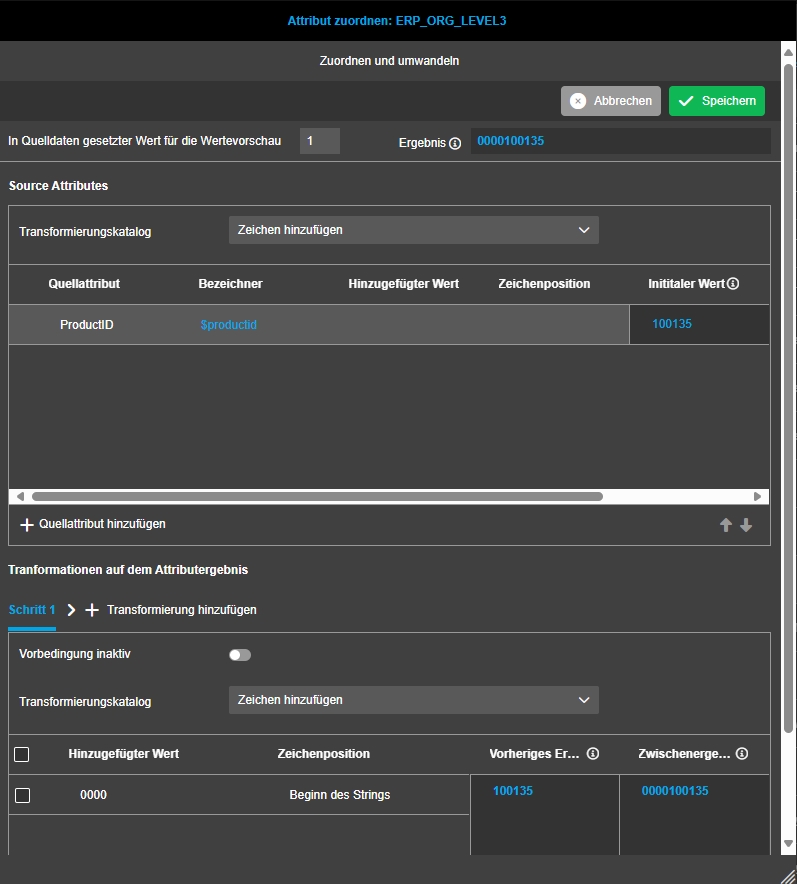
EAI UI - EAI-Mapping - Mapping Editor - Map and Transform - Transformation - Fill characters
References |
OG-14984 |
New Transformation in EAI Mapping Editor to use a transformation that allows to fill characters to the value
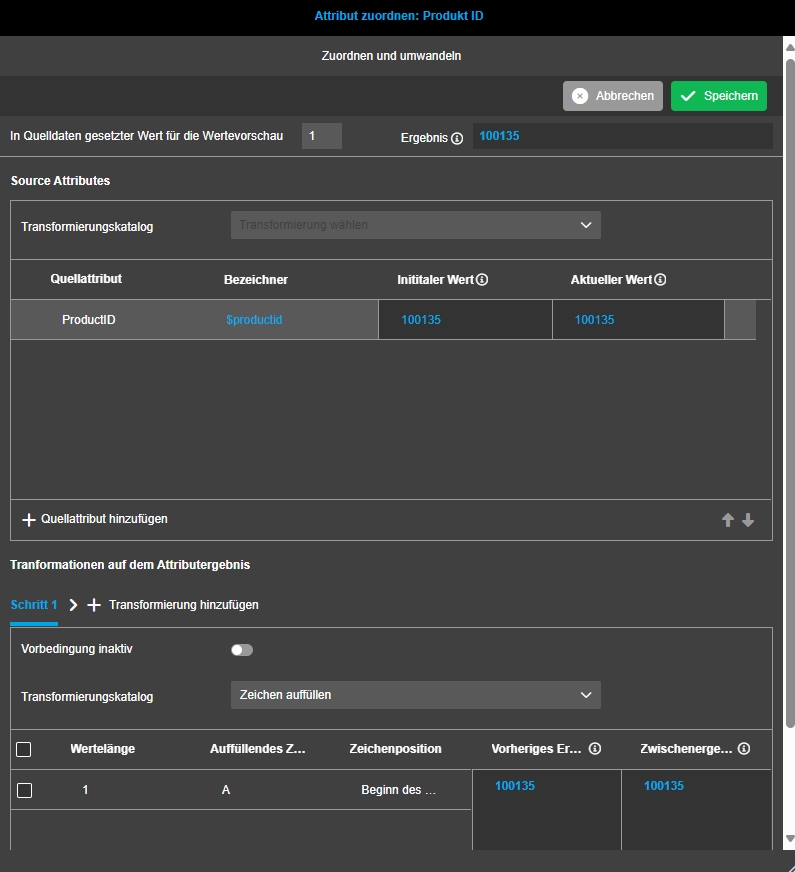
EAI UI - EAI-Mapping - Mapping Editor - Map and Transform - Transformation - Delete characters
References |
OG-14985 |
Possibility to apply a transformation that allows to delete/remove characters of the values
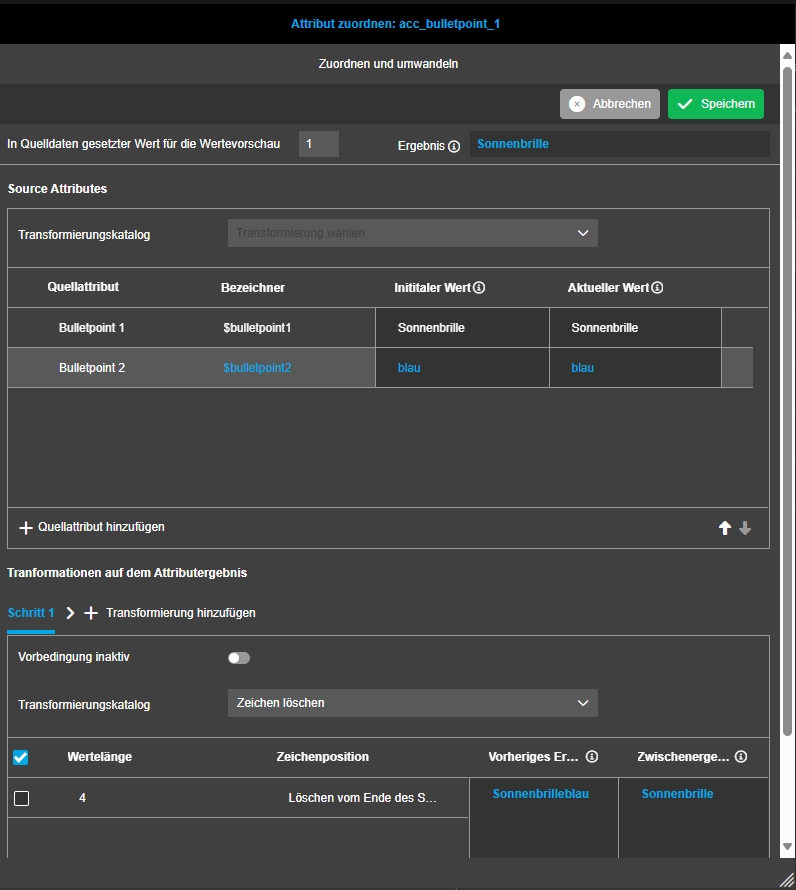
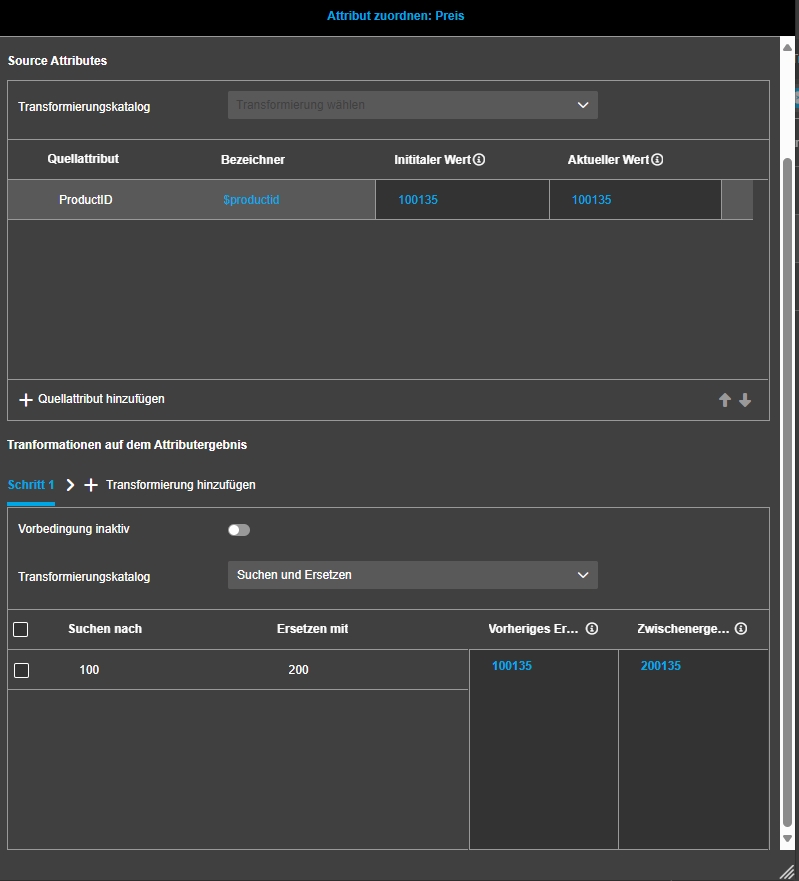
EAI UI - EAI-Mapping - Mapping Editor - Map and Transform - Transformation - Search and replace
References |
OG-14987 |
Possibility to apply a transformation that allows to search for entered values and replace them with a made input in the values
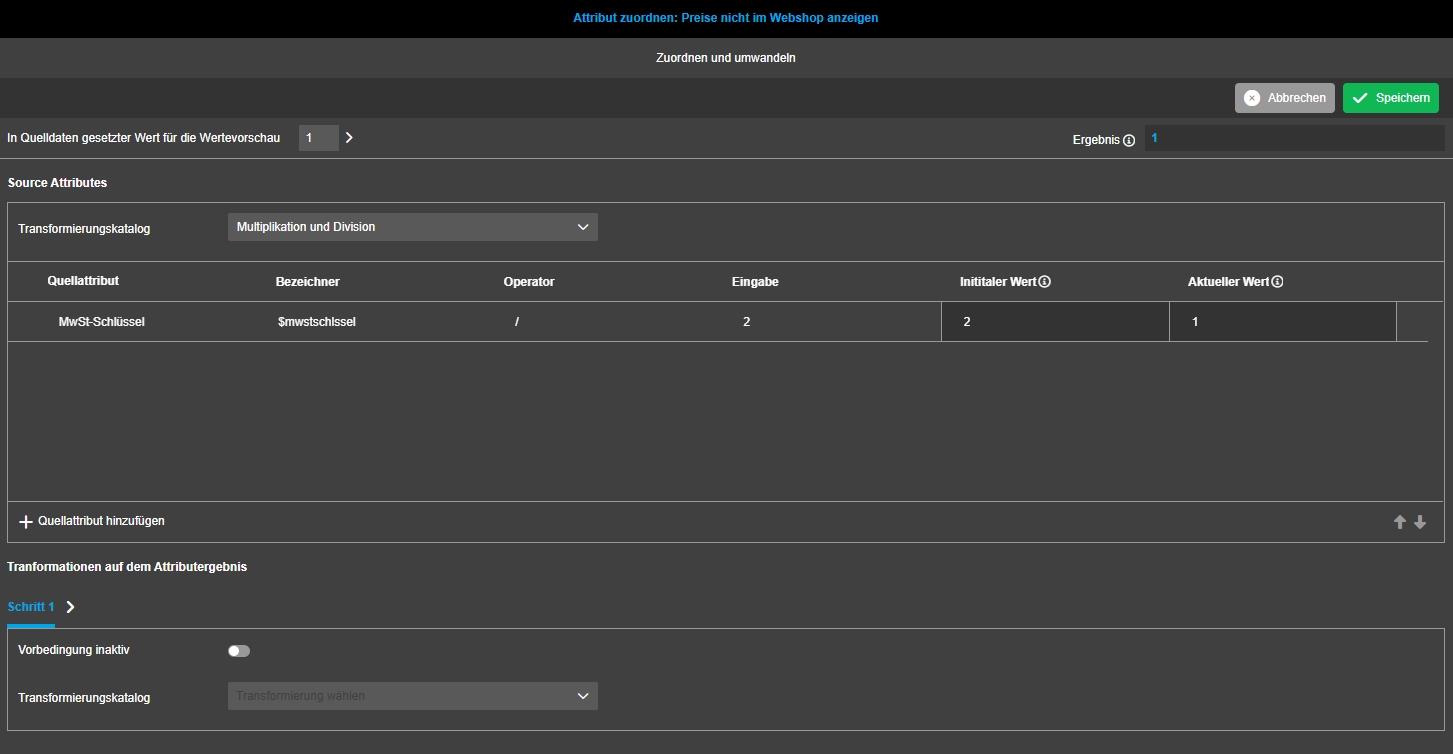
EAI UI - EAI-Mapping - Mapping Editor - Map and Transform - Transformation - factor and dividend
References |
OG-14989 |
Possibility to apply a Transformation that allows to multiply or divide value
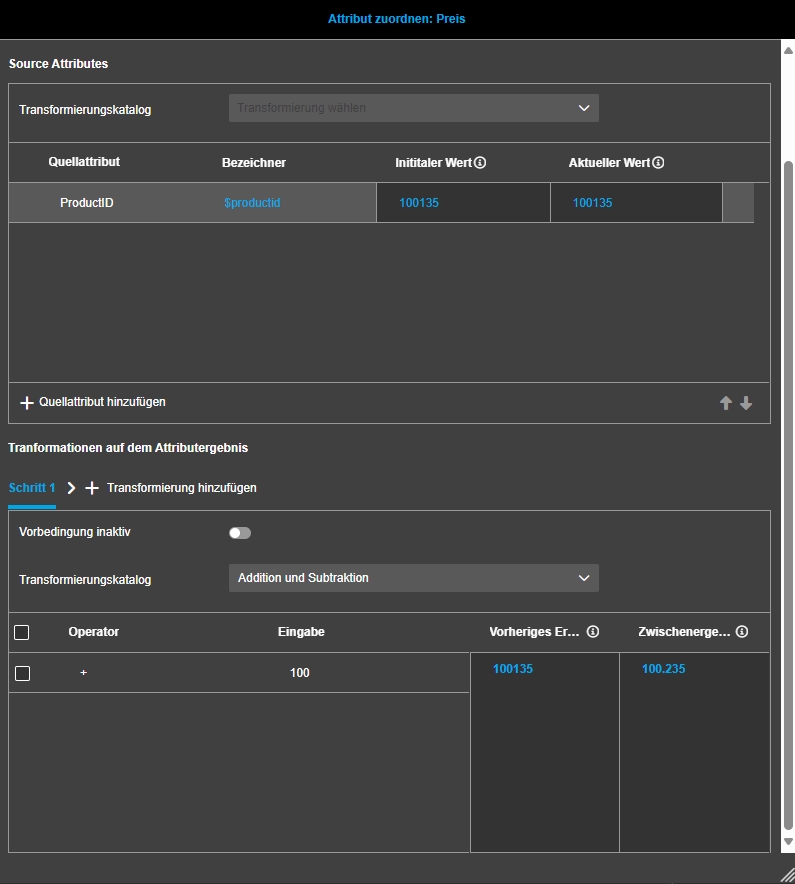
EAI UI - EAI-Mapping - Mapping Editor - Map and Transform - Transformation - Summand and subtrahend
References |
OG-14990 |
Possibility to apply a transformation that allows to add or subtract values in Mapping Editor
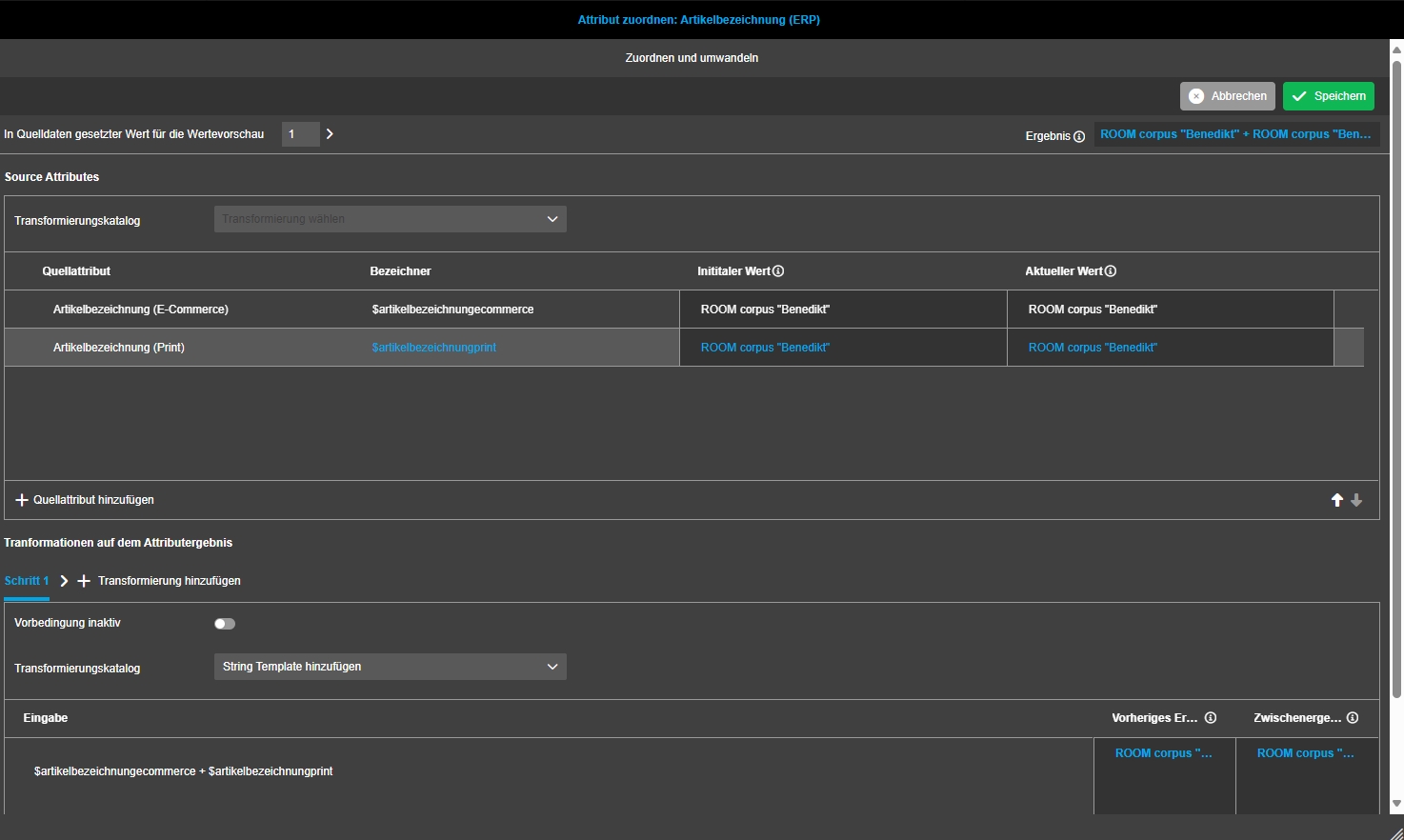
EAI UI - EAI-Mapping - Mapping Editor - Map and Transform - Transformation - String template
References |
OG-14991 |
Possibility to apply a string template Transformation for Import
EAI UI - EAI-Mapping - Mapping Editor - Map and Transform - Transformation - Script
References |
OG-14992 |
Possibility to apply a transformation with code that allows being flexible with needed transformations for the resulting omn Attribute
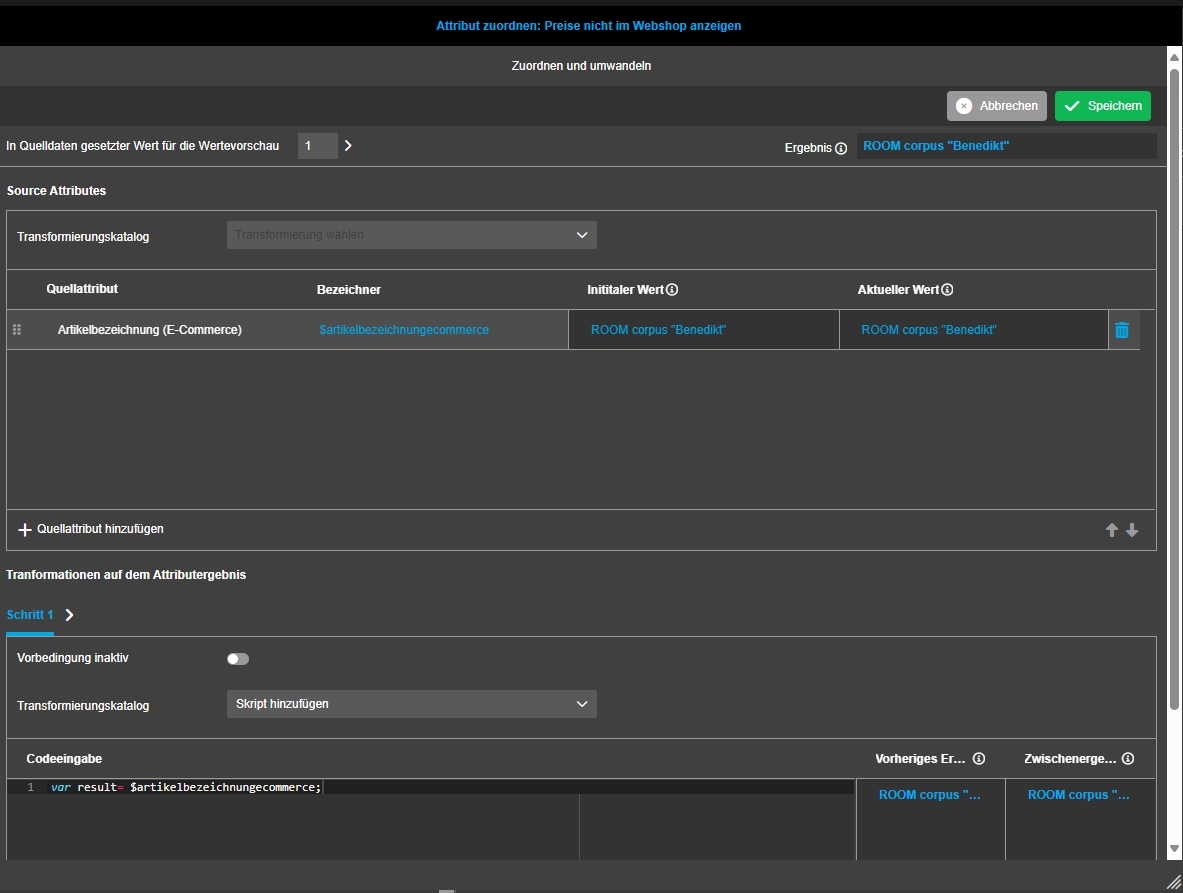
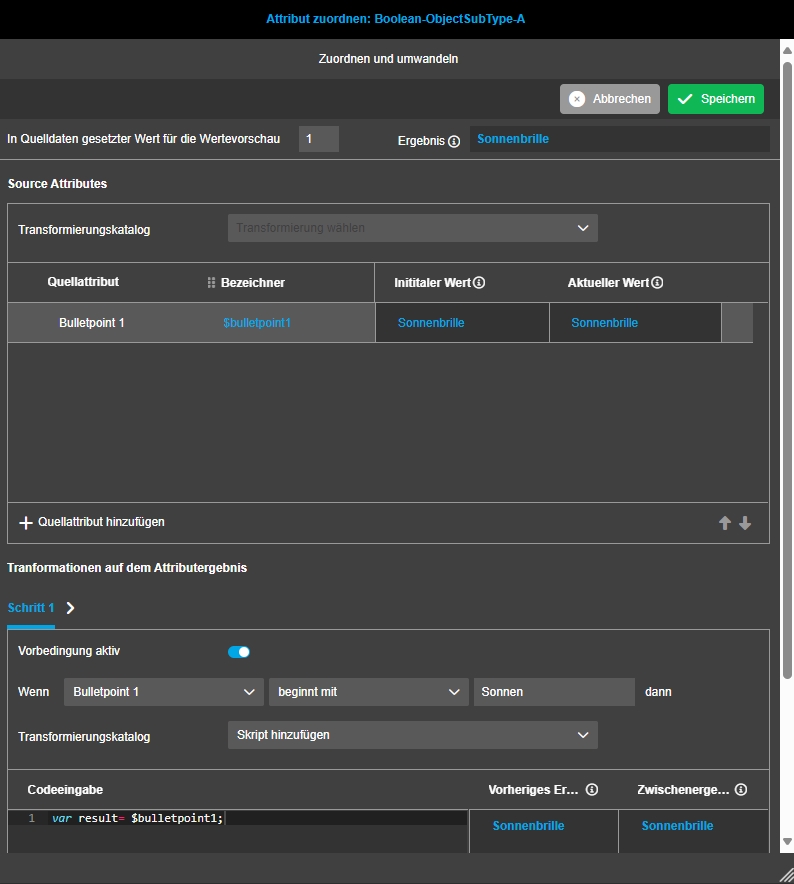
EAI UI - EAI-Mapping - Mapping Editor - Map and Transform - Map attribute table widget - Preconditions
References |
OG-14995 |
Possibility to configure preconditions that can be applied to the mapping steps, so the user is more flexible defining certain conditions to do the mapping
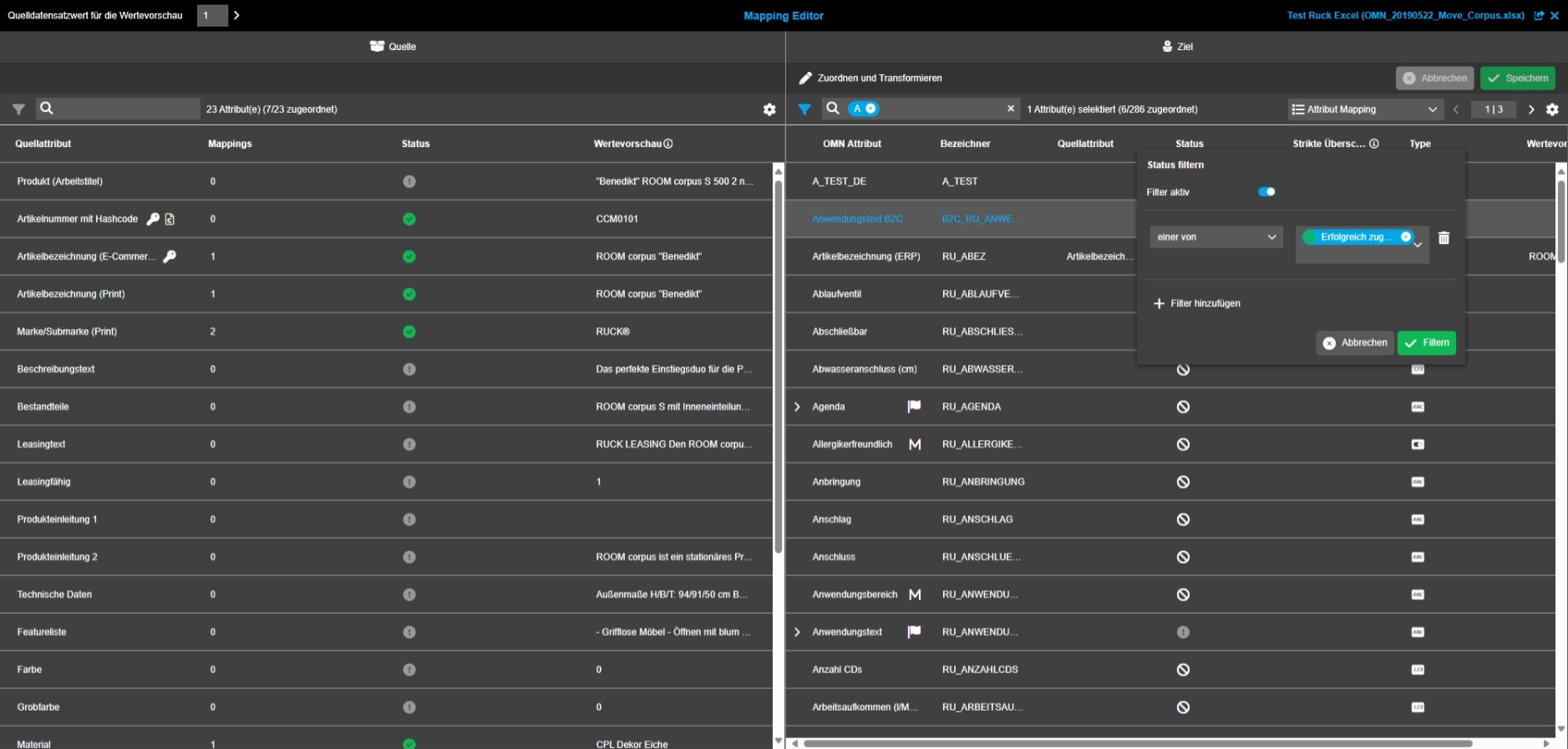
EAI UI - EAI-Mapping - Mapping Editor - Column Filters
References |
OG-15014 |
Possibility to filter for columns in mapping Editor
EAI Core
the possibility for eai to only import the new products
References |
XR-1138 |
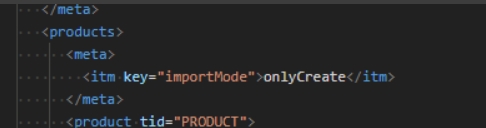
New possibility to only import and create new products via EAI
-
new key is introduced in MetaType of products list level
-
The new key can have different value to indicate which products will be imported:
-
Only import the new products (Create)
-
Only import the products existing in database (Update), XR-1139
-
Mixed (import all, the current implementation)
-
the possibility for eai to only update the products
References |
XR-1139 |
EAI having the possibility to only update the products
Only export if localization of domain value is available
References |
XR-935 |
In case a domain value has no localization, the value will no longer be exported as empty
-
In case of normal domain values (not language dependent and not listable) empty localizations will no longer be exported
Example before change
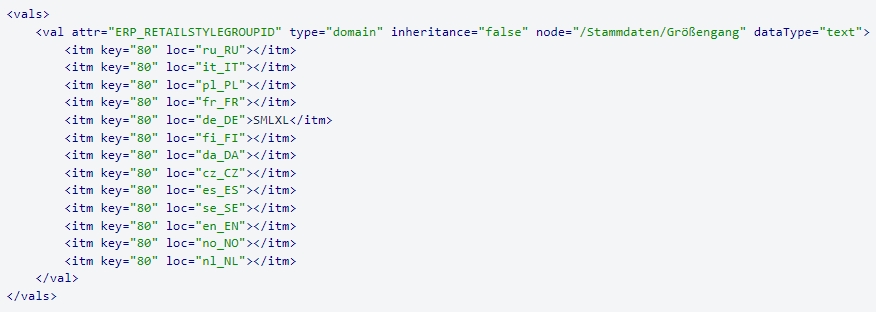
Example after change

Possibility for EAI to import with combination of attributes as dynamical identifier
References |
XR-1220 |
Possibility to import with combination of attributes as dynamical identifier.
EAI should be able to write history entries
References |
OR-1570, XR-1285 |
EAI module now writes history entries for changes in DAM and PIM made via API or EAI
CM
General
Add relation modification date for PEOs
References |
OMN-10815 |
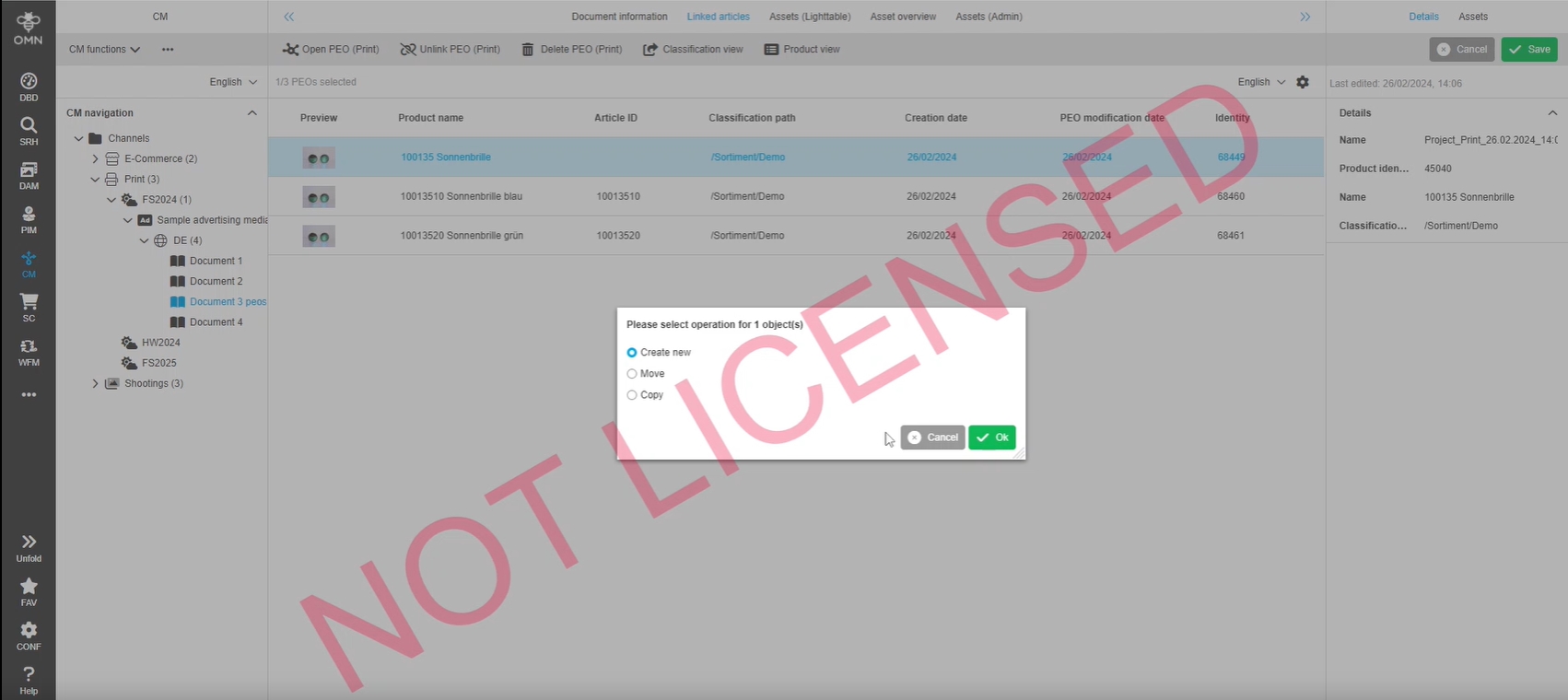
Introduction of new modification date, that is changed when existing PEO is linked to a Channel object so that is e possible to get modified PEOs by API
-
API has got a new boolean property in the RequestDto
-
Property name: considerLinkRelation
-
Only if value will be set to true, the new modification date will also be handled for updates PEOs
Annotation Tool
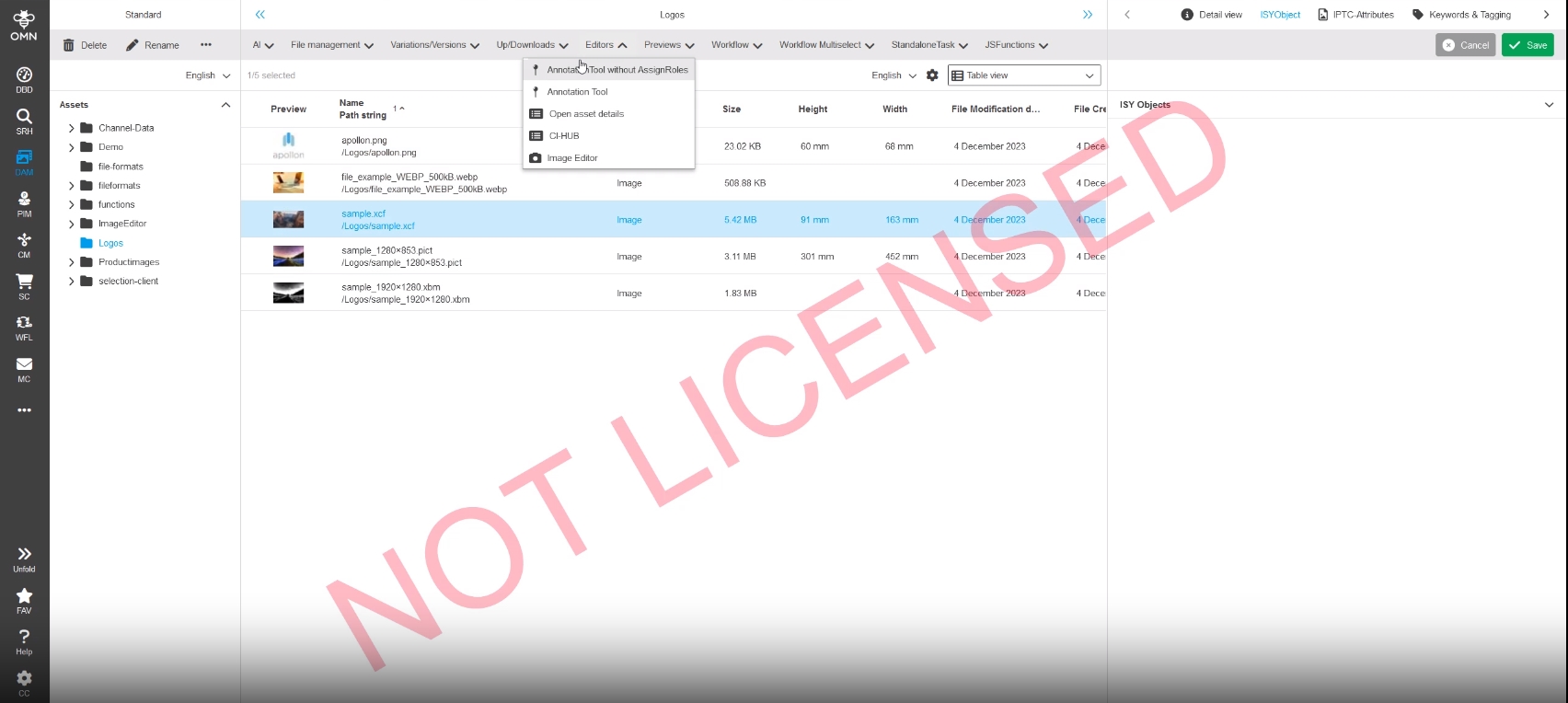
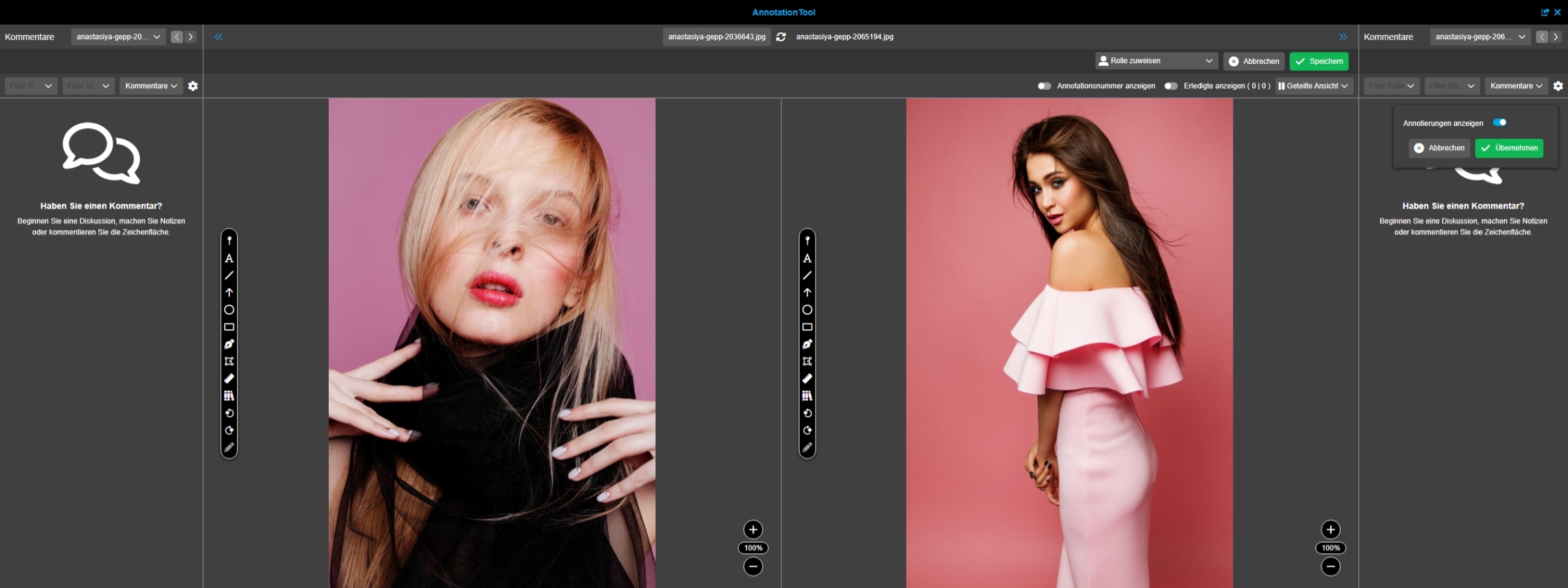
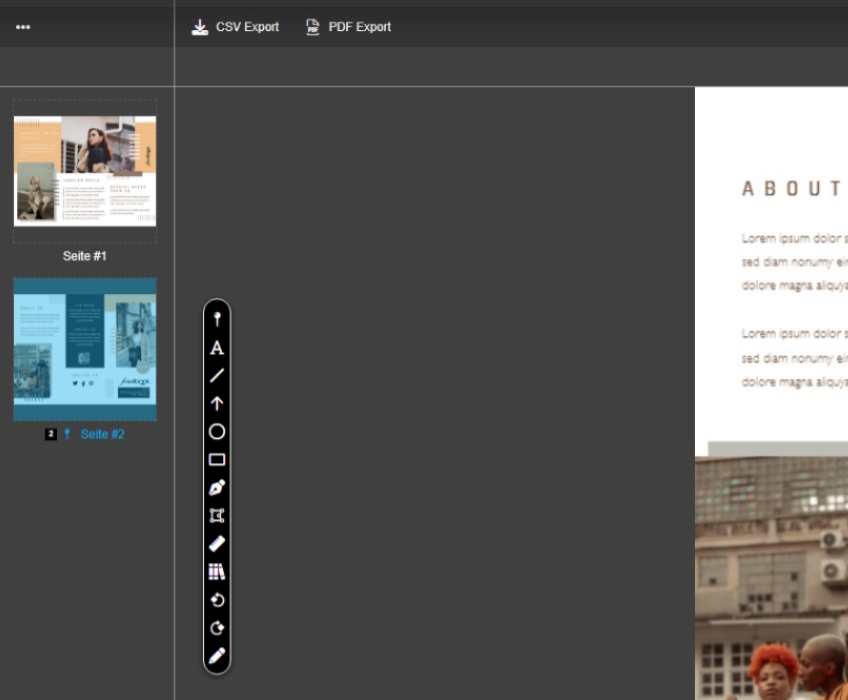
Annotation Tool - Introducing Compare Views
References |
OG-13735 |
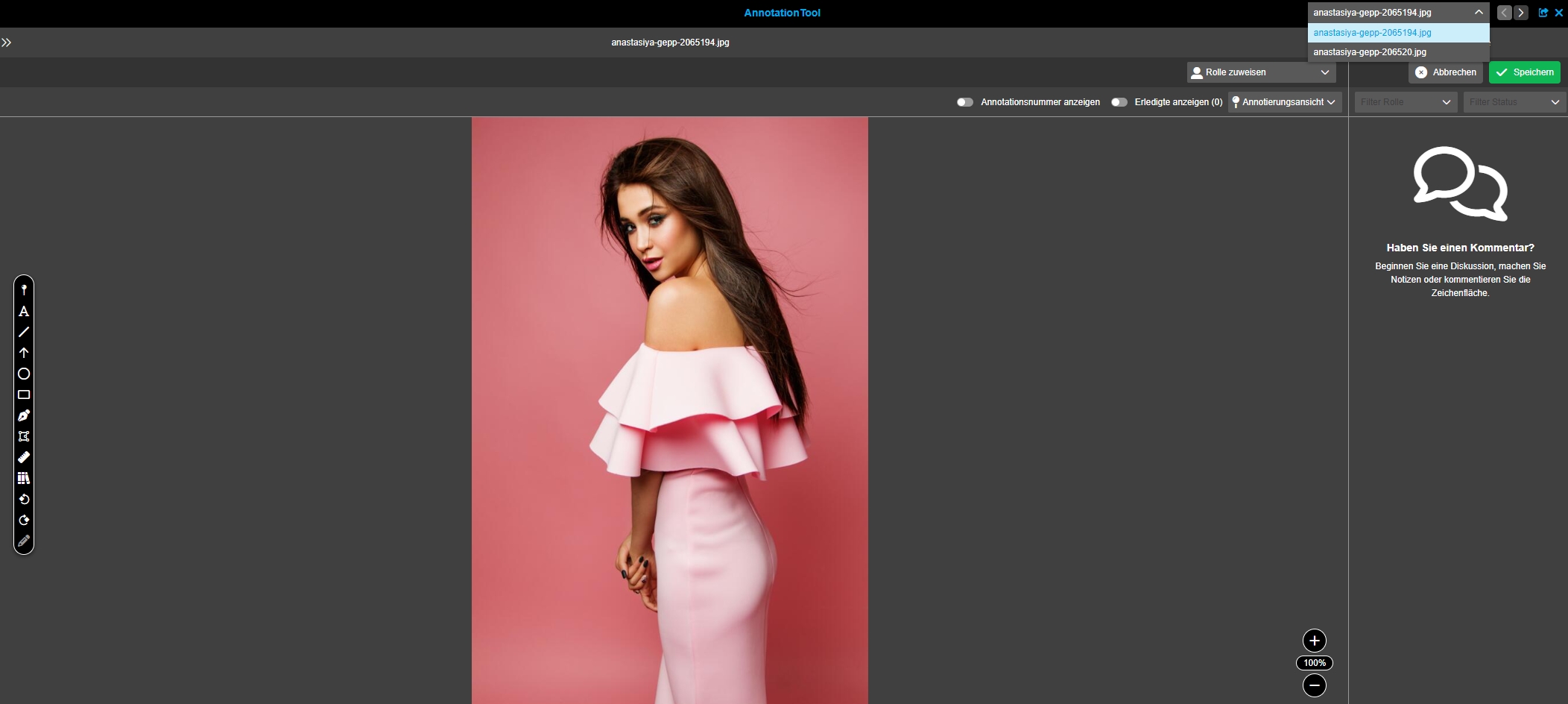
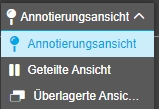
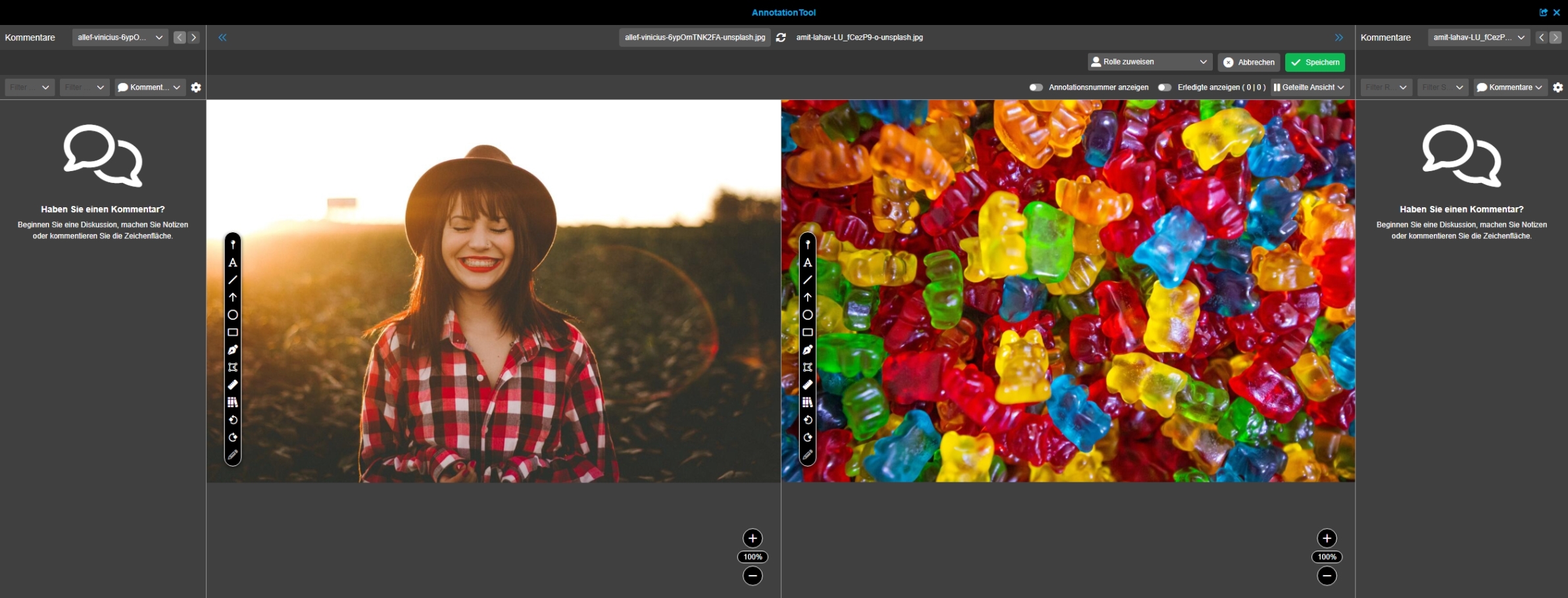
Introduce of new modes in Annotation Tool to compare two files
Annotation Tool - Compare View - Split View
References |
OG-13736 |
New View in Compare View of Annotation Tool to compare 2 assets with each other in a split view
Annotation Tool - Compare View - Overlay Views
References |
OG-13739 |
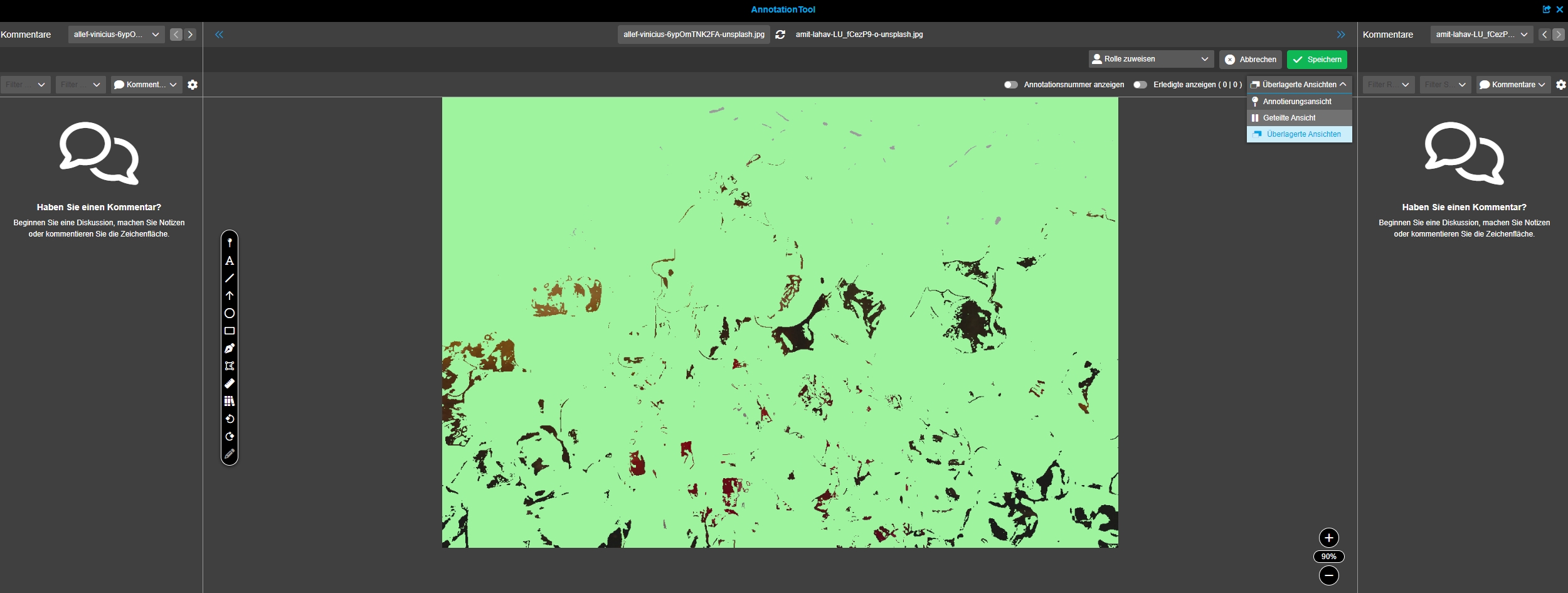
New possibility in annotation tool to compare two assets in overlay views with each other
-
Version 6.0 will only allow difference view (OG-13334)
-
other views will follow in later versions
Annotation Tool - Compare View - Overlay Views - Difference
References |
OG-13334 |
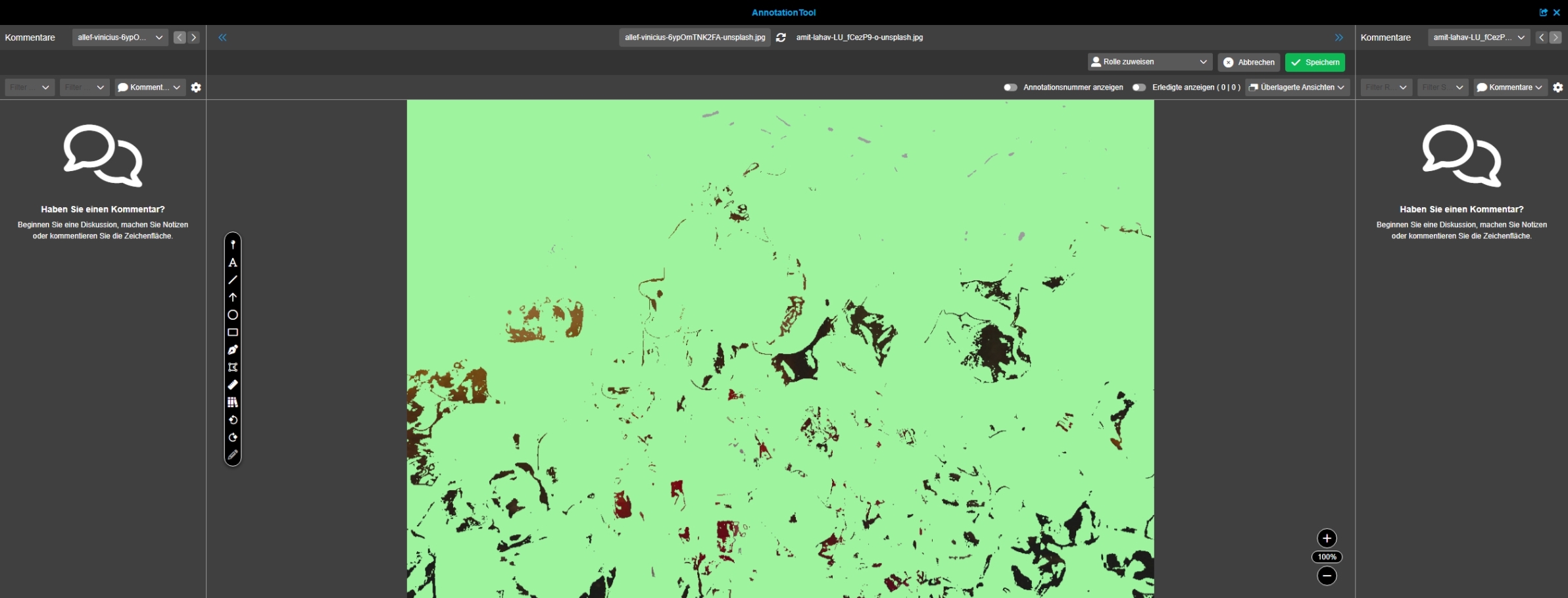
Introduction of new Compare View to compare both selected files on top of each other and have the differences highlighted to see where changes are located
Workflow
General
Drop unsupported Human Functions
References |
OMN-10624 |
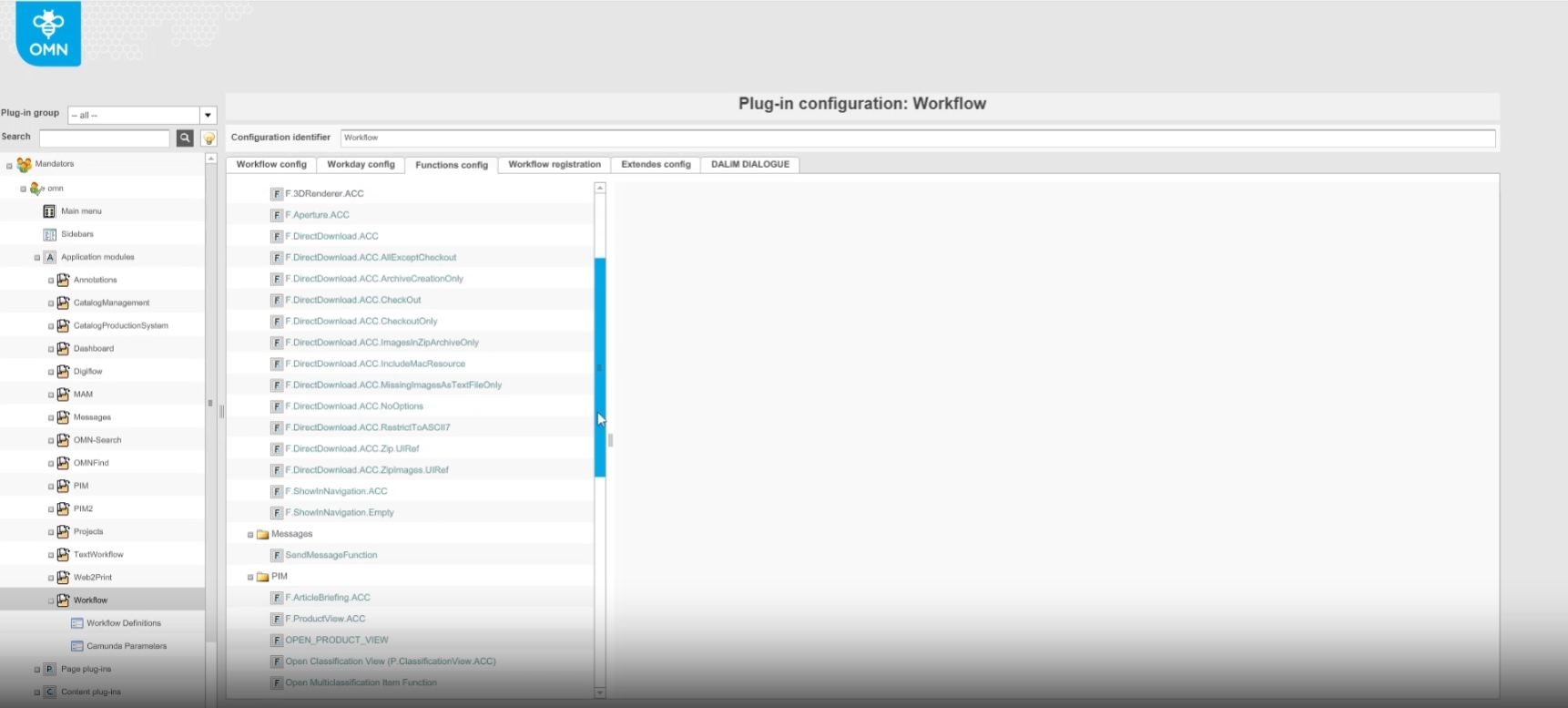
The following unsupported (flex-only) human Functions are removed (from sources and human function overview in old and new CC)
-
WorkflowCorrectionCommentsFunction
-
WorkflowCorrectionCommentsFunctionNew
-
WorkflowCorrectionDownloadCommentsPdfFunction
-
WorkflowCorrectionDownloadCommentsPdfFunctionNew
-
WorkflowCorrectionDownloadPdfFunction
-
WorkflowCorrectionDownloadPdfFunctionNew
-
WorkflowCorrectionICCProfileFunction
-
WorkflowCorrectionICCProfileFunctionNew
-
WorkflowDalimDialogueForCorrectionFunction
-
WorkflowDalimDialogueForCorrectionFunctionNew
-
WorkflowDalimDialogueForTranslationFunction
-
WorkflowDalimDialogueForTranslationFunctionNew
-
WorkflowDownloadDalimDialogueCommentsPdfFunction
-
WorkflowDownloadDalimDialogueCommentsPdfFunctionNew
-
WorkflowViewDalimDialogueCommentsFunction
-
WorkflowViewDalimDialogueCommentsFunctionNew
-
ShowTwistInformationFunction
-
WorkflowOpenWeb2PrintTabFunction
-
MassWorkflowOpenWeb2PrintTabFunction
-
WorkflowTranslationDownloadPdfFunction
-
WorkflowTranslationExportImportXMLFunction
-
WorkflowTranslationFinalDocFunction
-
WorkflowTranslationFinisherCheckinFunction
-
DigiflowCloseToDo
-
DigiflowProductBasedOrderDetails
-
LAGOReplicationActivityFunction
-
OpenViewByDeepLinkFunction
-
SelectionClientDeepLink
-
OpenMetaDataTranslationClientFunction
-
SampleHumanFunction
Drop unsupported Robot Functions
References |
OMN-10627 |
The following unsupported robot Functions are removed from sources and robot function overview in old and new CC Because they will no longer be supported
-
CalcTimeUntilDeadlineFunction
-
CheckinUNCFunction
-
CorrectionCheckinFunction
-
DalimTwistFunction
-
DigiflowCalculatePageBasedParams
-
DigiflowDownloadToMotive
-
GetDalimTwistProcessStateFunction
-
SampleRobotFunction
-
LAGOReplicationActivityFunction (removed in OMN-10624)
-
MetainfoSetFunction
-
MetainfoGetFunction
-
PIMExportActivityFunction
-
StartOnlineMaskProcess
-
TranslationCheckinFunction
-
UpdatePhotographerWflParamsFunction
-
WorkflowSetParameter
-
DigiflowCreateProjectStructure
-
DigiflowCopyXmp
Camunda
camunda OMN Based Template generation
References |
OW-659, OMN-10641 |
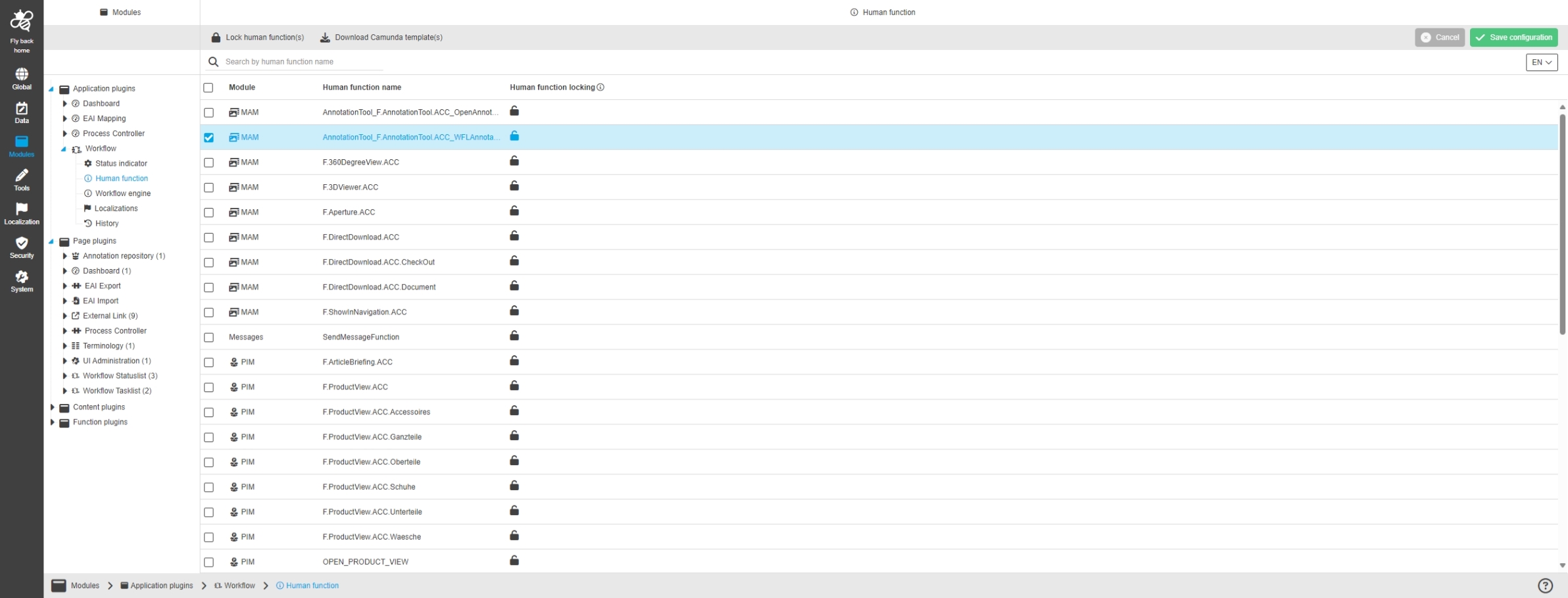
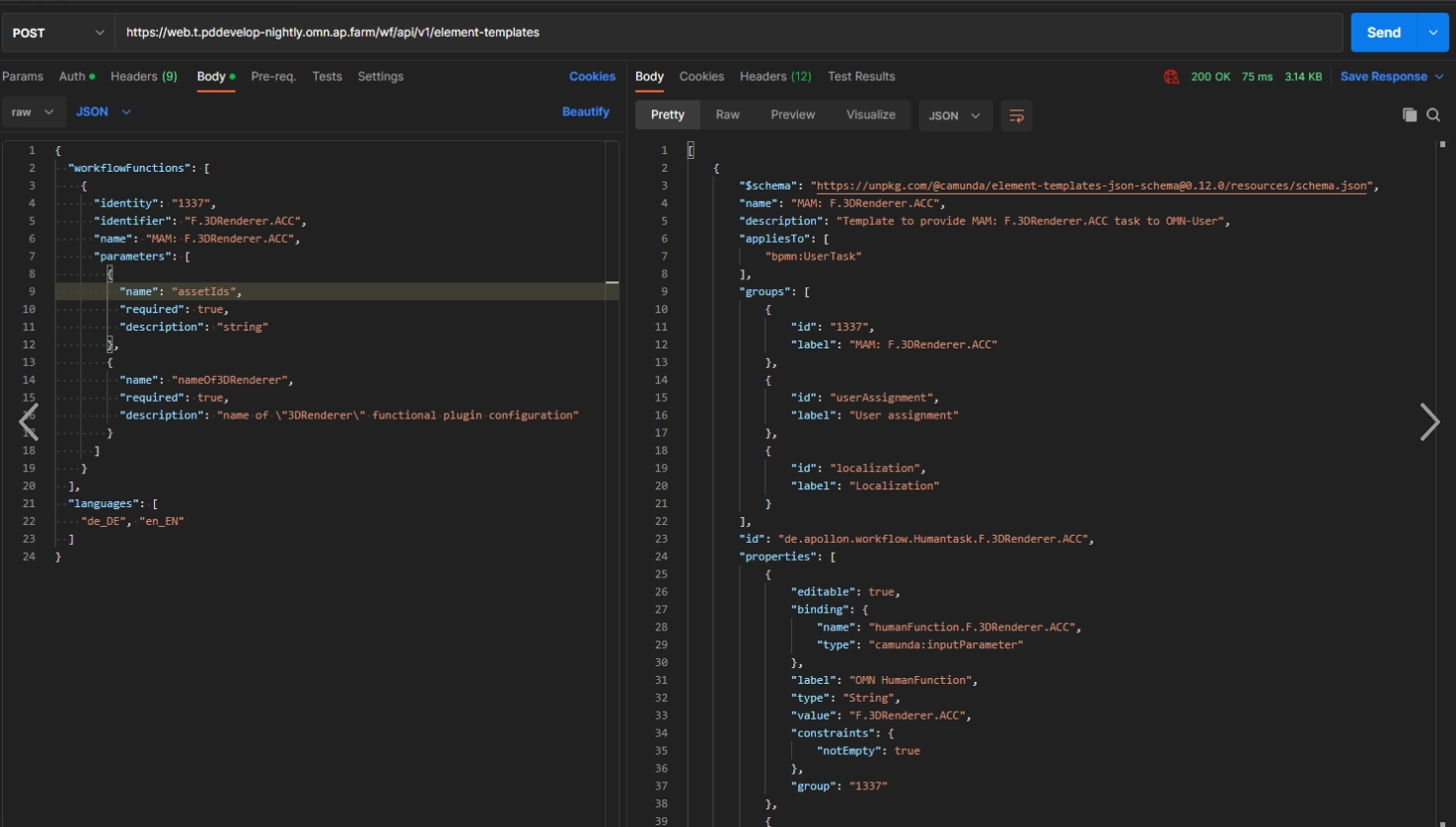
Camunda modeller creates template dynamically depending on system configuration
-
camunda templates for System configuration can be downloaded in new Configuration Client under Workflow/Human functions
Update OMN Camel Component to use OMN5 API
References |
OW-877 |
OMN Camel Component are updated and using OMN5 API now
Provide camunda template generator with combinatorics information oca
References |
OCA-103, OW-898 |
The Camunda element template Generator receives the information if the generated template is combinatorics or generic
-
In the case of a combinatorics template it needs to be provided with the input (template name)
Provide camunda template generator with combinatorics information
References |
OMN-10685 |
The Camunda element template Generator receives the information if the generated template is combinatorics or generic.
In the case of a combinatorics template it needs to be provided with the input (template name)
Search
Search MISC
Make IndexUpdateProcessor updateAllowed flag accessible
References |
PIC-711 |
Currently, the updateAllowed flag is only configurable by property. But it in certain situations it makes sense to disable incremental index update, e.g. when initializing the system via accelerator or bulk Imports so that IndexUpdateProcessor updateAllowed flag is now accessible
Change product exporter according to XR935
References |
PIC-718 |
Changes in Search to support EAI changes from XR-935 which changed the domain value structure
Enable multi-language support for expression and sort attributes
References |
PIC-721 |
Formerly OMN-Search and Elasticsearch-Service offers language support only on query Level.So it was not possible to query and sort attribute according to different languages.
By this feature expressions and sorting are extended that language can be specified for each attribute individual
Integration
AI-Text
New functionalities in context of AI Text
Technical Integration to Conversionmaker for Textcreation
References |
OW-802 |
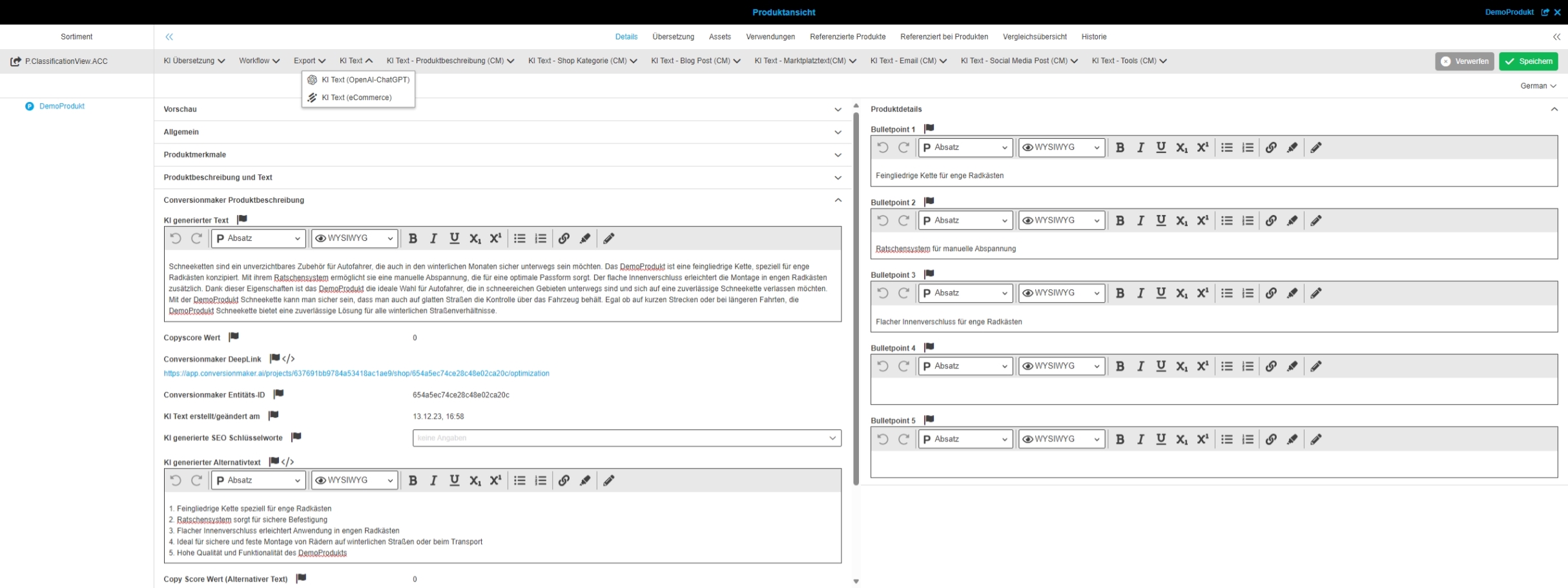
Possibility to automatically generate texts via an AI for certain application texts via an integration to ARWriter from Conversionmaker
Include GPT-4 model into OpenAI WFL
References |
OMNA-1419 |
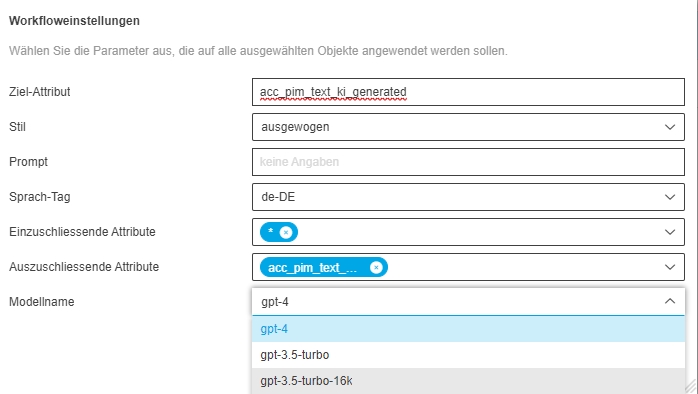
The Open AI Model can now be Chosen when using ChatGPT
-
you can now choose between several GPT models
-
GPT-4 is now supported
Support new additional languages for Conversionmaker
References |
OW-963 |
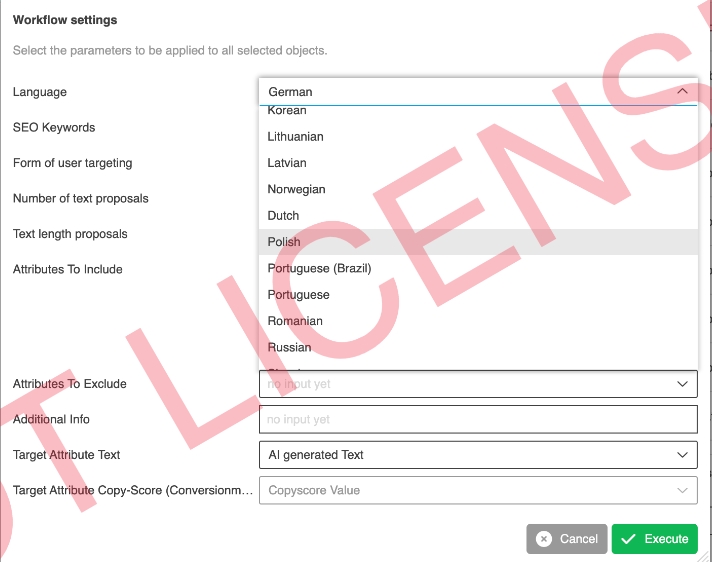
Conversionmaker supports now 31 Languages since 25.01.24 which are also usable with OMN Integration of conversion maker now
-
Bulgarian
-
Czech
-
Chinese
-
Danish
-
Dutch
-
English (GB + US)
-
Estonian
-
Finnish
-
French
-
German (+ Austria & Switzerland)
-
Greek
-
Hungarian
-
Indonian
-
Italian
-
Japanese
-
Korean
-
Latvian
-
Lithuanian
-
Norwegian
-
Polish
-
Portuguese (+BR)
-
Romanian
-
Russian
-
Slovakian
-
Slovenian
-
Spanish
-
Swedish
-
Turkish
-
Ukrainian
AI-Tag
New functionalities in context of AI Tag
AI-Image
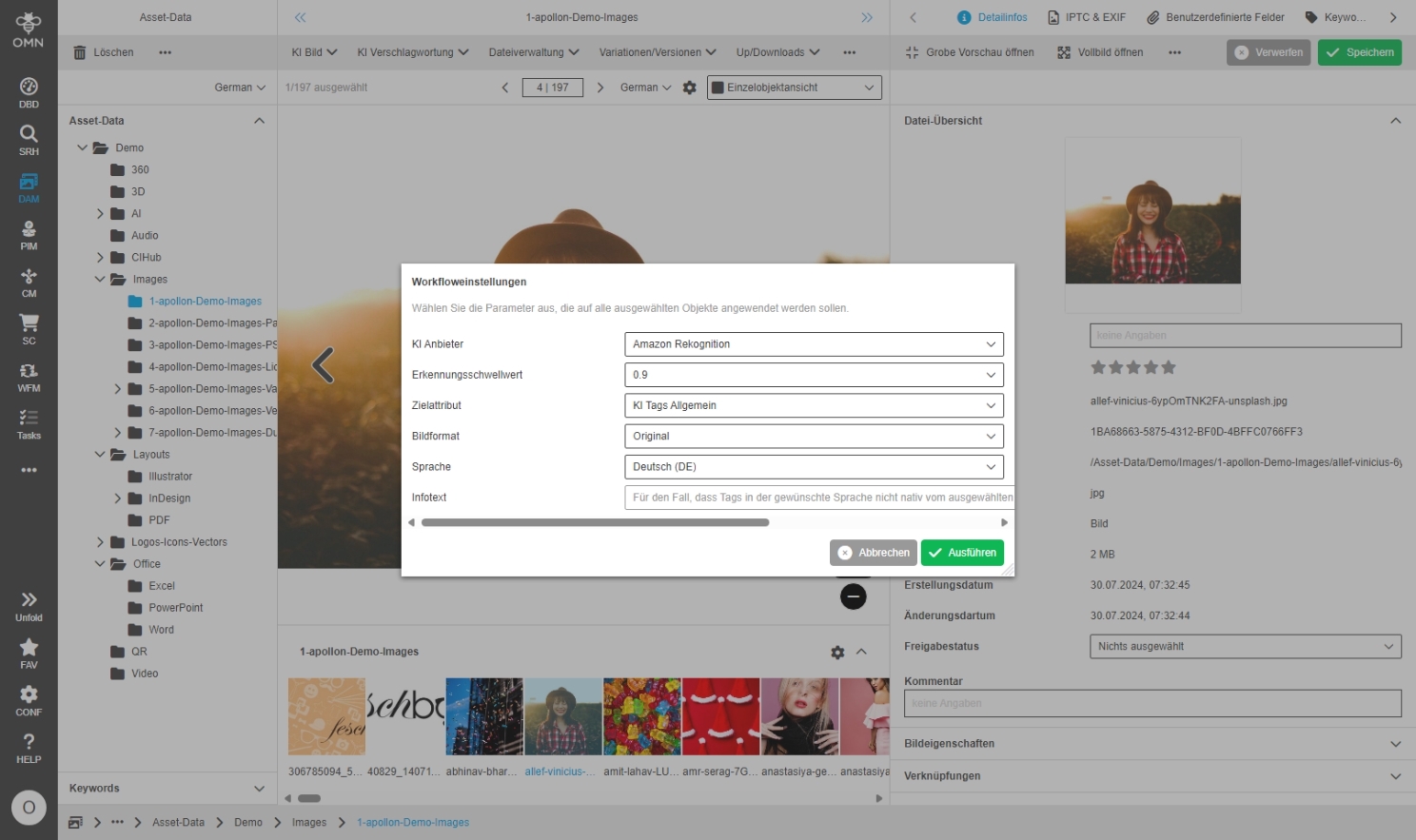
New functionalities in context of AI Image
Set default model to GPT-4o in AI Image Analysis Workflow
References |
OW-959 |
AI Image Analysis Workflow uses GPT-4o as Default model
-
GPT4o Model is also provided by accelerator (OMNA-1419)
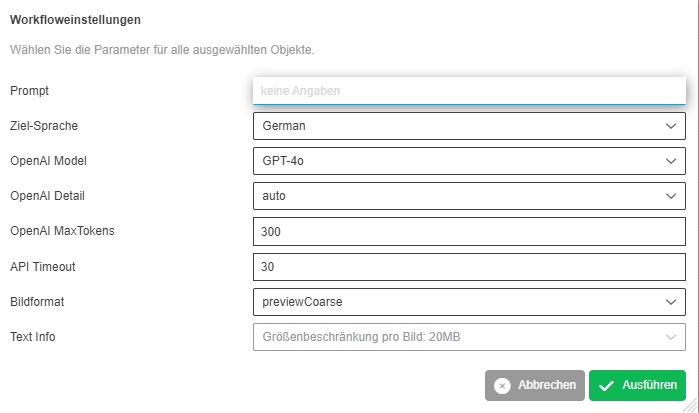
AI Image (AutoRetouch) - Support of Versions and Variants
References |
OW-796 |
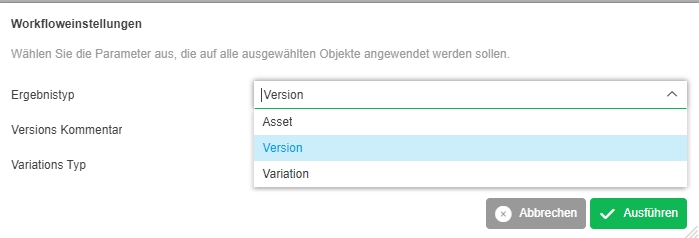
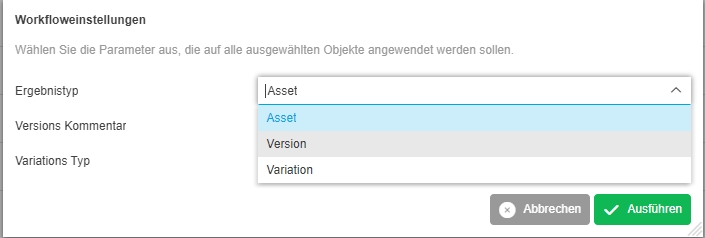
Possibility to save the results of AutoRetouch as a new version in OMN beside the current possibility to write /overwrite new file
-
the AI AutoRetouch workflow now supports following new Parameters
-
ext.ai-imageprocessing.overwrite (false, true)
-
ext.ai-imageprocessing.resultType (Asset, Version, Variation
-
ext.ai-imageprocessing.versionTimeoutDate
-
ext.ai-imageprocessing.versionProtectedAfterDate
-
ext.ai-imageprocessing.versionProtectedBeforeDate
-
ext.ai-imageprocessing.variationType
-
ext.ai-imageprocessing.variationFileName
-
| in ACC profile only view Parameter Settings are used |
AI-Translate
New functionalities in context of AI translate
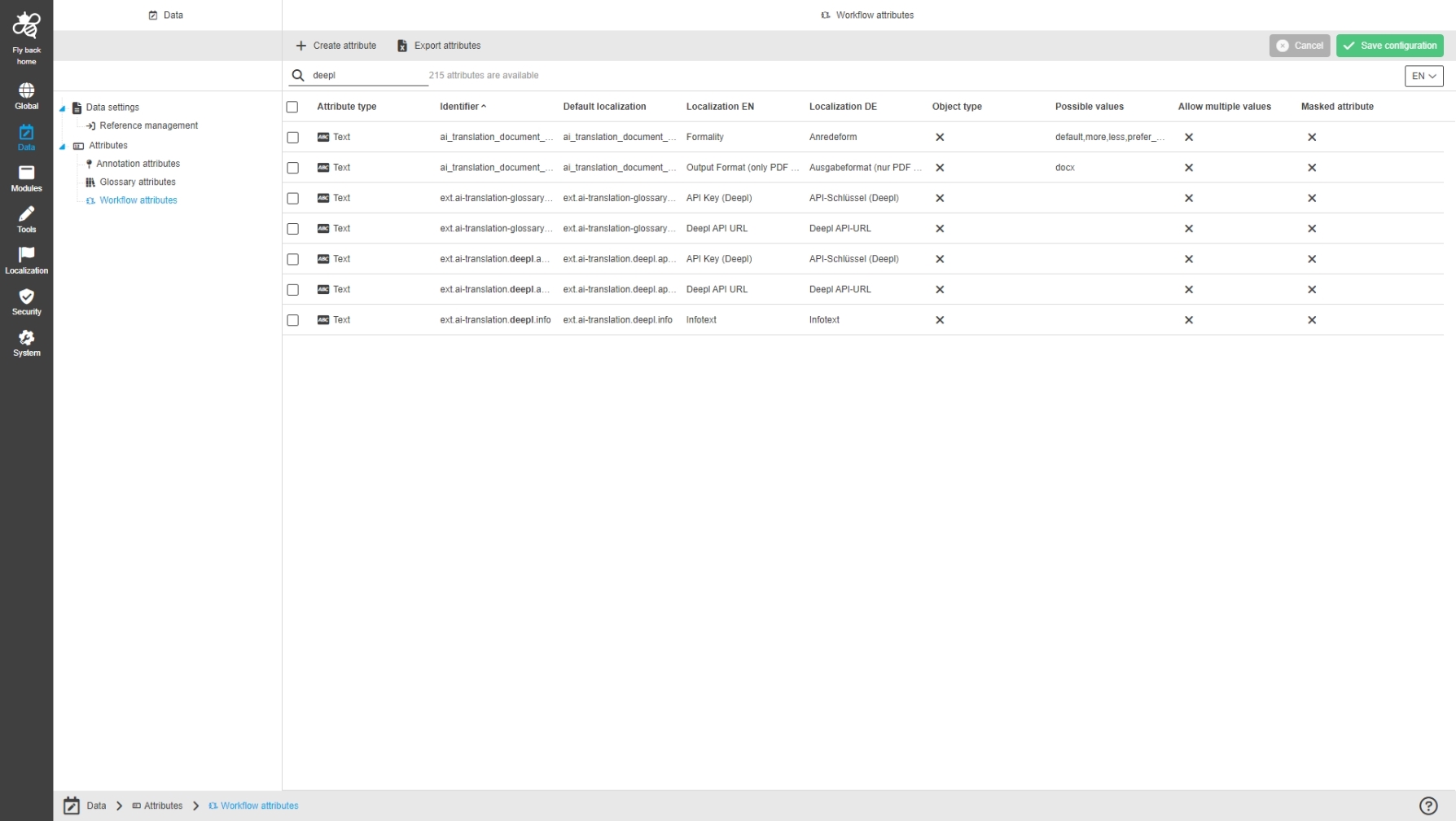
Support AI Translation Service for MAM document assets (DeepL)
References |
OW-259 |
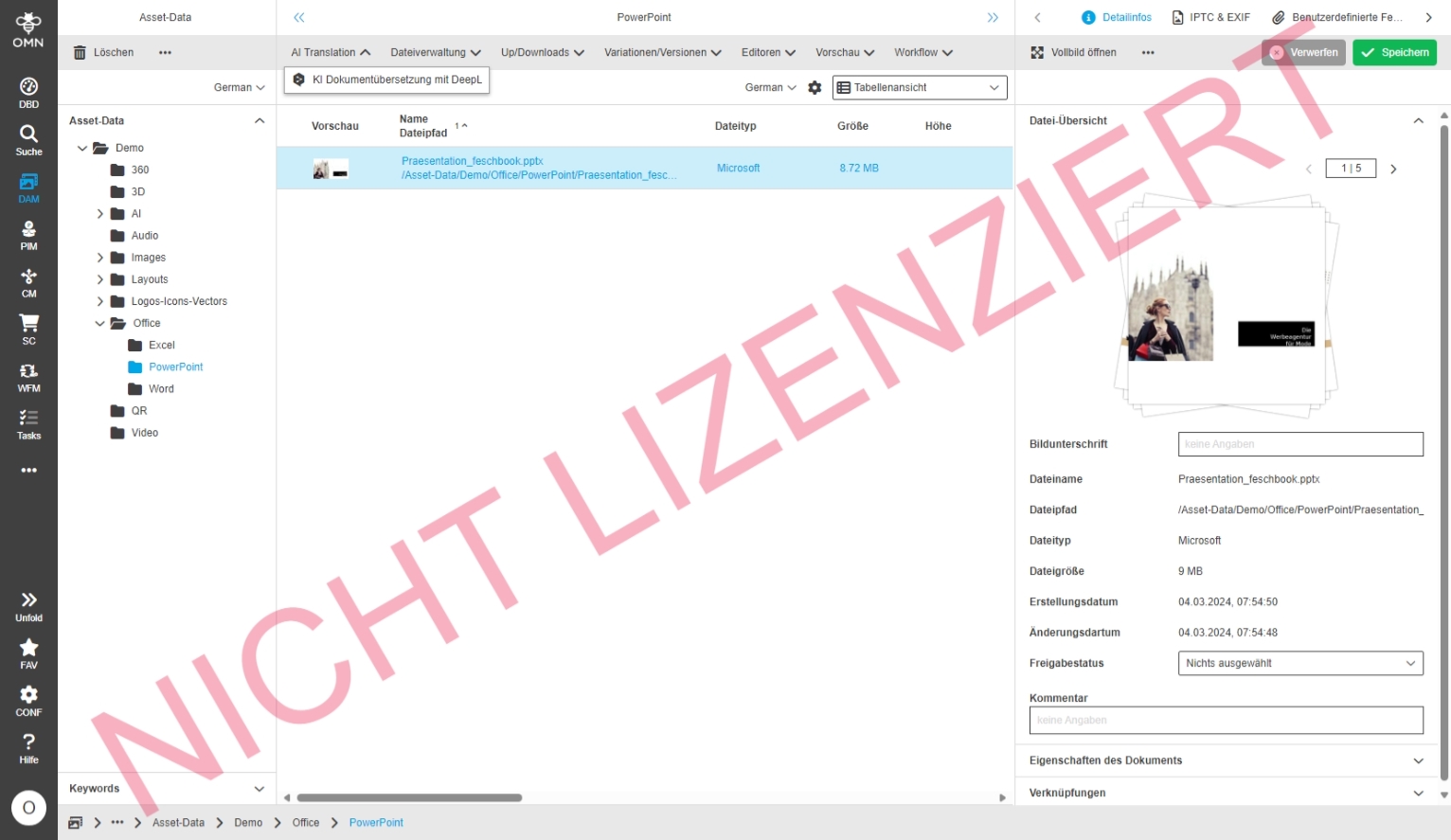
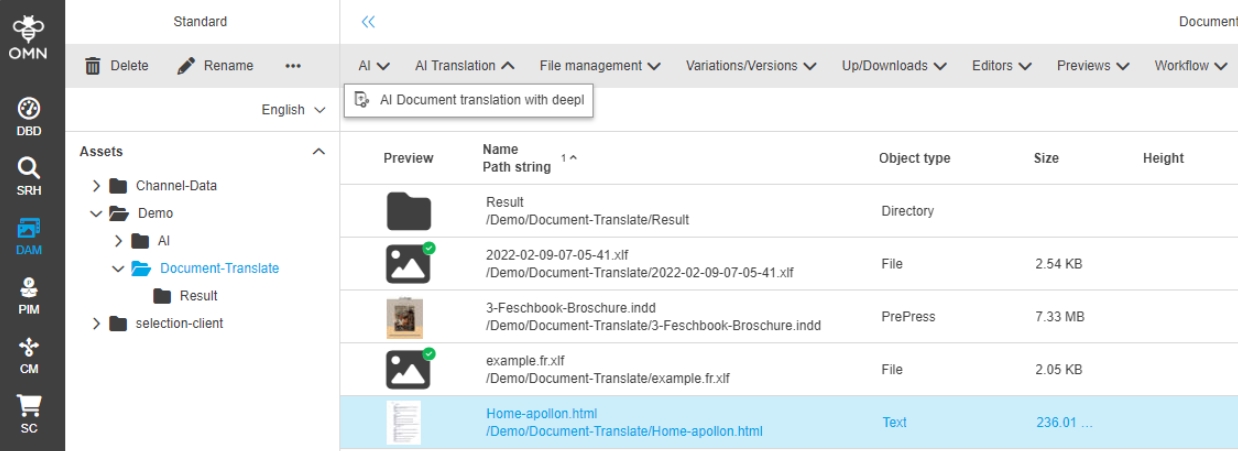
Possibility to translate a document stored in OMN via the DeepL translation service directly from OnlineMediaNet
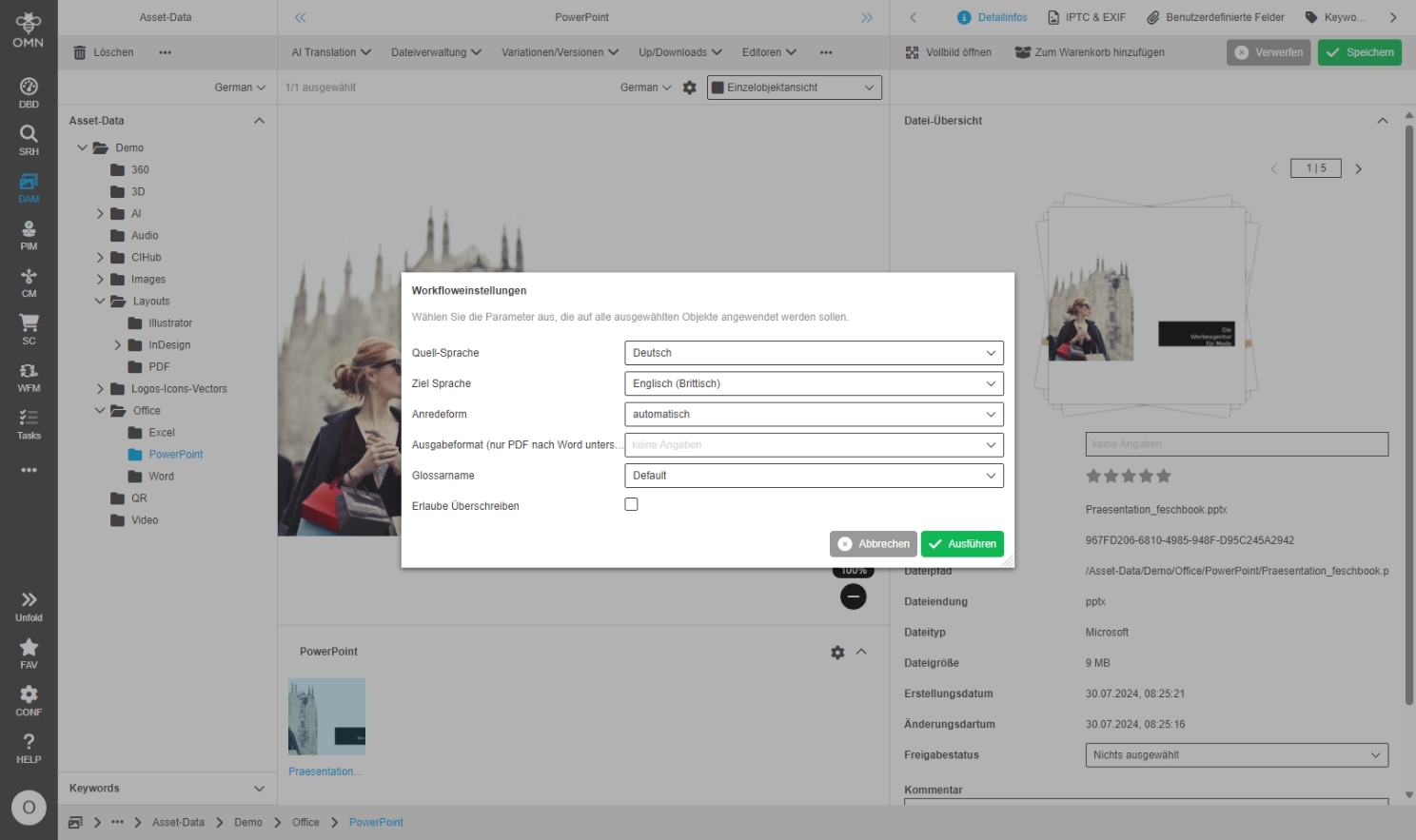
Enable configuring provider specific source and target languages for AI-Translate
References |
OW-934 |
Possibility to configure the Source and Target Language of the API Provider in case the hard internal mapping from OMN Locale ISO Code to DeepL Code does not match
Further Information can be found in documentation: AI-Translate | DeepL
Extend mapping mechanism for GenericMapper PDT
References |
OW-937 |
Extend mapping mechanism for LanguageTagMapper PDT to minimize configuration effort of Workflows like AI Workflows using the PDT with new parameters
-
doRequireSourceValue → defines if a source input value is required (implemented in AbstractMapper)
-
defaultValueIfSourceNotSet → defines the default target value to use in case source input value is not set (implemented in AbstractMapper)
-
fallbackRegexMappings → defines the regex replacement mappings which are used as fallbach in case no regular mapping was found (implemented in LanguageTagMapper)
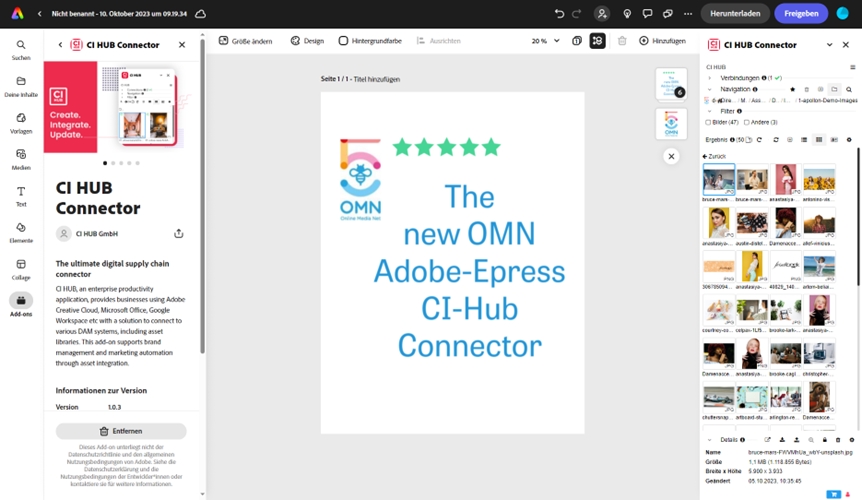
Config
Mandator
General
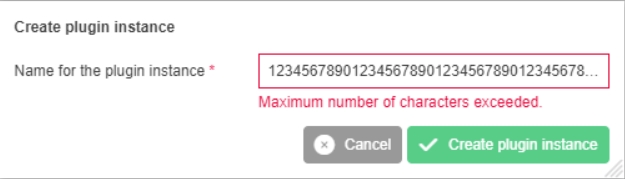
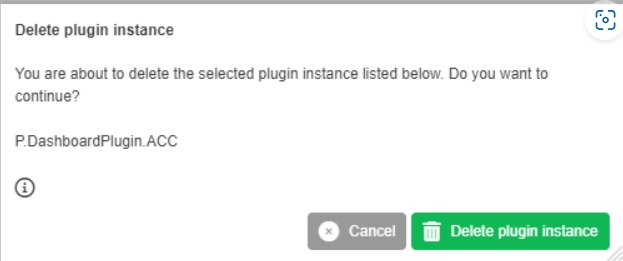
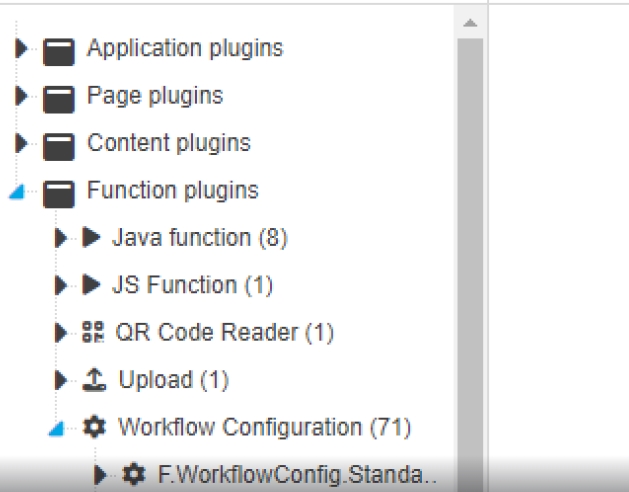
Modules - Plugins - Status bar - Adjust spelling of selected plugin instances
References |
OUCC-927 |
Localization Improvements in several config plugins
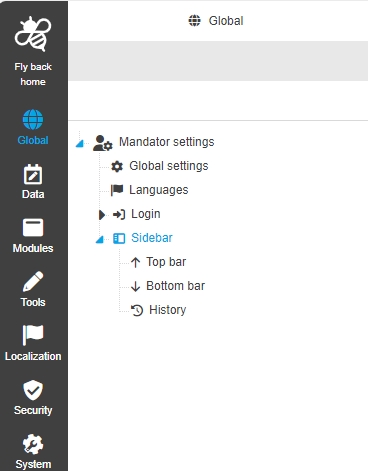
Sidebar
References |
OUCC-206 |
Possibility to configure sidebar in new HTML5 Configuration Client
Configuration Client - Global - Mandator Settings - Sidebar
References |
OUCC-1110 |
New OMN Configuration Client now has possibility to configure Sidebar Items for Navigation
Configuration Client - Global - Mandator Settings - Sidebar - General Layout
References |
OUCC-1140 |
New General Layout of Sidebar configuration in Configuration Client
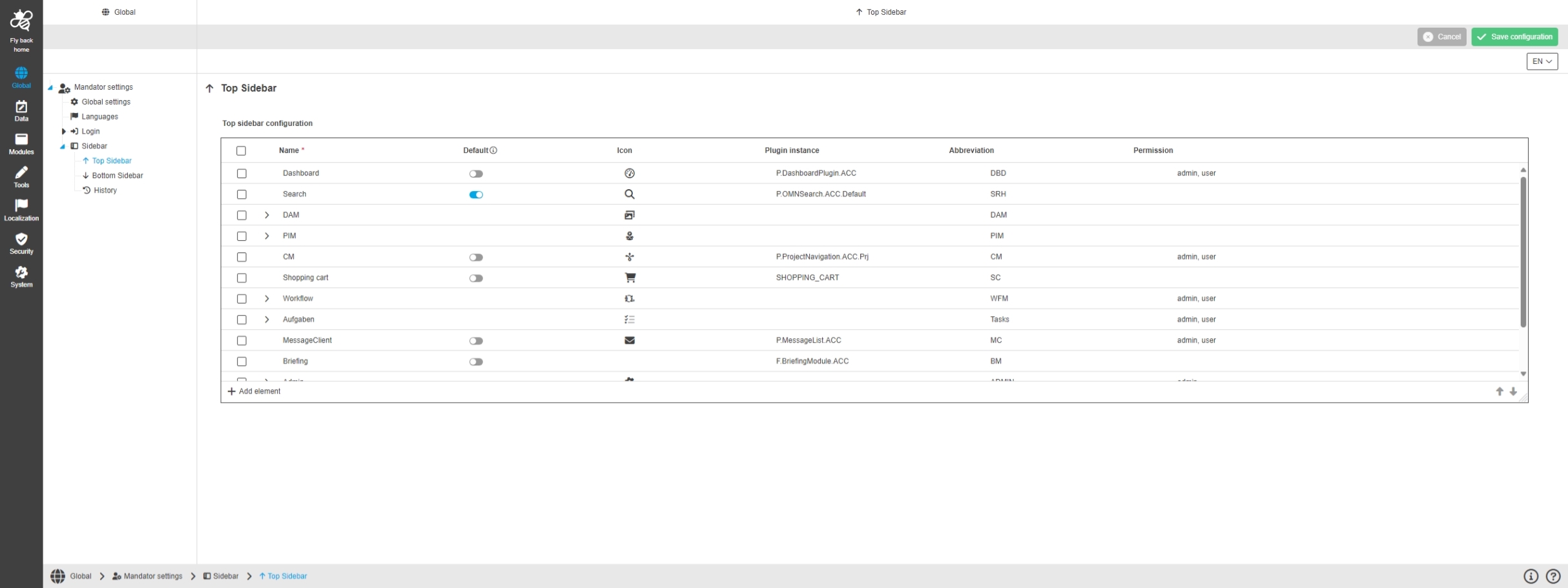
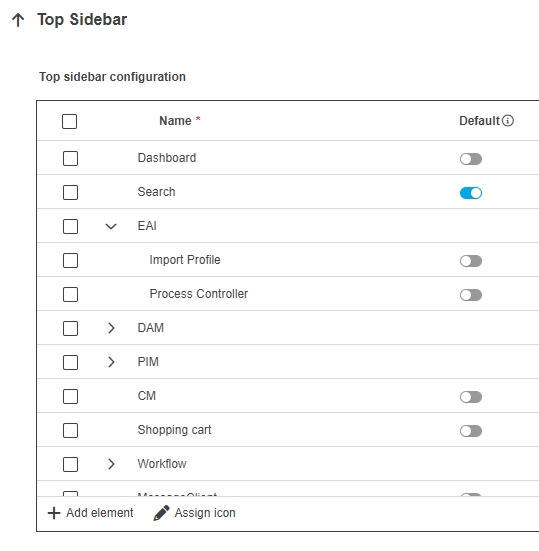
Configuration Client - Global - Mandator Settings - Sidebar - Top bar
References |
OUCC-1141 |
Possibility to make configurations concerning the top sidebar element
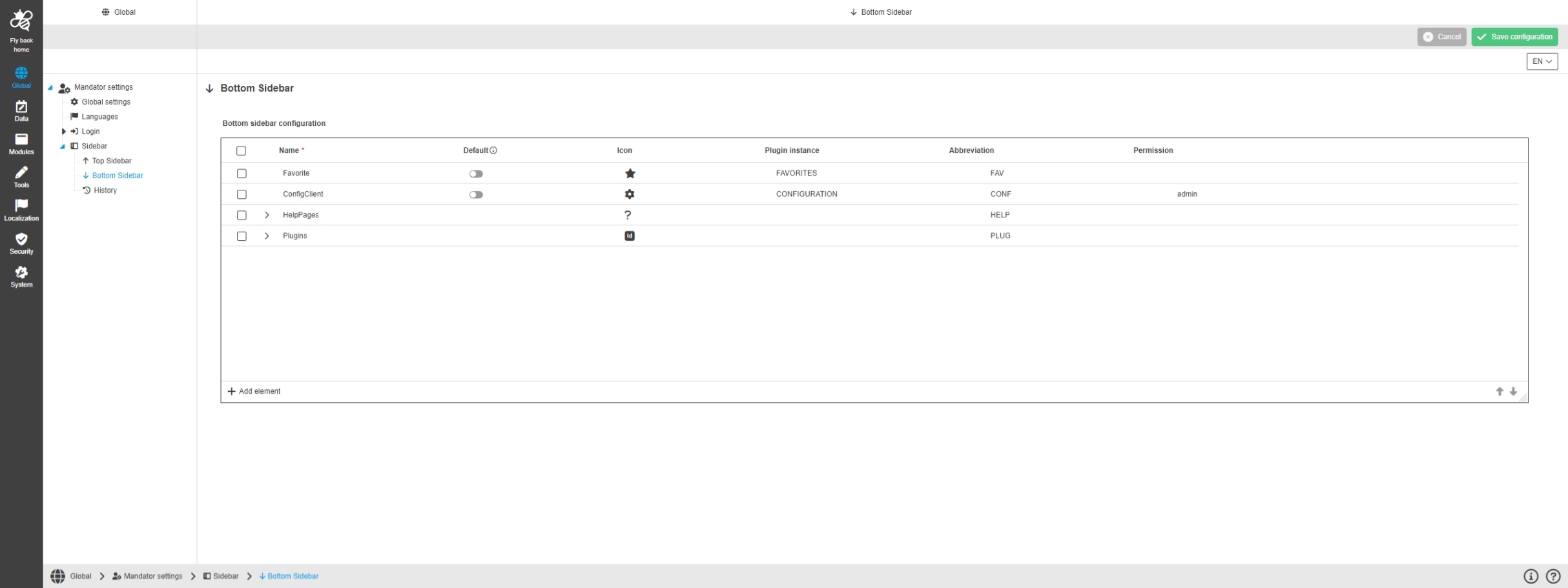
Configuration Client - Global - Mandator Settings - Sidebar - Bottom bar
References |
OUCC-1142 |
Possibility to make configurations concerning the Bottom sidebar element
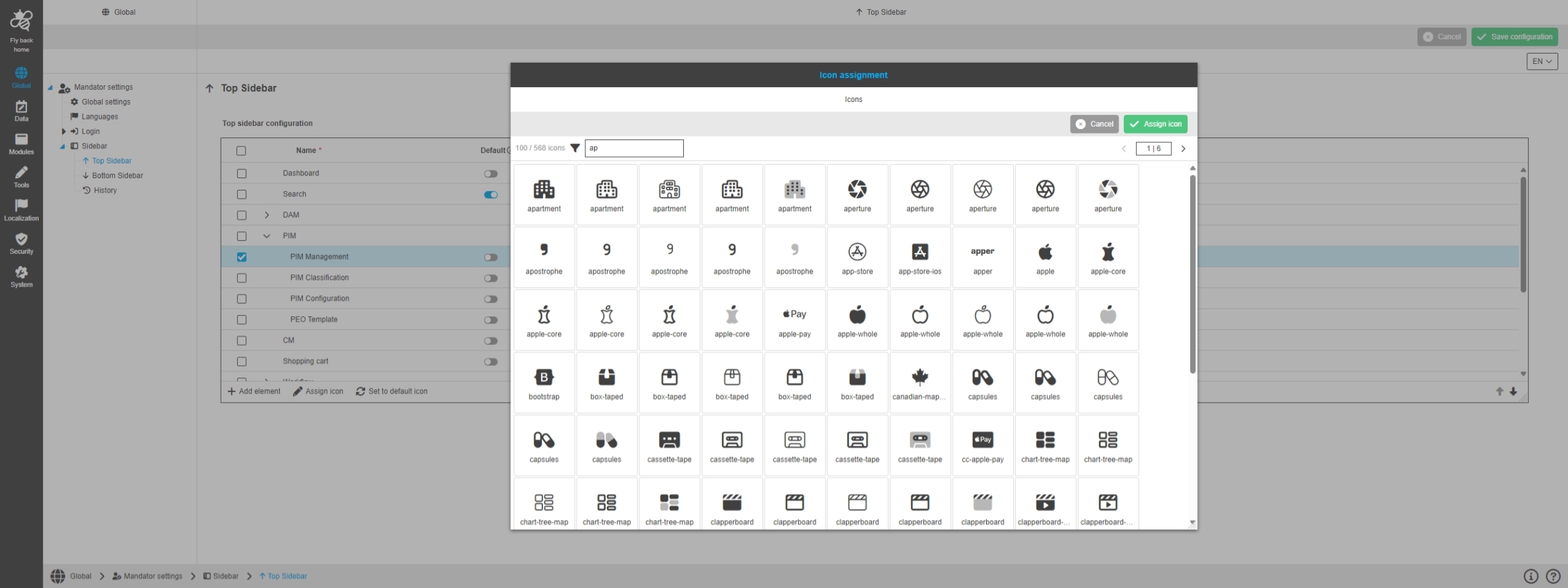
Configuration Client - Global - Mandator Settings - Sidebar - Icon assignment
References |
OUCC-1146 |
Possibility to set an icon to a sidebar element in sidebar configuration
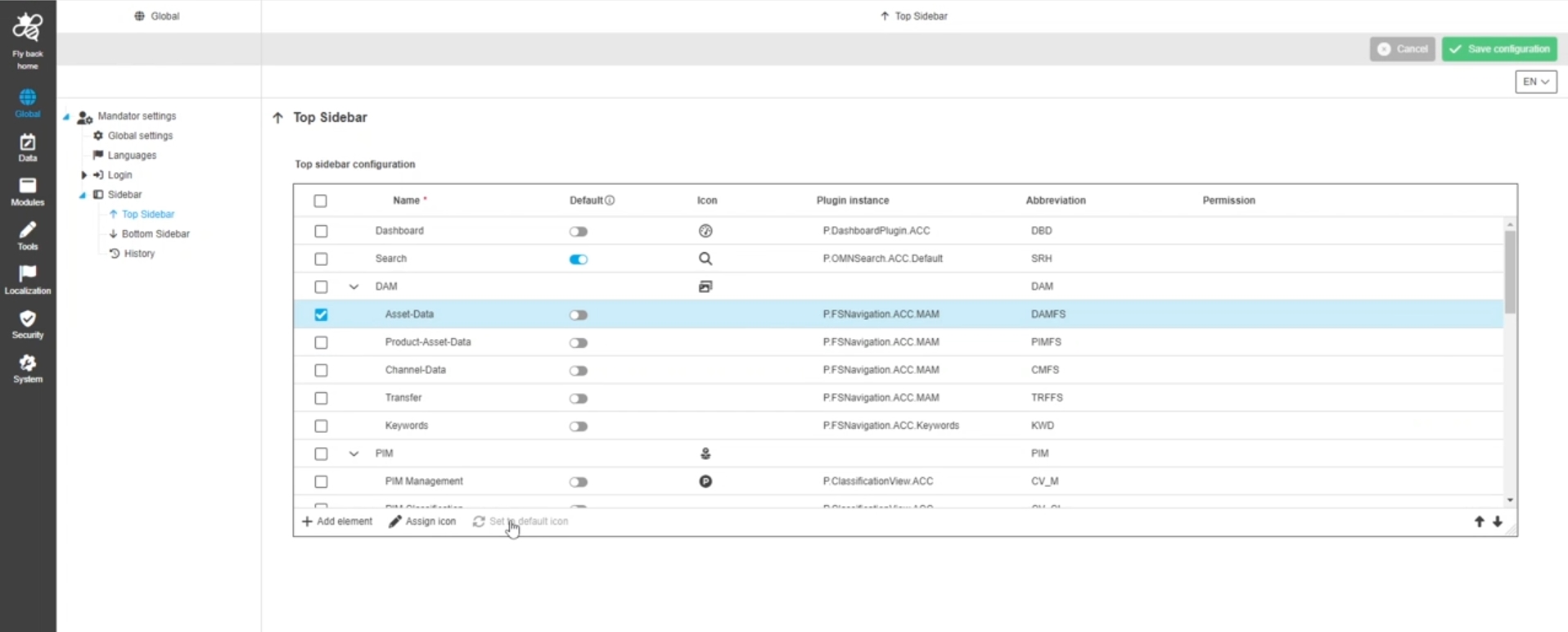
Configuration Client - Global - Mandator Settings - Sidebar - Default icon assignment
References |
OUCC-1147 |
Possibility to set the default icon to a sidebar element
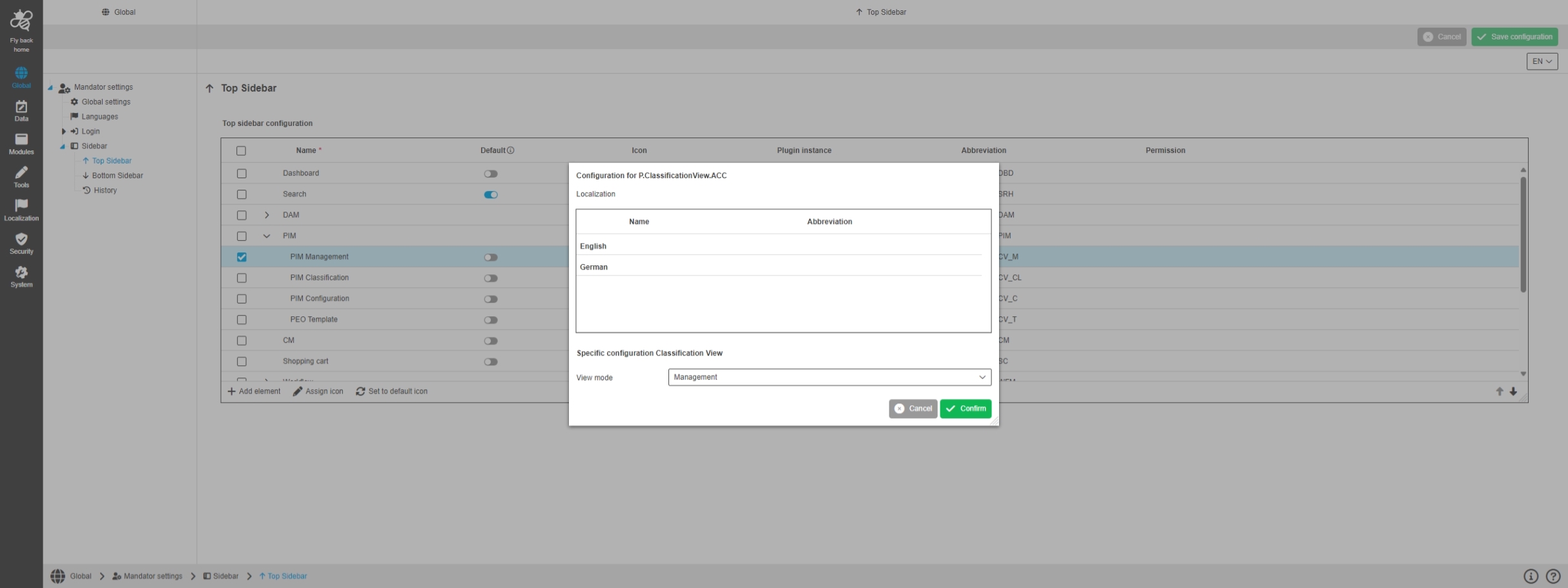
Configuration Client - Global - Mandator Settings - Sidebar - ClassificationView Config
References |
OUCC-1150 |
Possibility to make additional settings for the configuration of the sidebar element relating to PIM Classification View
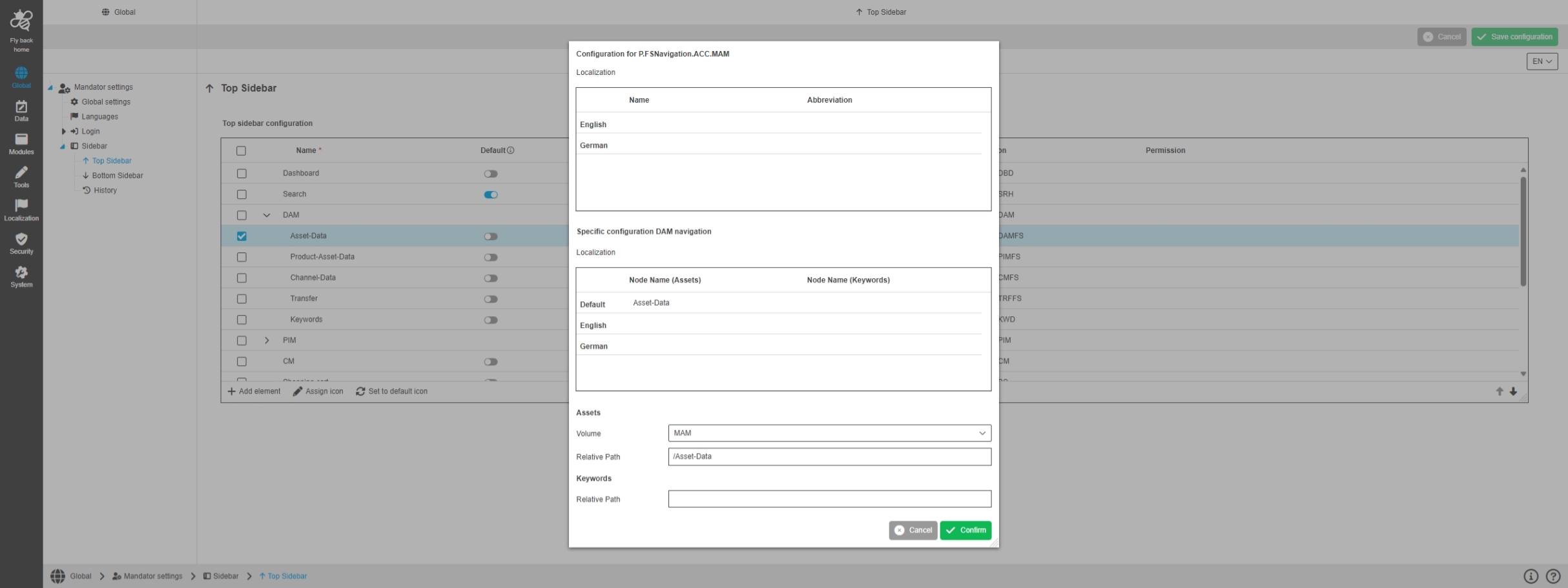
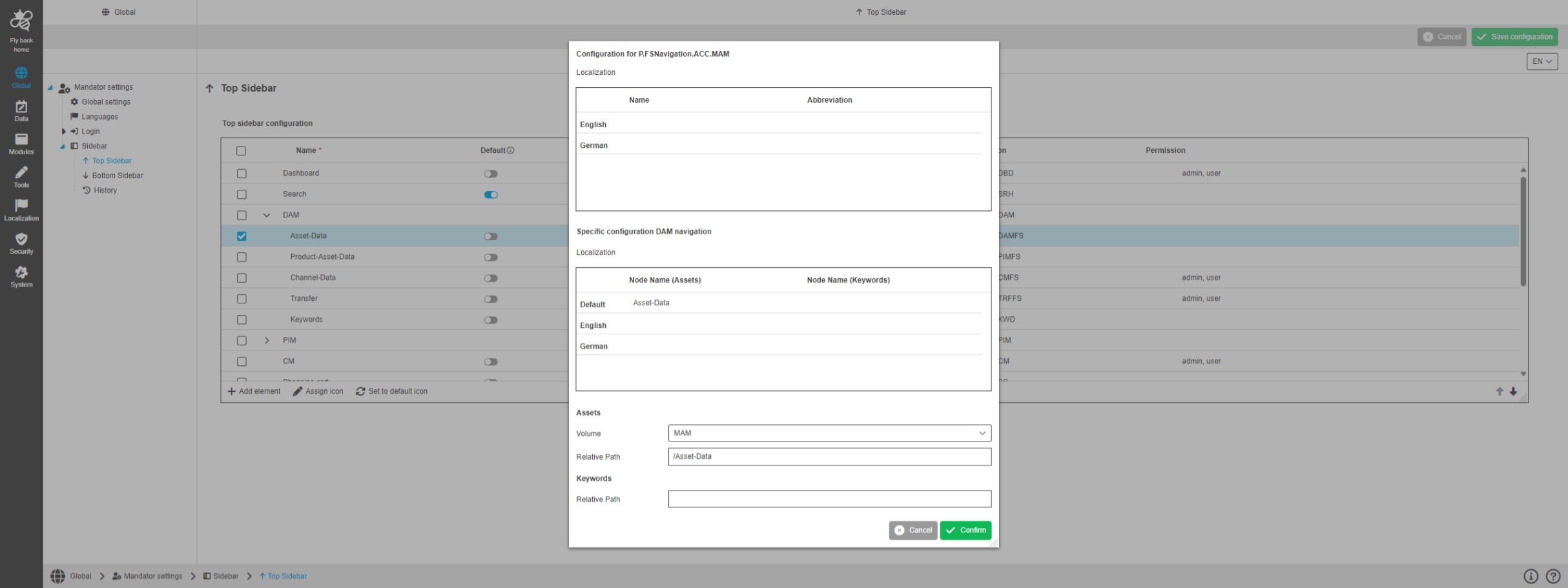
Configuration Client - Global - Mandator Settings - Sidebar - FS Navigation Config
References |
OUCC-1149 |
Possibility to make additional settings for the configuration of the sidebar element relating to FS Navigation in sidebar configuration
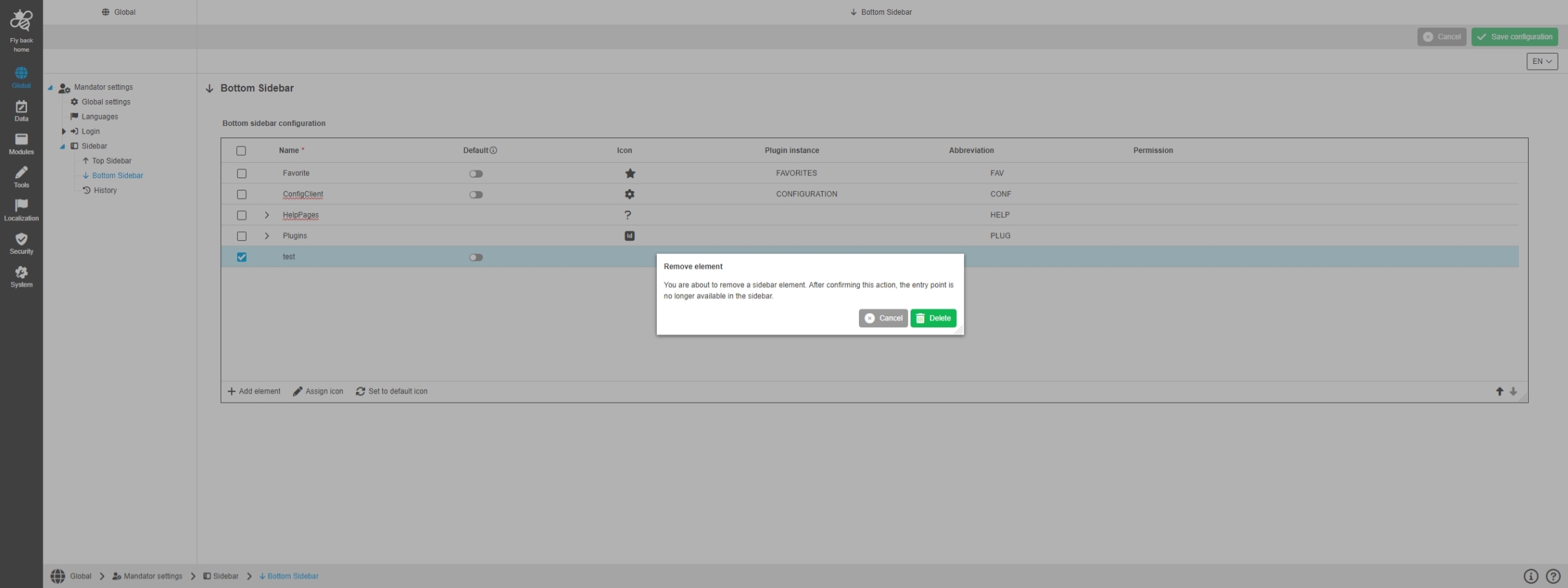
Configuration Client - Global - Mandator Settings - Sidebar - Delete modal
References |
OUCC-1143 |
New modal dialogue when I am about to delete an item from the sidebar configuration
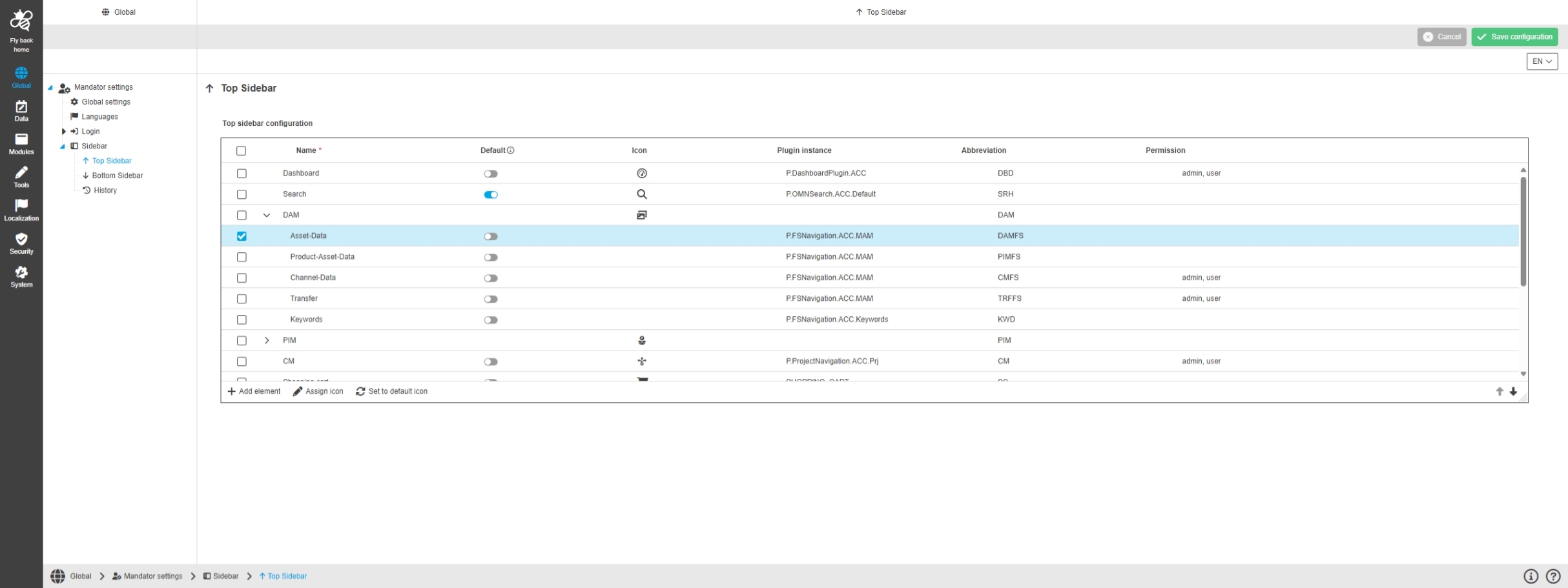
Configuration Client - Global - Mandator Settings - Sidebar - Setting default element
References |
OUCC-1144 |
Possibility to set a default sidebar element in the top or bottom bar configuration
Configuration Client - Global - Mandator Settings - Sidebar - Display permission roles
References |
OUCC-1148 |
Possibility to see the roles that have access to a sidebar element
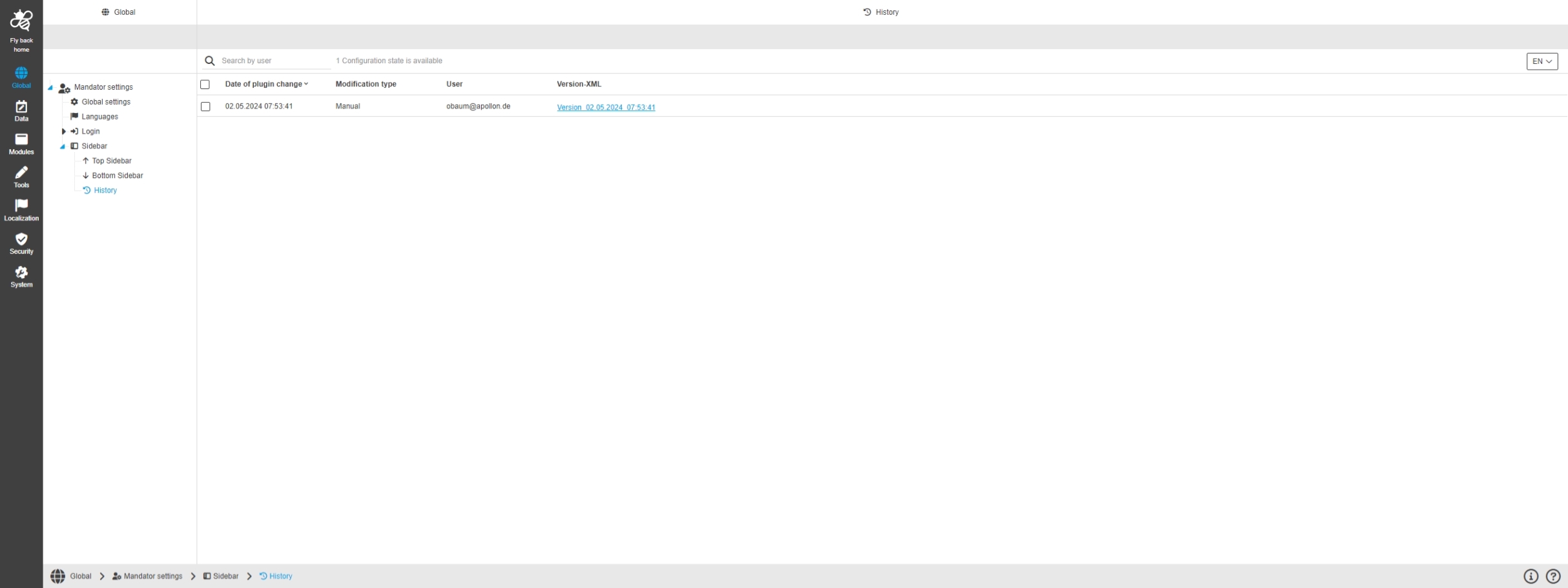
Configuration Client - Global - Mandator Settings - Sidebar - History
References |
OUCC-1145 |
Overview of all modifications made in the sidebar configuration and have an initial state available as a file, so I understand who, when and what changes within the configuration
Data
Generic Config
References |
OUCC-1226 |
New configuration possibility in data section of new Configuration Client to create generic config, which can be used by other processes of Java api
Data - Generic Configuration - General layout
References |
OUCC-1266 |
New general configuration for key value pairs with the possibility of Logical grouping, which can be used within OMN, via REST Api and Java API
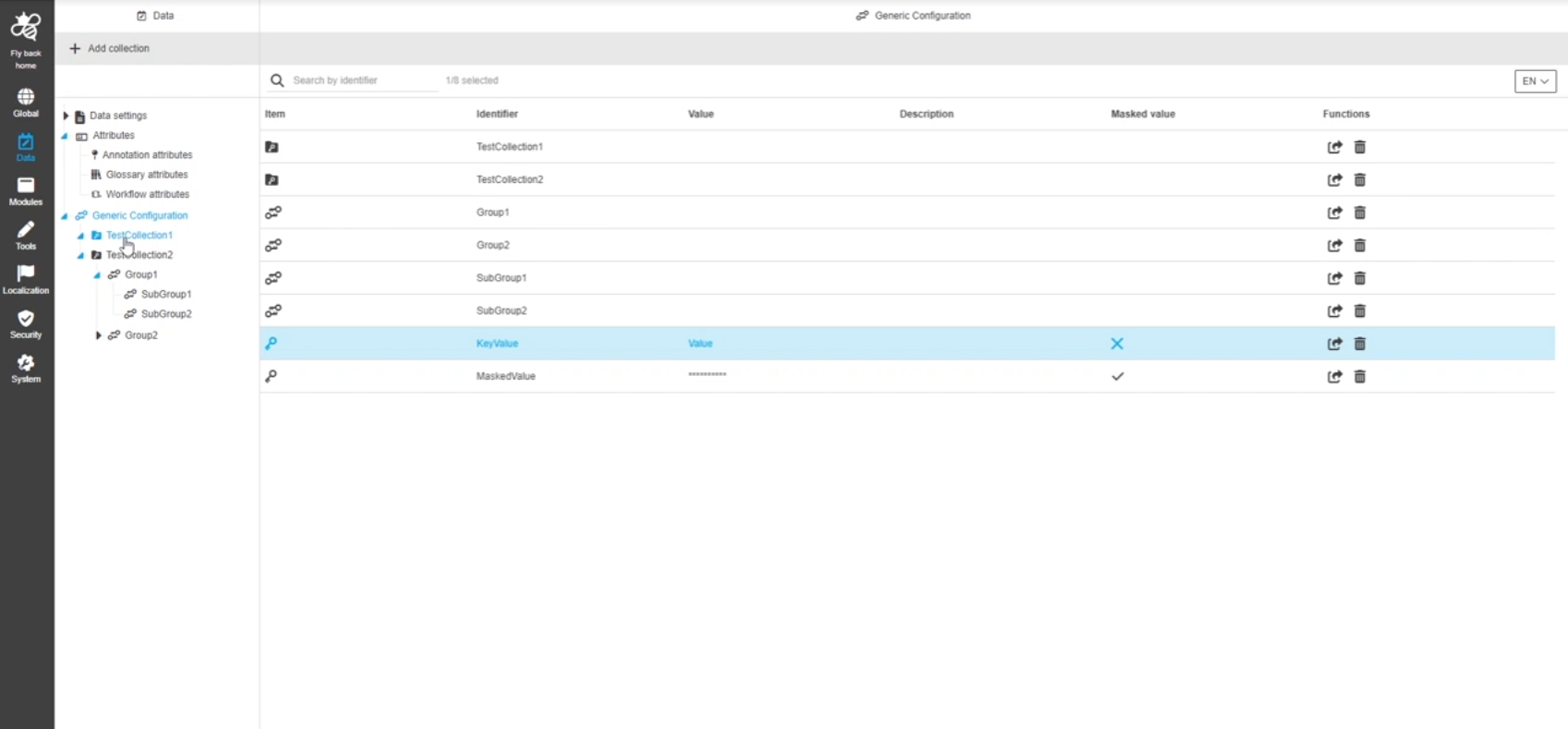
Data - Generic Configuration - Generic Configuration overview
References |
OUCC-1267 |
New overview in Configuration Client of all created collections, groups, and key-value definitions of the generic configuration
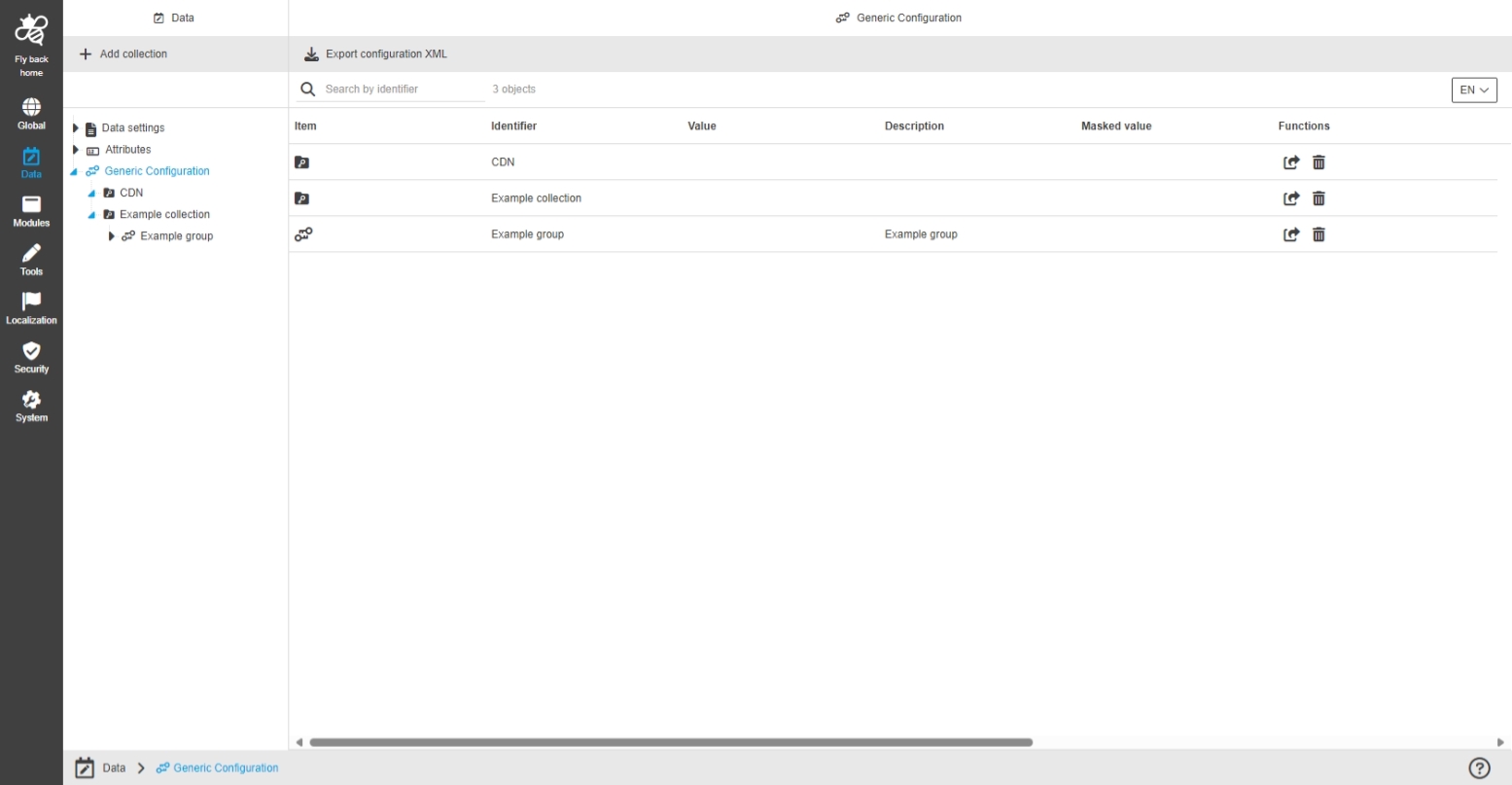
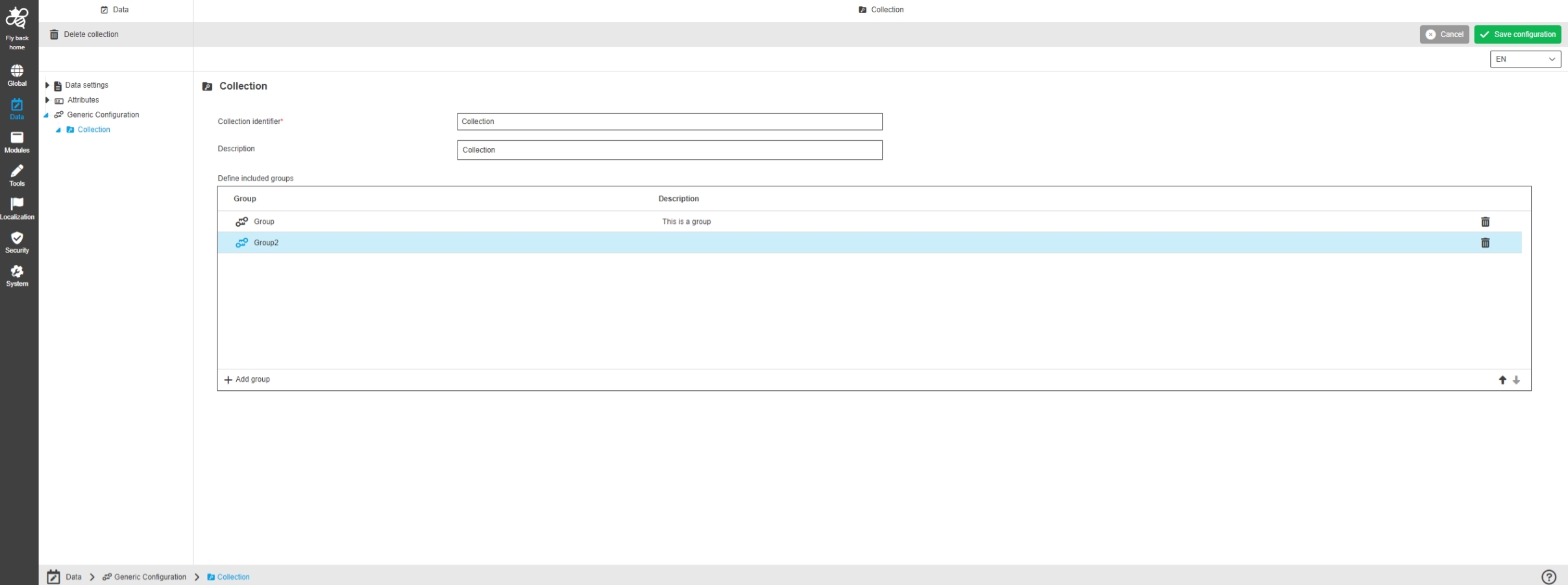
Data - Generic Configuration - Collection configuration
References |
OUCC-1268 |
Possibility to configure a collection grouping element to manage key-value pairs, groups and subgroups in a meaningful way
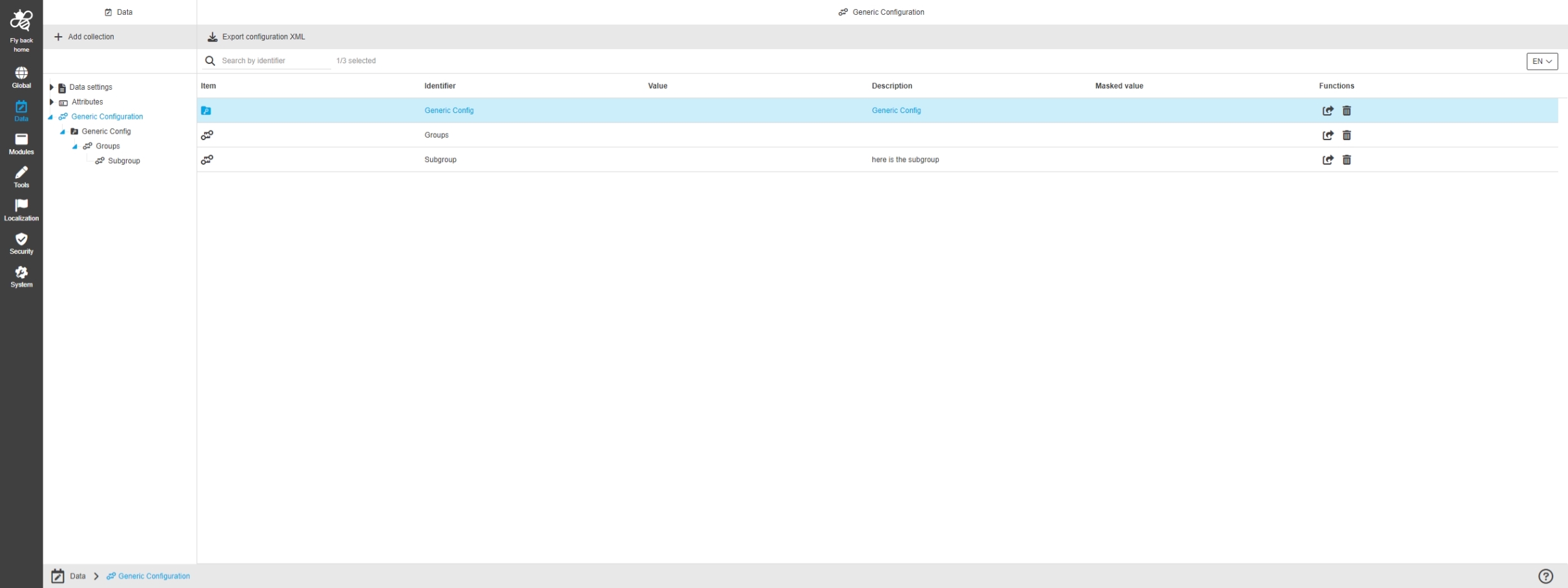
Data - Generic Configuration - Group configuration
References |
OUCC-1269 |
Possibility to configure a grouping element to manage my subgroups in a meaningful way
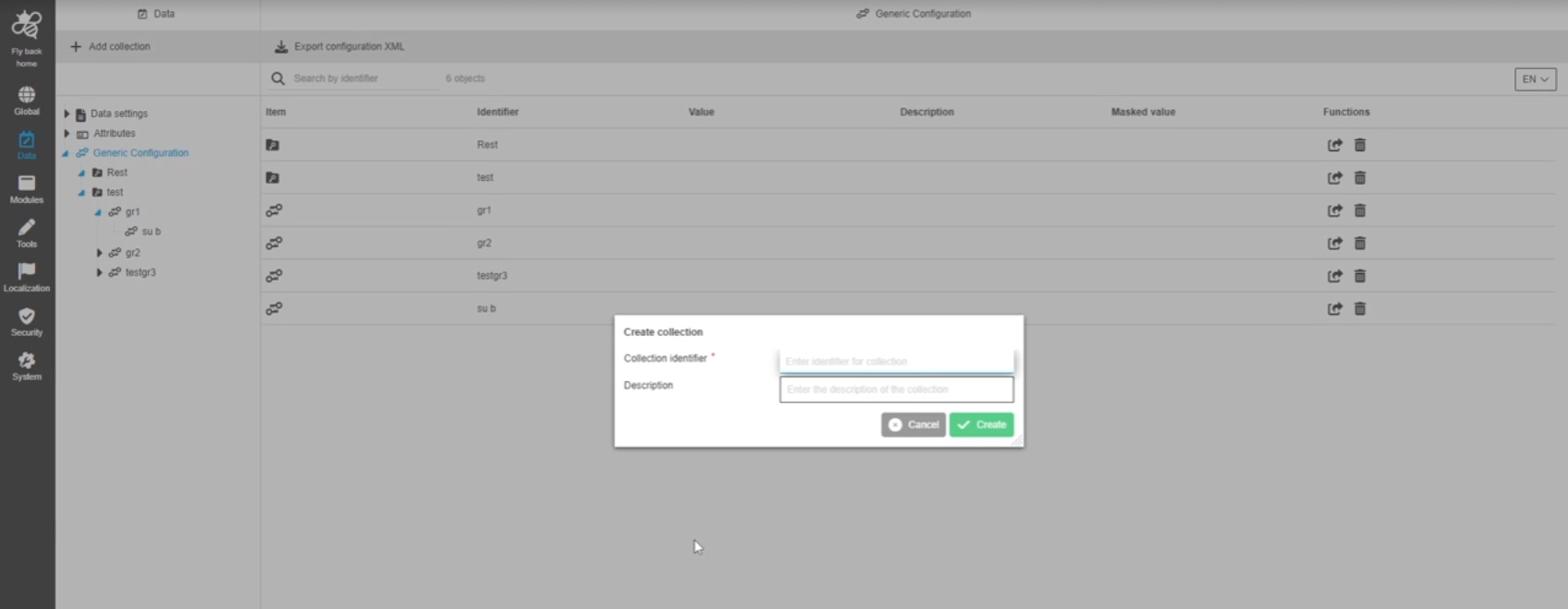
Data - Generic Configuration - Function - Create collection
References |
OUCC-1271 |
Possibility to create a Collection in order to can manage key-value definitions, groups and subgroups in a meaningful way
Data - Generic Configuration - Collection configuration - Table widget
References |
OUCC-1272 |
Possibility to create a key-value Group to manage my key-value definitions in a structured meaningful way
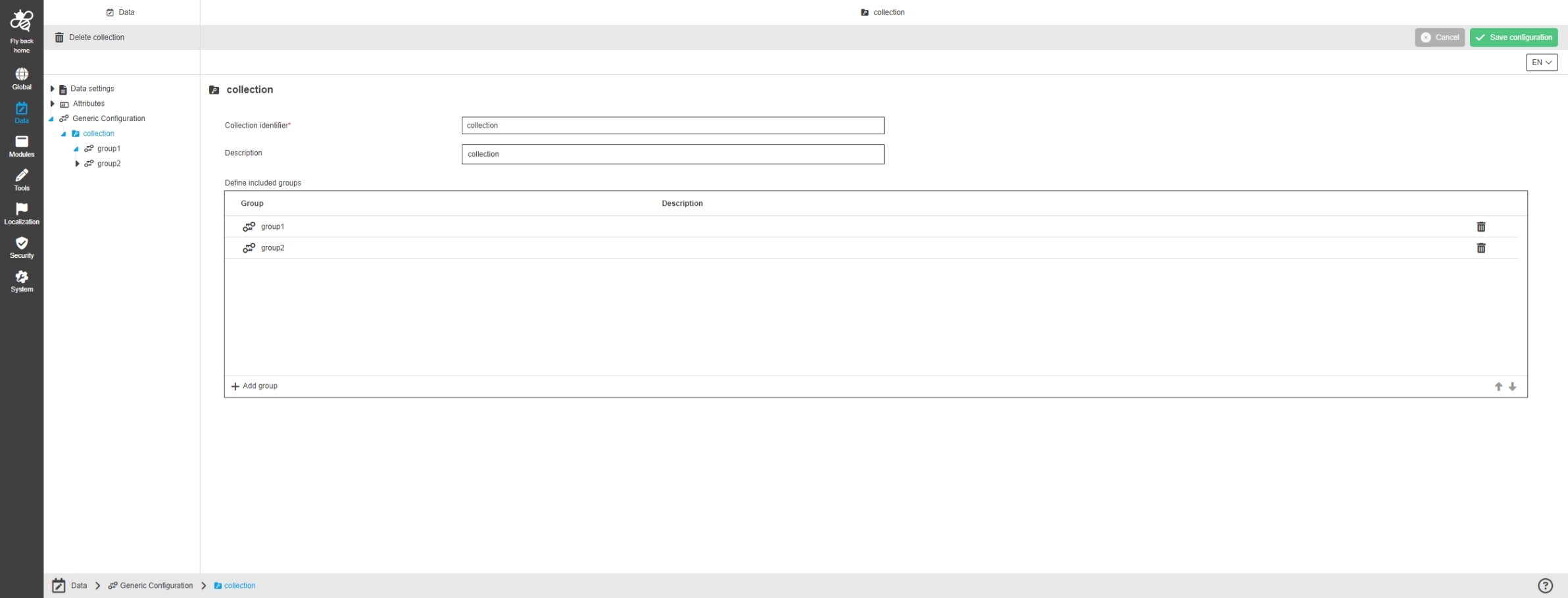
Data - Generic Configuration - Group configuration - Table widget
References |
OUCC-1273, OMN-11001 |
Possibility to create a configured group as a structure element for generic configuration, where subgroups can be organized within
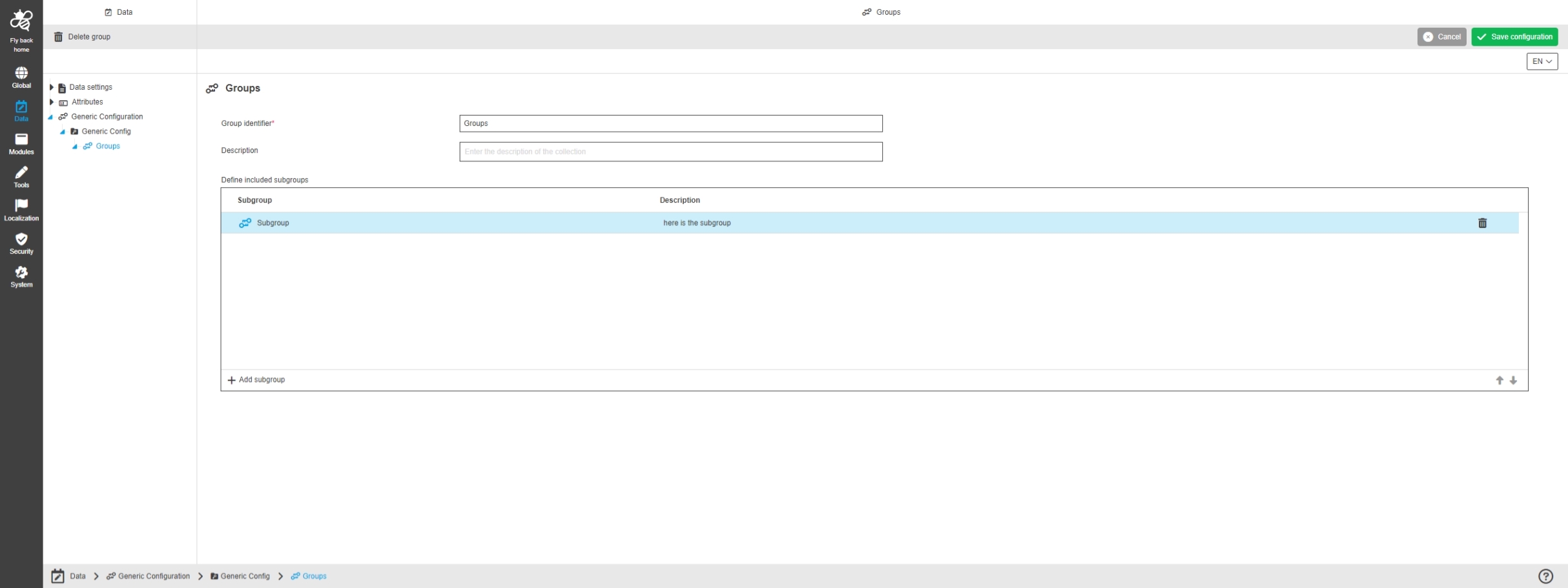
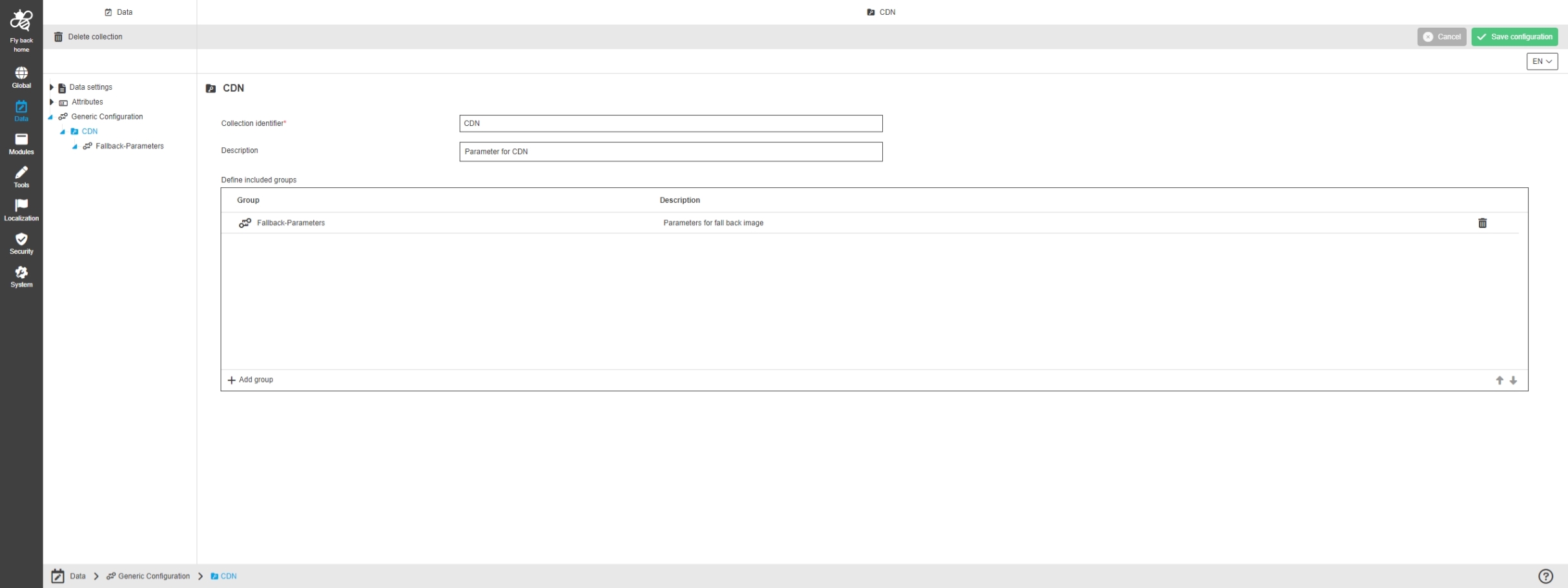
Data - Generic Configuration - Function - Delete collection
References |
OUCC-1274 |
Possibility to delete a collection with all its groups and keys
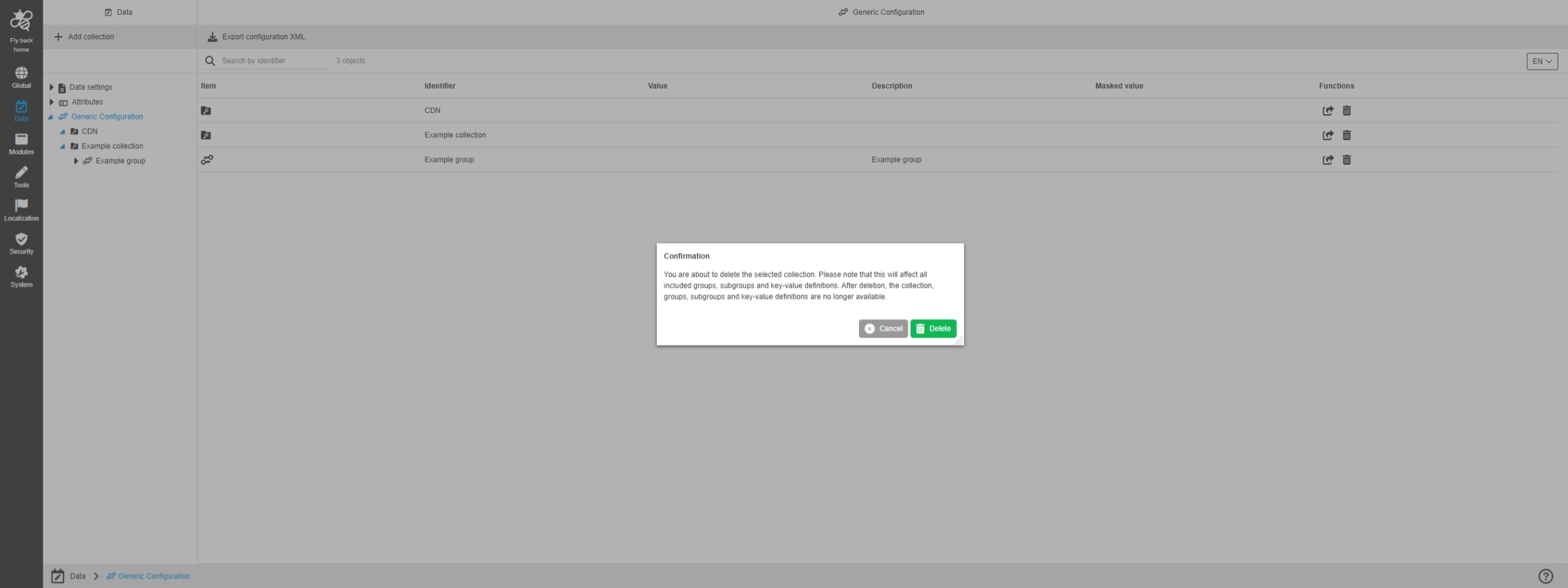
Data - Generic Configuration - Function - Delete group
References |
OUCC-1275 |
Possibility to delete a group with all its included subgroups
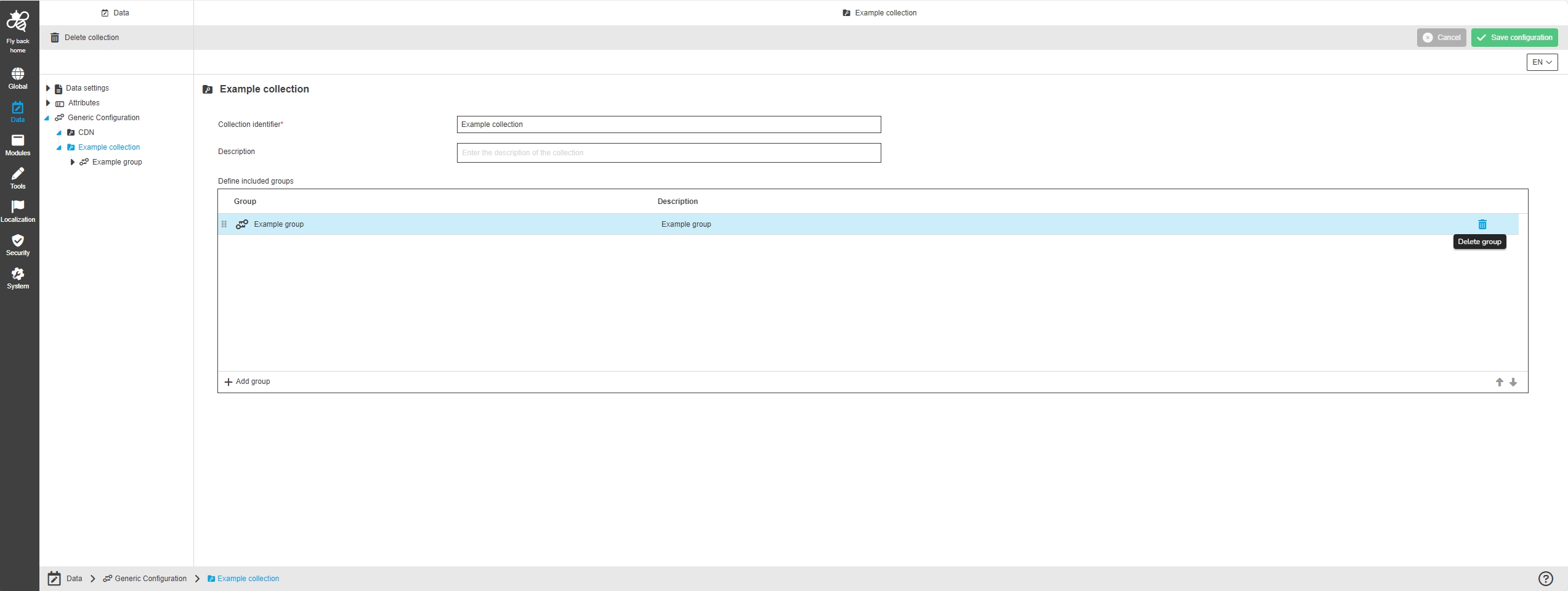
Data - Generic Configuration - Function - Delete key-value definition
References |
OUCC-1276 |
Possibility to delete a key-value Definition
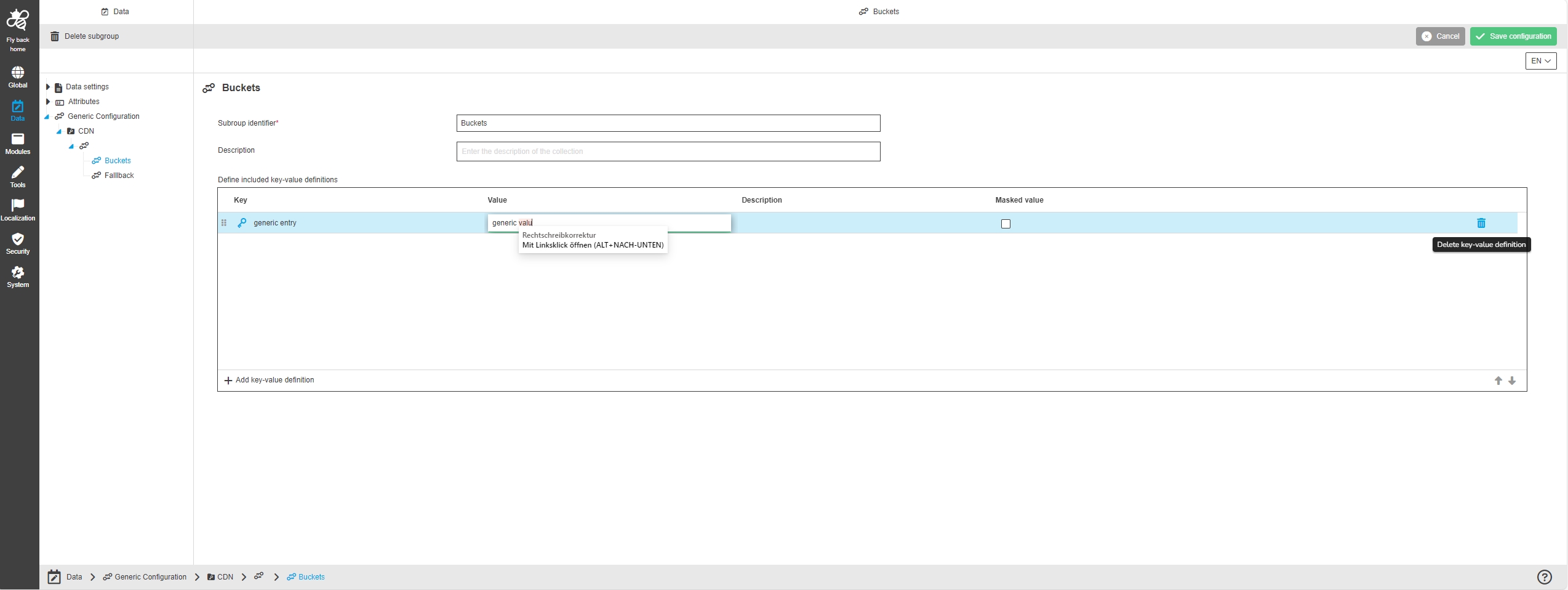
Implement persistence layer for generic configuration
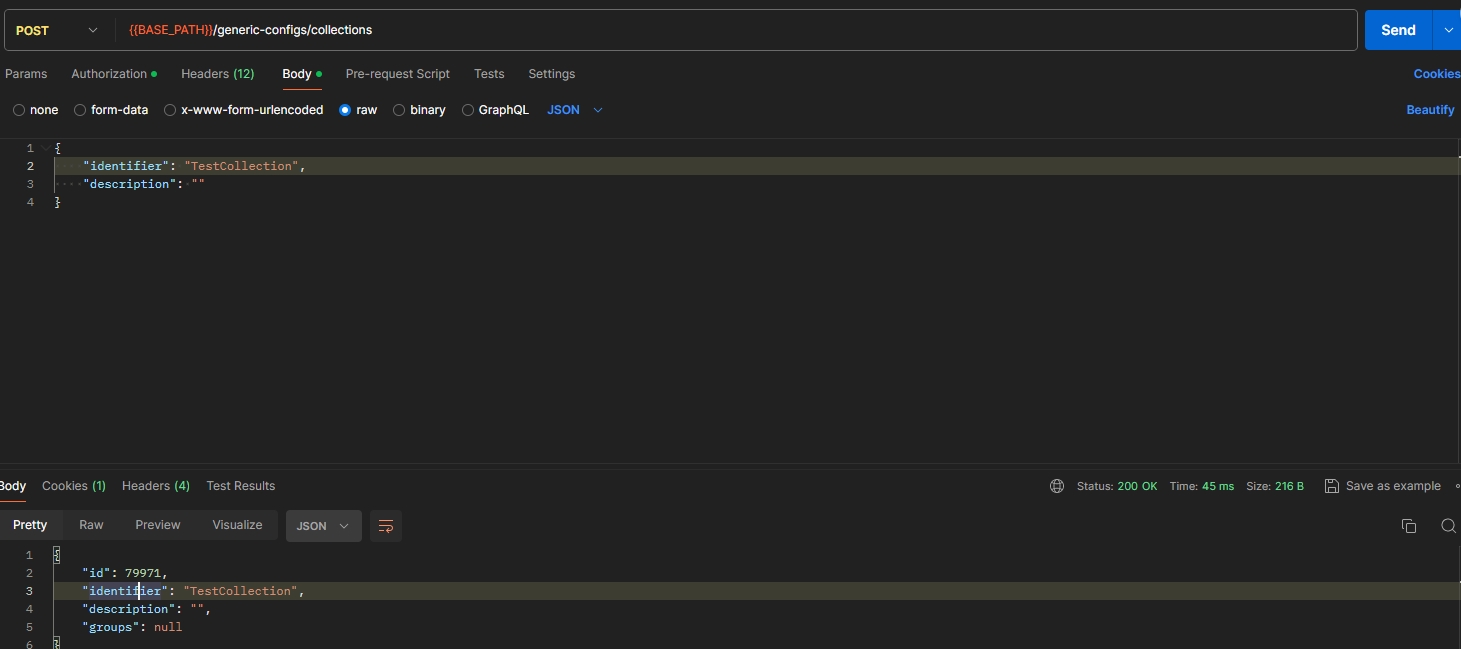
References |
OCA-116 |
New REST API for generic configuration, so needed data Information can be retrieved over api
-
fetch data of values from key-value definitions
-
fetch all key-value definitions from group / collection
-
fetch all groups from collection
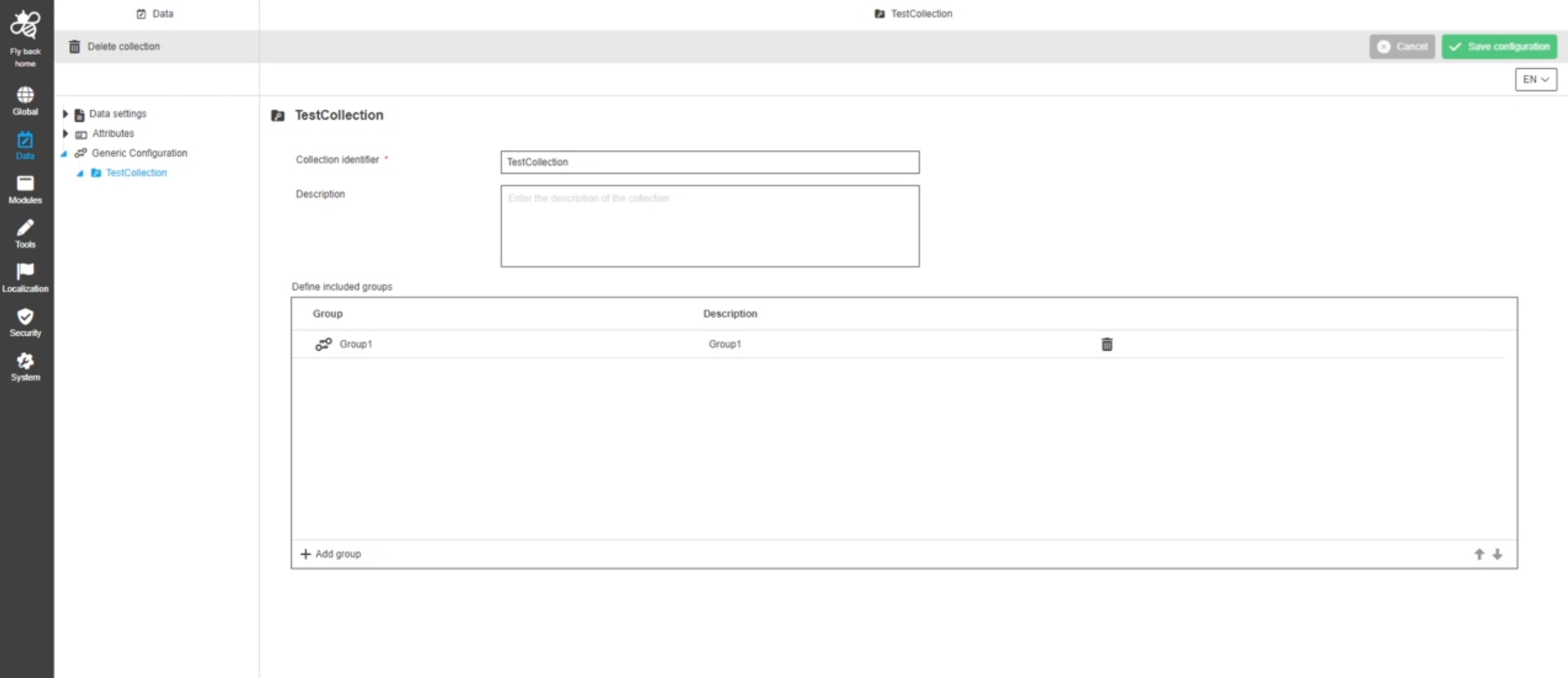
Implement Java API for generic configuration
References |
OMN-10906 |
New Java API, to fetch data from generic configuration
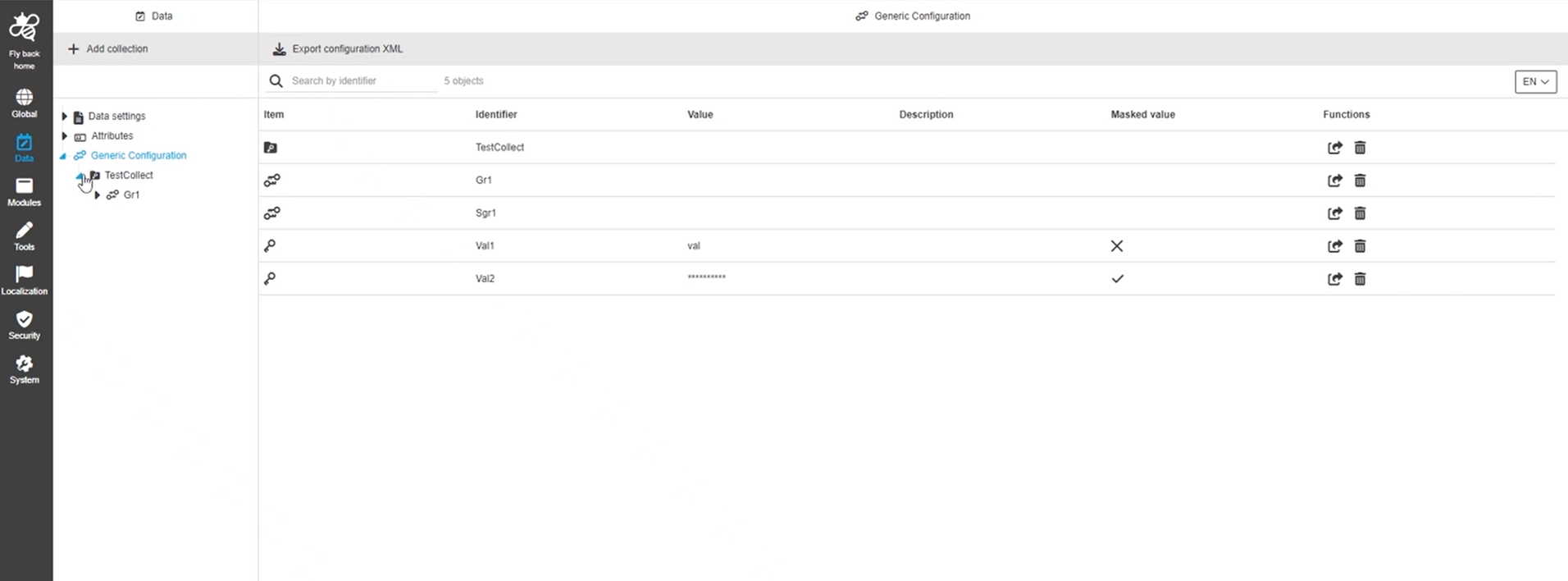
Implement import export functionality for generic configuration using OMN Core functionality
References |
OMN-10905 |
Possibility to import and export generic configuration eg. via Accelerator or Configuration Client
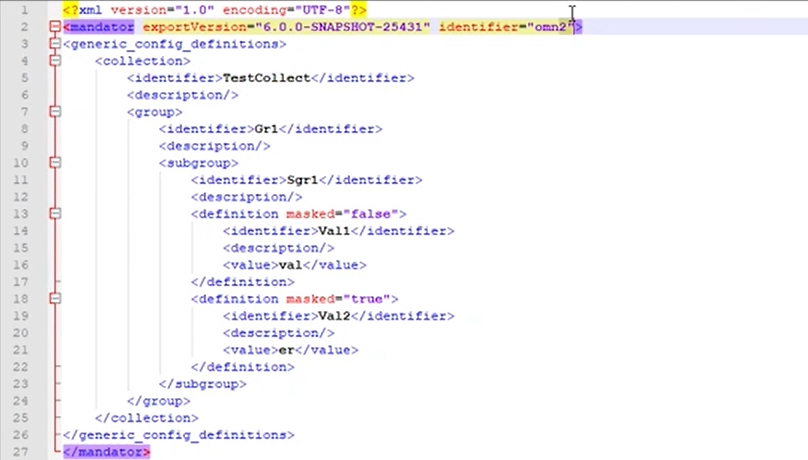
Implement persistence layer for generic configuration
References |
OMN-10904 |
Introduction of a new persistence / database structure for generic configuration
Data - Generic Configuration - Subgroup configuration
References |
OUCC-1300 |
Possibility to configure a sub-grouping element in generic config to manage key-value pairs in a meaningful way.
Data - Generic Configuration - Function - Delete subgroup
References |
OUCC-1301 |
Possibility to delete a subgroup with all its included key-value definitions, so only needed generic configuration is available
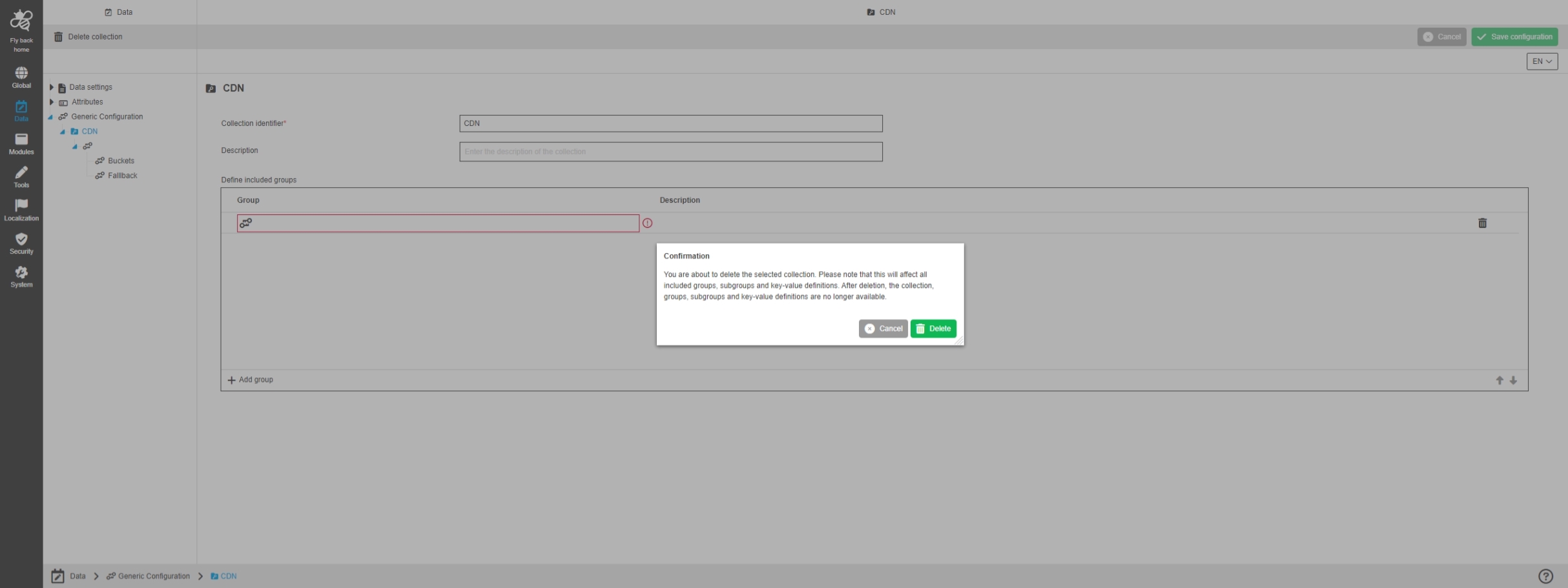
Data - Generic Configuration - Subgroup configuration - Table widget
References |
OUCC-1302 |
Possibility to configure a subgroup as a structure element for generic configuration, where it is possible to organize key-value pairs within
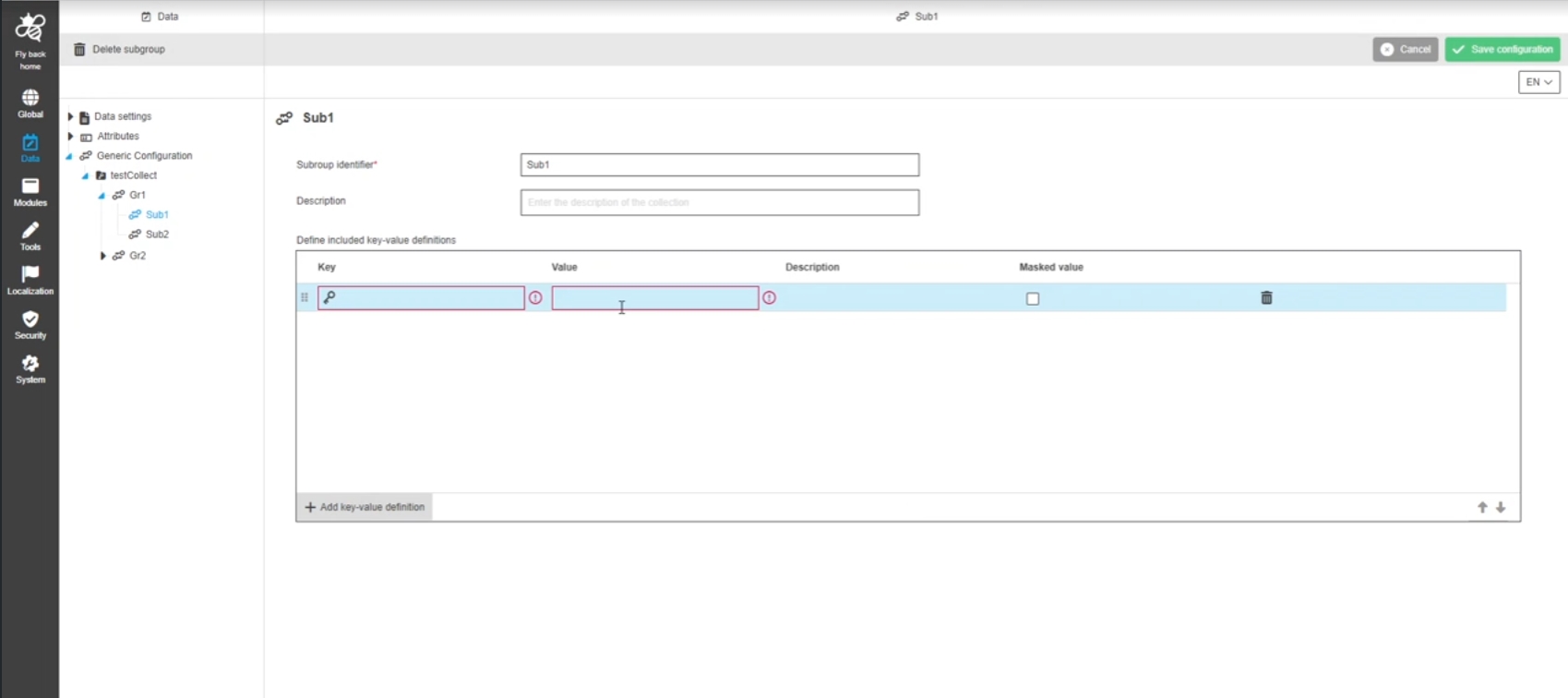
Data - Generic Configuration - Generic Configuration overview - Function - Export generic configuration
References |
OUCC-1296 |
Possibility to export a generic configuration XML from an omn System
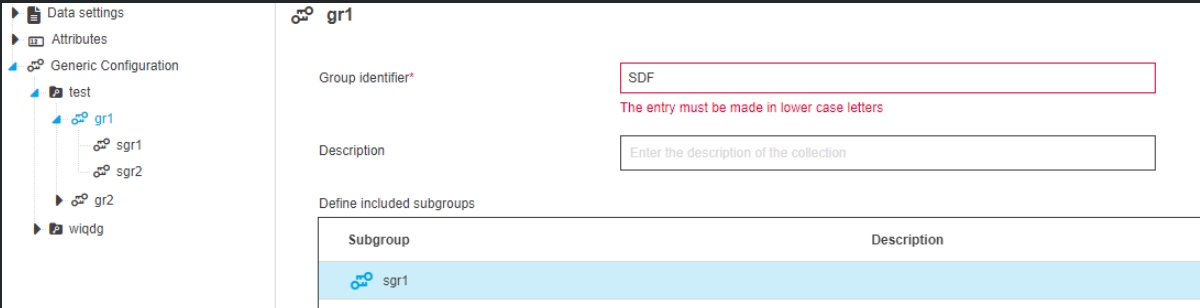
Data - Generic Configuration - All configurations - Validation improvement for identifiers
References |
OUCC-1370 |
Optimized validation message to know which inputs are allowed for the identifiers
-
must not be empty
-
must be unique
-
identifier only allows lower case letters
-
identifier not allows Special characters
Application
Workflow
Generate camunda modeler templates from human functions
References |
OUCC-1115 |
Possibility to automatically generate a Camunda Element Templates file based on the desired Human Functions
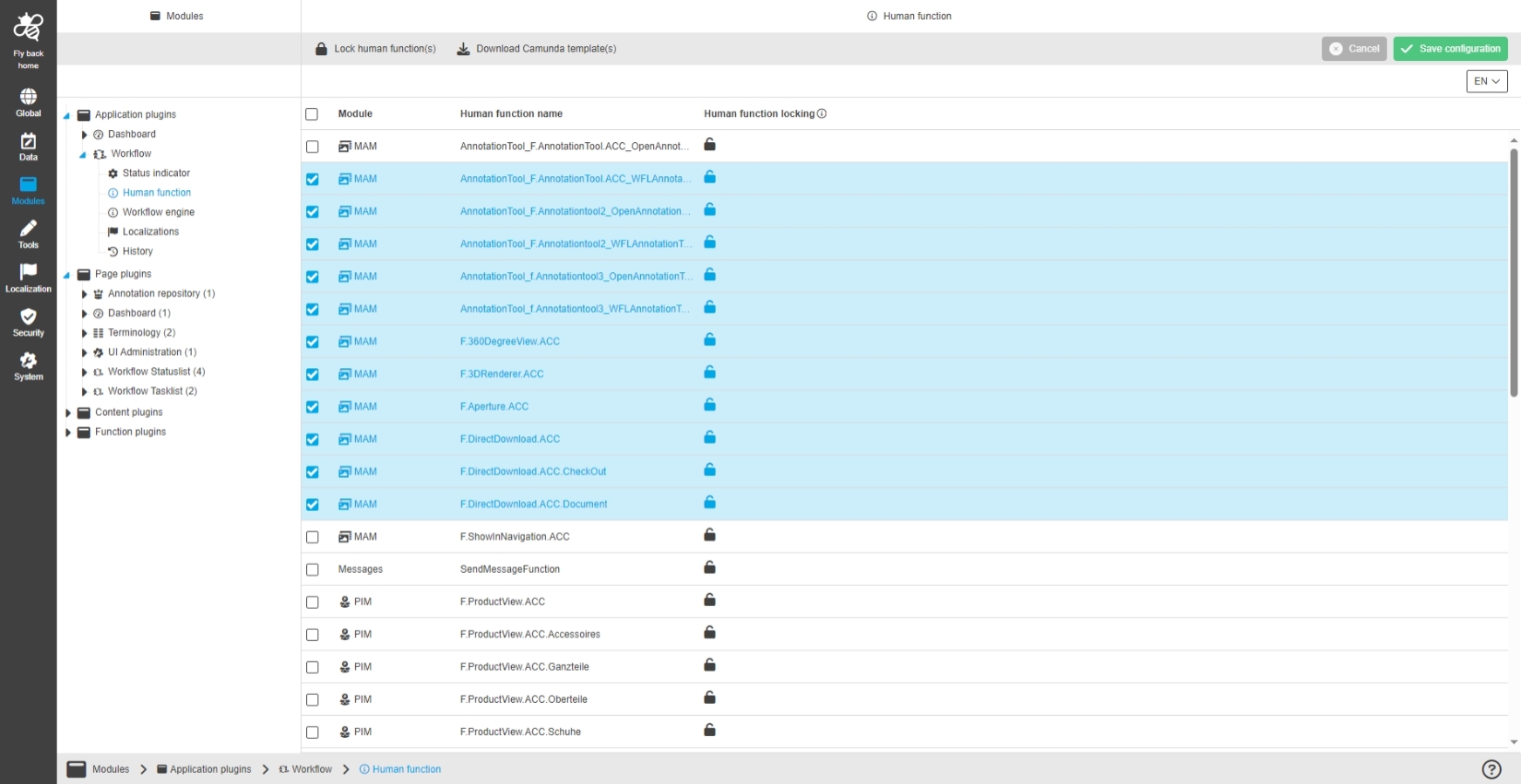
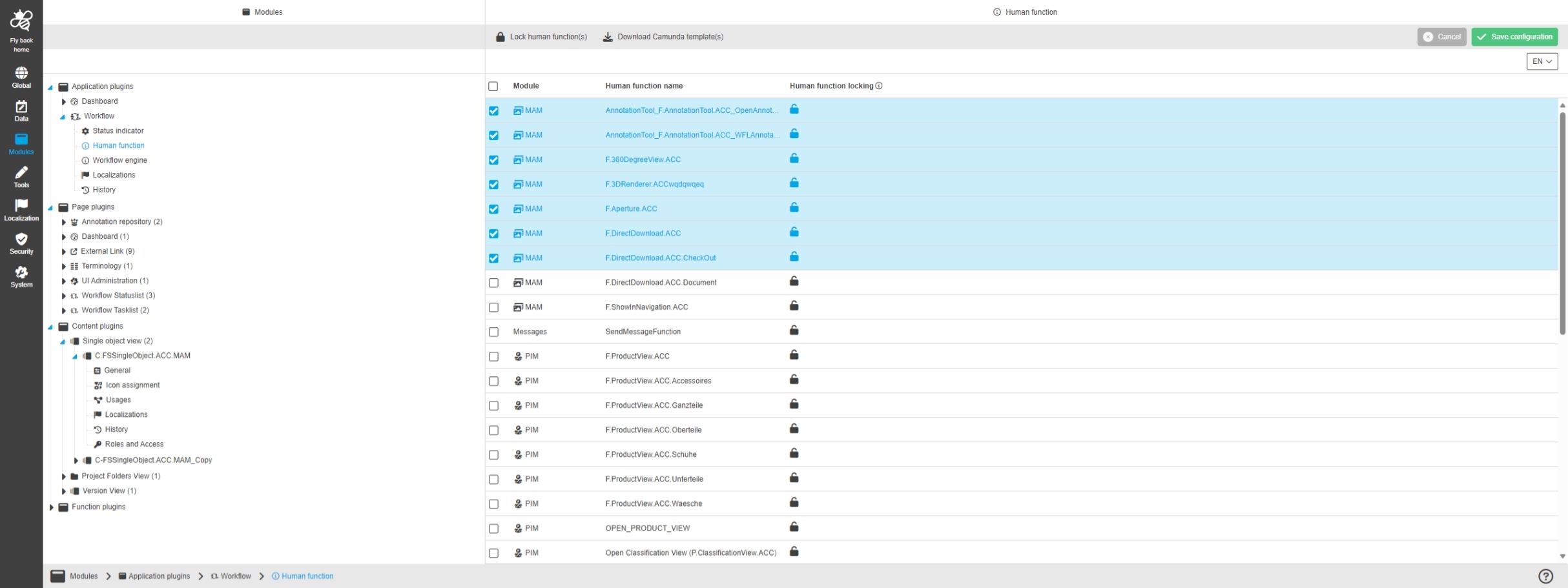
Workflow - HumanFunctions - Download button for template combinatorics
References |
OUCC-1133 |
Possibility to automatically generate a Camunda Element Templates file based on the desired Human Functions as a combinatorics template
-
The Workflow Application Plugin in new Configuration Client Provide functionality to download camunda template for selected human functions
Page
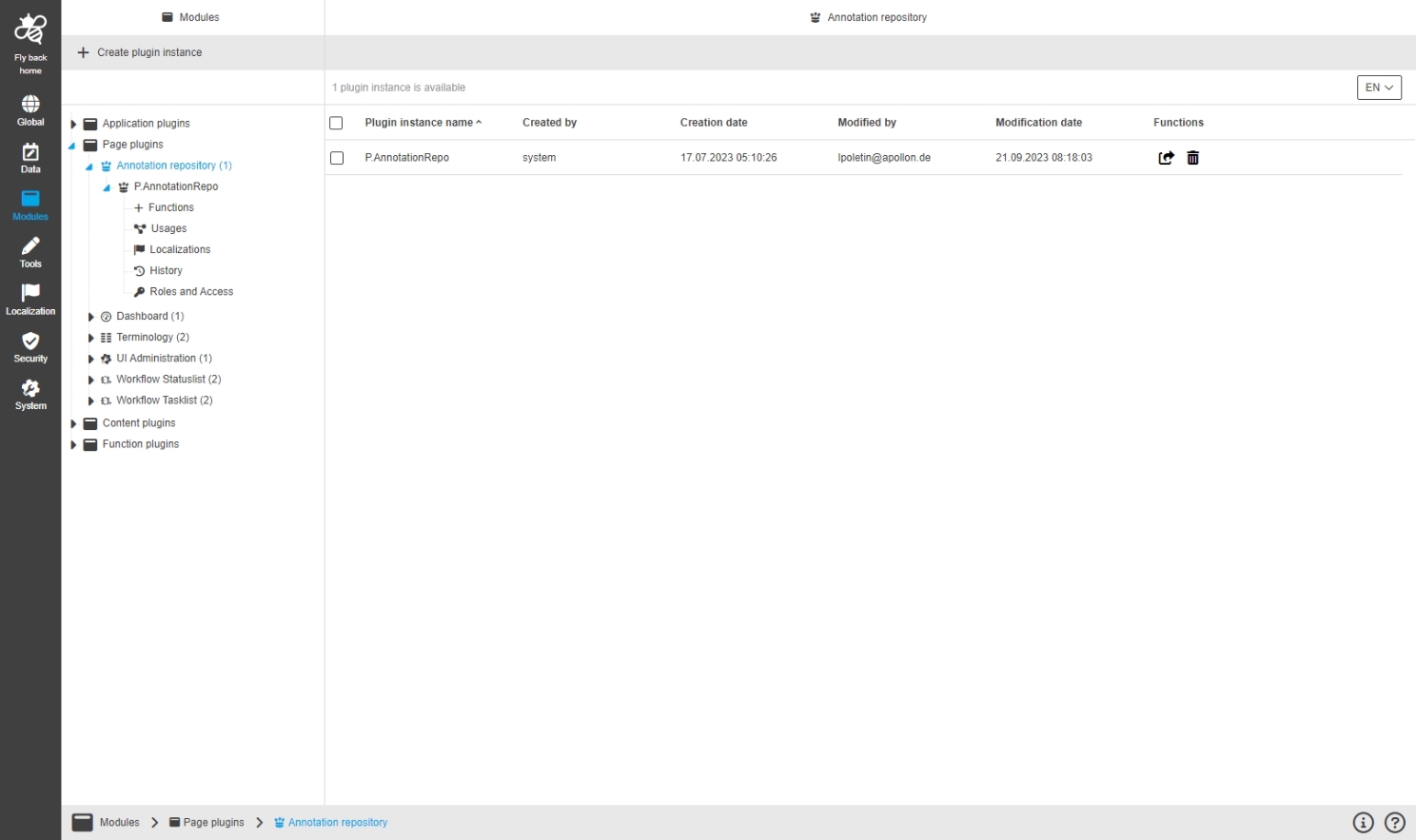
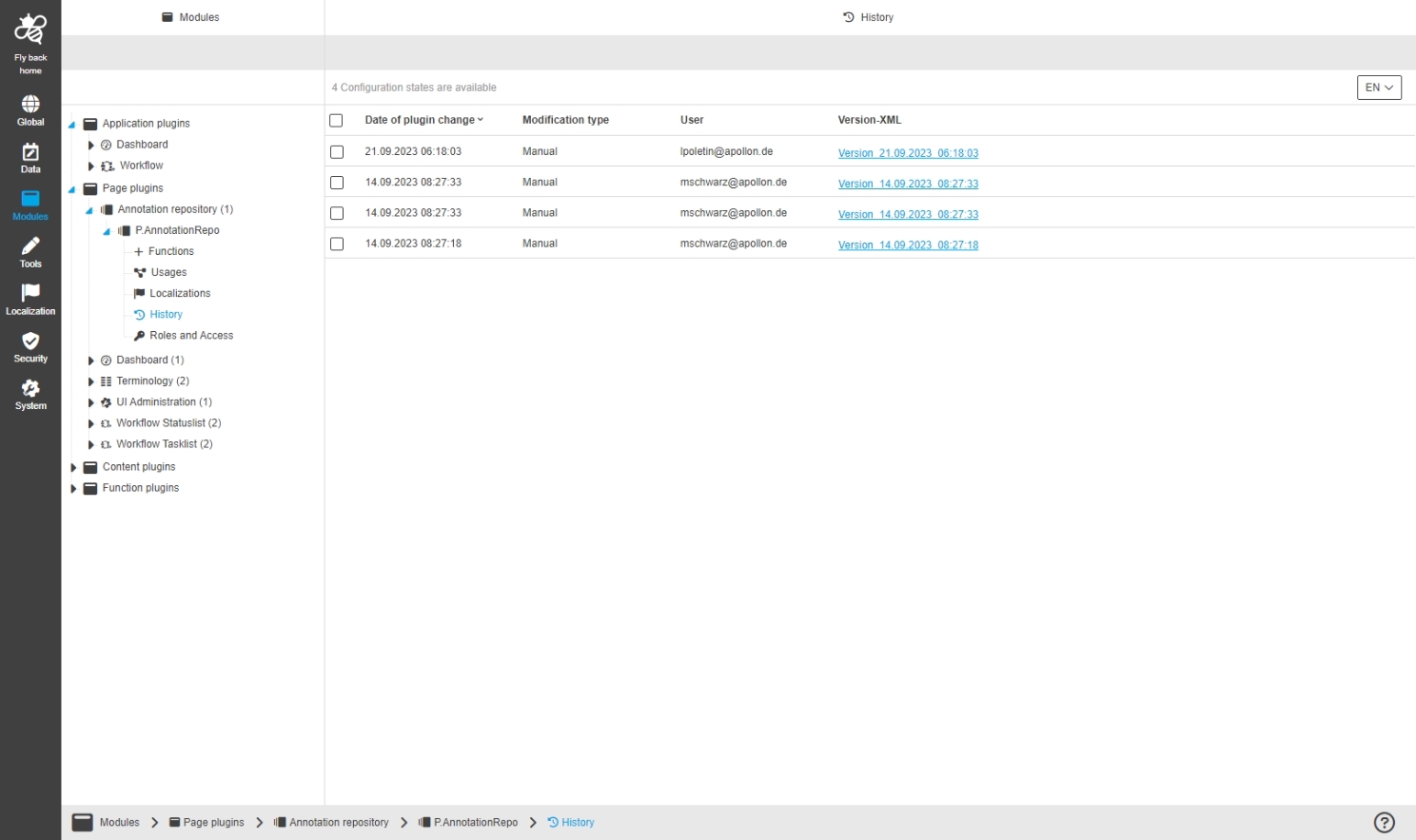
Annotation Repository
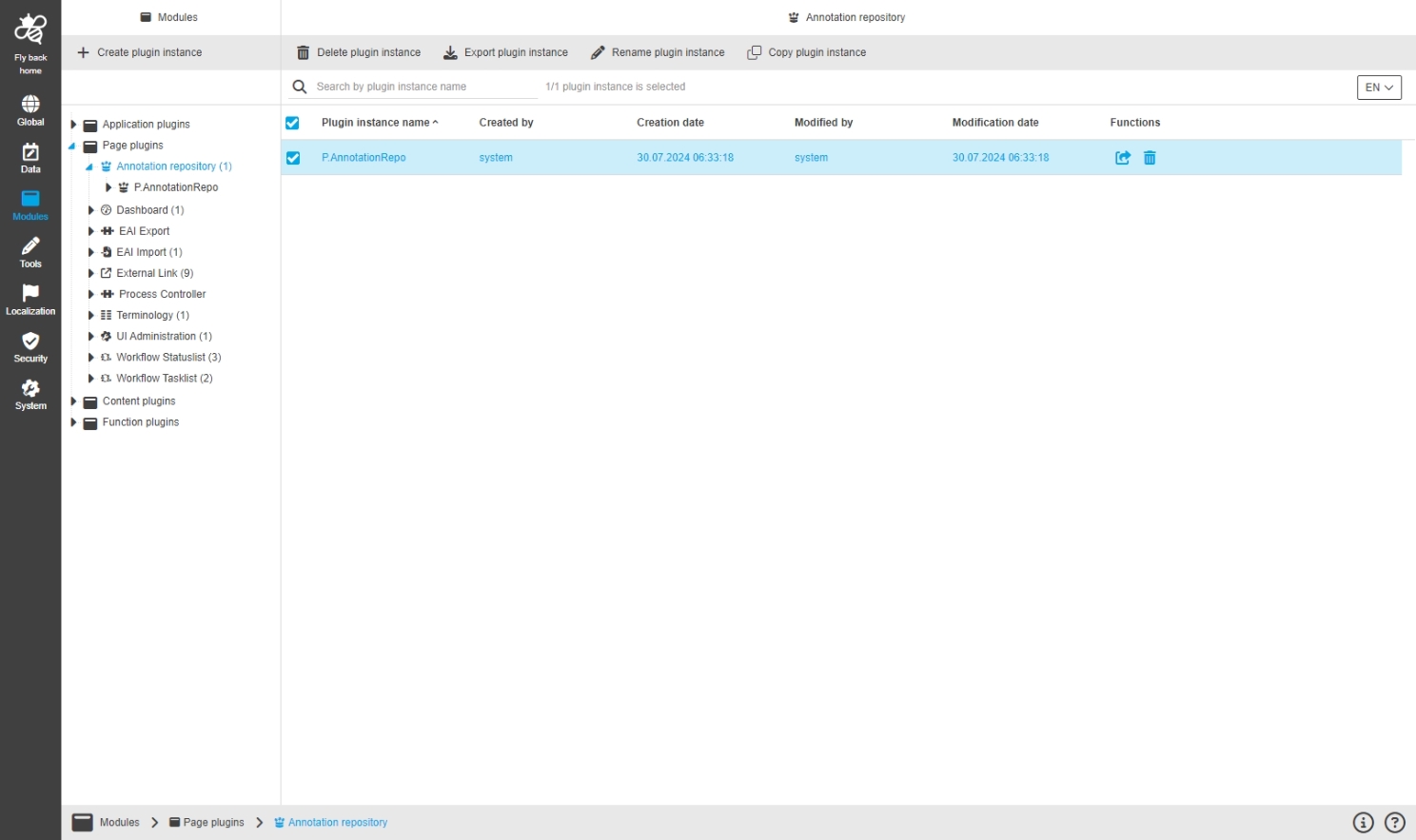
References |
OUCC-35 |
Dashboard
References |
OUCC-38 |
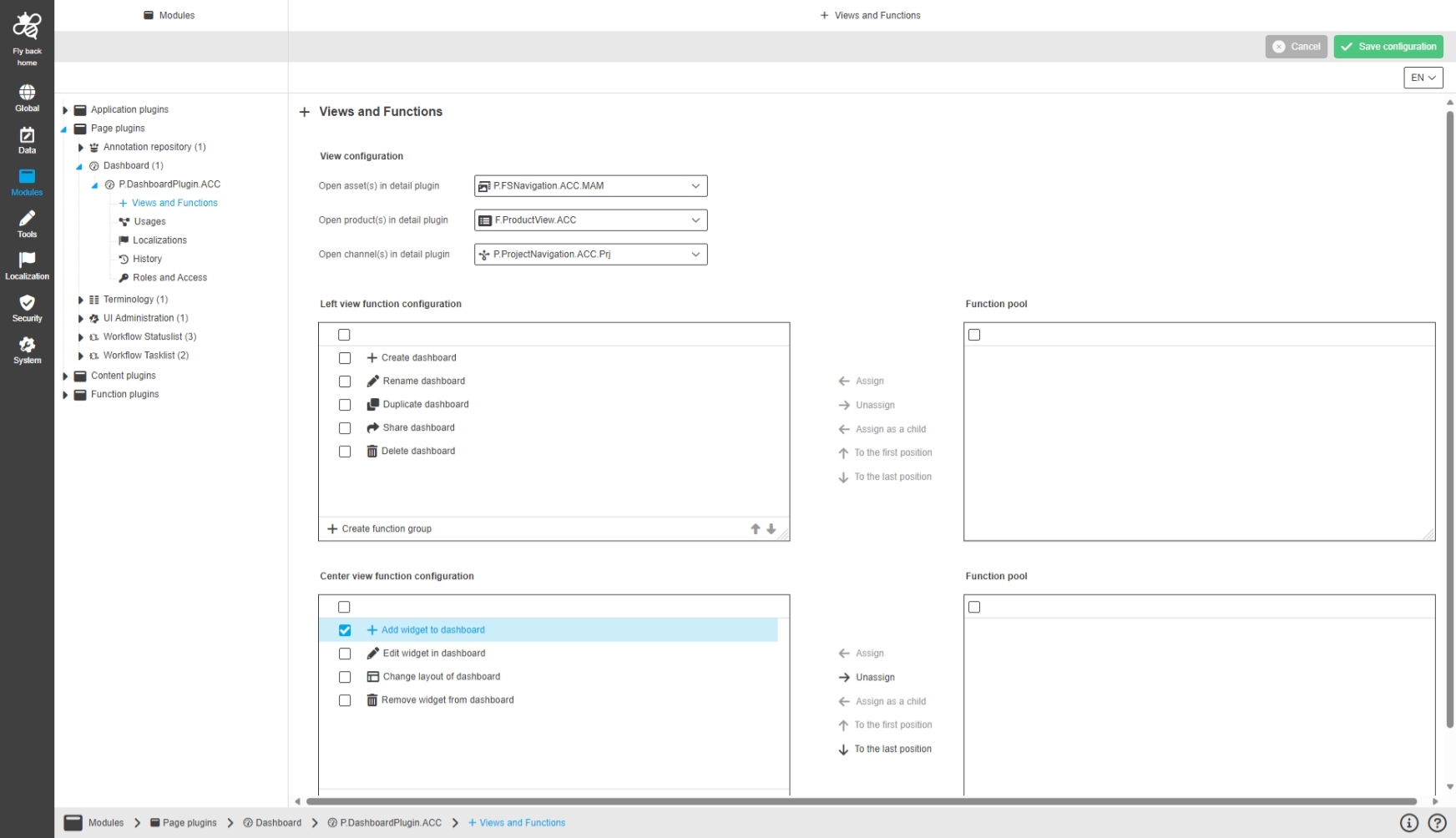
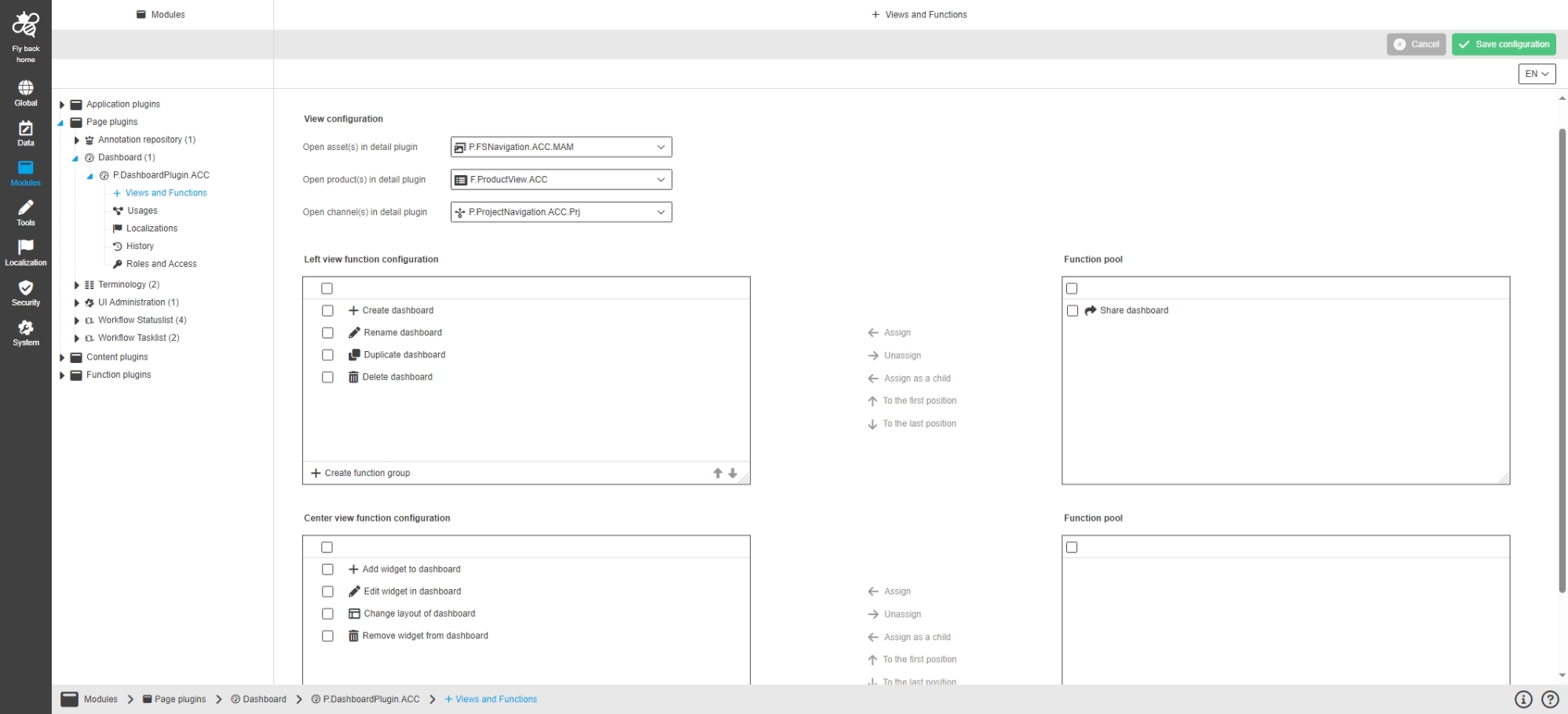
Modules - Page plugin - DashboardPlugin - Functions - Center View Functions
References |
OUCC-694 |
Possibility to configure functions, which should be available in central panel of Dashboard UI, so the user do actions inside my Dashboard overview
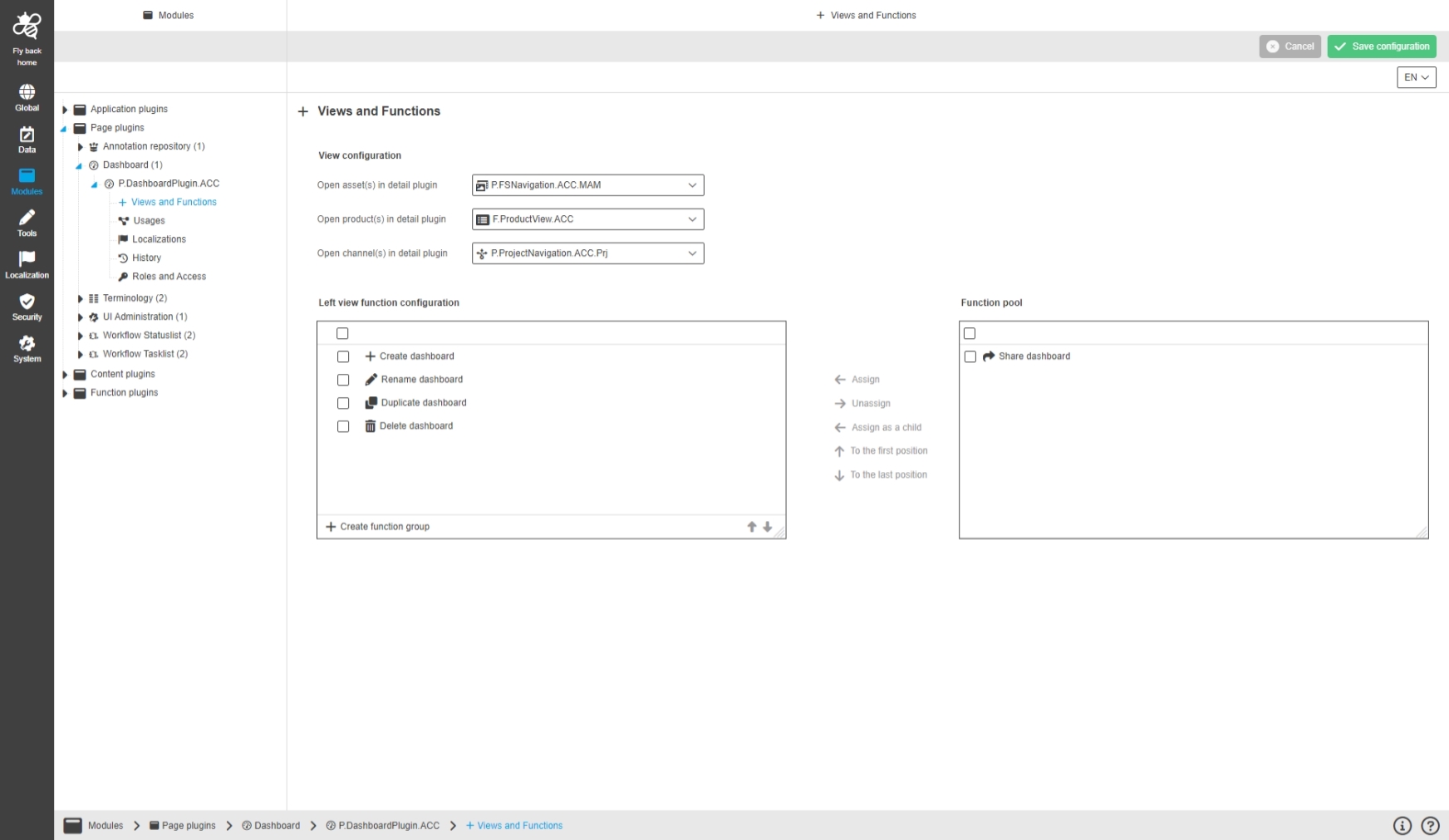
Modules - Page plugin - DashboardPlugin - Functions - Left View Functions
References |
OUCC-693 |
Possibility to configure functions, which are available in left panel of Dashboard UI
Content
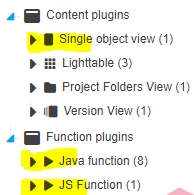
New configurable Plugins in new HTML5 Configuration Client
Single Object
References |
OUCC-76 |
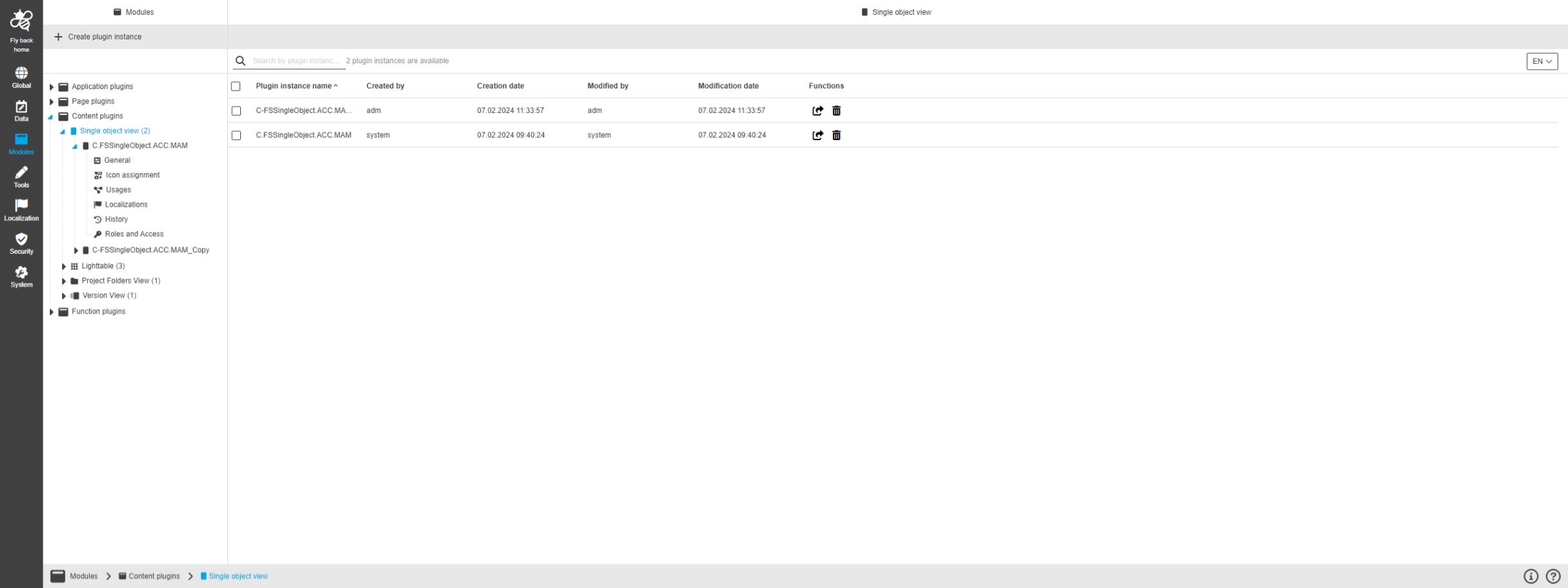
Modules - Content plugin - FSSingleObject - General
References |
OUCC-467, OMN-10811 |
Possibility to configure Single Object View for DAM or PIM object type
Modules - Content plugin - FSSingleObject - General layout
References |
OUCC-386 |
Possibility to configure a Single Object View content Plugin / Change existing configuration
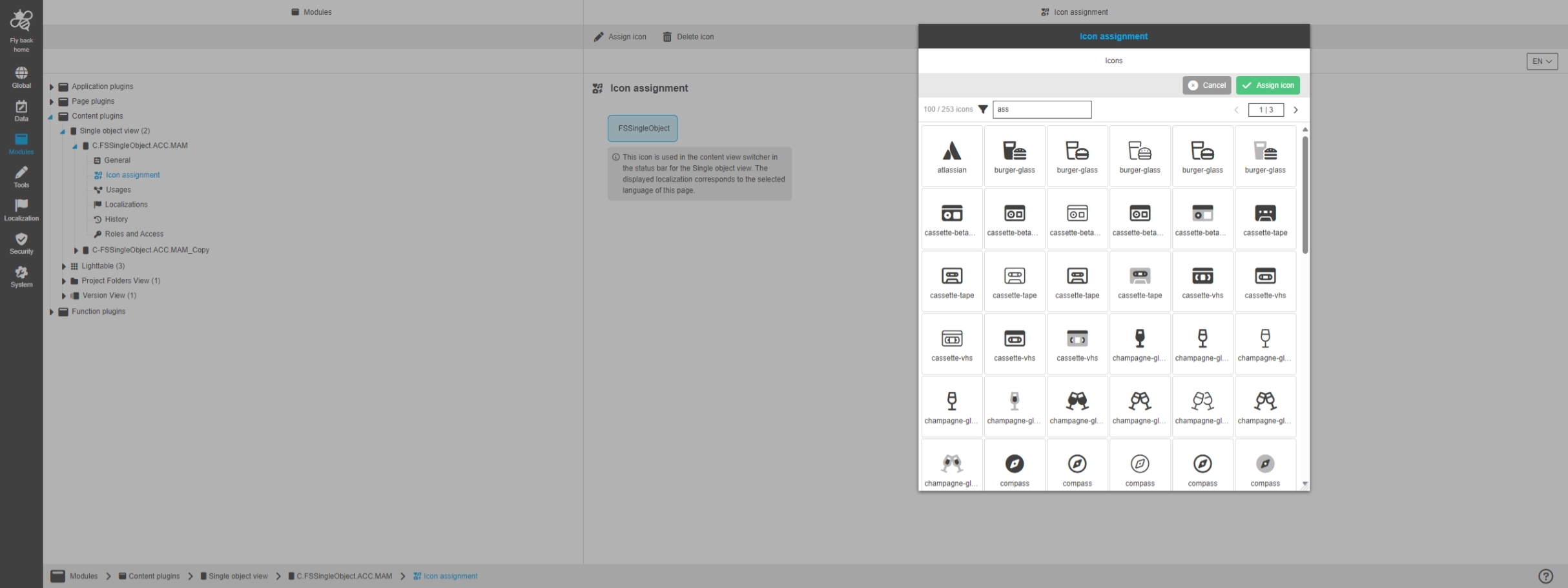
Modules - Content plugin - FSSingleObject - Icon assignment
References |
OUCC-466 |
Possibility to assign an Icon a configured Single Object View content Plugin
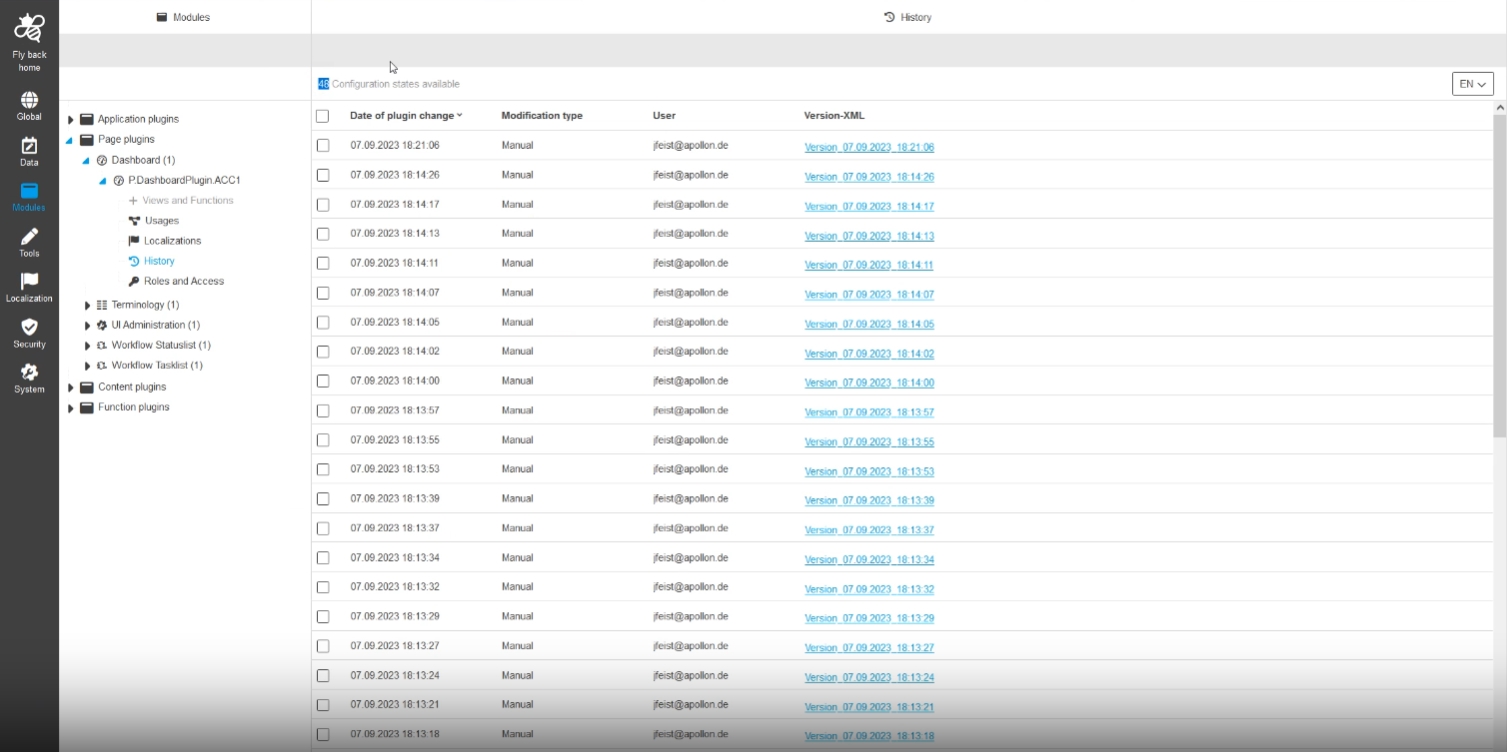
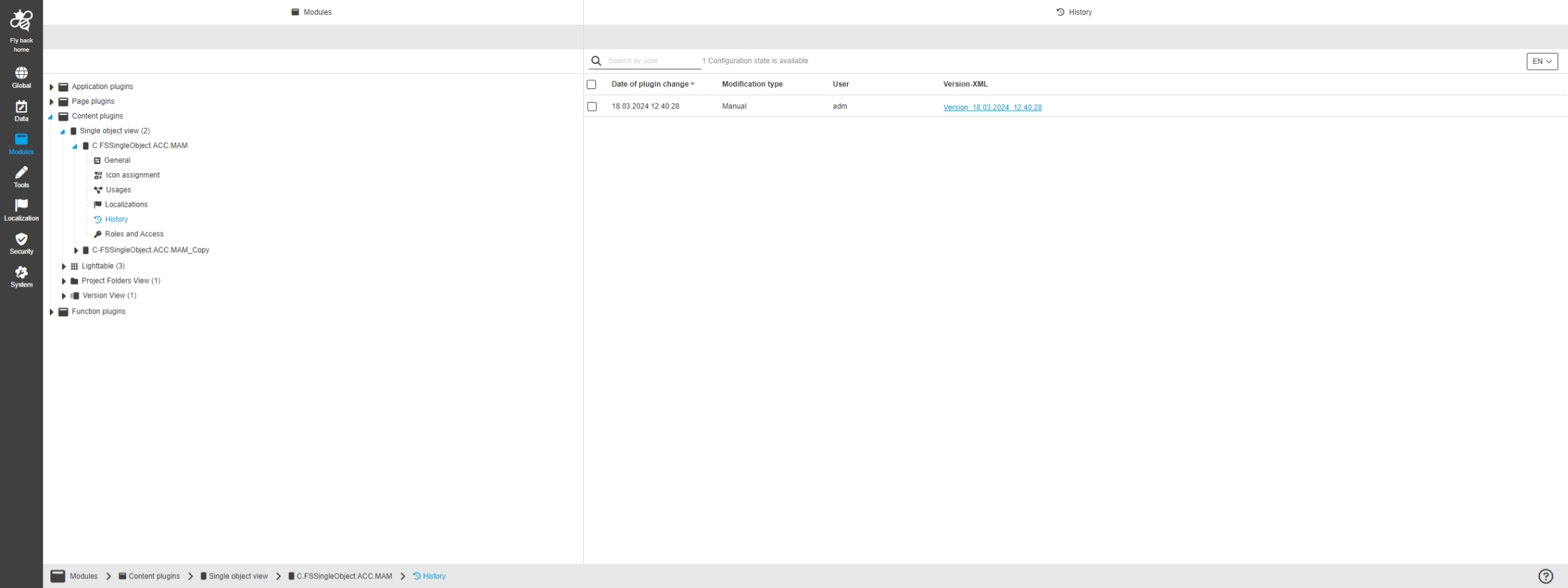
Modules - Content plugin - FSSingleObject - History
References |
OUCC-389 |
Change History overview showing all modifications made in Single Object View Plugin configuration
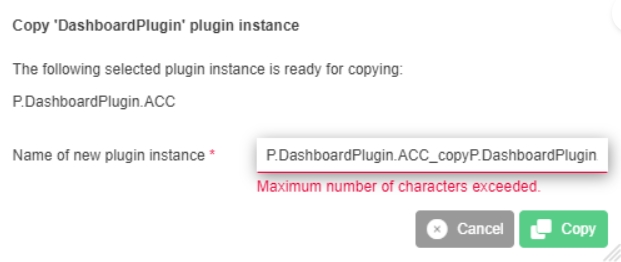
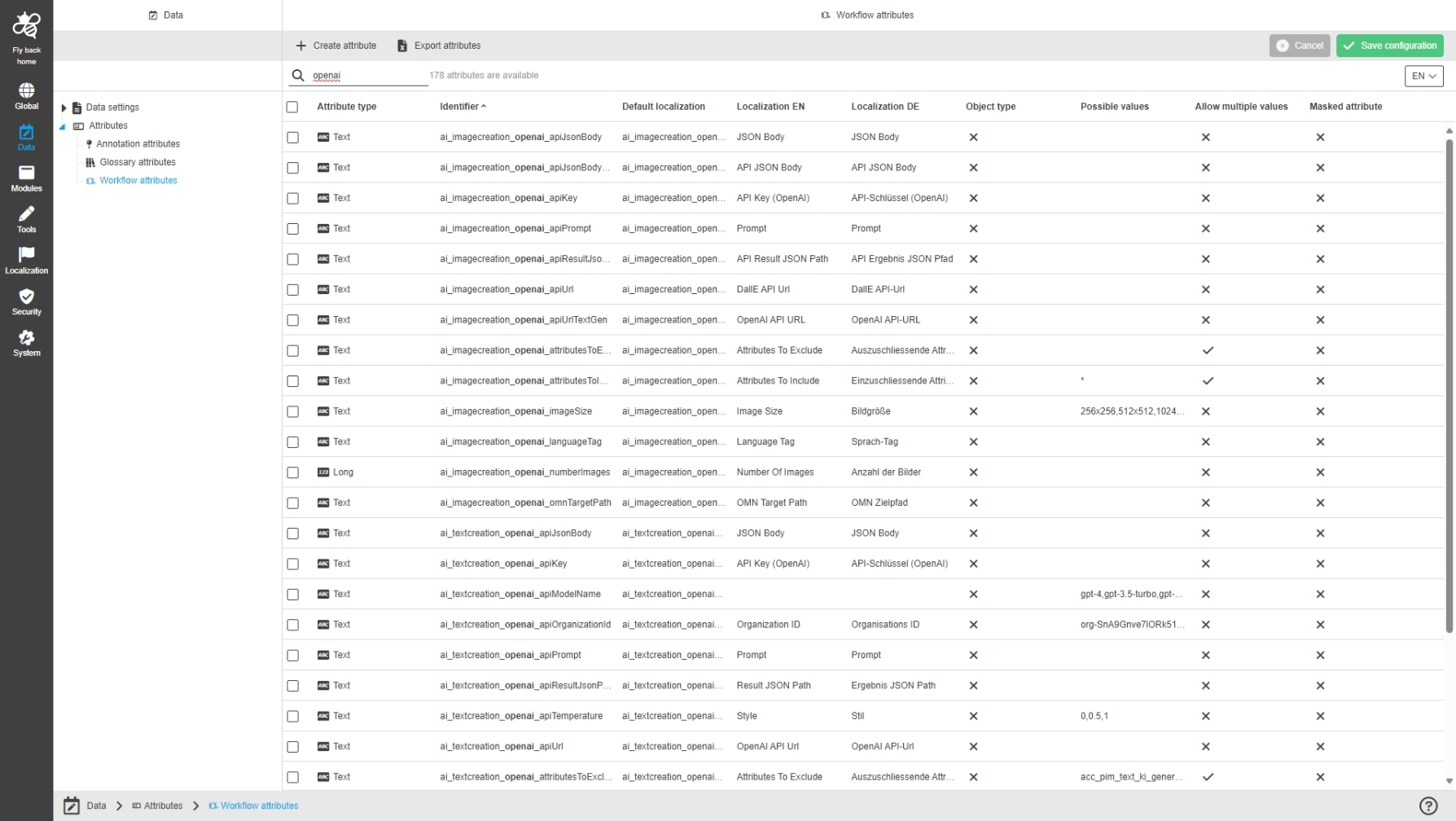
Light Table
References |
OUCC-79 |
Light Table is now configurable in new Configuration Client
Modules - Content plugin - Lighttable - General layout
References |
OUCC-1153 |
Possibility to enable and configure Light Table content plugin in new Configuration Client
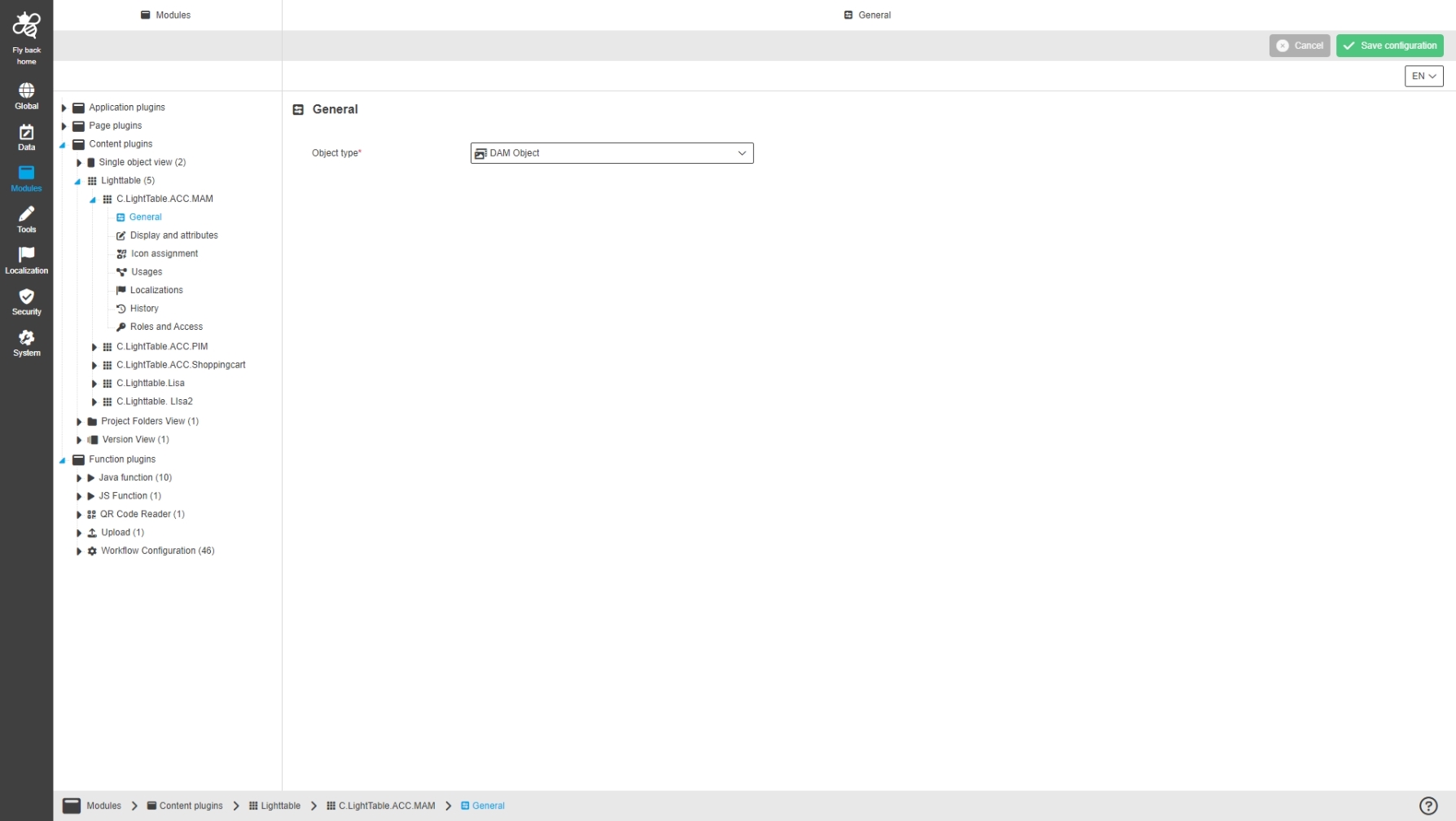
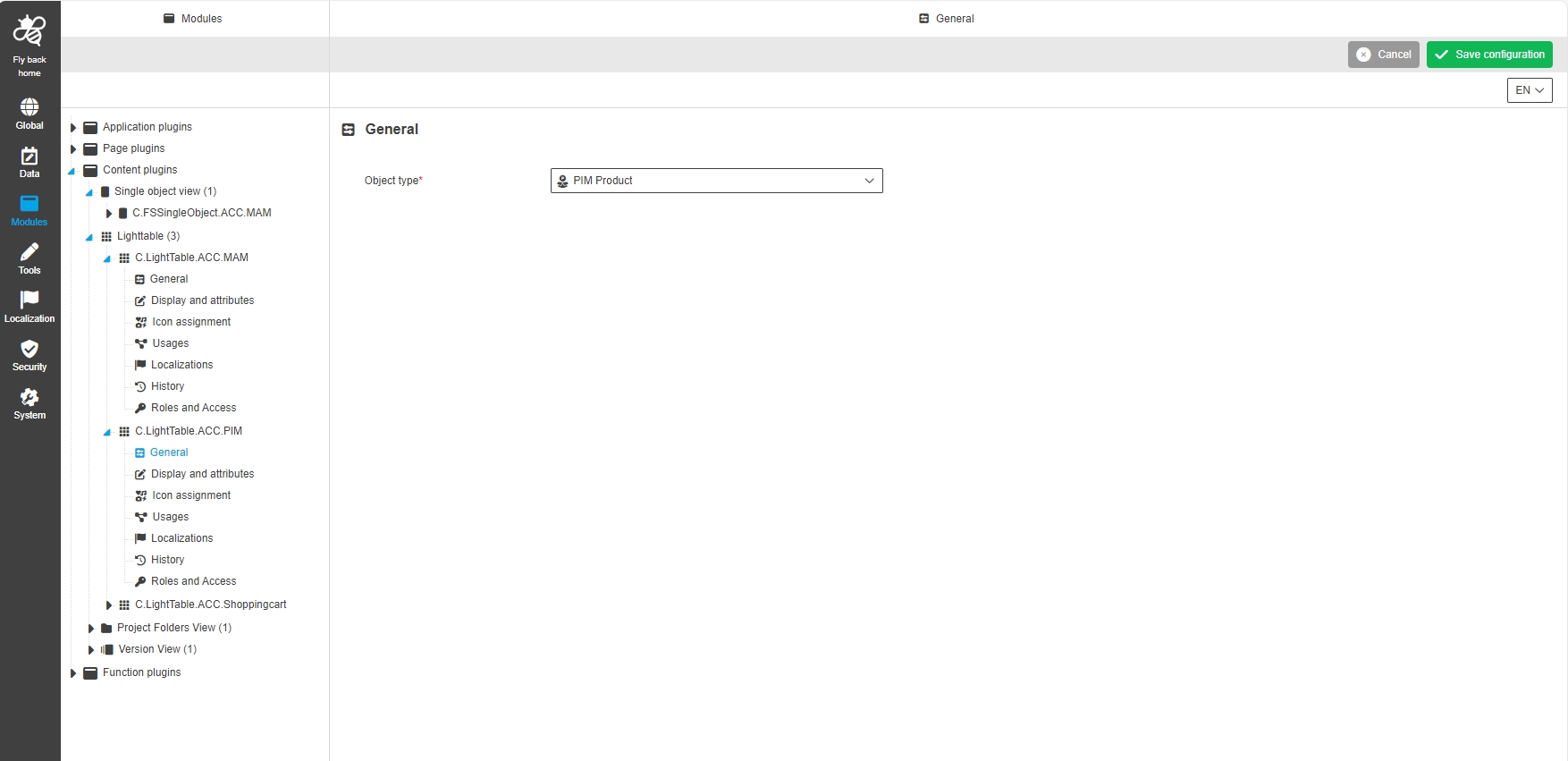
Modules - Content plugin - Lighttable - General
References |
OUCC-1154 |
Possibility to configure the object type for Light Table content plugin as a general setting, which objects the view visualizes in the UI
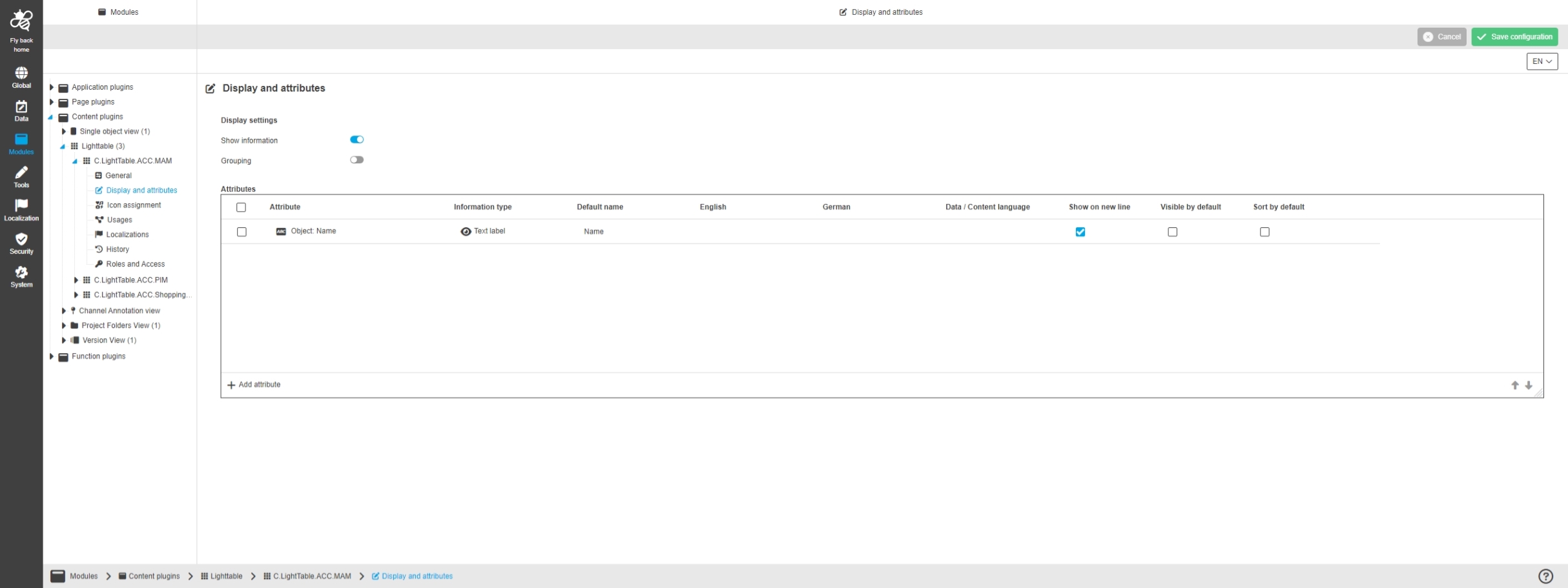
Modules - Content plugin - Lighttable - Display and attributes
References |
OUCC-1155 |
Possibility to configure the display options and attributes which should be available in the Light Table UI
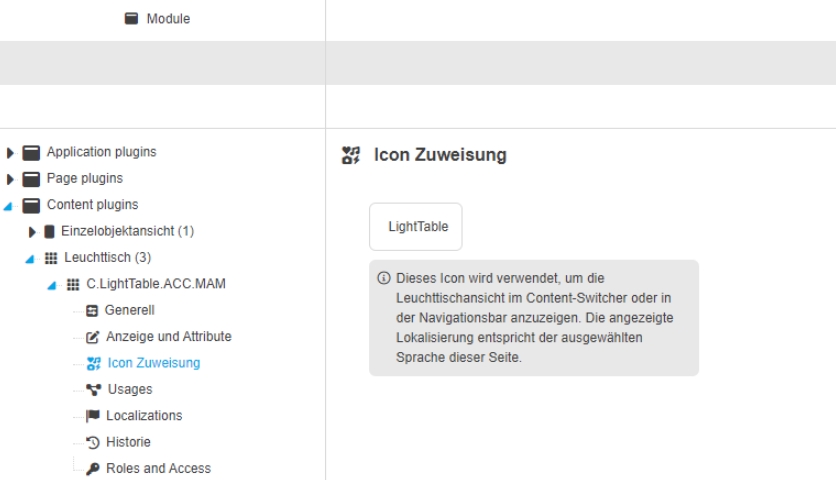
Modules - Content plugin - Lighttable - Icon assignment
References |
OUCC-1156 |
Possibility to assign an icon to Light Table view, so the icon is shown for the corresponding view in the UI
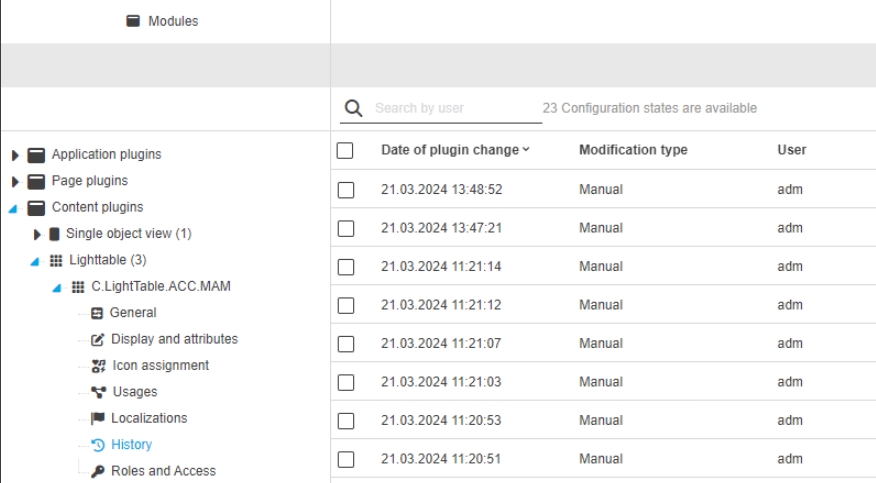
Modules - Content plugin - Lighttable - History
References |
OUCC-1159 |
Overview of all modifications in new history to see all made configuration changes in the Light Table content Plugin
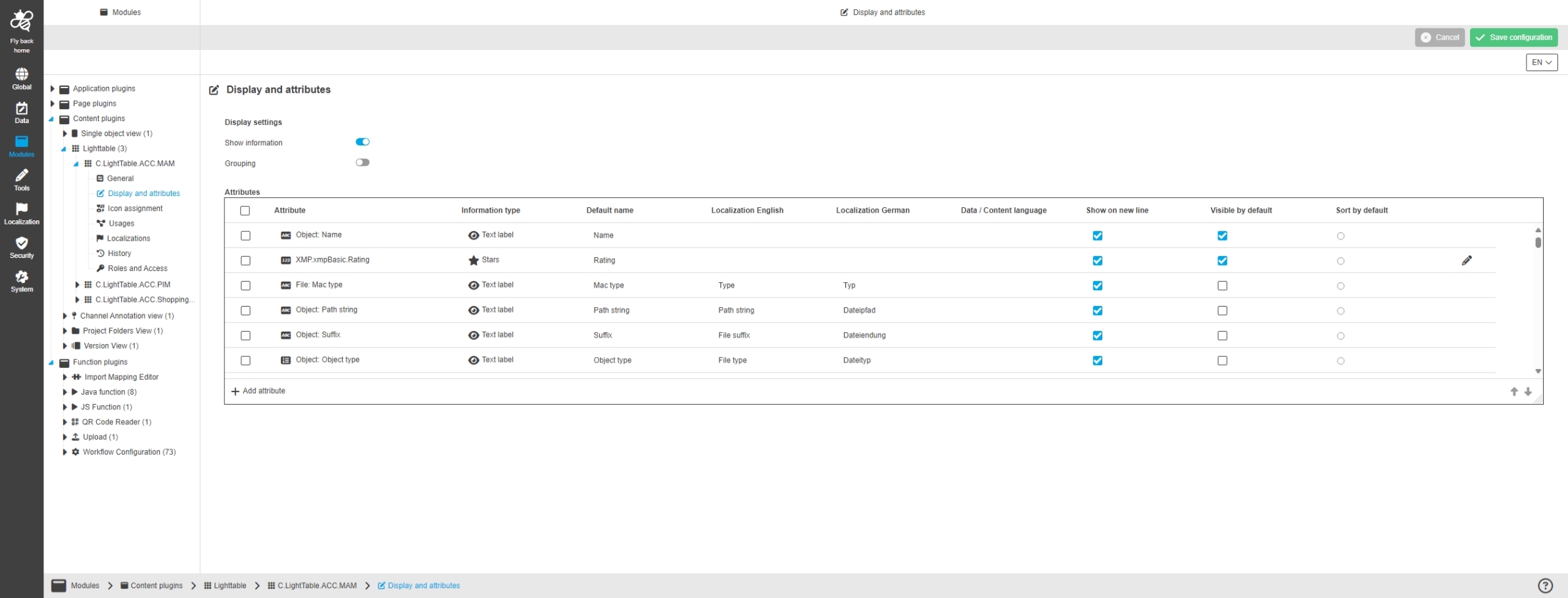
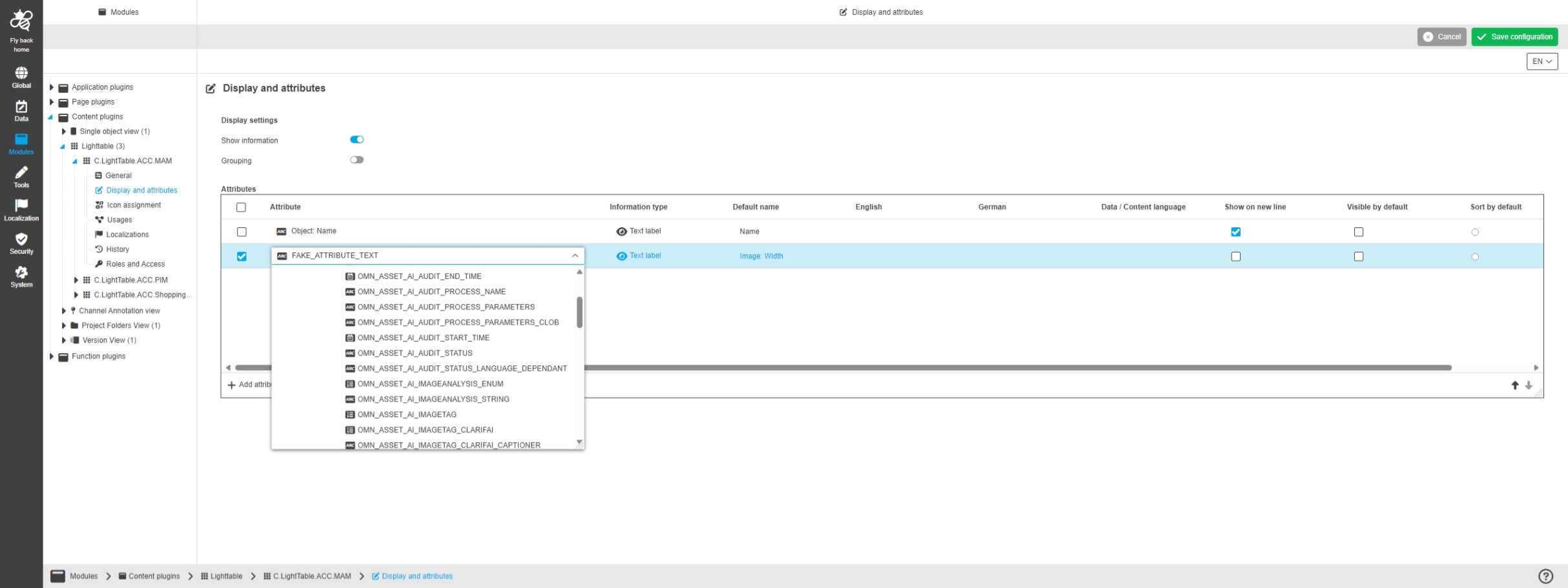
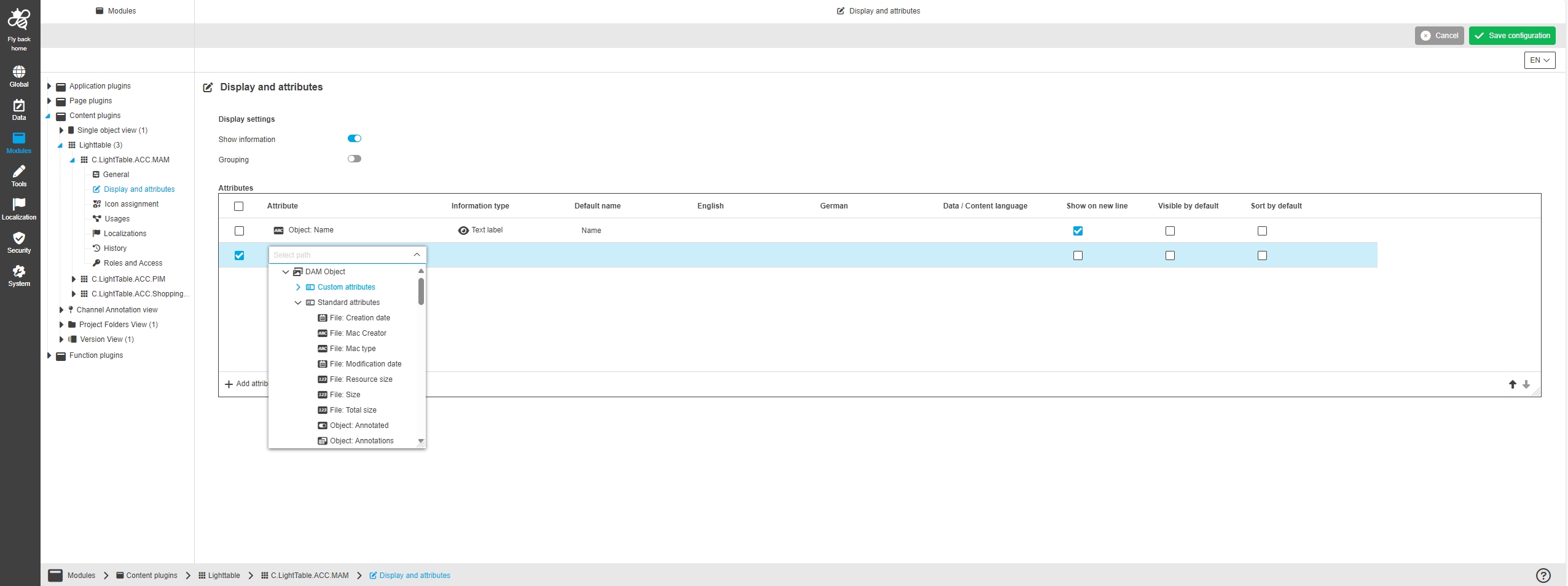
Modules - Content plugin - Lighttable - Display and attributes - Table widget
References |
OUCC-1165, OMN-10890, OCA-120 |
Possibility to configure attributes within a table widget in the Light Table content Plugin configuration, to show attributes in the UI as additional asset information
Channel Annotation View
References |
OUCC-82 |
OOM |
OOM-518 |
Modules - Content plugin - Channel Annotation view - General layout
References |
OUCC-1021 |
Possibility to configure Channel Annotation view plugin in the UI
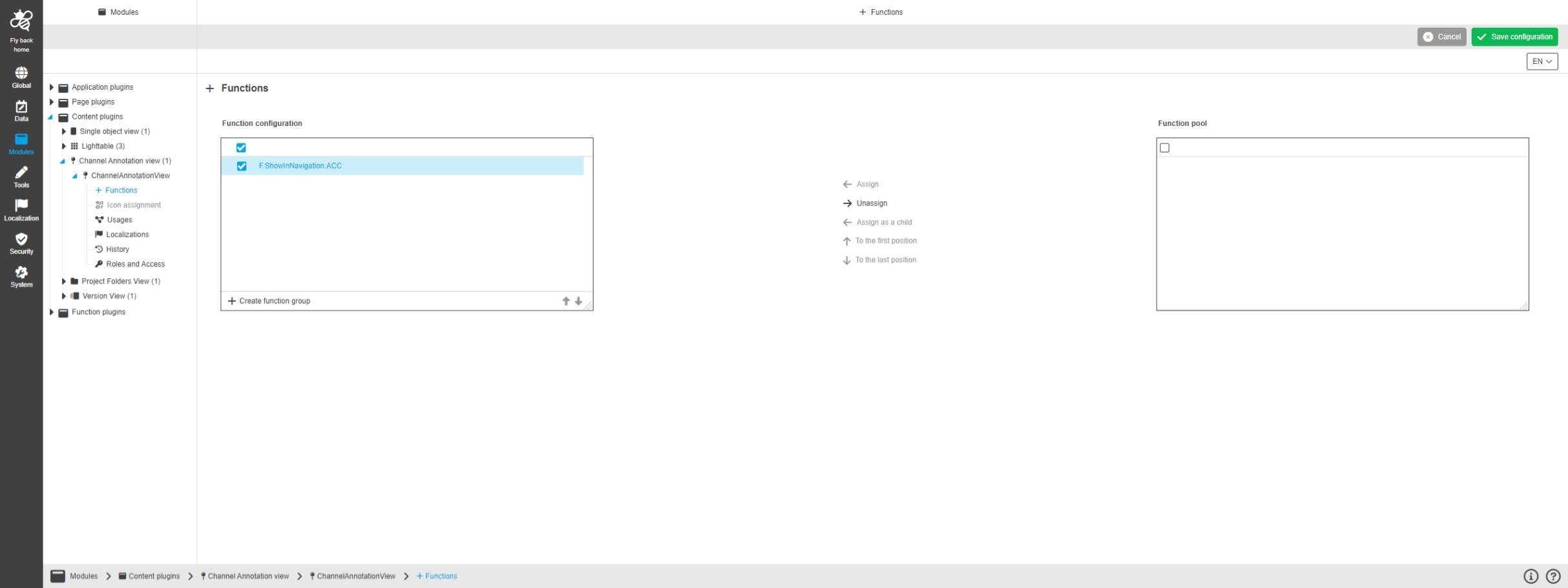
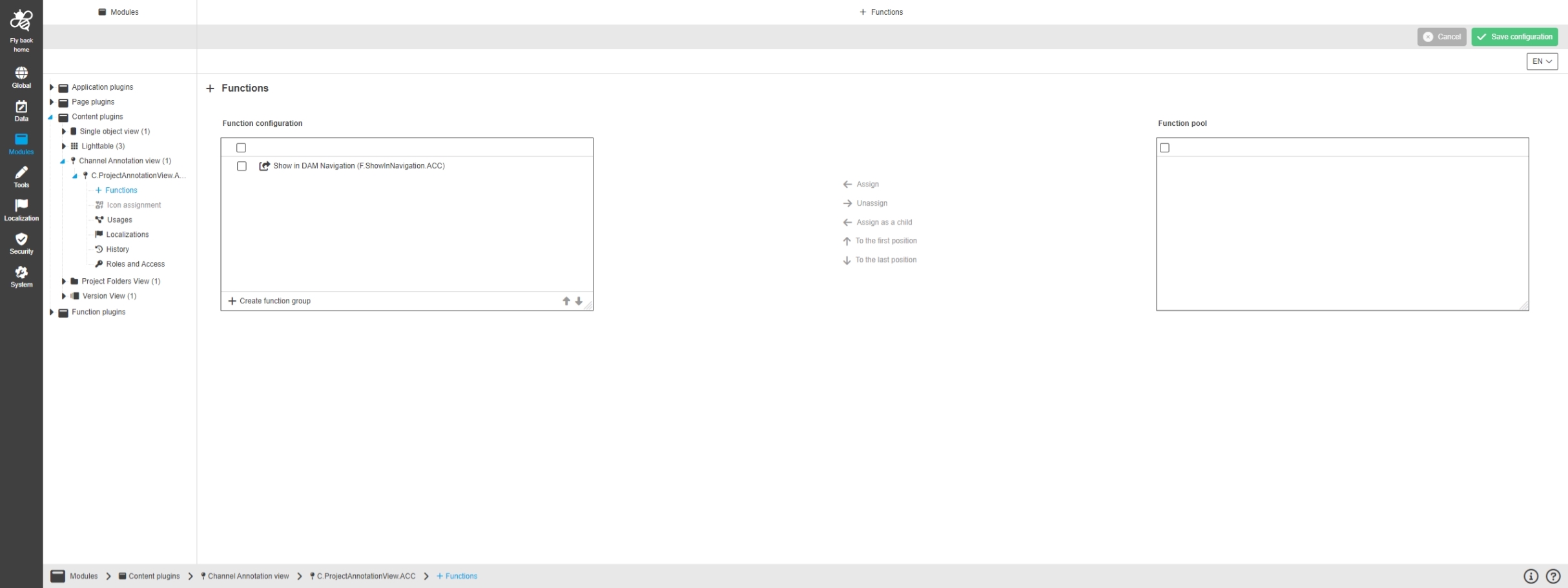
Modules - Content plugin - Channel Annotation view - Functions
References |
OUCC-1022 |
Possibility to configure functions for the Channel Annotation view
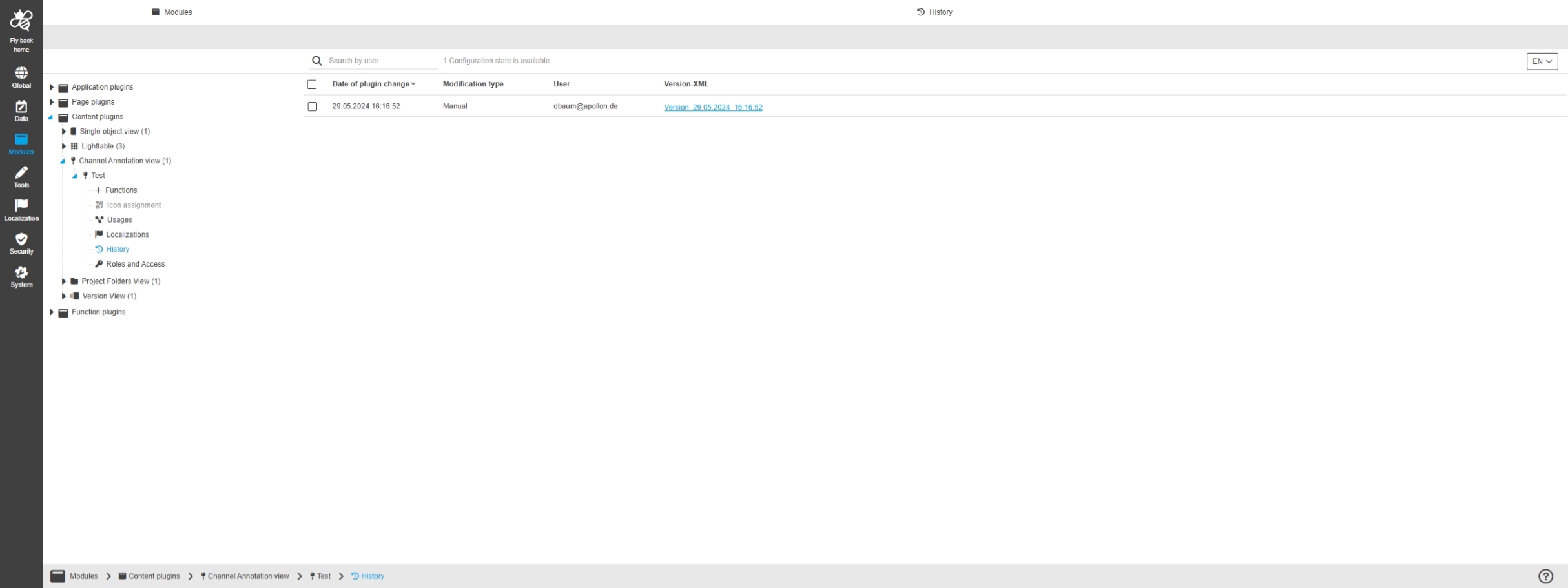
Modules - Content plugin - Channel Annotation view - History
References |
OUCC-1026 |
Overview of all modifications made in the Channel Annotation view content Plugin via History Tab
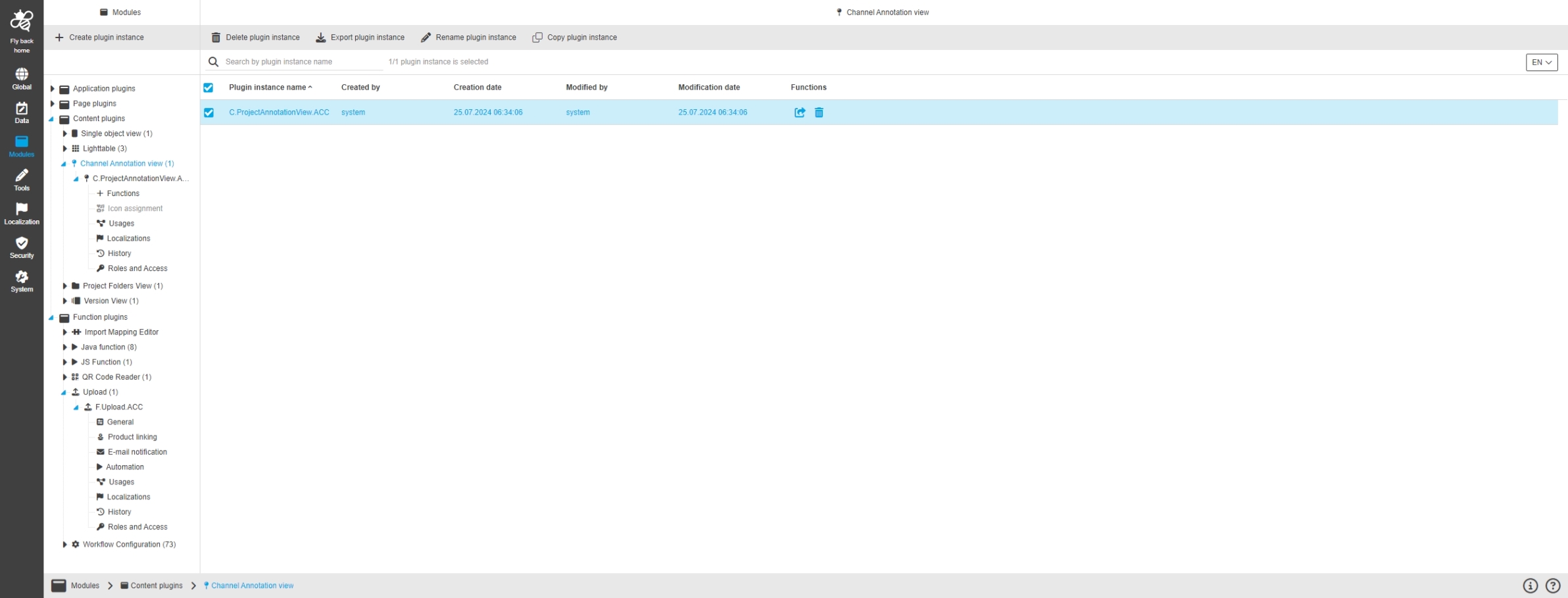
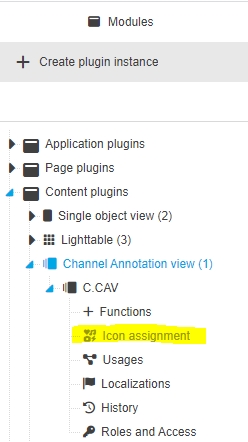
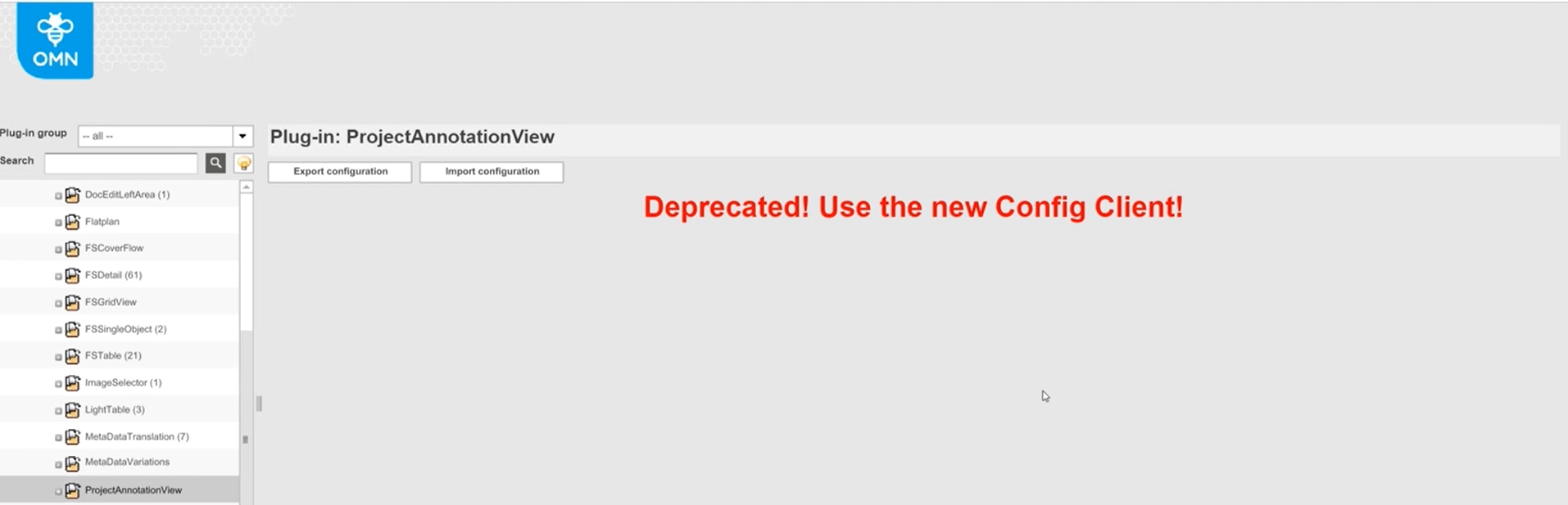
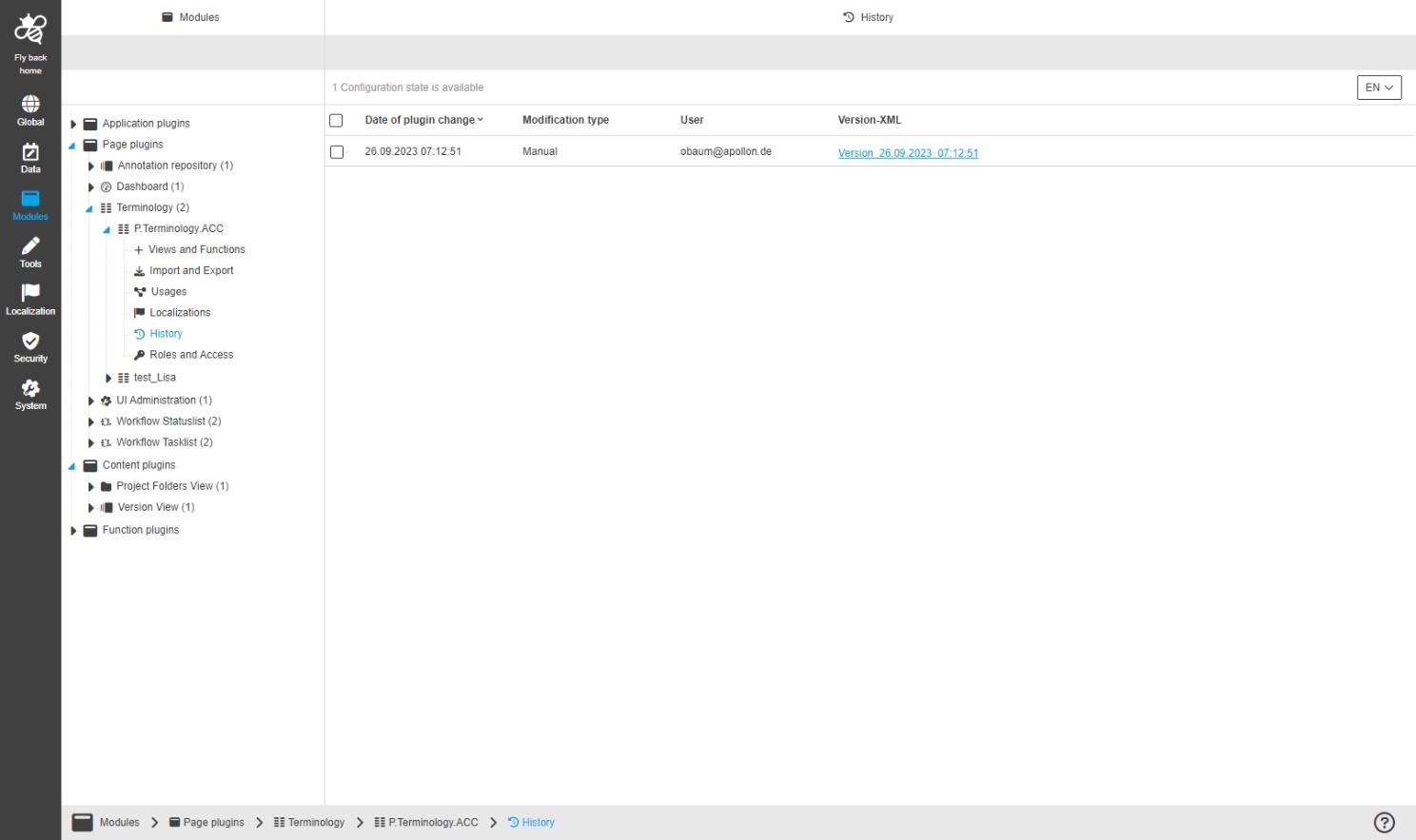
Implement Plugin export Copy and Import for ProjectAnnotationView
References |
OMN-10838 |
ProjectAnnotationView configuration can be copied and im- and exported
Function
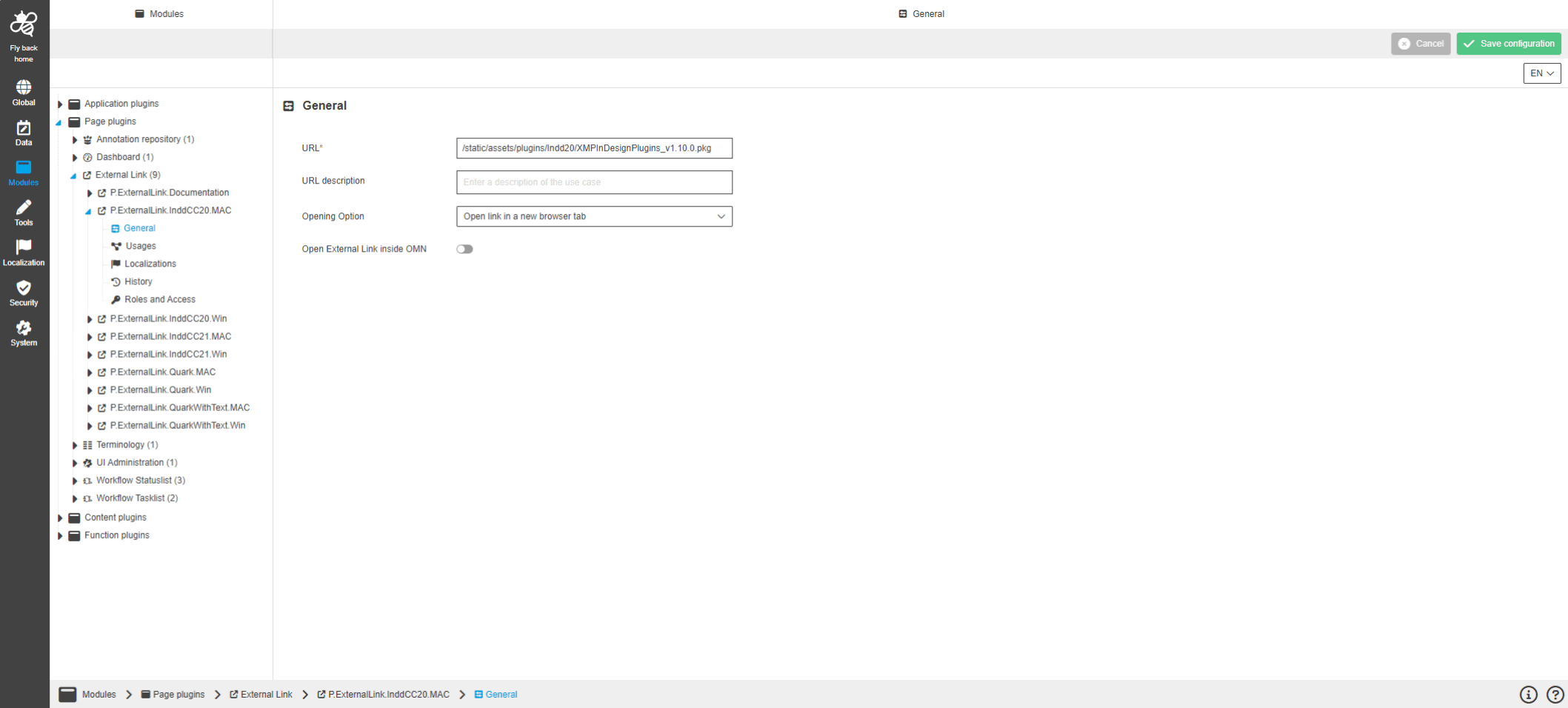
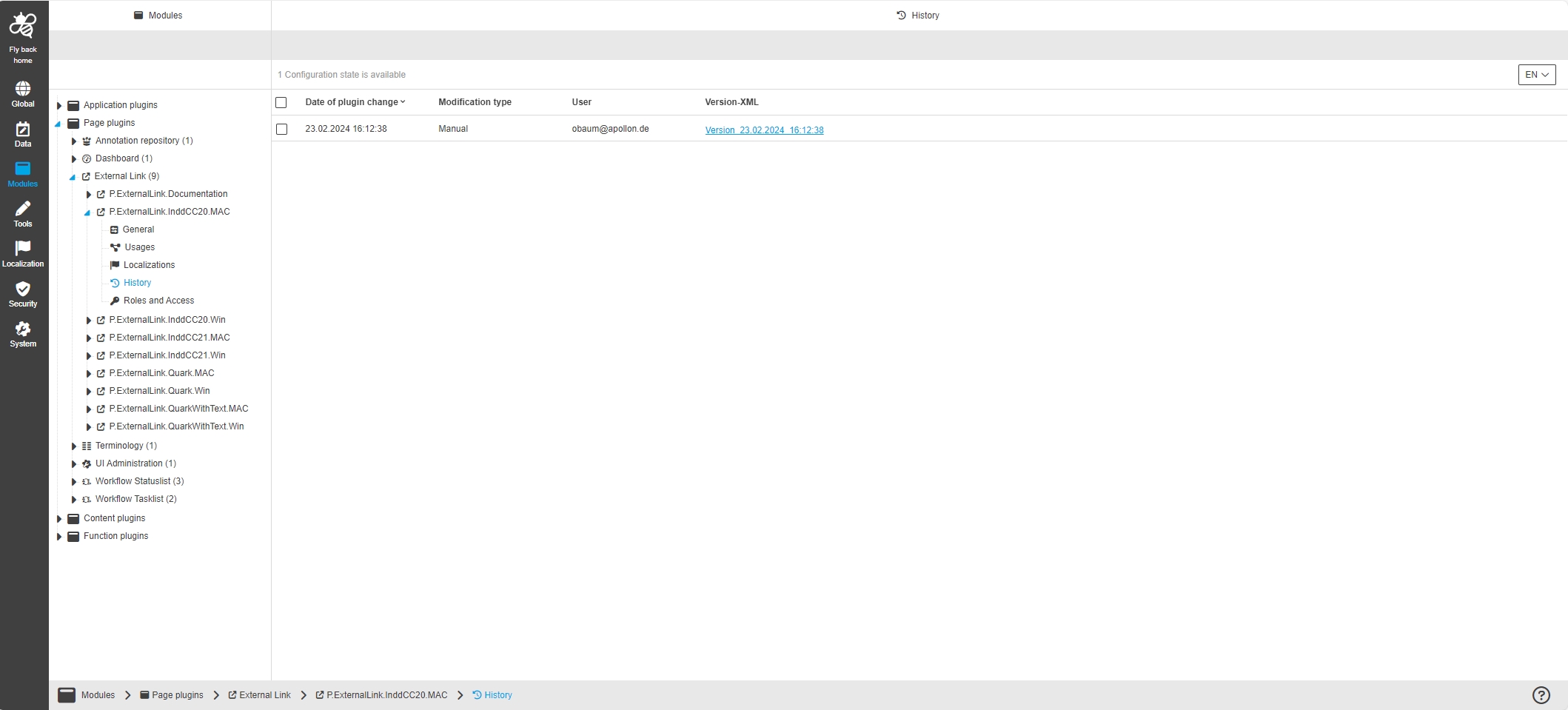
External Link
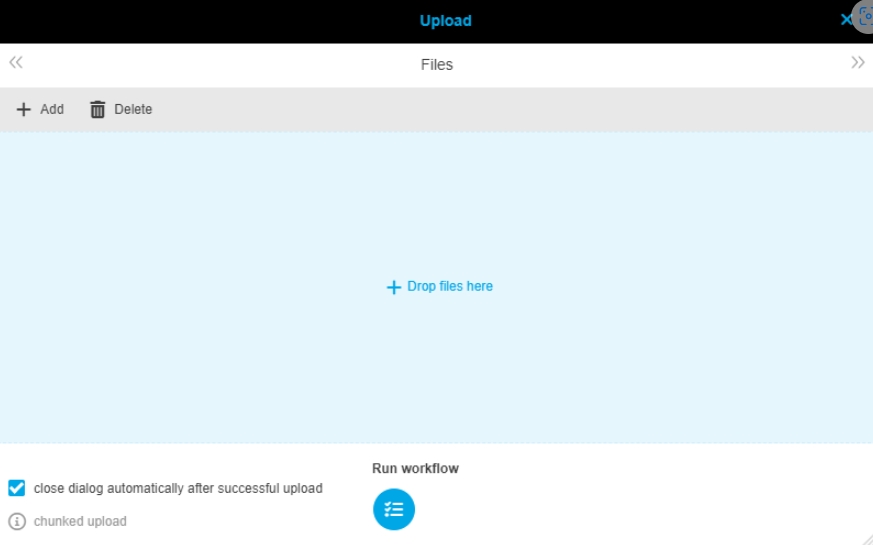
Upload
References |
OUCC-153 |
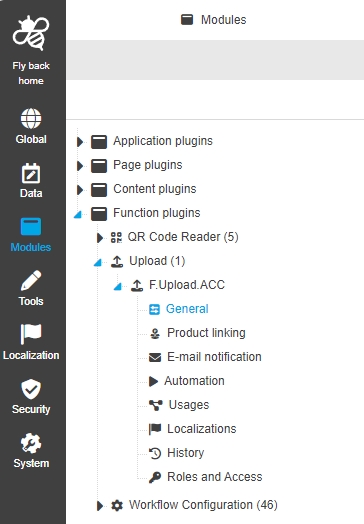
Modules - Function Plugin - Upload - General Layout
References |
OUCC-355 |
Configuration of Upload Plugin in new Configuration Client
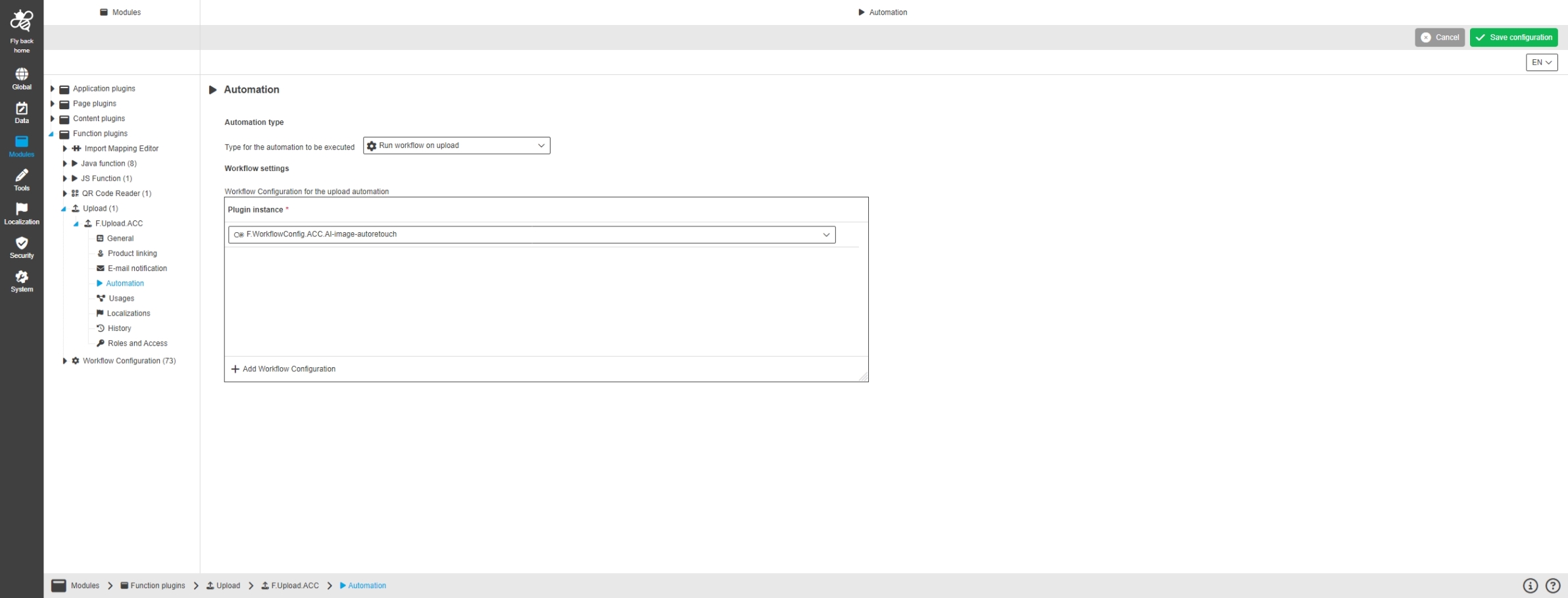
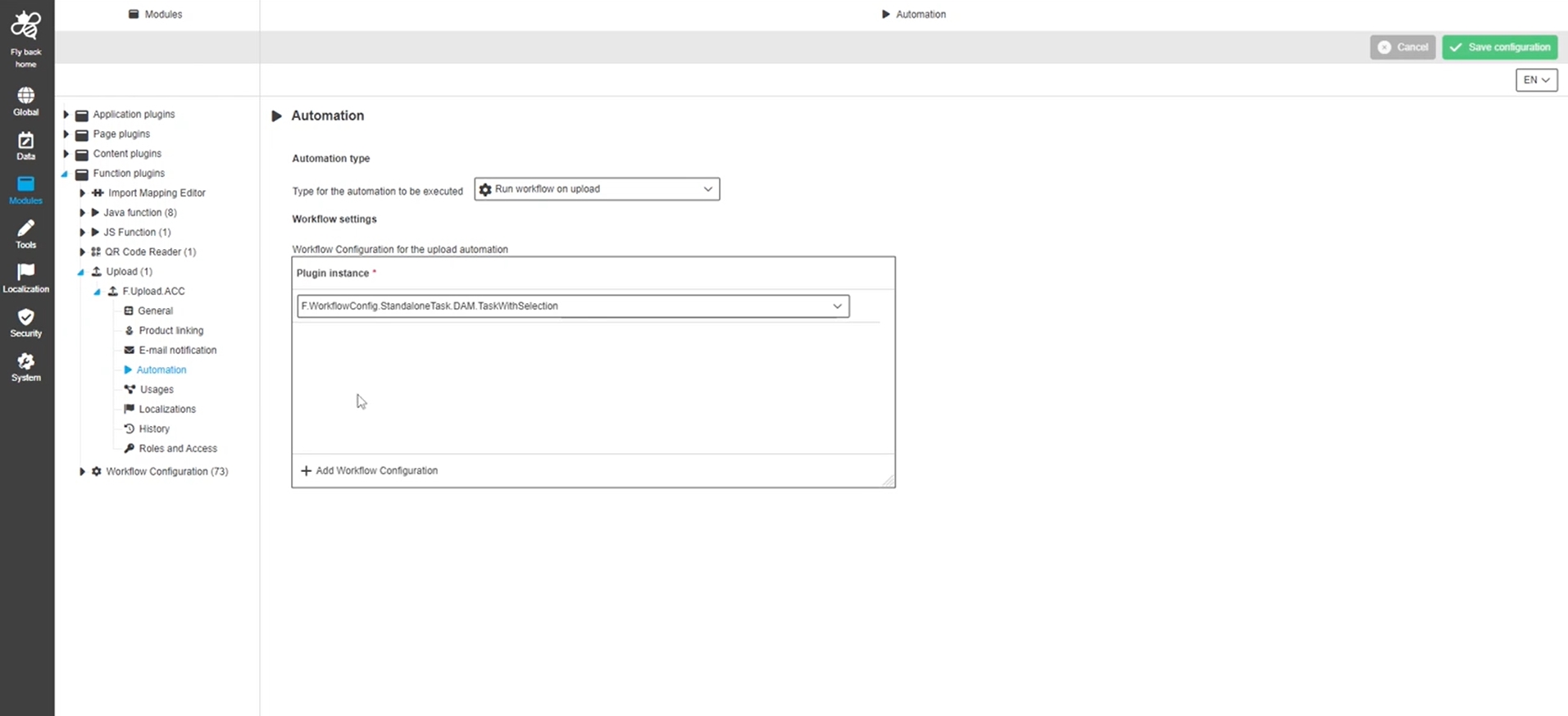
Modules - Function Plugin - Upload - Automation
References |
OUCC-1127 |
Possibility to use an automation within the upload, so a workflow or script will be executed automatically
Tools
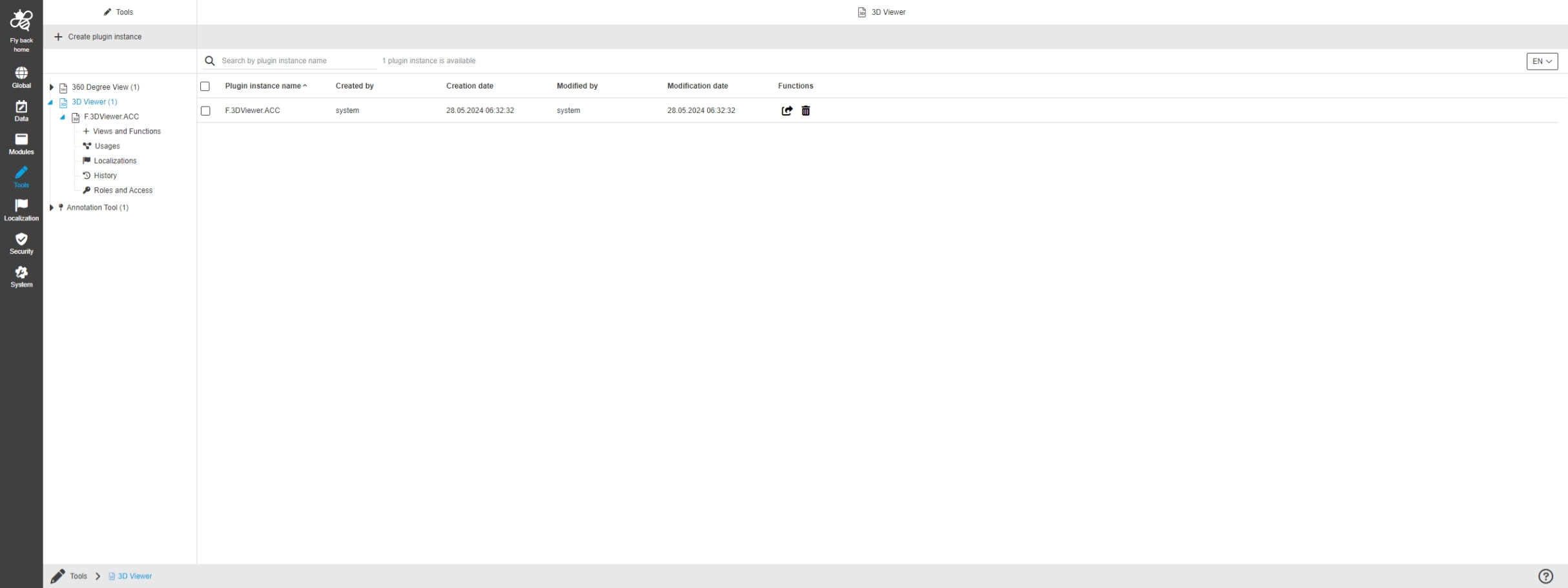
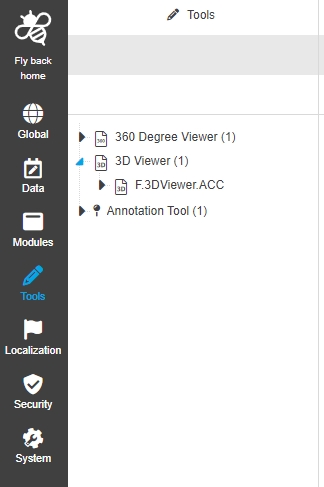
3D Viewer
References |
OUCC-98 |
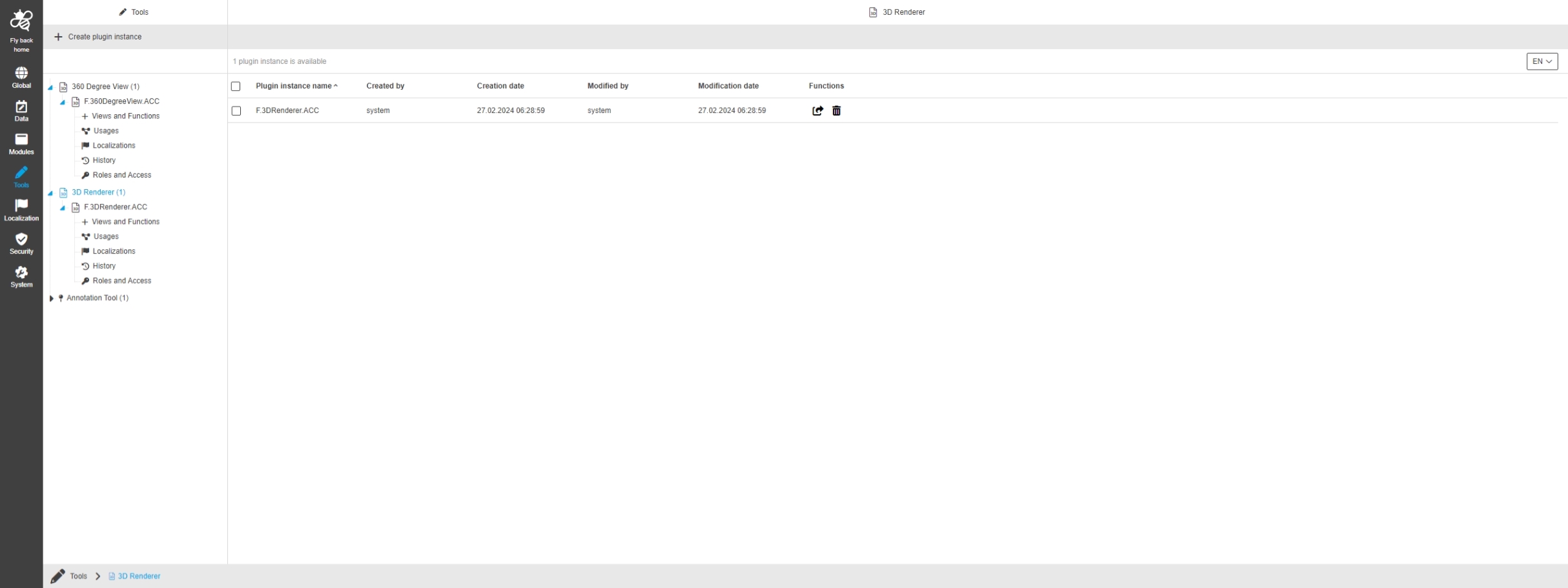
Configuration Client - Tools - 3DRenderer - General layout
References |
OUCC-1059 |
Possibility to enable the 3D Viewer plugin in the UI, so the enduser can use the functionality
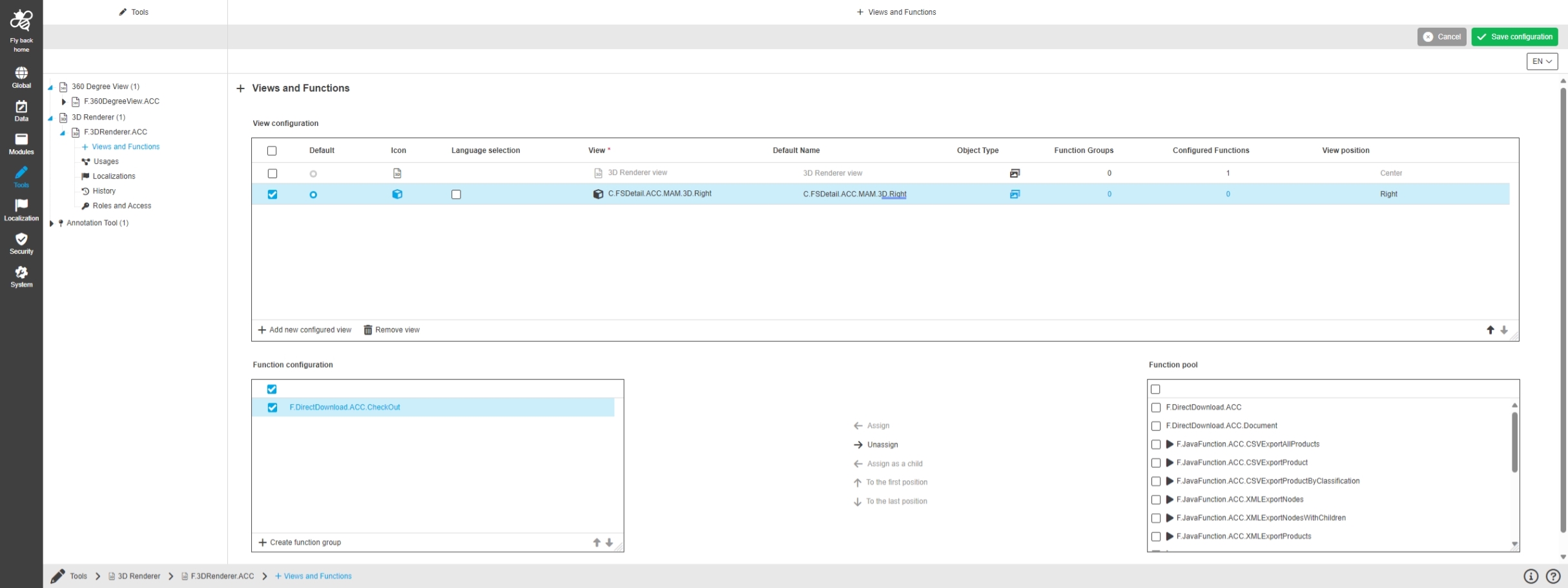
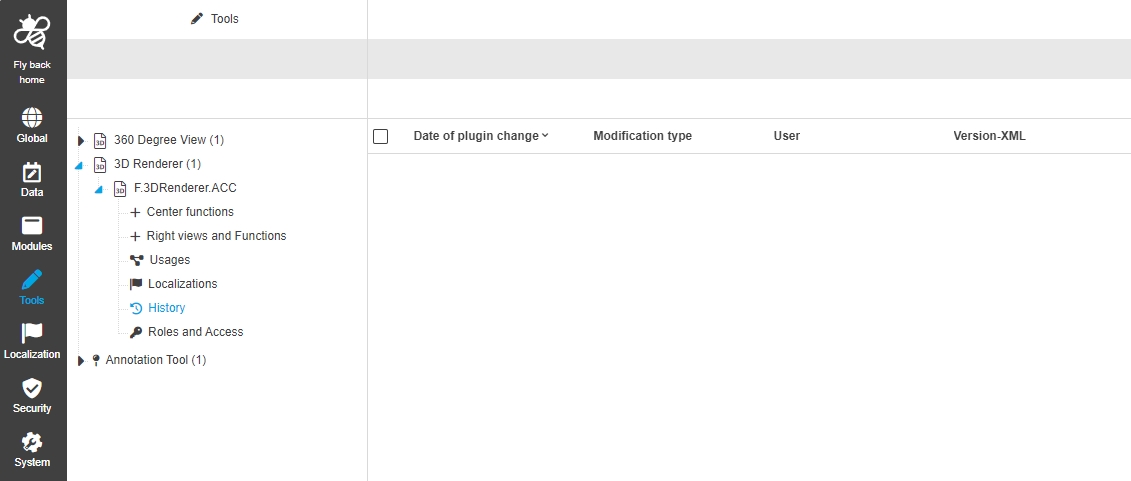
Configuration Client - Tools - 3DRenderer - Center functions
References |
OUCC-1060 |
Possibility to configure views and functions in 3D Viewer to display certain information and functions in the frontend UI
-
configuration of functions ins limited to Right view
360 Degree Viewer
References |
OUCC-97 |
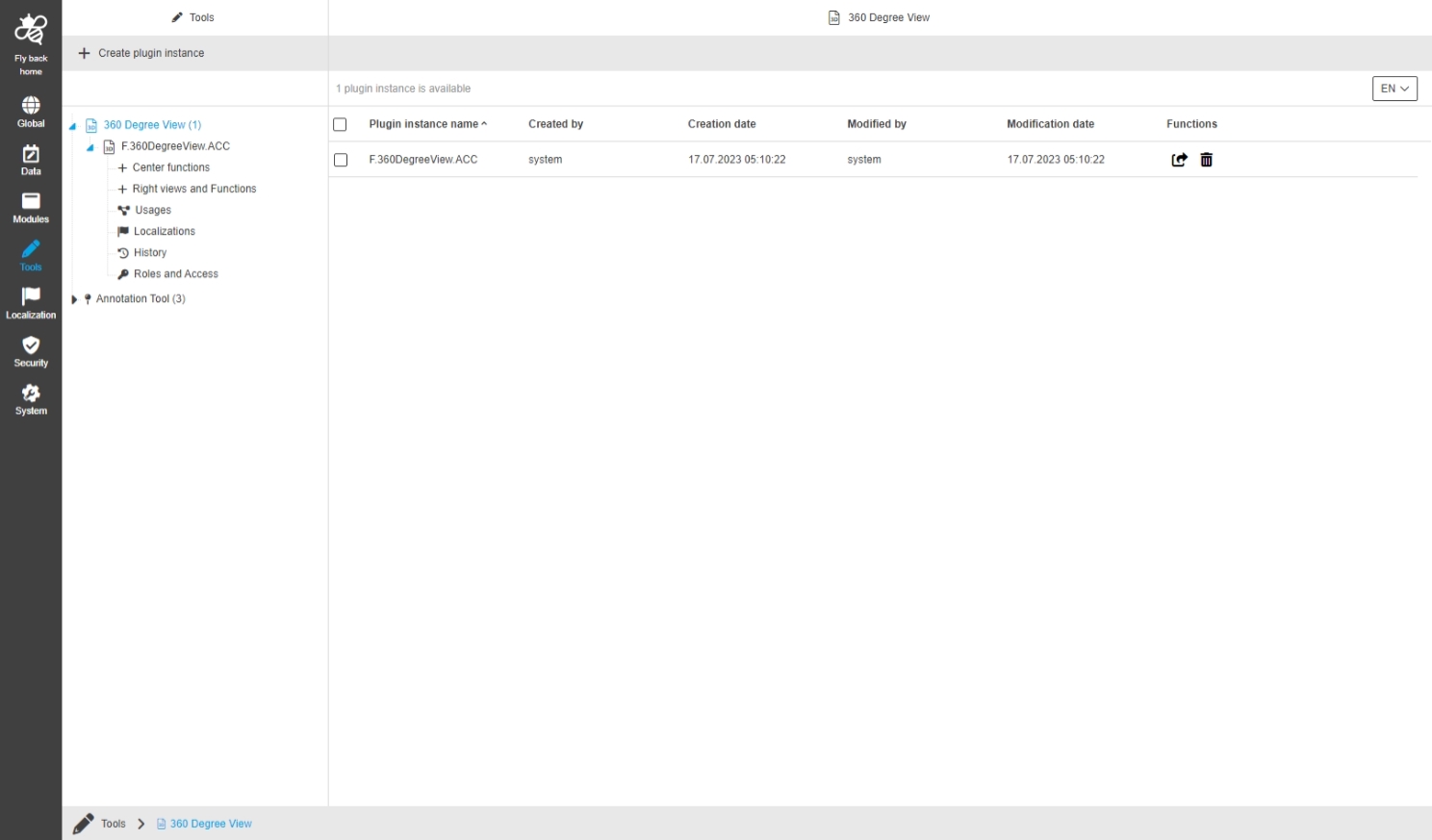
Configuration Client - Tools - 360 Degree Viewer - General layout
References |
OUCC-1050 |
New configuration of 360 Degree View Plugin in Tools section
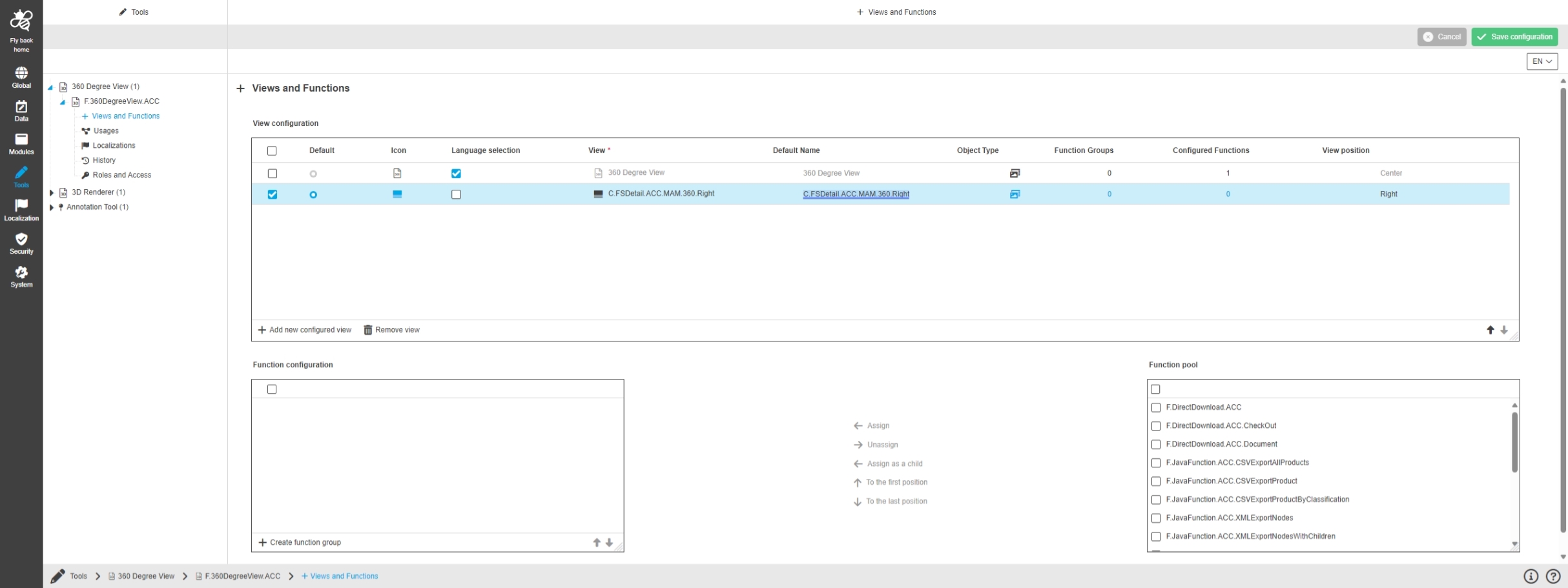
Configuration Client - Tools - 360DegreeView - Views and functions
References |
OUCC-1051 |
Possibility to assign functions for 360 degree viewer in center view to display certain information and functions in the frontend UI
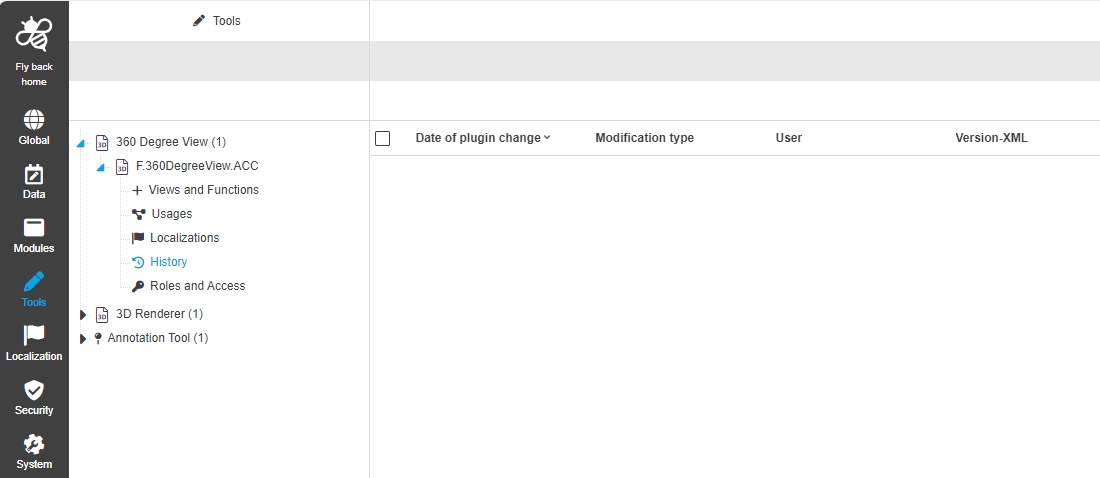
Configuration Client - Tools - 360DegreeView - History
References |
OUCC-1055 |
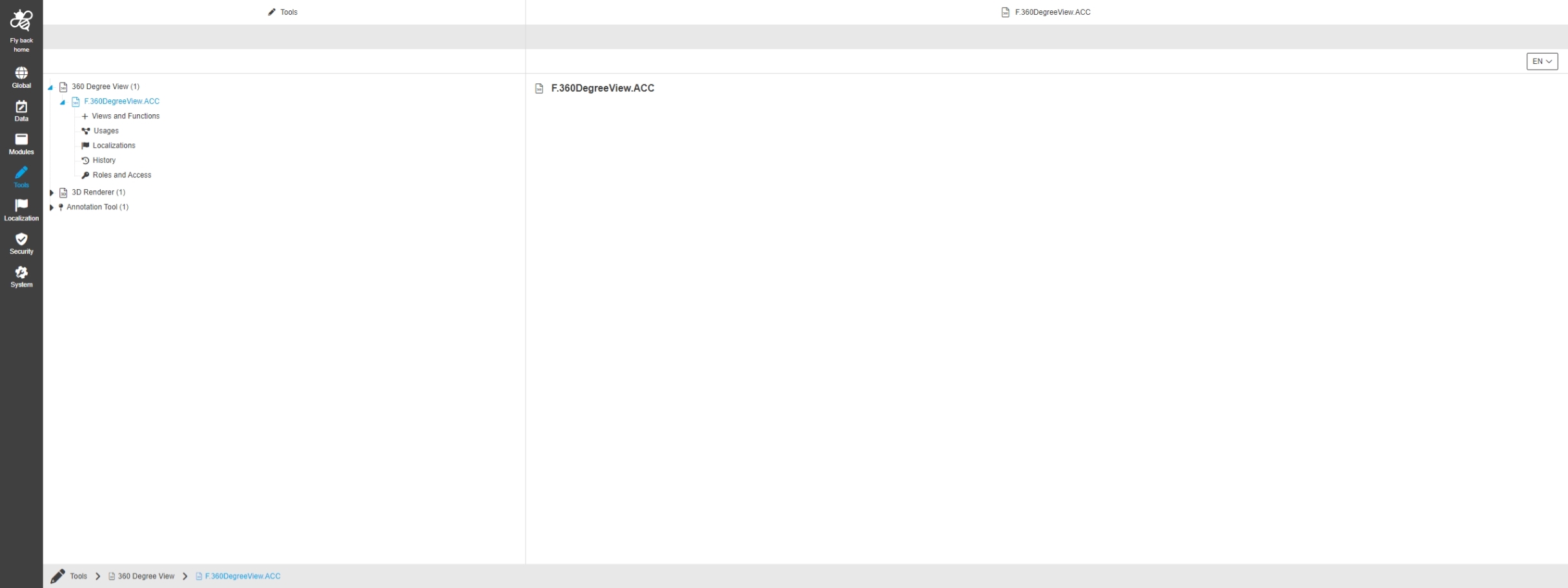
Overview of all modifications made in the 360Degree View Plugin
Java
References |
OUCC-126 |
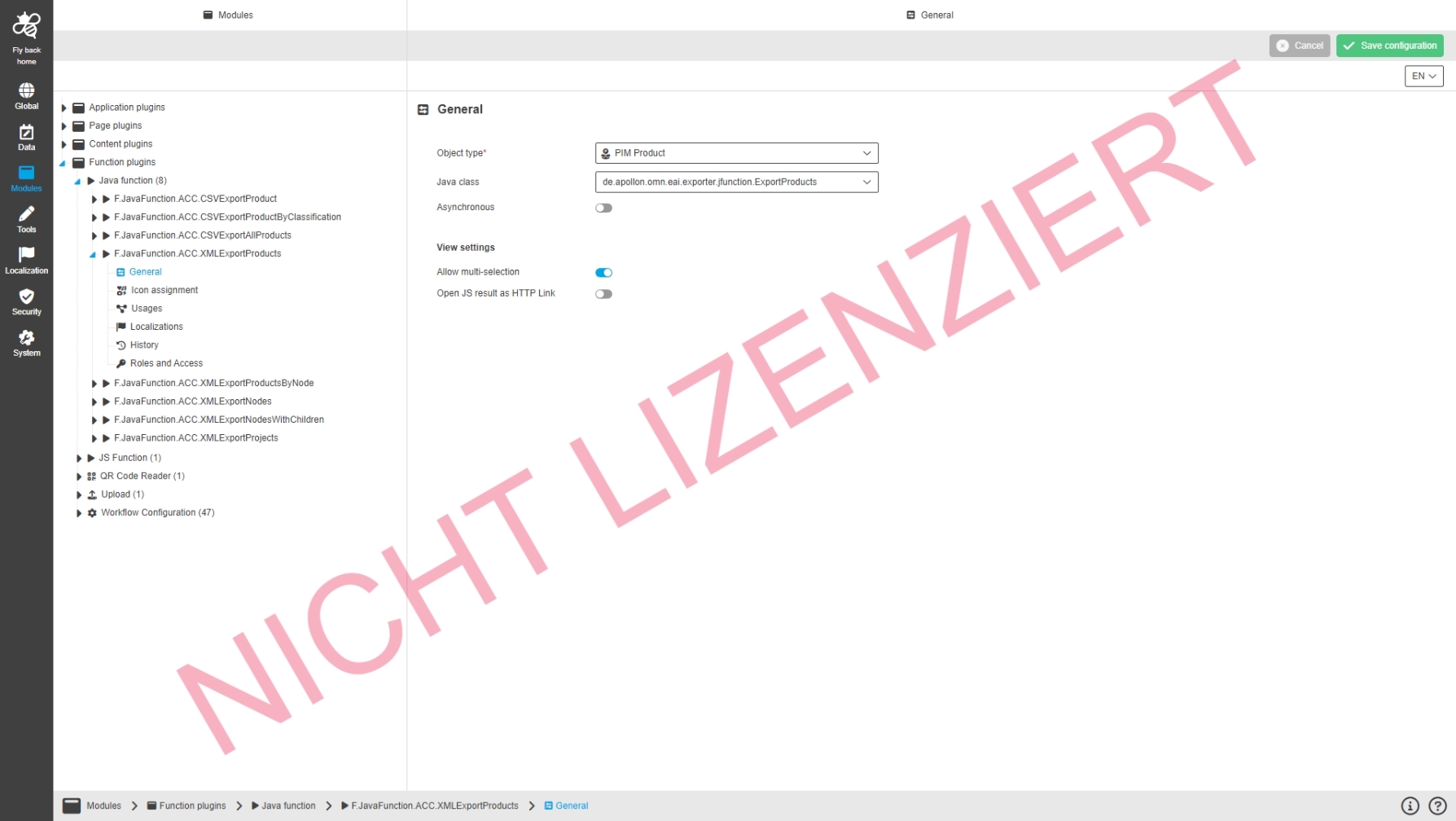
Modules - Function plugin - JavaFunction - General layout
References |
OUCC-1035 |
Configuration of Java Function Plugin in new Configuration Client
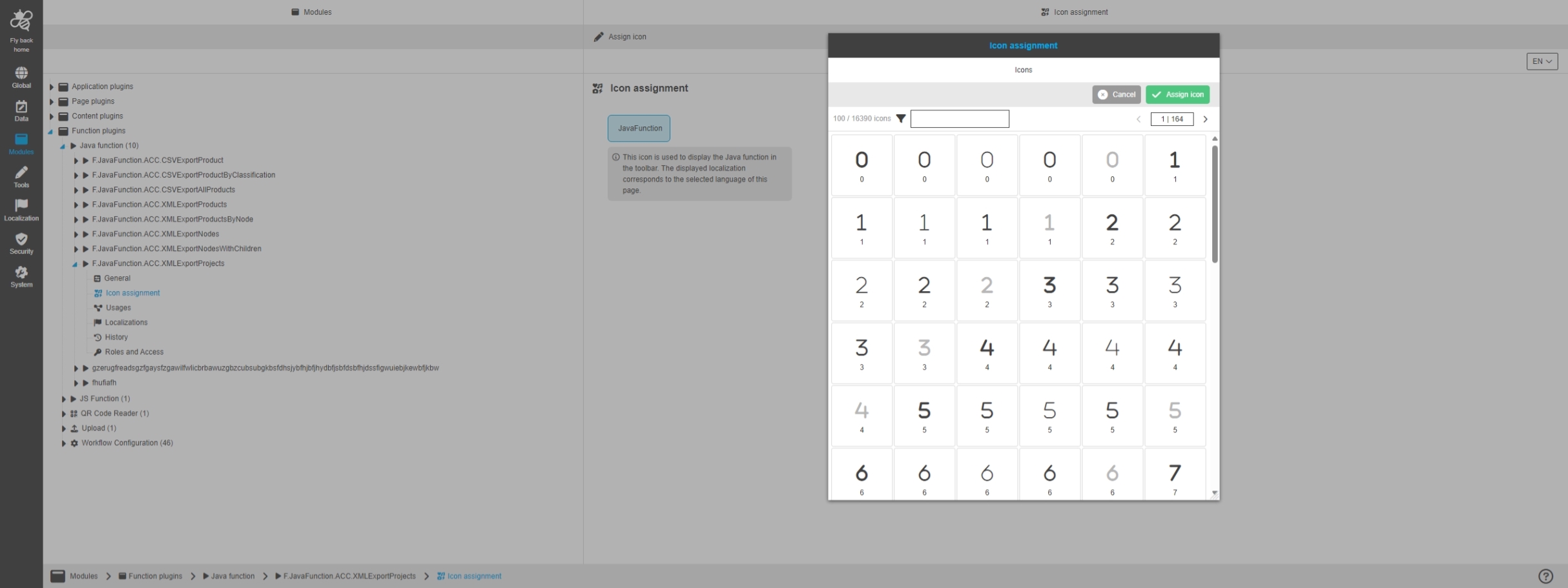
Modules - Function plugin - JavaFunction - Icon assignment
References |
OUCC-1037 |
Possibility to assign an icon for a configured Java function Plugin
JS Function
References |
OUCC-128 |
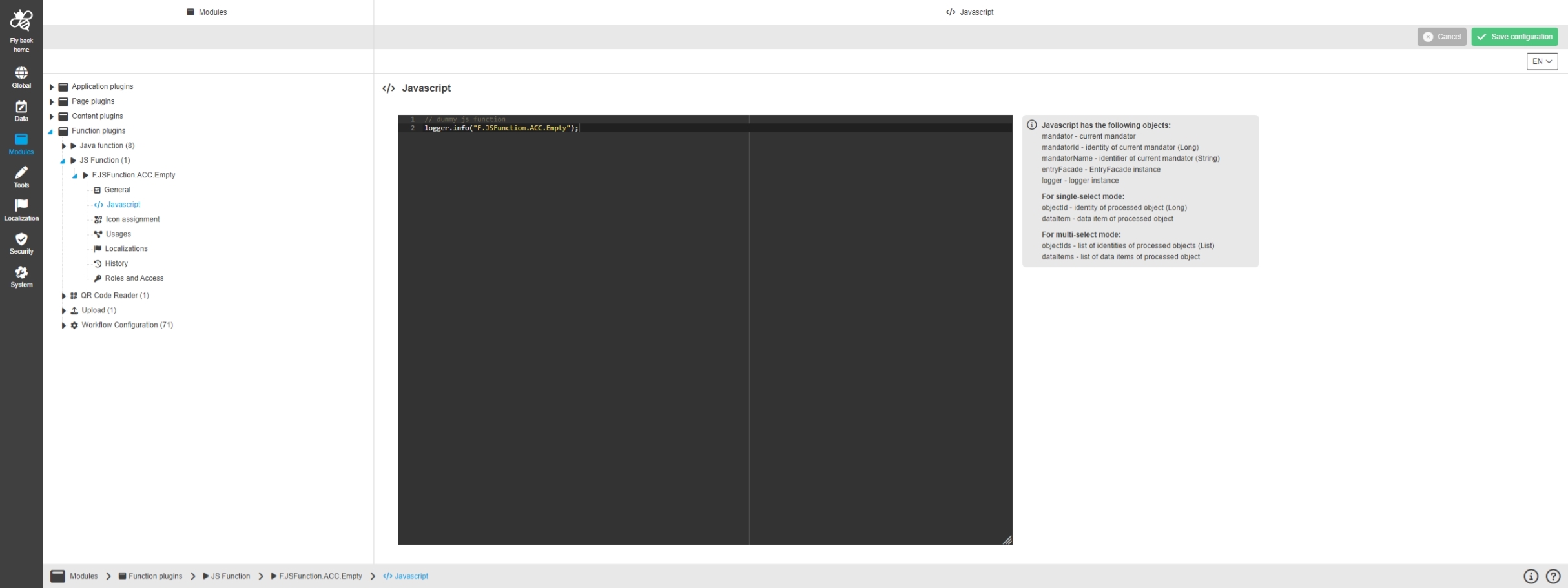
Configuration Client - Modules - Function plugin - JS Function - General layout
References |
OUCC-1042 |
New General Layout for Configuration of JS Function in new Configuration Client
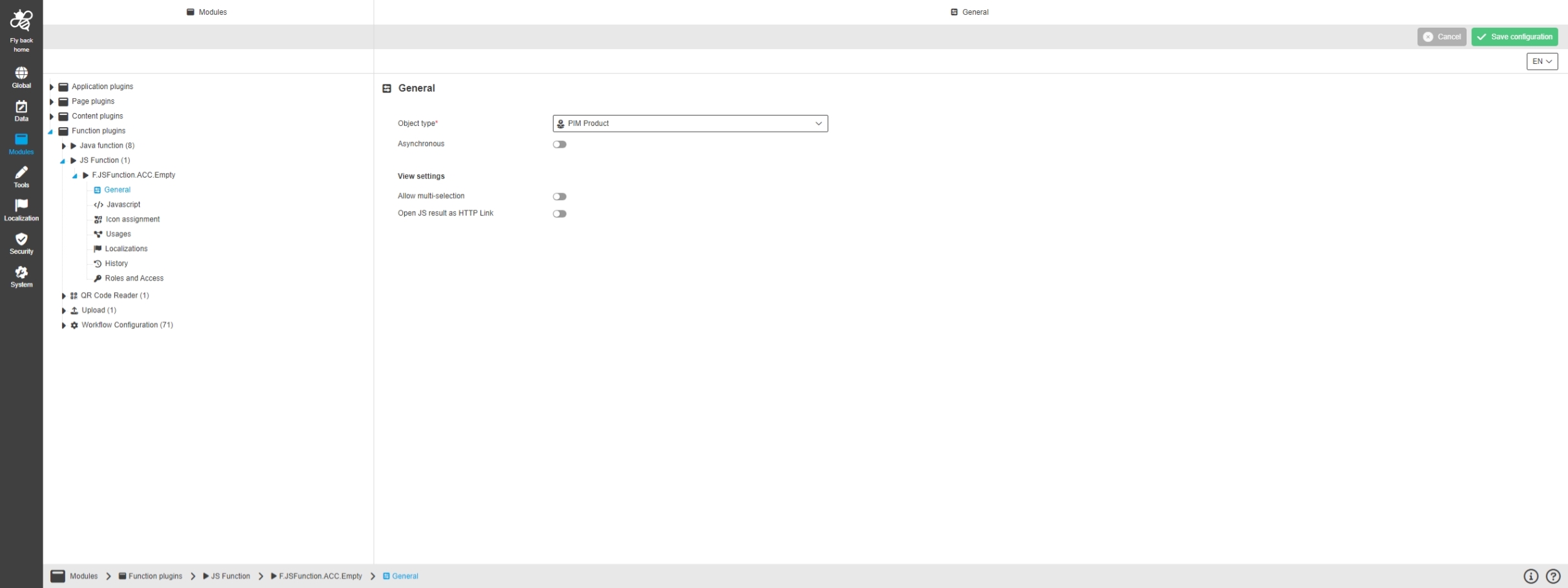
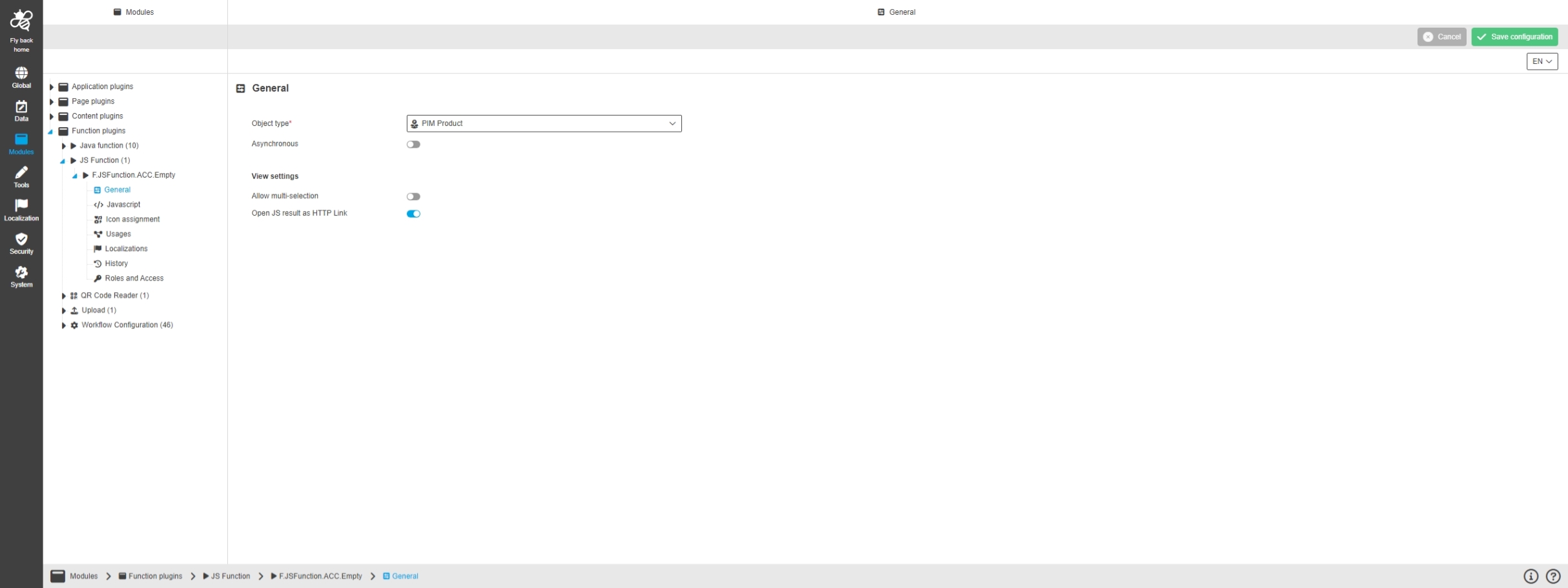
Configuration Client - Modules - Function plugin - JS Function - General
References |
OUCC-1043 |
Possibility to configure the general details for my Java function in new Configuration Client, so that the admin can define which Java class will be used
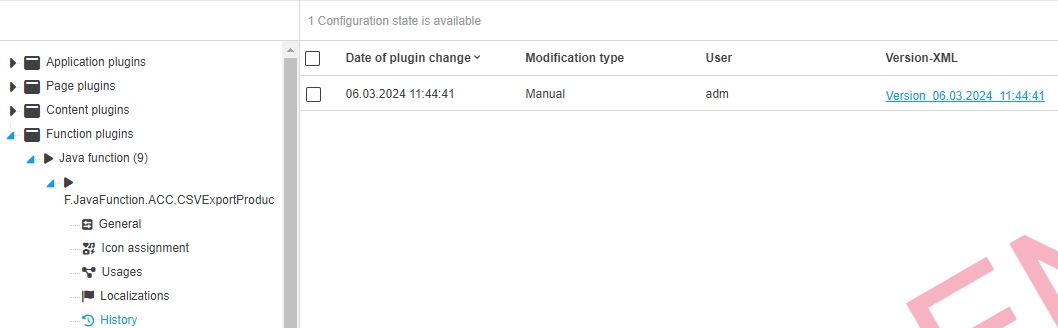
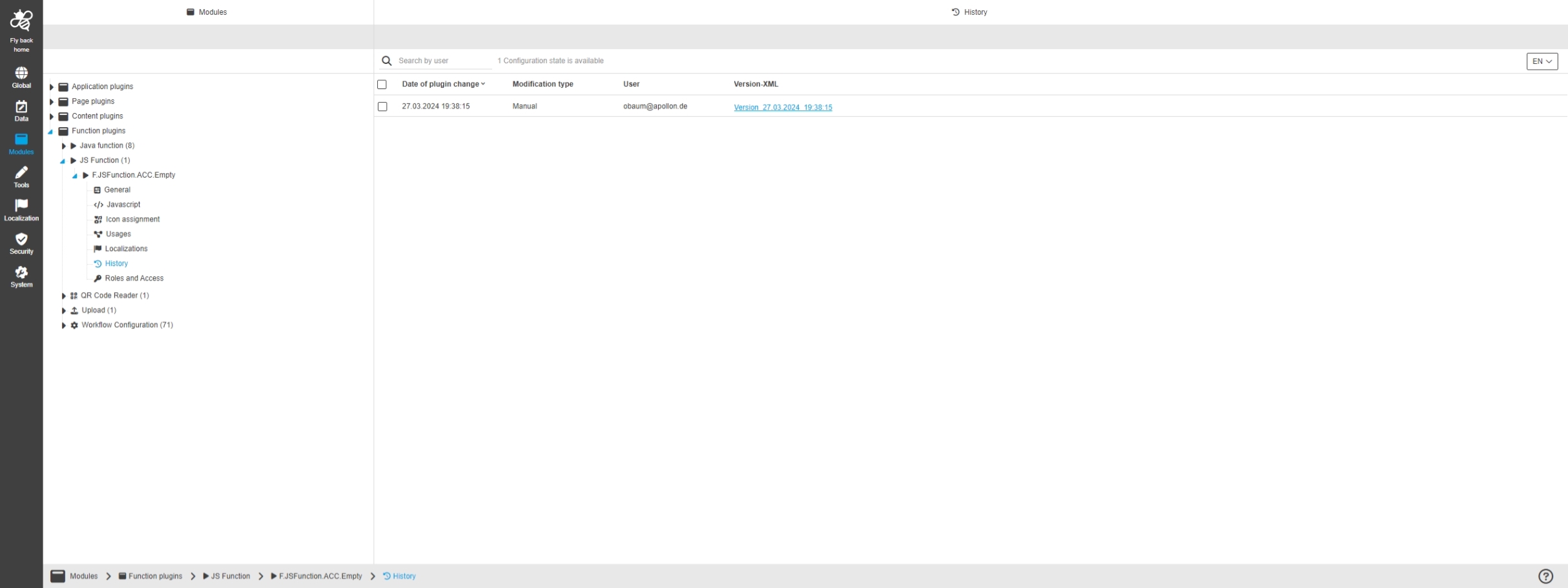
Configuration Client - Modules - Function plugin - JS Function - History
References |
OUCC-1048 |
Overview of all modifications made in the Java function Plugin
Admin
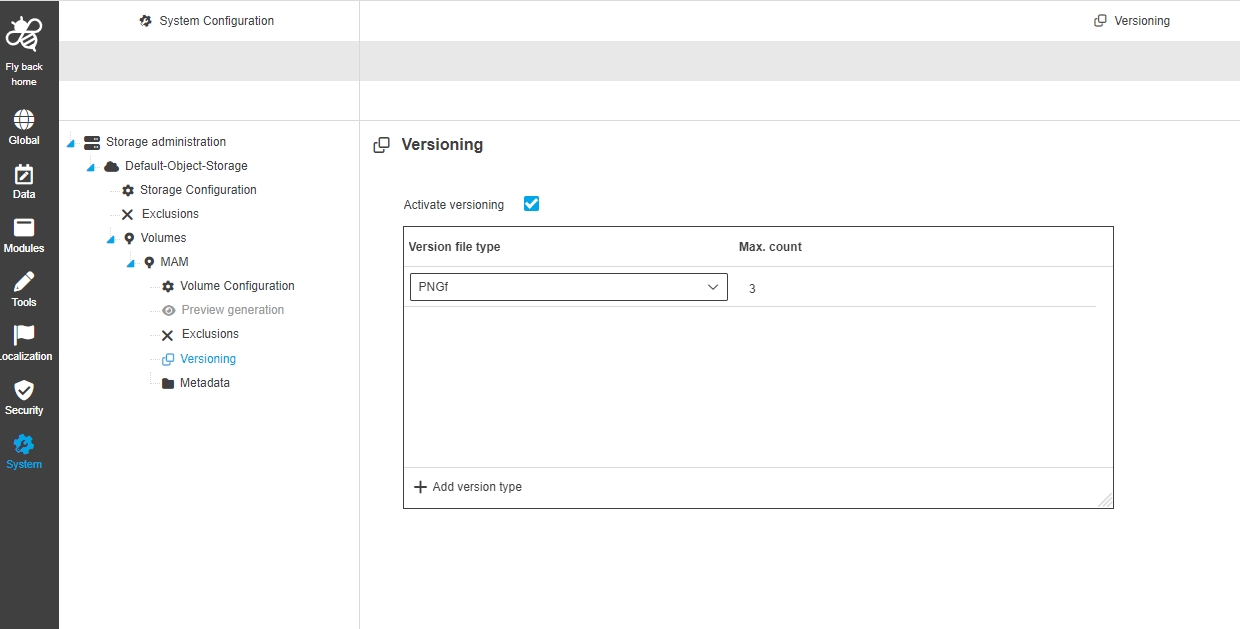
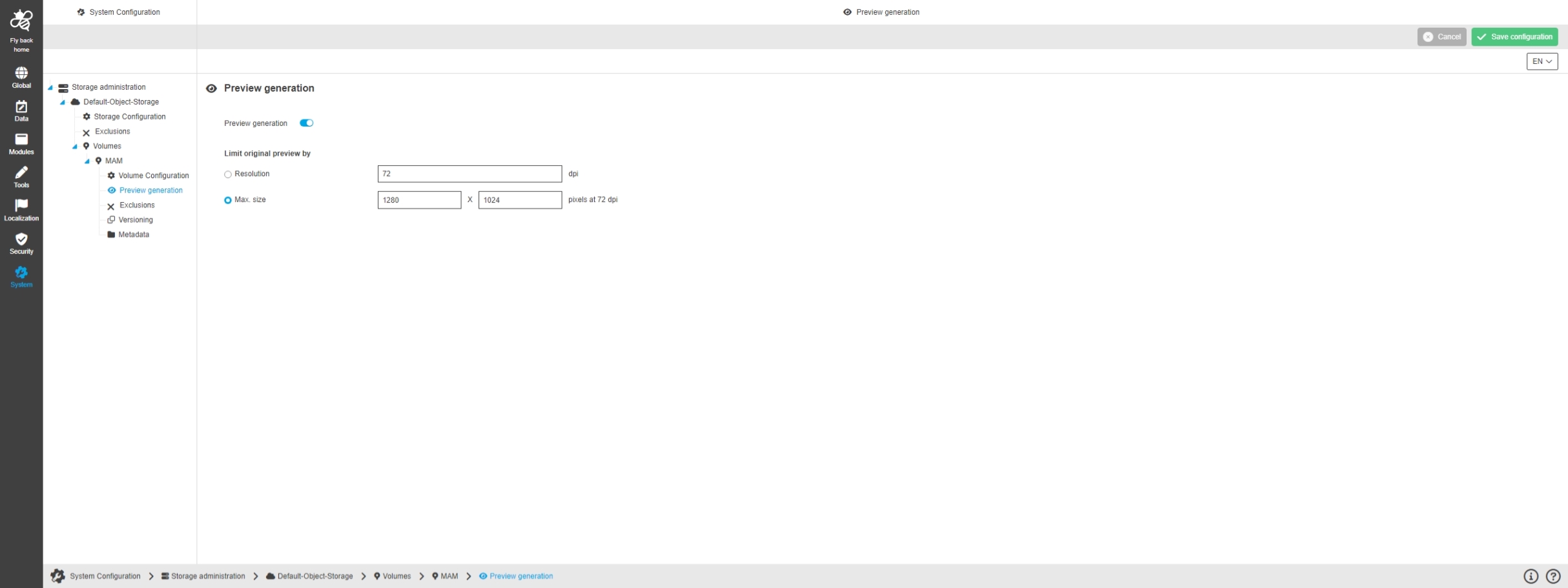
Configuration Client - System Configuration - Authentication
References |
OUCC-1280 |
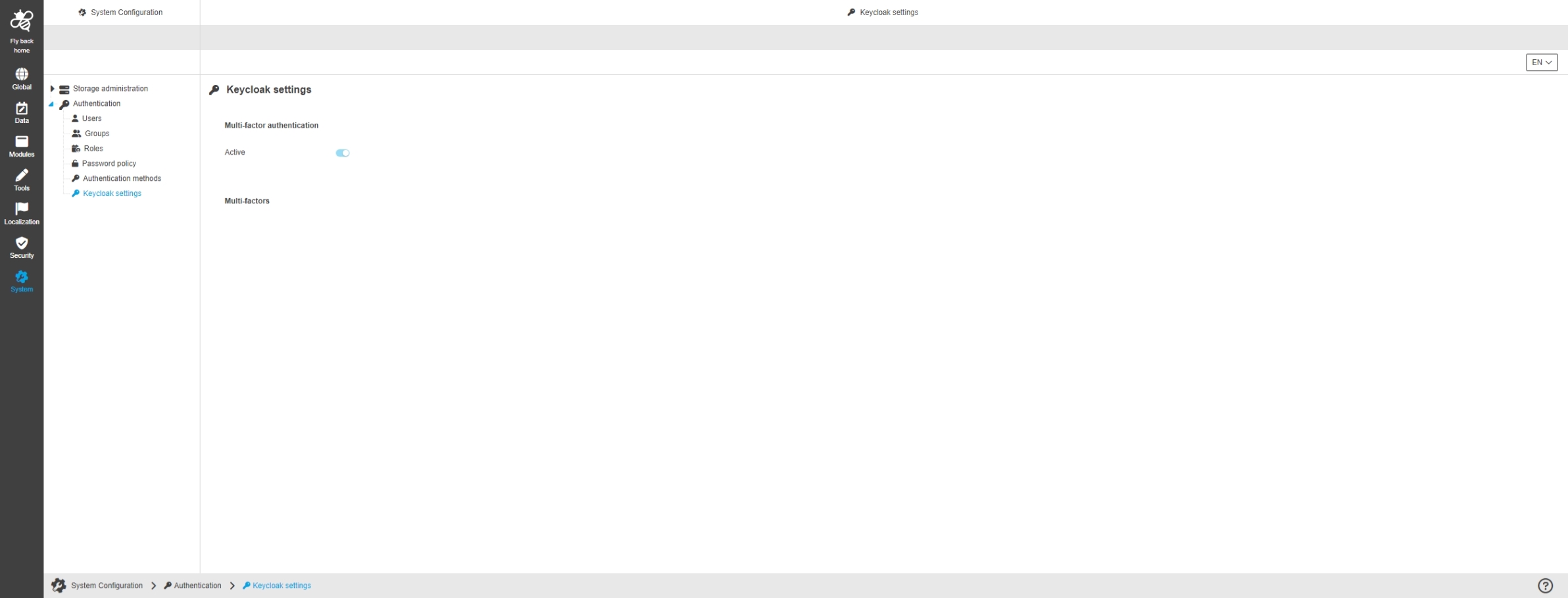
New Authentication section in System-Section of Config Admin Client
-
OMN 6 uses keycloak for Authentication
-
in Version 6.00 only some Keycloak Settings are displayed as read only in this section to have more Transparency About Login related Login Settings
| the Authentication section will be enhanced in next versions |
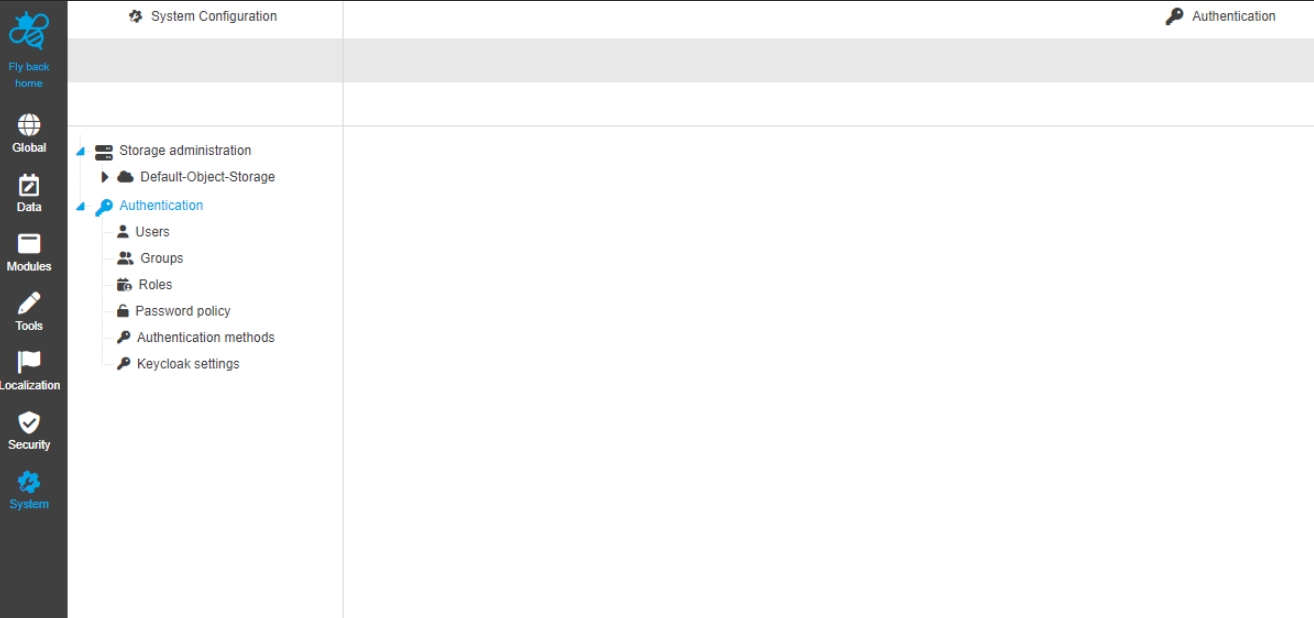
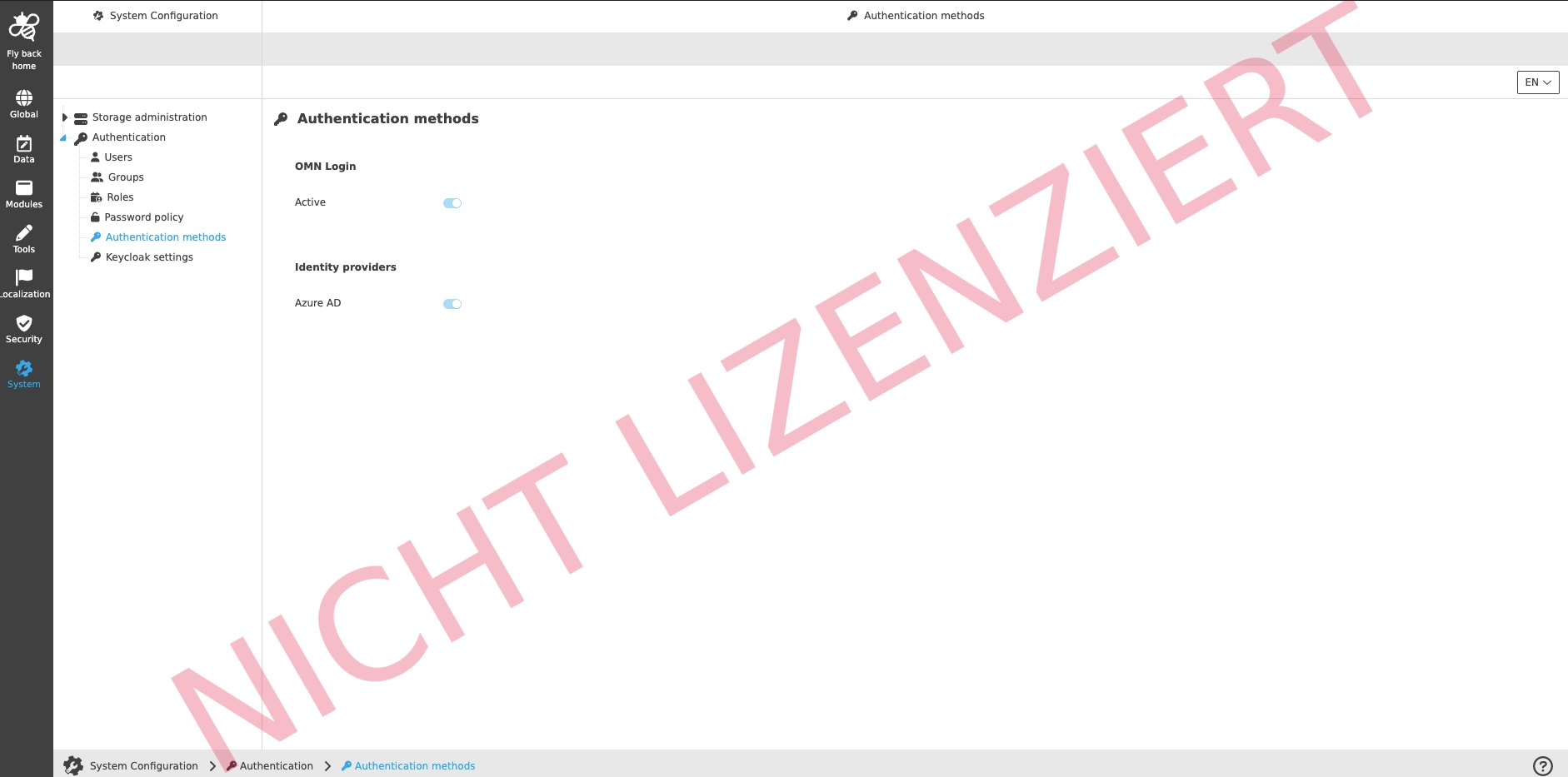
Configuration Client - System Configuration - Authentication - Authentication methods
References |
OUCC-1285 |
View in Configuration Client to see which authentication methods is active in OMN System
-
the setting itself is done in keycloak
API
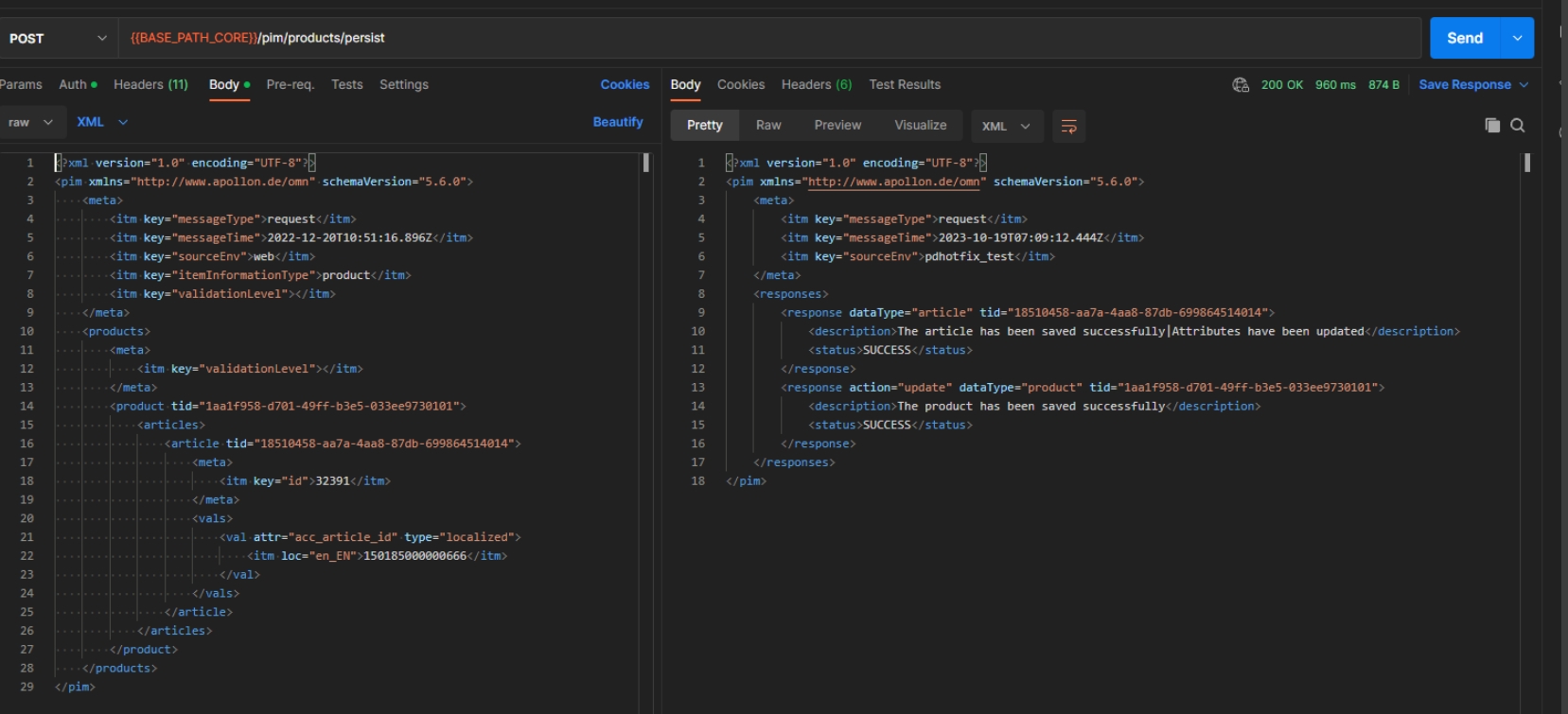
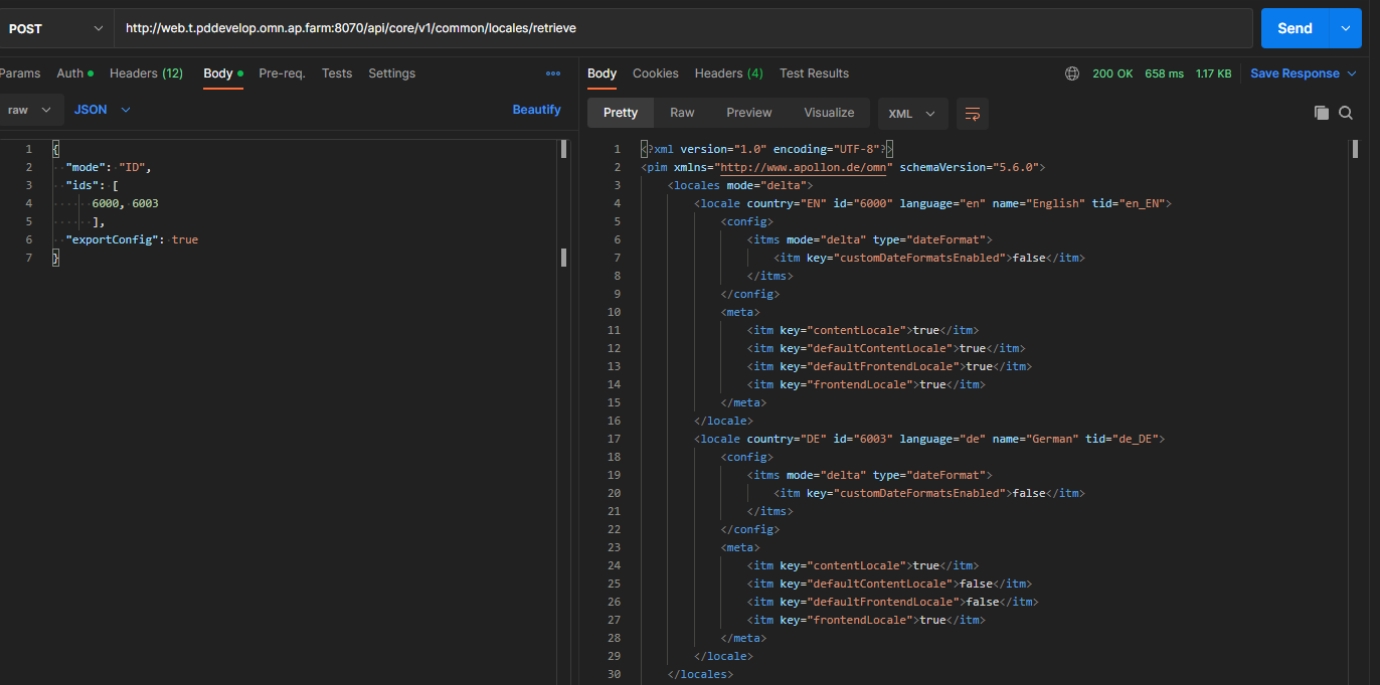
Core/General
DAM
Persist Keywords on Asset
References |
XR-1263 |
Possibility to persist keywords on an asset via Core REST API
-
Method: POST
-
Path: /dam/assets/persist
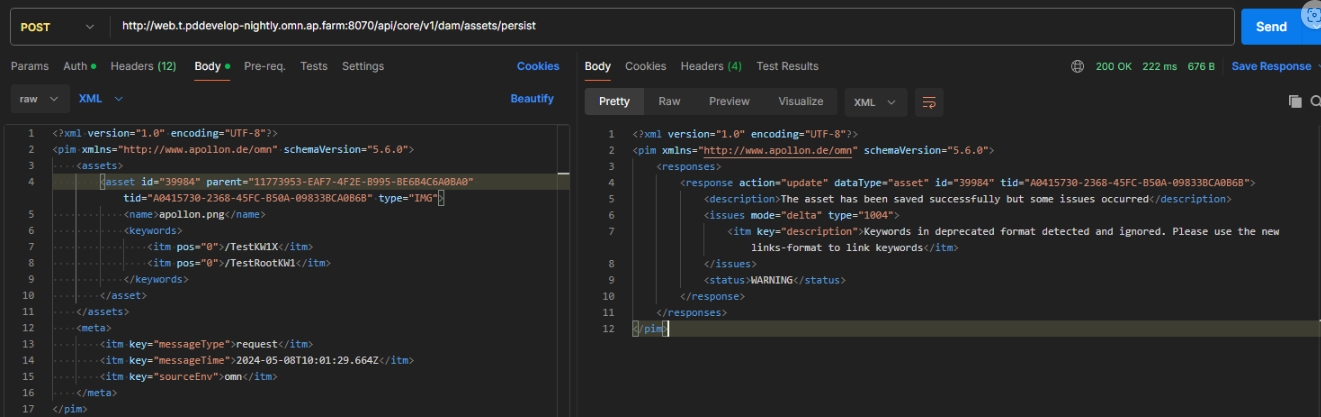
Documentation: DAM API
PIM / PEO
Fetch only names of PEOs
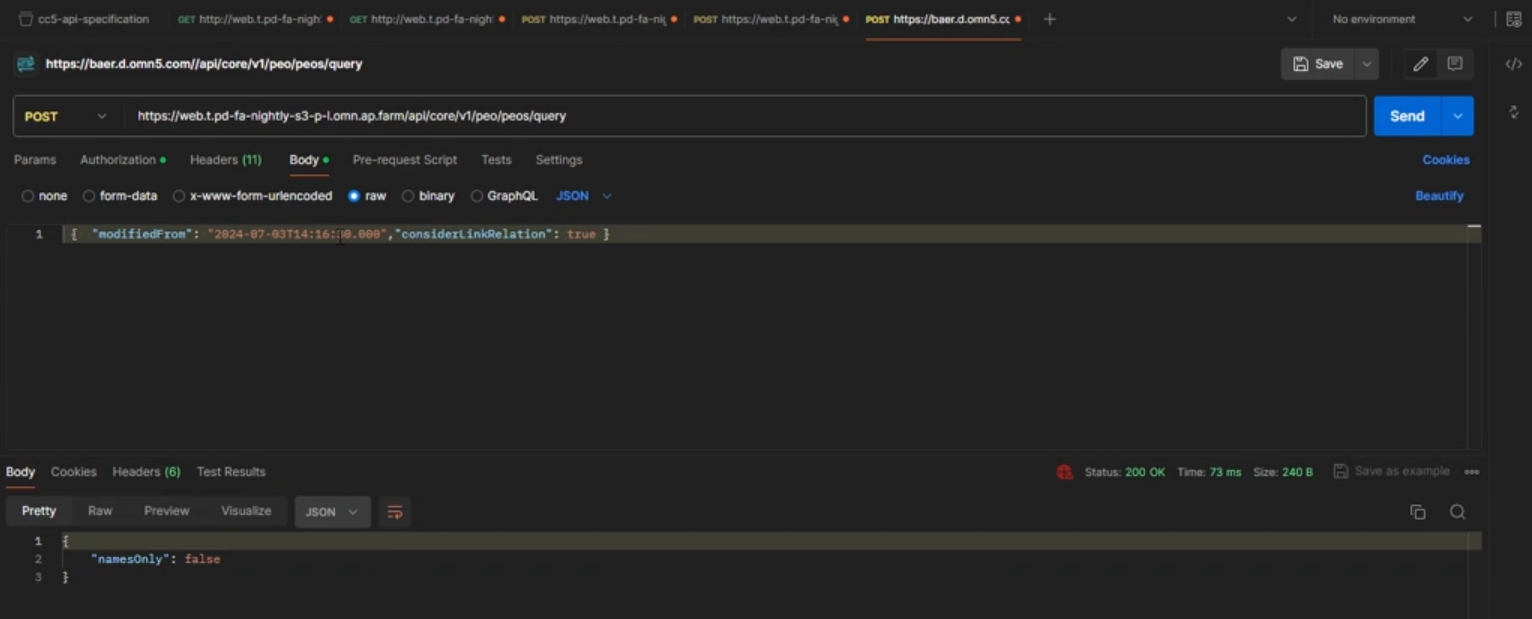
References |
XR-1257 |
Possibility to fetch only the names for PEOs
-
Method: POST
-
Path: /api/core/v1/peo/peos/retrieve
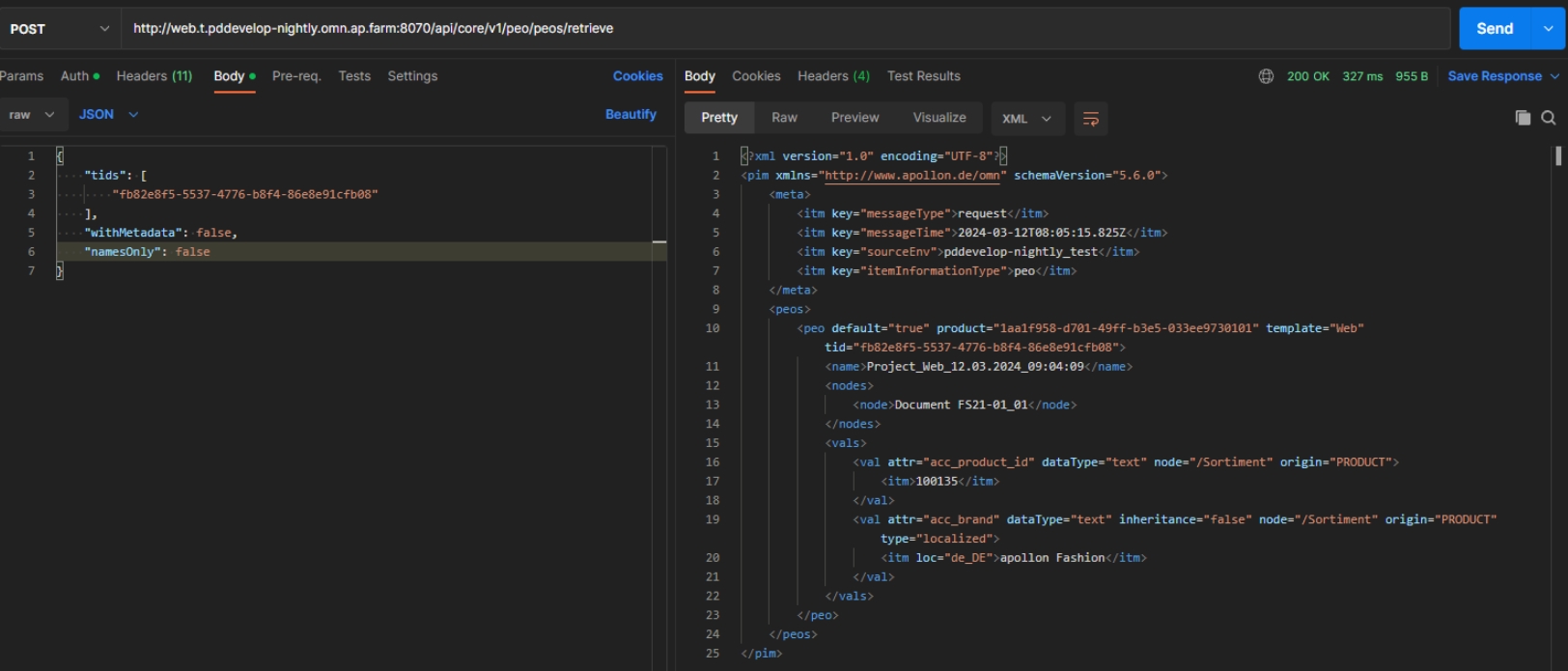
Support json formats for peo retrieve
References |
XR-1251 |
Endpoint PEO retrieve now supports following Formats
-
application/xml Format
-
application/json
-
application/json+compact
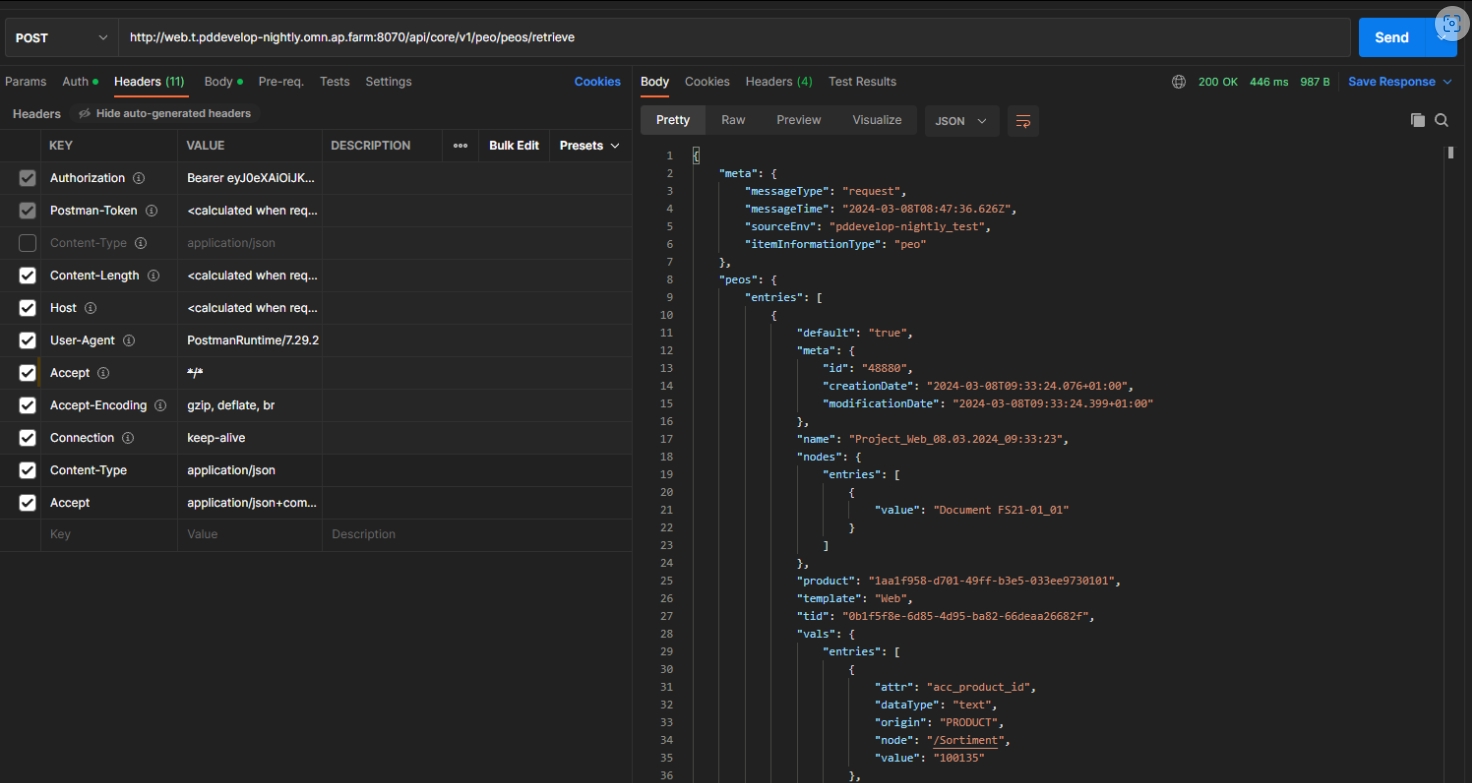
Add method in OMN to get PeoToProjectEntities for a PEO
References |
OMN-10896 |
New method to get all PeoToProjectEntities for a given PEO-ID.
Pim2_peo_project order_number should be exported
References |
XR-1236 |
The order_number is now part OMN Schema Definition because the order number became more relevant in Export process for Projects with PEOs e.g. for Shop-Export
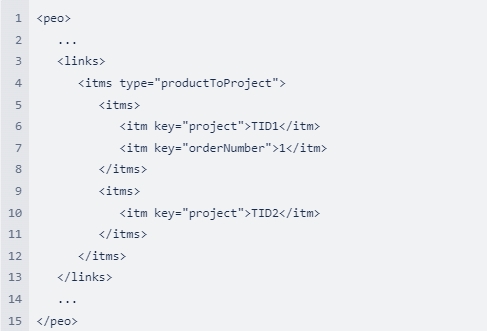
CM
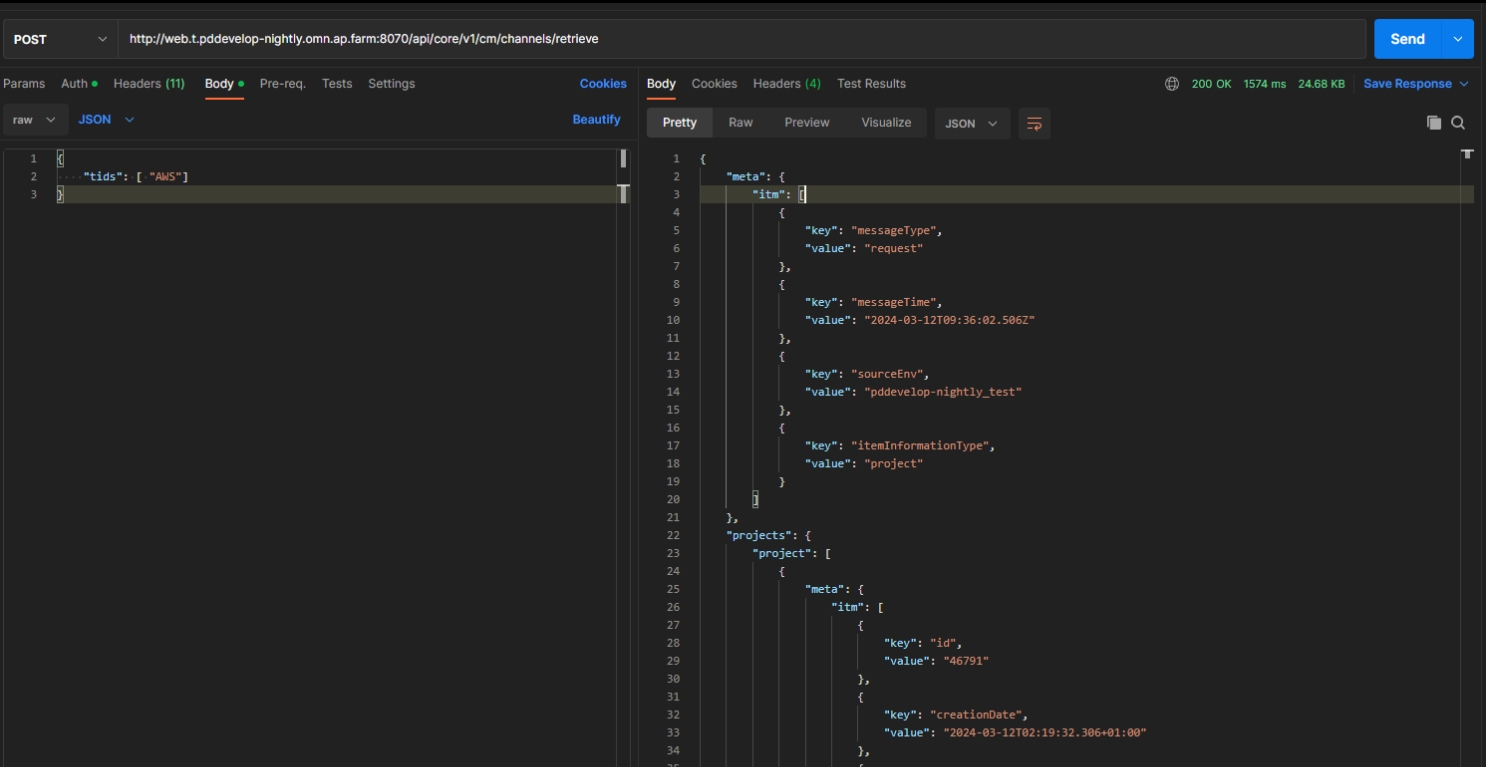
Support json formats for channel retrieve
References |
XR-1252 |
Endpoint channel retrieve now supports following formats
-
application/xml Format
-
application/json
-
application/json+compact
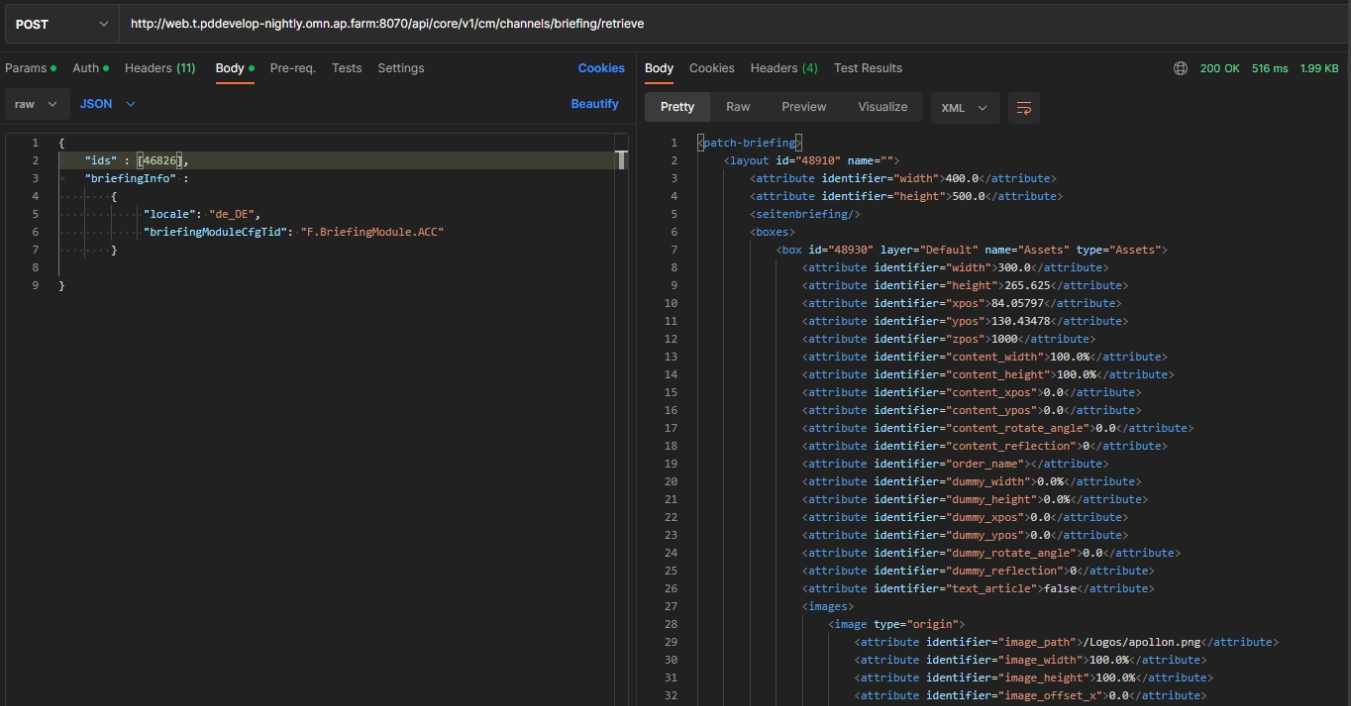
CM gets Briefing information from Patch&Brief
References |
XR-1249 |
Possibility to retrieve briefing information of an existing OMN Channel via API
-
method: POST
-
path: /api/core/v1/cm/channels/briefing/retrieve
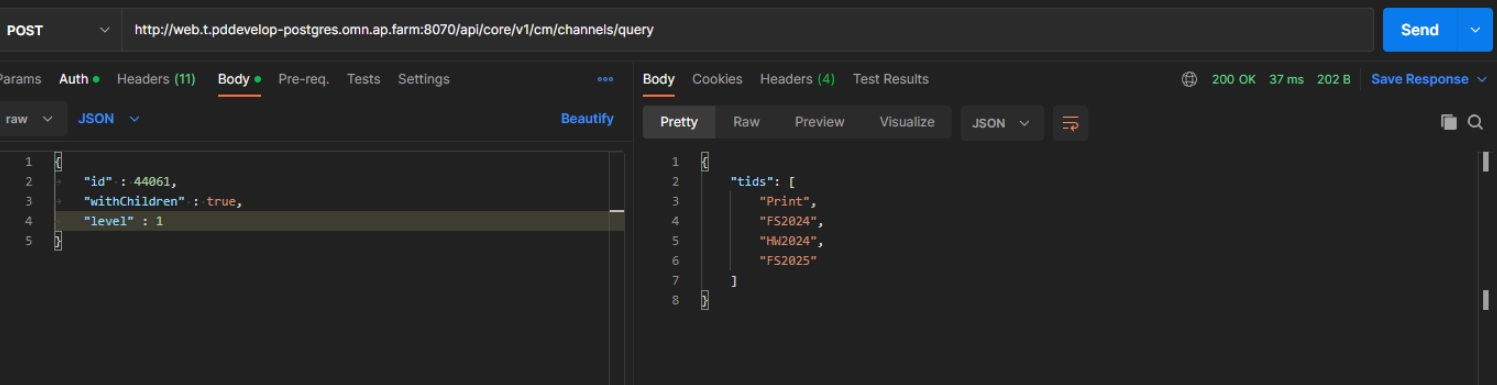
Add level to channel query
References |
XR-1253 |
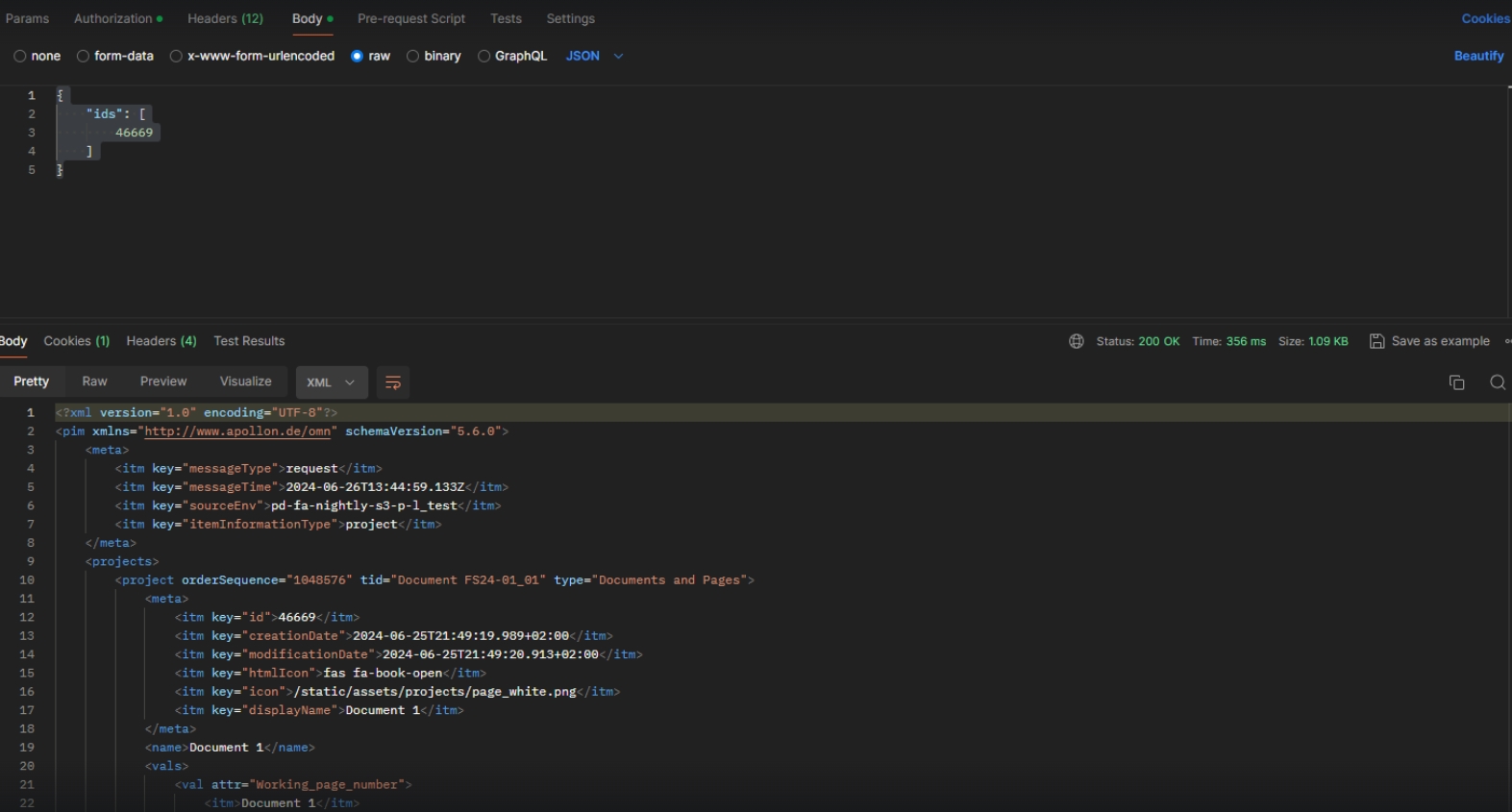
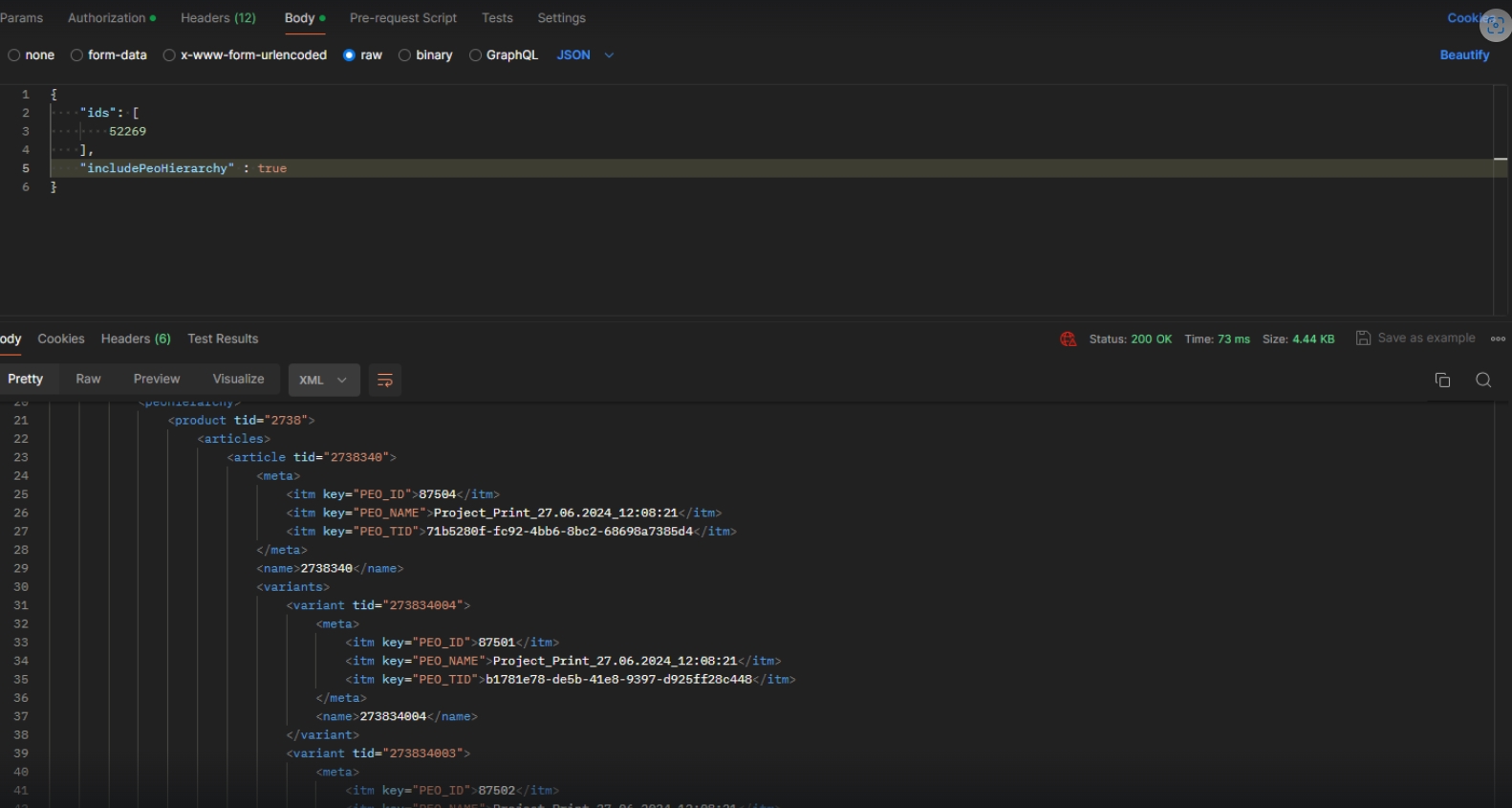
Channel API allows querying channels for specific Levels
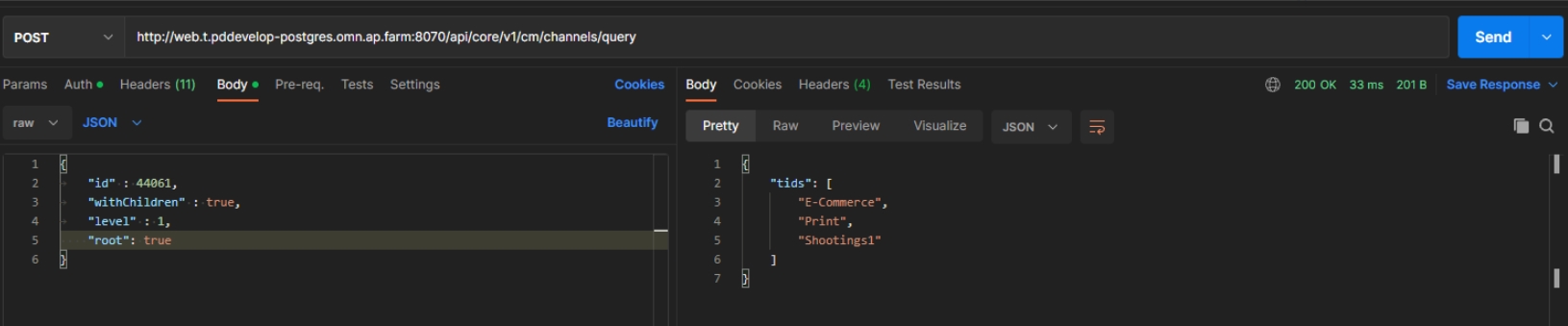
Query channels list root projects
References |
XR-1254 |
Possibility to list the root Projects in Channel API
ConfigAPI
New Endpoint to receive all configured human and robot functions
References |
OCA-91 |
New REST-API endpoint which to automatically generate a Camunda Element Templates file based on a list of Human Function IDs
Implement plugin configuration info repository for AnnotationRepository
References |
OCA-93 |
Edit annotation repository configuration via Config API
-
prerequisite: an Annotation Repository Page-Plugin must have been created before
-
use a request to https://HOSTNAME:PORT/api/config/v1/plugins/omn/AnnotationRepository/instances to get the plugin ID
-
make GET request to http://HOSTNAME:PORT/api/config/v1/plugins/instances/ID to get plugin configuration
-
The change described here add content to the "pluginConfigurationInfo" struct
-
The listed functions are the same as listed in the plugin’s "function" struct
Implement plugin configuration info repository for 360DegreeViewRepository
References |
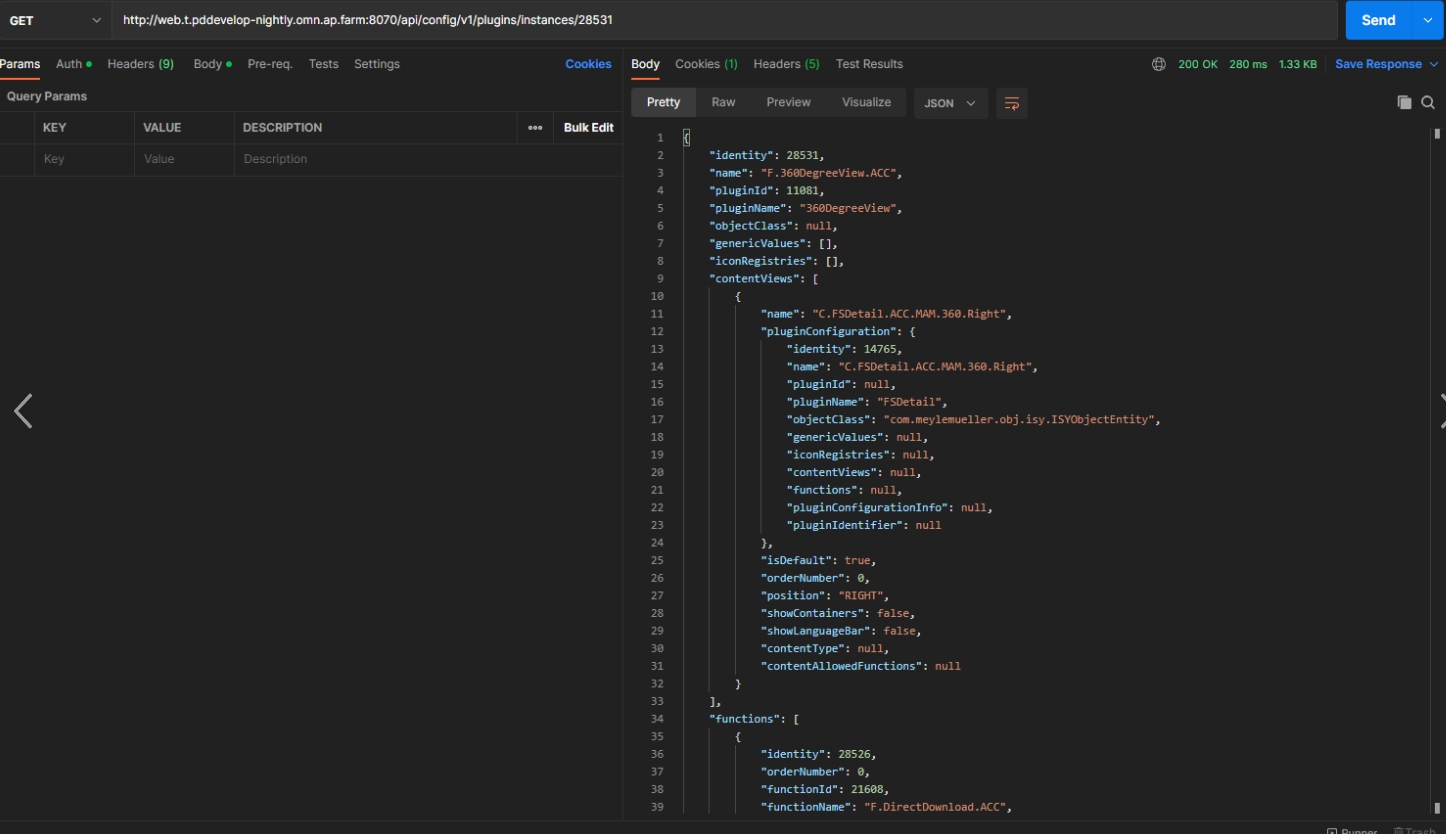
OCA-96 |
Possibility to load Plugin configuration via new entry point in Configuration Client API
-
/Plugins/instances/{instanceId}
-
Example (Get)
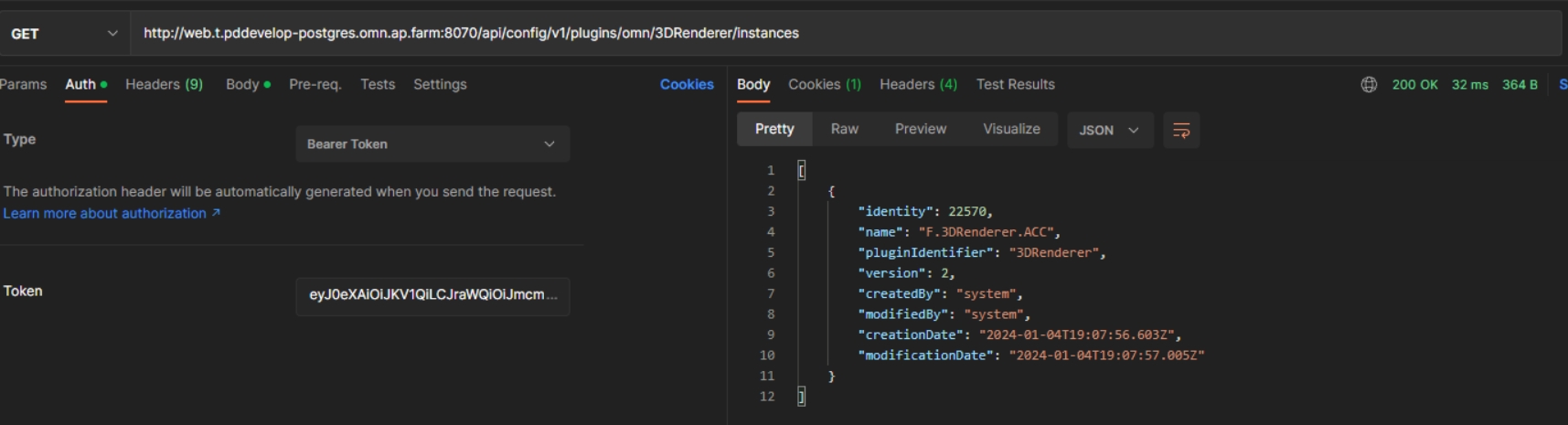
Implement plugin configuration info repository for 3DRendererRepository
References |
OCA-97 |
Config API endpoint to edit 3D Viewer repository configuration
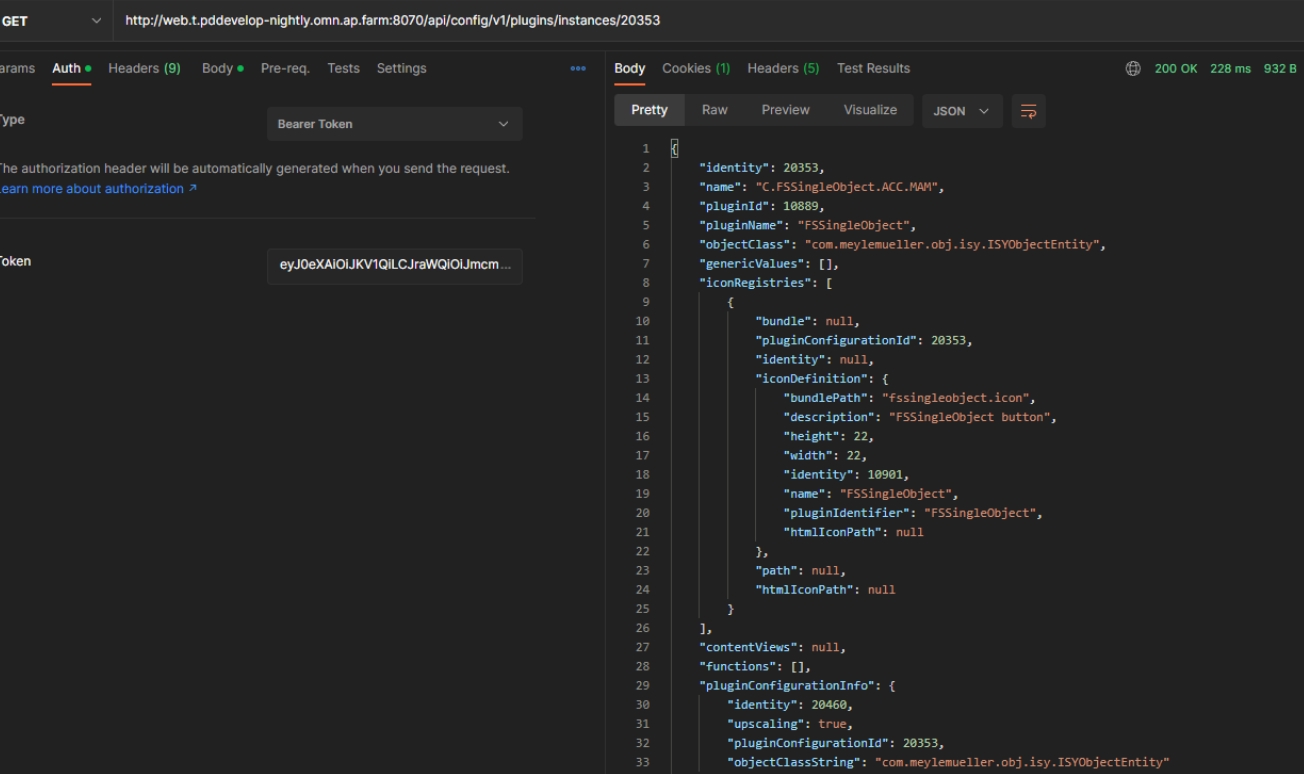
Configuration Client API provides plugin configuration info for Single Object plugin
References |
OMN-10811 |
Config API provide info value object of Single Object Plugin
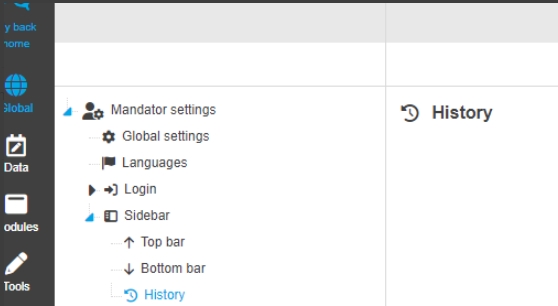
Extend MandatorSettingsService for sidebar configuration
References |
OCA-104 |
Rest API to load and save sidebar configurations within the mandator Settings
Quick search for Configuration Client
References |
OCA-110 |
Possibility to use an easy, intuitive, and fast search in the new Configuration Client in center views with tables
Implement service to read AccessRightPermission
References |
OCA-106 |
Possibility to retrieve information about security permissions concerning the sidebar elements
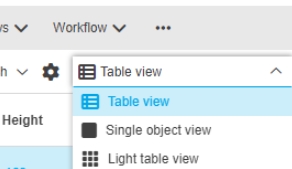
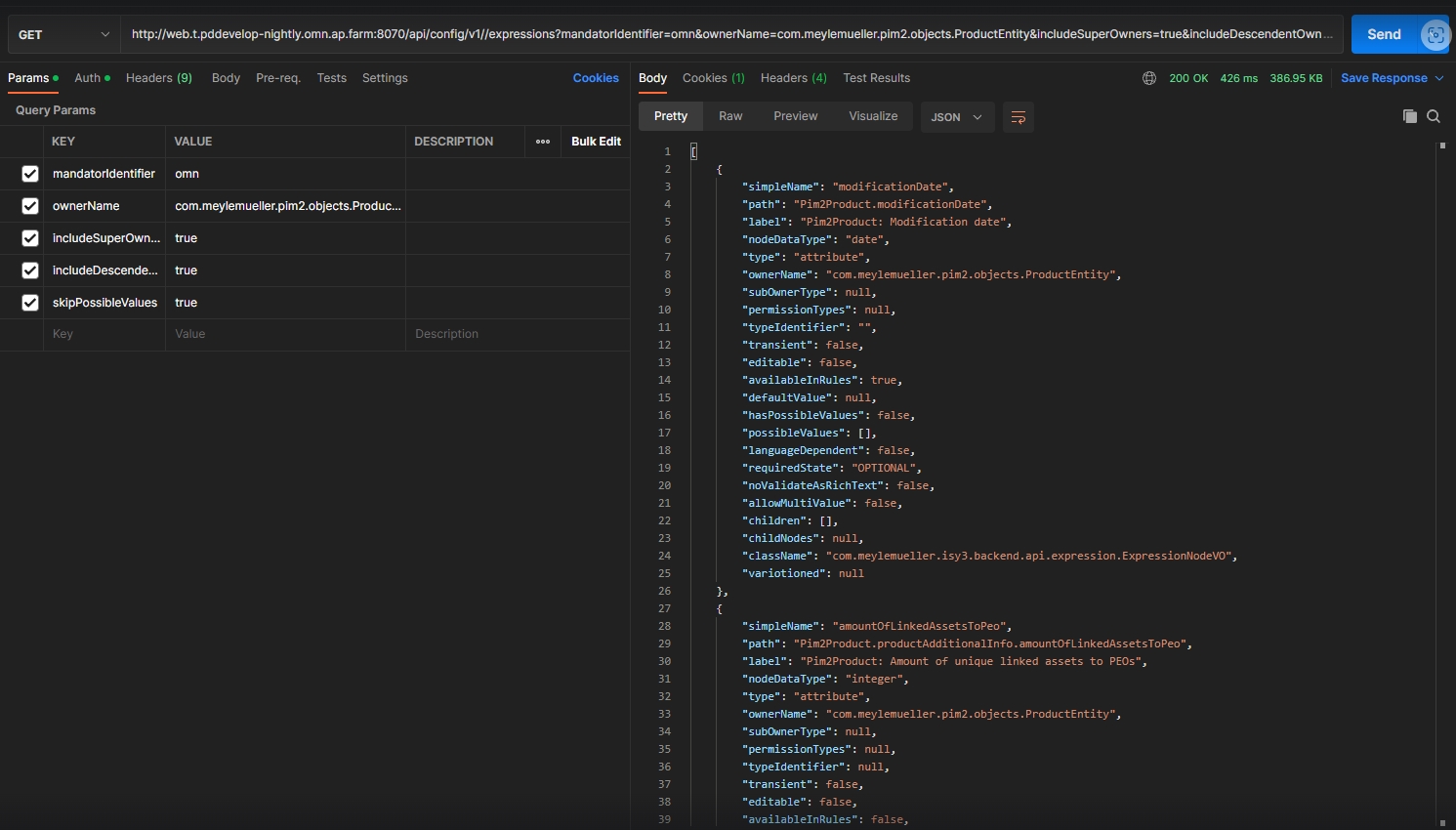
Rest API for expression nodes
References |
OCA-114 |
Possibility to configure expressions in the Configuration Client
-
method: get
-
query parameters for filtration
Write and read sidebar history
References |
OCA-115 |
Possibility to request a sidebar history which contains item creation, update or deletion
Implement API to retrieve sidebar functions
References |
OCA-118 |
Possibility to retrieve all allowed sidebar functions for a specified mandator
-
method: Response
-
path: /mandator-settings/{mandatorIdentifier}/sidebar/functions
-
200: List of SidebarFunctionDto.class
-
404: mandator not found
Security
Search security permissions should not use plugin ID as reference
References |
OMN-10591 |
Possibility to restrict OMN Search related plugins with a permission and want to make sure that those restricted plugins stay restricted for defined roles.
-
Search security permissions is now using plugin ID as reference

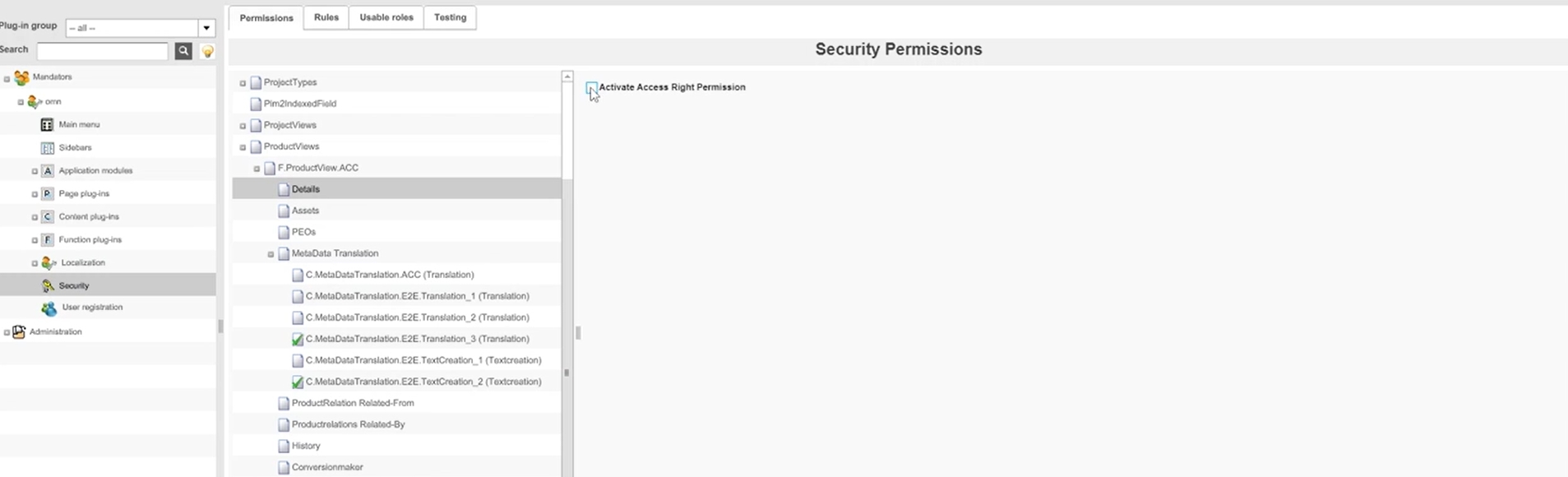
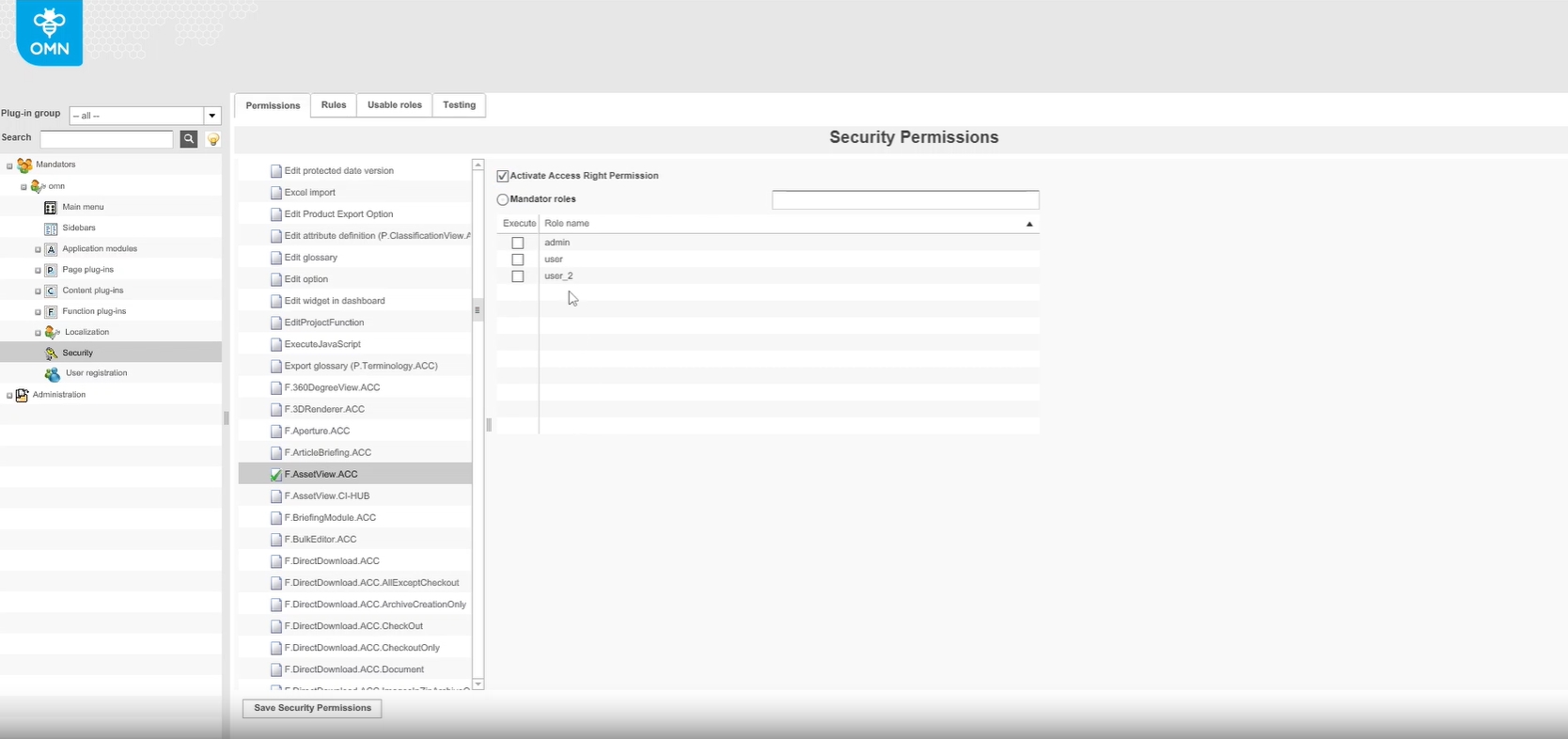
Security Permission on ProductView Tabs
References |
OMN-10887 |
Possibility to control access to certain areas of Product View tabs for certain user roles
Accelerator
General
General improvements / enhancements in Accelerator Fashion configuration
Provision of latest OMN Page Preview Plugins
References |
OMNA-1603 |
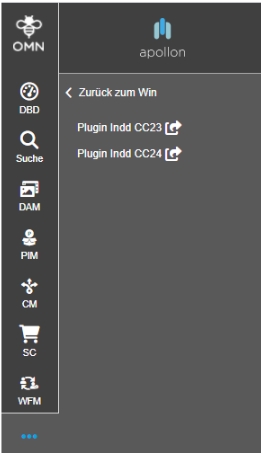
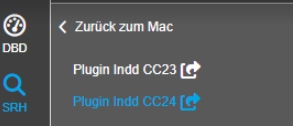
Latest OMN Page Preview Plugins are provided with ACC and can be downloaded from Sidebar
New OMN6 Wallpaper Background
References |
OMNA-1570 |
New additional background which can be used with OMN Login

Extract profile configuration from acc jar file
References |
OMNA-1564 |
The configuration from the Accelerator (acc.jar) is extracted and managed in separate storage
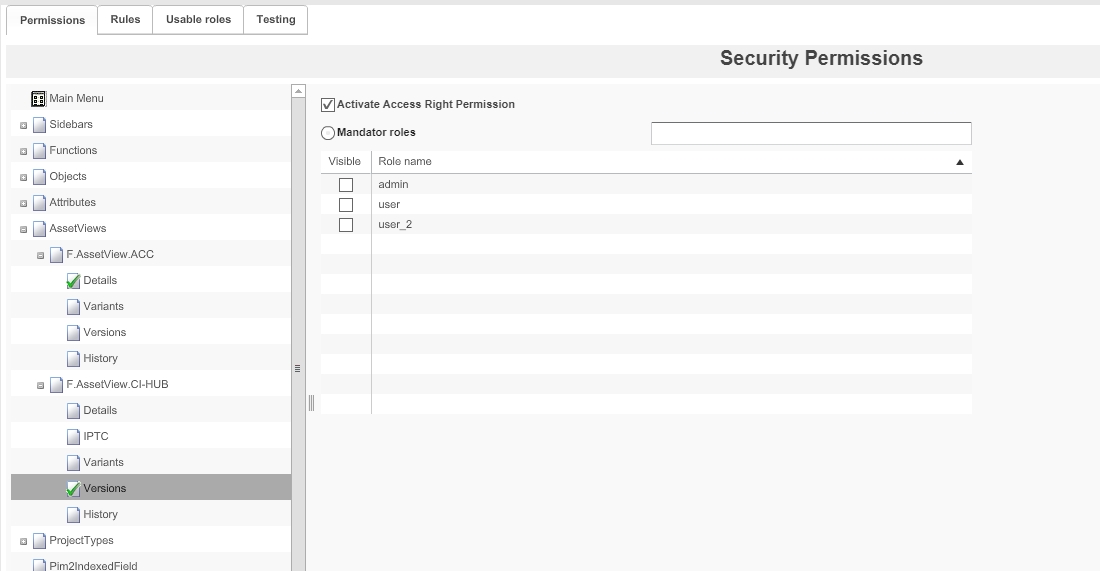
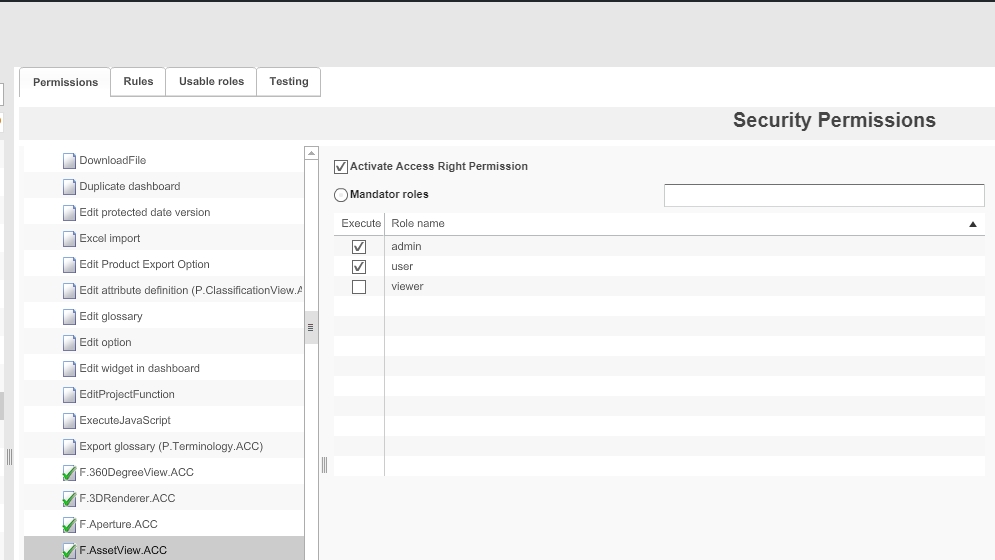
Set Security Permission on AssetView
References |
OMNA-1591 |
Security Permission on Standard Asset View tab is introduced
Restriction for Asset View for viewer role
References |
OMNA-1568 |
Asset View Plugin is only available for following roles
-
admin
-
user
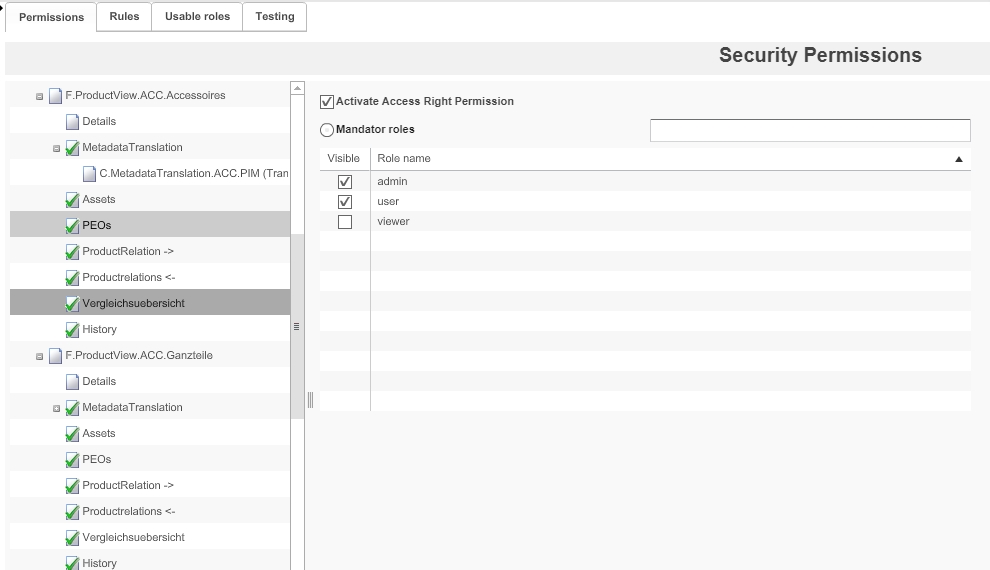
Set Security Permission on ProductView
References |
OMNA-1590 |
ACC provides default configuration for visibility on tabs of the standard ACC ProductView
-
Details (admin/user)
-
Übersetzung (admin/user)
-
Assets (admin/user)
-
Verwendungen (PEO)(admin/user)
-
Referenzierte Produkte (admin/user)
-
Referenziert bei Produkten (admin/user)
-
Vergleichsübersicht (admin/user)
-
Historie (admin/user)
DAM
Accelerator enhancements in DAM configuration
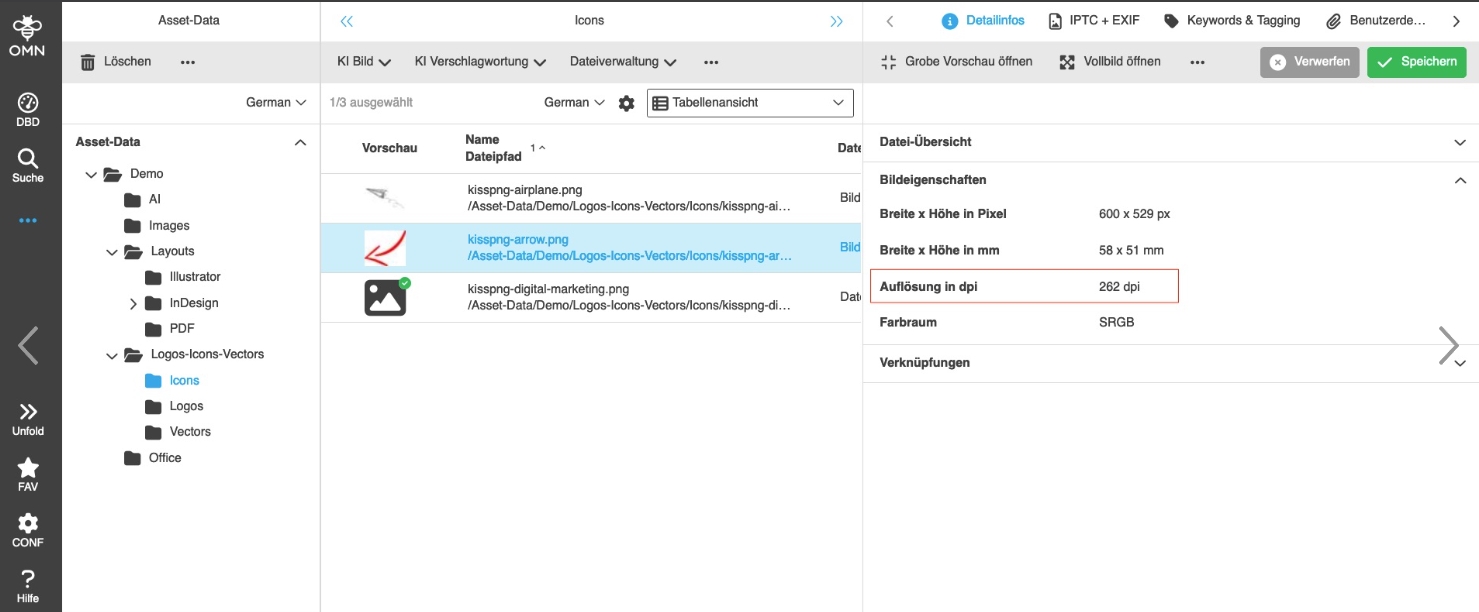
Configure resolution unit in FSDetail
References |
OMNA-1492 |
Resolution Unit for Image resolution is now displayed in Detail info
Remove ShowInNavigation function from FS Navigation in DAM
References |
OMNA-1362 |
Unnecessary ShowInNavigation function was removed from Navigation
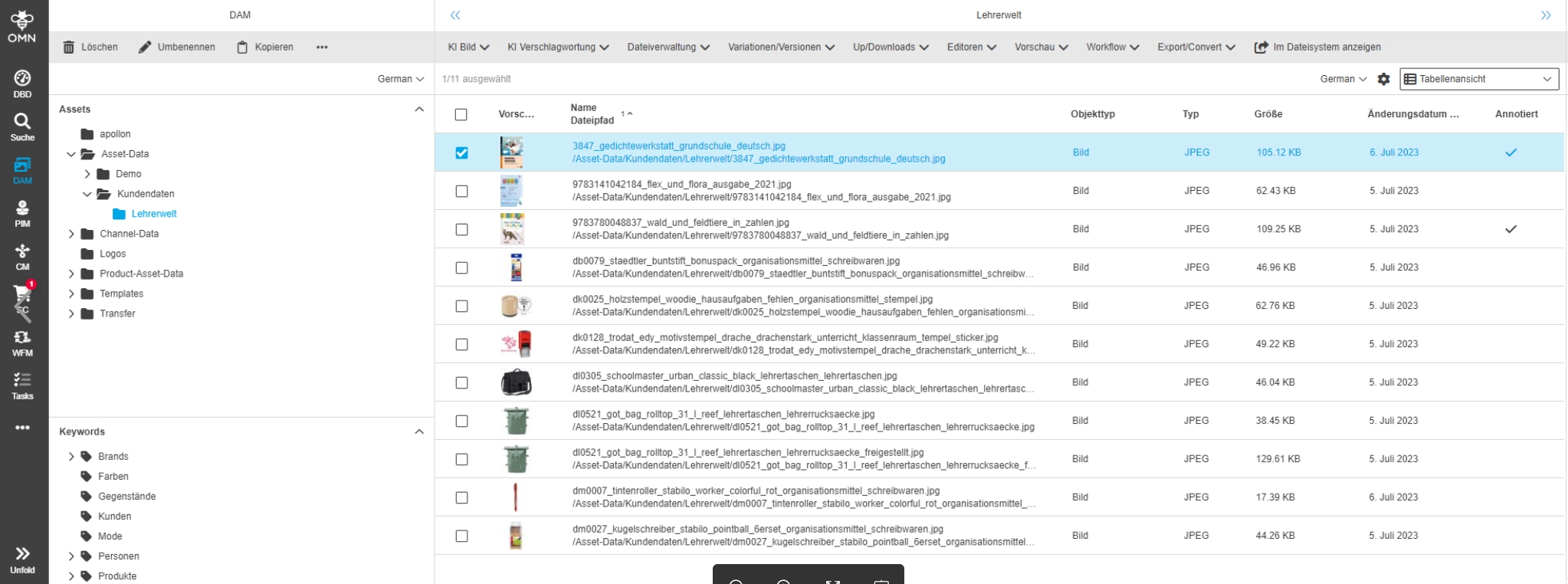
FSDetail - advanced properties for different file types
References |
OMNA-1205 |
New additional properties for all file types are available
-
For PDF
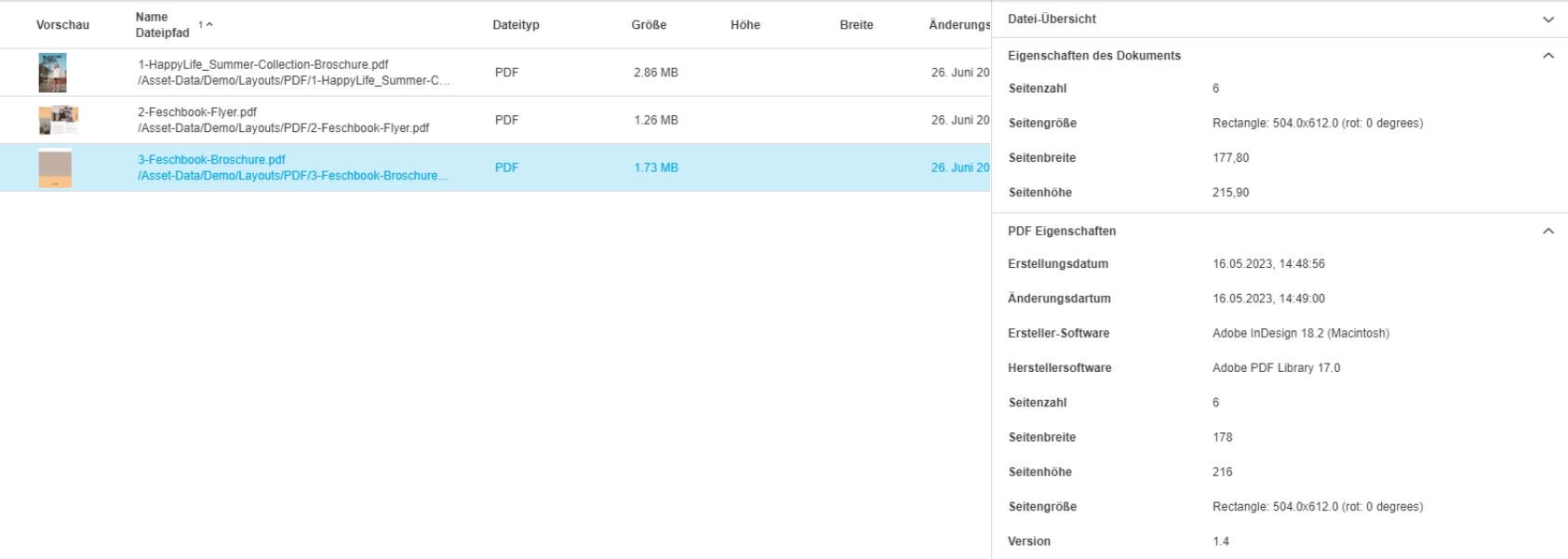
-
For Audio
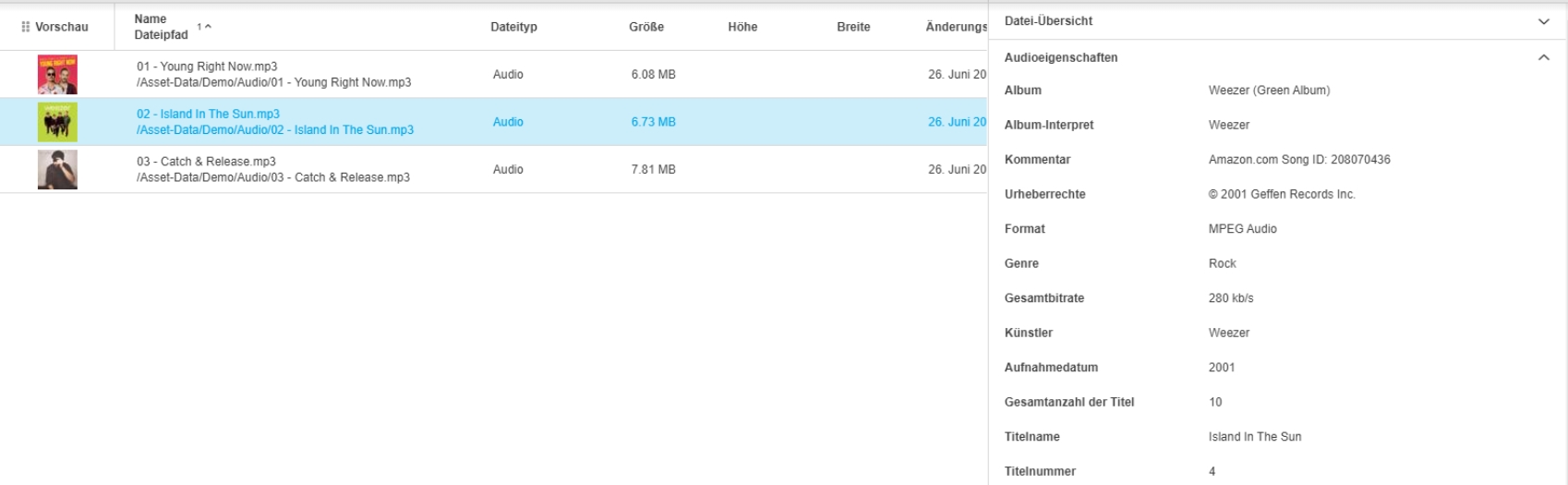
-
For Video
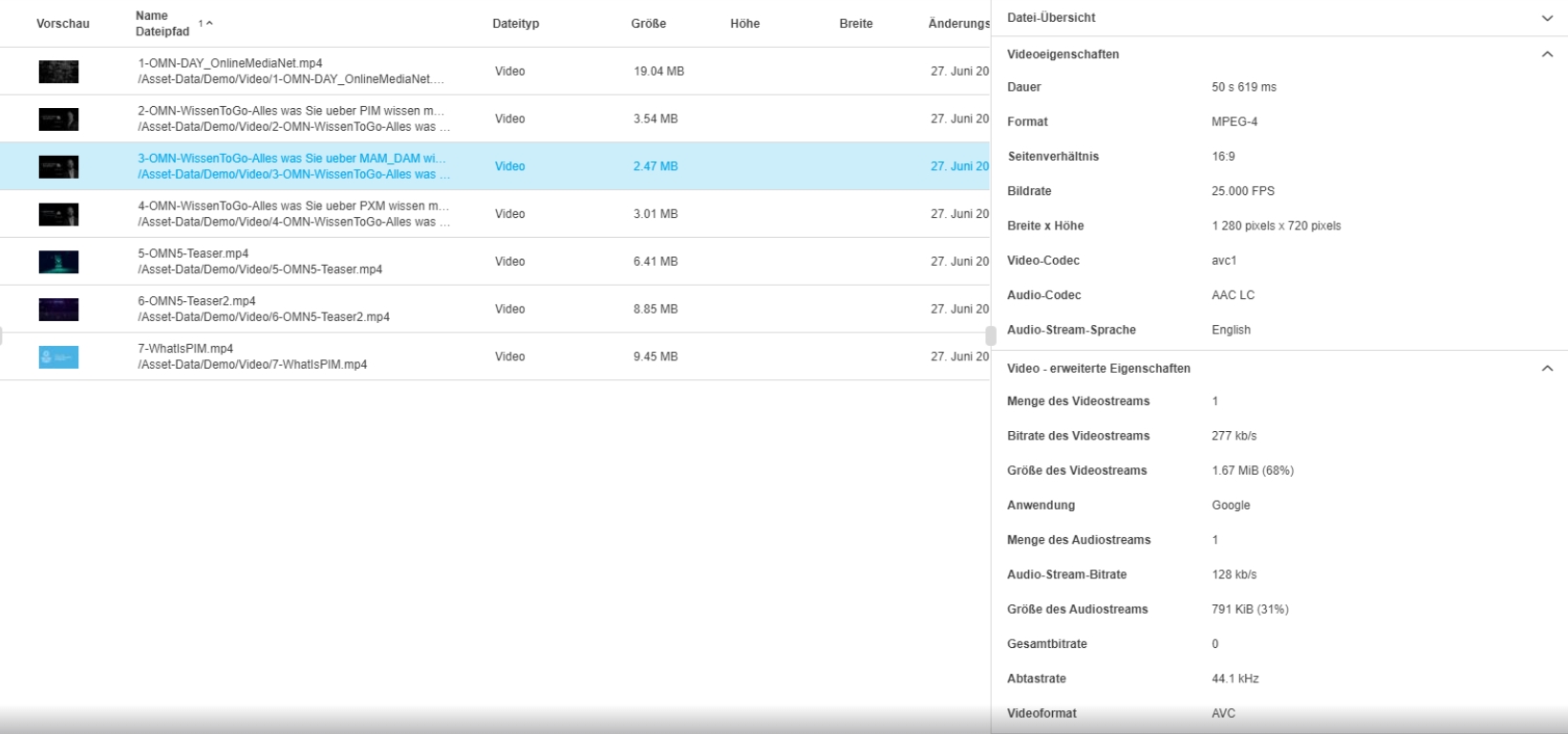
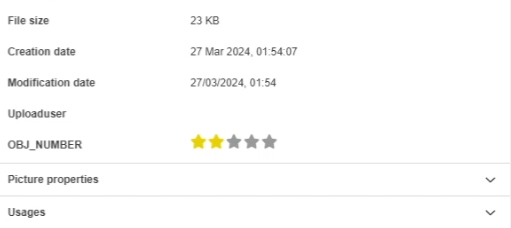
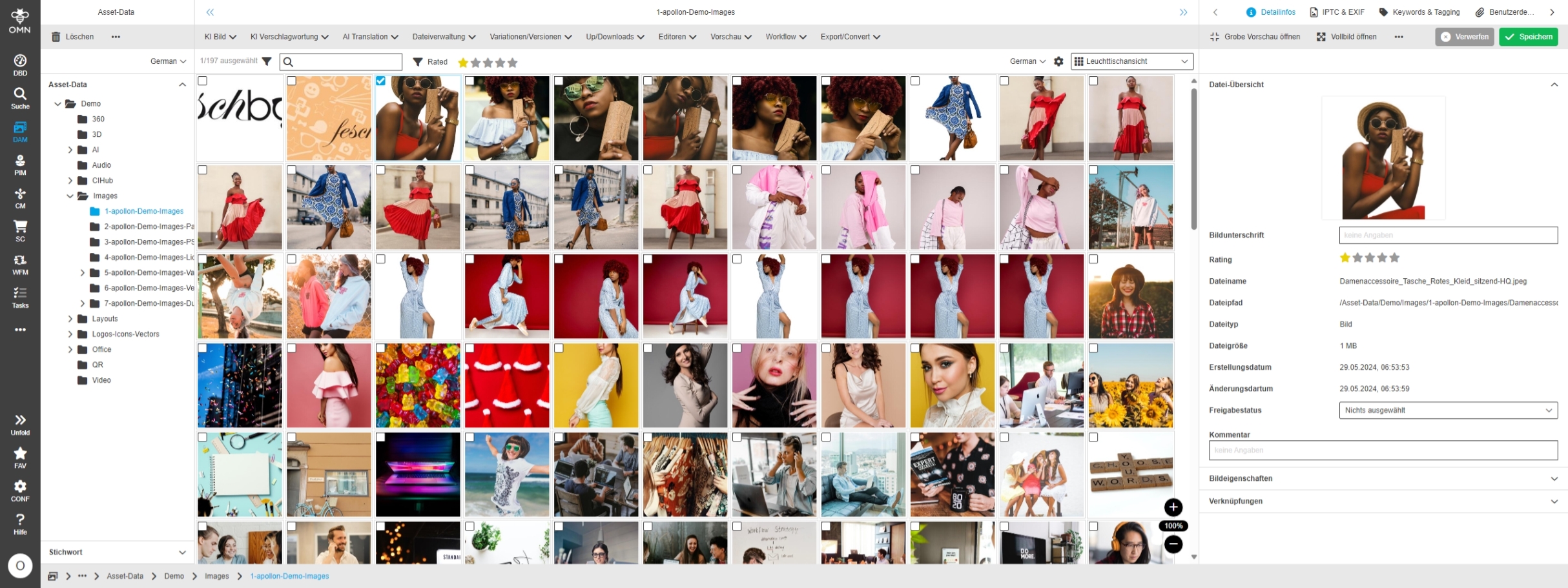
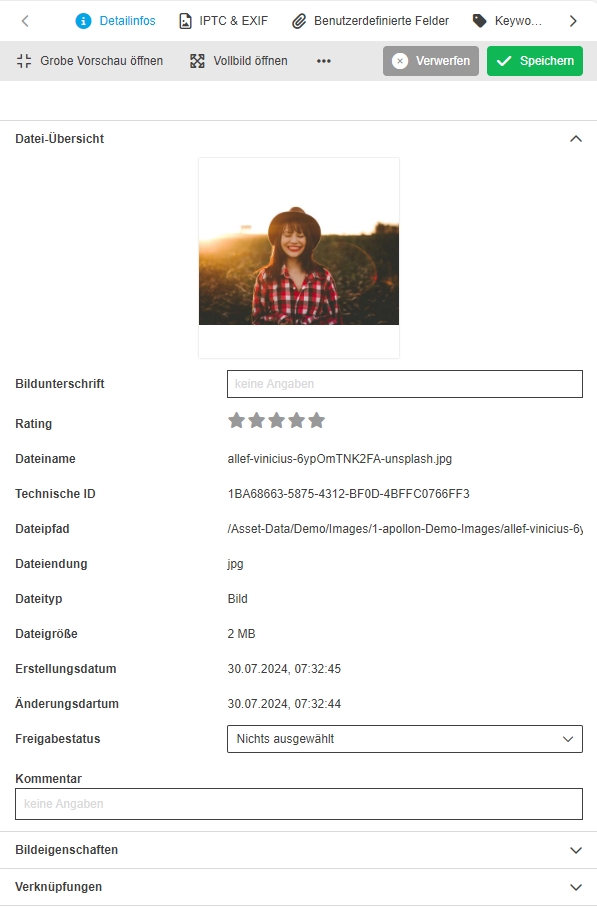
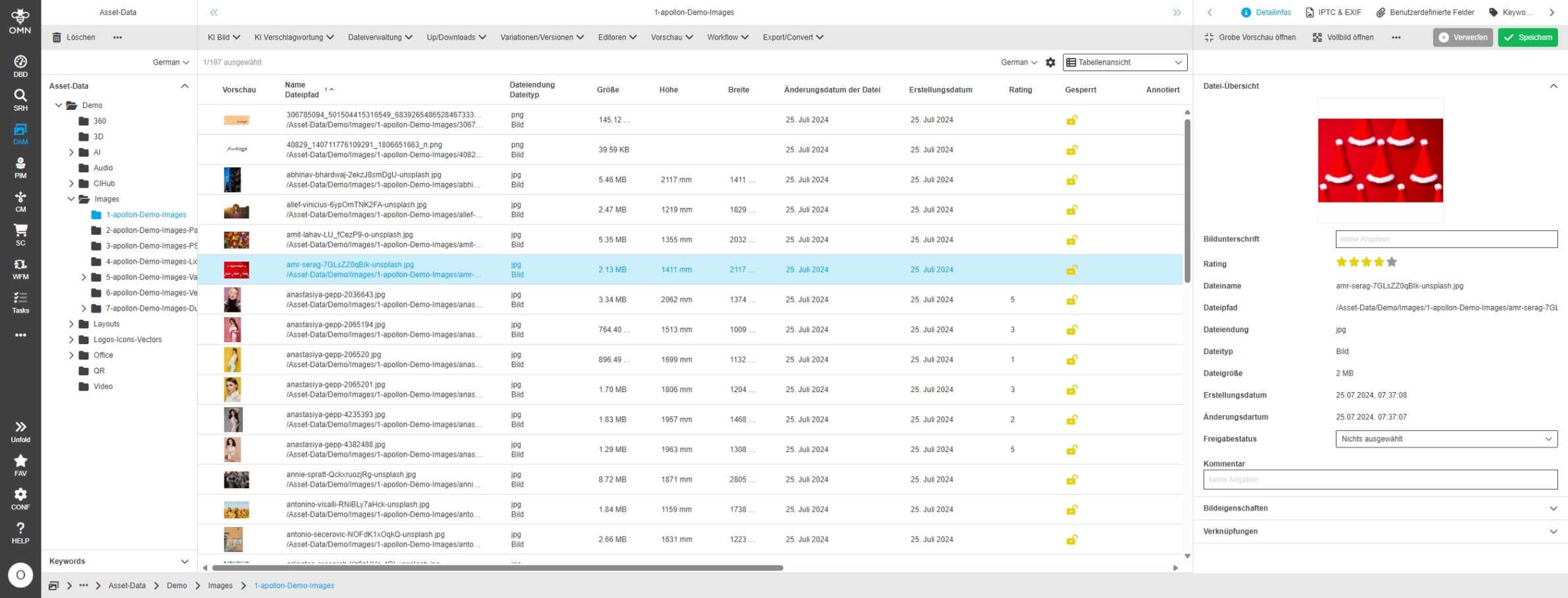
add Image rating in DetailView
ACC-Profile |
Base |
References |
OMNA-1075 |
FSDetail provides now new Image Rating widget
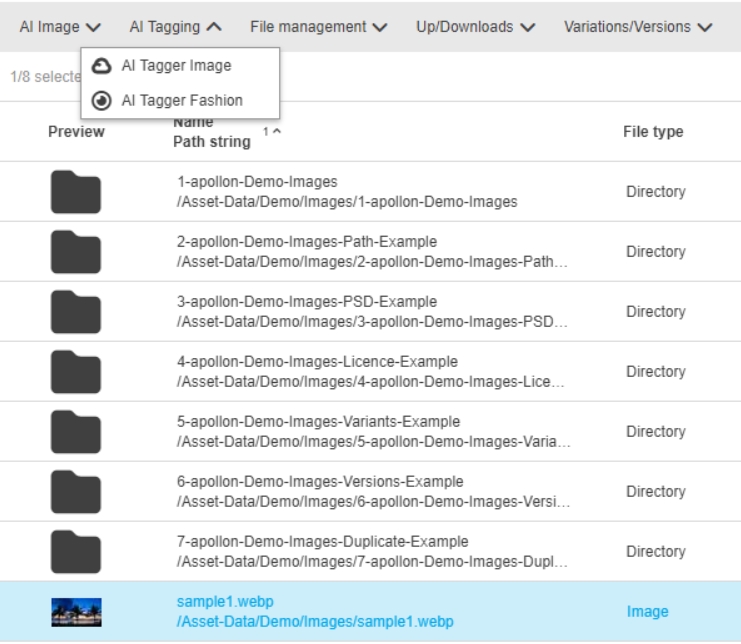
Enhance Tagging for webP format
References |
OMNA-1537 |
Tagging with tagging service provided by Accelerator is also enabled for WebP File Format
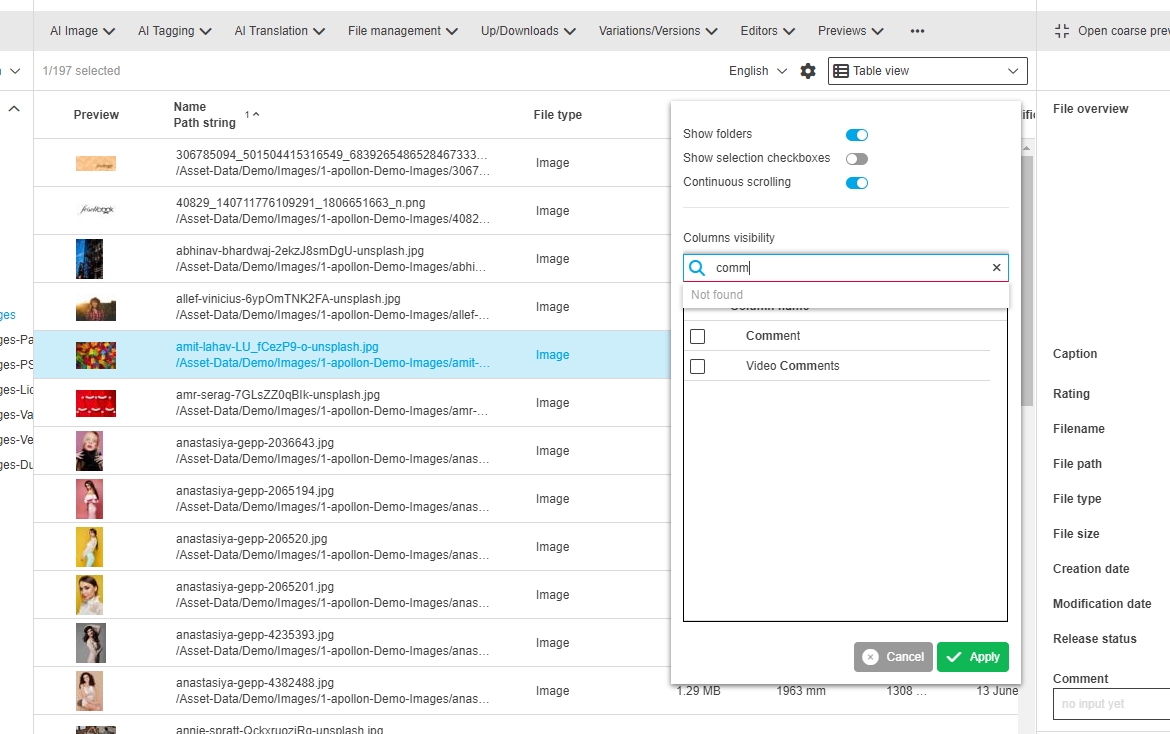
Hide file.creationdata in dam by default
References |
OMNA-1575 |
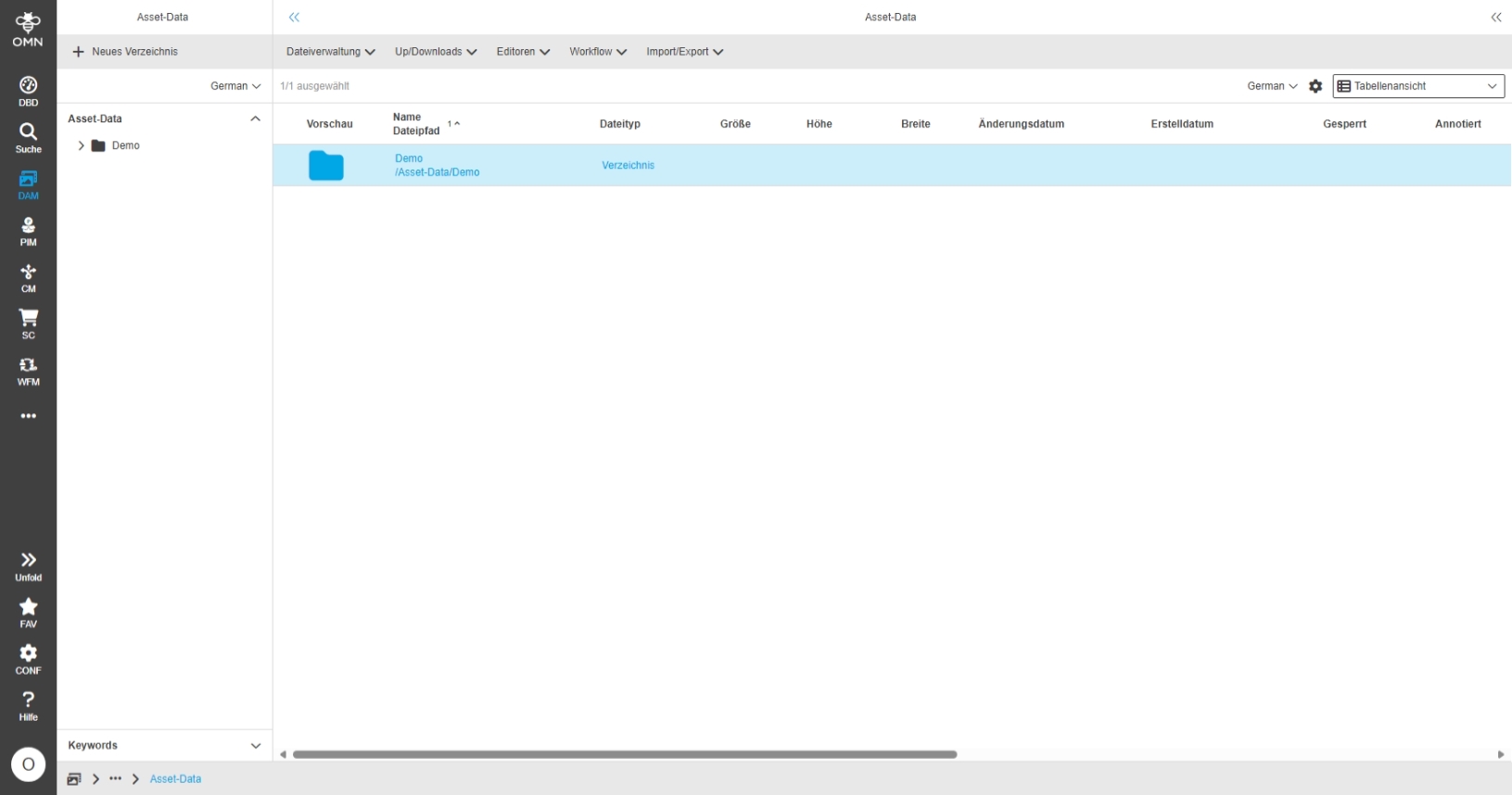
On S3 storage, a file does not have a file creation date therefore omn shows 1.1.1970 00:00:00 as the creation date
-
the user can now select between creation date of file for classic file storage and object creation date
-
object creation date is used as Default date
Change localization for creation and modification date
The localization is changed for creation and modification date so that it fits for files and Folders
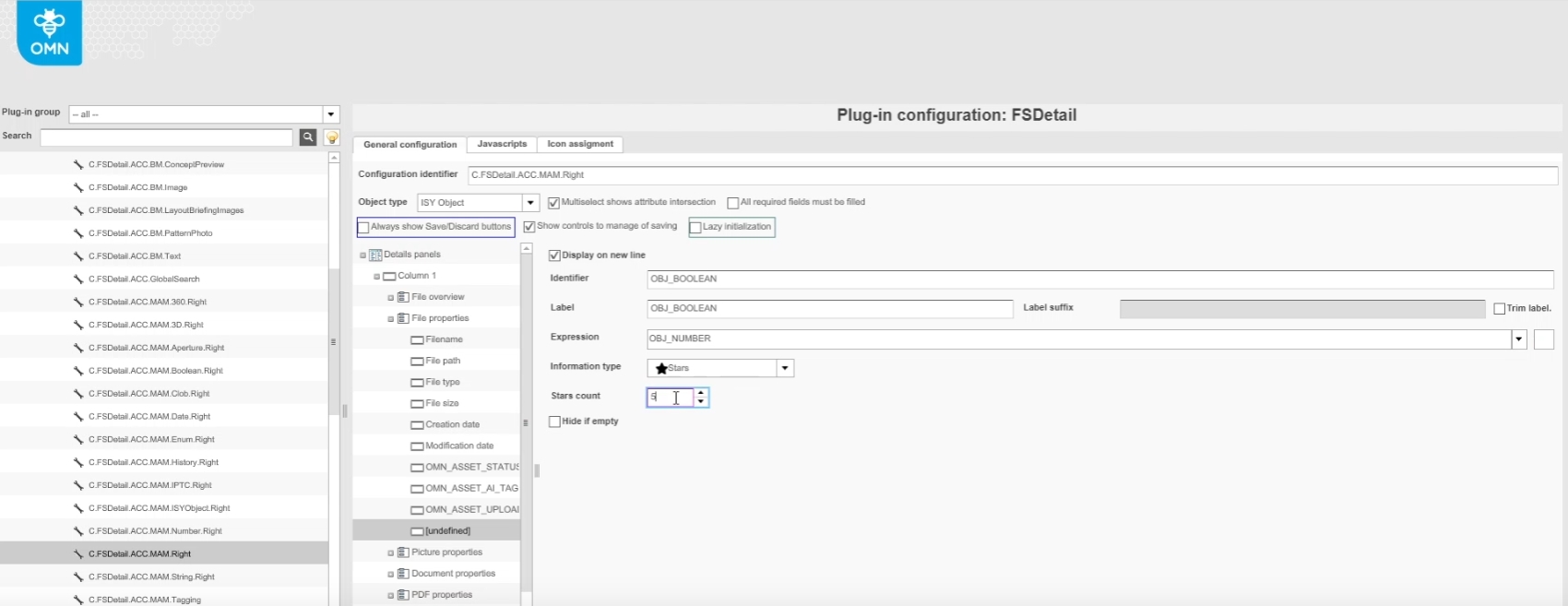
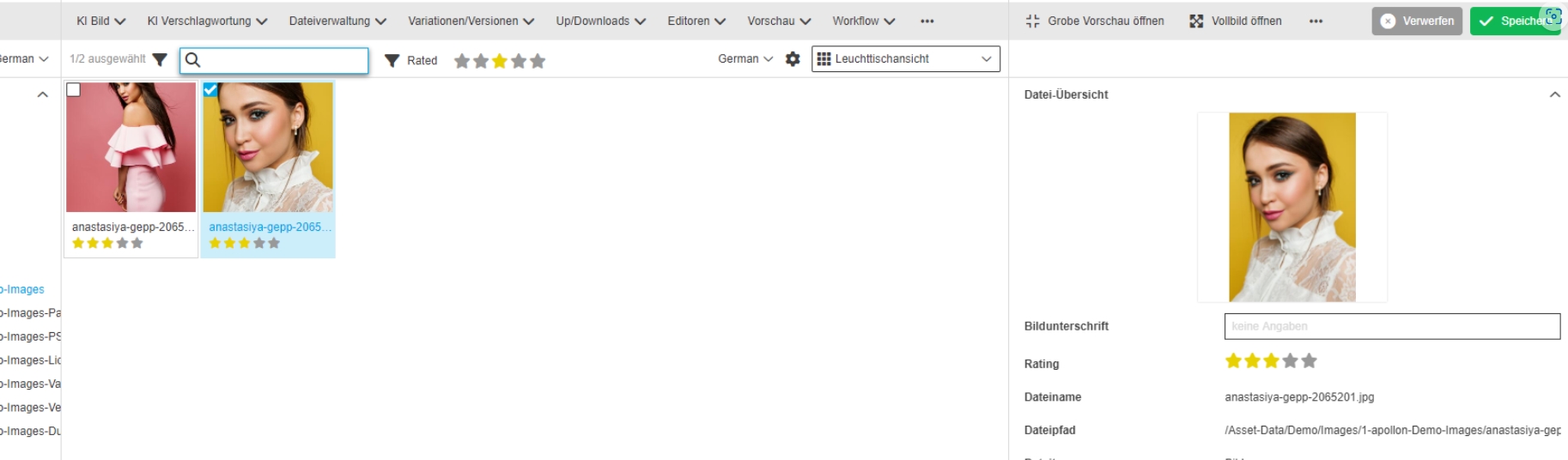
Star Rating widget is added to Light Table and FSDetail configuration
References |
OMNA-1580 |
New Star Ratings are now available in Light Table and Detail View
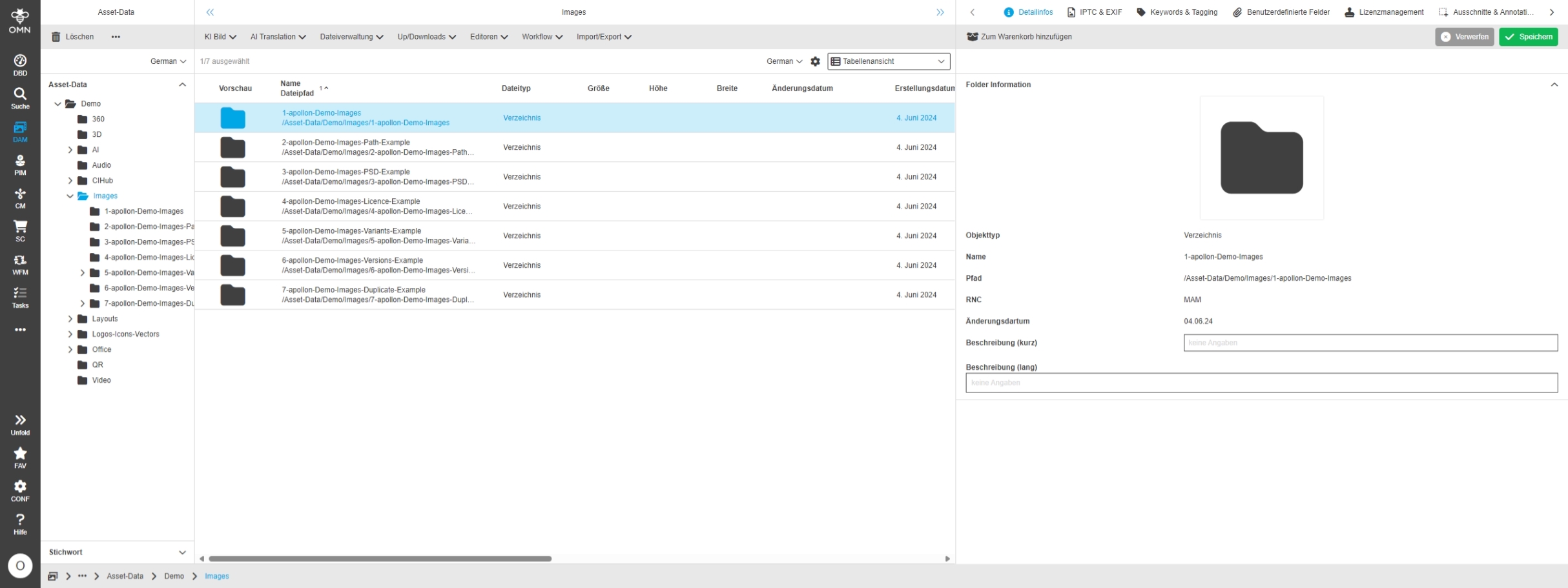
FS Detail For Folders and Keywords
References |
OMNA-1581 |
Detail panel for Folders is now available with possibility to store long and short description
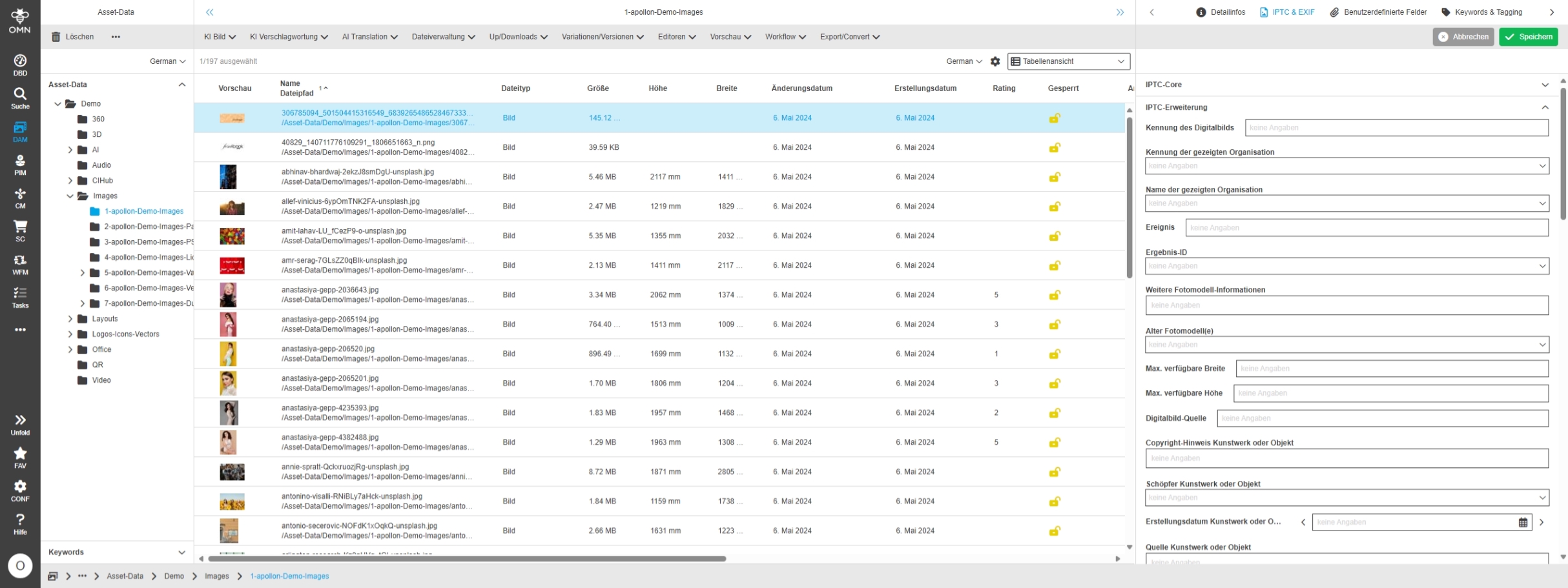
Provide configuration for IPTC Core and EXT according to Photo Metadata Standard 2023.1 via Accelerator
References |
OMNA-1535 |
OMN Profile now provides the latest IPTC Photo Metadata Standard 2023.1 Attributes, for IPTC Core and IPTC Ext provided
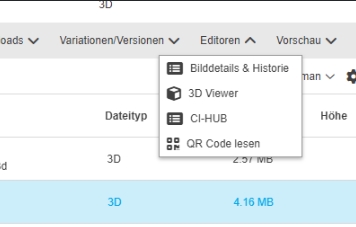
Rename functions for 3D Renderer to 3D Viewer
References |
OMNA-1611 |
Former Editor 3D Renderer is now called 3D Viewer
Upload Asset to product with linking
References |
OMNA-1279 |
Provide additional function which allows Upload Asset to with automatic linking to product
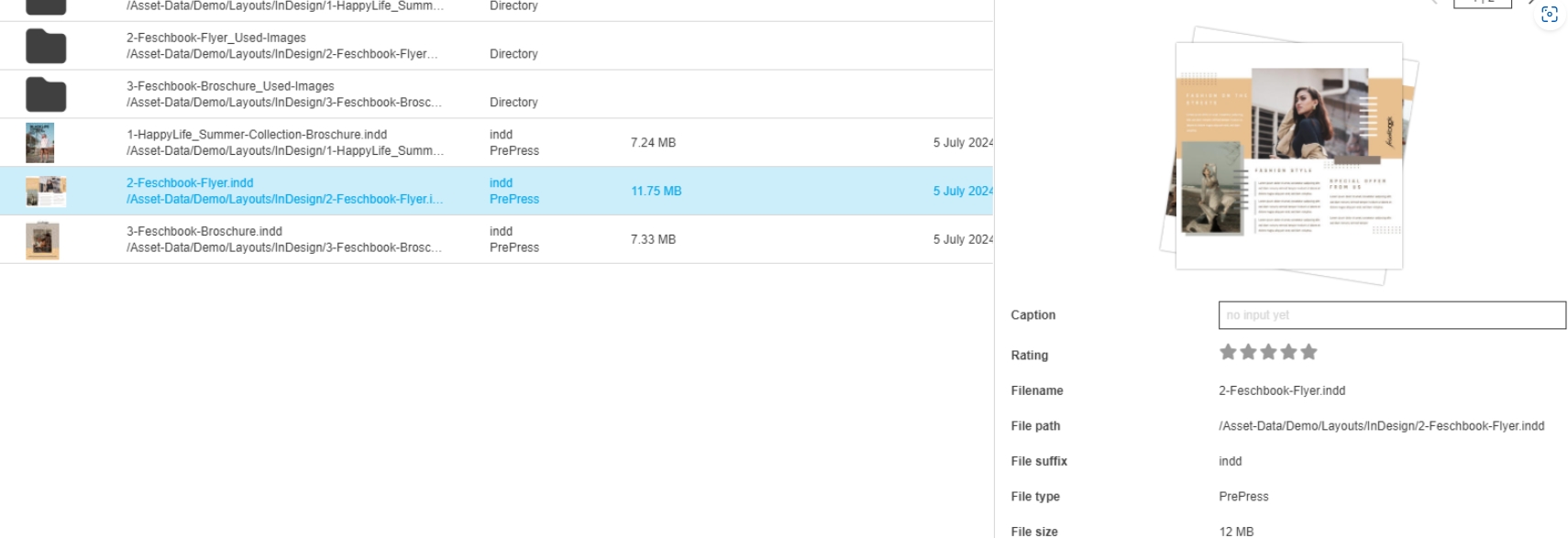
Example configuration of upload with workflow in fashion profile
References |
OMNA-1500 |
Example configuration of upload with workflow execution in fashion profile
PIM
Accelerator enhancements in PIM configuration
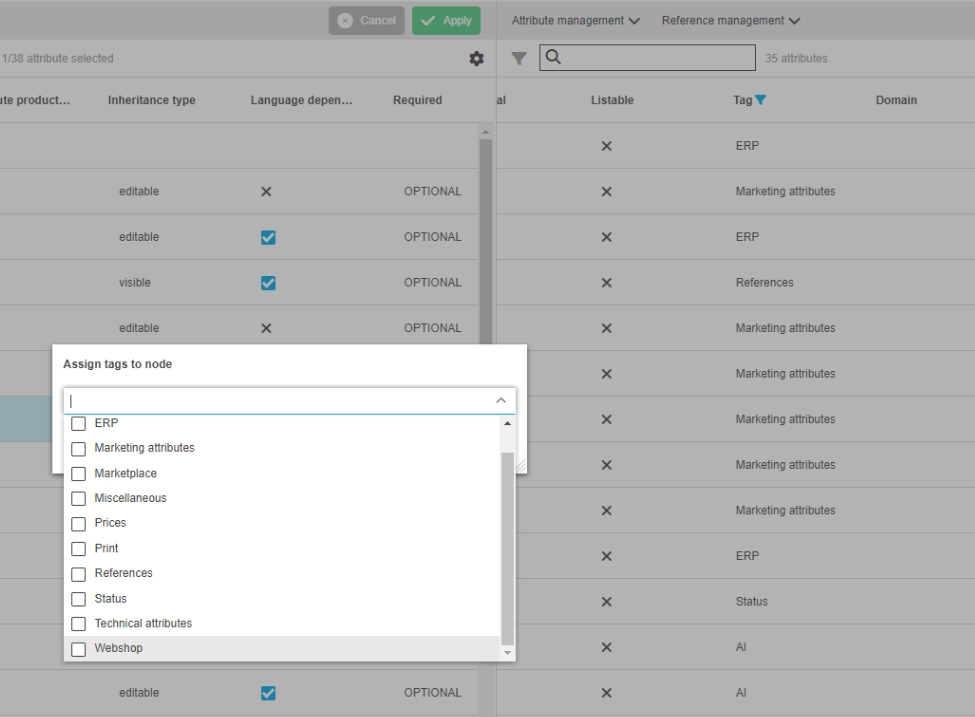
Assign Tags to Attributes from root level of existing data model
References |
OMNA-1378 |
Possibility to assign Default tags to Attribute in PIM configuration to Group Attributes logically in PIM2 Classification View
Import products to fashion profile
ACC-Profile |
Fashion |
References |
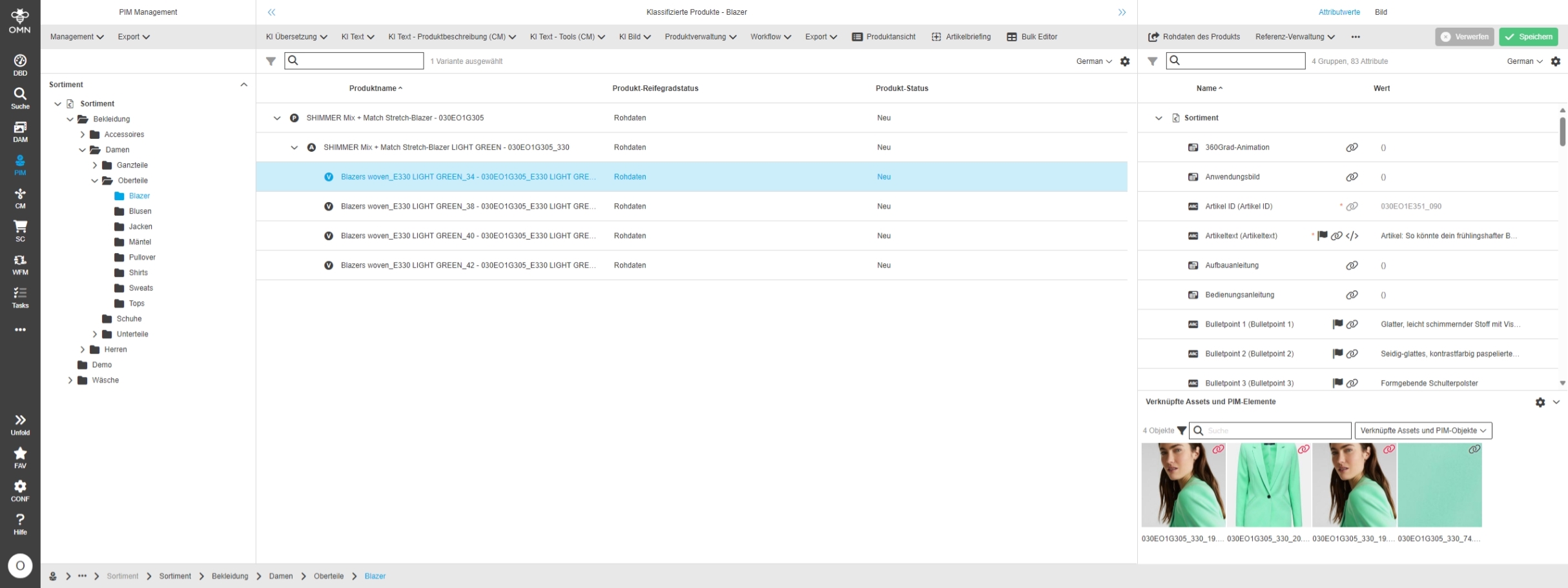
OMNA-950 |
ACC Product Demo Dataset contains more product data examples from different categories
-
Taschen (Bags)
-
Anzüge (Suits)
-
Kleider (Dresses)
-
Blazer (Blazers)
-
Blusen (Blouses)
-
Jacken (Jackets)
-
Mäntel (Coats)
-
Pullover (Sweaters)
-
Shirts
-
Sweats (Sweatshirts)
-
Tops
-
Schuhe (Shoes)
-
Hosen (Pants)
-
Jeans
-
Röcke (Skirts)
-
Badeanzüge (Swimsuits)
-
BHs (Bras)
-
Bikinis
-
Einteiler (One-piece)
-
Oberteile (Tops)
-
Strümpfe & Socken (Stockings & Socks)
-
Unterteile (Bottoms)
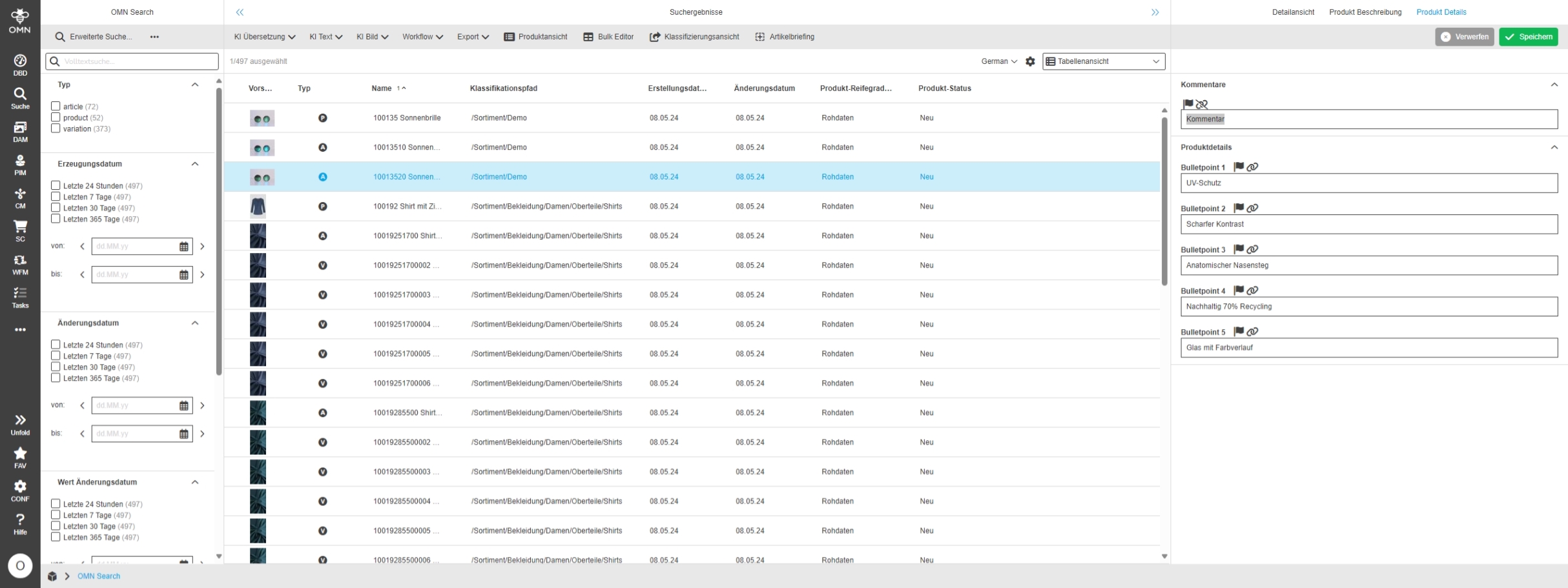
Add attributes to ClassificationViews product listing table
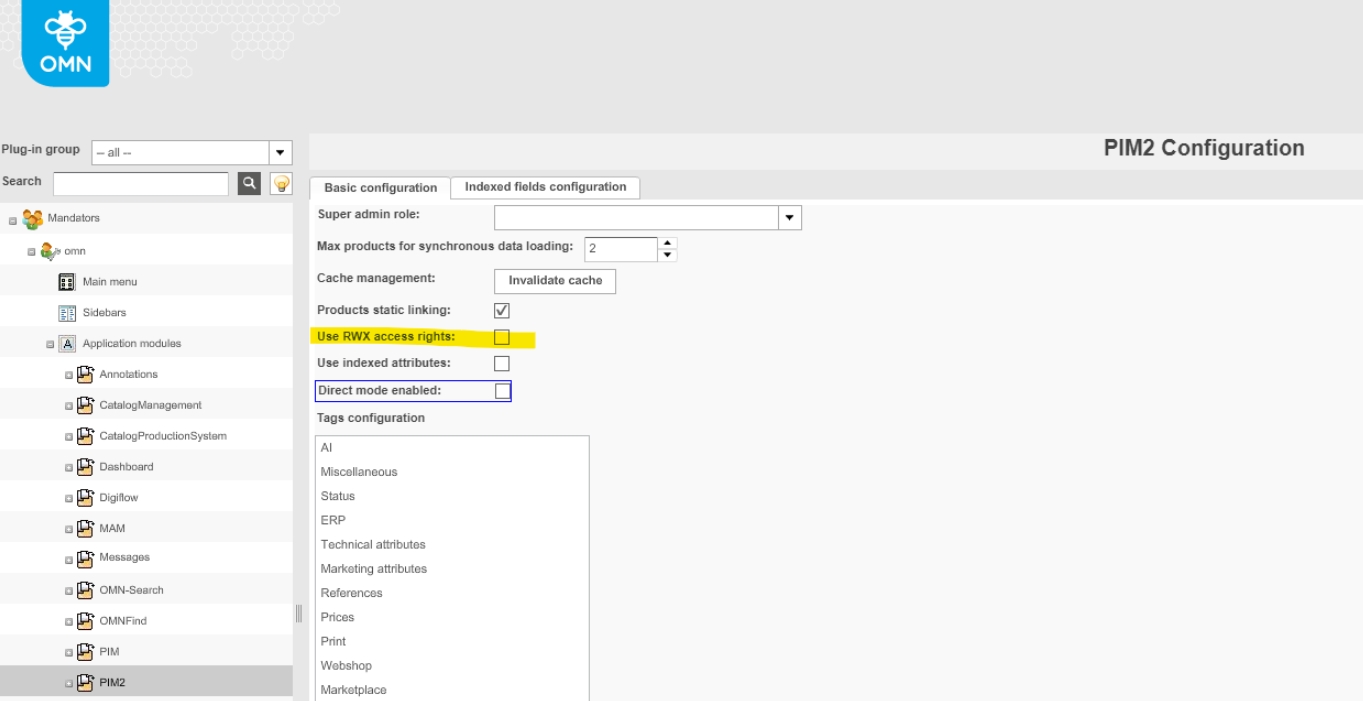
References |
OMNA-1435 |
In the ClassificationView’s product listing (Center view) following Default Attributes are not available
-
acc_product_lifecycle_state
-
acc_product_state

AI + Integrations
Accelerator enhancements in AI Integration configuration
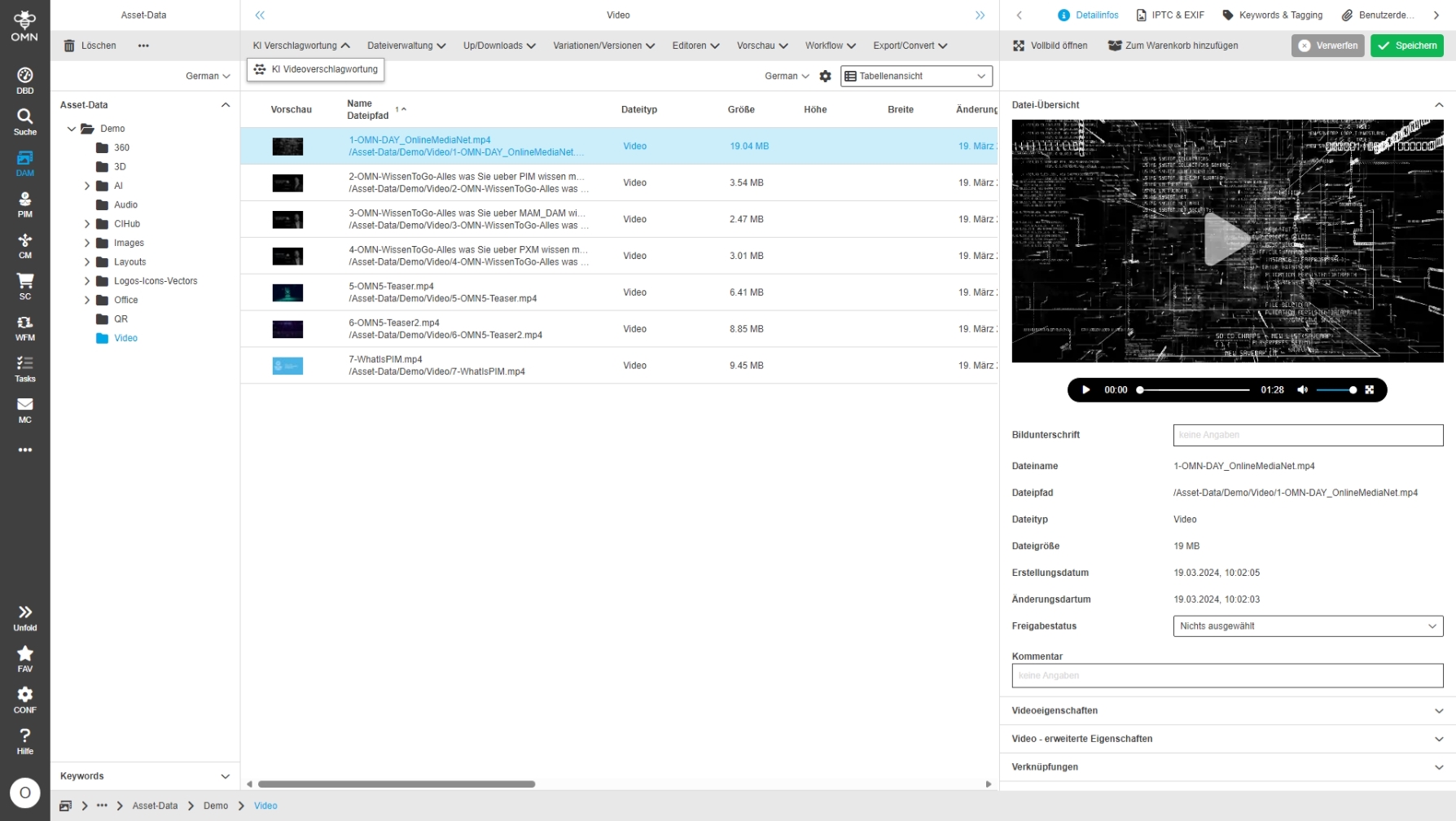
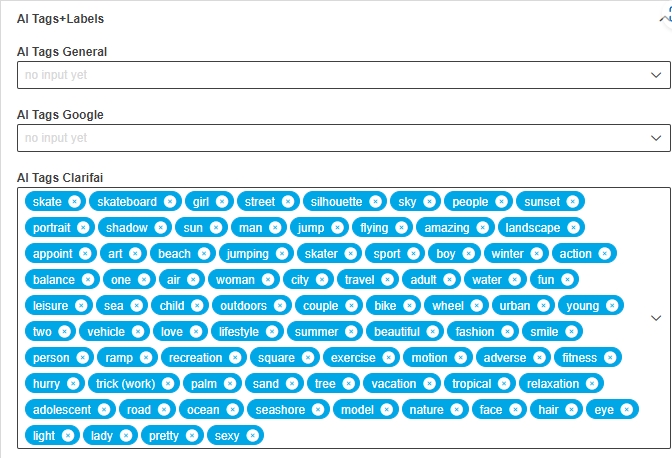
AI-Text
Chat-GPT
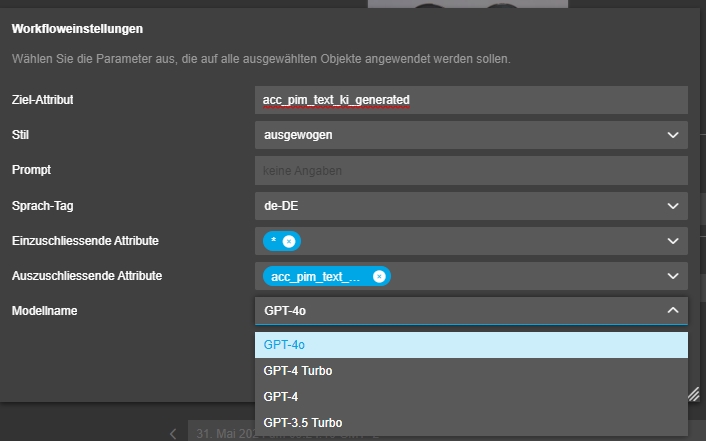
Upgrade of GPT-3.5 Turbo Model
References |
OMNA-1557 |
Support of latest Chat-GPT Model 3.5. Turbo which was released 16.2.2024
Conversionmaker
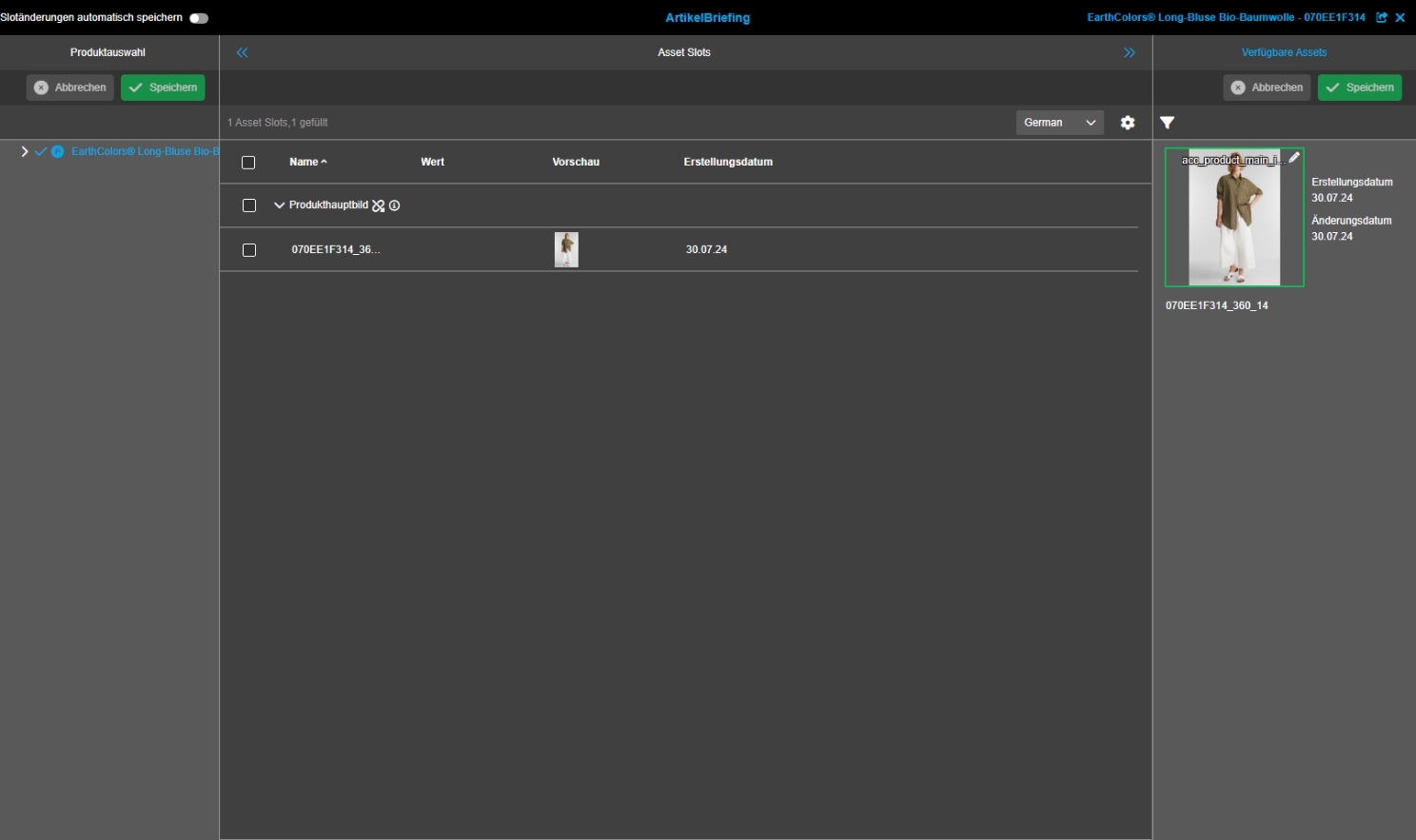
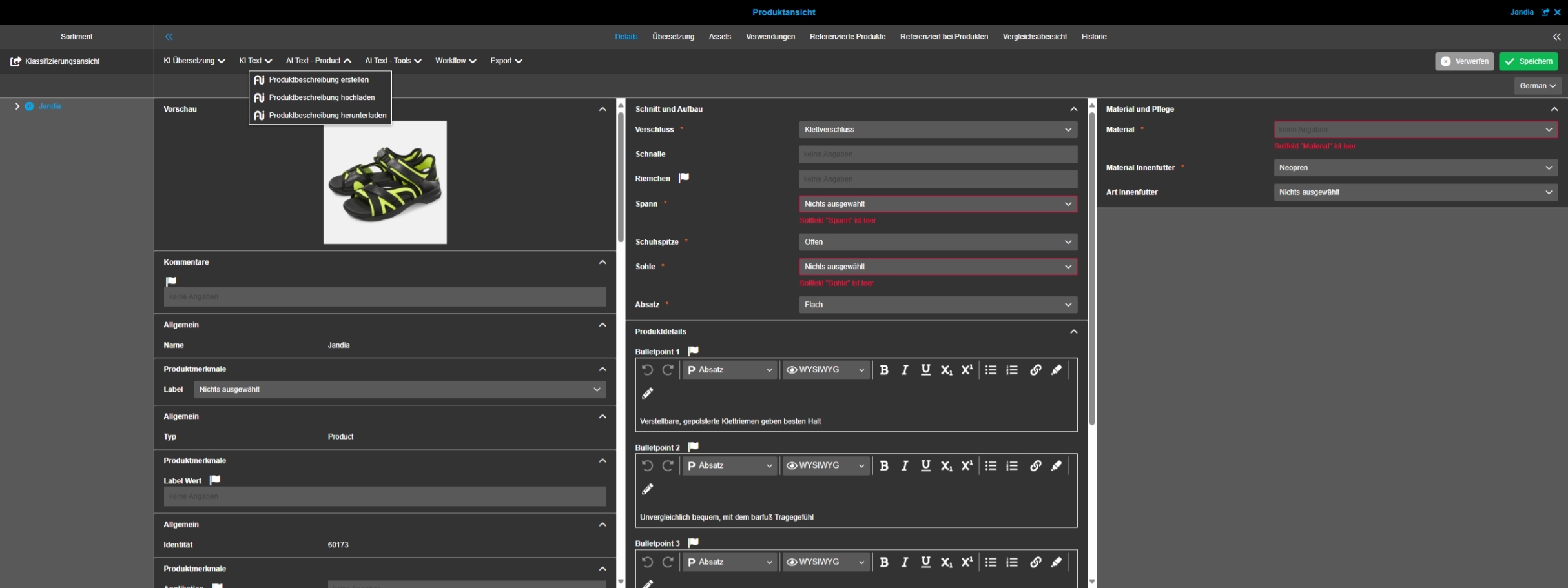
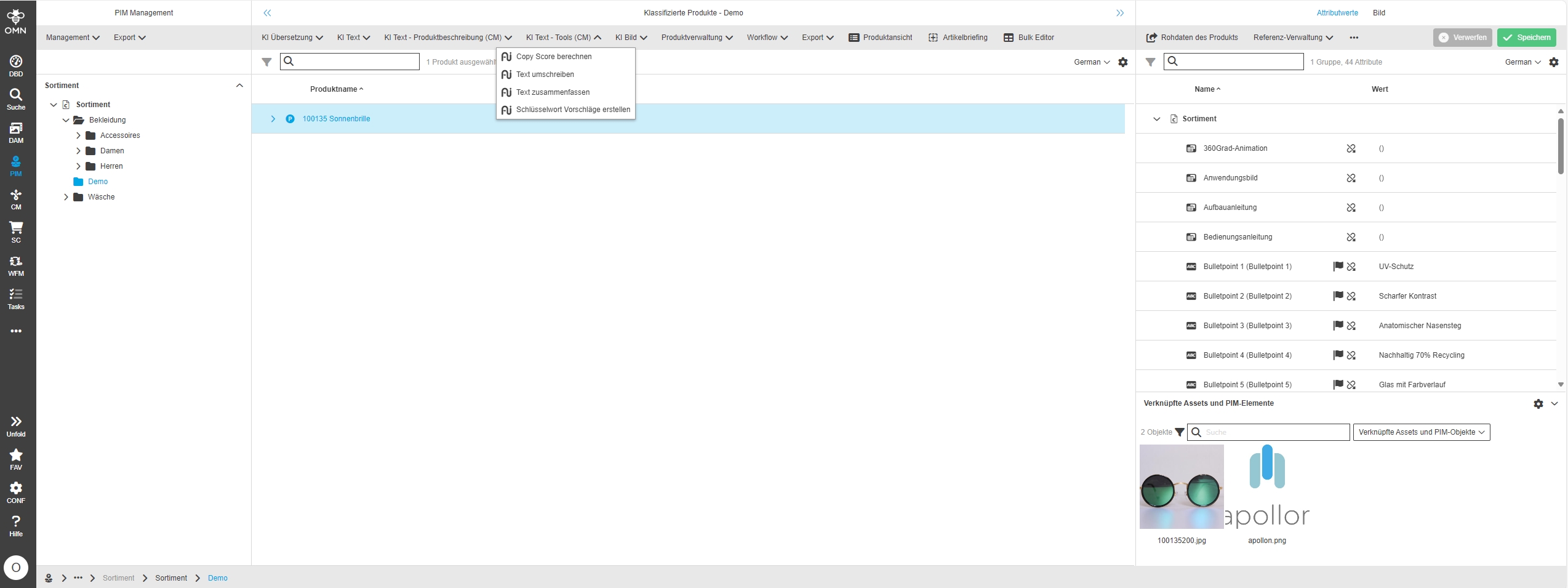
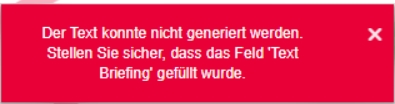
Integrate Conversionmaker parameter into ProductView
References |
OMNA-1588 |
Conversionmaker functionality ins now available in ACC Standard Product View
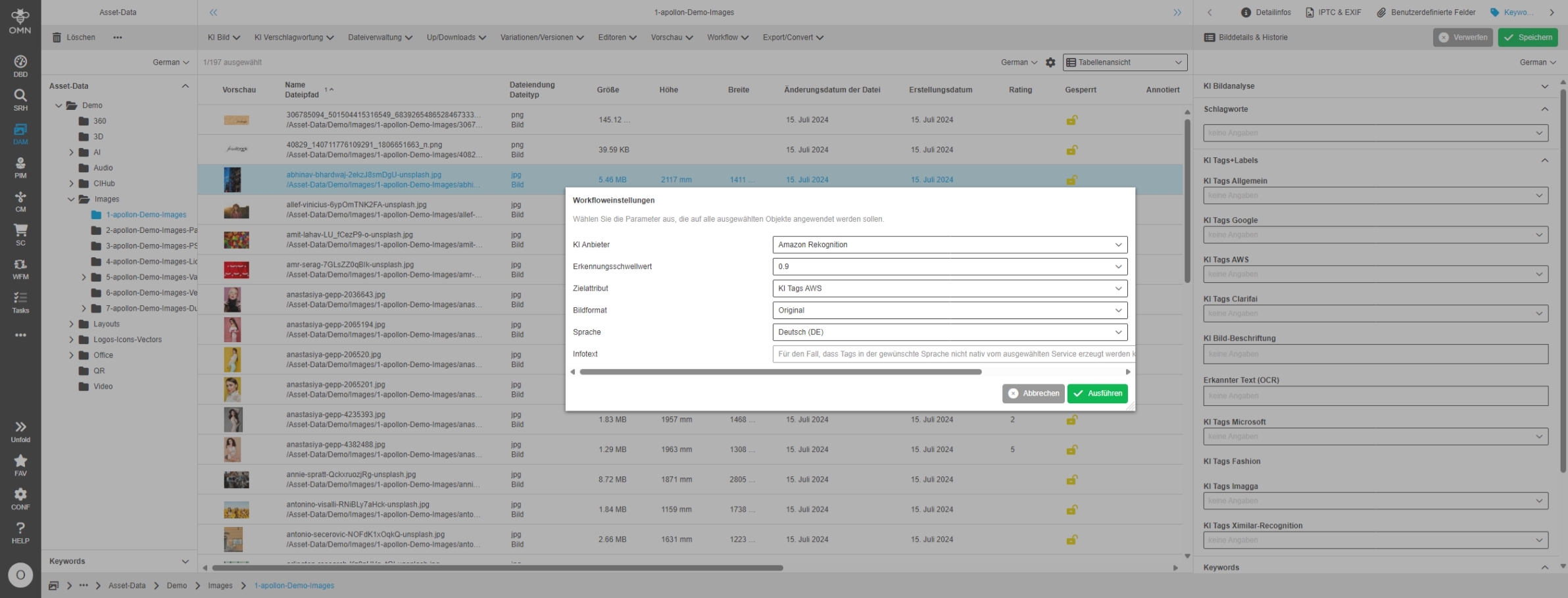
AI Image
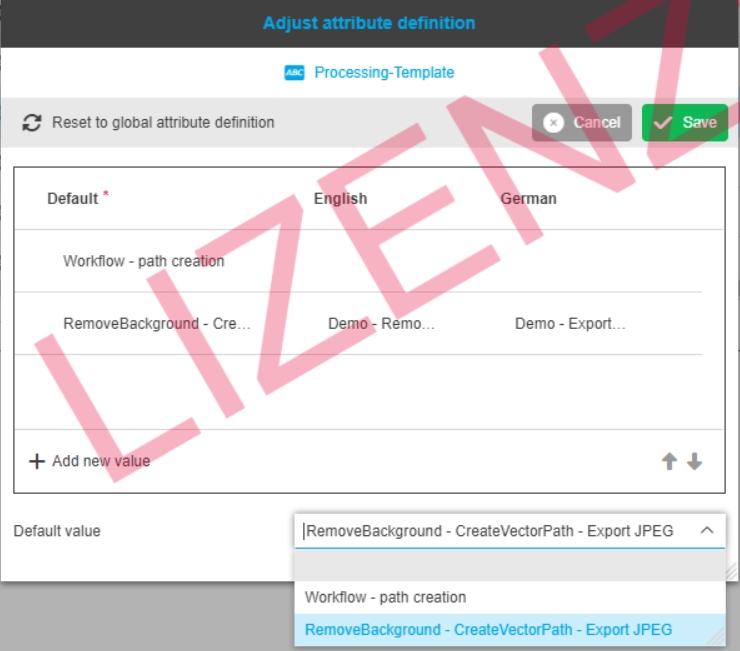
Improvement for possible values of AutoRetouch workflows AI create clipping and AI image
References |
OMNA-1443 |
Improvement for possible value list of AI Image Workflows to create clipping paths for images
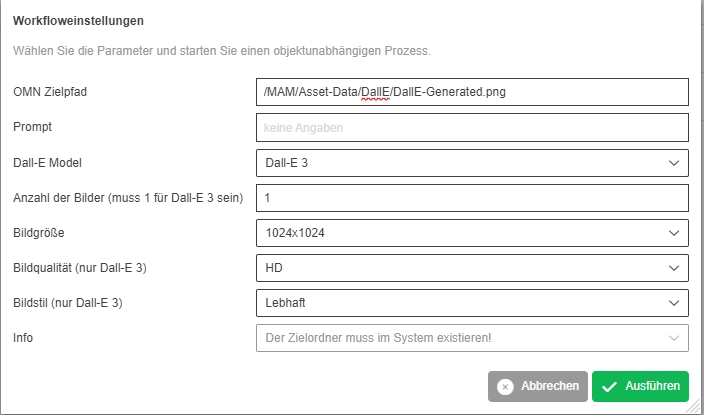
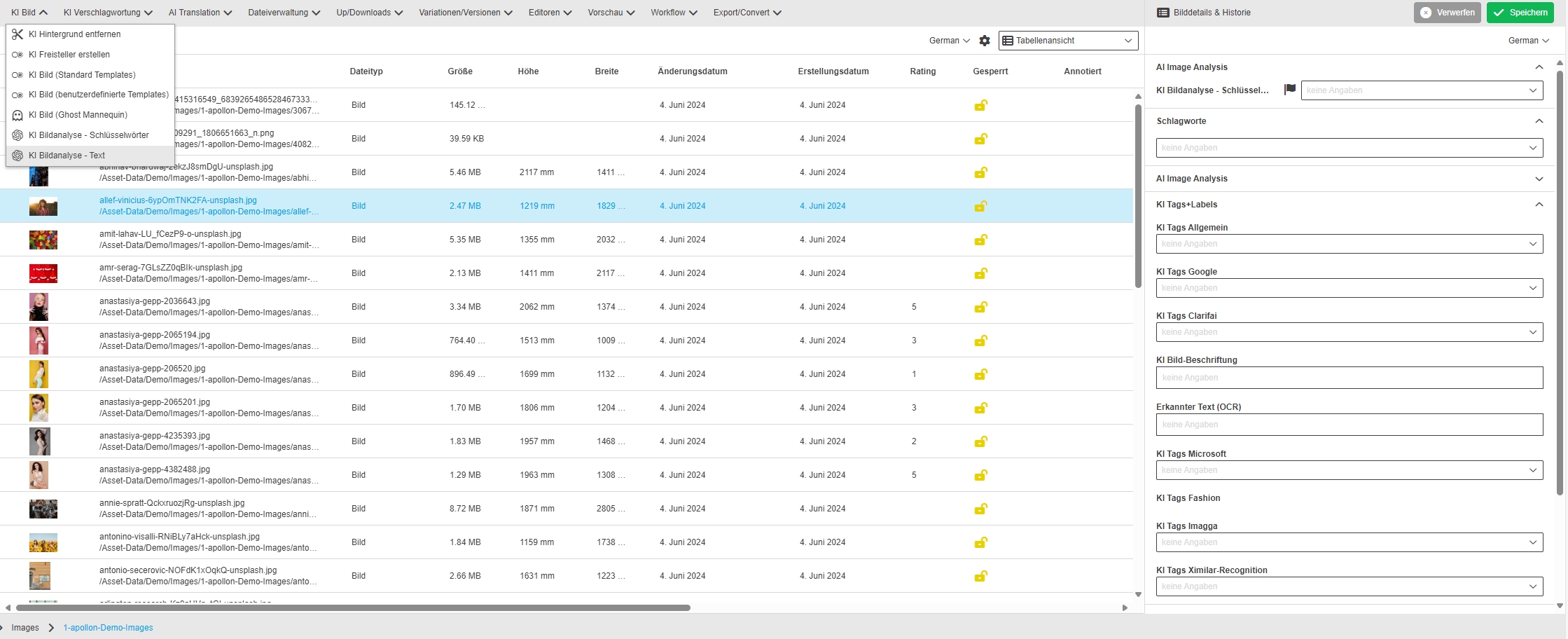
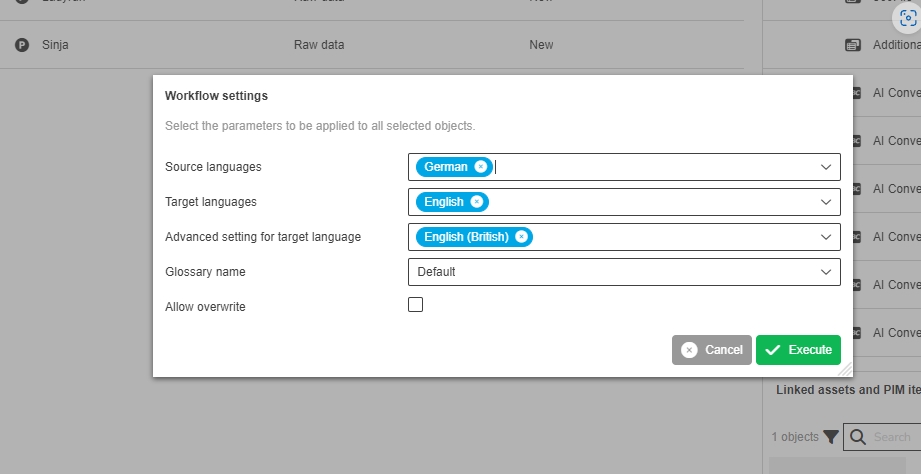
Include Dall-E 3 model into OpenAI Image WFL
References |
OMNA-1567 |
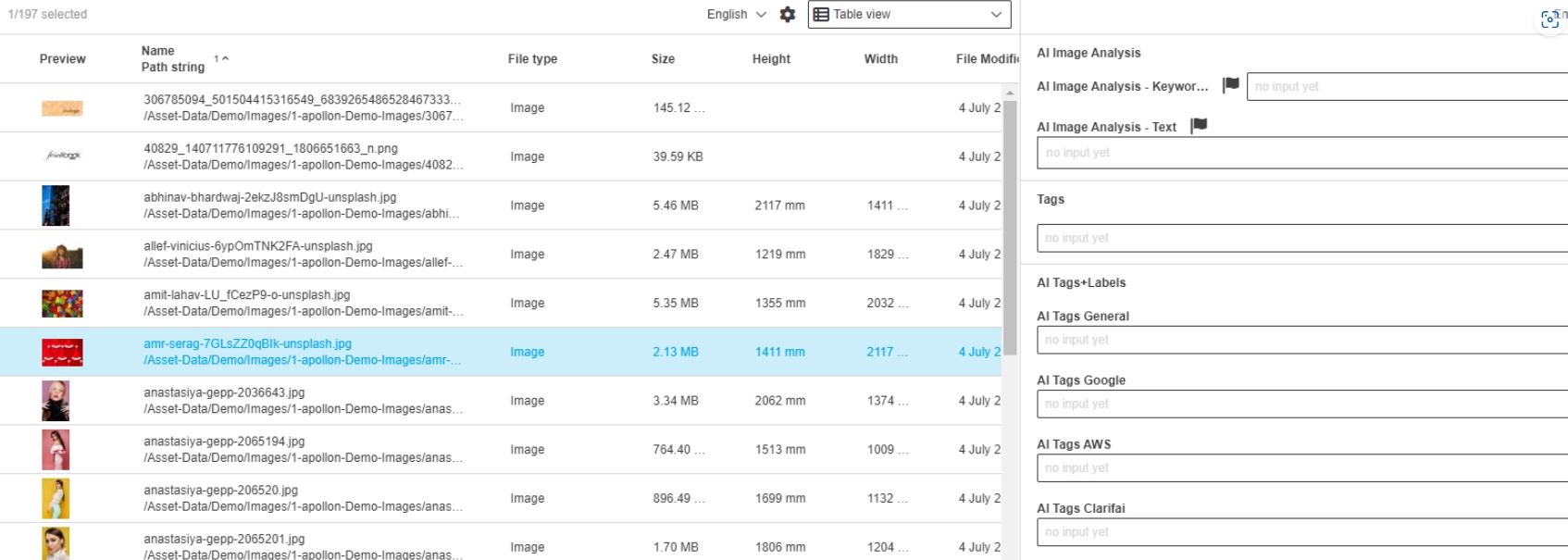
AI Image allows now to generate Images with Dall-E2 and Dall-E3 Modell
-
the model can be chosen in the dialog
CM
Accelerator enhancements in CM configuration
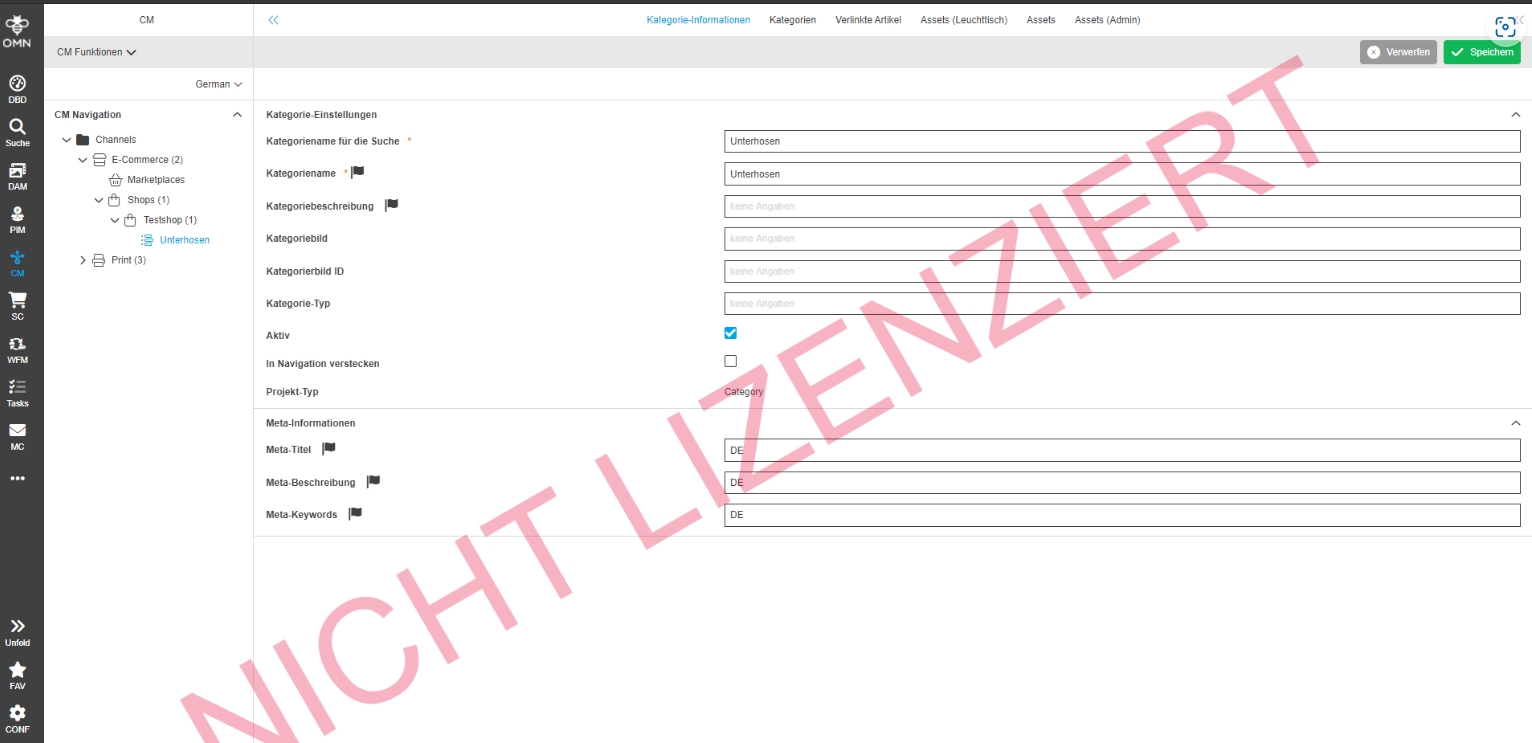
CM - Add Language dependent for MetaInformation
References |
OMNA-1518 |
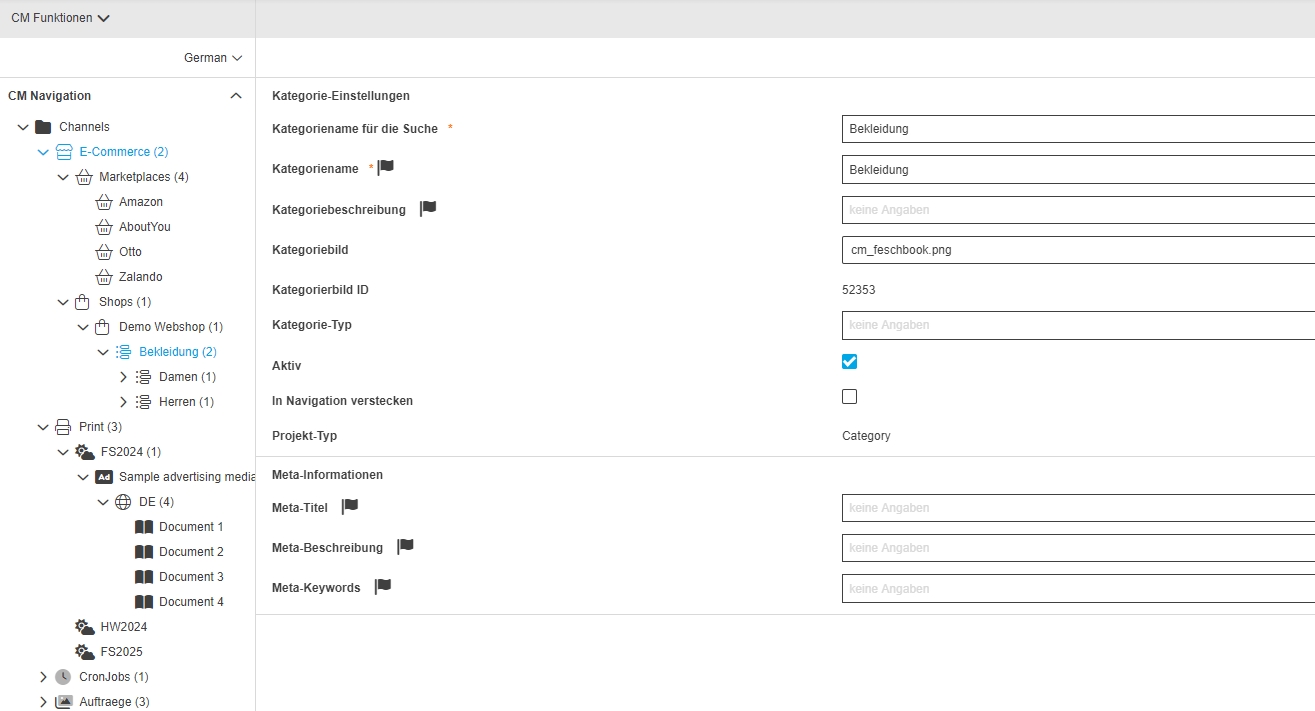
Some important meta information attributes in CM Config for Webshop Meta Information are now language-dependent
-
Meta-Titel
-
Meta-Beschreibung
-
Meta-Keywords
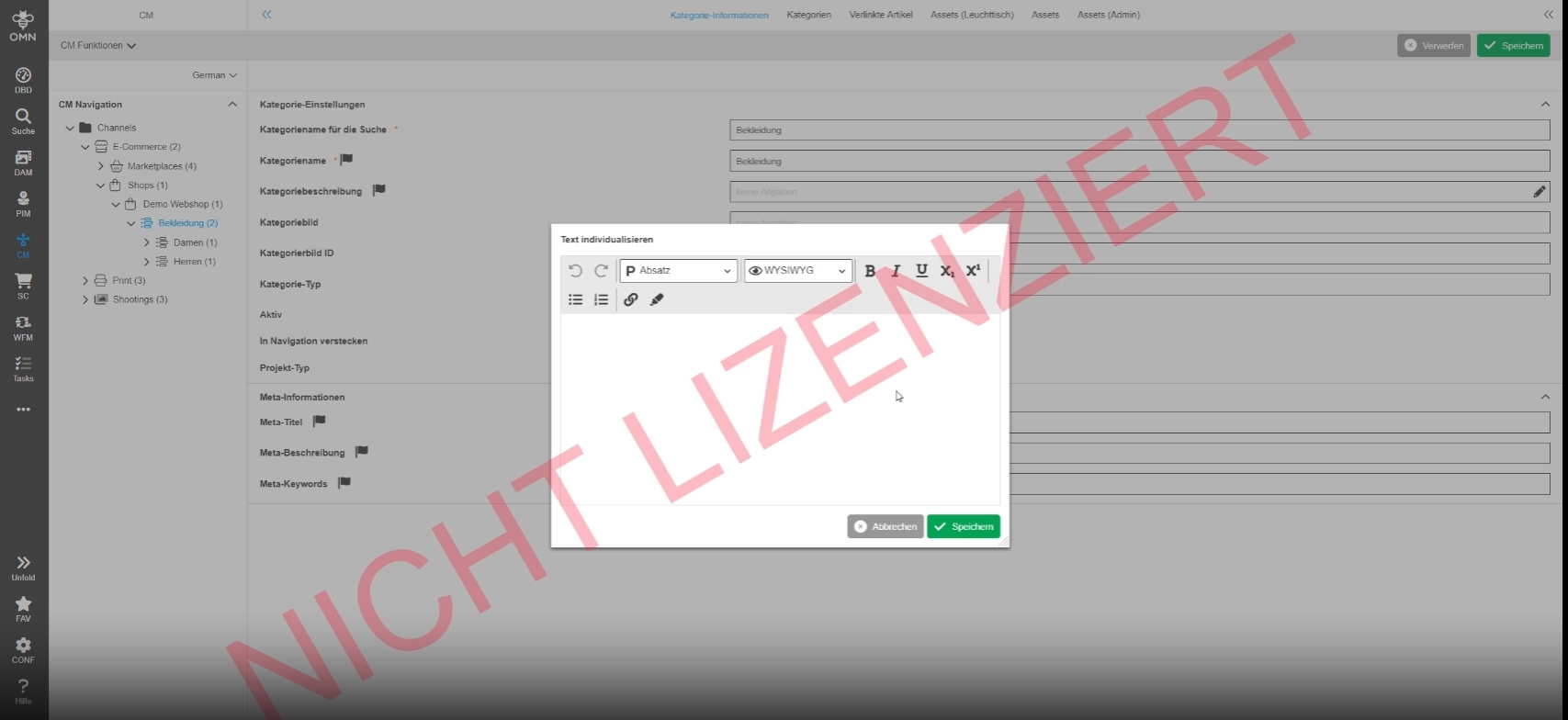
ProjectString as String RichTextEditor
References |
OMNA-1522 |
Possibility to enter the category description for Shopware in the CM module as a rich text
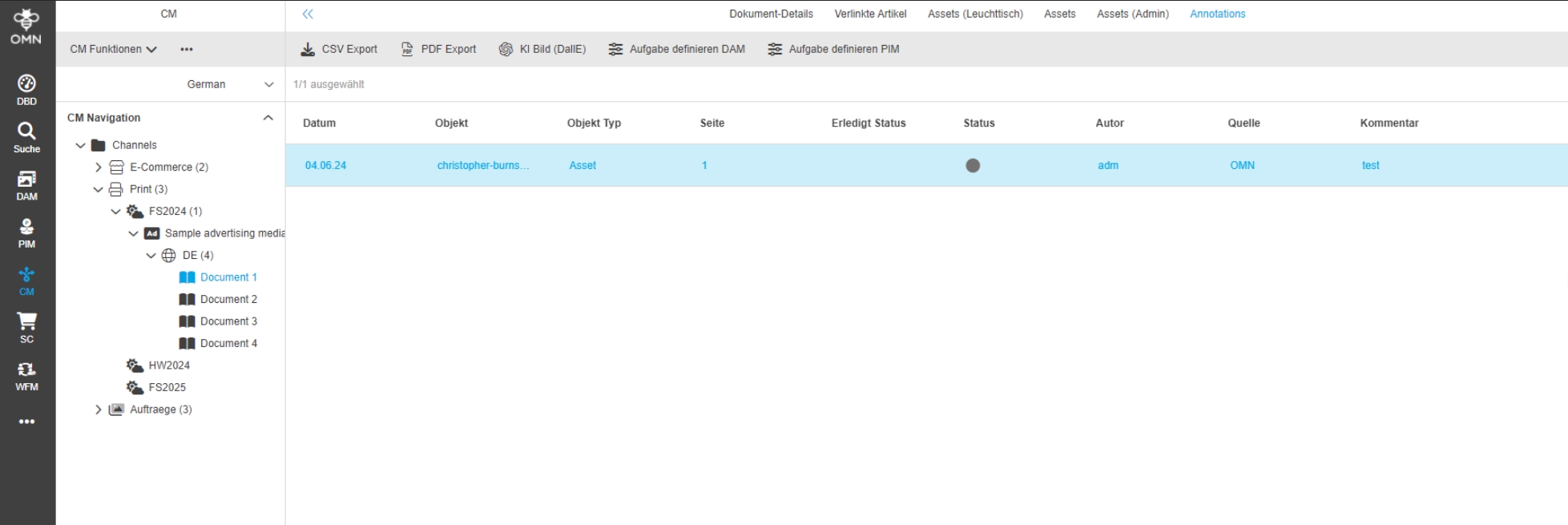
Project AnnotationView for Print Channel
References |
OMNA-1519 |
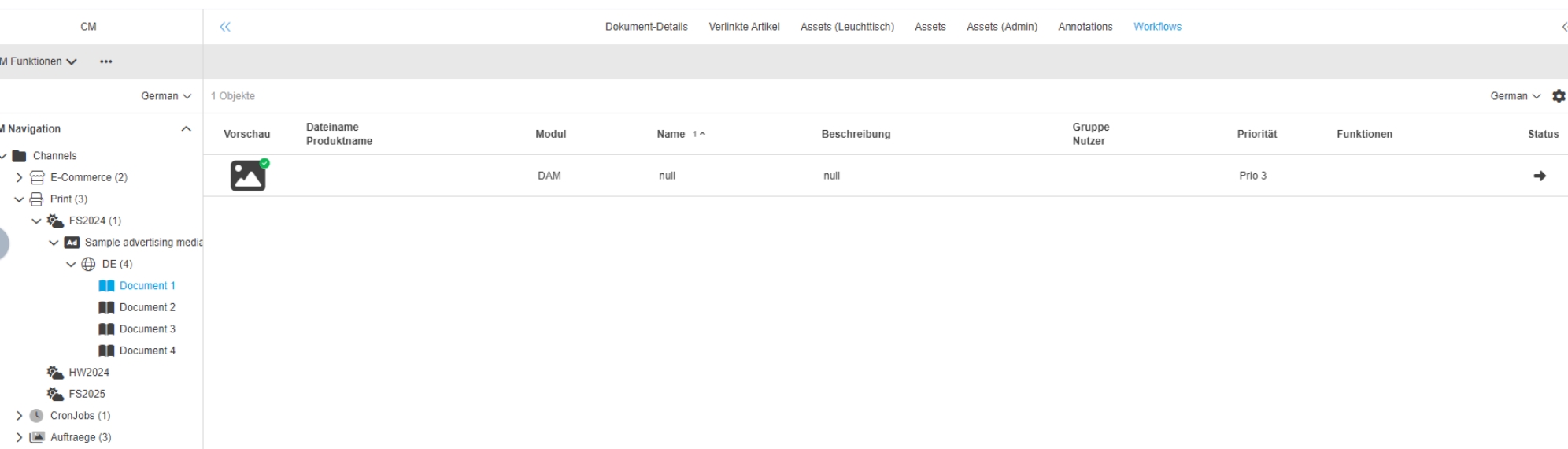
Possibility to see document annotations on the project that were created on an asset that was saved on the Project
Search
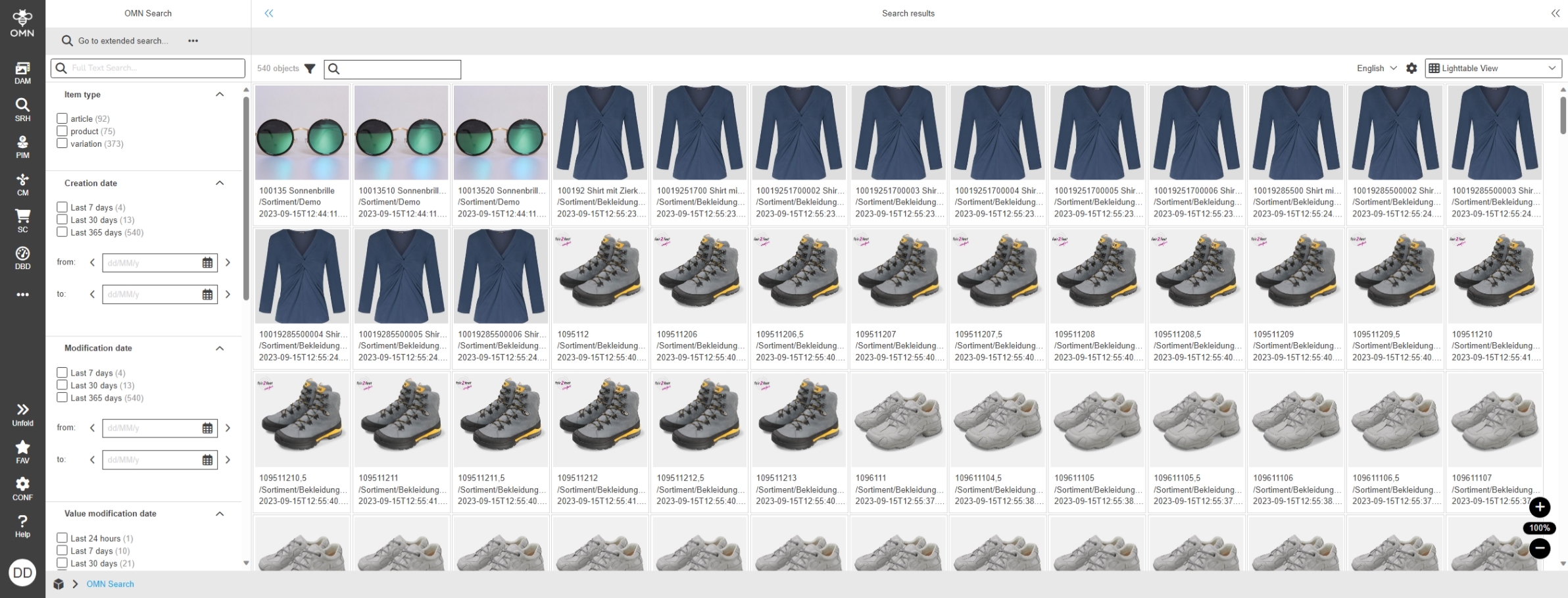
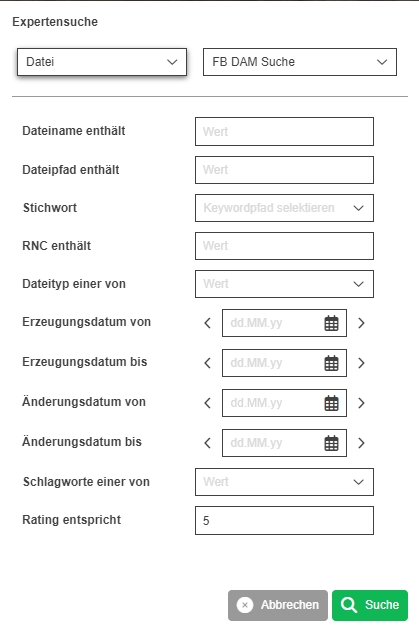
Accelerator enhancements in search configuration
Workflow
Accelerator enhancements in workflow configuration