AI-Image
AI-Image automates manual image processing.
Using combinable AI modules that can be coupled with each other by smart components, you can automate a wide variety of image manipulations via artificial intelligence. At the push of a button, images can be cropped, skin retouching can be performed, backgrounds can be exchanged, and more.
Available Smart AI-Components
| Remove Background | Automatic removal for background of fashion or product images |
|---|---|
Skin Retouch |
Remove moles and airbrush human skin |
Set on canvas |
Place images on a definable canvas |
Crop |
Customizable, automatic image cropping |
Crop Face |
crop faces from images featuring a full-face human model shot |
Add Ground Shadows |
add ground shadows to model images |
Add Natural Shadows |
add natural look shadows to model images |
Add Drop Shadows |
Add professional drop shadows to model images |
Fix Portrait Exposure |
Automatically adjust exposure on portrait photos for vibrant, balanced image |
Cleanup Background |
Remove shoe prints, tape, dirt, scuffs, and small objects from studio photo backdrop |
Trim to content |
Cut the image to the content border |
Extract Patch |
extract a visual representative patch from images |
Color Palette |
Extract useful color information from images |
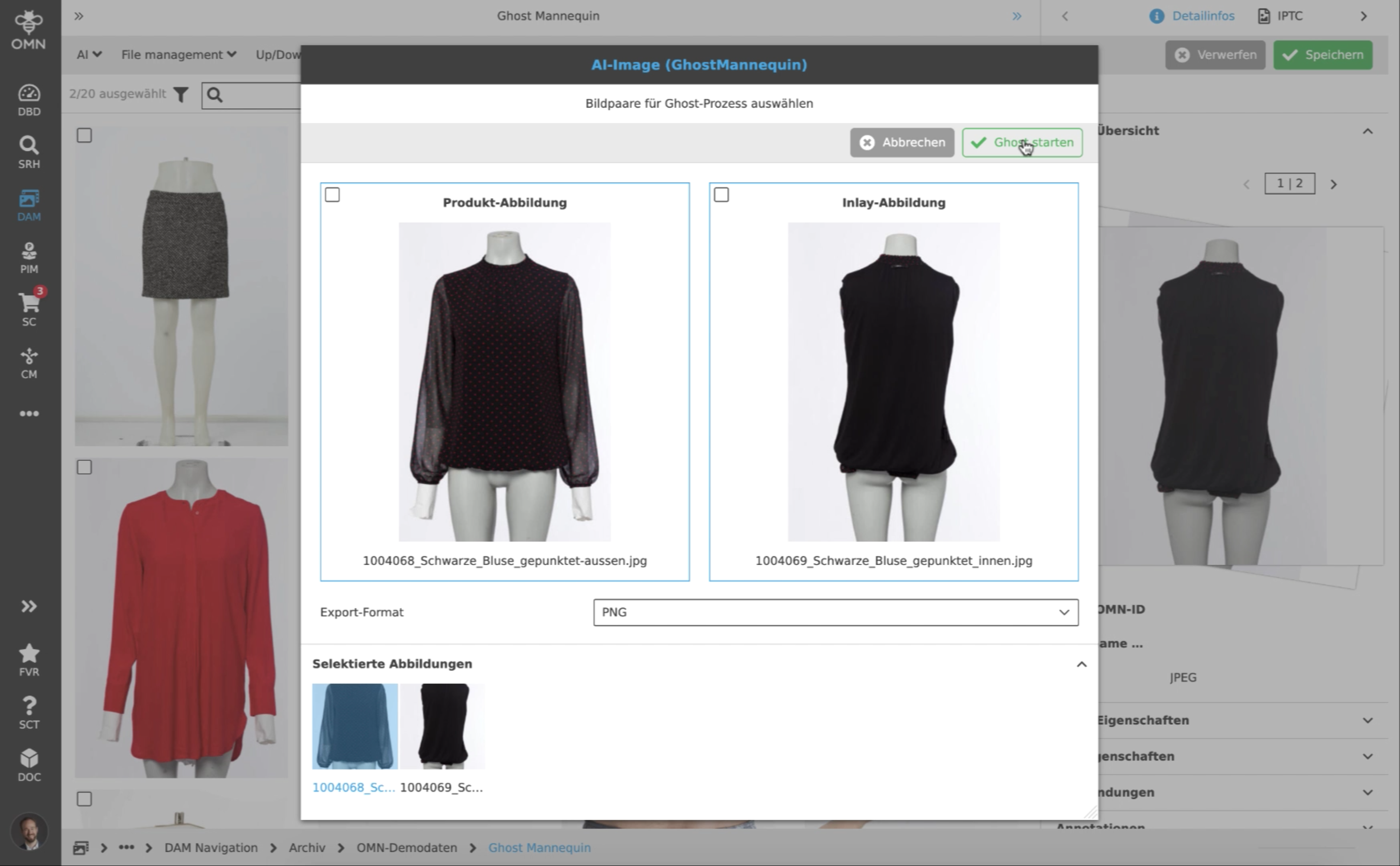
Ghost |
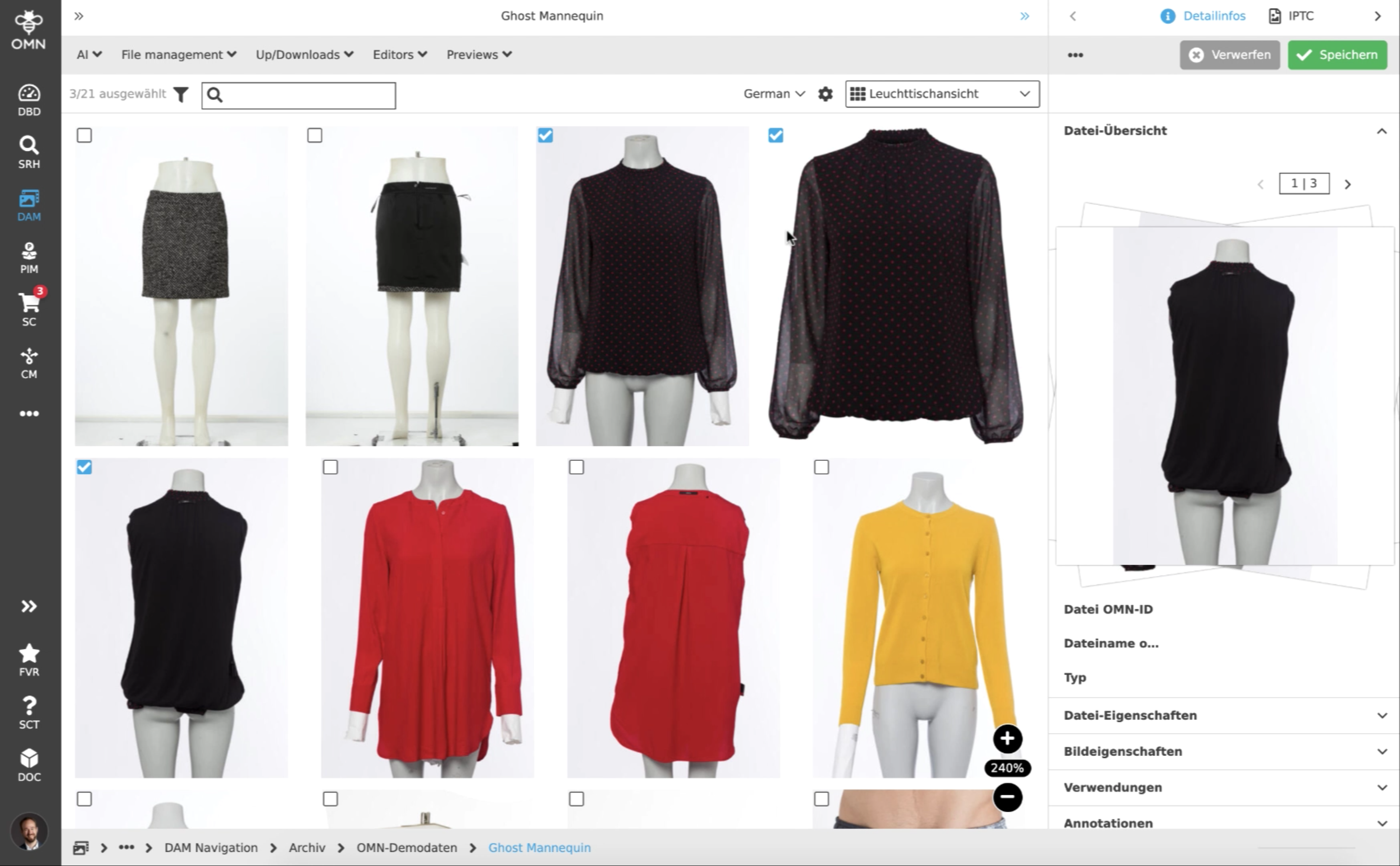
AI-powered ghost mannequin composition creating one image out of product and inlay shot |
Edit filename |
rename export files |
Export |
Define export format for output files supporting different file-formats like JPG, Tiff and PSD |
Pricing
Please contact our sales team for pricing information: sales@apollon.de