Workflow Tasklist Page Plugin
Purpose
The Workflow Tasklist plugin enables to view the running workflows for which the current user has a task.
The user is for example able to filter workflows, to set process state, to open human functions for further editing and maintenance, change the resposibility for the task, adjust the deadline for one or several tasks and to see useful task related information.
Preconditions
To configure the Workflow Tasklist plugin, the following plugin should be available:
-
Table content plugin
-
Detail content plugin
Supported plugins
The Workflow Tasklist plugin supports plugins such as:
-
Table content plugin
-
Detail content plugin
General configuration
The configuration of Workflow Tasklist plugin includes the following parts:
Tab name |
Description |
Note |
Views and Functions |
On this page you can define which content views and functions should be shown on the UI client. |
See more details 'Views and Functions' |
Enable Workflows |
On this page you can enable camunda workflows that are available on the system to see the enabled ones in the UI and manage tasks and responsibilities for them. |
See more details 'Enable Workflows' |
Usages |
Content is coming soon … |
|
Localization |
On this page you can localize your own Workflow Tasklist plugin to see wished terms in the UI of workflow. |
See more details Localization tab of the plugin instances |
History |
On this page you can find an overview of all modifications made in Workflow Tasklist plugin and have an initial state available as a file to understand who, when and what changed within the configuration. |
Content is coming soon … |
Permissions |
Content is coming soon … |
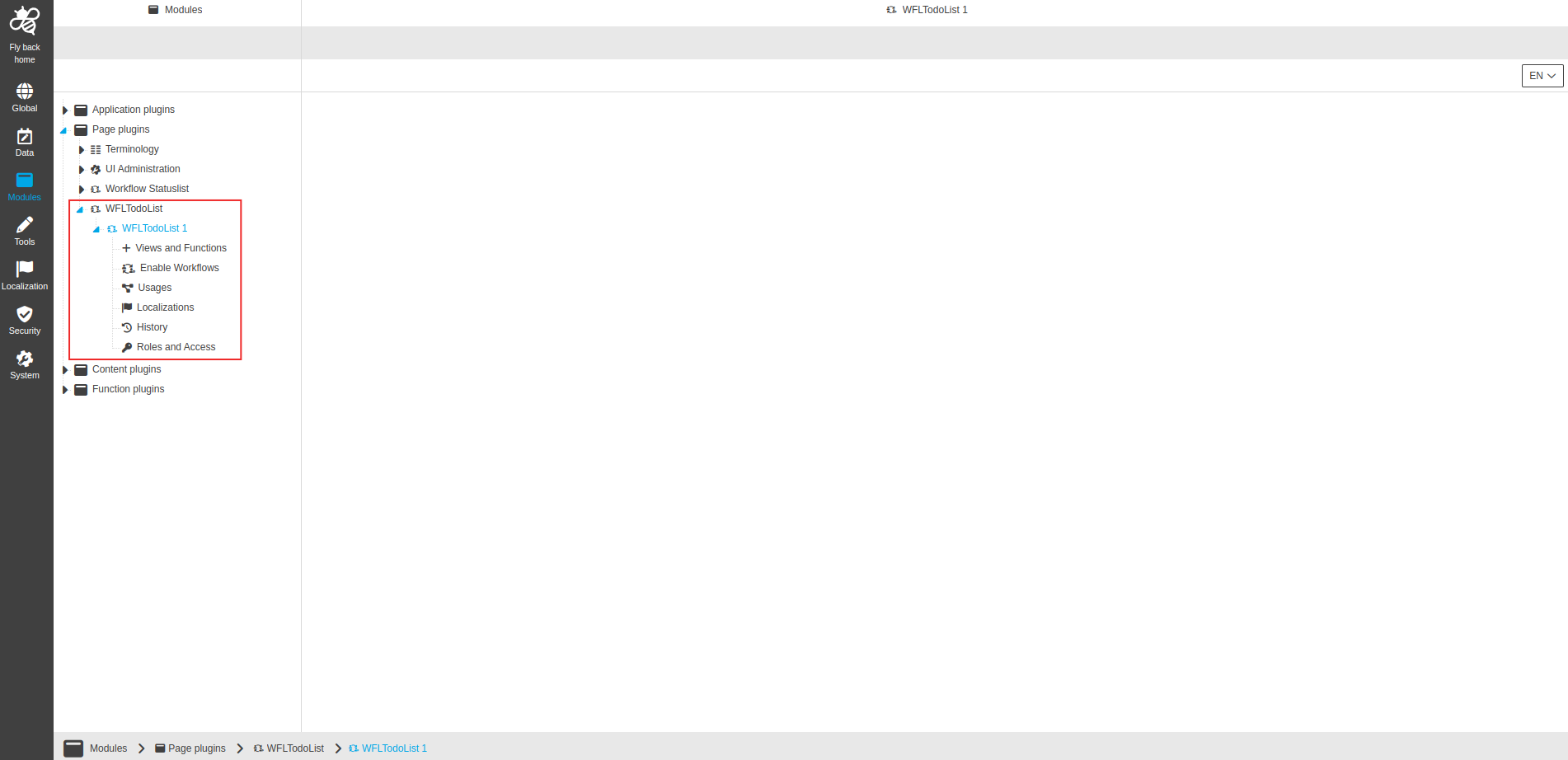
Image 1 The configuration structure of the Workflow Tasklist plugin
| Management of the plugin instances is done in the same way throughout the whole ConfigClient. The details on this common concept can be found here. |
Appearance in the frontend
All details of the Workflow Tasklist plugin in the frontend can be found here.