User settings
In the user settings, a user can make various individual settings to design the OMN system according to their own wishes and ideas.
The user settings can be opened by the user clicking on the profile icon or, if available, the personal image at the bottom of the sidebar. The sidebar will expand and the user settings can be selected.
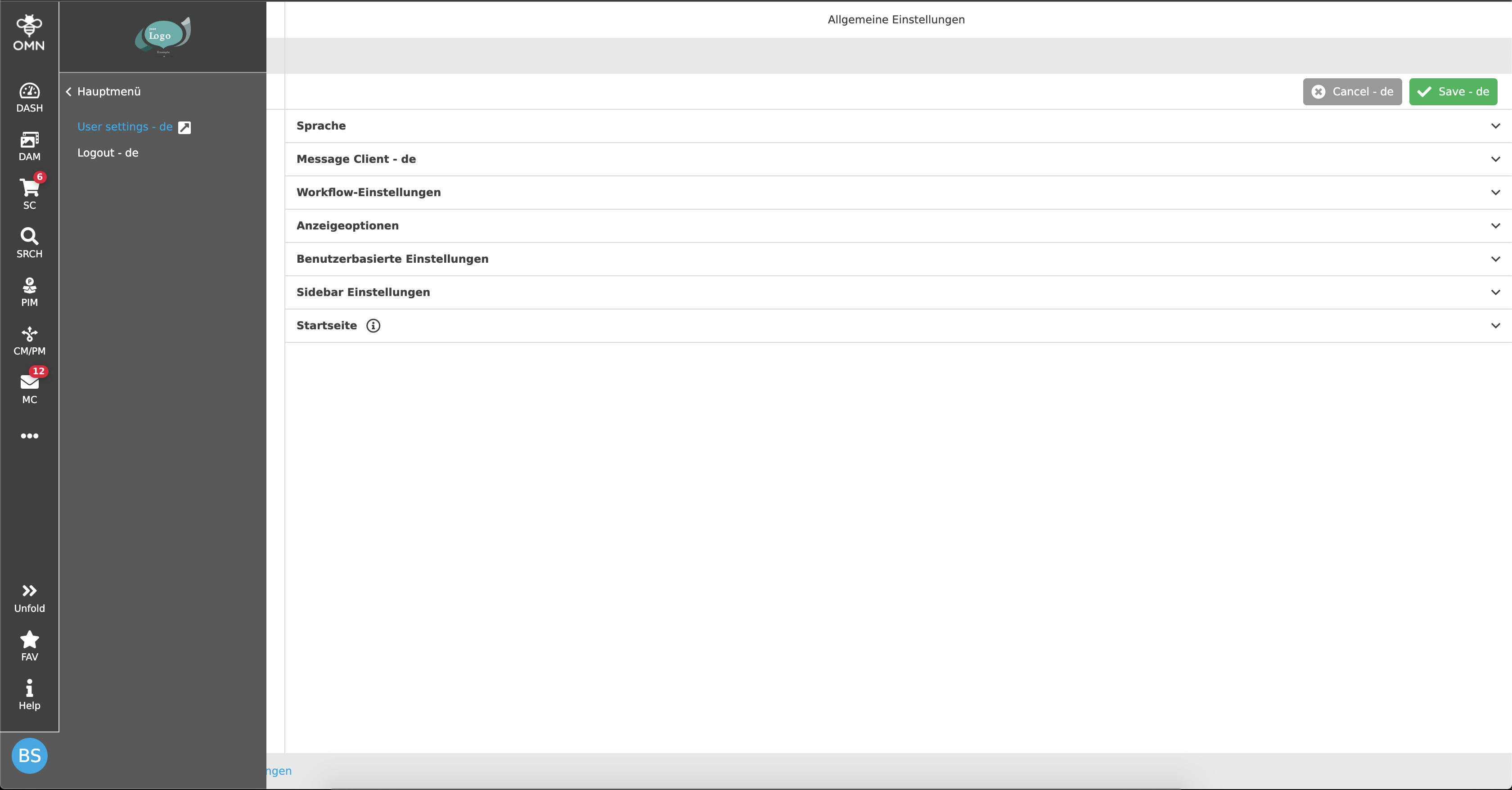
This will open a new page with all available user settings.
On the left side there is a navigation structure that can be used to navigate
to the different settings options.
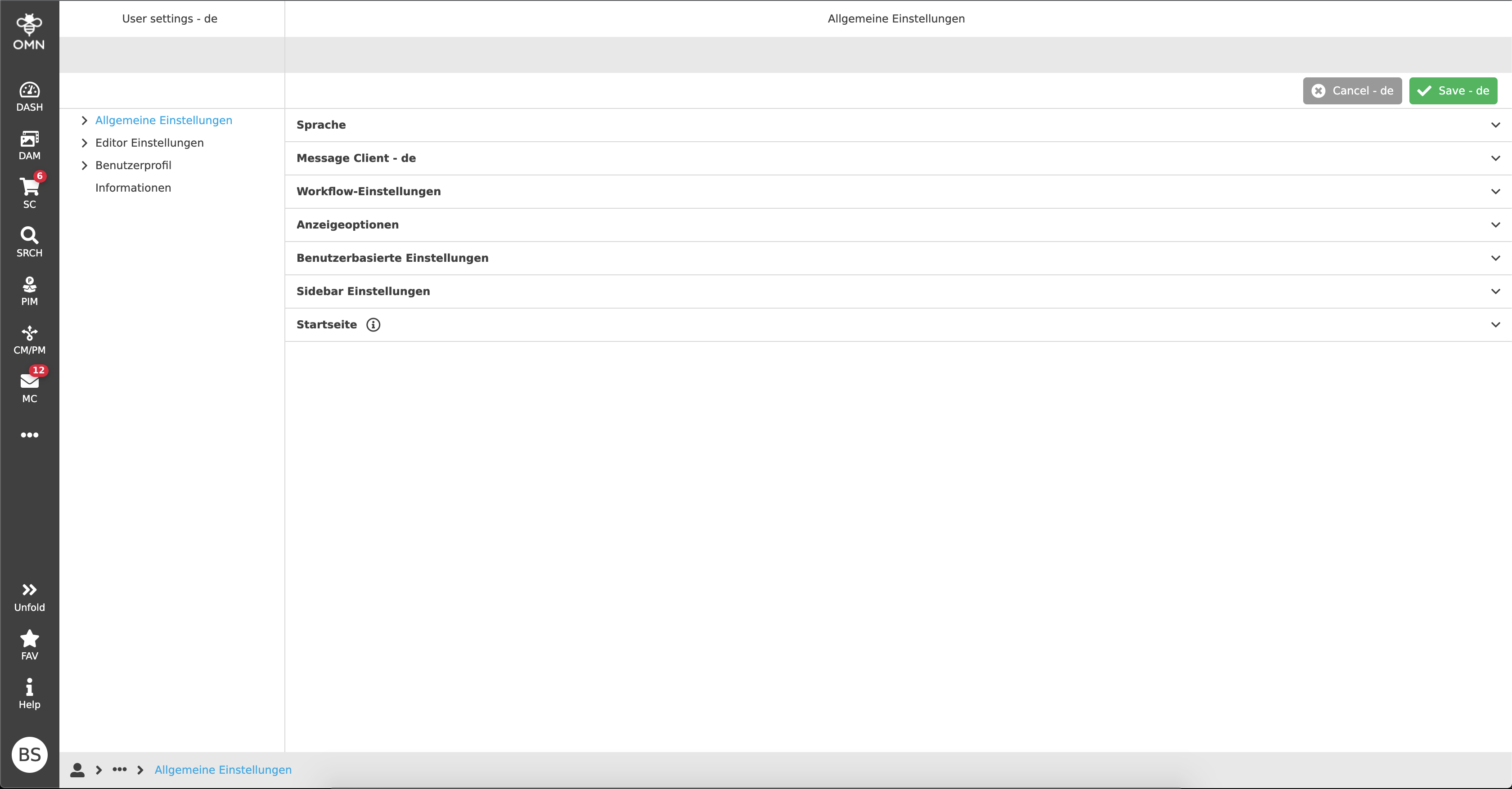
The user can now choose between four topics:
In general, there are various settings options under each menu item, which in
turn are divided into so-called accordions with subtopics.
The topics and subtopics will be explained in more details on the corresponding sub-pages.