Feature Details
Accelerator
General
General improvements / enhancements in Accelerator Fashion configuration
Provision of latest OMN Page Preview Plugins
References |
OMNA-1603 |
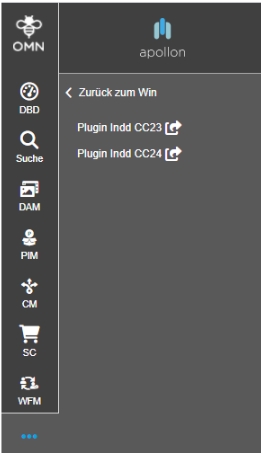
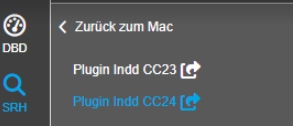
Latest OMN Page Preview Plugins are provided with ACC and can be downloaded from Sidebar
New OMN6 Wallpaper Background
References |
OMNA-1570 |
New additional background which can be used with OMN Login

Extract profile configuration from acc jar file
References |
OMNA-1564 |
The configuration from the Accelerator (acc.jar) is extracted and managed in separate storage
Set Security Permission on AssetView
References |
OMNA-1591 |
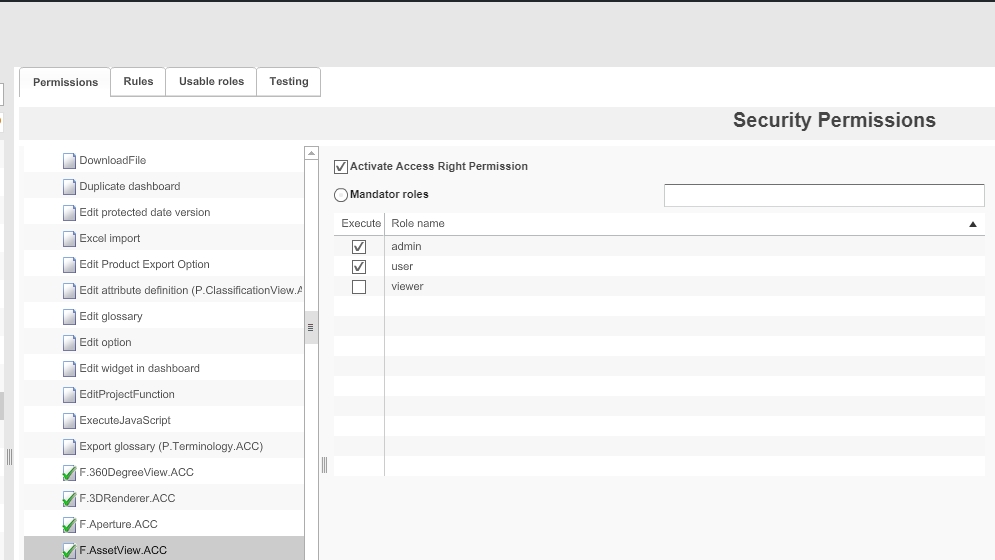
Security Permission on Standard Asset View tab is introduced
Restriction for Asset View for viewer role
References |
OMNA-1568 |
Asset View Plugin is only available for following roles
-
admin
-
user
Set Security Permission on ProductView
References |
OMNA-1590 |
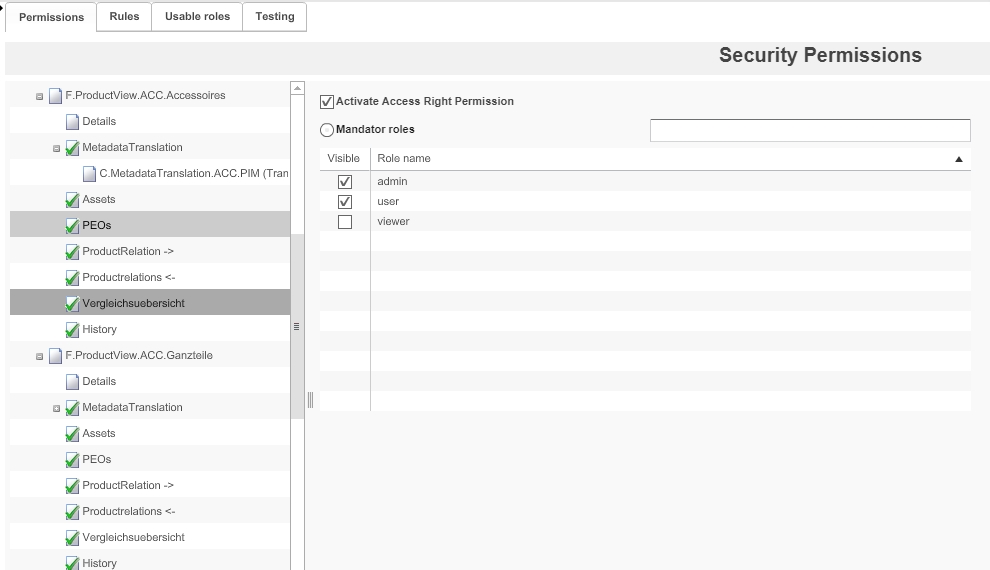
ACC provides default configuration for visibility on tabs of the standard ACC ProductView
-
Details (admin/user)
-
Übersetzung (admin/user)
-
Assets (admin/user)
-
Verwendungen (PEO)(admin/user)
-
Referenzierte Produkte (admin/user)
-
Referenziert bei Produkten (admin/user)
-
Vergleichsübersicht (admin/user)
-
Historie (admin/user)
DAM
Accelerator enhancements in DAM configuration
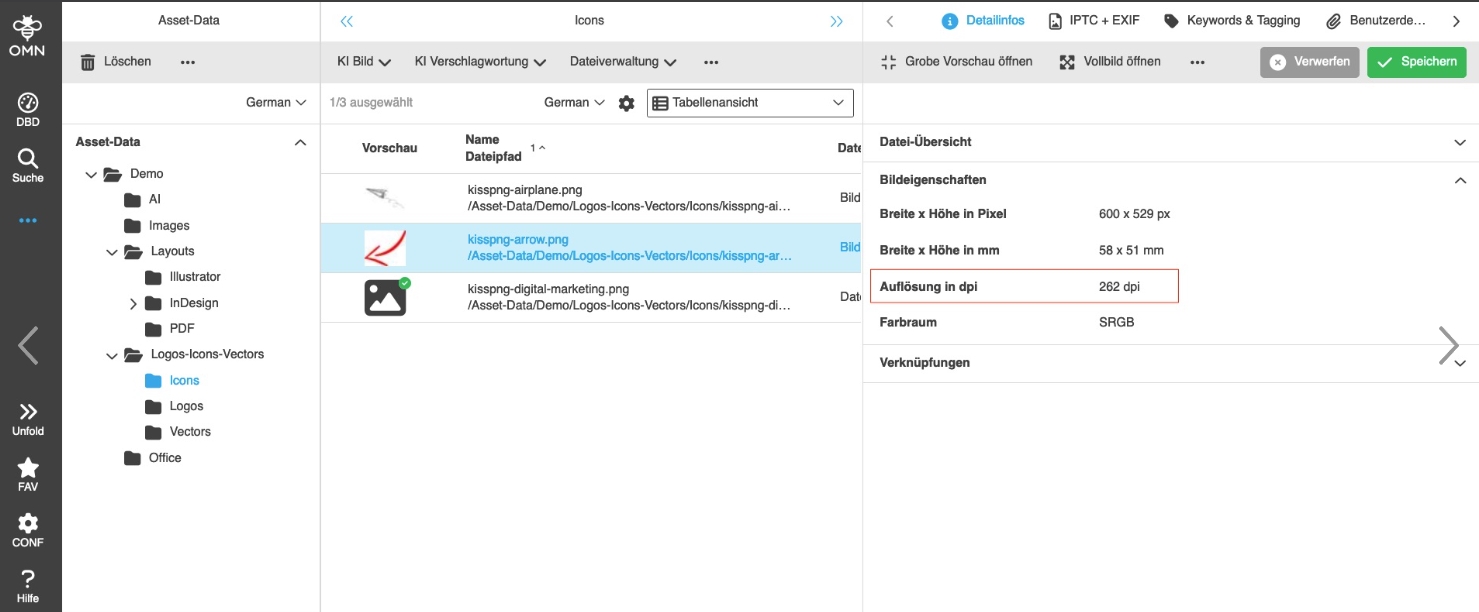
Configure resolution unit in FSDetail
References |
OMNA-1492 |
Resolution Unit for Image resolution is now displayed in Detail info
Remove ShowInNavigation function from FS Navigation in DAM
References |
OMNA-1362 |
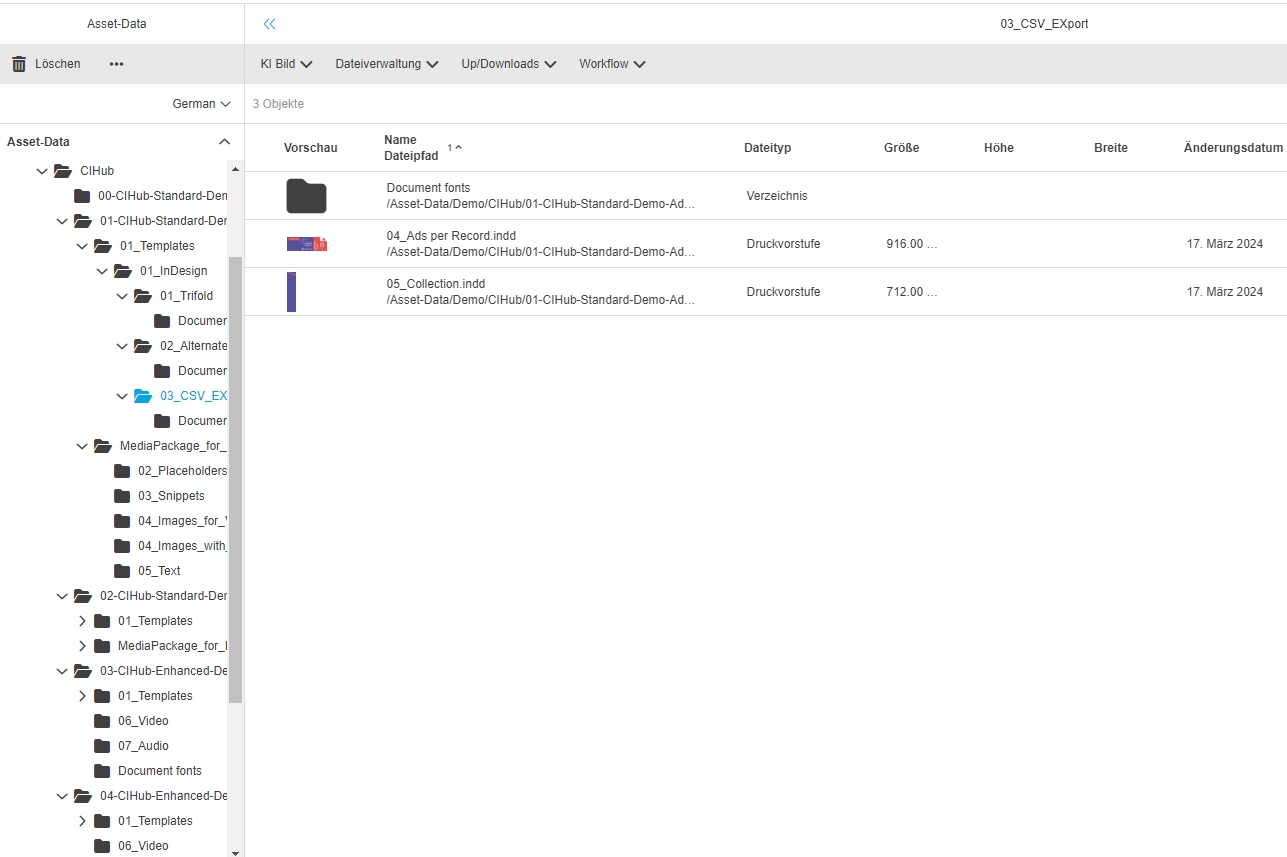
Unnecessary ShowInNavigation function was removed from Navigation
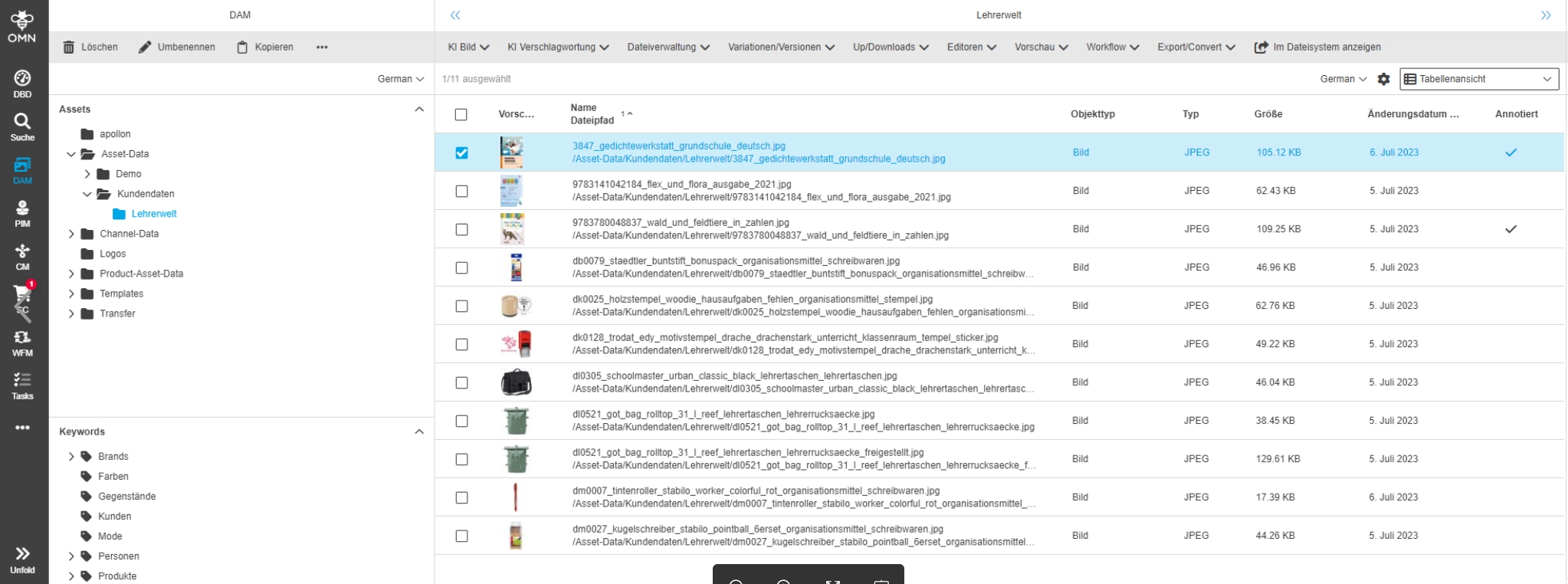
FSDetail - advanced properties for different file types
References |
OMNA-1205 |
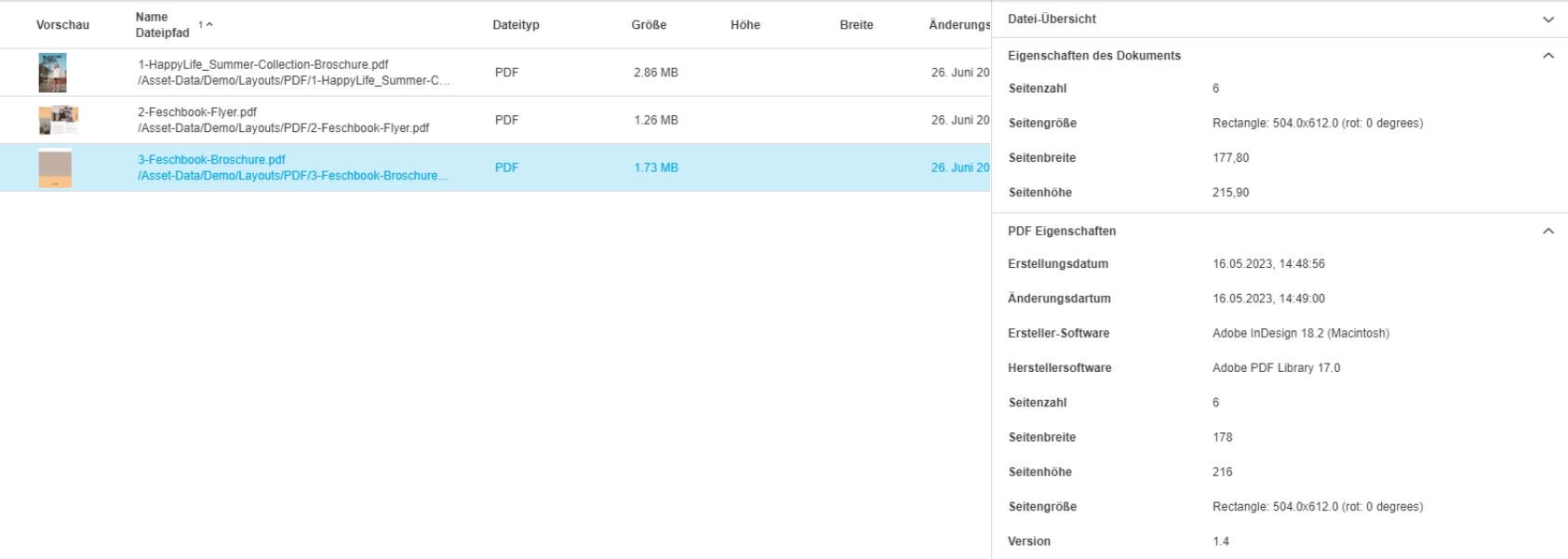
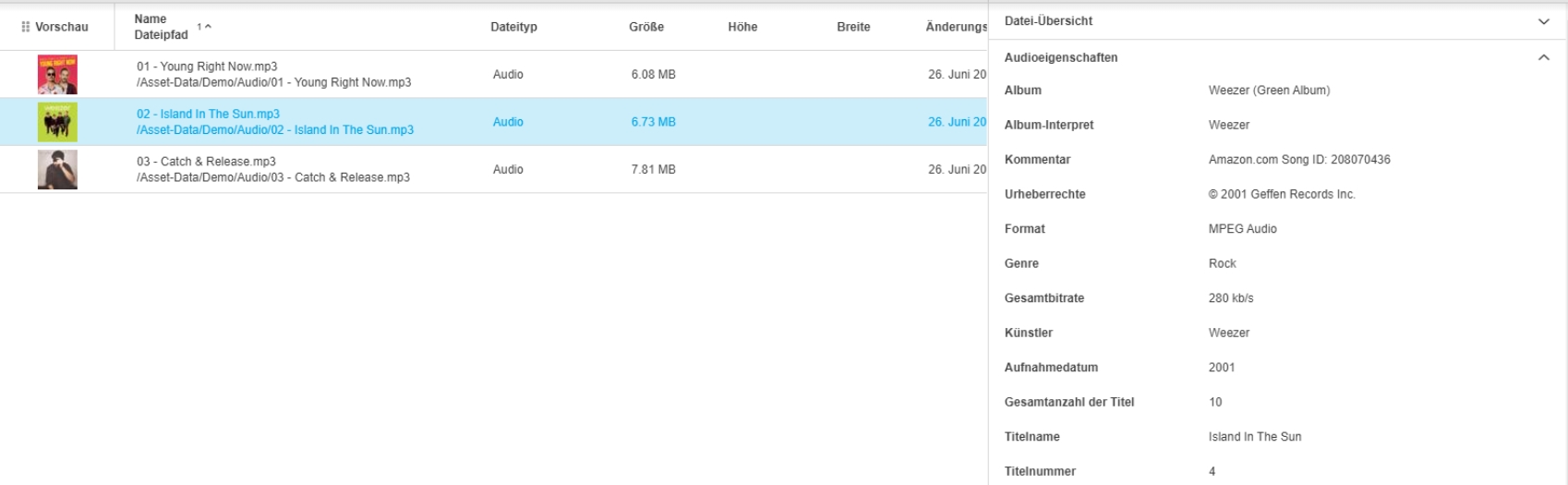
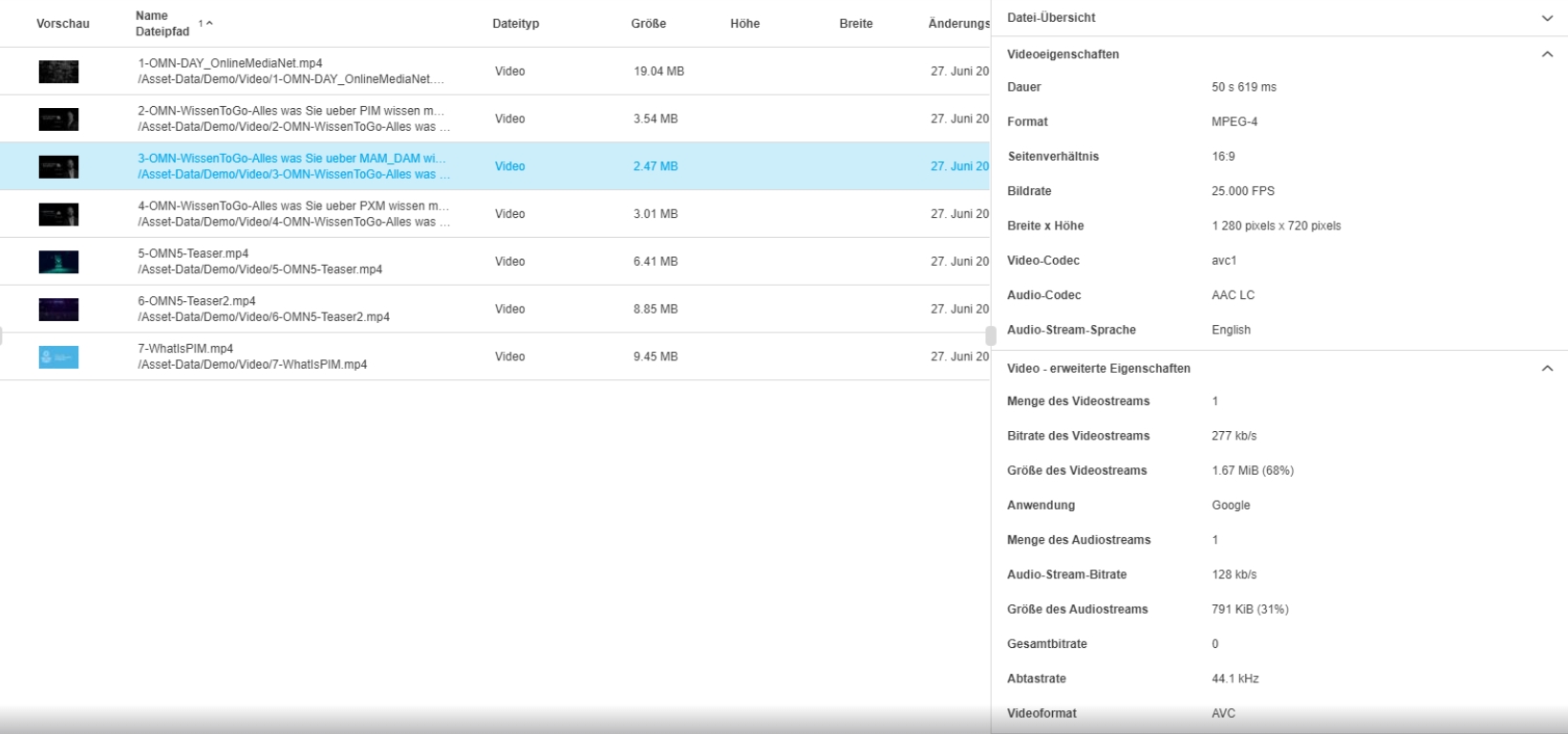
New additional properties for all file types are available
-
For PDF
-
For Audio
-
For Video
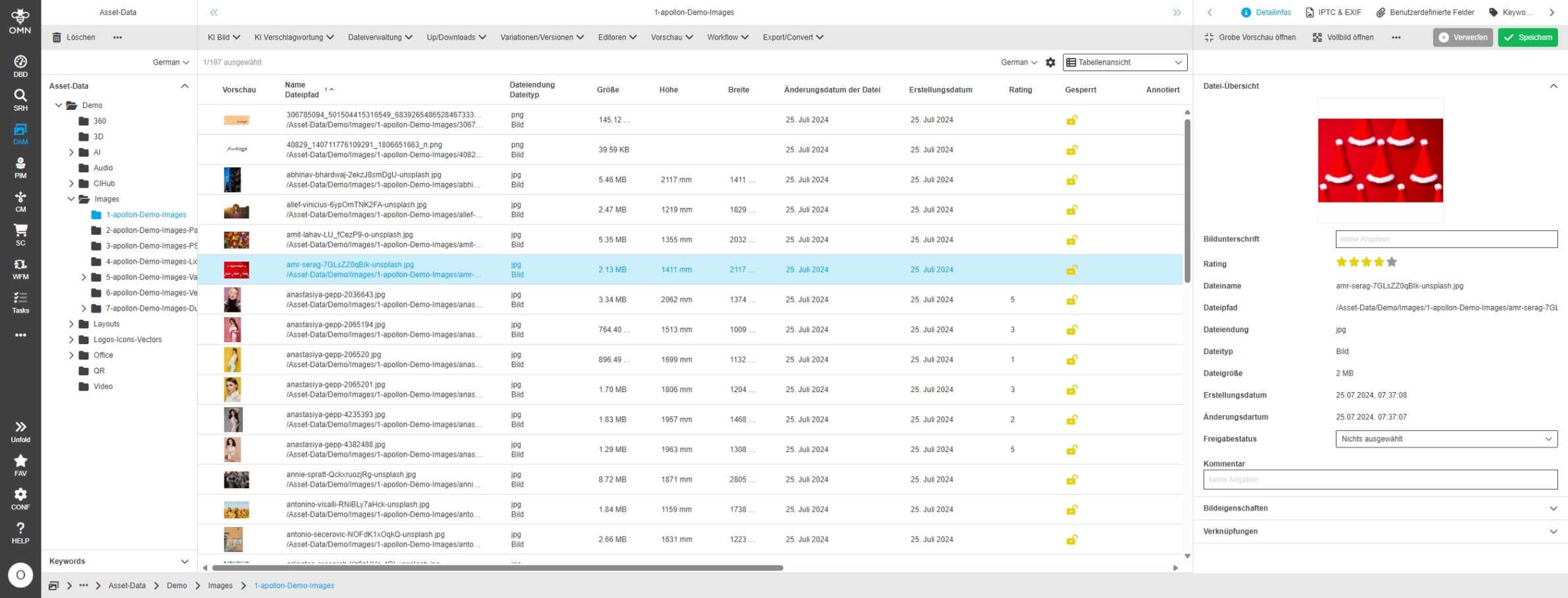
add Image rating in DetailView
ACC-Profile |
Base |
References |
OMNA-1075 |
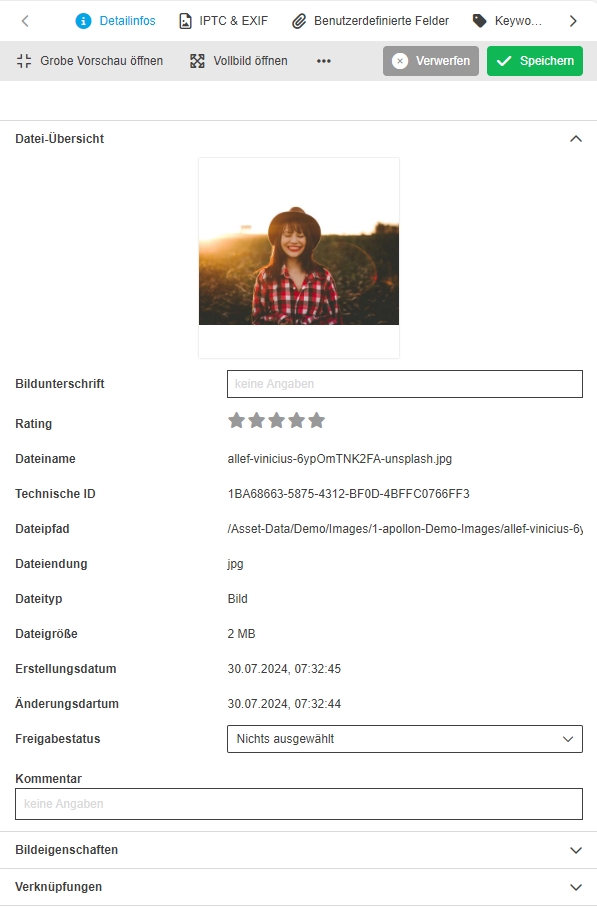
FSDetail provides now new Image Rating widget
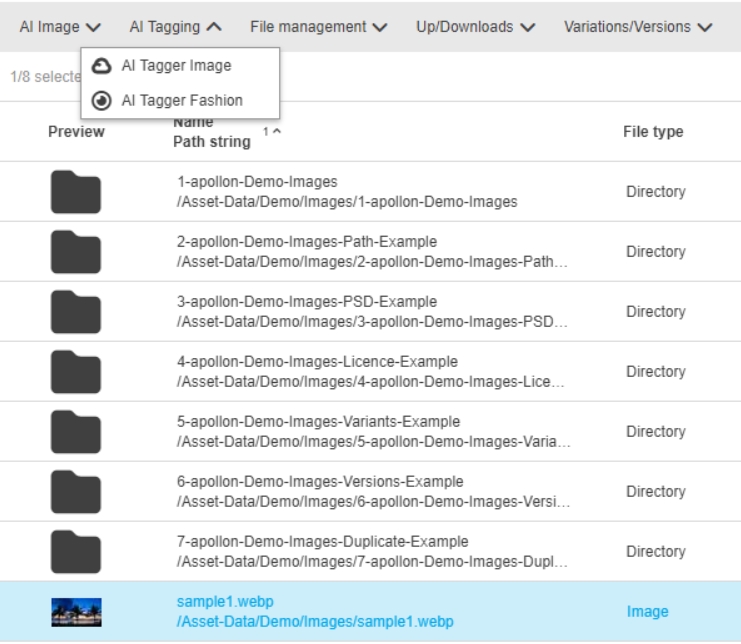
Enhance Tagging for webP format
References |
OMNA-1537 |
Tagging with tagging service provided by Accelerator is also enabled for WebP File Format
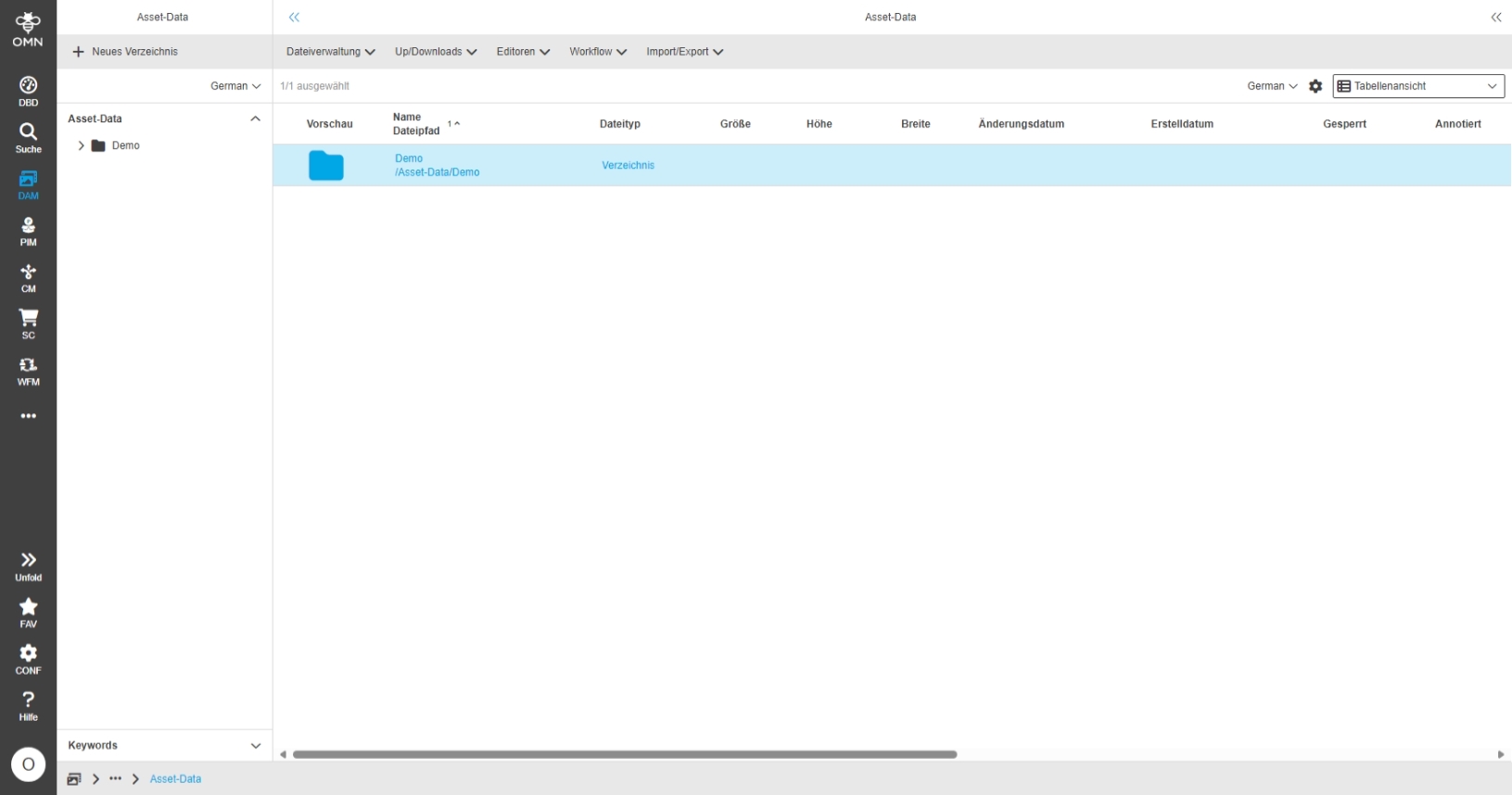
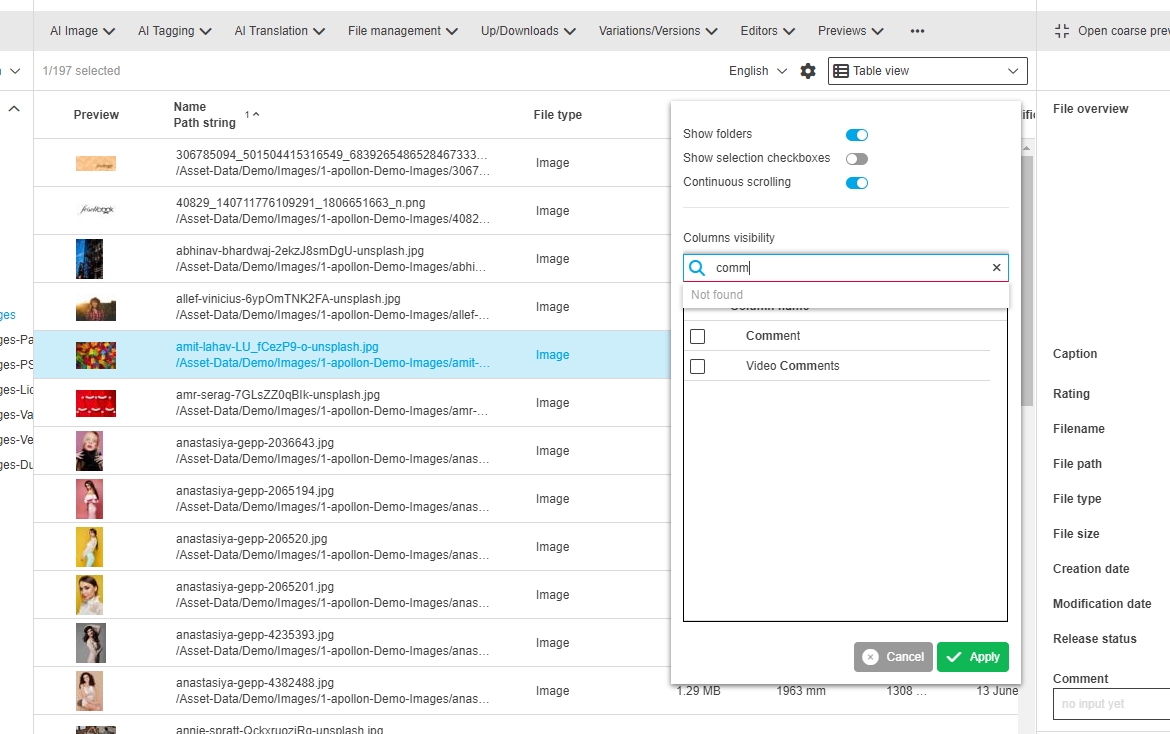
Hide file.creationdata in dam by default
References |
OMNA-1575 |
On S3 storage, a file does not have a file creation date therefore omn shows 1.1.1970 00:00:00 as the creation date
-
the user can now select between creation date of file for classic file storage and object creation date
-
object creation date is used as Default date
Change localization for creation and modification date
The localization is changed for creation and modification date so that it fits for files and Folders
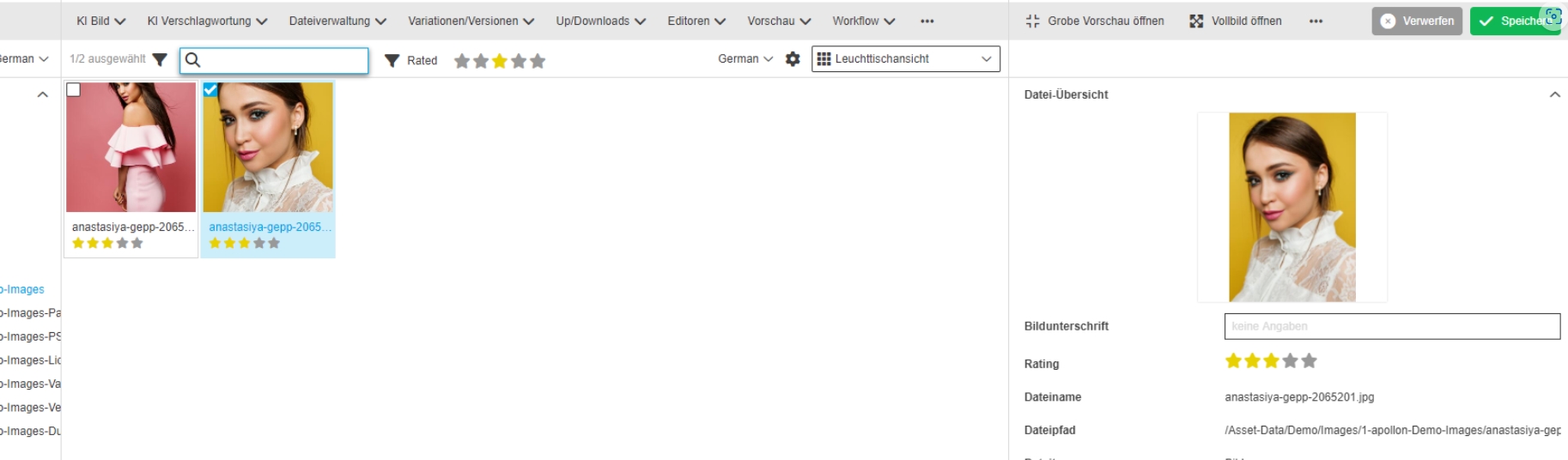
Star Rating widget is added to Light Table and FSDetail configuration
References |
OMNA-1580 |
New Star Ratings are now available in Light Table and Detail View
FS Detail For Folders and Keywords
References |
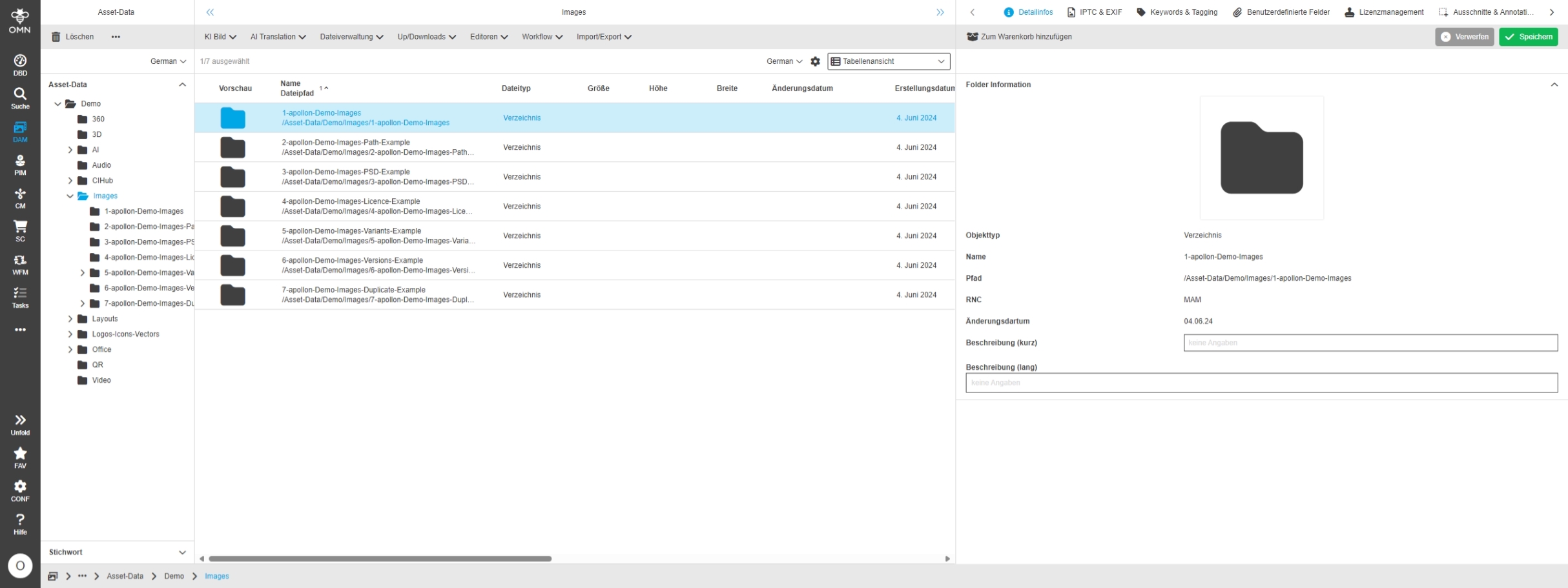
OMNA-1581 |
Detail panel for Folders is now available with possibility to store long and short description
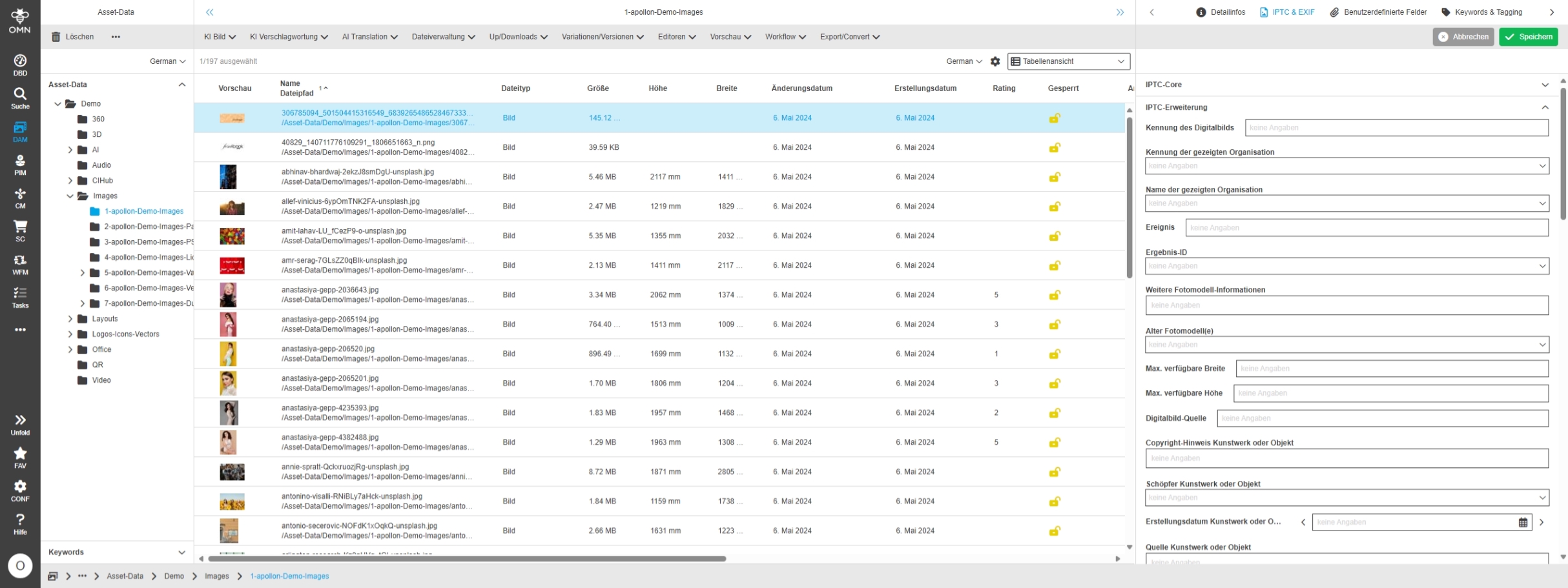
Provide configuration for IPTC Core and EXT according to Photo Metadata Standard 2023.1 via Accelerator
References |
OMNA-1535 |
OMN Profile now provides the latest IPTC Photo Metadata Standard 2023.1 Attributes, for IPTC Core and IPTC Ext provided
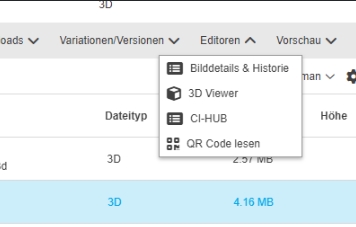
Rename functions for 3D Renderer to 3D Viewer
References |
OMNA-1611 |
Former Editor 3D Renderer is now called 3D Viewer
Upload Asset to product with linking
References |
OMNA-1279 |
Provide additional function which allows Upload Asset to with automatic linking to product
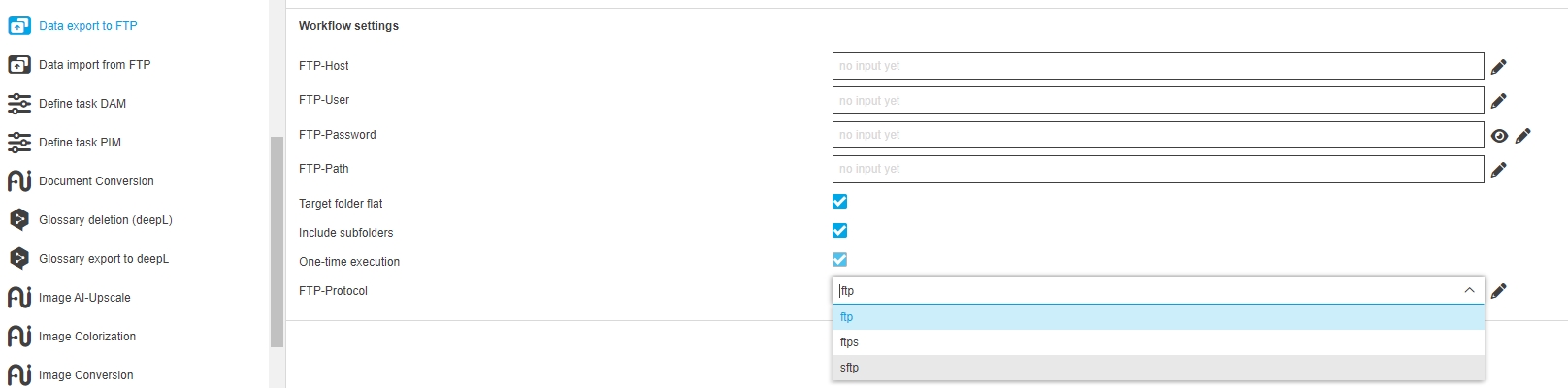
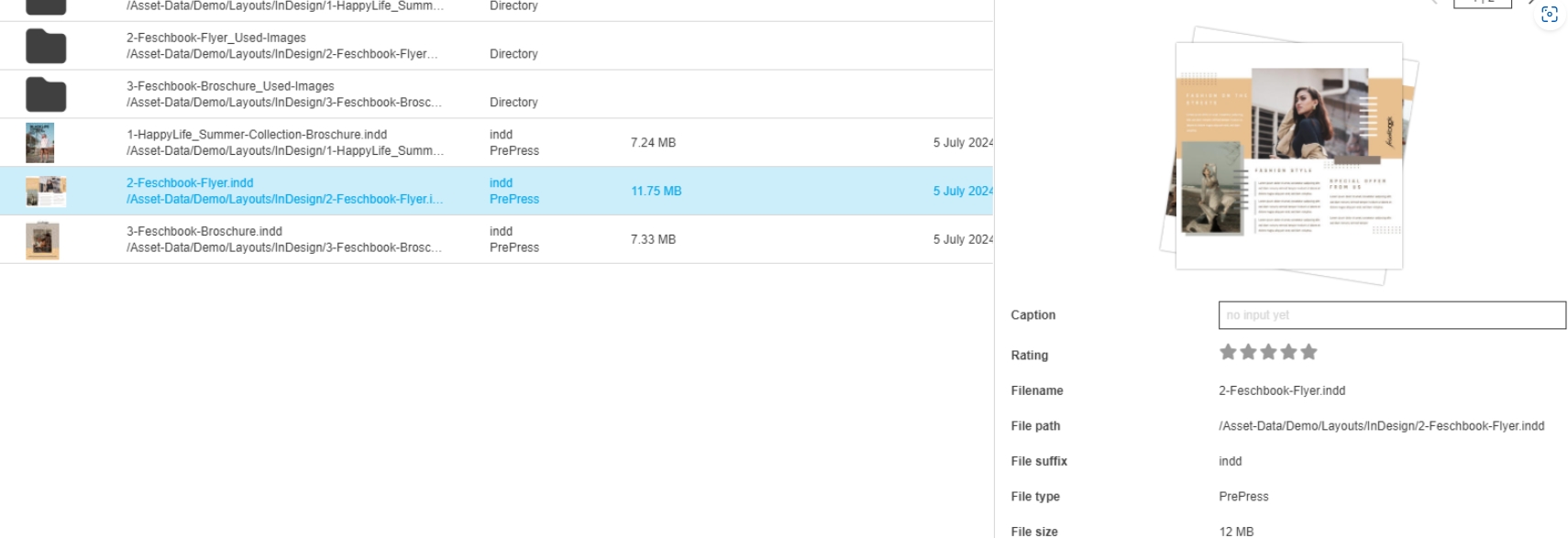
Example configuration of upload with workflow in fashion profile
References |
OMNA-1500 |
Example configuration of upload with workflow execution in fashion profile
PIM
Accelerator enhancements in PIM configuration
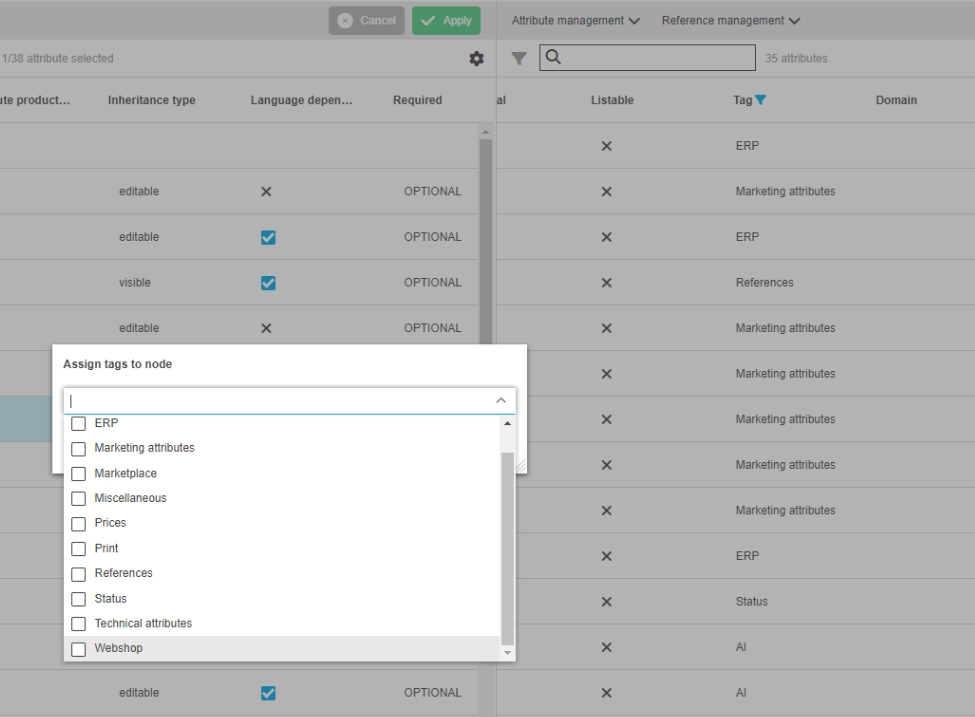
Assign Tags to Attributes from root level of existing data model
References |
OMNA-1378 |
Possibility to assign Default tags to Attribute in PIM configuration to Group Attributes logically in PIM2 Classification View
Import products to fashion profile
ACC-Profile |
Fashion |
References |
OMNA-950 |
ACC Product Demo Dataset contains more product data examples from different categories
-
Taschen (Bags)
-
Anzüge (Suits)
-
Kleider (Dresses)
-
Blazer (Blazers)
-
Blusen (Blouses)
-
Jacken (Jackets)
-
Mäntel (Coats)
-
Pullover (Sweaters)
-
Shirts
-
Sweats (Sweatshirts)
-
Tops
-
Schuhe (Shoes)
-
Hosen (Pants)
-
Jeans
-
Röcke (Skirts)
-
Badeanzüge (Swimsuits)
-
BHs (Bras)
-
Bikinis
-
Einteiler (One-piece)
-
Oberteile (Tops)
-
Strümpfe & Socken (Stockings & Socks)
-
Unterteile (Bottoms)
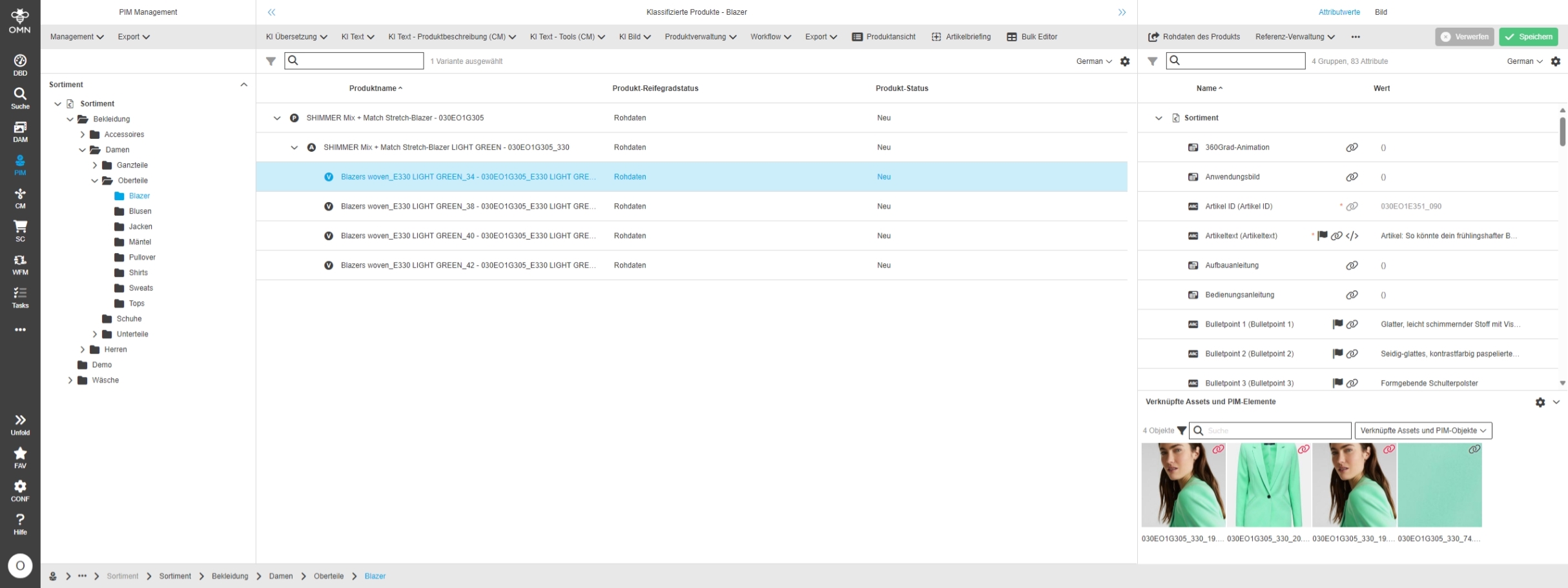
Add attributes to ClassificationViews product listing table
References |
OMNA-1435 |
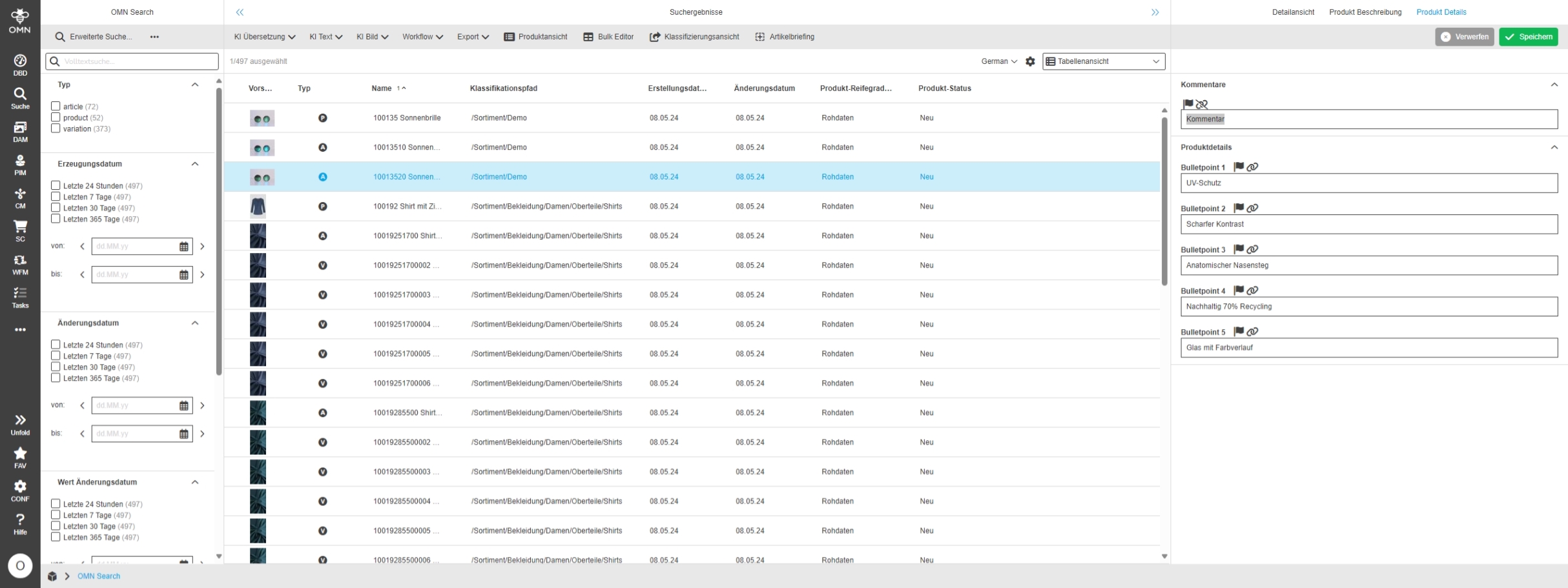
In the ClassificationView’s product listing (Center view) following Default Attributes are not available
-
acc_product_lifecycle_state
-
acc_product_state

AI + Integrations
Accelerator enhancements in AI Integration configuration
AI-Text
Chat-GPT
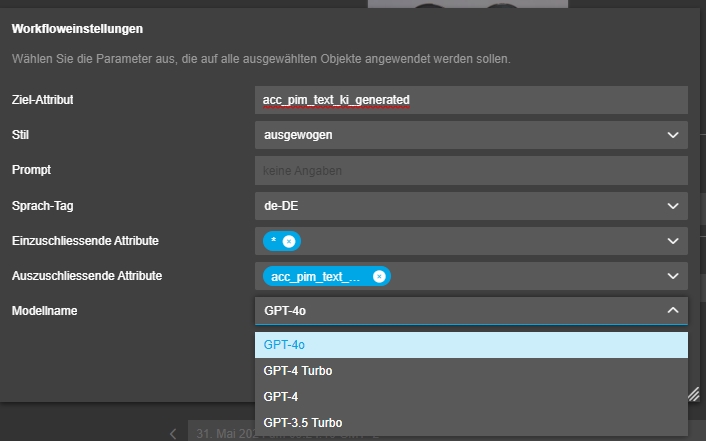
Upgrade of GPT-3.5 Turbo Model
References |
OMNA-1557 |
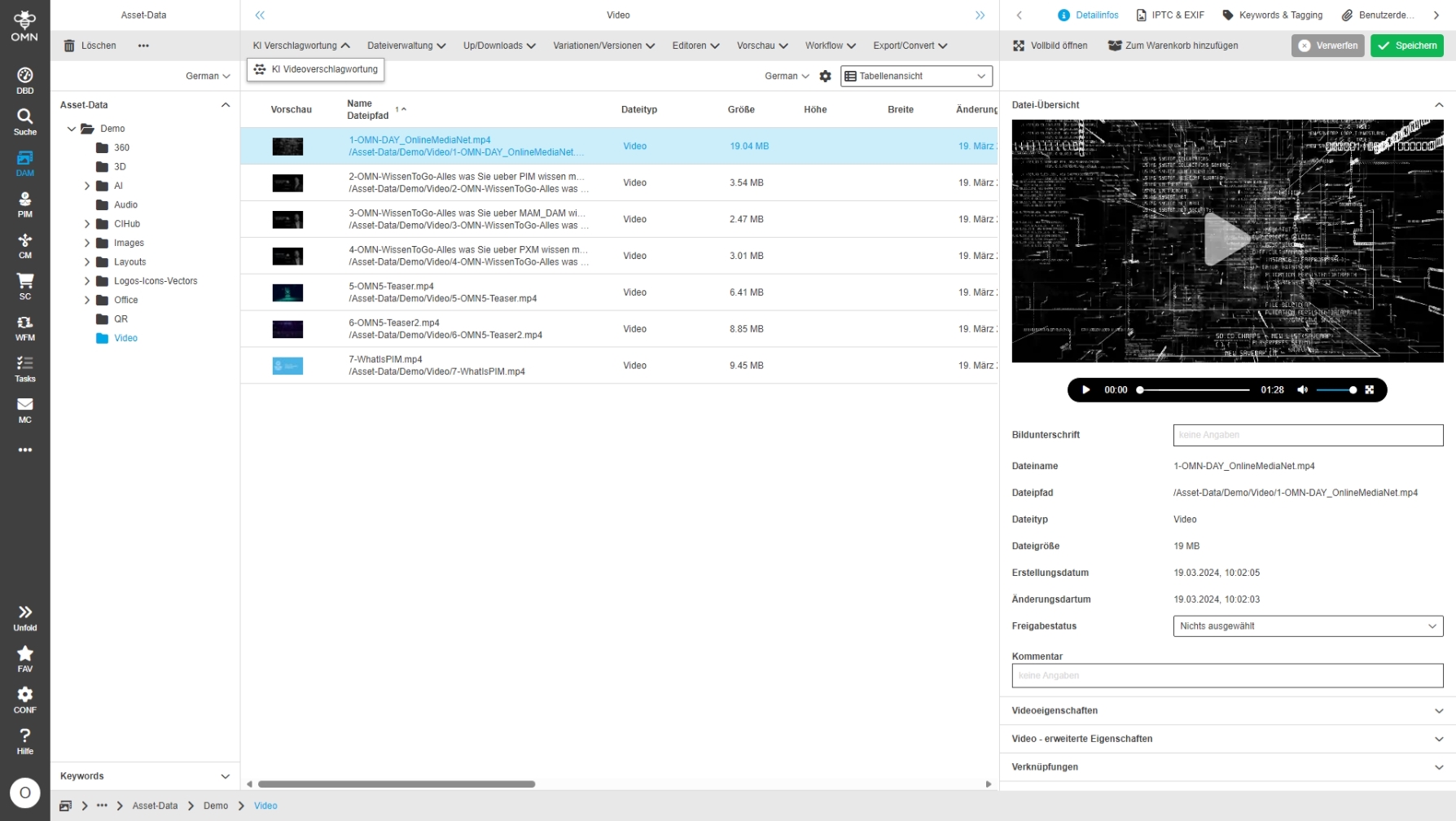
Support of latest Chat-GPT Model 3.5. Turbo which was released 16.2.2024
Conversionmaker
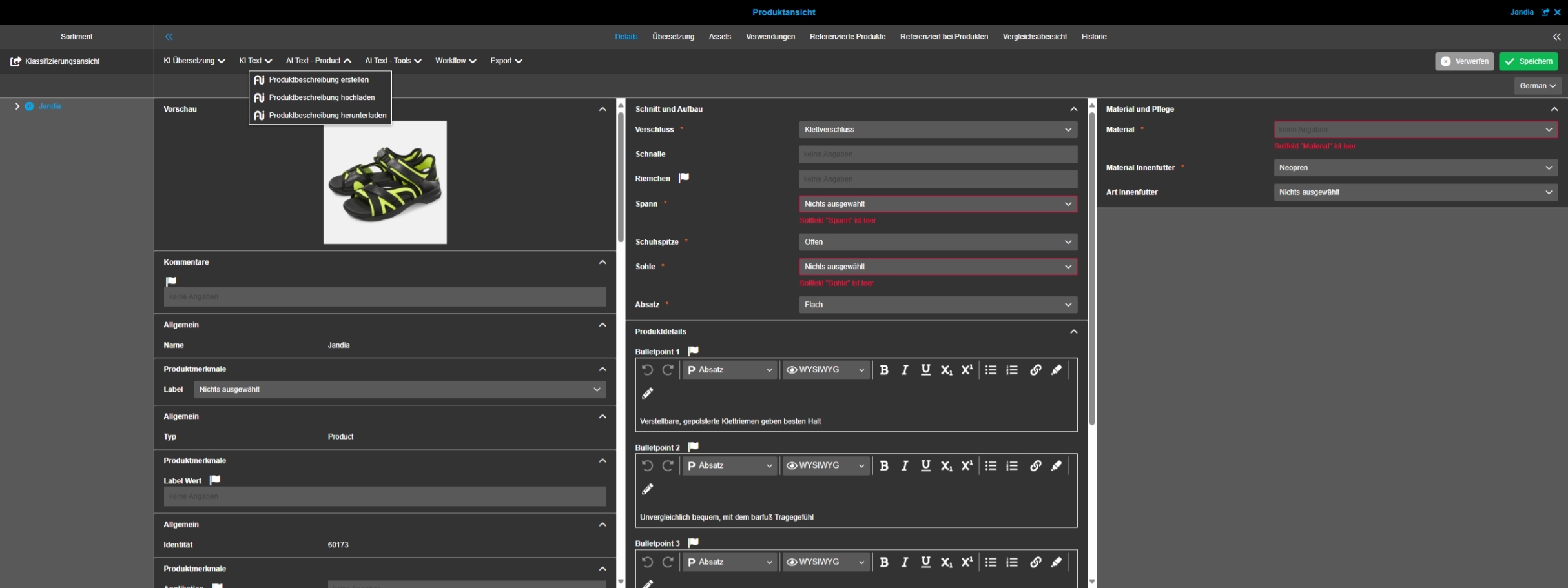
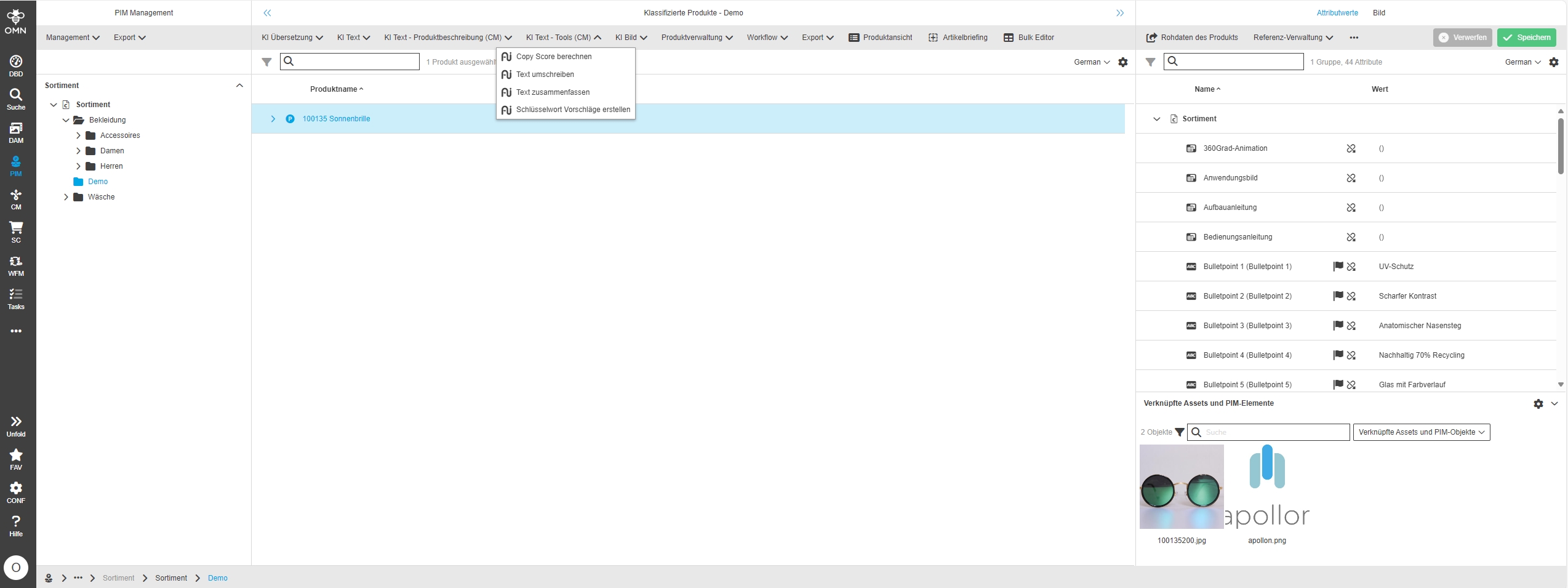
Integrate Conversionmaker parameter into ProductView
References |
OMNA-1588 |
Conversionmaker functionality ins now available in ACC Standard Product View

AI Image
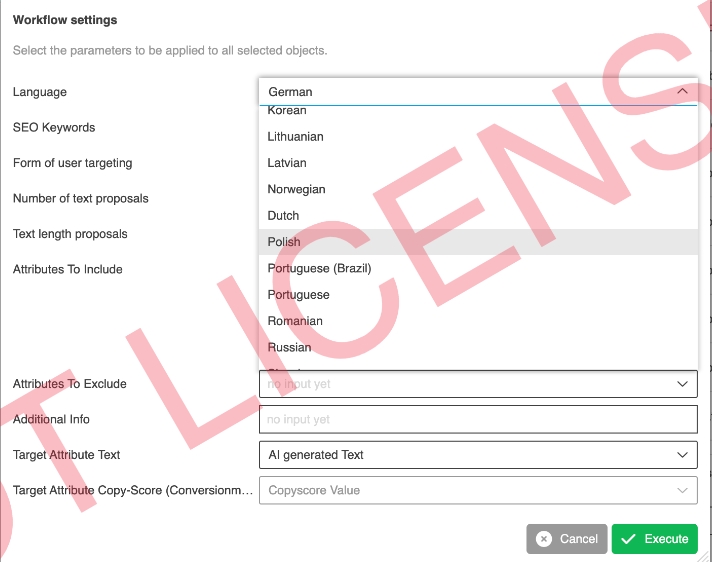
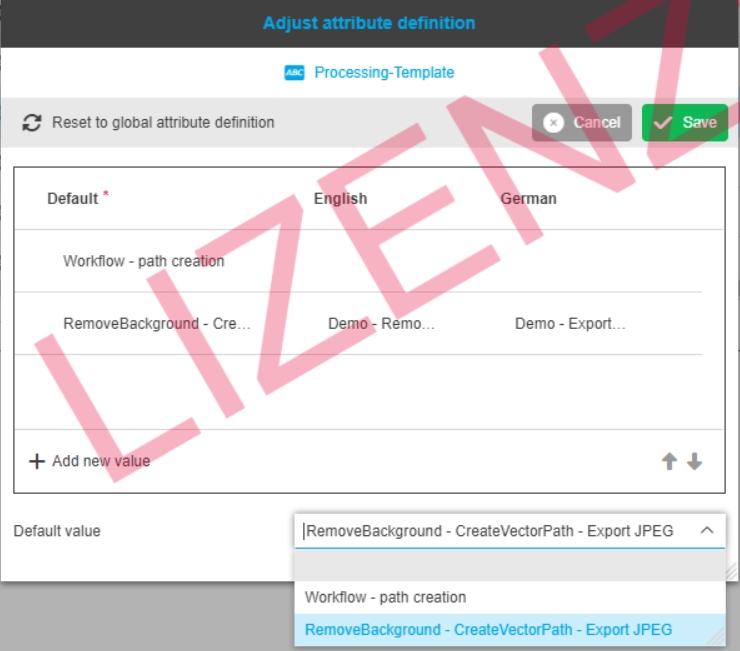
Improvement for possible values of AutoRetouch workflows AI create clipping and AI image
References |
OMNA-1443 |
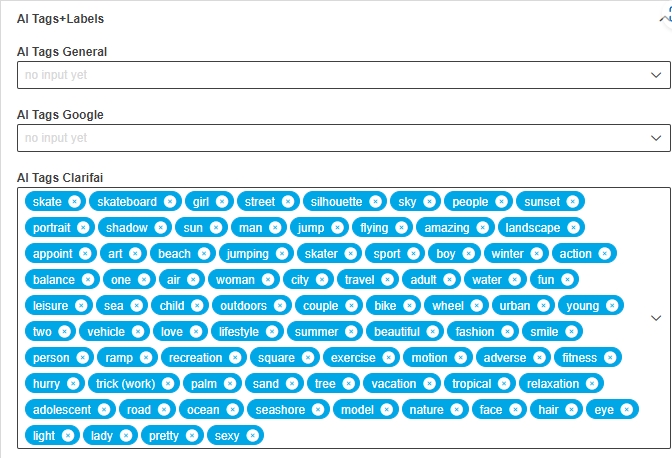
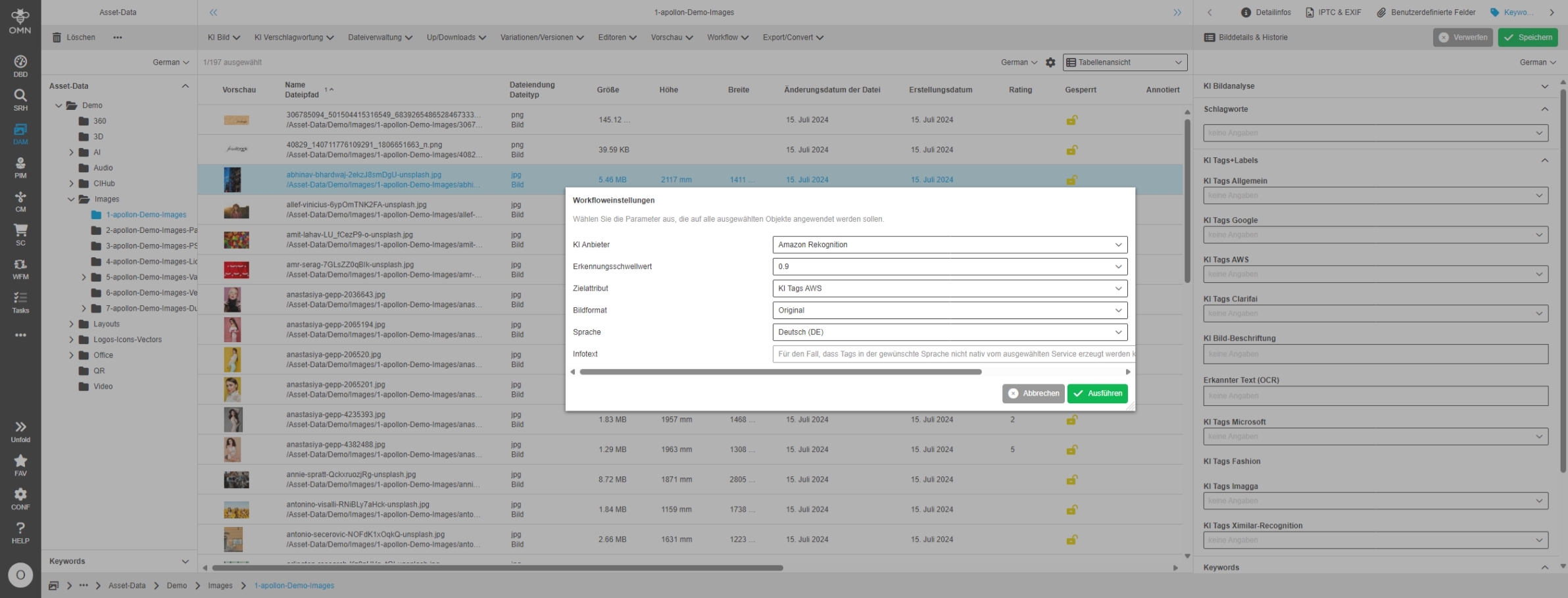
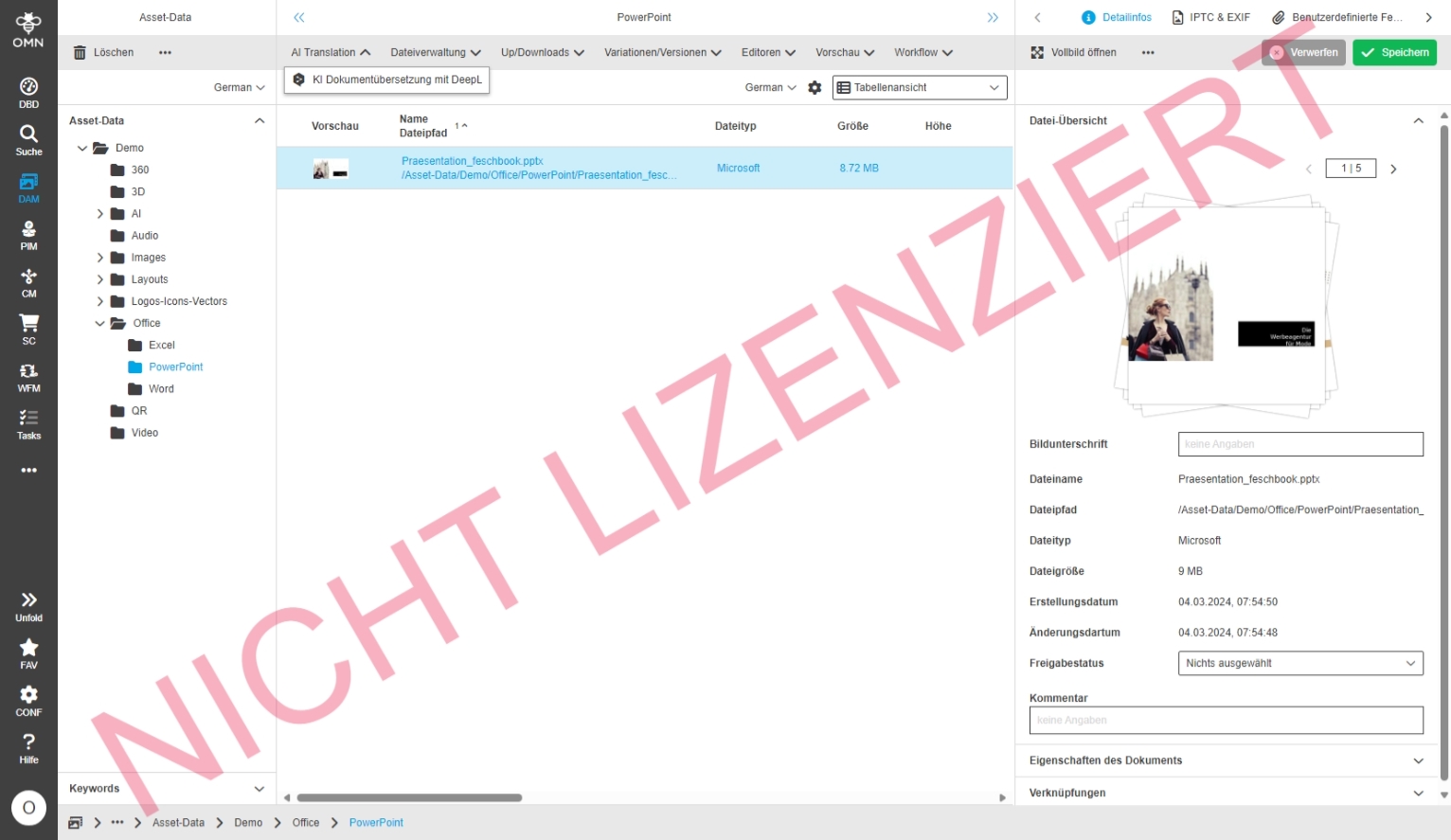
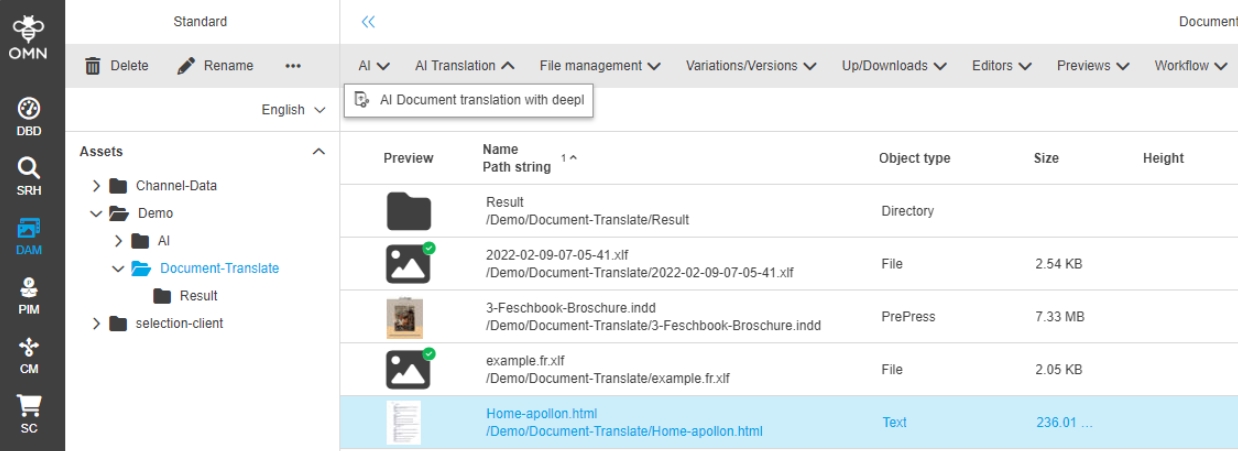
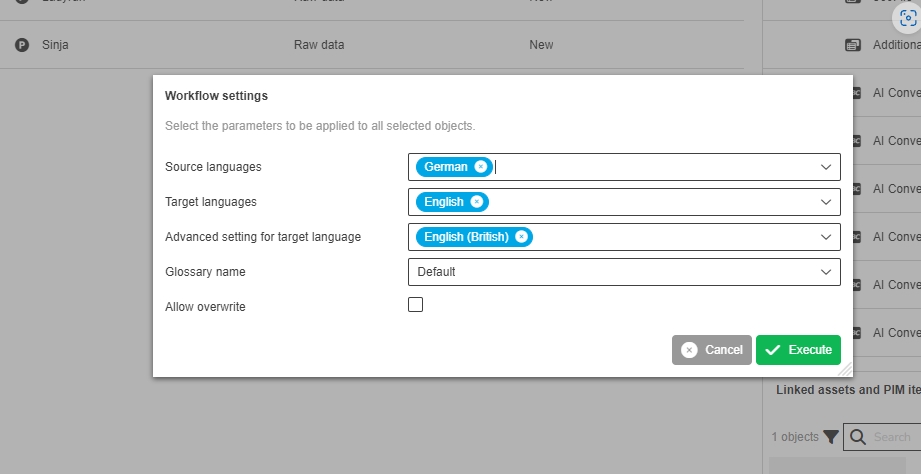
Improvement for possible value list of AI Image Workflows to create clipping paths for images
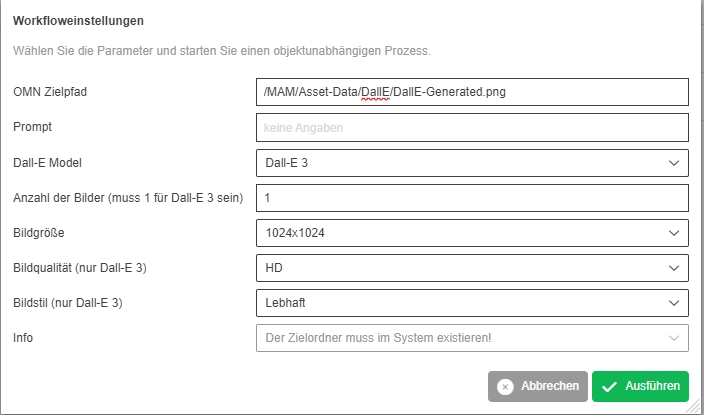
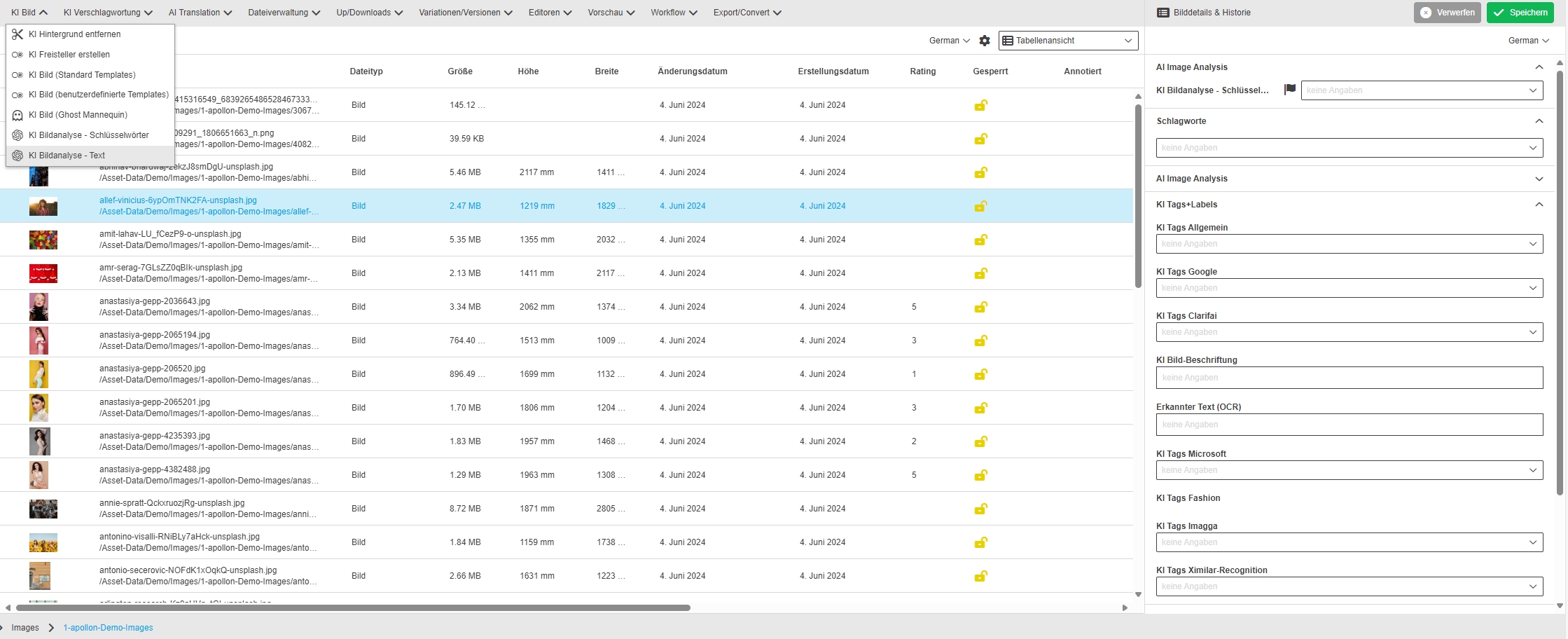
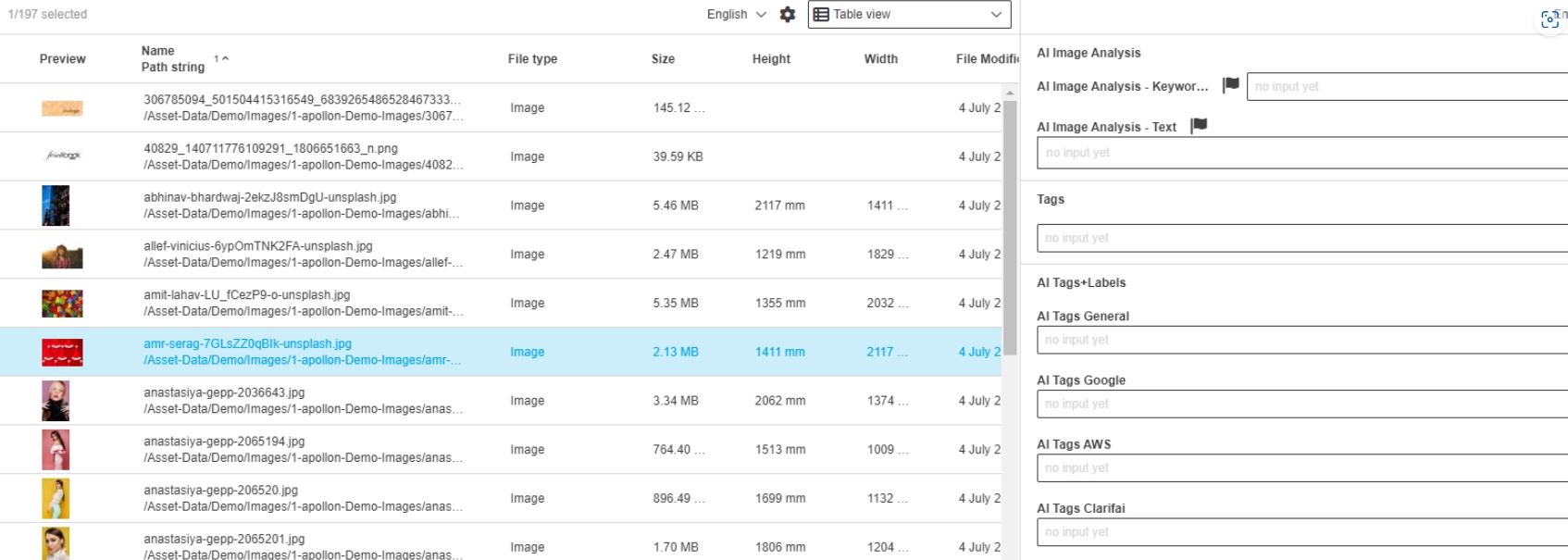
Include Dall-E 3 model into OpenAI Image WFL
References |
OMNA-1567 |
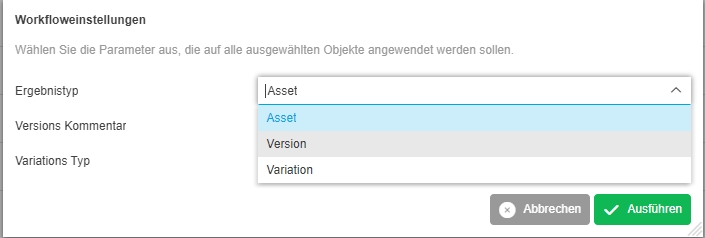
AI Image allows now to generate Images with Dall-E2 and Dall-E3 Modell
-
the model can be chosen in the dialog
CM
Accelerator enhancements in CM configuration
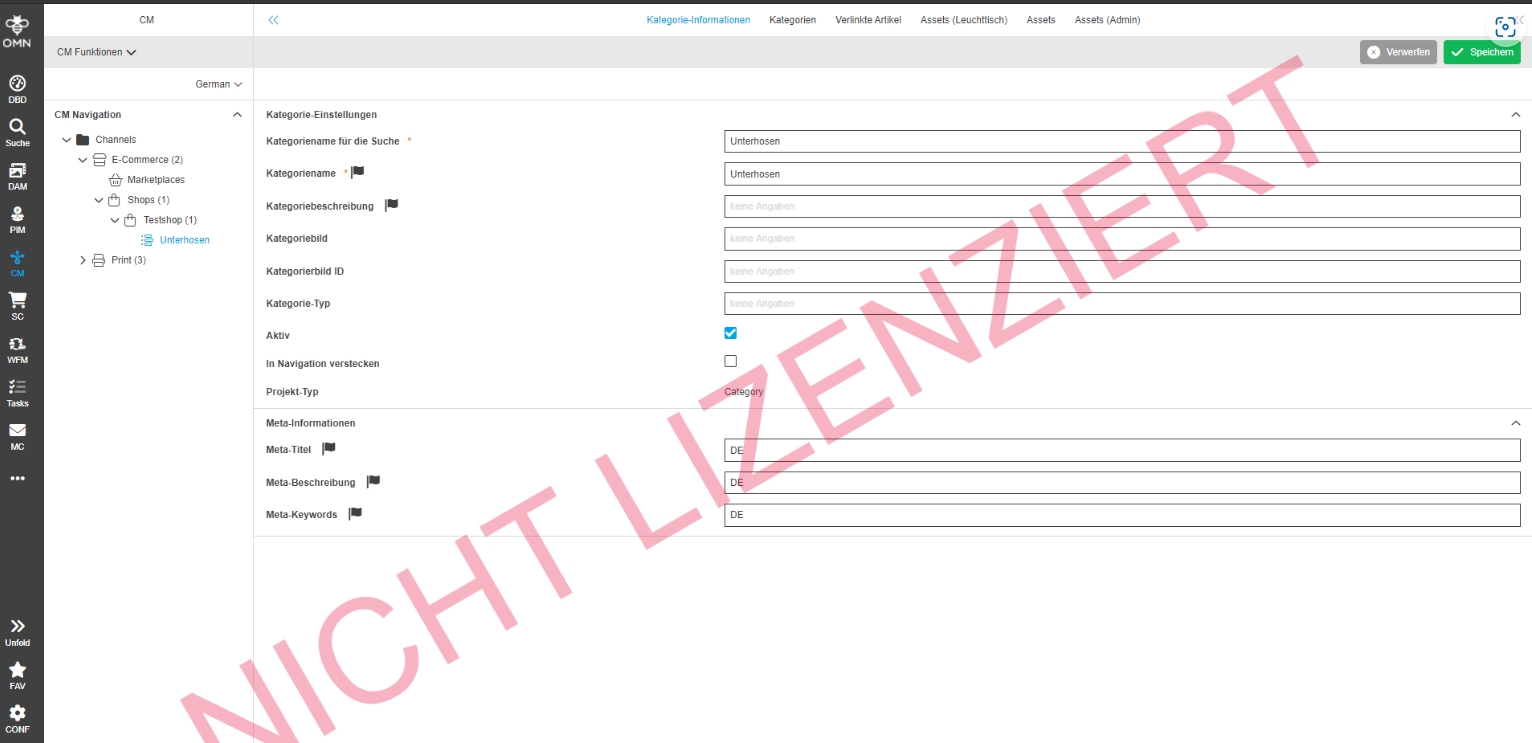
CM - Add Language dependent for MetaInformation
References |
OMNA-1518 |
Some important meta information attributes in CM Config for Webshop Meta Information are now language-dependent
-
Meta-Titel
-
Meta-Beschreibung
-
Meta-Keywords
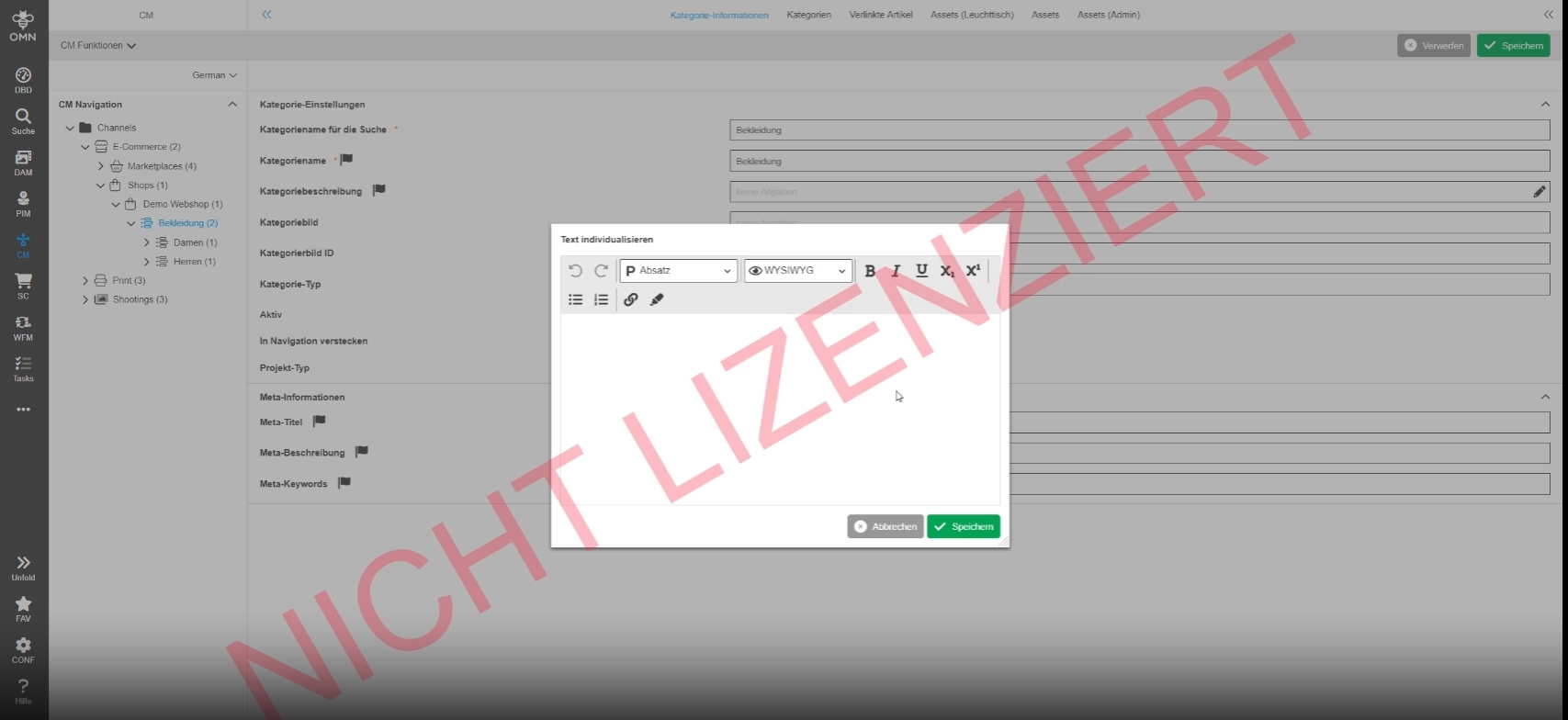
ProjectString as String RichTextEditor
References |
OMNA-1522 |
Possibility to enter the category description for Shopware in the CM module as a rich text
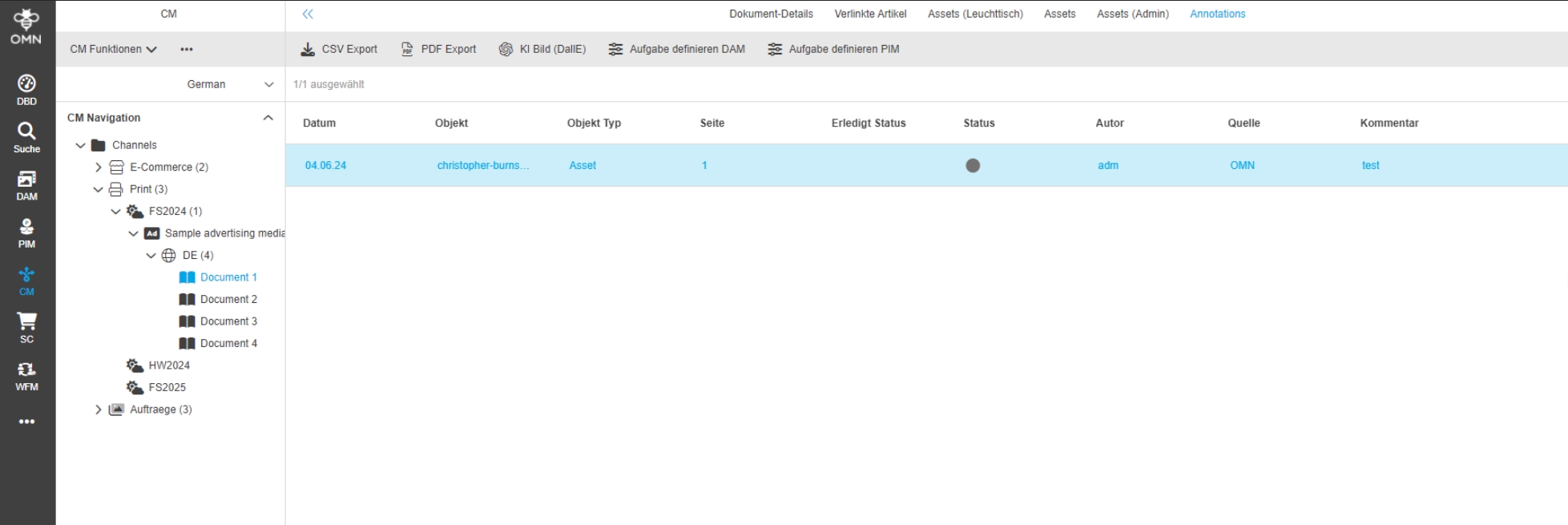
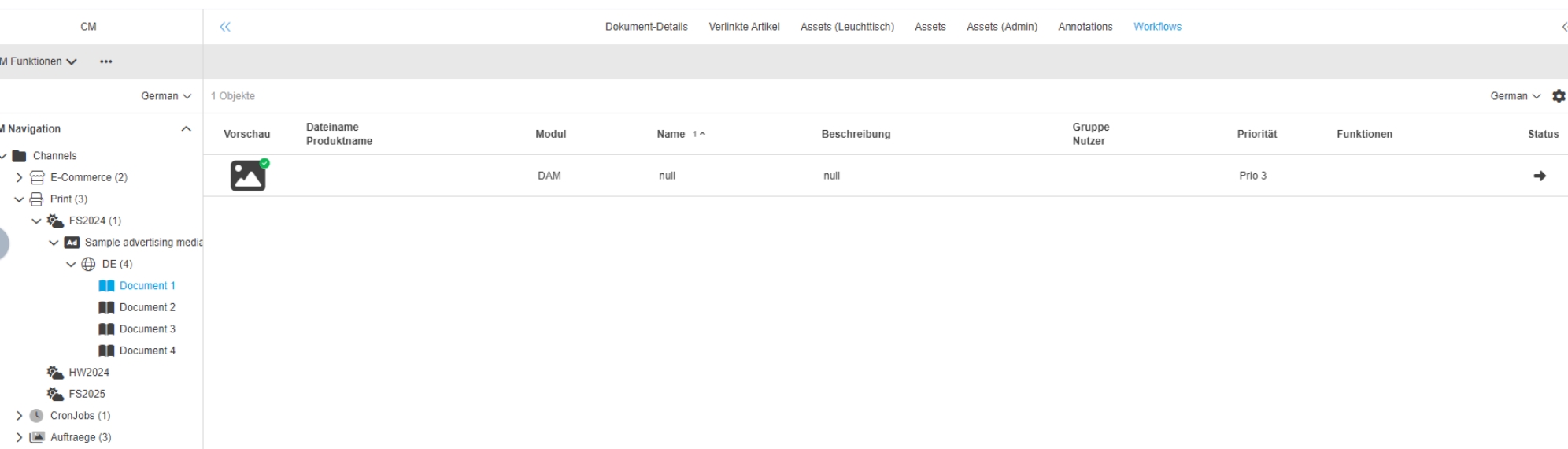
Project AnnotationView for Print Channel
References |
OMNA-1519 |
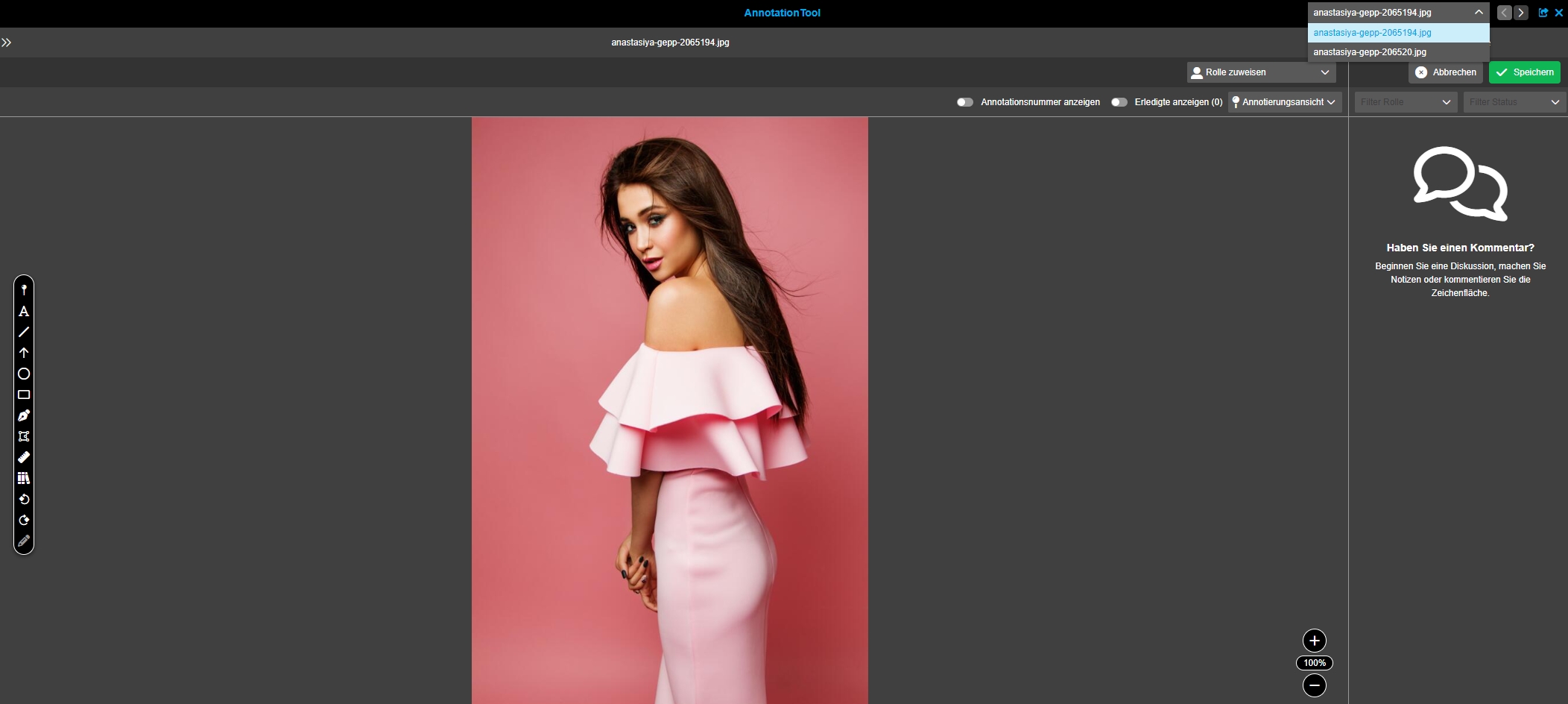
Possibility to see document annotations on the project that were created on an asset that was saved on the Project
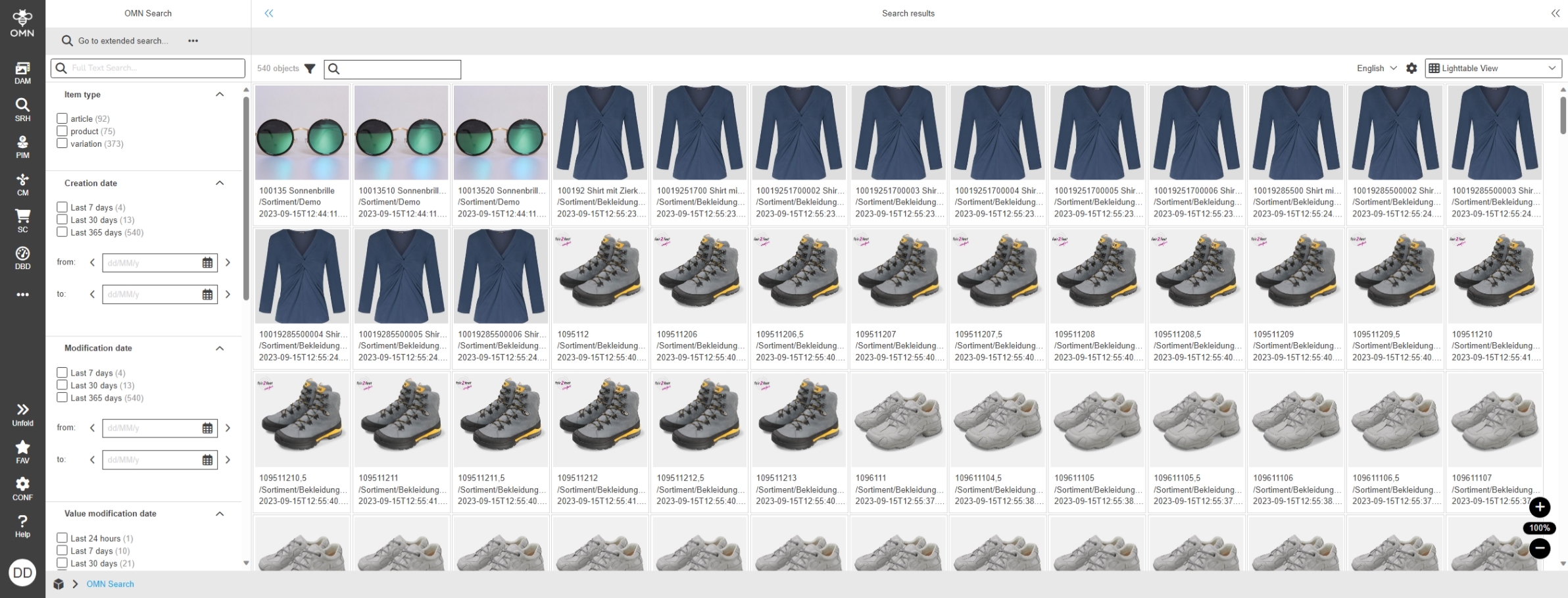
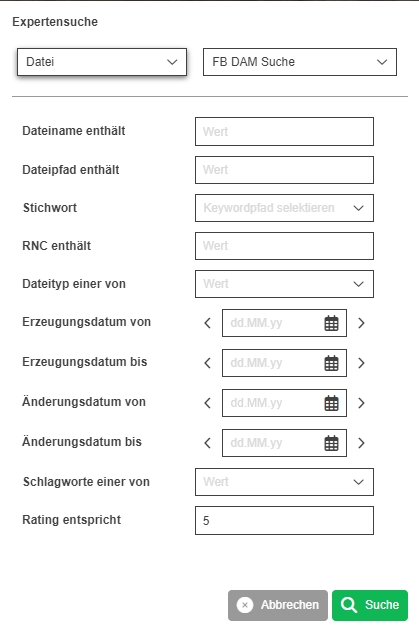
Search
Accelerator enhancements in search configuration
Workflow
Accelerator enhancements in workflow configuration