Workflow Application Plugin
Purpose
The application plugin "Workflow" defines essential settings for workflows within OMN and provides an overview of information around the used workflow engine.
Possible Usage of the plugin
Workflow plugin can be used in:
-
Workflow Tasklist page plugin
-
Workflow Statuslist page plugin
-
Detail content plugin
General configuration
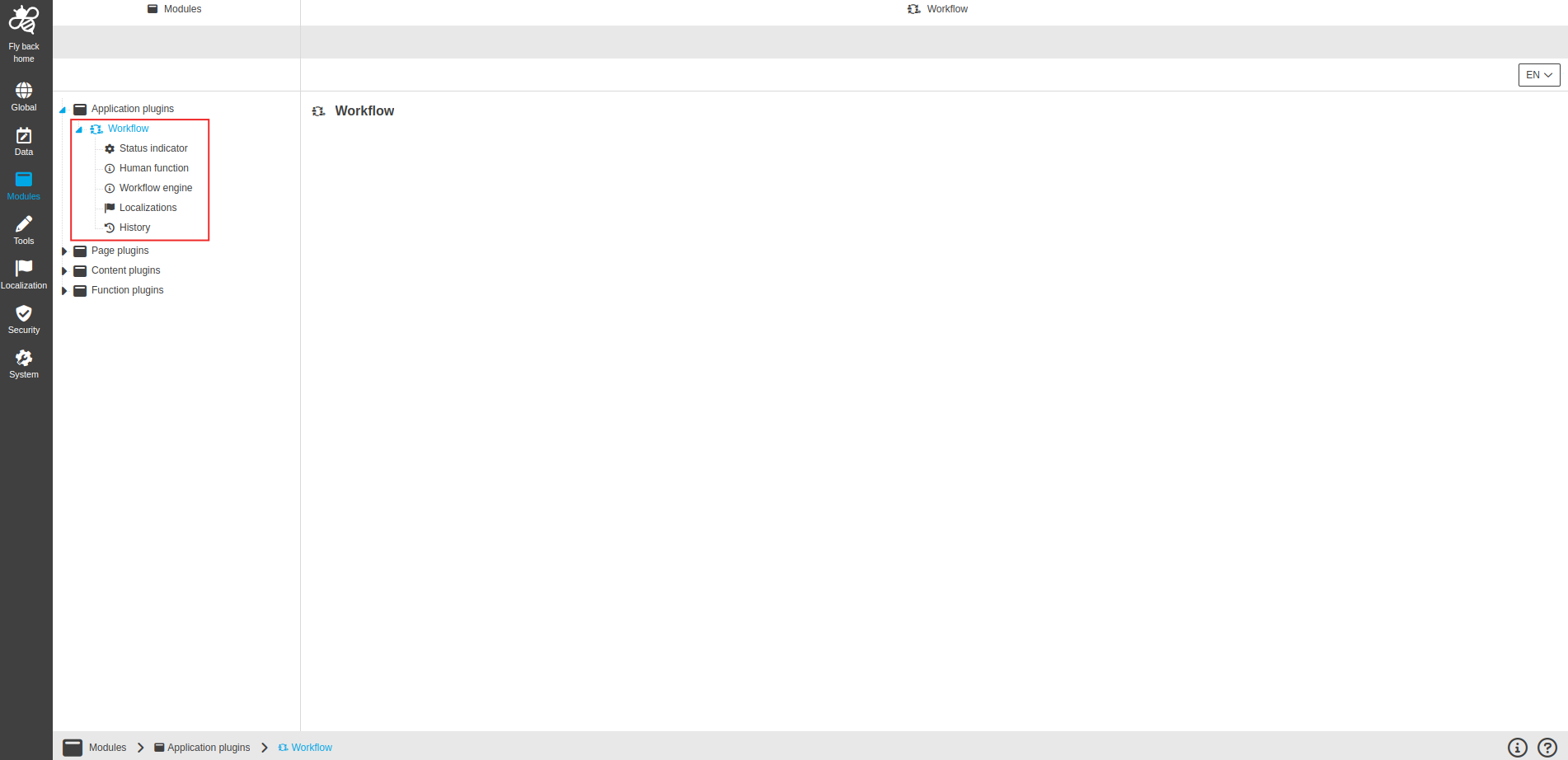
The configuration of Workflow plugin includes the following parts:
| Tab name | Description | Note |
|---|---|---|
Status indicator |
On this page you can define status indicators for the UI in a corporate-related way to consider workdays and days off. |
See more details 'Status indicator' |
Human function |
On this page you can overview of all available human functions on a system and additionally have the possibility to lock specific human functions, so other users cannot execute the human function as soon as you have executed it. |
See more details 'Human function' |
Workflow engine |
On this page you can see useful information and links about the workflow engine to be informed and be able to work with the links. |
See more details 'Workflow engine' |
Localization |
On this page you can localize your own workflow application plugin to see wished terms in the UI of workflow. |
Content is coming soon … |
History |
On this page you can overview of all modifications made in workflow application module and have an initial state available as a file to understand who, when and what changed within the configuration. |
Content is coming soon … |
Appearance in the frontend
All details of the Workflow plugin in the frontend can be found here.