Feature Details
Accelerator
Improvements and Features in OMN Accelerator Configuration
General
Changes and Optimizations in General Configuration of Accelerator
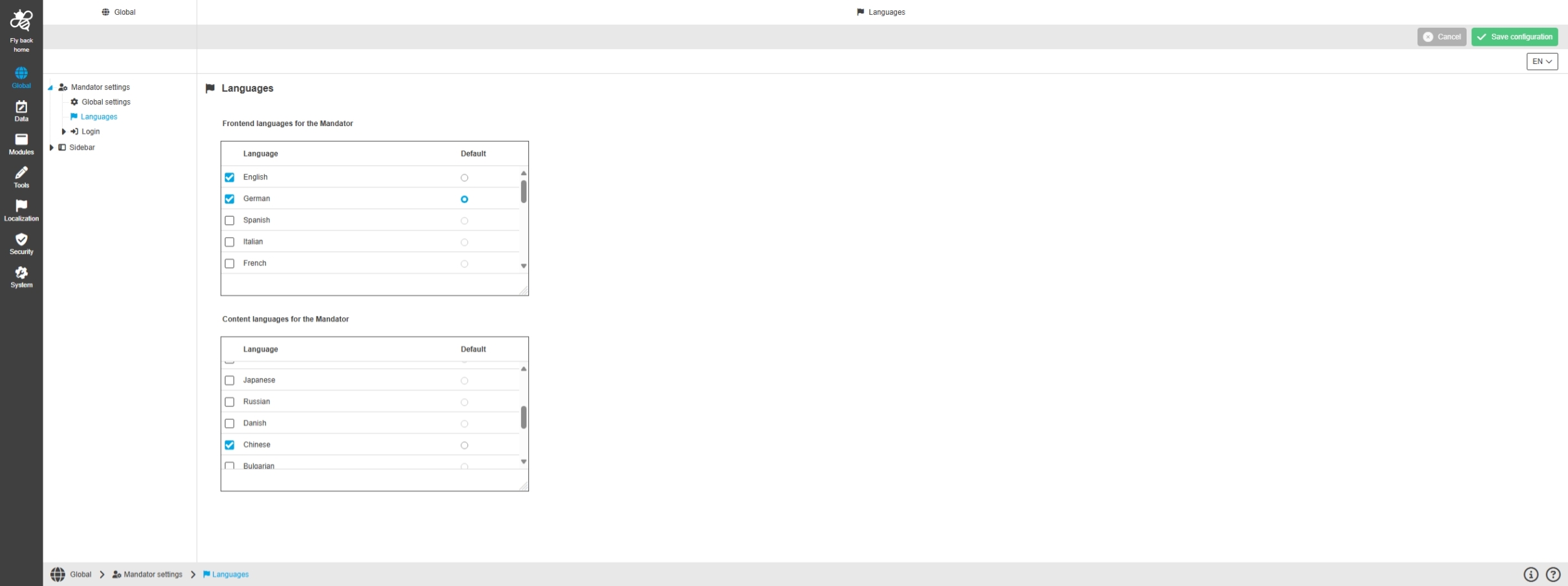
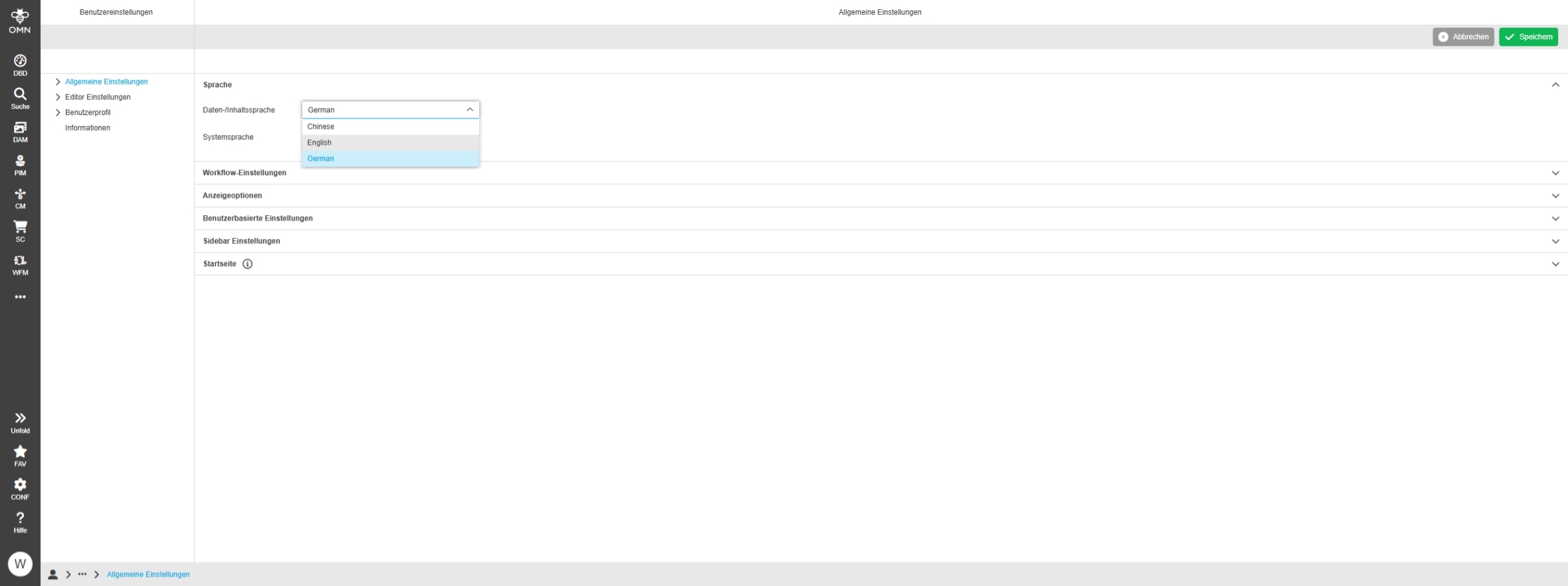
Change Language from China to Chinese
Tags |
OMNA-1820 |
The Language Names are improved in OMN Accelerator Configuration.
OMN provides the following standard system languages:
'6000','English','en','EN','1','1','1'
'6003','German','de','DE','1','1','1'
'6004','Spanish','es','ES','1','1','1'
'6005','Italian','it','IT','1','1','1'
'6006','France','fr','FR','1','1','1'
'6007','Dutch','nl','NL','1','1','1'
'6008','Swedish','sv','SE','1','1','1'
'6009','Japanese','ja','JP','1','1','1'
'6010','Russian','ru','RU','1','1','1'
'6011','Danish','da','DK','1','1','1'
'6012','Chinese','zh','CN','1','1','1'
'6013','Bulgarian','bg','BG','1','1','1'
'6014','Finnish','fi','FI','1','1','1'
'6015','Greek','el','GR','1','1','1'
'6016','Polish','pl','PL','1','1','1'
'6017','Portuguese','pt','PT','1','1','1'
'6018','Hungarian','hu','HU','1','1','1'
-
Language Configuration in Configuration Client
-
Language Selection in Frontend user settings
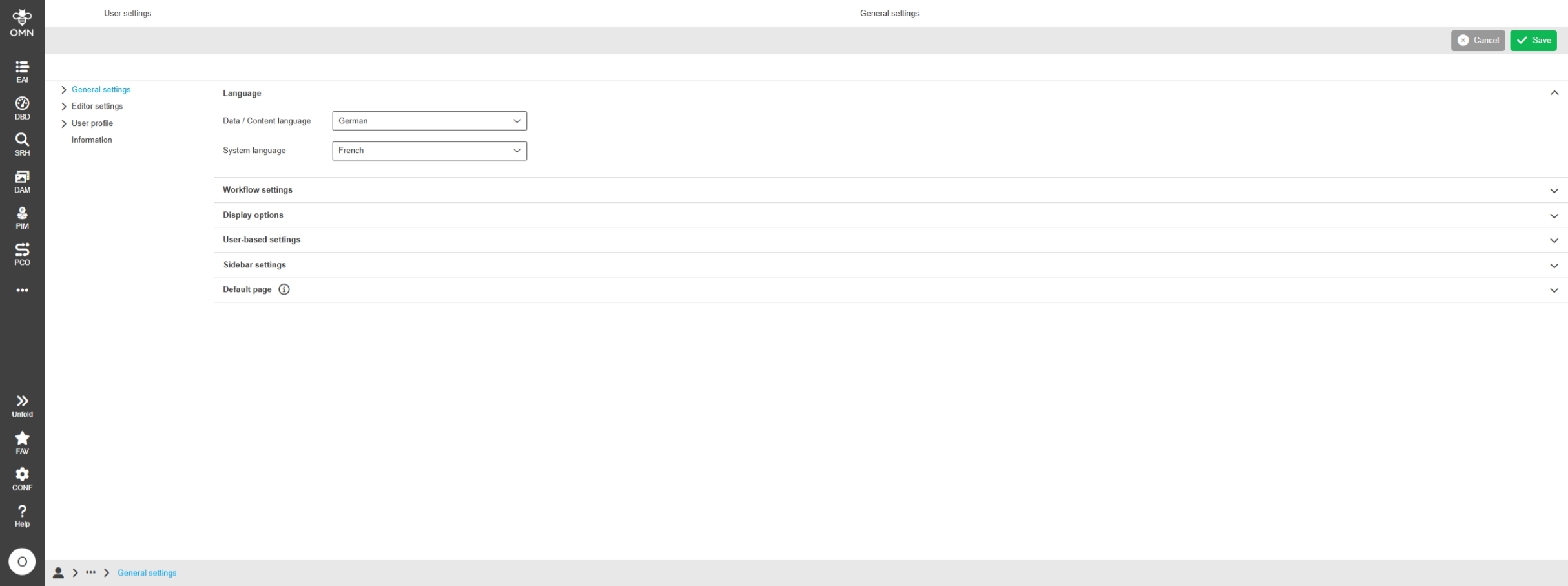
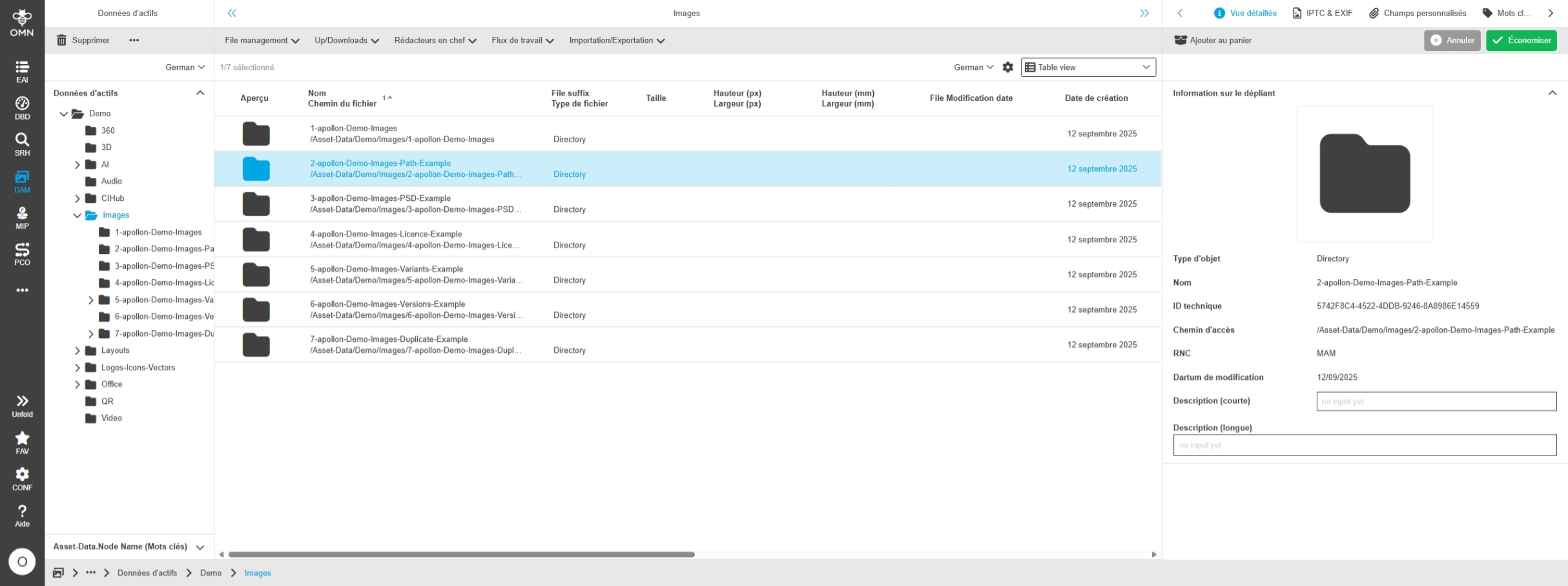
Support of additional system languages in Accelerator
Tags |
OMNA-1627 |
French is added as new frontend language
DAM
Changes and Optimizations in OMN-DAM Configuration of Accelerator
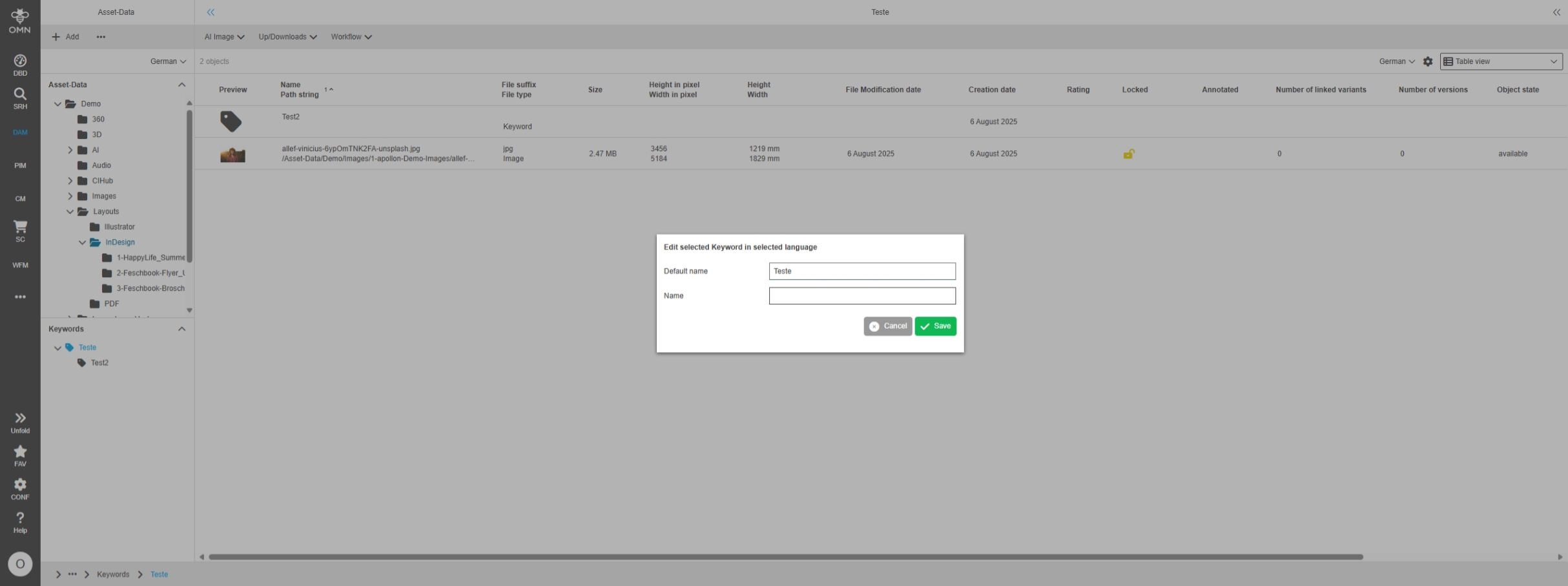
Change localization of FSNavigation - Keyword in Fashion profile
Tags |
OMNA-1776 |
FS Navigation Panel for Keywords is renamed to Keywords (EN) / Keywords (DE)
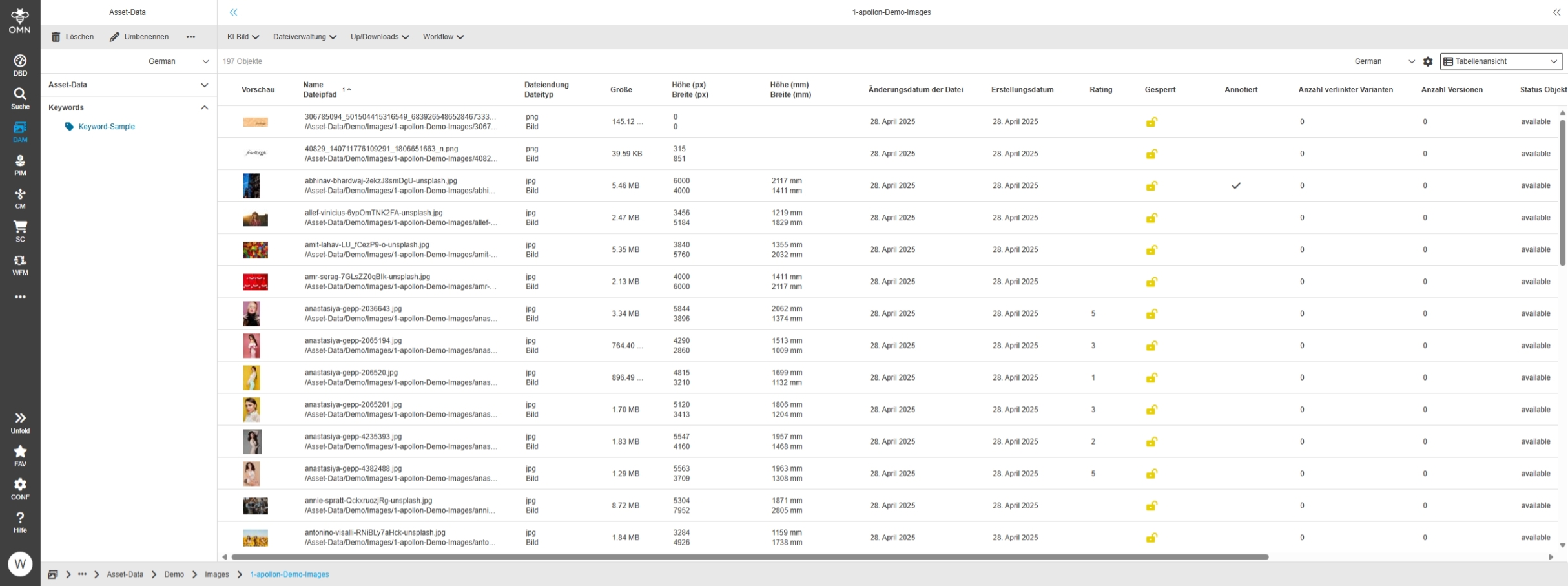
Include OMN Object Creation and Modification Date in Asset-View
Tags |
OMNA-1780 |
OMN Object Creation and Modification Date is now shown in Asset-View besides Creation and modification date of the file
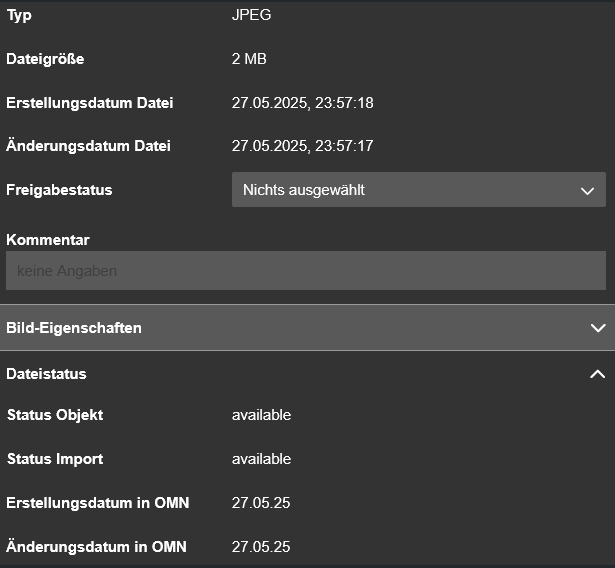
Add SingleObjectView to Shopping Cart configuration
Tags |
OMNA-1845 |
Possibility to use Single Object View for assets in a Shopping Cart
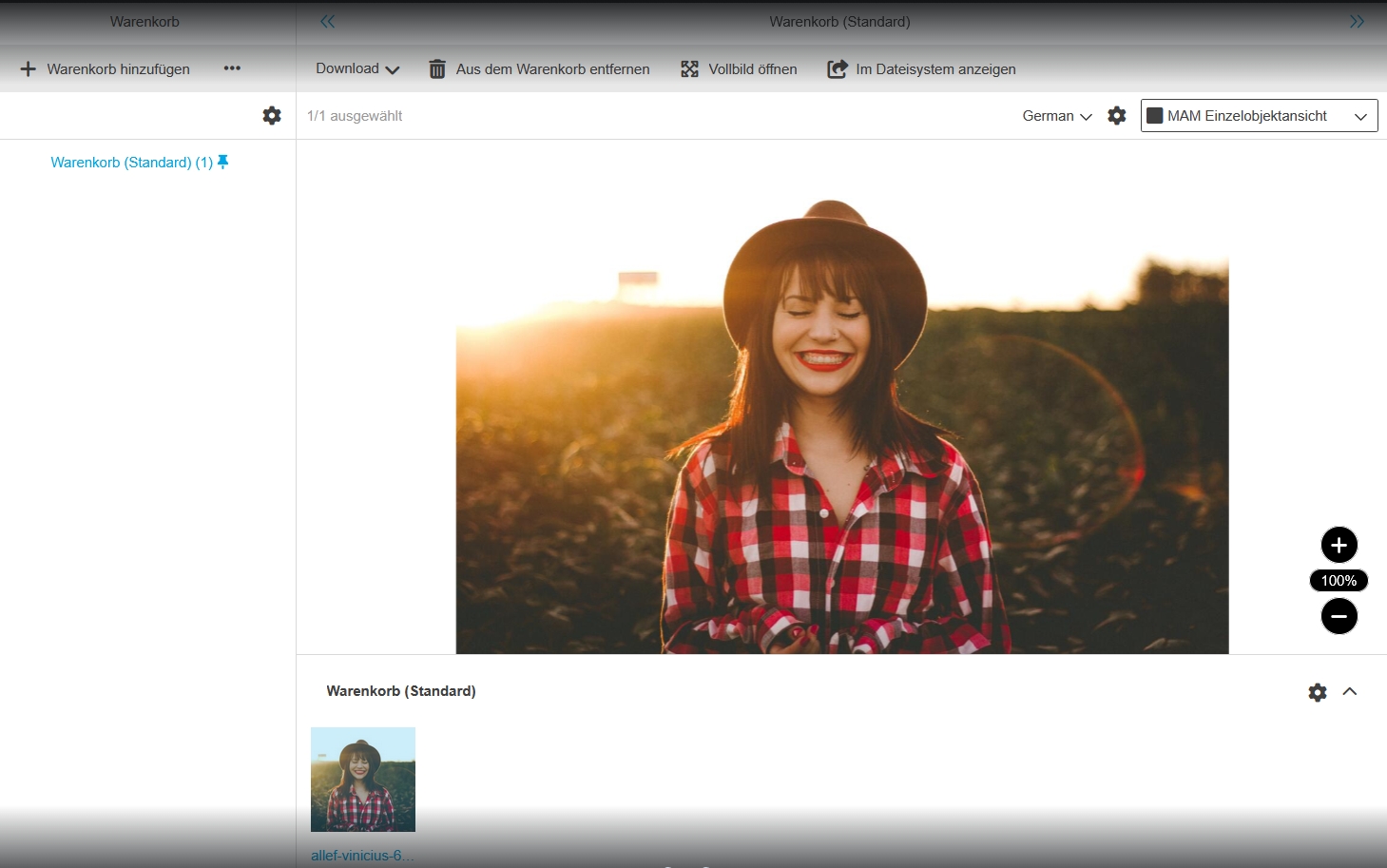
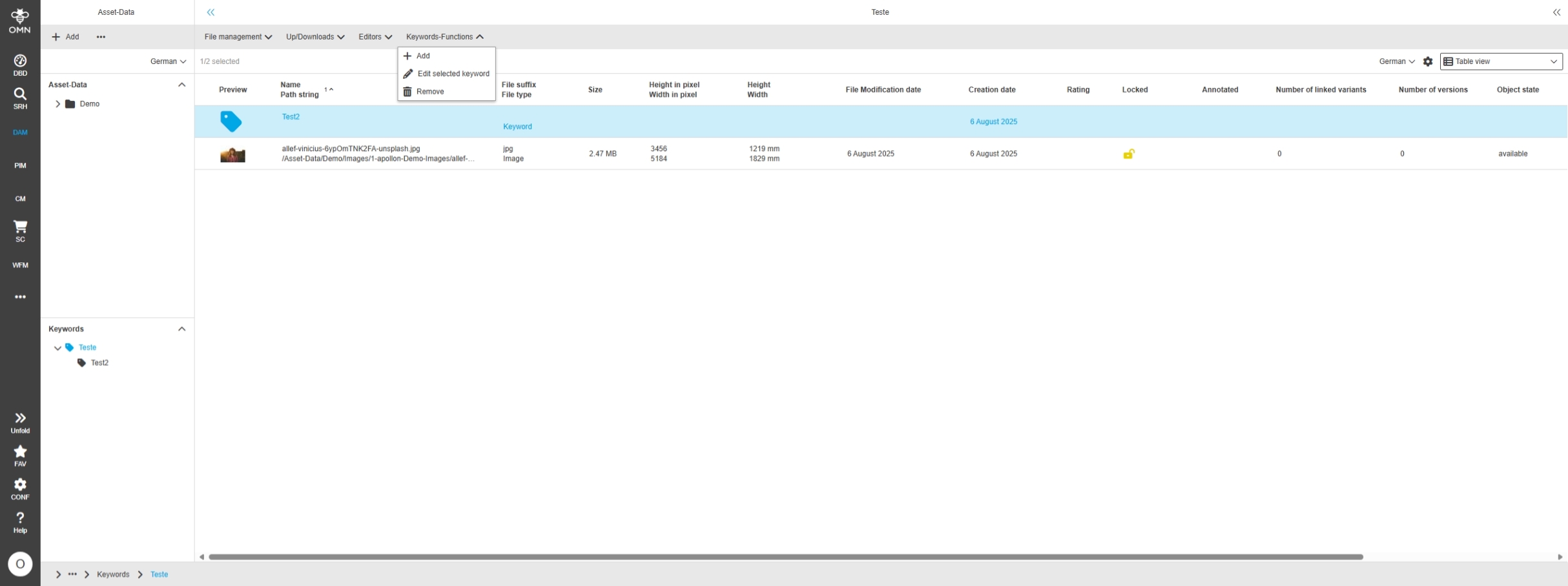
Add New Path Expression to ACC configuration
Tags |
OMNA-1870 |
Possibility to see expression containing only the file path without the filename in order to copy it for example to search
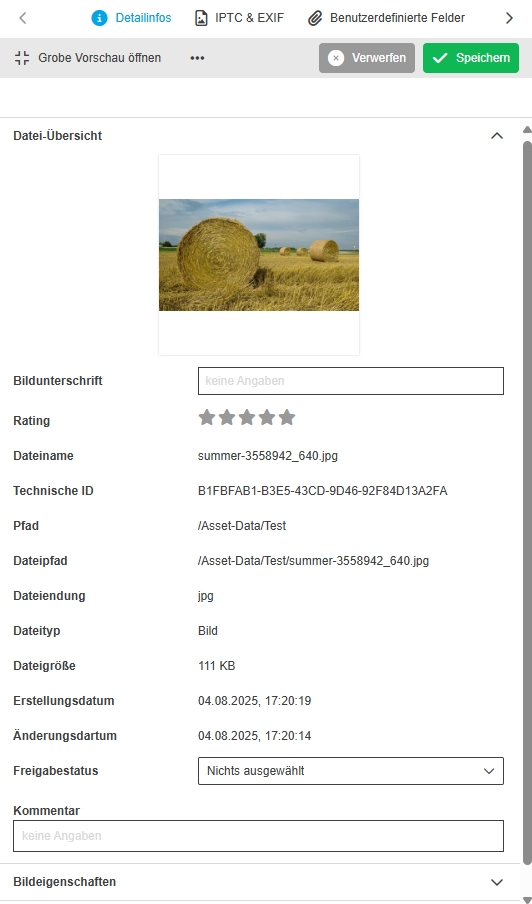
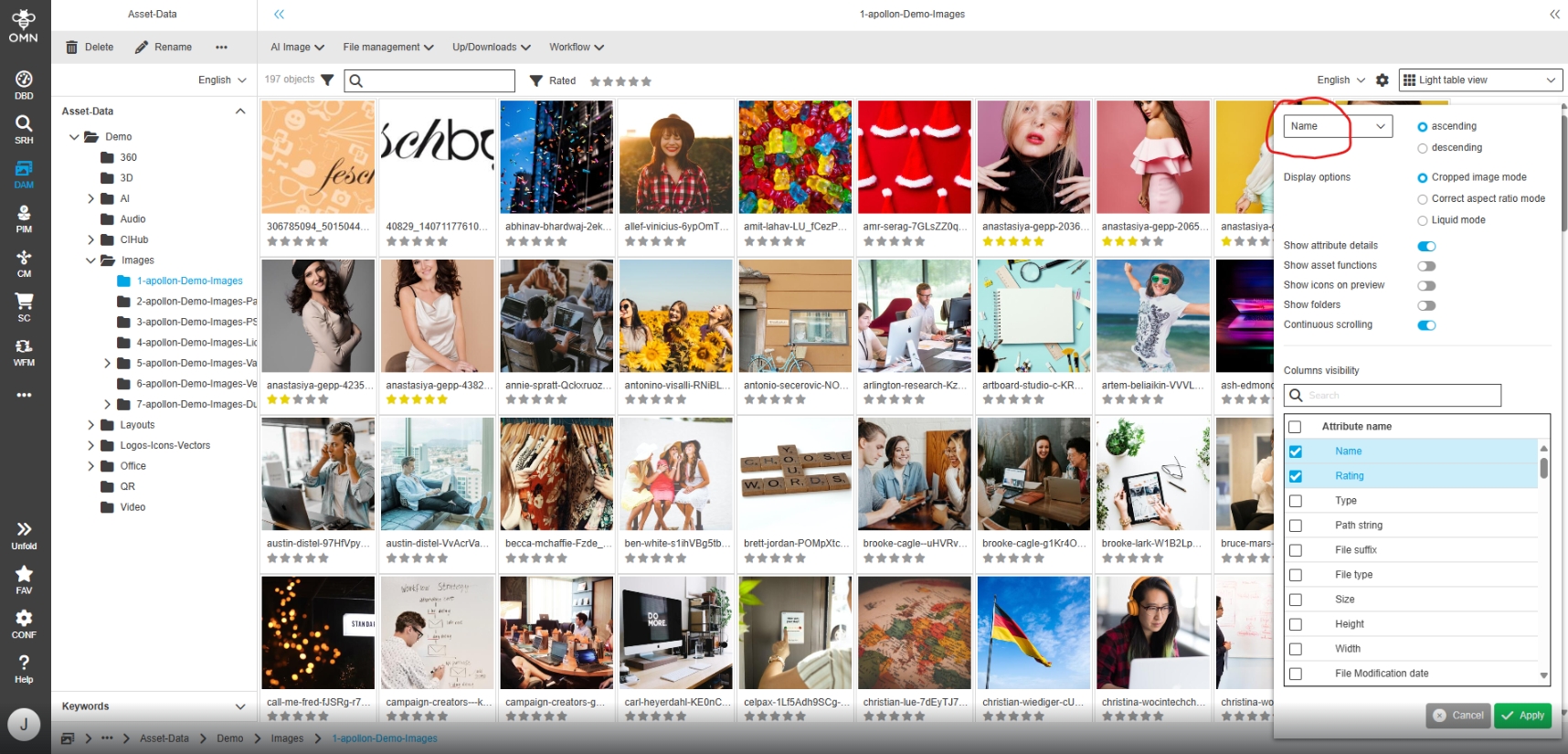
LightTable - Statusbar settings - Sorting - Show pre-selected sorting method
Tags |
OMNA-1829 |
Possibility to see the sorting criteria in dropdown of status bar settings in Light Table, so that the user knows by which attribute the view is sorted
Adjust Shopping Cart configuration to new Page Plugin - apollon Jira
Tags |
OMNA-1869 |
Shopping Cart Configuration is adjusted due to new backend changes, Shopping Cart emails are now HTML-based emails
PIM
Changes and Optimizations in OMN PIM Configuration of Accelerator
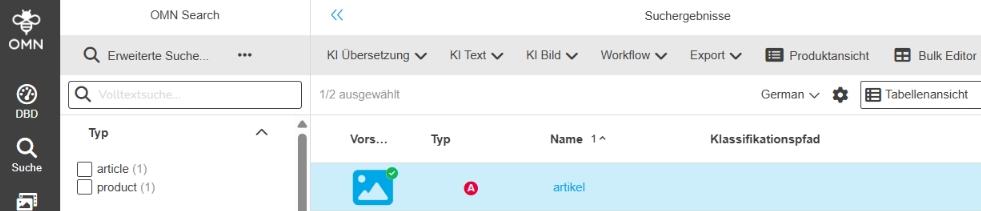
Set default product View for unclassified products
Tags |
OMNA-1849 |
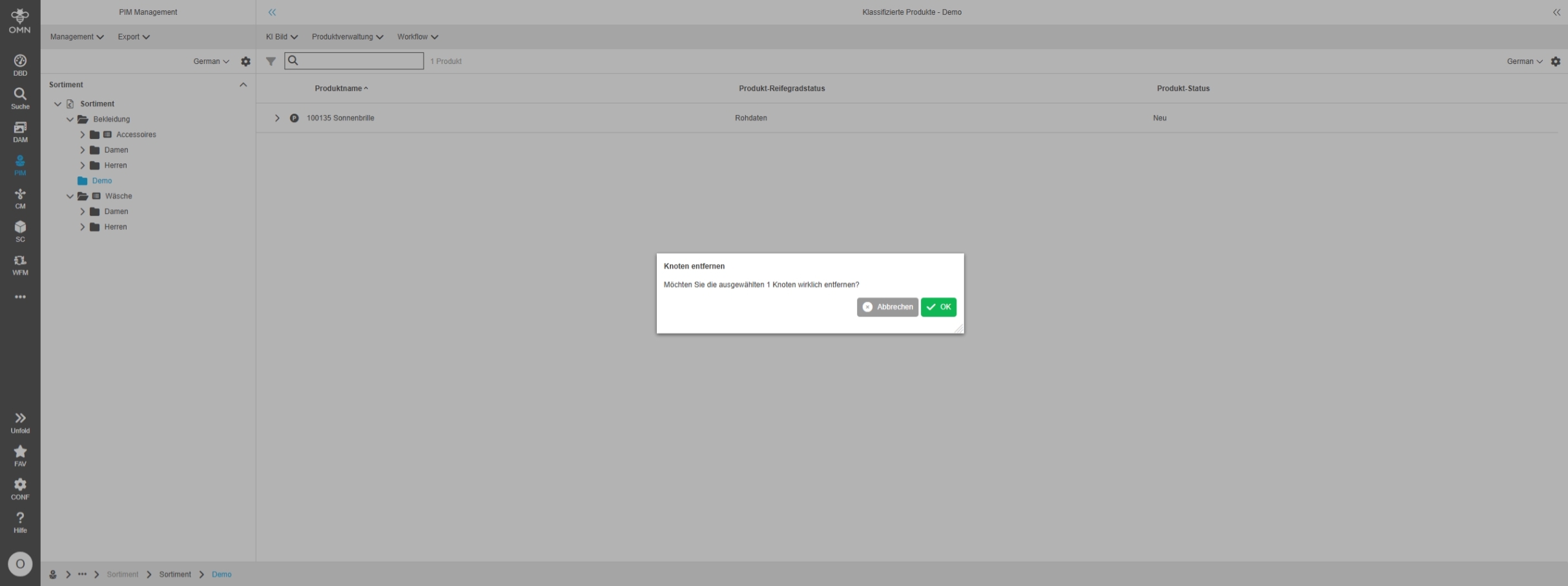
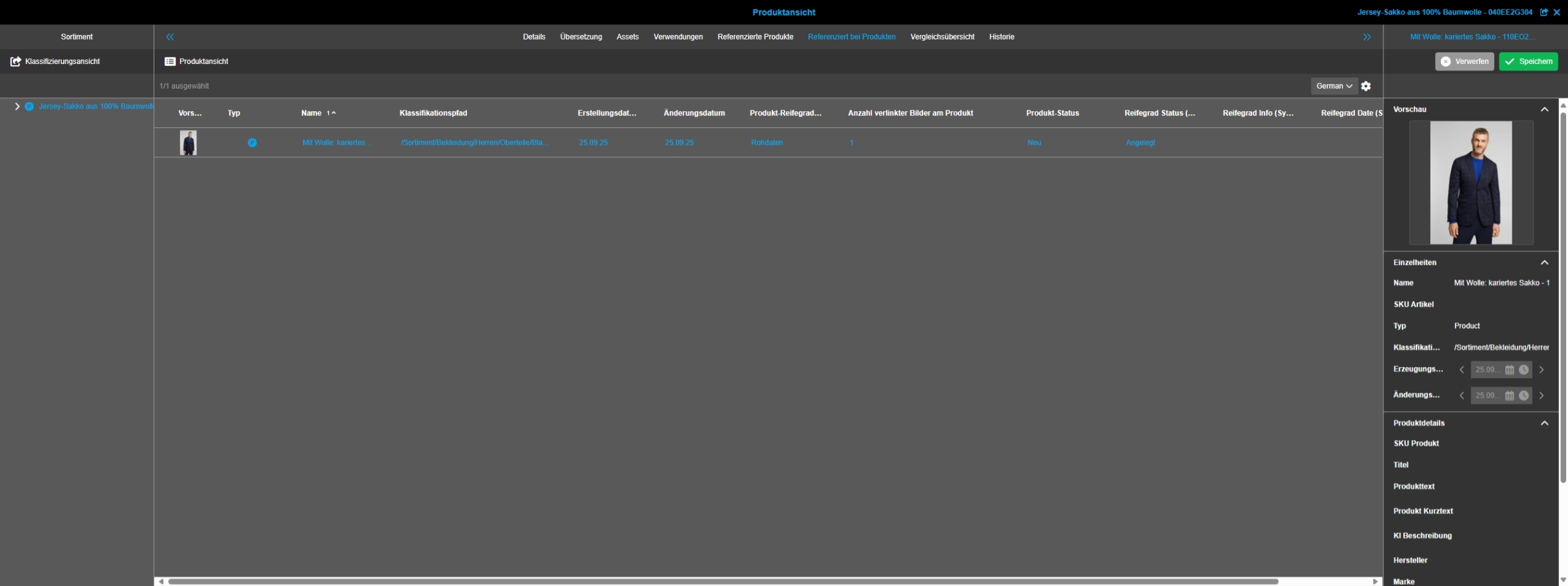
Unclassified Products can now be opened in Default Product View from Search
Search
Changes and Optimizations in OMN-Search Configuration of Accelerator
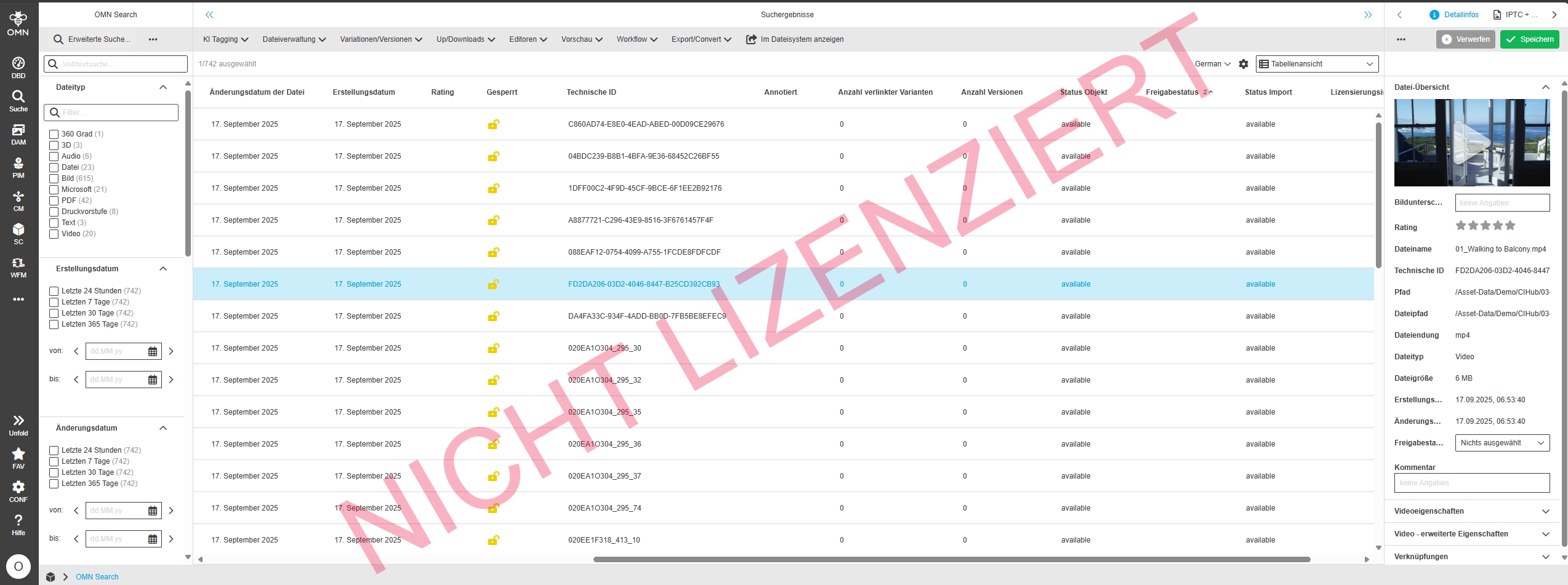
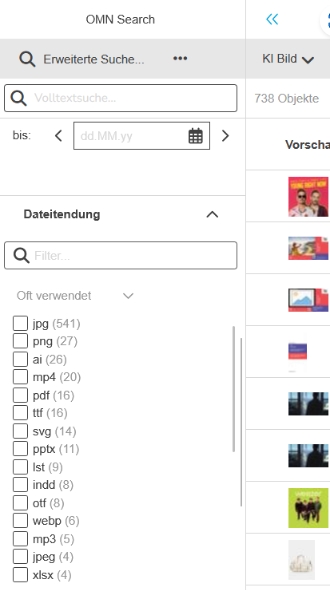
Add new Facet Suffix in OMN-DAM-Search
Tags |
OMNA-1815 |
New Facet for File Suffix is not available in OMN-Search Standard configuration
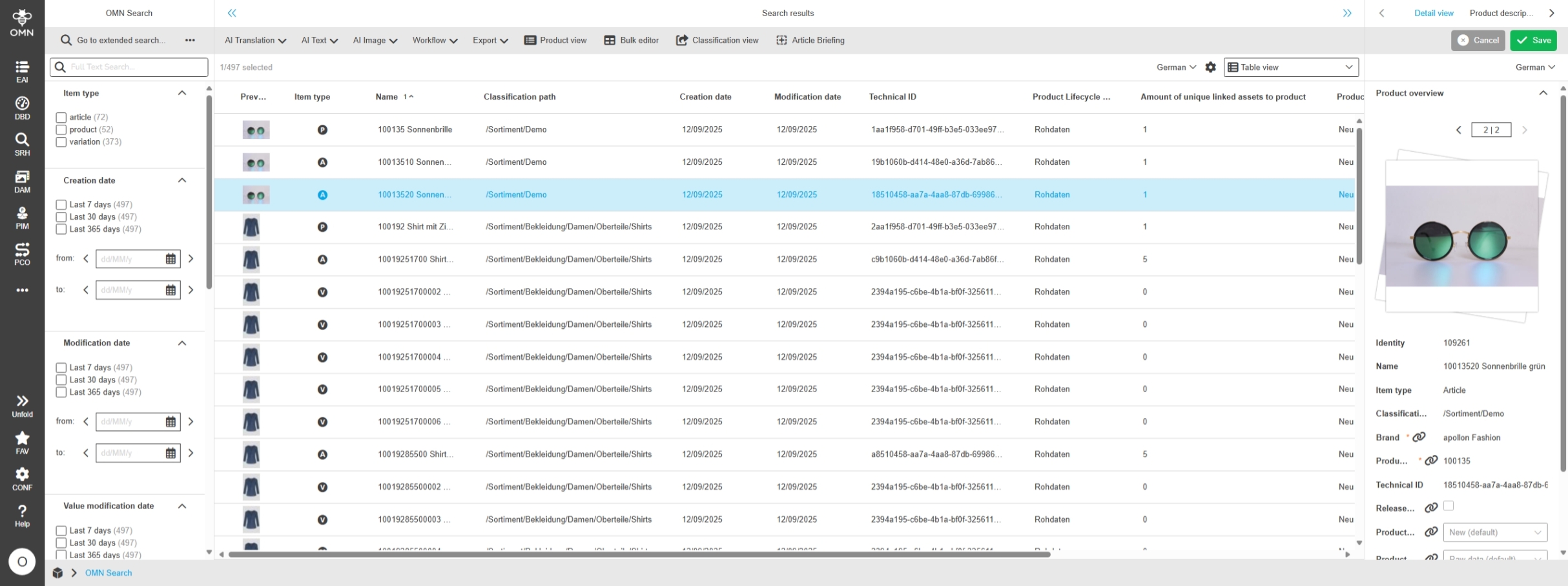
Add Expression Amount of unique linked assets to product to Search Content Pages
Tags |
OMNA-1848 |
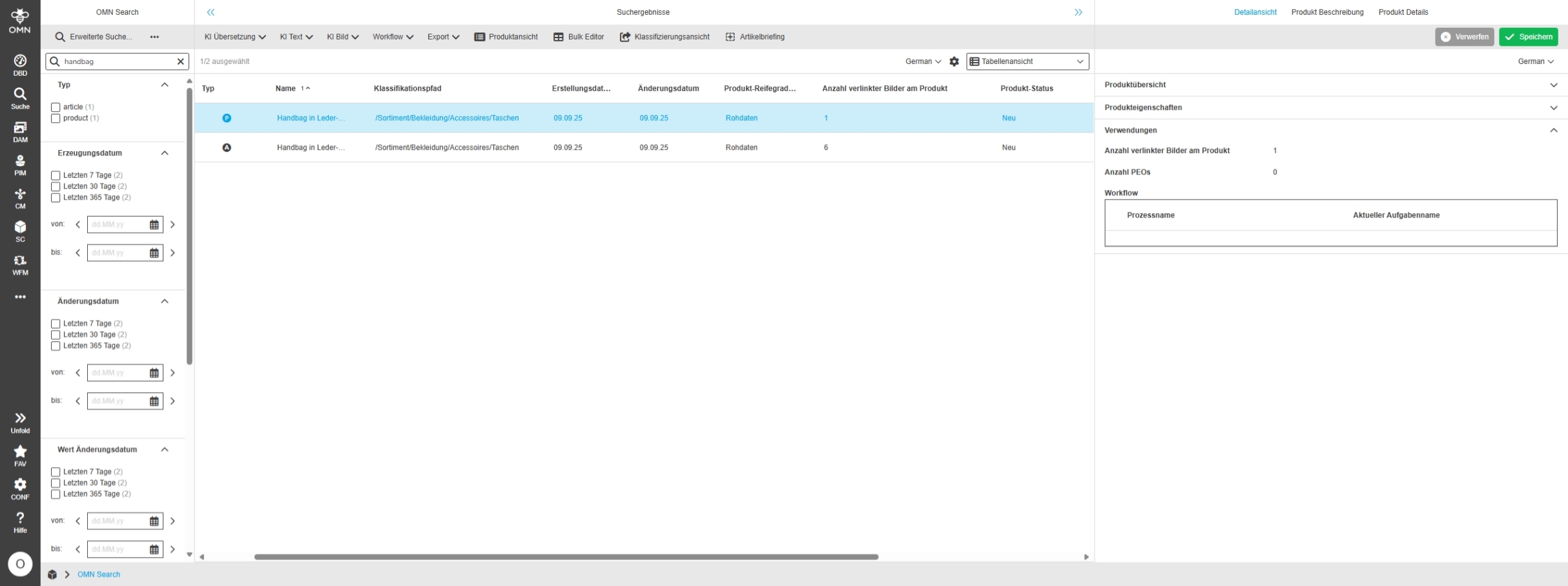
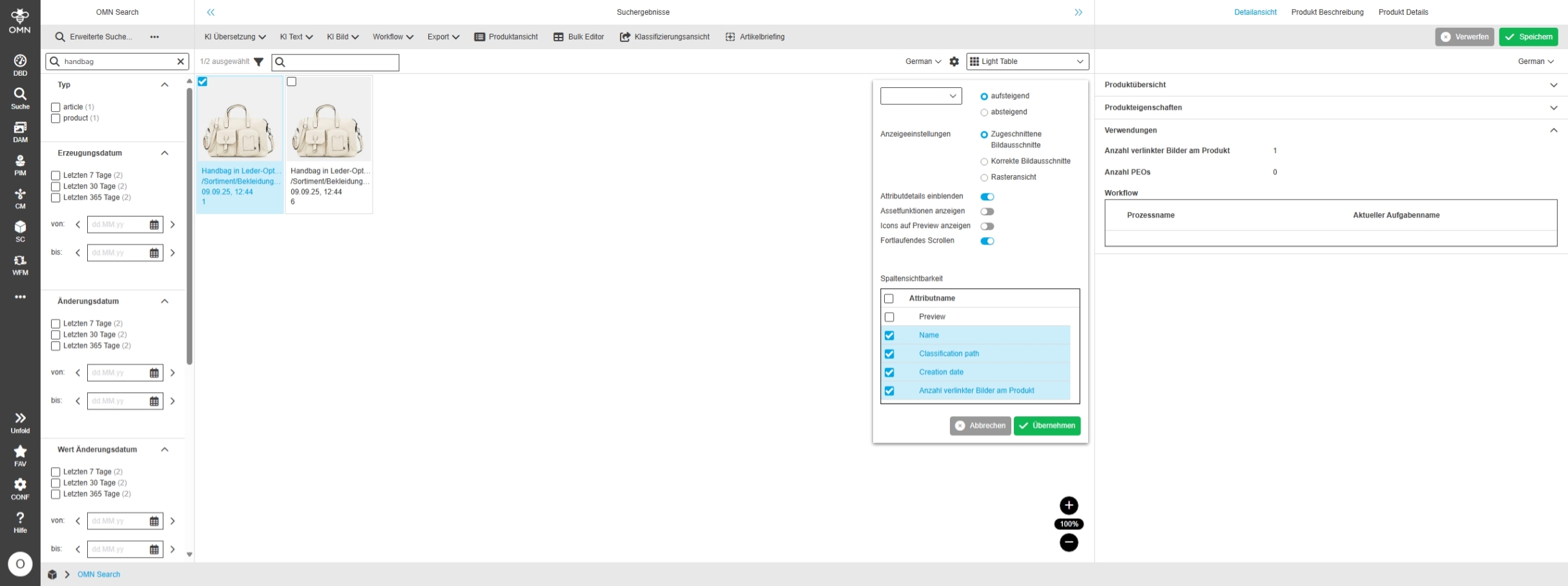
New Expression called " Amount of unique linked assets to product" is available in Search Content Pages like Table and Detail View
-
Table and Detail View
-
Lighttable View
Adjustments for Duplicate Search with Elasticsearch
Tags |
OMNA-1813 |
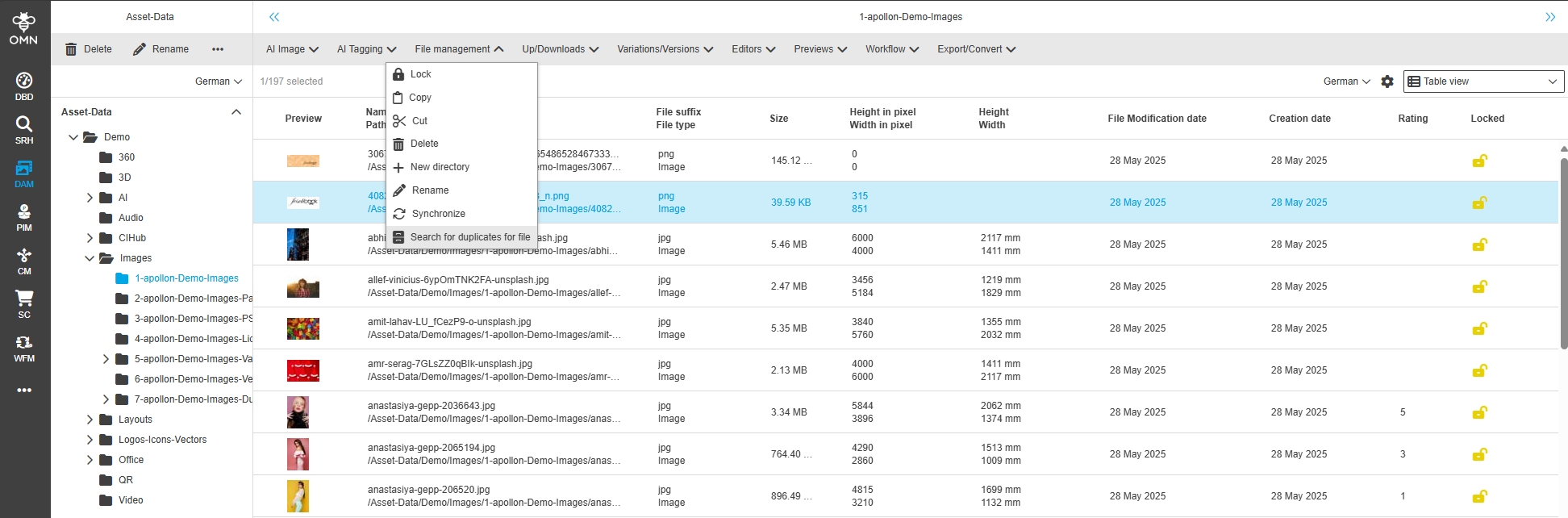
Optimizations and Enhancements for Duplicate Search Function
-
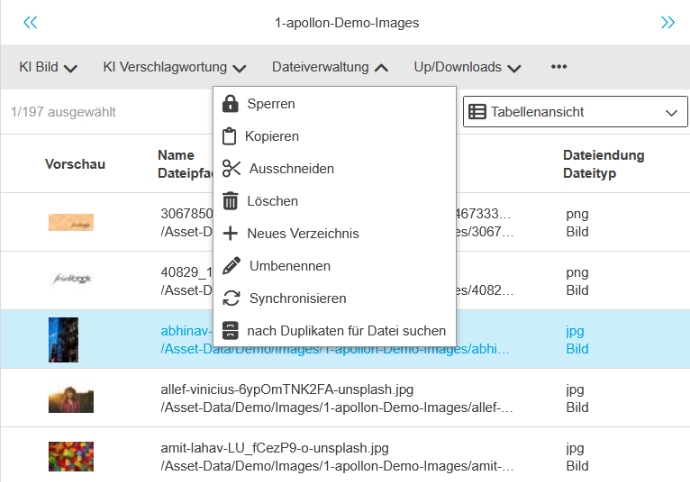
it is possible to search duplicate files on selected file by function
-
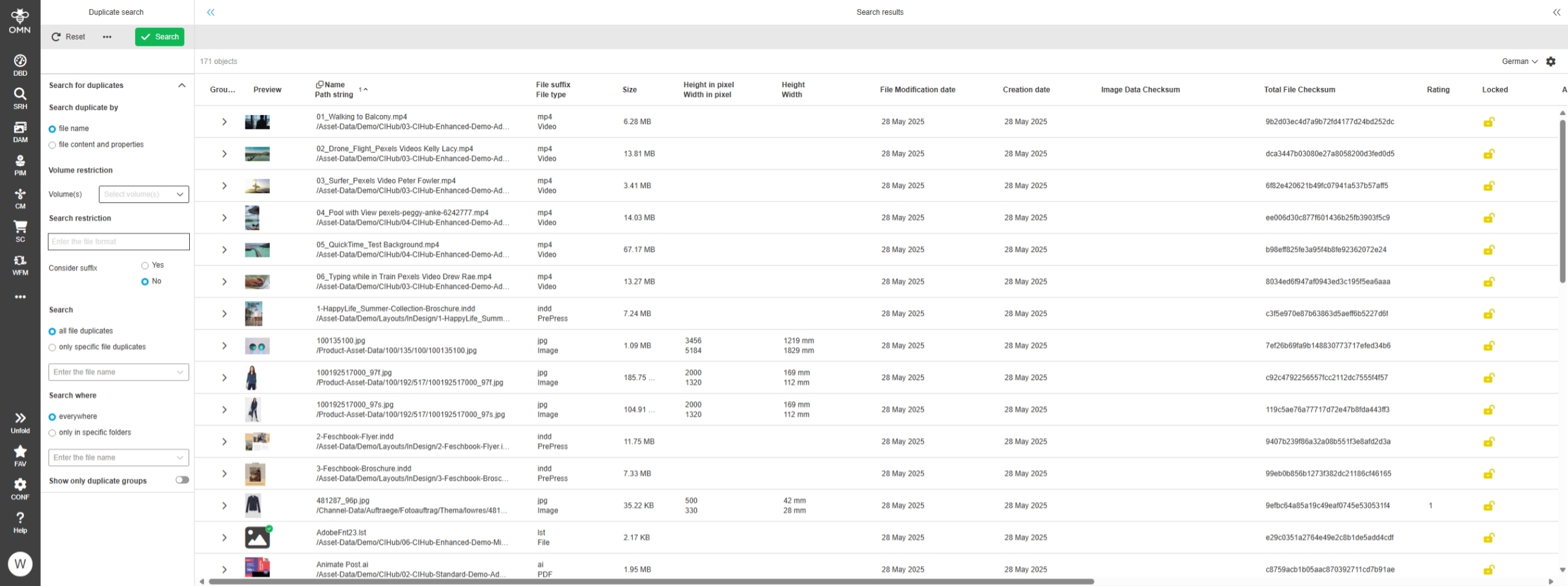
the duplicate search is now using Elasticsearch index and provide additional functionality
-
restrict volume where duplicates should be searchable
-
user can set Group mode with Settings how many files will be displayed within a duplicate search Group
-
user can open found duplicate file in another Search
-
Annotation Tool
Changes and Optimizations in Annotation Tool Configuration of Accelerator
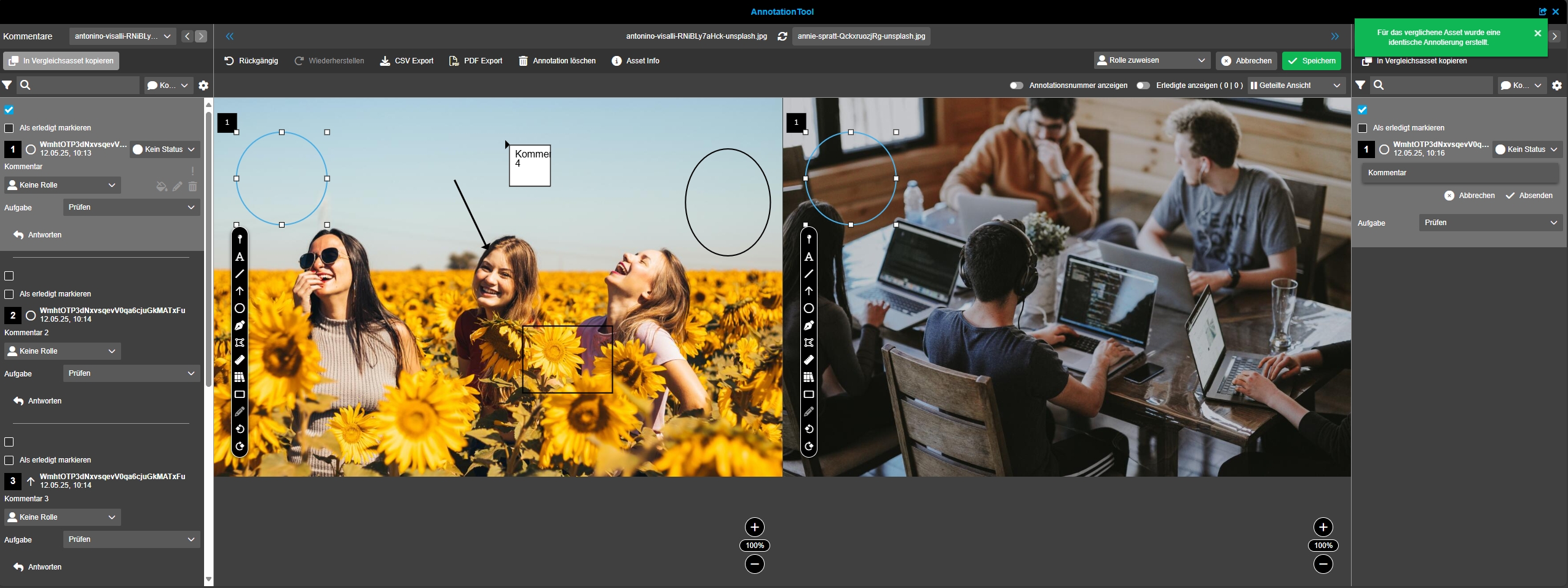
Annotation Tool - add Copy Annotation to Profile
Tags |
OMNA-1798 |
The copy function in Annotation compare view is now available to copy annotations from one file to another
Resolve annotation state should be activated in Fashion and FF profile
Tags |
OMNA-1809 |
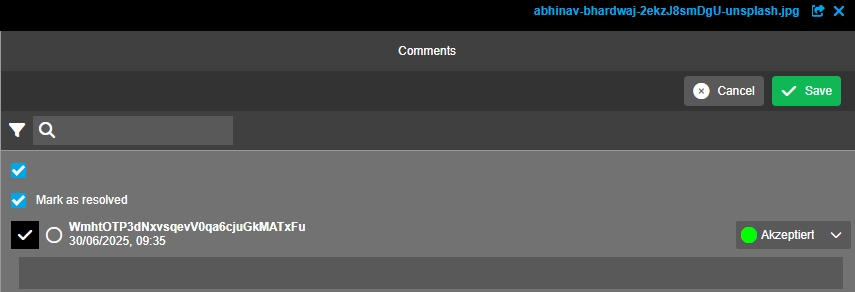
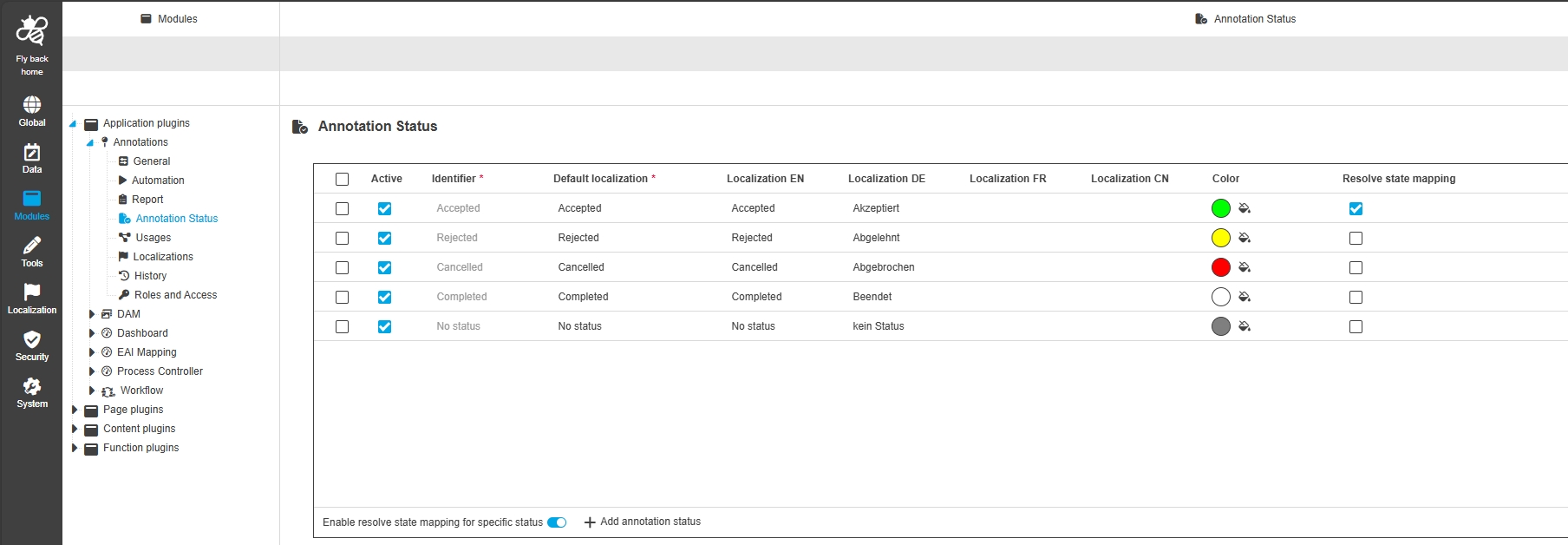
The Resolved State of an Annotation is now linked with Annotation state
-
In the Accelerator profile, the Resolved status of an Annotation is automatically set when the comment status is set to Accepted/Akzeptiert
-
The Resolved State can be removed again regardless of the comment status
-
Configuration (within the configuration resolved state is mapped with the Annotation State accepted)
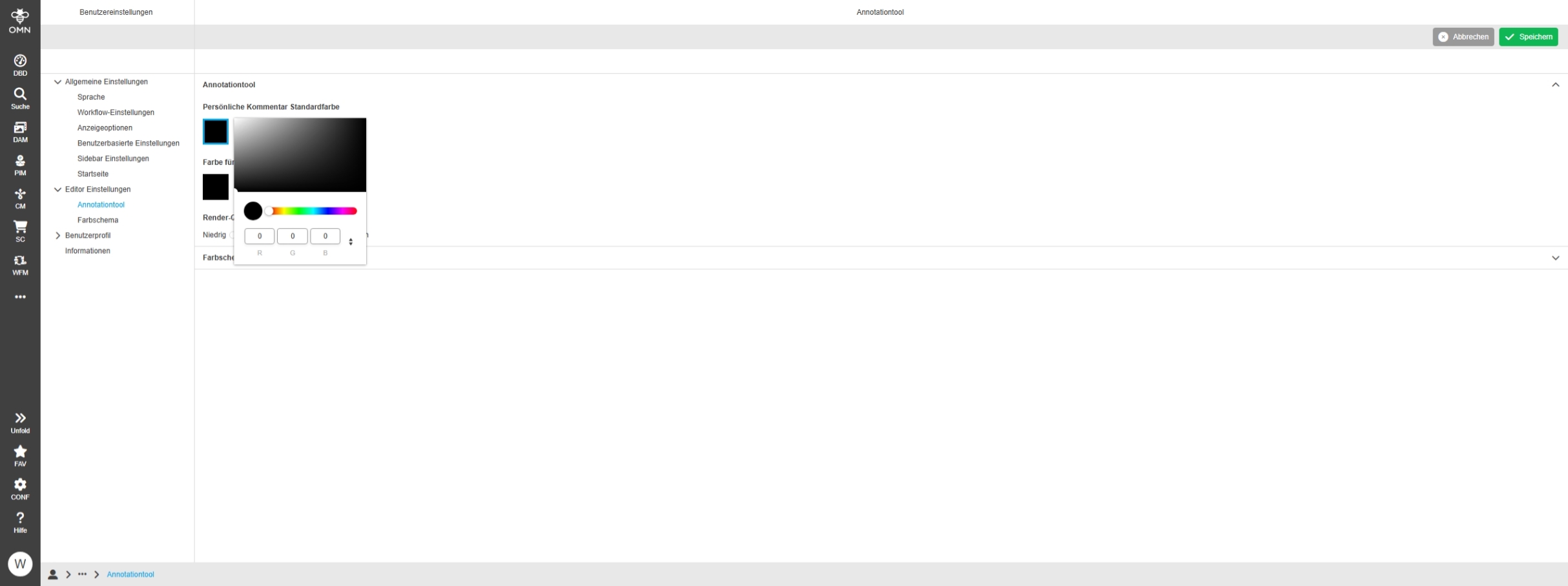
Activate Color for Annotation Tool
Tags |
OMNA-984 |
The user is able to change color of annotation tool in User Settings now
Add annotation state to acc configuration
Tags |
OMNA-1811 |
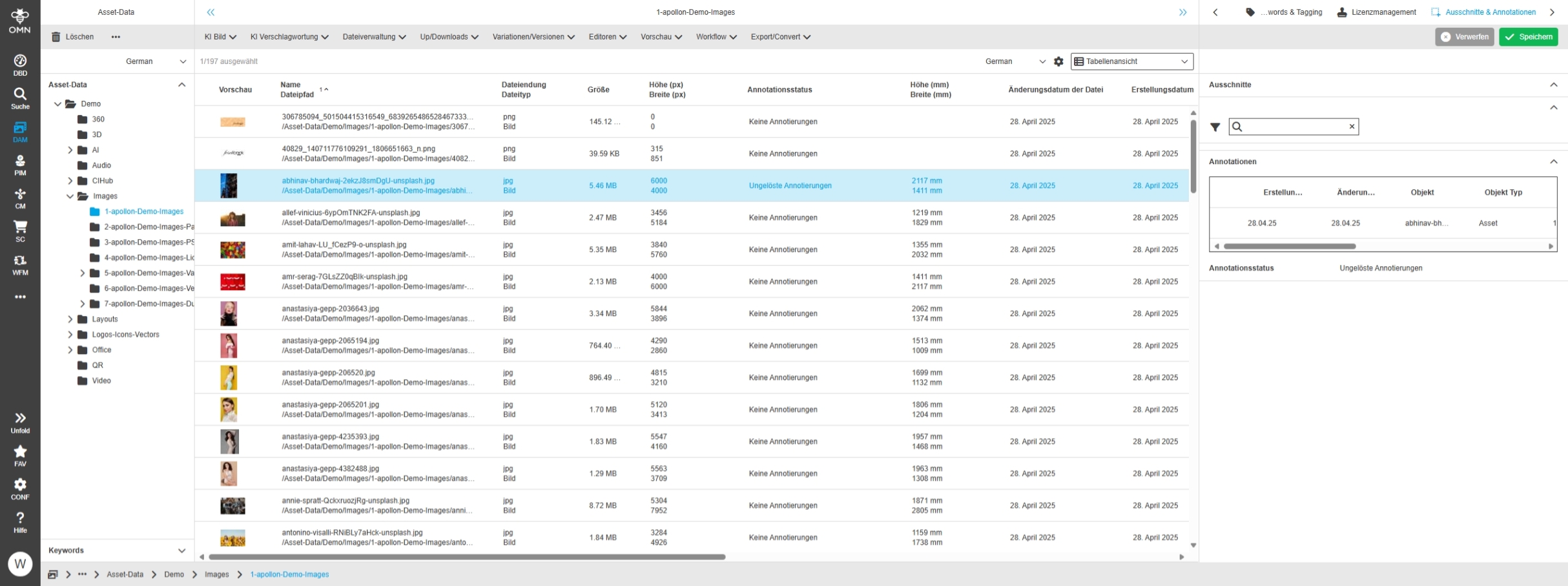
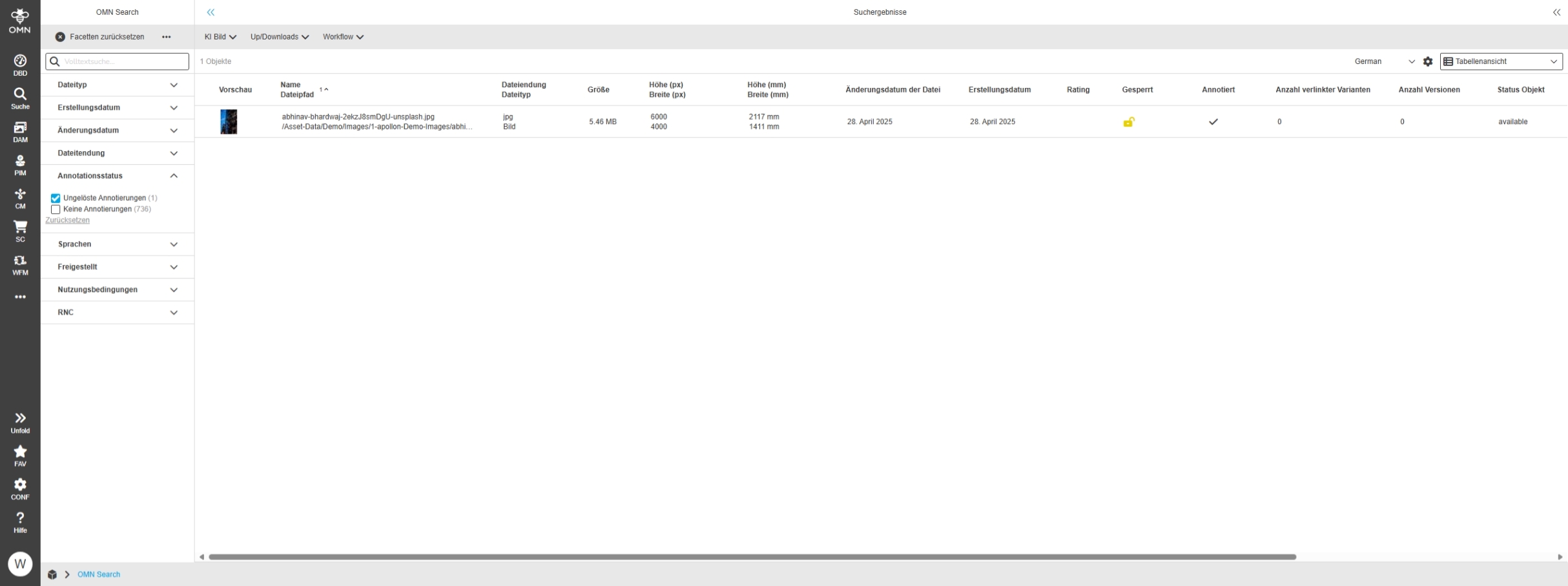
New annotation state is added to Standard configuration to see if there are unresolved annotations
The Attribute is available in following views:
-
FSTable (default disabled)
-
Lighttable (default disabled)
-
FSDetail in FSDetail Apertures and Annotations
-
OMN-Search (DAM-Search) as Facet
-
Attribute unresolved annotations in FSTable
-
Search for unresolved Annotations
EAI
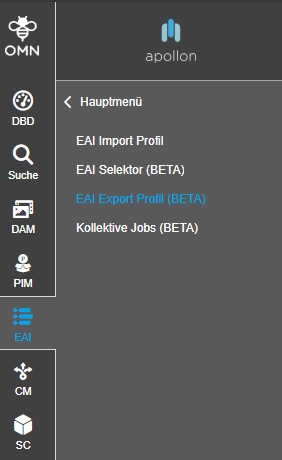
Changes and Optimizations in OMN-EAI Module Configuration of Accelerator
-
the EAI export module will only be officially released with the next version
-
OMN version 6.4. already contains a first beta configuration for the module (no productive use)
Add localization for EAI Mapping Editor
Tags |
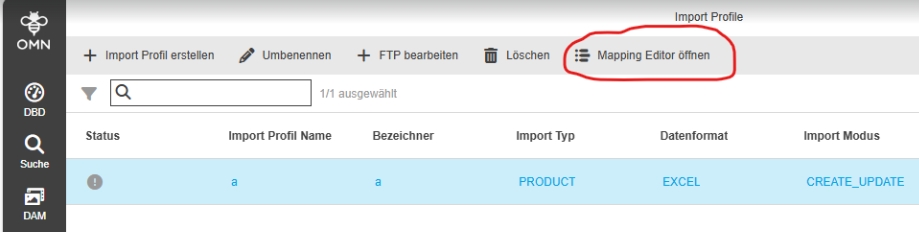
OMNA-1827 |
EAI Mapping Editor is now supporting localization to Display Editor in different UI Languages
Configure EAI Export Module with related plugins
Tags |
OMNA-1867 |
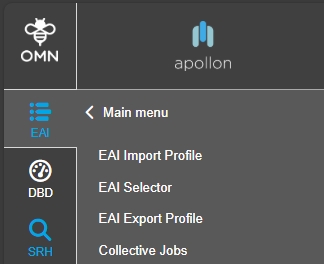
Configuration of new EAI Export module is now part of OMN accelerator Fashion profile and delivery configurations for following EAI Export related OMN Plugins
-
EAI Import Profile (Page Plugin)
-
EAI Selector (Page Plugin)
-
EAI Export Profile (Page Plugin)
-
Collective Jobs (Page Plugin)
-
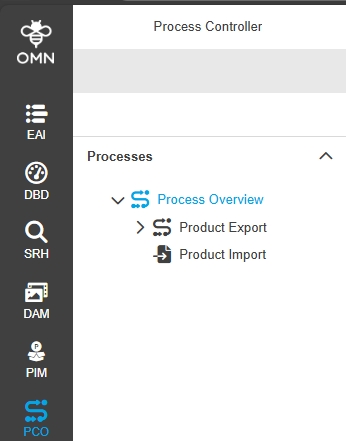
Process Controller (Page Plugin) - now directly in Sidebar
Configure FSNavigation for Imports and Exports
Tags |
OMNA-1878 |
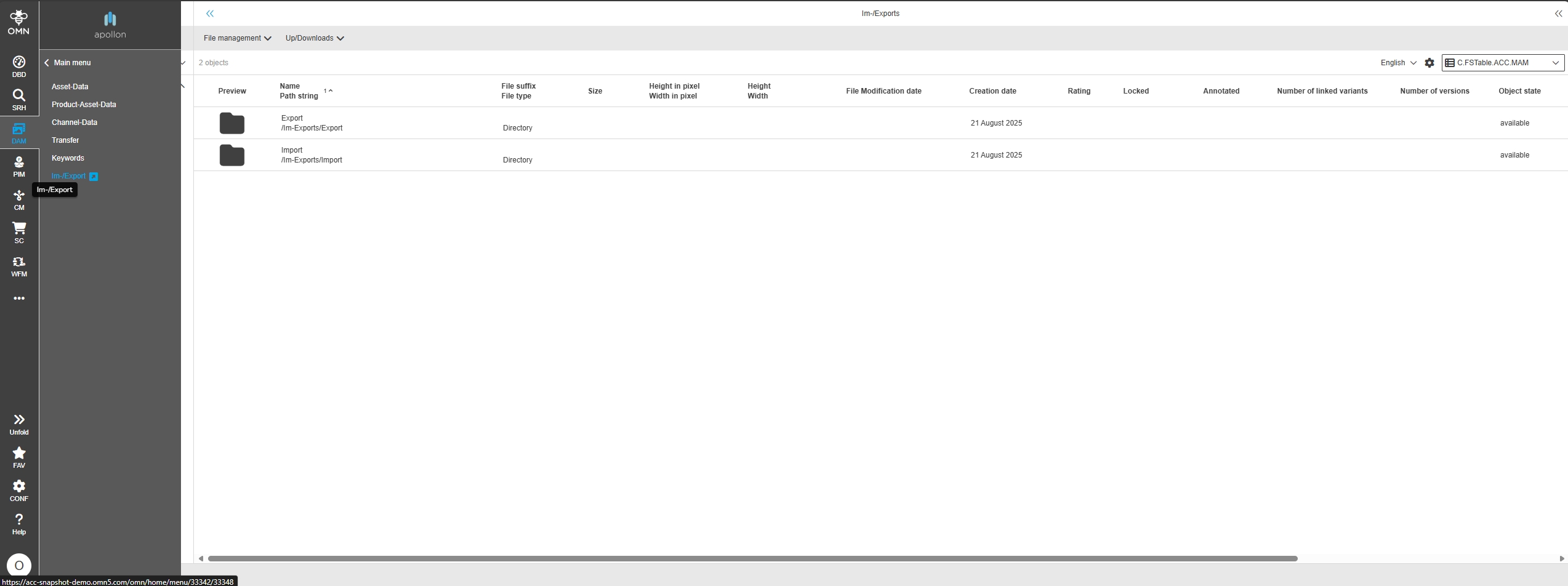
New Sidebar called Im-/Export for separate DAM Area where files from OMN-EAI module can be stored
-
these areas are used for EAI Import module
-
for Import. to store Import files and protocol files
-
for Export: to store created Export files
-
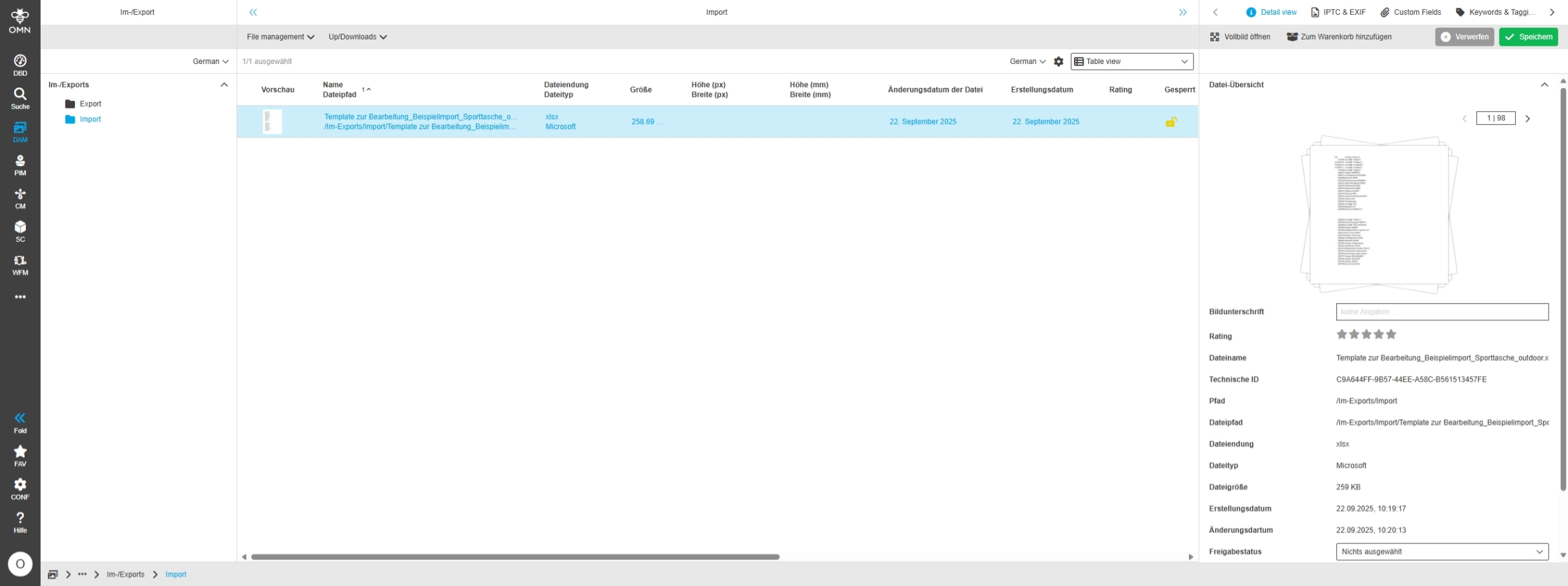
EAI-UI - Adjust import dam file location for EAI Import UI
Tags |
OMNA-1898 |
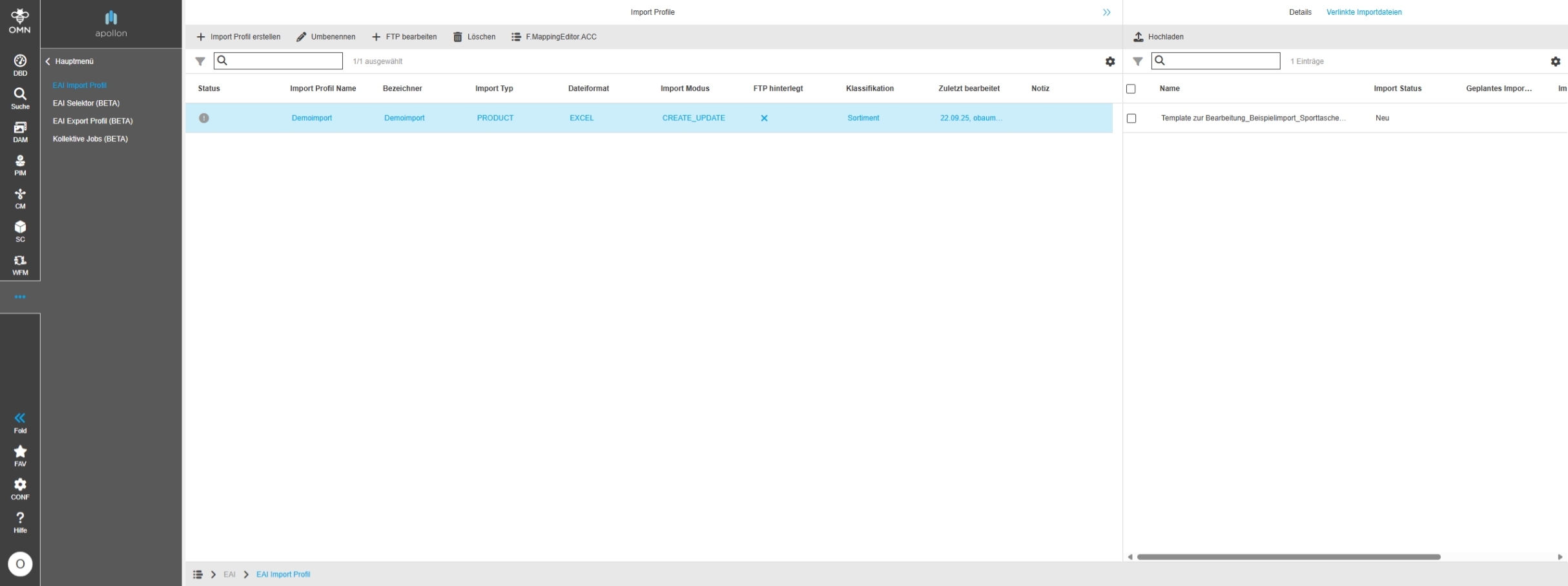
The EAI import is adapted in the ACC fashion profile so that uploaded import files are stored in the new EAI import/export storage area
-
XLS Import in Import profile
-
File is stored in new storage area for Im-/Exports
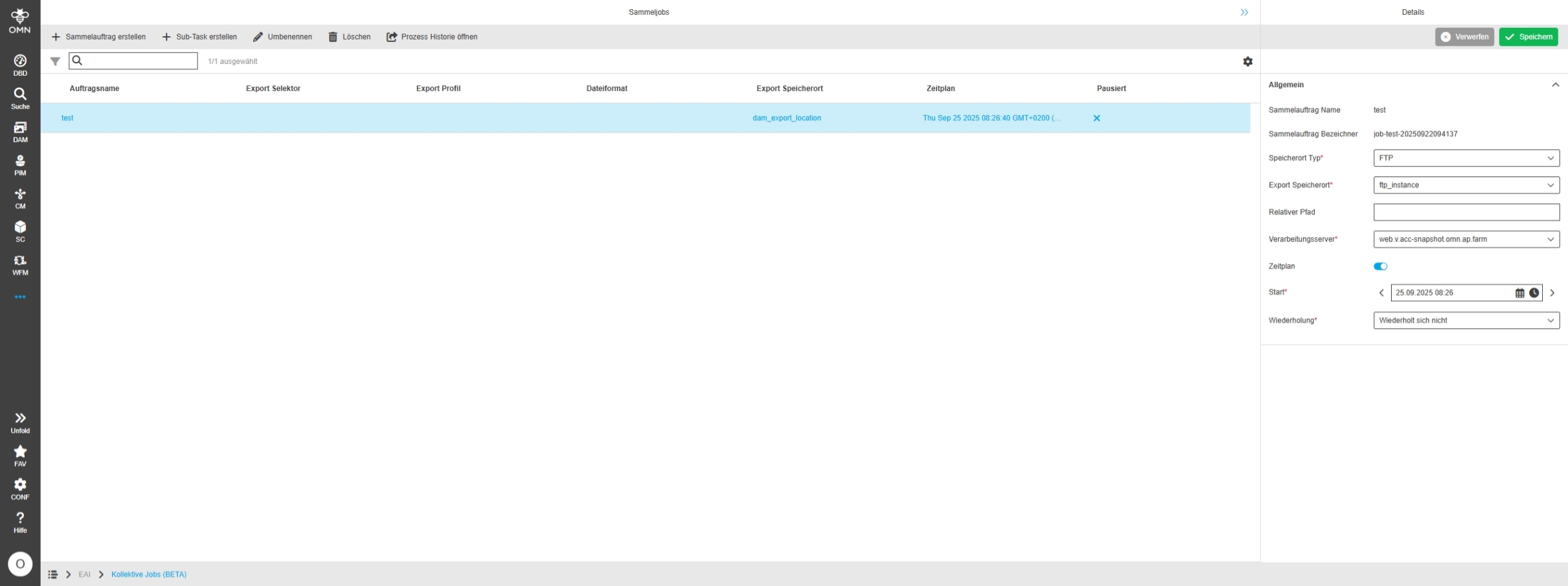
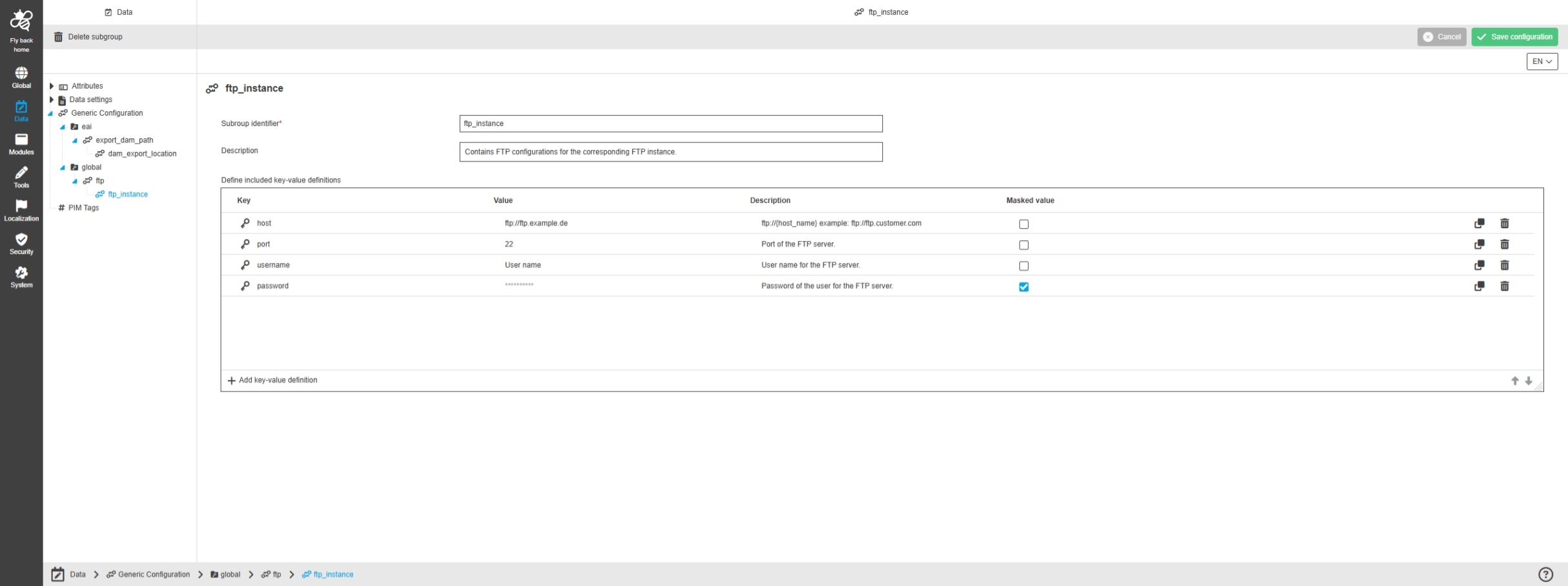
Configure Generic Configuration for Export Storage Location
Tags |
OMNA-1877 |
Storage of sample location configurations for the OMN EAI Export module for the storage of generated export files
-
in OMN (in the new storage area for imports and exports (OMNA-1867)
-
on an FTP server (this configuration is only an example and must be adapted during deployment)
| The configuration for export storage location is only exemplary and must be adapted to the customer environment. This applies in particular to the FTP export destination, as an FTP server is not automatically provided with OMN. |
AI-Integrations
Accelerator Features and Changes for AI-Services
AI-Text
Improvements and Extensions in AI-Text-Services*
AI Text with DeepSeek in PIM
Tags |
OMNA-1816 |
Base-Requirement |
OR-1721 |
Possibility to use AI Text Service with DeepSeek in PIM to create Texts on base of PIM-Attributes
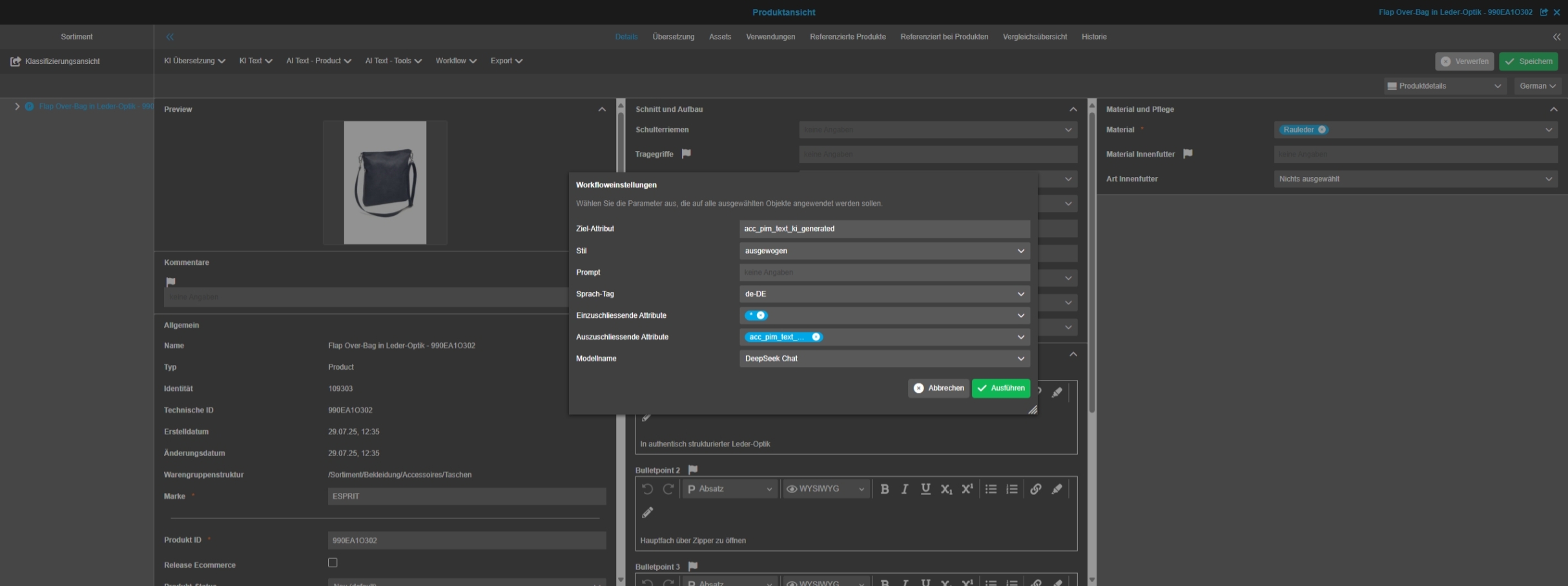
Provide GPT 4.5 Modell in ChatGPT Integration in Accelerator
Tags |
OMNA-1826 |
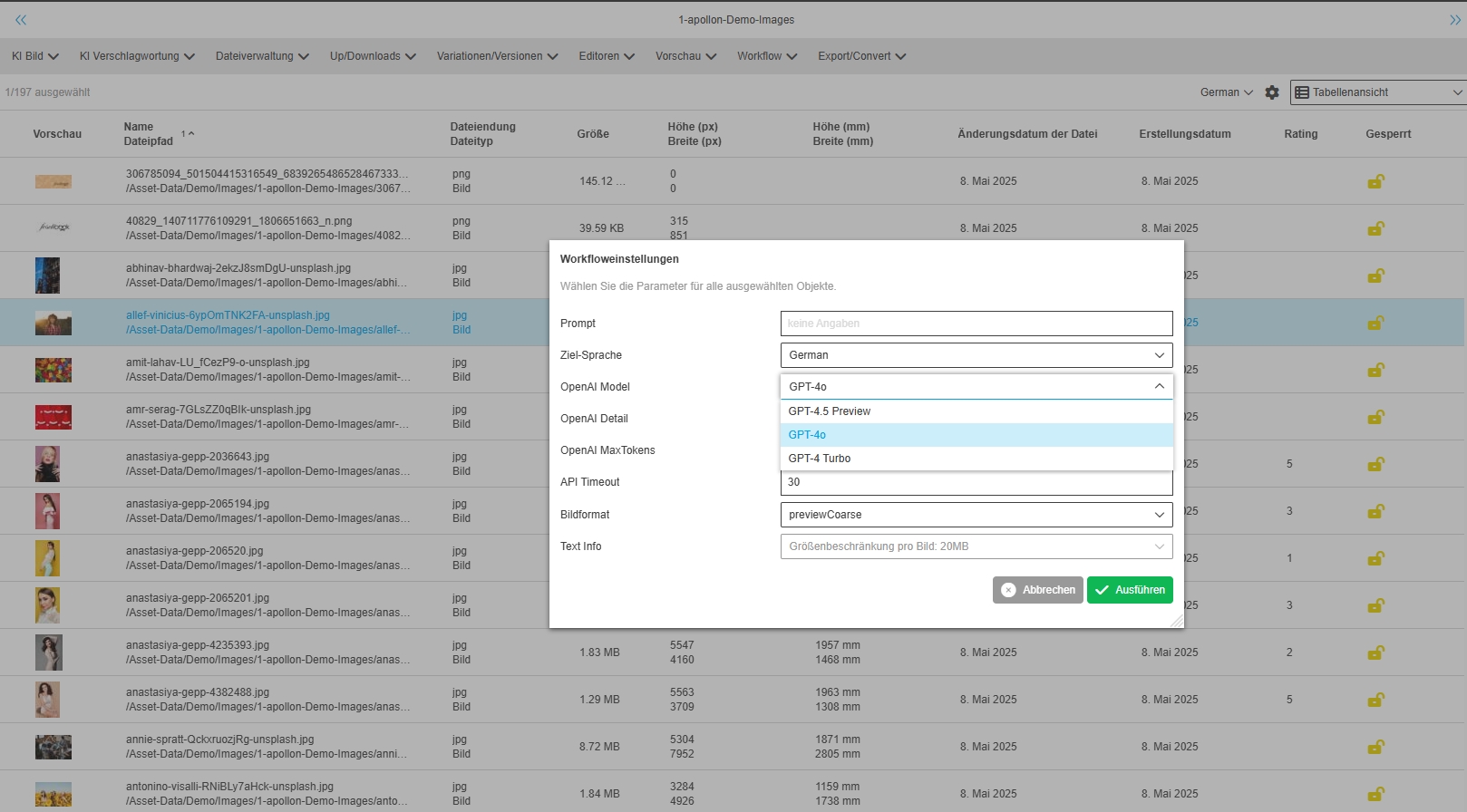
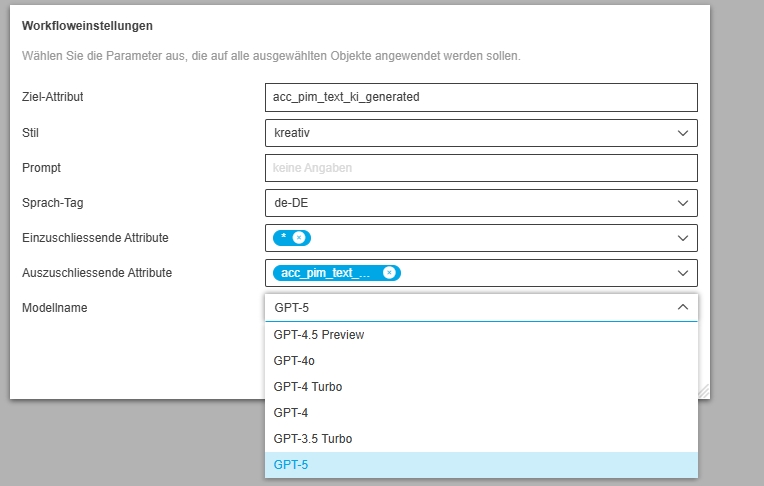
Support of new Open AI Models in OMN
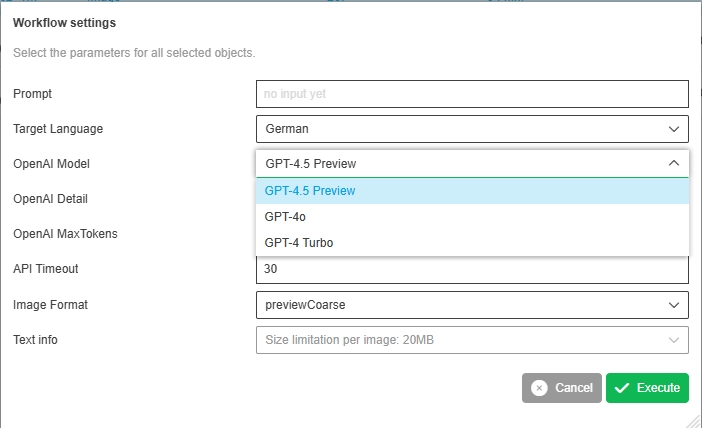
GPT-4.5 offers a range of improvements and new functions:
-
Enhanced computing efficiency: GPT-4.5 is over ten times more powerful than its predecessor GPT-4 and processes requests faster and more accurately
-
Increased reasoning capabilities: The model utilizes new monitoring and training techniques, including synthetic data and reinforcement learning from human feedback (RLHF), to provide more logical and informed answers[
-
Fewer hallucinations: GPT-4.5 generates significantly less erroneous content compared to previous models
-
More natural and emotionally nuanced interactions: The model feels more intuitive, warmer and more emotionally attuned in conversation
-
Expanded world knowledge and better context processing: GPT-4.5 can categorize more complex issues more precisely and formulate answers more coherently across longer contexts
-
Multimodal: GPT-4.5 can handle images and supports a variety of image formats such as PNG, JPEG, WebP and non-animated GIFs
AI-Image
Improvements and Extensions in AI-Image Services
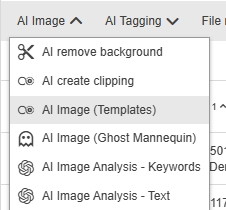
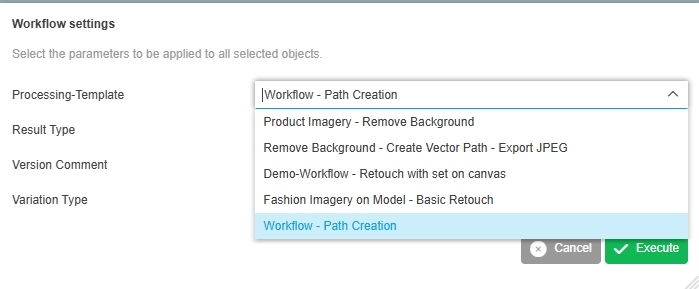
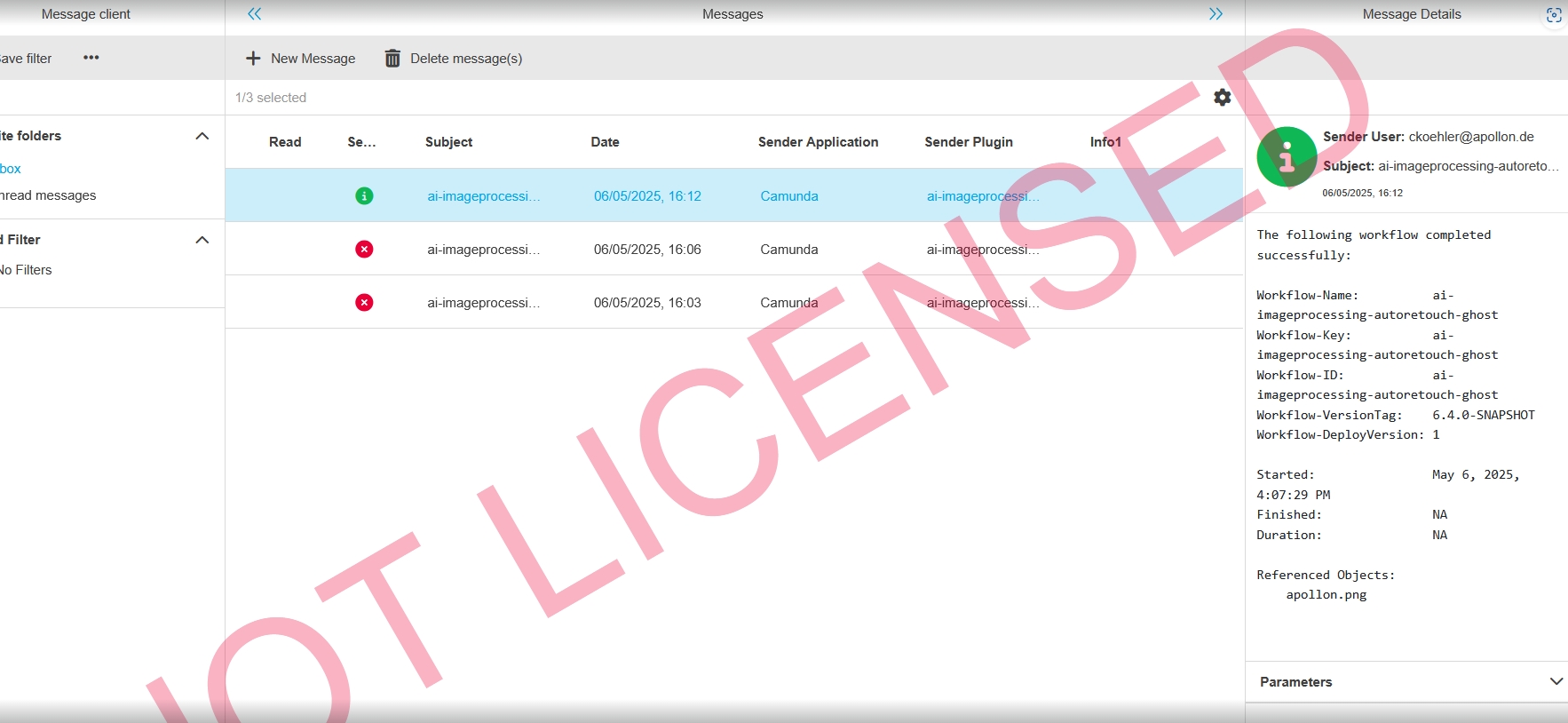
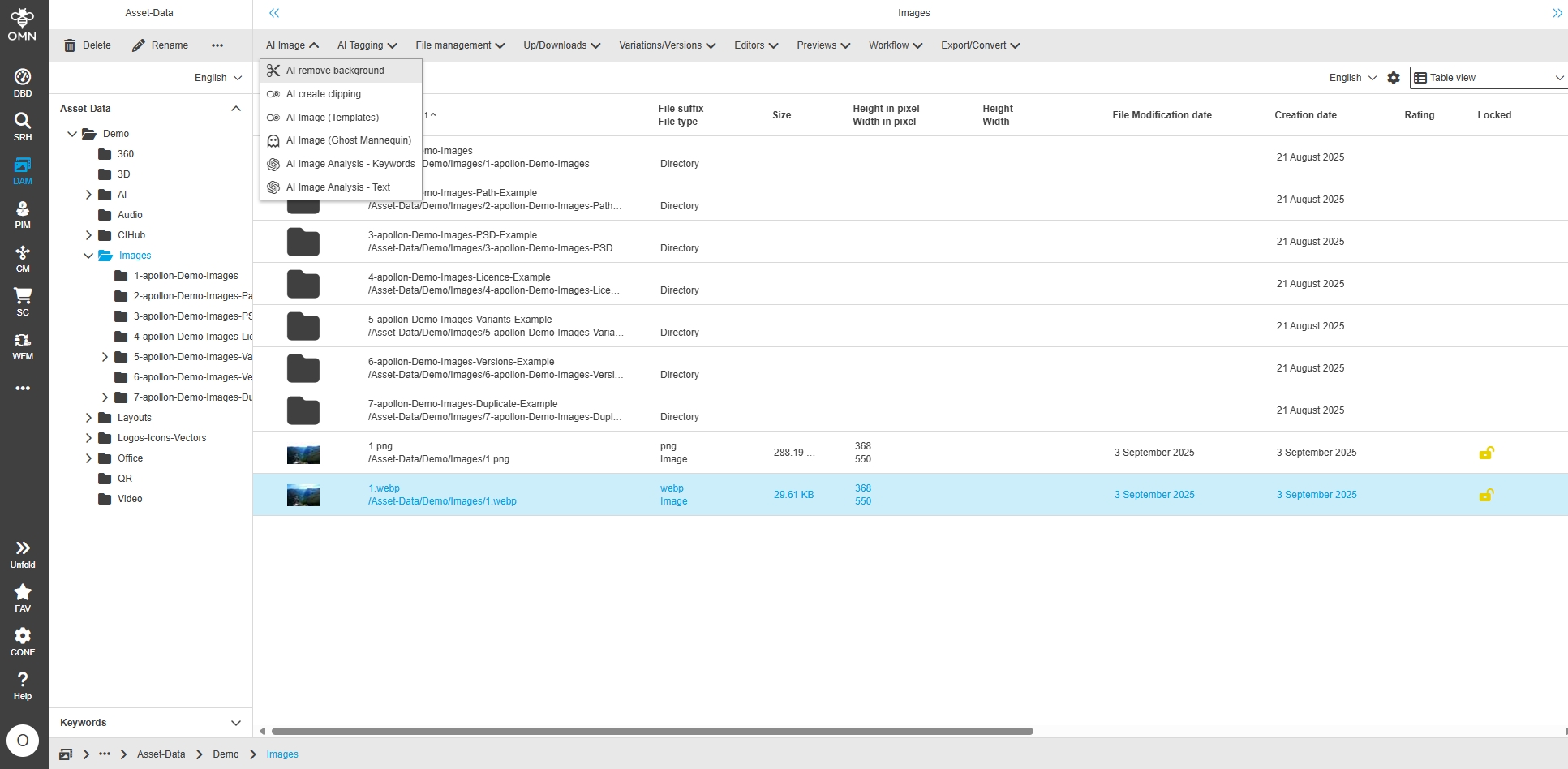
Adjust workflow Configuration for new Autoretouch Managed Service
Tags |
OMNA-1824 |
AI Image Workflows based on Autoretouch Service are adjusted to work with new managed Service of autoretouch
-
the configuration and templates coming from Service are simplified and differs to former versions, because some templates are no longer supported by supplier
OTHER
Small Changes and Optimizations in MISC Configuration of Accelerator
-
These are technical configuration adjustments that have resulted from the new Config UI