Storage Administration
The Storage Administration page provides an overview of all storages created on the OMN system in the center view. It is possible to create new storages from type object storage and generic storage and to delete storages from the OMN system.
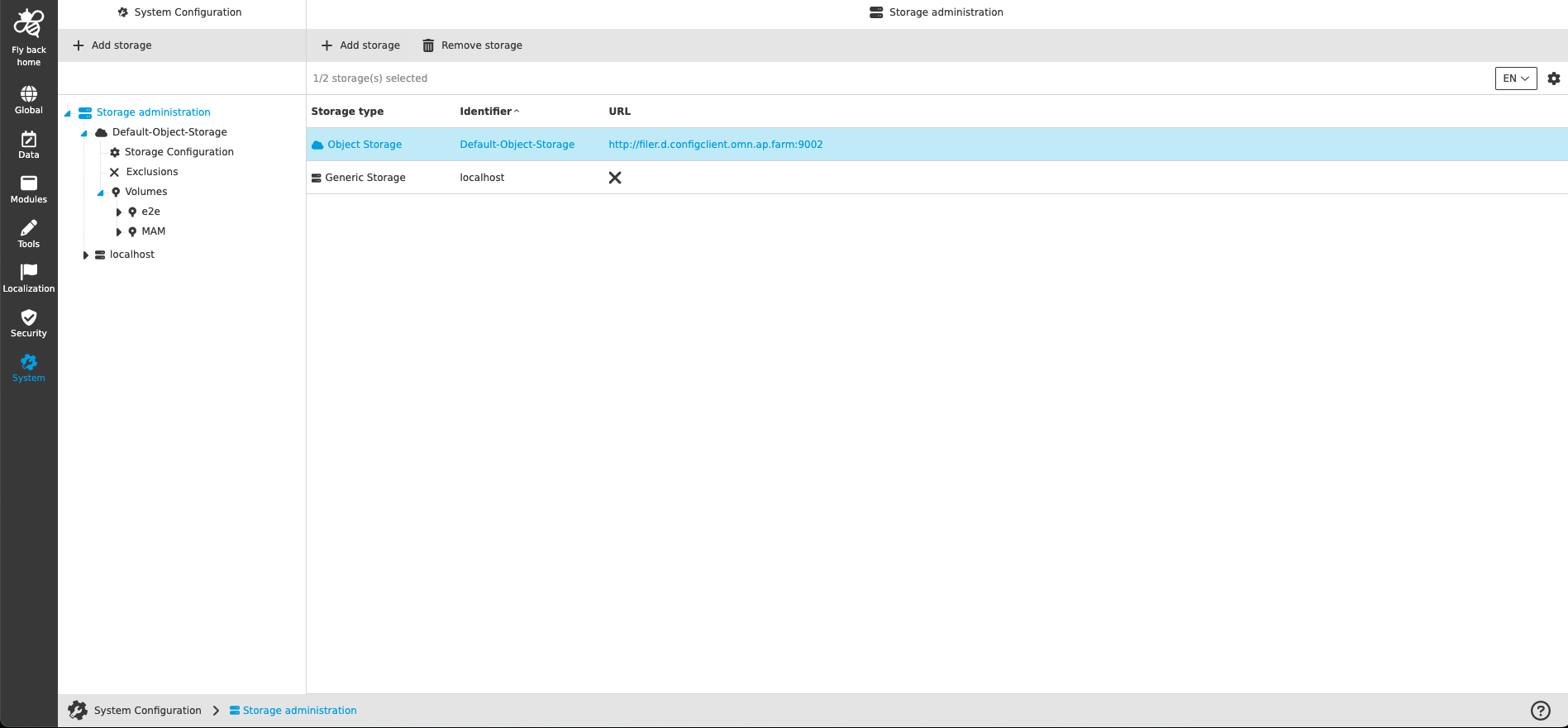
The table provides the following information:
| Name of column | Description | Note |
|---|---|---|
Storage type |
Shows storage type (object storage or generic storage) visualized with correspoding icon and storage type name. |
|
Identifier |
Shows identifier of the storage, which has been defined during storage creation. |
The identifier of the storage is also shown in left navigation tree. |
URL |
Shows the URL information for an object storage, which can be configured in Storage Configuration tab for the object storage |
More details can be found here: Storage Configuration This column is only relevant for object storages. |
The following functions are available on this page:
Add storage
The function is available in left and center view if Storage administration level is selected in the navigation tree.
-
Execute Add storage function
-
Choose storage type (object storage or generic storage)
-
Enter identifier to name the storage
-
Click on Add storage to confirm the storage creation
-
Newly created storage will be added to the list and its Storage Configuration will be opened.
| Only one generic storage can be created within the OMN system and it is the localhost. |