PIM Application Plugin
Purpose of the plugin
The application plugin "PIM" (Product Information Management) defines essential settings for the PIM module within OMN such as the super admin role, the cache management and the strategy for linking PIM objects.
General configuration
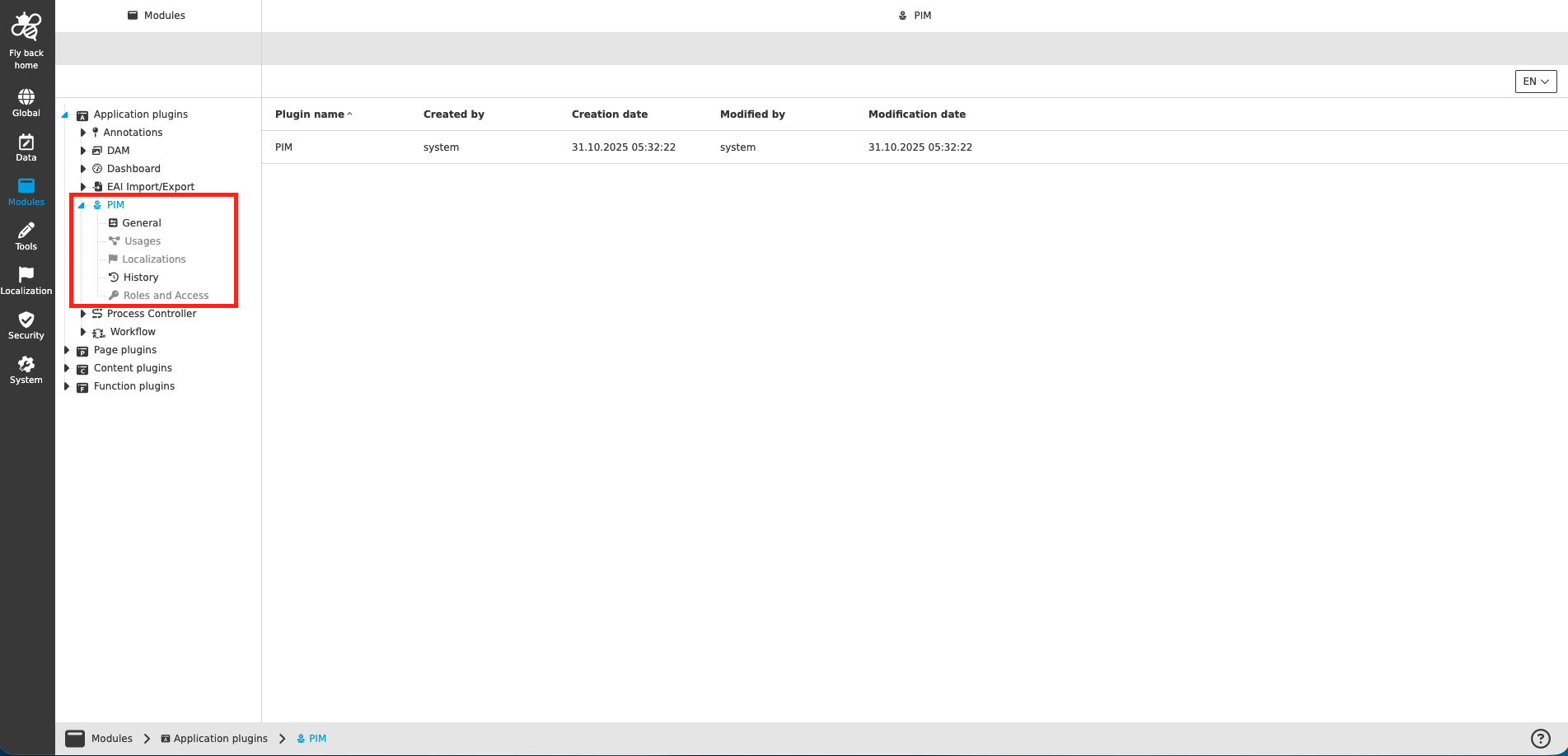
The configuration of PIM plugin includes the following parts:
| Tab name | Description | Note |
|---|---|---|
General |
On this page you can define the functions behavior to open assets and folders locally. |
See more details 'General' |
Usages |
On this page the user can see the relations of the PIM application plugin to other plugins. |
Content is coming soon… |
Localization |
On this page the user can localize his/her own PIM application plugin to see wished terms in the UI of PIM. |
See more details Localization tab of the plugin instances |
History |
On this page the user can overview all modifications made in PIM application module and have an initial state available as a file to understand who, when and what changes within the configuration. |
See more details here |
Permissions |
On this page the user can restrict the access to the plugin for certain roles. |
Content is coming soon… |
| Management of the plugin is done in the same way throughout the whole Configuration Client. The details on this common concept can be found here. |
Appearance in the frontend
All details of the PIM plugin in the frontend can be found here