History tab of the plugin instances
The History tab is available for every plugin instance of a module or tool. The tab lists the saved changes made in the configuration. It is possible to restore older configuration versions by using the provided XMLs of saved configurations. The user gets an overview of all versions, dates of changes, the type of modifications and by whom the configuration has been adjusted.
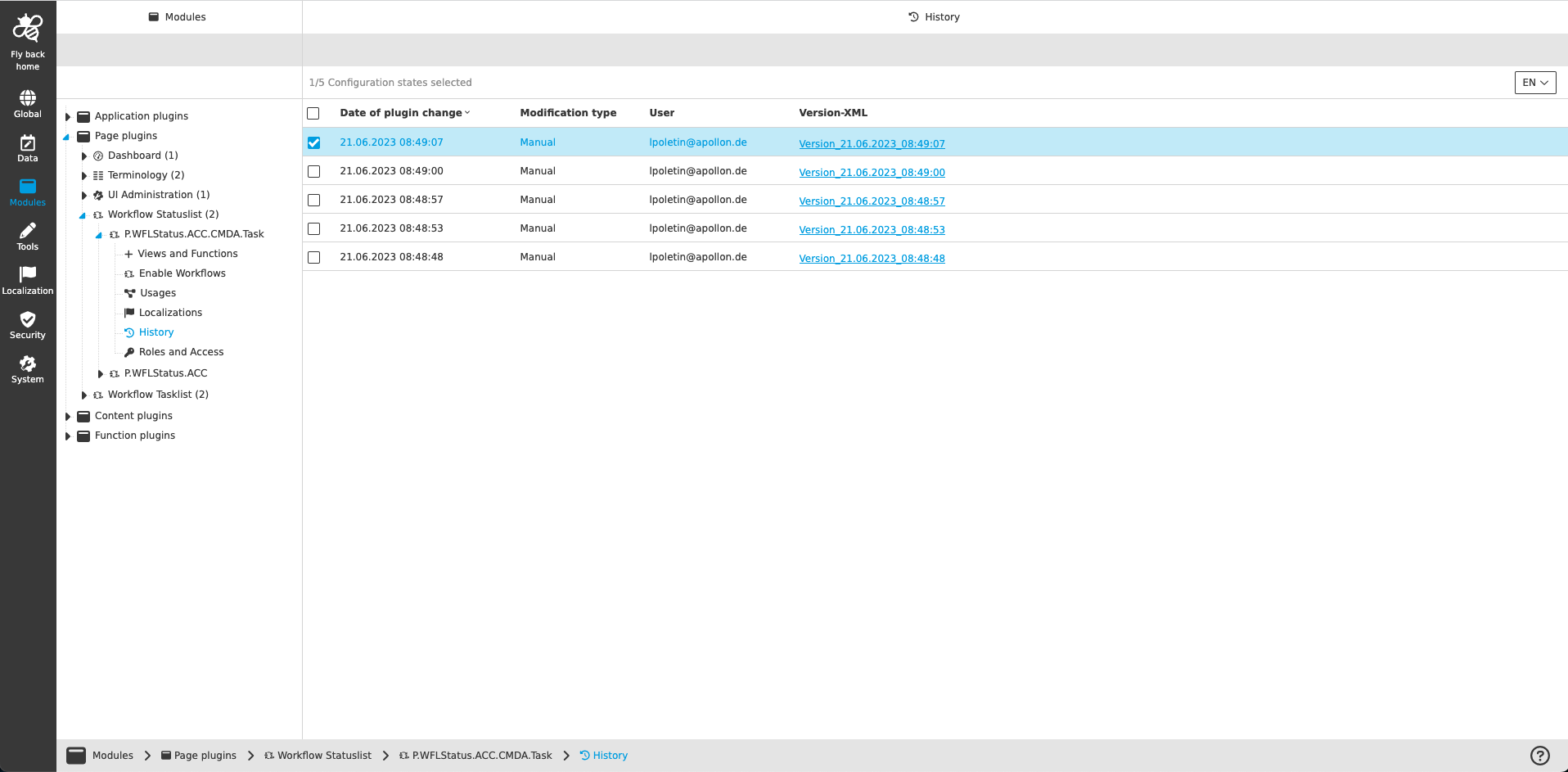
The table provides the following information:
| Name of column | Description | Note |
|---|---|---|
Version |
The version column provides a counter information of the saved configuration versions sorted descending (latest version is on top of the list). |
will be supported in later version… |
Date of plugin change |
The column shows the date and time when modifications in the plugin configuration have been saved. |
|
Modification type |
|
|
User |
The column shows the name of the user, which has saved the changed configuration. |
|
Version XML |
The column provides a download link of the configuration XML, which has been saved when the user saved the configuration change. |
By click on the link download will be started automatically. The XML can be imported to restore an older configuration version. |
| All table columns can be sorted (ascending and descending) |