Configuration OMN Page Preview Plugin for InDesign
Plugin must be configured before starting work and integration in OMN.
To do this, click: Plugin → OMN → Page Preview Plugin for Online Media Net (OMN) → Show page preview resolution settings:

And the checkbox ‘Save XML data inside document on save’ must be selected.
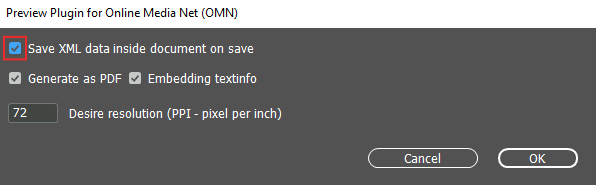
Click on the ‘Ok’ button and the plugin will be configured.
| Configuration of the plugin is required only the first time before you start work. Configuration is not required before each new document opening. |
If you activate the 'Save XML data inside document on save' checkbox, you can also select:
-
Generate as PDF
-
Embedding textinfo
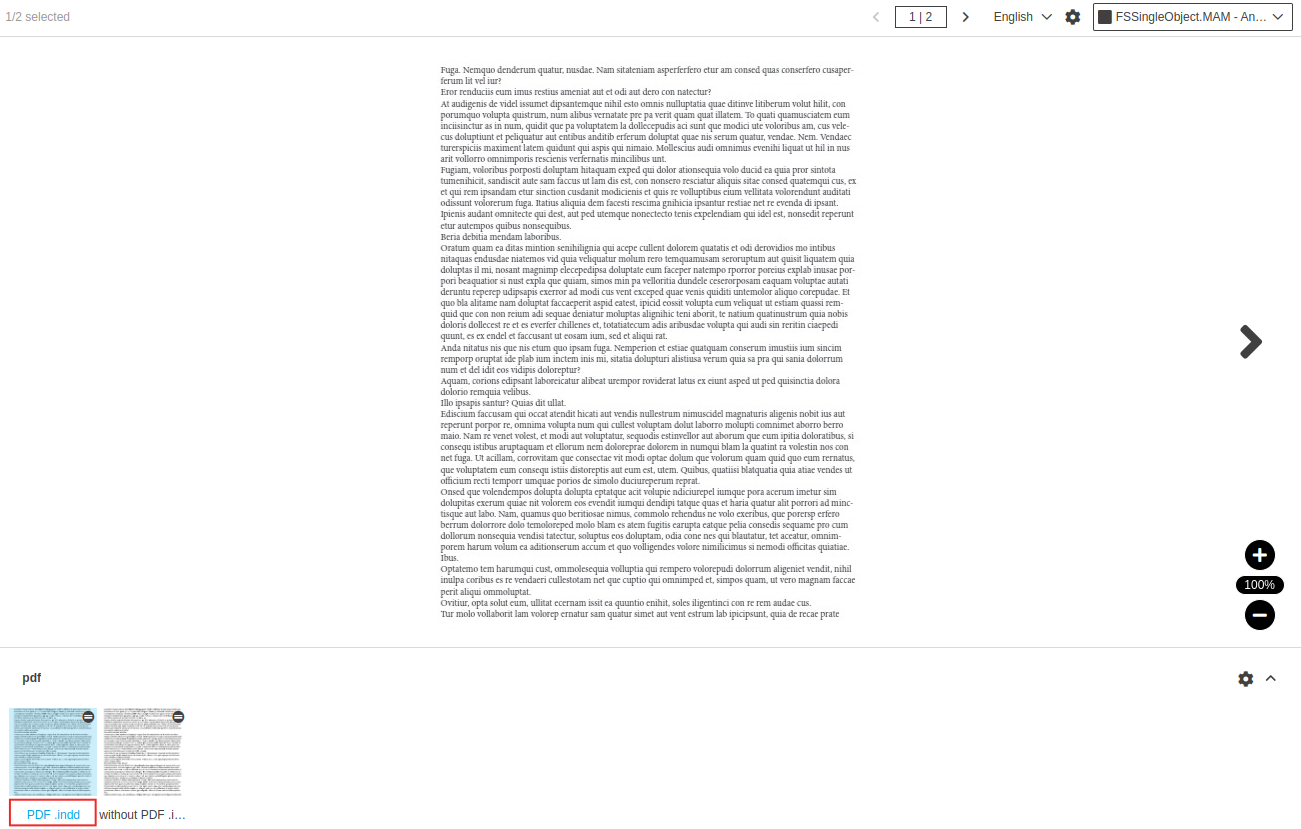
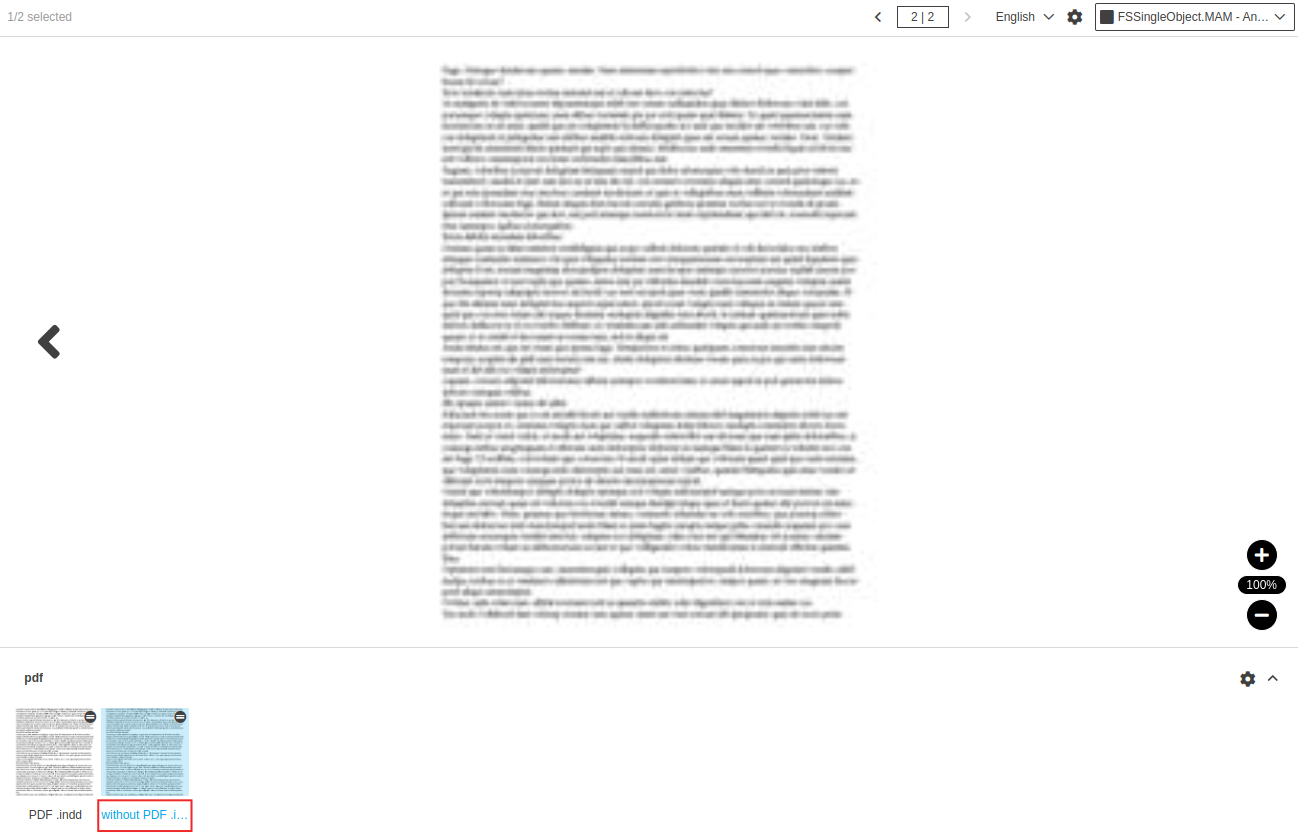
When the ‘Generate as PDF’ checkbox is selected - additional information about the vector preview is saved. And when you upload a document to OMN, the documents that are generated as pdf will be in better quality.
You can compare in the screenshots:
-
Activated 'Generate as PDF' checkbox
-
Deactivated 'Generate as PDF' checkbox
When the ‘Embedding textinfo’ checkbox is selected - information about the number of text frames on the created document is saved.
| Without the activation of ‘Save XML data inside document on save’ checkbox, ‘Generate as PDF’ and ‘Embedding textinfo’ will not work. |
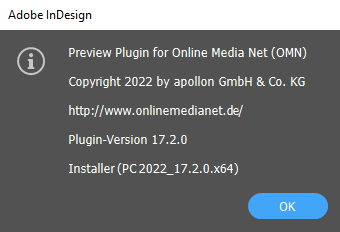
To check general information about plugin, click: Plugin → OMN → Preview Plugin for Online Media Net (OMN) → About this plugin