Security
Purpose of the Security
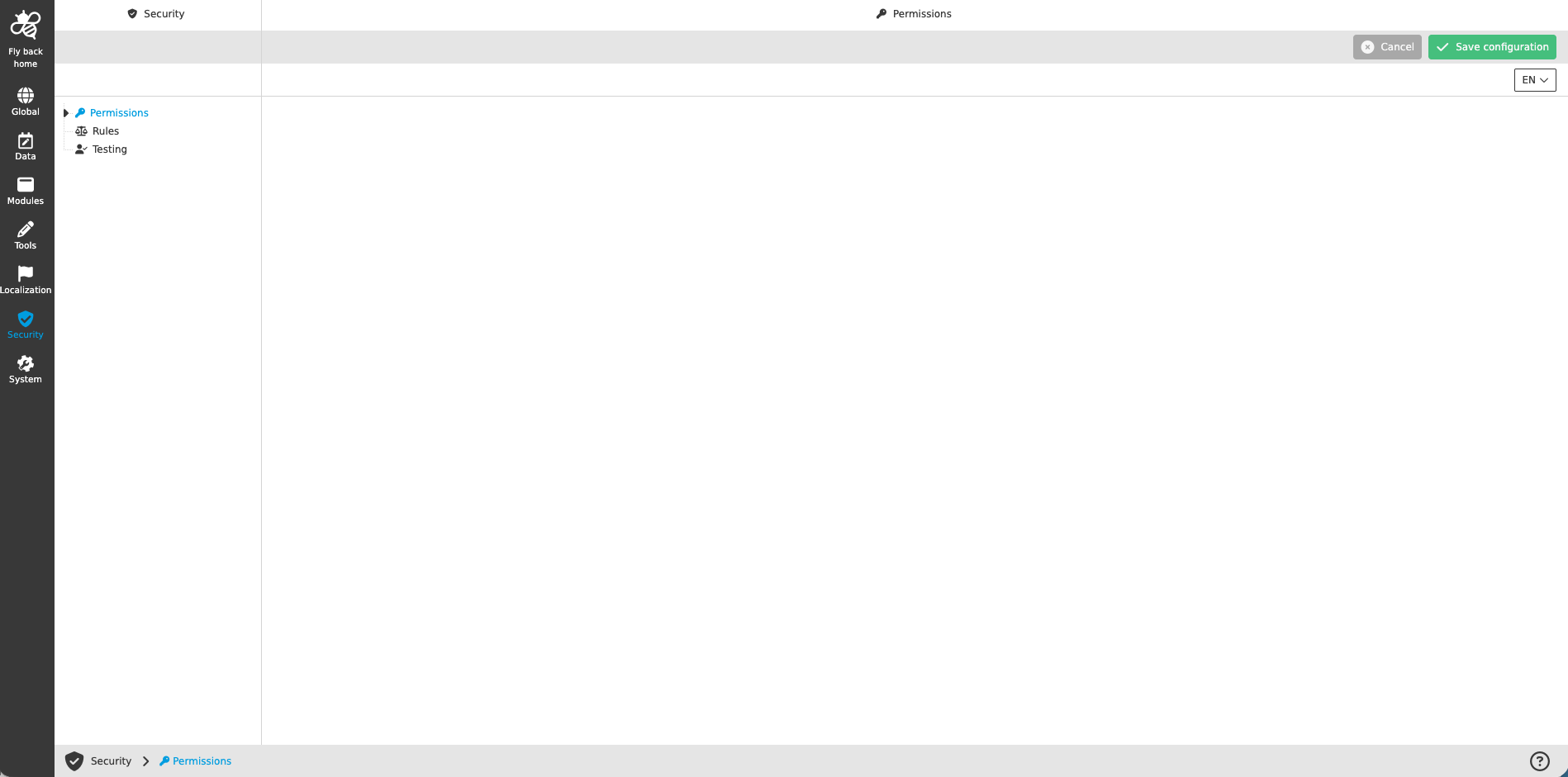
The Security section in the configuration allows to restrict certain areas, functions, objects etc. in the client, so
it is possible to design a detailed access right model for users. Security settings can be made for each mandator.
The Security section contains the following three main tabs:
| Tab name | Description | Note |
|---|---|---|
Permissions |
Together with roles or rules permissions restrict all OMN objects and modules (e.g. assets, products, channels, workflows, functions, keywords etc.) |
See more details 'here' |
Rules |
Rules restrict access to the parts inside the application by using values of metadata fields or other object information (e.g. name, path) |
See more details 'here' |
Testing |
Possibility to verify all settings made in the Permissions tab |
See more details 'here' |
Preconditions
In order to be able to restrict all wished functionality it might be necessary to configure custom attributes/expressions or keywords. Only standard attributes are shown by default in the Security section and dynamic configuration parts need to be configured first, to show them in Security.