Report
This page provides the possibility to configure patterns for available annotation reports on base of placeholders for single and multiple assets.
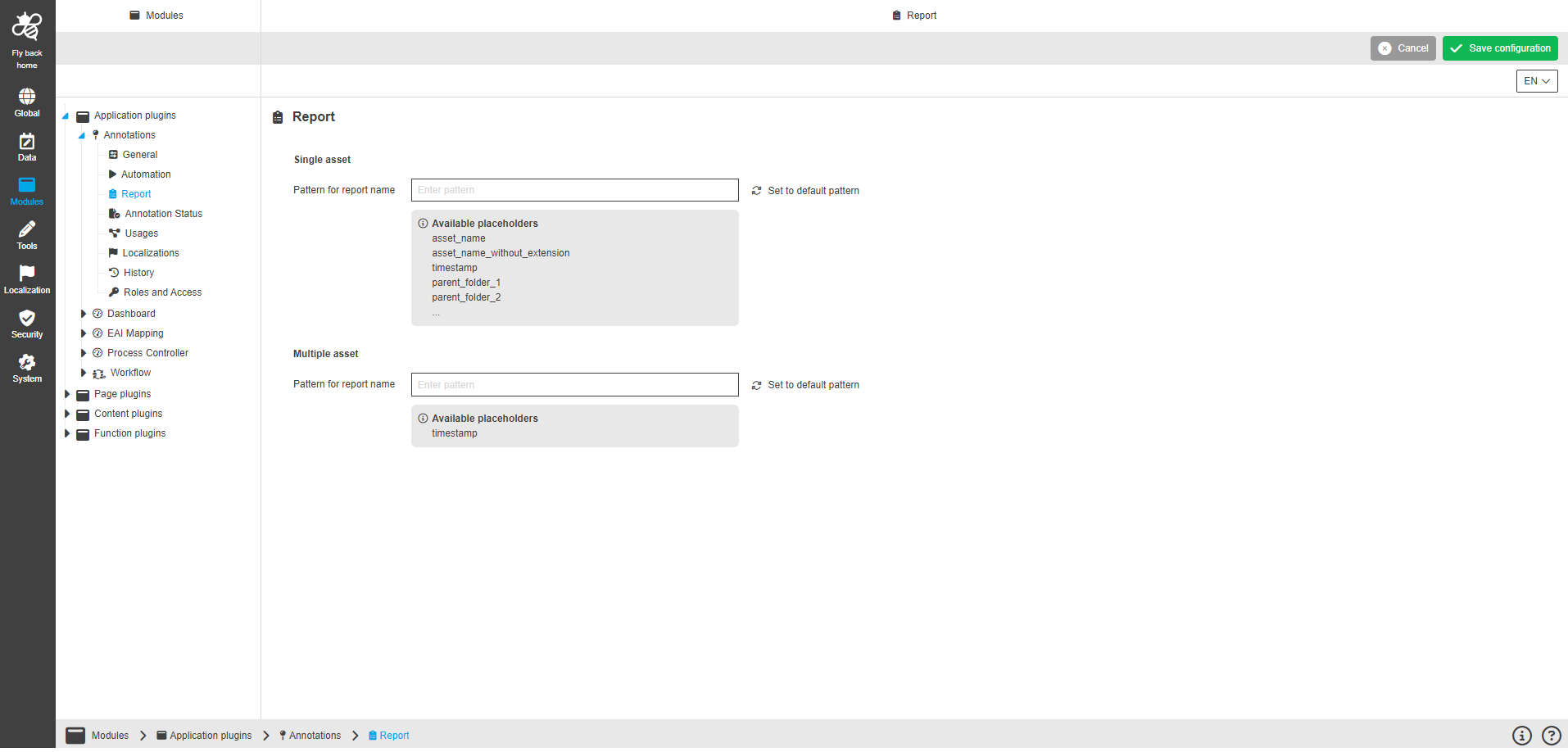
Single asset options
| Name of option | Description | Note |
|---|---|---|
Pattern for report name |
As soon as '%' has been entered in the input field the available placeholders are listed as auto-fulfill option. The user can enter more characters of a placeholder and the matching characters are highlighted in bold in the option list. The user can select placeholder and it will be applied to the input field |
The option list reduces dynamically. |
Set to default pattern |
By clicking on the function default pattern will be applied to the input field, this is for single asset. |
The default pattern is "%asset_name%_report" |
Multiple asset options
| Name of option | Description | Note |
|---|---|---|
Pattern for report name |
As soon as '%' has been entered in the input field the available placeholders are listed as auto-fulfill option. The user can enter more characters of a placeholder and the matching characters are highlighted in bold in the option list. The user can select placeholder and it will be applied to the input field |
The option list reduces dynamically. |
Set to default pattern |
By clicking on the function default pattern will be applied to the input field, this is for multiple asset. |
The default pattern is "%timestamp%_ar_report" |